

Collecting meaningful feedback shouldn't feel like pulling teeth—for you or your respondents. The right survey form builder transforms tedious questionnaires into engaging conversations that people actually complete. But with dozens of platforms competing for your attention, finding the one that matches your workflow, budget, and goals can eat up hours you don't have.
We evaluated survey builders based on ease of use, customization depth, analytics capabilities, integration options, and value for growing teams. Whether you're gathering customer insights, running market research, or qualifying leads through intelligent surveys, this guide cuts through the noise to help you pick the platform that fits.
1. Orbit AI
Best for: High-growth teams who need surveys that qualify leads and drive conversions automatically.
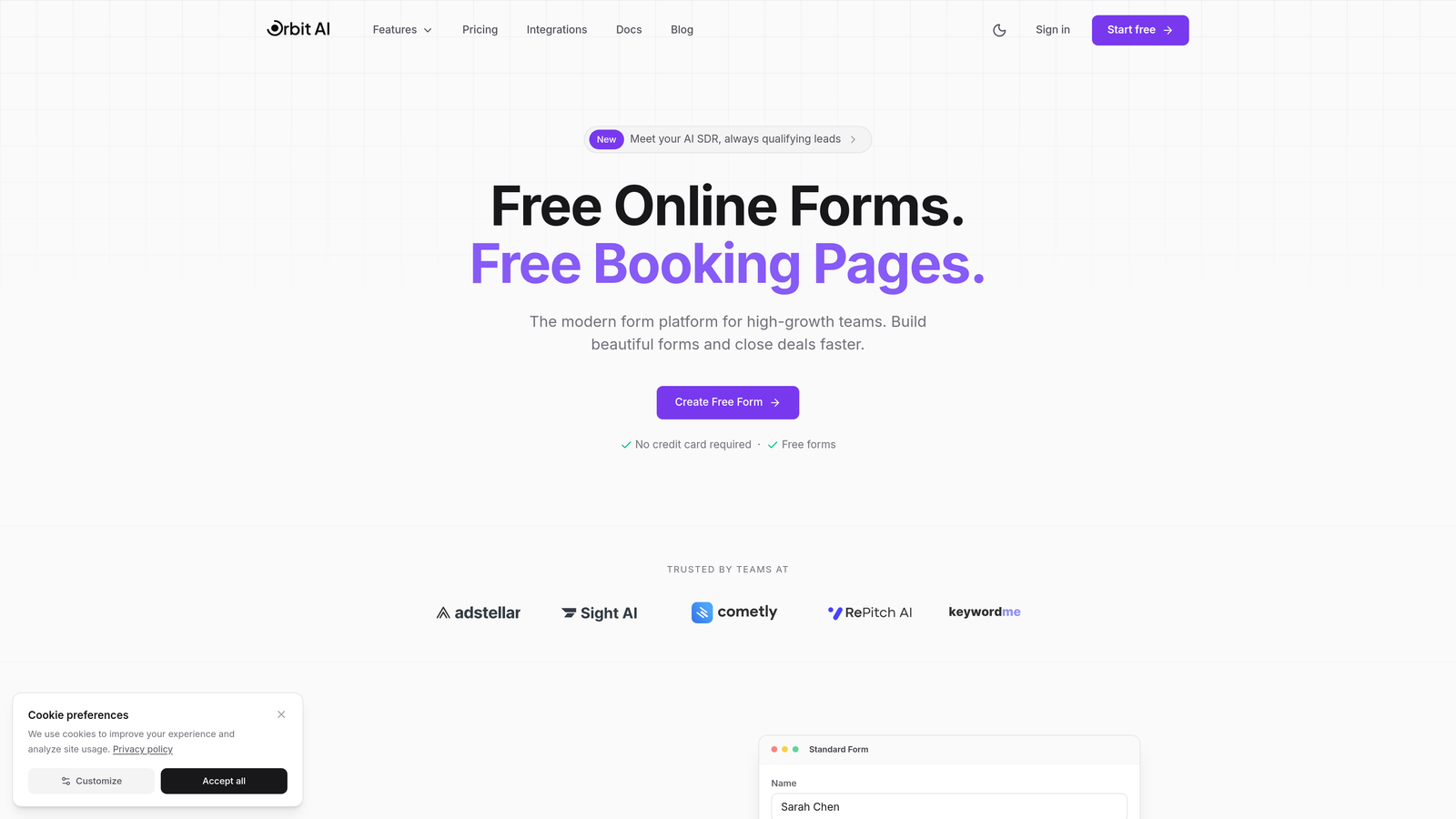
Orbit AI is an AI-powered survey form builder designed for teams who need their forms to do more than collect responses.
Where This Tool Shines
Most survey builders stop at data collection. Orbit AI takes it further by embedding lead qualification directly into your survey logic. The platform analyzes responses in real-time, scoring leads based on your criteria and routing high-value prospects to your sales team immediately.
The modern, conversion-optimized designs look nothing like traditional survey forms. They're built specifically to maximize completion rates while maintaining the professional appearance that reflects well on growing brands.
Key Features
AI-Powered Lead Qualification: Automatically scores and routes respondents based on their answers, separating hot leads from tire-kickers.
Conversion-Optimized Design: Modern templates designed specifically to boost completion rates and reduce drop-off.
Intelligent Skip Logic: Dynamic question routing that adapts based on responses, creating personalized survey experiences.
Native CRM Integration: Direct connections to major CRMs and automation tools, eliminating manual data transfer.
Real-Time Analytics: Actionable insights dashboard that shows not just what people answered, but what those answers mean for your business.
Best For
High-growth SaaS teams, marketing agencies, and sales organizations that need their surveys to feed directly into lead generation and qualification workflows. Perfect for teams who value conversion optimization over basic data collection.
Pricing
Free tier available for getting started. Paid plans begin at competitive rates designed for growing teams who need advanced qualification features and integrations.
2. Typeform
Best for: Creating beautiful, conversational surveys that feel more like conversations than interrogations.
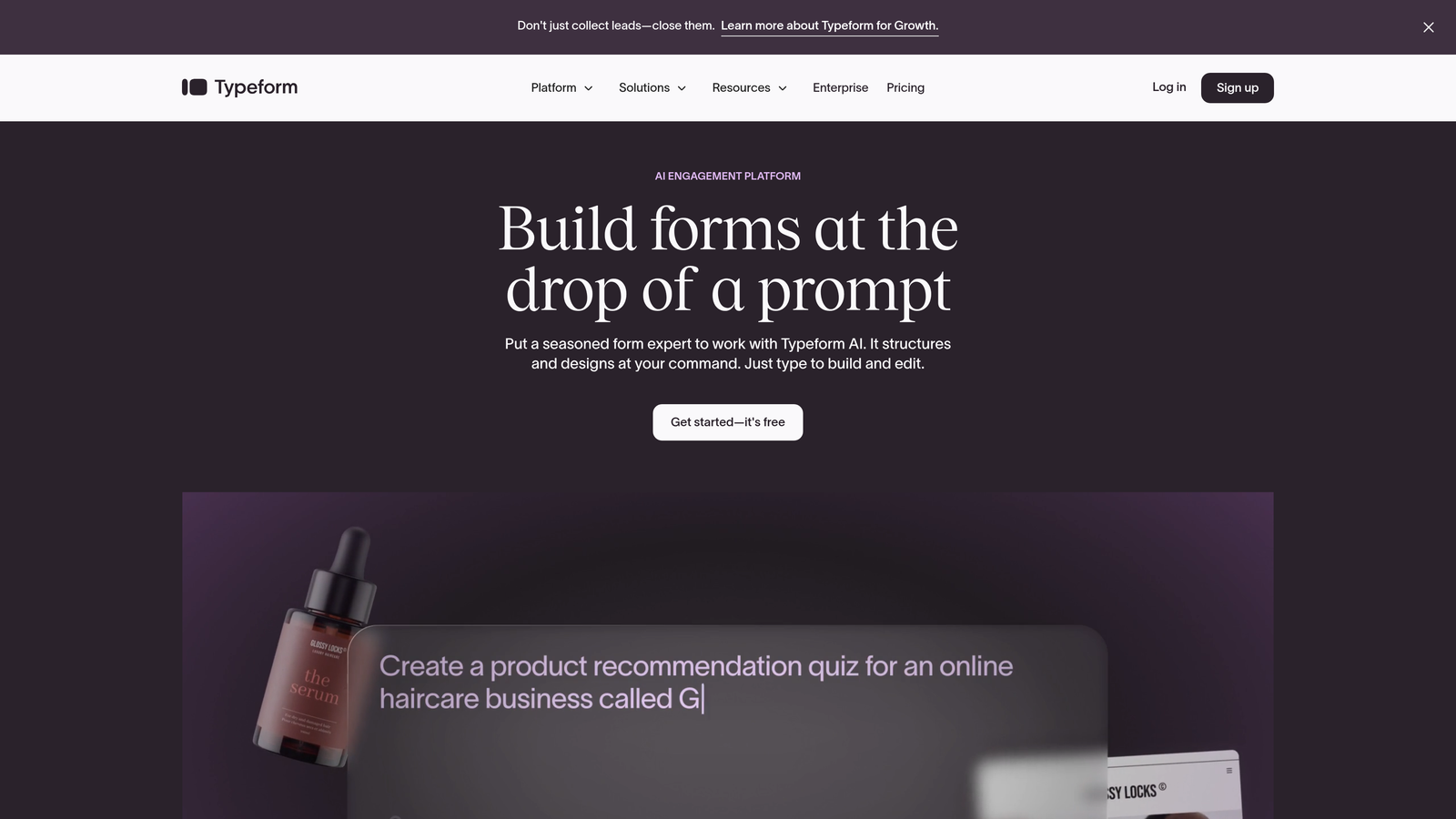
Typeform pioneered the one-question-at-a-time format that dramatically improved survey completion rates across industries.
Where This Tool Shines
Typeform transformed survey design by ditching the traditional long-form questionnaire approach. Their conversational format presents one question at a time, creating a focused experience that feels less overwhelming. This seemingly simple change can boost completion rates significantly compared to traditional multi-question pages.
The platform's visual customization options let you match surveys perfectly to your brand. From custom colors and fonts to embedded images and videos, Typeform makes it easy to create surveys that look like they belong to your company, not a generic form tool.
Key Features
Conversational Interface: One-question-at-a-time format that reduces cognitive load and improves completion rates.
Brand Customization: Extensive theming options including custom colors, fonts, backgrounds, and embedded media.
Logic Jumps: Conditional routing that shows different questions based on previous answers.
Calculator Features: Built-in calculation logic for creating quote generators, assessments, and scored surveys.
Integration Ecosystem: Connects with hundreds of tools including Slack, HubSpot, Mailchimp, and Google Sheets.
Best For
Marketing teams and businesses where brand presentation matters as much as data collection. Ideal for customer feedback surveys, lead generation forms, and any scenario where completion rates are critical.
Pricing
Free basic plan with Typeform branding. Paid plans start at $25/month for individuals, with team and enterprise options available at higher tiers.
3. SurveyMonkey
Best for: Organizations running formal research programs that need benchmarking data and statistical rigor.
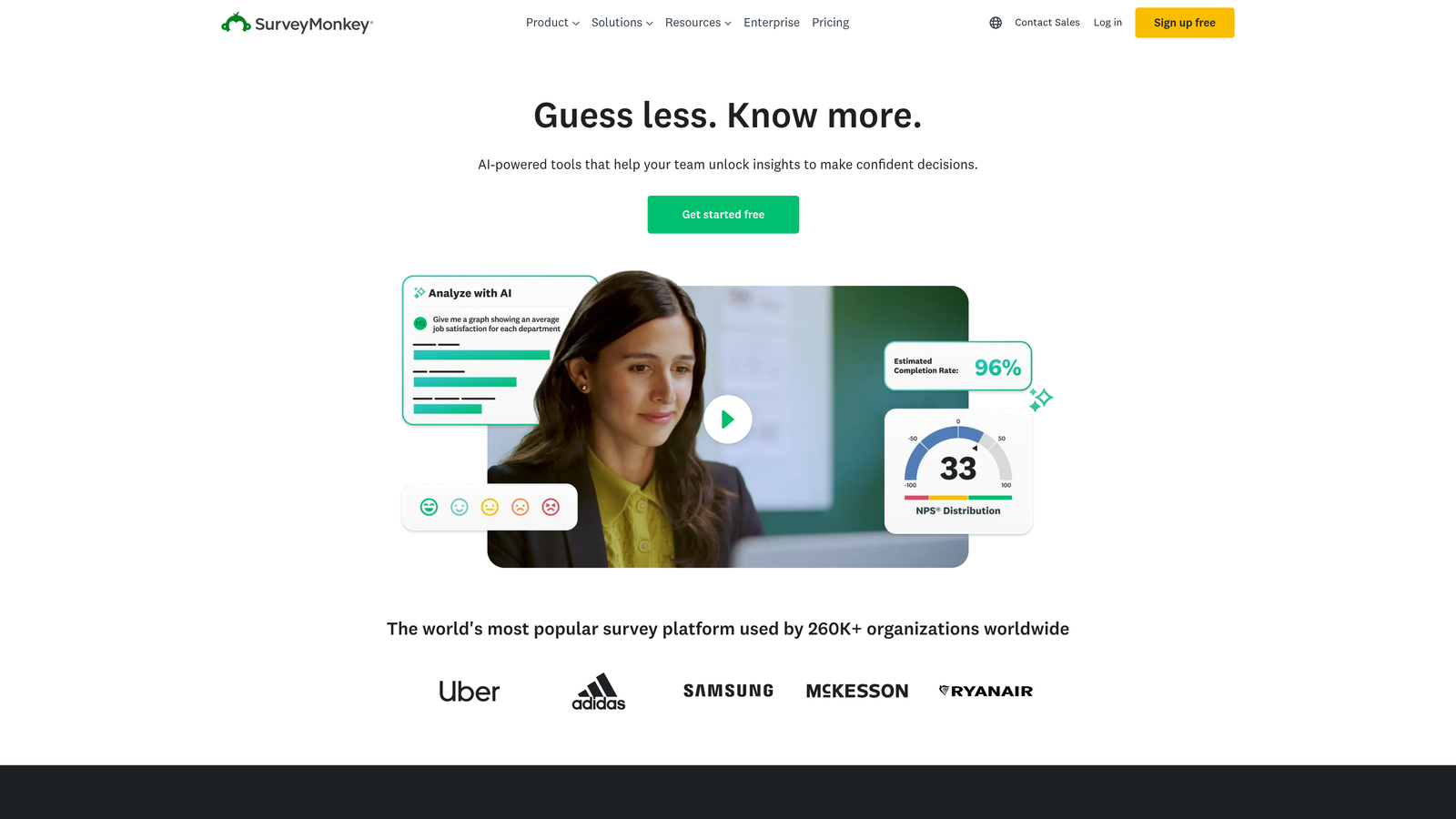
SurveyMonkey is the industry veteran offering enterprise-grade survey tools with extensive question libraries and advanced analytics capabilities.
Where This Tool Shines
SurveyMonkey's massive library of expert-written questions eliminates the guesswork from survey design. Whether you're measuring employee satisfaction, customer experience, or market research, you can start with professionally crafted questions that have been tested across millions of responses.
The platform's benchmarking capabilities let you compare your results against industry standards. This context transforms raw data into actionable insights—you're not just seeing that 72% of customers are satisfied, you're seeing how that compares to similar companies in your sector.
Key Features
Expert Question Library: Thousands of pre-written, tested questions organized by research objective and industry.
Industry Benchmarking: Compare your survey results against aggregated data from similar organizations.
Advanced Skip Logic: Complex branching and piping that creates personalized survey paths based on multiple conditions.
Team Collaboration: Built-in features for multiple team members to design, distribute, and analyze surveys together.
Compliance Options: HIPAA-compliant plans available for healthcare and sensitive data collection.
Best For
Research teams, HR departments, and organizations that need statistically valid data with industry context. Perfect for formal research programs where methodology and benchmarking matter.
Pricing
Limited free tier with basic features. Individual plans start at $39/month, with team and enterprise plans priced higher based on user count and features.
4. Google Forms
Best for: Quick internal surveys and simple data collection when budget is zero.
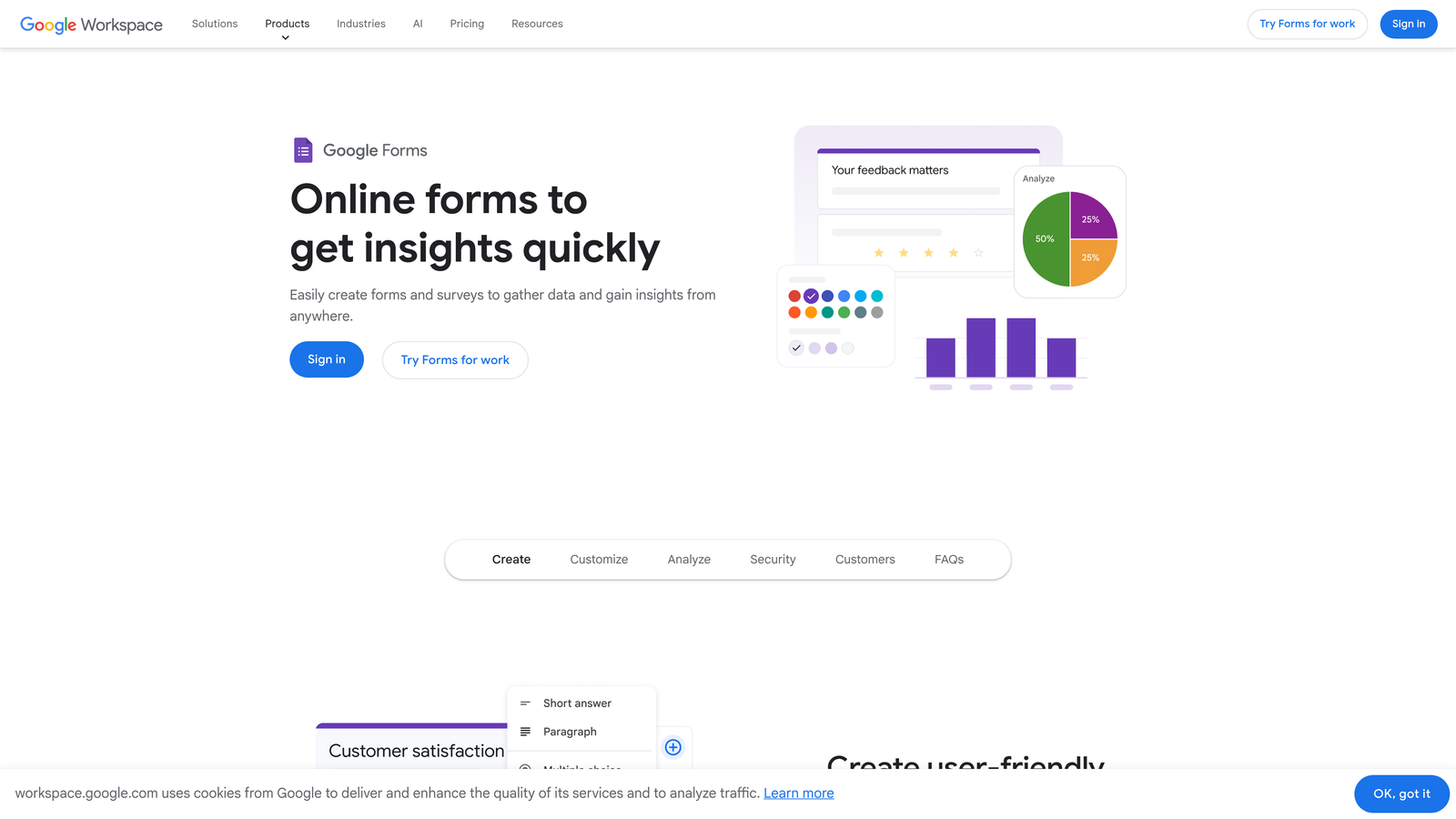
Google Forms is the completely free survey builder that integrates seamlessly with Google Workspace for straightforward data collection.
Where This Tool Shines
Google Forms wins on accessibility and simplicity. Anyone with a Google account can create unlimited surveys in minutes, with zero learning curve. The real-time collaboration features mean your entire team can work on survey design simultaneously, just like Google Docs.
The automatic Google Sheets integration is where Google Forms becomes truly powerful for teams already in the Google ecosystem. Every response flows directly into a spreadsheet, ready for analysis, pivot tables, or feeding into other tools via Google's API.
Key Features
Completely Free: Unlimited surveys and responses with any Google account, no paid tier required.
Real-Time Collaboration: Multiple team members can edit surveys simultaneously with live updates.
Automatic Sheets Integration: Responses populate directly into Google Sheets for instant analysis and manipulation.
Basic Conditional Logic: Section branching based on answers, though less sophisticated than paid alternatives.
Quiz Mode: Built-in grading and scoring capabilities for assessments and knowledge checks.
Best For
Small businesses, nonprofits, educators, and teams already using Google Workspace who need simple surveys without budget allocation. Perfect for internal feedback, event registration, and basic data collection.
Pricing
Completely free with a Google account. No premium tier or paid features.
5. Jotform
Best for: Complex forms that need payment processing, extensive widgets, or offline capabilities.
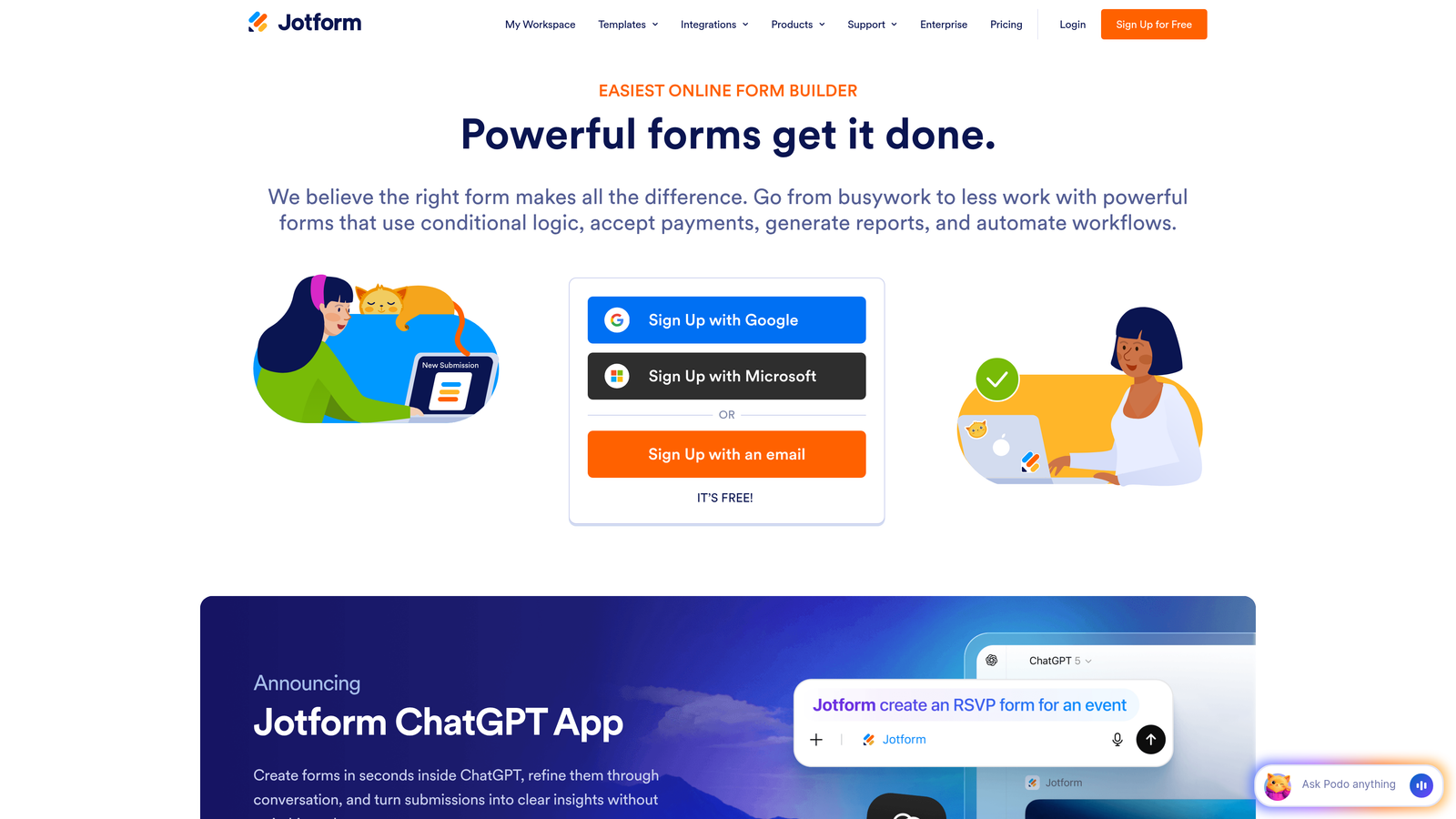
Jotform is a feature-rich form builder offering extensive customization through widgets, payment integration, and advanced conditional logic.
Where This Tool Shines
Jotform's widget library is unmatched in breadth. Need to collect signatures? There's a widget. Want appointment scheduling built into your survey? There's a widget. The platform offers over 100 widgets that transform basic surveys into sophisticated data collection tools without custom development.
The payment integration capabilities make Jotform particularly valuable for organizations that need to collect money alongside survey responses. Whether you're running paid registrations, collecting donations, or processing order forms, Jotform connects directly to major payment processors.
Key Features
10,000+ Templates: Massive library of pre-built forms covering virtually every use case and industry.
Payment Processing: Direct integration with PayPal, Stripe, Square, and other major payment processors.
Advanced Conditional Logic: Complex branching, calculations, and dynamic field population based on user input.
PDF Report Generation: Automatically create formatted PDF reports from survey responses.
Offline Forms: Collect responses without internet connection via mobile app, syncing when back online.
Best For
Organizations that need forms to do more than collect text responses—event organizers, nonprofits collecting donations, businesses processing orders, or field teams working without reliable internet.
Pricing
Free tier includes up to 5 forms with Jotform branding. Paid plans start at $34/month for unlimited forms and additional features.
6. Tally
Best for: Teams who love Notion's interface and need unlimited responses without breaking the bank.
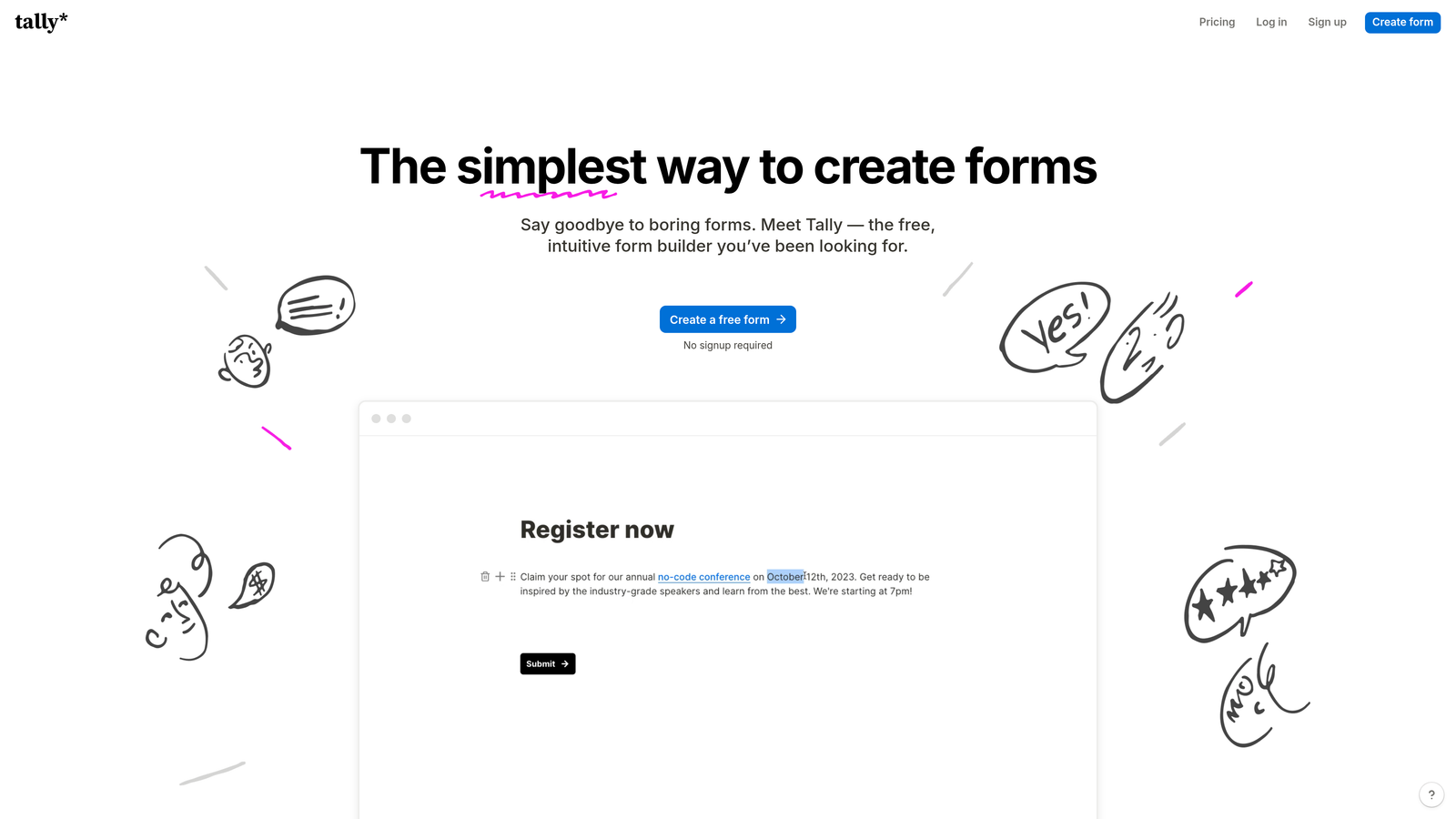
Tally is a Notion-inspired form builder offering unlimited forms and responses on its generous free plan.
Where This Tool Shines
Tally's block-based editor will feel instantly familiar to Notion users. You build forms by adding blocks—text, multiple choice, file upload—and arranging them exactly how you want. This approach makes form creation feel more like writing a document than configuring a tool.
The unlimited submissions on the free tier is genuinely game-changing for growing teams. While most platforms cap free plans at 100-1000 responses per month, Tally lets you collect unlimited responses without paying a cent. This makes it viable for high-volume use cases that would quickly become expensive on other platforms.
Key Features
Unlimited Free Tier: Truly unlimited forms and submissions on the free plan, removing volume constraints.
Block-Based Editor: Notion-style interface for intuitive form building without traditional form builder complexity.
Conditional Logic: Show or hide questions based on previous answers, with calculation capabilities.
Custom Branding: Remove Tally branding and use custom domains even on free plan.
Native Integrations: Direct connections to Notion, Airtable, and other database-first tools.
Best For
Notion-native teams, startups watching budgets closely, and anyone who needs to collect high volumes of responses without recurring costs. Perfect for teams who prioritize simplicity over advanced features.
Pricing
Generous free tier with unlimited forms and responses. Pro plan at $29/month adds advanced features like payments and priority support.
7. Qualtrics
Best for: Enterprise organizations running sophisticated research programs and experience management initiatives.
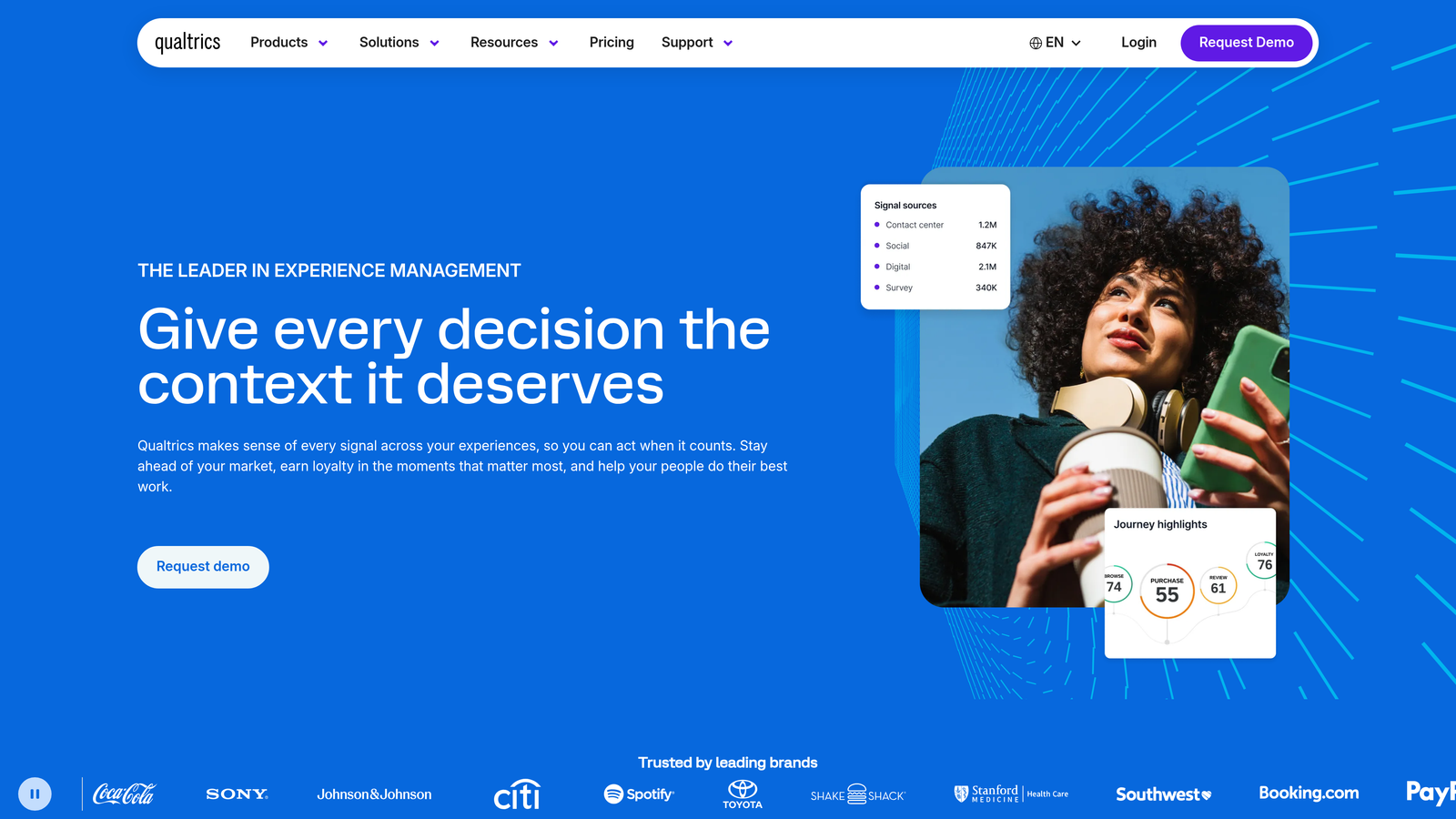
Qualtrics is an enterprise experience management platform designed for organizations conducting complex research and customer experience programs.
Where This Tool Shines
Qualtrics operates at a different level than consumer survey tools. The platform's statistical analysis capabilities rival dedicated research software, with built-in tools for conjoint analysis, MaxDiff, advanced segmentation, and predictive modeling. This eliminates the need to export data to SPSS or R for serious analysis.
The predictive intelligence features use machine learning to surface insights you might miss manually. The platform can identify which survey questions predict customer churn, flag statistically significant differences between segments, and recommend actions based on response patterns across your entire dataset.
Key Features
Advanced Statistical Tools: Built-in conjoint analysis, MaxDiff, regression modeling, and other research-grade analytics.
Predictive Intelligence: AI-powered insights that identify patterns, predict outcomes, and recommend actions.
Multi-Channel Distribution: Sophisticated panel management, email campaigns, SMS, and website intercepts from one platform.
Academic Research Tools: IRB compliance features, randomization, and methodology tools for formal research.
Enterprise Security: SOC 2, HIPAA, GDPR compliance with advanced security controls and audit trails.
Best For
Large enterprises, universities conducting formal research, and organizations with dedicated research teams. Ideal when survey data feeds into strategic decisions requiring statistical rigor and predictive modeling.
Pricing
Custom enterprise pricing based on organization size and requirements. Annual contracts typically start in the thousands and scale significantly for large deployments.
8. Microsoft Forms
Best for: Organizations already invested in Microsoft 365 who need simple surveys with zero additional cost.
Microsoft Forms is the survey tool included with Microsoft 365 subscriptions, designed for straightforward data collection within the Microsoft ecosystem.
Where This Tool Shines
Microsoft Forms' killer feature is that it's already paid for if you have Microsoft 365. There's no separate procurement process, no new vendor to approve, no additional budget allocation. You can start creating surveys immediately using your existing credentials.
The Teams integration makes Microsoft Forms particularly valuable for organizations using Teams as their collaboration hub. You can share surveys directly in Teams channels, collect responses from team members, and discuss results without leaving the platform. Excel integration means response data flows directly into familiar spreadsheet tools your team already knows.
Key Features
Included with Microsoft 365: No additional cost for organizations with existing Microsoft subscriptions.
Direct Excel Integration: Responses export seamlessly to Excel for analysis using familiar tools.
Teams Integration: Share surveys and collect responses directly within Microsoft Teams channels.
Basic Branching Logic: Simple conditional routing based on answer choices.
Quiz Functionality: Built-in scoring and grading for assessments and knowledge checks.
Best For
Organizations standardized on Microsoft 365 who need simple internal surveys, employee feedback forms, or quick data collection without vendor proliferation.
Pricing
Included with Microsoft 365 Business and Enterprise subscriptions. Limited standalone access available for personal Microsoft accounts.
9. Fillout
Best for: Teams who live in Airtable or Notion and need forms that sync directly to their databases.
Fillout is a modern form builder designed specifically for teams using database-first tools like Airtable and Notion.
Where This Tool Shines
Fillout's native Airtable sync is the real differentiator. Instead of using Zapier or Make to connect forms to your Airtable base, Fillout writes directly to your tables. You map form fields to Airtable columns once, and every submission creates or updates records automatically. This eliminates the middleware layer that often breaks or requires maintenance.
The platform's modern design templates look nothing like traditional forms. They're built for 2026 aesthetics—clean, minimal, mobile-first. This makes Fillout particularly appealing for customer-facing use cases where form design reflects on your brand.
Key Features
Native Airtable Sync: Direct two-way connection to Airtable bases, eliminating need for middleware automation tools.
Notion Integration: Create and update Notion database entries directly from form submissions.
Modern Design Templates: Contemporary, mobile-optimized designs that look current, not like 2010-era forms.
Payment Collection: Stripe integration for collecting payments alongside form responses.
Scheduling Forms: Built-in calendar booking and appointment scheduling without external tools.
Best For
Teams who've built their operations in Airtable or Notion and need forms that integrate natively with their existing databases. Perfect for agencies, operations teams, and anyone treating Airtable as their system of record.
Pricing
Free tier available with basic features. Paid plans start at $15/month for additional submissions and advanced features like custom domains.
Making the Right Choice for Your Team
The best survey builder isn't the one with the most features—it's the one that fits your actual workflow. Here's how to narrow your options quickly.
For high-growth teams focused on conversion: Orbit AI delivers the AI-powered qualification and modern design that turns surveys into revenue-generating tools. If your surveys need to do more than collect data, the built-in lead scoring and CRM integration eliminate the manual work of processing responses.
For teams prioritizing completion rates: Typeform's conversational format consistently outperforms traditional multi-question pages. The one-question-at-a-time approach feels less overwhelming and the brand customization options ensure your surveys look professional.
For formal research programs: SurveyMonkey and Qualtrics offer the statistical rigor and benchmarking capabilities that serious research requires. SurveyMonkey hits the sweet spot for most organizations, while Qualtrics makes sense when you need enterprise-grade predictive analytics.
For budget-conscious teams: Google Forms and Tally both offer genuinely useful free tiers. Google Forms wins if you're already in the Google ecosystem, while Tally's unlimited responses and modern interface make it ideal for high-volume use cases.
For database-first teams: Fillout's native Airtable and Notion integrations eliminate the middleware layer. If your operations run in these tools, Fillout's direct sync is worth the investment over generic form builders that require Zapier connections.
The survey builder landscape has matured beyond basic feature parity. Today's differentiation comes down to integration depth, user experience, and how well the platform connects survey data to your downstream workflows. The platforms that win aren't necessarily the ones with the longest feature lists—they're the ones that eliminate friction between collecting responses and taking action on them.
Think about where your survey data needs to go. If responses should trigger sales follow-ups, look for platforms with strong CRM integration. If you're feeding data into research reports, prioritize analytics capabilities. If you're collecting feedback to improve products, focus on platforms that make it easy to share insights across teams.
Most importantly, consider completion rates. The most sophisticated survey in the world is useless if people abandon it halfway through. Modern, mobile-optimized designs aren't just aesthetic preferences—they directly impact whether people finish your surveys. Platforms that prioritize user experience on the respondent side often deliver better data than feature-rich tools with clunky interfaces.
Transform your lead generation with AI-powered forms that qualify prospects automatically while delivering the modern, conversion-optimized experience your high-growth team needs. Start building free forms today and see how intelligent form design can elevate your conversion strategy.


