

When your team grows beyond one person managing forms, a single-user setup quickly becomes a bottleneck. Leads fall through the cracks, form updates require waiting on one person, and there's no visibility into who changed what.
A multi-user form builder solves this by letting your team collaborate on form creation, share workspaces, assign roles, and manage submissions together without stepping on each other's work. This roundup covers the top multi-user form builders available in 2026, evaluated on collaboration features, role-based access, workflow integrations, and how well they scale with high-growth teams.
Whether you're a SaaS company qualifying leads at volume, a marketing agency managing multiple client accounts, or an operations team handling internal requests, there's a tool here built for how your team actually works.
1. Orbit AI
Best for: High-growth SaaS and marketing teams that need lead qualification built into their forms
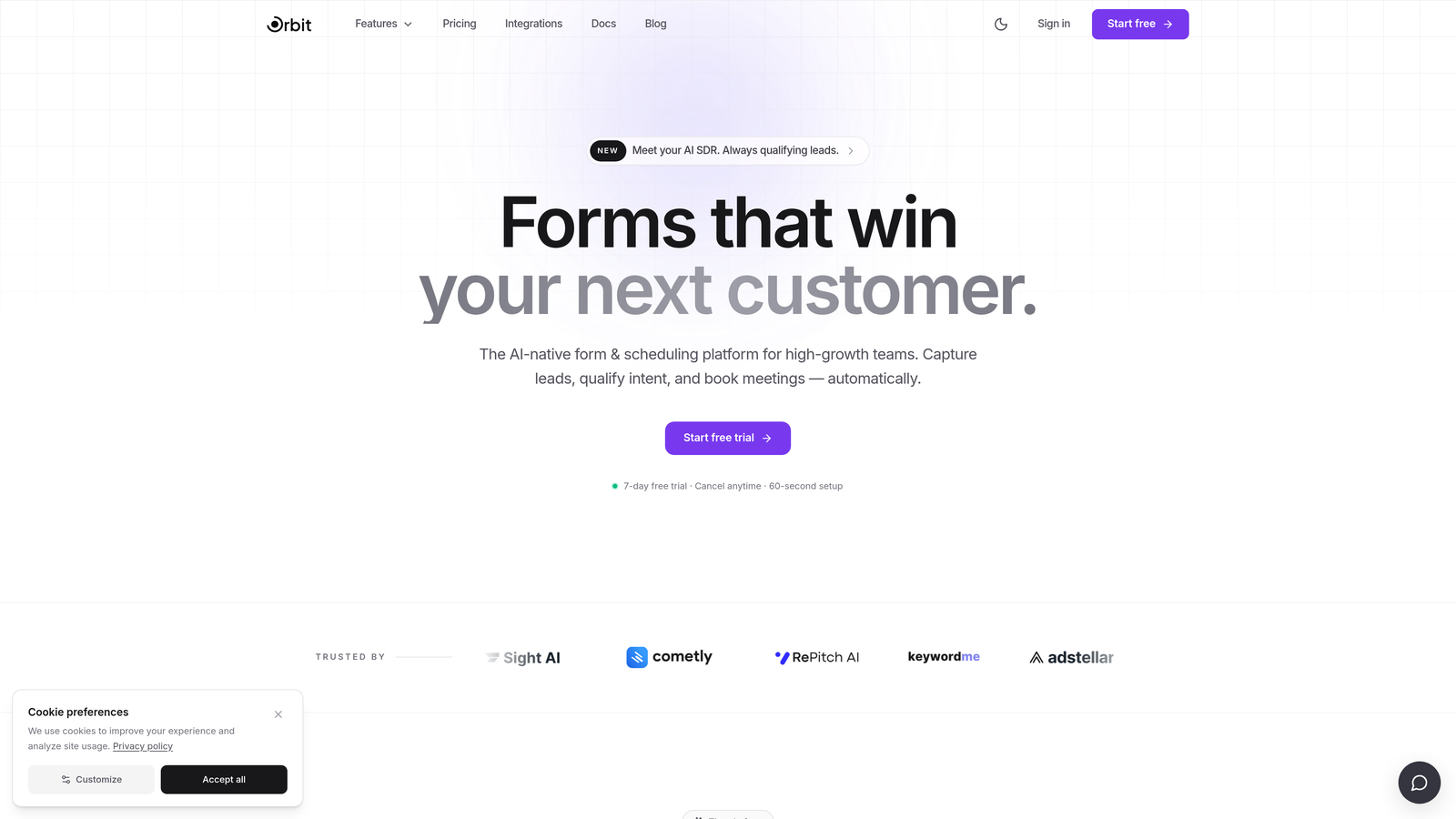
Orbit AI is an AI-powered form builder combining multi-user collaboration with intelligent lead qualification logic, designed for conversion-focused teams.
Where This Tool Shines
Most form builders treat collaboration and lead qualification as separate concerns. Orbit AI brings them together in a single platform, so your team can build forms that don't just collect data but actively score and qualify the leads coming through. That's a meaningful difference when multiple people are working on forms tied directly to pipeline.
The real-time collaboration experience means editors and admins can work on form builds simultaneously, with role-based access keeping the right people in the right seats. For high-growth teams where form performance directly impacts revenue, this combination of intelligent qualification and clean team workflows is genuinely hard to find elsewhere.
Key Features
AI-Powered Lead Qualification: Qualification logic is embedded directly into forms, automatically scoring and routing leads based on responses without needing a separate tool.
Team Workspaces with Role-Based Access: Assign editor and admin roles across your workspace so everyone has the right level of access without creating security gaps.
Conversion-Optimized Templates: Pre-built templates designed specifically for lead generation, not generic data collection.
Real-Time Collaboration: Multiple team members can build and edit forms simultaneously, reducing bottlenecks on fast-moving campaigns.
CRM and Pipeline Integrations: Direct integrations ensure qualified leads move seamlessly into your CRM and sales pipeline without manual handoff.
Best For
SaaS companies and marketing teams running lead generation at volume who want qualification logic built into the form itself, not bolted on afterward. Also well-suited for growth teams that need multiple collaborators working on forms without a complex setup process.
Pricing
Paid plans available. Visit orbitforms.ai for current pricing details and plan options.
2. Typeform
Best for: Teams that prioritize form design and conversational user experience
Typeform is a design-forward conversational form builder with shared workspaces and brand kit management for consistent team output.

Where This Tool Shines
Typeform's one-question-at-a-time format creates a notably different experience for respondents compared to traditional forms. For teams where brand presentation and completion rates matter, that design philosophy translates into real value. Shared workspaces on paid plans mean your team can manage forms and maintain visual consistency through a centralized brand kit.
Where Typeform is slightly less strong is in deep workflow automation. The collaboration features are solid, but teams that need complex approval routing or granular permission structures may find it less flexible than enterprise-focused alternatives.
Key Features
Shared Team Workspaces: Available on paid plans, allowing teams to manage and collaborate on forms from a central hub.
Brand Kit Management: Centralized brand settings ensure visual consistency across all forms your team creates.
Conversational UX: One-question-at-a-time format designed to improve completion rates and respondent engagement.
Logic Jumps and Conditional Branching: Route respondents through different paths based on their answers.
Wide Integration Library: Connects with Zapier, HubSpot, Salesforce, and many other tools your team likely already uses.
Best For
Marketing teams and agencies that care deeply about form aesthetics and respondent experience. Also a strong choice for teams already embedded in HubSpot or Salesforce who need smooth CRM data flow.
Pricing
Free plan available. Paid plans start at $25/month, with pricing scaling per seat on team plans.
3. JotForm
Best for: Operations and enterprise teams needing deep workflow automation and form management
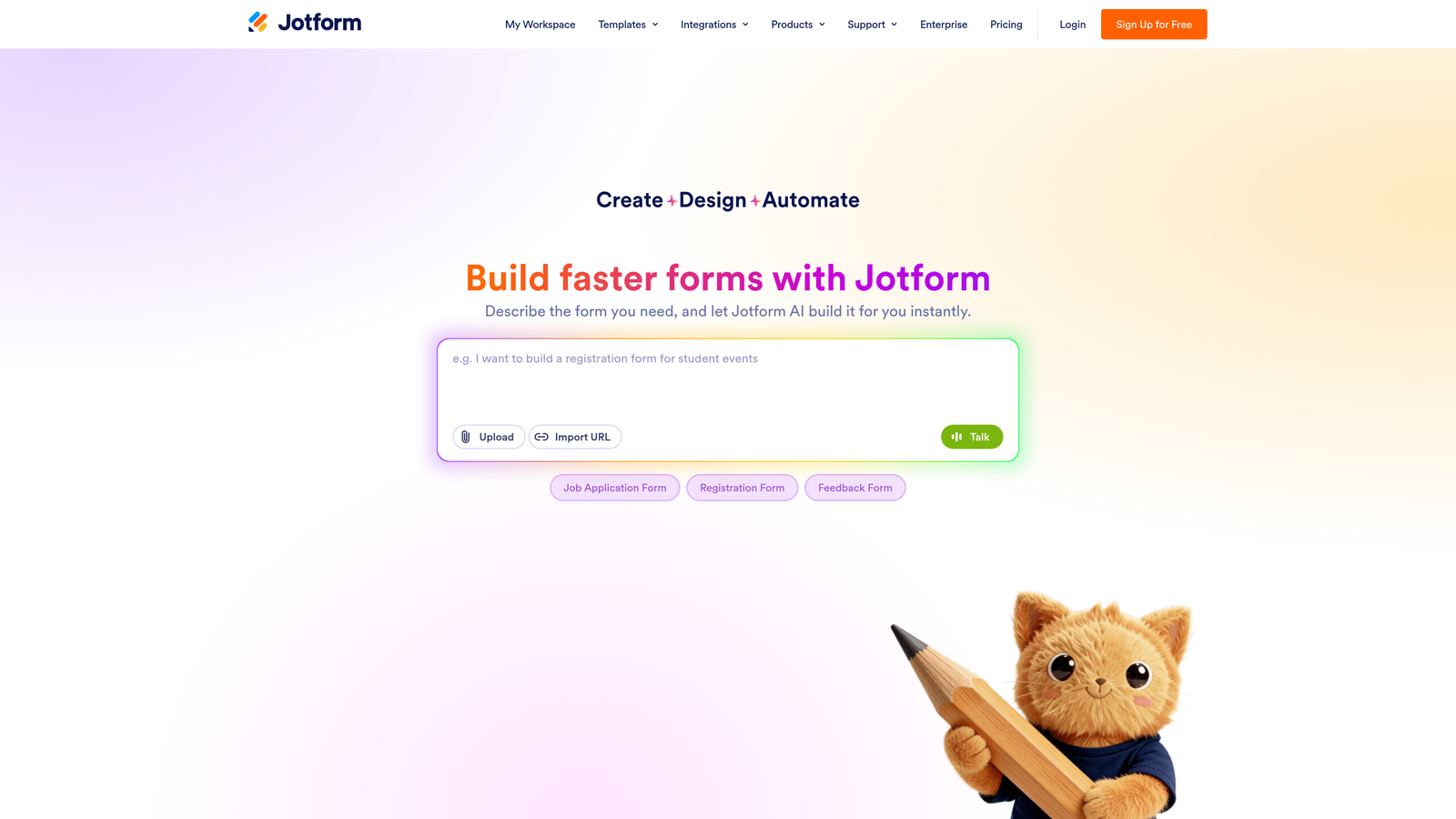
JotForm is a feature-rich form builder with strong team management capabilities including approval workflows, form assignment, and sub-account management.
Where This Tool Shines
JotForm is one of the most fully-featured form builders on the market, and that depth shows in its team management capabilities. Approval workflows let you route submissions through multi-step review processes, which is particularly useful for operations teams handling procurement requests, HR intake, or any process that requires sign-off before action.
The sub-account management feature is a standout for agencies managing multiple client accounts under one roof. Each client can have their own isolated workspace while the agency maintains top-level oversight. The 5,000+ template library also means teams rarely need to start from scratch.
Key Features
Team Folders and Shared Form Access: Organize forms by project or client with shared folder access for relevant team members.
Approval Workflow Builder: Create multi-step approval processes for form submissions, with notifications at each stage.
Sub-Account Management: Ideal for agencies managing multiple client accounts under a single parent account.
5,000+ Templates: One of the largest template libraries available, covering virtually every industry and use case.
HIPAA-Compliant Plans: Available for healthcare teams handling sensitive patient data.
Best For
Enterprise operations teams, HR departments, and agencies that need structured workflow automation alongside multi-user form management. Also a top choice for teams in regulated industries requiring compliance-ready infrastructure.
Pricing
Free plan available. Paid plans start at $34/month, with enterprise and HIPAA-compliant plans at higher tiers.
4. Google Forms
Best for: Teams already using Google Workspace who need a free, no-setup collaboration option
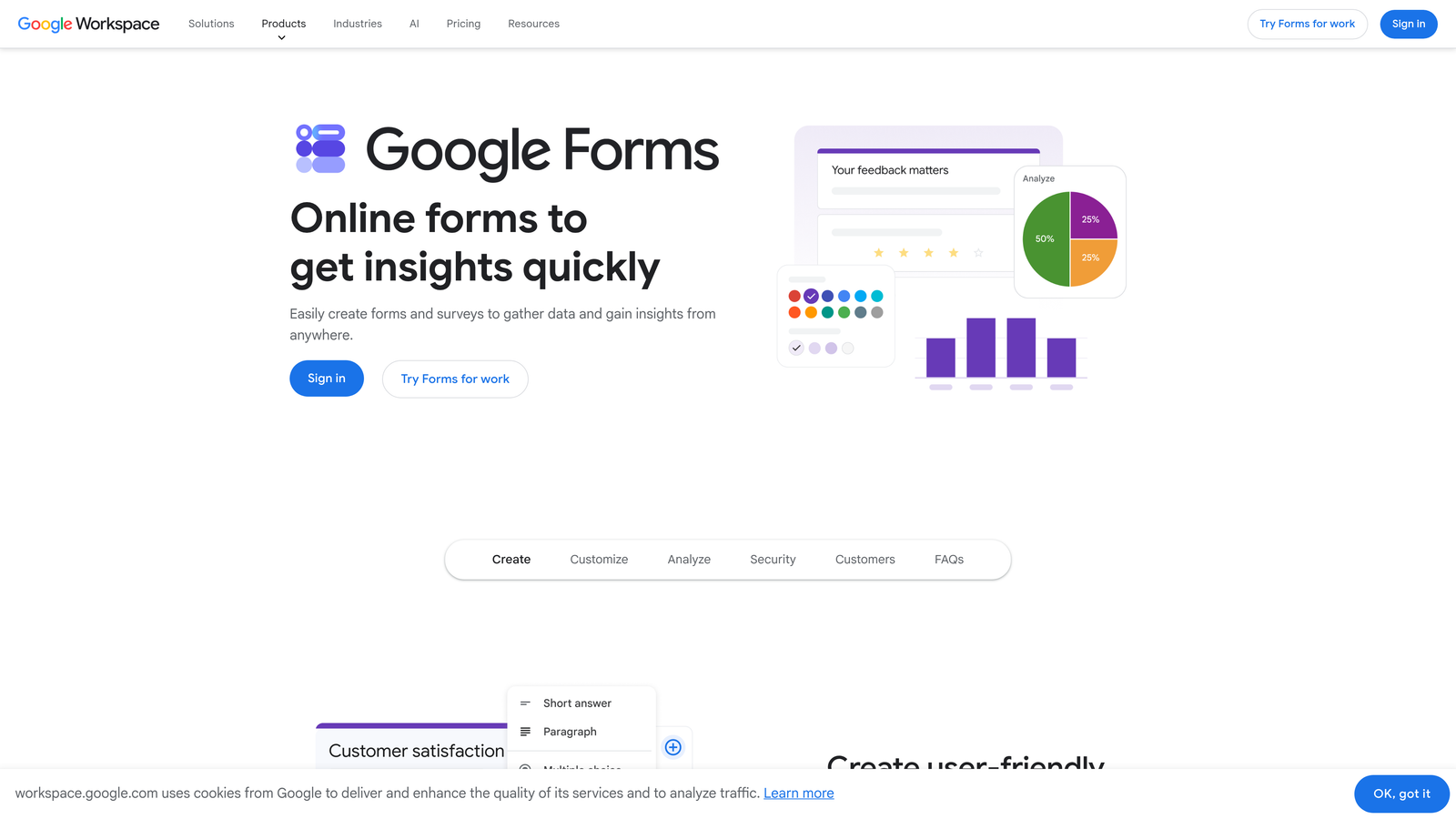
Google Forms is a free, browser-based form builder offering unlimited collaborators through Google Drive sharing, native to the Google Workspace ecosystem.
Where This Tool Shines
If your team lives in Google Workspace, Google Forms removes all friction from multi-user collaboration. Share a form like any Google Doc, assign editor or viewer permissions, and your whole team can contribute immediately. There's no onboarding, no per-seat pricing, and no integration setup required for Google Sheets response tracking.
The honest trade-off is capability. Google Forms is intentionally simple, which means limited design control, basic conditional logic, and no native workflow automation. For internal surveys, quick feedback collection, or event registrations, it's genuinely hard to beat at the price point of free. For lead generation or complex data intake, it will feel limiting quickly.
Key Features
Unlimited Collaborators: Share editing access with any number of team members through standard Google Drive permissions.
Free with Google Account: No paid tier required for core form building and collaboration features.
Native Google Sheets Integration: Responses sync automatically to a connected spreadsheet for easy analysis.
Basic Conditional Logic: Show or hide sections based on respondent answers, though options are limited compared to dedicated tools.
Quiz Functionality: Built-in quiz mode with automatic grading, useful for training and assessment scenarios.
Best For
Teams already on Google Workspace who need quick, collaborative forms for internal use: surveys, event signups, feedback collection, or simple intake forms. Not recommended for lead generation or customer-facing workflows where design and logic matter.
Pricing
Free with any Google account. Google Workspace plans start at $6/user/month and include Forms as part of the suite.
5. Tally
Best for: Product-led and remote-first teams who want a clean, simple form builder with workspace sharing
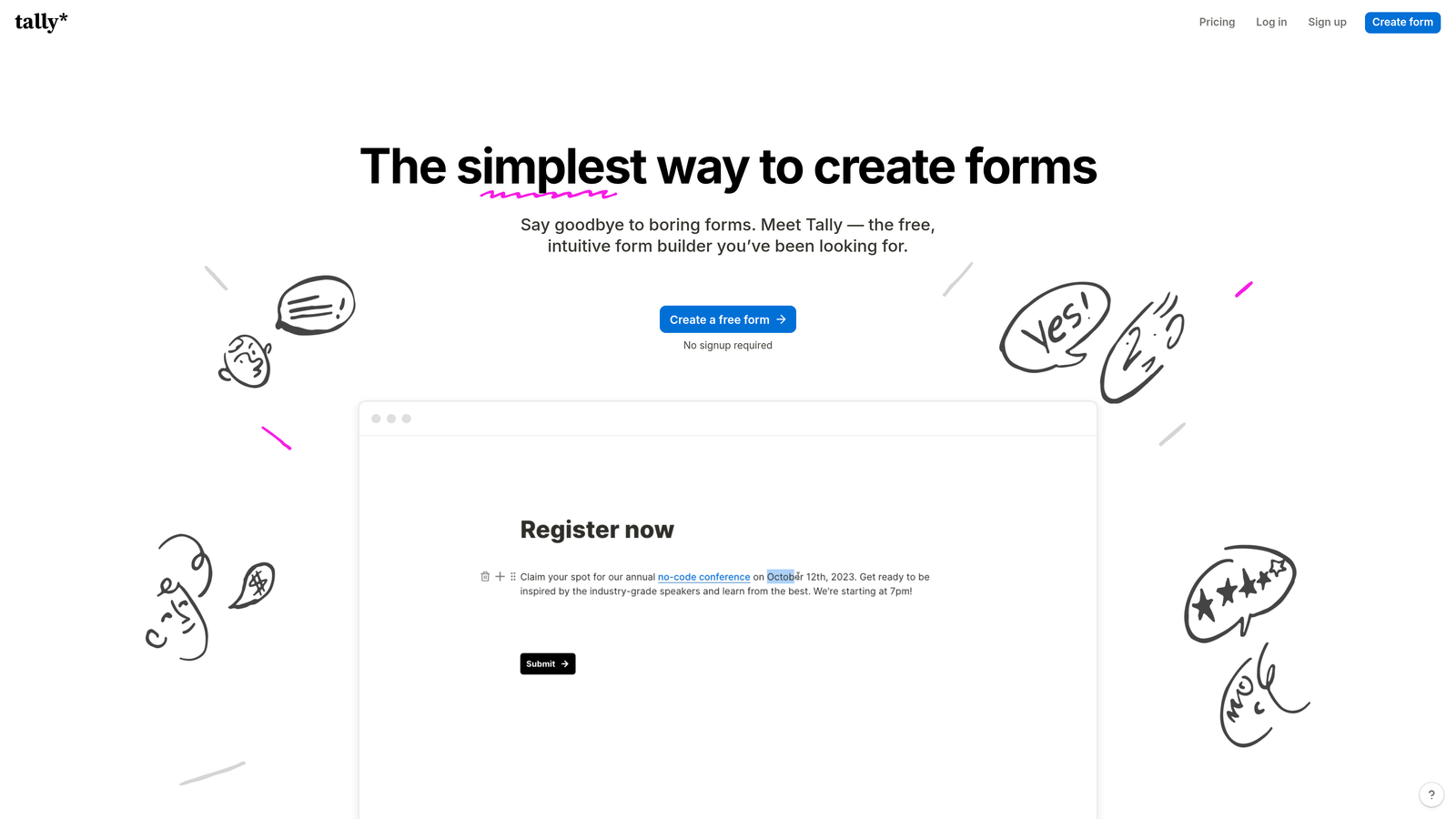
Tally is a minimalist form builder with shared workspaces, a Notion-like editing experience, and a generous free tier popular with product and remote teams.
Where This Tool Shines
Tally has built a loyal following among product teams and indie builders by keeping the experience clean and uncluttered. The block-based editor feels immediately familiar to anyone who uses Notion, which reduces the learning curve significantly for teams already working in that style. Shared workspaces mean collaborators can access and edit forms without needing separate accounts.
The free plan is genuinely generous: unlimited forms and unlimited submissions, which puts Tally in a different category from tools that gate basic functionality behind paid tiers. For teams that want simplicity over complexity, Tally hits a sweet spot that more feature-heavy tools often miss.
Key Features
Shared Workspaces: Team members can collaborate on forms within a shared workspace without per-seat friction.
Notion-Like Block Editor: Intuitive drag-and-drop editing that feels familiar to teams already using block-based productivity tools.
Generous Free Plan: Unlimited forms and submissions on the free tier, making it accessible for teams watching budget.
Custom Domains: Available on paid plans for a more polished, branded form experience.
Zapier and Native Integrations: Connect to the tools your team already uses for notifications and data routing.
Best For
Early-stage startups, product teams, and remote-first organizations that value simplicity and don't need deep workflow automation. Also a strong choice for teams that want to get collaborative forms running quickly without a lengthy setup process.
Pricing
Free plan available with unlimited forms and submissions. Pro plan starts at $29/month with custom domains and additional features.
6. Paperform
Best for: Service businesses and teams that need forms, payments, and scheduling in one place
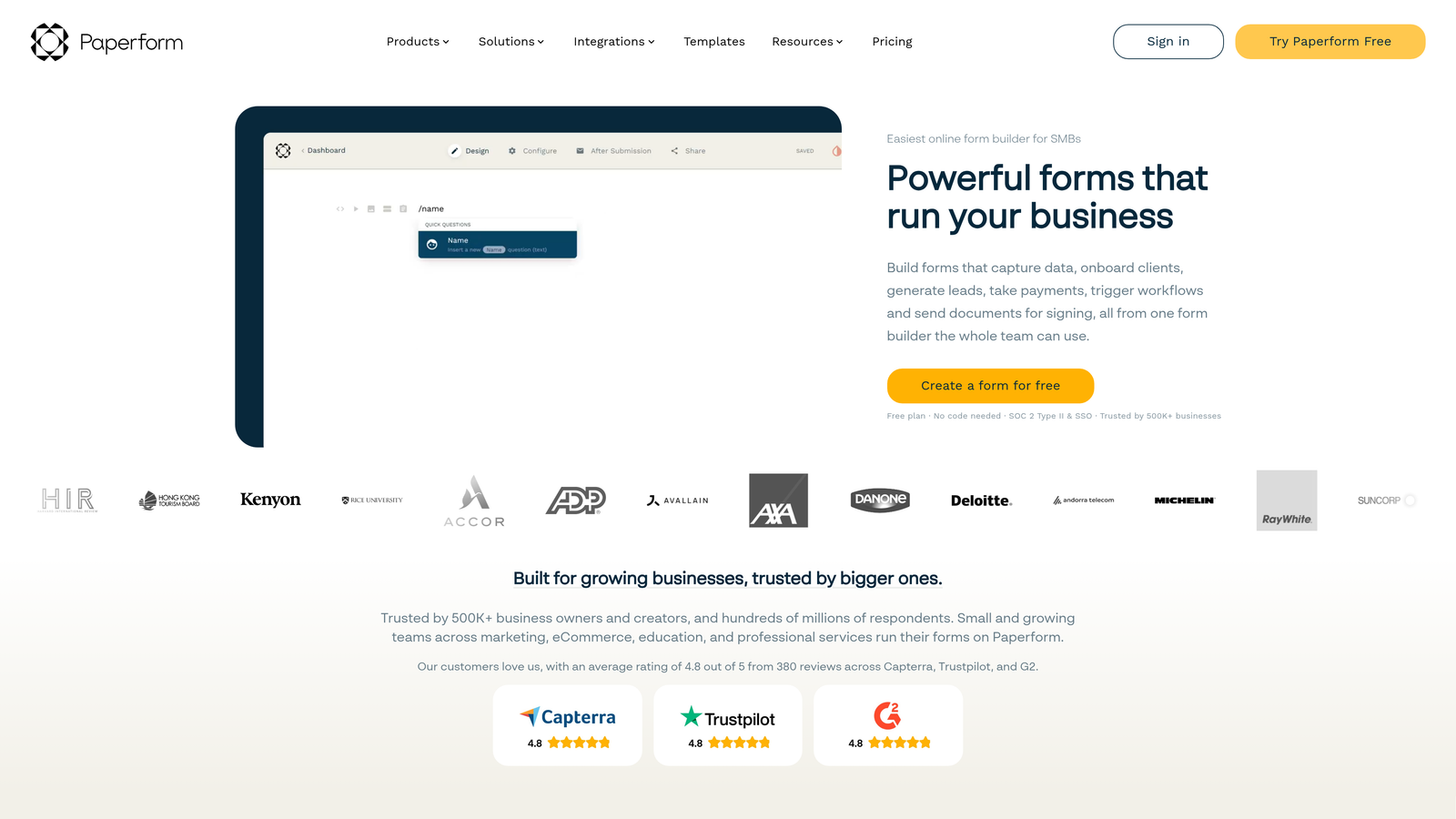
Paperform is a flexible form builder that combines forms with payment processing, scheduling, and product listings, with multi-user workspaces available on team plans.
Where This Tool Shines
Paperform occupies an interesting niche: it's more than a form builder but less than a full business platform. For service businesses that need to collect information, take payment, and book appointments through a single form, it removes the need to stitch together multiple tools. Teams can collaborate through shared workspaces with role-based management across all of these functions.
The design flexibility is also notable. Custom CSS support means teams with design resources can push Paperform's visual output well beyond what most form builders allow. For businesses where form presentation is part of the brand experience, that flexibility has real value.
Key Features
Multi-User Workspaces: Team plans include role management so collaborators can access and edit forms with appropriate permissions.
Built-In Payment Processing: Accept payments via Stripe, PayPal, and Square directly through form submissions.
Scheduling and Appointment Fields: Allow respondents to book appointments as part of the form flow.
Product and Inventory Fields: Support for ecommerce-style forms with product selection and inventory tracking.
Custom CSS: Full design control for teams that want to push beyond standard form aesthetics.
Best For
Consultants, service businesses, and small agencies that need forms to handle multiple functions: intake, payment, and scheduling. Teams that want strong design control without building custom solutions.
Pricing
Plans start at $24/month. Team plans with multi-user workspaces are available at higher tiers.
7. Formstack
Best for: Enterprise and regulated-industry teams needing compliance, audit trails, and granular permissions
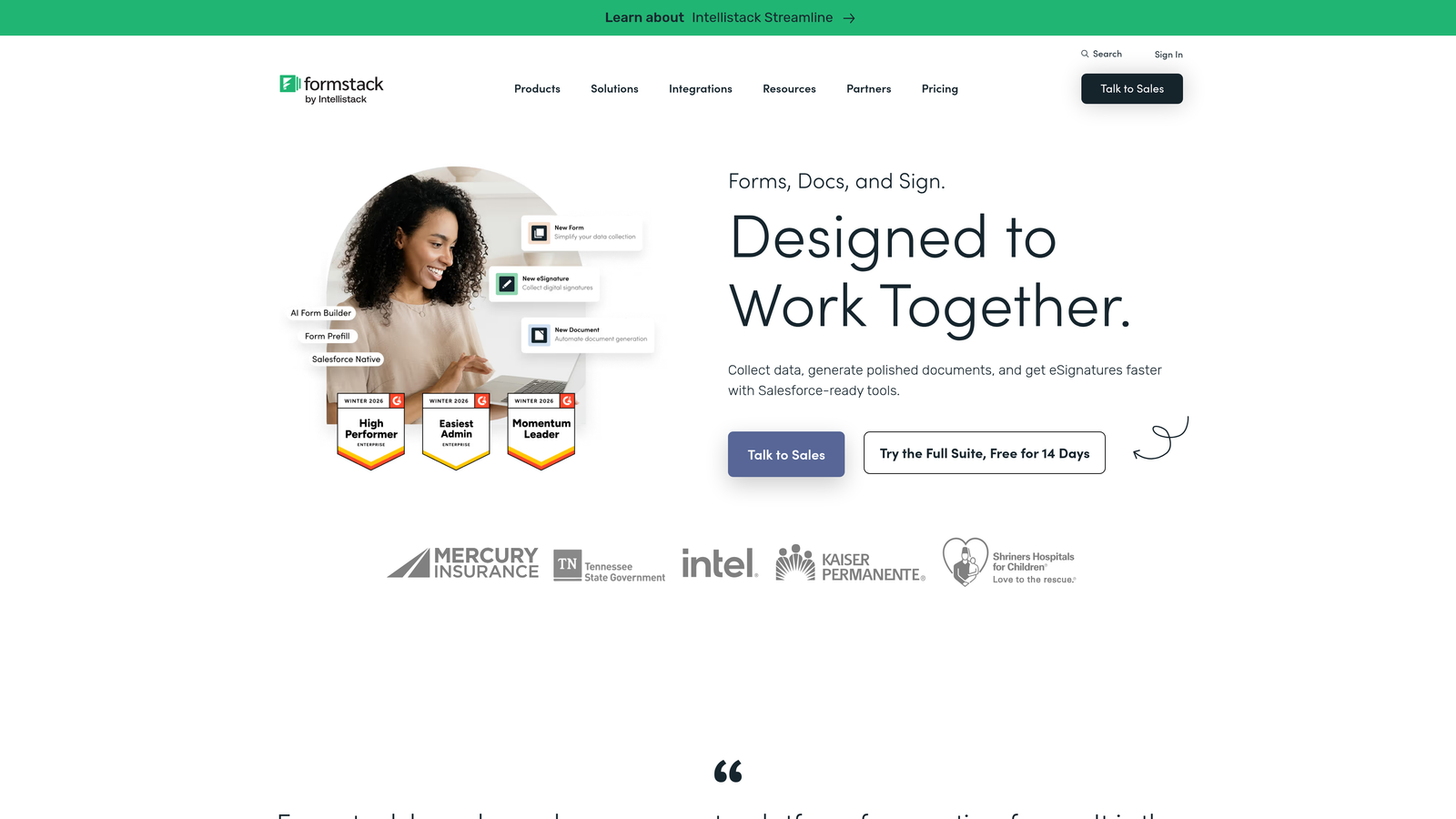
Formstack is an enterprise-grade form builder with advanced user permissions, audit logging, and compliance certifications including HIPAA and SOC 2.
Where This Tool Shines
Formstack is built for organizations where data governance isn't optional. The granular permission system lets you define exactly what each user role can see, edit, and export. Audit logs track every change to forms and every submission action, which is essential for teams in healthcare, finance, or legal that need to demonstrate compliance during reviews or audits.
The workflow automation and approval routing capabilities are also mature. For enterprise teams managing complex multi-step processes across departments, Formstack provides the infrastructure to automate routing without relying on manual handoffs. It's a higher investment, but for teams where compliance is non-negotiable, it's often the right one.
Key Features
Granular Role-Based Permissions: Define admin, manager, and user roles with precise control over what each level can access and modify.
HIPAA and SOC 2 Compliance: Certified compliance for teams handling sensitive healthcare or enterprise data.
Audit Logs: Full history of form changes and submission activity for compliance and accountability purposes.
Workflow Automation and Approval Routing: Automate multi-step approval processes with conditional routing logic.
Enterprise CRM Integrations: Native Salesforce integration and connections to other enterprise systems.
Best For
Healthcare organizations, financial services teams, and enterprise operations departments where compliance, data security, and audit trails are required. Teams willing to invest in a premium tool for the governance infrastructure it provides.
Pricing
Plans start at $83/month. Enterprise pricing is available for larger organizations with advanced compliance requirements.
8. Cognito Forms
Best for: Teams managing complex, structured data intake that requires advanced logic and calculations
Cognito Forms is a form builder known for powerful conditional logic and calculation fields, with multi-user organization accounts for collaborative data management.
Where This Tool Shines
Cognito Forms earns its place on this list through technical depth. The calculated fields and conditional logic capabilities go further than most form builders, making it particularly well-suited for teams building forms that need to compute values, apply pricing rules, or dynamically adjust based on complex input combinations. Think cost estimators, order forms with variable pricing, or structured intake forms with calculated totals.
The repeating sections feature is another standout: it lets respondents add multiple instances of a field group, which is genuinely useful for things like itemized expense reports or multi-line order submissions. Multi-user organization accounts mean teams can manage these complex forms collaboratively without losing structure.
Key Features
Multi-User Organization Accounts: Team members share access to forms and entries through a centralized organization account.
Advanced Conditional Logic: Sophisticated rules for showing, hiding, and requiring fields based on respondent inputs.
Calculated Fields: Perform real-time calculations within forms, useful for pricing, scoring, and totals.
Repeating Sections: Allow respondents to dynamically add multiple entries within a single form submission.
Entry Management: Filter, search, and export submissions with built-in entry management tools.
Best For
Operations teams, finance departments, and businesses that need forms to handle structured, calculation-heavy data intake. Less ideal for teams prioritizing design aesthetics, but excellent for those where data accuracy and logic complexity are the priority.
Pricing
Free plan available. Paid plans start at $15/month, making it one of the more affordable options for teams needing advanced logic capabilities.
9. HubSpot Forms
Best for: Revenue teams already using HubSpot CRM who want forms natively connected to their pipeline
HubSpot Forms is a native form builder within HubSpot CRM, offering shared team access, automatic contact sync, and built-in lead routing for sales and marketing teams.
Where This Tool Shines
HubSpot Forms' primary strength isn't the form builder itself: it's the zero-friction connection to everything else in HubSpot. Every submission automatically creates or updates a contact record, triggers workflow automation, and can be routed to the right sales rep without any manual configuration. For teams already running their revenue operations in HubSpot, this native integration eliminates an entire category of data handoff problems.
Shared access through the HubSpot portal means your whole team can view, edit, and create forms without separate tool access. Progressive profiling is a particularly useful feature: it recognizes returning visitors and asks new questions rather than repeating ones already answered, which reduces form friction over time.
Key Features
Shared Portal Access: All HubSpot users on your account can access and collaborate on forms without additional tool management.
Automatic CRM Sync: Every form submission creates or updates a contact record in HubSpot automatically.
Built-In Lead Routing: Workflow triggers on submission allow automatic lead assignment and follow-up sequencing.
Progressive Profiling: Dynamically replace already-answered questions with new ones for returning visitors, reducing friction.
Free with HubSpot CRM: Core form functionality is included in HubSpot's free tier, lowering the barrier to entry.
Best For
Sales and marketing teams already using HubSpot as their CRM. If HubSpot is your system of record, using its native forms is the most efficient path to clean data and automated lead management. Less compelling as a standalone form builder for teams not in the HubSpot ecosystem.
Pricing
Free with HubSpot CRM. Advanced features including A/B testing and smart forms are available in Marketing Hub plans starting at $45/month.
Which Multi-User Form Builder Is Right for Your Team?
The right choice here depends less on which tool has the most features and more on what your team actually needs to accomplish. Here's a quick way to think through it.
If lead qualification is part of your form strategy, not an afterthought, Orbit AI is the only tool on this list that bakes AI-powered qualification logic directly into the form build process. For high-growth SaaS and marketing teams, that combination of collaboration and conversion intelligence is a genuine differentiator.
If you're already running HubSpot as your CRM, HubSpot Forms is the path of least resistance. The native sync and lead routing alone justify using it over a third-party tool.
If compliance and audit trails are non-negotiable, Formstack is built for exactly that environment. Healthcare, finance, and legal teams will find the governance infrastructure worth the higher price point.
If your team needs deep workflow automation and approval routing without enterprise pricing, JotForm offers the most feature depth at a mid-market price. And if simplicity and a clean interface are what your team values most, Tally delivers that better than almost anyone else on this list.
Google Forms remains the right call for teams that need free, immediate collaboration and are already in Google Workspace. Just don't expect it to scale with you once your form requirements grow.
For teams serious about turning form submissions into qualified pipeline, the combination of multi-user collaboration and intelligent lead qualification is where the real leverage is. Start building free forms today and see how Orbit AI's approach to conversion-optimized, AI-qualified forms can change what your team gets out of every submission.


