

If you're losing customers at checkout, your order form might be the culprit. A clunky, slow, or confusing order form kills conversions, and for high-growth teams, that's real revenue walking out the door before you ever had a chance to close it.
The right order form builder does more than collect payment details. It qualifies buyers, reduces drop-off, integrates with your existing stack, and scales as your business grows. Whether you're selling digital products, SaaS subscriptions, physical goods, or services, there's a tool built for your specific workflow.
Here are the top order form builders available in 2026, evaluated on ease of use, payment integrations, customization, conversion features, and pricing. We've included tools for different team sizes and use cases so you can find the right fit fast.
1. Orbit AI
Best for: High-growth SaaS and B2B teams that want to convert and qualify buyers simultaneously.
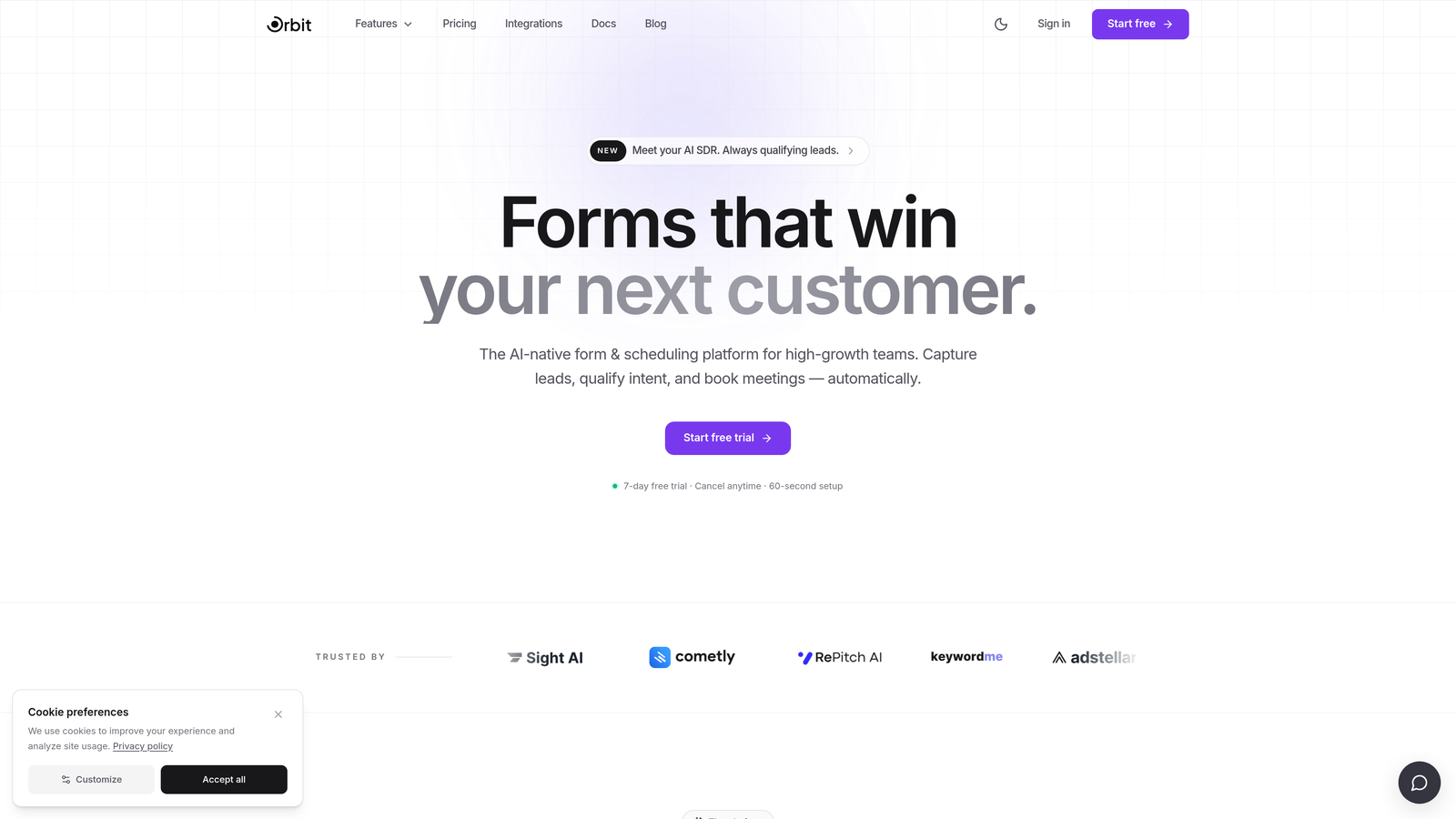
Orbit AI is an AI-powered form builder with lead qualification built directly into the order flow.
Where This Tool Shines
Most order form tools are passive. They collect information and hand it off. Orbit AI takes a different approach by actively qualifying leads as they move through the form, so your sales team receives better-fit buyers and your conversion funnel tightens at every stage.
The platform is built with high-growth teams in mind, which means the design is modern and conversion-optimized out of the box. You're not starting from a blank canvas or wrestling with outdated templates. The forms look polished from day one, and the logic underneath them is genuinely intelligent.
Key Features
AI-Powered Lead Qualification: Qualifies prospects dynamically during form completion, routing high-fit buyers forward and filtering low-fit submissions before they reach your CRM.
Conversion-Optimized Templates: Pre-built order and checkout form layouts designed specifically to reduce drop-off and increase completions.
Conditional Logic and Dynamic Fields: Show or hide fields based on user inputs to keep forms lean and relevant at every step.
CRM and Sales Stack Integrations: Connects with the tools your team already uses, so qualified leads flow directly into your pipeline without manual intervention.
Modern Form Design: Clean, professional aesthetics that reflect well on your brand without requiring a designer.
Best For
Orbit AI is the strongest choice for SaaS companies, digital agencies, and B2B teams who need their order form to do double duty: collect payment or intent data while simultaneously qualifying the buyer. If churn from low-fit customers is a concern, this built-in qualification layer is genuinely valuable.
Pricing
Paid plans are available. Visit orbitforms.ai for current pricing details and plan tiers.
2. Jotform
Best for: Teams that need a broad template library and support for multiple payment gateways.
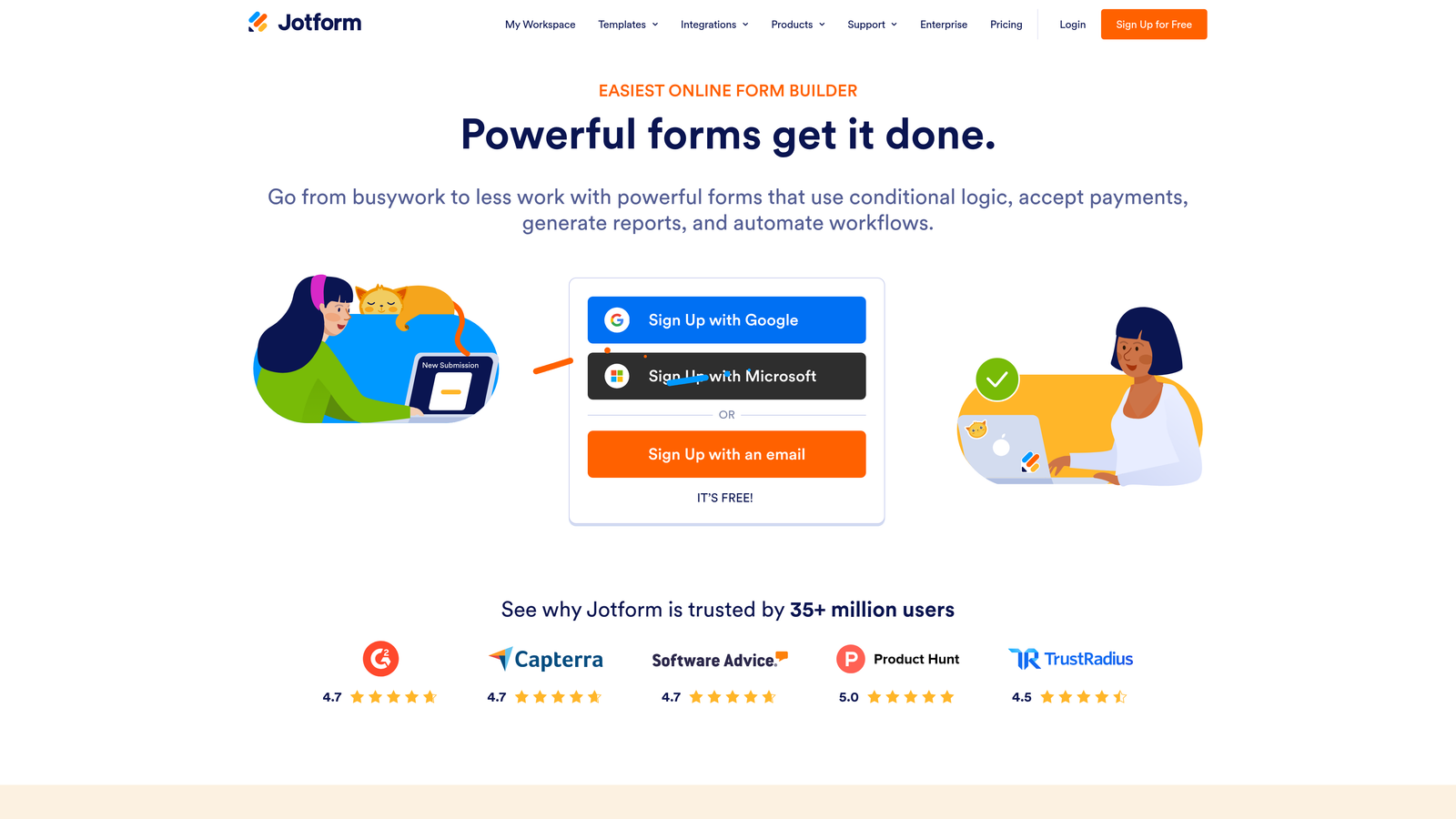
Jotform is one of the most widely used form builders globally, known for its depth of templates and payment flexibility.
Where This Tool Shines
Jotform's sheer breadth is its biggest asset. With over 10,000 templates including many order-specific layouts, you can get a functional order form live in minutes without starting from scratch. The drag-and-drop builder requires no coding knowledge, making it accessible to teams without dedicated developers.
The platform's support for multiple payment gateways, including Stripe, PayPal, and Square, means you're rarely locked into a single processor. This flexibility is useful for businesses operating across different regions or customer preferences.
Key Features
10,000+ Templates: Extensive library includes order forms, product forms, and checkout layouts for a wide range of industries.
Multiple Payment Gateways: Supports Stripe, PayPal, Square, and more for flexible payment collection.
Drag-and-Drop Builder: No-code interface that's accessible to non-technical users.
Conditional Logic and Calculations: Build dynamic pricing and field visibility rules without writing code.
100+ Native Integrations: Connects with popular CRMs, email platforms, and business tools.
Best For
Jotform suits small to mid-sized businesses, nonprofits, and teams that need versatile order forms without a steep learning curve. It's particularly strong for teams that process orders across multiple payment methods or need industry-specific templates quickly.
Pricing
Free plan available with limited submissions. Paid plans start at $34/month. Verify current pricing at jotform.com as plans are updated periodically.
3. Typeform
Best for: Brands that prioritize user experience and want to reduce drop-off through conversational form design.
Typeform is a conversational form builder that presents one question at a time, creating a more engaging order and intake experience.

Where This Tool Shines
Typeform's one-field-at-a-time format feels less like filling out a form and more like having a conversation. This approach tends to reduce the visual overwhelm that causes drop-off on traditional multi-field forms, which makes it a smart choice for order flows where buyer hesitation is a real challenge.
The design quality is a genuine differentiator. Typeform forms look polished with minimal effort, and brand customization options let you maintain visual consistency across your customer touchpoints.
Key Features
Conversational Format: One-question-at-a-time presentation that reduces form fatigue and drop-off.
Stripe Payment Integration: Collect payments directly within the form flow.
Logic Jumps and Branching: Route respondents through different paths based on their answers.
Brand Customization: Fonts, colors, and backgrounds align with your visual identity.
Broad Integrations: Connects with HubSpot, Slack, Zapier, and a wide range of other tools.
Best For
Typeform is a strong choice for B2C brands, digital product sellers, and service businesses where the buyer experience matters as much as the transaction itself. It works especially well for higher-consideration purchases where a more guided, conversational flow builds trust.
Pricing
Free plan available with response limits. Paid plans start at $25/month. Check typeform.com for the latest plan structure.
4. ThriveCart
Best for: Digital product creators and course sellers who need built-in upsell flows and affiliate management.
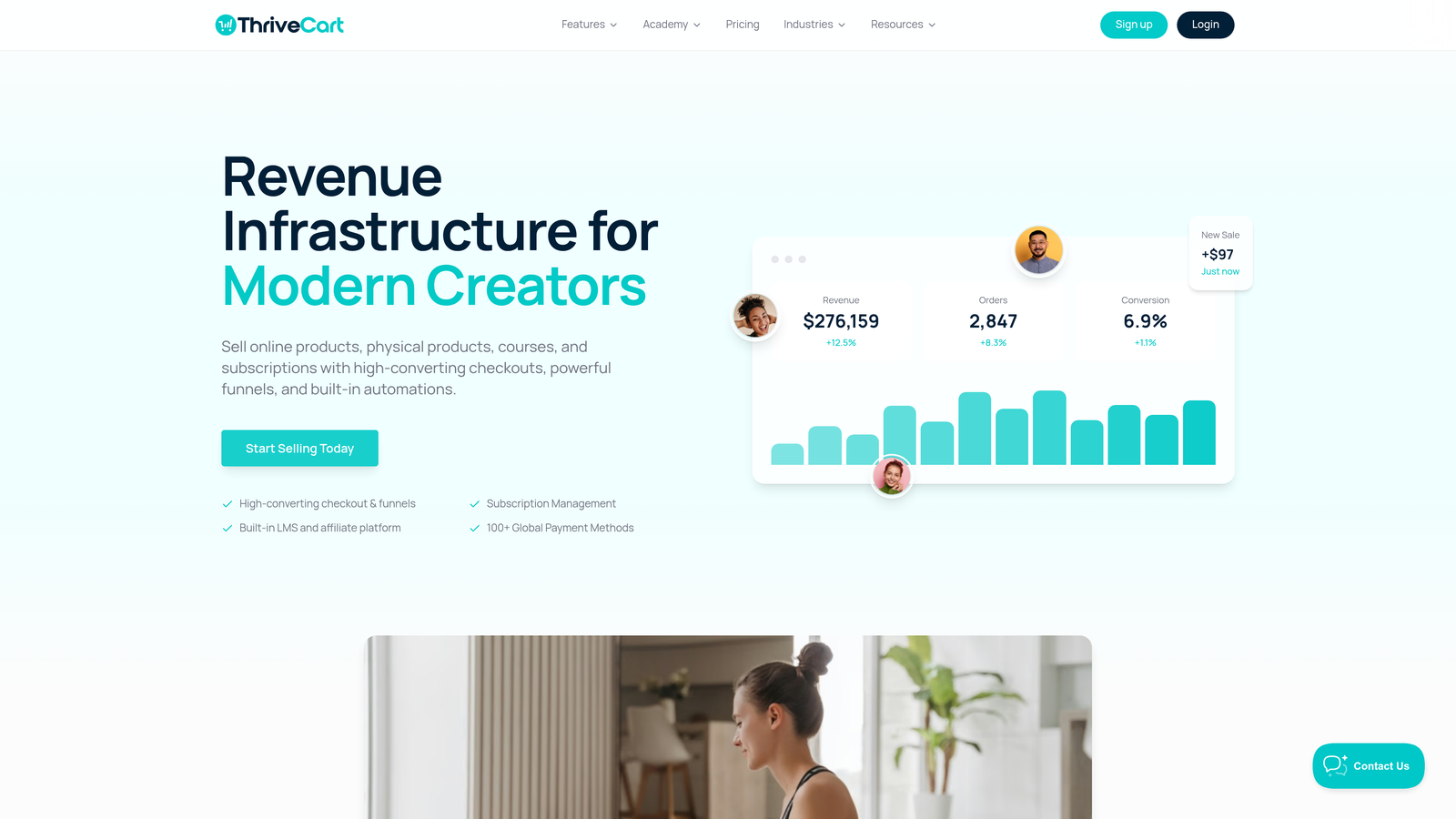
ThriveCart is a dedicated checkout and cart platform built specifically for maximizing revenue per transaction.
Where This Tool Shines
ThriveCart goes beyond order collection. It's engineered around the idea that every checkout is an opportunity to increase order value, with built-in order bumps and upsell funnels that can be configured without additional tools or integrations. For creators and digital sellers, this revenue optimization layer is a meaningful advantage.
The built-in affiliate management system is another standout. If you run or plan to run an affiliate program, having that functionality native to your checkout platform removes a significant layer of complexity from your stack.
Key Features
Order Bumps and Upsell Funnels: One-click upsells and post-purchase offers built directly into the checkout flow.
Affiliate Management: Native affiliate tracking and commission management without third-party software.
A/B Testing: Test checkout page variations to identify what drives higher conversions.
Multiple Payment Options: Supports Stripe, PayPal, and Apple Pay.
Flexible Pricing Model: Lifetime pricing option has been available historically; verify current availability at thrivecart.com.
Best For
ThriveCart is purpose-built for digital product sellers, online course creators, coaches, and membership site operators. If upsells and affiliate partnerships are core to your revenue model, it's one of the most complete solutions available without stitching together multiple tools.
Pricing
One-time and annual pricing options have been available. Visit thrivecart.com for current plan details, as pricing structures can change.
5. WooCommerce
Best for: WordPress-based businesses that need a fully customizable e-commerce and order form solution.
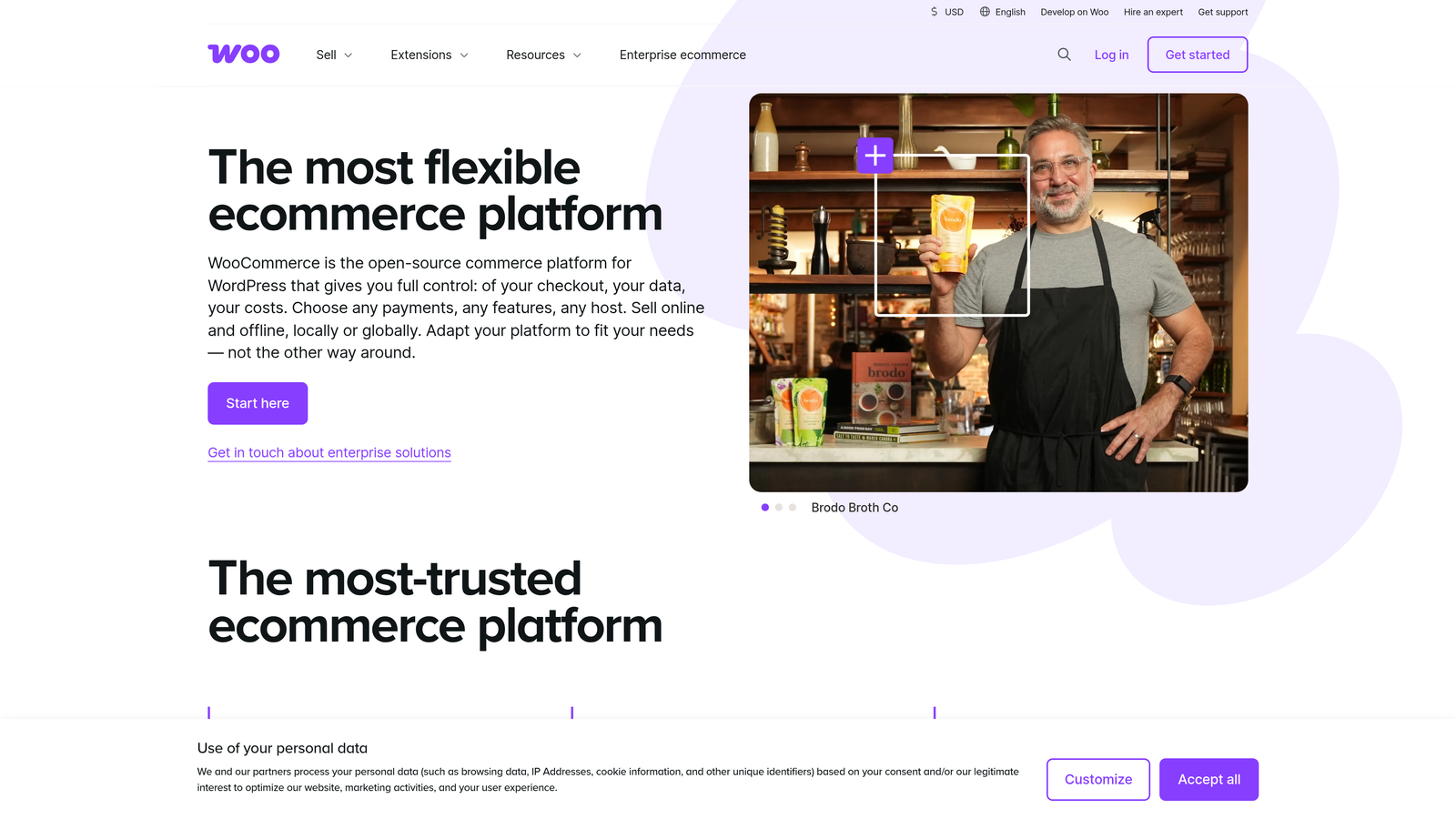
WooCommerce is an open-source e-commerce plugin for WordPress that powers full online stores with highly customizable order forms and checkout flows.
Where This Tool Shines
WooCommerce's core strength is flexibility. Because it's open-source and built on WordPress, you have access to an enormous ecosystem of plugins and extensions that can customize nearly every aspect of your checkout experience. If you have specific requirements that off-the-shelf tools can't meet, WooCommerce can usually accommodate them.
It handles physical products, digital downloads, and subscriptions under one roof, which makes it a strong choice for businesses with diverse product catalogs. The trade-off is that this flexibility comes with more setup and maintenance responsibility than hosted platforms.
Key Features
Fully Customizable Checkout: Modify order forms and checkout flows to match your exact requirements.
Extensive Plugin Ecosystem: Thousands of extensions add functionality for everything from subscriptions to custom fields.
Broad Payment Gateway Support: Hundreds of payment gateways are supported through native and third-party integrations.
Multi-Product Type Support: Handles physical goods, digital products, and subscription billing.
Free Core Plugin: No licensing cost for the core plugin; costs arise from extensions and hosting.
Best For
WooCommerce is best for businesses already operating on WordPress, or those comfortable managing a self-hosted environment. It's particularly well-suited to established e-commerce operations that need deep customization and are willing to invest in development resources.
Pricing
The core plugin is free. Costs vary based on hosting, premium extensions, and any custom development. Budget accordingly for a full production setup.
6. Gravity Forms
Best for: WordPress developers and power users who need advanced conditional logic and extensible form functionality.
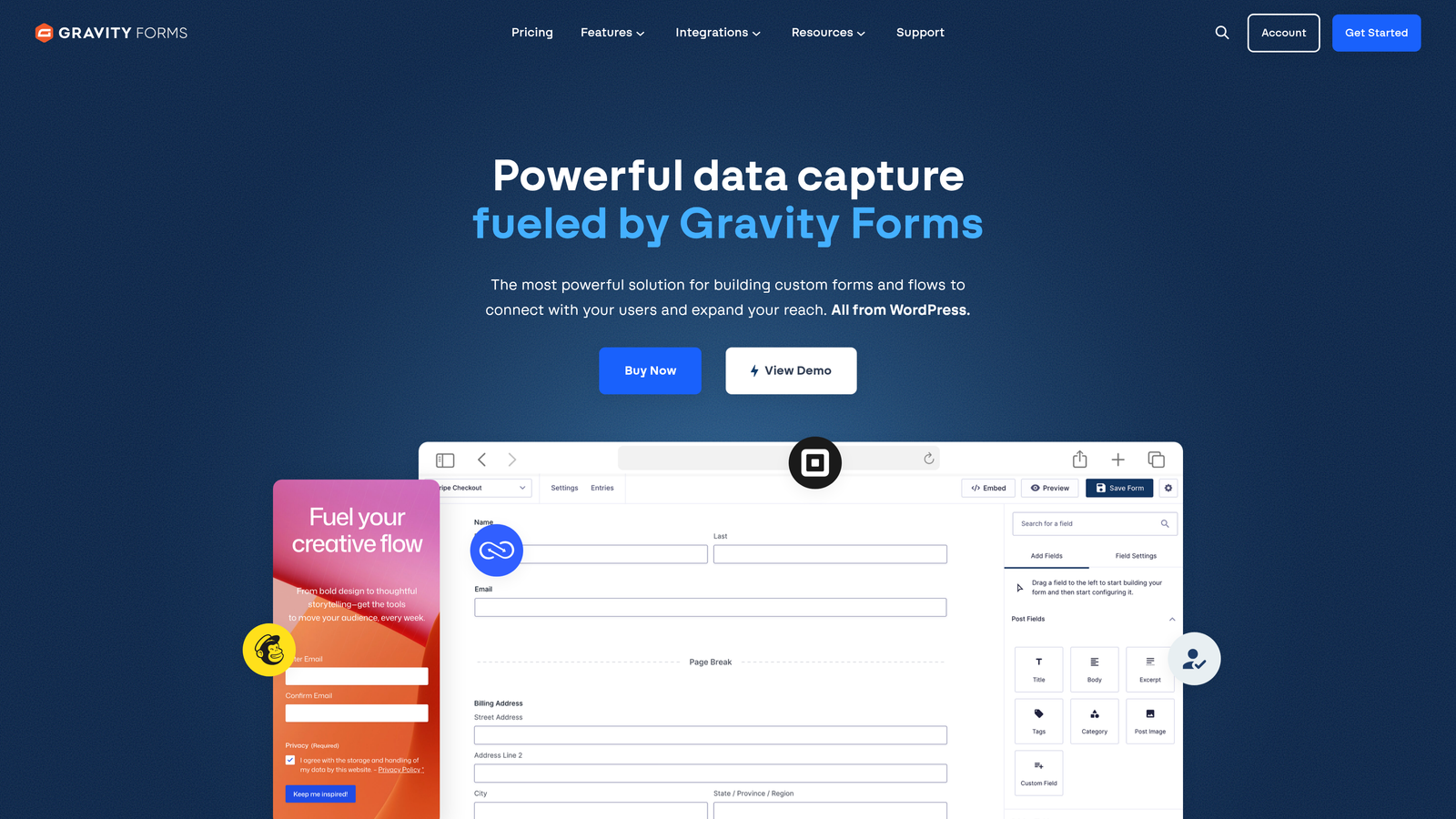
Gravity Forms is a premium WordPress form plugin known for its advanced logic capabilities and developer-friendly architecture.
Where This Tool Shines
Gravity Forms earns its reputation through depth. The conditional logic engine is one of the most capable in the WordPress ecosystem, allowing you to build complex order forms that adapt based on user inputs, calculate totals dynamically, and route submissions through multi-step workflows.
For developers, the extensive hooks and filters make Gravity Forms highly extensible. You can build custom functionality on top of the core plugin without waiting for a feature release, which is a meaningful advantage for teams with specific technical requirements.
Key Features
Advanced Conditional Logic: Show, hide, and require fields based on complex rule sets that go well beyond basic if/then logic.
Calculation Fields: Build dynamic pricing calculators and order totals directly within the form.
Payment Add-Ons: Stripe and PayPal integrations available through official add-ons.
Multi-Page Forms: Break long order forms into steps with progress indicators to reduce abandonment.
Developer Extensibility: Comprehensive API with hooks and filters for custom development.
Best For
Gravity Forms is the right choice for WordPress-based businesses with complex order form requirements, particularly those with development resources on hand. It's widely used in professional services, agencies, and businesses with highly configurable product or service offerings.
Pricing
Starts at $59/year for the Basic license. Higher tiers unlock additional add-ons and support. Check gravityforms.com for current license options.
7. Paperform
Best for: Teams that want a flexible, document-like form experience with native payment processing.
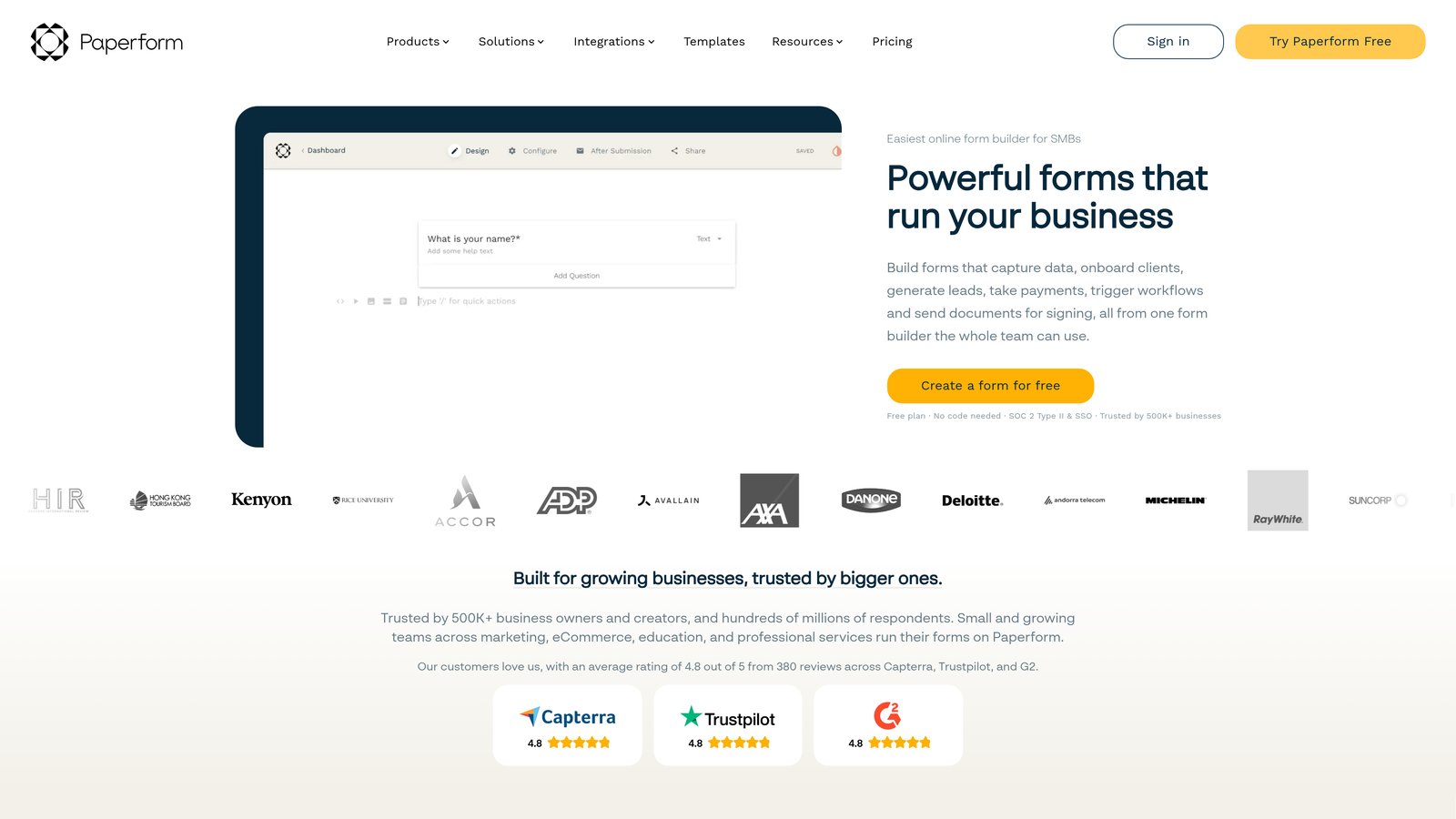
Paperform is a hybrid form and document editor that lets you blend written content and form fields naturally in a single layout.
Where This Tool Shines
Paperform's freeform editor is genuinely different from most form builders. Instead of working within a rigid field structure, you write content and embed form elements inline, similar to how you'd create a document. This makes it particularly effective for order forms that benefit from context, like service menus, product descriptions, or pricing explanations woven into the form itself.
Native Stripe integration means you don't need a third-party payment connector for basic order collection, keeping your setup lean and reducing points of failure in the payment flow.
Key Features
Freeform Document Editor: Mix text, images, and form fields freely in a document-style layout.
Native Stripe Payments: Accept payments directly without additional integration setup.
Product Fields: Display product images and pricing within the form for a more complete order experience.
Conditional Sections: Show or hide entire content sections based on user responses.
Order and Service Templates: Pre-built layouts for common order and service form use cases.
Best For
Paperform suits small businesses, freelancers, and service providers who want an order form that reads like a well-designed page rather than a sterile data entry screen. It's particularly effective for service-based businesses where context and presentation influence purchase decisions.
Pricing
Starts at $24/month on the Essentials plan. Check paperform.co for current plan details and feature availability by tier.
8. Formstack
Best for: Enterprise teams with compliance requirements, complex workflows, and document generation needs.
Formstack is an enterprise-grade form and workflow platform built for organizations that need security, compliance, and process automation alongside form collection.
Where This Tool Shines
Formstack operates at a different level than most tools on this list. Where others focus primarily on the form itself, Formstack extends into the workflow that follows: document generation, approval routing, and enterprise CRM integrations. For organizations where an order submission triggers a multi-step internal process, this end-to-end capability is genuinely valuable.
HIPAA compliance makes Formstack one of the few viable options for healthcare organizations collecting sensitive order or intake data. Combined with advanced data security controls, it's built for environments where compliance isn't optional.
Key Features
HIPAA-Compliant Forms: Built for healthcare and regulated industries where data handling requirements are strict.
Document Generation: Automatically generate documents from form submissions, reducing manual processing.
Approval Workflow Routing: Route submissions through multi-step approval processes before fulfillment.
Enterprise CRM Integrations: Deep Salesforce integration and support for other enterprise platforms.
Advanced Security Controls: User access management and data security features built for enterprise environments.
Best For
Formstack is best suited for mid-market and enterprise organizations in regulated industries, or any company where order processing involves internal approvals, document generation, and tight CRM data requirements. The price point reflects this positioning.
Pricing
Forms plan starts at $83/month. Enterprise pricing is available for larger organizations. Check formstack.com for current plan details.
9. Google Forms
Best for: Internal order collection, low-volume use cases, or teams that need a free solution with zero setup.
Google Forms is a free, simple form tool from Google with seamless Google Workspace integration.
Where This Tool Shines
Google Forms wins on accessibility. It's completely free, requires no account beyond a standard Google account, and can be shared instantly with anyone. For teams that need to collect simple order information internally, or for low-volume external use cases, it removes every barrier to getting started.
The automatic Google Sheets integration is genuinely useful. Every submission populates a spreadsheet in real time, giving you a clean, sortable record of orders without any export or sync configuration. For teams already living in Google Workspace, this is a natural fit.
Key Features
Completely Free: No cost, no subscription, no limits on forms created.
Google Sheets Integration: Responses automatically populate a connected spreadsheet in real time.
Basic Conditional Logic: Show different questions based on previous answers.
Easy Sharing and Collaboration: Share forms via link or embed, and collaborate on form design with teammates.
No Native Payment Processing: Payment collection requires third-party add-ons or workarounds.
Best For
Google Forms is the right choice for internal teams collecting low-stakes order data, organizations on tight budgets, or anyone who needs a functional form live in under five minutes. It's not built for revenue-critical checkout flows or high-volume consumer order processing.
Pricing
Completely free with any Google account. No paid tiers.
Choosing the Right Order Form Builder for Your Team
The best order form builder depends on what you're actually trying to accomplish, not just which tool has the longest feature list. Here's a practical way to think through the decision.
If you're a SaaS or B2B team focused on lead quality: Orbit AI's built-in qualification layer makes it the standout choice. When your order form can filter and score buyers as they move through the flow, you're not just collecting orders, you're improving the quality of every deal that reaches your team.
If you need broad template coverage and payment flexibility: Jotform is hard to beat for sheer versatility. Its template library and multi-gateway support make it a reliable workhorse for teams across industries.
If buyer experience is your primary concern: Typeform's conversational format reduces friction in ways that traditional form layouts can't match, making it a strong choice for higher-consideration purchases.
If you're a digital creator optimizing revenue per transaction: ThriveCart's native upsell flows and affiliate management make it purpose-built for that use case.
If you're on WordPress: WooCommerce gives you the most flexibility for a full store setup, while Gravity Forms is the better choice if you need advanced logic without building a complete e-commerce environment.
If compliance and enterprise workflows matter: Formstack is the clear choice for regulated industries and organizations where order processing involves multi-step approvals.
For high-growth teams that want their order forms to work harder, qualifying buyers and converting at a higher rate, the combination of intelligent form logic and modern design is where the real leverage lives. Start building free forms today and see how AI-powered qualification can transform your order flow from a passive data collector into an active part of your conversion strategy.


