

Typeform revolutionized form building with its conversational approach, but as teams' needs evolve, many are discovering it's not the perfect fit. Whether you're hitting pricing walls, missing AI-powered lead qualification, or simply need better integration with your existing stack, the good news is that the form builder landscape has exploded with innovative alternatives.
The best Typeform alternative for you depends on what matters most: Are you prioritizing conversion optimization? Need native CRM integrations? Looking for AI capabilities to qualify leads automatically? Or simply seeking better value for money?
We've tested dozens of form builders to bring you the top alternatives that excel in different areas. Here are the platforms that stand out in 2026.
1. Orbit AI
Best for: High-growth teams needing AI-powered lead qualification and conversion optimization
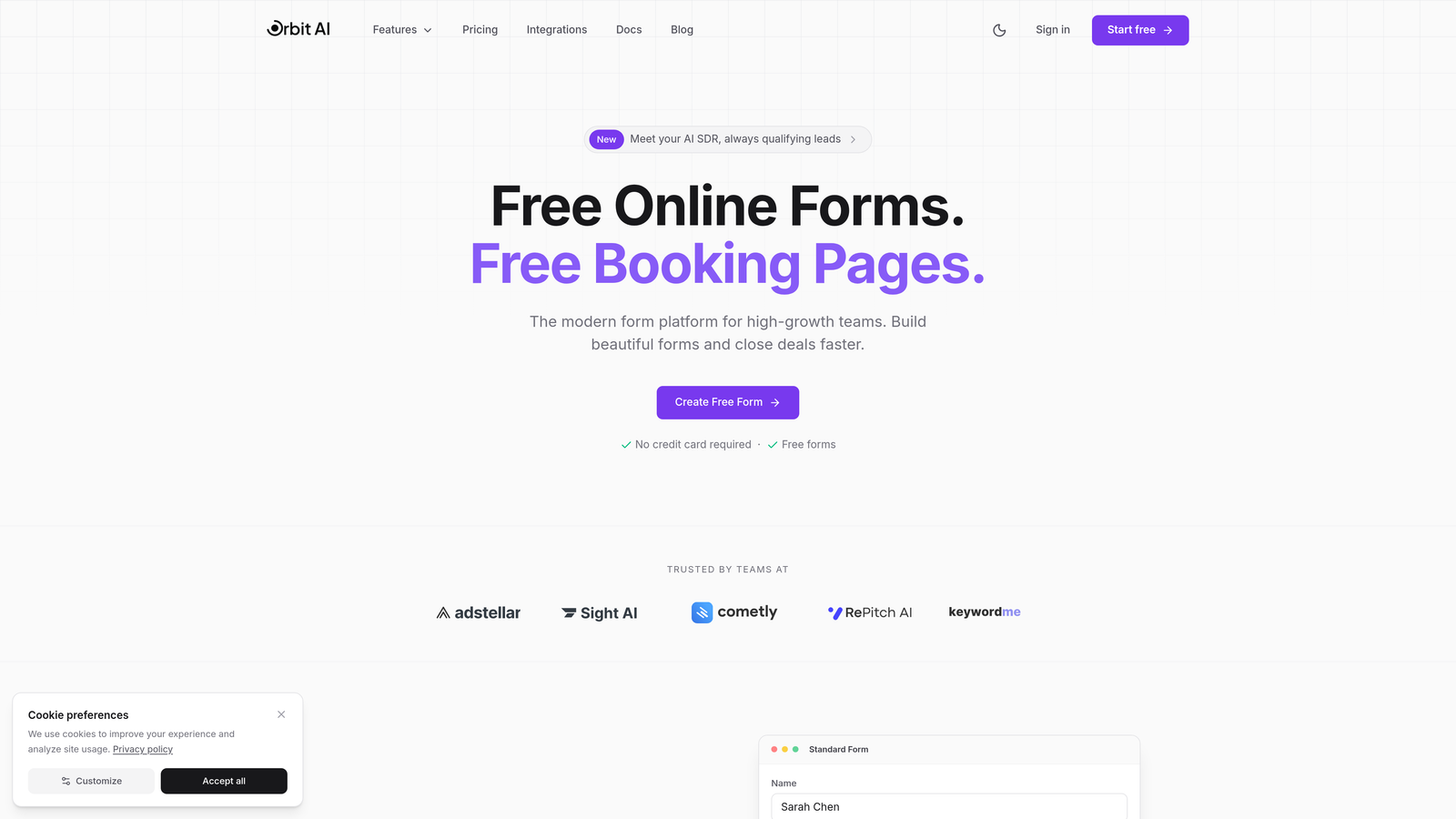
Orbit AI brings artificial intelligence to form building, automatically qualifying and scoring leads as they come in while maintaining the beautiful, modern design that keeps conversion rates high.
Where This Tool Shines
The platform's AI capabilities set it apart from traditional form builders. Instead of collecting raw leads and sorting them manually later, Orbit AI evaluates responses in real-time, routing high-quality prospects to your sales team immediately while nurturing others through automated workflows.
The conversion-optimized templates are built on data from thousands of high-performing forms, giving you a head start on design decisions that actually impact your bottom line. Teams report that the modern interface feels less like "filling out a form" and more like a natural conversation.
Key Features
AI-Powered Lead Qualification: Automatically scores and routes leads based on their responses, saving hours of manual sorting.
Conversion-Optimized Templates: Pre-built forms designed specifically for high conversion rates across different industries.
Native CRM Integrations: Seamlessly syncs with popular CRMs without complex middleware or zapier connections.
Beautiful Form Designs: Modern, branded forms that reflect your company's aesthetic while maintaining usability.
Workflow Automation: Trigger follow-up sequences, notifications, and internal processes based on form submissions.
Best For
Orbit AI is ideal for B2B companies, SaaS businesses, and high-growth teams where lead quality matters as much as quantity. If you're tired of sifting through unqualified leads or want to give your sales team only the hottest prospects, this is your solution.
Pricing
Visit their pricing page for current plan details. The platform offers flexible options designed for teams at different growth stages.
2. Jotform
Best for: Teams needing extensive template variety and a robust free tier
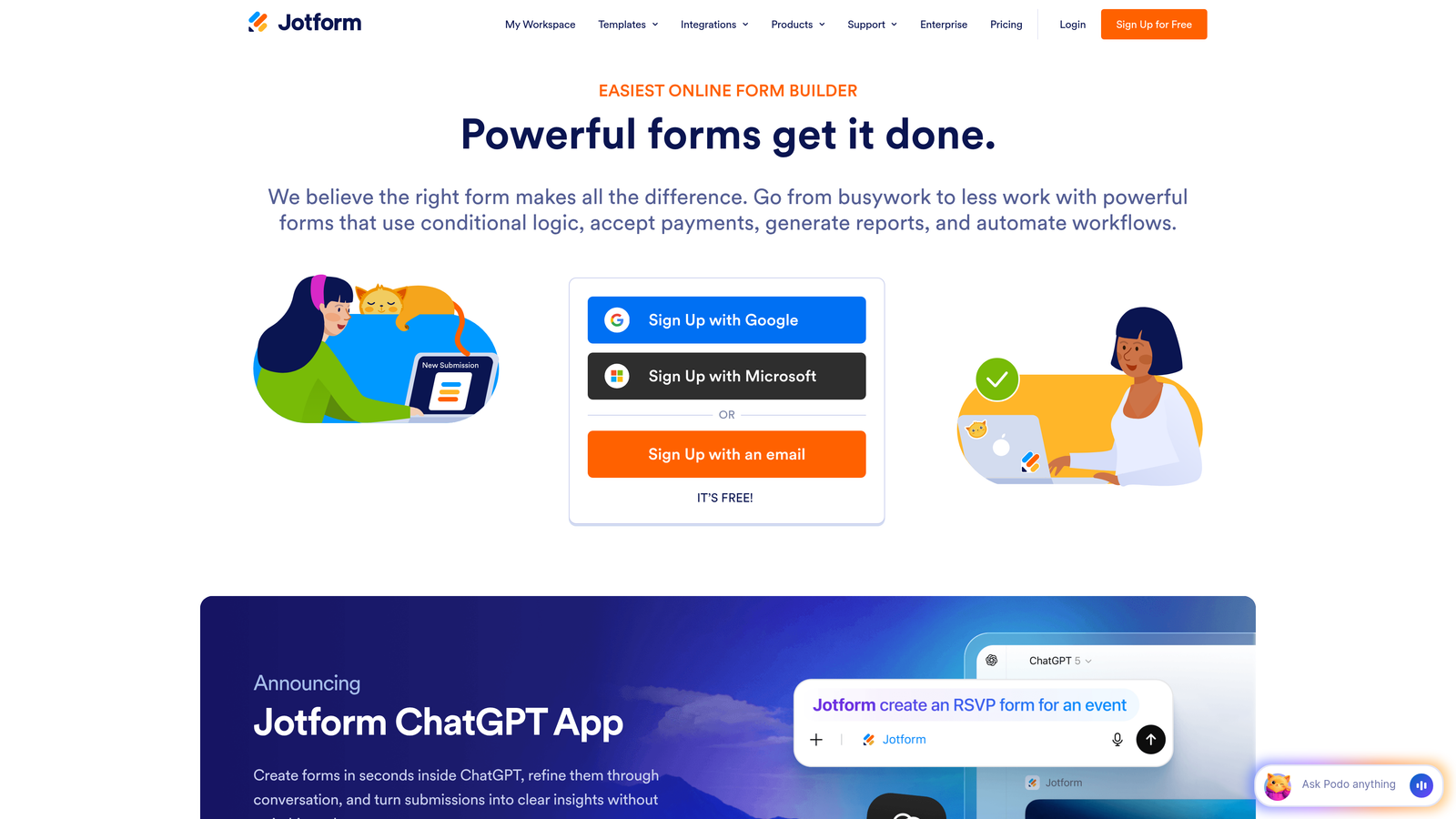
Jotform has built one of the most comprehensive form template libraries in the industry, making it easy to find a starting point for virtually any use case.
Where This Tool Shines
With over 10,000 templates spanning everything from event registrations to job applications to complex surveys, Jotform eliminates the blank canvas problem. You'll find pre-built forms for industries you didn't even know needed specialized forms.
The platform's longevity (it's been around since 2006) shows in its feature depth. Need to collect payments? Generate PDFs automatically? Manage submissions through a mobile app? Jotform has built-in solutions for all of these scenarios without requiring third-party integrations.
Key Features
10,000+ Templates: The largest template library in the industry, covering virtually every use case imaginable.
Drag-and-Drop Builder: Intuitive interface that makes form creation accessible even for non-technical users.
Payment Integrations: Accept payments directly through forms with support for major payment processors.
PDF Form Creation: Automatically generate PDF documents from form submissions for record-keeping or sharing.
Mobile App: Manage forms, view submissions, and make edits directly from iOS or Android devices.
Best For
Jotform works well for small businesses, nonprofits, and organizations that need versatile forms across multiple departments. The generous free tier makes it accessible for teams just starting out or those with basic needs.
Pricing
Free tier includes 5 forms and 100 monthly submissions. Paid plans start at $34/month with increased limits and advanced features.
3. Tally
Best for: Teams wanting simplicity with unlimited forms on the free plan
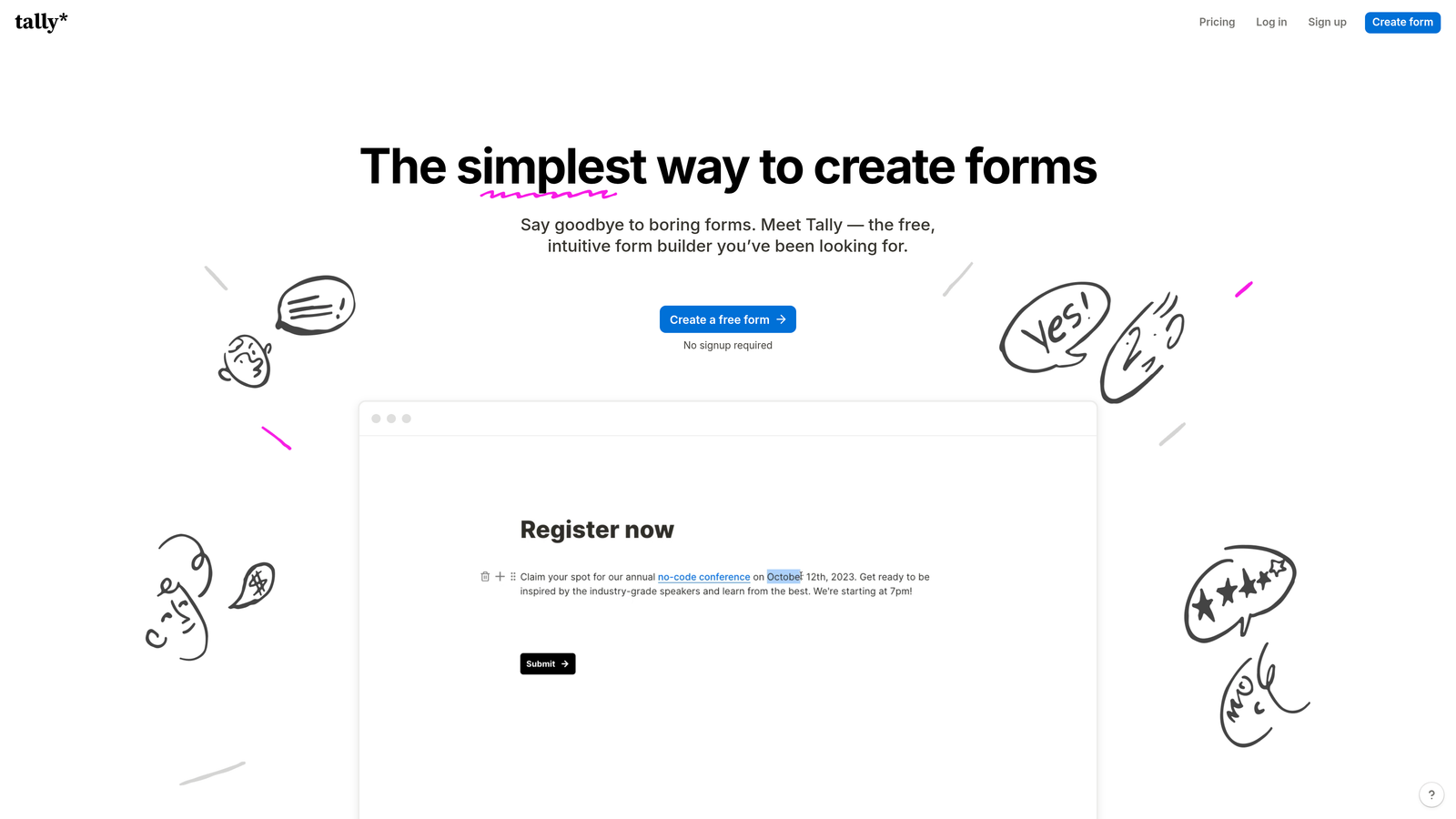
Tally takes a minimalist approach to form building, offering a Notion-like editing experience that feels immediately familiar to modern teams.
Where This Tool Shines
The standout feature is Tally's remarkably generous free plan: unlimited forms, unlimited submissions. No artificial limits forcing you to upgrade before you're ready. This makes it perfect for experimenting with different form strategies without budget concerns.
The Notion-style interface means there's virtually no learning curve if your team already uses block-based editors. You build forms by simply typing and selecting field types, rather than dragging elements around a canvas. It's fast, intuitive, and gets out of your way.
Key Features
Unlimited Free Forms: No artificial limits on the number of forms or submissions you can collect on the free tier.
Notion-Style Editing: Block-based interface that feels natural and requires minimal learning curve.
Conditional Logic: Show or hide questions based on previous answers to create dynamic form experiences.
Calculator Fields: Build forms that perform calculations automatically, useful for quotes or pricing estimates.
Custom Domains: Use your own domain for forms on paid plans to maintain brand consistency.
Best For
Tally is perfect for startups, solo entrepreneurs, and small teams who prioritize simplicity and want to avoid paying for features they don't need. If you're already comfortable with Notion, you'll feel right at home.
Pricing
Completely free for unlimited forms and submissions. Pro plan at $29/month adds custom domains, file uploads, and priority support.
4. Paperform
Best for: Design-focused teams wanting beautiful, branded forms with e-commerce capabilities
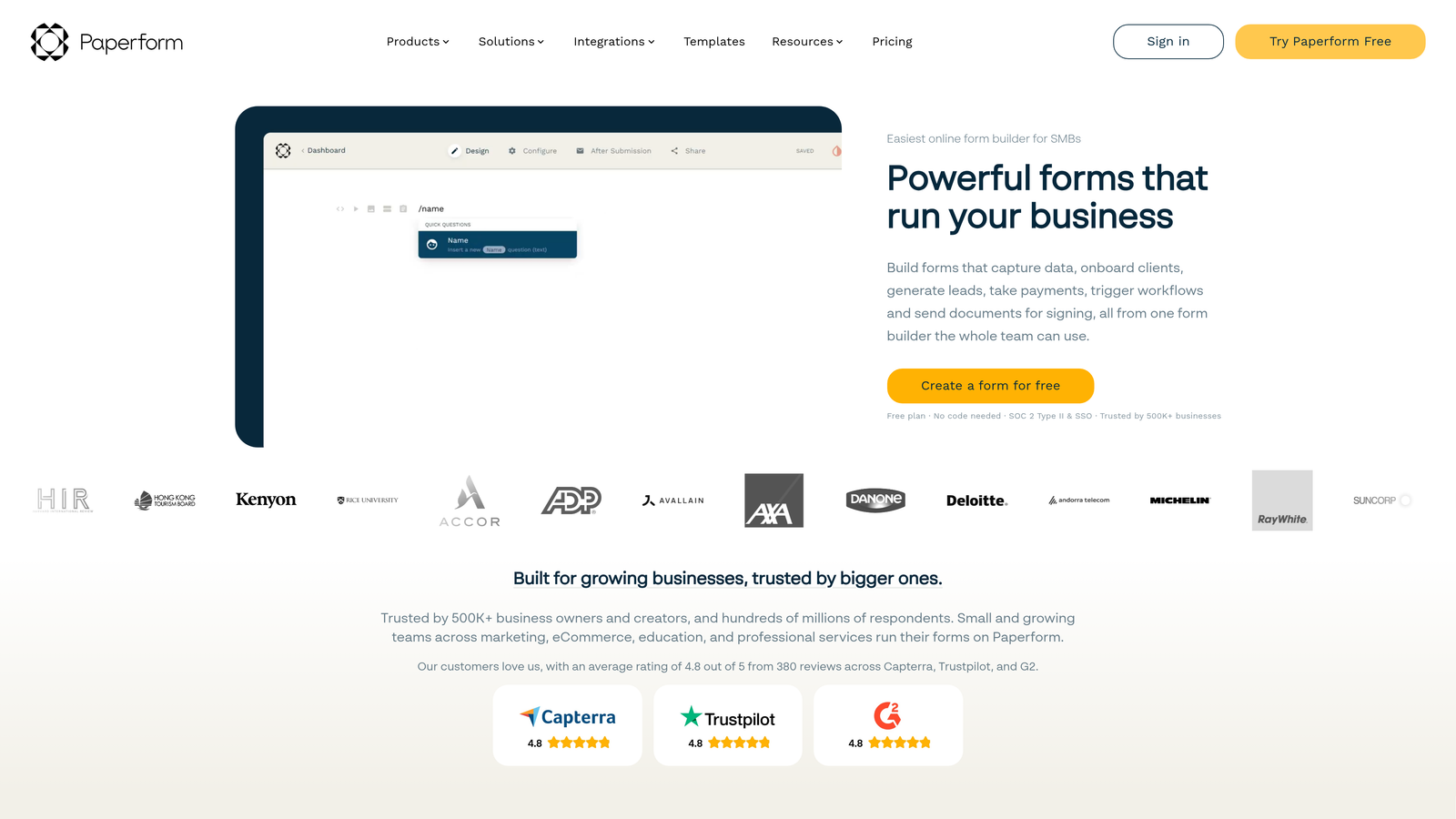
Paperform approaches form building like document creation, letting you craft forms that look more like landing pages than traditional questionnaires.
Where This Tool Shines
The document-style approach means you can embed rich text, images, videos, and custom branding throughout your forms. Instead of rigid form fields, you create flowing experiences that guide users through questions naturally, maintaining your brand aesthetic at every step.
The built-in payment processing and e-commerce features are surprisingly robust. You can sell products, accept bookings, process donations, or collect payments for services—all within the same beautiful form interface without redirecting to external checkout pages.
Key Features
Rich Media Embedding: Add images, videos, and formatted text throughout forms to create engaging experiences.
Built-In Payment Processing: Accept payments directly through forms with support for Stripe, PayPal, and Square.
Advanced Conditional Logic: Create complex branching paths based on multiple conditions and user responses.
Custom Branding: Full control over colors, fonts, and styling to match your brand identity perfectly.
Booking Forms: Schedule appointments and manage bookings with integrated calendar functionality.
Best For
Paperform excels for creative agencies, consultants, coaches, and businesses where brand presentation matters. If you need to collect payments or bookings while maintaining a premium brand experience, this is your tool.
Pricing
Plans start at $24/month for the Essentials tier. Higher tiers add advanced features like priority support and increased submission limits.
5. Fillout
Best for: Teams using Airtable, Notion, or similar database tools
Fillout bridges the gap between form builders and database tools, offering native integrations that sync data seamlessly with your existing workspace.
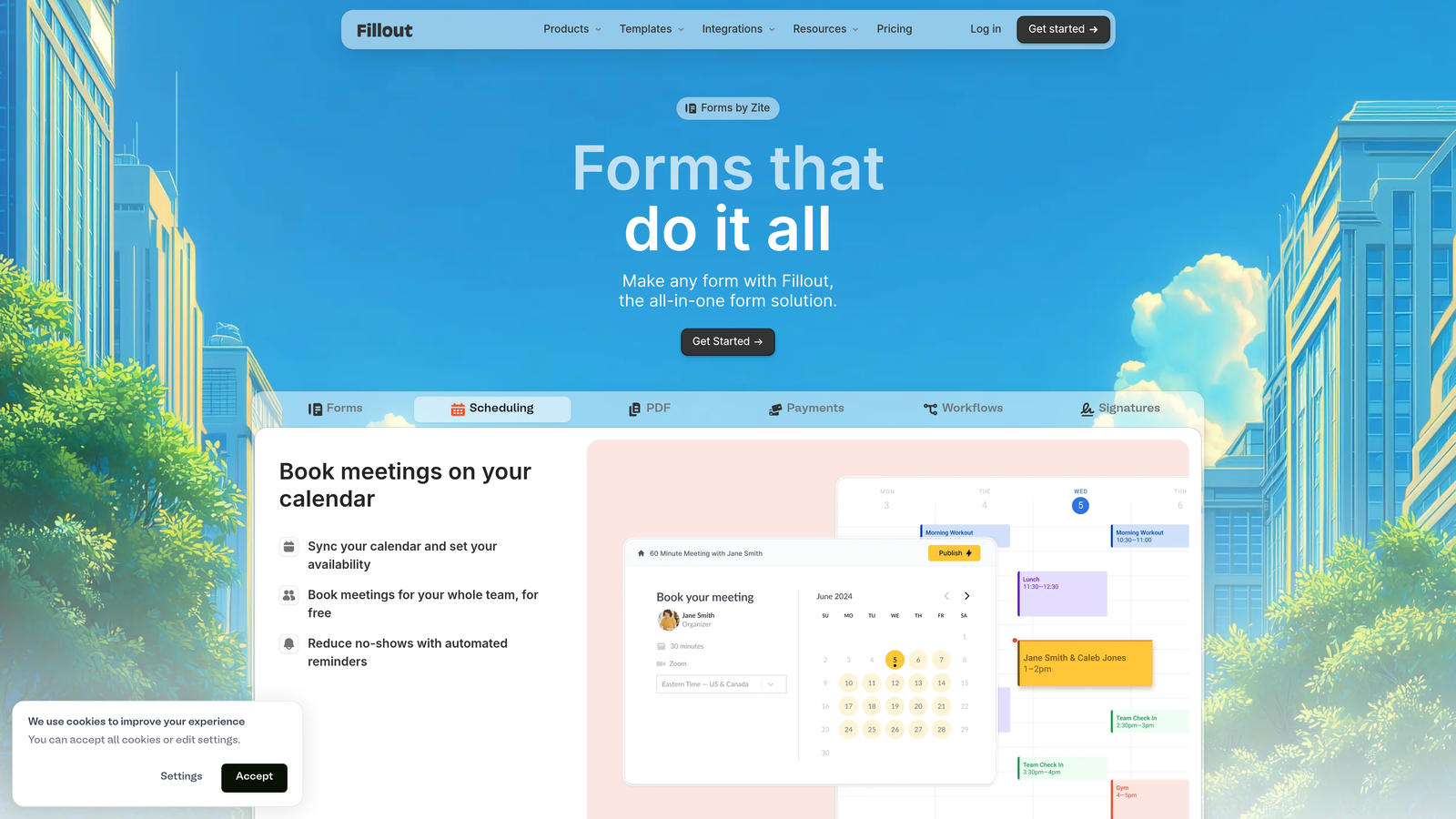
Where This Tool Shines
If you're already managing data in Airtable or Notion, Fillout eliminates the friction of moving information between systems. Forms sync directly to your databases in real-time, maintaining your existing structure and workflows without complex middleware.
The conversational form option gives you Typeform-style one-question-at-a-time experiences when you want them, but you can also create traditional multi-field forms. This flexibility means you're not locked into a single format regardless of your use case.
Key Features
Native Database Integration: Direct connections to Airtable and Notion that sync data automatically without third-party tools.
Conversational Forms: Create one-question-at-a-time experiences similar to Typeform when appropriate.
Multi-Page Forms: Break long forms into logical sections to improve completion rates.
File Uploads: Collect documents, images, and other files directly through forms.
Scheduling Capabilities: Let users book appointments or select time slots within forms.
Best For
Fillout is ideal for teams that have already built their operations around Airtable or Notion. If you're tired of manually copying form data into your databases or dealing with Zapier delays, this solves that problem elegantly.
Pricing
Free tier available with generous limits. Paid plans start at $15/month for increased submissions and advanced features.
6. Google Forms
Best for: Simple data collection without budget or advanced feature requirements
Google Forms remains the go-to choice for straightforward surveys and data collection, especially for teams already using Google Workspace.
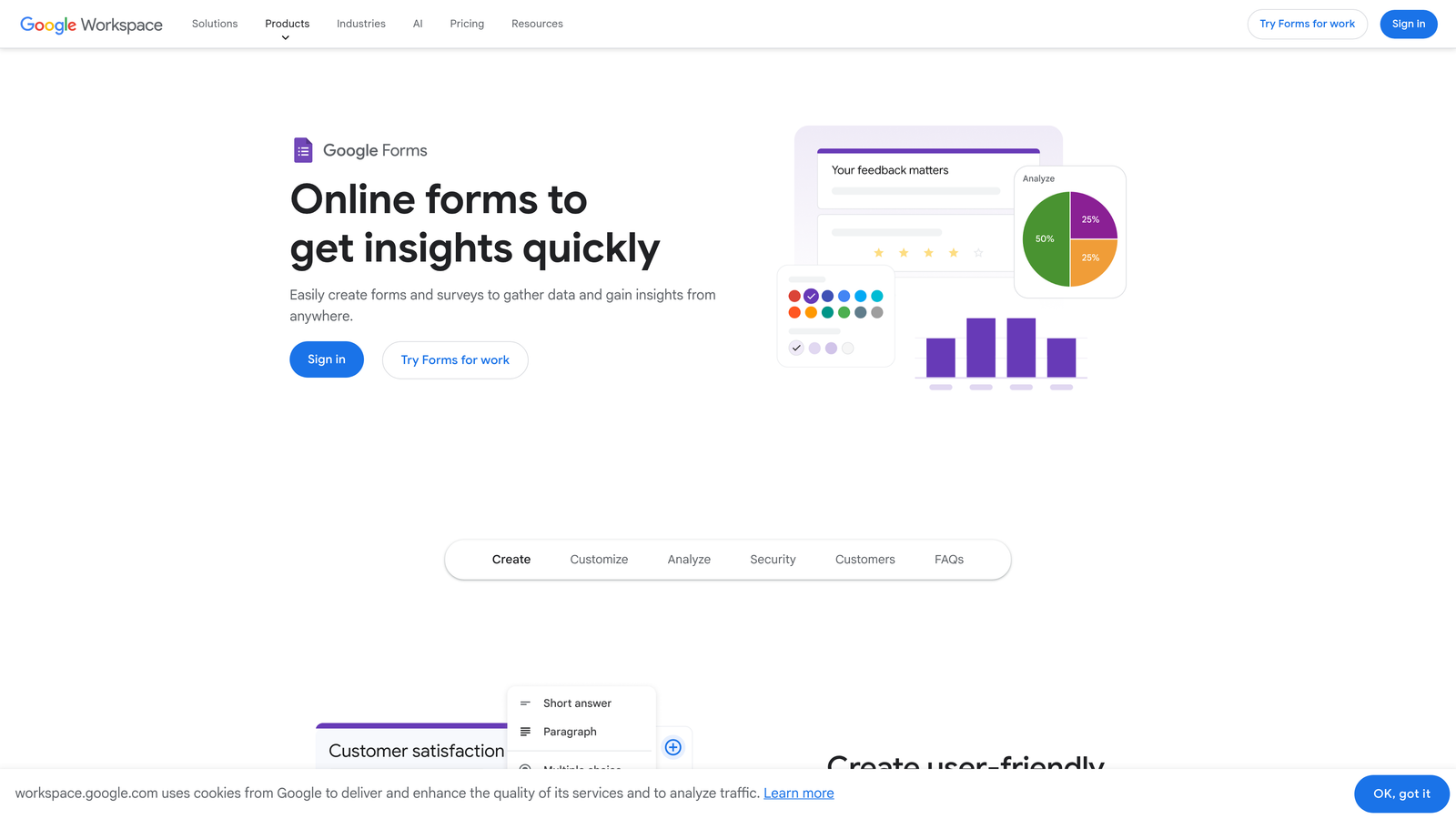
Where This Tool Shines
The complete lack of cost makes Google Forms unbeatable for basic needs. There are no submission limits, no hidden fees, and no upgrade prompts. You get unlimited forms and responses forever, which is remarkable in a market where most tools monetize through usage restrictions.
The Google Sheets integration is seamless and powerful. Responses flow directly into spreadsheets where you can analyze, manipulate, and share data using familiar tools. For teams that live in Google Workspace, this native integration eliminates friction entirely.
Key Features
Completely Free: Unlimited forms, unlimited responses, forever—included with any Google account.
Google Sheets Integration: Automatic syncing of responses to spreadsheets for easy analysis and sharing.
Real-Time Collaboration: Multiple team members can edit forms simultaneously, seeing changes instantly.
Basic Conditional Logic: Show or hide questions based on previous answers for simple branching.
Quiz Functionality: Create self-grading quizzes with automatic scoring and feedback.
Best For
Google Forms works well for schools, nonprofits, internal surveys, event registrations, and any scenario where you need basic data collection without design requirements or advanced features. It's perfect for quick one-off forms.
Pricing
Completely free with any Google account. No paid tiers or premium features.
7. HubSpot Forms
Best for: Teams already using HubSpot CRM for sales and marketing
HubSpot Forms integrates directly with the HubSpot ecosystem, making it the natural choice if you're already managing contacts and deals in their CRM.
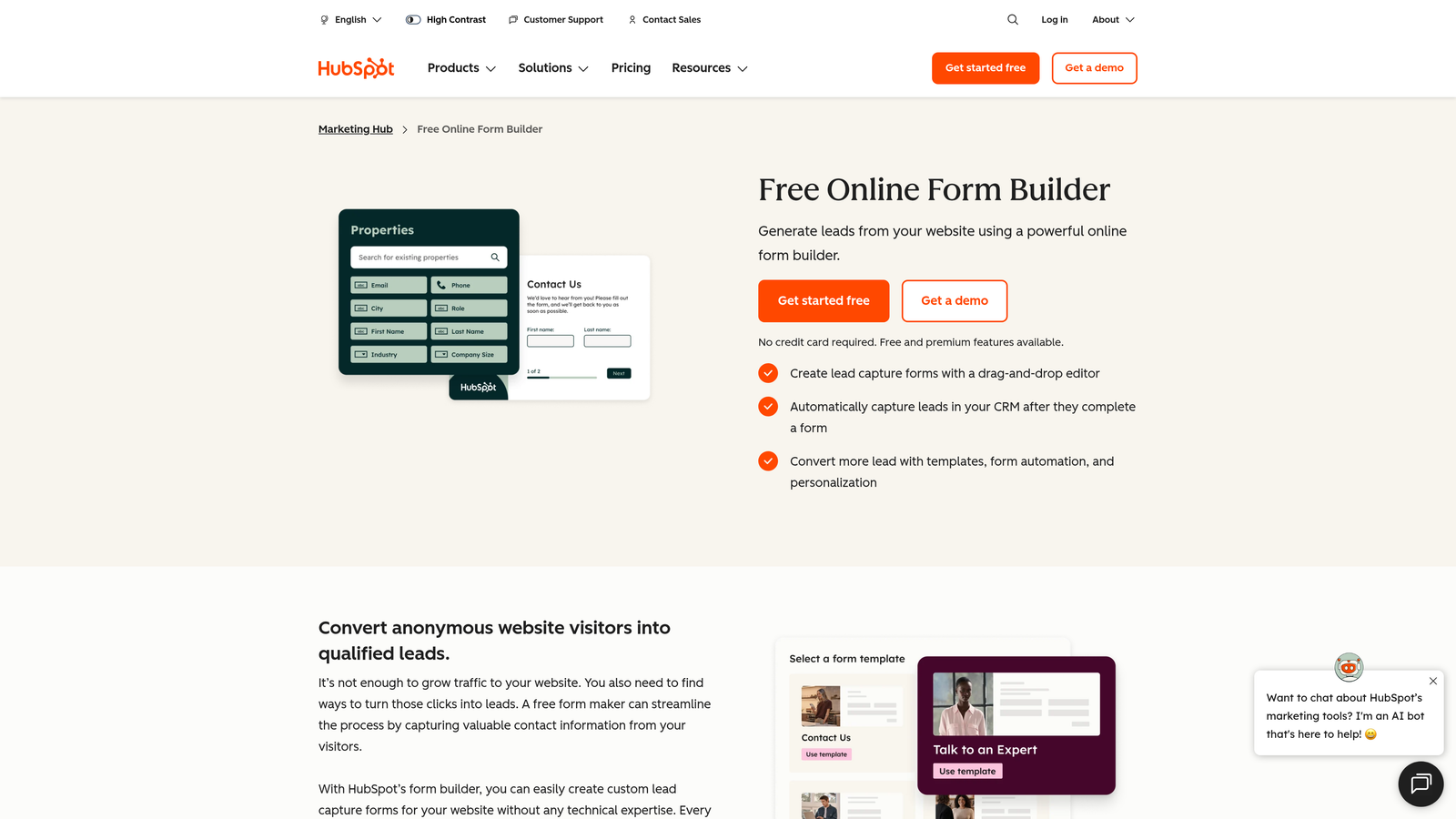
Where This Tool Shines
The native CRM integration means form submissions automatically create or update contact records, trigger workflows, and feed into your sales pipeline without any middleware. Your marketing and sales teams see new leads instantly in the tools they already use daily.
Progressive profiling is a standout feature: instead of asking known contacts the same questions repeatedly, HubSpot Forms automatically adjusts questions based on what information you already have. This reduces form friction for returning visitors while gradually building complete contact profiles.
Key Features
Native HubSpot CRM Integration: Automatic syncing of form data directly into contact records and deal pipelines.
Progressive Profiling: Dynamically adjust form questions based on existing contact information to reduce friction.
Lead Scoring Integration: Automatically score leads based on form responses and trigger appropriate follow-up workflows.
Marketing Automation: Launch email sequences, assign tasks, or notify team members based on form submissions.
A/B Testing: Test different form variations to optimize conversion rates systematically.
Best For
HubSpot Forms is the obvious choice if you're already invested in the HubSpot ecosystem. The tight integration eliminates data silos and manual work, making your marketing and sales processes significantly more efficient.
Pricing
Free tier available with basic features. Advanced capabilities like progressive profiling and A/B testing require paid HubSpot Marketing Hub plans.
8. Formstack
Best for: Enterprise teams in regulated industries requiring HIPAA compliance
Formstack focuses on enterprise-grade security, compliance, and workflow automation for organizations with strict data handling requirements.
Where This Tool Shines
The HIPAA-compliant infrastructure makes Formstack one of the few form builders suitable for healthcare organizations collecting protected health information. They handle Business Associate Agreements (BAAs) and maintain the security controls required for regulated data.
The workflow automation goes beyond simple email notifications. You can route submissions through approval chains, generate documents automatically, trigger electronic signature requests, and integrate with enterprise systems. These capabilities make Formstack suitable for complex business processes, not just simple data collection.
Key Features
HIPAA Compliance: Enterprise-grade security and compliance features for handling protected health information.
Advanced Conditional Logic: Create complex branching scenarios with multiple conditions and nested rules.
Workflow Automation: Build sophisticated approval processes and routing rules for form submissions.
Electronic Signatures: Collect legally binding signatures directly within forms for contracts and agreements.
Document Generation: Automatically create PDFs or other documents from form data using custom templates.
Best For
Formstack serves healthcare organizations, financial services, government agencies, and any enterprise that handles sensitive data or requires complex approval workflows. The higher price point reflects the enterprise focus and compliance capabilities.
Pricing
Plans start at $50/month for basic features. HIPAA compliance and advanced enterprise features require higher-tier plans.
9. Cognito Forms
Best for: Budget-conscious teams needing advanced calculations and payment processing
Cognito Forms delivers powerful features typically found in expensive enterprise tools at prices that work for small and medium-sized businesses.
Where This Tool Shines
The calculation engine is remarkably sophisticated. You can build forms that compute totals, apply discounts, calculate taxes, or determine pricing based on complex formulas—all happening in real-time as users fill out the form. This makes it excellent for quote requests, order forms, and applications that require dynamic pricing.
Payment processing is built directly into the platform with competitive transaction fees. You can collect one-time payments, set up recurring subscriptions, or let users choose their payment amount. The integration feels native rather than bolted-on, maintaining a smooth user experience.
Key Features
Advanced Calculation Fields: Build complex formulas that compute values dynamically based on user inputs.
Payment Processing: Accept payments with competitive rates and support for both one-time and recurring charges.
Repeating Sections: Let users add multiple entries of the same fields, perfect for registering multiple people or items.
Conditional Logic: Show, hide, or require fields based on previous answers to create dynamic experiences.
Electronic Signatures: Collect signatures directly within forms for agreements or approvals.
Best For
Cognito Forms works well for small businesses, consultants, and organizations that need advanced features like calculations and payments but can't justify enterprise pricing. It's particularly strong for order forms, registration forms, and quote requests.
Pricing
Free tier available with reasonable limits. Paid plans start at $15/month, making it one of the more affordable options with advanced features.
Making the Right Choice
The best Typeform alternative depends entirely on your specific needs and existing tech stack. If AI-powered lead qualification and conversion optimization are priorities, Orbit AI delivers capabilities that traditional form builders simply can't match. For teams already invested in specific ecosystems—whether that's HubSpot, Airtable, or Google Workspace—choosing the native option eliminates integration headaches.
Budget-conscious teams will find excellent value in Tally's unlimited free plan or Cognito Forms' affordable pricing with advanced features. If you're in a regulated industry, Formstack's compliance capabilities justify the higher cost. And for pure simplicity without any learning curve, Google Forms remains unbeatable for basic needs.
Design-focused organizations should look at Paperform's document-style approach, while teams drowning in template options will appreciate Jotform's extensive library. The key is matching the tool's strengths to your actual workflow rather than chasing features you'll never use.
Consider starting with a free tier or trial to test how the form builder fits into your actual processes. Pay attention to conversion rates, user feedback, and how smoothly data flows into your existing systems. The right tool should feel invisible—it just works.
Transform your lead generation with AI-powered forms that qualify prospects automatically while delivering the modern, conversion-optimized experience your high-growth team needs. Start building free forms today and see how intelligent form design can elevate your conversion strategy.


