

For startups, every lead matters. And clunky, outdated forms are quietly killing conversion rates before prospects ever reach your sales team. Whether you're qualifying inbound leads, running onboarding flows, or collecting customer feedback, the form builder you choose directly shapes how many visitors become pipeline.
The good news: a new generation of modern form builders has made it easier than ever to create beautiful, high-converting forms without touching a line of code. The challenge is figuring out which tool actually fits a fast-moving startup's needs, budget, and stage.
Here are the top modern form builders for startups in 2026, evaluated on ease of use, design quality, lead qualification capabilities, integrations, and pricing.
1. Orbit AI
Best for: High-growth teams that need AI-powered lead qualification built directly into their form flow.
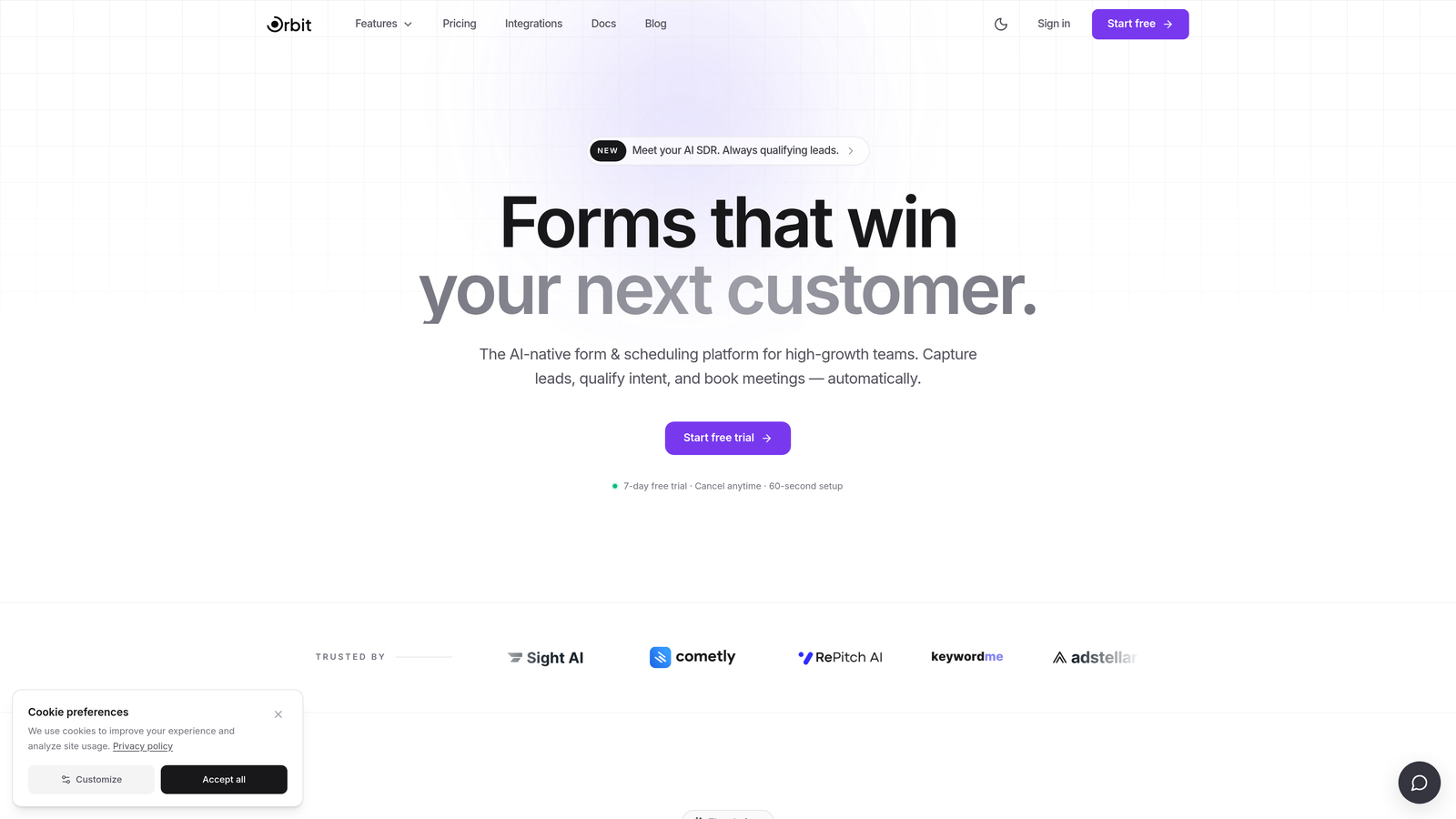
Orbit AI is an AI-native form builder designed specifically for startups and growth teams that want to do more than collect data — they want to qualify, score, and route leads automatically.
Where This Tool Shines
Most form builders are passive. They collect submissions and hand them off to your CRM. Orbit AI is different because lead qualification is baked directly into the form experience itself. As prospects move through a form, the AI is already assessing fit, scoring intent, and routing responses to the right place — before anyone on your team has to lift a finger.
For lean startup teams where sales reps are juggling dozens of conversations, that kind of intelligent triage is genuinely valuable. The form design is also modern and conversion-optimized out of the box, which means you're not sacrificing aesthetics for functionality.
Key Features
AI-Powered Lead Qualification: Automatically qualifies and scores leads based on responses, so your sales team focuses on the highest-value prospects first.
Conversion-Optimized Design: Clean, modern UI built to reduce drop-off and maximize completion rates without requiring design resources.
Lead Scoring and Routing: Intelligent routing sends qualified leads to the right team member or CRM workflow based on their score and profile.
No Engineering Required: Built for growth and marketing teams — you can launch sophisticated, multi-step forms without developer support.
CRM and Marketing Integrations: Connects with the CRM and marketing automation tools your stack already depends on.
Best For
Orbit AI is the strongest fit for startups that are actively focused on lead generation and conversion optimization. If you're past the "just collect emails" stage and need your forms to do real qualification work, this is where the tool earns its place. Particularly well-suited to SaaS teams, growth marketers, and sales-led organizations scaling from seed to Series B.
Pricing
Visit orbitforms.ai for current pricing and plan details. Pricing is designed with growth teams in mind.
2. Typeform
Best for: Startups that prioritize brand experience and want a polished, conversational form UX.
Typeform is a conversational form builder known for its one-question-at-a-time format and design-forward aesthetic.

Where This Tool Shines
Typeform built its reputation on making forms feel less like forms. The single-question format keeps respondents focused, reduces cognitive overload, and typically improves completion rates compared to traditional multi-field layouts. For startups where brand perception matters, Typeform's polished output makes a strong impression.
It's also one of the most widely integrated tools in this space, connecting natively with HubSpot, Salesforce, Slack, and Zapier. That makes it easy to plug into an existing stack without custom engineering work.
Key Features
Conversational Format: One-question-at-a-time flow reduces friction and keeps respondents engaged through to completion.
Design Templates: High-quality, brand-consistent templates that look professional without requiring a designer.
Conditional Logic: Branching and logic rules let you personalize the form experience based on earlier answers.
Native Integrations: Direct connections to HubSpot, Salesforce, Slack, and Zapier for seamless data handoff.
Free Plan: A free tier is available, though it comes with response and feature limitations.
Best For
Typeform works well for product-led startups, user research teams, and marketing teams running surveys or lead capture campaigns where brand experience is a priority. Worth noting: pricing can escalate at higher response volumes, so startups watching burn rate should model costs before committing to a paid plan.
Pricing
Free plan available with limitations. Paid plans start at approximately $25/month, with costs scaling based on response volume.
3. Tally
Best for: Pre-launch and early-stage founders who need fast, free form creation without hidden paywalls.
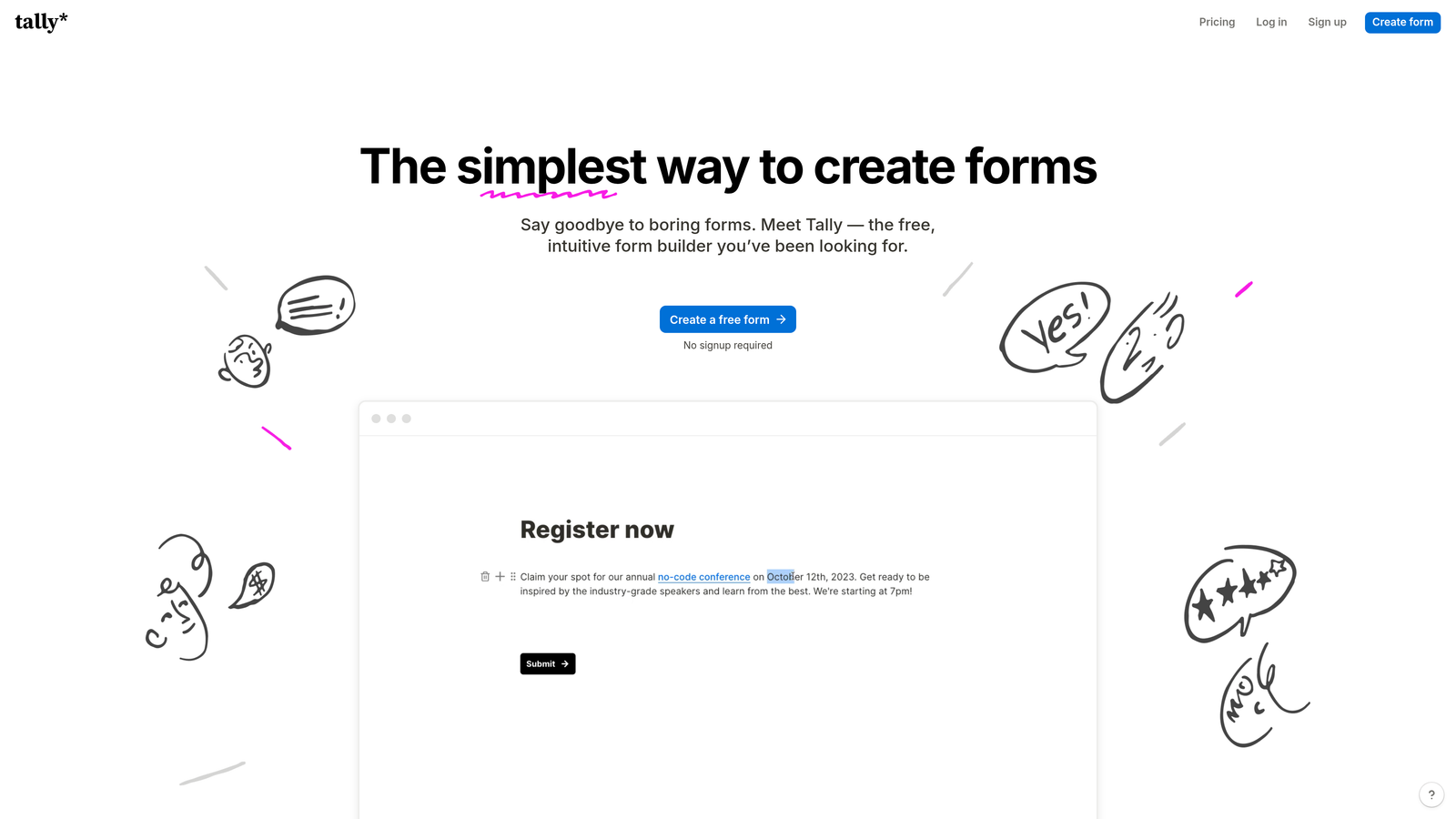
Tally is a free-first form builder with a Notion-style block editor that has become a go-to tool among indie hackers and early-stage startup teams.
Where This Tool Shines
Tally's biggest differentiator is its free tier, which is genuinely generous. Unlike most competitors that remove branding only on paid plans, Tally's free plan doesn't force their logo on your forms. You also get unlimited forms and unlimited responses, which is unusual at zero cost.
The Notion-like editing experience feels immediately familiar to startup teams already living in that ecosystem. Setup is fast, the learning curve is minimal, and for pre-launch or MVP-stage teams that just need to start collecting data, Tally removes every barrier to getting live quickly.
Key Features
Genuinely Free Tier: Unlimited forms and responses with no forced branding — a rare combination in this category.
Notion-Style Editor: Block-based editing that feels familiar and intuitive for teams already using Notion.
Basic Conditional Logic: Simple branching logic to create more personalized form flows.
Zapier Integration: Connect to your existing tools via Zapier on the free plan.
Fast Setup: Launch a form in minutes with no onboarding friction.
Best For
Tally is ideal for founders in the earliest stages: pre-launch validation, waitlist signups, user research, and MVP feedback collection. It's less suited for teams that need advanced lead qualification, AI features, or complex multi-step workflows. As your needs grow, you'll likely outgrow it.
Pricing
Free plan available with no response limits. Pro plan starts at approximately $29/month for advanced features.
4. Paperform
Best for: Startups that want forms to function as standalone landing pages with built-in payment collection.
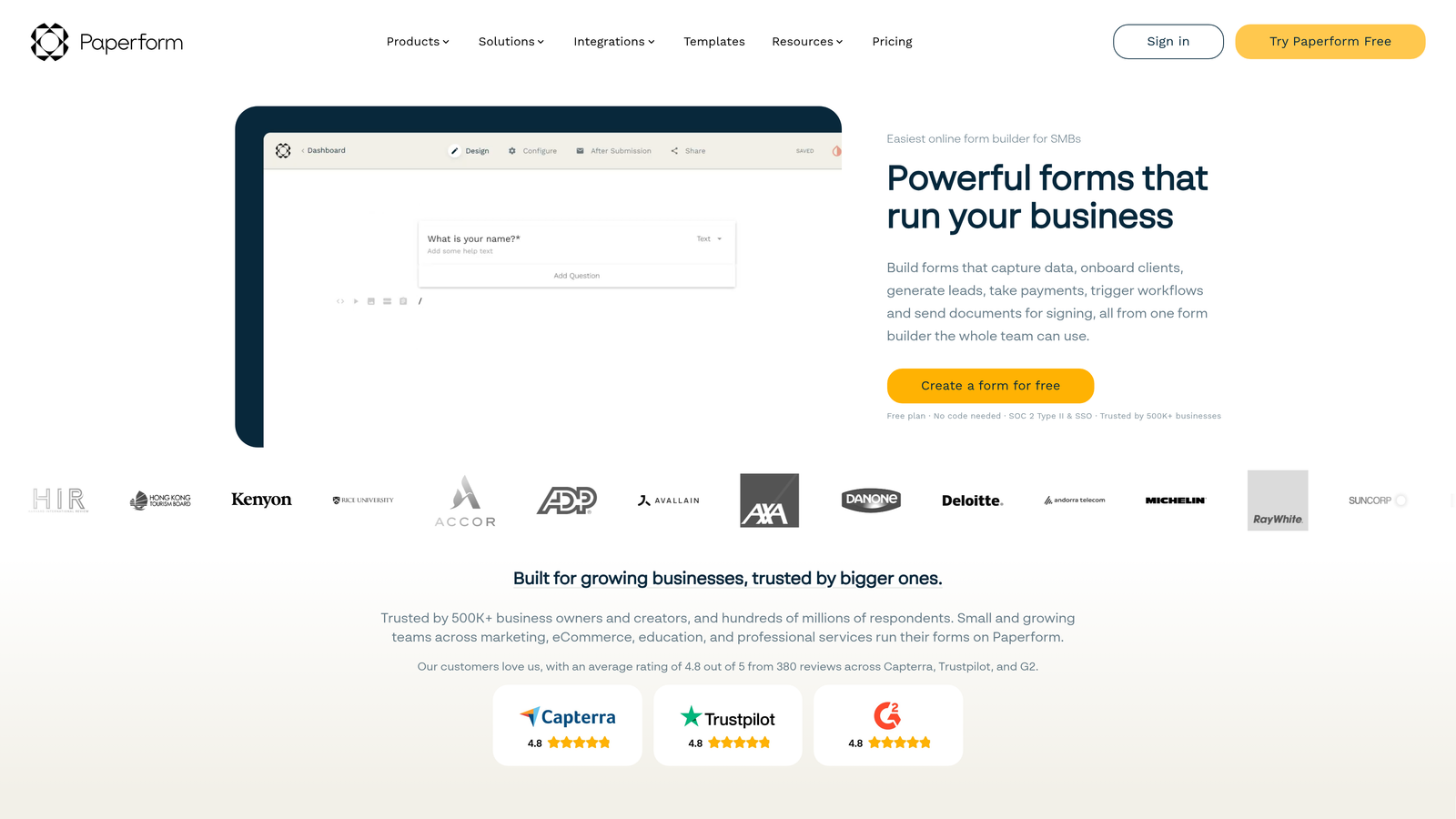
Paperform is a flexible form builder that blends form creation with landing page design, making it a strong option for startups running paid pilots or product launches.
Where This Tool Shines
Paperform occupies an interesting middle ground between a form builder and a lightweight landing page tool. You can create forms that look and behave like full product pages, complete with rich text, images, and custom themes. This is particularly useful for startups that want a polished user experience without spinning up a separate landing page tool.
The built-in payment collection via Stripe and PayPal is another genuine differentiator. If you're running a paid pilot, selling a workshop, or collecting deposits, Paperform handles the transaction layer without requiring a separate integration or checkout tool.
Key Features
Landing Page-Style Forms: Rich design options let forms function as standalone pages with full brand customization.
Built-In Payments: Native Stripe and PayPal integration for collecting payments directly within the form.
Calculation Fields: Useful for quoting tools, pricing calculators, and dynamic forms that respond to user input.
Conditional Logic: Strong branching and logic capabilities for personalized form experiences.
Custom Themes: Deep visual customization to match your startup's brand without design resources.
Best For
Paperform suits early-to-growth-stage startups that need forms with a high design bar, especially those with a payment or quoting component. It's particularly useful for SaaS teams running paid pilots, service businesses, and founders who want their forms to feel like a product experience rather than a data collection tool.
Pricing
No permanent free plan. A 14-day trial is available. Paid plans start at approximately $29/month.
5. Jotform
Best for: Startups that need a wide template library or compliance-grade features like HIPAA support.
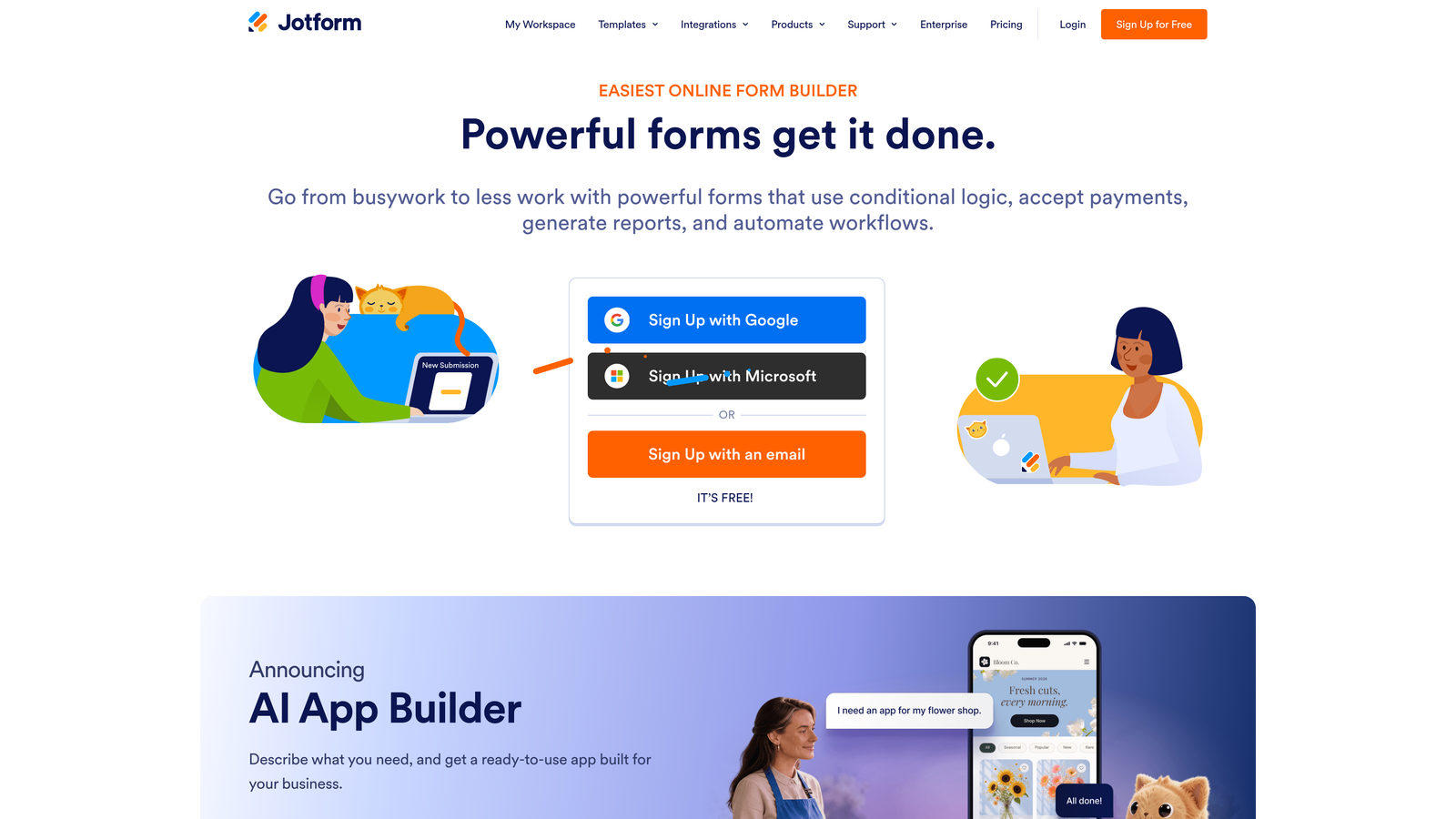
Jotform is a feature-rich form builder with one of the largest template libraries in the market and enterprise-grade compliance options that matter for regulated industries.
Where This Tool Shines
If you need a form for a specific use case, Jotform almost certainly has a template for it. The library spans thousands of pre-built forms across industries, which dramatically reduces setup time for teams that want to launch quickly without building from scratch.
For health-tech startups or any team operating in a regulated environment, Jotform's HIPAA-compliant plans are a meaningful advantage. Few form builders in this tier offer that level of compliance infrastructure, making Jotform a practical choice when data sensitivity is a requirement rather than a nice-to-have.
Key Features
Massive Template Library: Thousands of pre-built templates across industries, reducing time-to-launch significantly.
HIPAA-Compliant Plans: Available for health-tech and regulated startups that need compliant data handling.
Extensive Integrations: Connects with CRMs, payment processors, and cloud storage tools across a wide ecosystem.
Form Analytics: Built-in submission tracking and analytics to monitor form performance over time.
Free Plan: Available with monthly submission limits and Jotform branding on forms.
Best For
Jotform is a strong fit for startups in regulated industries, teams that need a wide variety of form types quickly, and organizations with complex integration requirements. The interface can feel dated compared to newer entrants on this list, but the feature depth and compliance capabilities make it worth considering for the right use case.
Pricing
Free plan available with monthly submission limits. Paid plans start at approximately $34/month.
6. Formstack
Best for: Growth-stage startups with complex internal workflows that need form data to trigger multi-step processes.
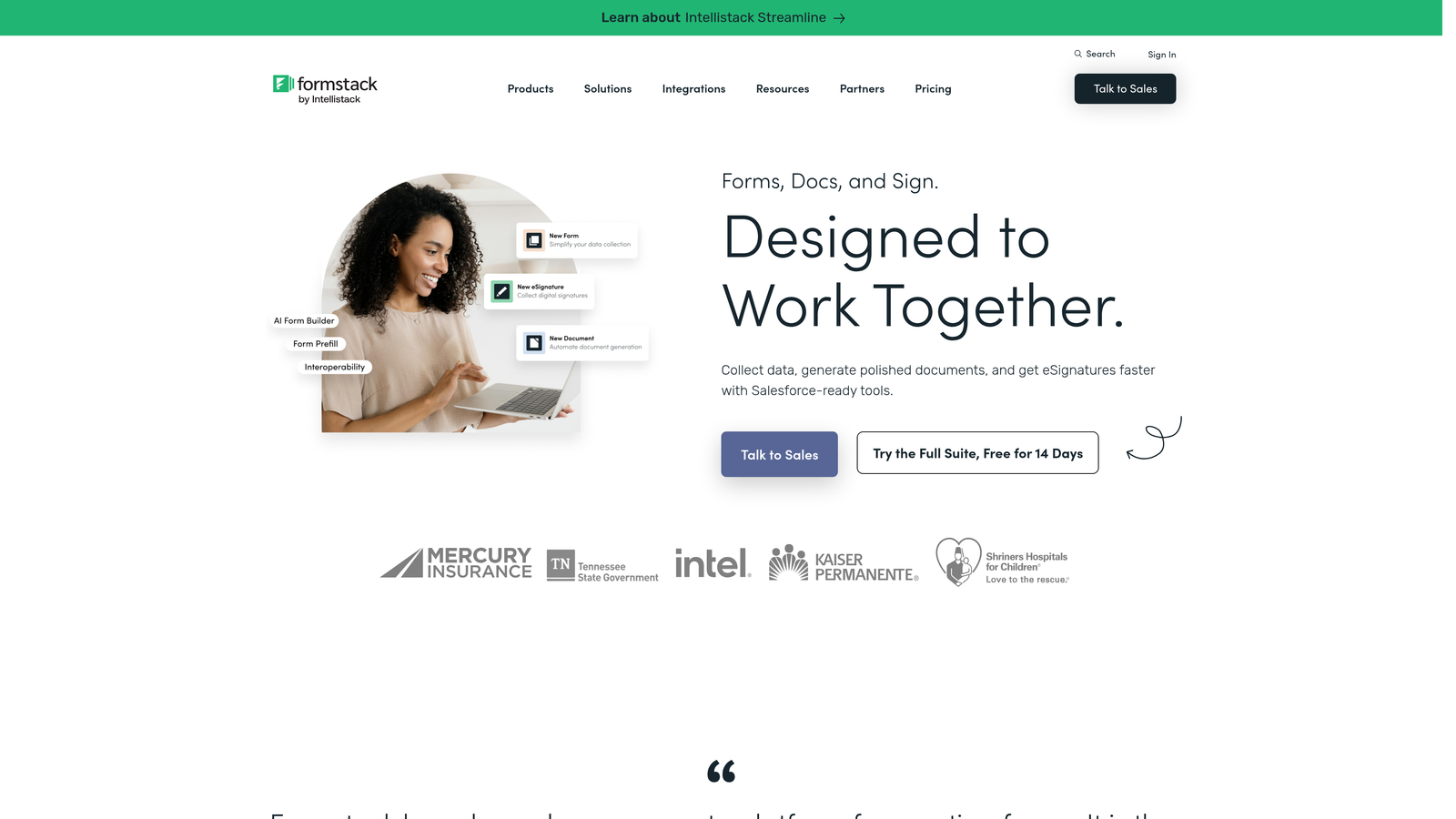
Formstack is a workflow-automation-focused form platform built for teams where form submissions need to initiate complex internal routing, approvals, and document generation.
Where This Tool Shines
Formstack goes well beyond data collection. Where most form builders hand off a submission to a CRM and stop there, Formstack can trigger multi-step internal workflows, generate documents, collect e-signatures, and route data through approval chains. For RevOps and sales ops teams, that level of automation is a genuine operational advantage.
It also integrates deeply with enterprise tools like Salesforce and HubSpot, making it a natural fit for growth-stage startups that have moved beyond simple lead capture and need their forms to power more sophisticated business processes.
Key Features
Advanced Workflow Automation: Multi-step data routing and approval workflows triggered directly from form submissions.
Document Generation: Automatically generate documents from form data, reducing manual work for ops teams.
E-Signature Capabilities: Collect legally binding signatures as part of a form or workflow process.
Conditional Logic: Robust branching and approval logic for complex, multi-stakeholder processes.
Enterprise Integrations: Native connections to Salesforce, HubSpot, and other enterprise-grade tools.
Best For
Formstack is better suited to growth-stage startups with operational complexity than to early-stage teams. If your primary need is lead capture or simple data collection, the pricing and feature set will likely feel like overkill. But for RevOps, sales ops, or any team running complex internal processes, it's a serious tool worth evaluating.
Pricing
Plans start at approximately $83/month. No free tier is available.
Which Tool Is Right for Your Startup?
The right form builder depends on where you are and what you're trying to accomplish. Here's a quick-reference guide to help you decide.
For AI-powered lead qualification and conversion optimization: Orbit AI is the clear choice. If your forms need to do more than collect data — if they need to score, qualify, and route leads intelligently — no other tool on this list offers that capability natively. It's built for exactly the kind of high-growth, sales-focused team that treats every form submission as pipeline.
For brand-forward conversational forms: Typeform delivers the most polished out-of-the-box experience, particularly for teams where the form itself is a brand touchpoint. Just watch the pricing as your response volume grows.
For pre-launch and zero-budget teams: Tally's free tier is the most generous on this list. If you're validating an idea, collecting waitlist signups, or running early user research, Tally gets you live fast with no financial commitment.
For forms that double as landing pages or include payments: Paperform's hybrid approach is hard to match. It's particularly useful for startups running paid pilots or product launches where a dedicated checkout page feels like overkill.
For regulated industries or template-heavy use cases: Jotform's compliance infrastructure and template library make it the practical choice for health-tech startups or teams that need a wide variety of form types quickly.
For growth-stage teams with complex ops workflows: Formstack earns its higher price point for RevOps and sales ops teams that need forms to trigger multi-step internal processes, document generation, and approval chains.
If lead generation and conversion optimization are central to your growth strategy, the smartest move is to start with a tool built for exactly that. Start building free forms today with Orbit AI and see how intelligent, AI-powered form design can transform your lead qualification process from a manual task into an automated growth engine.


