

Your form is often the last thing standing between a visitor and a conversion. Get it wrong, and even the best-optimized landing page fails to deliver. Get it right, and you turn traffic into qualified pipeline at a rate that compounds over time.
The challenge is that "form builder" means very different things depending on who's selling it. Some tools prioritize beautiful design. Others focus on complex logic and routing. The best conversion-focused packages bring all of it together: smart design, behavioral logic, lead qualification, analytics, and the integrations your team already relies on.
To cut through the noise, we evaluated tools based on conversion optimization features, A/B testing capabilities, CRM integrations, lead qualification tools, pricing flexibility, and ease of use. Whether you're a lean startup or a scaling B2B SaaS team, this list covers the packages built to turn more visitors into qualified leads. For more context on getting the most from these tools, check out our lead generation form optimization tips and our guide on how to buy a conversion optimization tool that fits your stack.
1. Orbit AI
Best for: High-growth B2B teams that need AI-powered lead qualification built directly into their forms.
Orbit AI is an AI-powered form builder platform with real-time lead qualification and scoring built into every form experience.
Where This Tool Shines
Most form builders collect data and hand it off to your CRM for someone else to sort through. Orbit AI takes a fundamentally different approach: it qualifies leads as they fill out the form, scoring responses in real time so your sales team knows exactly who to prioritize the moment a submission lands.
The platform is built with B2B conversion in mind. Multi-step conversational flows reduce friction, intelligent conditional logic adapts the form experience based on what a prospect reveals, and the template library is designed specifically for B2B use cases rather than generic contact forms. For high-growth teams where every lead matters, this combination of design quality and qualification intelligence is genuinely hard to replicate elsewhere.
Key Features
AI-Powered Lead Qualification and Scoring: Automatically scores leads in real time based on form responses, so sales teams can prioritize outreach without manual review.
Conversion-Optimized B2B Templates: Pre-built form templates designed around B2B conversion best practices, not generic layouts.
Intelligent Conditional Logic: Field suggestions and branching logic that adapt dynamically to what prospects enter, creating a personalized experience.
CRM Integrations and Lead Routing: Connects directly with major CRMs to route qualified leads automatically, eliminating manual data transfer.
Multi-Step Conversational Forms: Breaks longer forms into engaging, step-by-step experiences that improve completion rates compared to single-page formats.
Best For
Orbit AI is the strongest fit for B2B SaaS companies, demand generation teams, and growth marketers who need more than a data collection tool. If lead quality is as important as lead volume in your funnel, the built-in qualification layer makes this platform stand apart from traditional form builders.
Pricing
Visit orbitforms.ai for current package details and to explore available tiers.
2. Typeform
Best for: Teams that want conversational, high-engagement form experiences with a polished visual finish.
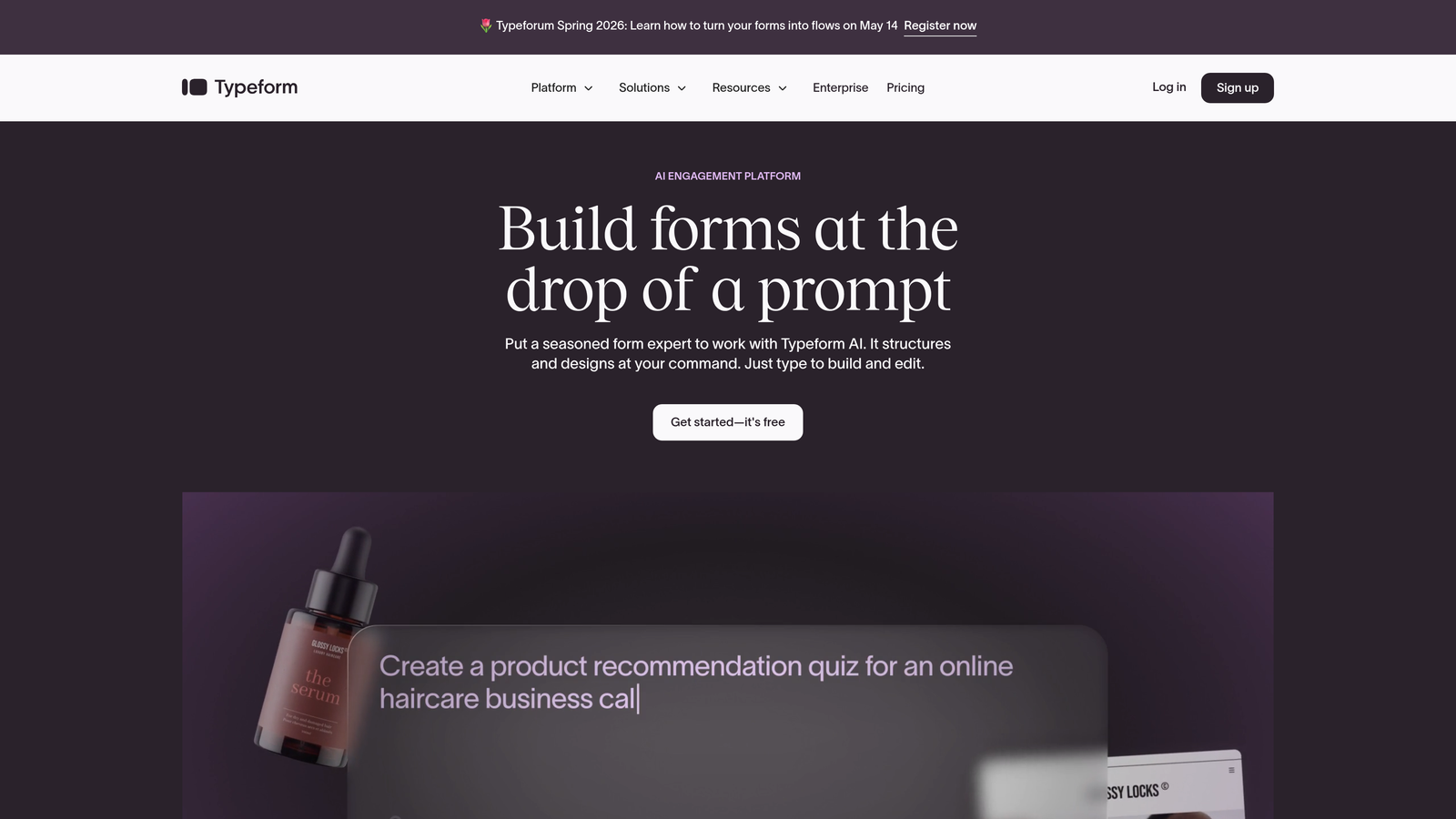
Typeform is a conversational form builder built around a one-question-at-a-time format that drives strong engagement and completion.
Where This Tool Shines
Typeform's core insight is that forms feel less like forms when they present one question at a time. The experience is closer to a conversation than a survey, which tends to reduce abandonment, especially for longer forms. The interface is clean, visually impressive, and easy to embed across channels.
Where it pulls ahead for conversion-focused teams is in its logic jump system, which allows for personalized branching flows based on previous answers. You can guide different respondent types through entirely different paths in a single form, making it a solid choice for lead segmentation.
Key Features
One-Question-at-a-Time Format: Reduces cognitive load and keeps respondents focused, improving completion rates for longer forms.
Logic Jumps and Branching: Personalizes the form experience based on previous answers, enabling smart segmentation without multiple forms.
Native Integrations: Connects with HubSpot, Salesforce, Mailchimp, Slack, and dozens of other tools out of the box.
Flexible Embedding Options: Deploy as embeds, popups, or sliders across landing pages and websites with minimal setup.
Video and Image Embedding: Add rich media directly within forms to provide context or reinforce your brand mid-flow.
Best For
Typeform works well for marketing teams focused on engagement quality: lead generation campaigns, onboarding surveys, product feedback, and qualification flows where a polished experience reflects on the brand. It is less suited for teams that need deep analytics or native lead scoring.
Pricing
Free plan available with basic features; paid plans start around $25/month, with higher tiers unlocking more responses, integrations, and advanced logic.
3. Unbounce Smart Builder
Best for: Paid traffic teams that need landing pages and forms optimized together for maximum conversion.
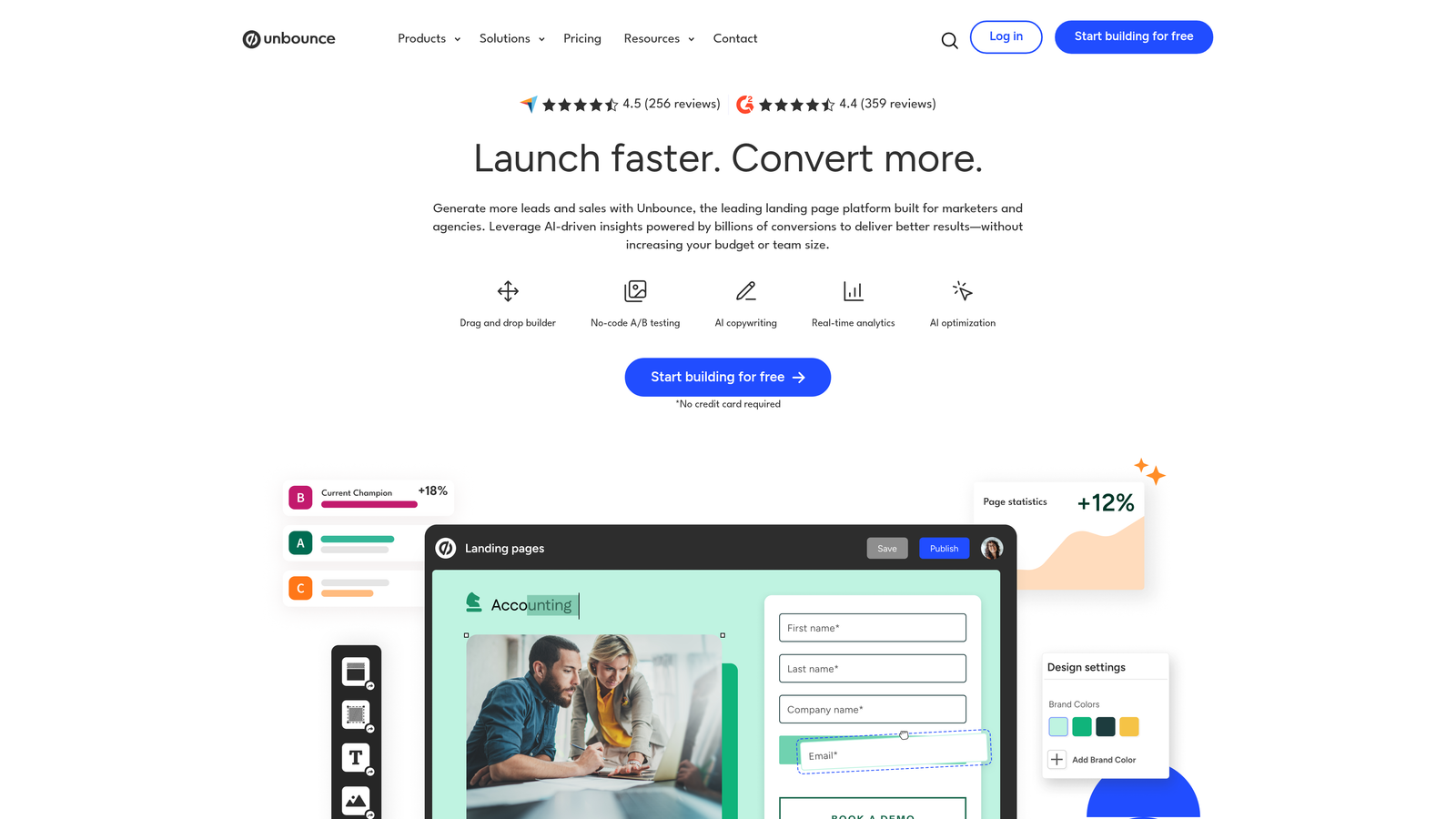
Unbounce Smart Builder is an AI-powered landing page and form builder that uses Smart Traffic to automatically route visitors to the highest-converting variant.
Where This Tool Shines
Unbounce's real advantage is that it treats the form and the landing page as a single conversion unit rather than two separate problems. You build both in the same environment, which means your form design, copy, and layout are all tested together. Smart Traffic goes a step further by using machine learning to route each visitor to the variant most likely to convert based on their attributes.
For teams running paid search or social campaigns, this is a significant edge. Rather than waiting for statistical significance in a traditional A/B test, Smart Traffic starts optimizing with smaller sample sizes and adapts continuously.
Key Features
Smart Traffic Optimization: AI routes visitors to the highest-converting page variant automatically, reducing the time needed to see optimization gains.
Drag-and-Drop Page Builder: Build full landing pages with integrated forms without any developer involvement.
Built-in A/B Testing: Run traditional split tests alongside Smart Traffic for full control over your optimization strategy.
Popups and Sticky Bars: Add secondary conversion points to capture leads who don't convert on the primary CTA.
Ad Platform and CRM Integrations: Connects with Google Ads, HubSpot, Salesforce, and major email platforms.
Best For
Unbounce is purpose-built for performance marketing teams managing paid campaigns. If you're spending significantly on traffic acquisition and want your landing page and form working as one optimized system, the Smart Builder is worth the premium.
Pricing
Plans start around $99/month, making it one of the higher-priced options on this list. The investment is most justified for teams with active paid traffic budgets.
4. HubSpot Forms
Best for: Teams already on HubSpot that want deep CRM integration and progressive profiling without extra tools.
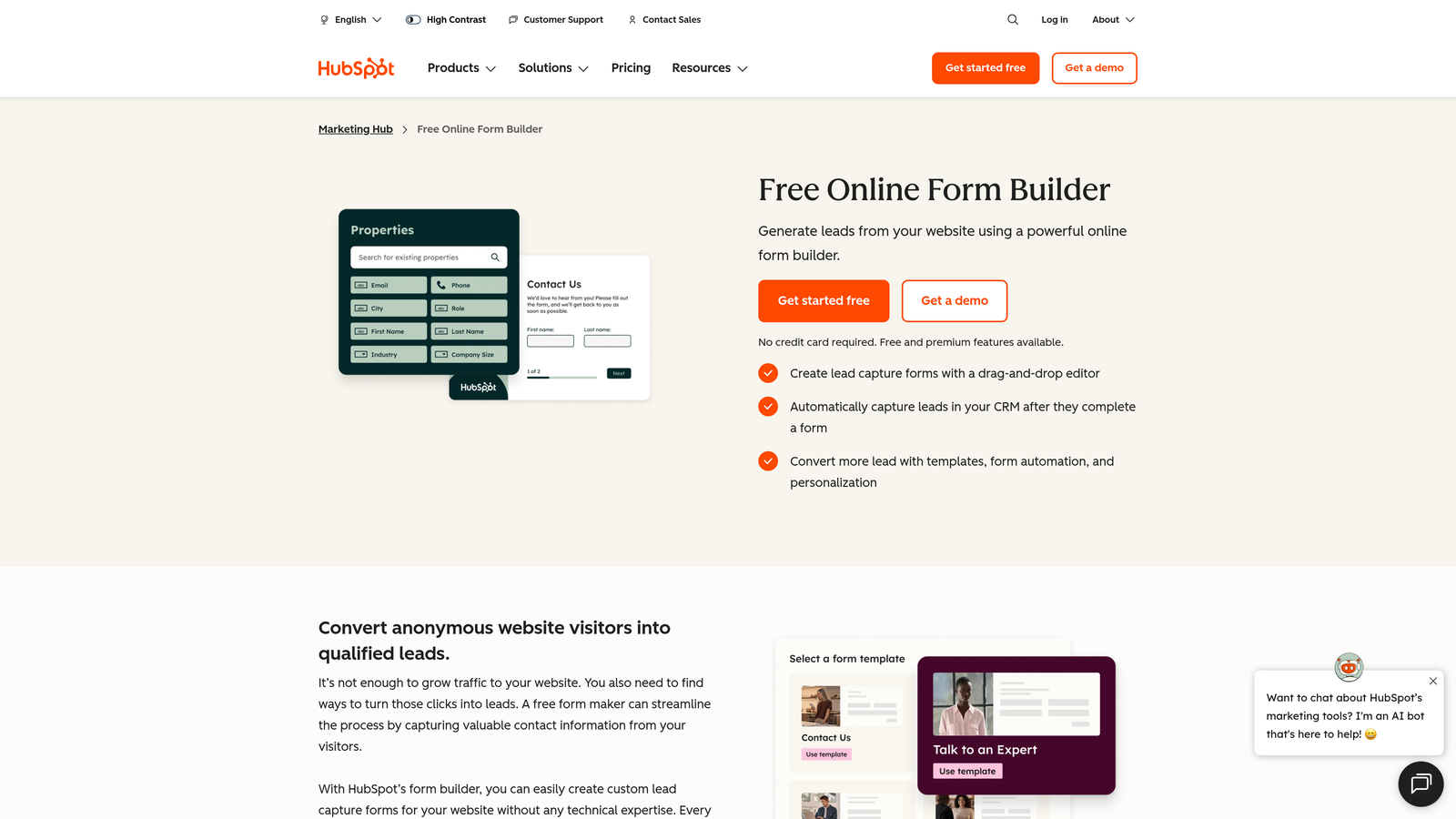
HubSpot Forms is the native form builder within the HubSpot ecosystem, offering smart fields, progressive profiling, and direct CRM population.
Where This Tool Shines
The defining feature of HubSpot Forms is progressive profiling. Rather than asking the same questions to a contact you already know, smart fields automatically swap in new questions based on what's already in your CRM. Over time, you build richer contact profiles without ever making a returning visitor feel like a stranger.
For teams that live inside HubSpot, this native integration eliminates the sync delays and data mapping headaches that come with third-party form tools. Lead scoring, list segmentation, and workflow triggers all happen automatically the moment a form is submitted.
Key Features
Progressive Profiling: Replaces known fields with new questions for returning contacts, enriching data without increasing form length.
Smart Fields: Adapt based on existing contact data, creating a personalized experience for known leads.
Direct CRM Population: Form submissions map directly to HubSpot contact records and trigger lead scoring workflows instantly.
Conditional and Dependent Logic: Show or hide fields based on previous answers for cleaner, more relevant form flows.
Free Tier Available: Basic forms are included with the free HubSpot CRM, making it accessible to teams at any stage.
Best For
HubSpot Forms is the obvious choice for companies already invested in the HubSpot ecosystem. For teams outside that ecosystem, the forms tool alone is not a compelling reason to adopt the platform.
Pricing
Free with HubSpot CRM; advanced features including smart fields and progressive profiling are available in Marketing Hub plans starting at $20/month.
5. Leadformly (by Zuko)
Best for: Conversion rate optimization teams that need field-level analytics and abandonment insights to diagnose and fix form performance.
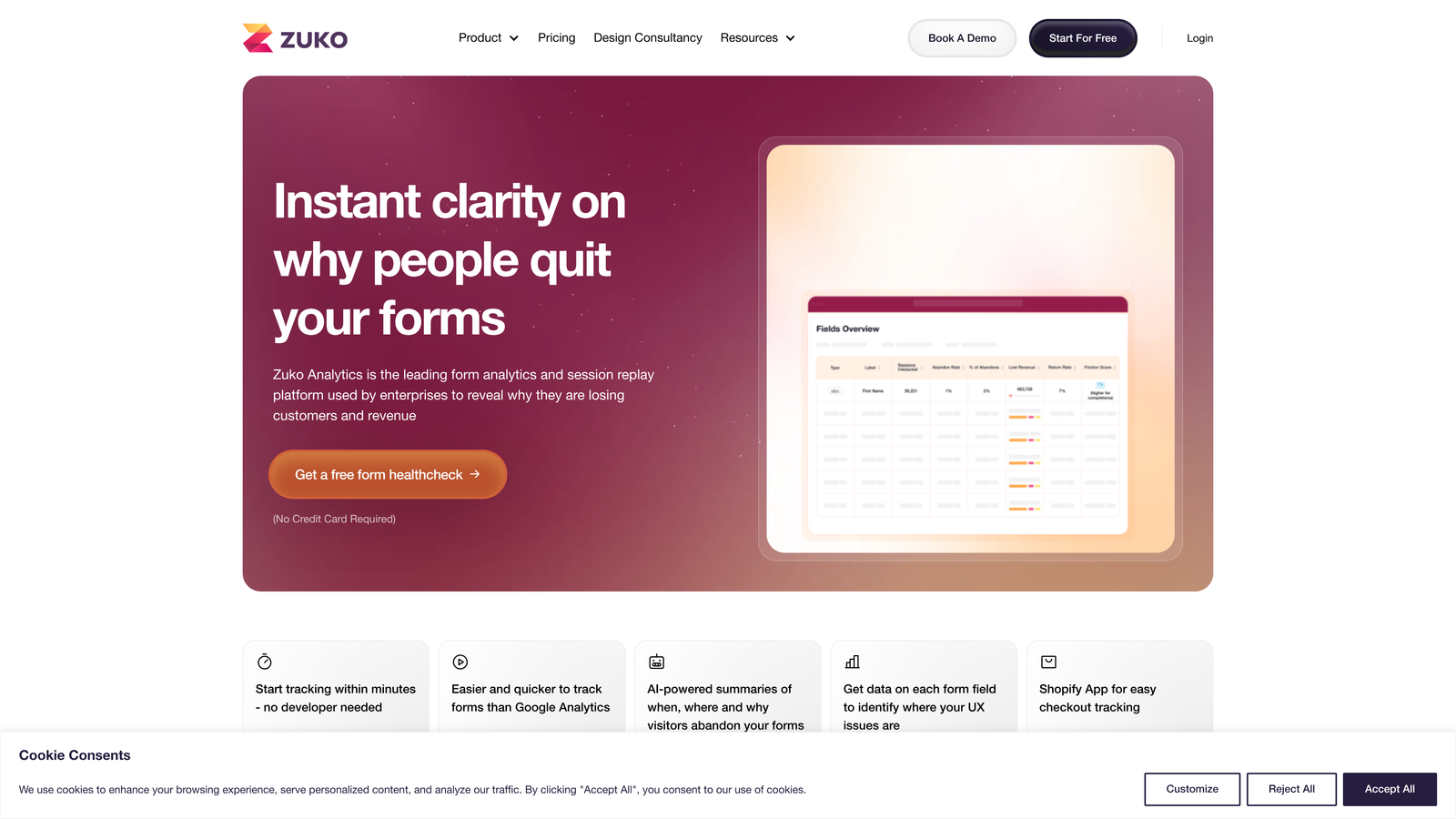
Leadformly by Zuko is a conversion-focused form analytics and builder platform with deep field-level tracking and session-level visibility.
Where This Tool Shines
Most form builders tell you how many submissions you received. Zuko tells you exactly where people gave up and why. Field-level analytics surface which questions cause hesitation, which fields are skipped, and where abandonment spikes, giving you a diagnostic view that's impossible to get from submission data alone.
This makes it particularly valuable for teams doing systematic conversion rate optimization. Instead of guessing which form element to change, you have behavioral data pointing directly at the friction points worth addressing.
Key Features
Field-Level Analytics: See exactly where users drop off, hesitate, or return within your forms, down to the individual field.
Form Abandonment Tracking: Capture partial sessions and understand the patterns behind incomplete submissions.
Conversion-Optimized Templates: Pre-built layouts based on form best practices to give new forms a strong starting baseline.
A/B Testing: Test form variations against each other with data-backed comparison across key metrics.
CRM and Marketing Integrations: Connect completed submissions to your existing lead management and nurture workflows.
Best For
Zuko is a strong fit for CRO specialists, growth teams, and any organization running high-volume lead generation where small improvements in form completion translate into meaningful pipeline gains.
Pricing
Pricing varies by plan and usage volume. Visit zuko.io for current package details.
6. Jotform
Best for: Teams that need a versatile, template-rich form builder with payment processing at an accessible price point.
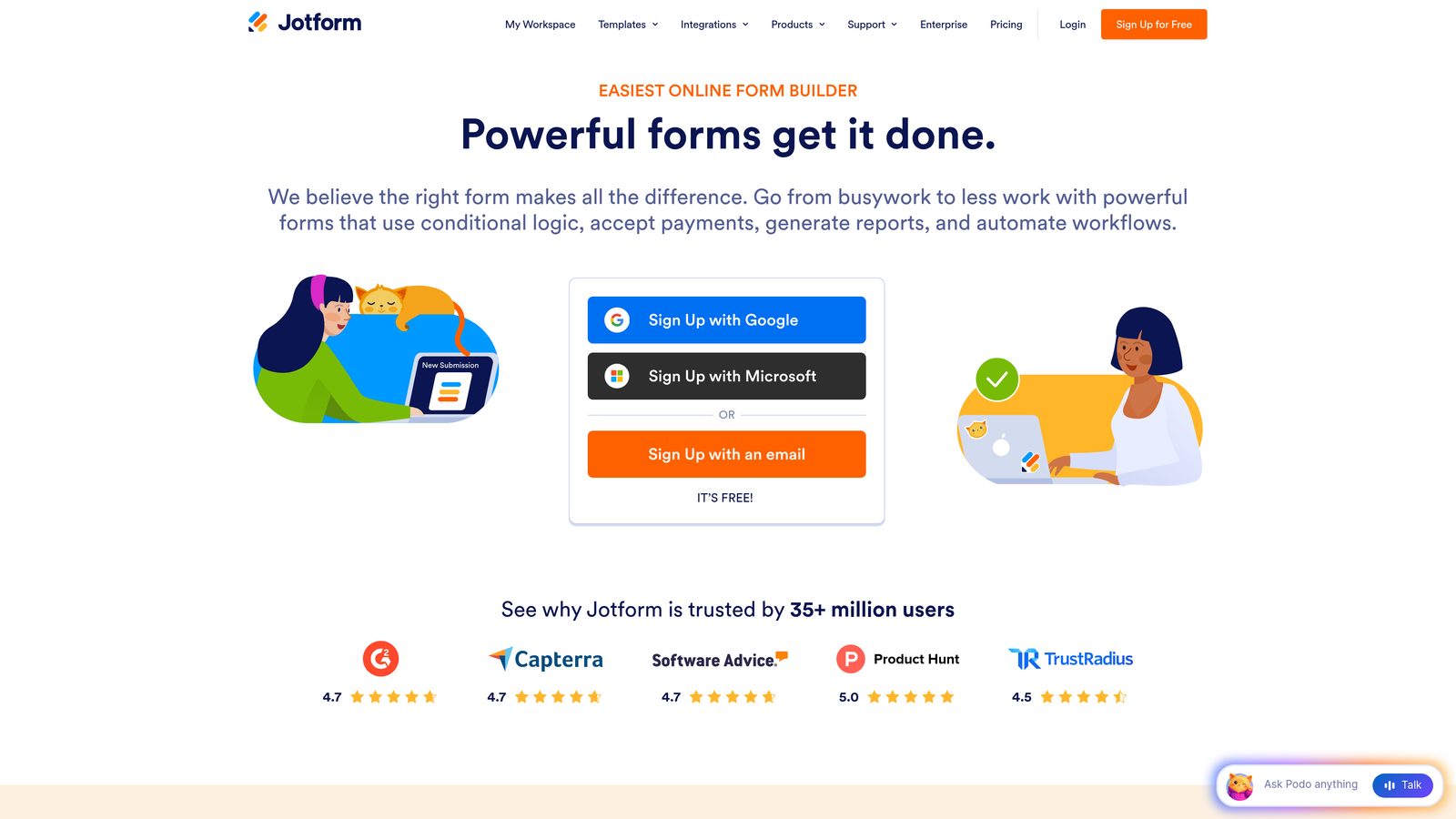
Jotform is a highly versatile form builder offering one of the largest template libraries in the market, built-in payment integrations, and flexible conditional logic.
Where This Tool Shines
Jotform's breadth is its superpower. With over 10,000 templates spanning nearly every industry and use case, most teams can find a starting point that's 80% of the way to what they need. The template quality is generally strong, and the drag-and-drop editor makes customization fast even for non-technical users.
The built-in payment processing is a genuine differentiator for teams that want to combine lead capture with transactions. Whether you're running registrations, deposits, or direct product sales, Jotform handles it without a third-party payment integration layer.
Key Features
10,000+ Templates: One of the largest template libraries available, covering virtually every industry and form type.
Built-in Payment Processing: Native integrations with PayPal, Stripe, and Square for forms that collect both data and payments.
Conditional Logic and Calculations: Show or hide fields dynamically and run calculations within forms for quotes, scores, or totals.
Jotform Tables: A built-in submission management layer that organizes responses in a spreadsheet-style view for easy review.
HIPAA-Compliant Plans: Enterprise-grade compliance options for healthcare and other regulated industries.
Best For
Jotform suits small to mid-sized businesses, agencies, and teams that need flexibility across many form types without a high price tag. It is less specialized for B2B lead qualification than purpose-built conversion tools.
Pricing
Free plan available with solid core functionality; paid plans start around $34/month with higher submission limits and advanced features.
7. Formstack
Best for: Operations and revenue teams that need forms connected to document generation, e-signatures, and automated approval workflows.
Formstack is a workflow-oriented form platform that connects form submissions to documents, signatures, and automated routing in a single environment.
Where This Tool Shines
Formstack's differentiation is workflow depth. Where most form builders stop at data collection, Formstack extends into what happens after submission: generating a proposal document, routing it for e-signature, triggering an approval chain, or populating a Salesforce record. For teams that manage complex post-submission processes, this removes a significant amount of manual work.
The Salesforce-native integration is worth calling out specifically. For Salesforce shops, Formstack can operate as a native app within the platform, keeping data, logic, and workflows inside the CRM environment rather than requiring external sync.
Key Features
Forms, Documents, and E-Signatures: A unified platform that handles the full submission-to-signature workflow without stitching together multiple tools.
Advanced Workflow Automation: Route submissions through approval chains, notifications, and conditional actions based on form data.
Multi-Page Forms with Conditional Logic: Build complex, branching multi-step forms for detailed data collection.
Salesforce-Native Integration: Operate directly within Salesforce as a native app for seamless CRM data management.
Compliance Features: Built-in options for HIPAA, GDPR, and other regulated industry requirements.
Best For
Formstack is best suited for operations teams, enterprise sales workflows, and organizations in regulated industries where forms are part of a larger document and approval process rather than standalone lead capture tools.
Pricing
Plans start around $50/month, with pricing scaling based on features and the number of platform modules included.
8. Gravity Forms
Best for: WordPress developers and agencies that need a powerful, extensible form plugin with annual licensing and no per-submission costs.
Gravity Forms is a WordPress-native form plugin with a deep add-on ecosystem and developer-friendly architecture built for customization at scale.
Where This Tool Shines
Gravity Forms has been the go-to WordPress form solution for developers for over a decade, and for good reason. The plugin is deeply integrated with WordPress, supports shortcode and block embedding, and exposes a comprehensive set of hooks, filters, and a REST API for custom development. For agencies managing many client sites, the annual licensing model is a meaningful cost advantage over per-submission SaaS pricing.
The add-on marketplace extends functionality significantly, covering payment gateways, CRM connections, email marketing platforms, and more. Most integrations a B2B team would need are available either natively or through the add-on library.
Key Features
Deep WordPress Integration: Native shortcode and Gutenberg block support with seamless WordPress user and data management.
Extensive Add-On Marketplace: Official and community add-ons for payments, CRMs, marketing automation, and specialized use cases.
Conditional Logic and Multi-Page Forms: Robust branching logic and multi-step form support for complex data collection needs.
Developer-Friendly Architecture: Hooks, filters, and a full REST API make Gravity Forms highly customizable for technical teams.
Annual Licensing Model: One flat annual fee rather than per-submission pricing, making costs predictable regardless of form volume.
Best For
Gravity Forms is the natural choice for WordPress-based businesses, digital agencies, and development teams that want maximum control and extensibility. It is not well-suited for teams outside the WordPress ecosystem or those who need built-in analytics and AI features.
Pricing
Annual licenses start at $59/year for a single site, with higher tiers unlocking priority support and all add-ons.
9. Paperform
Best for: Brands that want form experiences that look and feel like standalone landing pages, with rich content and built-in payments.
Paperform is a form-meets-landing-page builder that combines rich content blocks with form fields to create visually immersive, branded form experiences.
Where This Tool Shines
Paperform blurs the line between a form and a content page. You can mix text, images, video, and form fields freely, which means a Paperform submission page can read more like a guided experience than a data collection exercise. For brands where visual identity matters, the level of custom branding available, including fonts, colors, and imagery, is well above what most form builders offer.
The built-in payment and product catalog features make it a practical choice for small businesses that want to combine content, capture, and commerce in a single page without managing separate tools.
Key Features
Rich Content and Form Field Mixing: Freely combine written content, media, and form fields for a landing-page-quality experience.
Built-in Payment Processing and Product Catalogs: Accept payments and sell products directly through form pages without third-party payment tools.
Conditional Logic and Calculation Fields: Dynamic field behavior and built-in math for quotes, scores, or custom outputs.
Deep Custom Branding: Full control over fonts, colors, imagery, and layout for on-brand form experiences.
Zapier and Native Integrations: Connect to hundreds of tools through Zapier alongside a growing set of native integration options.
Best For
Paperform is ideal for content-driven brands, solo operators, and small teams that want beautiful, standalone form pages without the complexity of a full landing page builder. It is less focused on the analytics and lead scoring features that B2B SaaS teams typically prioritize.
Pricing
Plans start around $24/month, making it one of the more accessible options for teams that prioritize design quality on a budget.
Choosing the Right Package for Your Growth Stage
The right conversion form builder depends less on which tool has the longest feature list and more on where your biggest conversion bottleneck actually lives.
If lead qualification is the gap, and your team spends too much time sorting through low-quality submissions, Orbit AI is the most direct solution. Its AI-powered scoring and B2B-focused templates address that problem at the source rather than downstream in your CRM.
If you're running paid campaigns and need your landing page and form optimized as a unit, Unbounce Smart Builder's Smart Traffic feature is hard to beat. If you're deep in the HubSpot ecosystem, HubSpot Forms' progressive profiling removes friction for returning leads without any additional tooling.
For teams doing systematic CRO work, Zuko's field-level analytics give you the diagnostic data to make informed changes rather than educated guesses. And for WordPress-native teams or agencies, Gravity Forms remains the most cost-effective and extensible option available.
Here's a quick selection guide by use case:
B2B lead qualification with AI scoring: Orbit AI
Paid traffic conversion optimization: Unbounce Smart Builder
HubSpot-native teams: HubSpot Forms
Form analytics and CRO: Leadformly by Zuko
Versatile forms with payments: Jotform or Paperform
WordPress development teams: Gravity Forms
Post-submission workflow automation: Formstack
Conversational engagement-first forms: Typeform
For more guidance on selecting the right solution for your industry, explore our resources on the best form tools for B2B companies and lead capture forms for B2B SaaS.
The form you put in front of prospects is one of the highest-leverage conversion assets you control. Transform your lead generation with AI-powered forms that qualify prospects automatically while delivering the modern, conversion-optimized experience your high-growth team needs. Start building free forms today and see how intelligent form design can elevate your entire conversion strategy.


