

Every abandoned form represents lost revenue. When visitors start filling out your lead capture form but never hit submit, you're left guessing what went wrong. Was it a confusing field? Too many questions? A technical glitch? Form completion tracking tools eliminate the guesswork by showing you exactly where users drop off, which fields cause friction, and how to optimize for higher conversions.
Here are the top form completion tracking tools to help you understand form behavior and turn more visitors into leads.
1. Orbit AI
Best for: Teams wanting native analytics with AI-powered lead qualification built directly into their forms.
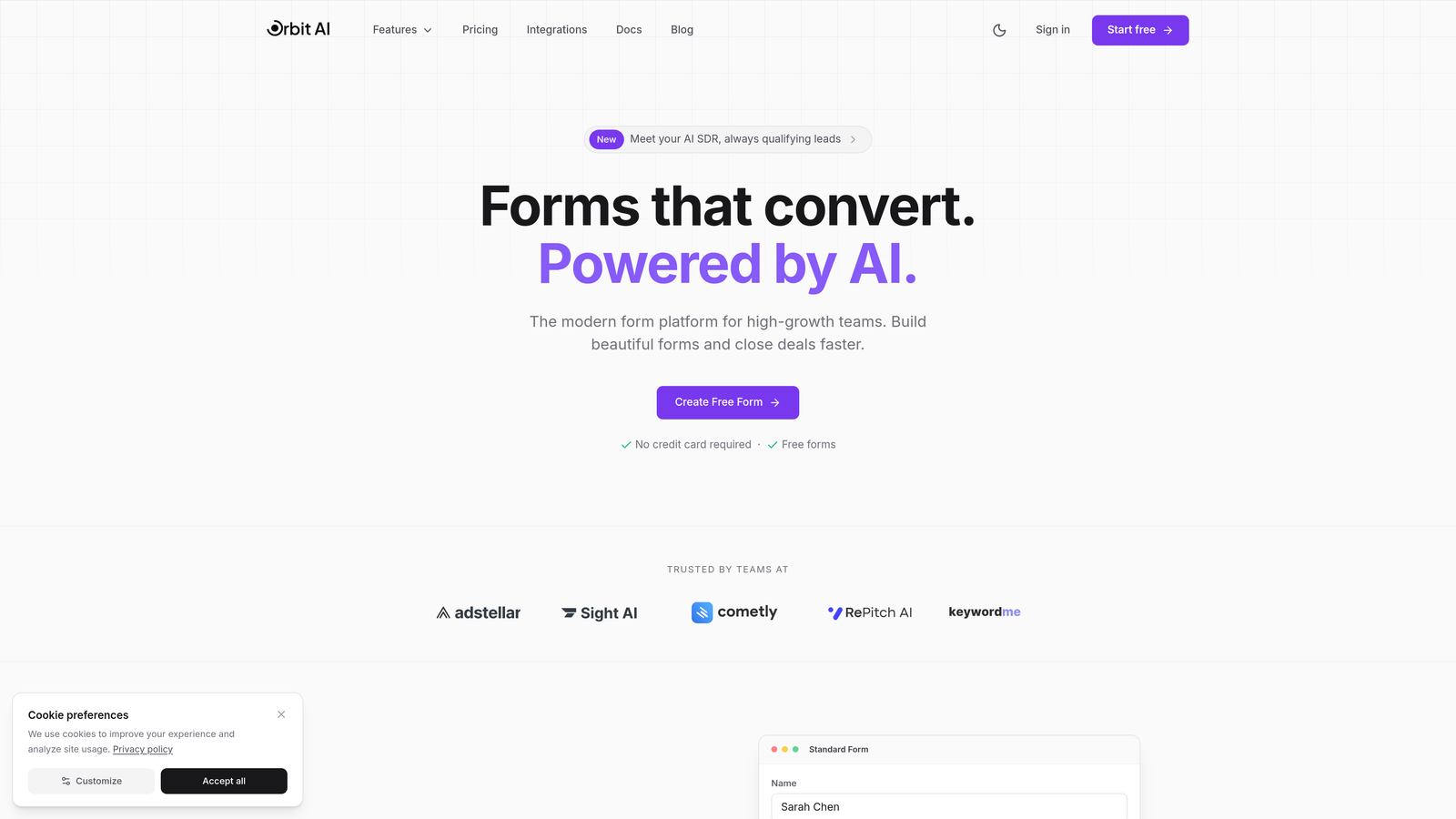
Orbit AI is an AI-powered form builder that combines form creation with built-in completion tracking and intelligent lead qualification.
Where This Tool Shines
Unlike standalone analytics tools that require separate tracking setups, Orbit AI delivers form insights natively within the platform where you build your forms. You get immediate visibility into completion rates, field-level drop-offs, and conversion patterns without configuring external scripts or managing multiple dashboards.
The AI-powered lead qualification sets it apart from traditional form analytics. While you're tracking completion behavior, the platform simultaneously scores and qualifies leads based on their responses, helping you prioritize follow-up on prospects most likely to convert.
Key Features
Native Form Analytics: Track completion rates and field performance without third-party integration headaches.
AI Lead Qualification: Automatically score and qualify leads based on form responses and behavior patterns.
Real-Time Tracking: Monitor completion rates and identify friction points as they happen.
Field-Level Insights: See exactly which questions cause visitors to abandon your forms.
Workflow Automation: Trigger actions based on completion behavior and lead scores.
Best For
High-growth teams who want to eliminate the complexity of managing separate form builders and analytics tools. Ideal for businesses focused on lead generation where qualifying prospects matters as much as tracking form performance.
Pricing
Free plan available with core features. Paid plans start at competitive rates for teams scaling their lead generation.
2. Hotjar
Best for: Visual learners who want session recordings and heatmaps alongside form analytics.
Hotjar is a behavior analytics platform that combines form tracking with visual tools like heatmaps and session recordings.
Where This Tool Shines
Hotjar excels at showing you the full context around form abandonment. You don't just see that someone left at field three—you can watch the actual session recording to understand why. Did they get distracted? Confused? Encounter an error?
The visual dashboard makes it easy for non-technical team members to understand form performance. Heatmaps show where users click, scroll, and hover, while form analytics break down field-by-field engagement in an intuitive interface.
Key Features
Form Analytics Dashboard: Track field completion, drop-off rates, and time spent per field.
Session Recordings: Watch real user sessions to see exactly how visitors interact with your forms.
Heatmaps: Visualize click patterns and scroll depth around form elements.
Feedback Widgets: Collect qualitative insights directly from users about form experience.
Platform Integrations: Connect with Google Analytics, Segment, and other analytics tools.
Best For
Marketing teams and UX designers who prefer visual data over raw numbers. Perfect for organizations that want to understand the complete user journey, not just form metrics in isolation.
Pricing
Free plan includes up to 35 sessions per day. Paid plans start at $32/month with increased session limits and advanced features.
3. Formisimo
Best for: Teams needing granular field-level analysis and industry benchmark comparisons.
Formisimo is a dedicated form analytics platform specializing in deep field-level tracking and conversion optimization.
Where This Tool Shines
Formisimo focuses exclusively on form analytics, which means it goes deeper than general-purpose analytics tools. The platform tracks every interaction with every field—time spent, corrections made, hesitation patterns, and abandonment triggers.
The industry benchmarking feature lets you compare your form performance against similar companies in your sector. This context helps you understand whether a 40% completion rate is acceptable for your industry or signals a serious problem.
Key Features
Field-Level Tracking: Monitor completion, abandonment, and interaction time for every individual field.
Time Analysis: Identify fields where users spend excessive time, indicating confusion or difficulty.
Error Tracking: See which fields generate the most validation errors and failed submissions.
Industry Benchmarks: Compare your form metrics against industry standards and competitors.
A/B Testing Integration: Connect with testing platforms to measure form optimization experiments.
Best For
Conversion rate optimization specialists and data-driven marketers who need detailed analytics to justify form redesigns. Particularly valuable for companies with complex multi-field forms like insurance quotes or financial applications.
Pricing
Custom pricing based on monthly form submission volume. Contact their sales team for specific quotes.
4. Mouseflow
Best for: Teams wanting friction scoring to quickly identify problematic form fields.
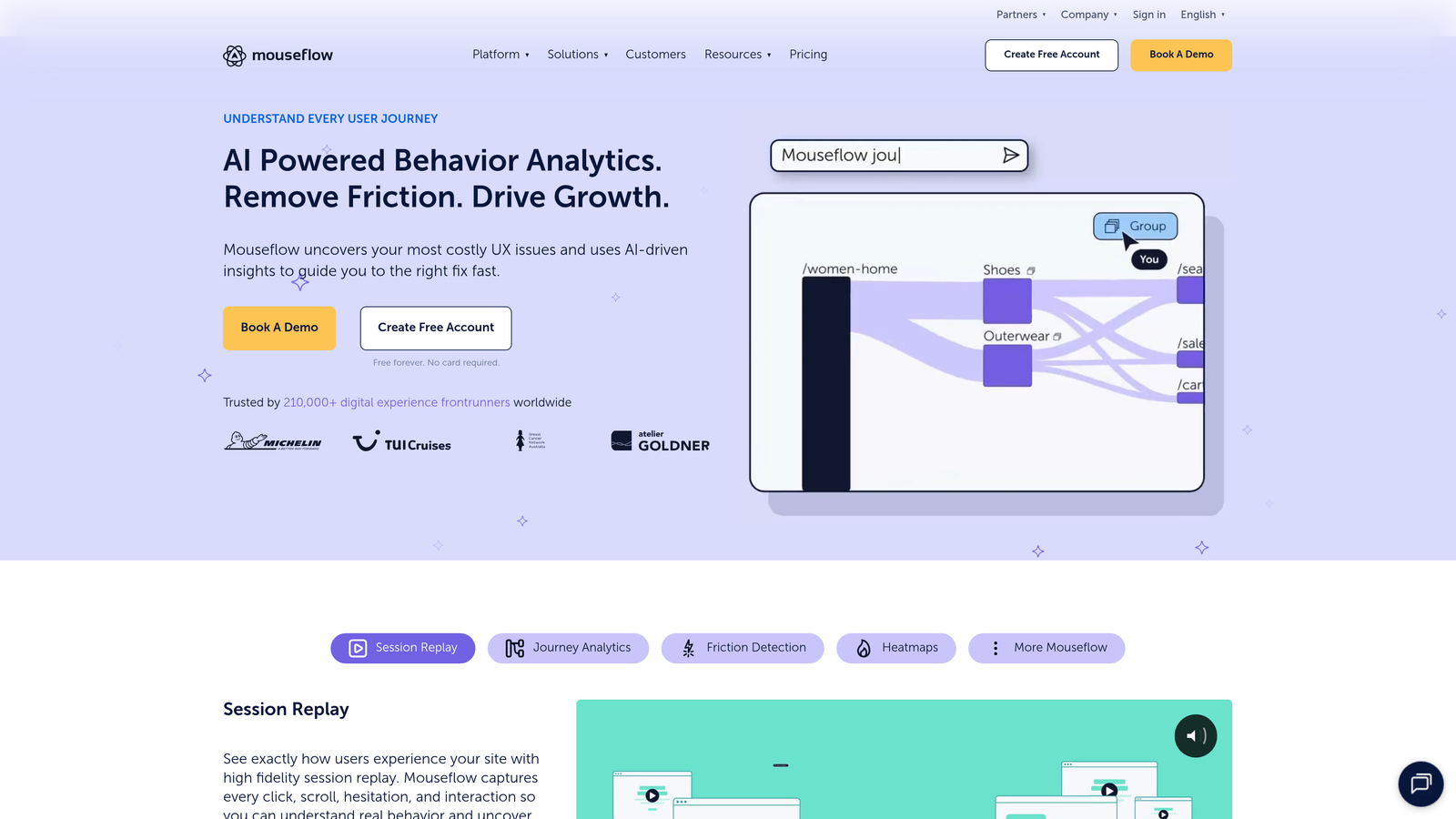
Mouseflow is a behavior analytics platform with strong form analysis capabilities and automatic friction detection.
Where This Tool Shines
The friction score feature automatically identifies form elements causing the most user struggle. Instead of manually reviewing every field's metrics, Mouseflow highlights the specific questions or inputs creating the biggest conversion barriers.
Automatic form detection means you don't need to manually tag every form on your site. Mouseflow identifies forms automatically and starts tracking them immediately, saving significant setup time for teams managing multiple forms across different pages.
Key Features
Friction Scores: Automatically calculated scores showing which form elements cause the most user difficulty.
Session Replay: Watch recordings with form interactions highlighted for easy analysis.
Conversion Funnels: Track multi-step form progression and identify where users abandon the process.
Heatmaps: Visualize clicks, movements, and scroll behavior around form areas.
Automatic Detection: Forms are identified and tracked without manual configuration.
Best For
Product teams managing websites with numerous forms who need to quickly prioritize optimization efforts. The friction scoring helps focus attention on forms with the biggest impact potential.
Pricing
Free plan available with limited recordings. Paid plans start at $31/month with increased recording capacity and advanced features.
5. FullStory
Best for: Enterprise teams needing advanced segmentation and rage click detection.
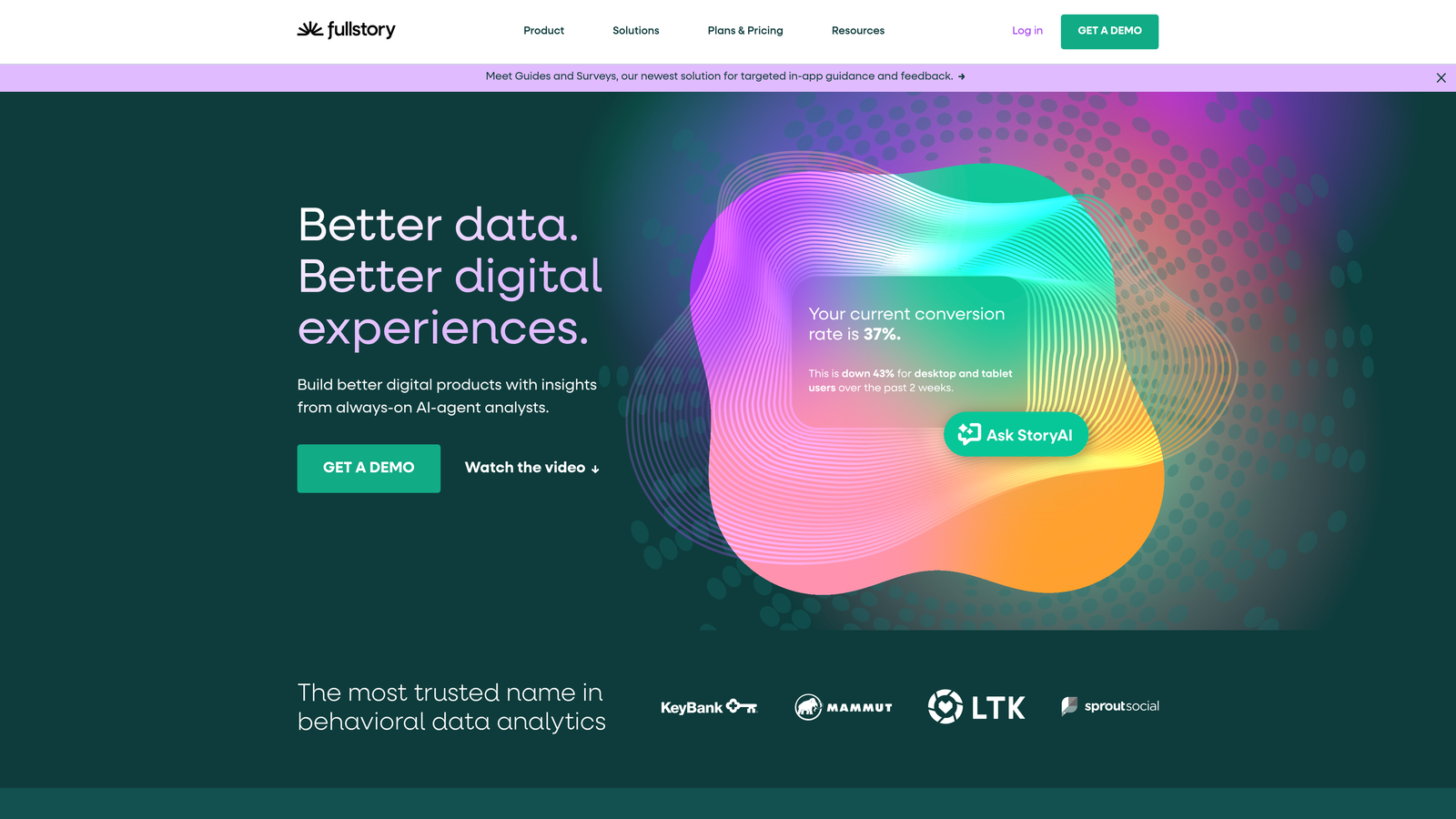
FullStory is an enterprise digital experience platform with comprehensive form analytics and advanced user behavior tracking.
Where This Tool Shines
FullStory's automatic event capture means you can retroactively analyze form interactions you didn't know to track upfront. Realized three months later that a specific field might be problematic? You can go back and analyze historical data without having set up tracking in advance.
The rage click and dead click detection reveals user frustration in real-time. When someone repeatedly clicks a non-functional element near your form or hammers the submit button, FullStory flags these friction moments automatically.
Key Features
Automatic Event Capture: Every form interaction is tracked without manual event configuration.
Rage Click Detection: Identify moments of user frustration with repeated rapid clicking.
Advanced Segmentation: Filter form analytics by user attributes, traffic source, device type, and custom properties.
Error Tracking: Receive alerts when forms generate JavaScript errors or validation failures.
API Access: Export data for custom analysis or integration with data warehouses.
Best For
Enterprise organizations with complex forms and large user bases. Teams with dedicated product analytics resources who need deep integration capabilities and historical data analysis.
Pricing
Custom enterprise pricing based on monthly sessions and feature requirements. Contact sales for specific quotes.
6. Zuko Analytics
Best for: E-commerce and SaaS teams optimizing checkout and signup flows.
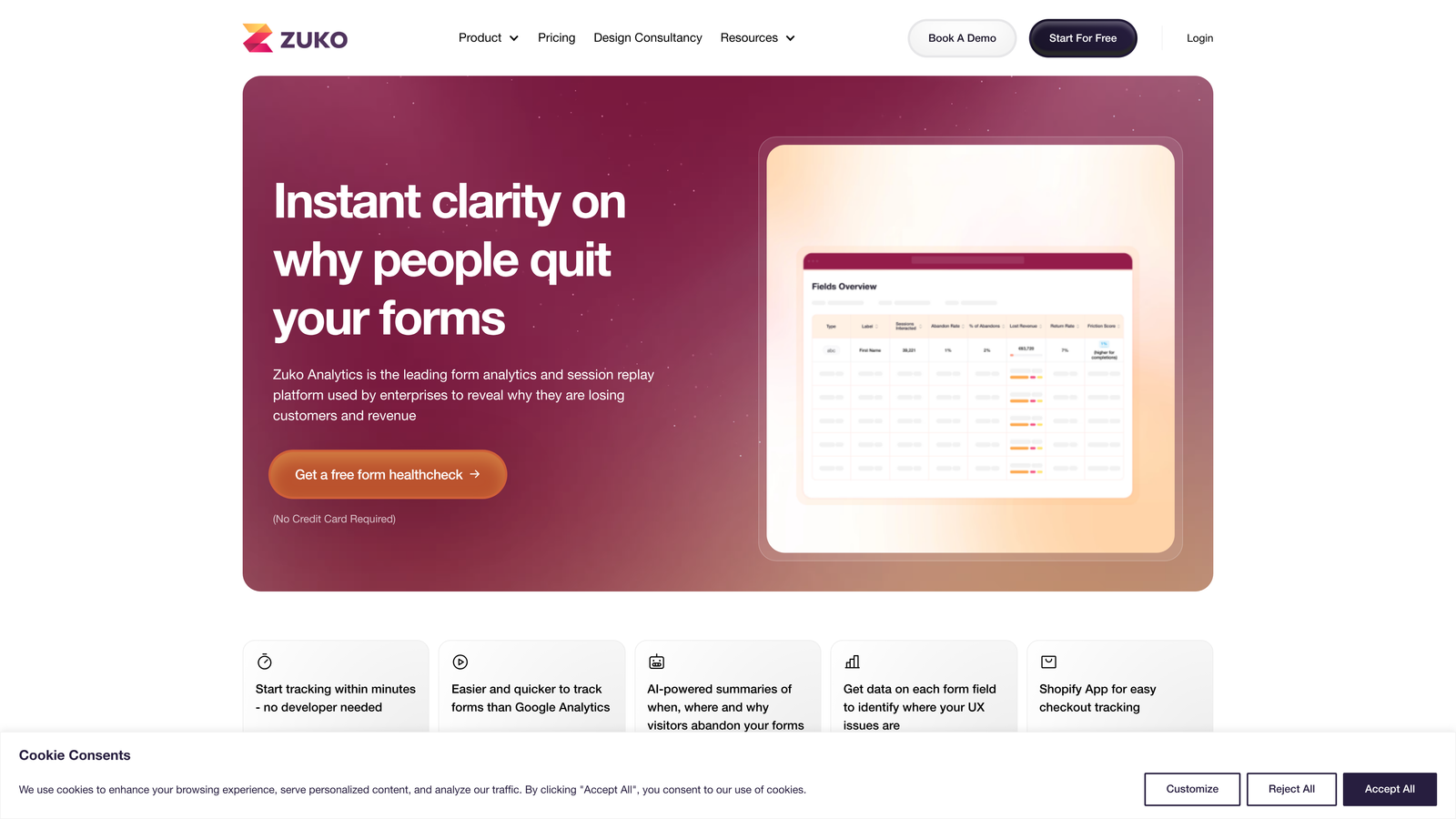
Zuko Analytics is a specialized form analytics tool designed for complex multi-field forms and checkout optimization.
Where This Tool Shines
Zuko excels at tracking time-per-field metrics that reveal where users get stuck. If visitors spend 45 seconds on your phone number field versus 8 seconds on name, you've identified a friction point worth investigating.
The before/after comparison reports make it easy to measure the impact of form changes. Launch a redesign, and Zuko automatically compares completion rates, field performance, and user behavior against the previous version.
Key Features
Time-Per-Field Analysis: Track exactly how long users spend on each form element.
Before/After Reports: Automatically compare form performance after making changes or running tests.
Checkout Optimization: Specialized features for tracking multi-step purchase flows.
Field Interaction Tracking: Monitor focus, blur, and correction events for every input.
Custom Event Tracking: Tag specific form interactions for detailed analysis.
Best For
E-commerce businesses optimizing checkout forms and SaaS companies refining signup flows. Particularly valuable for forms where small improvements in completion rates translate to significant revenue impact.
Pricing
Plans start at £100/month based on monthly form submissions. Higher-volume plans available with annual contracts.
7. Lucky Orange
Best for: Small businesses wanting affordable all-in-one conversion optimization.
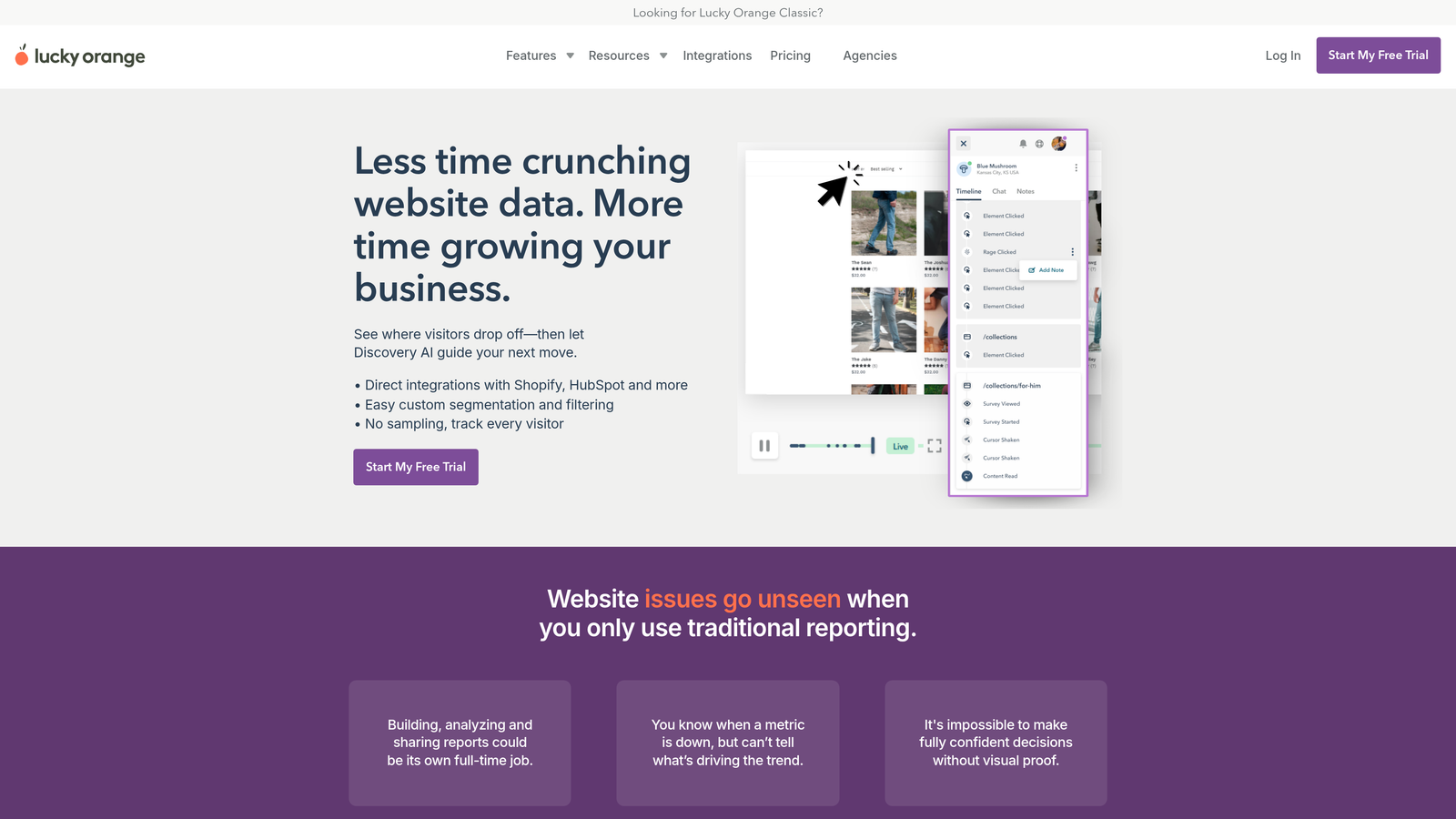
Lucky Orange is a conversion optimization suite combining form analytics, session recordings, heatmaps, and live chat.
Where This Tool Shines
Lucky Orange delivers remarkable value at budget-friendly pricing. You get form analytics, visitor recordings, heatmaps, and even live chat for less than most standalone analytics tools charge.
The live chat integration creates a unique opportunity. When you notice someone struggling with your form in real-time, you can proactively reach out to help. This combination of analytics and direct engagement can rescue conversions that would otherwise be lost.
Key Features
Form Analytics Dashboard: Track completion rates, field abandonment, and interaction patterns.
Live Visitor Recordings: Watch sessions as they happen or review historical recordings.
Dynamic Heatmaps: Visualize clicks, taps, and scroll behavior across your forms.
Conversion Funnels: Track multi-step form progression and drop-off points.
Live Chat Integration: Engage struggling visitors in real-time to improve conversions.
Best For
Small to medium-sized businesses with limited budgets who want comprehensive conversion tools without enterprise pricing. Perfect for teams that value direct customer engagement alongside analytics.
Pricing
Free plan available with limited features. Paid plans start at $18/month with increased recording capacity and full feature access.
8. Heap
Best for: Product teams needing retroactive analytics without manual event tagging.
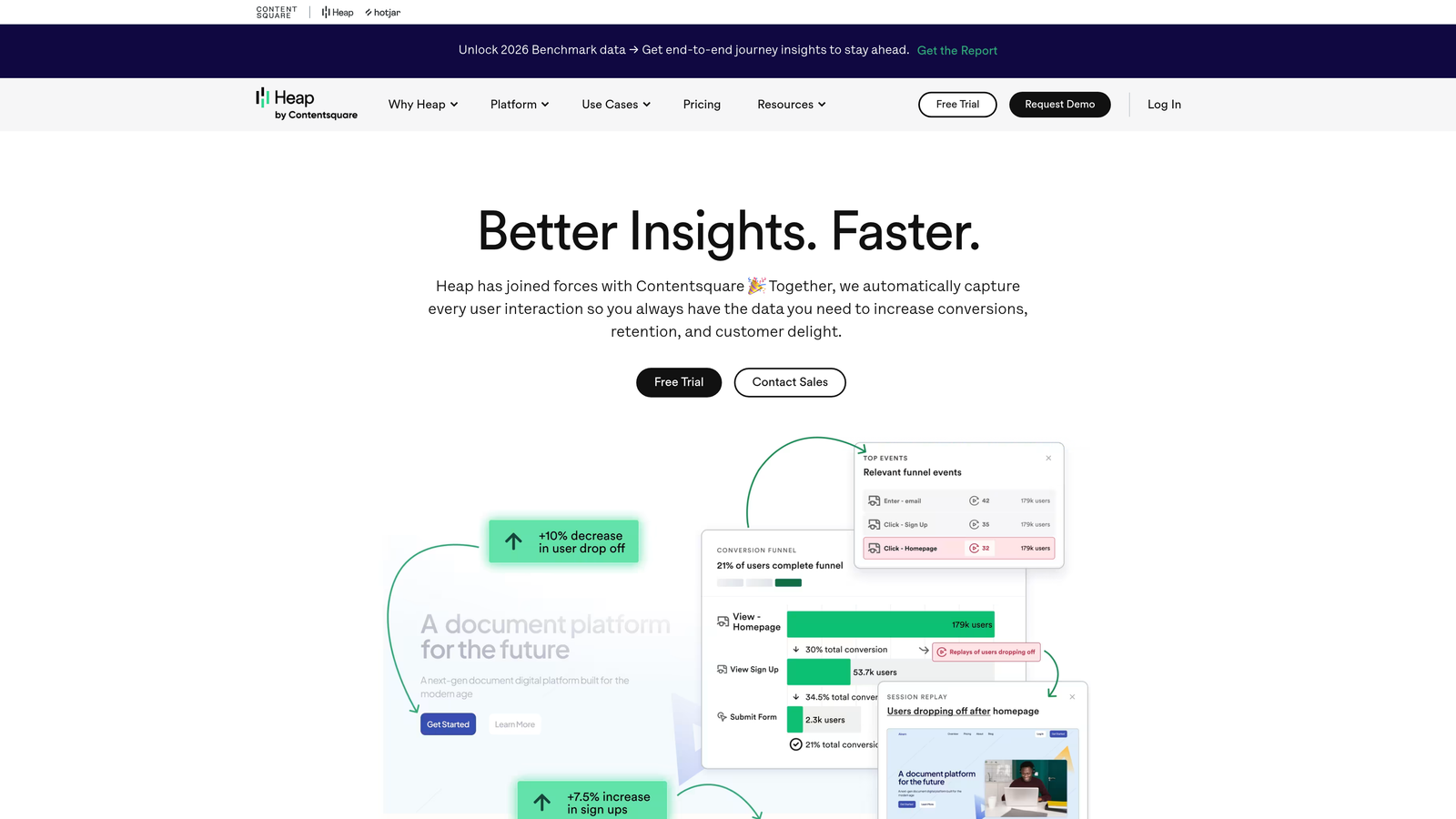
Heap is a product analytics platform with automatic event capture that tracks form interactions without manual configuration.
Where This Tool Shines
Heap's automatic capture eliminates the tracking setup burden. Every click, form submission, and field interaction is recorded automatically, letting you analyze user behavior retroactively without having defined events upfront.
The user journey mapping shows how form interactions fit into the broader product experience. You can see what users did before starting your form, how they behaved during completion, and what happened after submission—creating context that pure form analytics tools miss.
Key Features
Automatic Event Capture: All form interactions tracked without manual event configuration.
Retroactive Analytics: Analyze historical form data even if you didn't set up tracking beforehand.
User Journey Mapping: See complete user paths including form interactions.
Funnel Analysis: Track multi-step form progression with flexible funnel definitions.
Data Science Integrations: Export data to warehouses and BI tools for advanced analysis.
Best For
Product-led growth companies and SaaS businesses where forms are part of a larger product experience. Teams with data science resources who want to combine form analytics with broader product metrics.
Pricing
Free plan available for startups with limited monthly sessions. Growth and Pro plans with custom pricing based on usage.
9. Microsoft Clarity
Best for: Teams starting with zero budget who need basic form tracking.
Microsoft Clarity is a completely free behavior analytics tool offering session recordings and heatmaps with basic form tracking.
Where This Tool Shines
The price is unbeatable—completely free with no traffic limits, no session caps, and no credit card required. For teams just starting to explore form analytics, Clarity removes all financial barriers to entry.
Despite being free, Clarity delivers genuinely useful insights. Session recordings show real user interactions with your forms, heatmaps reveal engagement patterns, and the rage click detection highlights frustration moments that indicate form problems.
Key Features
Completely Free: No traffic limits, session caps, or hidden fees—genuinely free forever.
Session Recordings: Watch how users interact with your forms in real sessions.
Heatmaps: Visualize clicks, scrolls, and engagement across form pages.
Google Analytics Integration: Connect with GA for combined analytics workflows.
Rage Click Detection: Identify moments of user frustration automatically.
Best For
Startups, small businesses, and teams with zero analytics budget. Perfect as a starting point before upgrading to paid tools with more advanced features. Also valuable as a secondary tool for teams wanting to validate findings from their primary analytics platform.
Pricing
Free with unlimited usage. No paid tiers or upgrade paths—the entire platform is free.
Making the Right Choice
The right form completion tracking tool depends on your specific needs, budget, and technical setup. If you want native analytics integrated directly into your form builder with AI-powered lead qualification, Orbit AI delivers both form creation and insights in one platform. Teams preferring visual analytics on a budget will find strong value in Hotjar or Lucky Orange, while those needing dedicated form optimization should explore Formisimo or Zuko.
Enterprise organizations with complex requirements and large user bases typically choose FullStory or Heap for their advanced segmentation and automatic event capture. And if you're just starting to explore form analytics with zero budget, Microsoft Clarity provides genuinely useful insights at no cost.
The trend is clearly moving toward integrated solutions that combine form building with analytics, reducing the complexity of managing multiple tools and tracking setups. When your form builder includes native completion tracking, you eliminate the technical overhead of configuring third-party scripts while gaining immediate visibility into form performance.
Consider your form complexity, monthly submission volume, and whether you need standalone analytics or prefer an all-in-one solution. Many teams find that identifying even one problematic field through completion tracking can meaningfully improve conversion rates, making the investment in proper analytics worthwhile regardless of which tool you choose.
Transform your lead generation with AI-powered forms that qualify prospects automatically while delivering the modern, conversion-optimized experience your high-growth team needs. Start building free forms today and see how intelligent form design can elevate your conversion strategy.


