

Collecting feedback is only as effective as the tool you use to gather it. A clunky, generic form gets ignored. A well-designed, intelligent one gets completed, analyzed, and acted on. Whether you're capturing post-purchase sentiment, qualifying inbound leads, or running NPS surveys, the right feedback form creation tool can meaningfully improve both response rates and the quality of data you walk away with.
This guide covers six standout tools for building feedback forms in 2026, evaluated on ease of use, design quality, logic and customization capabilities, integrations, and pricing. We've placed Orbit AI at #1 because it's our own platform, and we want to be upfront about that. The five tools that follow are well-regarded alternatives, each with genuine strengths worth knowing about. Whether you're a high-growth SaaS team or a lean marketing agency, there's a strong option here for you.
1. Orbit AI
Best for: High-growth SaaS and marketing teams who want feedback forms that double as lead intelligence tools.
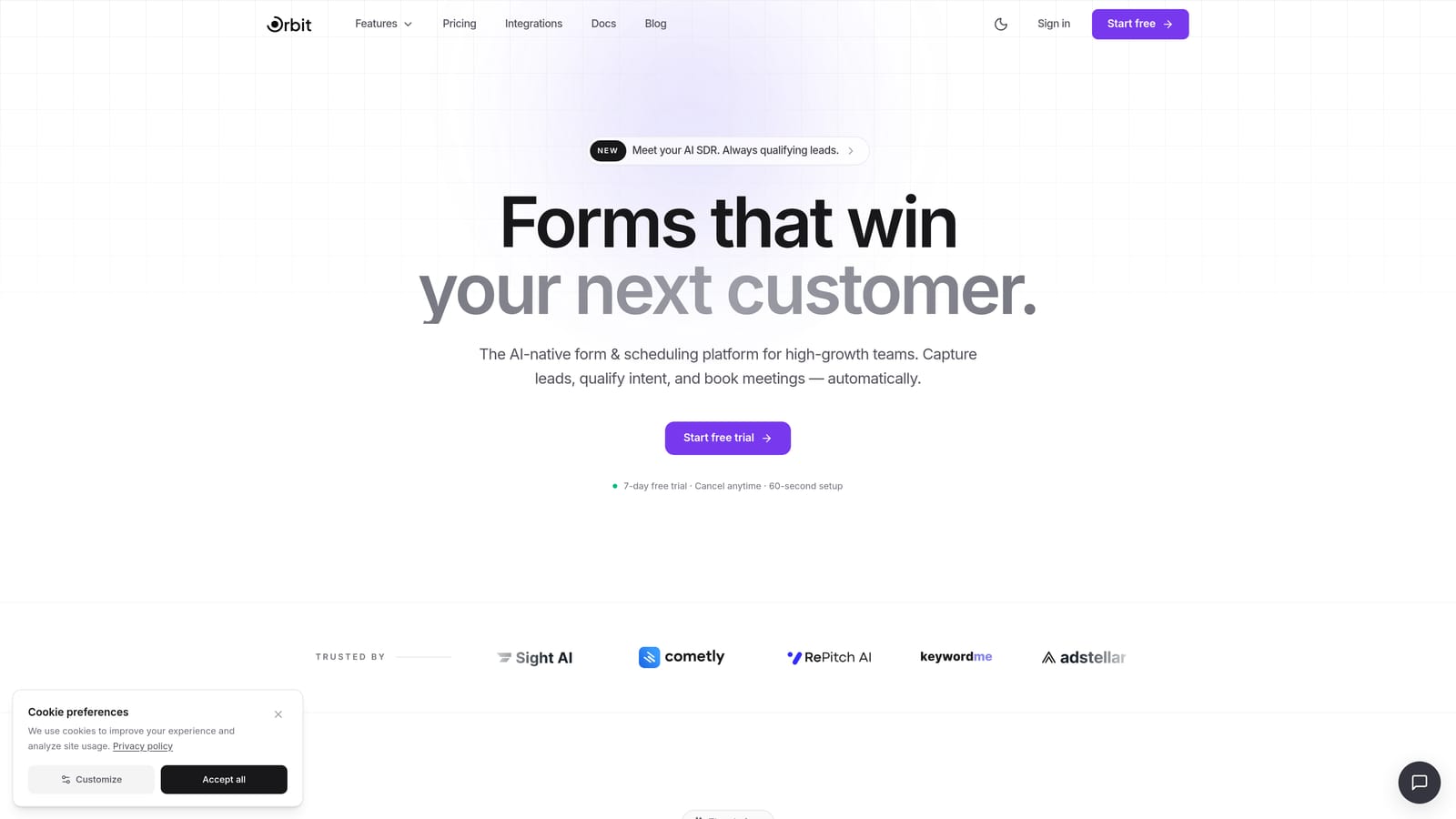
Orbit AI is an AI-powered form builder with built-in lead qualification and conversion optimization, designed for teams that want more from their forms than raw response data.
Where This Tool Shines
Most feedback form tools are built around data collection. Orbit AI is built around what happens after the data comes in. Its AI-powered lead qualification layer means you're not just capturing responses — you're automatically scoring, routing, and acting on them. For teams where feedback and pipeline are connected (think product-led SaaS or high-velocity marketing operations), this is a meaningful difference.
The design quality is also worth calling out. Orbit AI's templates are modern and branded by default, not as an afterthought. Forms feel like an extension of your product rather than a bolted-on survey tool. Conditional logic and dynamic fields give you the flexibility to build multi-step experiences without needing a developer.
Key Features
AI-Powered Lead Qualification: Automatically scores and routes form responses based on the answers provided, turning feedback into actionable lead intelligence.
Conversion-Optimized Templates: Modern, branded form designs built to maximize completion rates, not just look good.
Conditional Logic and Dynamic Fields: Show or hide fields based on previous answers, creating personalized form paths for each respondent.
CRM and Marketing Tool Integrations: Connects with the tools high-growth teams already use, keeping feedback data in sync with your broader stack.
Purpose-Built for SaaS Teams: Workflows, language, and features are oriented around SaaS and marketing use cases rather than general-purpose form collection.
Best For
Orbit AI is the strongest fit for SaaS companies and marketing teams that treat feedback collection as part of their lead generation and qualification workflow. If you want a form tool that connects response data to revenue outcomes, this is built for that use case specifically.
Pricing
Visit orbitforms.ai for current pricing details and free trial options. Plans are designed for growing teams with a range of usage levels.
2. Typeform
Best for: Teams that prioritize a polished, conversational respondent experience for NPS and branded feedback surveys.
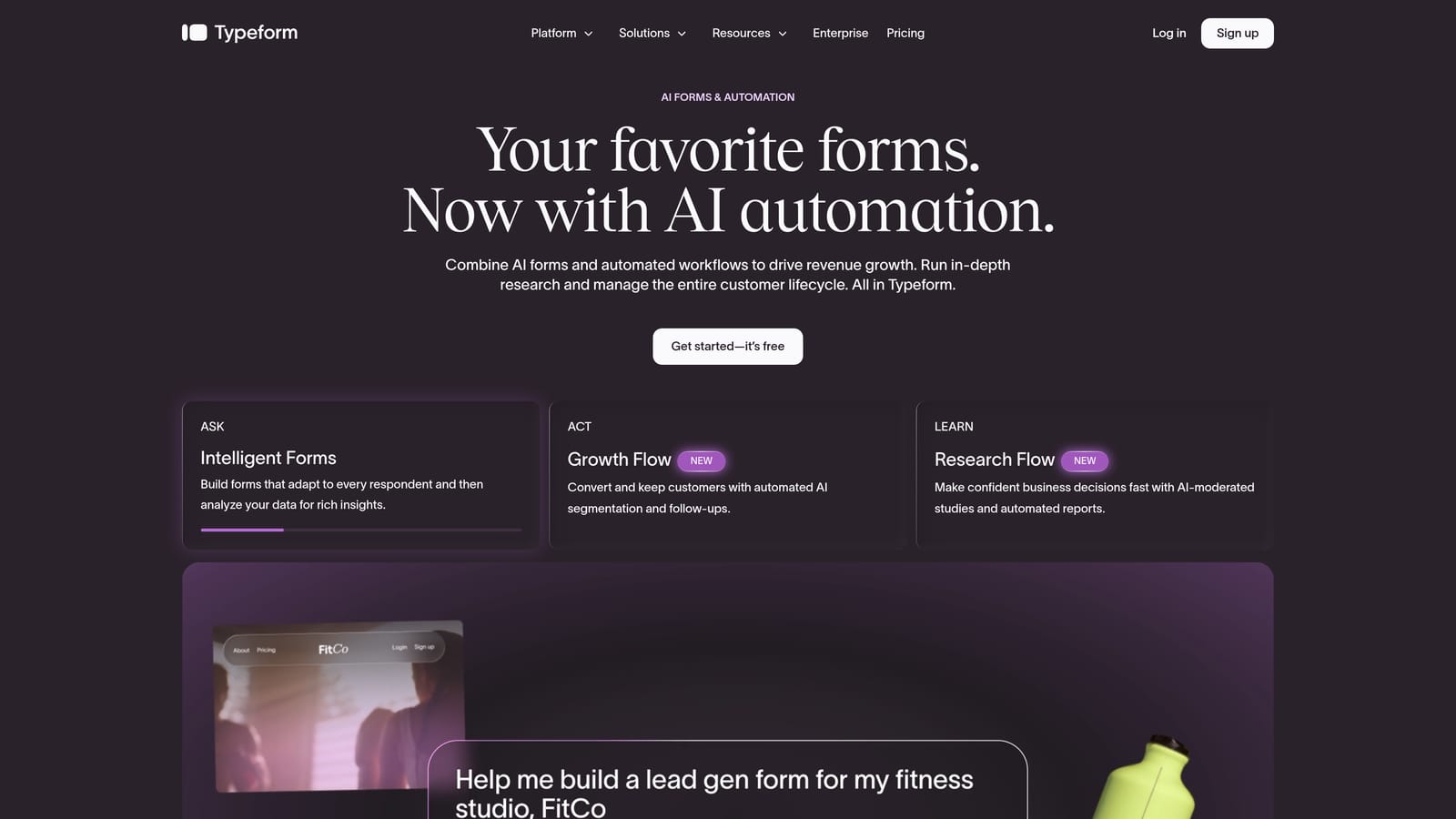
Typeform is a conversational form builder known for its one-question-at-a-time format and strong design quality, widely used for customer satisfaction and product feedback surveys.
Where This Tool Shines
Typeform's core insight is that forms feel less like chores when they're presented as conversations. The one-question-at-a-time format keeps respondents focused and reduces the visual overwhelm that comes with seeing a long list of fields at once. For customer-facing feedback forms where completion rate matters, this approach has real merit.
Brand customization is another genuine strength. Typeform gives you meaningful control over colors, fonts, imagery, and overall aesthetic, so forms feel like a natural extension of your brand rather than a generic survey tool. The integrations list is also extensive, covering most major CRMs and marketing platforms.
Key Features
Conversational Format: One question at a time keeps respondents engaged and reduces abandonment on longer forms.
Brand Customization: Detailed control over visual design, including fonts, colors, and background imagery.
Logic Jumps and Conditional Branching: Route respondents to different questions based on their previous answers.
Integrations: Native connections with HubSpot, Salesforce, Slack, and a broad range of other tools.
Analytics Dashboard: Built-in response tracking and completion rate reporting to help you optimize forms over time.
Best For
Typeform works well for marketing and customer success teams that run regular NPS surveys, product feedback cycles, or event follow-up forms where the respondent experience is a priority. It's less suited to teams that need AI-driven qualification or deep lead routing built directly into the form layer.
Pricing
A free tier is available with response and feature limits. Paid plans unlock higher response volumes and advanced logic. Check typeform.com for current pricing, as plans are updated periodically.
3. Tally
Best for: Startups and lean teams that want clean, capable feedback forms without paying for features they don't need.
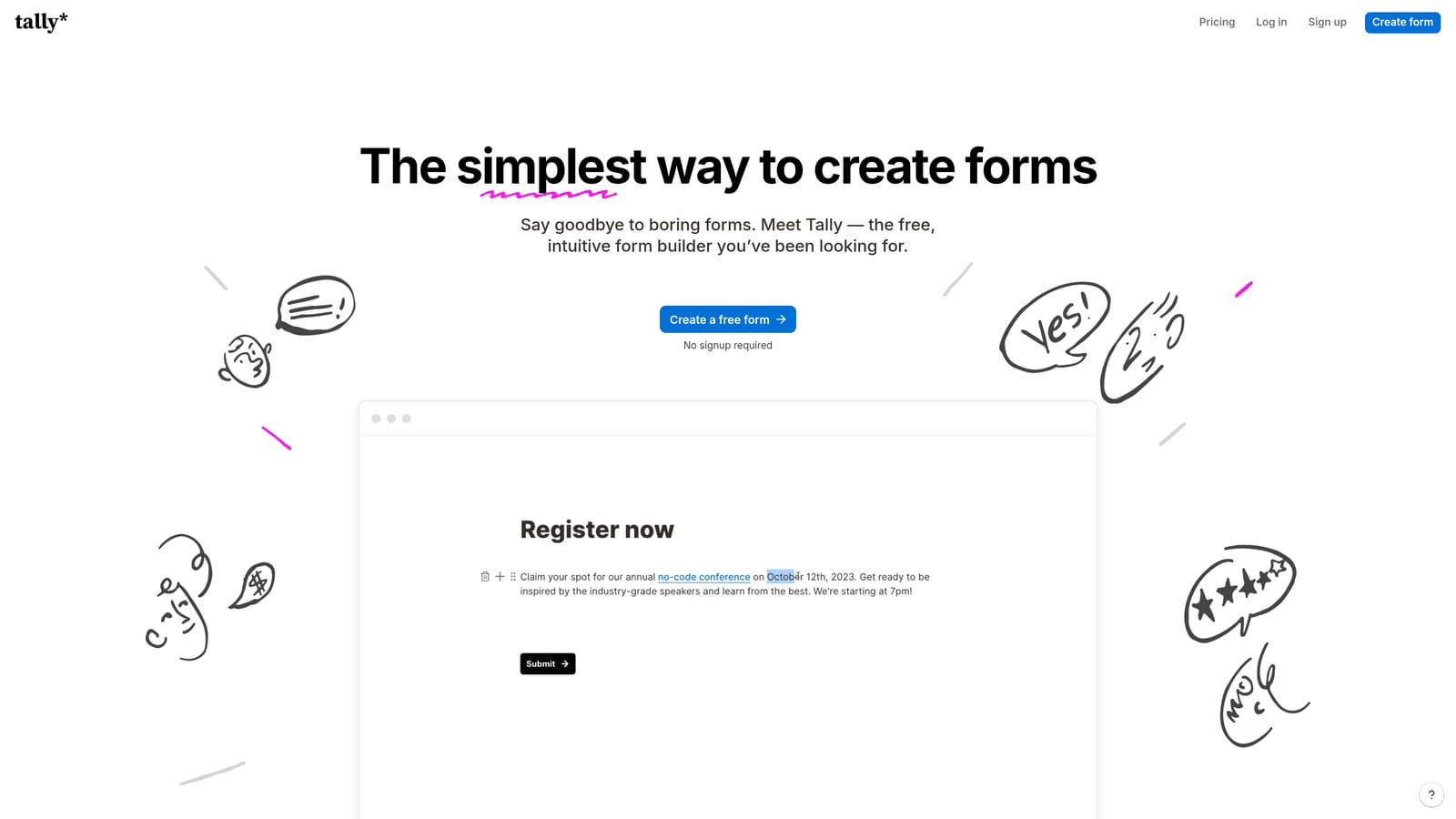
Tally is a Notion-inspired, block-based form builder with one of the most generous free tiers in the category, popular with indie makers, early-stage startups, and budget-conscious teams.
Where This Tool Shines
Tally's free plan is genuinely unusual. Unlimited forms and unlimited responses at no cost is not something most form tools offer, and for teams that are watching spend carefully, this removes a real barrier. The editor has a minimal, modern feel that will be immediately familiar to anyone who uses Notion, making the learning curve nearly nonexistent.
Beyond the free tier, Tally holds up well on features. Conditional logic, file uploads, and a clean embed experience cover the needs of most feedback use cases. It's not trying to be an enterprise platform, and that focus makes it genuinely pleasant to use for the teams it's built for.
Key Features
Unlimited Free Plan: Unlimited forms and unlimited responses on the free tier, which is rare in this category.
Block-Based Editor: A minimal, Notion-style interface that's fast to learn and easy to use.
Conditional Logic: Show or hide questions based on previous responses, even on the free plan.
File Uploads: Respondents can attach files as part of their feedback submission.
Clean Embed Support: Forms embed neatly into websites and Notion pages without visual clutter.
Best For
Tally is the right call for early-stage startups, individual makers, and small teams that need functional, good-looking feedback forms without a subscription. It's also a solid option for teams already deep in the Notion ecosystem who want their forms to feel consistent with that environment.
Pricing
The free plan covers most core use cases. Tally Pro adds features like payment collection, custom domains, and priority support. Check tally.so for current Pro pricing.
4. Paperform
Best for: Teams that want feedback forms to feel like rich, multi-step experiences rather than standard survey pages.
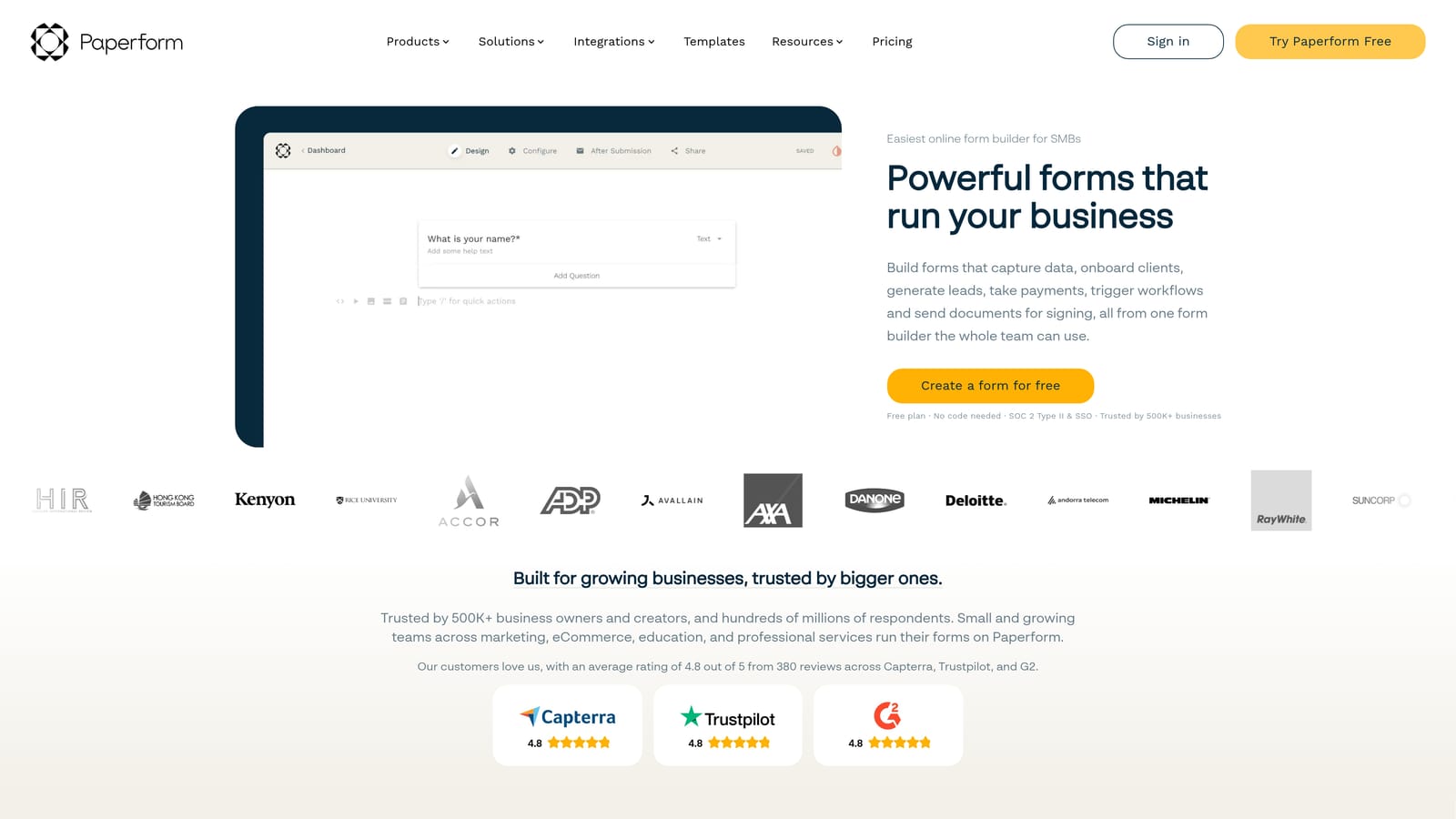
Paperform is a document-style form builder that blends text, images, and form fields into a single canvas, making it particularly well suited for feedback forms that need to double as landing pages or multi-step content experiences.
Where This Tool Shines
Paperform's document-style editor is genuinely different from what most form builders offer. Instead of a field-by-field builder, you're working in something closer to a rich text editor where form inputs live alongside written content, imagery, and layout elements. The result is forms that feel more like branded experiences than data collection pages.
It also handles use cases beyond feedback collection in a way that other tools don't. Payments via Stripe, booking and scheduling functionality, and calculation fields mean a single Paperform can serve as a feedback form, a product order form, and an appointment scheduler depending on what you need. For small teams that want one tool to do more, this is appealing.
Key Features
Document-Style Editor: Mix text, images, video, and form fields freely on a single canvas for richer respondent experiences.
Built-In Payment Processing: Accept payments via Stripe directly within a form, without third-party workarounds.
Booking and Scheduling: Collect availability and schedule appointments as part of a form submission flow.
Conditional Logic and Calculation Fields: Route respondents dynamically and perform calculations based on their inputs.
Custom Domain Support: Host forms on your own domain for a fully branded experience.
Best For
Paperform fits well for agencies, small businesses, and creative teams that want feedback forms to feel like polished branded content. It's also a practical choice for teams that need payment or booking functionality alongside feedback collection and don't want to manage multiple tools.
Pricing
Paperform is paid-only with no free tier. Plans vary by feature access and submission volume. Check paperform.co for current plan details and trial availability.
5. Jotform
Best for: Teams that need a large template library, broad integrations, and the option to scale into workflow management.
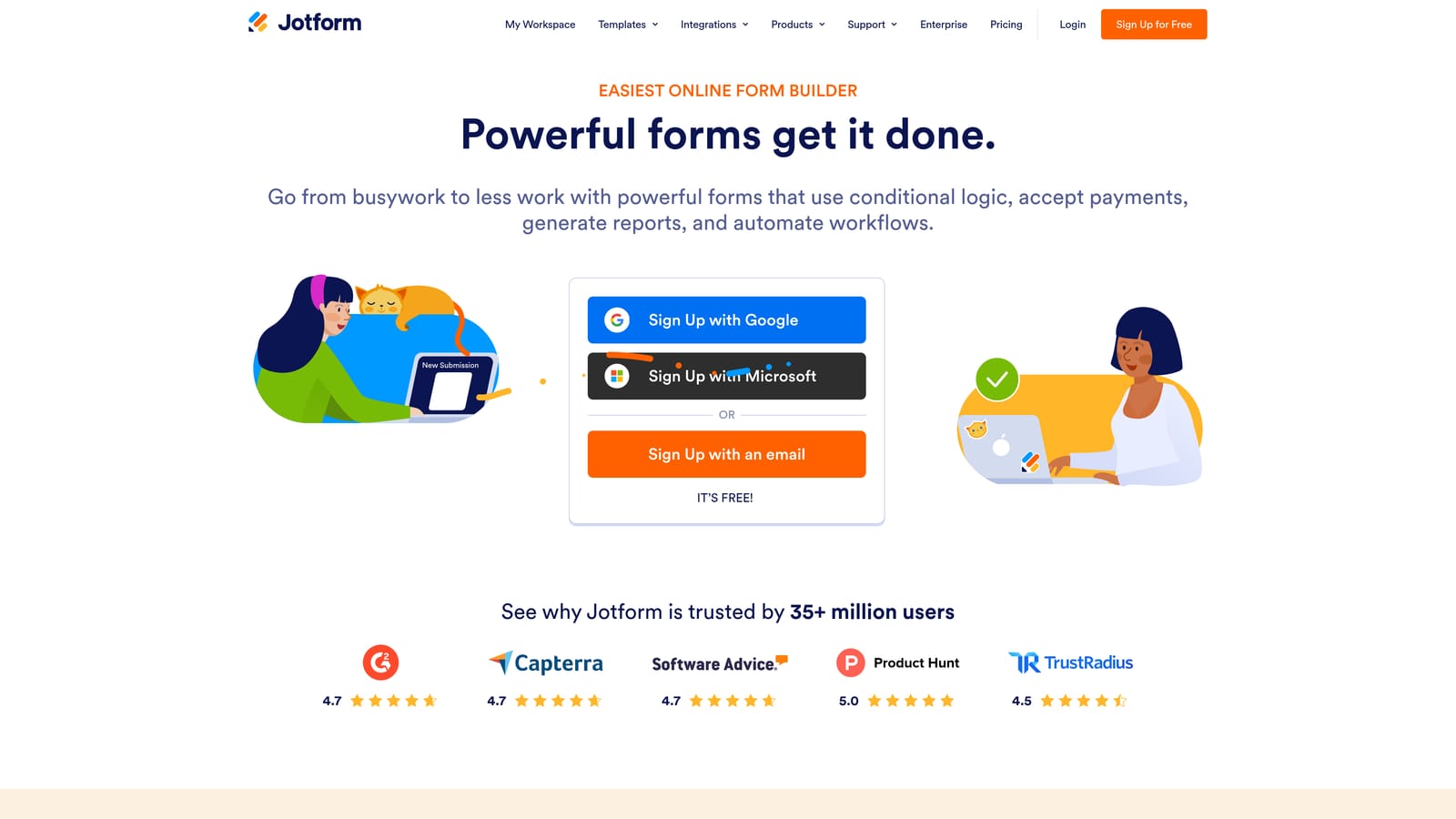
Jotform is one of the most established form builders in the category, with thousands of pre-built templates, a wide integration ecosystem, and features that extend beyond basic form collection into lightweight data management and approvals.
Where This Tool Shines
Jotform's template library is genuinely extensive. If you need a feedback form for a specific industry, event type, or use case, there's almost certainly a starting point already built for you. This makes it fast to launch new forms without starting from scratch every time, which matters for teams running multiple feedback initiatives simultaneously.
The platform has also grown well beyond simple form building. Jotform Tables gives teams a lightweight database view of their response data, and Jotform Approvals lets you build multi-step review and routing workflows around form submissions. For teams that need feedback collection to connect with internal processes, this added layer is useful.
Key Features
Extensive Template Library: Thousands of pre-built feedback and survey templates covering a wide range of industries and use cases.
Broad Integration Ecosystem: Connects with CRMs, payment processors, project management platforms, and many other tools.
Jotform Tables: A built-in data management view that lets teams organize and filter response data without exporting to a spreadsheet.
HIPAA-Compliant Plans: Available for healthcare teams and other organizations with strict data handling requirements.
Conditional Logic and Approval Workflows: Route form responses through multi-step internal review processes.
Best For
Jotform is a strong fit for established teams that run a high volume of different form types and want a single platform to manage them all. It's also worth considering for organizations in regulated industries where HIPAA compliance is a requirement, or for teams that need lightweight workflow management built into their form tool.
Pricing
A free tier is available with response and submission limits. Paid plans scale by submission volume and feature access. Check jotform.com for current plan details.
6. Formstack
Best for: Enterprise organizations with compliance requirements, complex approval workflows, or document generation needs.
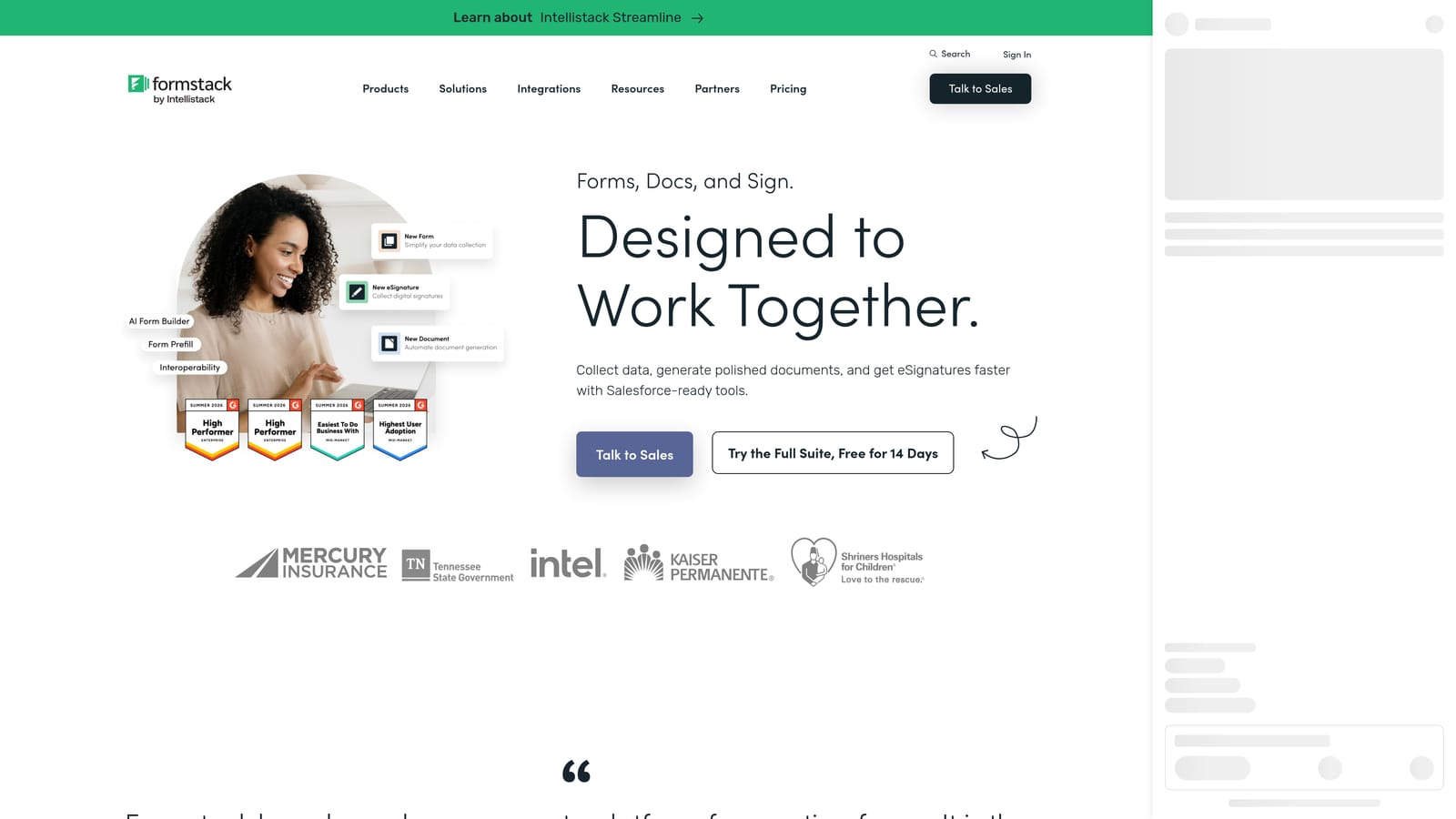
Formstack is an enterprise-grade form and workflow platform with strong compliance capabilities, document generation, and e-signature functionality, designed for organizations where data security and internal process management are non-negotiable.
Where This Tool Shines
Formstack operates at a different level of complexity than the other tools on this list, and that's intentional. Its HIPAA and GDPR compliance features, enterprise SSO, and advanced data security controls make it appropriate for industries like healthcare, financial services, and legal where regulatory requirements shape every technology decision.
The document generation and e-signature capabilities are also genuinely differentiated. Formstack isn't just collecting feedback — it's built to connect form data to downstream document workflows, which makes it useful for internal approval chains, contract processes, and compliance documentation that other form tools simply don't support.
Key Features
HIPAA and GDPR Compliance: Built-in compliance features for organizations operating in regulated industries.
Workflow Automation and Approval Routing: Build multi-step internal review workflows around form submissions.
Document Generation and E-Signature: Convert form data into formatted documents and collect legally binding signatures.
Advanced Data Security Controls: Granular controls over data access, storage, and handling.
Enterprise SSO and Admin Management: Centralized user management and single sign-on for large organizations.
Best For
Formstack is the right choice for enterprise buyers in healthcare, legal, financial services, or other regulated industries where compliance and workflow complexity drive the technology decision. It's not the right fit for lean teams or early-stage companies — the complexity and price point are calibrated for organizations with more sophisticated requirements.
Pricing
Formstack operates at enterprise-tier pricing. Check formstack.com for current plan details and to request a demo.
Which Tool Is Right for Your Team?
The honest answer is that the best feedback form creation tool depends almost entirely on what you need it to do beyond collecting responses.
If you're a SaaS or marketing team that wants feedback forms to feed directly into lead qualification and conversion workflows, Orbit AI is built for exactly that. It's the only tool on this list that connects form responses to AI-driven lead scoring and routing as a core feature rather than an add-on.
For teams where respondent experience and brand polish are the top priorities, Typeform remains a strong choice. Its conversational format and design quality are hard to match for customer-facing NPS and satisfaction surveys.
If budget is the primary constraint, Tally is the clear standout. Unlimited forms and responses on the free plan is genuinely uncommon, and the tool is capable enough for most feedback use cases.
Teams that want multi-functional forms that combine feedback with payments, bookings, or rich content will find Paperform the most flexible option. Jotform is the better call when you need a large template library, broad integrations, or lightweight workflow management in a single platform. And for enterprise organizations with compliance requirements and complex approval chains, Formstack is the appropriate choice.
If your team is focused on conversion-optimized feedback collection and you want forms that generate lead intelligence, not just response data, start building free forms today with Orbit AI and see how intelligent form design can elevate your conversion strategy.


