

Mobile traffic dominates web sessions across virtually every industry, yet most forms were built with desktop in mind. The result is predictable: clunky tap targets, pinch-to-zoom frustration, and abandoned submissions that quietly drain your conversion rate. For teams focused on lead generation and qualification, a poor mobile form experience is a direct revenue leak.
The good news is that a new generation of mobile-optimized form builders has raised the bar significantly. These tools combine responsive design, touch-friendly UX, and intelligent features like conditional logic and AI-powered lead qualification. Whether you're capturing leads from a paid campaign, qualifying prospects at the top of your funnel, or collecting customer feedback, the right tool makes all the difference on a 6-inch screen.
Here are the best mobile-optimized form builders in 2026, evaluated on responsive design quality, conversion-focused features, ease of use, and pricing.
1. Orbit AI
Best for: High-growth B2B and SaaS teams that need AI-powered lead qualification with mobile-first forms.
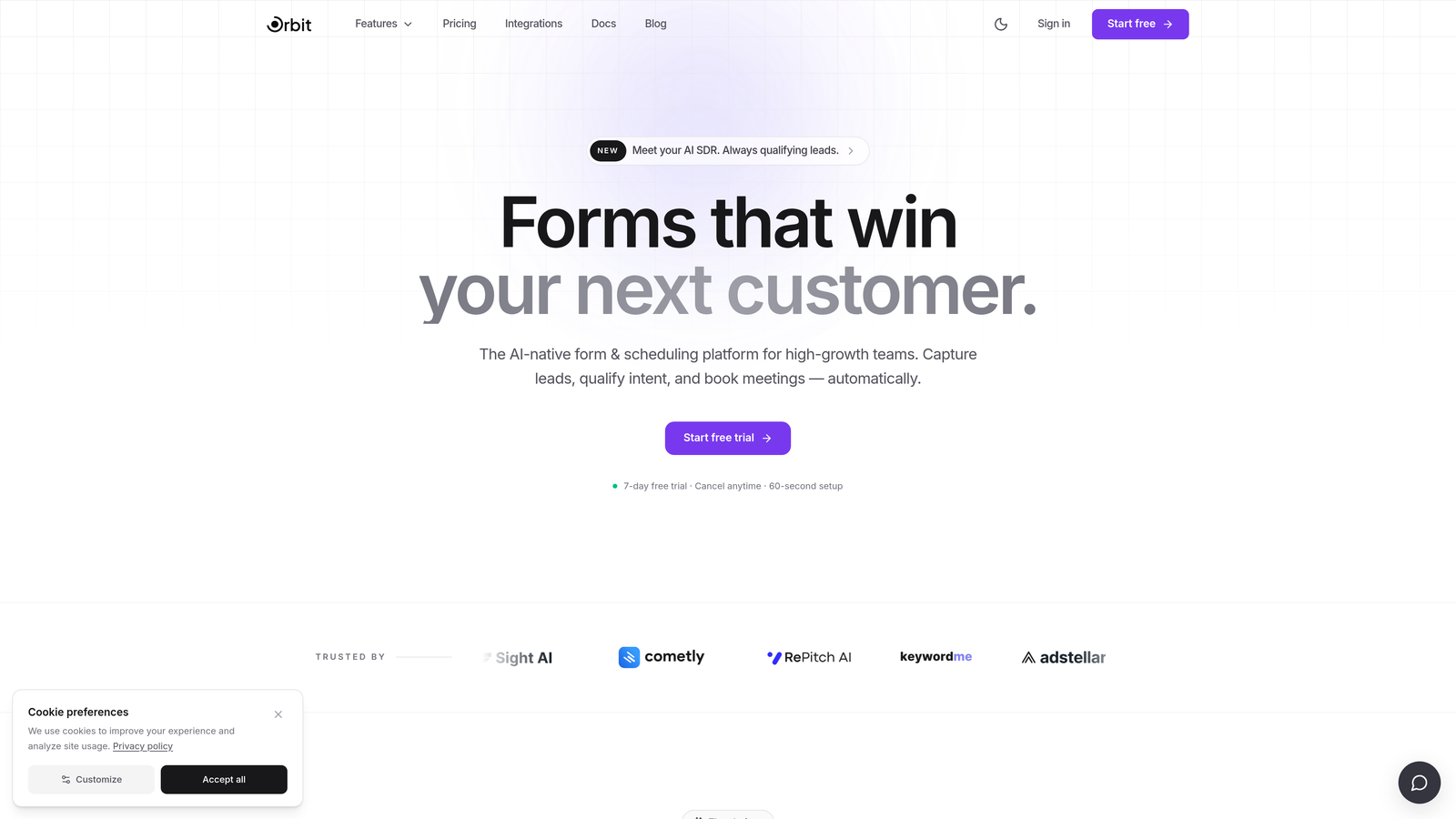
Orbit AI is an AI-powered form builder built for high-growth teams, combining mobile-first design with intelligent lead qualification to turn form submissions into pipeline.
Where This Tool Shines
What separates Orbit AI from most form builders is where the intelligence lives. Rather than simply collecting data and passing it downstream, Orbit AI qualifies leads in real time within the form flow itself. This means your sales team receives pre-scored, pre-filtered leads rather than a raw list of submissions to sort through manually.
The mobile experience reflects a genuine mobile-first design philosophy rather than a responsive afterthought. Layouts adapt gracefully across screen sizes, tap targets are sized for thumbs, and the overall form experience feels modern and frictionless on any device. For teams running paid campaigns where mobile traffic is dominant, this translates directly into stronger conversion rates.
Key Features
AI-Powered Lead Qualification: Scores and filters leads in real time during the form flow, so your team only works with qualified prospects.
Mobile-First Responsive Design: Conversion-optimized layouts built for small screens from the ground up, not retrofitted from desktop.
Conditional Logic and Dynamic Fields: Form paths adapt based on user input, creating personalized experiences without added complexity for the respondent.
Clean Modern Design: Forms look polished across all screen sizes without requiring extra configuration or custom CSS.
CRM Integration Support: Built-in connectivity for B2B and SaaS lead gen workflows, syncing qualified leads directly into your existing stack.
Best For
Orbit AI is the strongest fit for B2B SaaS teams, growth marketers, and demand generation teams running high-volume lead capture campaigns. If your primary goal is converting mobile visitors into qualified pipeline rather than just collecting form responses, this is the tool built for that job.
Pricing
Check current pricing at orbitforms.ai. Free plan available to get started.
2. Typeform
Best for: Marketing and research teams wanting a conversational, one-question-at-a-time mobile experience.
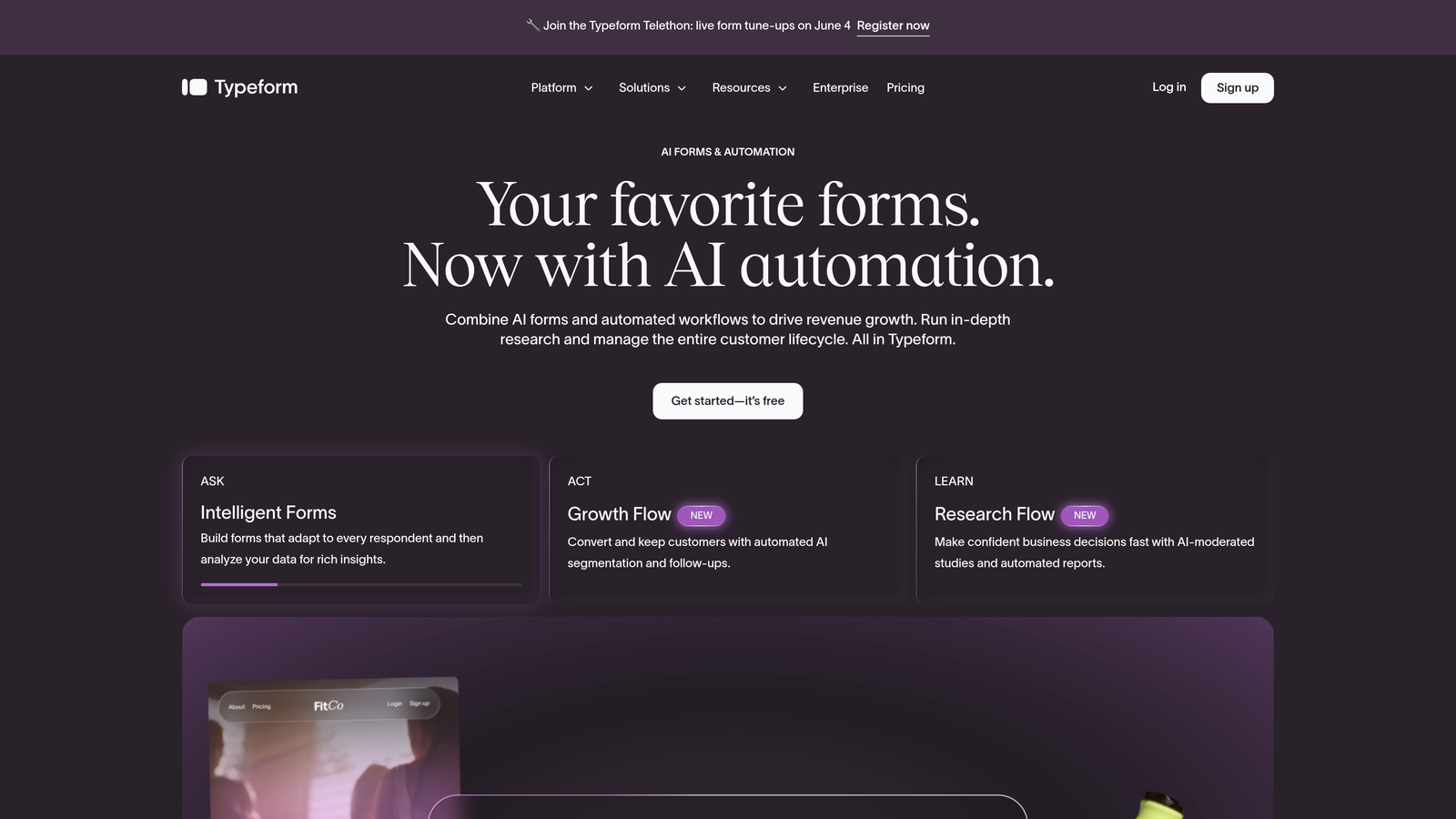
Typeform is a conversational form builder known for its single-question interface, which translates naturally to the constraints of a mobile screen.
Where This Tool Shines
Typeform's core design decision, showing one question at a time, is genuinely well-suited to mobile. It eliminates the scroll fatigue that plagues traditional multi-field forms on small screens. Respondents move through questions with swipe-like navigation, keeping the experience feeling native and fluid rather than web-form-like.
The visual quality is consistently high. Typeform forms look polished without much configuration, which matters when your form is often the first impression a prospect has of your brand on a mobile device.
Key Features
Conversational Single-Question Flow: Reduces cognitive load per screen and minimizes mobile scroll fatigue significantly.
Smooth Navigation: Swipe-friendly transitions between questions that feel natural on touchscreens.
Logic Jumps and Branching: Personalized question paths based on previous answers without disrupting the mobile experience.
Media Embedding: Video and image support within form questions for richer interactive experiences.
Extensive Integrations: Connects with Zapier, HubSpot, Salesforce, and hundreds of other tools in the modern marketing stack.
Best For
Typeform works well for marketing teams, researchers, and brand-conscious companies that prioritize a polished respondent experience. It is particularly effective for lead generation forms, customer surveys, and brand quizzes where aesthetics and engagement matter.
Pricing
Free plan available with limited responses. Paid plans start at approximately $25/month. Verify current pricing at typeform.com before purchasing.
3. Jotform
Best for: Teams needing a wide variety of form types with reliable mobile rendering and enterprise-grade features.
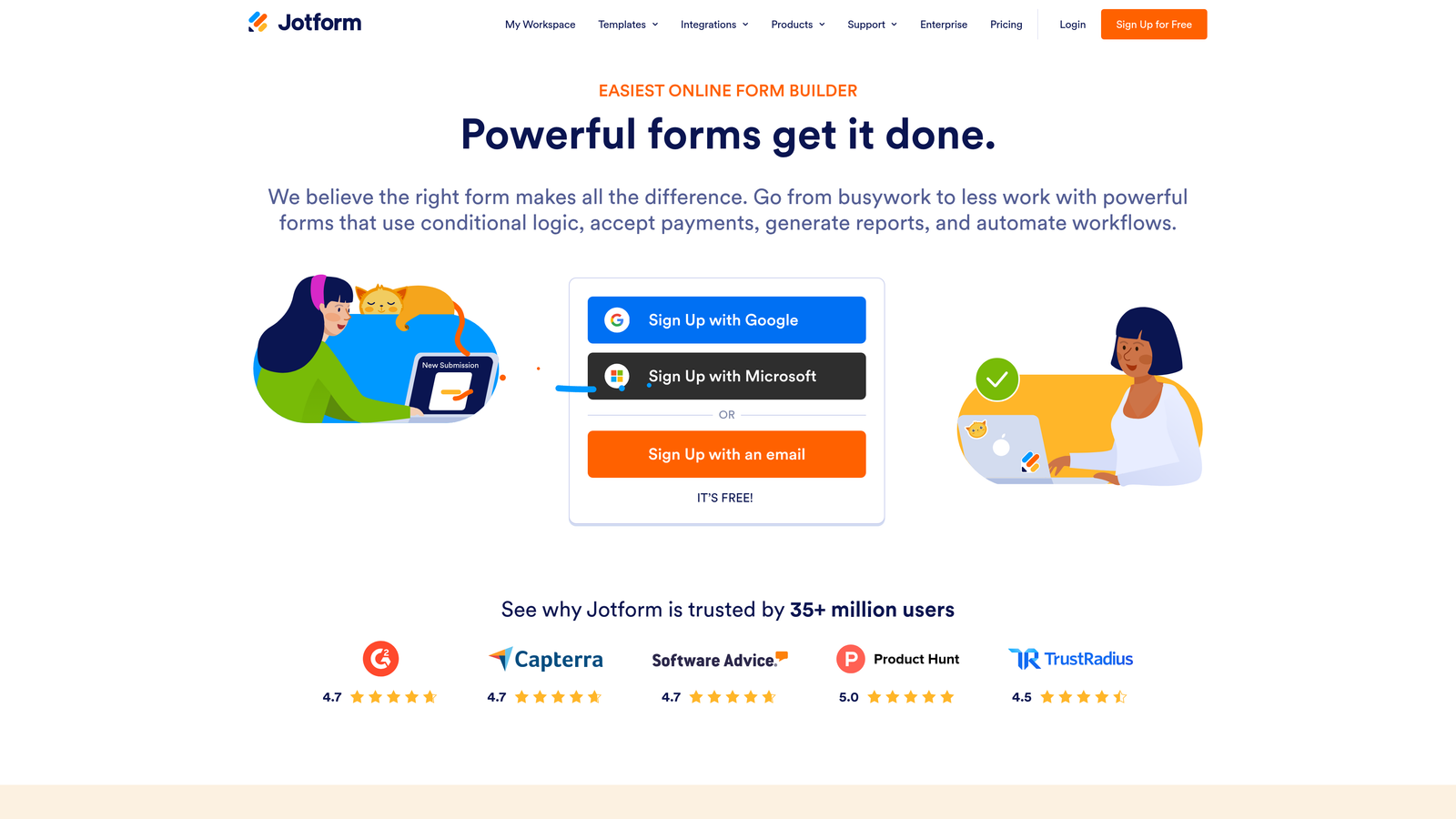
Jotform is a feature-rich form builder with thousands of templates and consistent mobile responsiveness across a broad range of form types and use cases.
Where This Tool Shines
Jotform's depth is its greatest strength. Whether you need a payment form, a registration form, an e-signature workflow, or a healthcare intake form, Jotform has a template and the infrastructure to support it, all with solid mobile rendering. The sheer breadth of use cases covered in a single platform is difficult to match.
The dedicated Jotform Mobile Forms app for iOS and Android adds another layer of utility, allowing teams to manage, review, and share forms natively from a mobile device rather than through a browser.
Key Features
10,000+ Templates: Extensive template library with consistent mobile rendering across all form categories.
Dedicated Mobile App: iOS and Android app for managing forms and reviewing submissions on the go.
Payment and E-Signature Support: Collect payments and signatures directly within mobile-friendly form flows.
Advanced Conditional Logic: Calculation fields and branching logic for complex form requirements.
HIPAA-Compliant Plan: Available for healthcare teams with strict data compliance requirements.
Best For
Jotform is a strong fit for operations teams, healthcare organizations, event managers, and any team that needs a single platform to handle diverse form types reliably. It is especially valuable when mobile data collection in the field is part of the workflow.
Pricing
Free plan available. Paid plans start at approximately $34/month. Verify current pricing at jotform.com.
4. Tally
Best for: Early-stage teams and indie makers who want a generous free tier with clean, minimal mobile output.
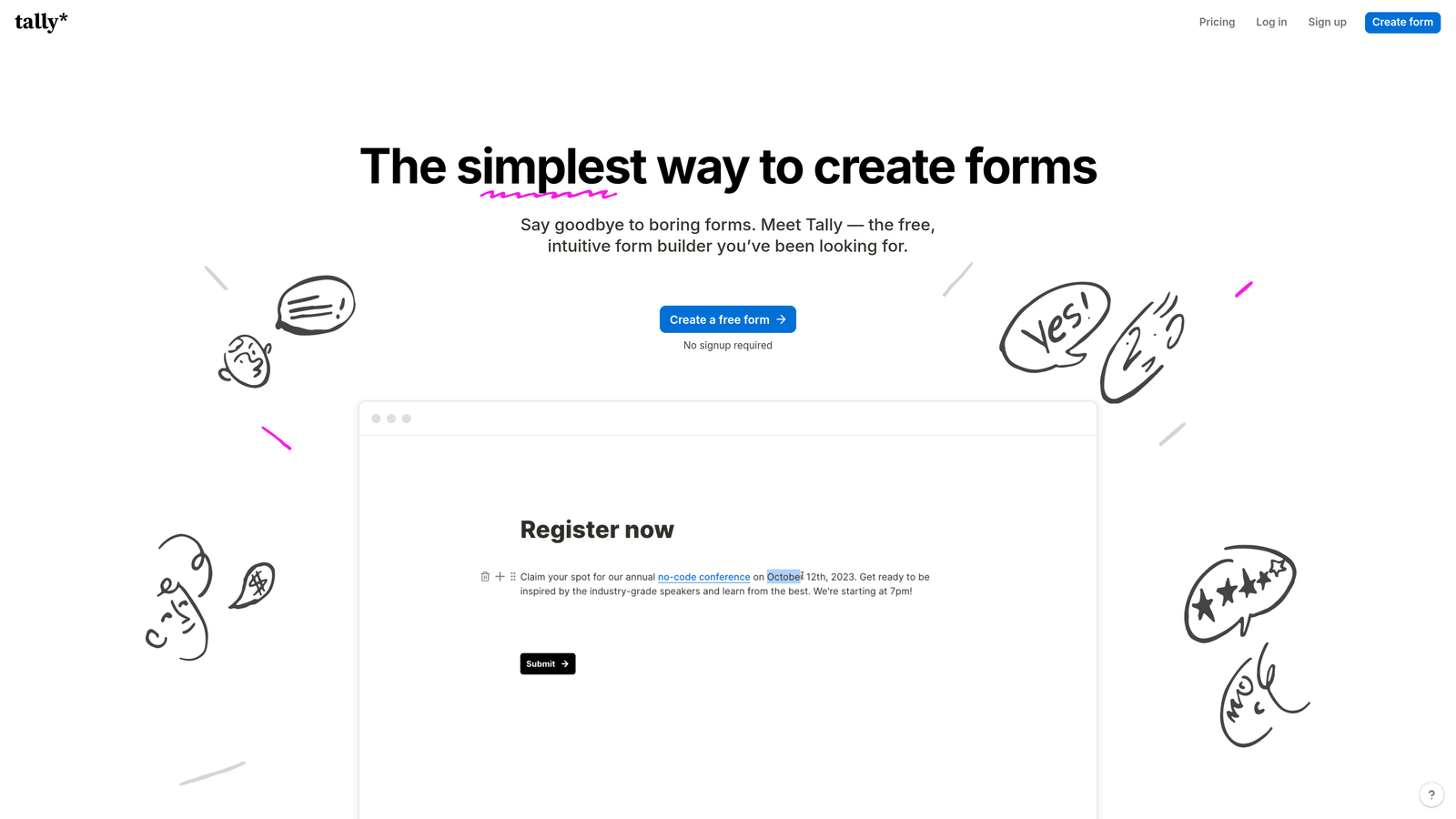
Tally is a minimalist form builder with a Notion-like editing experience, producing clean mobile-friendly forms with one of the most generous free tiers in the market.
Where This Tool Shines
Tally's block-based editor feels immediately familiar to anyone who uses Notion, making it one of the fastest tools to get started with for non-technical users. The forms it produces are clean, distraction-free, and render well on mobile without any additional configuration. There are no pop-up branding banners or cluttered UI elements getting in the way of the respondent experience.
The free tier is genuinely exceptional. Unlimited forms, unlimited responses, conditional logic, and hidden fields are all available without paying anything. For bootstrapped teams or those testing a new lead gen concept, this is hard to beat.
Key Features
Unlimited Free Forms and Responses: No artificial caps on submissions, making it one of the most accessible free options available.
Block-Based Builder: Intuitive drag-and-drop editing that non-technical users can learn in minutes.
Clean Mobile Output: Minimal, distraction-free form design that loads quickly and looks sharp on small screens.
Conditional Logic on Free Tier: Hidden fields and branching logic available without upgrading.
Flexible Embedding: Embeds easily into websites and Notion pages with minimal setup.
Best For
Tally is ideal for early-stage startups, solopreneurs, and content creators who need functional, good-looking mobile forms without a budget commitment. It is also a strong choice for teams already working heavily within Notion.
Pricing
Free plan is highly generous with no submission limits. Tally Pro starts at approximately $29/month. Verify current pricing at tally.so.
5. HubSpot Forms
Best for: Teams already using HubSpot CRM who want native lead capture with zero additional cost.
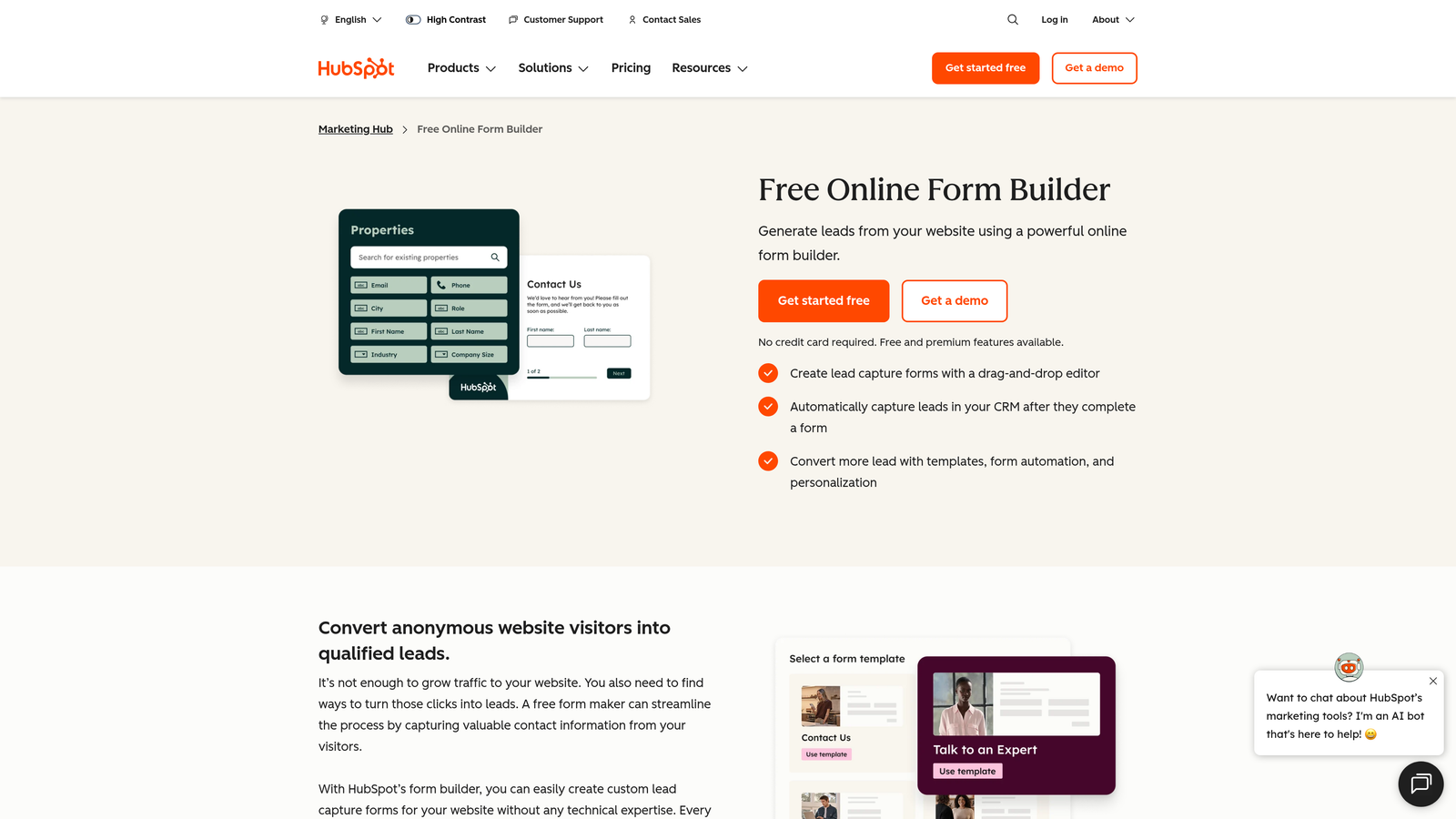
HubSpot Forms is a native form builder within the HubSpot platform, offering mobile-compatible lead capture that syncs directly with HubSpot CRM in real time.
Where This Tool Shines
The core value of HubSpot Forms is its deep, native integration with the HubSpot ecosystem. Every submission automatically creates or updates a contact record, logs activity, and can trigger workflows without any Zapier middleware or manual syncing. For teams running end-to-end campaigns within HubSpot, this eliminates a meaningful layer of complexity.
Progressive profiling is a standout feature that is particularly valuable for mobile experiences. Rather than showing a long form to a returning visitor, HubSpot Forms can surface only the fields it doesn't already know about, keeping the mobile form short and frictionless for users who have previously engaged with your content.
Key Features
Native CRM Sync: Every submission instantly updates contact records in HubSpot with no integration required.
Progressive Profiling: Avoids re-asking fields already known, keeping forms short for returning visitors on mobile.
Smart Fields and Dependent Logic: Conditional fields that adapt based on previous answers or known contact data.
HubSpot Landing Page Integration: Works seamlessly within HubSpot landing pages for end-to-end mobile campaign management.
Free to Use: Available at no additional cost with any HubSpot account.
Best For
HubSpot Forms is the natural choice for teams already invested in the HubSpot platform. Design flexibility is more limited than dedicated form builders, so teams with complex visual requirements may find it constraining. For CRM-first teams, though, the native integration is genuinely valuable.
Pricing
Free with any HubSpot account. Advanced features require Marketing Hub paid plans. Check current pricing at hubspot.com.
6. Fillout
Best for: Teams needing advanced conditional logic with clean mobile UX and modern tool integrations like Notion and Airtable.
Fillout is a modern form builder gaining traction as a flexible alternative to Typeform, offering powerful branching logic without sacrificing mobile performance.

Where This Tool Shines
Fillout's standout quality is the combination of complex logic capabilities and clean mobile rendering. Many form builders that support advanced branching introduce UI complexity or performance trade-offs that degrade the mobile experience. Fillout manages to keep the respondent-facing experience simple and fast even when the underlying logic is sophisticated.
Its native integrations with modern tools like Notion, Airtable, and Google Sheets make it particularly appealing to teams running lean, modern tech stacks where data needs to flow into a workspace database rather than a traditional CRM.
Key Features
Advanced Branching Logic: Complex conditional paths that work smoothly without degrading mobile performance.
Native Modern Integrations: Direct connections to Notion, Airtable, and Google Sheets without needing Zapier.
Multi-Page Flows and Quizzes: Scheduled forms, quiz formats, and multi-step flows with clean mobile navigation.
Customizable Themes: Mobile rendering with design flexibility to match brand aesthetics.
Scheduling and Booking Support: Built-in appointment booking form functionality within the same platform.
Best For
Fillout is a strong choice for product and operations teams working within modern tool stacks, as well as marketers who need Typeform-level polish with more flexible logic. It suits teams that outgrow simpler tools but don't need a full enterprise platform.
Pricing
Free plan available. Paid plans start at approximately $15/month. Verify current pricing at fillout.com.
7. Google Forms
Best for: Teams with zero budget needing a reliable, functional mobile form with Google Workspace integration.
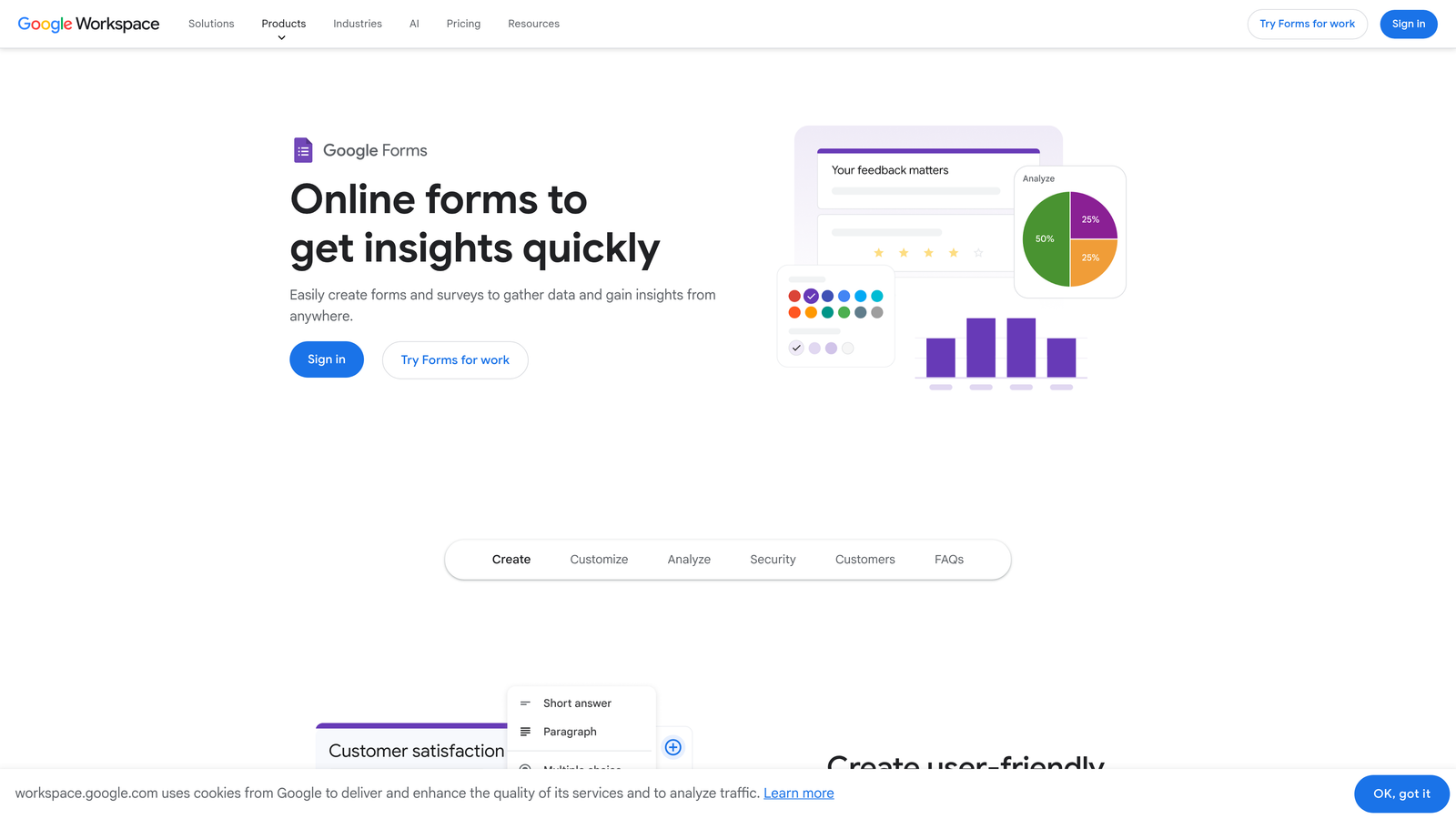
Google Forms is a free, reliable form builder from Google with solid mobile compatibility and seamless integration across the Google Workspace ecosystem.
Where This Tool Shines
Google Forms doesn't win on aesthetics or advanced features, but it wins on accessibility and reliability. It is completely free, requires no account beyond a standard Google account, and produces forms that render consistently on mobile without any configuration. For internal surveys, quick feedback collection, or event registrations where visual polish isn't the priority, it gets the job done.
The automatic population of responses into Google Sheets is genuinely useful for teams already working in Google Workspace. Real-time response tracking is available without any additional setup or integration.
Key Features
Completely Free: No submission limits, no paid tiers, no hidden costs with a Google account.
Automatic Mobile Responsiveness: All forms adapt to mobile screens without any manual configuration.
Google Sheets Integration: Real-time response collection directly into a connected spreadsheet.
Quiz Mode: Automatic grading and scoring for assessments and knowledge checks.
Easy Sharing: Distributable via link, embed code, or email with no technical setup required.
Best For
Google Forms is best suited for internal use cases, educational settings, and teams with no form budget. It is not the right tool for customer-facing lead generation where brand experience and conversion optimization matter.
8. Paperform
Best for: Service businesses and freelancers who want to blend rich content with form fields in a single responsive page.
Paperform is a form builder that combines text, images, and video with form fields in a single responsive layout, with built-in payment and booking capabilities.
Where This Tool Shines
Paperform occupies an interesting middle ground between a landing page builder and a form builder. Rather than presenting a bare form, it lets you weave form fields into a content-rich page with explanatory text, images, and embedded video. On mobile, this creates a more immersive, guided experience that can work particularly well for service intake forms, product order forms, or consultation bookings.
The built-in payment processing support, covering Stripe, PayPal, and Square, means service businesses can collect bookings and payments in a single mobile-optimized flow without stitching together multiple tools.
Key Features
Content-Rich Form Layout: Combine text, images, and video with form fields in one cohesive responsive page.
Built-In Payment Collection: Native Stripe, PayPal, and Square support within the form flow.
Appointment Booking Fields: Scheduling and booking functionality built directly into forms.
Fully Responsive Mobile Design: Content and form fields reflow cleanly across all screen sizes.
Conditional Sections and Calculations: Dynamic sections and calculation fields for more complex form logic.
Best For
Paperform is an excellent fit for freelancers, consultants, and small service businesses that need a polished mobile experience combining intake, booking, and payment in one place. It is less suited for high-volume B2B lead generation where CRM integration depth matters more.
Pricing
Starts at approximately $24/month. Verify current pricing at paperform.co.
9. Microsoft Forms
Best for: Enterprise teams on Microsoft 365 needing reliable mobile surveys with deep Microsoft ecosystem integration.
Microsoft Forms is an enterprise-grade form and survey builder included with Microsoft 365, offering reliable mobile rendering and native integration across the Microsoft ecosystem.
Where This Tool Shines
For organizations already running on Microsoft 365, the value proposition is straightforward: a capable, mobile-responsive form builder that requires no additional licensing, integrates natively with Teams, SharePoint, and Excel, and meets enterprise compliance standards out of the box. There is no procurement process, no new vendor relationship, and no integration headaches.
Real-time results visualization in Excel and Power BI is a practical advantage for data-driven teams that need to analyze survey responses alongside other business data. Multilingual form support is also a differentiator for global enterprise deployments.
Key Features
Included with Microsoft 365: No additional cost for existing subscribers across the organization.
Mobile-Responsive Surveys and Quizzes: Consistent rendering across devices with no additional configuration.
Excel and Power BI Integration: Real-time response data flows directly into familiar Microsoft analytics tools.
Teams and SharePoint Integration: Deploy forms natively within Teams channels, SharePoint sites, and OneDrive.
Branching Logic and Multilingual Support: Conditional question paths and multi-language form delivery for global teams.
Best For
Microsoft Forms is the right choice for enterprise IT, HR, and operations teams within Microsoft 365 environments. Design flexibility and advanced conversion optimization are limited compared to dedicated form builders, making it better suited for internal surveys and structured data collection than customer-facing lead generation.
Pricing
Included with Microsoft 365 subscription at no additional cost. Check microsoft.com for current Microsoft 365 pricing.
Which Tool Is Right for Your Team?
The right mobile-optimized form builder depends on what you're actually trying to accomplish. Each tool on this list excels in a different context, and choosing the wrong one means leaving conversion performance on the table.
If your priority is lead generation and qualification for a B2B or SaaS business, Orbit AI stands out as the most purpose-built option. The combination of AI-powered lead scoring within the form flow, mobile-first design, and CRM integration makes it a strong fit for growth teams running paid campaigns where every submission needs to count.
For teams that prioritize a polished conversational experience and brand aesthetics, Typeform remains a strong choice. Teams needing maximum feature breadth across diverse form types will find Jotform hard to beat. Tally is the clear winner on free-tier value. HubSpot Forms is the logical default for teams already operating within the HubSpot ecosystem. Fillout earns its place for teams needing sophisticated logic with modern tool integrations. Google Forms and Microsoft Forms serve their respective ecosystems reliably when budget and simplicity are the primary criteria. And Paperform fills a unique niche for service businesses combining content, booking, and payment in a single mobile flow.
For high-growth teams where mobile conversion performance is a real business priority, the difference between a generic form builder and a conversion-optimized one shows up directly in your pipeline. Start building free forms today and see how intelligent form design can elevate your conversion strategy across every device your prospects use.


