

React developers building lead capture flows, onboarding sequences, or qualification forms face a real choice: build form logic from scratch or reach for a library that handles validation, state, and UX out of the box. The right pick depends on whether you need raw component flexibility, a no-code embed, or something in between.
This list covers the best options available in 2026, from lightweight React-compatible platforms to full-featured tools with embeddable SDKs. We evaluated each on developer experience, customization depth, conversion-focused features, and pricing transparency.
Important distinction: The tools in this list are SaaS form platforms, not traditional npm component libraries. They offer React-compatible embeds, JavaScript SDKs, or iframe solutions rather than installable React components. We've flagged the technical approach for each entry so you know exactly what you're working with.
1. Orbit AI
Best for: High-growth SaaS teams that need lead qualification built into the form layer
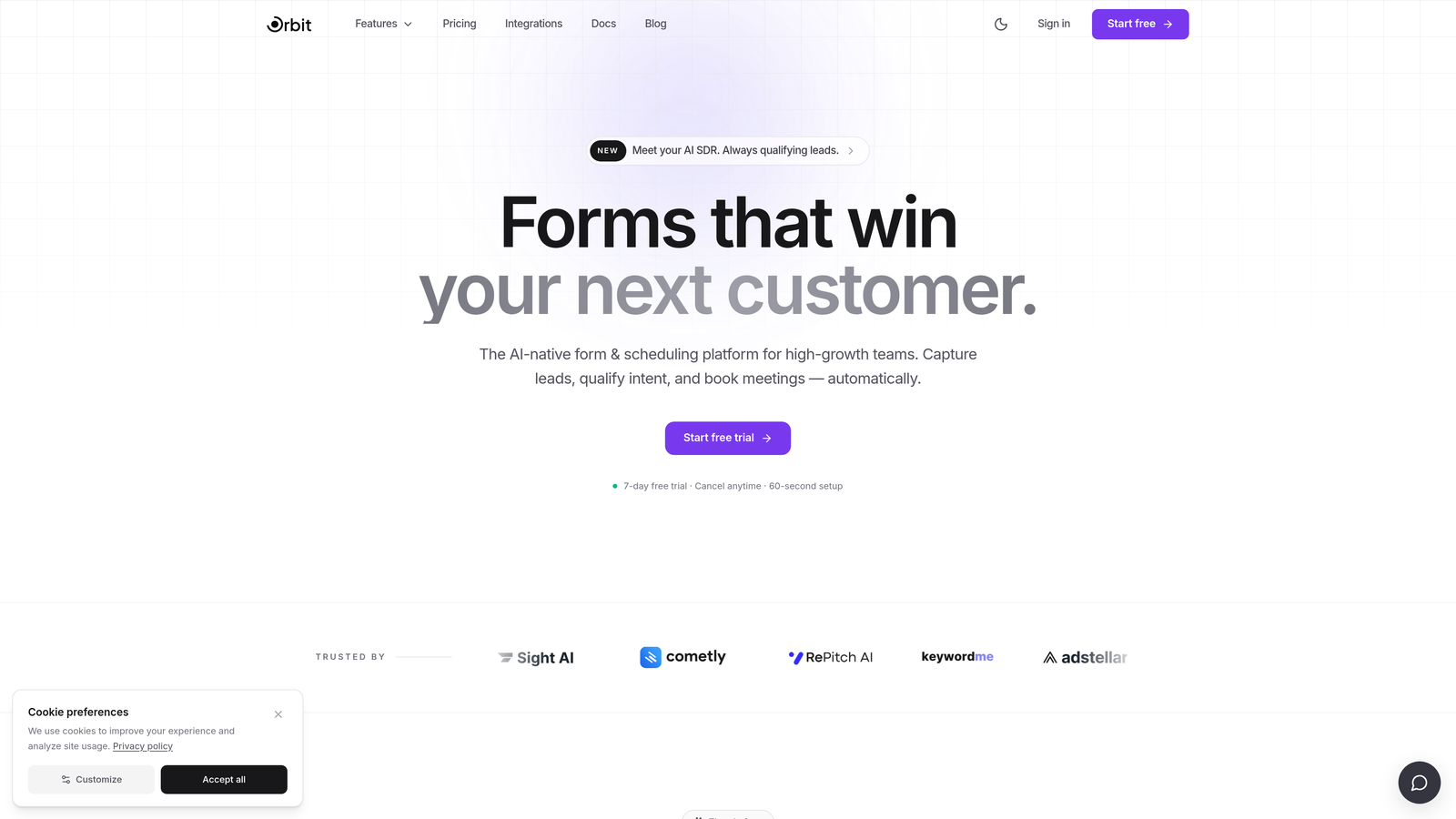
Orbit AI is an AI-powered form builder platform designed for teams where lead quality matters as much as lead volume.
Where This Tool Shines
Most form tools stop at data capture. Orbit AI goes a step further by qualifying leads at the point of submission using built-in AI scoring logic. That means your sales team isn't manually triaging form fills — the intelligence happens before the lead ever hits your CRM.
The platform is built with a modern, conversion-optimized interface that embeds cleanly into React applications. For growth teams running experiments on form placement, flow, and field logic, having a tool designed around conversion outcomes rather than just data collection is a meaningful differentiator.
Key Features
AI-Powered Lead Qualification: Scores and qualifies leads automatically at submission, so your team focuses on high-intent prospects.
Conversion-Optimized Design: Clean, modern UI built to reduce friction and improve completion rates out of the box.
React Embed Support: Embeds into React applications via a compatible integration method, fitting naturally into existing app architecture.
Conditional Logic: Forms adapt dynamically based on user responses, creating a personalized experience without extra developer work.
SaaS Workflow Design: Built specifically for high-growth and SaaS team workflows, not generic use cases.
Best For
SaaS companies, growth teams, and product-led businesses where the quality of inbound leads directly affects revenue. Particularly strong for teams that want qualification intelligence without building a custom scoring layer on top of a generic form tool.
Pricing
Visit orbitforms.ai for current pricing plans and available tiers.
2. Typeform
Best for: Teams prioritizing conversational UX and high form completion rates
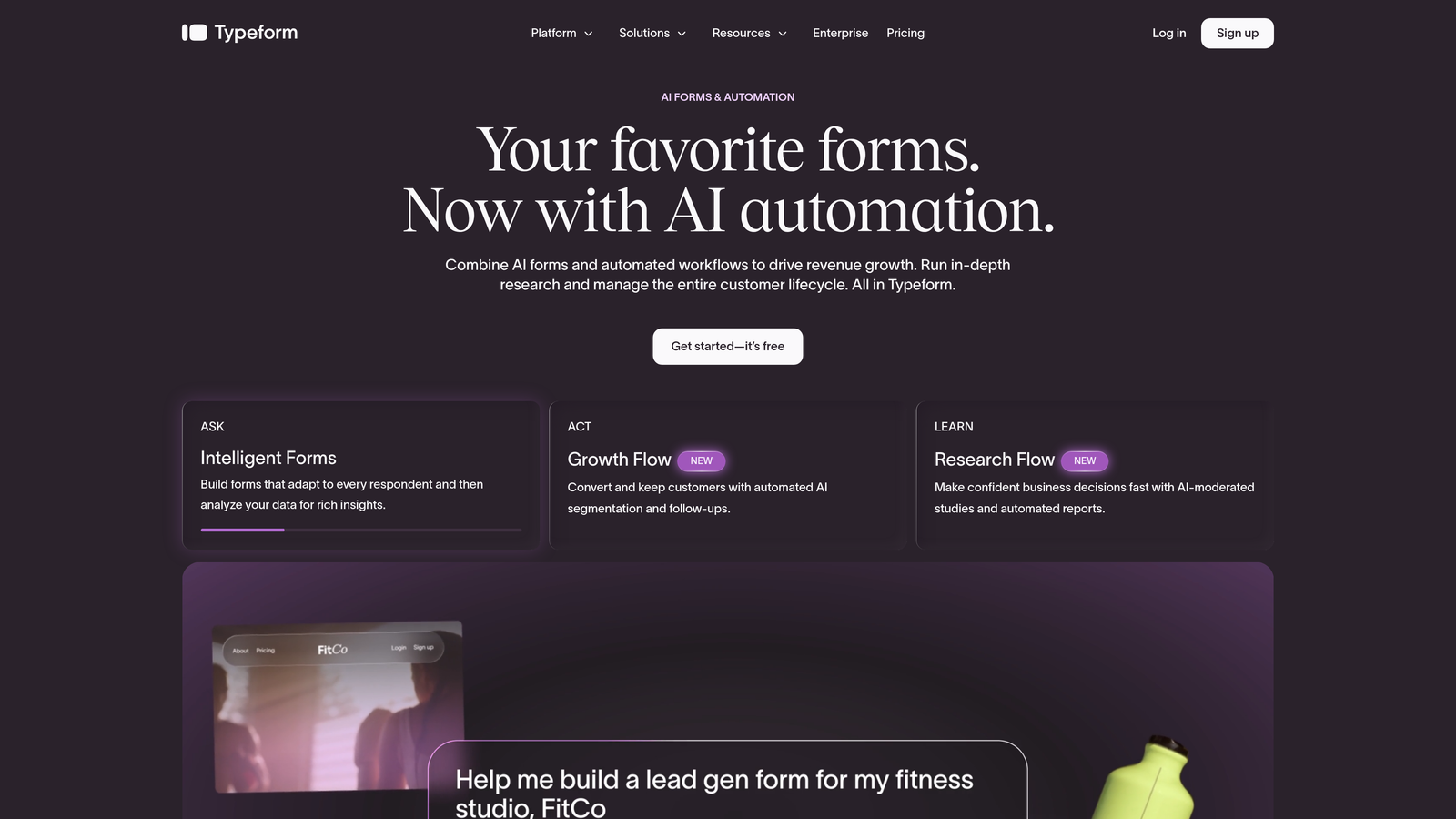
Typeform is a widely-used conversational form platform known for its one-question-at-a-time interface that drives strong engagement.
Where This Tool Shines
Typeform's core design philosophy is that forms feel more like conversations than spreadsheets. By presenting one question at a time, it reduces cognitive load and keeps respondents moving through the flow. This approach tends to work well for longer forms where drop-off is a concern.
For React developers, Typeform offers a JavaScript embed SDK that integrates into React apps without major friction. It's not an npm package, but embedding a Typeform in a React component is well-documented and widely practiced. The tradeoff is that you're working within Typeform's design system rather than your own.
Key Features
Conversational Single-Question Flow: Presents one field at a time to reduce friction and improve completion rates.
JavaScript Embed SDK: Integrates with React applications via a JavaScript SDK with multiple embed modes (popup, slider, side tab, inline).
Logic Jumps: Conditional branching lets you route respondents through different question paths based on their answers.
Native CRM Integrations: Connects directly with popular CRM and marketing automation tools.
Analytics Dashboard: Tracks drop-off rates, completion rates, and response data by question.
Best For
Marketing teams, product teams, and agencies that want a polished conversational form experience without heavy development work. Works well for surveys, NPS forms, onboarding flows, and lead capture where brand experience matters.
Pricing
Free tier available. Paid plans start at approximately $25/month. Check typeform.com for current pricing, as tiers are based on response volume.
3. Tally
Best for: Developers and early-stage teams who need fast, low-overhead form embeds on a budget
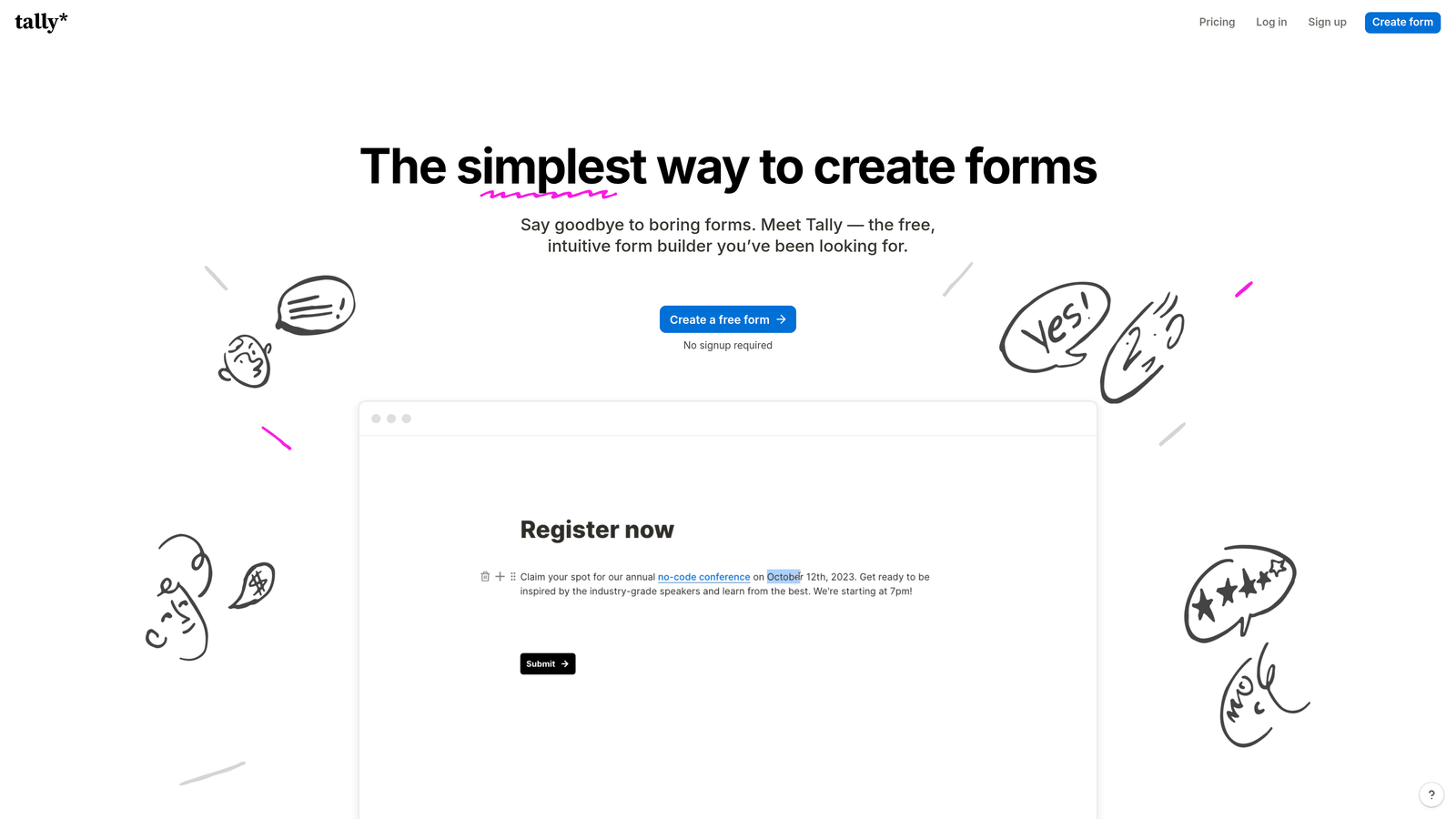
Tally is a lightweight, Notion-inspired form builder with a generous free tier and straightforward embed options for React projects.
Where This Tool Shines
Tally's biggest appeal is its simplicity. The editor feels like Notion, which means most developers and non-technical teammates can build forms quickly without a learning curve. For projects where you need a clean, functional form embedded in a React app without spending engineering time, Tally gets you there fast.
The free tier is genuinely useful, not a stripped-down trial. Unlimited forms and unlimited responses on the free plan make it a serious option for indie developers, early-stage startups, and small teams watching their tool spend.
Key Features
Notion-Like Editor: Familiar block-based editing experience that's fast to learn and use for both developers and non-technical users.
Generous Free Tier: Unlimited forms and responses on the free plan, which is rare among form platforms.
React-Compatible Embed: Embeds via script tag or iframe, both of which work within React component trees.
Conditional Logic: Basic branching and conditional fields for creating adaptive form flows.
File Uploads: Supports file upload fields without requiring a paid plan upgrade.
Best For
Solo developers, indie makers, early-stage startups, and small teams that need clean, functional forms quickly and don't require advanced qualification logic or deep CRM integrations.
Pricing
Free tier available with unlimited forms and responses. Tally Pro at approximately $29/month. Check tally.so for current pricing details.
4. Paperform
Best for: Design-conscious teams who want rich, branded forms without a developer
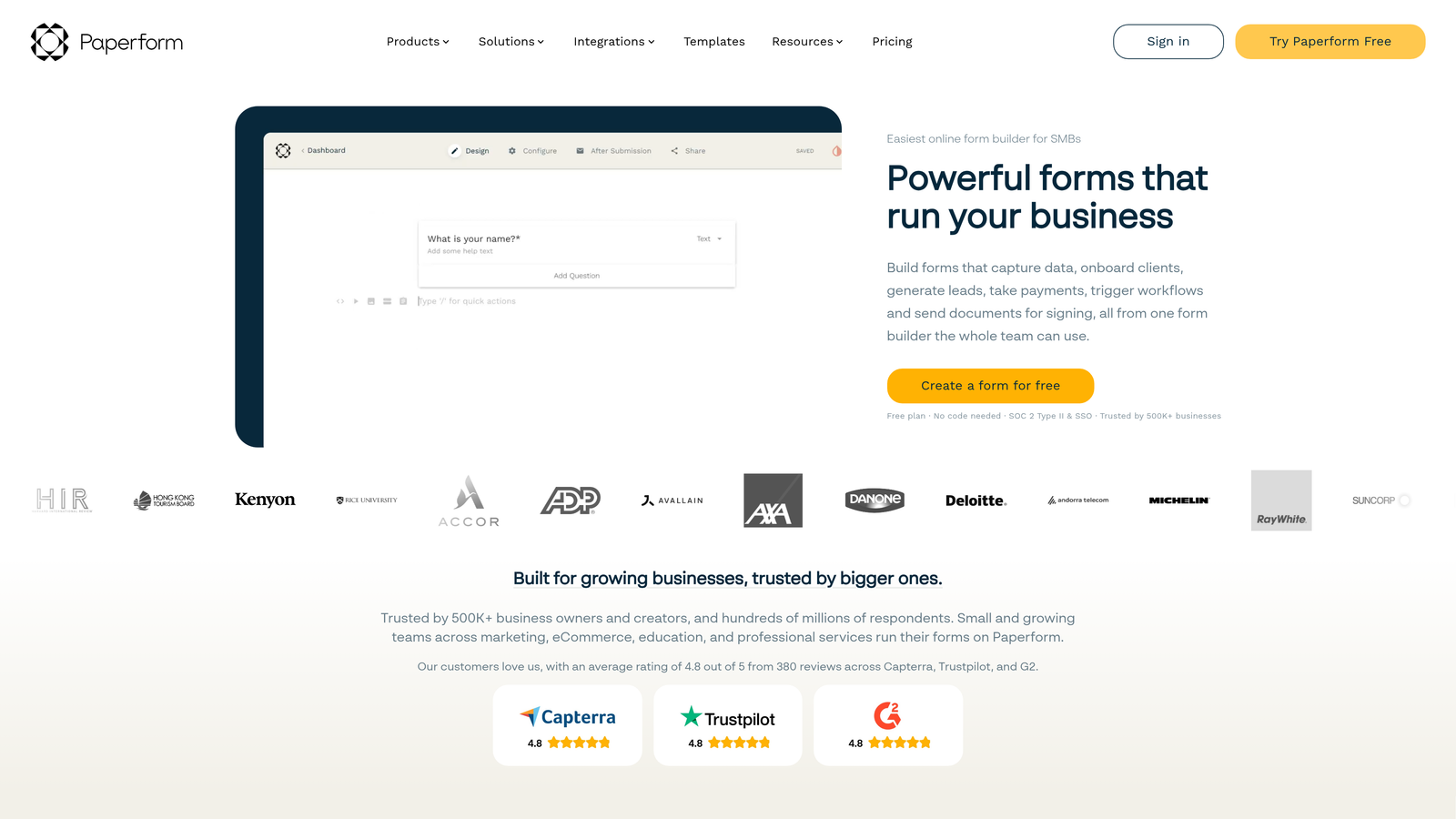
Paperform is a form builder that blends page-builder aesthetics with form logic, giving teams design-rich forms with minimal development overhead.
Where This Tool Shines
Paperform occupies an interesting space between a landing page tool and a form builder. You can add images, text blocks, and rich media alongside form fields, which means the form itself becomes a designed experience rather than a plain input sequence. For agencies and marketing teams, this level of design control matters.
Embedding in React is supported via standard iframe or script embed methods. It's not a native React SDK, but it integrates cleanly enough for teams that want a visually polished form without building it from scratch in React components.
Key Features
Page-Builder Style Editor: Mix text, images, and form fields freely to create designed form experiences.
Advanced Conditional Logic: Complex branching and calculation fields for dynamic, data-driven forms.
Built-In Payment Collection: Native Stripe and PayPal support for order forms, registrations, and paid submissions.
React Embed Support: Embeds into React applications via iframe or script tag.
Wide Field Type Library: Includes product fields, ranking fields, and signature capture alongside standard inputs.
Best For
Agencies, small businesses, and marketing teams that want design flexibility and form logic in one tool without needing a developer to create polished, on-brand form experiences.
Pricing
Plans start at approximately $29/month. Check paperform.co for current plan details and feature breakdowns.
5. Jotform
Best for: Enterprise teams and organizations needing breadth of templates, integrations, and compliance options
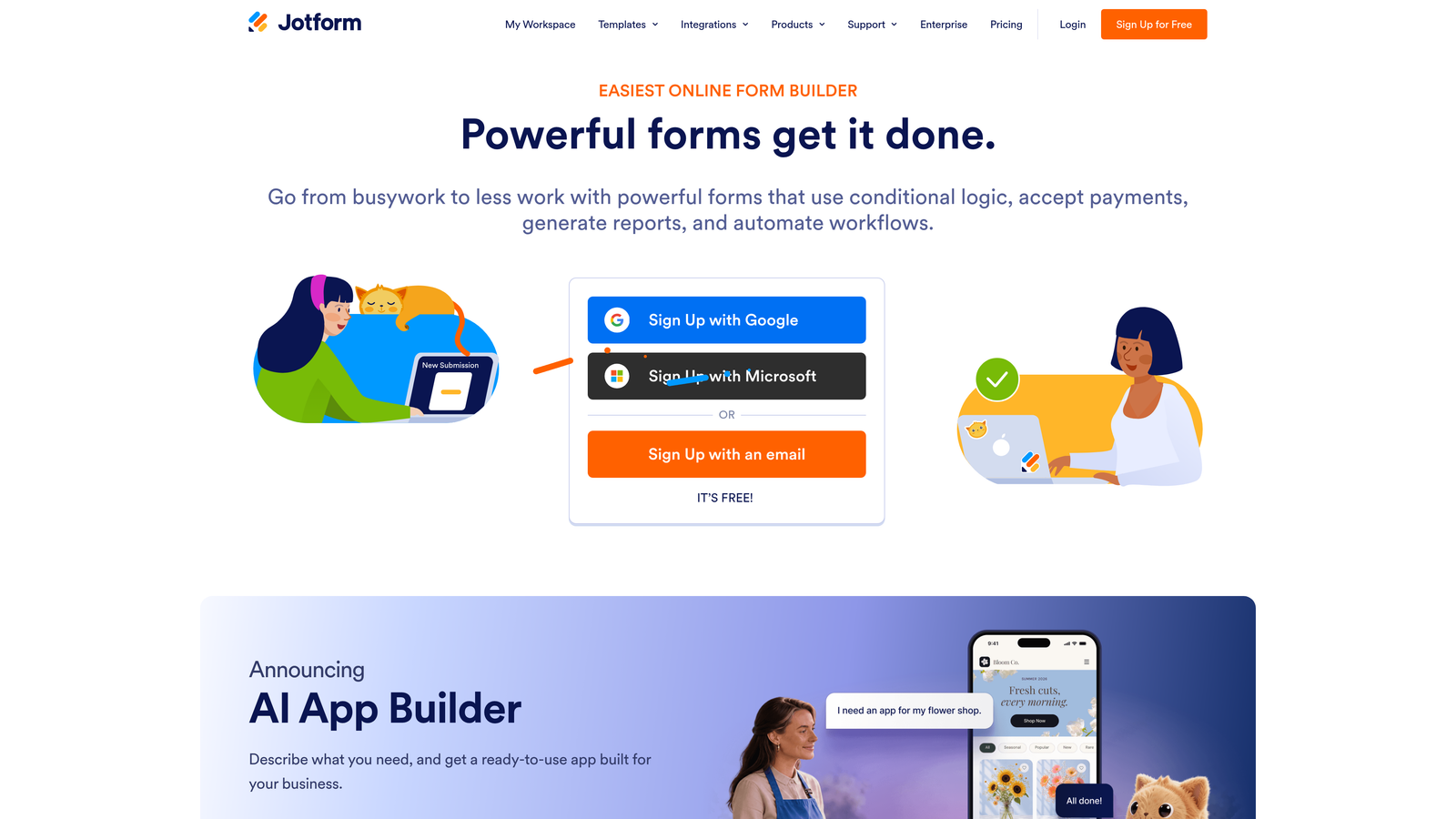
Jotform is one of the most established form platforms available, with a massive template library and deep third-party integrations.
Where This Tool Shines
When breadth is the priority, Jotform is hard to match. The platform has thousands of pre-built templates spanning industries from healthcare to e-commerce to education. For enterprise teams that need to spin up diverse form types quickly, the template library alone saves significant time.
Jotform also stands out for its compliance capabilities. HIPAA-compliant plans make it one of the few form platforms viable for healthcare organizations. For React developers, embedding Jotform forms follows standard web embed patterns that work within React component architecture.
Key Features
Thousands of Templates: Pre-built forms across virtually every industry and use case, ready to customize and deploy.
Workflow Automation: Approval flows, conditional notifications, and multi-step workflows built into the platform.
HIPAA-Compliant Plans: Available for healthcare organizations that need compliant data handling.
React-Compatible Embeds: Standard embed options that integrate with React applications.
Extensive Integration Library: Connects with a wide range of CRMs, payment processors, and third-party tools.
Best For
Enterprise organizations, healthcare teams, educational institutions, and any team that needs a proven, heavily-integrated form platform with compliance features and a wide variety of form types.
Pricing
Free tier available. Paid plans start at approximately $34/month. Check jotform.com for current plan details and enterprise pricing.
6. Formstack
Best for: Compliance-heavy industries where forms are part of a broader document and signature workflow
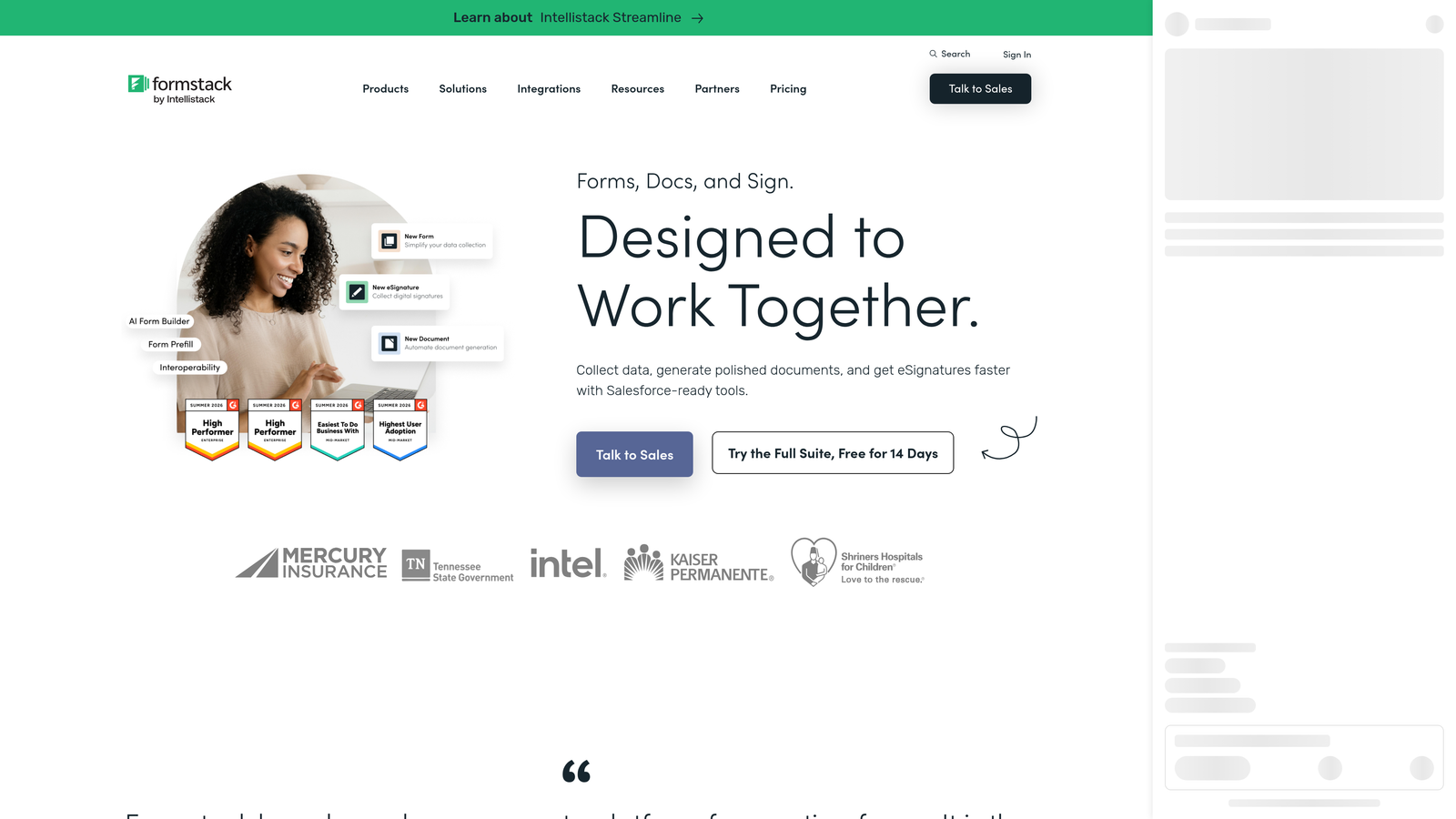
Formstack is an enterprise form and document workflow platform where form data flows natively into document generation and e-signature tools.
Where This Tool Shines
Formstack's differentiator is its native connection to Formstack Docs and Formstack Sign. For industries like legal, financial services, and healthcare, a form submission that automatically populates a document and routes it for signature is a significant workflow win. This isn't just a form builder; it's a data collection and document automation platform.
For React developers, Formstack supports standard web embed methods that work within React applications. The platform is better suited to teams where forms are one piece of a larger operational process rather than a standalone conversion tool.
Key Features
Native Docs and Sign Integration: Form submissions feed directly into document generation and e-signature workflows within the Formstack ecosystem.
Advanced Data Routing: Conditional workflows that route data to different systems or team members based on submission content.
Compliance Features: Built for regulated industries with data handling standards that meet enterprise requirements.
React Embed Support: Embeds into React and other web applications via standard embed methods.
Salesforce Integration: Deep native integration for enterprise teams running Salesforce as their CRM.
Best For
Enterprise teams in regulated industries (legal, financial services, healthcare) where form data needs to connect seamlessly to document generation, e-signature, and CRM workflows rather than just feed a lead database.
Pricing
Pricing varies by product suite and feature combination. Check formstack.com for current pricing across their product tiers.
Choosing the Right Tool for Your Team
The honest answer is that the best React form builder depends entirely on what problem you're actually solving. Not all of these tools are equal on every dimension, and the distinctions matter.
If your primary goal is lead qualification and conversion optimization, Orbit AI is built for that outcome. The AI scoring layer that qualifies leads at submission is a meaningful differentiator for SaaS and growth teams where lead quality directly affects revenue. It's not just a prettier form; it's a smarter one.
For teams that prioritize conversational UX and brand experience, Typeform remains a strong choice with its one-question-at-a-time flow and solid JavaScript embed support. If budget is a constraint and you need something fast and clean, Tally's free tier is genuinely hard to beat for early-stage projects.
Paperform suits design-conscious teams who want page-builder flexibility without a developer. Jotform is the natural fit for enterprises needing template breadth, workflow automation, and compliance options. Formstack makes sense when forms are one piece of a larger document and signature workflow in a regulated industry.
For high-growth SaaS teams specifically, the form builder you choose directly affects lead quality, not just form completion rates. Tools that combine clean React embeds with qualification logic give your team a measurable edge over tools that simply collect and store submissions.
Transform your lead generation with AI-powered forms that qualify prospects automatically while delivering the modern, conversion-optimized experience your high-growth team needs. Start building free forms today and see how intelligent form design can elevate your conversion strategy.


