

When your forms need to collect more than just text, a standard form builder starts to show its limits fast. Portfolios, contracts, design assets, ID documents, onboarding packets — these are the moments where your form either handles the moment gracefully or creates friction that costs you the submission.
A file upload form builder solves that. But not all of them are built the same way. Some prioritize compliance. Some prioritize design. Some are free. And a small number actually connect file submissions to your lead pipeline, so your sales team knows which uploads came from high-intent prospects.
We've built this guide to help you find the right fit for your workflow. Orbit AI is listed first because it's our product — we want to be upfront about that. But we've evaluated every tool honestly, and the right choice depends entirely on what your team actually needs.
1. Orbit AI
Best for: High-growth teams that need file upload forms to qualify leads and feed the sales pipeline simultaneously.
Orbit AI is an AI-powered form builder designed for teams where every form submission is a potential pipeline opportunity.

Where This Tool Shines
Most file upload tools treat the uploaded file as the end goal. Orbit AI treats it as one signal among many. When someone submits a portfolio or a creative brief through an Orbit form, the platform's AI qualification layer is already scoring that lead based on their responses — so your sales team receives both the file and the context around who sent it.
The design experience is genuinely modern. Forms built in Orbit AI look polished without any custom CSS, which matters when you're using intake forms as a first impression. Multi-step, conversational flows keep completion rates high, and file upload fields integrate naturally into those flows rather than feeling bolted on.
Key Features
File Upload in Conversational Flows: File upload fields work within multi-step form sequences, so collecting assets feels like a natural part of the experience rather than an afterthought.
AI Lead Qualification: Every submission — including those with file uploads — is scored by built-in AI, giving your team instant pipeline intelligence alongside the collected files.
Design-Forward Interface: A modern, clean builder that produces polished forms without requiring developer involvement or custom styling.
CRM and Sales Tool Integrations: Qualified leads and their associated files route directly to your CRM, keeping your pipeline organized from the moment of submission.
Conversion-Optimized Structure: Form architecture built specifically for high-growth teams where completion rate and lead quality both matter.
Best For
Teams where file intake is a lead-gen touchpoint, not just an ops process. If you're collecting creative briefs, application materials, or client onboarding documents and you want to know which submissions came from your best prospects, Orbit AI is purpose-built for that use case.
Pricing
See current plans at orbitforms.ai. Pricing is structured for growing teams with a focus on conversion and pipeline value.
2. Typeform
Best for: Teams that prioritize conversational UX and brand-consistent intake experiences.
Typeform is a well-established conversational form builder known for its one-question-at-a-time format and strong visual design.

Where This Tool Shines
Typeform's core strength is the experience it creates for respondents. Forms feel more like conversations than data collection, which tends to improve completion rates on longer intake flows. File upload fits naturally into that format — you can ask for a portfolio submission the same way you'd ask any other question, without breaking the conversational rhythm.
Brand customization is another genuine strength. If your intake form is a touchpoint that reflects your company's identity, Typeform gives you real control over fonts, colors, and visual presentation without needing a designer.
Key Features
Conversational One-Question Format: File upload fields integrate seamlessly into Typeform's signature step-by-step flow.
Brand Customization: Deep control over visual styling makes forms feel like a natural extension of your brand.
Native Integrations: Connects directly with Google Drive, Dropbox, HubSpot, and Zapier for file routing and CRM sync.
Logic Jumps and Conditional Fields: Show or hide the file upload field based on earlier answers, creating smarter intake flows.
Embeddable and Shareable: Forms can be embedded on any page or shared as standalone links.
Best For
Marketing and creative teams running top-of-funnel intake where experience quality matters. Also a strong fit for agencies collecting client briefs or application forms where brand presentation is important.
Pricing
File upload is available on paid plans only; the free plan does not include this feature. Check typeform.com for current plan details and pricing.
3. Jotform
Best for: High-volume document intake and teams that need granular file upload controls.
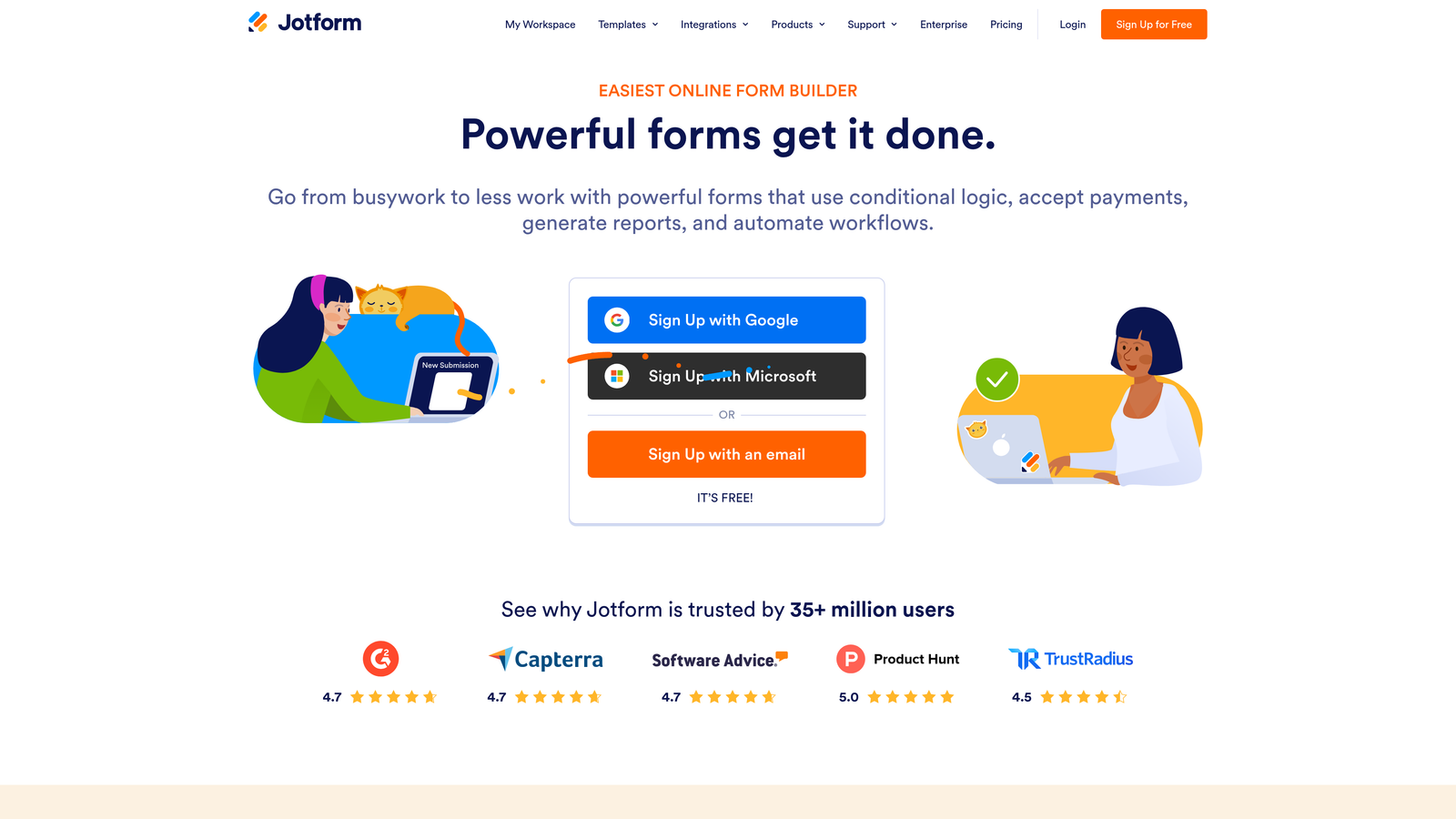
Jotform is one of the most feature-complete form builders available, with some of the most robust file handling capabilities in this category.
Where This Tool Shines
Jotform's file upload functionality goes deeper than most competitors. You can restrict accepted file types, set file size limits, and allow multiple files per field — all within a single form. For teams managing high-volume document intake, that level of control matters. Jotform Tables then organizes every submission, including associated files, in a structured view that makes review and management straightforward.
The integration ecosystem is also genuinely broad. With over 150 native integrations spanning cloud storage, CRMs, and payment processors, Jotform can slot into almost any existing workflow without requiring Zapier as an intermediary.
Key Features
Multi-File Upload with Controls: Accept multiple files per field with restrictions on file type and size — critical for document intake workflows.
Jotform Tables: A built-in submission management view that organizes files and form data in one place.
150+ Native Integrations: Direct connections to cloud storage platforms, CRMs, and payment tools without relying on third-party automation.
HIPAA-Compliant Plans: One of the few form builders in this category that offers HIPAA compliance, making it viable for healthcare-adjacent use cases.
Generous Storage on Paid Plans: Higher tiers offer substantial storage allocation for teams collecting large files at volume.
Best For
Operations teams, HR departments, and businesses in regulated industries that need depth of file handling rather than design polish. Also a strong choice for anyone managing document-heavy workflows at scale.
Pricing
A free plan is available with limited storage. Paid plans scale with submission volume and storage needs. See jotform.com for current pricing tiers.
4. Paperform
Best for: Consultants and small businesses who want branded client intake pages without writing a line of code.
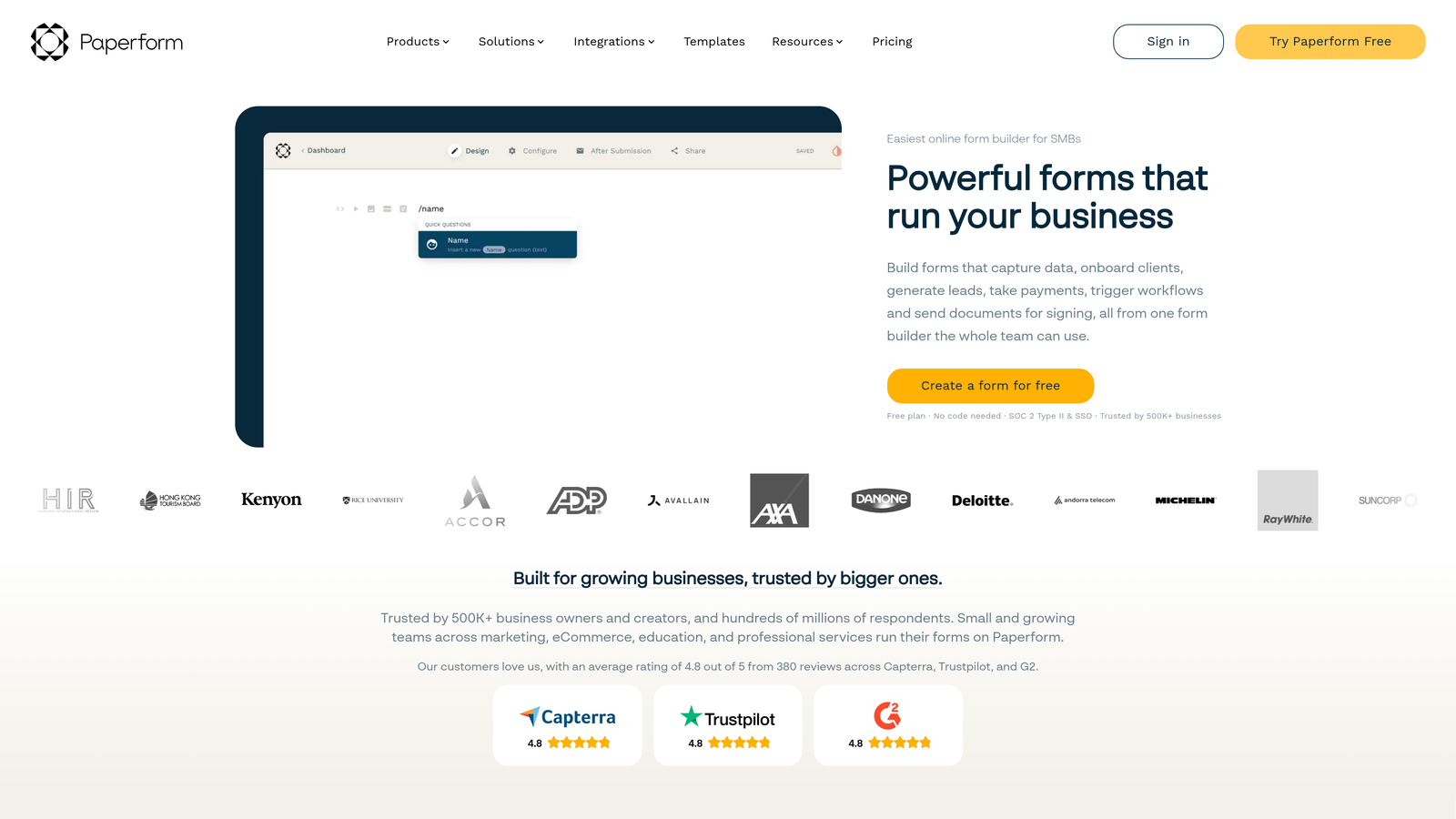
Paperform takes a document-meets-landing-page approach that makes file upload forms feel like polished client experiences rather than generic data collection.
Where This Tool Shines
Paperform's builder is genuinely different from most tools in this category. Instead of a traditional form layout, you're working in a free-form page editor where rich content — text, images, video, pricing tables — sits alongside your form fields. The result is intake forms that feel more like branded client portals than standard web forms.
For consultants, freelancers, and small agencies, this aesthetic advantage is real. A client submitting a creative brief or signing off on a project scope through a Paperform page gets a much more premium experience than a typical form builder delivers.
Key Features
Document-Style Page Builder: Blend rich content with form fields in a free-form layout that creates branded intake experiences.
Multi-File Upload Support: Respondents can upload multiple files within a single submission.
Native Integrations: Direct connections to Google Drive, Slack, and Zapier for file routing and notifications.
Customizable Confirmation Emails: Send tailored follow-up emails to respondents after file submission.
Conditional Logic and Calculations: Build dynamic intake flows that adapt based on what respondents enter.
Best For
Freelancers, consultants, and small agencies running client intake, project briefing, or proposal workflows. Less suited to enterprise-scale operations or compliance-heavy environments.
Pricing
Paperform does not offer a permanent free plan. Paid plans start at a monthly fee. See paperform.co for current pricing.
5. Tally
Best for: Lean teams and early-stage startups that need file upload without a budget.
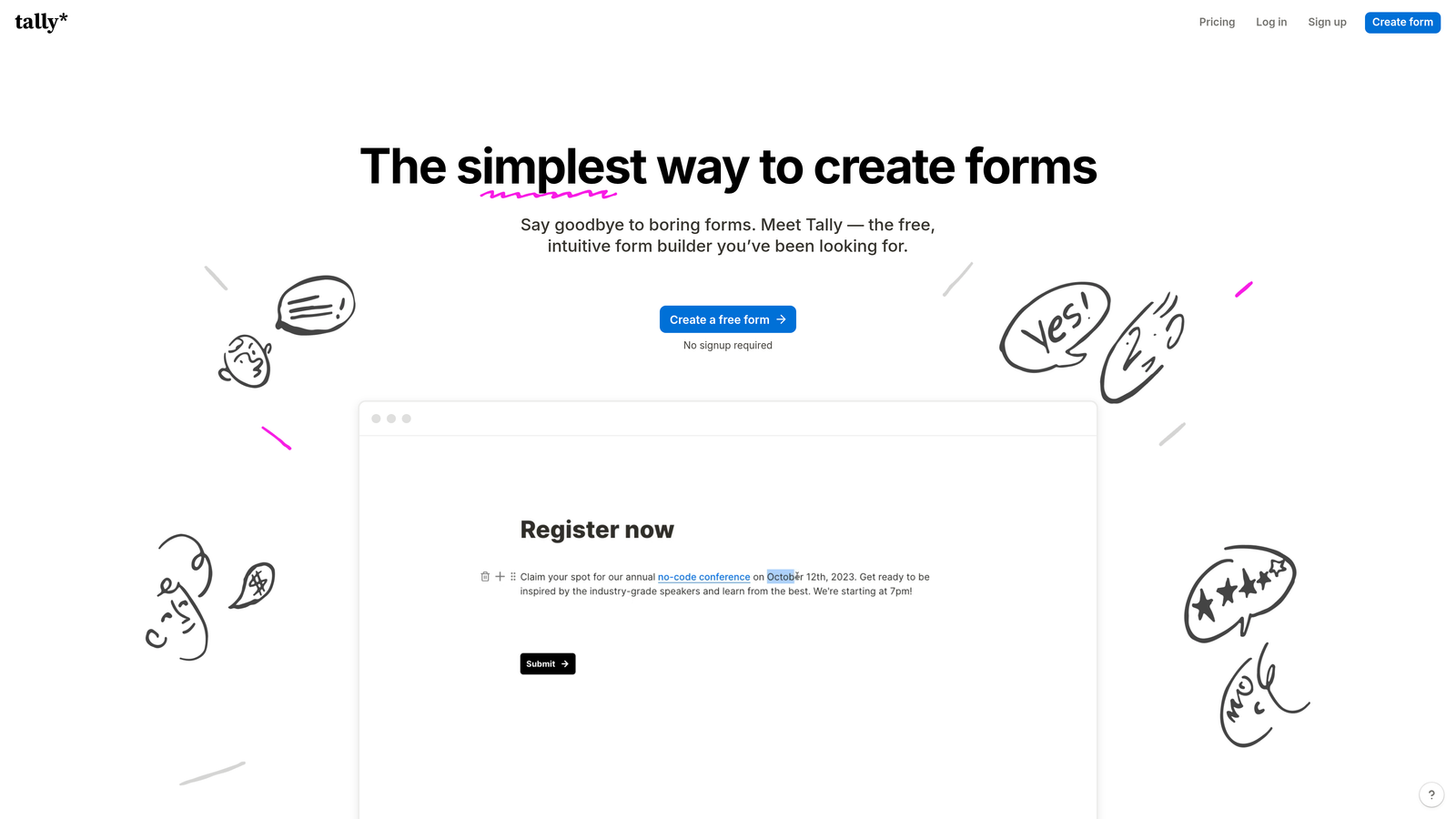
Tally is a Notion-inspired form builder with a block-based editor and one of the most generous free plans in this entire category.
Where This Tool Shines
The headline feature here is simple: Tally includes file upload on its free plan. That's genuinely rare in this category, where most tools gate file collection behind a paid tier. For early-stage teams or anyone running internal processes on a tight budget, that distinction matters more than almost anything else.
The builder itself is fast and intuitive. If you've used Notion, the block-based editing model will feel immediately familiar. Forms are clean and minimal by default, which keeps the respondent experience distraction-free without requiring any design work on your end.
Key Features
File Upload on Free Plan: A genuine differentiator — file collection without a paid subscription.
Block-Based Editor: Fast to build and easy to modify, with a familiar Notion-like interface.
Minimal, Distraction-Free UI: Clean form design out of the box, with no styling work required.
Zapier and Make Integrations: Connect file submissions to other tools in your stack via automation platforms.
Pro Plan Upgrades: Increased file storage and additional features available at a low monthly cost.
Best For
Early-stage startups, internal teams, and lean operations that need clean, functional file collection without spending on a form builder. Not designed for lead qualification or conversion optimization.
Pricing
A generous free plan includes file upload. The Pro plan is available at a low monthly cost for teams that need more storage or advanced features. See tally.so for details.
6. Formstack
Best for: Mid-market and enterprise teams in regulated industries where compliance is non-negotiable.
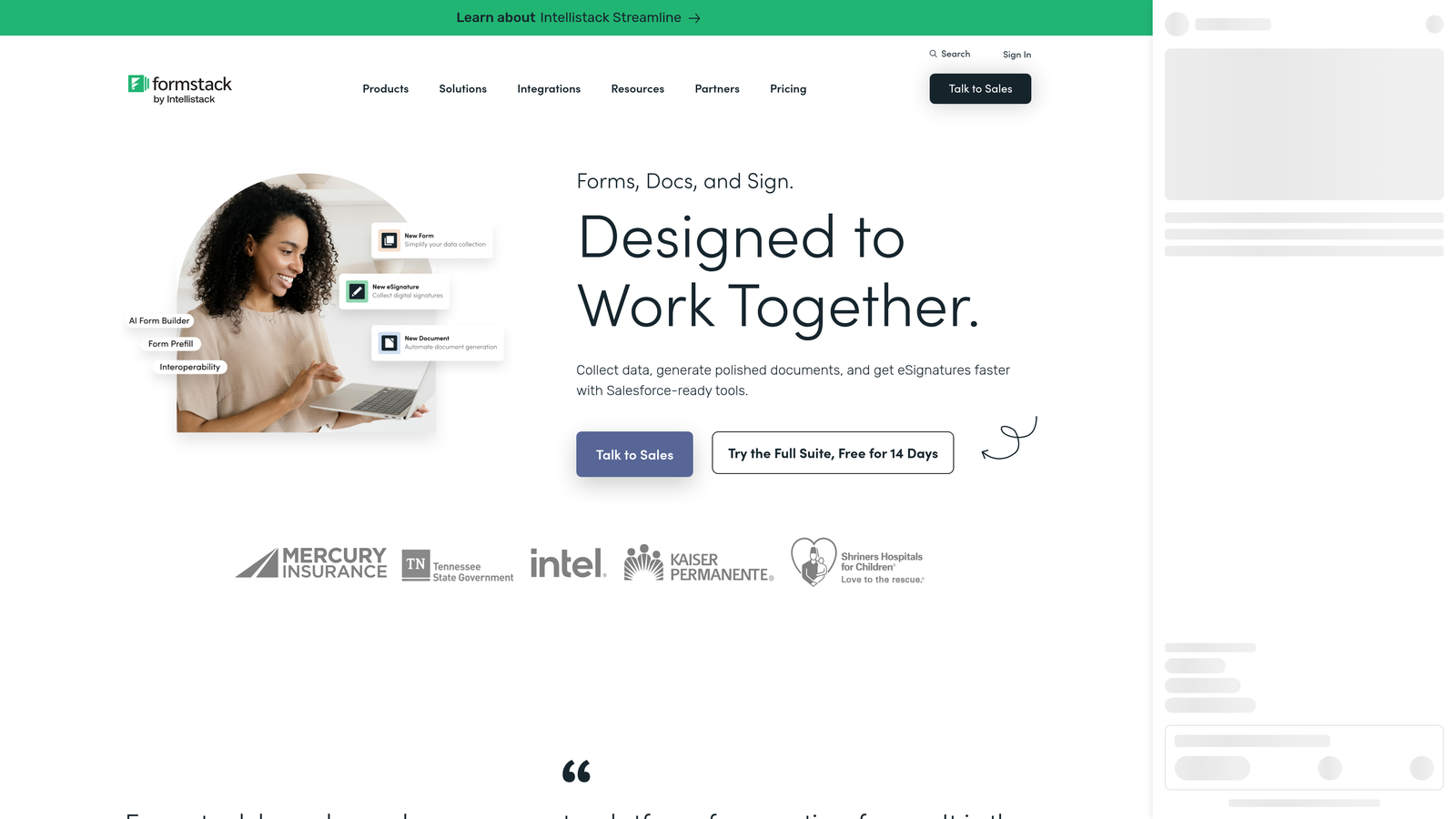
Formstack is an enterprise-grade form platform built specifically for teams that need security, auditability, and regulatory compliance alongside file collection.
Where This Tool Shines
Formstack's differentiator isn't design or price — it's trust infrastructure. HIPAA, SOC 2, and GDPR compliance options mean that regulated industries (healthcare, legal, financial services) can collect sensitive documents without compromising on security requirements. Uploaded files route to compliant storage, and every action is logged for audit purposes.
The platform also extends into document workflow territory. The Formstack Documents integration allows teams to generate documents from submitted form data, which is particularly useful for contracts, onboarding packets, or any process where form submission triggers document creation.
Key Features
HIPAA, SOC 2, and GDPR Compliance: Enterprise-grade security credentials that make Formstack viable for regulated industries.
Secure File Upload with Compliant Routing: Uploaded files go to storage that meets regulatory requirements, not just general cloud storage.
Advanced Workflow Automation: Route, review, and action uploaded documents through structured approval workflows.
Formstack Documents Integration: Generate documents automatically from form submission data — useful for contracts and structured outputs.
Audit Trails and Approval Workflows: Full visibility into who submitted what, when, and what happened to it afterward.
Best For
Mid-market and enterprise teams in healthcare, legal, financial services, or any environment where document security and compliance auditability are requirements rather than nice-to-haves.
Pricing
Formstack sits at a higher price point suited to mid-market and enterprise budgets. It's not the right fit for small teams or cost-sensitive projects. See formstack.com for current plan details.
Which File Upload Form Builder Is Right for You?
Here's the honest breakdown by use case, because the right tool depends entirely on what you're trying to accomplish.
If file uploads are a lead-gen touchpoint: Orbit AI is the only tool in this list that connects file submissions to AI lead qualification and pipeline intelligence. If you want to know which portfolio submissions came from high-intent prospects, that's the purpose-built choice.
If conversational UX is your priority: Typeform is hard to beat for the respondent experience. The one-question format keeps completion rates high, and the brand customization options are genuinely strong.
If you're managing high-volume document intake: Jotform's depth of file handling controls — multi-file upload, type restrictions, size limits, 150+ integrations — makes it the most capable tool for operations-heavy workflows.
If you want polished client intake without code: Paperform's document-page hybrid approach creates a premium experience that consultants and small agencies will appreciate immediately.
If budget is the primary constraint: Tally is the clear answer. File upload on the free plan is a genuine differentiator, and the block-based builder is fast and intuitive.
If compliance is non-negotiable: Formstack's HIPAA, SOC 2, and GDPR credentials make it the only realistic option for regulated industries where document security isn't optional.
The best file upload form builder is the one that fits how your team actually works — not just the one with the longest feature list. Start by asking whether file collection is a conversion moment or an ops process, and let that answer guide your decision.
If you're building forms that drive pipeline, start building free forms today and see how AI-powered qualification can turn every file submission into actionable lead intelligence.


