

Your forms are often the first real interaction prospects have with your brand—and ugly, clunky forms kill conversions faster than slow load times. Visual form design software lets you create forms that actually look like they belong on your website, not like they were built in 2012.
But with dozens of options flooding the market, finding the right tool means cutting through feature bloat to find what actually matters: beautiful design, intuitive builders, and forms that convert.
We evaluated these tools based on design flexibility, ease of use, integration capabilities, and conversion-focused features. Here are the top visual form design tools worth your attention in 2026.
1. Orbit AI
Best for: High-growth teams that need beautiful forms with built-in lead qualification
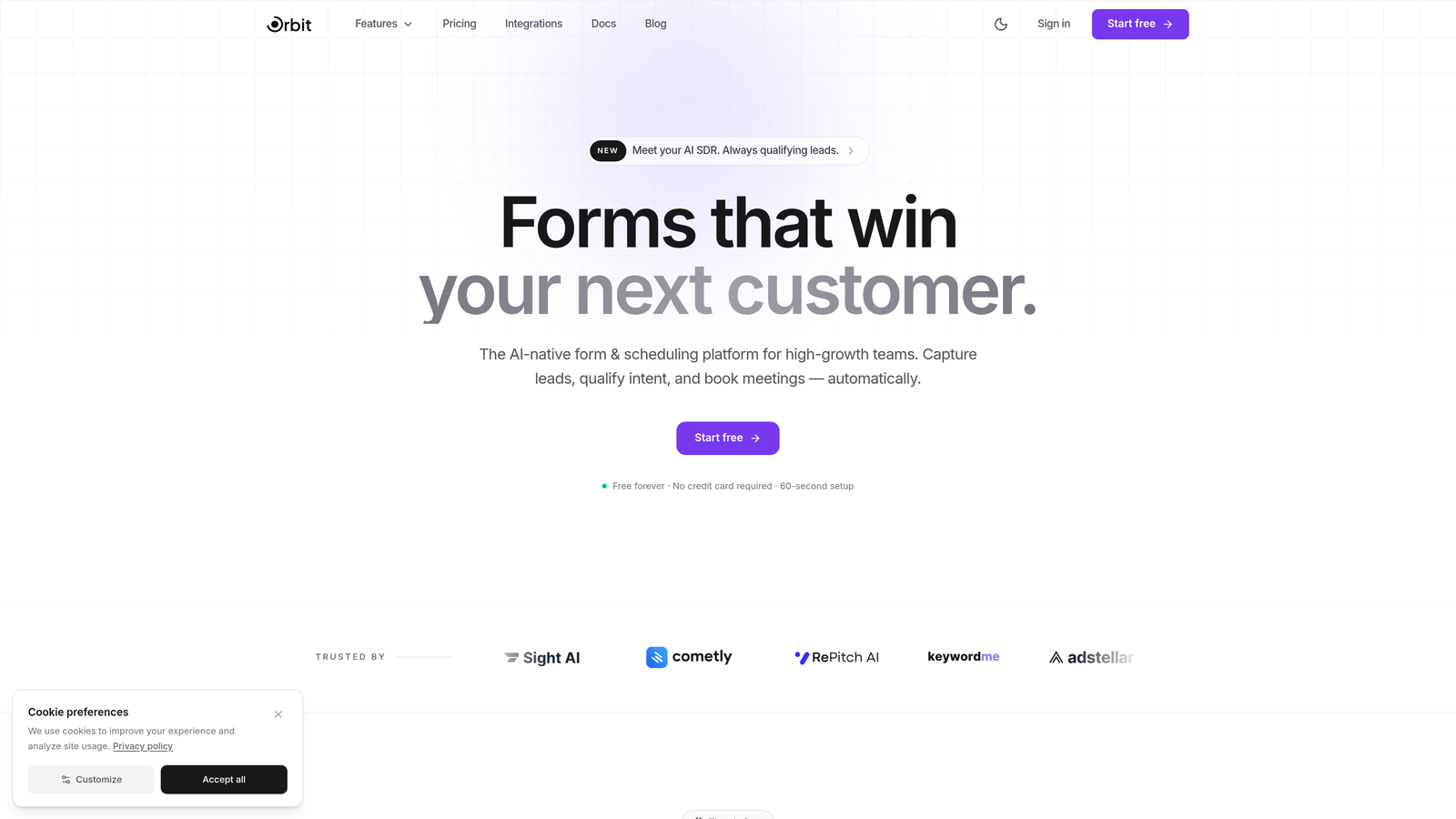
Orbit AI combines stunning visual design with AI-powered intelligence that actually qualifies leads as they submit.
Where This Tool Shines
Most form builders stop at collecting data. Orbit AI goes further by using AI to score and qualify leads in real-time, so your sales team knows exactly which prospects to prioritize. The modern drag-and-drop builder creates forms that feel native to your brand, not like embedded widgets.
The platform is built specifically for conversion optimization. Every template is designed with high-converting patterns, and the analytics dashboard shows you exactly where prospects drop off so you can iterate quickly.
Key Features
AI-Powered Lead Qualification: Automatically scores and qualifies leads based on their responses, routing hot prospects to sales immediately.
Modern Visual Builder: Drag-and-drop interface creates pixel-perfect forms that match your brand without touching code.
Conversion-Optimized Templates: Pre-built templates designed with proven high-converting patterns and best practices.
Native CRM Integrations: Seamlessly connects with HubSpot, Close, and Attio to sync qualified leads directly into your workflow.
Real-Time Analytics Dashboard: Track form performance, completion rates, and conversion metrics to optimize continuously.
Best For
High-growth B2B teams and SaaS companies that need forms to do more than collect data. If you're tired of manually sorting through form submissions to find qualified leads, or if your current forms feel outdated compared to your modern website, Orbit AI bridges that gap.
Pricing
Free tier available to get started. Paid plans begin at $29/month with advanced features and higher submission limits.
2. Typeform
Best for: Creating engaging conversational experiences with signature one-question-at-a-time format
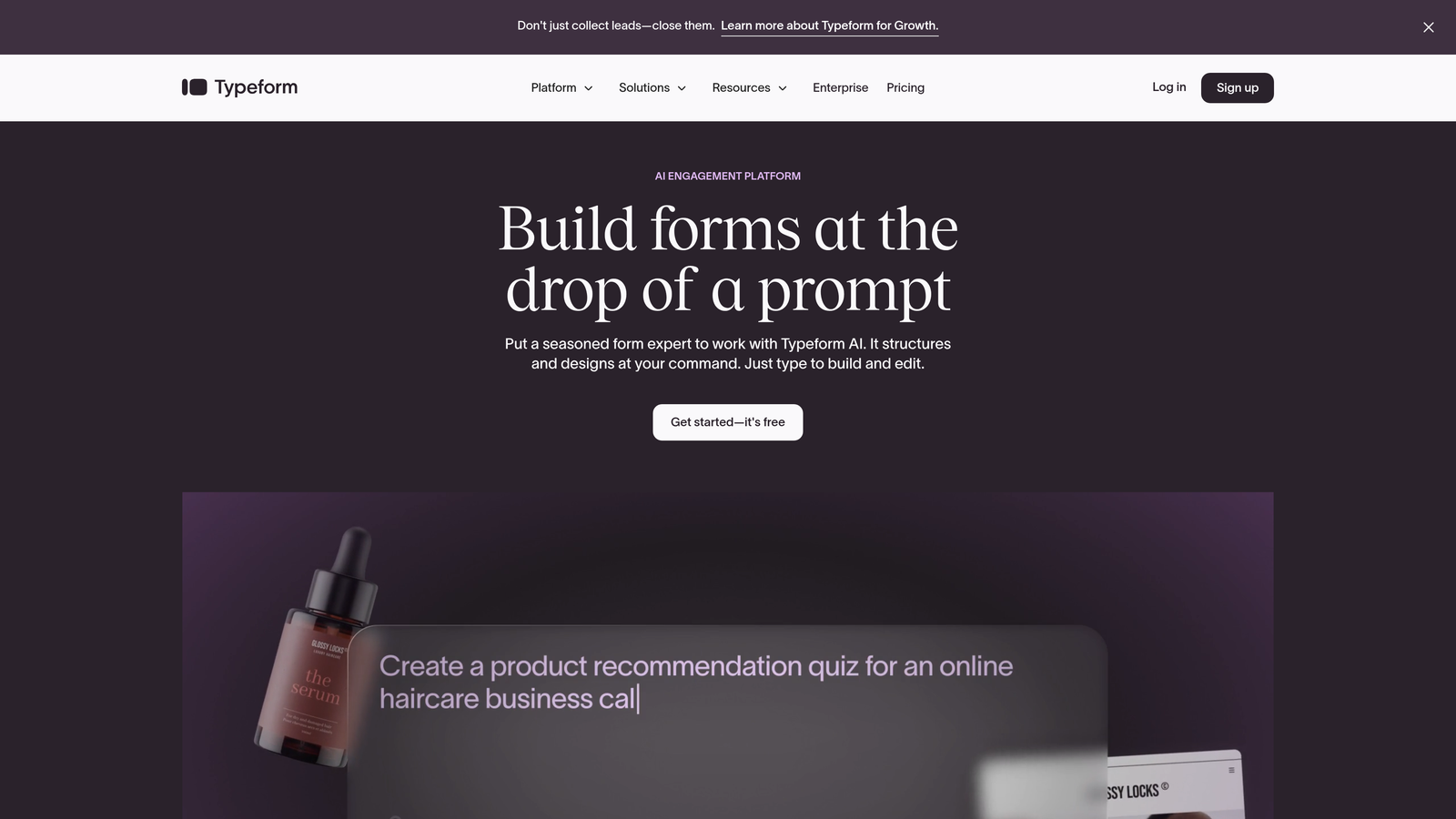
Typeform pioneered the conversational form approach that feels more like a dialogue than an interrogation.
Where This Tool Shines
Typeform's signature one-question-at-a-time interface reduces form abandonment by making long surveys feel less overwhelming. The minimalist design aesthetic creates forms that feel modern and approachable, perfect for brand-conscious companies.
The platform excels at creating engaging experiences for surveys, quizzes, and feedback forms. Logic jumps let you personalize the experience based on responses, making each interaction feel tailored to the individual.
Key Features
Conversational Interface: One-question-at-a-time format increases completion rates by reducing cognitive load.
Extensive Design Customization: Match your brand with custom colors, fonts, backgrounds, and images throughout the form.
Logic Jumps and Branching: Create personalized paths through your form based on how people respond.
Rich Media Embedding: Add videos, images, and GIFs to create more engaging, interactive form experiences.
Native Integrations: Connect directly with Google Sheets, Slack, HubSpot, and hundreds of other tools.
Best For
Marketing teams creating customer surveys, product feedback forms, or lead qualification quizzes. Companies that prioritize user experience and want forms that feel less like data collection and more like conversation.
Pricing
Free tier available with Typeform branding. Basic plan starts at $25/month with custom branding and more responses.
3. Jotform
Best for: Teams needing extensive templates and customization options for diverse use cases
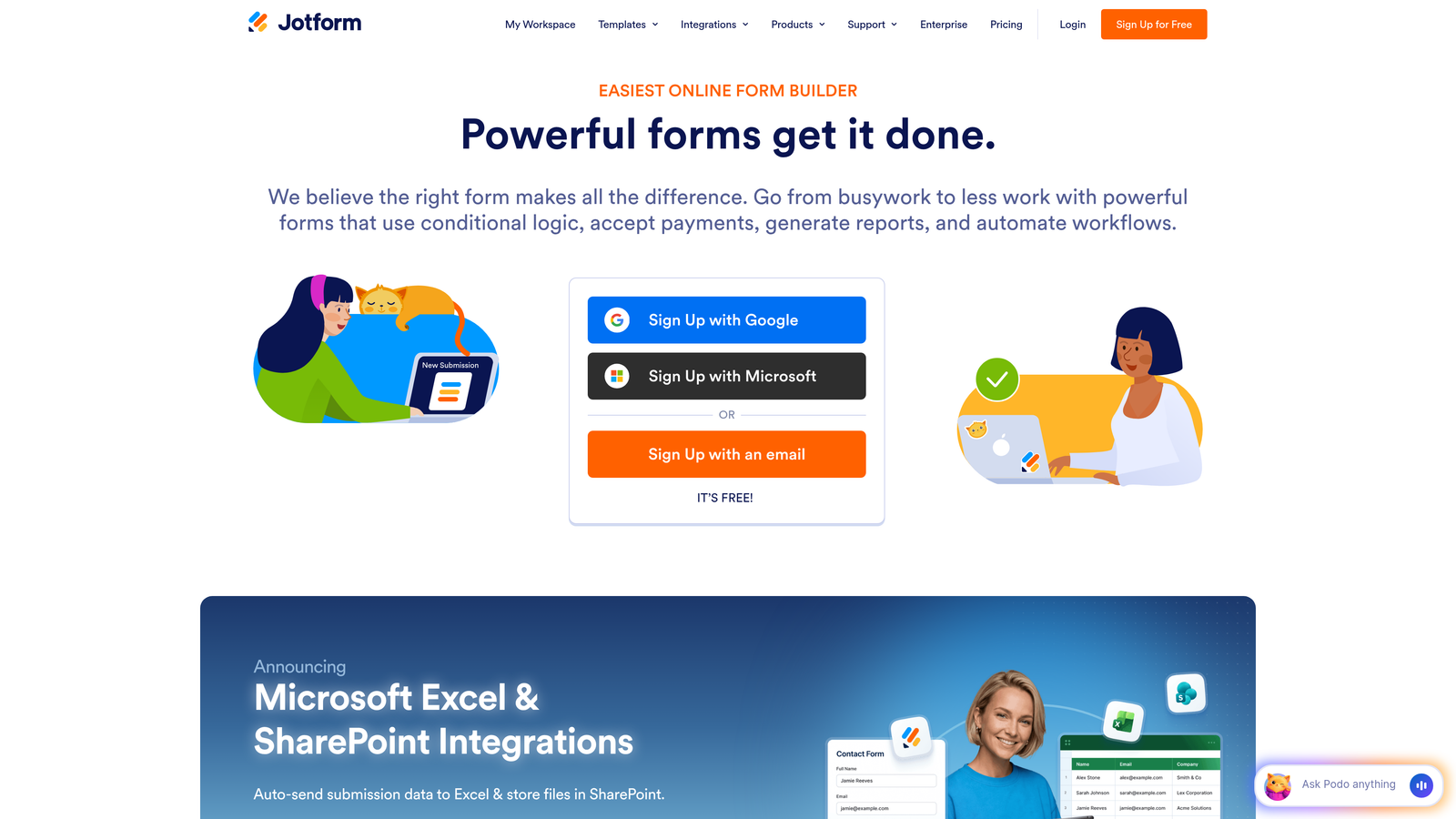
Jotform offers one of the largest template libraries in the industry with over 10,000 pre-built options.
Where This Tool Shines
If you need a form for it, Jotform probably has a template. From job applications to event registrations to complex multi-page surveys, the breadth of pre-built options means you're rarely starting from scratch.
The drag-and-drop builder provides extensive customization without requiring code. Payment integrations make it particularly strong for order forms, donations, and registration fees.
Key Features
10,000+ Templates: Massive library covering virtually every form use case imaginable, from simple contacts to complex applications.
Drag-and-Drop Builder: Intuitive visual editor with extensive field types and customization options.
Payment Processing: Native integrations with PayPal, Stripe, Square, and other payment gateways for transactions.
PDF Form Generation: Automatically convert form submissions into formatted PDF documents for records or sending.
Mobile App: Manage forms, view submissions, and respond to entries from iOS or Android devices.
Best For
Small businesses, nonprofits, and organizations that need versatile form capabilities across different departments. Teams that value having extensive templates and don't want to design forms from scratch.
Pricing
Free tier includes up to 5 forms with 100 monthly submissions. Bronze plan starts at $34/month for more forms and submissions.
4. Tally
Best for: Bootstrapped startups and creators wanting unlimited forms on a generous free tier
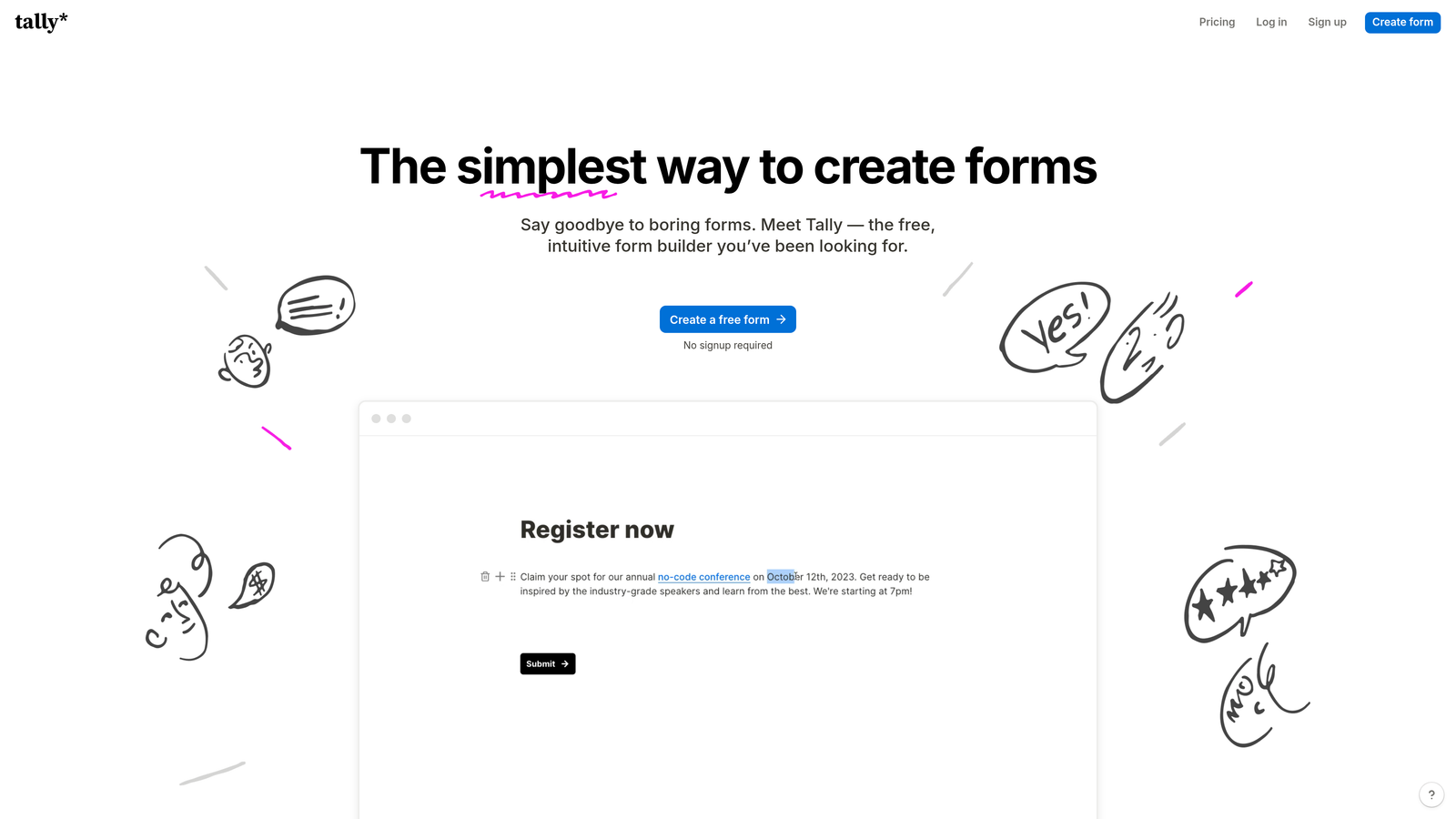
Tally brings Notion's block-based editing philosophy to form building with an incredibly generous free plan.
Where This Tool Shines
Tally's free tier offers unlimited forms and unlimited submissions, making it unbeatable for bootstrapped teams. The Notion-inspired interface feels familiar if you're already using block-based tools, with a clean, modern aesthetic.
The platform prioritizes simplicity without sacrificing power. Conditional logic, custom domains, and webhook integrations are all available, even on the free tier.
Key Features
Unlimited Free Tier: Create unlimited forms with unlimited submissions without paying, perfect for startups and side projects.
Block-Based Editor: Notion-style editing makes form building feel natural and intuitive for modern teams.
Custom Domains: Host forms on your own domain even on the free plan for seamless brand integration.
Conditional Logic: Show or hide fields based on previous answers to create dynamic, personalized forms.
Webhook Integrations: Connect to Zapier and other automation tools to trigger workflows from form submissions.
Best For
Bootstrapped startups, indie makers, and content creators who need professional forms without monthly costs. Teams already using Notion who want a similar editing experience for forms.
Pricing
Extremely generous free tier with unlimited forms and submissions. Pro plan at $29/month adds features like file uploads and custom branding removal.
5. Paperform
Best for: Creating rich, landing page-style forms with extensive media and e-commerce capabilities
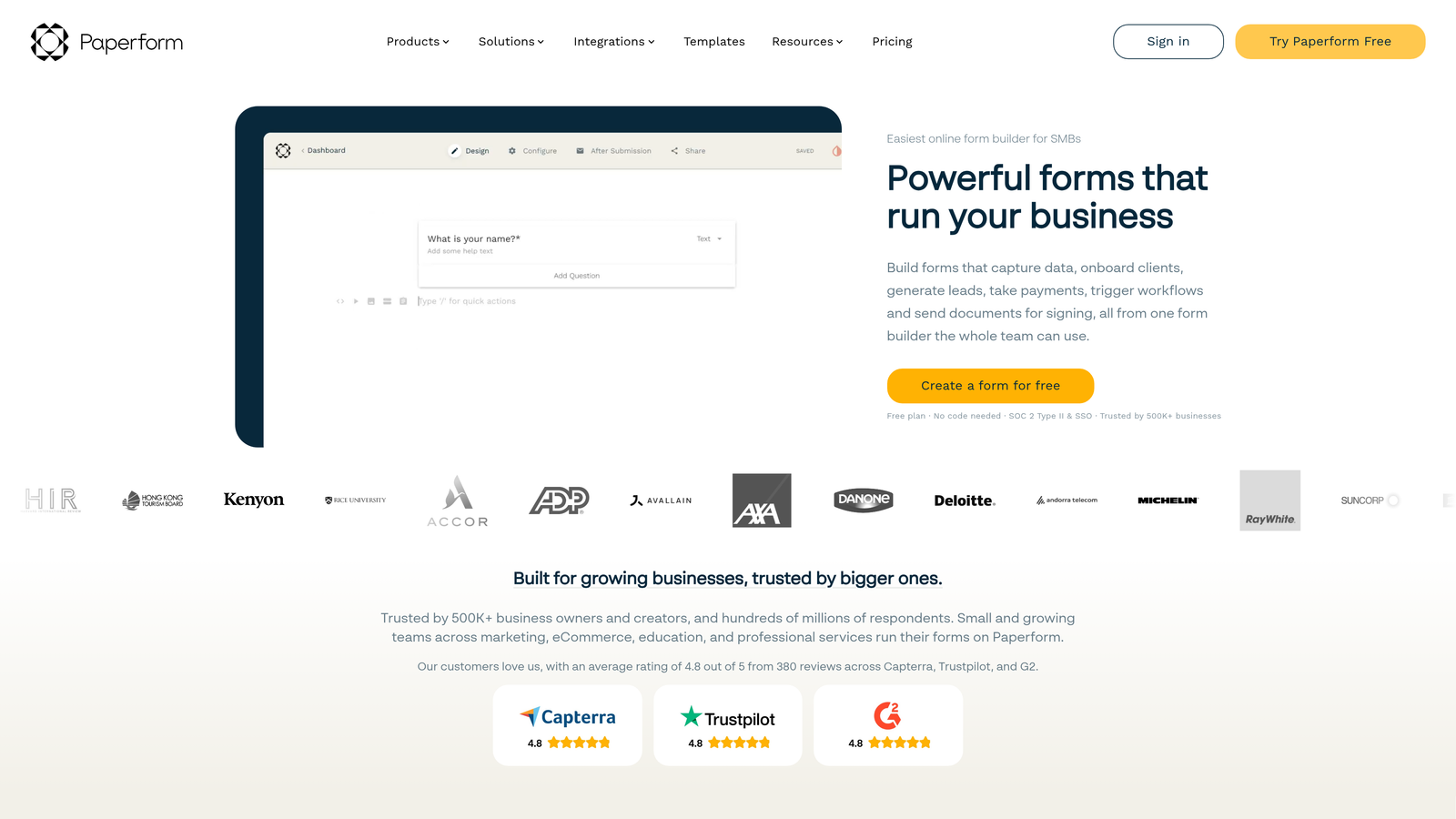
Paperform blurs the line between forms and landing pages, letting you build media-rich experiences.
Where This Tool Shines
Paperform treats forms as full landing page experiences. You can embed videos, add rich text sections, include product showcases, and create forms that feel like branded microsites rather than simple data collection tools.
The platform excels at e-commerce use cases. Built-in payment processing, product catalogs, and advanced calculations make it powerful for order forms, bookings, and selling digital products.
Key Features
Landing Page Design: Create forms that look and feel like full landing pages with rich text, images, and videos throughout.
Media Embedding: Add videos, images, and rich content directly into your forms for engaging, interactive experiences.
E-Commerce Capabilities: Sell products, take orders, and process payments with built-in shopping cart functionality.
Advanced Calculations: Build complex pricing calculators and quote generators with dynamic math fields.
Scheduling Integration: Accept bookings and appointments directly through your forms with calendar sync.
Best For
E-commerce businesses, service providers, and consultants who need forms that double as product showcases or booking systems. Teams that want forms to feel like branded experiences rather than generic widgets.
Pricing
Essentials plan starts at $24/month. No free tier, but 14-day trial available to test the platform.
6. Fillout
Best for: No-code power users with Airtable or Notion databases who need native sync
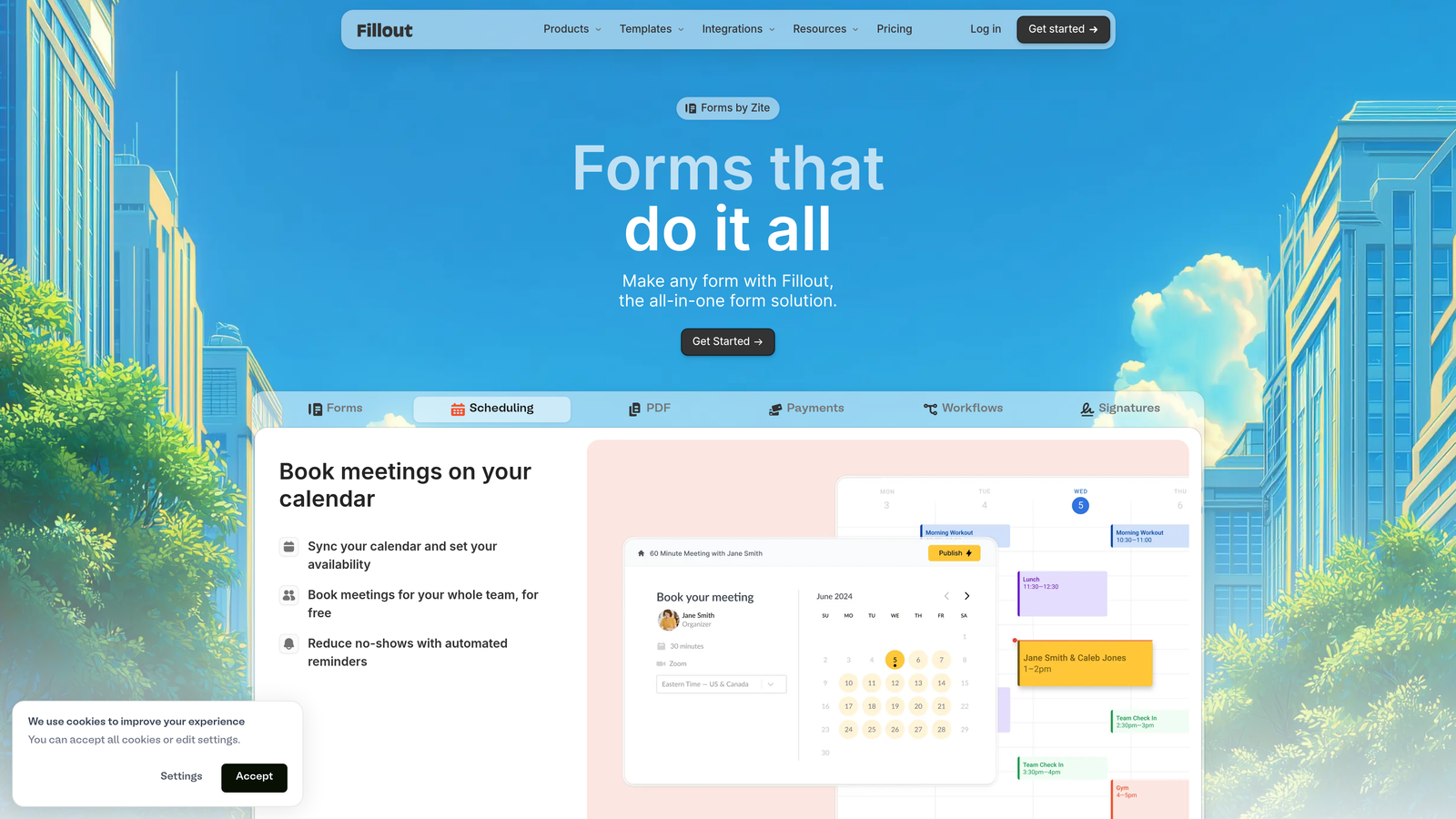
Fillout specializes in connecting forms directly to Airtable, Notion, and other databases without middleware.
Where This Tool Shines
If you're running your operations in Airtable or Notion, Fillout eliminates the Zapier middleman. Forms sync directly to your database, creating or updating records in real-time with native integrations.
The modern interface and customizable themes create professional-looking forms quickly. Multi-page forms with progress bars improve completion rates for longer data collection.
Key Features
Native Database Sync: Connect directly to Airtable and Notion to create or update records without third-party automation tools.
Modern Themes: Customizable design templates that look current and professional without extensive styling work.
Multi-Page Forms: Break long forms into multiple pages with progress bars to reduce abandonment.
File Uploads: Collect documents, images, and files directly through your forms with secure storage.
Scheduling Features: Integrate with calendar tools to accept bookings and appointments through forms.
Best For
No-code teams and operations professionals building workflows around Airtable or Notion. Startups that want powerful database integration without complex automation setup.
Pricing
Free tier available with basic features. Starter plan begins at $15/month for native integrations and advanced features.
7. Feathery
Best for: Product teams and developers needing pixel-perfect control and API-first architecture
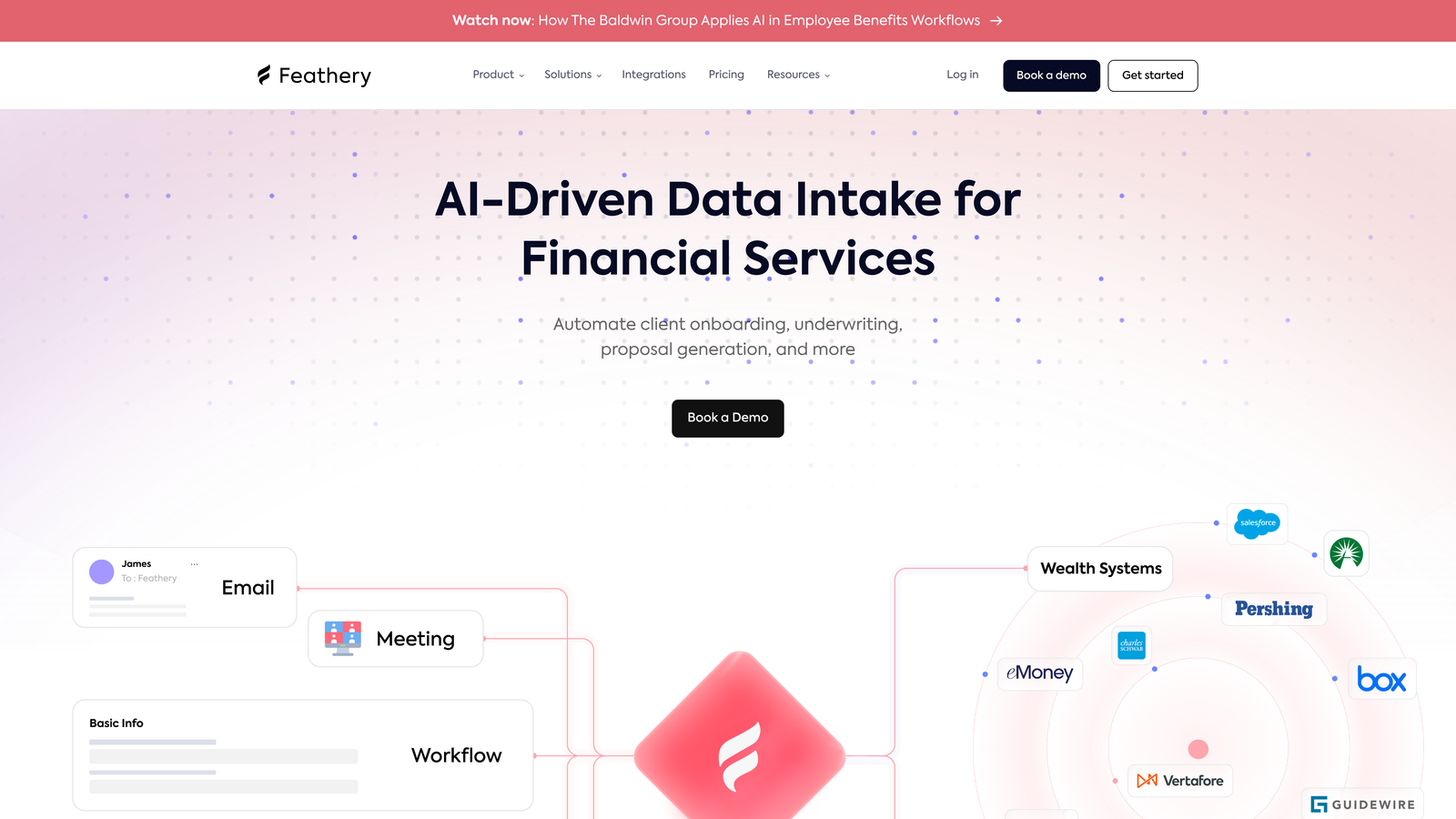
Feathery offers developer-friendly form building with advanced customization and programmatic control.
Where This Tool Shines
Feathery gives developers the control they need while keeping the visual builder accessible for non-technical team members. The React SDK and API-first approach mean you can embed forms that feel completely native to your application.
Pixel-perfect design control and custom code injection let you create forms that match your exact specifications. White-label capabilities make it ideal for agencies building forms for clients.
Key Features
Pixel-Perfect Control: Fine-tune every aspect of form design to match your exact brand specifications and style guide.
React SDK and API: Programmatic access and React components for seamless integration into modern web applications.
Advanced Conditional Logic: Build complex branching and personalization rules based on multiple conditions and variables.
Custom Code Injection: Add JavaScript, CSS, and custom functionality directly into your forms for unique features.
White-Label Capabilities: Remove all Feathery branding and host forms under your own domain and identity.
Best For
Product teams at SaaS companies building onboarding flows. Agencies creating branded form experiences for clients. Development teams that need forms to integrate seamlessly with their tech stack.
Pricing
Free tier available for testing and small projects. Growth plan starts at $49/month with advanced features and higher limits.
8. Cognito Forms
Best for: Organizations needing advanced calculations and robust payment processing
Cognito Forms excels at complex forms requiring calculations, payments, and workflow automation.
Where This Tool Shines
Cognito Forms handles complex calculation scenarios that other builders struggle with. From pricing calculators to quote generators to order forms with dynamic totals, the calculation engine is powerful and flexible.
Payment processing integrates seamlessly with Stripe, Square, and PayPal. Electronic signatures and repeating sections make it particularly strong for contracts, applications, and registration forms.
Key Features
Advanced Calculations: Build complex formulas and calculations for pricing, scoring, or any mathematical operations within forms.
Payment Processing: Accept payments through Stripe, Square, or PayPal with built-in transaction handling.
Repeating Sections: Let users add multiple entries of the same fields, perfect for applications with multiple items or people.
Electronic Signatures: Collect legally binding signatures directly within your forms for contracts and agreements.
Workflow Automation: Trigger automated actions and notifications based on form submissions and field values.
Best For
Professional services firms creating quote calculators and proposal forms. Organizations processing registrations with complex pricing tiers. Teams needing electronic signatures for contracts or applications.
Pricing
Free tier available with basic features. Pro plan starts at $15/month with payment processing and advanced features.
9. 123FormBuilder
Best for: Enterprise teams and regulated industries requiring HIPAA compliance and advanced security
123FormBuilder provides enterprise-grade security features and compliance certifications for regulated industries.
Where This Tool Shines
If you're in healthcare, finance, or another regulated industry, 123FormBuilder offers HIPAA compliance and GDPR features that consumer-focused tools lack. The security infrastructure is built for handling sensitive data.
Team collaboration tools and approval workflows make it suitable for larger organizations. The extensive template library covers business use cases from HR forms to customer intake.
Key Features
HIPAA and GDPR Compliance: Meet regulatory requirements for healthcare and data privacy with certified security features.
Advanced Security: Encryption, SSL, IP restrictions, and other enterprise-grade security controls for sensitive data.
Template Library: Thousands of business-focused templates covering HR, customer service, healthcare, and more.
Payment Forms: Process payments and create e-commerce forms with multiple payment gateway options.
Team Collaboration: Multi-user access, approval workflows, and role-based permissions for larger teams.
Best For
Healthcare organizations collecting patient information. Financial services firms with compliance requirements. Enterprise teams needing approval workflows and team collaboration features.
Pricing
Free tier available with basic features. Gold plan starts at $24.99/month with compliance features and team capabilities.
Making the Right Choice
The right visual form builder depends on what you're actually trying to accomplish.
If you need forms that qualify leads automatically while looking modern, Orbit AI combines visual design with intelligence that actually helps your sales team prioritize. The AI-powered qualification means you're not just collecting data—you're identifying your best prospects in real-time.
For conversational experiences that feel like dialogue rather than interrogation, Typeform's one-question-at-a-time approach remains the gold standard. If you're running customer surveys or feedback forms where engagement matters, that conversational flow increases completion rates.
Bootstrapped teams should look at Tally first. The unlimited free tier is genuinely generous, and the Notion-style interface makes form building feel natural if you're already in that ecosystem.
When forms need to double as landing pages with rich media and e-commerce capabilities, Paperform's hybrid approach creates experiences that feel branded rather than utilitarian. Service providers and consultants often find this particularly valuable.
For teams in regulated industries, 123FormBuilder's HIPAA compliance and enterprise security features aren't optional extras—they're requirements. Healthcare and financial services organizations need these certifications, making it worth the investment.
The visual form design landscape has matured beyond simple data collection. The best tools now combine beautiful design with intelligent features that actually improve your conversion funnel. Whether that's AI-powered lead scoring, conversational interfaces, or native database sync depends on your specific workflow.
Transform your lead generation with AI-powered forms that qualify prospects automatically while delivering the modern, conversion-optimized experience your high-growth team needs. Start building free forms today and see how intelligent form design can elevate your conversion strategy.


