

Modern forms are no longer static boxes on a page. They're the front door to your pipeline, and the design, flow, and intelligence behind them directly impact whether a visitor becomes a qualified lead or bounces without a second thought. For high-growth teams, choosing the right form design software means balancing aesthetics with conversion power, and increasingly, AI-driven qualification built right into the experience.
This list covers the best modern form design software available in 2026, evaluated on design quality, customization depth, conversion features, and fit for growth-focused SaaS teams. Whether you're building multi-step lead capture flows, qualification surveys, or polished branded contact forms, there's a tool here worth considering. Selection criteria include design flexibility, conversion optimization features, integration depth, pricing transparency, and suitability for high-growth environments.
If you're also thinking about the fundamentals, it's worth reading up on how to build effective web forms and the form design psychology principles that drive higher completion rates before you commit to a platform.
1. Orbit AI
Best for: High-growth SaaS teams that need AI-powered lead qualification built natively into modern, conversion-optimized forms.
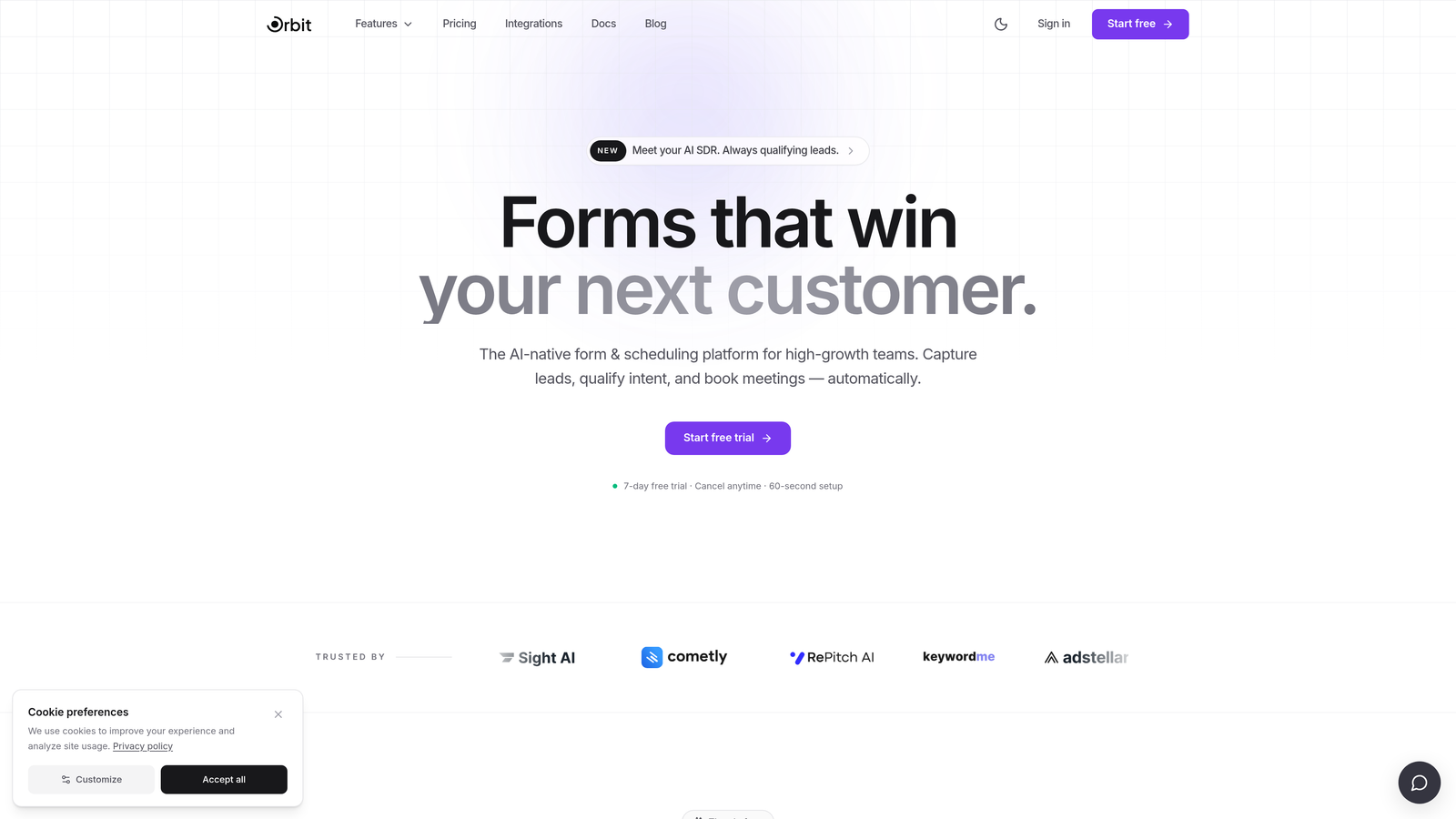
Orbit AI is an AI-powered form builder designed specifically for growth-focused teams who want more than a pretty form. It combines modern, design-first form building with native AI lead qualification, so you're not just collecting submissions — you're capturing and routing the right prospects from the moment they engage.
Where This Tool Shines
Most form builders require you to bolt on lead scoring and qualification through Zapier workflows or third-party CRM logic after the fact. Orbit AI bakes that intelligence directly into the form experience itself. The result is a qualification layer that feels seamless to the respondent while doing meaningful work for your sales and marketing team in the background.
The design quality is genuinely strong. Forms built in Orbit AI look polished and conversion-optimized without requiring a designer. For SaaS teams running lean marketing operations, that combination of aesthetics and built-in intelligence is a meaningful differentiator.
Key Features
AI-Powered Lead Qualification: Qualification logic runs natively inside the form flow, scoring and routing leads without requiring external automation tools.
Modern, Design-First Builder: Conversion-optimized templates and a clean editor that produces visually polished forms without design expertise.
Conditional Logic and Multi-Step Forms: Build branching, multi-step experiences that adapt based on respondent answers to keep completion rates high.
Lead Scoring and Routing: Automatically score and route leads based on form responses, without relying on third-party integrations.
Built for SaaS and Revenue Teams: The feature set and workflow logic are designed around the needs of marketing, demand generation, and revenue operations teams.
Best For
Orbit AI is the strongest fit for SaaS companies and high-growth marketing teams where lead quality matters as much as lead volume. If your team is currently stitching together form tools, CRM workflows, and Zapier automations to approximate lead qualification, Orbit AI consolidates that into a single platform.
Pricing
Visit orbitforms.ai for current pricing plans. Plans are designed to scale with growing teams and their lead generation needs.
2. Typeform
Best for: Teams prioritizing conversational UX, high visual polish, and engaging survey or lead gen experiences.
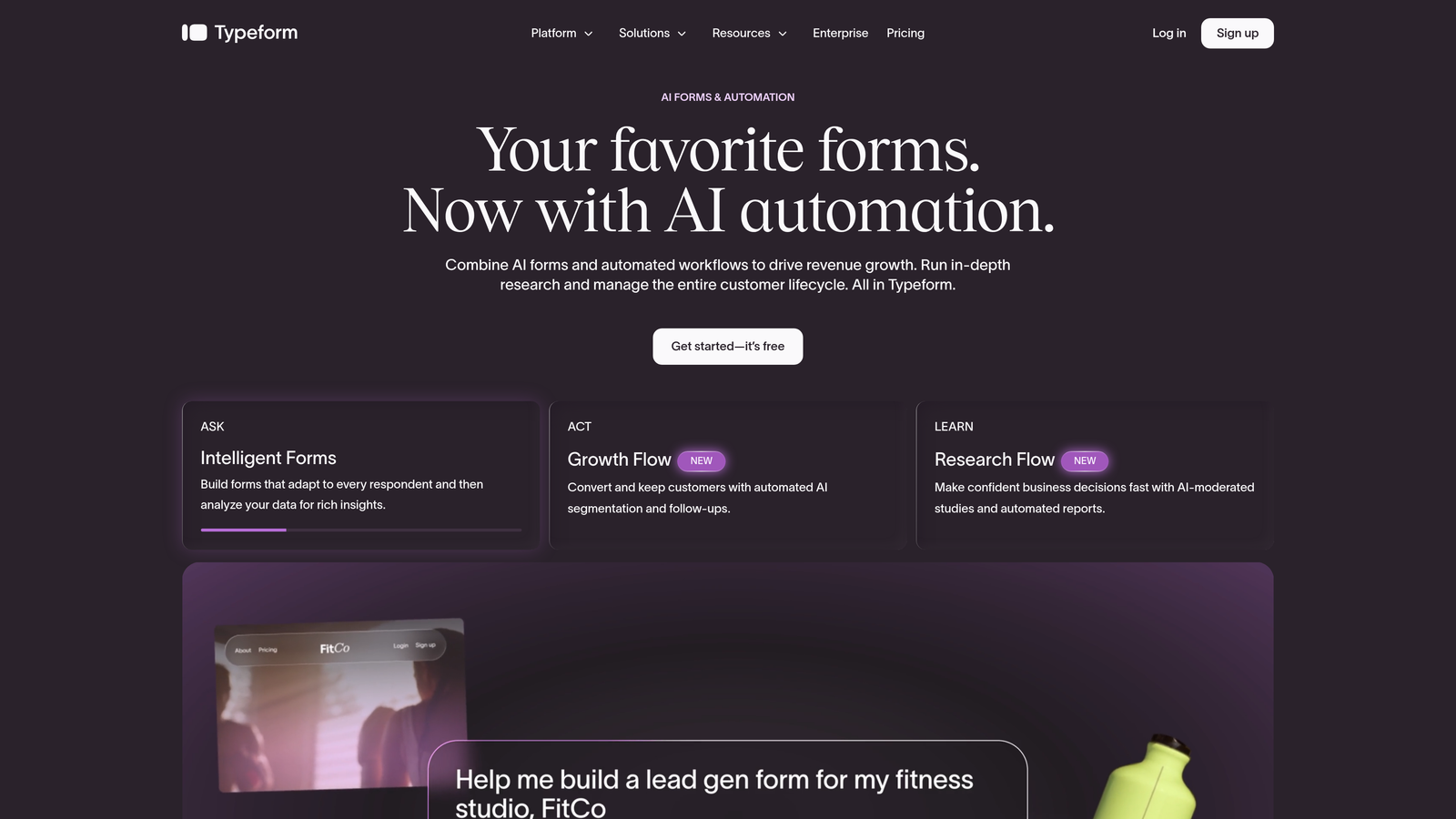
Typeform is the tool that defined the conversational form category, presenting one question at a time in a distraction-free interface that consistently drives higher engagement than traditional multi-field layouts.
Where This Tool Shines
Typeform's core strength is the experience it creates for the person filling out the form. The one-question-at-a-time format reduces cognitive load, and the visual design tools — custom themes, video backgrounds, brand color controls — make it easy to produce forms that feel like a natural extension of your brand.
For teams running NPS surveys, product feedback forms, or lead gen quizzes where the respondent experience directly affects completion rates, Typeform remains one of the most polished options in the market.
Key Features
Conversational One-Question Format: Presents questions sequentially to reduce friction and improve completion rates on longer forms.
Custom Themes and Video Backgrounds: Extensive brand design controls including video, custom fonts, and color systems.
Logic Jumps and Conditional Branching: Route respondents through different question paths based on their answers.
500+ Integrations: Native connections to HubSpot, Salesforce, Slack, and a wide ecosystem of marketing and CRM tools.
Quiz and Calculator Functionality: Build scored quizzes, outcome-based assessments, and calculation-driven forms for more interactive lead gen.
Best For
Typeform works best for marketing teams focused on brand experience and respondent engagement — particularly for surveys, lead gen quizzes, and NPS flows where completion rate is the primary metric. Teams that need deep AI-driven lead qualification or native lead scoring will need to layer in additional tools.
Pricing
A free tier is available with limited responses. Paid plans start from approximately $25/month — verify current pricing at typeform.com as plans change regularly.
3. Tally
Best for: Startups and small teams that want clean, modern-looking forms without paying for them.
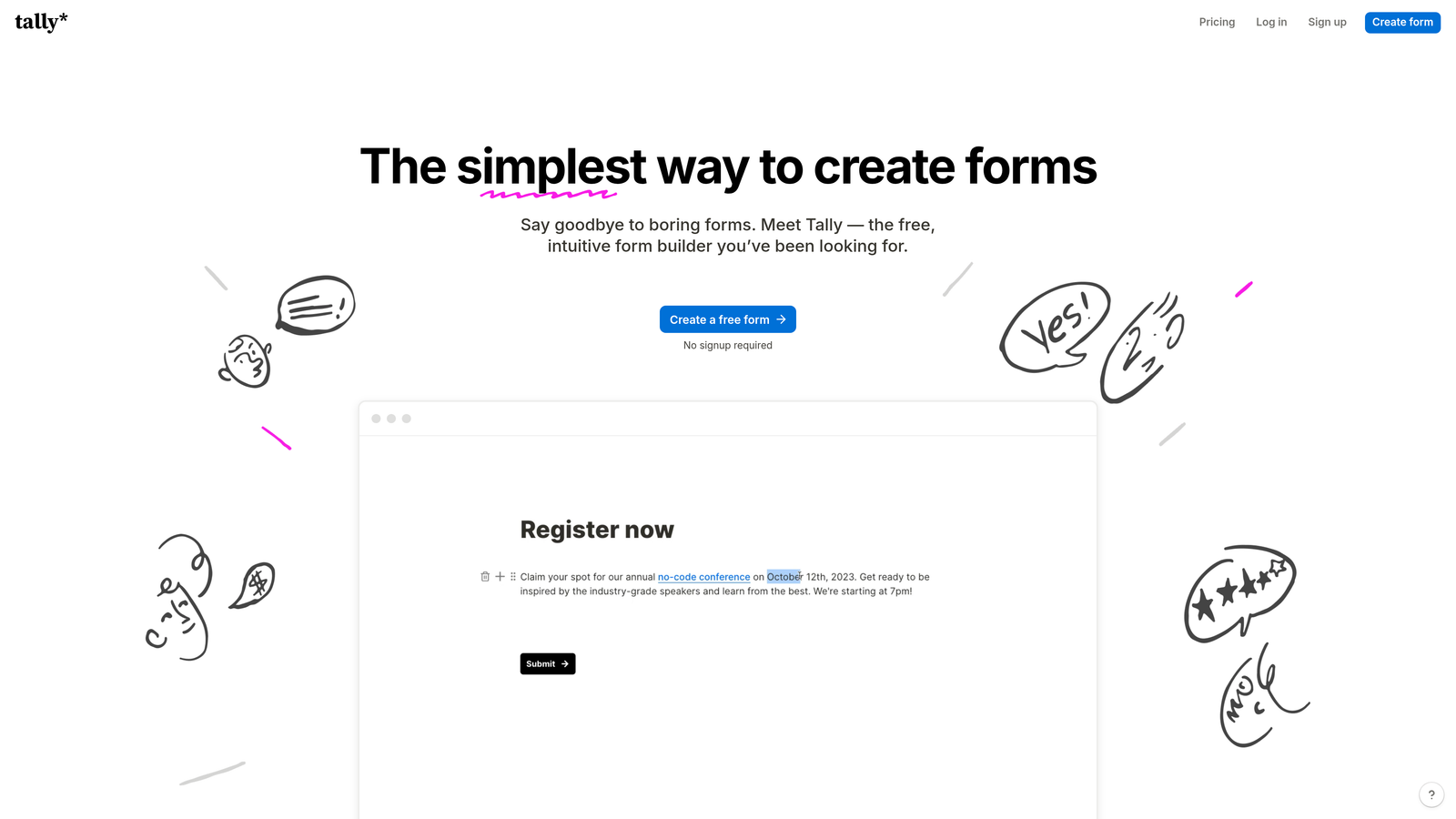
Tally is a Notion-inspired, block-based form builder with one of the most genuinely generous free tiers in the category — unlimited forms and unlimited responses, with a design aesthetic that looks polished right out of the box.
Where This Tool Shines
Tally's block-based editor will feel immediately intuitive to anyone who has used Notion. You build forms by adding blocks, which makes the creation process fast and flexible without a steep learning curve. The default visual style is clean and minimal, which means forms look modern without requiring any customization effort.
For indie makers, early-stage startups, and small teams that need functional, good-looking forms without a monthly bill, Tally is genuinely hard to beat. The free tier doesn't artificially limit you with response caps that force an upgrade after modest usage.
Key Features
Free Forever Plan: Unlimited forms and unlimited responses on the free tier, which is rare in this category.
Block-Based Editor: Intuitive drag-and-drop block interface that mirrors the Notion experience for fast form building.
Conditional Logic and Multi-Page Forms: Branch logic and multi-page support available even on the free plan.
Stripe Payment Collection: Accept payments directly through forms without upgrading to a paid plan.
Clean Default Aesthetic: Minimal, distraction-free design that looks modern without customization.
Best For
Tally is the right choice for budget-conscious teams, indie builders, and early-stage startups that need clean, functional forms quickly. It's less suited for enterprise teams that need advanced workflow automation, lead scoring, or deep CRM-native routing capabilities.
Pricing
Free forever plan available with no response limits. A Pro plan unlocks advanced features — verify current pricing at tally.so.
4. Paperform
Best for: Teams that want to blend rich content and branded design with form functionality on a single page.
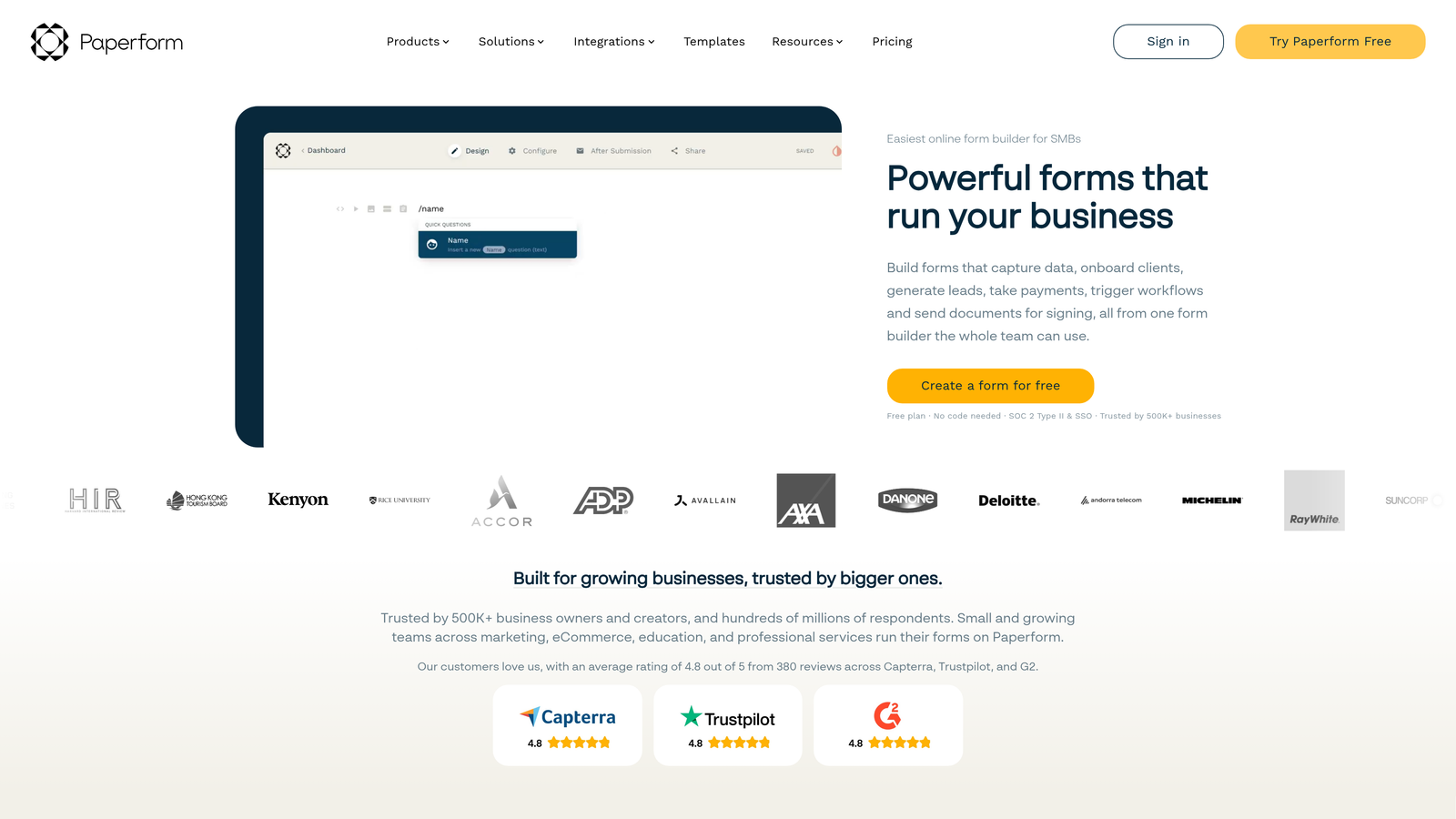
Paperform takes a fundamentally different approach to form design: instead of a dedicated form interface, it gives you a freeform page editor where you mix text, images, video, and form fields freely — more like building a landing page than filling a form template.
Where This Tool Shines
Paperform's freeform editor is genuinely unique. You can write a paragraph of context, drop in an image, add a pricing table, and then place form fields wherever they make sense — all in one cohesive page. This makes it particularly strong for service intake forms, product order pages, event registrations, and anything where context and content are as important as the form fields themselves.
The calculation field functionality is another standout. If you need a form that generates a quote, calculates a price, or produces a custom result based on respondent inputs, Paperform handles this more elegantly than most alternatives.
Key Features
Freeform Page Editor: Mix text, images, video, and form fields freely on a single page without rigid layout constraints.
Payment Collection and Product Selling: Accept payments and sell products directly through form pages with built-in commerce functionality.
Calculation Fields: Build quote generators, pricing calculators, and custom result forms using formula-based fields.
Conditional Logic and Branching: Show or hide fields and sections based on respondent answers.
Template Library: Broad template selection covering service businesses, events, intake flows, and e-commerce use cases.
Best For
Paperform is ideal for service businesses, consultants, and teams building content-rich intake or order forms where design context matters. It's less focused on lead qualification or CRM-native marketing workflows, so teams with heavy lead gen requirements may find it limiting.
Pricing
Paid plans start from approximately $24/month — verify current pricing at paperform.co.
5. Jotform
Best for: Teams with diverse, high-volume form needs across multiple departments who want the broadest feature set available.
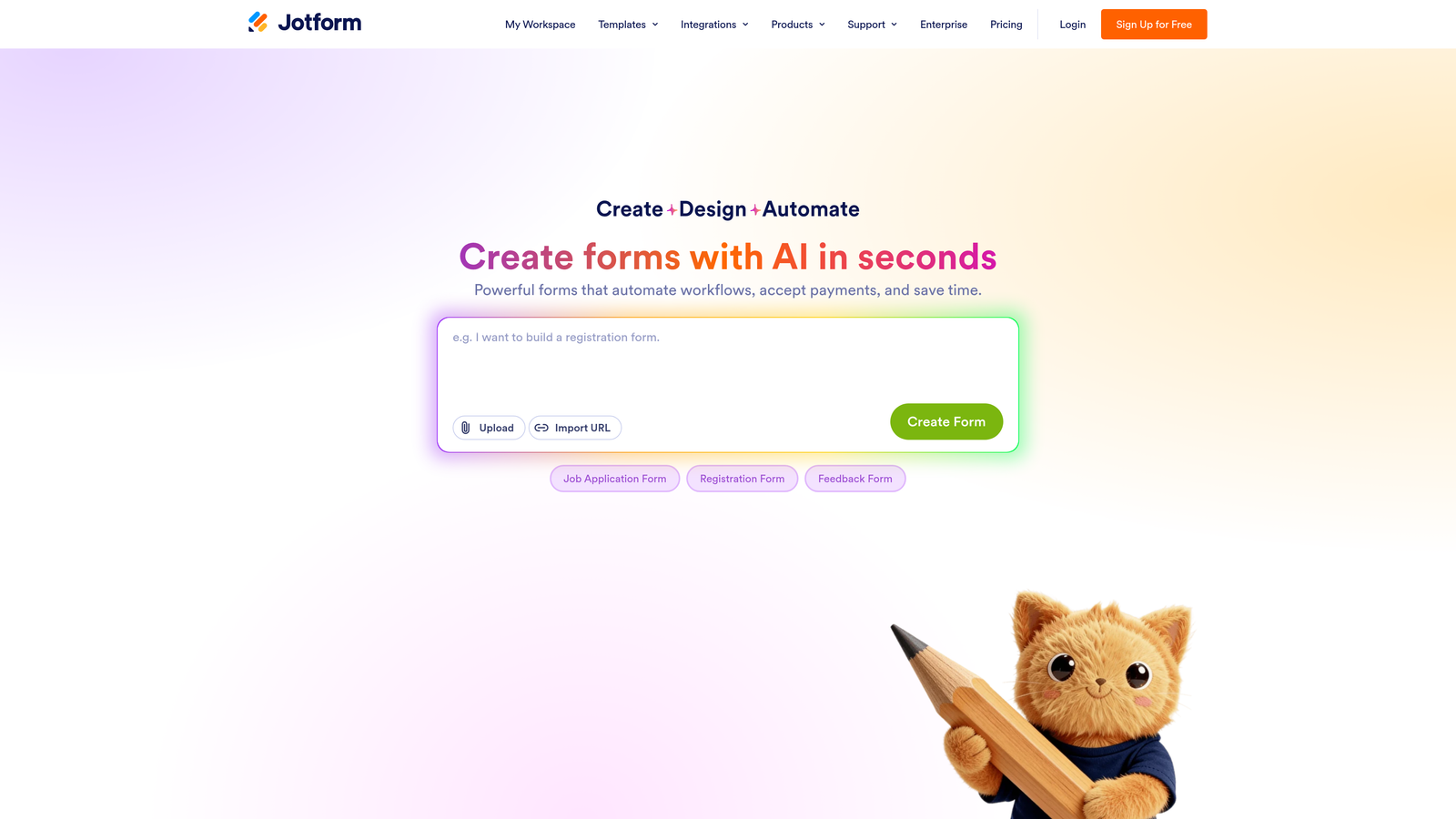
Jotform is one of the most feature-complete form builders on the market, offering over 10,000 templates, multi-payment processor support, PDF generation, approval workflows, and HIPAA-compliant plans — all under one roof.
Where This Tool Shines
Jotform's breadth is its defining characteristic. Whatever type of form you need — healthcare intake, payment collection, HR onboarding, event registration, legal agreement — there's almost certainly a template and a feature set that covers it. For teams managing form needs across multiple departments or use cases, that consolidation has real operational value.
The approval workflow and PDF generation features are particularly useful for teams where a form submission triggers a multi-step internal review process. These capabilities go well beyond what most design-first form builders offer.
Key Features
10,000+ Templates: The largest template library in the category, covering virtually every industry and use case.
Multi-Payment Processor Support: Native integrations with Stripe, PayPal, and Square for flexible payment collection.
PDF Generation and Approval Workflows: Automatically generate PDF documents from submissions and route them through approval chains.
HIPAA-Compliant Plans: Healthcare-specific plans with the compliance features required for sensitive data collection.
150+ Native Integrations: Deep integration ecosystem spanning CRMs, payment tools, productivity platforms, and more.
Best For
Jotform suits mid-size to enterprise teams with varied form needs across departments, particularly where compliance, payment processing, or document generation are requirements. The interface can feel less polished compared to newer design-first tools, which may matter for teams prioritizing external brand experience.
Pricing
A free tier is available with response limits. Paid plans start from approximately $34/month — verify current pricing at jotform.com.
6. Formstack
Best for: Enterprise teams where form submissions trigger complex internal workflows, document generation, and eSignature collection.
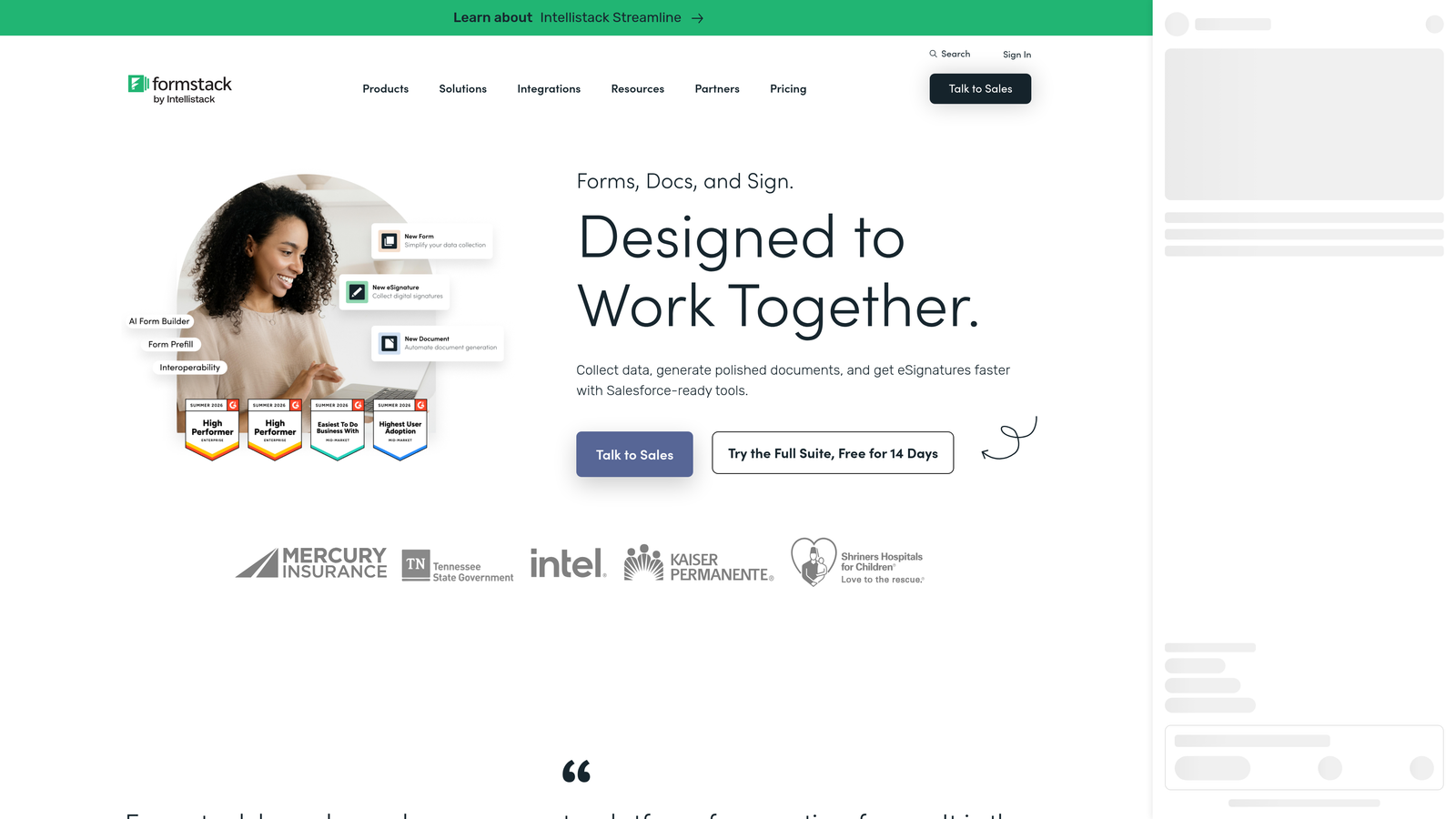
Formstack positions itself as a workplace productivity platform rather than a standalone form builder, integrating Forms, Documents, and Sign into a unified suite designed for internal operational workflows.
Where This Tool Shines
Formstack's integrated suite is its core value proposition. When a form submission needs to automatically generate a document, route it through an approval chain, and collect an eSignature at the end, Formstack handles that entire sequence natively. That's a workflow that most form builders require multiple disconnected tools to replicate.
The Salesforce integration is particularly deep, making Formstack a strong fit for revenue operations teams that live inside Salesforce and need form data to flow cleanly into their CRM workflows without manual intervention.
Key Features
Integrated Forms, Documents, and Sign Suite: The full workflow from data collection to document generation to eSignature in a single platform.
Advanced Workflow Automation: Multi-step approval routing and conditional workflow logic for complex internal processes.
Deep Salesforce Integration: Native, bidirectional Salesforce connectivity suited for revenue operations teams.
Data Compliance and Security: Enterprise-grade compliance features for teams with regulatory requirements around data handling.
eSignature Collection: Built-in eSignature capability that eliminates the need for a separate signing tool in document workflows.
Best For
Formstack is the right fit for enterprise teams in legal, HR, finance, or operations where form submissions are the start of a structured internal workflow rather than an external lead generation touchpoint. Teams focused on public-facing lead gen or marketing forms will find it more than they need at a price point to match.
Pricing
Formstack uses enterprise pricing with plans reflecting its full-suite positioning — verify current plans and pricing at formstack.com.
Which Tool Is Right for Your Team
The right choice depends less on which tool has the longest feature list and more on what your forms are actually supposed to accomplish. Here's how these tools stack up by use case.
For AI-powered lead gen and qualification: Orbit AI is the standout choice. If your team is serious about converting form traffic into qualified pipeline, having qualification intelligence built natively into the form experience is a meaningful advantage over tools that require external automation to approximate the same result.
For conversational UX and brand polish: Typeform remains the benchmark for respondent experience. If completion rate and brand impression are your primary metrics, it's the most refined option in the category. For a broader look at what else is available in this space, the Typeform alternatives roundup is worth reading.
For budget-conscious teams that still want modern design: Tally's free tier is genuinely hard to argue with for startups and small teams. You get unlimited forms, clean aesthetics, and core logic features without a monthly commitment.
For content-rich, landing-page-style forms: Paperform's freeform editor is unique in this category and particularly strong for service businesses and intake flows where context matters as much as the fields themselves.
For multi-department feature breadth: Jotform covers more ground than any other tool here. If your team spans healthcare, payments, HR, and legal — all with different form requirements — Jotform's template depth and compliance features make it a practical consolidation play.
For internal workflow automation and document generation: Formstack's integrated suite is purpose-built for this use case. If your forms trigger approvals, generate documents, and collect signatures, it handles that sequence better than any other tool on this list.
One thing worth keeping in mind as you evaluate: design quality alone doesn't determine whether a form converts. The intelligence behind the form — how it qualifies, scores, and routes the people who fill it out — is increasingly what separates high-performing lead gen from a well-designed data collection exercise. If that distinction matters to your team, you can explore how to qualify leads with forms and improve form conversion rates before locking in a platform.
Transform your lead generation with AI-powered forms that qualify prospects automatically while delivering the modern, conversion-optimized experience your high-growth team needs. Start building free forms today and see how intelligent form design can elevate your conversion strategy.


