

If your forms aren't converting the way you'd expect, the problem often isn't the offer. It's the form itself. Split testing your forms lets you run controlled experiments: test one headline against another, compare a single-step layout to a multi-step flow, or see whether fewer fields drive more completions.
The challenge is that most generic A/B testing platforms aren't built with forms in mind. You need tools that handle form-specific variables like field order, question types, conditional logic, and lead quality — not just page-level traffic splits.
This list covers the best form split testing tools available in 2026, whether you want native form testing built into your builder or a dedicated experimentation layer you can add to your existing stack. Each tool is evaluated on testing depth, ease of setup, and how well it supports conversion-focused teams. For context on what good form performance looks like, check out our form submission rate benchmarks before you start testing.
1. Orbit AI
Best for: High-growth SaaS and B2B teams that want to test form variants and measure lead quality outcomes, not just raw completions.
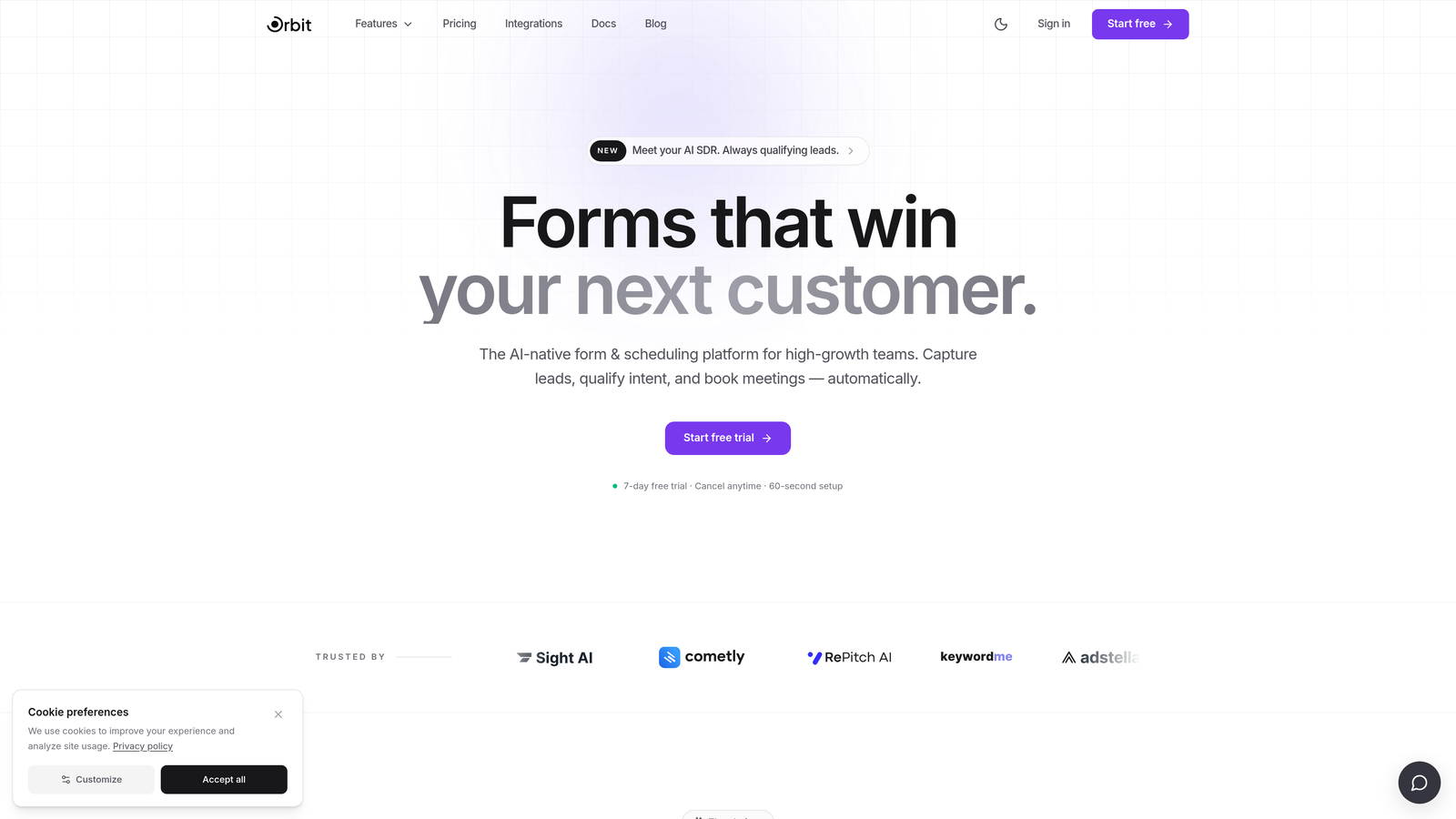
Orbit AI is an AI-powered form builder with built-in lead qualification that connects form testing directly to pipeline performance.
Where This Tool Shines
Most form testing tools tell you which variant got more submissions. Orbit AI goes further: it tells you which variant produced better-qualified leads. That distinction matters enormously for B2B and SaaS teams where a form that generates 50 high-quality leads consistently outperforms one that generates 200 low-intent completions.
The platform is built specifically for high-growth teams, so the testing experience is designed around conversion outcomes rather than vanity metrics. You get modern, visually polished form experiences alongside the analytical depth to understand what each variant is actually doing for your pipeline.
Key Features
A/B Variant Testing: Test different form layouts, field configurations, and copy variants to identify what drives better conversion outcomes.
AI-Powered Lead Qualification: Each form variant scores incoming leads automatically, so you can compare variants on lead quality rather than submission volume alone.
Conversion-Optimized Design: Build modern, branded form experiences designed to reduce friction and improve completion rates from the start.
Pipeline-Connected Analytics: Analytics are built to surface lead quality signals alongside completion data, giving you a fuller picture of form performance.
Built for B2B Workflows: Native support for high-growth SaaS and B2B lead generation use cases, including integrations with CRM and marketing platforms.
Best For
Orbit AI is the strongest fit for SaaS companies, B2B marketing teams, and growth-focused organizations where lead quality is as important as lead volume. If you're running paid acquisition campaigns and need to understand which form variant produces the most pipeline-ready leads, this is the tool built for that problem.
Pricing
Visit orbitforms.ai for current pricing details. A free starting option is available for teams ready to start building and testing.
2. Typeform
Best for: Teams that want to test conversational question flow and identify where respondents drop off.
Typeform is a conversational form builder known for its one-question-at-a-time format, with per-question drop-off analytics that support iterative testing.

Where This Tool Shines
Typeform's signature format creates a natural testing environment for question flow. Because each question is presented individually, the per-question completion analytics make it easy to spot exactly where respondents disengage. That granularity is genuinely useful when you're iterating on question order or phrasing.
It's worth noting that Typeform doesn't offer native A/B traffic splitting as a core feature. Teams typically create separate form URLs and use a third-party tool or UTM-based routing to split traffic between variants. That adds a layer of setup, but the drop-off analytics make the effort worthwhile for teams focused on conversational UX.
Key Features
Per-Question Drop-Off Analytics: See exactly which questions cause respondents to abandon, making iterative testing highly targeted.
Logic Jumps: Build and test conditional paths to understand how different question sequences affect completion and lead quality.
Conversational Format: The one-question-at-a-time experience reduces cognitive load and is particularly effective for longer qualification forms.
CRM and Analytics Integrations: Connect to tools like HubSpot, Salesforce, and Google Analytics to track form performance downstream.
Branded Experiences: Visually polished form design that supports consistent brand presentation across variants.
Best For
Typeform works well for teams testing conversational survey flows, onboarding sequences, or multi-question qualification forms where question-level drop-off data is the primary testing signal. Less suited for teams that need native traffic-splitting with statistical significance tracking out of the box.
Pricing
Free plan available with limited features. Paid plans start at approximately $25 per month billed annually. Advanced analytics require a paid tier.
3. Paperform
Best for: Teams that want to test form copy, layout, and visual design together in a single hybrid form-and-landing-page environment.
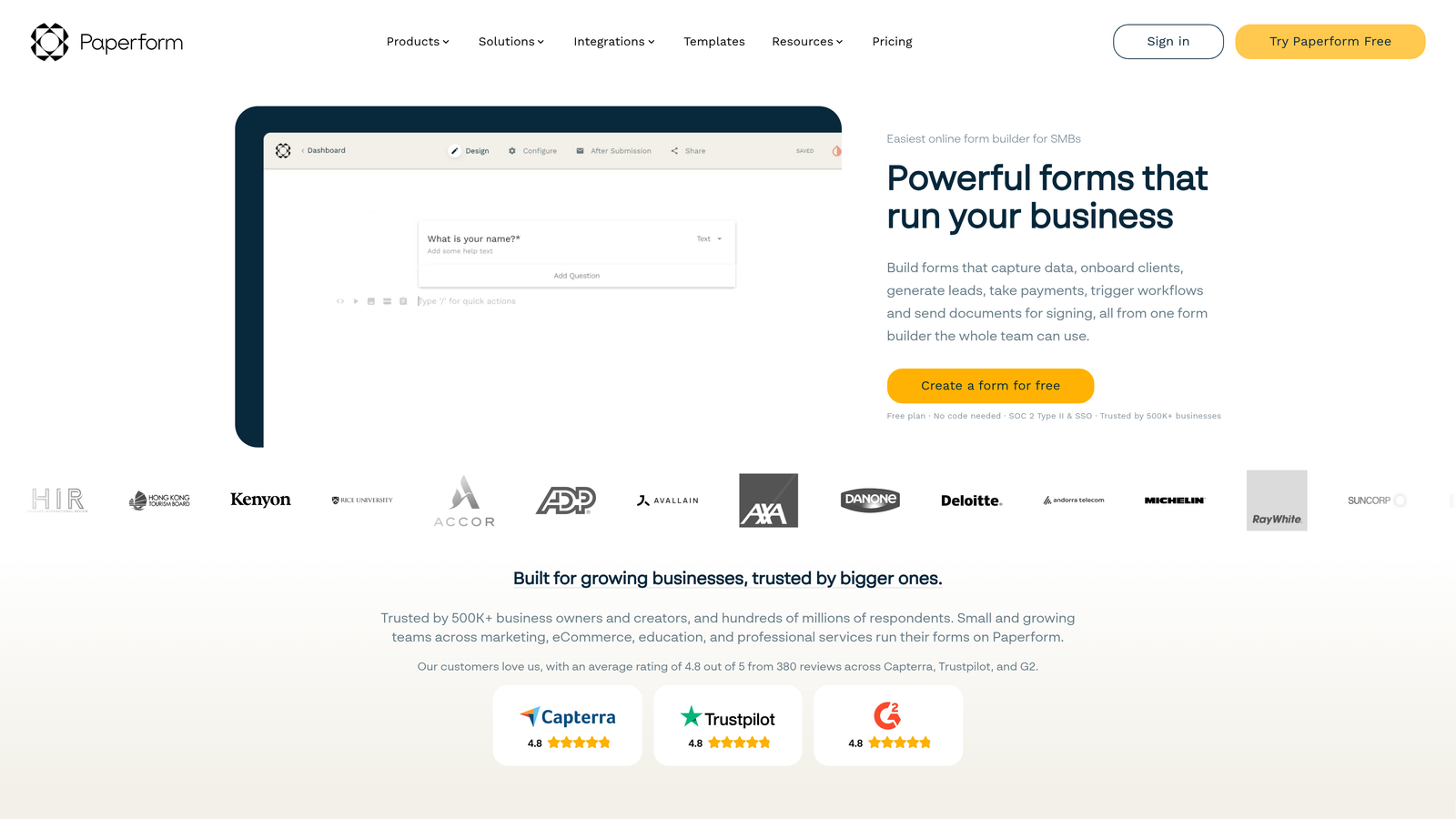
Paperform is a hybrid form and mini landing page builder that lets you test form copy, layout, and fields together without managing separate tools.
Where This Tool Shines
One of the underappreciated challenges in form split testing is that form performance is often influenced by the surrounding context: the headline above the form, the supporting copy, the visual layout. Paperform collapses the form and its surrounding page into a single editable environment, which makes it easier to test holistic variants rather than isolated form fields.
Like Typeform, Paperform isn't a dedicated A/B testing platform with built-in traffic splitting. But its combined form-and-page editing experience makes it faster to spin up visually distinct variants, and its built-in analytics give you completion and conversion data without needing to instrument a separate analytics stack.
Key Features
Combined Form and Landing Page Editor: Edit form fields and surrounding copy in one environment, making holistic variant creation faster.
Built-In Completion Analytics: Track completion rates and conversion data without requiring third-party analytics setup.
Conditional Logic and Multi-Step Support: Build and test branching paths and multi-step flows natively.
Flexible Design Customization: Customize layout, typography, and visual design without writing code.
Marketing and CRM Integrations: Connect to major platforms to route submissions and track downstream performance.
Best For
Paperform is a strong choice for content marketers, consultants, and small-to-mid-size teams that want to test form and page copy together without managing a separate landing page tool. It's particularly useful when the form experience and the surrounding context need to be tested as a unit.
Pricing
Plans start at approximately $24 per month billed annually. There is no permanent free tier, though a trial period is available.
4. Jotform
Best for: Teams that want a large template library and broad third-party analytics integrations to instrument split testing across multiple form variants.
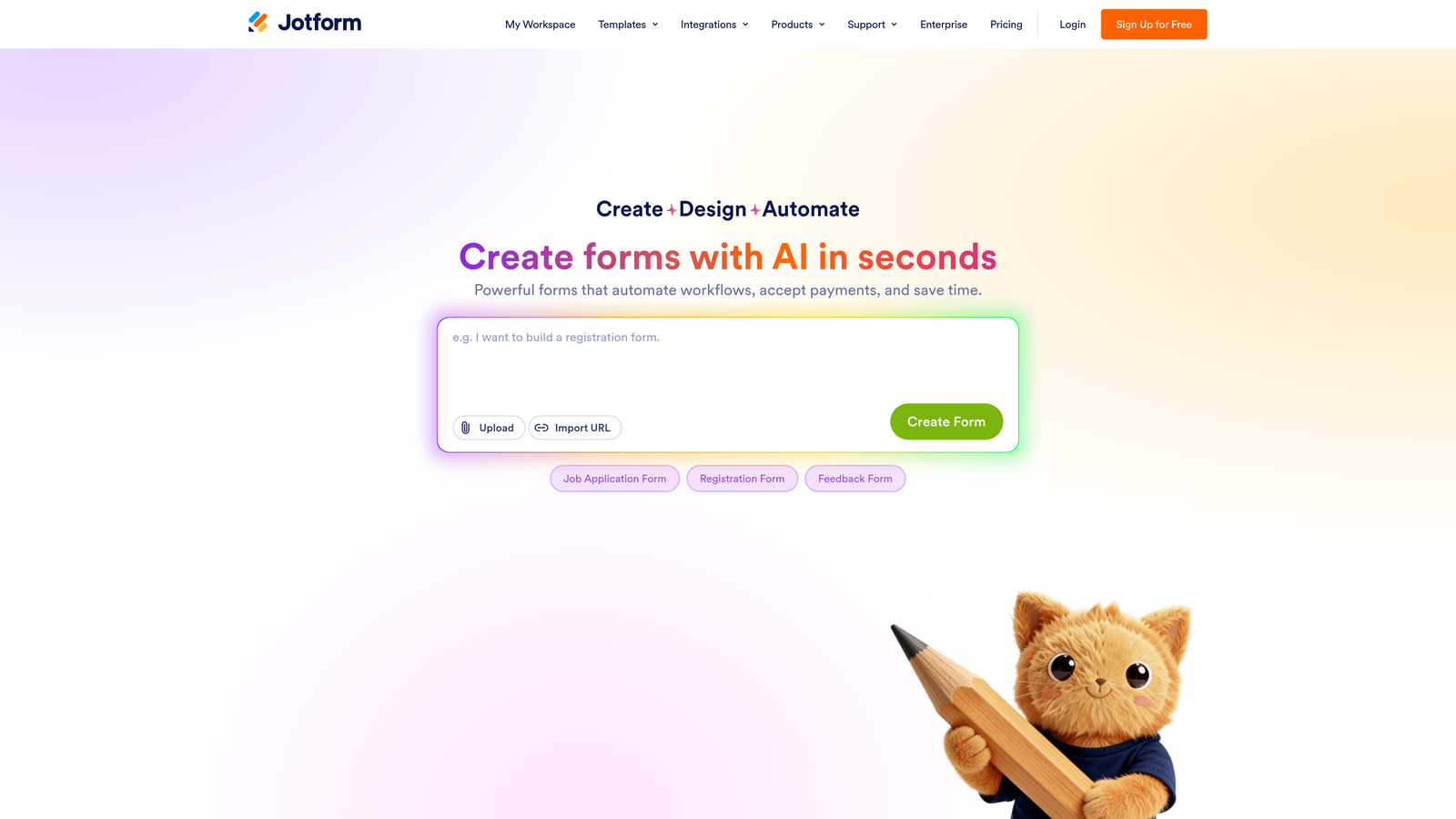
Jotform is a high-volume form builder with one of the largest template ecosystems available, plus broad integrations that make instrumented variant testing practical.
Where This Tool Shines
Jotform's scale is a genuine advantage when you're running multiple form variants simultaneously. With thousands of templates available, spinning up a new variant for testing takes minutes rather than hours. And because Jotform integrates with Google Analytics, Hotjar, and a wide range of other analytics tools, teams can layer on their existing measurement stack rather than adopting something new.
Jotform doesn't have a native A/B testing module with built-in traffic splitting, so testing is typically instrumented via URL variants and external analytics. That's a meaningful setup consideration, but for teams already running a mature analytics stack, the integration depth makes it workable.
Key Features
Extensive Template Library: Thousands of templates make it fast to create and iterate on form variants across different use cases.
Analytics Integrations: Native integrations with Google Analytics, Hotjar, and other tools allow teams to track variant performance within their existing stack.
Conditional Logic and Multi-Page Forms: Build and test branching logic and multi-step form flows natively.
Field-Level Submission Reporting: Access submission analytics at the field level to identify friction points across variants.
Enterprise Plan: Advanced security, compliance features, and team management for larger organizations.
Best For
Jotform is well-suited for teams that run a high volume of forms across multiple campaigns and need rapid variant creation. It's also a practical choice for organizations already invested in Google Analytics or Hotjar who want to extend their existing measurement approach to form testing.
Pricing
Free plan available with submission and storage limits. Paid plans start at approximately $34 per month billed annually, scaling with submission volume and feature requirements.
5. Formstack
Best for: Enterprise and mid-market teams that need to track form variant performance deep into the sales pipeline via CRM integrations and workflow automation.
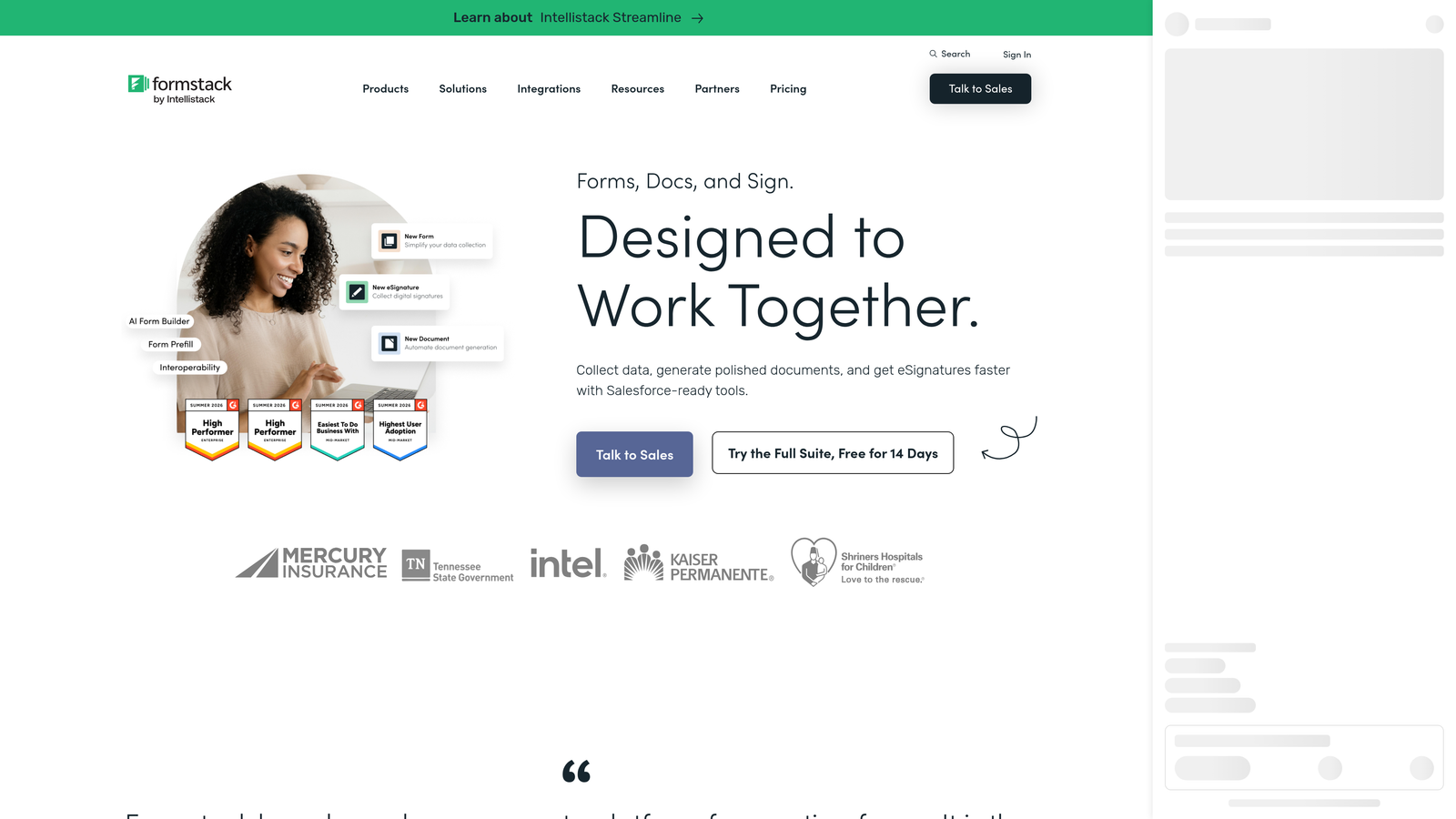
Formstack is an enterprise-grade form platform with workflow automation and CRM integrations that connect form performance to downstream sales outcomes.
Where This Tool Shines
Where Formstack differentiates is in its depth of downstream integration. For enterprise teams where a form submission is just the beginning of a longer sales process, the ability to connect form variant performance to Salesforce stages, approval workflows, and pipeline data is genuinely valuable. You're not just measuring which variant got more completions — you're measuring which variant produced opportunities that actually closed.
The platform is positioned toward regulated industries and larger organizations, so compliance features and enterprise security are built in. The trade-off is a higher price point and a more complex setup compared to lighter-weight tools on this list.
Key Features
Workflow Automation: Build approval chains and automated workflows tied to form submissions, enabling downstream performance tracking by variant.
Salesforce and CRM Integrations: Connect form submissions directly to your CRM to track how different form variants perform through the full sales cycle.
Conversion Analytics and Field Reporting: Track completion rates and field-level data to identify friction points across form variants.
Compliance Features: Built-in support for regulated industries including HIPAA and GDPR compliance requirements.
Multi-Step and Conditional Logic: Build and test complex form flows with branching logic and multi-page structures.
Best For
Formstack is the right fit for enterprise sales and marketing teams, operations teams managing complex approval workflows, and organizations in regulated industries where compliance is a hard requirement. It's less suited for lean teams or early-stage companies where the price point and complexity aren't justified.
Pricing
Plans start at approximately $83 per month. Enterprise pricing is available on request and scales with team size and feature requirements.
6. Tally
Best for: Lean teams and early-stage companies that want to spin up and compare form variants quickly without a paid commitment.
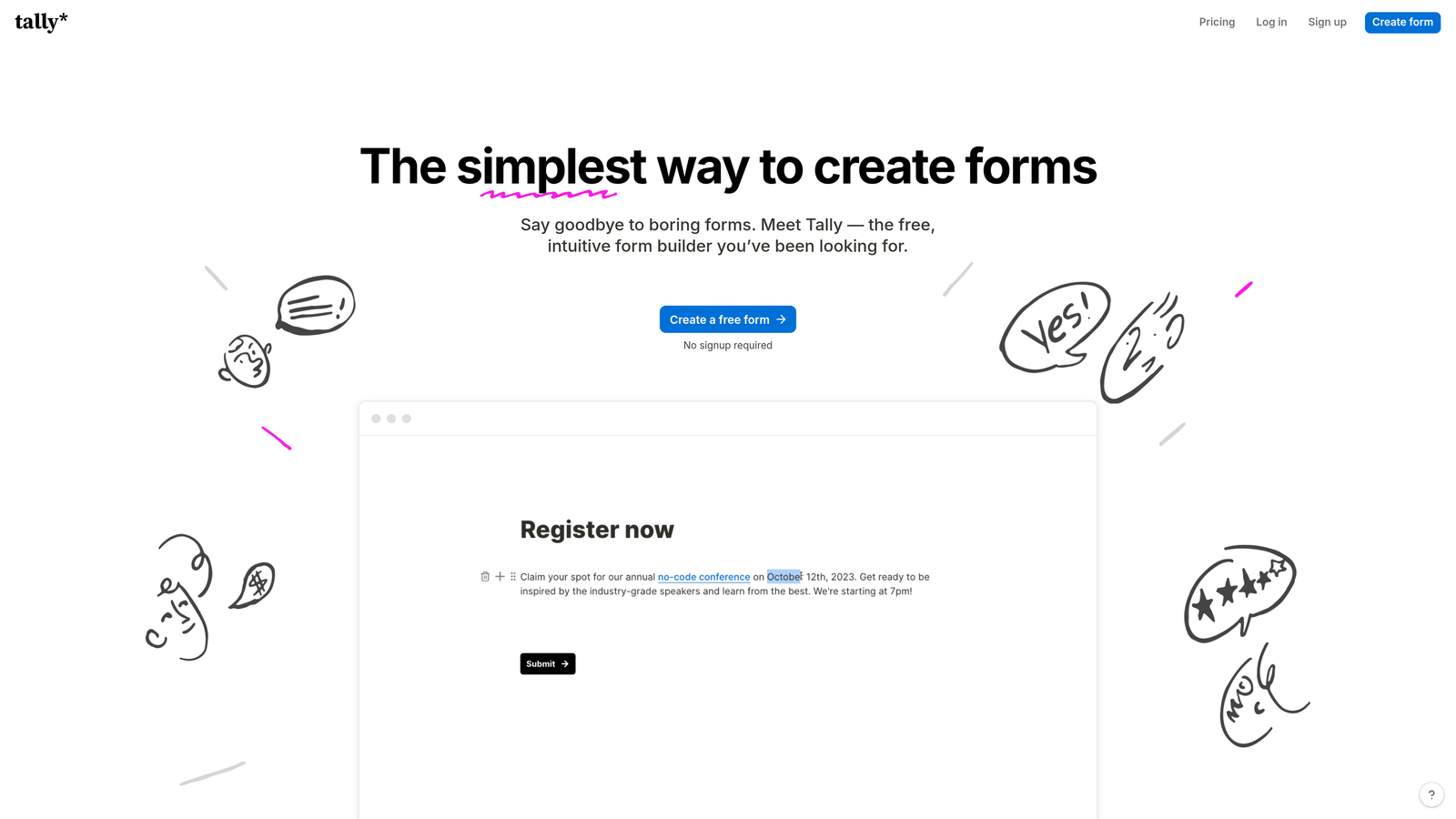
Tally is a free-first, lightweight form builder with a Notion-like editing experience designed for fast, low-friction form creation.
Where This Tool Shines
Tally's free tier is genuinely useful, not a stripped-down teaser. Unlimited forms on the free plan means you can create as many variants as you want without worrying about hitting a paywall. The block-based editor is fast and intuitive, making it easy to spin up a new variant, change a headline, reorder fields, and publish in minutes.
The trade-off is analytics depth. Tally's native reporting is basic, and it doesn't offer built-in A/B traffic splitting. For statistically rigorous testing, you'd need to route traffic manually and use an external analytics tool to measure results. For lean teams running low-stakes experiments or early-stage companies validating form concepts before investing in a more robust platform, that's often an acceptable trade-off.
Key Features
Unlimited Forms on Free Tier: Create and test as many form variants as needed without hitting submission or form count limits.
Block-Based Editor: Fast, Notion-like editing experience makes variant creation and iteration quick and accessible.
Basic Submission Analytics: View submission data and basic completion metrics for each form variant.
Pro Plan Upgrades: The paid plan adds integrations, custom domains, and branding removal for teams that need a more polished, connected experience.
Best For
Tally is ideal for early-stage startups, solo operators, and lean marketing teams that want to test form concepts quickly without a financial commitment. It's a practical starting point before graduating to a more analytics-rich platform as testing needs mature.
Pricing
Free tier available with unlimited forms. Pro plan is approximately $29 per month billed annually, adding integrations, custom domains, and branding removal.
Which Form Split Testing Tool Is Right for You?
The best tool on this list depends almost entirely on what you're trying to measure and how mature your testing practice is.
If you're running a high-growth SaaS or B2B operation where lead quality is the primary conversion metric, Orbit AI is the standout choice. The AI-powered lead qualification layer means you're not just optimizing for more submissions — you're optimizing for better pipeline. That's a meaningful distinction that generic form builders don't address.
For teams focused on conversational form UX and question-level drop-off analysis, Typeform remains a strong option. For teams that want to test form and page copy together in a single environment, Paperform removes a lot of the friction from variant creation. And for enterprise teams that need to connect form performance to CRM pipeline data and approval workflows, Formstack offers the depth that larger organizations require.
If you're just getting started and want to validate form concepts without spending anything, Tally is the most accessible entry point on this list. And if you run a high volume of forms and want to leverage your existing analytics stack, Jotform's broad integration ecosystem makes it a practical choice.
The most common mistake in form testing isn't choosing the wrong tool — it's measuring the wrong outcome. Before you start, be clear on whether you're optimizing for completion rate, lead quality, or downstream pipeline value. That clarity will tell you which tool belongs in your stack.
Transform your lead generation with AI-powered forms that qualify prospects automatically while delivering the modern, conversion-optimized experience your high-growth team needs. Start building free forms today and see how intelligent form design can elevate your conversion strategy.


