

Mobile traffic dominates how people interact with web content, yet most forms are still designed for desktop first. And it shows in conversion rates. If your lead capture forms feel clunky on a phone, you're leaving qualified prospects behind before they ever reach your sales team.
The best mobile form solutions go beyond responsive layouts. They offer smart conditional logic, fast load times, touch-friendly UX, and increasingly, AI-powered qualification that filters signal from noise before a lead ever hits your CRM.
This list covers nine tools worth considering in 2026, from AI-native platforms built for conversion to enterprise-grade data collectors and everything in between. Whether you're a lean growth team running paid campaigns or a sales org that needs tighter lead routing, there's a solution here for your stack. Selection criteria: mobile UX quality, conditional logic depth, integrations, lead qualification capabilities, and pricing transparency.
1. Orbit AI
Best for: High-growth B2B and SaaS teams that need AI-powered lead qualification built into the form itself.
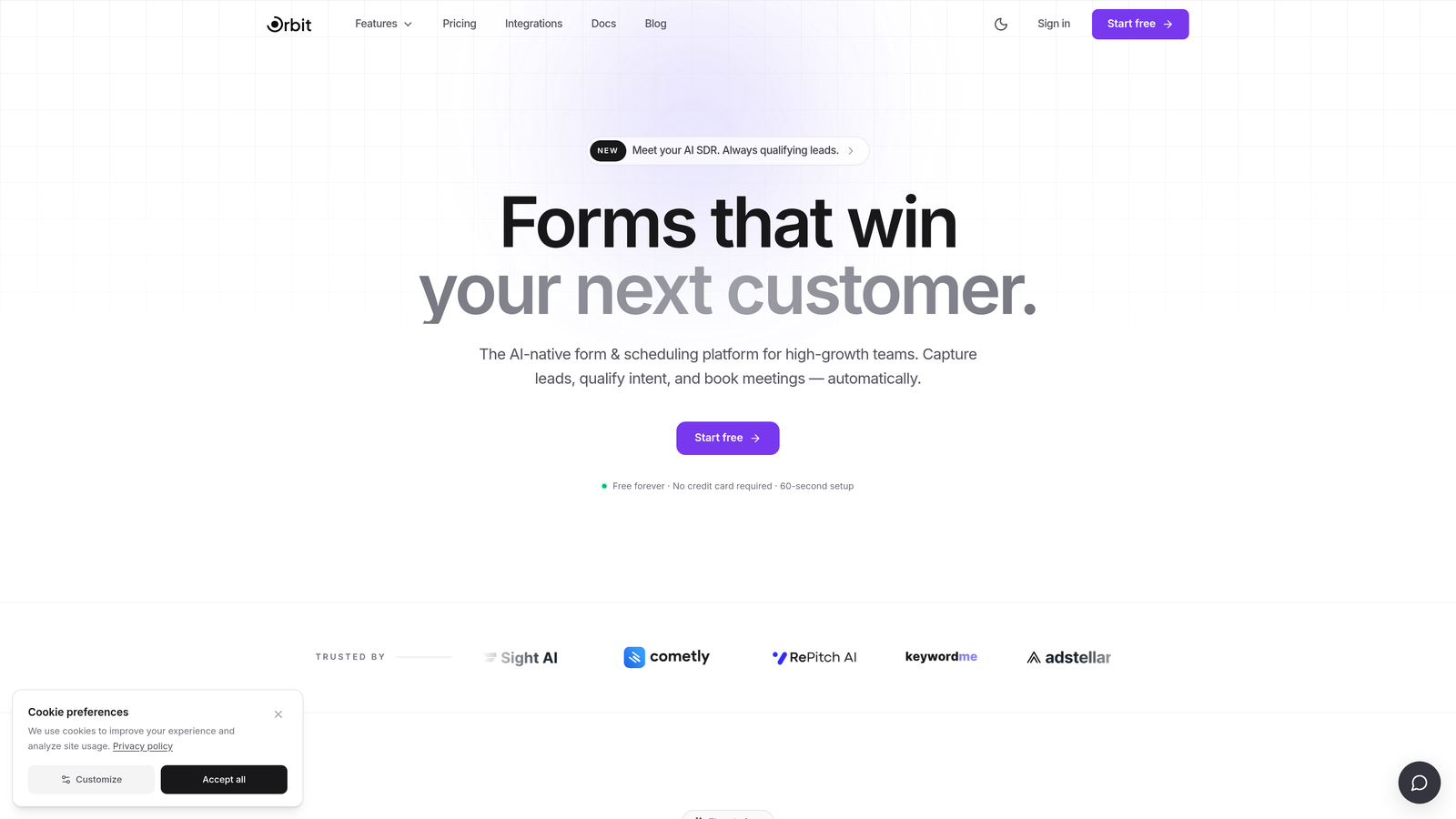
Orbit AI is an AI-powered form builder designed specifically for lead generation and qualification, not just data collection.
Where This Tool Shines
Most form builders treat qualification as an afterthought, something you bolt on with a Zapier workflow or handle manually in your CRM. Orbit AI flips that model. The qualification logic lives natively inside the form flow, which means leads are scored and routed before they ever land in your pipeline.
For growth teams running paid acquisition, this matters a lot. You're not paying for clicks only to have your SDRs sort through unqualified submissions. The mobile-first design also means your forms look and feel intentional on every device, not like a desktop layout that got squeezed onto a phone screen.
Key Features
AI-Powered Lead Qualification: Scores and qualifies leads automatically based on form responses, so your sales team focuses on the right contacts.
Mobile-First Form Design: Conversion-optimized layouts built for touch interaction from the ground up.
Adaptive Conditional Logic: Forms adjust in real time based on how users respond, creating a personalized experience without extra manual configuration.
CRM Integrations: Automatic lead routing to your CRM, eliminating the manual handoff between marketing and sales.
Clean, Modern UI: Designed to reflect the visual standards high-growth B2B and SaaS teams expect from their brand touchpoints.
Best For
Growth marketers and sales teams who want their forms to do more than collect data. If you're running paid campaigns and need qualified leads routed automatically, or if you're tired of manually triaging form submissions, Orbit AI is built with your workflow in mind.
Pricing
Visit orbitforms.ai for current pricing plans. Pricing details are updated directly on the site.
2. Typeform
Best for: Marketing teams that prioritize engagement, brand experience, and conversational form UX.
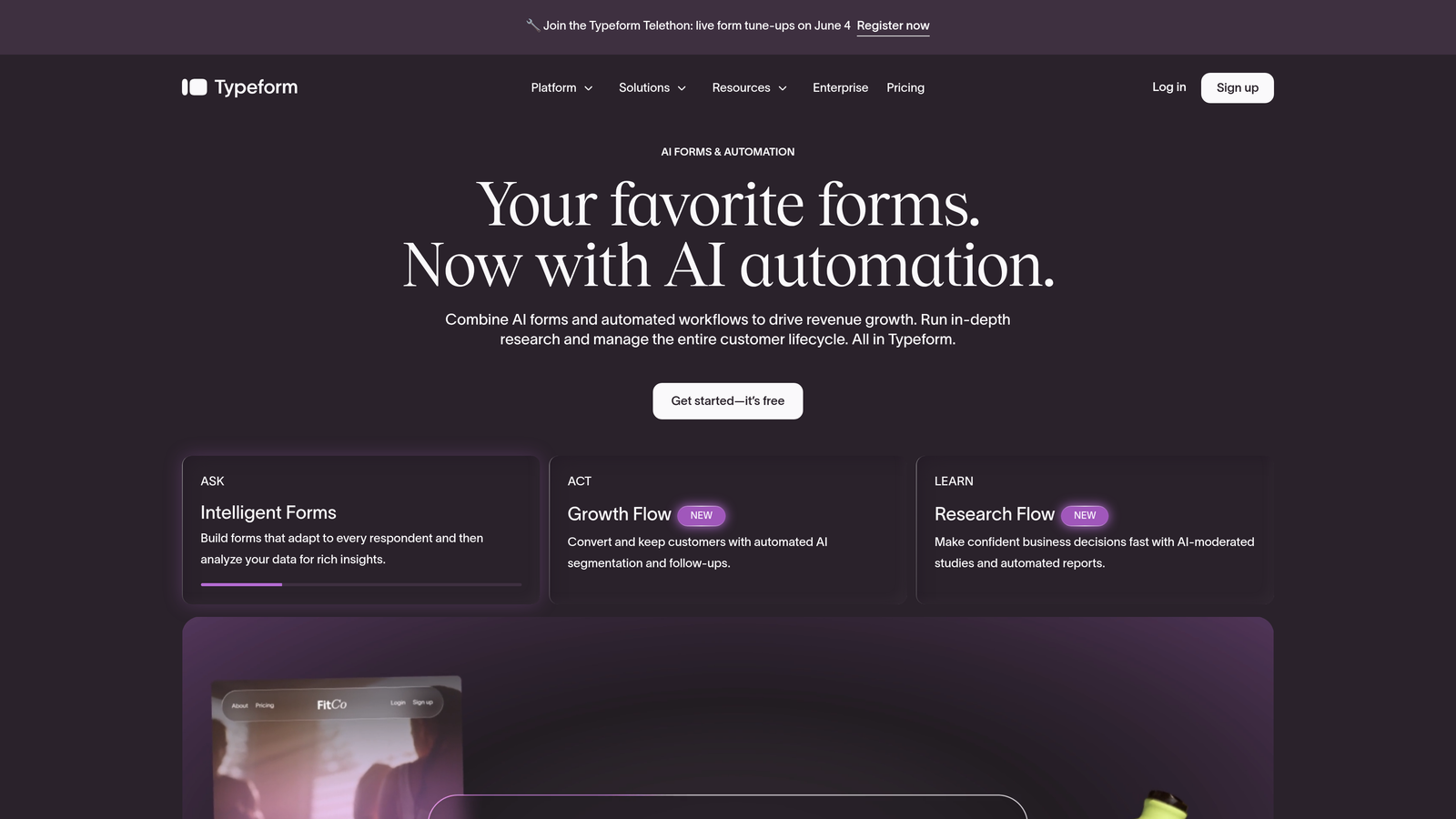
Typeform is a conversational form builder known for its one-question-at-a-time format that feels natural on mobile.
Where This Tool Shines
Typeform pioneered the conversational form format, and it remains one of the strongest choices when user experience and visual polish are top priorities. The single-question flow removes the visual overwhelm of long forms, which tends to improve completion rates on mobile devices where screen real estate is limited.
Brand customization is also a genuine strength here. You can match fonts, colors, and media to your brand identity in ways that most form builders simply don't support. That said, Typeform is better suited for top-of-funnel engagement than deep B2B qualification flows.
Key Features
One-Question-at-a-Time UX: Conversational format that guides users through the form naturally, reducing friction on mobile.
Brand Customization: High-quality design controls including custom fonts, colors, background images, and video embedding.
Logic Jumps: Conditional branching that routes users to different questions based on their answers.
Integrations: Connects with HubSpot, Salesforce, Slack, and Zapier for downstream automation.
Media Embedding: Supports video and image content within the form itself for richer experiences.
Best For
Marketing teams running brand-forward campaigns, product teams collecting user feedback, or anyone who wants a polished, engaging mobile form experience. Less ideal for teams that need deep lead scoring or complex multi-path qualification logic.
Pricing
Free tier available. Paid plans start around $25/month. Verify current pricing at typeform.com.
3. Jotform
Best for: Field teams and organizations that need offline mobile data collection and a wide range of form templates.
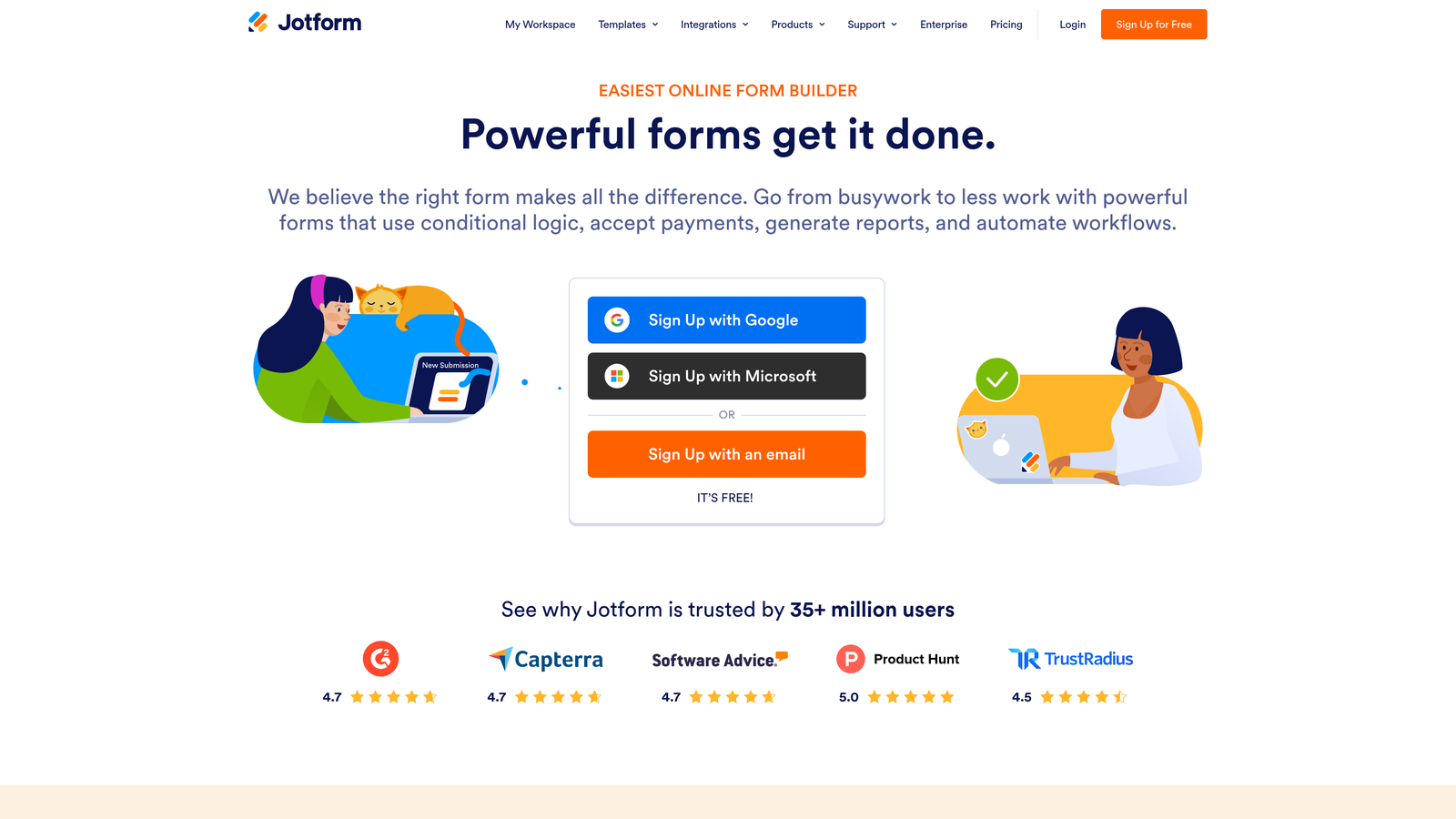
Jotform is a feature-rich form builder with a native mobile app that supports offline data collection.
Where This Tool Shines
Jotform's standout capability is its offline mode. Through the dedicated mobile app, field teams can collect form submissions without an internet connection, with data syncing automatically when connectivity is restored. This is a meaningful differentiator for industries like construction, healthcare, logistics, and field sales.
Beyond offline support, Jotform offers one of the broadest feature sets in the market. The sheer volume of templates, combined with support for file uploads, e-signatures, and payment collection, makes it a versatile choice for organizations with varied form needs across departments.
Key Features
Offline Data Collection: Dedicated mobile app allows form submissions without internet access, syncing when reconnected.
10,000+ Templates: Extensive template library spanning industries and use cases.
HIPAA-Compliant Plans: Available for healthcare organizations with strict data handling requirements.
File Upload and E-Signature: Supports document collection and digital signing within the form flow.
Payment Collection: Accepts payments via Stripe, PayPal, and other processors directly through forms.
Best For
Field teams, healthcare organizations, nonprofits, and businesses that need a broad feature set with offline capability. The interface can feel dense for simple use cases, so it's best suited for teams that will actually use the depth of features available.
Pricing
Free tier available. Paid plans available at multiple tiers. Verify current pricing at jotform.com.
4. Tally
Best for: Budget-conscious teams and indie builders who want clean, functional forms without submission limits.
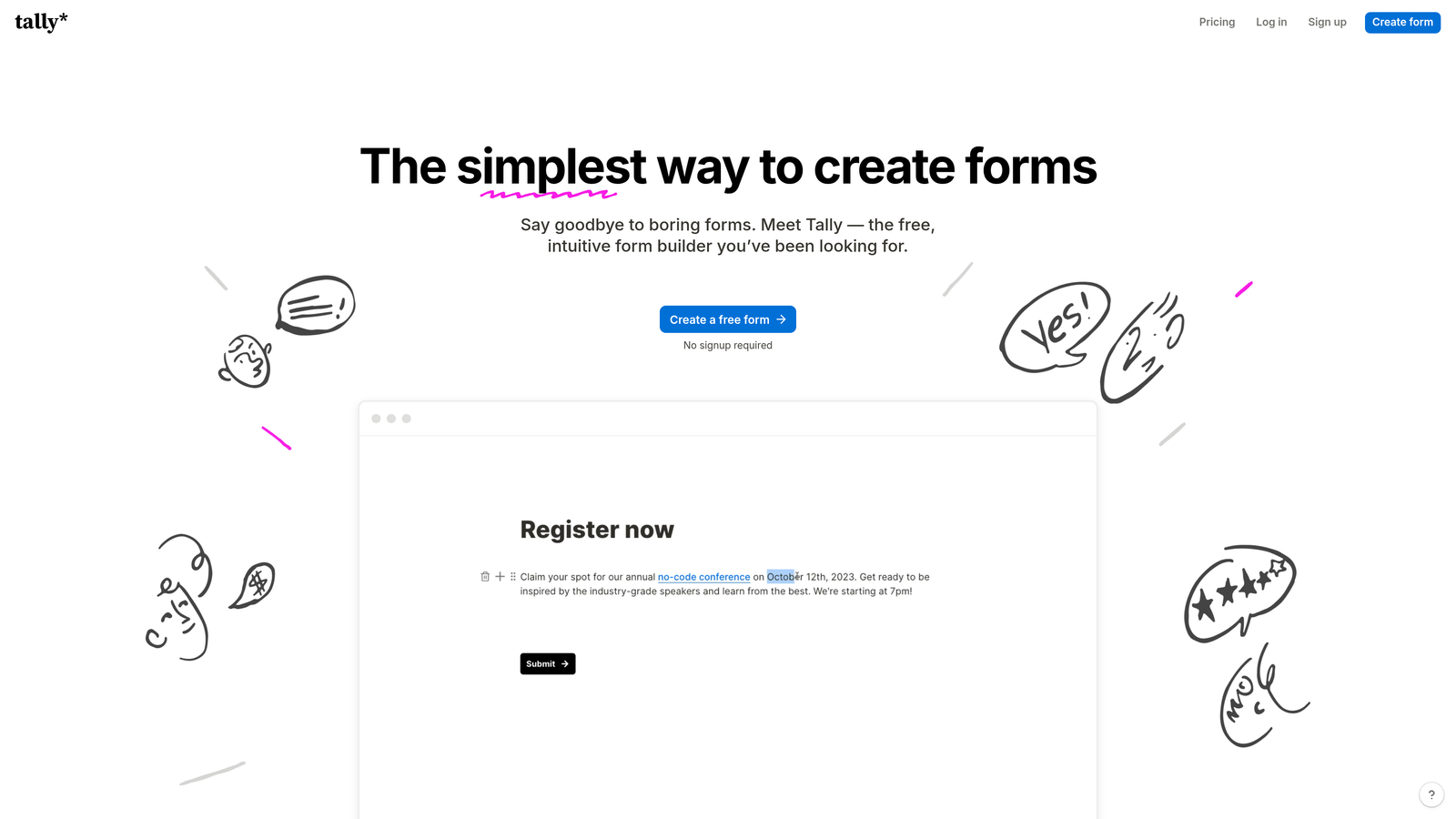
Tally is a minimalist form builder with a Notion-like editor and one of the most generous free tiers in the market.
Where This Tool Shines
Tally's biggest differentiator is straightforward: the free plan has no submission limits. Most free-tier form tools cap responses at a few hundred per month, which creates friction for growing teams. Tally removes that ceiling entirely, making it genuinely useful for teams that need real volume without a paid commitment.
The block-based editor will feel immediately familiar to anyone who uses Notion. It's clean, fast, and easy to learn. Mobile rendering is solid out of the box, and the overall experience avoids the visual clutter that makes some feature-heavy tools feel overwhelming.
Key Features
No Submission Limits on Free Plan: Collect unlimited responses without upgrading, a rare offering in the form builder market.
Block-Based Editor: Notion-style interface that's intuitive and quick to learn.
Conditional Logic: Show or hide fields based on user responses for more relevant form experiences.
Calculated Fields: Supports basic calculations within the form, useful for quizzes and scoring.
Zapier and Make Integrations: Connects to your automation stack for downstream workflows.
Best For
Startups, freelancers, and small teams that want capable, clean forms without paying for features they don't need. Not the right fit for teams that need native CRM integration or advanced lead qualification.
Pricing
Free tier with no submission caps. Pro plan available for advanced features. Verify current pricing at tally.so.
5. HubSpot Forms
Best for: Marketing and sales teams already using HubSpot who want zero-friction CRM sync from form submissions.
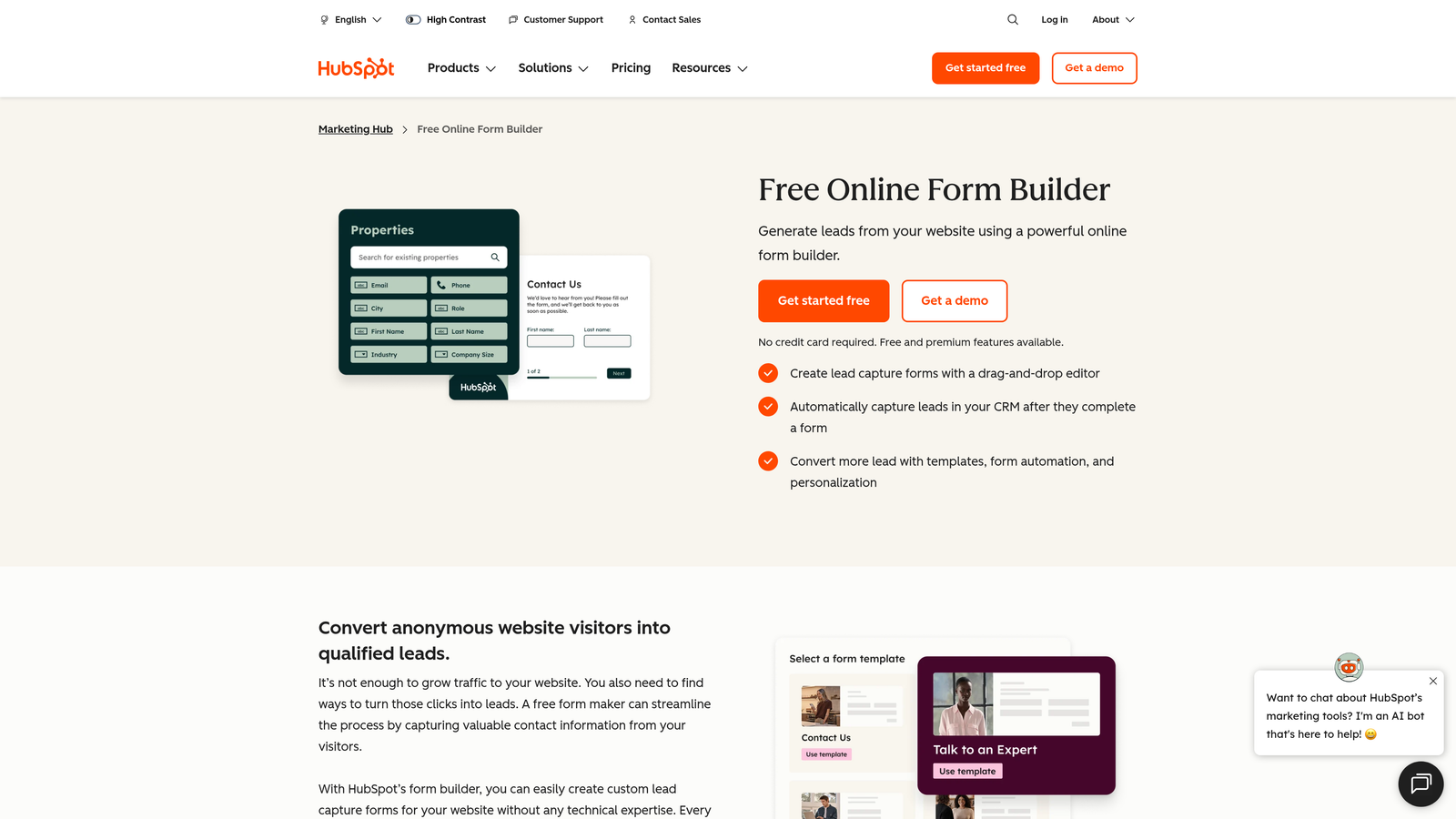
HubSpot Forms is a native form tool within the HubSpot platform that syncs submissions directly to your CRM.
Where This Tool Shines
HubSpot Forms earns its place on this list not because of standalone form capabilities, but because of what happens after submission. Every response flows directly into your HubSpot CRM, triggering workflows, updating contact records, and enrolling leads into nurture sequences automatically. There's no integration setup required because the form is already inside the platform.
The progressive profiling feature is particularly useful for teams running multi-touch campaigns. Rather than asking the same questions repeatedly, HubSpot Forms can surface new questions for known contacts, gradually building richer profiles over time without creating form fatigue.
Key Features
Native CRM Sync: Submissions flow directly into HubSpot contacts, deals, and lists with no integration required.
Smart Fields: Automatically hides questions for contacts whose answers are already known in the CRM.
Workflow Enrollment: Triggers marketing automation sequences the moment a form is submitted.
Progressive Profiling: Builds contact records incrementally across multiple form interactions.
Flexible Embedding: Embed on any external website or publish as a standalone HubSpot landing page.
Best For
Teams running their marketing and sales operations inside HubSpot. As a standalone form tool outside the HubSpot ecosystem, it offers limited value. But for HubSpot users, it's the most seamless option available.
Pricing
Free with HubSpot's free CRM. Advanced features require a paid Marketing Hub subscription. Verify current pricing at hubspot.com.
6. Paperform
Best for: Service businesses and consultants who want polished, branded forms that blend content and data collection.
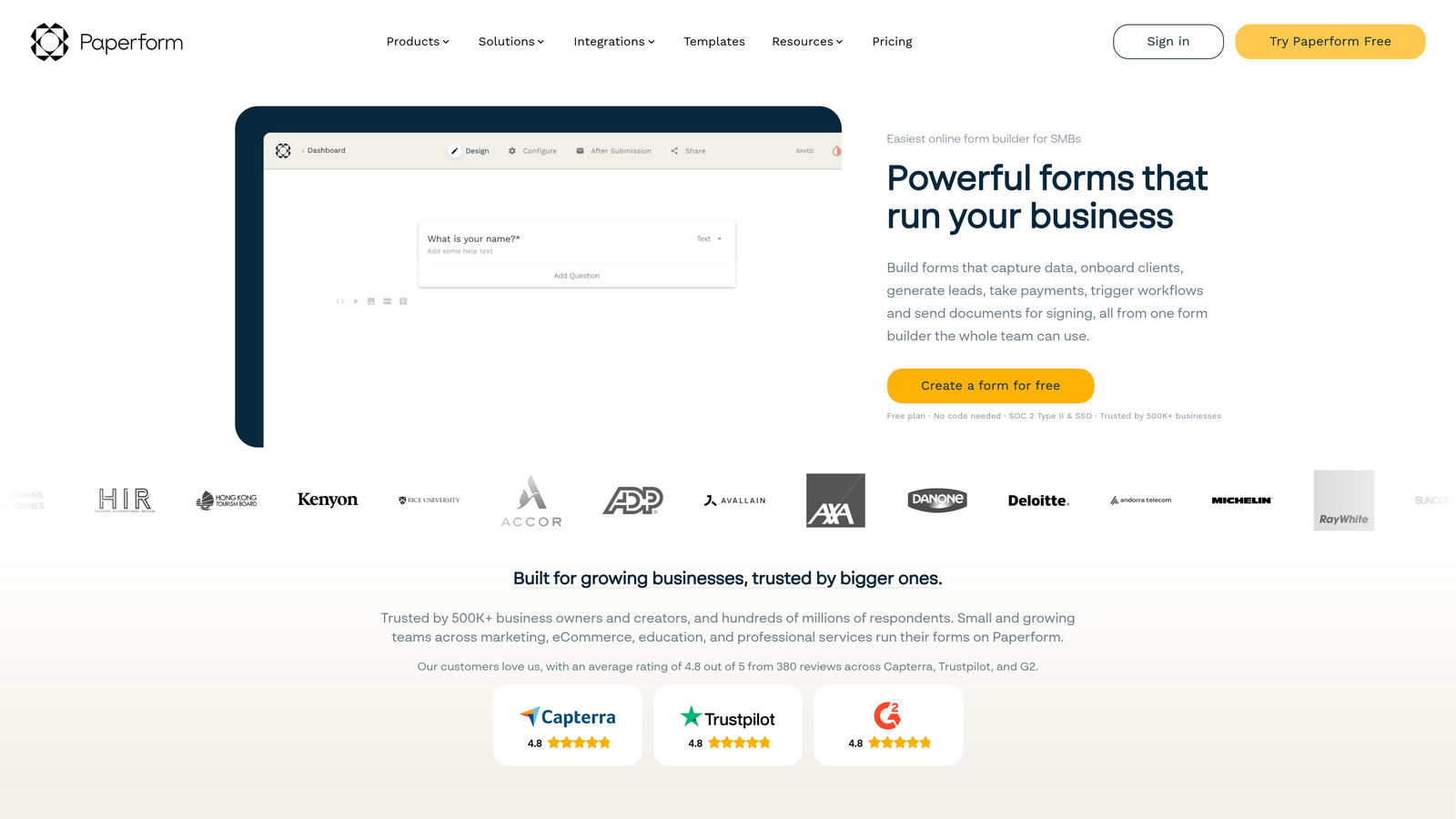
Paperform is a flexible form builder that combines form fields with a freeform content canvas, functioning almost like a mini landing page.
Where This Tool Shines
Paperform occupies a unique space in the market. Rather than presenting a clean list of questions, it lets you weave form fields into a rich content experience with text, images, and media. The result feels more like a polished web page than a traditional form, which works well for intake forms, quote calculators, and client onboarding flows.
The calculation fields are a particularly strong feature for service businesses. You can build dynamic pricing estimators or lead scoring logic directly into the form, giving respondents instant feedback based on their inputs.
Key Features
Freeform Canvas Editor: Combines form fields with rich text, images, and media in a single flexible layout.
Calculation Fields: Build dynamic pricing, scoring, or quote logic directly into the form.
Conditional Logic: Show or hide sections based on user responses for personalized experiences.
Payment Collection: Accepts payments via Stripe, integrated directly into the form flow.
Custom Domain Support: Publish forms on your own domain for a fully branded experience.
Best For
Consultants, agencies, and service businesses that want forms to feel like polished brand experiences. The learning curve is steeper than simpler tools, and it's less suited for high-volume lead generation at scale.
Pricing
Paid plans only, starting around $24/month. Verify current pricing at paperform.co.
7. Google Forms
Best for: Internal surveys, simple data collection, and teams already working within Google Workspace.
Google Forms is a completely free, no-frills form tool that integrates directly with Google Sheets.
Where This Tool Shines
Google Forms doesn't try to be sophisticated, and that's precisely its strength. It's free, it works, and it requires zero setup. If you need to collect internal feedback, run a quick employee survey, or gather event RSVPs, Google Forms handles all of that without any cost or configuration overhead.
The automatic Google Sheets integration is genuinely useful for teams that live in spreadsheets. Responses populate a connected sheet in real time, making it easy to filter, sort, and share data without exporting anything.
Key Features
Completely Free: No submission limits, no paywalls, no expiring trials.
Google Sheets Integration: Responses automatically populate a connected spreadsheet in real time.
Basic Conditional Logic: Show or hide sections based on responses for simple branching flows.
Functional Mobile Experience: Works reliably on mobile devices without additional configuration.
Google Workspace Collaboration: Share and co-edit forms with teammates using standard Google sharing controls.
Best For
Internal teams, educators, and anyone with simple, low-stakes data collection needs. Not appropriate for lead generation, CRM integration, or any use case requiring design control or advanced logic.
Pricing
Free. No paid tiers required.
8. Microsoft Forms
Best for: Organizations running Microsoft 365 that need simple forms integrated with Teams and SharePoint.
Microsoft Forms is a survey and form tool included with Microsoft 365, with native integration across the Microsoft ecosystem.
Where This Tool Shines
Microsoft Forms earns its spot by being exactly where Microsoft 365 users already are. If your organization runs on Teams, SharePoint, and Power Automate, having a form tool that integrates natively with those platforms removes a meaningful amount of friction. You can embed forms directly in Teams channels, trigger Power Automate workflows on submission, and share results within SharePoint without leaving the Microsoft environment.
The real-time analytics dashboard is clean and accessible for non-technical users, making it easy to share response summaries with stakeholders who don't want to dig through raw data.
Key Features
Included with Microsoft 365: No additional cost for organizations already subscribed.
Teams and SharePoint Integration: Embed and share forms natively within the Microsoft workspace.
Power Automate Triggers: Automate downstream actions when a form is submitted.
Basic Branching Logic: Route respondents to different sections based on their answers.
Real-Time Analytics: Built-in response dashboard with visual summaries and export options.
Best For
Enterprise teams and organizations already operating within the Microsoft 365 ecosystem. Outside of that context, Microsoft Forms offers limited value compared to more flexible standalone tools.
Pricing
Included with Microsoft 365 subscriptions at no additional cost.
9. Formstack
Best for: Regulated industries like healthcare, legal, and financial services that need enterprise compliance and workflow automation.
Formstack is an enterprise-grade form and workflow platform with strong compliance credentials and document generation capabilities.
Where This Tool Shines
Formstack is built for organizations where compliance isn't optional. HIPAA and SOC 2 certifications, combined with granular permission controls and audit logging, make it one of the few form platforms genuinely suited for regulated industries. If your organization operates in healthcare, legal, or financial services, the compliance infrastructure here is hard to replicate with lighter-weight tools.
The workflow automation capabilities also go beyond what most form builders offer. Formstack can route submissions through multi-step approval processes, generate pre-filled documents from form data, and integrate with enterprise systems in ways that simple Zapier connections can't match.
Key Features
HIPAA and SOC 2 Compliance: Enterprise-grade security and compliance credentials for regulated industries.
Advanced Workflow Automation: Multi-step approval routing and conditional workflow logic beyond basic form submission.
Document Generation: Automatically create pre-filled documents and contracts from form submission data.
Dedicated Mobile App: Field data collection with a purpose-built mobile experience.
Prefill and Merge Fields: Personalize forms with known data to reduce friction for returning users.
Best For
Mid-market and enterprise organizations in regulated industries that need compliance, workflow automation, and document generation in a single platform. Formstack is cost-prohibitive and feature-heavy for small teams with simple needs.
Pricing
Enterprise pricing model. Contact Formstack directly or verify current rates at formstack.com.
Which Tool Is Right for Your Team?
The right mobile form solution depends almost entirely on what you need forms to do. Collecting data is table stakes. The real question is what happens next.
If your priority is lead qualification and you're running any kind of growth motion, Orbit AI is the clearest choice. The AI-powered qualification logic is native to the form, not patched in via a third-party automation tool, which means your pipeline stays clean from the first touchpoint. It's built specifically for the B2B and SaaS teams most likely to care about conversion quality over raw volume.
For teams where brand experience and engagement drive the strategy, Typeform remains a strong option. Its conversational UX consistently performs well on mobile, and the design flexibility is genuinely best-in-class for marketing use cases.
Field teams and organizations with offline requirements should look closely at Jotform. The dedicated mobile app with offline sync is a capability that very few competitors match. For budget-conscious teams who want capable forms without submission caps, Tally offers exceptional value on its free plan.
If your stack is already built around HubSpot, HubSpot Forms is the obvious choice for frictionless CRM sync. And for organizations operating in regulated industries where compliance is non-negotiable, Formstack is purpose-built for that environment.
The tools in the middle of this list, Google Forms and Microsoft Forms, are best understood as ecosystem utilities rather than standalone solutions. They're free, functional, and easy to deploy within their respective platforms. But if conversion, qualification, or brand experience matters to your team, they're not the right foundation.
The broader trend in mobile forms is clear: the gap between tools that simply collect data and tools that actively improve your pipeline is widening. Start building free forms today and see how intelligent form design can elevate your conversion strategy. Your forms are often the first real interaction a prospect has with your brand. Make that interaction count.


