

If your forms still look like they were built in 2015, you're leaving conversions on the table. Today's users expect frictionless, beautiful, and intelligent form experiences — not clunky multi-field pages that feel like filing taxes. Whether you're capturing leads, qualifying prospects, or collecting customer feedback, the platform you choose directly shapes how many people actually complete your forms.
This guide covers the best modern form design platforms available in 2026, evaluated on design quality, logic capabilities, AI features, integrations, and conversion performance. We've included tools for every use case, from lean SaaS startups to enterprise marketing teams. If you're serious about how to improve form conversion rates, choosing the right platform is the first step.
Let's get into it.
1. Orbit AI
Best for: High-growth SaaS and B2B teams focused on lead qualification and conversion optimization.
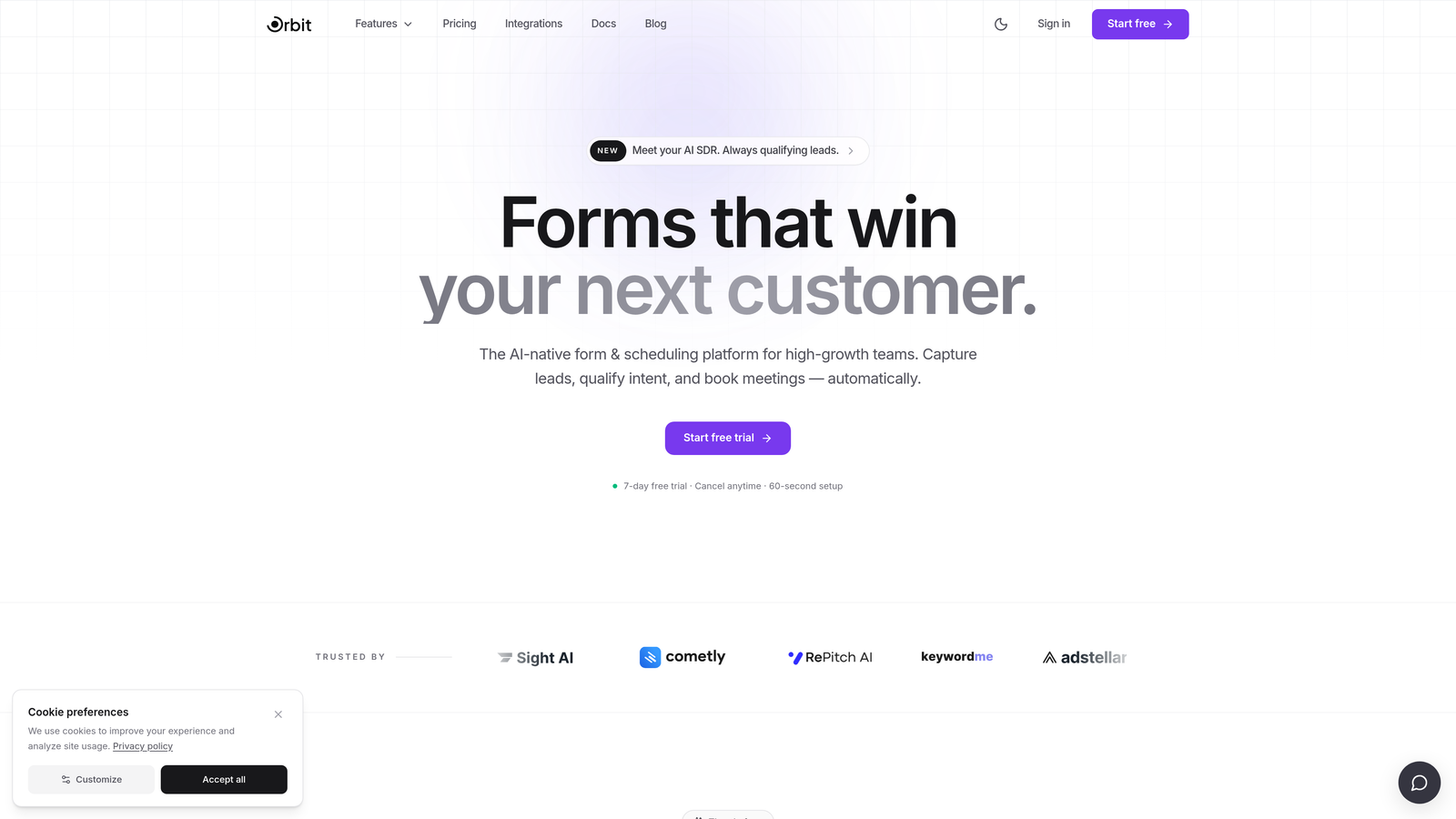
Orbit AI is an AI-powered form builder with native lead qualification capabilities, built specifically for teams that care about pipeline quality, not just form completions.
Where This Tool Shines
Most form builders stop at data collection. Orbit AI goes a step further by embedding lead qualification logic directly into the form flow. As prospects move through your form, AI-driven scoring evaluates their responses in real time, helping your sales team focus on the leads most likely to convert.
This makes Orbit AI particularly valuable for B2B teams running inbound lead generation, where the difference between a qualified lead and a time-waster can cost hours of sales effort. The platform is designed for speed: fast setup, modern responsive templates, and CRM-ready integrations that slot into your existing stack without friction. If you're exploring how to qualify leads with forms, this is a purpose-built solution.
Key Features
AI-Driven Lead Qualification: Scores and qualifies leads automatically based on form responses, so your sales team prioritizes the right inbound pipeline.
Conversion-Optimized Templates: Modern, responsive form designs built to reduce drop-off and increase completion rates.
Conditional Logic: Adapts questions dynamically based on respondent answers, creating a personalized form experience without extra dev work.
Lead Scoring: Assigns scores to inbound leads, giving sales teams immediate context on prospect quality before the first outreach.
CRM-Ready Integrations: Built to connect with the tools high-growth teams already use, from CRMs to marketing automation platforms.
Best For
Orbit AI is the right choice for SaaS companies, B2B marketing teams, and growth-focused organizations that need their forms to do more than collect data. If lead quality and pipeline efficiency matter to your team, this platform was built with your workflow in mind. It's especially strong for teams running lead forms for B2B companies.
Pricing
Paid plans available. Visit orbitforms.ai for current pricing details and plan options.
2. Typeform
Best for: Teams wanting a polished, conversational form experience with strong brand aesthetics.
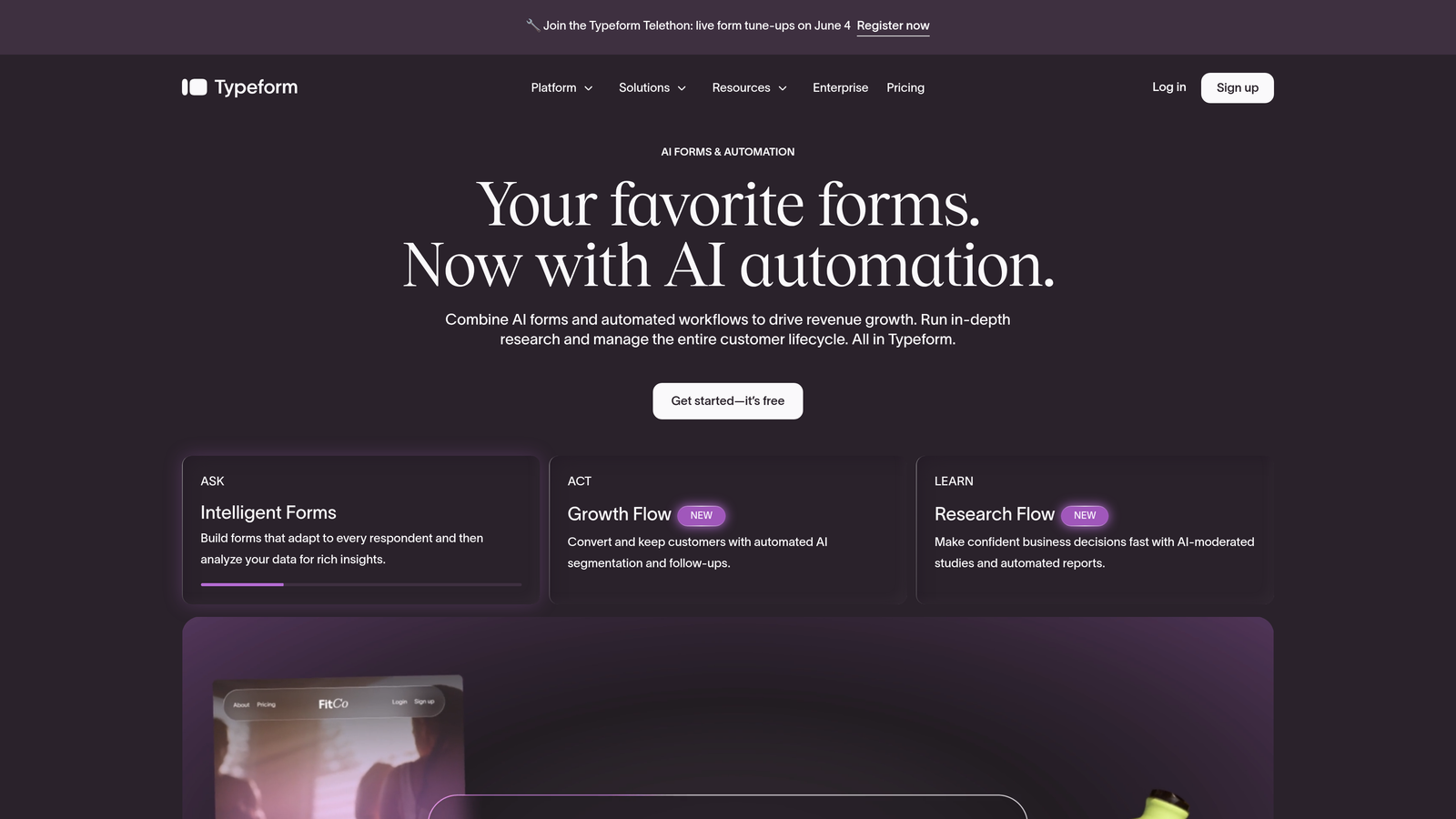
Typeform is a conversational form builder known for its one-question-at-a-time format and visually refined, brand-friendly design output.
Where This Tool Shines
Typeform pioneered the conversational form format, and it remains one of the best-looking options on the market. The one-question-at-a-time approach reduces cognitive load for respondents and tends to produce higher engagement on customer-facing forms, surveys, and research questionnaires.
Where Typeform has limitations is in native lead qualification intelligence. It doesn't score leads or make pipeline decisions — it focuses on the experience side of the equation. For teams primarily concerned with respondent experience and brand presentation, it's a strong contender. Teams looking for alternatives can also explore the Typeform alternatives landscape.
Key Features
Conversational UX: One-question-at-a-time format that guides respondents through forms naturally and reduces abandonment.
Logic Jumps: Conditional branching that routes respondents to different questions based on their answers.
Integration Library: Connects with Zapier, HubSpot, Slack, and a wide range of third-party tools.
Media Embedding: Supports video and image embedding within form questions for richer context.
Drop-Off Analytics: Built-in analytics dashboard that shows where respondents are abandoning your forms.
Best For
Typeform works well for marketing teams, researchers, and SaaS companies running customer surveys, NPS forms, or brand-forward lead capture experiences. It's less suited for teams that need deep lead qualification or AI-driven pipeline logic.
Pricing
Free plan available. Paid plans start at $25/month, with higher tiers unlocking more responses and advanced features.
3. Jotform
Best for: Agencies and teams needing high template volume, payment collection, and broad use-case coverage.
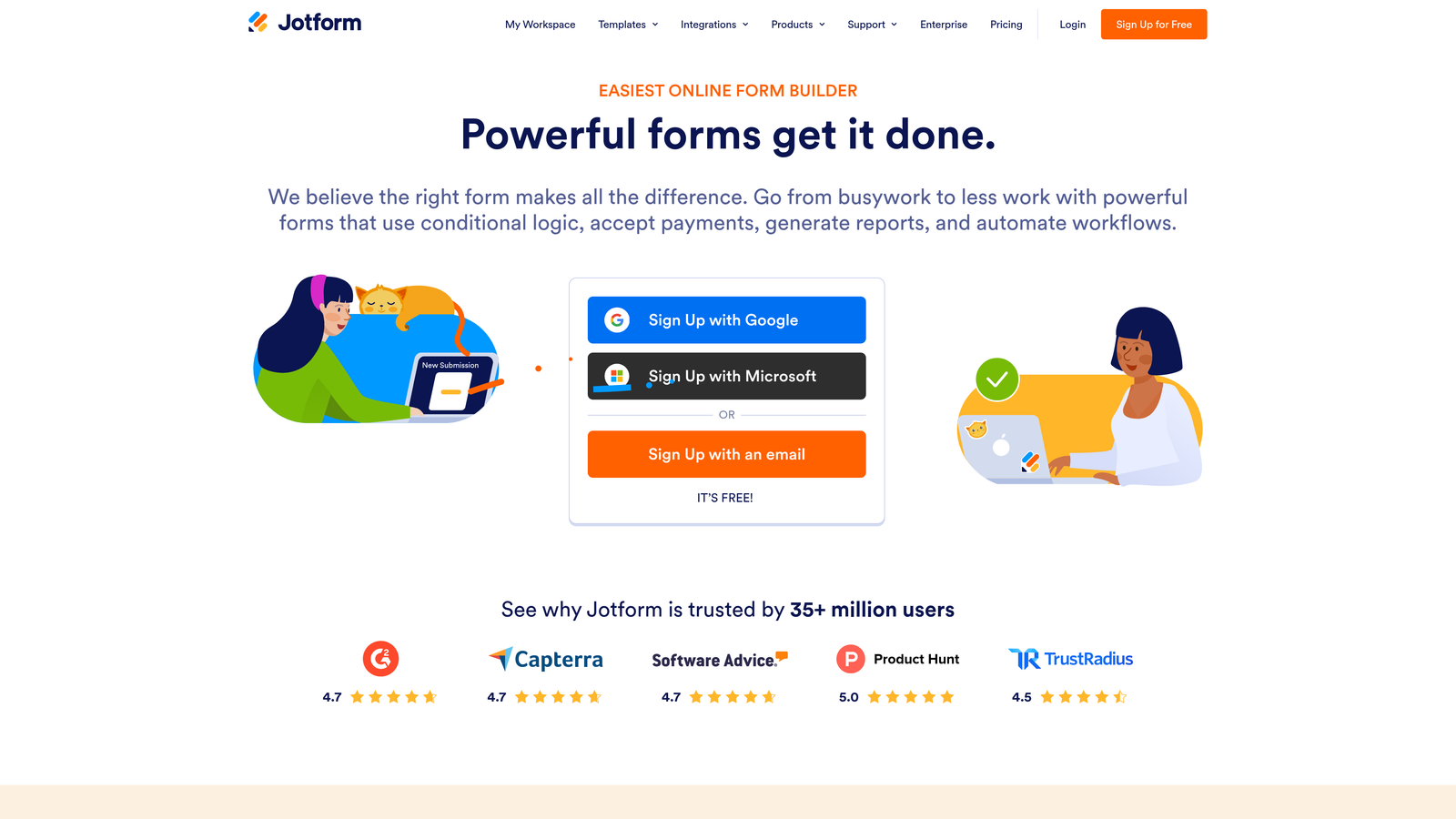
Jotform is a feature-rich form builder with one of the largest template libraries available, covering everything from event registration to healthcare intake forms.
Where This Tool Shines
Jotform's core strength is versatility. With over 10,000 templates and an extensive set of integrations, it covers more use cases than almost any other platform on this list. If your team needs to spin up a wide variety of form types quickly, Jotform's template library dramatically reduces setup time.
The platform has also introduced AI form generation features, allowing users to draft forms from a prompt. However, Jotform's AI capabilities are more focused on form creation speed than on conversion intelligence or lead qualification logic. It's a broad tool, not a specialized one.
Key Features
10,000+ Templates: One of the largest template libraries across industries, from HR to e-commerce to healthcare.
Payment Collection: Native integrations with Stripe, PayPal, and Square for order forms and checkout flows.
PDF Generation: Automatically converts form submissions into formatted PDF documents.
AI Form Builder: Generates form drafts from a text prompt to accelerate initial setup.
Third-Party Integrations: Connects with hundreds of apps including CRMs, email platforms, and project management tools.
Best For
Jotform is a strong fit for agencies managing multiple clients, operations teams with diverse form needs, and businesses that require payment collection or document generation alongside standard data capture.
Pricing
Free plan available. Paid plans start at $34/month, with higher tiers increasing submission limits and storage.
4. Tally
Best for: Indie makers, early-stage startups, and teams wanting clean, modern forms without a budget.
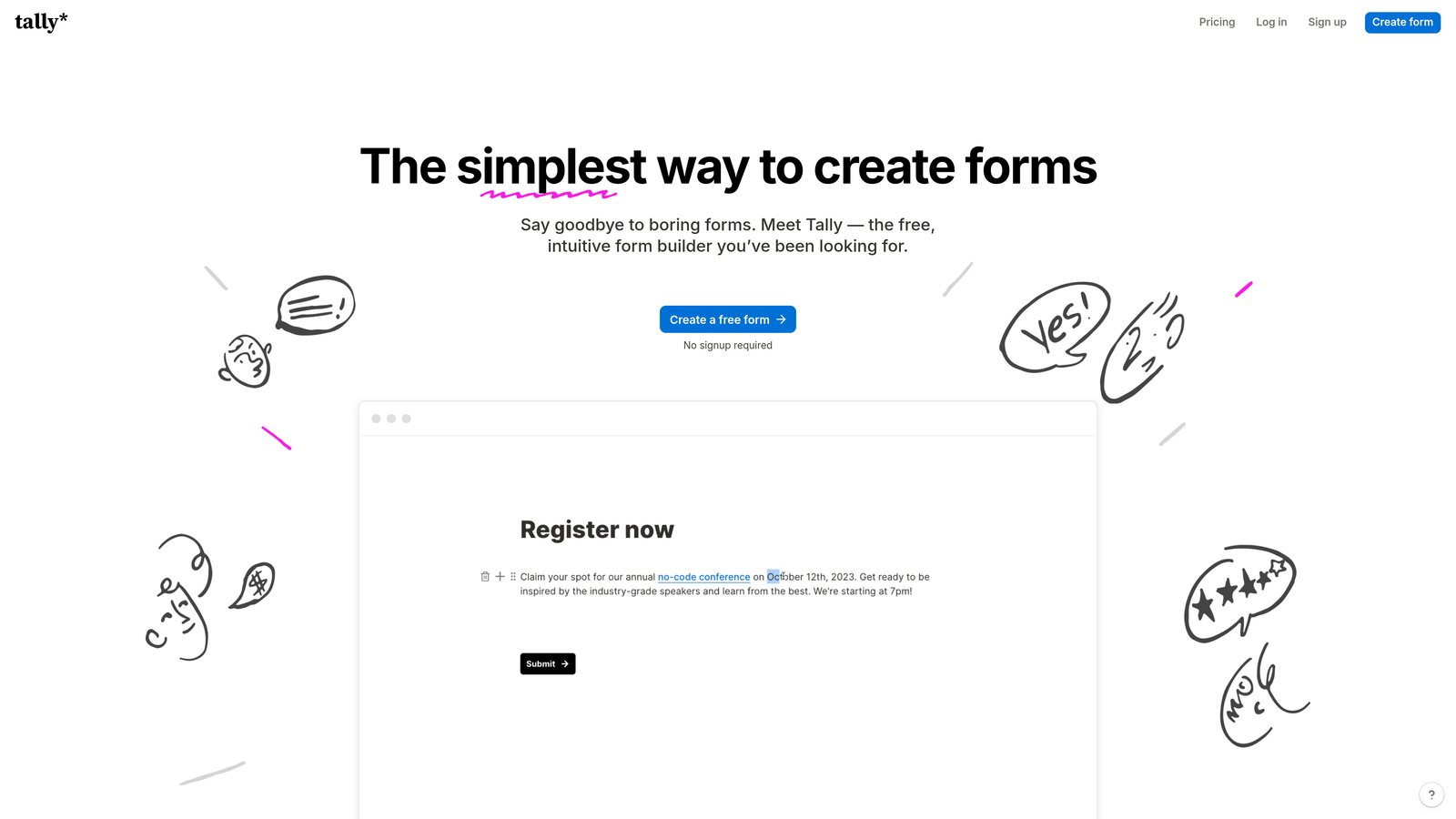
Tally is a minimalist, Notion-inspired form builder with a generous free plan and a block-based editor that produces clean, distraction-free forms.
Where This Tool Shines
Tally's standout quality is its free plan. Unlike most competitors that cap free users at a handful of responses or forms, Tally offers unlimited forms and responses at no cost. This makes it genuinely useful for teams that need simple, good-looking forms without committing to a paid subscription.
The Notion-inspired block editor feels familiar to anyone already working in that ecosystem, and the output is clean and modern without requiring any design skills. The tradeoff is depth: Tally is excellent for straightforward forms but lacks the advanced lead qualification, AI scoring, or enterprise-grade workflow features found in more specialized tools.
Key Features
Block-Based Editor: Notion-style editing experience that makes form building intuitive and fast.
Unlimited Free Usage: Unlimited forms and responses on the free plan, a genuinely rare offering in this market.
Clean Design Output: Minimal, modern form aesthetic that works well for simple customer-facing experiences.
Conditional Logic: Supports conditional logic and hidden fields for basic branching scenarios.
Native Embeds: Embeds directly on websites and Notion pages without extra configuration.
Best For
Tally is ideal for solo founders, early-stage startups, and content creators who need clean, functional forms quickly and don't want to pay for a platform until they have to. It's not the right choice for teams with complex lead qualification needs.
Pricing
Free plan available with unlimited forms and responses. Pro plan at $29/month for custom domains, branding removal, and priority support.
5. HubSpot Forms
Best for: Teams already operating within the HubSpot ecosystem who want seamless CRM sync and smart field logic.
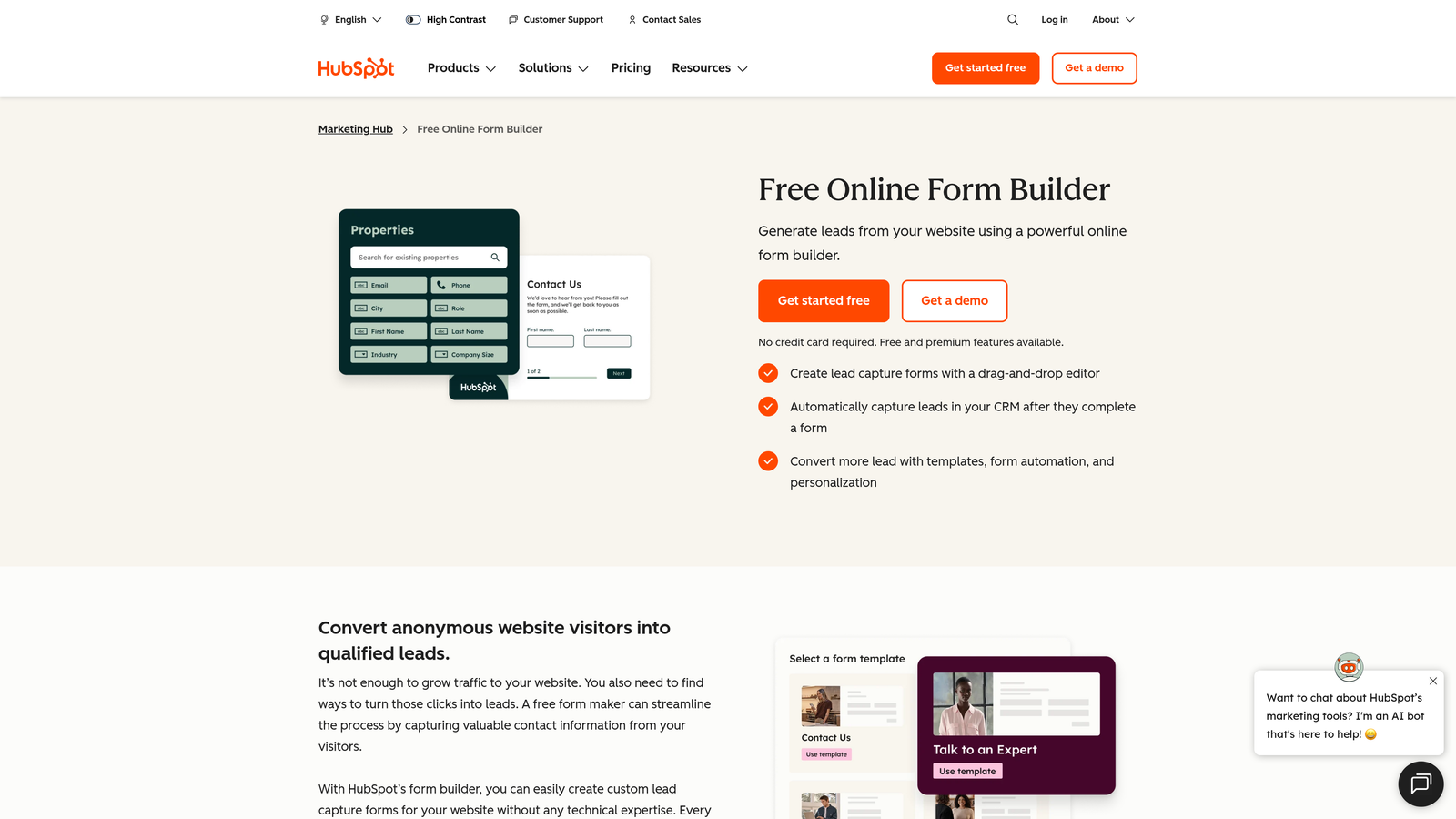
HubSpot Forms is the native form builder within the HubSpot platform, offering tight CRM integration and progressive profiling capabilities.
Where This Tool Shines
If your team lives in HubSpot, the native form builder is a natural extension of your existing workflow. The standout feature is progressive profiling: HubSpot already knows what it knows about a contact, so it skips fields it has on record and asks for new information instead. This keeps forms short and relevant for returning visitors without any manual configuration.
The design flexibility is more limited compared to dedicated form builders, but the data sync is essentially frictionless. Every submission flows directly into your CRM, triggers workflows, and updates contact records automatically. For HubSpot-native teams, this operational efficiency is often worth more than design customization.
Key Features
Progressive Profiling: Automatically skips fields already stored in the CRM, reducing form length for known contacts.
Native CRM Sync: Every submission syncs directly to HubSpot contacts and triggers connected workflows.
Smart Forms: Adapts displayed fields based on a contact's history and lifecycle stage.
A/B Testing: Available on paid Marketing Hub tiers for optimizing form performance.
Embedded and Pop-Up Options: Supports both inline embeds and pop-up form formats.
Best For
HubSpot Forms is the right choice for marketing teams already running HubSpot as their CRM and automation hub. Teams not using HubSpot will find the standalone form experience limited compared to dedicated alternatives.
Pricing
Free with HubSpot's free CRM tier. Advanced features like A/B testing and smart content require paid Marketing Hub plans.
6. Paperform
Best for: Consultants, agencies, and product teams who want forms that look like branded landing pages.
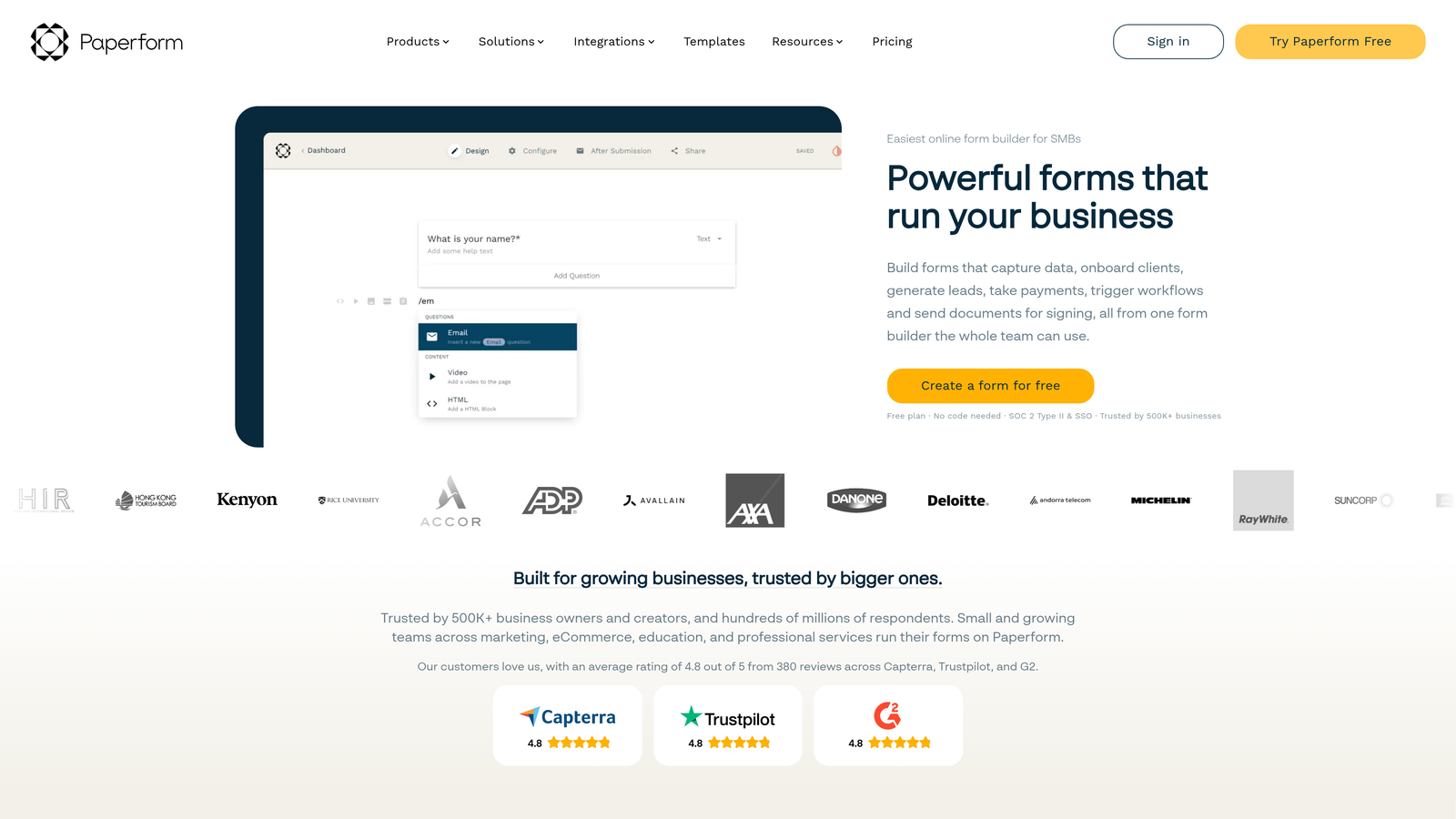
Paperform is a document-style form builder that lets teams create media-rich, fully branded forms with the visual feel of a custom web page.
Where This Tool Shines
Paperform's free-form document editor sets it apart from grid-based or conversational builders. You can mix text, images, videos, and form fields on a single canvas, creating an experience that feels more like a branded microsite than a traditional form. This is particularly effective for intake forms, proposals, and onboarding flows where presentation matters.
The platform also handles payments, booking, and conditional sections, making it useful for service businesses that need to collect information and process transactions in a single flow. It's less focused on lead scoring or conversion intelligence, but for aesthetics-first use cases, it's one of the most flexible tools available.
Key Features
Document-Style Editor: Free-form canvas that mixes text, media, and form fields for fully custom layouts.
Rich Media Embedding: Supports video, images, and GIFs directly within the form experience.
Custom Branding: Full theme control including fonts, colors, and custom domains.
Payments and Booking: Native integrations for collecting payments and scheduling appointments.
Conditional Sections: Shows or hides entire content sections based on respondent answers.
Best For
Paperform works well for agencies, consultants, and creative teams who want their forms to reflect their brand identity. It's a strong choice when presentation quality is as important as data collection.
Pricing
Plans start at $24/month. A 14-day free trial is available without requiring a credit card.
7. Fillout
Best for: Technical teams and ops-focused builders who need deep conditional logic and native database integrations.
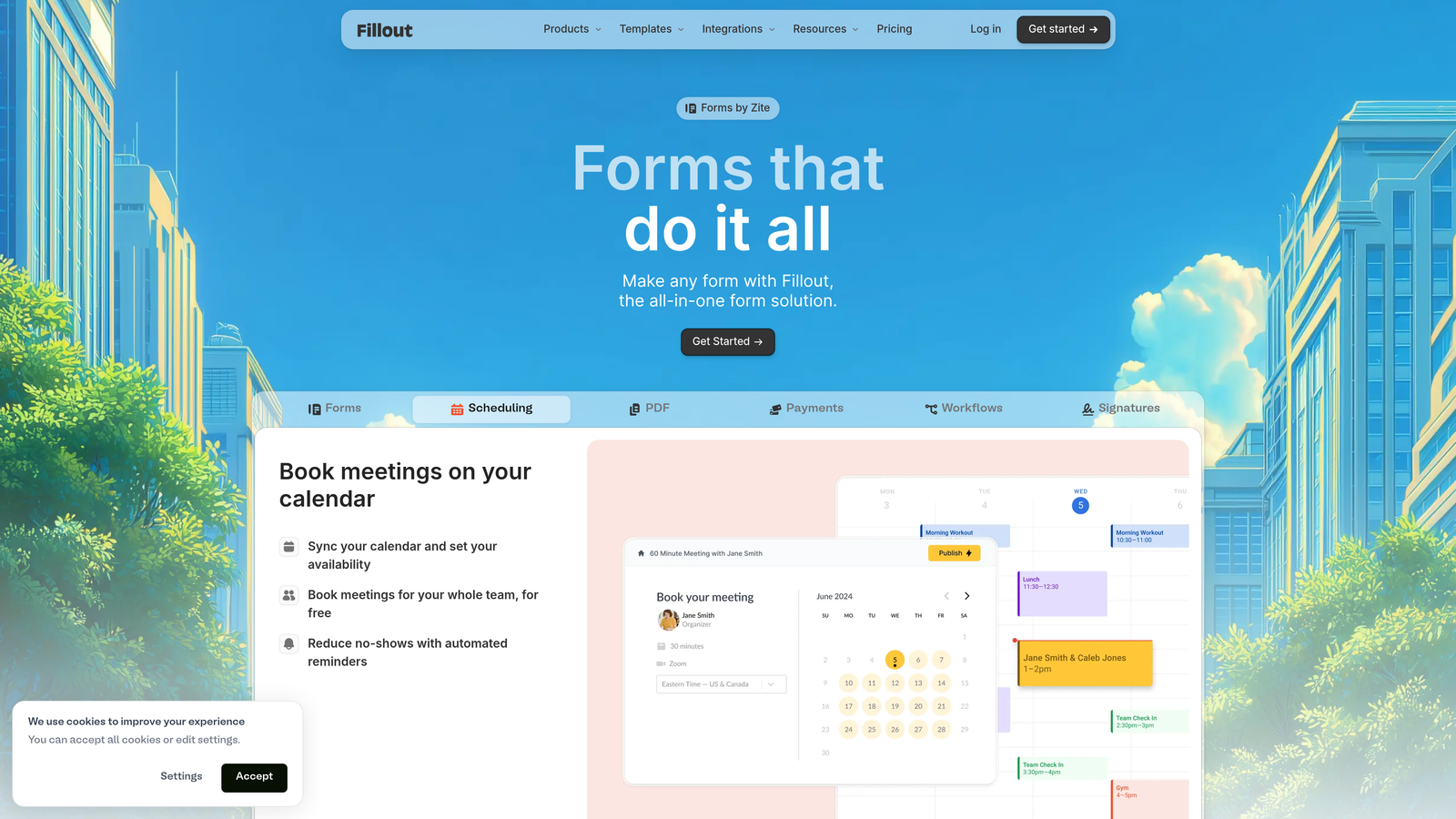
Fillout is a modern form builder with advanced conditional logic and native integrations with Airtable, Notion, and Supabase.
Where This Tool Shines
Fillout has carved out a strong niche in the no-code and ops community by offering conditional logic depth that rivals much more expensive tools. Multi-step forms with complex branching, database writes, and dynamic content are all handled cleanly, making it a favorite for technically minded teams building sophisticated data collection workflows.
The native Airtable and Notion integrations are particularly well-executed. Rather than routing everything through Zapier, Fillout connects directly to these databases, which reduces setup friction and keeps data pipelines simpler. The design output is clean and modern, and the free plan is genuinely usable for early-stage teams.
Key Features
Advanced Conditional Logic: Deep branching and routing capabilities for complex multi-path form experiences.
Native Database Integrations: Direct connections to Airtable, Notion, and Supabase without middleware.
Multi-Step Forms: Supports multi-page flows with progress indicators and section-based navigation.
Scheduling and Payments: Built-in scheduling links and payment collection within form flows.
Modern Design Templates: Clean, responsive templates that require minimal customization out of the box.
Best For
Fillout is the right tool for operations teams, no-code builders, and technically inclined marketers who need their forms to write directly to structured databases with complex logic controlling the flow.
Pricing
Free plan available with core features. Paid plans start at $15/month, making it one of the more affordable options for teams needing advanced logic.
8. Google Forms
Best for: Internal data collection, quick surveys, and teams already operating in Google Workspace.
Google Forms is a completely free, no-frills form builder with deep Google Workspace integration and automatic response syncing to Google Sheets.
Where This Tool Shines
Google Forms wins on accessibility and cost. If you have a Google account, you have Google Forms — no setup, no billing, no learning curve. For internal use cases like employee surveys, event sign-ups, or quick team polls, it does the job without any overhead.
The automatic sync to Google Sheets is genuinely useful for teams that already analyze data in that environment. The honest limitation is design: Google Forms offers minimal visual customization, making it unsuitable for customer-facing conversion forms where presentation affects completion rates. It's a utility tool, not a conversion tool.
Key Features
Completely Free: No cost beyond a standard Google account, with no response or form limits.
Google Sheets Sync: Automatically writes all responses to a connected spreadsheet in real time.
Basic Conditional Logic: Supports section branching based on multiple-choice answers.
Workspace Collaboration: Easy sharing and co-editing with Google Workspace users.
Fast Setup: No onboarding required; forms can be live in minutes.
Best For
Google Forms is ideal for internal surveys, HR data collection, event registrations, and any scenario where cost is the primary constraint and design quality is not a factor. It's not suitable for lead generation or customer-facing conversion flows.
Pricing
Completely free with a Google account. No paid tiers or submission limits.
9. Formstack
Best for: Enterprise teams in regulated industries requiring HIPAA compliance, audit trails, and workflow automation.
Formstack is an enterprise-grade form and workflow automation platform built for healthcare, legal, financial services, and other compliance-heavy environments.
Where This Tool Shines
Formstack occupies a distinct category: it's not trying to win on design aesthetics or conversational UX. It's built for organizations that need their form infrastructure to meet strict regulatory requirements. HIPAA-compliant forms, e-signature workflows, document generation, and enterprise security controls are core to the platform, not add-ons.
The workflow automation capabilities go well beyond what most form builders offer. Approval routing, multi-step document workflows, and Salesforce integration make Formstack a genuine process automation tool for large teams. The price reflects this positioning — it's not the right choice for a SaaS startup, but for a healthcare system or financial services firm, the compliance features alone justify the investment.
Key Features
HIPAA Compliance: Forms and data handling built to meet HIPAA requirements for healthcare and regulated industries.
Document Generation: Automatically generates formatted documents from form submissions with e-signature support.
Approval Routing: Multi-step approval workflows that route submissions through defined review processes.
Enterprise CRM Integrations: Deep Salesforce integration alongside other enterprise system connectors.
Audit Trails: Full activity logging and security controls required for compliance reporting.
Best For
Formstack is purpose-built for enterprise teams in healthcare, legal, and financial services that cannot compromise on compliance. It's overkill for most SMB or SaaS use cases but essential for regulated industries.
Pricing
Plans start at $83/month. Enterprise pricing is available for larger organizations with custom compliance and security requirements.
Which Platform Is Right for You
The right form platform depends almost entirely on what you need your forms to do. Here's how to think through the decision quickly.
If your goal is lead generation and pipeline quality, Orbit AI is the clear starting point. It's the only platform on this list built specifically around AI-driven lead qualification, and for high-growth B2B and SaaS teams, that distinction matters. You're not just collecting form data — you're building a qualification layer that helps sales teams work smarter from the first touchpoint.
For teams prioritizing respondent experience and brand aesthetics, Typeform remains a strong choice. Its conversational format is proven and polished. If budget is the primary constraint and your needs are straightforward, Tally's free plan is genuinely hard to beat. For enterprise teams in regulated industries, Formstack is in a category of its own when compliance is non-negotiable.
HubSpot Forms makes the most sense if you're already in the HubSpot ecosystem. Fillout is the pick for technically minded ops teams working with Airtable or Notion. Paperform suits agencies and consultants who want forms that look like branded landing pages. Jotform is the go-to for volume and versatility. And Google Forms remains the fastest free option for internal-only use cases.
If you're building a lead generation engine for a high-growth team, the platform you choose is one of the highest-leverage decisions you'll make. Start building free forms today with Orbit AI and see how intelligent form design can transform your conversion strategy. For more on getting the most from your forms, explore our guides on improving form conversion rates and qualifying leads with forms.


