

If your current form builder feels like a straitjacket, you already know the frustration: locked templates, rigid layouts, zero brand control, and conditional logic that barely scratches the surface of what your pipeline actually needs. Customization limitations aren't just a design problem. They hurt conversion rates, weaken brand trust, and make it nearly impossible to build the lead qualification flows that separate high-intent prospects from tire-kickers.
The good news is that the form builder landscape has matured significantly. There are now tools built specifically for teams that refuse to compromise on design flexibility, logic depth, or integration quality. Below are nine form builders that genuinely deliver on customization, evaluated on design control, conditional logic capabilities, integration depth, and pricing transparency.
1. Orbit AI
Best for: High-growth teams that need AI-powered lead qualification built directly into their form flows.
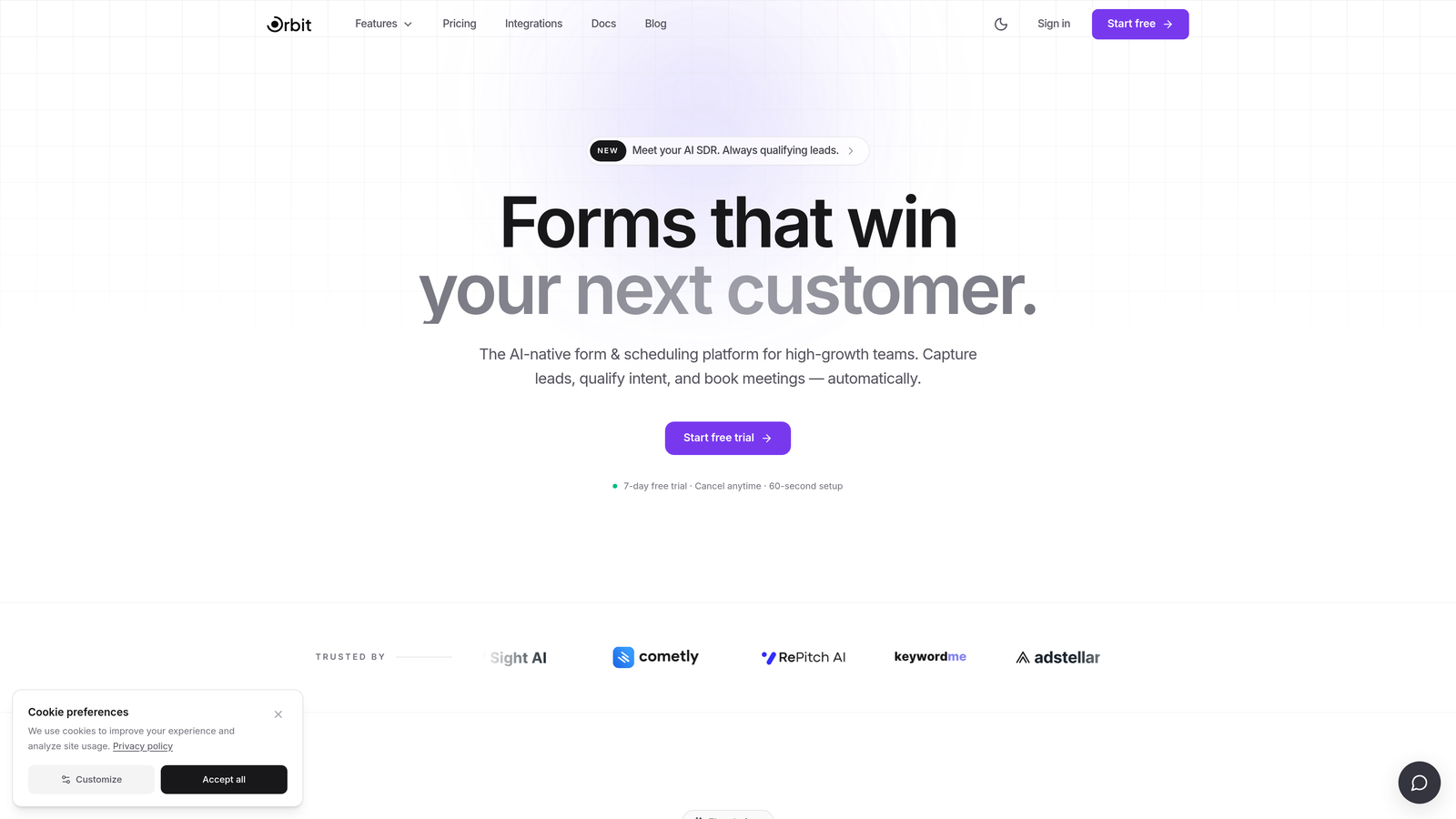
Orbit AI is an AI-powered form builder designed specifically for conversion optimization and intelligent lead qualification at scale.
Where This Tool Shines
What separates Orbit AI from most form builders on this list is the combination of visual customization and built-in intelligence. Most tools make you choose: either a beautiful, brand-consistent form or a smart qualification flow. Orbit AI is built around the idea that you shouldn't have to pick one.
The AI-driven lead scoring runs in the background of your form flows, helping your team prioritize high-intent prospects without adding friction to the user experience. For high-growth teams running active lead generation campaigns, that kind of real-time qualification is the difference between a full pipeline and a noisy one.
Key Features
AI-Driven Lead Qualification: Intelligent logic built into form flows that scores and qualifies leads in real time without requiring manual rule-setting.
Full Brand Customization: Conversion-optimized form design with complete control over colors, fonts, layouts, and brand identity.
Multi-Step Forms with Conditional Branching: Build complex, personalized form paths that adapt based on respondent answers.
Real-Time Lead Scoring: Automatically prioritize high-intent prospects so your sales team focuses on the right leads first.
Clean, Modern UI: Designed for speed and ease of use, so building sophisticated forms doesn't require a developer or hours of setup.
Best For
Orbit AI is the strongest fit for SaaS companies, marketing teams, and growth-focused businesses that need forms to do more than collect data. If lead quality is a core KPI for your team and you want brand-consistent forms that actively filter and score prospects, this is the tool built for that exact use case.
Pricing
Visit orbitforms.ai for current pricing details. Plans are designed with high-growth teams in mind.
2. Typeform
Best for: Teams that want conversational, visually polished forms with strong completion rates.
Typeform is a conversational form builder known for its one-question-at-a-time format and rich visual theming capabilities.

Where This Tool Shines
Typeform's signature format reduces cognitive load by presenting one question at a time, which tends to improve completion rates on longer forms. The experience feels less like filling out a form and more like having a conversation, which works particularly well for lead capture, surveys, and onboarding flows.
On the customization side, Typeform offers solid theme control: brand fonts, custom colors, background images, and video backgrounds are all supported. It's not pixel-perfect design freedom, but it's more than enough for most brand guidelines.
Key Features
Conversational UI: One-question-at-a-time format that reduces drop-off and improves the respondent experience.
Custom Themes: Full control over brand fonts, colors, and background visuals to match your identity.
Logic Jumps and Conditional Branching: Route respondents through different question paths based on their answers.
400+ Integrations: Native connections to HubSpot, Salesforce, Zapier, and hundreds of other tools.
Built-In Analytics: Response tracking and completion rate data available directly in the dashboard.
Best For
Typeform works best for marketing teams, agencies, and product teams that prioritize form experience and completion rates. It's especially strong for surveys, NPS forms, and lead capture flows where a polished, branded experience matters.
Pricing
Free tier available. Paid plans start around $25/month. Verify current pricing at typeform.com as tiers and response limits vary by plan.
3. Jotform
Best for: Teams that need a massive template library and a flexible widget ecosystem for specialized form elements.
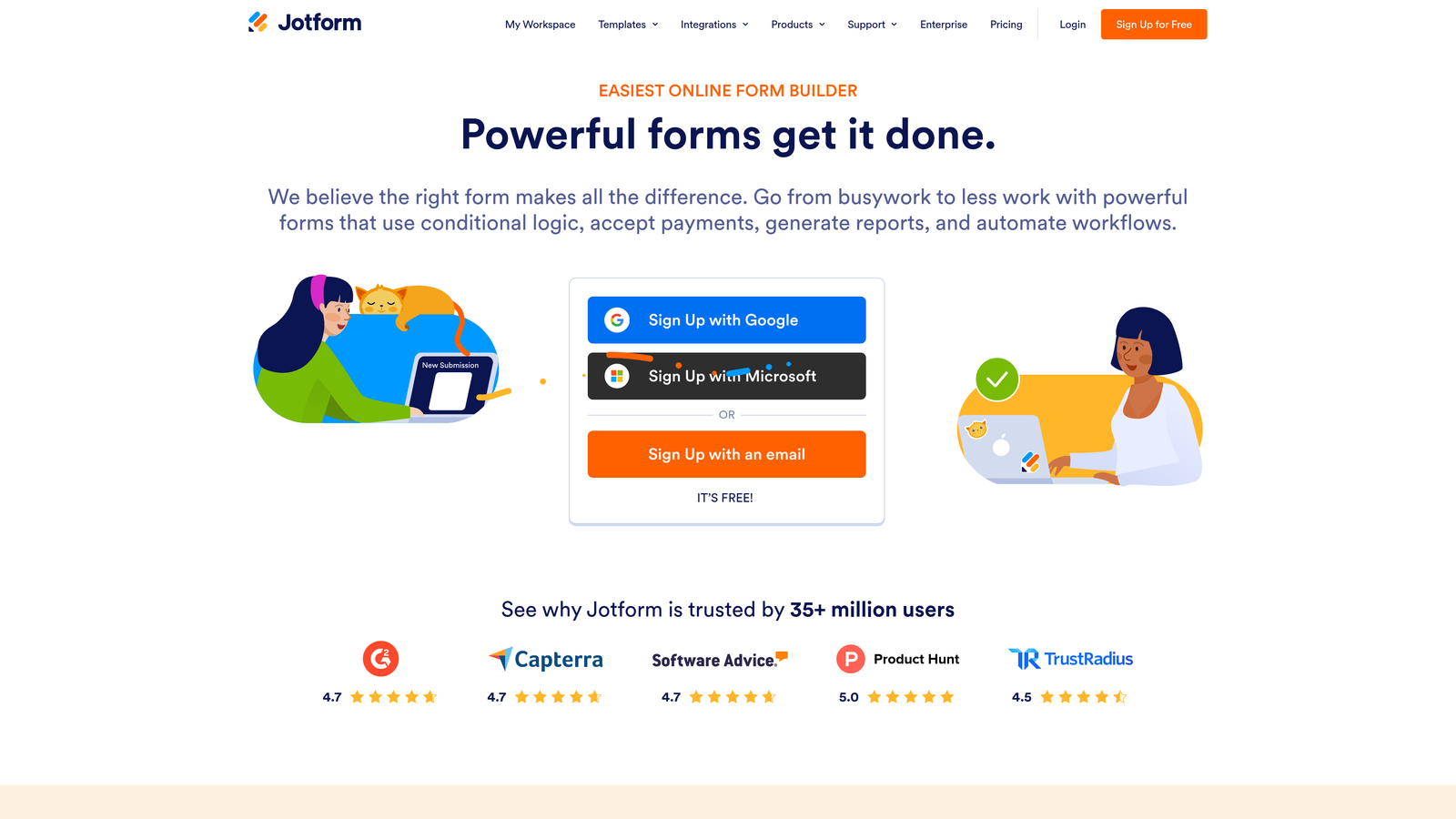
Jotform is a feature-rich drag-and-drop form builder with one of the largest template and widget ecosystems in the market.
Where This Tool Shines
If breadth is what you need, Jotform delivers. With over 10,000 customizable templates and a widget marketplace covering everything from signature capture to product configurators, it's one of the most versatile builders available. Teams rarely hit a wall with what's possible here.
The CSS customization option is a meaningful differentiator for teams with specific design requirements. Most drag-and-drop builders stop at theme controls. Jotform lets you go deeper when you need to, without forcing you to write code for basic tasks.
Key Features
10,000+ Templates: One of the largest template libraries available, covering virtually every use case.
Drag-and-Drop Editor with CSS Access: Visual editing for speed, with code-level control when you need it.
Widget Marketplace: Specialized form elements for payments, signatures, product fields, and more.
400+ App Integrations: Connects with major CRMs, payment processors, and productivity tools.
Advanced Workflows: Payment collection, e-signature, and approval routing built into the platform.
Best For
Jotform suits operations teams, agencies managing multiple clients, and businesses that need variety across different form types. It's also a strong choice for teams that need payment collection or e-signature alongside standard form functionality.
Pricing
Free tier available. Paid plans start around $34/month. Confirm current pricing at jotform.com as plan limits vary.
4. Paperform
Best for: Creative teams and agencies that want forms that look and function like branded landing pages.
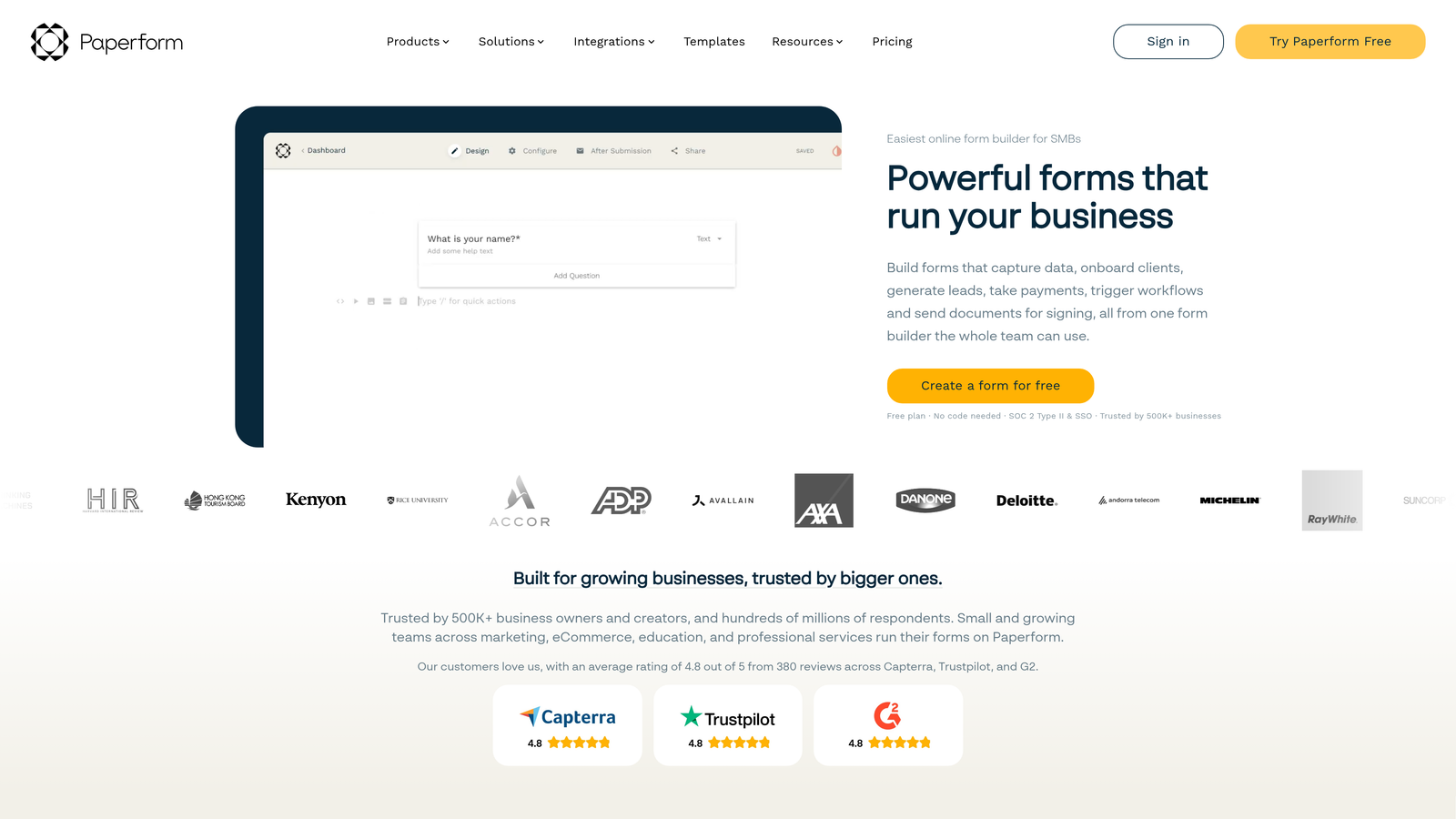
Paperform is a freeform editor that lets teams mix text, media, and form fields freely without grid-based layout constraints.
Where This Tool Shines
Paperform takes a fundamentally different approach to form design. Instead of a traditional form editor, you get something closer to a document or landing page builder. You can place text, images, videos, and form fields anywhere on the page, in any order. There are no columns to fight with, no grid to work around.
This makes Paperform uniquely powerful for teams that want forms to feel like a natural extension of their brand experience rather than a generic data collection widget. Custom domain support and full CSS access push it even further for design-conscious teams.
Key Features
Freeform Editor: No grid constraints. Mix content and fields freely to create form-page hybrids.
Custom Domain and CSS Access: Full control over where your form lives and how it looks.
Conditional Logic and Calculated Fields: Build dynamic forms that respond to user input and perform calculations.
Payment Integrations: Native support for Stripe, PayPal, and Square.
URL Parameter Pre-Fill: Automatically populate fields from URL parameters for personalized experiences.
Best For
Paperform is ideal for agencies, consultants, and creative teams that need forms to double as branded landing pages. It's also a strong fit for teams collecting payments or building product configurators where rich content and form fields need to coexist naturally.
Pricing
Plans start around $24/month. Verify current pricing at paperform.co before committing.
5. Tally
Best for: Startups and indie teams that want real flexibility and a generous free tier without compromise.
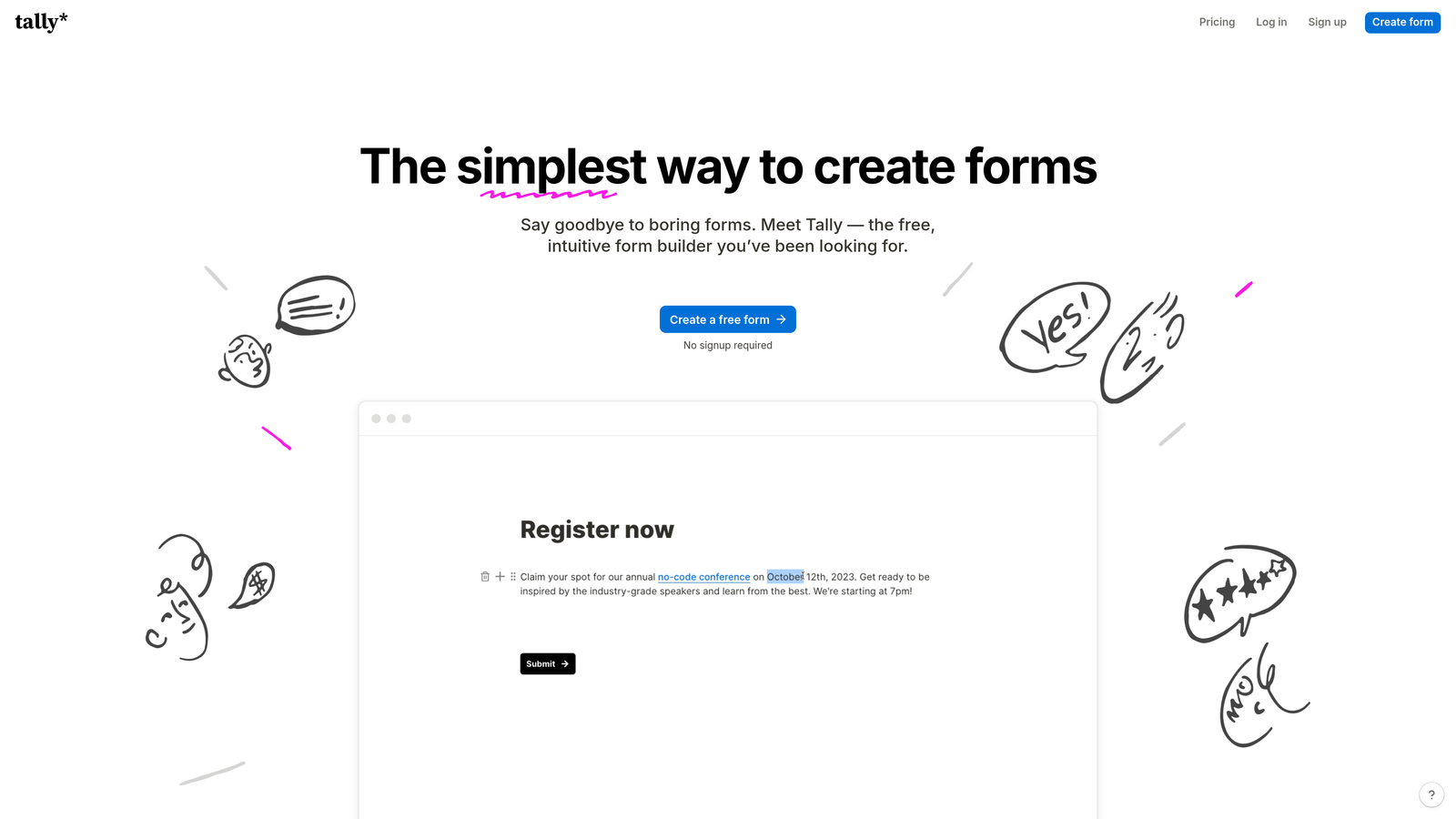
Tally is a Notion-inspired form builder with a clean block-based editing experience and surprisingly deep customization for a free tool.
Where This Tool Shines
Tally has built a strong reputation in the startup and indie community for one simple reason: it gives you a lot for free. Unlimited forms, unlimited responses, and a genuinely pleasant editing experience that feels more like working in a modern document editor than a legacy form tool.
The block-based editor makes it intuitive to build multi-page forms with varied content types. Conditional logic is available on both free and paid plans, which is rare at this price point. For teams that have been burned by response limits on other free tiers, Tally is a refreshing alternative.
Key Features
Notion-Like Block Editor: Intuitive form building using a familiar block-based interface.
Unlimited Forms and Responses (Free): No response caps on the free plan, which is genuinely unusual in this category.
Custom Branding and Domain: Remove Tally branding and connect a custom domain on paid plans.
Conditional Logic and Multi-Page Forms: Dynamic form paths available across plan tiers.
Webhooks and Zapier/Make Integrations: Connect to your existing stack without needing a paid plan for basic automation.
Best For
Tally is the best free option on this list for early-stage startups, solo founders, and small teams that need professional-quality forms without a monthly bill. It also works well for teams that want a lightweight, no-fuss builder that doesn't get in the way.
Pricing
Generous free tier with no response limits. Pro plan is around $29/month. Confirm current pricing at tally.so.
6. Fillout
Best for: Teams using Notion or Airtable as their primary data layer who need forms that connect directly to live databases.
Fillout is a form builder with native database connections to Notion, Airtable, and other platforms, enabling forms that read from and write to live data.

Where This Tool Shines
Fillout solves a specific and common problem: your data lives in Notion or Airtable, and you need a form that actually talks to it, not just dumps submissions into a separate spreadsheet. The native integrations allow forms to pull existing records, update fields, and create new entries directly in your database. That's a meaningful workflow upgrade for teams already invested in those platforms.
Beyond the database connectivity, Fillout has solid design customization and conditional logic that hold up well against more established builders. It's a newer entrant, but it's gaining traction quickly for good reason.
Key Features
Native Notion and Airtable Integration: Read from and write to live databases, not just collect submissions separately.
Customizable Themes: Brand colors, fonts, and layout controls to match your visual identity.
Conditional Logic and Multi-Step Support: Dynamic form paths that adapt based on responses.
Scheduling, Payments, and File Uploads: Broad functionality beyond basic data collection.
Generous Free Tier: Solid response limits on the free plan make it easy to get started without commitment.
Best For
Fillout is the obvious choice for teams that have built their operations around Notion or Airtable and want forms that feel like a native extension of that environment. It's also a strong pick for product and ops teams that need forms tied to live, structured data.
Pricing
Free tier available. Paid plans start around $15/month, making it one of the more affordable options on this list. Verify at fillout.com.
7. HubSpot Forms
Best for: HubSpot users who want CRM-native forms with progressive profiling and automated follow-up workflows.
HubSpot Forms is a CRM-native form builder that integrates directly with HubSpot's contact database, enabling smart fields and automated workflows on submission.
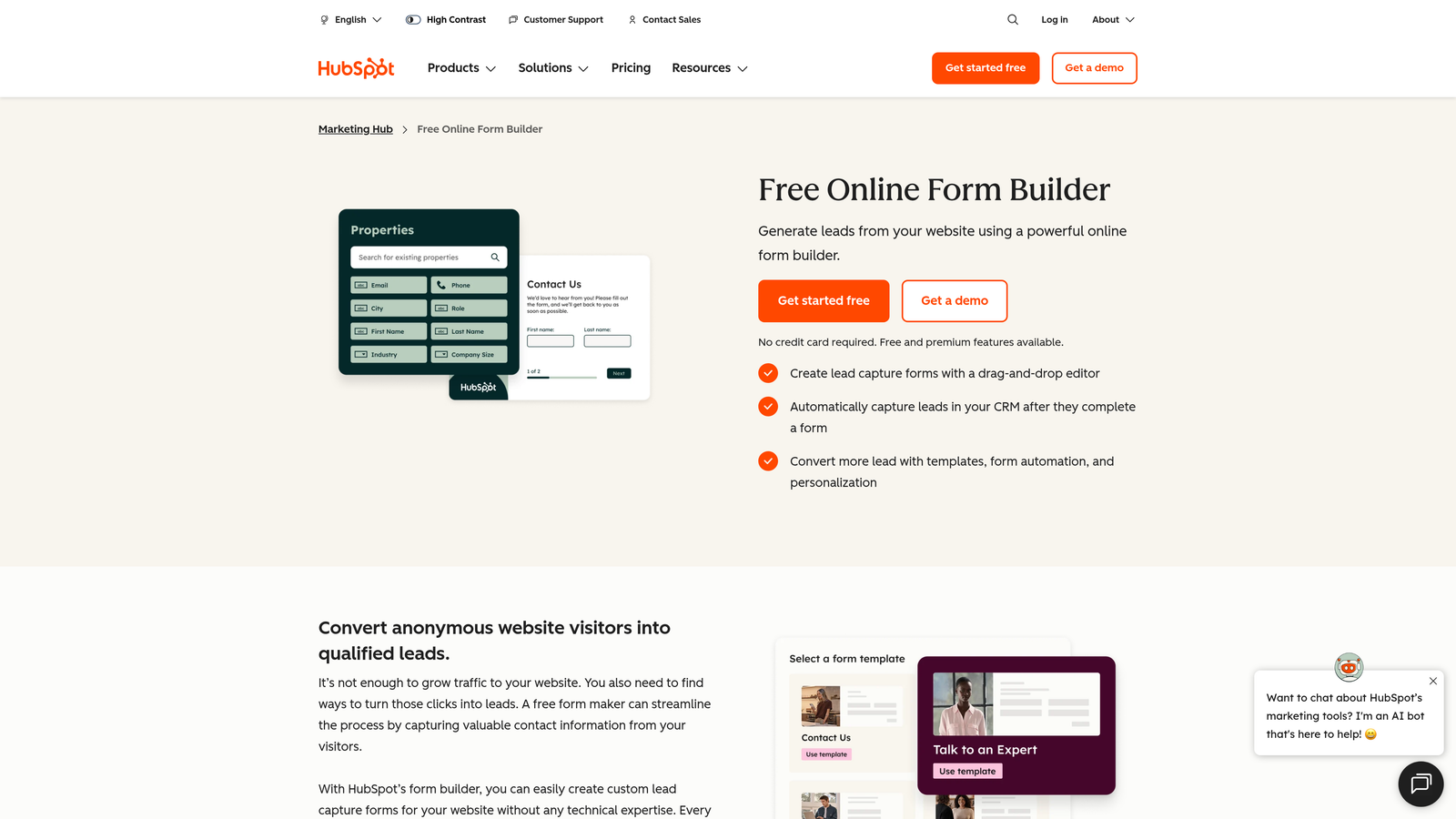
Where This Tool Shines
If your team lives in HubSpot, this is the most seamless option available. Every form submission automatically creates or updates a contact record, triggers workflows, and feeds into your existing CRM data. There's no integration to maintain, no field mapping to configure. It just works.
The standout feature is progressive profiling: HubSpot Forms can detect when a known contact visits your form and replace fields you already have data for with new questions. Over time, you build richer contact profiles without ever asking the same question twice. That's a genuinely smart approach to lead enrichment.
Key Features
Progressive Profiling: Automatically replaces known contact fields with new questions to enrich profiles over time.
Automatic CRM Sync: Every submission creates or updates a HubSpot contact record instantly.
Smart Fields: Form fields adapt based on existing contact data in your CRM.
Workflow and Email Automation Triggers: Kick off follow-up sequences automatically on form submission.
Embedded and Pop-Up Options: Flexible placement options for landing pages, blogs, and website overlays.
Best For
HubSpot Forms is the right choice for marketing and sales teams already using HubSpot as their CRM. Design customization is more limited than standalone builders, but the CRM intelligence and workflow automation capabilities more than compensate for teams in the HubSpot ecosystem.
Pricing
Free with any HubSpot account. Advanced features like smart fields and progressive profiling require paid HubSpot Marketing Hub plans. Verify at hubspot.com.
8. Formstack
Best for: Enterprise teams in regulated industries that need compliance-ready forms with document generation and e-signature built in.
Formstack is an enterprise form and workflow platform combining form building, document generation, and e-signature in one compliance-ready suite.
Where This Tool Shines
Formstack occupies a different category than most tools on this list. It's not primarily competing on design flexibility or price. It's competing on workflow depth and compliance capability. For teams in healthcare, finance, legal, or other regulated industries, HIPAA-compliant forms with built-in document generation and e-signature are a genuine operational requirement, not a nice-to-have.
The approval workflow automation is also more sophisticated than what you'll find in most form builders. If your form submission needs to route through multiple stakeholders before an action is taken, Formstack handles that natively.
Key Features
Advanced Conditional Logic and Branching: Complex form paths for sophisticated data collection needs.
HIPAA-Compliant Forms: Built for regulated industries with appropriate data handling and security standards.
Document Generation and E-Signature: Generate branded documents and collect signatures without leaving the platform.
Approval Workflow Automation: Route submissions through multi-stakeholder approval processes automatically.
Enterprise CRM Integrations: Deep Salesforce integration and connections to other enterprise-grade tools.
Best For
Formstack is purpose-built for enterprise teams in healthcare, legal, finance, and other compliance-sensitive environments. If your organization needs HIPAA compliance, document workflows, or multi-step approval routing, it's one of the few tools that handles all of that in a single platform.
Pricing
Starts around $83/month, with enterprise pricing tiers that vary by feature set. Verify current pricing at formstack.com as plans differ significantly by tier.
9. Growform
Best for: PPC agencies and performance marketers who need multi-step lead generation forms optimized specifically for conversion.
Growform is a multi-step form builder built specifically for lead generation, with conversion-focused layouts popular among performance marketing teams.
Where This Tool Shines
Growform is narrow in focus and strong because of it. Every design decision in the platform is oriented around one goal: reducing drop-off and increasing lead conversion on paid traffic. The multi-step layout approach, which breaks long forms into short, digestible steps, is well-established as a conversion improvement technique for lead gen campaigns.
Full CSS control means agencies can match any client's brand without compromise, and the built-in conversion tracking means you can measure what's working without stitching together separate analytics tools.
Key Features
Multi-Step Form Layouts: Conversion-optimized step-by-step formats designed to reduce abandonment on lead gen campaigns.
Custom Branding with Full CSS Control: Complete visual control for agencies managing multiple client brands.
Conditional Logic for Personalized Paths: Dynamic form flows that adapt based on respondent input.
CRM and Webhook Integrations: Connect lead data to your existing sales and marketing stack.
Built-In Conversion Tracking and Analytics: Monitor form performance without relying on external analytics setup.
Best For
Growform is the strongest fit for PPC agencies, performance marketing teams, and lead generation businesses where form conversion rate is a direct revenue metric. If you're running paid campaigns and need every form interaction to be optimized for lead capture, this tool was built for that exact scenario.
Pricing
Plans start around $79/month. Verify current pricing at growform.co before committing.
Which Tool Is Right for Your Team?
The right form builder depends entirely on what's actually holding your pipeline back. Here's a quick way to cut through the options.
If lead qualification and conversion optimization are your primary goals, Orbit AI is built specifically for that combination. The AI-powered lead scoring and full design control make it the strongest fit for high-growth teams where lead quality is a core metric.
For conversational-style surveys and polished brand experiences, Typeform remains a reliable choice with a proven track record. Need real flexibility without paying anything? Tally is genuinely hard to beat at the free tier. Teams using Notion or Airtable as their data backbone will find Fillout invaluable for keeping forms connected to live data.
HubSpot Forms wins for teams already in the HubSpot ecosystem, where CRM-native workflows and progressive profiling justify the trade-off on design flexibility. Formstack is the clear enterprise pick for regulated industries that need compliance, document generation, and approval workflows in one place. And if you're running paid lead generation campaigns where every percentage point of conversion matters, Growform was built for exactly that.
The right form builder isn't just about how a form looks. It's about how well it performs for your specific workflow, your brand, and your pipeline. If your current tool is limiting your lead quality or forcing you to compromise on brand consistency, the options above are worth a serious look.
Transform your lead generation with AI-powered forms that qualify prospects automatically while delivering the modern, conversion-optimized experience your high-growth team needs. Start building free forms today and see how intelligent form design can elevate your conversion strategy.


