

Healthcare organizations handle some of the most sensitive data imaginable: patient records, insurance details, medical histories. A single misstep in how you collect that data can lead to costly HIPAA violations, eroded patient trust, and serious operational headaches.
Choosing the right form builder isn't just a tech decision. It's a compliance decision. Every tool on this list supports HIPAA-compliant data collection, but they differ significantly in ease of use, pricing, integration depth, and how they handle Business Associate Agreements (BAAs).
Whether you're running a telehealth startup, a multi-location clinic, or a healthcare SaaS company collecting patient information, this guide breaks down the best options so you can collect data confidently and compliantly. Here's what we evaluated: BAA availability, encryption standards, access controls, healthcare-specific templates, EHR/EMR integrations, and overall ease of use.
1. Orbit AI
Best for: High-growth healthcare and health-tech teams that need conversion-optimized, HIPAA-compliant forms with intelligent lead qualification.
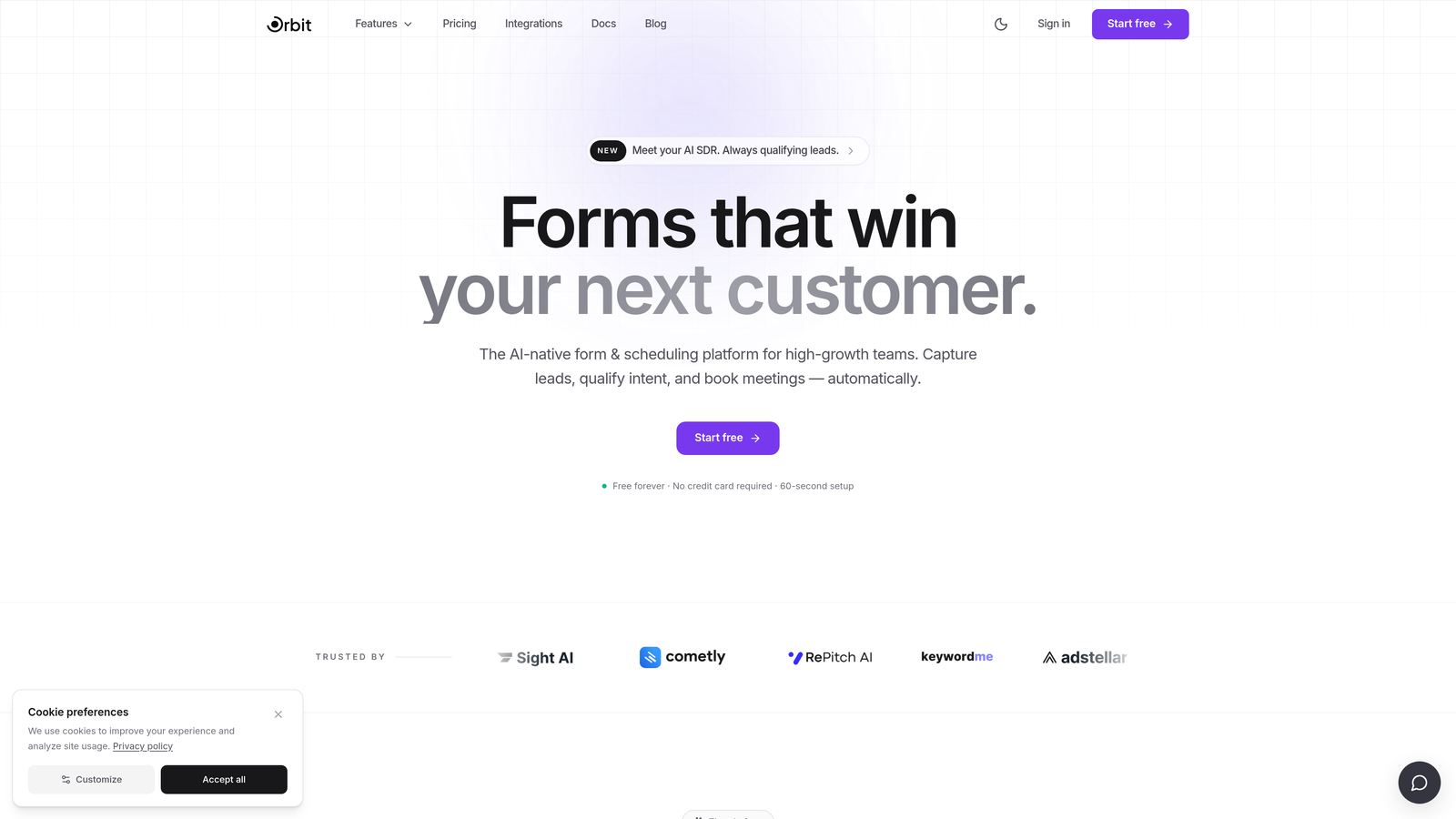
Orbit AI is an AI-powered form builder designed for teams that want beautiful, high-converting forms without sacrificing compliance or data security.
Where This Tool Shines
Most form builders treat compliance as a checkbox. Orbit AI treats it as a foundation. The platform is built for high-growth teams that need forms to do more than collect data: they need forms that qualify leads, route patient inquiries intelligently, and integrate cleanly with the rest of their tech stack.
The AI-powered lead qualification layer is what sets it apart. Instead of dumping every form submission into a spreadsheet, Orbit AI can intelligently route inquiries based on responses, helping healthcare teams prioritize the most relevant patient or prospect contacts without manual sorting.
Key Features
AI-Powered Lead Qualification: Automatically routes and prioritizes patient inquiries based on form responses, reducing manual triage work.
Conversion-Optimized Form Design: Modern, polished form templates built to maximize completion rates, not just collect data.
Conditional Logic and Dynamic Fields: Show or hide fields based on previous answers, keeping forms concise and relevant for each patient.
HIPAA-Compliant Data Handling: Encrypted data handling designed to meet HIPAA requirements, including BAA support for qualifying plans.
CRM and Healthcare Tool Integrations: Connect form submissions directly to your CRM, scheduling tools, or other healthcare platforms.
Best For
Telehealth companies, healthcare SaaS platforms, and growing clinics that need forms to serve double duty: capturing patient data compliantly while also qualifying and routing leads efficiently. Particularly strong for teams where marketing and clinical operations overlap.
Pricing
Visit orbitforms.ai for current plan details. HIPAA-compliant features are available on qualifying plans.
2. Jotform
Best for: Healthcare teams that want a large library of ready-made templates and a no-code drag-and-drop experience.
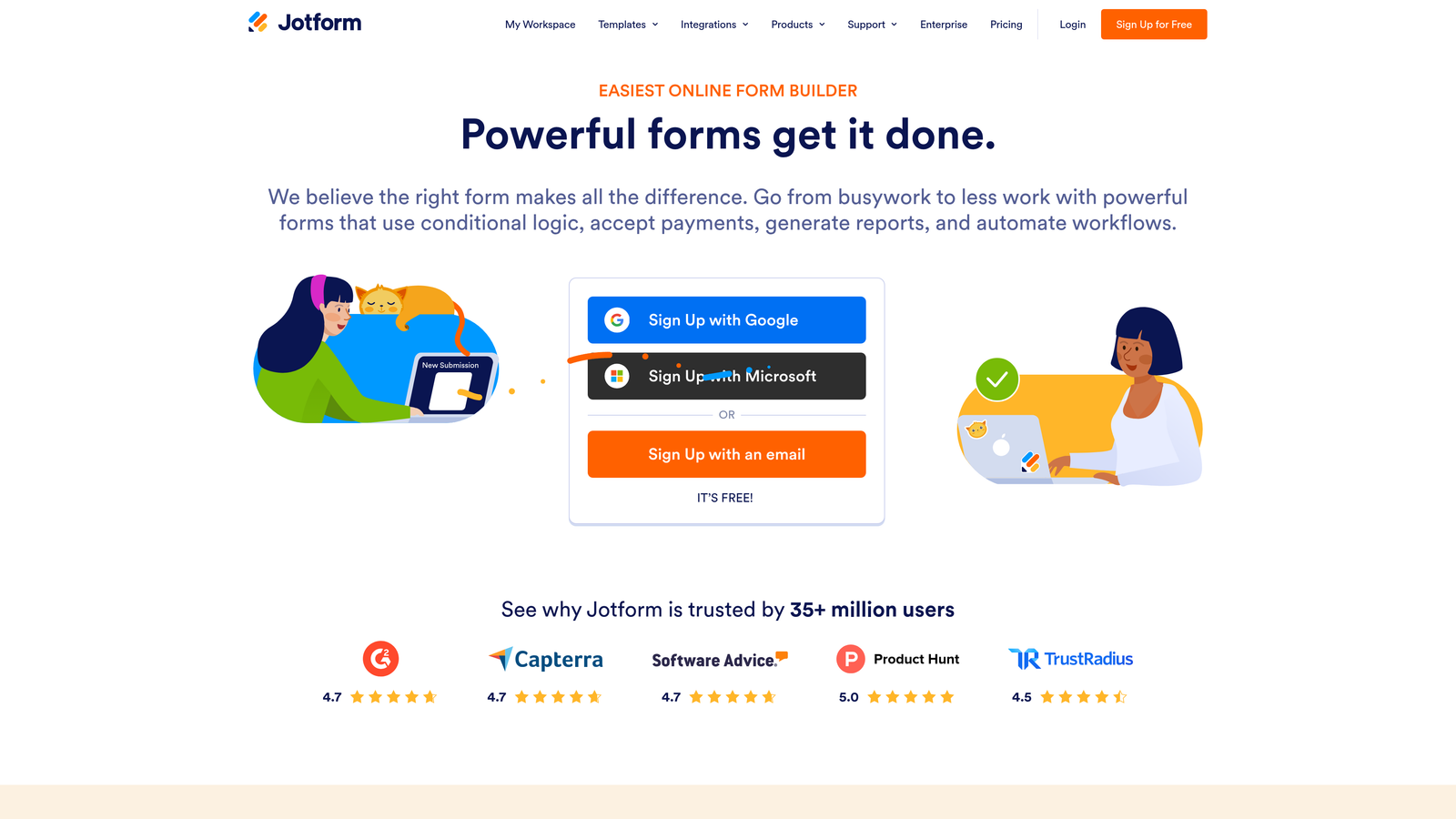
Jotform is one of the most widely used form builders available, with a deep catalog of healthcare-specific templates and HIPAA compliance on its paid tiers.
Where This Tool Shines
Jotform's strength is breadth. With over 300 healthcare form templates covering everything from patient intake and consent forms to medical history questionnaires, you can get a compliant form live in minutes rather than building from scratch. For clinical staff who aren't technical, that speed matters.
The platform also handles payment collection, which is useful for practices collecting copays or deposits at the point of intake. It's a practical, well-rounded option that covers a lot of ground without requiring developer involvement.
Key Features
300+ Healthcare Templates: Pre-built forms for patient intake, consent, medical history, appointment requests, and more.
HIPAA Compliance with Signed BAA: Available on Gold plan and above, with a signed Business Associate Agreement included.
Drag-and-Drop Builder: No coding required; clinical and administrative staff can build and edit forms independently.
Payment Collection: Accept copays, deposits, or billing payments directly through form submissions.
Integrations: Connects with Google Drive, Dropbox, and a range of health and business platforms.
Best For
Small to mid-sized clinics, private practices, and healthcare administrators who want a proven, template-rich platform with minimal setup time. Best suited for teams that prioritize speed-to-launch over advanced customization.
Pricing
HIPAA-compliant plans start around $39/month (Gold plan required for BAA). Higher tiers offer additional submissions and storage.
3. Formstack
Best for: Healthcare organizations that need forms, e-signatures, and document generation in a single unified platform.
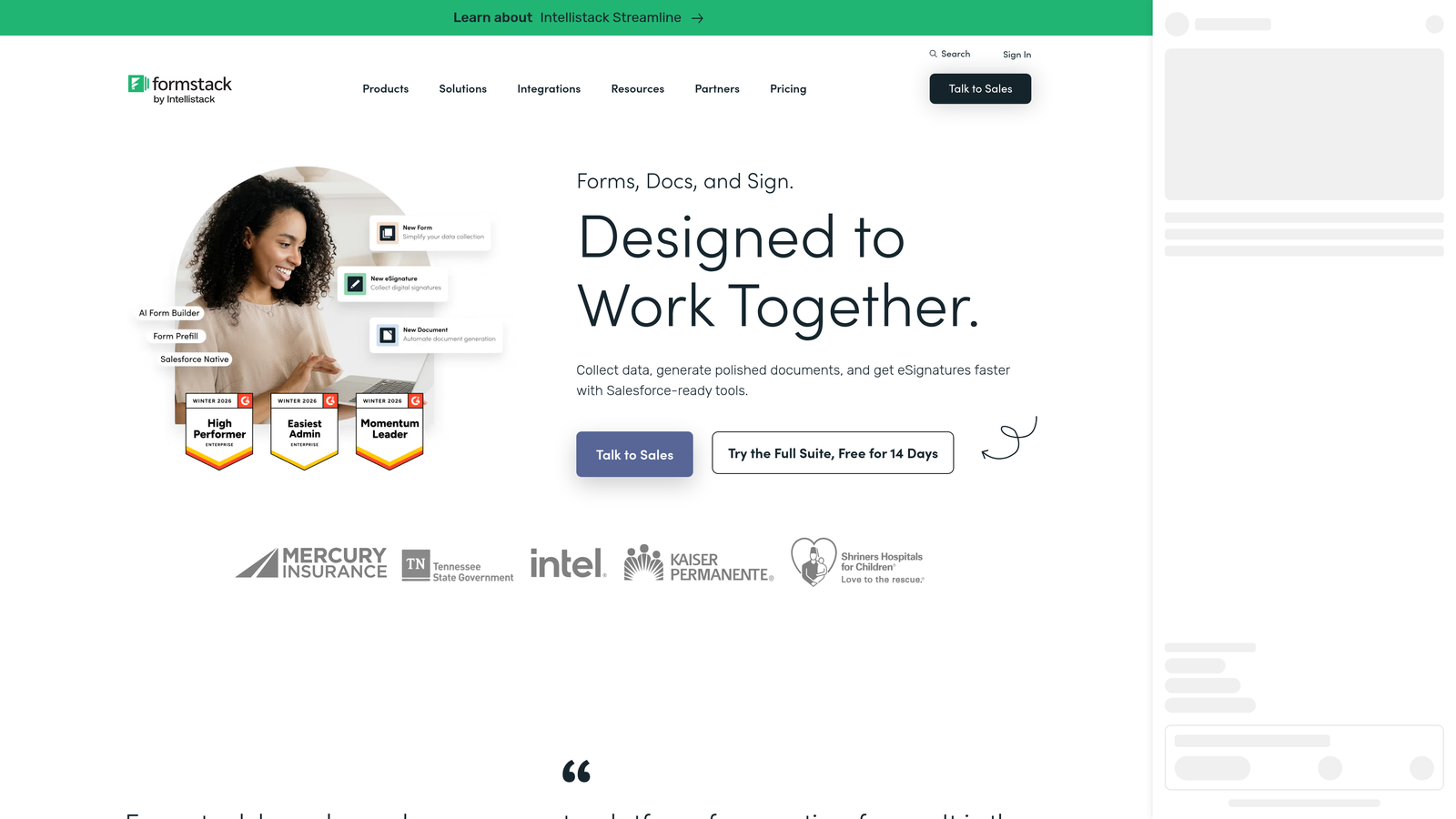
Formstack is an enterprise-grade form and workflow platform that goes well beyond data collection, offering document generation, e-signatures, and workflow automation alongside HIPAA-compliant forms.
Where This Tool Shines
If your healthcare organization has complex document workflows, Formstack is worth a close look. The platform connects forms, documents, and signatures in one suite, which means a patient can complete an intake form, trigger a pre-populated consent document, and sign it digitally, all within the same workflow.
The Salesforce integration is also notably deep, making Formstack a strong choice for health systems and larger practices already running their operations on Salesforce Health Cloud or standard Salesforce CRM.
Key Features
HIPAA-Compliant Forms with BAA: Full compliance support with a signed Business Associate Agreement on qualifying plans.
Formstack Sign (E-Signatures): Built-in e-signature functionality eliminates the need for a separate signing tool.
Document Generation: Auto-populate documents from form submissions, reducing manual data entry across clinical workflows.
Workflow Automation: Route submissions through approval processes, notifications, and conditional steps.
Salesforce and EHR Integrations: Deep connections with Salesforce, Microsoft 365, and select EHR platforms.
Best For
Mid-market and enterprise healthcare organizations with multi-step document workflows, particularly those using Salesforce. Strong for health systems, large group practices, and healthcare operations teams managing complex approval chains.
Pricing
HIPAA-compliant plans typically start around $83/month billed annually. Enterprise pricing is available for larger deployments.
4. Google Forms (with HIPAA Configuration)
Best for: Organizations already on Google Workspace that need a simple, low-cost compliant form option for internal or low-volume use.
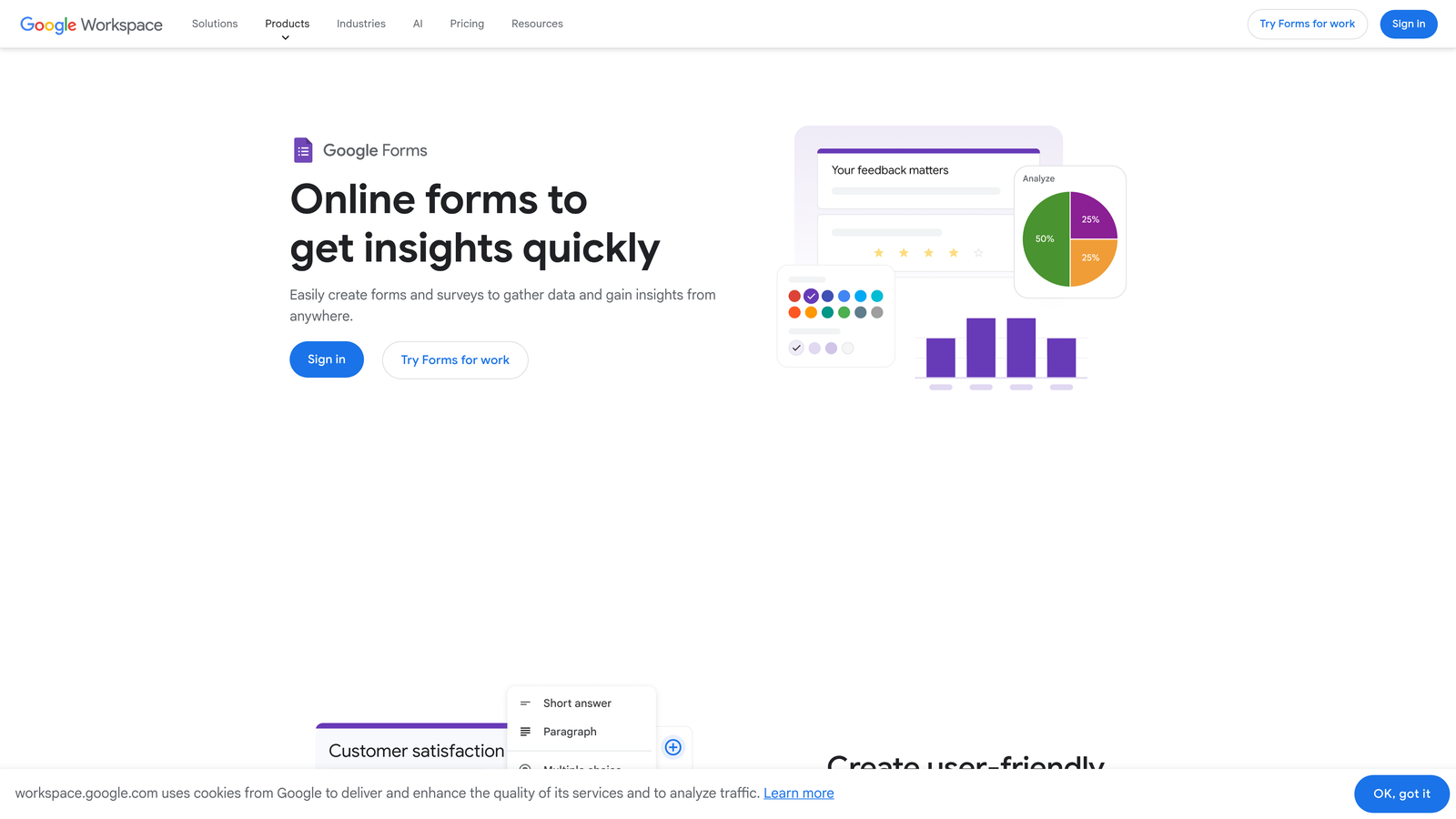
Google Forms can be configured for HIPAA compliance, but only when used under a qualifying Google Workspace Business or Enterprise plan with a signed BAA. The free consumer version is not HIPAA compliant.
Where This Tool Shines
This is an important distinction worth stating clearly: if you're using the free version of Google Forms with a personal Gmail account, you cannot make it HIPAA compliant. Full stop. However, organizations on Google Workspace Business or Enterprise plans can sign a BAA with Google, which brings Google Forms into a compliant configuration.
For teams already paying for Google Workspace, this represents a zero-additional-cost option for simple intake or internal data collection. The interface is familiar to most staff, which reduces training friction. That said, Google Forms lacks the healthcare-specific templates, conditional logic depth, and design flexibility of purpose-built form tools.
Key Features
Included with Google Workspace: No additional cost for organizations already on Business or Enterprise plans.
BAA Available: Google signs a BAA for qualifying Workspace plans, enabling HIPAA-compliant use.
Familiar Interface: Most healthcare staff already know how to use Google products, minimizing onboarding time.
Google Sheets Integration: Responses flow directly into Sheets for easy tracking and management.
Limited Customization: Fewer design options and less conditional logic than dedicated healthcare form builders.
Best For
Healthcare organizations already on Google Workspace that need a simple, no-extra-cost form solution for low-complexity use cases like internal surveys, basic intake, or staff data collection. Not ideal as a primary patient-facing form tool.
Pricing
Included with Google Workspace Business plans starting at $12/user/month. Enterprise pricing is available for larger organizations.
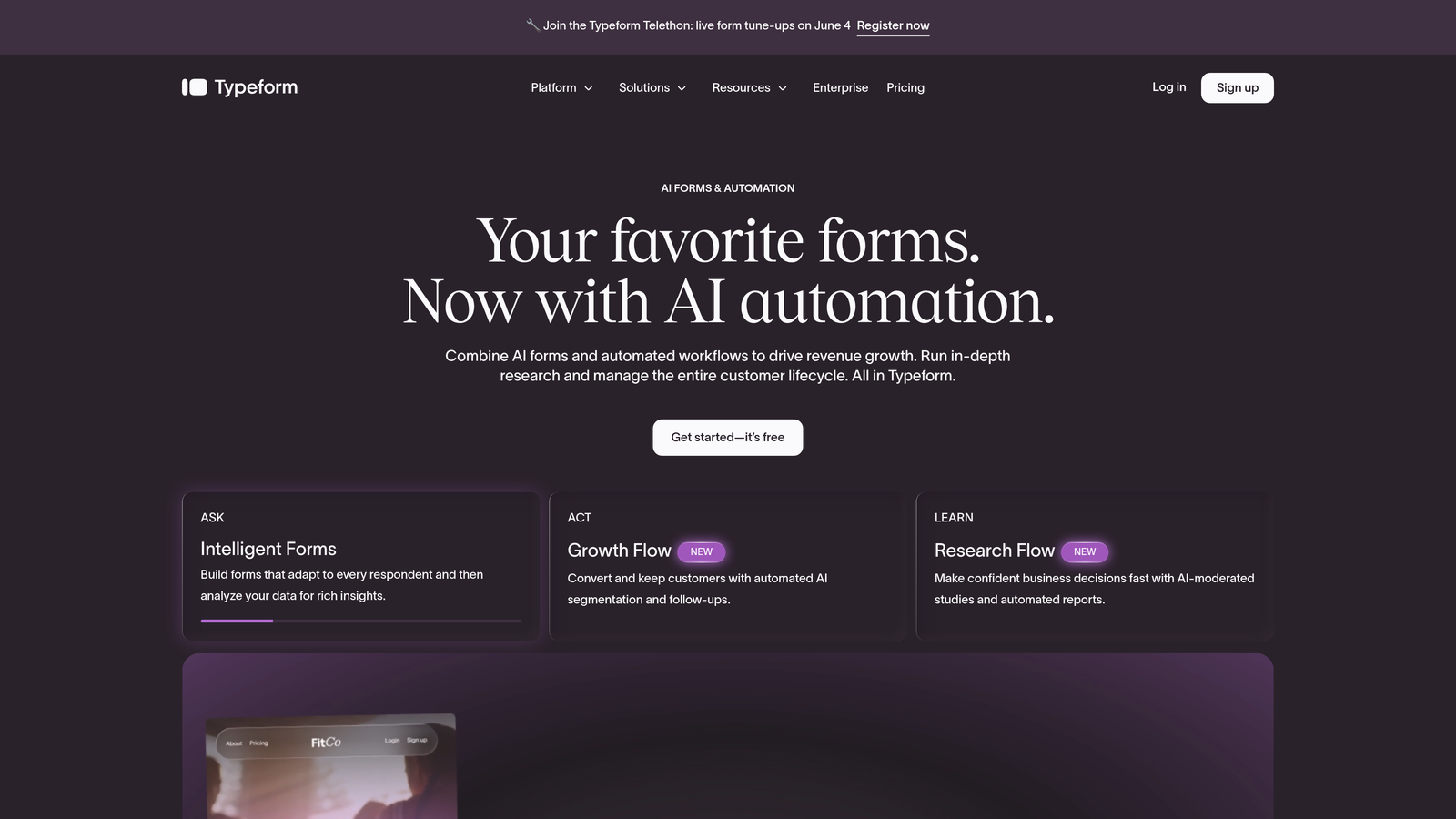
5. Typeform
Best for: Healthcare teams prioritizing patient experience and form completion rates through a conversational, one-question-at-a-time interface.
Typeform is a conversational form builder known for its distinctive design approach, with HIPAA compliance available on its higher-tier plans.
Where This Tool Shines
Typeform's one-question-at-a-time format fundamentally changes how patients experience intake. Instead of facing a long, dense form, patients move through a guided conversation that feels less clinical and more approachable. For telehealth platforms and practices focused on patient experience, that UX difference can meaningfully improve completion rates.
The trade-off is that HIPAA compliance sits at the Business or Enterprise tier, which makes it a more expensive option. But for patient-facing workflows where drop-off is a real problem, the investment in better UX can justify the cost.
Key Features
Conversational Interface: One-question-at-a-time design reduces form fatigue and improves patient completion rates.
HIPAA Compliance with BAA: Available on Business and Enterprise plans, with a signed BAA included.
Logic Jumps and Conditional Branching: Route patients through different question paths based on their answers.
High-Engagement Design: Polished, modern templates that feel more like a product experience than a medical form.
Integrations: Connects with Zapier, HubSpot, Slack, and other common healthcare and marketing tools.
Best For
Telehealth platforms, digital health startups, and patient-centric practices where form experience directly impacts engagement. Best for organizations willing to invest in premium UX for patient-facing workflows.
Pricing
HIPAA-compliant plans available on the Business tier. Contact Typeform directly for current pricing on HIPAA-enabled plans.
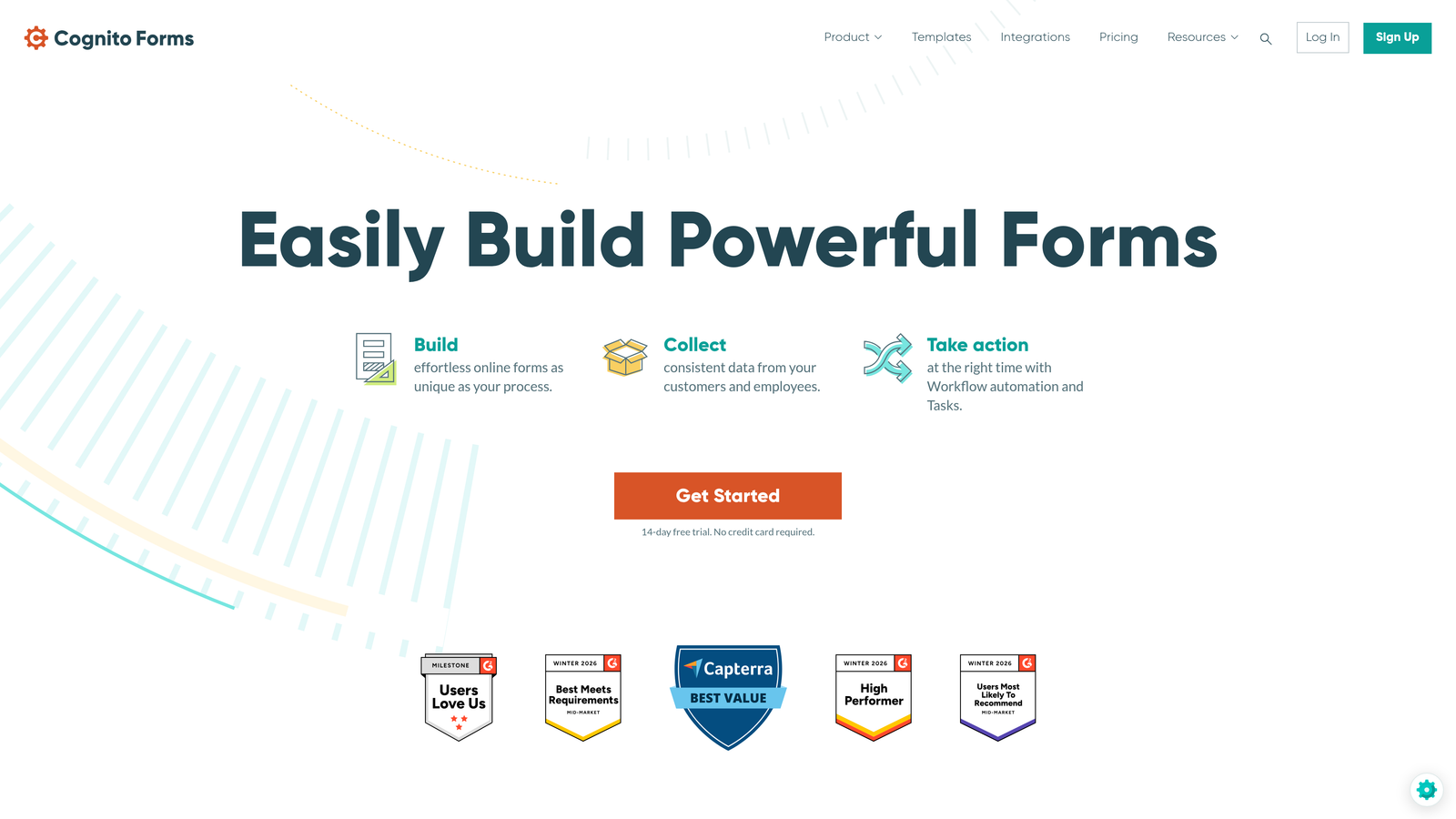
6. Cognito Forms
Best for: Smaller healthcare practices that need legitimate HIPAA compliance without enterprise-level pricing.
Cognito Forms is an affordable form builder that offers HIPAA compliance at a price point accessible to independent practitioners and small clinics.
Where This Tool Shines
Most HIPAA-compliant form tools are priced for mid-market or enterprise buyers. Cognito Forms fills a real gap for solo practitioners, small group practices, and budget-conscious healthcare teams who need genuine compliance without paying for features they'll never use.
The platform handles conditional logic and calculation fields well, which is useful for intake forms that need to compute scores, totals, or triage indicators based on patient responses. It's not the flashiest option, but it's reliable, compliant, and priced fairly.
Key Features
HIPAA Compliance with BAA: Available on the Team plan and above, with a signed Business Associate Agreement.
Conditional Logic and Calculations: Show or hide fields and calculate values based on patient responses.
Payment Processing: Accept payments directly through forms for copays or deposits.
Repeating Sections: Capture multi-entry medical data, such as medication lists or symptom histories, cleanly.
Affordable Pricing: One of the lowest entry points for HIPAA-compliant form building in the market.
Best For
Solo practitioners, small group practices, and healthcare startups with limited budgets that still need verified HIPAA compliance and a signed BAA. A strong value pick for practices that don't need advanced integrations.
Pricing
HIPAA-compliant Team plan starts around $26/month, making it one of the most affordable options on this list.
7. FormAssembly
Best for: Salesforce-centric healthcare organizations that need deep CRM integration alongside HIPAA-compliant data collection.
FormAssembly is an enterprise form platform built with Salesforce integration at its core, offering HIPAA-compliant forms alongside robust compliance certifications.
Where This Tool Shines
If your healthcare organization runs on Salesforce, FormAssembly is the most natural form-building companion. The native Salesforce connector, including support for Salesforce Health Cloud, allows you to prefill forms with existing patient data, update records automatically on submission, and trigger workflows without any middleware.
Beyond Salesforce, FormAssembly carries compliance certifications across HIPAA, FERPA, and GDPR, making it a strong choice for organizations operating across multiple regulatory frameworks. The audit trail and enterprise-grade security features give compliance teams the documentation they need.
Key Features
Native Salesforce Integration: Deep connection with Salesforce CRM and Salesforce Health Cloud, including prefill and record update capabilities.
HIPAA/FERPA/GDPR Compliance: Multi-framework compliance support with a signed BAA for HIPAA-covered entities.
Salesforce Data Prefill: Populate forms with existing Salesforce data to reduce patient data entry burden.
Workflow Routing and Approvals: Route submissions through multi-step approval processes within the platform.
Enterprise Security and Audit Trails: Detailed logging and access controls for compliance documentation.
Best For
Health systems, large group practices, and healthcare technology companies already using Salesforce as their CRM or operations platform. Overkill for practices not on Salesforce, but a near-perfect fit for those that are.
Pricing
Compliance-tier plans start around $99/month. Contact FormAssembly directly for enterprise pricing and custom deployments.
8. Pabau
Best for: Aesthetic, dental, and wellness clinics that want forms as part of a complete practice management system rather than a standalone tool.
Pabau is an all-in-one clinic management platform where HIPAA-compliant forms are one component of a broader suite that includes scheduling, records, billing, and patient communication.
Where This Tool Shines
Pabau isn't just a form builder. It's a full clinical operations platform, and that changes the value proposition entirely. Forms live inside the same system as appointment scheduling, patient records, automated reminders, and billing, which eliminates the data silos that plague practices stitching together multiple tools.
The before-and-after photo capture and consent management features are particularly well-suited for aesthetic and cosmetic practices, where visual documentation and signed consents are central to clinical workflows. If your practice needs forms and practice management together, Pabau is worth evaluating seriously.
Key Features
Integrated Practice Management: Forms work alongside scheduling, records, billing, and communications in a single platform.
Patient Portal: Self-service intake and document access for patients, reducing front-desk workload.
Before/After Photo Capture and Consent Management: Purpose-built for aesthetic, cosmetic, and wellness practices.
Appointment Scheduling and Automated Reminders: Reduce no-shows with integrated booking and reminder workflows.
HIPAA-Compliant Data Handling: Compliance built into the core platform rather than added as a tier upgrade.
Best For
Aesthetic clinics, dental practices, wellness centers, and medspas that want to replace multiple disconnected tools with one integrated system. Less suitable for organizations that only need a standalone form builder.
Pricing
Contact Pabau directly for pricing. Plans vary based on practice size and feature requirements.
9. Intakeq
Best for: Independent practitioners and small practices that need a purpose-built healthcare intake platform with patient portals, e-signatures, and secure messaging.
Intakeq is a healthcare-specific intake platform designed from the ground up for clinical workflows, with HIPAA compliance and a signed BAA included at every plan level.
Where This Tool Shines
Unlike horizontal form builders that added HIPAA compliance as an upgrade, Intakeq was built specifically for healthcare intake from day one. That focus shows in the details: the patient portal includes secure messaging, e-signature capture is native to consent workflows, and the platform connects with telehealth tools and EHRs without requiring complex workarounds.
For solo practitioners and small practices, the fact that a BAA is included at every plan level (not locked behind an expensive tier) is a meaningful differentiator. You're not paying extra just to be compliant; compliance is the baseline.
Key Features
Purpose-Built for Healthcare Intake: Designed specifically for clinical intake workflows, not adapted from a general-purpose form tool.
HIPAA Compliance with BAA at Every Plan: Signed BAA included regardless of plan tier, unlike many competitors.
Patient Portal with Secure Messaging: Patients can complete intake, access documents, and communicate securely in one place.
E-Signature Capture: Native consent form signing built into the intake workflow.
Telehealth and EHR Integrations: Connects with common telehealth platforms and electronic health record systems.
Best For
Solo practitioners, therapists, physical therapists, and small group practices that want a healthcare-native intake solution. Also a strong fit for telehealth providers who need secure patient communication alongside intake forms.
Pricing
Plans start around $49.90/month for solo practitioners, with higher tiers available for larger practices and multi-provider organizations.
Choosing the Right Fit for Your Healthcare Team
Every tool on this list can support HIPAA-compliant data collection, but the right choice depends on where your organization sits today and where it's headed.
If you're a high-growth healthcare or health-tech team that needs forms to do more than collect data, including qualifying leads, routing inquiries intelligently, and integrating with your broader tech stack, Orbit AI is built for exactly that use case. It combines compliance with the kind of conversion-focused design that modern digital health teams actually need.
For practices that want an extensive template library and a proven no-code experience, Jotform is a reliable workhorse. If your workflows involve documents and e-signatures at scale, Formstack brings those together cleanly. Salesforce-first organizations will find FormAssembly the most natural fit, while Intakeq and Pabau serve practices that want healthcare-native platforms rather than adapted general tools.
A few principles to guide your final decision:
Always verify the BAA: A signed Business Associate Agreement is non-negotiable for HIPAA compliance. Confirm it's available on your specific plan before committing.
Match the tool to the buyer: Horizontal form builders like Jotform and Cognito Forms are flexible and affordable. Vertical platforms like Intakeq and Pabau offer deeper clinical functionality but require more commitment to their ecosystem.
Think beyond the form: The best form builder for your team is the one that fits cleanly into how you already operate: your CRM, your scheduling system, your patient communication workflows.
If you're ready to see what intelligent, conversion-optimized forms can do for your healthcare team, start your free trial today and explore how AI-powered form design can transform the way you collect, qualify, and act on patient and prospect data.


