

You've decided to invest in form optimization—smart move. But now you're staring at a sea of pricing pages, trying to decode what "100 submissions per month" actually means for your business, or whether that enterprise-only A/B testing feature is worth the upgrade. Some tools charge per submission, others by monthly flat rate, and a few hide their best optimization features behind vague "contact sales" buttons.
Here's the reality: the right form optimization tool isn't just about features—it's about getting conversion-boosting capabilities at a price that makes sense for your growth stage. We've broken down nine leading platforms with transparent cost analysis, real optimization features, and honest assessments of what you're actually paying for.
Let's cut through the pricing confusion and find your best fit.
1. Orbit AI
Best for: High-growth teams needing AI-powered lead qualification with conversion optimization built in
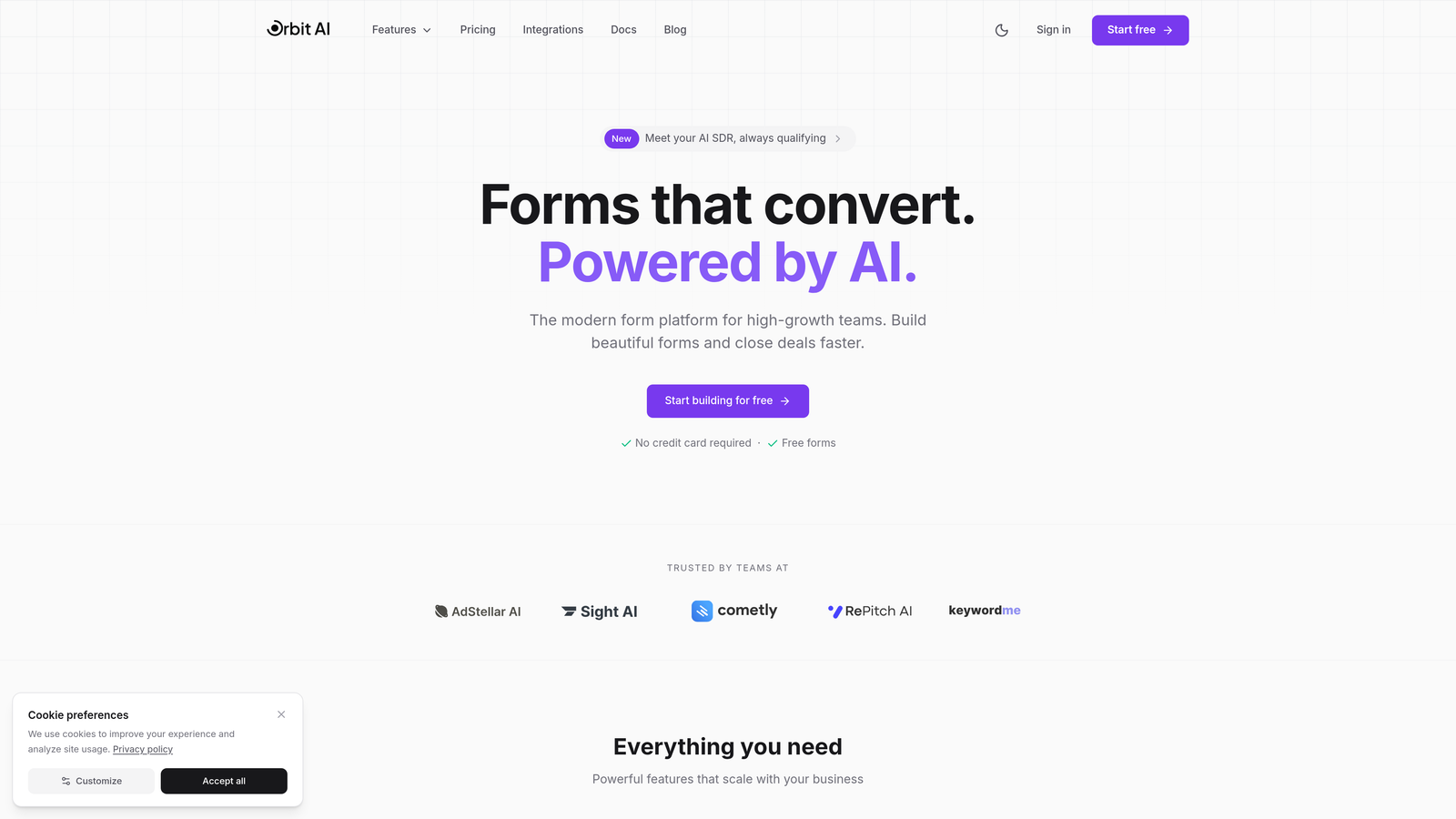
Orbit AI combines intelligent form building with automated lead scoring, designed specifically for teams that need to optimize for quality leads, not just form submissions.
Where This Tool Shines
The standout feature is AI-powered lead qualification that happens in real-time as prospects fill out your forms. Instead of collecting every submission and sorting later, Orbit AI scores leads automatically based on your criteria, routing high-value prospects to sales immediately while nurturing others through marketing.
The platform focuses on the modern form experience that high-growth teams need—beautiful templates that actually convert, analytics that show you where prospects drop off, and CRM integrations that work without middleware. No clunky legacy interfaces or outdated design patterns.
Key Features
AI-Powered Lead Qualification: Automatic scoring and routing based on prospect responses and behavior patterns.
Conversion Optimization Analytics: Real-time insights into form performance, drop-off points, and completion rates.
Beautiful Form Templates: Modern, mobile-optimized designs built for today's users, not 2015 web standards.
CRM Integrations: Native connections to major platforms with intelligent field mapping and data sync.
Real-Time Lead Scoring: Instant qualification that identifies your best prospects as they submit forms.
Best For
Teams focused on lead quality over quantity, especially in B2B or high-ticket B2C where not all submissions are created equal. If you're spending time manually qualifying leads or struggling with forms that convert poorly, the AI qualification pays for itself quickly.
Pricing
Transparent tier-based pricing with no per-submission fees. Visit orbitforms.ai/pricing for current plans designed to scale with your growth without surprise costs.
2. Typeform
Best for: Creating engaging conversational experiences with one-question-at-a-time flow
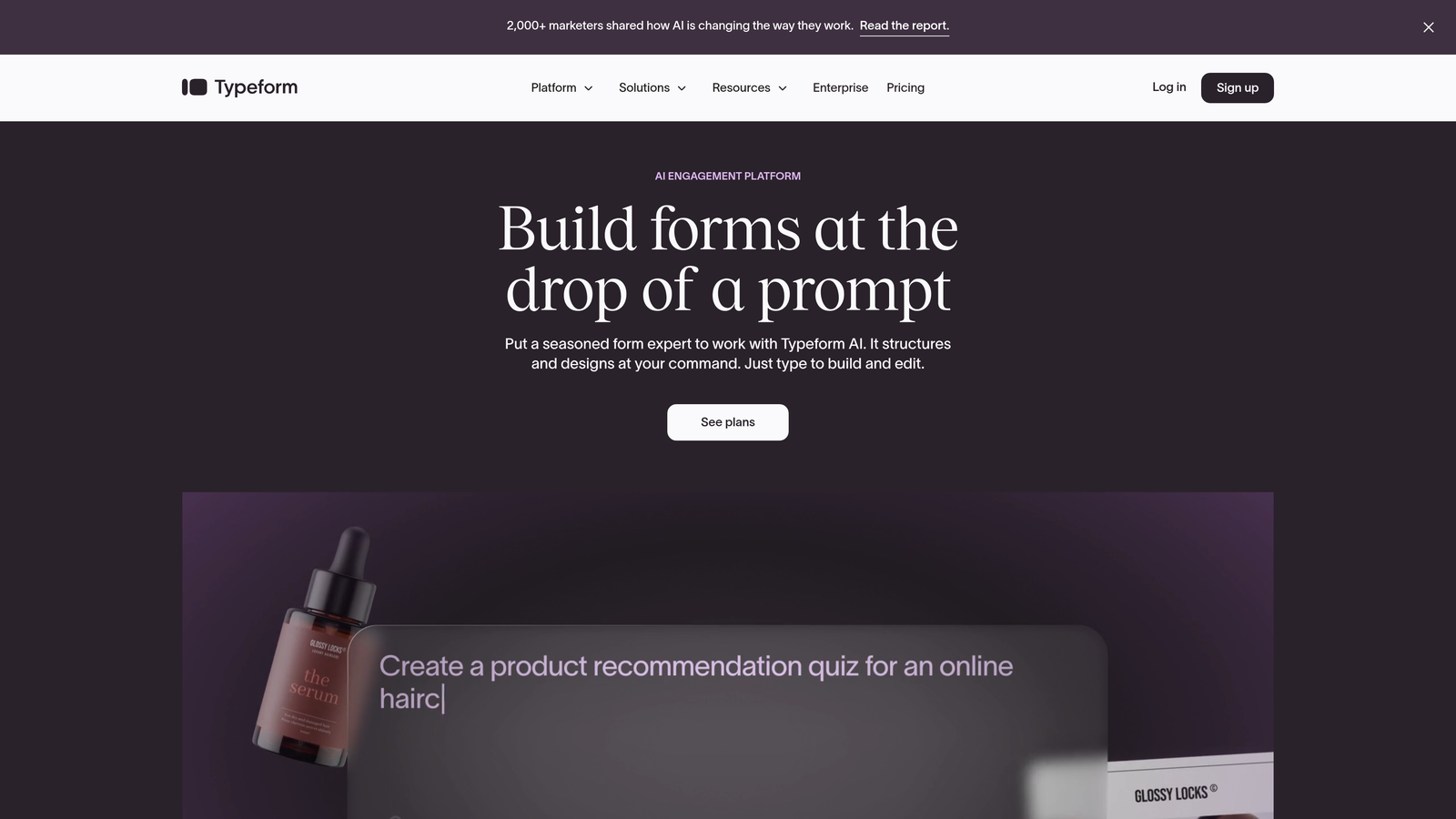
Typeform pioneered the conversational form interface, showing one question at a time to create a more engaging, less overwhelming experience for respondents.
Where This Tool Shines
If you've ever abandoned a form because it looked like a wall of fields, you understand Typeform's appeal. The one-question-at-a-time approach reduces cognitive load and can significantly improve completion rates, especially for longer surveys or detailed lead capture forms.
The platform excels at creating forms that feel more like conversations than interrogations. Logic jumps let you personalize the experience based on previous answers, and the interface is genuinely pleasant to use—both for form creators and respondents.
Key Features
Conversational UI: One question per screen creates focused, distraction-free experiences that improve completion rates.
Logic Jumps: Conditional branching based on responses to create personalized question flows.
Video Forms: Embed video questions for product research, testimonials, or more engaging interactions.
Native Integrations: Connect to popular tools like Slack, Google Sheets, Mailchimp, and HubSpot without third-party middleware.
Response Analytics: Track completion rates, drop-off points, and average completion time to optimize form performance.
Best For
Marketing teams creating surveys, quizzes, or lead generation forms where user experience matters as much as data collection. Works particularly well for consumer-facing brands and content marketing campaigns.
Pricing
Free tier available with Typeform branding and 10 responses per month. Basic starts at $25/month for 100 responses with logic jumps. Plus at $50/month removes branding and adds 1,000 responses. Per-submission pricing can get expensive at scale.
3. Unbounce Smart Builder
Best for: Combining landing pages with AI-optimized forms for complete conversion experiences
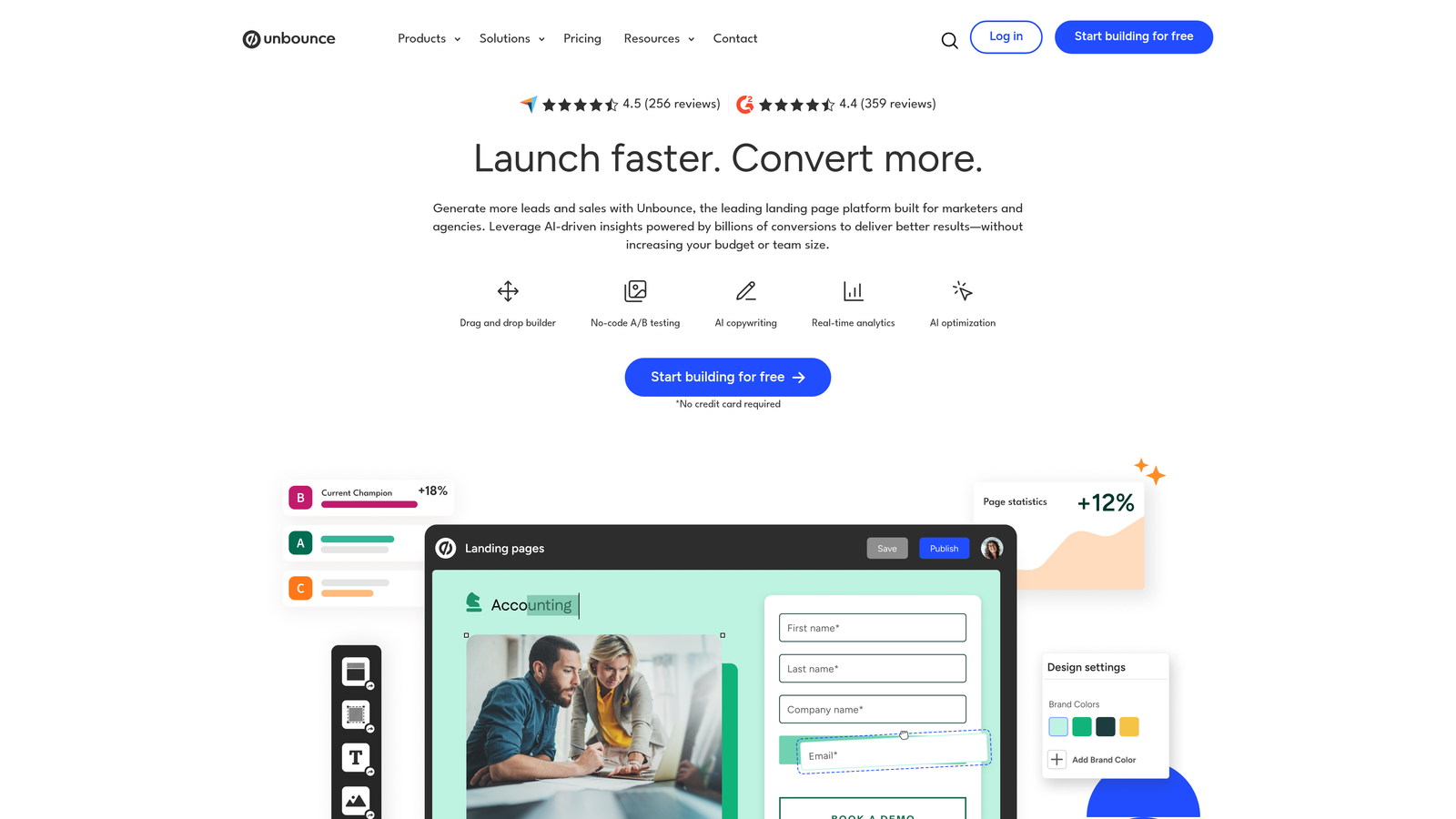
Unbounce isn't just a form tool—it's a landing page platform with Smart Traffic AI that automatically optimizes which page variant each visitor sees based on their attributes.
Where This Tool Shines
The Smart Traffic feature uses machine learning to route visitors to the landing page variant most likely to convert them specifically. Instead of traditional A/B testing that splits traffic evenly, Smart Traffic learns from each visitor and optimizes in real-time.
For teams running paid advertising campaigns, the ability to create custom landing pages with optimized forms—without developer help—makes Unbounce powerful. The drag-and-drop builder is genuinely intuitive, and dynamic text replacement lets you match ad copy to landing page headlines automatically.
Key Features
Smart Traffic AI: Machine learning that automatically routes visitors to their best-converting page variant.
A/B Testing: Traditional split testing for pages, forms, and individual elements with statistical significance tracking.
Landing Page + Form Combo: Integrated builder for complete conversion experiences, not just standalone forms.
Conversion Analytics: Detailed performance tracking including form field analytics and visitor behavior insights.
Dynamic Text Replacement: Automatically match landing page copy to search keywords or ad campaign parameters.
Best For
Marketing teams running paid campaigns who need landing pages and forms to work together seamlessly. The AI optimization makes sense when you're spending significant budget on traffic and need to maximize conversion rates.
Pricing
Launch plan starts at $99/month for 500 conversions and 20,000 visitors. Optimize at $145/month adds Smart Traffic AI and unlimited A/B tests. Accelerate at $240/month includes unlimited conversions. Annual plans save 25%.
4. Formstack
Best for: Enterprise teams needing advanced workflows, document generation, and compliance features
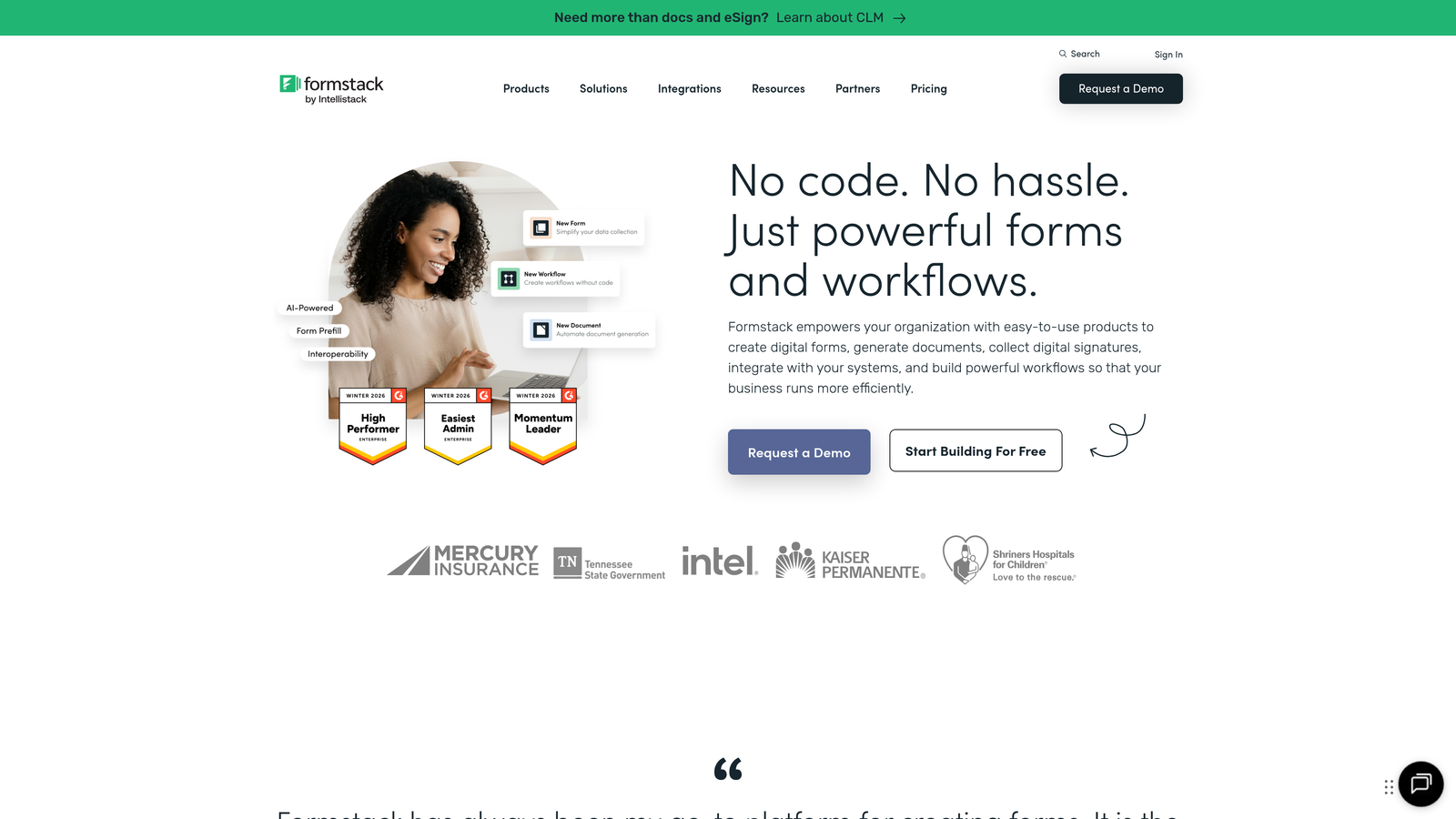
Formstack targets enterprises with complex form requirements, offering workflow automation, document generation, and HIPAA compliance in one platform.
Where This Tool Shines
Formstack's workflow automation goes beyond basic form submission. You can trigger multi-step approval processes, generate PDF documents from form data, collect e-signatures, and route submissions through complex organizational hierarchies—all without custom development.
For healthcare, finance, or other regulated industries, the HIPAA-compliant forms and data handling provide peace of mind. The platform handles the security infrastructure so compliance teams can focus on processes rather than technical implementation.
Key Features
Workflow Automation: Multi-step approval processes, conditional routing, and automated task assignment based on form submissions.
Document Generation: Automatically create PDFs, contracts, or reports populated with form data using customizable templates.
E-Signatures: Collect legally binding signatures directly within forms without third-party tools.
HIPAA Compliance: Encrypted data storage, audit trails, and business associate agreements for healthcare organizations.
Advanced Conditional Logic: Complex field dependencies and calculations for sophisticated form requirements.
Best For
Enterprise organizations with complex approval workflows, document generation needs, or compliance requirements. Particularly strong for HR onboarding, patient intake, contract management, and regulated data collection.
Pricing
Forms plan starts at $50/month for basic features. Teams plan at $83/month adds workflow automation and document generation. Enterprise pricing available on request for HIPAA compliance and advanced security features.
5. Jotform
Best for: Teams wanting extensive template options and generous free tier with payment collection
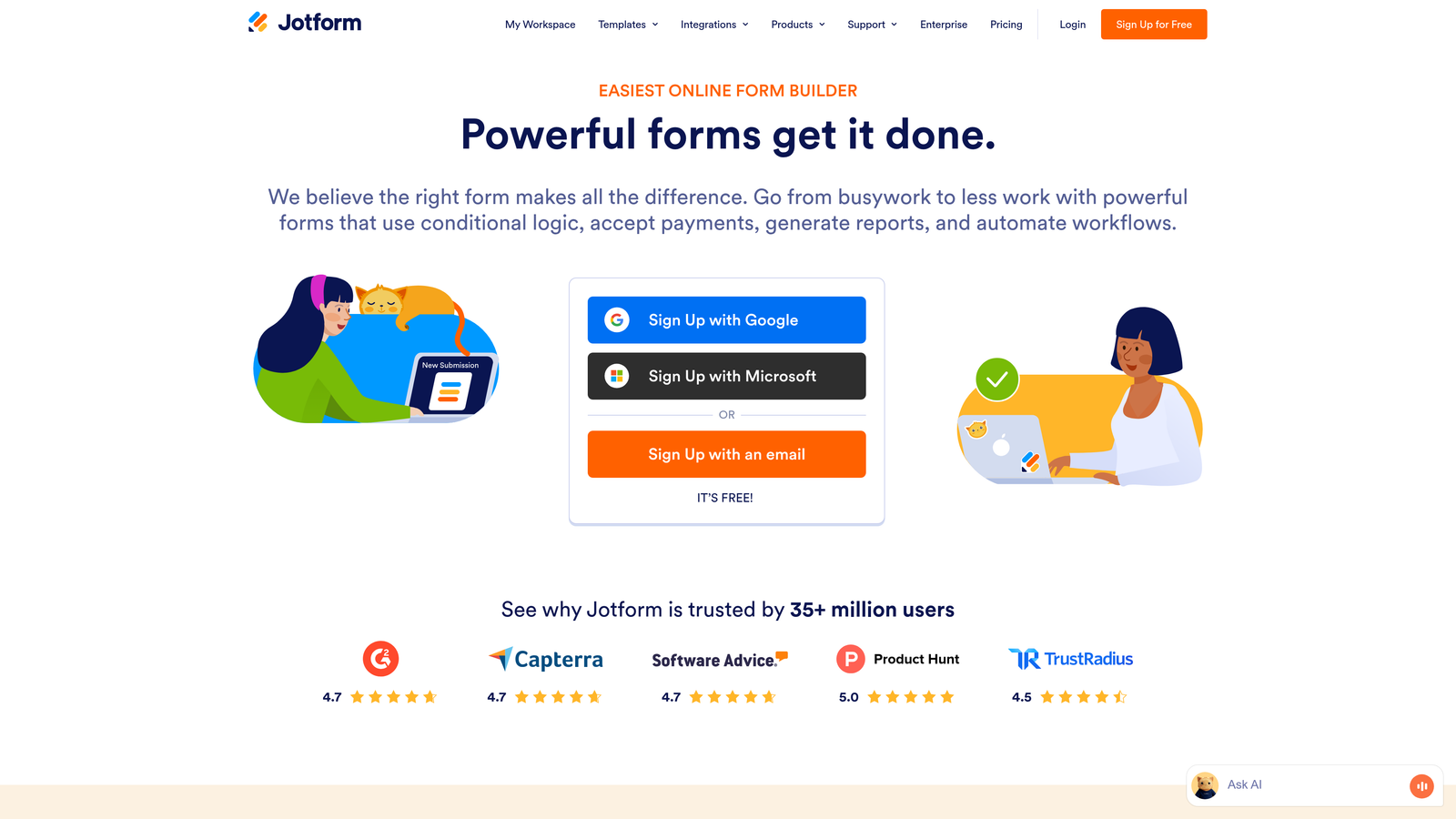
Jotform offers one of the most feature-rich free tiers in the form builder space, with over 10,000 templates covering virtually every use case imaginable.
Where This Tool Shines
The template library is genuinely impressive—not just in quantity but in variety and quality. Whether you need event registration, job applications, order forms, or customer feedback surveys, there's likely a pre-built template you can customize rather than starting from scratch.
Payment collection is built directly into forms without requiring separate merchant accounts or payment processors. Accept credit cards, PayPal, Square, and other payment methods with the transaction fees being your only cost—no additional Jotform charges for payment forms.
Key Features
10,000+ Templates: Pre-built forms for virtually every industry and use case, customizable to your brand.
Payment Collection: Integrated payment processing supporting multiple gateways with no additional platform fees.
PDF Editor: Convert form submissions into professional PDFs with custom formatting and branding.
Approval Workflows: Route submissions through multi-step approval processes with email notifications.
Mobile Forms: Native iOS and Android apps for offline data collection and mobile-optimized form experiences.
Best For
Small businesses and solopreneurs who need professional forms quickly without significant budget. The free tier is genuinely usable for many small-scale applications, and paid plans remain affordable as you grow.
Pricing
Free tier includes 100 submissions per month and 5 forms. Bronze at $34/month provides 1,000 submissions and 25 forms. Silver at $39/month adds 10,000 submissions and 100 forms. Gold at $99/month for unlimited forms and 100,000 submissions.
6. HubSpot Forms
Best for: Teams already using HubSpot CRM who need native marketing automation integration
HubSpot Forms integrates seamlessly with HubSpot's CRM and marketing automation platform, creating a unified system for lead capture and nurturing.

Where This Tool Shines
Progressive profiling changes the lead capture game—instead of asking for everything upfront, HubSpot Forms remembers what information you already have about a contact and asks new questions each time they submit a form. This reduces form friction while gradually building complete contact profiles.
The CRM integration isn't just data sync—it's true workflow integration. Form submissions automatically trigger marketing automation sequences, update contact properties, assign tasks to sales reps, and enroll contacts in nurture campaigns without any middleware or custom code.
Key Features
CRM Auto-Sync: Submissions automatically create or update contact records with full activity history tracking.
Progressive Profiling: Smart fields that change based on known contact information to reduce form friction over time.
Smart Fields: Pre-populate form fields for known contacts to streamline repeat submissions and improve user experience.
Marketing Automation Triggers: Form submissions automatically initiate email sequences, task assignments, and workflow actions.
Contact Enrichment: Automatically append company data and social profiles to contact records from form submissions.
Best For
Companies already invested in the HubSpot ecosystem who want forms that work seamlessly with their CRM and marketing automation. The value proposition increases significantly if you're using multiple HubSpot hubs.
Pricing
Free with HubSpot CRM including basic forms and contact management. Marketing Hub Starter at $20/month per seat adds email marketing and simple automation. Professional at $890/month includes advanced automation, A/B testing, and progressive profiling.
7. Leadformly
Best for: Lead generation teams focused specifically on conversion rate optimization and testing
Leadformly specializes in one thing—creating high-converting lead generation forms—and builds every feature around that specific goal.

Where This Tool Shines
Multi-step forms are Leadformly's core competency. Breaking long forms into multiple steps with progress indicators can dramatically improve completion rates compared to single-page forms, and Leadformly makes this approach easy to implement and optimize.
The partial submission capture is particularly valuable for lead generation—if someone abandons your form halfway through, you still capture the information they provided up to that point. For expensive traffic sources, this feature alone can justify the cost by rescuing leads that would otherwise be lost.
Key Features
Multi-Step Forms: Break long forms into digestible steps with progress indicators to improve completion rates.
Conversion Analytics: Detailed tracking of step-by-step drop-off rates and field-level abandonment data.
A/B Testing: Built-in split testing for form variations with statistical significance calculations.
Lead Routing: Automatically distribute leads to sales reps based on territory, product interest, or custom criteria.
Partial Submission Capture: Save incomplete form data so you can follow up with leads who started but didn't finish.
Best For
B2B companies and agencies running paid lead generation campaigns where form conversion rates directly impact ROI. The focus on optimization features makes sense when you're paying for traffic and need to maximize lead capture.
Pricing
Essential plan at $37/month for 250 leads per month. Growth at $74/month for 1,000 leads. Pro at $159/month for 5,000 leads. Pricing scales with lead volume rather than form count.
8. Paperform
Best for: Creative teams wanting document-style flexibility with powerful form functionality
Paperform takes a unique approach—forms that look and feel like documents, with text, images, and form fields flowing naturally together rather than rigid field layouts.
Where This Tool Shines
The free-form editor lets you create forms that match your brand exactly, mixing rich text, images, videos, and form fields in any layout you imagine. Instead of dragging fields into predetermined positions, you type and format like a document, inserting form fields inline wherever they make sense.
The calculations feature is surprisingly powerful—build product configurators, quote calculators, or booking systems with complex pricing logic directly in your forms. Combined with payment collection, you can create complete e-commerce experiences without separate shopping cart software.
Key Features
Free-Form Editor: Document-style creation where form fields flow naturally within rich text and media content.
Payments and Bookings: Integrated payment processing and appointment scheduling with calendar sync.
Calculations: Build complex pricing calculators, quote generators, and dynamic total fields with custom formulas.
Conditional Logic: Show or hide fields, pages, or content blocks based on user responses.
Custom Branding: Complete white-labeling including custom domains, CSS styling, and removal of Paperform branding.
Best For
Creative agencies, consultants, and service businesses that want forms to match their unique brand aesthetic. Particularly strong for order forms, booking systems, and applications where traditional form layouts feel too rigid.
Pricing
Essentials at $24/month for unlimited forms and 1,000 submissions. Pro at $49/month adds calculations and removes branding. Agency at $159/month includes priority support and advanced customization options.
9. Google Forms + Optimization Stack
Best for: Budget-conscious teams willing to cobble together free tools for basic optimization
Google Forms is completely free and can be enhanced with third-party add-ons for analytics, automation, and optimization features that paid platforms include natively.
Where This Tool Shines
You cannot beat the price—Google Forms is genuinely free with no submission limits, no hidden fees, and no forced upgrades. For basic data collection, surveys, or internal forms, it handles the fundamentals competently without costing anything.
The Google Sheets integration is seamless and powerful. Responses flow automatically into spreadsheets where you can analyze data, create charts, or trigger automation using Google Apps Script. For teams already living in Google Workspace, this native integration eliminates data silos.
Key Features
Completely Free: No submission limits, no form limits, no feature restrictions based on pricing tier.
Google Sheets Integration: Automatic response collection in spreadsheets with real-time updates and collaboration.
Basic Conditional Logic: Show or hide questions based on previous answers using section branching.
Collaboration Features: Multiple team members can edit forms simultaneously with version history tracking.
Quiz Functionality: Built-in quiz mode with automatic grading and immediate feedback for educational use cases.
Best For
Nonprofits, educators, small businesses, or internal teams with minimal budget who need basic form functionality. Works well for surveys, event registration, and simple lead capture when optimization features aren't critical.
Pricing
Google Forms is completely free. Optional add-ons like Form Publisher for PDF generation, Formfacade for custom styling, or FormLimiter for closing forms at capacity range from free to $30/month depending on features needed.
Finding Your Form Optimization Sweet Spot
The pricing landscape for form optimization tools breaks down into three distinct categories. Budget options like Google Forms and Jotform's free tier work for basic data collection but lack sophisticated optimization features. Mid-tier platforms like Typeform, Paperform, and Leadformly provide solid conversion optimization at $25-75/month with per-submission pricing that can scale unpredictably. Enterprise solutions like Formstack and HubSpot Professional deliver advanced features but require significant monthly investment.
Here's what actually matters when choosing: if you're running paid advertising campaigns, calculate cost-per-lead rather than just monthly subscription fees. A tool that costs $150/month but improves conversion rates by 25% delivers better ROI than a $30/month platform with mediocre optimization. The math changes completely based on your traffic volume and lead value.
For high-growth teams focused on lead quality over quantity, AI-powered qualification changes the game entirely. Instead of paying for every submission and sorting manually, intelligent platforms like Orbit AI identify your best prospects automatically—routing high-value leads to sales immediately while nurturing others through marketing. When you're scaling fast, this automation pays for itself quickly.
The hidden costs matter too. Per-submission pricing seems reasonable until you're paying hundreds monthly for form fills that don't convert. Integration costs add up when you need middleware to connect forms with your CRM. Team seats, support tiers, and feature gates can double your actual monthly spend beyond the advertised price.
Consider your growth trajectory. A tool that works perfectly at 100 submissions per month might become prohibitively expensive at 1,000. Flat-rate pricing with generous limits provides predictable costs as you scale, while per-submission models can surprise you with bills that grow faster than revenue.
Transform your lead generation with AI-powered forms that qualify prospects automatically while delivering the modern, conversion-optimized experience your high-growth team needs. The right form optimization tool isn't just about collecting data—it's about turning every submission into a qualified opportunity without manual sorting or guesswork.


