

For SaaS companies, forms aren't just data collection points—they're the front door to your sales pipeline. The right form software can mean the difference between a qualified lead that converts and a bounced visitor who never returns. But with dozens of options flooding the market, finding the perfect fit for your growth stage, tech stack, and conversion goals isn't straightforward.
We've evaluated the leading form builders based on SaaS-specific criteria: lead qualification capabilities, CRM integrations, analytics depth, and pricing that scales with your growth. Here are the top form software options for SaaS companies in 2026.
1. Orbit AI
Best for: High-growth SaaS teams that need AI-powered lead qualification built into their forms
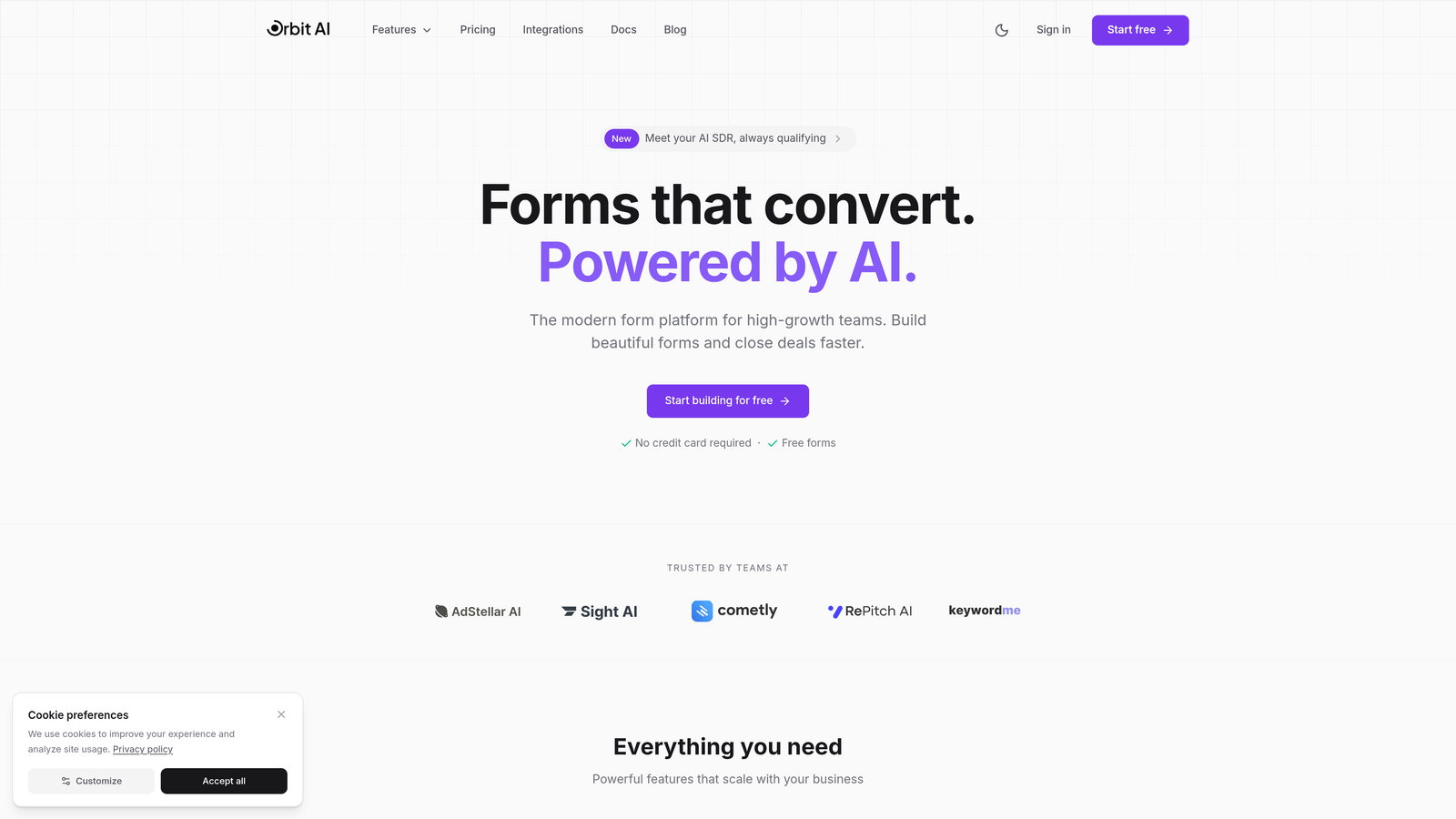
Orbit AI is an AI-powered form builder designed specifically for SaaS companies focused on pipeline quality over volume.
Where This Tool Shines
The standout feature is real-time lead qualification. While most form builders simply collect responses, Orbit AI analyzes submissions as they come in, automatically scoring and routing leads based on fit and intent. This means your sales team spends time on prospects who actually match your ideal customer profile.
The platform combines modern, conversion-optimized design with intelligent automation. Forms adapt based on user responses, and the analytics dashboard reveals exactly where prospects drop off—giving you actionable insights to improve conversion rates continuously.
Key Features
AI-Powered Lead Qualification: Automatically scores and categorizes leads in real-time based on custom criteria you define.
Conversion-Optimized Templates: Pre-built form templates designed specifically for SaaS use cases like demo requests and trial signups.
Native CRM Integrations: Seamless connections with HubSpot, Salesforce, Pipedrive, and other major CRMs for automatic data sync.
Advanced Analytics: Deep insights into form performance, drop-off points, and conversion paths with visual reporting.
Workflow Automation: Intelligent lead routing to the right team members based on qualification scores and custom rules.
Best For
SaaS companies with complex sales processes who need to qualify leads before they hit the sales pipeline. Particularly valuable for teams scaling from startup to growth stage where lead quality becomes more important than sheer volume.
Pricing
Free tier available for getting started. Paid plans begin at competitive SaaS pricing that scales with your form submissions and team size.
2. Typeform
Best for: Creating conversational, engaging forms with high completion rates
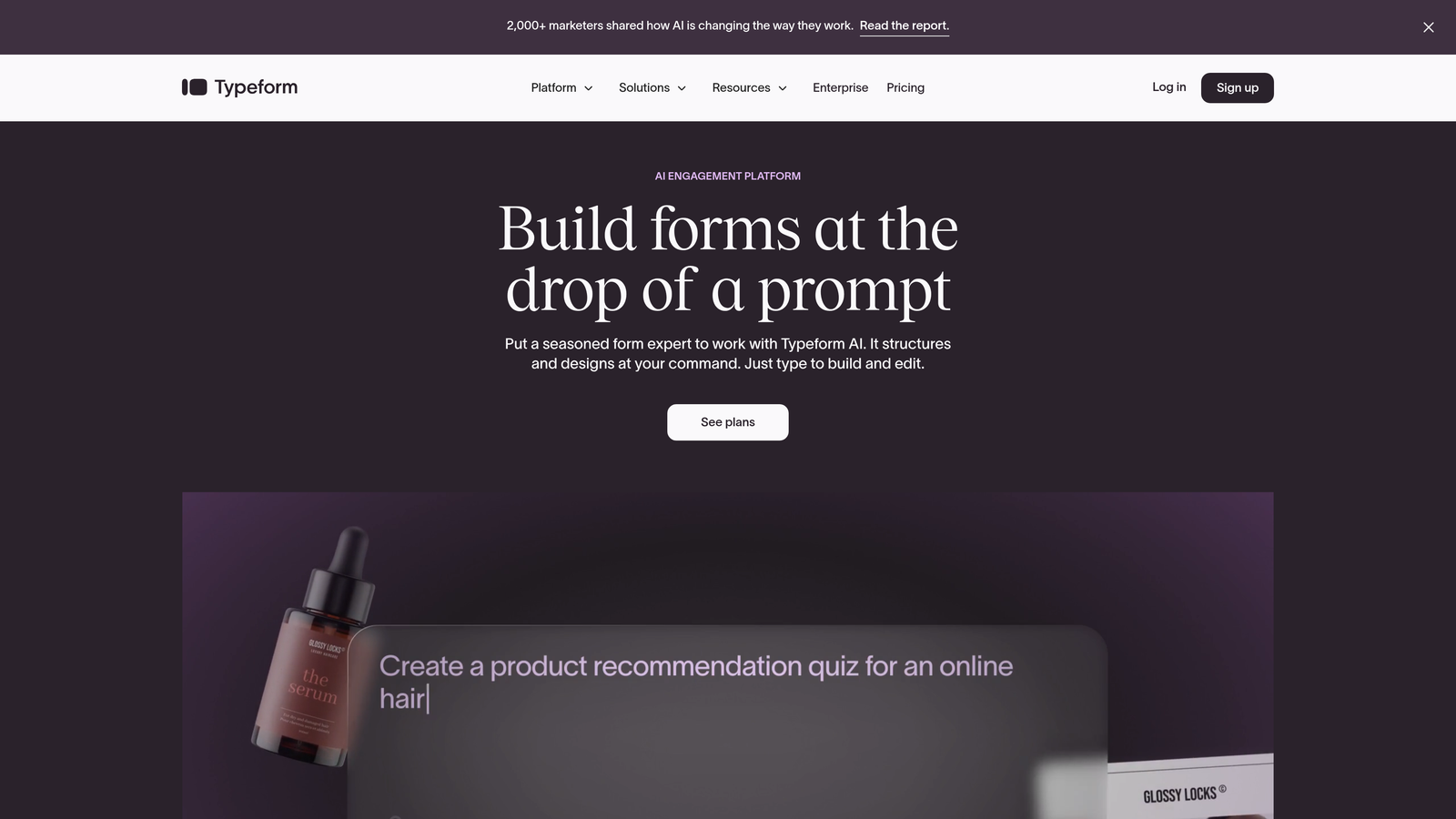
Typeform pioneered the one-question-at-a-time format that feels more like a conversation than a traditional form.
Where This Tool Shines
Typeform's interface is famously intuitive. The conversational approach reduces form abandonment because users focus on one question at a time rather than facing a wall of fields. This design philosophy consistently delivers higher completion rates compared to traditional multi-field forms.
The platform excels at creating visually appealing experiences. You can embed videos, images, and GIFs to make forms feel less like data collection and more like brand interactions. For SaaS companies focused on user experience, this matters.
Key Features
One-Question-at-a-Time Format: Progressive disclosure keeps users focused and reduces cognitive load during completion.
Logic Jumps and Branching: Create dynamic forms that adapt based on previous answers for personalized experiences.
Rich Media Embedding: Add videos, images, and GIFs to create engaging, on-brand form experiences.
Native Integrations: Connects with Slack, Google Sheets, HubSpot, Salesforce, and hundreds of other tools via Zapier.
Custom Branding: Full design control to match your brand identity with custom colors, fonts, and themes.
Best For
SaaS companies that prioritize user experience and brand consistency. Works particularly well for customer feedback surveys, NPS collection, and lead capture where engagement matters more than complex qualification.
Pricing
Free plan available with basic features. Basic tier starts at $25/month, with Plus and Business tiers offering advanced logic and integrations.
3. HubSpot Forms
Best for: Teams already using HubSpot CRM who want native, seamless integration
HubSpot Forms is the native form builder within the HubSpot ecosystem, designed for tight CRM integration.

Where This Tool Shines
If you're already in the HubSpot ecosystem, this is the path of least resistance. Forms sync automatically with your CRM, and progressive profiling means you never ask contacts for information you already have. This creates a smoother experience for returning visitors.
Smart fields adapt based on what HubSpot knows about each contact. New visitors see full forms while known contacts see shortened versions, reducing friction for warm leads. The data flows directly into your contact records without manual imports or sync delays.
Key Features
Progressive Profiling: Forms automatically hide fields for information you already have about known contacts.
Native CRM Data Sync: Submissions flow directly into HubSpot contact records with zero manual work or third-party integrations.
Smart Fields: Dynamic field display based on contact history and previous interactions with your brand.
A/B Testing: Built-in testing capabilities to optimize form performance over time with data-driven insights.
Flexible Deployment: Create pop-ups, slide-ins, embedded forms, or standalone landing pages from a single builder.
Best For
SaaS companies committed to the HubSpot platform who want forms that work seamlessly with their marketing automation and CRM workflows. Less ideal if you're using a different CRM as your source of truth.
Pricing
Free with HubSpot CRM. Advanced features like A/B testing and smart content require Marketing Hub paid tiers starting at $45/month.
4. Jotform
Best for: Teams needing extensive template variety and payment collection capabilities
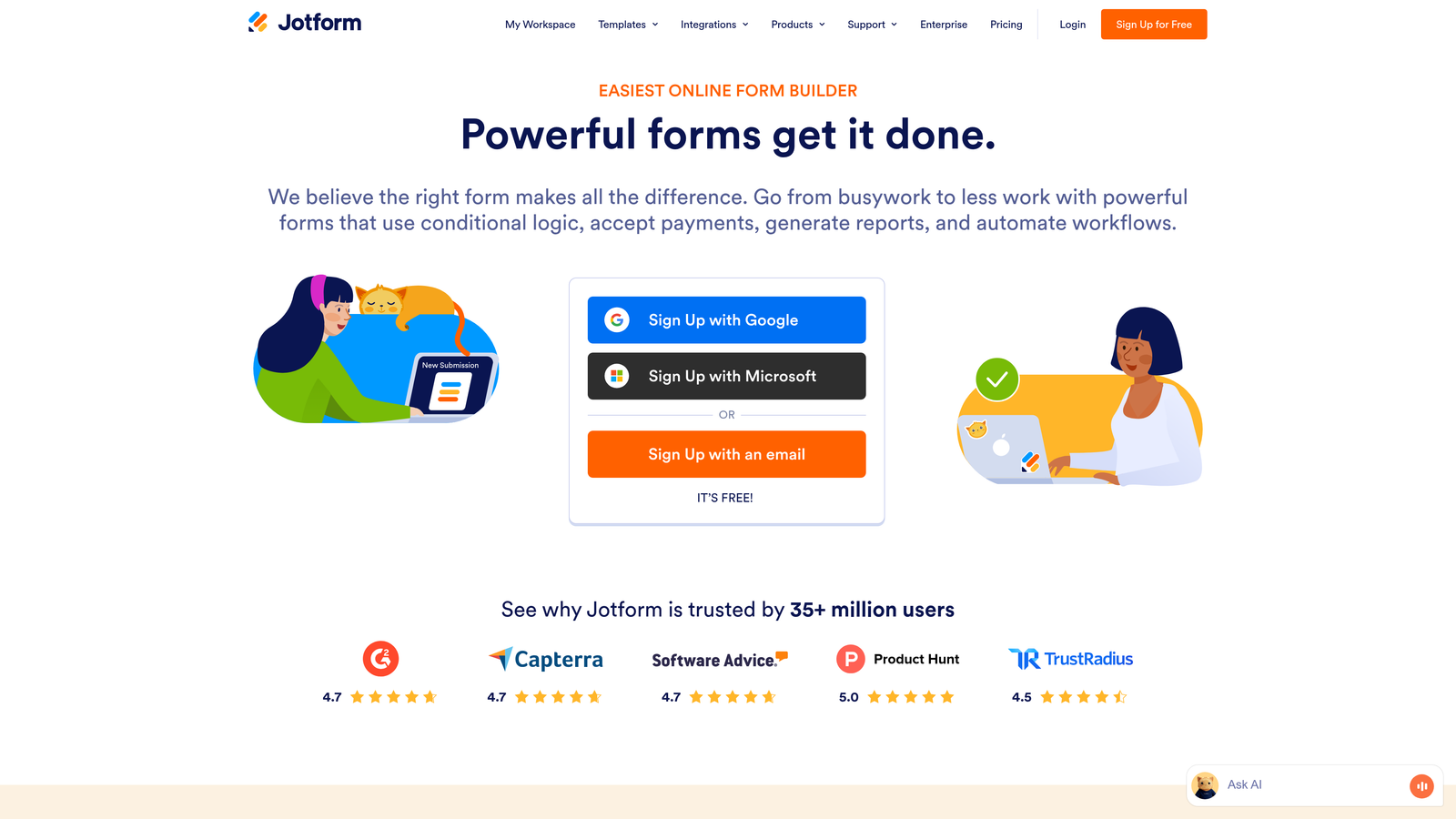
Jotform offers one of the largest template libraries in the form builder market with over 10,000 pre-built options.
Where This Tool Shines
The template library is genuinely impressive. Whether you need a complex multi-step application or a simple contact form, there's likely a pre-built template that gets you 80% of the way there. This dramatically reduces setup time for new forms.
Jotform handles payment collection particularly well. Native integrations with Stripe, PayPal, Square, and other processors make it straightforward to collect payments directly through forms—useful for SaaS companies selling lower-tier products or accepting deposits.
Key Features
10,000+ Templates: Massive library of pre-built forms covering virtually every use case imaginable.
Drag-and-Drop Builder: Intuitive visual editor that requires zero coding knowledge to create professional forms.
Payment Integrations: Built-in support for major payment processors to collect transactions directly through forms.
PDF Report Generation: Automatically generate PDF documents from form submissions for contracts or documentation.
HIPAA Compliance: Enterprise tier offers HIPAA-compliant forms for healthcare-related SaaS applications.
Best For
SaaS companies that need versatile forms for multiple use cases—from lead capture to payment collection to customer onboarding. Particularly valuable if you need HIPAA compliance or extensive customization options.
Pricing
Free plan includes 5 forms with 100 monthly submissions. Bronze tier starts at $34/month for 25 forms and 1,000 submissions.
5. Tally
Best for: Budget-conscious startups that need unlimited forms without breaking the bank
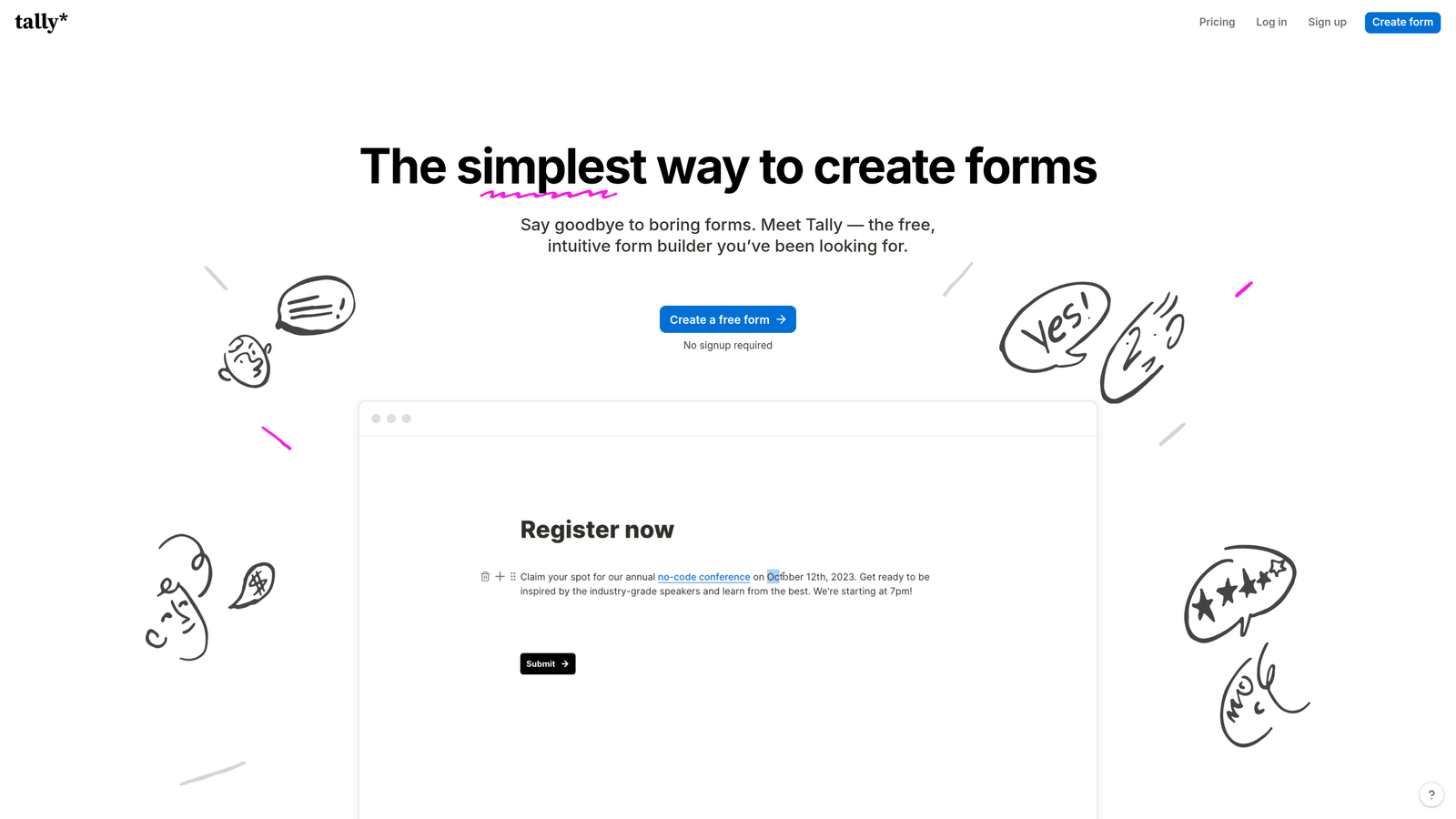
Tally brings a Notion-like simplicity to form building with one of the most generous free tiers available.
Where This Tool Shines
The free tier is remarkably generous—unlimited forms, unlimited submissions, no branding watermarks. For early-stage SaaS companies watching every dollar, this removes a significant operational expense while still providing professional functionality.
The interface feels familiar to anyone who's used Notion. You build forms by typing and selecting blocks, which creates an intuitive experience that doesn't require learning a new paradigm. This reduces onboarding time for team members.
Key Features
Unlimited Free Forms: No artificial limits on form count or submissions in the free tier—genuinely unlimited usage.
Notion-Style Interface: Familiar block-based editor that feels natural if you've used modern productivity tools.
Conditional Logic: Create dynamic forms that show or hide questions based on previous answers.
File Uploads: Allow respondents to upload documents, images, or other files directly through forms.
Webhook Integrations: Connect to other tools via webhooks for basic automation without native integrations.
Best For
Early-stage SaaS startups that need functional forms without budget allocation. Also works well for side projects or internal tools where advanced features aren't necessary.
Pricing
Free plan covers most use cases with unlimited forms and submissions. Pro tier at $29/month adds custom domains, file storage, and priority support.
6. Formstack
Best for: Enterprise SaaS companies requiring advanced workflows and compliance features
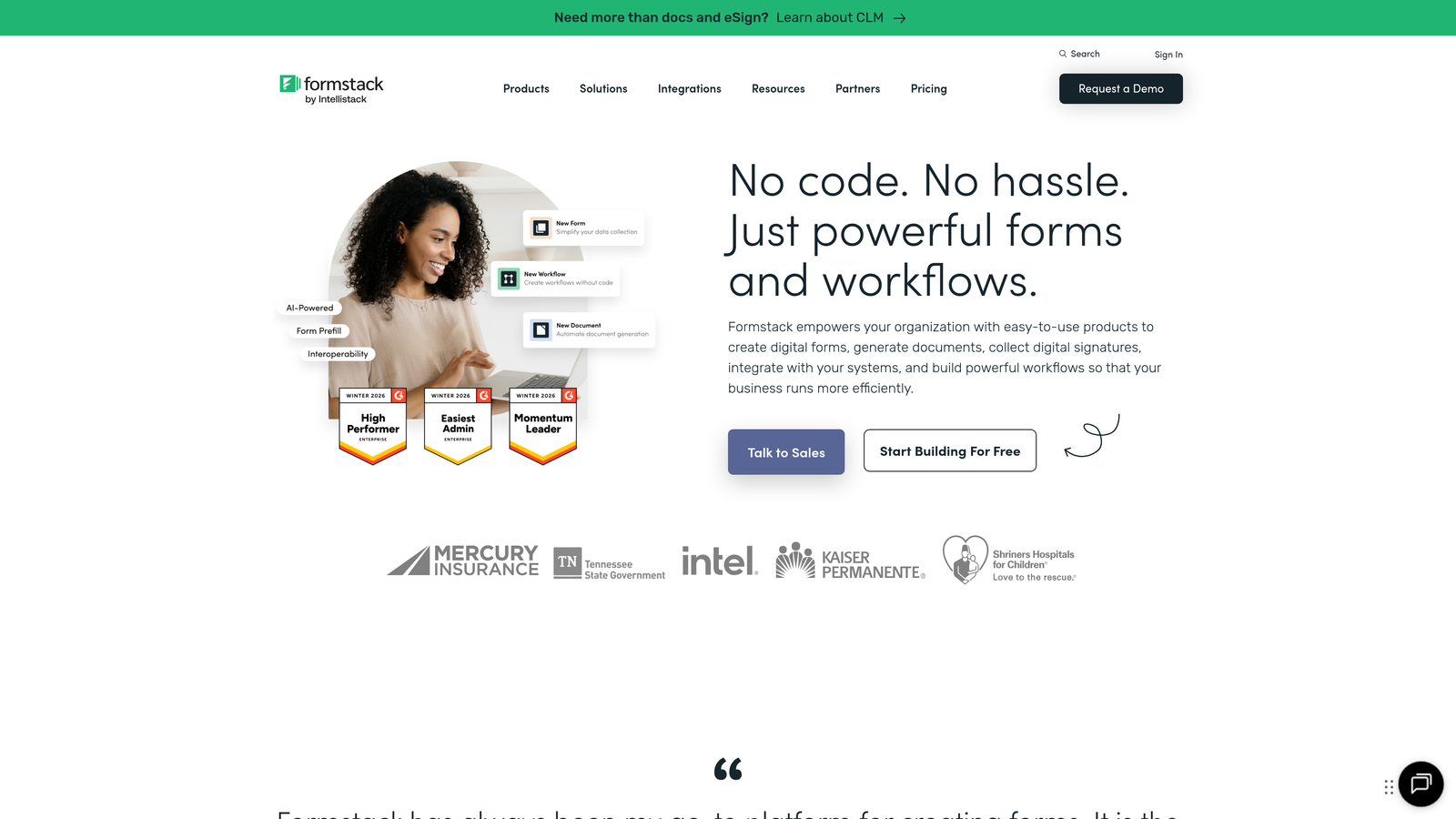
Formstack is an enterprise-grade platform combining forms, documents, and workflow automation in one system.
Where This Tool Shines
This is where you go when forms need to trigger complex business processes. Formstack handles multi-step approval workflows, document generation from submissions, and enterprise security requirements that smaller tools can't match.
The Salesforce integration is genuinely native, not just a Zapier connection. Data flows bidirectionally, and you can trigger Salesforce workflows directly from form submissions. For enterprise SaaS companies standardized on Salesforce, this tight integration justifies the higher price point.
Key Features
Advanced Conditional Logic: Create sophisticated branching and field dependencies for complex form scenarios.
Document Generation: Automatically create contracts, proposals, or reports from form data using custom templates.
Approval Workflows: Route submissions through multi-step approval processes with notifications and tracking.
Enterprise Security: HIPAA, GDPR, and SOC 2 compliance with advanced encryption and audit logging.
Salesforce Native Integration: Bidirectional data sync and workflow triggers without third-party middleware.
Best For
Established SaaS companies with complex internal processes and strict compliance requirements. Best suited for organizations where forms are part of larger workflow automation strategies.
Pricing
Starts at $50/month for basic features. Enterprise pricing requires custom quotes based on usage and feature requirements.
7. Paperform
Best for: Creating landing page-style forms with built-in payment processing
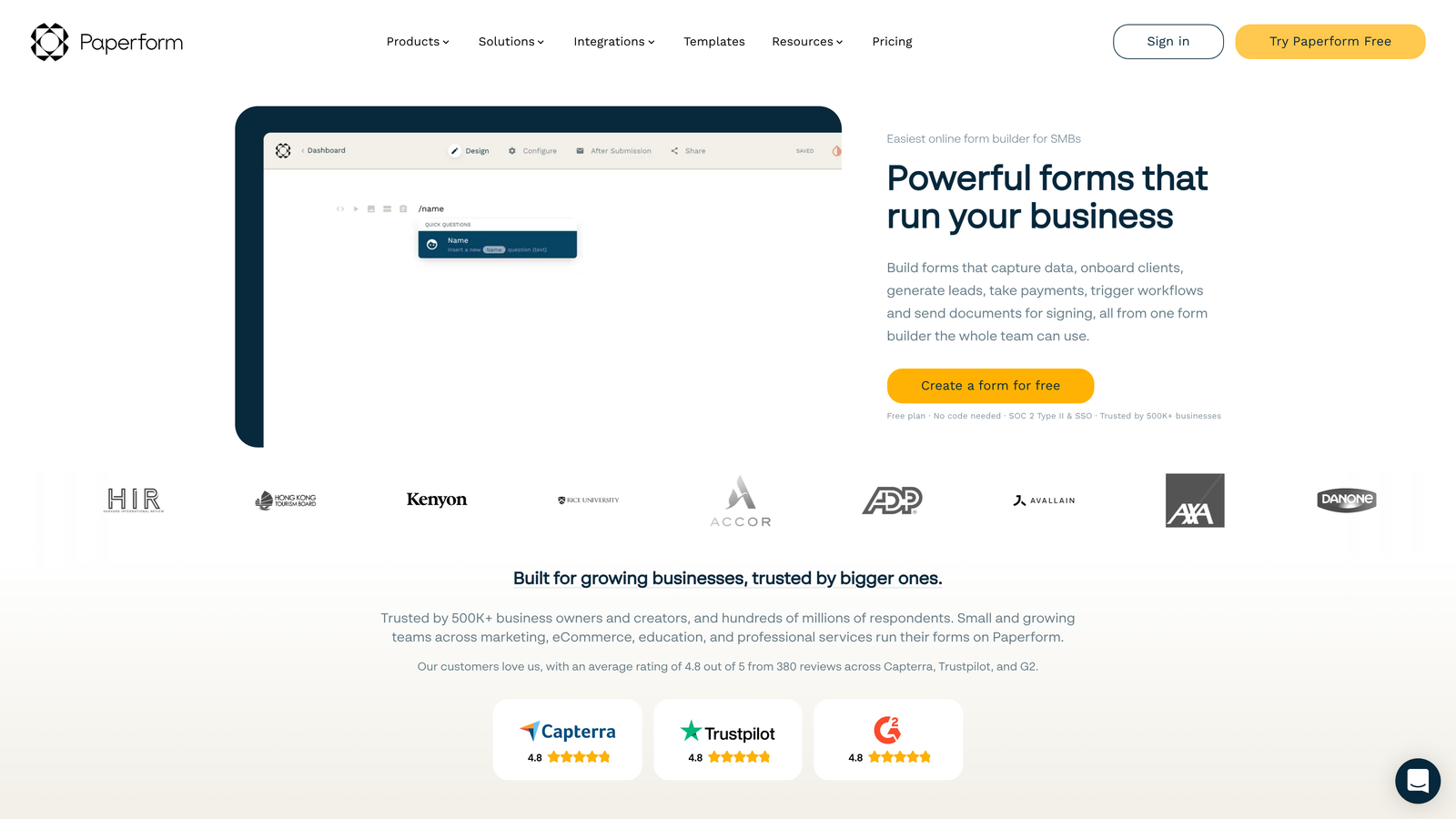
Paperform blurs the line between forms and landing pages, creating full-page experiences rather than simple data collection.
Where This Tool Shines
Paperform creates forms that look like custom landing pages. Instead of embedded widgets, you get full-page experiences with rich formatting, images, and custom layouts. This works particularly well for SaaS companies that want forms to feel like natural extensions of their marketing site.
The payment processing is robust. You can create product catalogs, calculate totals based on selections, and handle complex pricing scenarios—all within the form itself. This makes it viable for selling lower-tier SaaS products directly through forms.
Key Features
Landing Page Design: Create full-page form experiences that look like custom-designed landing pages rather than embedded widgets.
Built-In Payments: Native payment processing with Stripe and PayPal for selling products or collecting deposits.
Conditional Logic and Calculations: Dynamic pricing, conditional fields, and automatic calculations based on user selections.
Booking and Scheduling: Integrated calendar functionality for scheduling demos or consultation calls.
Custom Thank-You Pages: Create branded confirmation experiences with dynamic content based on submission data.
Best For
SaaS companies that need forms to double as landing pages or want to sell products directly through form experiences. Works well for event registration, consultation booking, or lower-tier product sales.
Pricing
Essentials tier at $24/month includes basic features. Pro tier at $49/month adds advanced logic, custom domains, and priority support.
8. Cognito Forms
Best for: Forms requiring complex calculations and robust payment handling
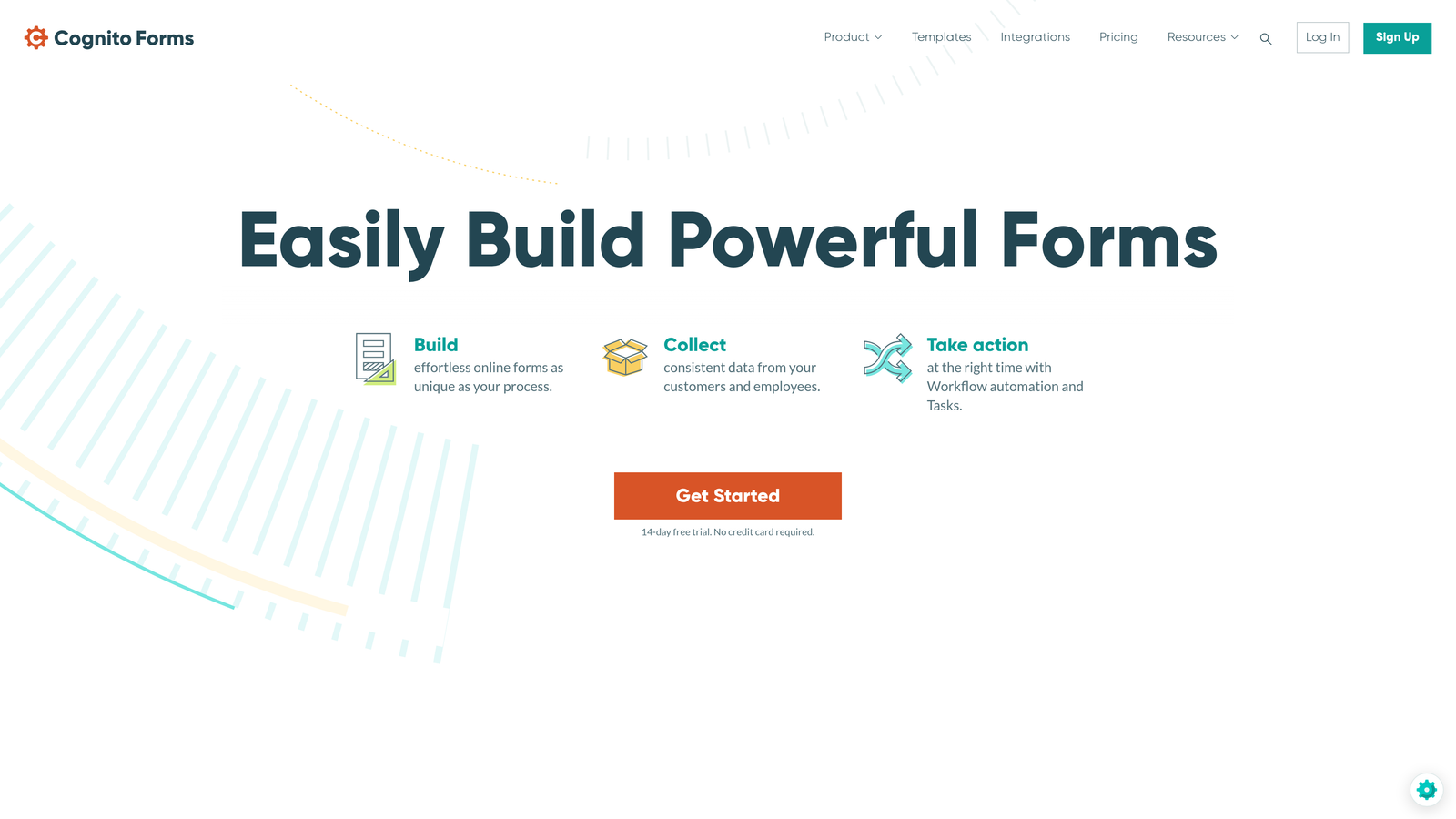
Cognito Forms specializes in calculation-heavy forms with strong payment integration capabilities.
Where This Tool Shines
The calculation engine is genuinely powerful. You can create forms that handle complex pricing logic, automatically calculate totals based on multiple variables, and display real-time cost estimates as users make selections. This works particularly well for SaaS pricing calculators or quote request forms.
Payment processing integrates with Stripe, PayPal, and Square without additional transaction fees beyond what the processors charge. For SaaS companies collecting payments through forms, this can result in meaningful cost savings compared to platforms that add their own percentage.
Key Features
Complex Calculation Fields: Build sophisticated formulas that calculate totals, discounts, or custom values based on user inputs.
Multiple Payment Processors: Accept payments through Stripe, PayPal, or Square without platform transaction fees.
Repeating Sections: Allow users to add multiple items or entries within a single form submission.
Workflow and Routing: Automatically route submissions to different team members based on custom rules and criteria.
Data Encryption: Field-level encryption and compliance features for handling sensitive information securely.
Best For
SaaS companies that need forms with calculation logic—pricing calculators, quote requests, or order forms with dynamic totals. Also valuable for teams that need secure handling of payment information.
Pricing
Free plan available with basic features. Pro tier starts at $15/month for advanced calculations and payment processing.
9. Fillout
Best for: Teams using Notion or Airtable who want native database integration
Fillout is a modern form builder designed specifically for teams that use Notion or Airtable as their database.
Where This Tool Shines
The Notion integration is genuinely native—not a Zapier workaround. Form submissions write directly to Notion databases, and you can even pre-populate forms from existing Notion data. For SaaS teams that run their operations in Notion, this eliminates the usual friction of getting form data where it needs to be.
Airtable integration works similarly well. Forms can write to specific tables, update existing records, and even pull data from Airtable to create dynamic dropdown options. This creates a seamless workflow for teams using Airtable as their CRM or project management system.
Key Features
Direct Notion Connection: Native integration that writes submissions directly to Notion databases without middleware.
Airtable Native Sync: Bidirectional data flow between forms and Airtable bases with automatic field mapping.
Conditional Logic: Show or hide fields based on previous answers to create dynamic, personalized forms.
Cloud Storage Uploads: File uploads sync directly to Google Drive, Dropbox, or other cloud storage services.
Scheduling Integration: Connect with Calendly or other scheduling tools for booking meetings through forms.
Best For
SaaS teams that use Notion or Airtable as their primary database and want forms that integrate natively without complex automation. Less valuable if you're using traditional CRMs like Salesforce or HubSpot.
Pricing
Free tier available with basic features. Paid plans start at $15/month for advanced integrations and increased submission limits.
Making the Right Choice
The best form software for your SaaS depends on where you are in your growth journey and what you value most. Early-stage startups watching every dollar should consider Tally's generous free tier. Teams already embedded in HubSpot will find native forms the path of least resistance. If you're running operations through Notion or Airtable, Fillout eliminates integration headaches.
For SaaS companies serious about pipeline quality—where every lead needs to count—Orbit AI's AI-powered qualification transforms forms from passive data collectors into active sales tools. The platform doesn't just capture contact information; it analyzes fit and intent in real-time, ensuring your sales team focuses on prospects who actually match your ideal customer profile.
The common thread among successful SaaS form strategies: choose software that integrates cleanly with your existing stack, provides actionable analytics, and scales pricing alongside your growth. The wrong choice creates friction in your sales process. The right choice becomes invisible infrastructure that just works.
Think about your specific needs. Do you need complex calculations? Payment processing? Enterprise compliance? Or do you need intelligent lead qualification that helps your team work smarter rather than harder? Your answer determines which tool deserves your investment.
Transform your lead generation with AI-powered forms that qualify prospects automatically while delivering the modern, conversion-optimized experience your high-growth team needs. Start building free forms today and see how intelligent form design can elevate your conversion strategy.


