

Your website visitors are ready to engage—but clunky, generic forms are killing your conversions. Embedded forms that blend seamlessly into your site design while capturing qualified leads have become essential for growth-focused teams.
The right embedded form solution does more than collect data; it qualifies prospects, integrates with your tech stack, and creates experiences that visitors actually want to complete. We evaluated dozens of form builders based on embedding flexibility, customization depth, integration capabilities, and conversion optimization features.
Here are the nine best embedded form solutions for teams serious about turning website traffic into pipeline.
1. Orbit AI
Best for: High-growth teams needing AI-powered lead qualification with conversion-optimized embedded forms
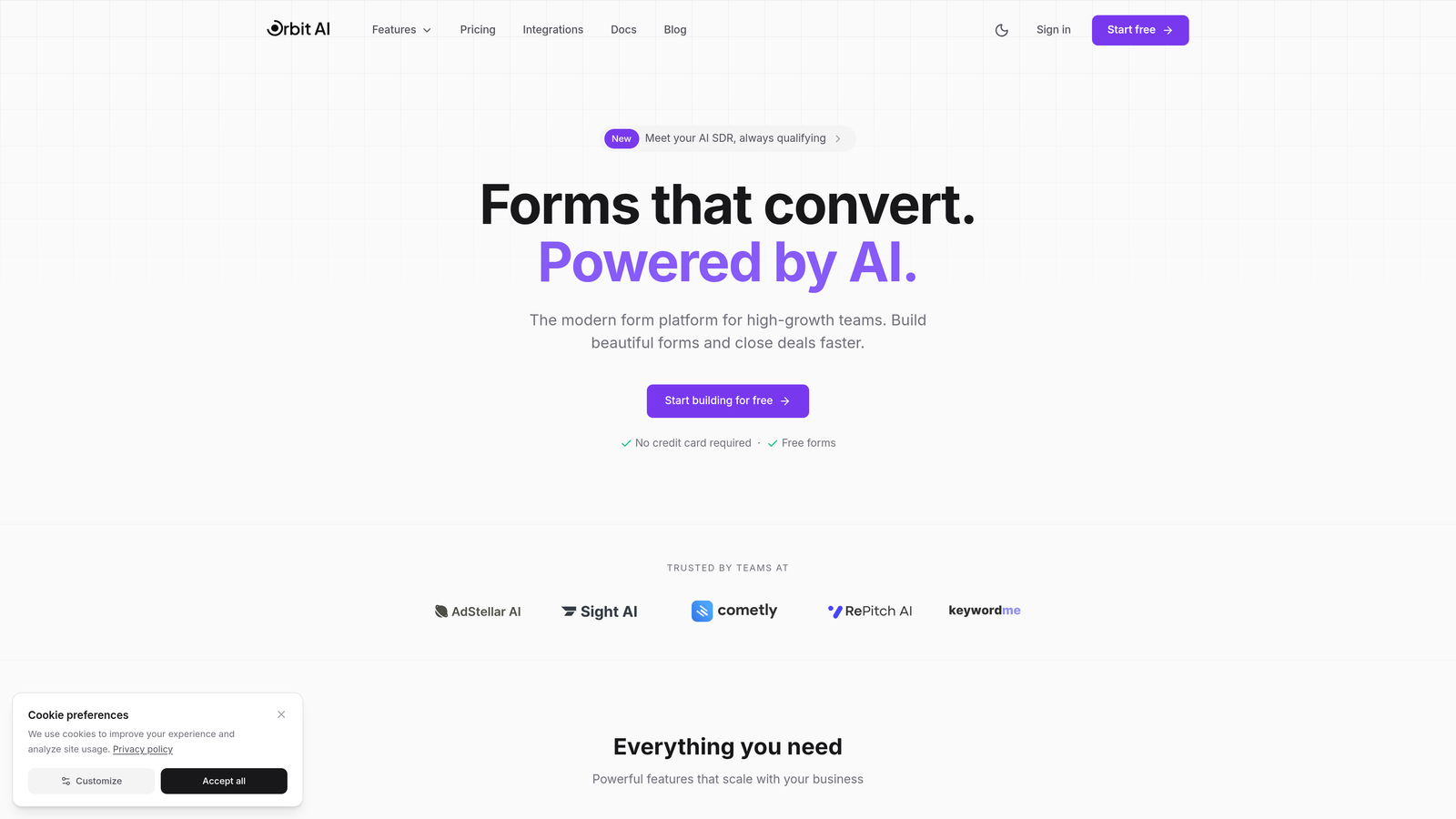
Orbit AI is an AI-powered form builder platform designed specifically for teams focused on turning traffic into qualified pipeline.
Where This Tool Shines
Orbit AI stands out by combining intelligent lead qualification with modern, conversion-focused design. While most form builders simply collect data, this platform analyzes responses in real-time to score and qualify leads automatically.
The embedding experience is exceptionally flexible—choose from inline forms that blend into your content, popups that capture attention at the right moment, or slider forms that appear without disrupting the user experience. Each option maintains the same polished aesthetic that makes visitors want to complete your forms.
Key Features
AI-Powered Lead Qualification: Automatically scores and qualifies leads based on their responses, routing high-value prospects to sales immediately.
Conversion-Optimized Designs: Modern, professionally designed form templates built specifically to maximize completion rates.
Flexible Embedding Options: Deploy forms as inline embeds, popups, or sliders depending on your conversion strategy.
Native Integrations: Connect seamlessly with HubSpot, Salesforce, Slack, and other essential tools without middleware.
Real-Time Analytics: Track submission patterns, completion rates, and lead quality metrics to continuously optimize performance.
Best For
Growth-focused B2B teams that need to qualify leads at scale without sacrificing user experience. Particularly valuable for companies where not all leads are created equal and sales teams need pre-qualified prospects rather than raw contact lists.
Pricing
Free tier available with core features; paid plans start at competitive rates designed for growing teams that need advanced qualification and integration capabilities.
2. Typeform
Best for: Creating engaging conversational experiences with one-question-at-a-time embedded forms
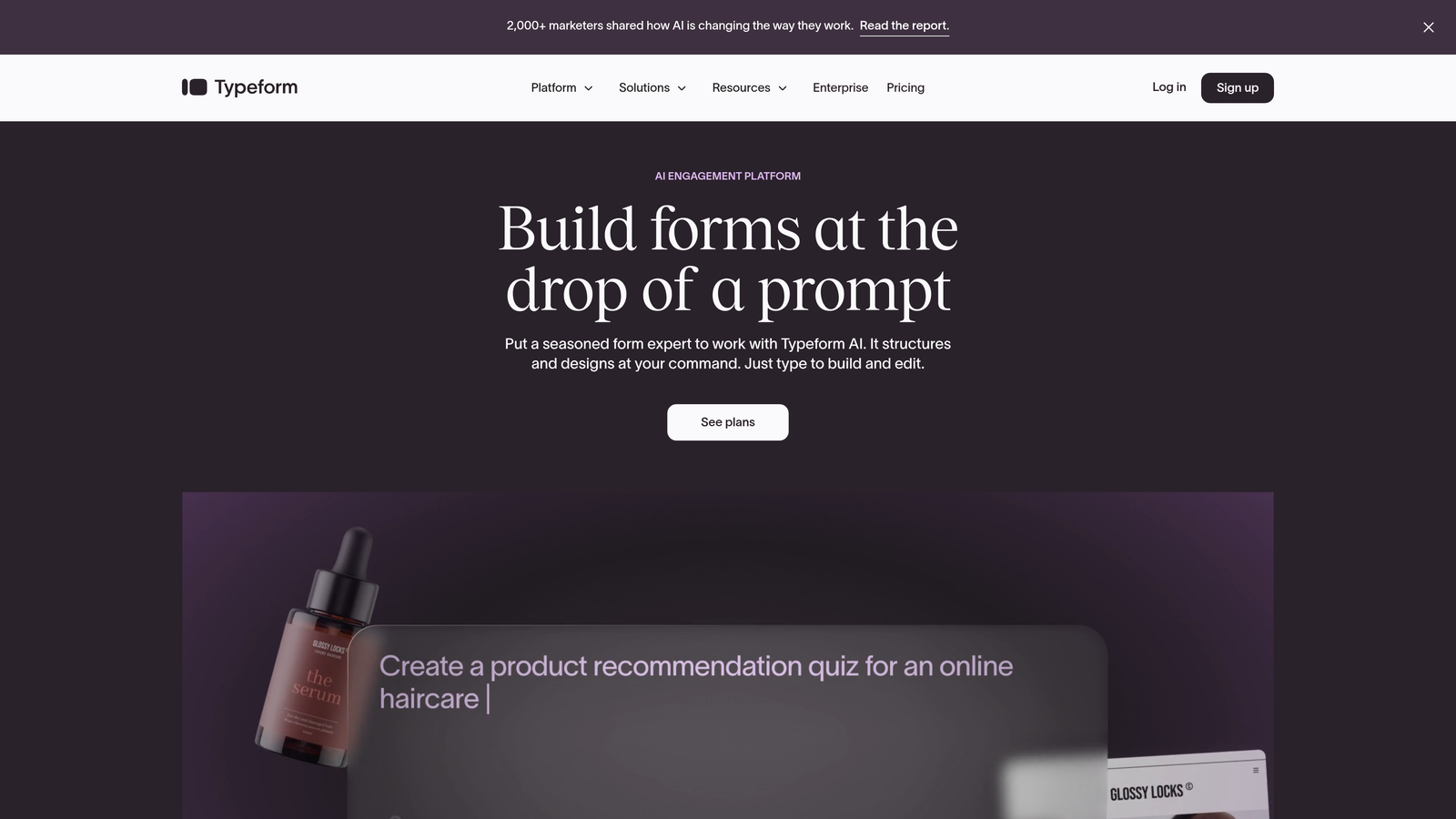
Typeform is a conversational form builder that reimagines data collection as a human dialogue rather than a static questionnaire.
Where This Tool Shines
Typeform's signature one-question-at-a-time approach transforms form completion from a chore into an engaging experience. Instead of confronting visitors with a wall of fields, each question appears individually with smooth transitions that feel more like a conversation.
The visual customization options are extensive—upload custom backgrounds, choose from various question formats including video and image types, and create forms that match your brand perfectly. The embedded experience maintains this polish regardless of where you place it.
Key Features
Conversational Flow: One-question-at-a-time interface that significantly improves completion rates for longer forms.
Visual Customization: Extensive branding options including custom backgrounds, colors, fonts, and button styles.
Logic Jumps: Conditional branching that creates personalized paths based on previous answers.
Multimedia Questions: Incorporate video, images, and GIFs directly into questions for richer engagement.
Integration Ecosystem: Connect via Zapier or native integrations with popular marketing and CRM platforms.
Best For
Marketing teams creating surveys, lead generation forms, or applications where completion rates matter more than speed. Works especially well for forms with 10+ questions where traditional layouts would feel overwhelming.
Pricing
Free tier includes 10 responses per month; Basic plan starts at $25/month with 100 responses and removes Typeform branding.
3. Jotform
Best for: Teams needing extensive template variety and customization for virtually any form type
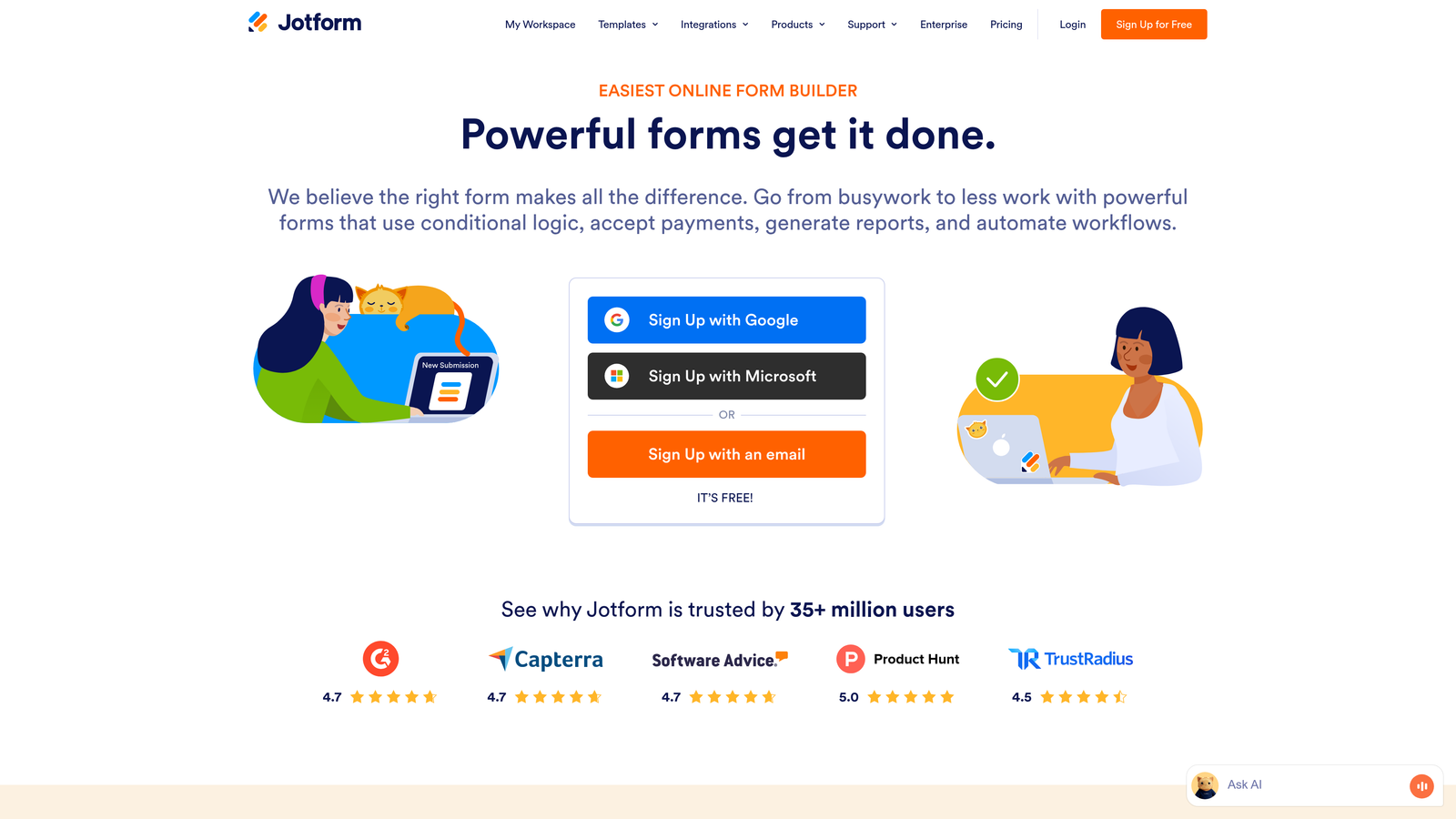
Jotform is a versatile form builder offering thousands of pre-built templates and over 100 widgets for nearly unlimited customization possibilities.
Where This Tool Shines
Jotform's massive template library means you'll rarely build forms from scratch. Whether you need event registrations, payment forms, job applications, or customer surveys, there's likely a professionally designed template ready to customize.
The drag-and-drop builder accommodates complex requirements with widgets for everything from payment processing to e-signatures. Conditional logic and calculations enable sophisticated workflows without custom coding, while PDF generation creates polished documents from submissions automatically.
Key Features
10,000+ Templates: Pre-built forms for virtually every industry and use case, ready to customize and embed.
100+ Widgets: Extend functionality with specialized widgets for payments, appointments, file uploads, and more.
Payment Collection: Accept payments through Stripe, Square, PayPal, and other processors directly in your forms.
Conditional Logic: Show or hide fields, skip pages, and create dynamic calculations based on user input.
PDF Generation: Automatically generate branded PDFs from form submissions for contracts, receipts, or reports.
Best For
Organizations needing diverse form types across departments—from HR collecting job applications to finance processing payments. The template variety makes it particularly valuable for teams without dedicated designers.
Pricing
Free tier includes 5 forms with 100 monthly submissions; Bronze plan starts at $34/month for 25 forms and 1,000 submissions.
4. Tally
Best for: Budget-conscious teams wanting unlimited forms with fast-loading, minimalist embedded experiences
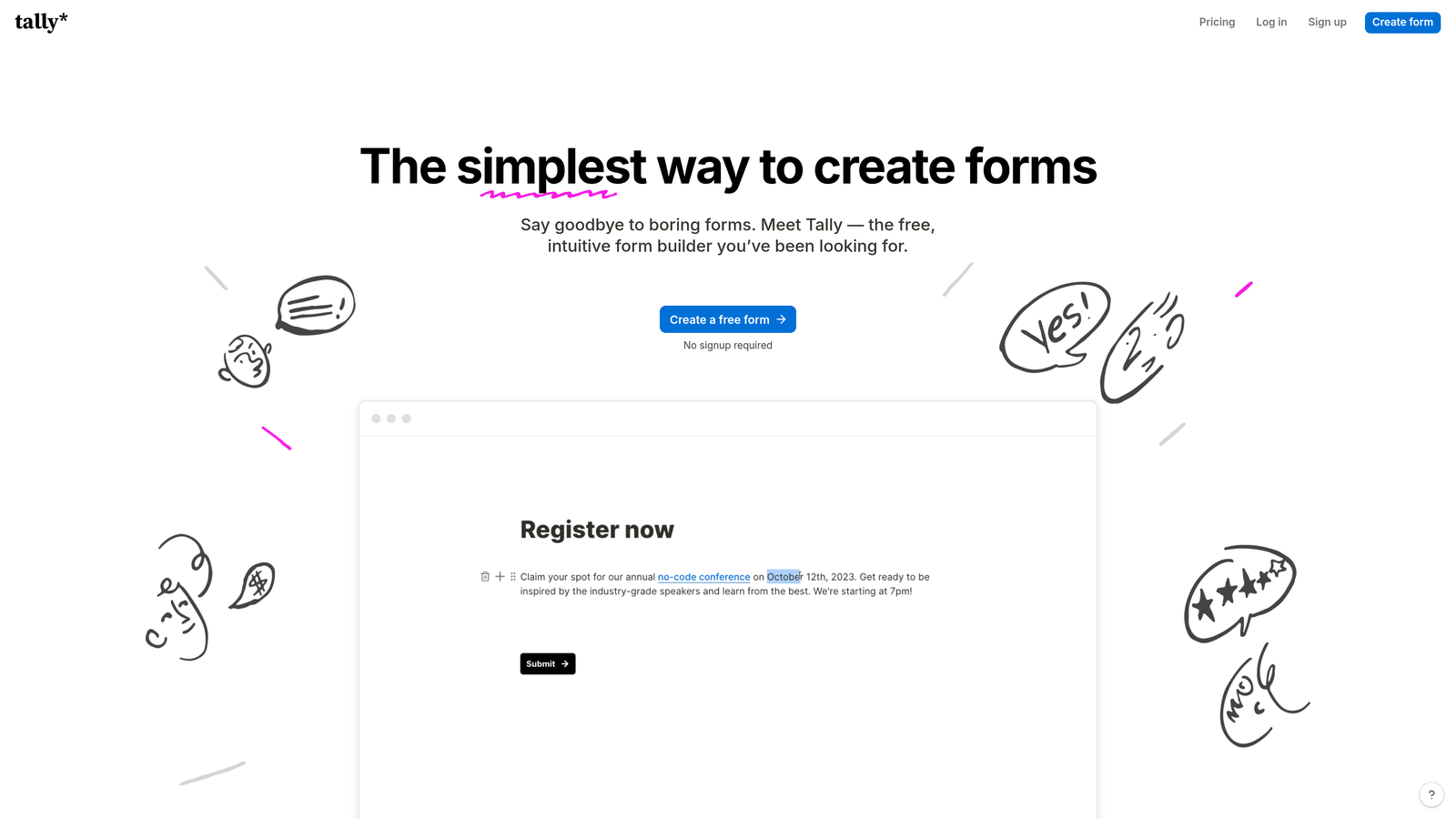
Tally is a minimalist form builder with Notion-style simplicity, offering remarkable features on a generous free tier.
Where This Tool Shines
Tally's approach prioritizes speed and simplicity without sacrificing capability. The Notion-like block-based editor feels instantly familiar to modern teams, making form creation remarkably fast compared to traditional drag-and-drop builders.
The embedded forms load exceptionally quickly—a critical factor for conversion rates. Despite the minimalist aesthetic, Tally handles sophisticated requirements including file uploads, payment collection, and conditional logic, all while maintaining clean, distraction-free embeds that complement any website design.
Key Features
Unlimited Free Forms: Create unlimited forms with unlimited submissions on the free tier—exceptional value for growing teams.
Block-Based Editor: Notion-style editing that makes form building intuitive and fast.
Fast Load Times: Lightweight embeds that don't slow down your website or hurt SEO.
Payment & File Uploads: Collect payments via Stripe and accept file uploads without upgrading to paid plans.
Webhooks & Integrations: Connect to Zapier, webhooks, or use native integrations to sync data automatically.
Best For
Startups and small teams that need professional form capabilities without monthly fees. Also ideal for developers who appreciate clean code and fast-loading embeds that won't impact site performance.
Pricing
Free for unlimited forms and submissions with most features; Pro plan at $29/month adds custom domains, remove branding, and advanced integrations.
5. HubSpot Forms
Best for: Teams already using HubSpot CRM needing seamless native integration and progressive profiling
HubSpot Forms is the native form builder within HubSpot's marketing platform, offering deep CRM integration and intelligent lead nurturing capabilities.

Where This Tool Shines
HubSpot Forms eliminates the integration headaches that plague most form-to-CRM workflows. Every submission flows directly into your HubSpot CRM with full contact history, enabling immediate follow-up and accurate attribution tracking.
Progressive profiling is the standout feature—returning visitors see different questions based on what you already know about them. This creates shorter forms for known contacts while continuously enriching your database, dramatically improving completion rates for repeat visitors.
Key Features
Native CRM Integration: Submissions automatically create or update CRM contacts with complete activity history.
Progressive Profiling: Show different questions to returning visitors, gradually building complete contact profiles without overwhelming anyone.
Smart Content: Display personalized form content based on contact properties, lifecycle stage, or list membership.
Automatic Lead Scoring: Assign scores based on form submissions and route high-value leads to sales automatically.
Embedded & Popup Options: Deploy as standard embeds or create popup forms triggered by behavior or time on page.
Best For
B2B companies already invested in the HubSpot ecosystem where seamless CRM integration justifies staying within the platform. The progressive profiling alone makes this valuable for businesses with repeat website visitors.
Pricing
Free with HubSpot CRM including basic form features; Marketing Hub (starting at $45/month) unlocks progressive profiling, smart content, and advanced automation.
6. Fillout
Best for: Teams managing complex data workflows with Airtable, Notion, or Google Sheets integrations
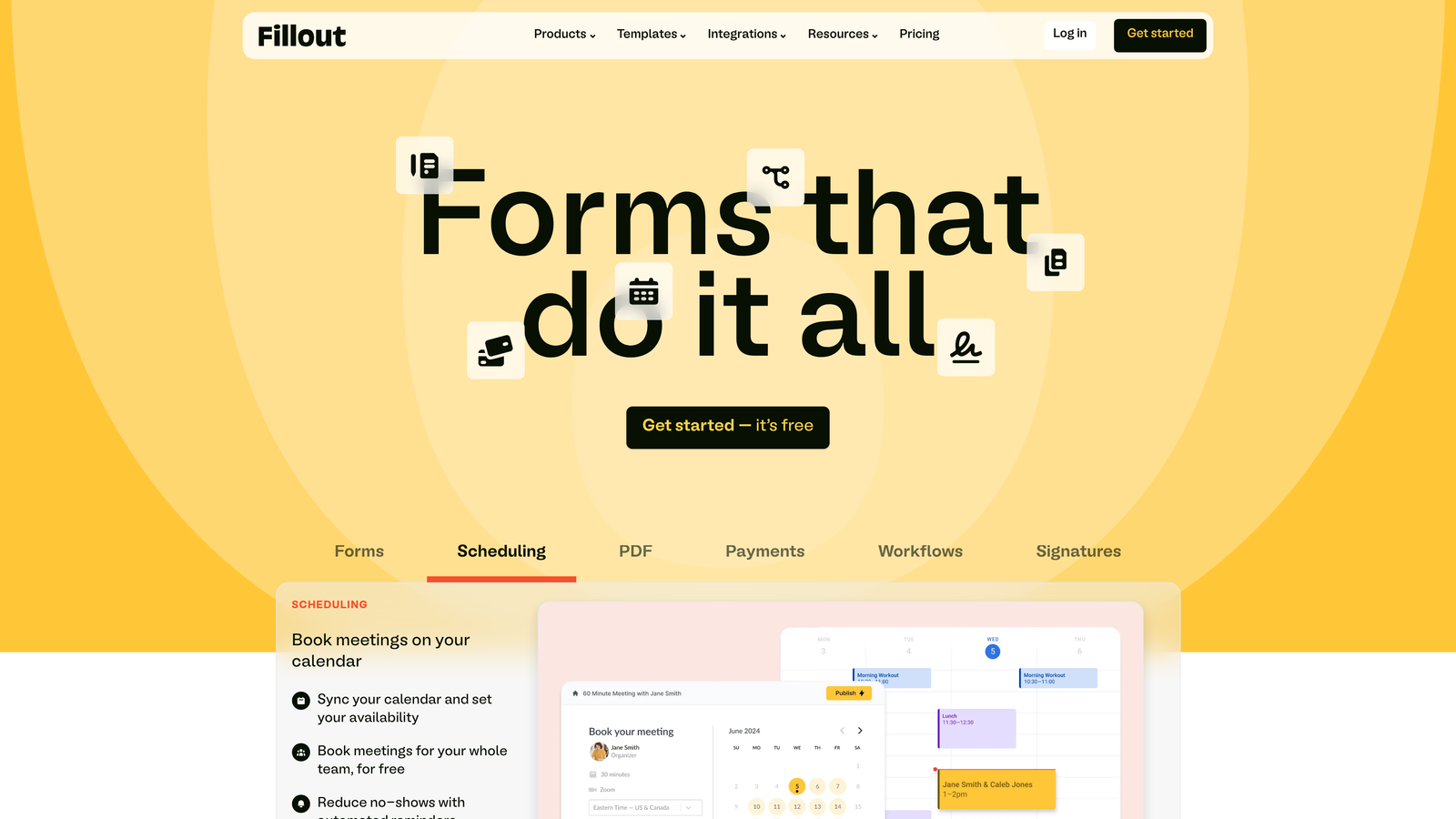
Fillout is a database-connected form builder that syncs seamlessly with Airtable, Notion, and Google Sheets for teams managing data across multiple platforms.
Where This Tool Shines
Fillout excels when your data lives in Airtable, Notion, or Sheets rather than a traditional CRM. The native integrations go beyond simple data export—forms can prefill from existing records, update database entries, and trigger complex workflows based on submission data.
The conditional logic engine is remarkably powerful, enabling calculations, field dependencies, and multi-step forms with progress indicators. URL parameter prefilling lets you create personalized form experiences by passing data through links, perfect for email campaigns or account-specific forms.
Key Features
Database Sync: Native two-way sync with Airtable, Notion, and Google Sheets—submissions update records automatically.
Advanced Logic: Complex conditional rules, calculations, and field dependencies for sophisticated workflows.
URL Prefilling: Pass parameters through URLs to prefill forms with known data, creating personalized experiences.
Scheduling & Payments: Integrate Calendly for appointment booking and Stripe for payment collection directly in forms.
Multi-Page Forms: Break long forms into logical steps with progress indicators to improve completion rates.
Best For
Operations teams building internal tools, agencies managing client data in Airtable, or any organization where Notion or Sheets serves as the primary database. Particularly valuable for no-code workflows that need form data in flexible databases.
Pricing
Free tier includes 100 submissions per month; Starter plan at $15/month provides 1,000 submissions and removes branding.
7. Paperform
Best for: Creating content-rich forms that function like landing pages with inline text, images, and videos
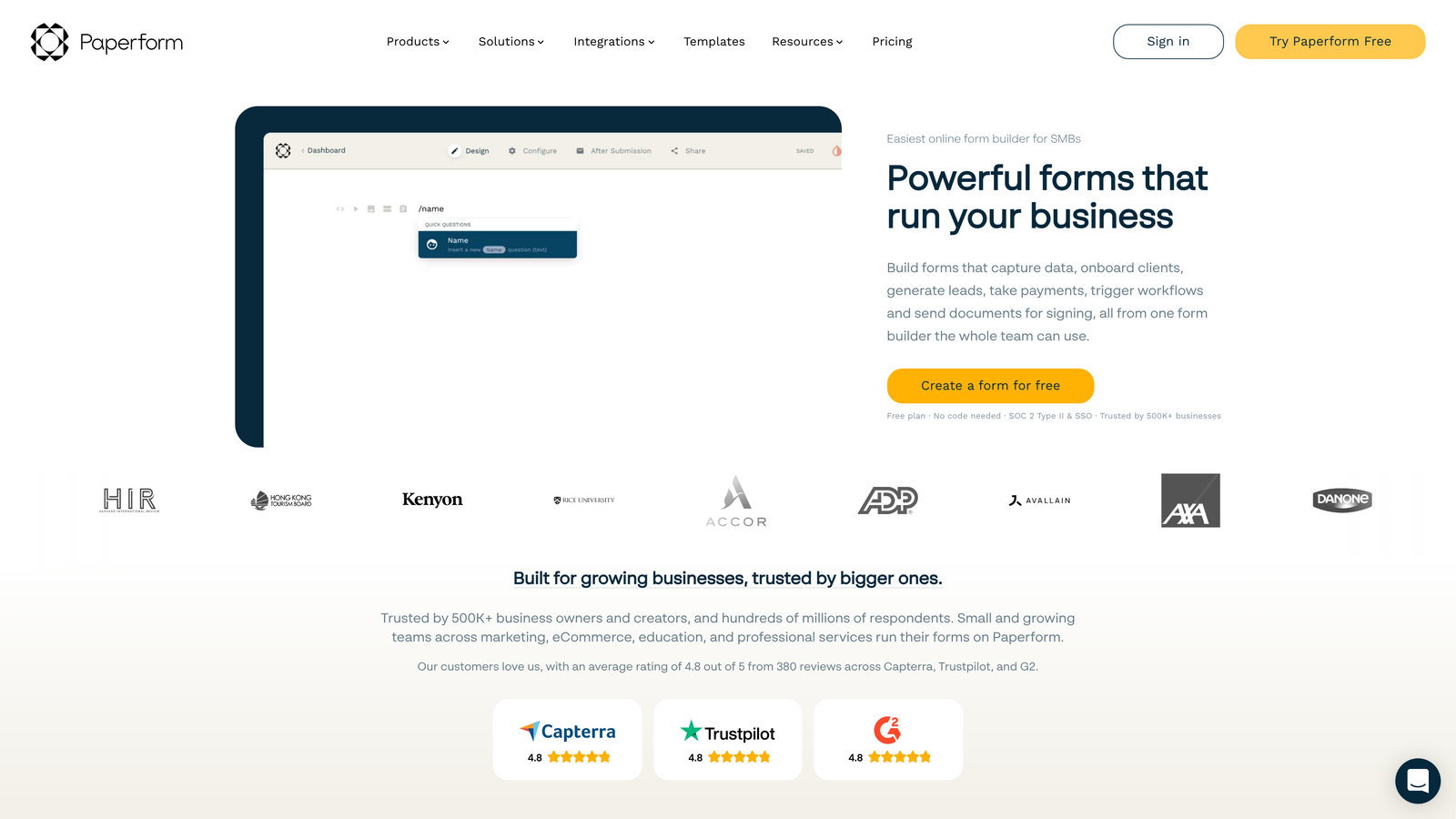
Paperform is a content-rich form builder that blends traditional forms with landing page capabilities, embedding rich content alongside form fields.
Where This Tool Shines
Paperform breaks the traditional form mold by letting you create experiences that feel more like interactive landing pages than data collection tools. Add paragraphs of explanatory text, embed images and videos, include pricing tables—all within the same embedded form.
This approach works exceptionally well for product pages, booking systems, and registration forms where context matters. The advanced calculation engine handles complex pricing logic, making it possible to build complete checkout experiences without separate e-commerce platforms.
Key Features
Rich Content Blocks: Embed text, images, videos, and other content directly within forms for context and engagement.
Product Pages: Build complete product catalogs with images, descriptions, and checkout functionality in a single form.
Advanced Calculations: Create dynamic pricing, quantity calculations, and conditional totals for complex transactions.
Payment Processing: Accept payments through Stripe and PayPal with support for subscriptions and one-time charges.
Custom Success Pages: Redirect to personalized thank-you pages or display conditional success messages based on responses.
Best For
Service businesses offering bookings or consultations, course creators selling digital products, or event organizers managing registrations with complex pricing tiers. The content-rich approach works best when context improves conversion.
Pricing
Essentials plan starts at $24/month for 1,000 submissions; Pro plan at $49/month adds team collaboration and advanced integrations.
8. Formstack
Best for: Enterprise teams in regulated industries requiring HIPAA compliance and advanced security features
Formstack is an enterprise-grade form solution built for organizations with strict compliance requirements and complex workflow automation needs.
Where This Tool Shines
Formstack addresses the compliance and security requirements that make most form builders unsuitable for healthcare, finance, and other regulated industries. HIPAA compliance, GDPR adherence, and SOC 2 certification come standard, with features like digital signatures and audit trails built into the platform.
The Salesforce-native form building capability is particularly valuable for enterprise teams—create forms directly within Salesforce that update records without integration middleware. Offline data collection ensures field teams can capture information even without internet connectivity.
Key Features
Compliance Certifications: HIPAA, GDPR, and SOC 2 compliance with encryption and audit trails for regulated data collection.
Digital Signatures: Legally binding e-signature collection for contracts, consent forms, and agreements.
Workflow Automation: Advanced routing, approvals, and document generation based on submission data.
Salesforce-Native: Build forms directly in Salesforce that update records without external integrations.
Offline Capabilities: Collect data without internet connection and sync automatically when connectivity returns.
Best For
Healthcare organizations collecting patient information, financial services requiring compliance documentation, or enterprise teams with complex approval workflows and security requirements. The compliance features justify the higher price point for regulated industries.
Pricing
Starter plan begins at $50/month; enterprise pricing available for teams needing HIPAA compliance, advanced security, and dedicated support.
9. Google Forms
Best for: Simple surveys and basic data collection with instant Google Workspace integration
Google Forms is Google's free form builder offering straightforward data collection with automatic Google Sheets integration.
Where This Tool Shines
Google Forms wins on simplicity and accessibility. Anyone with a Google account can create unlimited forms in minutes without learning complex builders or paying subscription fees. The automatic Sheets integration means responses flow into spreadsheets instantly, ready for analysis or sharing with teammates.
For internal surveys, event RSVPs, or basic lead capture where advanced features aren't necessary, Google Forms eliminates unnecessary complexity. The collaboration features let multiple team members edit forms simultaneously, and the iframe embedding works reliably across platforms.
Key Features
Completely Free: Unlimited forms and responses at no cost with any Google account.
Automatic Sheets Integration: Responses populate Google Sheets in real-time for easy analysis and sharing.
Basic Conditional Logic: Show or hide questions based on previous answers for simple branching.
Collaboration: Share editing access with team members for real-time collaborative form building.
Simple Embedding: Straightforward iframe embed code that works across websites and platforms.
Best For
Internal teams conducting employee surveys, nonprofits collecting volunteer information, or small businesses needing basic contact forms without monthly costs. Best suited for scenarios where data analysis happens in spreadsheets rather than CRMs.
Pricing
Completely free with a Google account; no paid tiers or upgrade options available.
Making the Right Choice
Choosing the right embedded form solution depends on your specific conversion goals and technical requirements. For teams prioritizing AI-powered lead qualification and modern design, Orbit AI delivers the best combination of intelligence and aesthetics—automatically scoring leads while maintaining the polished experience that drives completions.
If conversational experiences drive your strategy, Typeform's one-question-at-a-time approach excels at keeping visitors engaged through longer forms. HubSpot Forms makes sense for teams already invested in that ecosystem, where progressive profiling and native CRM integration eliminate workflow friction.
Tally offers remarkable value for budget-conscious startups that need unlimited forms without monthly fees, while Fillout serves teams managing data in Airtable or Notion rather than traditional CRMs. Enterprise teams in regulated industries should explore Formstack's compliance capabilities—the HIPAA certification and security features justify the premium for healthcare and financial services.
Whatever you choose, the best embedded form is one your visitors actually complete. Prioritize user experience alongside your integration needs. A beautifully designed form that loads quickly and asks only essential questions will always outperform a feature-rich solution that overwhelms visitors.
Consider your workflow first. Where does your data need to live? Who needs access to submissions? What happens after someone completes your form? The answers to these questions matter more than feature checklists when determining which solution fits your team's actual needs.
Transform your lead generation with AI-powered forms that qualify prospects automatically while delivering the modern, conversion-optimized experience your high-growth team needs. Start building free forms today and see how intelligent form design can elevate your conversion strategy.


