

Your forms are either converting visitors into leads or silently losing them—and the only way to know which software actually delivers is to test it yourself. The difference between a form that converts at 15% versus 45% isn't just design—it's the intelligence behind the experience, the integrations that move leads through your pipeline, and the analytics that show you what's actually working.
Trial periods matter because forms are where your marketing investment either pays off or evaporates. You need to see how the builder handles real traffic, how quickly your team can deploy changes, and whether the conversion features actually move the needle on qualified leads. Reading feature lists tells you nothing about whether a tool will work for your specific conversion bottlenecks.
We've tested the top form builders with meaningful trial periods so you can make data-driven decisions before committing. Each tool below offers hands-on testing time, conversion-focused features, and the integrations your growth stack needs. Here are the conversion form software trials worth your time in 2026.
1. Orbit AI
Best for: High-growth teams prioritizing lead quality and AI-powered qualification over raw volume
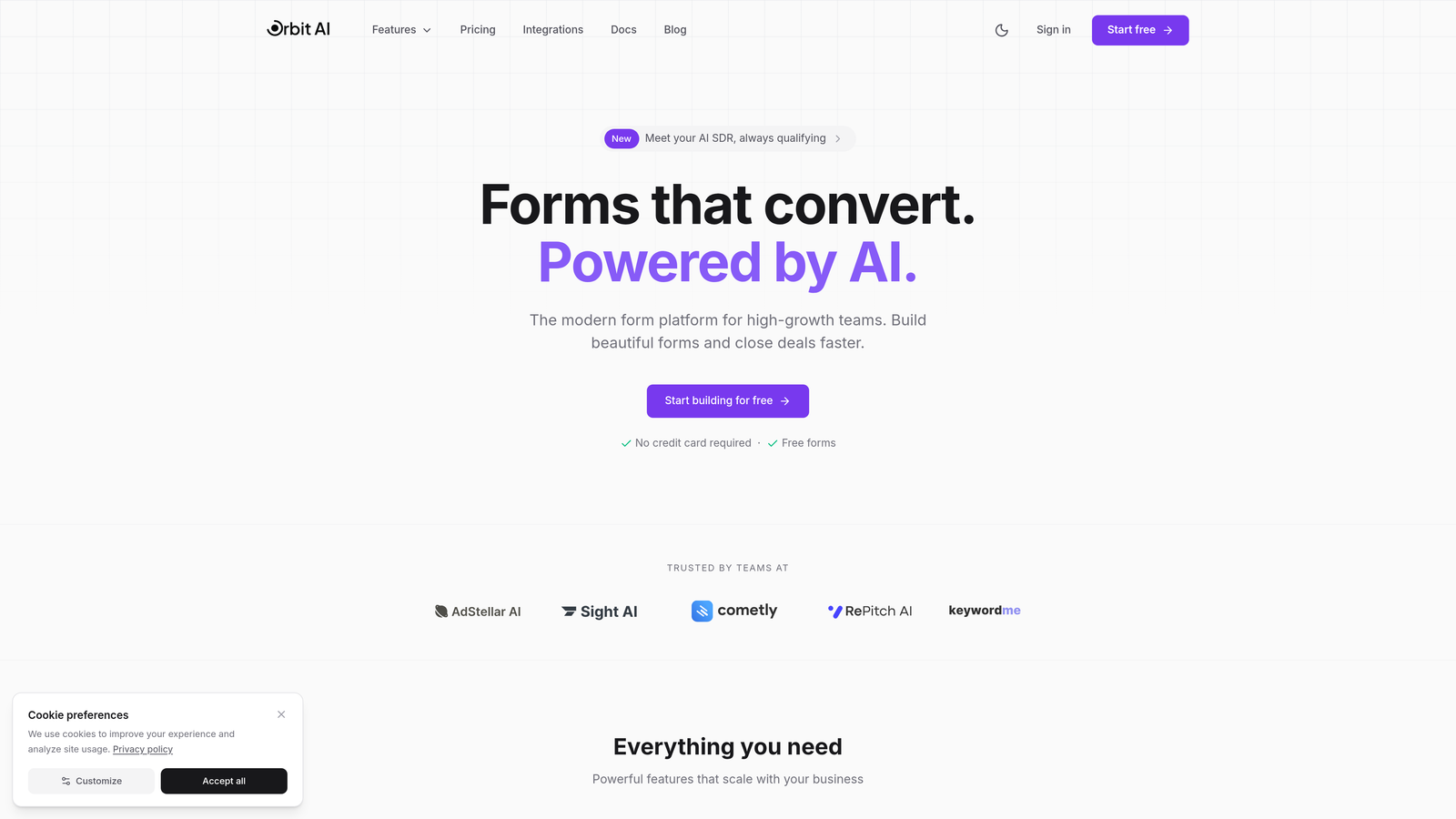
Orbit AI is an AI-powered form builder that qualifies leads in real-time while delivering conversion-optimized experiences.
Where This Tool Shines
The platform's AI qualification engine separates Orbit AI from traditional form builders. Instead of collecting contact information and hoping your sales team can sort through it later, the system evaluates lead quality as prospects fill out forms—routing high-intent leads directly to sales while nurturing others through automated sequences.
This matters when you're scaling. Teams testing Orbit AI during trials typically discover that their actual qualified lead volume increases even if total submissions stay flat, because the AI identifies buying signals that manual processes miss.
Key Features
AI-Powered Lead Qualification: Real-time scoring and routing based on response patterns and engagement signals.
Conversion-Optimized Templates: Modern designs built specifically for high-growth conversion rates, not generic data collection.
Workflow Automation: Automated sequences that nurture leads based on qualification scores without manual intervention.
Deep CRM Integration: Connects with your sales tools to move qualified leads directly into your pipeline.
Built-In Analytics: Tracks not just submissions but actual conversion metrics and lead quality over time.
Best For
High-growth SaaS teams, B2B companies with complex sales cycles, and marketing teams tired of generating leads that sales won't touch. If your bottleneck is lead quality rather than lead volume, the trial period will show you exactly how AI qualification changes your conversion economics.
Pricing
Free trial available with full feature access. Paid plans scale with your lead volume and are detailed on their website.
2. Typeform
Best for: Creating conversational, engaging form experiences that boost completion rates through one-question-at-a-time design
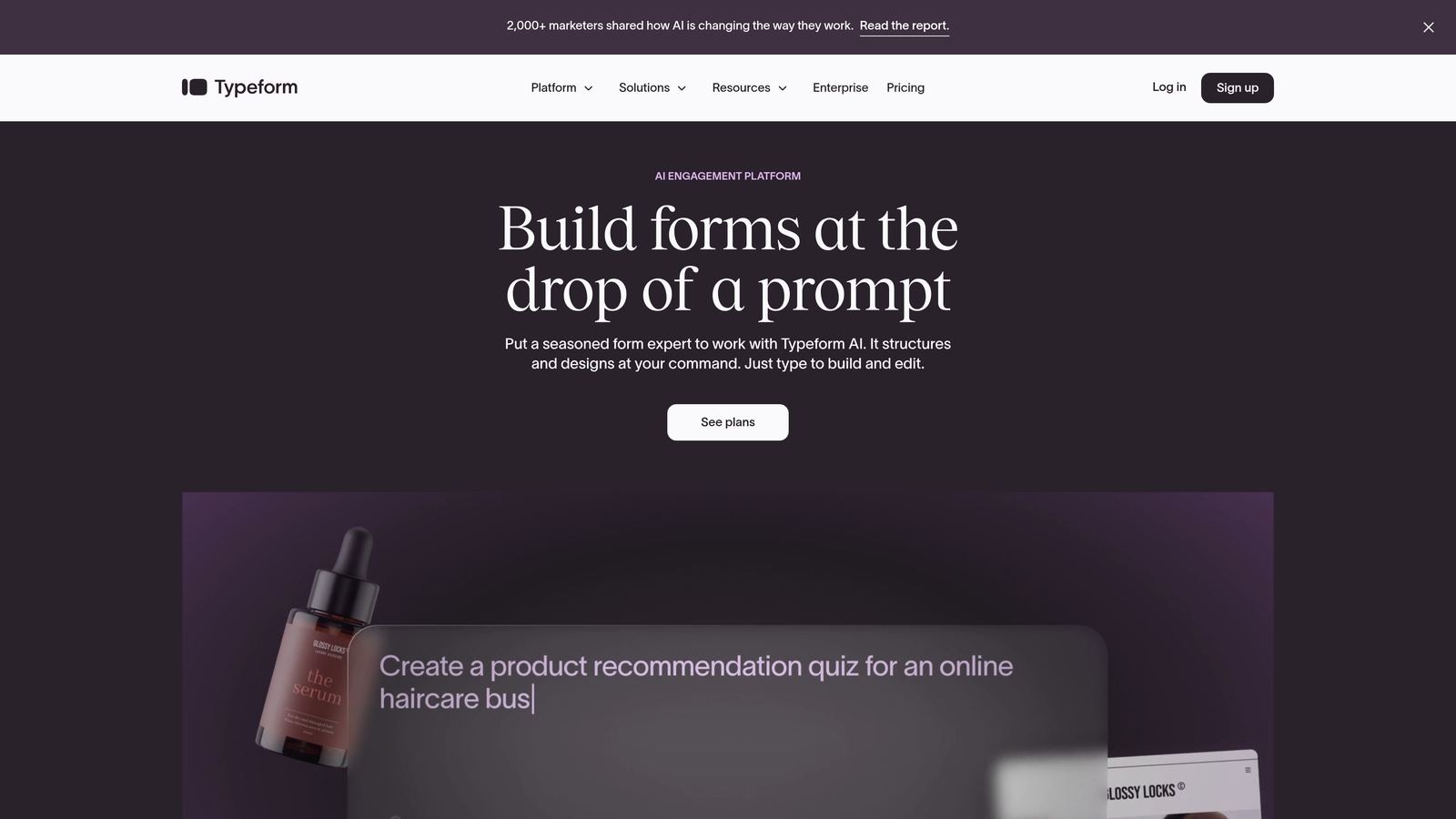
Typeform is a conversational form builder that presents questions sequentially to create a more engaging, less overwhelming experience.
Where This Tool Shines
The one-question-at-a-time approach fundamentally changes how prospects interact with your forms. Instead of facing a wall of fields, they answer questions in a conversational flow that feels more like a dialogue than a data dump. This design philosophy consistently produces higher completion rates, especially for longer forms.
During trial periods, teams often discover that Typeform's approach works particularly well for surveys, assessments, and qualification forms where you need thoughtful responses rather than quick submissions. The visual design and smooth transitions keep users engaged through multi-step processes.
Key Features
Conversational Interface: One-question-at-a-time presentation that reduces form abandonment and increases engagement.
Logic Jumps: Conditional branching that creates personalized paths based on previous answers.
Native Integrations: Connects with popular marketing and CRM tools without requiring middleware.
Rich Media Support: Embeds videos and images directly into form flows to enhance context.
Response Analytics: Dashboard showing completion rates, drop-off points, and response patterns.
Best For
Marketing teams creating lead magnets, product teams gathering user feedback, and anyone building forms where engagement and completion rates matter more than speed. The conversational approach works best when you need quality responses rather than quick submissions.
Pricing
Free plan available with basic features. Basic paid plan starts at $25/month with increased responses and advanced features.
3. Jotform
Best for: Teams needing quick deployment with extensive template options and versatile form types
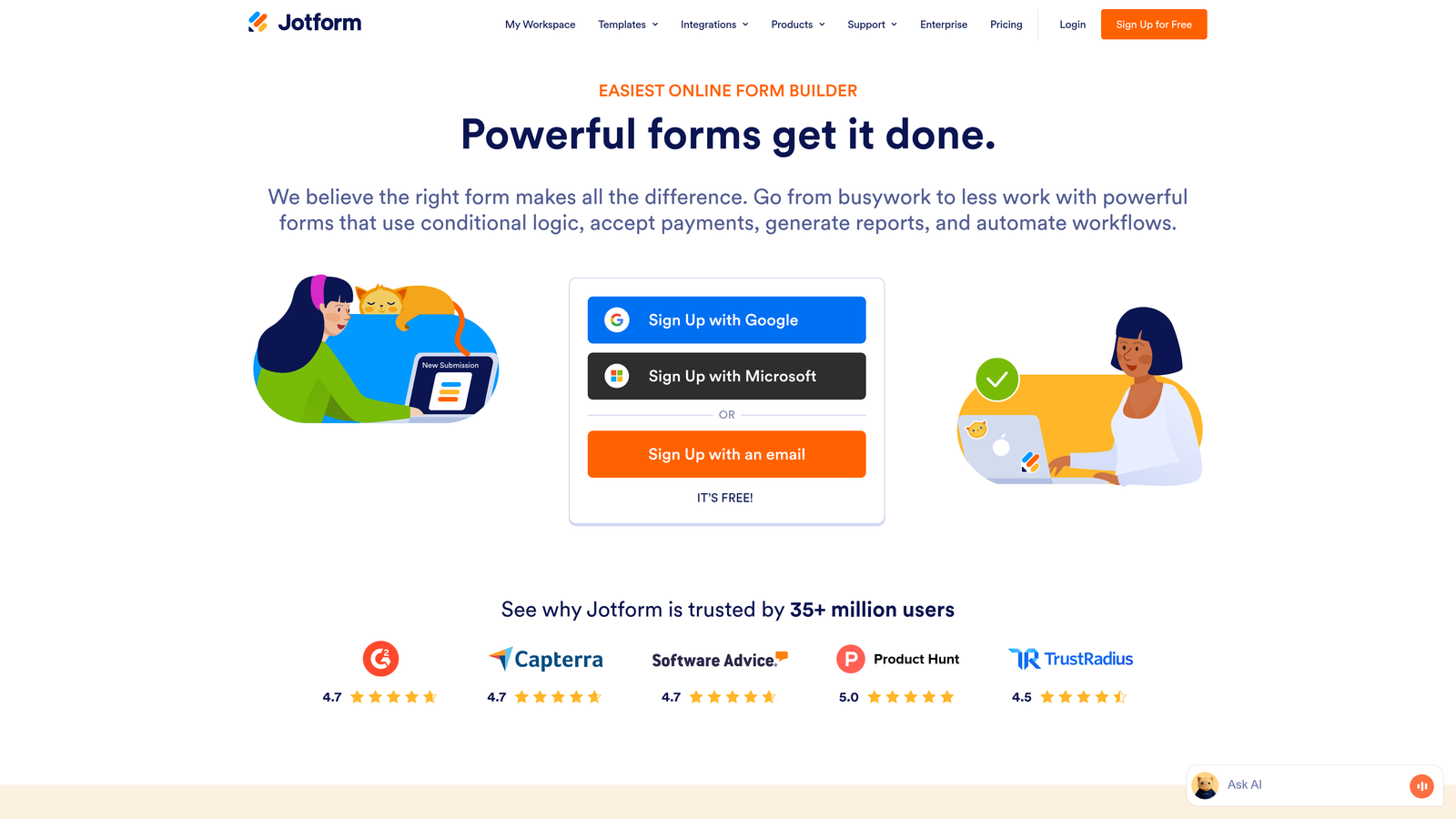
Jotform is a versatile form builder offering thousands of templates and a powerful drag-and-drop editor for rapid form creation.
Where This Tool Shines
The template library is Jotform's superpower. With over 10,000 pre-built forms spanning every industry and use case, you can launch professional forms in minutes rather than hours. The drag-and-drop editor makes customization intuitive even for non-technical team members.
Trial users appreciate the versatility—Jotform handles everything from simple contact forms to complex applications with payment processing and PDF generation. If your team needs to create multiple form types quickly, the template variety and ease of customization become immediately valuable.
Key Features
10,000+ Templates: Pre-built forms for virtually every use case, dramatically reducing setup time.
Drag-and-Drop Builder: Intuitive editor that requires no coding knowledge for customization.
Payment Integration: Built-in payment collection through major processors for order forms and registrations.
PDF Generation: Automatically converts form submissions into formatted PDF documents.
Mobile Optimization: All forms automatically adapt to mobile devices without additional configuration.
Best For
Small to mid-size businesses needing versatile form solutions, teams without dedicated developers, and organizations creating multiple form types across different departments. The extensive template library makes Jotform particularly valuable when you need diverse form functionality.
Pricing
Free tier available with basic features. Bronze plan starts at $34/month with increased submissions and advanced functionality.
4. HubSpot Forms
Best for: Teams already using HubSpot CRM who need seamless native integration and automated follow-up
HubSpot Forms is the native form builder within HubSpot's ecosystem, offering direct CRM integration and automated lead nurturing.

Where This Tool Shines
The native CRM integration eliminates the data sync headaches that plague multi-tool stacks. Form submissions flow directly into HubSpot contacts with full context, triggering automated workflows without middleware or API connections. Progressive profiling automatically adjusts form fields based on what you already know about each contact.
During trials, HubSpot users discover that the real value isn't just form creation—it's the complete lead capture and nurturing system. Smart fields personalize the experience, follow-up sequences activate automatically, and your sales team sees full contact history the moment a form is submitted.
Key Features
Direct CRM Integration: Submissions automatically create or update contact records with zero configuration.
Progressive Profiling: Forms adapt based on existing contact data to avoid asking redundant questions.
Smart Fields: Personalized form experiences that reference known contact information.
Automated Follow-Up: Built-in workflow triggers that activate nurturing sequences based on form submissions.
Complete Contact Tracking: Full visibility into form submission history within the broader contact timeline.
Best For
Companies already invested in the HubSpot ecosystem, marketing teams managing complex nurturing sequences, and organizations prioritizing seamless data flow between marketing and sales. If you're not using HubSpot CRM, other tools offer more value.
Pricing
Free forms available with HubSpot's free CRM tier. Advanced features like progressive profiling require paid Marketing Hub subscriptions starting at higher tiers.
5. Leadpages
Best for: Conversion optimization focused teams who need built-in A/B testing and landing page integration
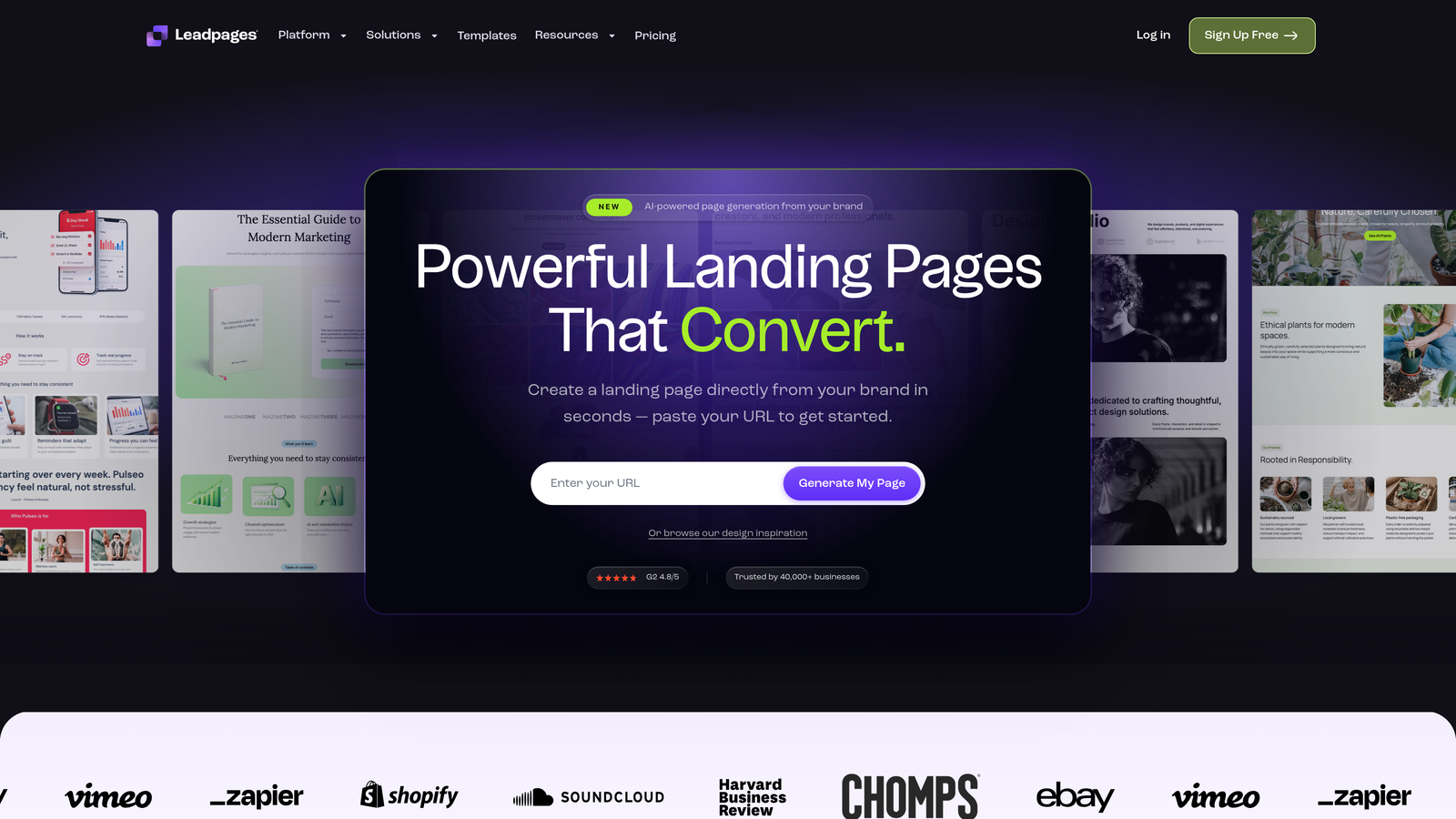
Leadpages is a landing page and form builder designed specifically for conversion optimization with native A/B testing capabilities.
Where This Tool Shines
Leadpages treats forms as conversion optimization tools rather than data collection widgets. The platform's built-in A/B testing lets you compare form variations with real traffic data, while conversion-optimized templates provide proven starting points rather than blank canvases.
The 14-day trial gives you enough time to run meaningful tests. Teams typically discover that small form variations—headline changes, field order adjustments, button copy—can significantly impact conversion rates when you have the data to prove it.
Key Features
Built-In A/B Testing: Native split testing for forms and landing pages without requiring external tools.
Conversion-Optimized Templates: Pre-built designs based on conversion data rather than aesthetic preferences.
Pop-Up and Alert Bar Forms: Multiple form formats for different conversion scenarios and user intents.
Lead Routing: Automated notifications and lead distribution based on form submission triggers.
Real-Time Analytics: Conversion tracking that shows you exactly which variations perform best.
Best For
Growth marketers focused on conversion rate optimization, teams running paid traffic campaigns, and organizations that make data-driven decisions about form performance. The A/B testing capabilities become particularly valuable when you're spending money to drive traffic.
Pricing
14-day free trial with full feature access. Standard plan starts at $37/month after trial period.
6. Paperform
Best for: Creating beautiful, branded form experiences with rich media and e-commerce capabilities
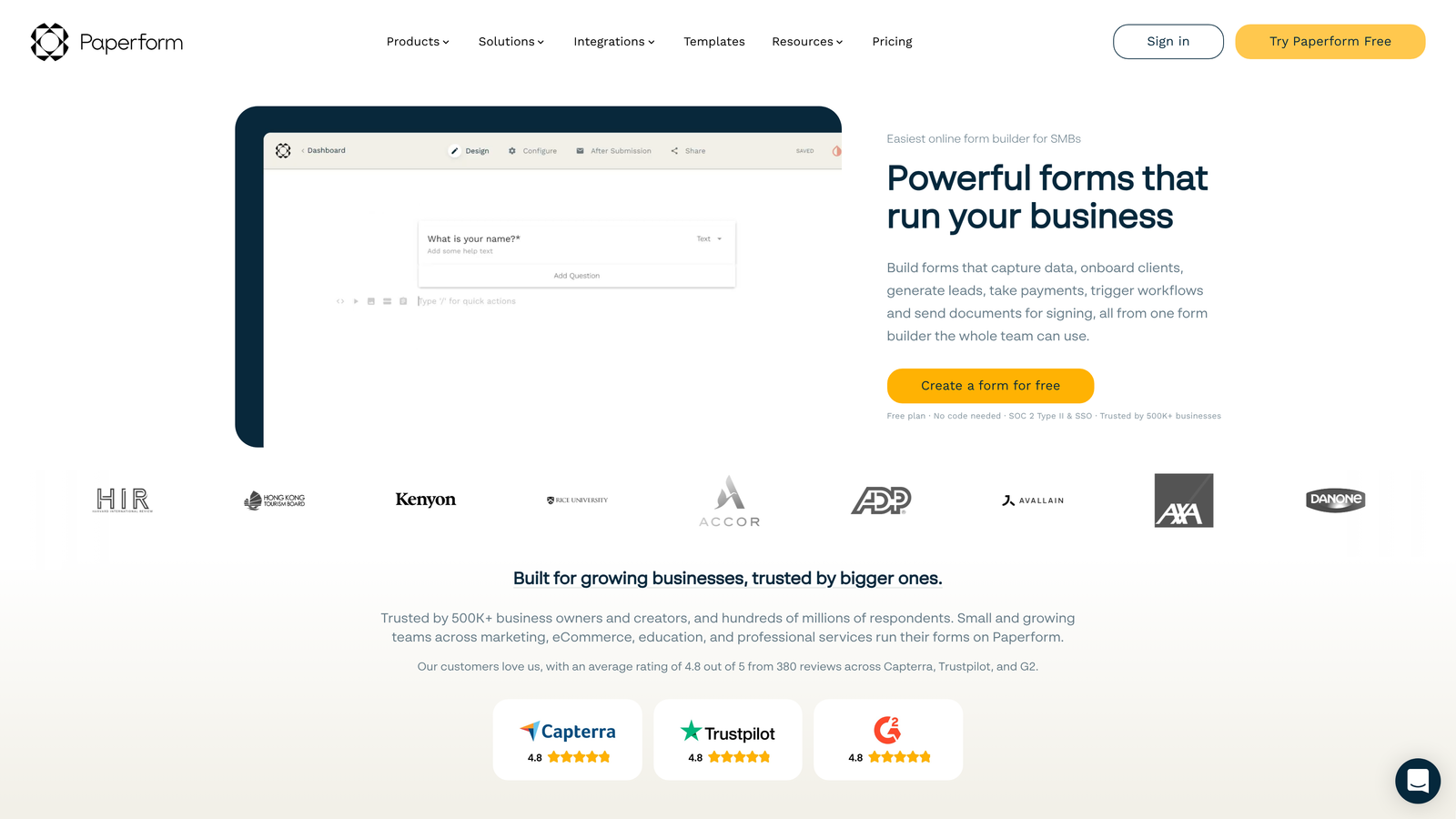
Paperform is a document-style form builder that creates visually rich, branded experiences with extensive media support.
Where This Tool Shines
The document-style interface lets you create forms that feel more like interactive content than data collection tools. Rich media embedding, custom branding options, and flexible layouts produce forms that match your brand aesthetic rather than looking like generic widgets.
Trial users often appreciate Paperform's versatility beyond standard lead capture. The platform handles bookings, payments, and product sales alongside traditional forms, making it valuable for teams needing multiple conversion types from a single tool.
Key Features
Rich Media Embedding: Integrates videos, images, and custom content directly into form experiences.
E-Commerce Support: Built-in payment processing for product sales, bookings, and registrations.
Custom Branding: Extensive design controls for creating on-brand form experiences.
Conditional Logic: Dynamic form behavior based on user responses and selections.
Scheduling Features: Integrated booking and appointment functionality without external calendar tools.
Best For
Creative agencies, consultants offering services, and brands where visual experience matters as much as functionality. The rich media support and design flexibility work best when your forms need to reflect sophisticated brand standards.
Pricing
14-day free trial available. Essentials plan starts at $24/month with full feature access.
7. Formstack
Best for: Enterprise teams requiring advanced workflows, approval processes, and compliance features
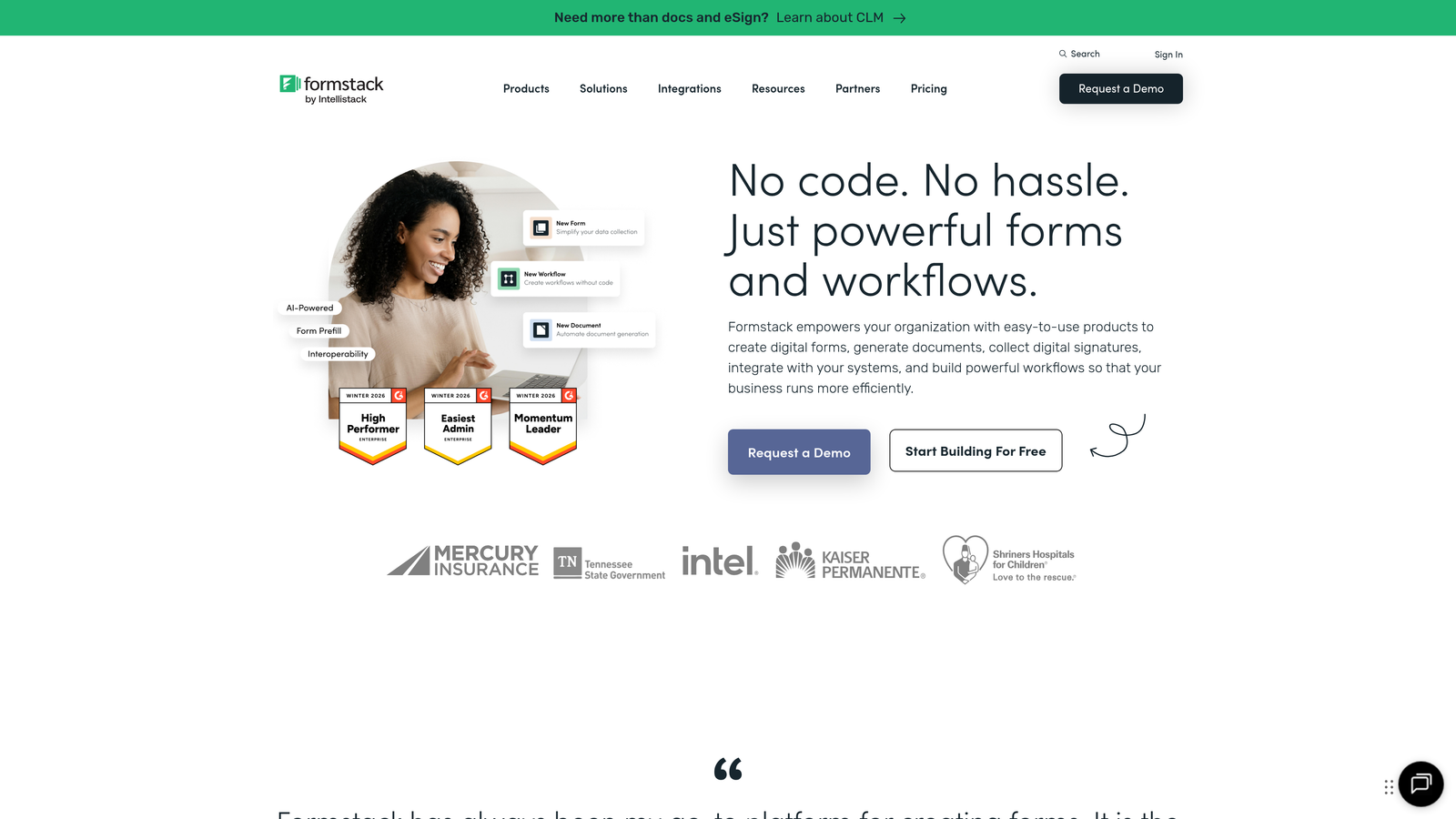
Formstack is an enterprise-grade form builder with sophisticated workflow automation and approval routing capabilities.
Where This Tool Shines
The workflow automation goes far beyond simple email notifications. Formstack handles multi-step approval processes, routing submissions through organizational hierarchies, and triggering complex business logic based on form data. This matters for enterprises where forms feed into regulated processes or require multiple stakeholder reviews.
During the 14-day trial, enterprise teams can test the compliance features that smaller tools skip—HIPAA-compliant forms, electronic signatures, and enterprise security controls. The advanced conditional logic creates sophisticated form experiences that adapt based on organizational rules rather than simple if-then statements.
Key Features
Advanced Conditional Logic: Sophisticated branching and routing based on complex business rules.
Approval Workflows: Multi-step approval routing with stakeholder notifications and tracking.
Electronic Signatures: Built-in e-signature functionality for contracts and agreements.
HIPAA Compliance: Healthcare-grade security and compliance features for regulated industries.
Enterprise Security: Advanced authentication, encryption, and access controls for sensitive data.
Best For
Enterprise organizations with complex approval processes, healthcare and financial services requiring compliance features, and teams managing forms that feed into regulated business processes. The enterprise features justify the higher price point when compliance and sophisticated workflows are requirements.
Pricing
14-day free trial available. Starter plan begins at $50/month, with enterprise features in higher tiers.
8. Gravity Forms
Best for: WordPress sites needing deep CMS integration and extensive developer customization options
Gravity Forms is a WordPress-native form plugin with extensive add-ons and deep integration with the WordPress ecosystem.
Where This Tool Shines
The native WordPress integration means forms live inside your CMS rather than being embedded from external services. This matters for site performance, data control, and the ability to leverage WordPress's user management and content systems. Developers appreciate the hooks and filters that let them customize every aspect of form behavior.
The extensive add-on ecosystem extends functionality without requiring custom development. Need to connect with a specific service? There's probably an add-on. Want to create user registration forms or post submission forms? Built-in functionality handles it natively.
Key Features
Native WordPress Integration: Forms live entirely within WordPress with no external dependencies.
Extensive Add-On Ecosystem: Hundreds of add-ons for integrations, functionality extensions, and customizations.
Conditional Logic Builder: Visual interface for creating dynamic form behavior without coding.
Multi-Page Forms: Break complex forms into steps with progress indicators and save-and-continue functionality.
Developer-Friendly: Comprehensive hooks, filters, and APIs for custom functionality.
Best For
WordPress-based businesses, developers building custom form solutions, and organizations wanting complete control over form data within their CMS. The lack of a free trial is a limitation, but the annual license model works for teams committed to the WordPress ecosystem.
Pricing
No free trial available. Basic license starts at $59/year with one year of updates and support.
9. Unbounce Smart Builder
Best for: Performance marketers using AI-powered optimization and smart traffic routing for paid campaigns
Unbounce Smart Builder is an AI-assisted landing page and form builder that uses machine learning to optimize conversion performance.
Where This Tool Shines
The AI-powered optimization goes beyond simple A/B testing. Smart Traffic automatically routes visitors to the landing page and form variation most likely to convert them based on real-time behavioral analysis. The system learns from every visitor, continuously improving performance without manual intervention.
During the 14-day trial, teams running paid traffic campaigns can see how AI optimization impacts their cost per conversion. The conversion intelligence insights reveal patterns in visitor behavior that manual analysis typically misses, helping you understand not just what converts but why.
Key Features
AI-Powered Recommendations: Machine learning suggests design and copy improvements based on conversion data.
Smart Traffic Optimization: Automatically routes visitors to their highest-converting page variation.
Built-In A/B Testing: Native split testing for landing pages and forms without external tools.
Pop-Ups and Sticky Bars: Multiple form formats for different conversion scenarios and visitor intents.
Conversion Intelligence: Advanced analytics revealing behavioral patterns and optimization opportunities.
Best For
Performance marketers managing paid traffic campaigns, agencies optimizing client conversion rates, and teams with significant ad spend who need to maximize return on traffic investment. The AI optimization becomes particularly valuable at scale when small conversion improvements translate to significant revenue impact.
Pricing
14-day free trial with full feature access. Build plan starts at $99/month after trial period.
Making the Right Choice
The right form software depends entirely on your specific conversion bottleneck. If lead quality is killing your sales team's productivity, Orbit AI's AI-powered qualification will show you during the trial exactly how intelligent routing changes your lead economics. Need conversational engagement? Typeform's one-question-at-a-time approach consistently produces higher completion rates for longer forms.
For teams already invested in HubSpot, the native CRM integration eliminates data sync headaches that plague multi-tool stacks. WordPress sites get the most value from Gravity Forms' deep CMS integration and developer flexibility. Enterprise teams managing complex approval workflows will find that Formstack's advanced routing justifies the higher price point.
Start with trials that address your primary conversion challenge rather than chasing feature lists. If you're running paid traffic, test Unbounce's AI optimization with real campaigns. If you need versatile form types quickly, Jotform's template library will prove its value in hours. If brand experience matters, Paperform's rich media support creates forms that feel like content rather than data collection.
The trial period isn't about testing features—it's about seeing which tool actually improves your conversion metrics with real traffic. Deploy forms, measure completion rates, track lead quality, and let the data tell you which platform solves your specific bottleneck.
For high-growth teams prioritizing lead quality over raw volume, start building free forms today and see how intelligent form design can elevate your conversion strategy. The AI qualification engine separates prospects worth your sales team's time from those who need more nurturing—and you'll see the difference in your pipeline quality within the first week of testing.


