

Every time a visitor starts filling out your form and walks away before hitting submit, you're looking at lost revenue and wasted acquisition spend. It's one of the most frustrating conversion problems in digital marketing, and it's more common than most teams realize. Form abandonment recovery software exists to close that gap, whether by building better forms that reduce friction from the start, diagnosing exactly where users drop off, or re-engaging abandoners through exit-intent popups and automated email sequences.
This list covers tools across all three recovery approaches: AI-powered form builders that prevent abandonment proactively, dedicated analytics platforms that help you diagnose the problem, and recovery tools that bring users back after they've already left. For a deeper look at why users abandon forms in the first place, check out our guide on why visitors abandon online forms.
Tools were selected based on recovery capabilities, ease of integration, pricing transparency, and suitability for high-growth teams. Here are the top form abandonment recovery tools worth considering in 2026.
1. Orbit AI
Best for: High-growth teams that want to prevent abandonment through smarter, AI-optimized form design.
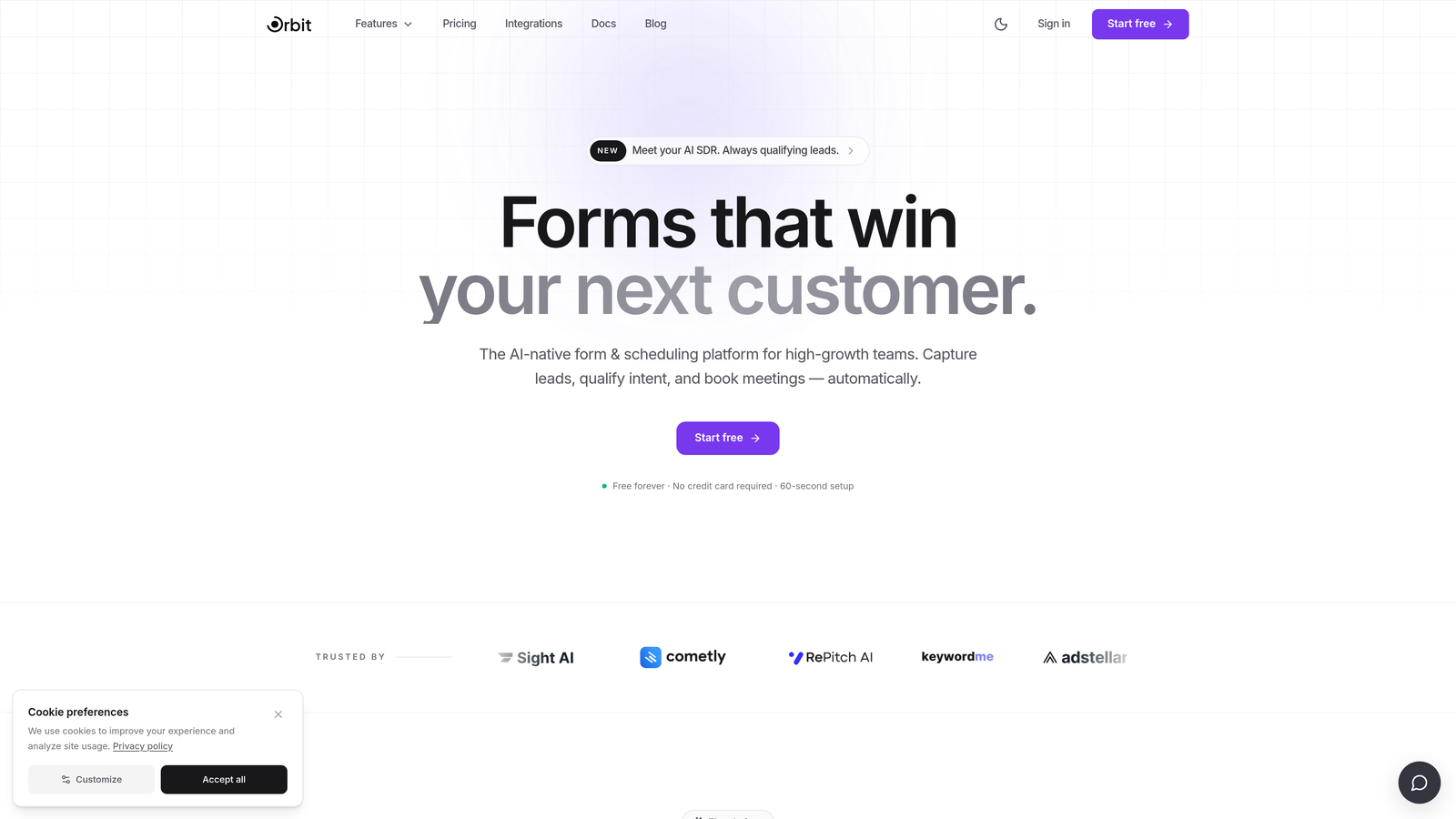
Orbit AI is an AI-powered form builder that tackles abandonment at the source by creating dynamic, conversion-optimized forms with built-in lead qualification.
Where This Tool Shines
Most recovery tools treat abandonment as something to fix after the fact. Orbit AI takes a different angle: build forms so well-designed and frictionless that users actually want to complete them. The AI adapts the form experience based on user behavior, removing unnecessary friction in real time rather than waiting for someone to bounce.
The built-in lead qualification layer is particularly useful for high-growth teams who don't just want more submissions, they want better ones. Instead of chasing every partial lead, Orbit AI helps you surface high-intent prospects from the start, which changes the economics of your entire lead generation funnel.
Key Features
AI-Powered Adaptive Design: Forms adjust dynamically to user behavior, reducing friction and keeping users engaged through completion.
Built-In Lead Qualification: Automatically scores and prioritizes submissions so your team focuses on the highest-intent prospects.
Dynamic Field Logic: Fields adjust based on previous answers, keeping forms concise and relevant for each individual user.
Conversion-Optimized Templates: Pre-built templates designed specifically for high-growth teams and lead generation use cases.
Modern Form Design: Clean, visually polished interfaces that keep users engaged and signal professionalism to prospects.
Best For
SaaS teams, growth marketers, and demand generation professionals who want to reduce abandonment proactively rather than recover it reactively. Particularly strong for teams running paid acquisition campaigns where every incomplete submission represents real cost.
Pricing
Visit orbitforms.ai for current pricing plans. A free tier is available to get started.
2. Jotform
Best for: Teams with long, complex forms that need built-in save-and-resume functionality.
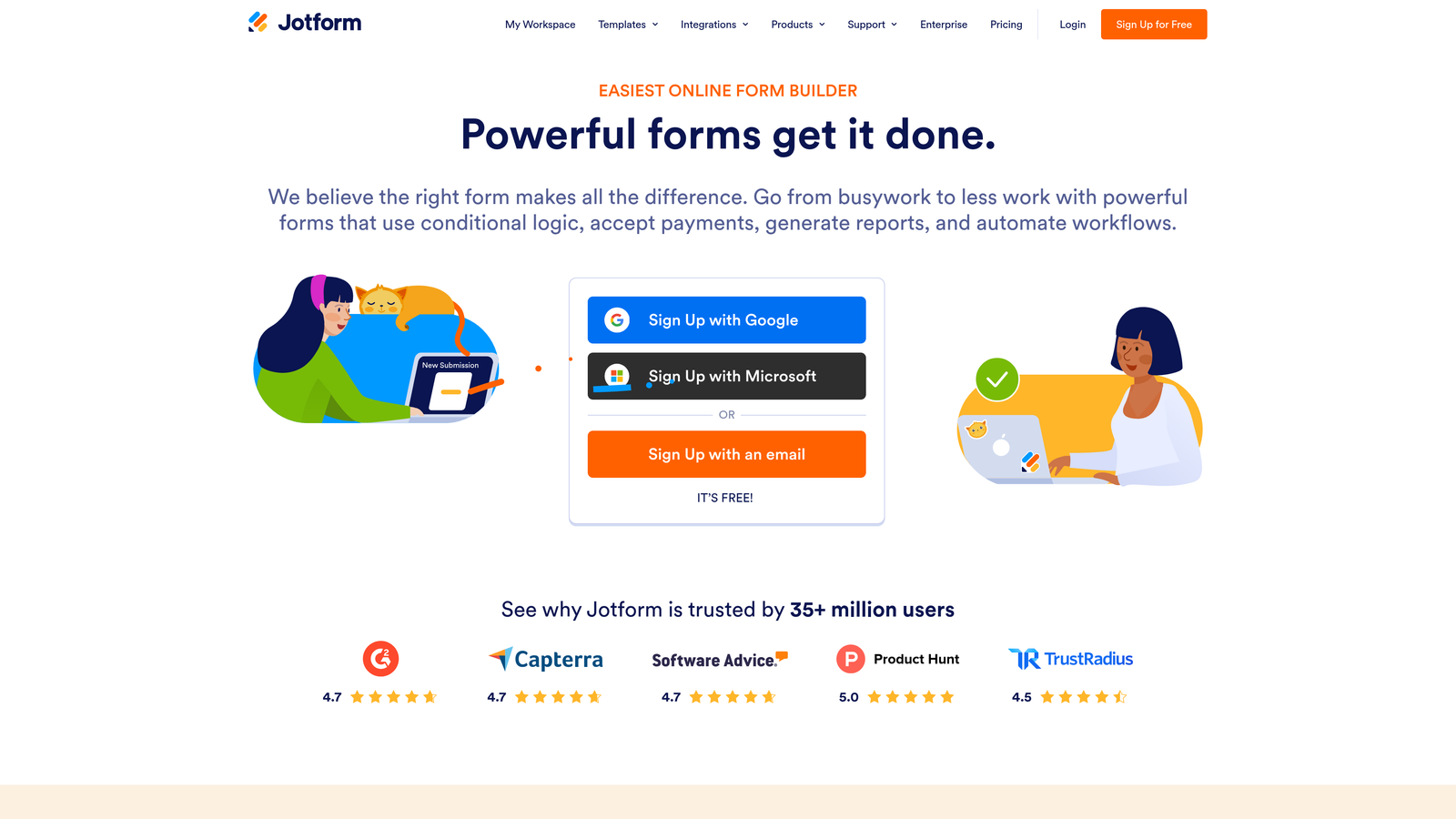
Jotform is a mature, feature-rich form builder with native tools for recovering partial submissions, including save-and-continue and autosave capabilities.
Where This Tool Shines
When your forms are inherently long, like applications, intake forms, or multi-step surveys, the best recovery strategy is letting users pause and come back. Jotform's Save and Continue Later feature does exactly that, generating a unique link users can return to without losing their progress.
The autosave function works quietly in the background, preserving partial entries even if a user closes the tab without explicitly saving. This combination makes Jotform a practical choice for industries like healthcare, legal, and education where form length is unavoidable.
Key Features
Save and Continue Later: Users receive a unique link to resume incomplete forms at any point, reducing pressure to complete in one session.
Autosave: Automatically preserves partial entries in the background without requiring user action.
Conditional Logic: Shows only relevant fields based on previous answers, keeping forms as short as possible for each user.
400+ Integrations: Routes recovered submission data directly to CRMs, email platforms, and other tools in your stack.
HIPAA-Compliant Options: Available for regulated industries that need compliant data handling for sensitive form data.
Best For
Organizations with complex, multi-page forms where users genuinely need time to gather information before completing. Strong fit for healthcare, legal, financial services, and education sectors.
Pricing
Free plan available. Paid plans start at $34/month, scaling with submission volume and feature access.
3. Zuko Analytics
Best for: Teams that want field-level data showing exactly where users hesitate and abandon.
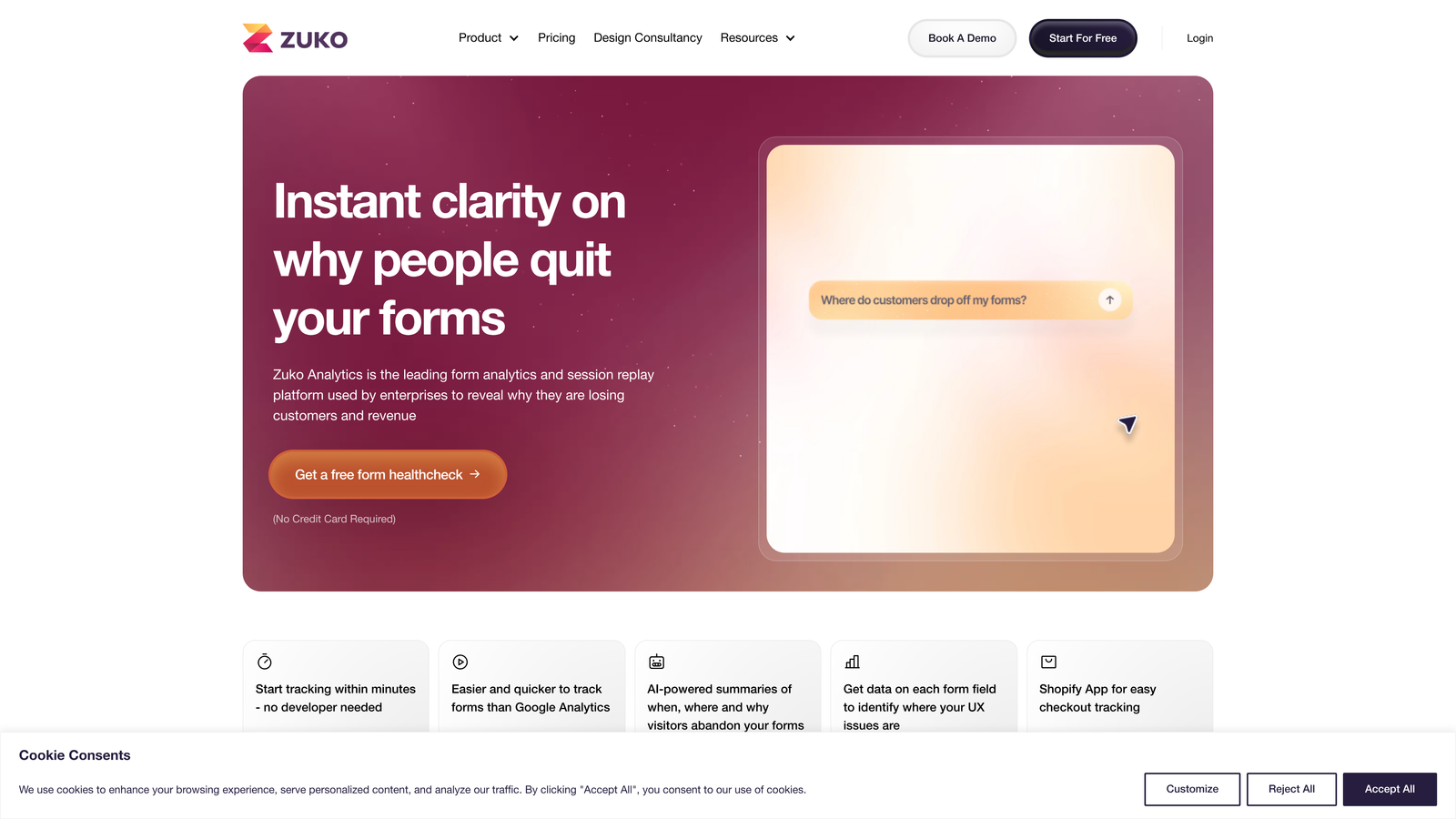
Zuko Analytics (formerly Formisimo) is a dedicated form analytics platform that provides granular, field-by-field insight into abandonment patterns across any form.
Where This Tool Shines
Zuko occupies a specific and valuable niche: it doesn't build forms or send recovery emails, it tells you precisely what's broken. If you're running forms on any platform and want to understand which specific fields cause drop-off, Zuko gives you that data without requiring you to switch form tools.
The field-level granularity here is genuinely useful. Rather than knowing that "people abandoned your form," you'll know that users consistently drop off at field seven, spend twice as long on the address field, and correct the phone number field more than any other. That's actionable diagnostic data.
Key Features
Field-Level Drop-Off Analysis: Shows exactly which fields users abandon at, not just overall form completion rates.
Time-Per-Field Metrics: Identifies fields where users hesitate, signaling confusion or unnecessary complexity.
Correction Rate Tracking: Highlights fields users frequently retype, which often indicates confusing labels or validation issues.
Segmentation: Filters data by device type, traffic source, and user segment for targeted optimization.
Universal Compatibility: Installs via JavaScript snippet and works with virtually any form platform.
Best For
CRO specialists, UX teams, and growth marketers who want diagnostic data to inform form optimization decisions. Particularly valuable when running A/B tests on form design and needing field-level performance metrics.
Pricing
Plans start around $100/month based on form session volume. No free plan; pricing scales with usage.
4. ActiveCampaign
Best for: Teams that want to trigger automated email recovery sequences when users abandon forms.
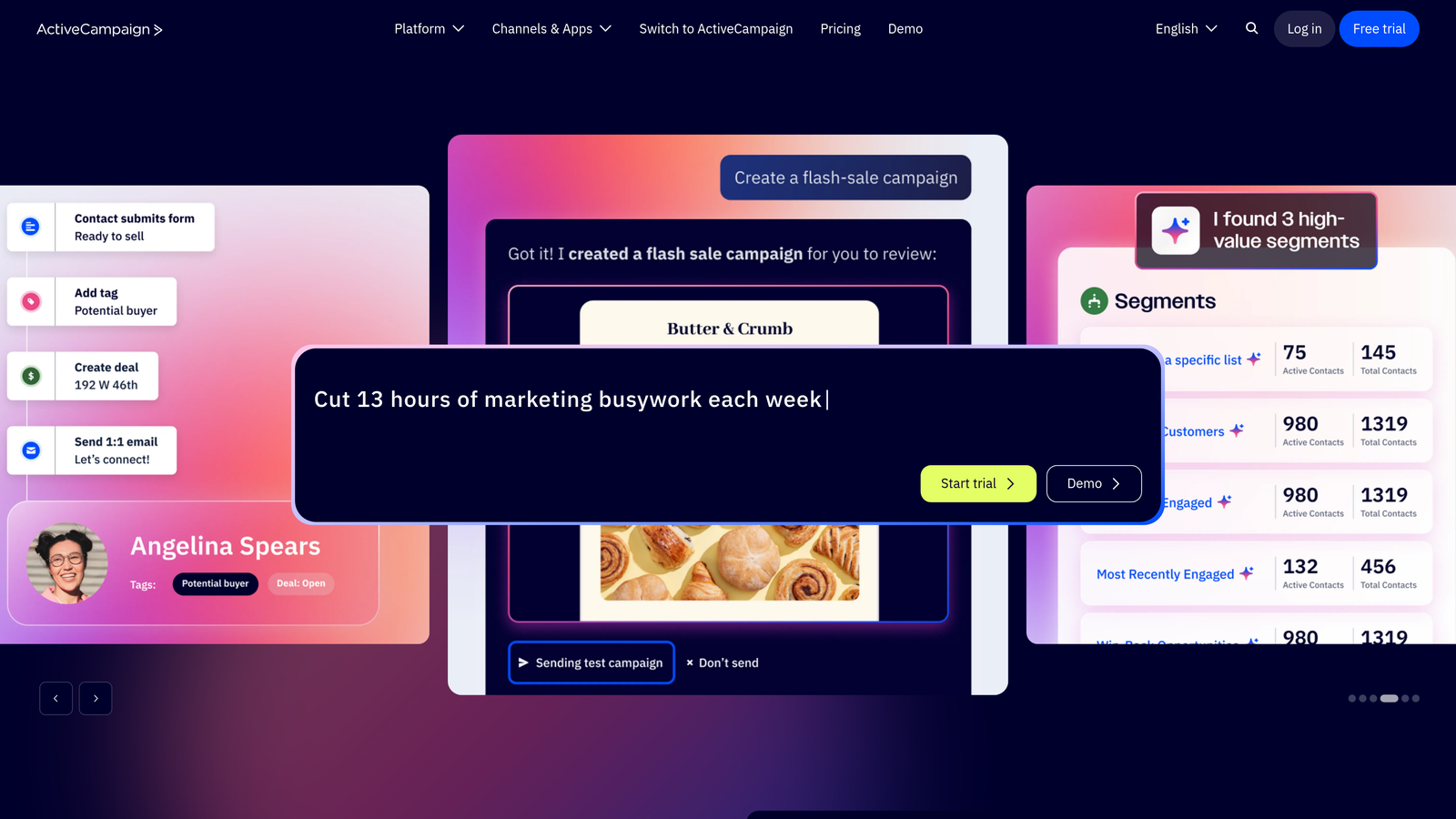
ActiveCampaign is a marketing automation platform that uses site tracking to detect form abandonment and trigger personalized follow-up sequences automatically.
Where This Tool Shines
ActiveCampaign's strength is what happens after someone leaves. Its site tracking layer can detect when a contact visits a form page, starts interacting, and leaves without submitting. That event can then trigger a tailored email sequence designed to bring them back, with messaging personalized based on what you know about that contact.
For teams already using ActiveCampaign as their CRM or email platform, this abandonment recovery capability comes built into the system they're already running. There's no additional tool to integrate; it's a workflow automation layer on top of existing infrastructure.
Key Features
Site Tracking: Monitors form page interactions and detects abandonment events for known contacts.
Automated Recovery Sequences: Triggers personalized email sequences based on form abandonment events.
CRM Integration: Logs partial lead data directly in the CRM for sales team follow-up.
Personalization Tokens: Tailors recovery emails with contact-specific information for higher relevance.
Lead Scoring: Prioritizes which abandoners are worth pursuing based on engagement history and profile data.
Best For
B2B and SaaS teams already using ActiveCampaign for email marketing who want to layer abandonment recovery into their existing automation workflows without adding another tool.
Pricing
Starts at $29/month on the Starter plan. Pricing scales with contact list size and feature tier.
5. Mouseflow
Best for: Teams that want to watch real user sessions alongside form analytics to visually diagnose abandonment.
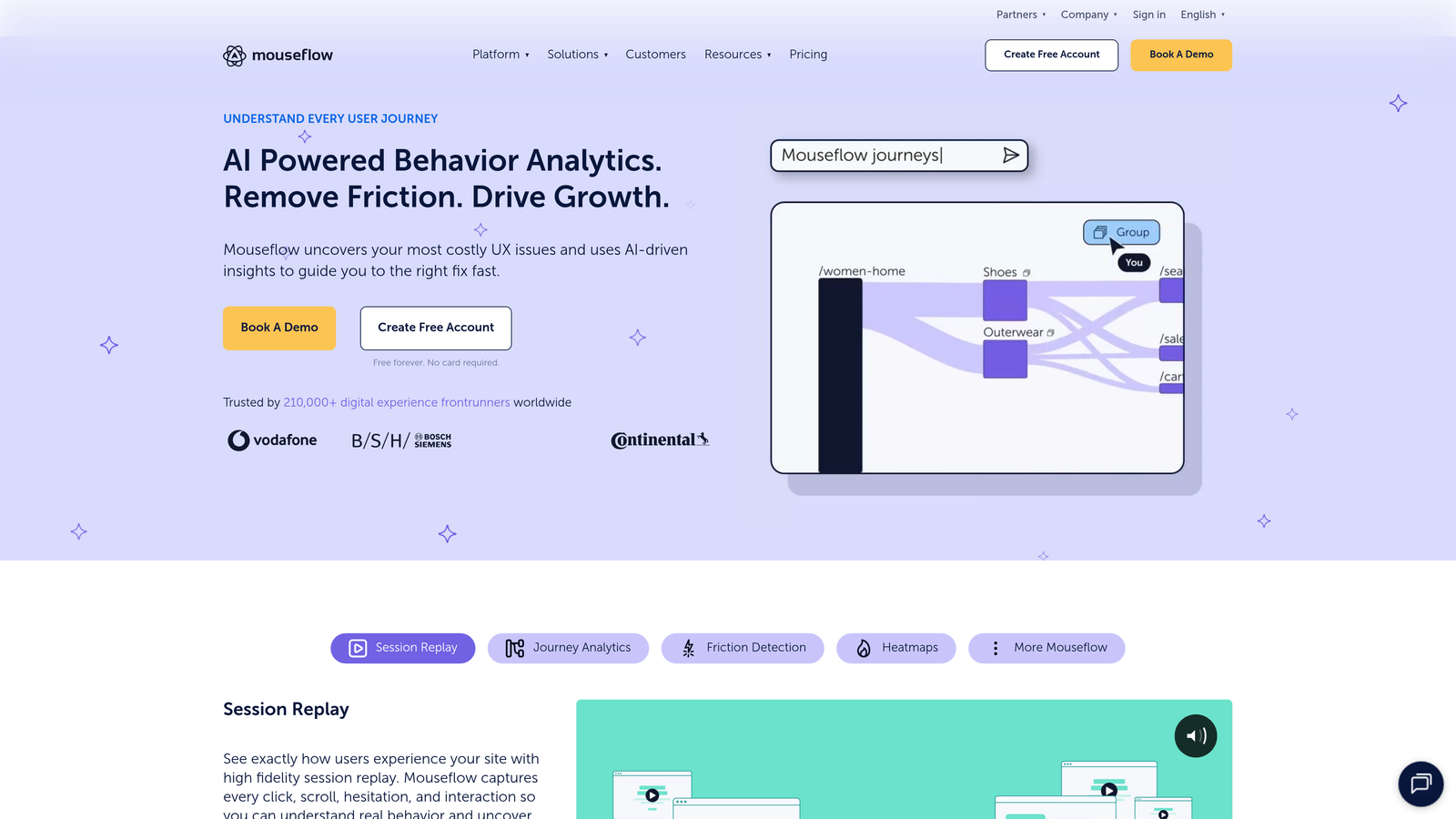
Mouseflow is a behavior analytics platform combining session replay with a dedicated form analytics module, giving you both quantitative drop-off data and qualitative session context.
Where This Tool Shines
Numbers tell you where users drop off; session recordings show you why. Mouseflow lets you filter session replays specifically by form abandonment events, so you can watch exactly what happened before a user left. Did they struggle with a dropdown? Did they get distracted by a page element? The recordings answer questions that metrics alone can't.
The dedicated form analytics dashboard gives you drop-off funnels and friction scores without requiring you to dig through raw session data. It's a practical combination of diagnostic depth and analytical efficiency.
Key Features
Form Analytics Dashboard: Dedicated module with drop-off funnels, completion rates, and field-level performance data.
Session Replay Filtering: Filter recordings specifically by form abandonment events to review relevant sessions quickly.
Heatmaps: Visualize click and scroll behavior around form areas to identify distraction points.
Friction Score Metrics: Automatically flags fields generating the most user difficulty.
Analytics Integrations: Connects with Google Analytics and major tag managers for unified reporting.
Best For
Product teams, UX researchers, and CRO professionals who want to combine quantitative form analytics with qualitative session recordings for a complete abandonment diagnosis.
Pricing
Free plan available with limited sessions. Paid plans start at $31/month, scaling with session volume.
6. OptinMonster
Best for: Teams that want to intercept abandoning users with exit-intent popups before they leave the page.
OptinMonster is a conversion optimization platform specializing in exit-intent technology that detects when users are about to leave and displays targeted recovery campaigns.
Where This Tool Shines
OptinMonster's exit-intent detection is its flagship capability. By tracking mouse movement toward the browser's close button or back button, it identifies the moment a user is about to abandon and triggers a targeted overlay, giving you one last opportunity to re-engage them before they're gone.
The page-level targeting rules let you show recovery campaigns only on specific form pages, so you're not interrupting users who are actively browsing. Combined with A/B testing, you can continuously optimize which offers and messages actually bring abandoners back.
Key Features
Advanced Exit-Intent Technology: Detects mouse movement toward browser close or back navigation to trigger recovery overlays at the right moment.
Page-Level Targeting: Displays campaigns only on designated form pages to avoid disrupting other user journeys.
A/B Testing: Tests different popup designs, offers, and recovery messages to optimize conversion rates.
Countdown Timers and Incentives: Adds urgency and value to recovery offers to increase re-engagement.
Email and CRM Integrations: Connects with major email platforms and CRMs to route recovered leads automatically.
Best For
Marketing teams running lead generation campaigns who want a proven exit-intent layer on top of existing forms, without rebuilding their form infrastructure.
Pricing
Basic plan starts at $7/month. Plus plan at $19/month with additional targeting and testing features.
7. SaveMyLeads
Best for: Teams that want to capture partial form data in real time and route it to their CRM before users leave.
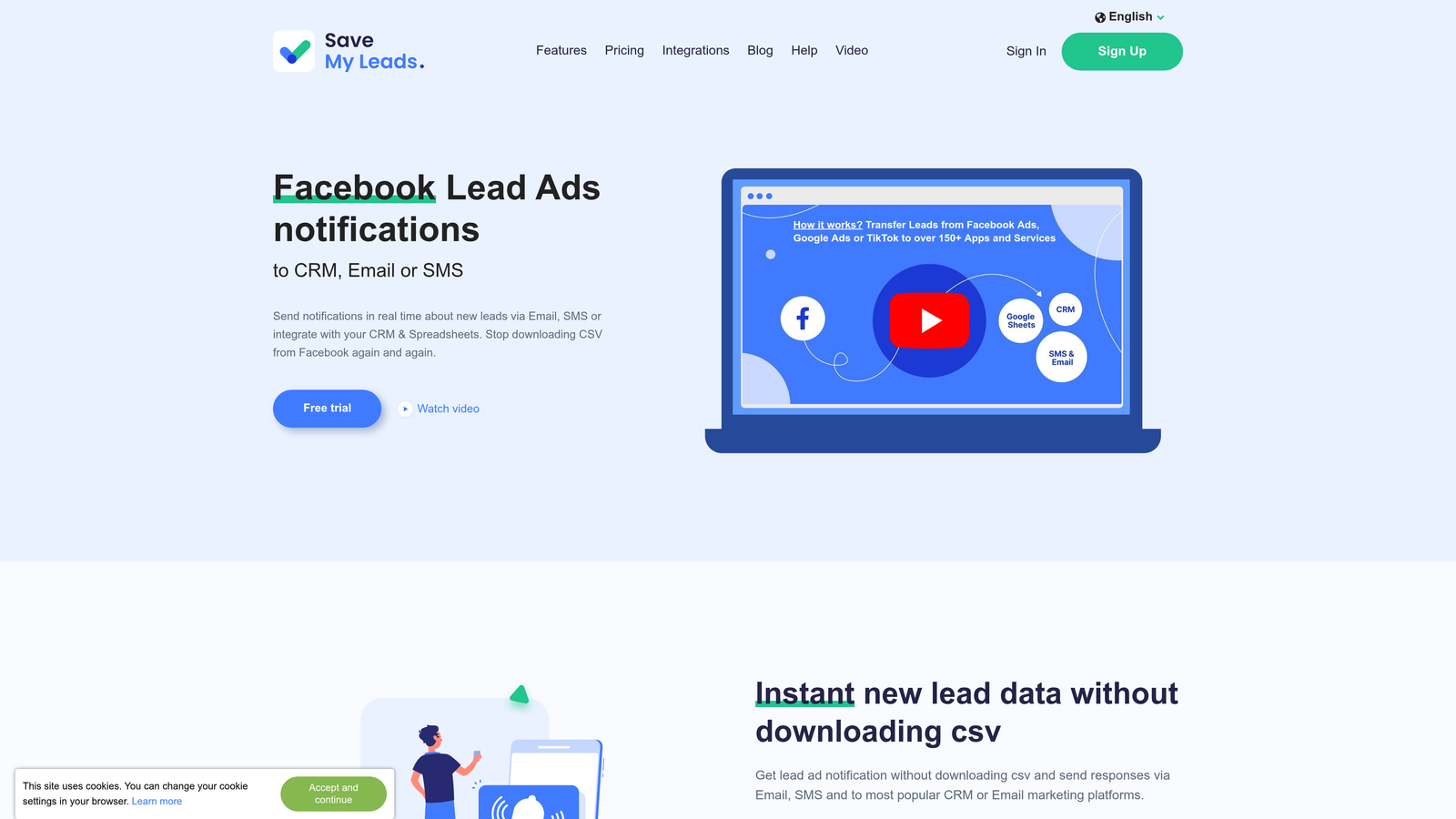
SaveMyLeads is a lightweight no-code connector that captures field-level data as users type and routes it to your CRM or email platform, even if they never hit submit.
Where This Tool Shines
SaveMyLeads solves a specific and often overlooked problem: by the time a user abandons, you've already lost their data. This tool captures partial entries in real time, field by field, as the user types. If they leave after entering their name and email but before completing the form, you still have enough data to follow up.
The no-code setup is genuinely lightweight. It installs as a script alongside your existing form builder without replacing it, which means you can add this capability to forms you've already built and tested without starting over.
Key Features
Real-Time Partial Data Capture: Records field entries as users type, not just on submission, preserving data from incomplete sessions.
No-Code Setup: Pre-built integrations for popular CRMs and email platforms with minimal technical configuration.
Automatic Lead Routing: Sends captured partial data directly to sales teams or email sequences for immediate follow-up.
Non-Destructive Integration: Works alongside existing form builders without requiring migration or replacement.
Lightweight Script: Minimal impact on page load performance, avoiding the common tradeoff of recovery tools slowing down forms.
Best For
Sales-driven teams and agencies that want to recover partial lead data from existing forms without rebuilding their form infrastructure. Particularly useful for high-value lead generation forms where even partial contact information has significant follow-up value.
Pricing
Free plan available. Paid plans start at $15/month, scaling with lead volume and integration requirements.
8. Picreel
Best for: Teams that want AI-timed exit-intent popups with built-in A/B testing for recovery offer optimization.
Picreel is an AI-powered exit-intent platform that optimizes the timing and targeting of recovery overlays to maximize re-engagement from abandoning visitors.
Where This Tool Shines
Where OptinMonster focuses on targeting rules, Picreel leans into AI-driven timing optimization. The platform uses behavioral signals to determine the optimal moment to display a recovery overlay, rather than relying solely on mouse movement detection. This can make recovery campaigns feel less intrusive and more contextually appropriate.
The built-in A/B testing is tightly integrated with the campaign builder, making it straightforward to test different offers, designs, and timing configurations without needing a separate testing tool.
Key Features
AI-Driven Exit-Intent Timing: Uses behavioral signals beyond mouse movement to optimize when recovery overlays appear.
Built-In A/B Testing: Tests popup designs and offer copy directly within the platform without third-party tools.
Advanced Targeting Rules: Targets based on scroll depth, time on page, referral source, and other behavioral signals.
Pre-Designed Templates: Ready-to-use designs for discount offers, lead magnets, and urgency-based recovery campaigns.
Real-Time Analytics: Tracks recovery campaign performance with live data on impressions, conversions, and offer uptake.
Best For
E-commerce and SaaS teams that want a dedicated exit-intent solution with AI-optimized timing and iterative A/B testing capabilities built into a single, affordable platform.
Pricing
Starter plan begins at $9.99/month. Pricing scales with traffic volume and feature requirements.
9. Hotjar
Best for: Teams that want a full-picture view of abandonment combining analytics, recordings, and user feedback.
Hotjar is a product experience platform that combines form drop-off analytics, session recordings, heatmaps, and on-site surveys to give you a comprehensive view of why users abandon forms.
Where This Tool Shines
Hotjar's differentiation is the combination of quantitative and qualitative data in a single platform. You can see where users drop off in your form analytics, watch session recordings of those abandonment moments, and then deploy an on-site survey asking users directly why they didn't complete the form. That three-layer approach is difficult to replicate with any single alternative.
The generous free tier also makes Hotjar an accessible starting point for early-stage teams that want to understand their abandonment problem before investing in dedicated recovery tools.
Key Features
Form Analysis: Field-level completion and drop-off rate data showing exactly where users stop engaging.
Session Recordings: Filterable by form interaction events to review relevant abandonment sessions efficiently.
On-Site Feedback Surveys: Ask abandoning users directly why they didn't complete the form, capturing qualitative reasoning.
Heatmaps: Visualize user attention and click behavior in the areas surrounding your forms.
Generous Free Tier: Free plan includes meaningful session and recording limits suitable for early-stage testing and diagnostics.
Best For
Product and growth teams at all stages who want a unified platform for diagnosing form abandonment through data, recordings, and direct user feedback. Especially useful for teams just beginning to investigate abandonment issues who need broad diagnostic coverage before narrowing their focus.
Pricing
Free plan available. Paid plans start at $32/month, scaling with session volume and team size.
Choosing the Right Recovery Approach for Your Team
Form abandonment recovery isn't a single-tool problem. The most effective strategies typically combine prevention, diagnosis, and active recovery working together. Understanding which layer you're missing is the fastest way to identify where to start.
If your forms are generating friction before users even get halfway through, the priority is prevention. Orbit AI is the strongest option here, using AI-driven design to reduce abandonment proactively while qualifying leads at the same time. It's the right starting point for high-growth teams who want smarter forms, not just better recovery tactics.
If you're not sure where your forms are breaking down, diagnosis comes first. Hotjar gives you the broadest diagnostic coverage with the lowest barrier to entry, while Zuko Analytics offers deeper field-level precision for teams ready to invest in dedicated form intelligence. Mouseflow bridges both worlds with session replay and form analytics in one platform.
For active recovery after users leave, the right tool depends on your approach. OptinMonster and Picreel are strong choices for exit-intent interception. ActiveCampaign is the natural pick for teams already running marketing automation who want email-based recovery built into existing workflows. SaveMyLeads fills a specific gap by capturing partial data before users leave, while Jotform serves teams whose forms are long by necessity and need a built-in resume capability.
The best place to start is usually with prevention. Build forms that users actually want to complete, and every downstream recovery tool performs better as a result. Start building free forms today and see how intelligent form design can transform your lead generation results, qualifying better prospects automatically while delivering the modern, conversion-optimized experience your team needs to grow.


