

Your landing page form is the final checkpoint between a visitor and a conversion. By the time someone reaches your form, they've read your copy, seen your offer, and decided they're interested. That's high intent. Yet many teams still lose leads at this exact moment due to clunky design, too many fields, or a one-size-fits-all experience that feels impersonal.
The good news: a growing category of tools exists specifically to solve this problem. Whether you need AI-powered lead qualification, field-level abandonment analytics, conversational UX, or deeper CRM integration, there's a purpose-built solution for your stack. If you're also working on the broader challenge, our guides on how to improve form conversion rates and how to increase form submissions are worth reading alongside this list.
We evaluated these tools based on AI and smart features, A/B testing capabilities, landing page builder integrations, analytics depth, and pricing flexibility. Here are the top landing page form optimization software options for high-growth teams in 2026.
1. Orbit AI
Best for: High-growth teams that want AI-powered lead qualification built directly into their forms.
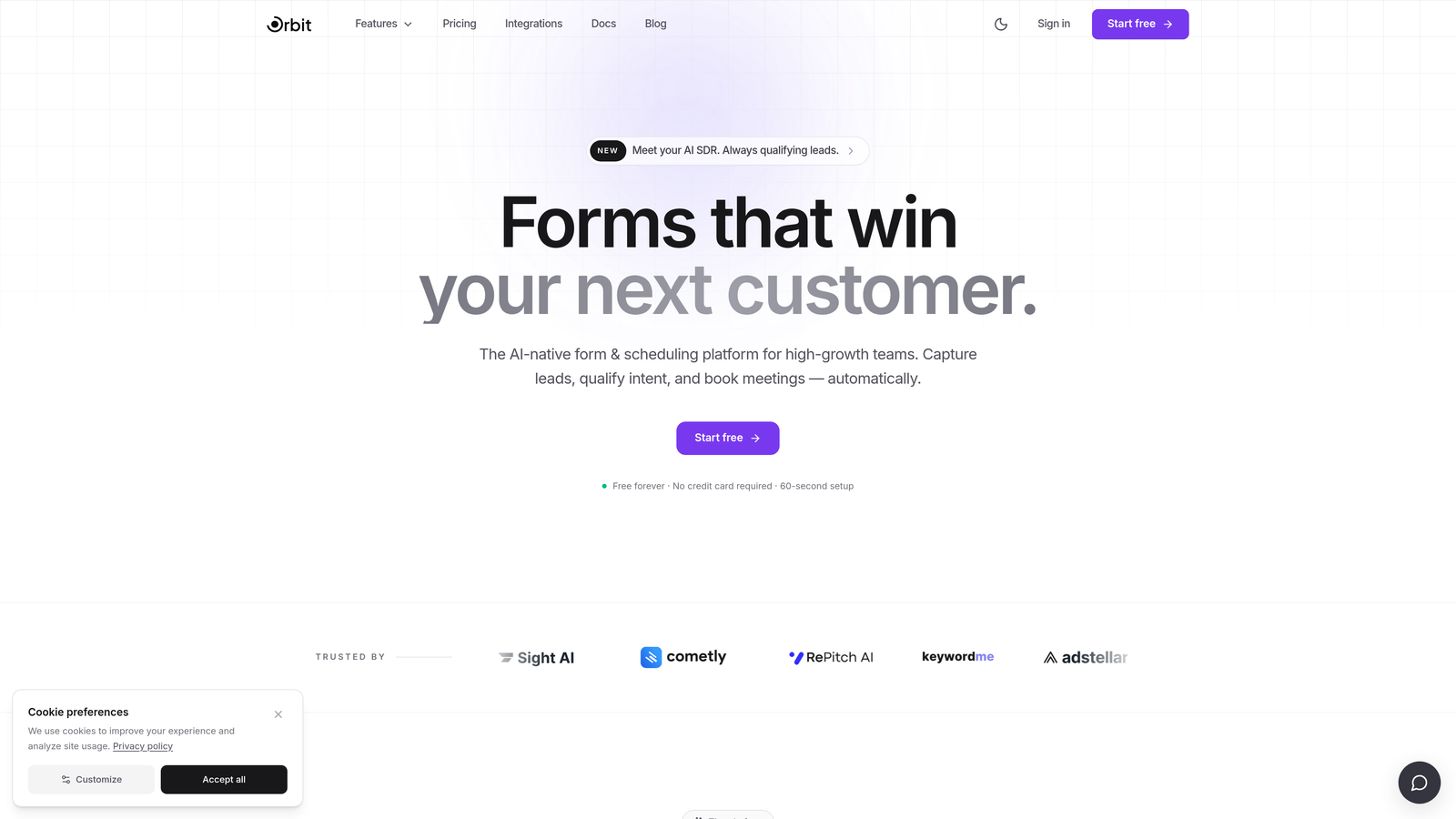
Orbit AI is an AI-powered form builder platform combining conversion-optimized design with real-time lead qualification, built specifically for teams that can't afford to waste time on unqualified leads.
Where This Tool Shines
Most form builders treat qualification as an afterthought, something you bolt on through a CRM workflow after the submission comes in. Orbit AI flips that model. The qualification logic lives inside the form itself, which means your sales team receives pre-scored, pre-routed leads the moment someone hits submit.
The design quality is also worth calling out. Out of the box, Orbit AI forms look polished and modern without requiring a designer. For landing pages where visual trust signals matter, that's a meaningful advantage over clunkier alternatives.
Key Features
AI-Powered Lead Qualification: Qualification logic is embedded directly into form flow, scoring and routing leads in real time without external tools.
Conversion-Optimized Templates: Landing page-specific form templates designed around conversion best practices from the start.
Dynamic Form Fields: Fields adapt based on user input, creating a personalized path for each respondent without requiring complex manual logic.
Real-Time Lead Scoring and Routing: Leads are scored and directed to the right team or workflow automatically at the point of submission.
Modern Visual Design: Polished, brandable form aesthetics that hold up on high-stakes landing pages without custom CSS.
Best For
High-growth SaaS teams, demand generation marketers, and sales-led organizations that want their forms to do more than collect data. Particularly valuable for teams running paid campaigns where lead quality matters as much as lead volume.
Pricing
Visit orbitforms.ai for current plan details. A free starting option is available.
2. Unbounce Smart Forms
Best for: Marketers who build and test landing pages at scale within a single platform.
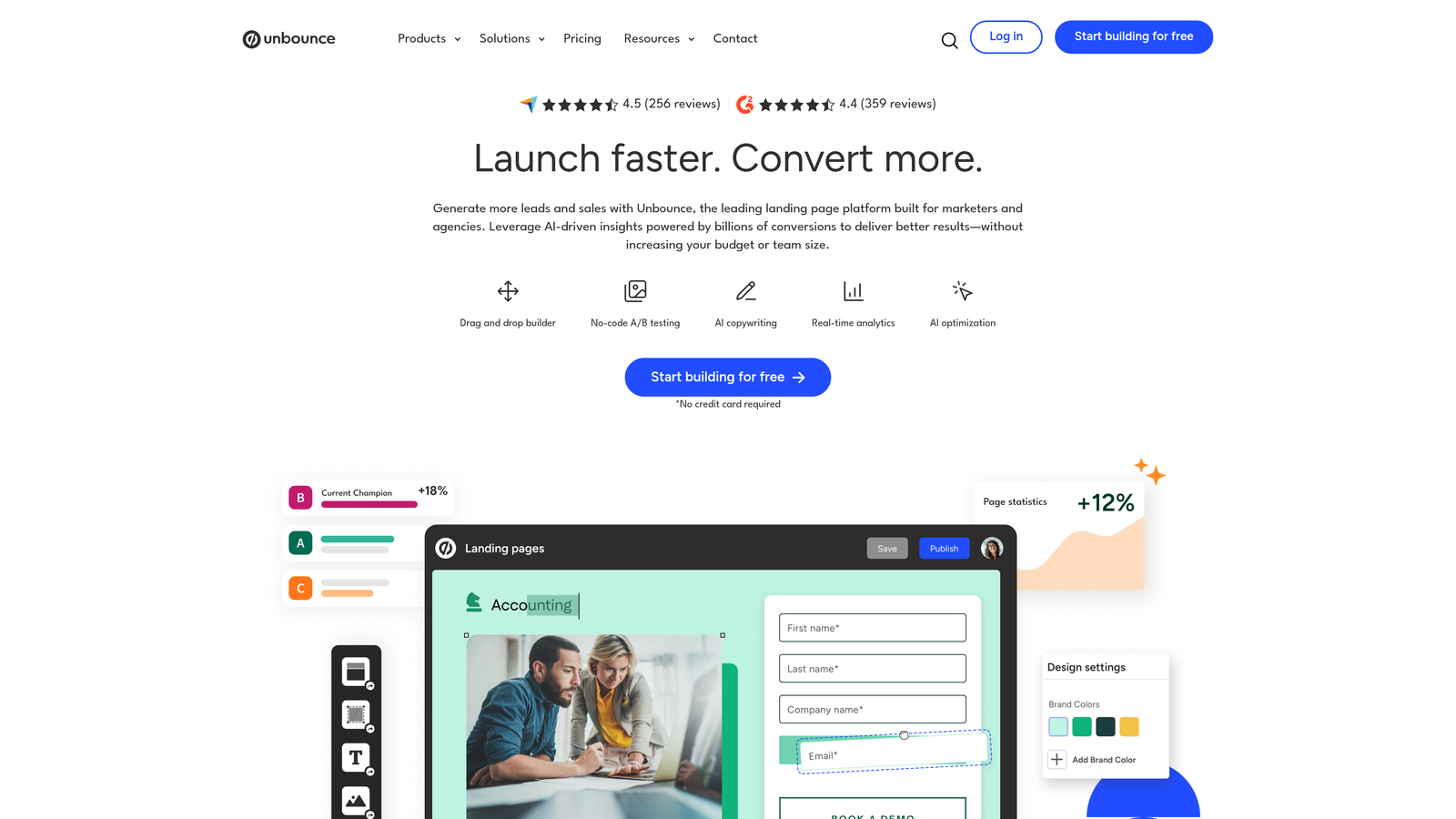
Unbounce is a landing page platform with AI-driven Smart Traffic and native form optimization tools designed to maximize conversions across campaigns.
Where This Tool Shines
Unbounce's core advantage is that forms and landing pages are managed in the same environment. You're not integrating a third-party form tool into a page builder; you're working within one cohesive system. This makes it much faster to test form changes alongside headline or layout changes in the same experiment.
Smart Traffic, Unbounce's AI feature, automatically routes visitors to the page variant most likely to convert based on their attributes. When combined with form-level A/B testing, this creates a layered optimization approach that's genuinely powerful for high-volume campaigns.
Key Features
Smart Traffic AI: Automatically sends visitors to the highest-converting page and form variant based on behavioral signals.
Drag-and-Drop Form Builder: Build and edit forms directly within the landing page editor without switching tools.
Built-In A/B Testing: Test form layouts, field counts, and copy variations natively within the platform.
Popups and Sticky Bars: Embed forms in popups and sticky bars for additional conversion touchpoints on the same page.
CRM and Marketing Automation Integrations: Connects with major platforms including HubSpot, Salesforce, and Mailchimp.
Best For
Performance marketers and growth teams running multiple campaigns simultaneously who want form optimization baked into their landing page workflow rather than managed separately.
Pricing
Starts at $74/month on the Build plan. Higher tiers unlock more AI features and traffic volume.
3. Typeform
Best for: Teams prioritizing form completion rates through conversational, engaging UX.
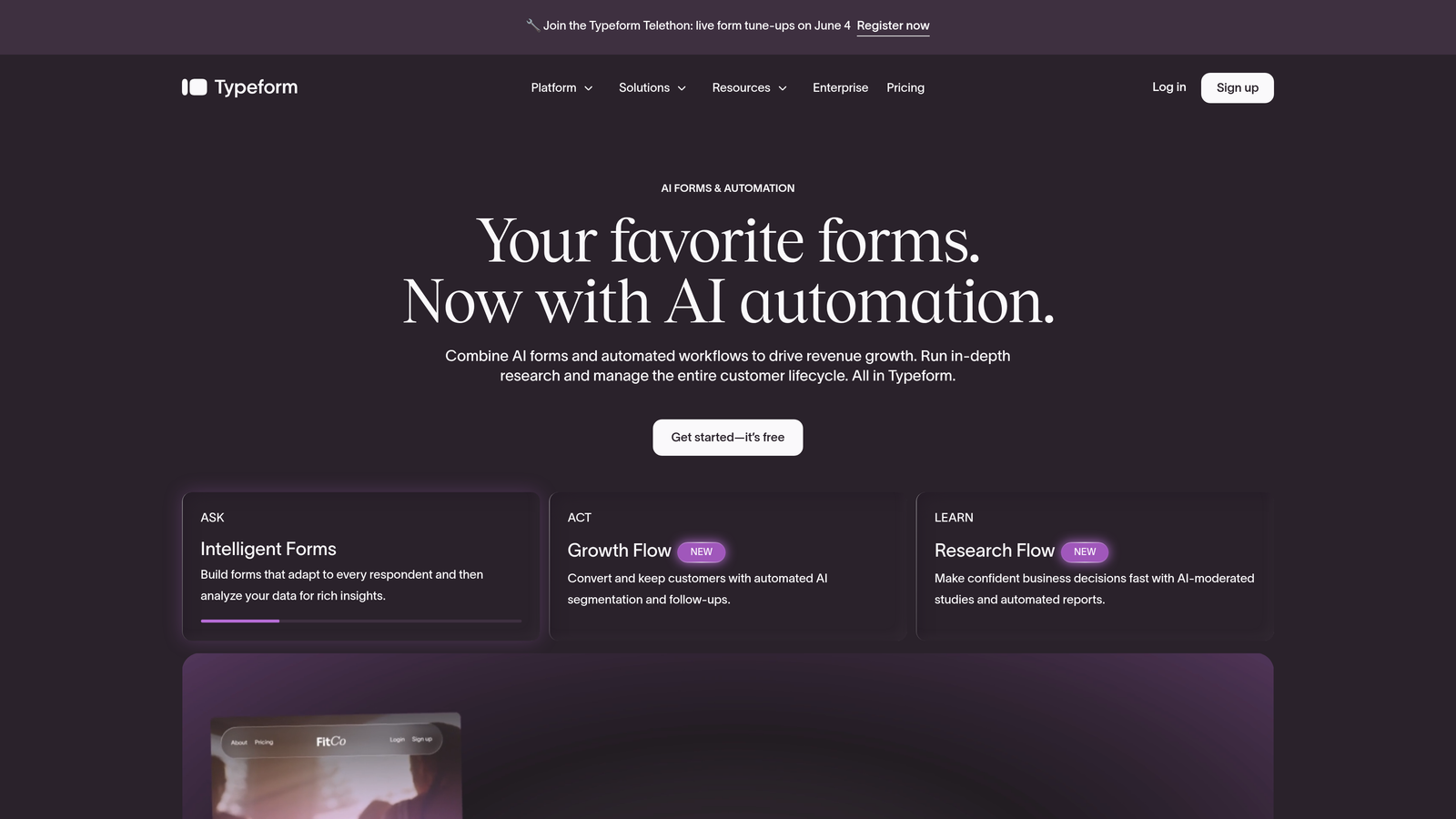
Typeform is a conversational form builder known for its one-question-at-a-time interface that consistently produces higher engagement than traditional multi-field layouts.
Where This Tool Shines
The one-question-at-a-time format reduces cognitive load significantly. Instead of facing a wall of fields, respondents answer questions in a focused, almost interview-like flow. For forms with more than five or six fields, this UX pattern tends to drive meaningfully better completion behavior.
Typeform's branding flexibility is also strong. You can embed custom media, apply brand colors and fonts, and create an experience that feels like a natural extension of your landing page rather than a generic form widget.
Key Features
Conversational One-Question Interface: Presents one question at a time to reduce friction and maintain respondent focus throughout the form.
Conditional Logic: Branches the form path based on answers, creating personalized question sequences for different respondent types.
Custom Branding and Media Embeds: Supports custom themes, images, and video for a fully branded form experience.
Native Marketing Integrations: Connects with tools like HubSpot, Salesforce, Slack, and Google Sheets out of the box.
Built-In Analytics Dashboard: Tracks completion rates, drop-off points, and response data within the platform.
Best For
Marketing teams focused on lead generation surveys, onboarding flows, and any form scenario where completion rate is the primary optimization goal. Less suited for teams needing real-time lead qualification or deep CRM logic.
Pricing
Free plan available with limited responses. Paid plans start at $25/month.
4. HubSpot Forms
Best for: Full-funnel marketing teams already running on the HubSpot CRM ecosystem.
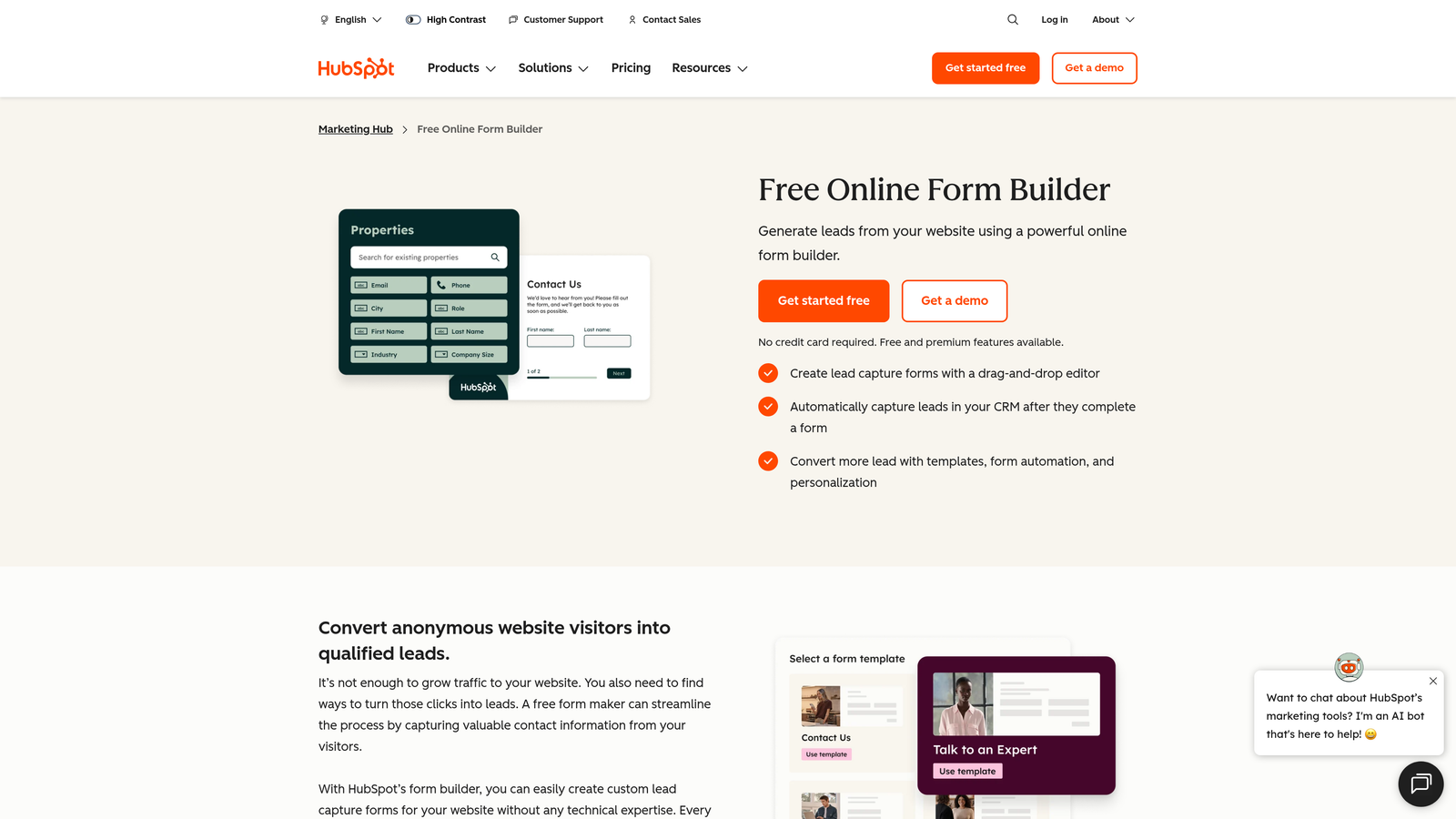
HubSpot Forms is a CRM-native form builder with progressive profiling and deep contact data integration for teams running full-funnel marketing programs.
Where This Tool Shines
Progressive profiling is HubSpot Forms' standout capability. Rather than asking returning visitors to fill out information you already have, it dynamically swaps in new fields based on what's already in the contact record. Over multiple interactions, you build richer lead profiles without ever asking the same question twice.
Because forms feed directly into the HubSpot CRM, there's no data mapping to configure or sync to worry about. Every submission updates the contact record automatically, which keeps your sales team working with clean, current data.
Key Features
Progressive Profiling: Dynamically replaces already-known fields with new questions for returning visitors, building richer profiles over time.
Deep CRM Integration: Submissions automatically create or update contact records in HubSpot without manual mapping.
Smart Form Fields: Displays different fields based on lifecycle stage, list membership, or contact properties.
Embedded, Popup, and Standalone Options: Deploy forms in multiple formats to match your landing page strategy.
Free Tier with Solid Functionality: Core form features are available without a paid subscription.
Best For
Teams already invested in the HubSpot ecosystem who want their forms tightly connected to nurture sequences, contact scoring, and sales workflows. Less compelling if you're not a HubSpot shop.
Pricing
Free tier available. Marketing Hub Starter begins at $15/month per seat.
5. Leadformly (by Zuko)
Best for: Teams that want to diagnose exactly where and why users abandon their existing forms.
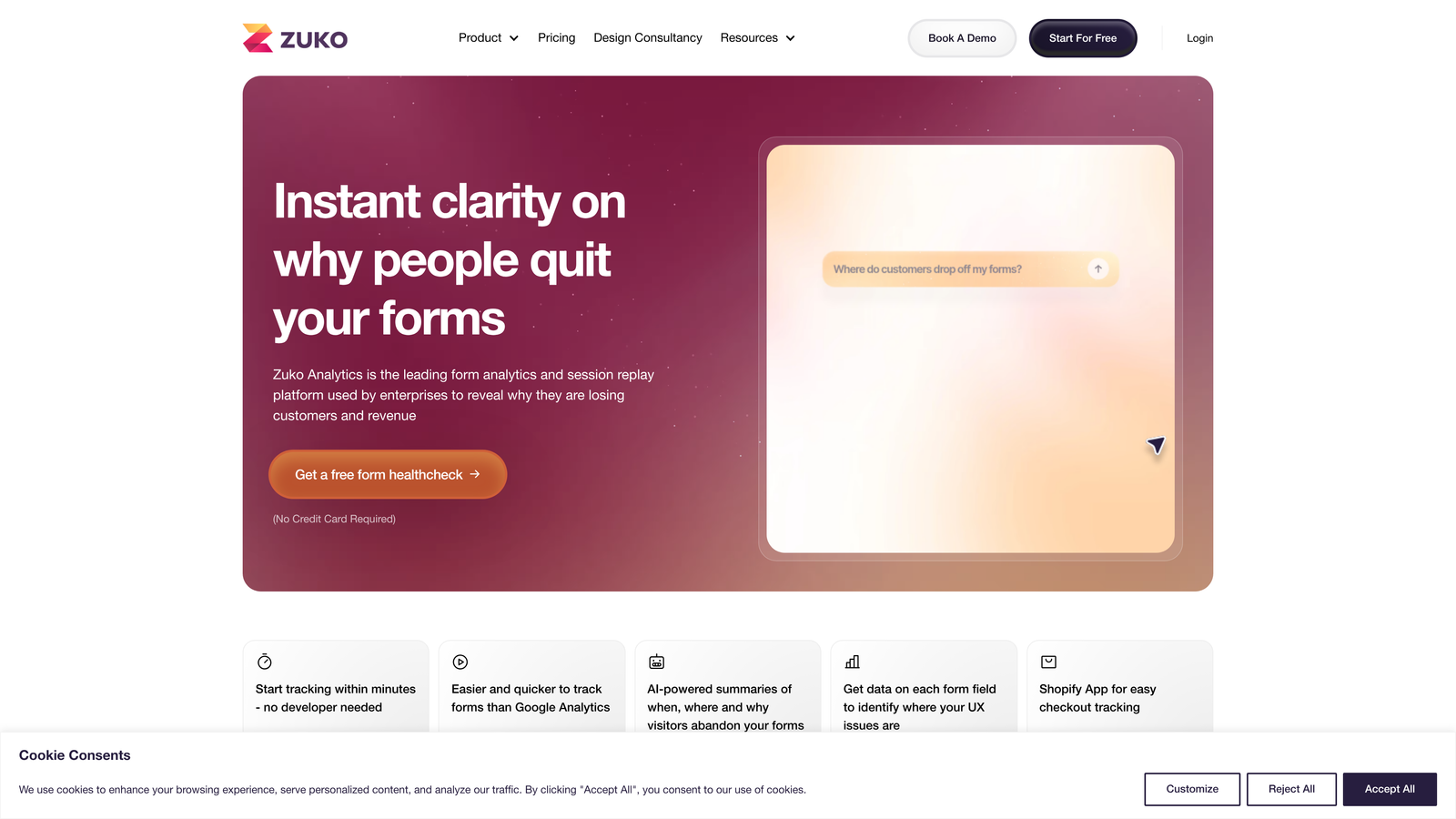
Zuko (formerly Leadformly) is a form analytics and optimization platform that provides field-level insights into where users drop off, hesitate, or struggle during form completion.
Where This Tool Shines
Most analytics tools tell you your form has a 60% abandonment rate and leave you to figure out why. Zuko tells you which specific field caused the drop-off, how long users hesitated before leaving, and how your form's performance compares to industry benchmarks. That level of granularity transforms optimization from guesswork into a data-driven process.
Critically, Zuko works with your existing forms. You don't need to rebuild or migrate to a new platform to start collecting insights, which makes it an easy addition to any existing landing page stack.
Key Features
Field-by-Field Abandonment Analytics: Shows exactly which fields cause users to stop, hesitate, or return and correct their answers.
Session-Level Interaction Replays: Watch how individual users interact with your form to identify UX friction points.
Industry Benchmarking: Compare your form's completion rate and field performance against anonymized industry averages.
Works With Any Existing Form: Integrates via a script tag without requiring a platform migration or form rebuild.
Funnel Visualization for Multi-Step Forms: Maps drop-off across each step of multi-page form flows.
Best For
CRO teams, growth marketers, and agencies looking to optimize forms that are already live without rebuilding them from scratch. Pairs well with any form builder on this list.
Pricing
Plans start at around £100/month. Pricing scales with the number of forms and sessions tracked.
6. Jotform
Best for: Teams that need a versatile, fast-deployment form builder with broad template coverage.
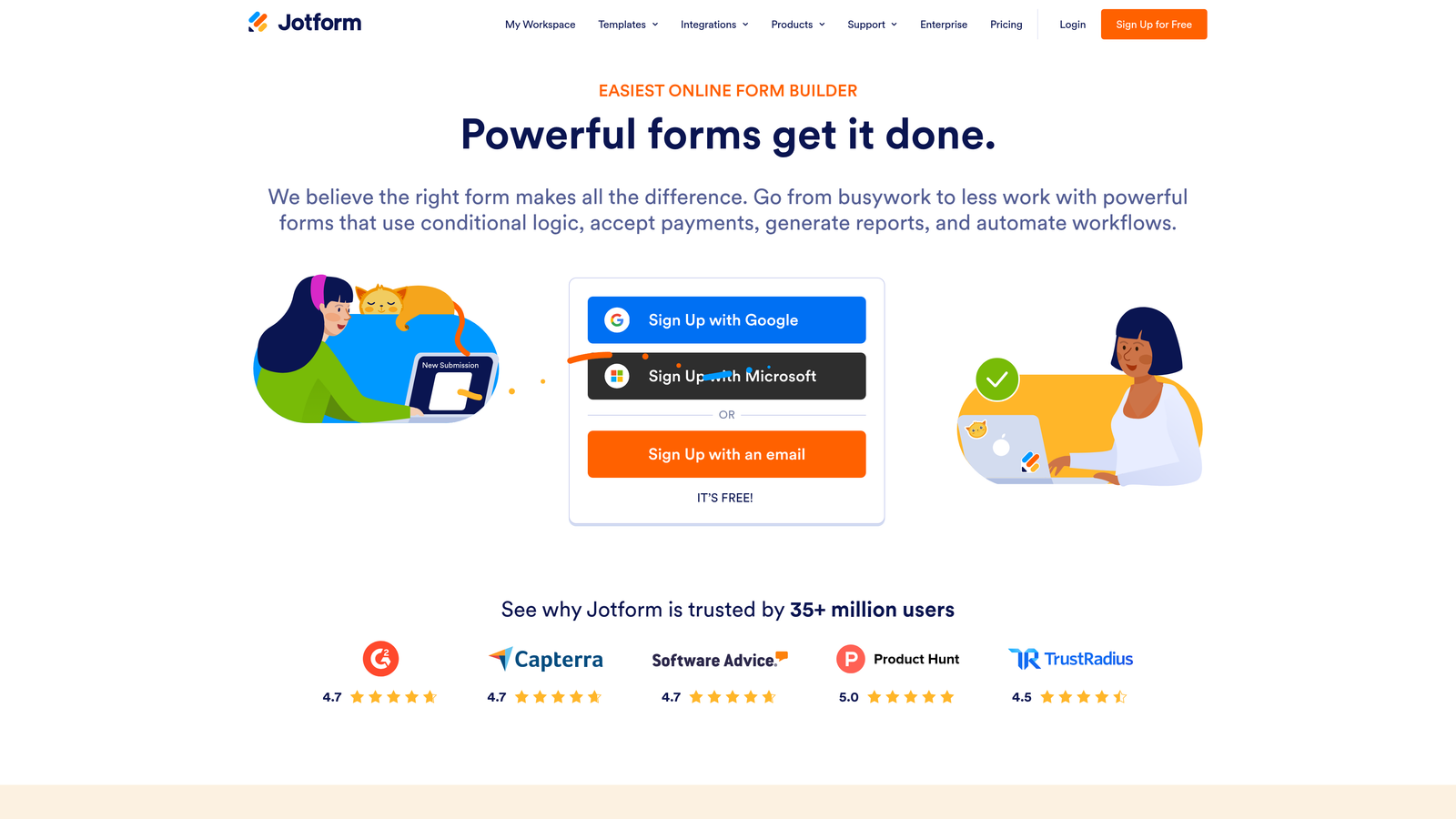
Jotform is a versatile form builder with a massive template library, conditional logic, and payment integrations for teams that need to ship forms quickly across a variety of use cases.
Where This Tool Shines
Jotform's template library is genuinely one of the largest in the category, covering everything from lead generation to event registration to payment collection. If you need a functional form live within the hour, Jotform is hard to beat for speed and variety.
The platform also handles payment processing natively, which is useful for landing pages where a form submission includes a transaction. Stripe, PayPal, and Square integrations are all built in without requiring third-party workarounds.
Key Features
10,000+ Form Templates: Pre-built templates across virtually every industry and use case for fast deployment.
Conditional Logic and Calculation Fields: Dynamic field display and real-time calculations within the form.
Native Payment Processing: Accepts payments through Stripe, PayPal, Square, and other processors directly within the form.
Approval Workflows: Route submissions through multi-step approval processes with automated notifications.
HIPAA Compliance Option: Available on higher-tier plans for healthcare and regulated industries.
Best For
Small to mid-sized teams, agencies managing multiple clients, and any organization that needs a reliable, multi-purpose form builder without a steep learning curve. Less focused on advanced conversion optimization than some alternatives.
Pricing
Free plan includes up to 5 forms and 100 monthly submissions. Paid plans start at $34/month.
7. Formstack
Best for: Operations and revenue teams that need forms connected to document generation and e-signature workflows.
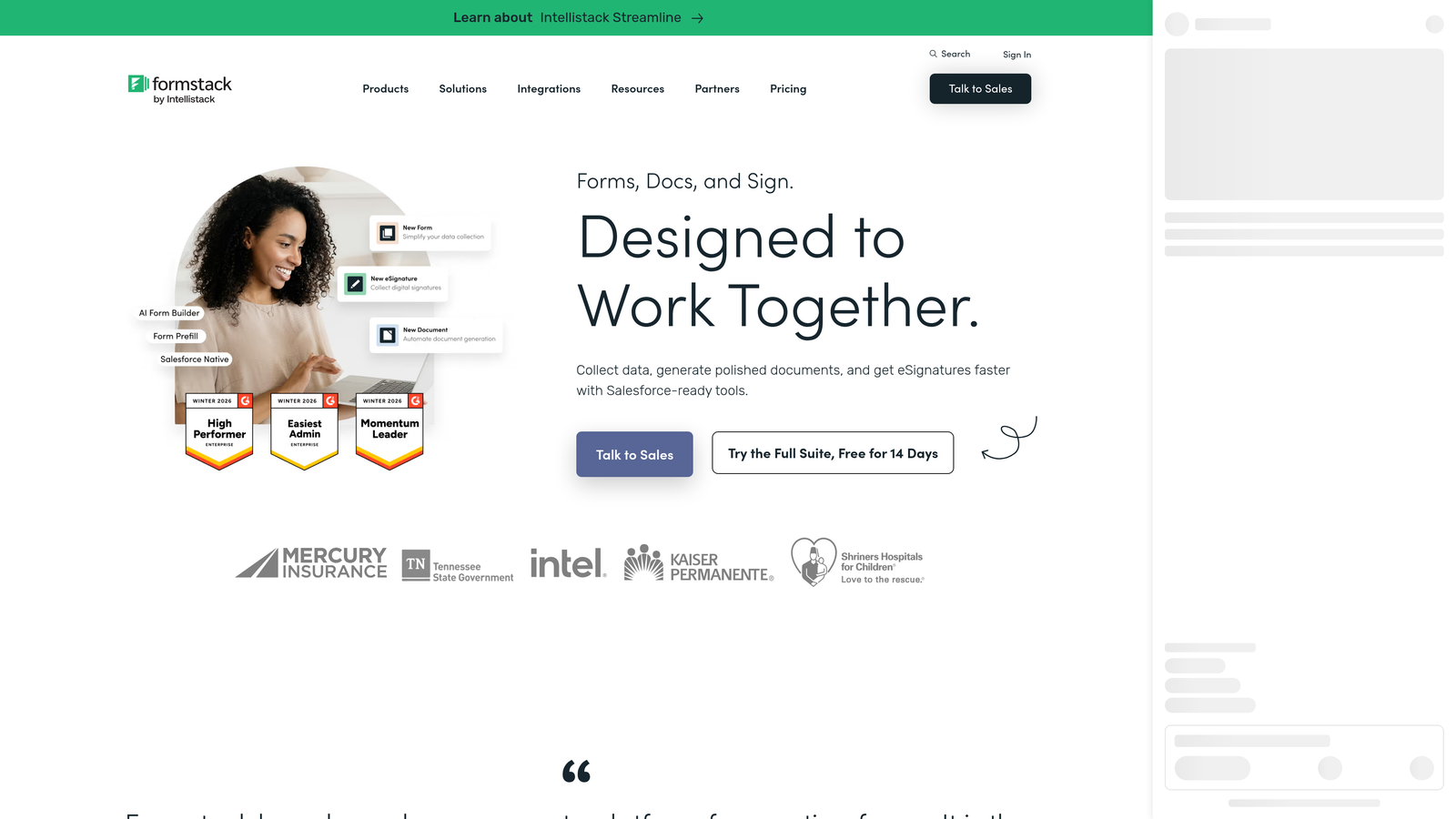
Formstack is a workflow-centric form platform that connects form submissions to document generation, e-signatures, and automated routing in a single integrated suite.
Where This Tool Shines
Formstack's differentiation is its end-to-end workflow capability. A form submission can automatically populate a contract, send it for e-signature, and route the completed document to the right team member, all without leaving the Formstack ecosystem. For sales-heavy landing pages where a form fill kicks off a formal process, this is a significant time saver.
The platform also captures partial submissions, meaning you can recover lead data even when someone abandons before hitting submit. Combined with A/B testing for form variants, this makes Formstack a solid conversion optimization tool for teams with complex downstream workflows.
Key Features
Forms to Documents to Signatures Workflow: Automates the full document lifecycle from a single form submission.
A/B Testing for Form Variants: Test different form layouts, field configurations, and copy natively within the platform.
Partial Submissions Capture: Collects lead data from users who start but don't complete a form.
Salesforce-Native Integration: A dedicated Salesforce-native version for teams running Salesforce as their CRM.
Compliance Certifications: HIPAA, GDPR, and SOC 2 compliance for regulated industries.
Best For
Enterprise and mid-market teams in financial services, healthcare, or professional services where form submissions trigger formal document and approval workflows. Strong fit for Salesforce-heavy organizations.
Pricing
Starts at $50/month for the Forms plan. Suite pricing for the full Forms, Documents, and Sign bundle is higher.
8. Gravity Forms
Best for: WordPress-native teams that want maximum extensibility through a large add-on ecosystem.
Gravity Forms is a WordPress-native form plugin with deep extensibility through a large add-on ecosystem covering CRM, payment, and optimization integrations.
Where This Tool Shines
If your landing pages run on WordPress, Gravity Forms is the most deeply integrated form solution available. It operates entirely within the WordPress environment, which means no external dependencies, no data leaving your server unless you choose, and no learning curve for teams already comfortable with WordPress.
The add-on ecosystem is extensive. Whether you need Salesforce sync, Stripe payments, Mailchimp enrollment, or partial entry recovery for abandoned forms, there's a supported add-on for it. Developers also appreciate the hooks and filters system, which makes custom behavior straightforward to implement.
Key Features
WordPress-Native Architecture: Runs entirely within WordPress with no external platform dependency.
Extensive Add-On Ecosystem: Official and third-party add-ons for CRM, email marketing, payments, and optimization tools.
Conditional Logic and Multi-Page Forms: Dynamic field display and multi-step form flows with branching logic.
Partial Entry Saving: Captures lead data from incomplete form submissions for follow-up.
Developer-Friendly Hooks and Filters: Full customization support for teams with development resources.
Best For
WordPress-based marketing sites, agencies managing WordPress client sites, and developer teams that want maximum control over form behavior and data handling without leaving their existing CMS.
Pricing
Starts at $59/year for the Basic license. Elite license with all add-ons is available at higher tiers.
9. Instapage
Best for: Performance marketing teams running paid campaigns that demand rigorous landing page and form testing.
Instapage is a landing page platform with server-side A/B testing, heatmaps, and form analytics designed for teams optimizing paid acquisition at scale.
Where This Tool Shines
Instapage's AdMap feature is genuinely useful for paid teams. It lets you visually connect ad campaigns to specific landing page and form combinations, making it easy to maintain message match across your entire paid funnel. When you're running dozens of ad sets, having that visual map of which form variant corresponds to which ad group saves significant time.
Server-side A/B testing is another differentiator. Unlike client-side testing, which can cause page flicker and affect user experience, server-side tests are invisible to the visitor and produce cleaner data. For high-traffic campaigns where statistical significance matters, this is a meaningful technical advantage.
Key Features
Server-Side A/B Testing: Tests form and page variants without client-side flicker, producing cleaner conversion data.
Heatmaps and Scroll Maps: Visual data on where users focus attention, informing optimal form placement and design.
AdMap: Connects ad campaigns to specific landing page and form combinations for consistent message match.
Multi-Step Form Builder: Build and test multi-step forms directly within the landing page editor.
Real-Time Team Collaboration: Shared editing and commenting for marketing teams working across multiple campaigns simultaneously.
Best For
Performance marketing teams at growth-stage or enterprise companies running significant paid budgets on Google Ads, Meta, or LinkedIn who need rigorous testing infrastructure built into their landing page tool.
Pricing
Starts at $79/month on the Build plan. Custom pricing available for enterprise teams with higher traffic volumes.
Which Tool Is Right for Your Team?
The right landing page form optimization software depends almost entirely on where your biggest conversion gap lives and what your existing stack looks like. Here's a quick-reference guide to help you match tool to need.
Best for AI-powered lead qualification: Orbit AI is the clear choice here. No other tool on this list embeds qualification logic directly into the form itself, which means your leads arrive pre-scored and pre-routed rather than requiring downstream workflow setup.
Best for landing page ecosystems: Unbounce and Instapage both treat forms as part of a broader landing page optimization system. If you're building, testing, and iterating on full landing pages rather than just forms, either platform gives you a more integrated workflow than standalone form builders.
Best for CRM integration: HubSpot Forms wins for teams already on HubSpot. Progressive profiling alone makes it worth considering if you're running any kind of multi-touch nurture program.
Best for form analytics without rebuilding: Zuko (Leadformly) is the answer when your forms are already live and you need to understand why they're underperforming. It layers onto your existing setup without requiring a platform change.
Best for WordPress teams: Gravity Forms remains the gold standard for WordPress-native form building, especially for teams with development resources to take advantage of its extensibility.
Best for conversational UX: Typeform is the go-to when completion rate is your primary concern and your form has enough fields to benefit from a one-question-at-a-time flow.
Before you decide, check out our guides on form submission rate benchmarks and how to reduce form field friction to understand where your current forms stand and what quick wins are available regardless of which tool you choose.
Transform your lead generation with AI-powered forms that qualify prospects automatically while delivering the modern, conversion-optimized experience your high-growth team needs. Start building free forms today and see how intelligent form design can elevate your conversion strategy.


