

Collecting patient data through online forms is standard practice for healthcare organizations, but one wrong field, one missing consent checkbox, or one unsecured submission can trigger serious HIPAA violations and costly penalties. Healthcare teams need form builders that go beyond drag-and-drop convenience to offer encryption, access controls, audit trails, and Business Associate Agreements (BAAs).
Whether you're building patient intake forms, appointment requests, insurance verification workflows, or feedback surveys, the tool you choose must prioritize compliance without sacrificing user experience. We evaluated dozens of form platforms and narrowed the field to nine that genuinely deliver on healthcare compliance. Here's what stands out in 2026.
1. Orbit AI
Best for: Digital health companies and medical marketing teams that need conversion-optimized, compliant forms with AI-powered lead qualification.
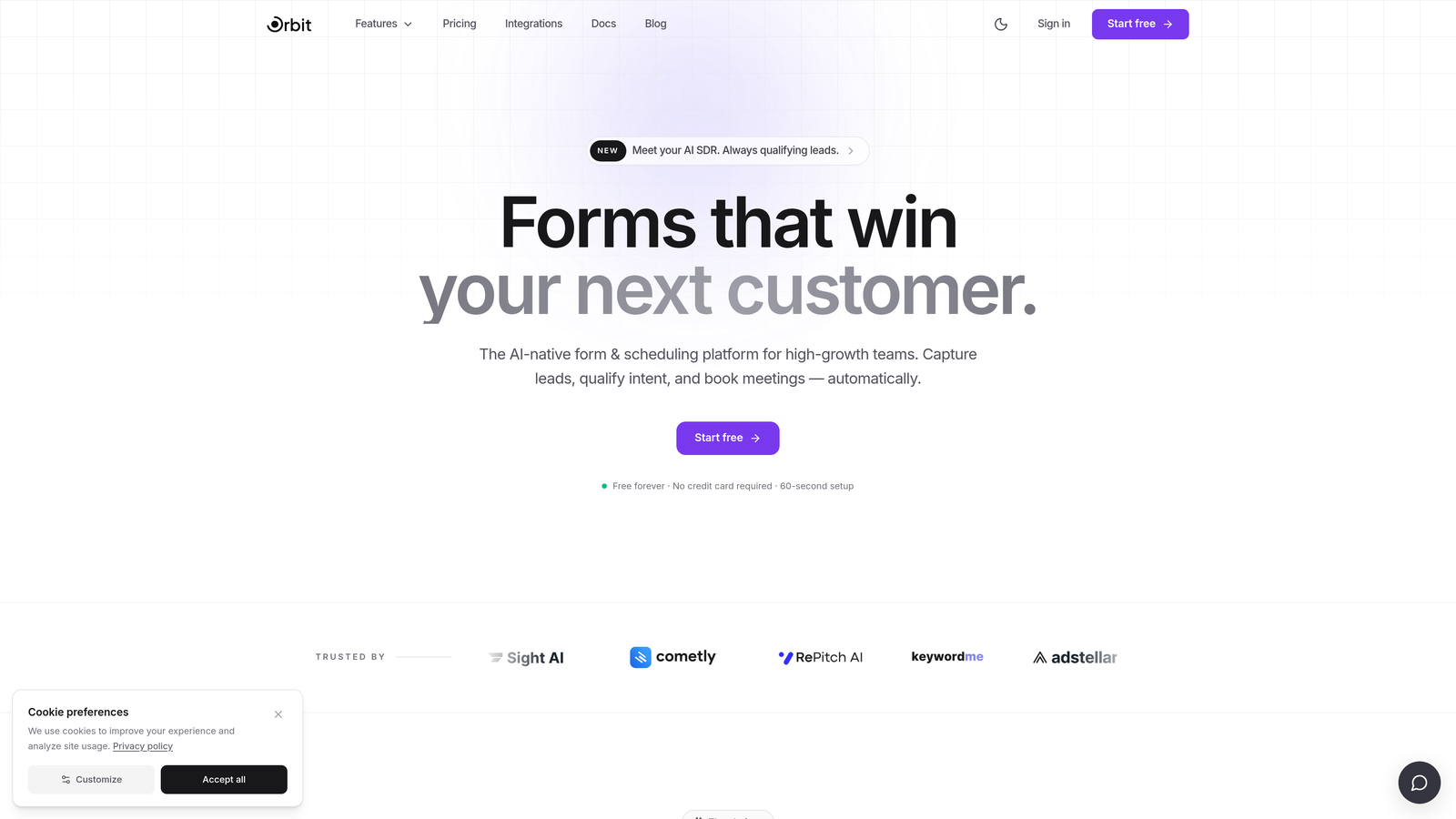
Orbit AI is a modern, AI-powered form builder designed for high-growth teams that need intelligent form experiences without compromising on data security.
Where This Tool Shines
Orbit AI stands out by combining compliance-ready security controls with genuinely smart form logic. Where most HIPAA-compliant tools feel clunky or clinical, Orbit AI brings a modern, conversion-optimized design sensibility that makes patient-facing forms feel polished and approachable.
The AI-powered conditional logic is particularly valuable for healthcare teams building multi-step intake flows or qualification forms. Instead of showing every patient the same static fields, forms adapt dynamically based on responses, reducing friction and improving completion rates.
Key Features
AI-Powered Conditional Logic: Forms intelligently adapt based on user input, surfacing relevant fields and skipping irrelevant ones automatically.
Lead Scoring and Qualification: Built-in lead scoring helps healthcare marketing and intake teams prioritize and route incoming submissions efficiently.
Dynamic Form Fields: Fields update in real time based on patient responses, making complex intake workflows feel seamless rather than overwhelming.
Data Encryption and Security Controls: Encryption and access controls protect sensitive patient information throughout the submission process.
CRM and Workflow Integrations: Connects with popular CRMs and healthcare workflow tools, keeping your data pipeline clean and automated.
Best For
Orbit AI is an excellent fit for digital health startups, telehealth platforms, and medical marketing teams that need conversion-optimized intake or lead qualification forms. It's particularly well-suited for teams that want intelligent form experiences without sacrificing a clean, modern design aesthetic.
Pricing
Visit orbitforms.ai for current pricing plans and to explore available tiers.
2. Jotform
Best for: Healthcare organizations that want a proven, template-rich HIPAA-compliant form builder with a signed BAA.
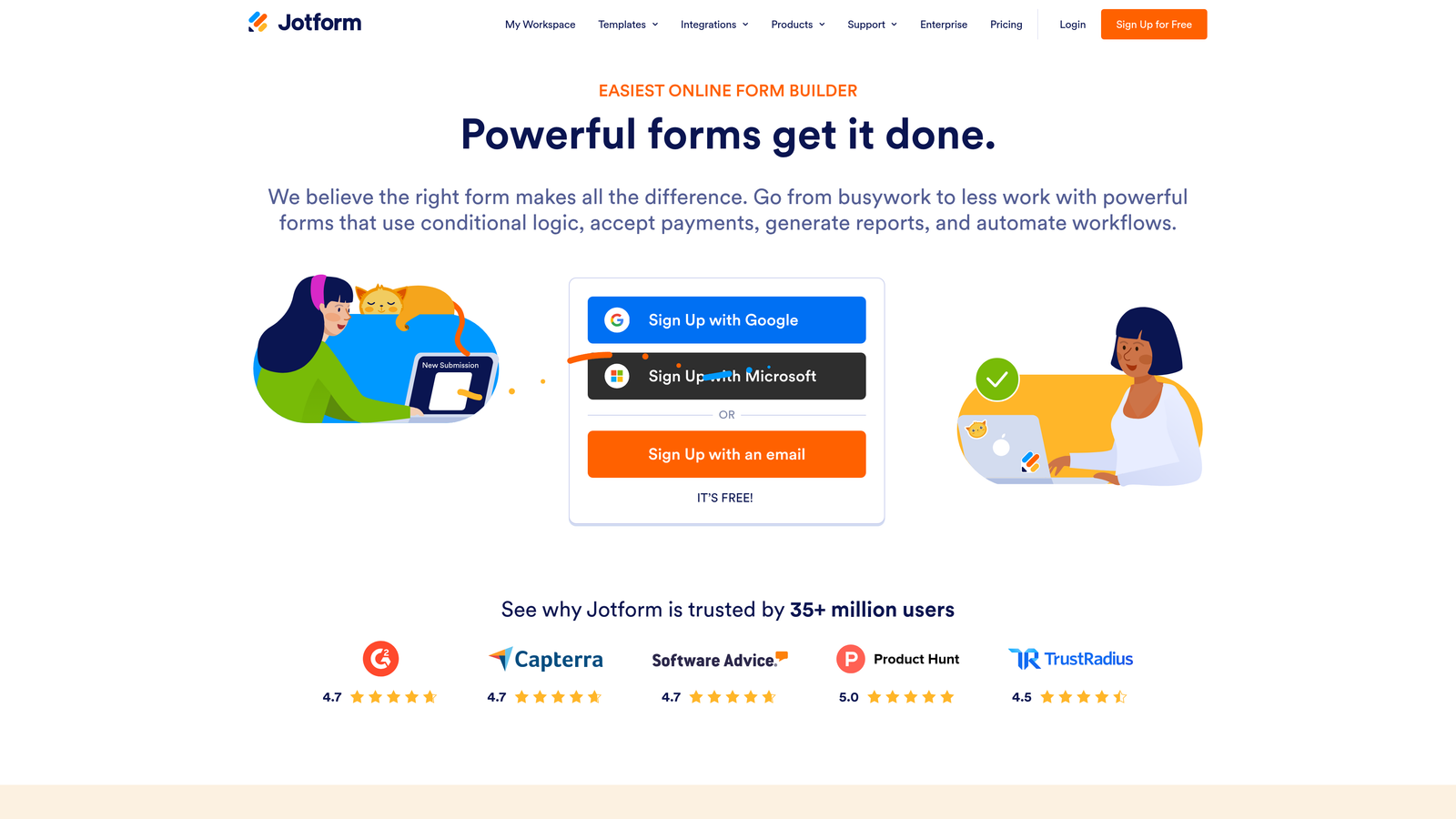
Jotform is one of the most widely used form builders in healthcare, offering a dedicated HIPAA-compliant plan backed by a signed Business Associate Agreement.
Where This Tool Shines
Jotform's library of over 600 healthcare-specific templates is genuinely impressive. From patient intake and consent forms to insurance verification and appointment requests, there's almost certainly a starting point for whatever you need to build.
The dedicated HIPAA plan isolates your data on secure servers and includes the signed BAA that makes compliance legitimate rather than aspirational. For teams that want to move fast without building from scratch, Jotform is hard to beat.
Key Features
Signed BAA on HIPAA Plan: A formal Business Associate Agreement is included, which is a non-negotiable requirement for handling PHI.
600+ Healthcare Templates: An extensive library covering virtually every healthcare form type, from consent to clinical intake.
E-Signature Widget: Collects legally valid patient signatures directly within forms, no separate tool required.
256-Bit SSL Encryption: Data is encrypted in transit with additional data isolation on HIPAA-compliant servers.
EHR and Payment Integrations: Connects with popular electronic health record systems and payment processors to streamline workflows.
Best For
Jotform works well for small to mid-sized clinics, private practices, and healthcare administrators who need reliable HIPAA compliance without deep technical configuration. The template library makes it especially accessible for teams without dedicated developers.
Pricing
HIPAA-compliant plans start around $34 per month when billed annually. Check Jotform's website for the most current plan details.
3. Formstack
Best for: Enterprise healthcare organizations that need a unified platform for forms, document generation, and e-signatures.
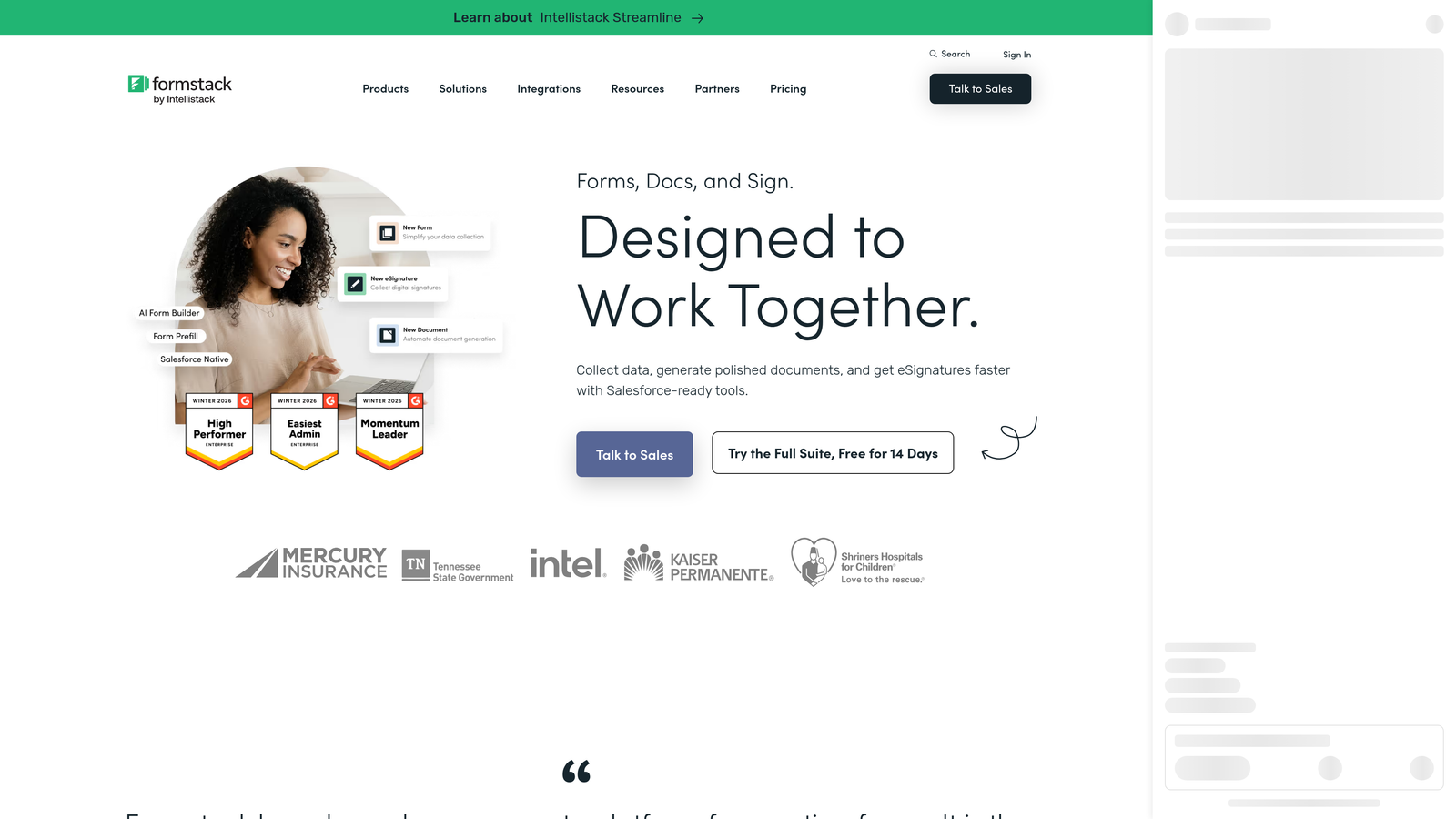
Formstack is an enterprise-grade form and workflow platform offering HIPAA compliance, document generation, and e-signatures in a single integrated suite.
Where This Tool Shines
Formstack goes beyond form collection. Its document generation capability means you can automatically produce completed patient documents, consent packets, or clinical forms from submitted data, which is a significant time-saver for high-volume practices.
The combination of role-based access controls, audit trails, and a signed BAA makes Formstack one of the more comprehensive compliance packages available. It's designed for organizations where multiple team members interact with patient data and accountability is essential.
Key Features
HIPAA-Compliant with Signed BAA: Full compliance infrastructure including a formal BAA on eligible plans.
Integrated Document Generation: Automatically produce completed documents from form submissions, reducing manual data entry.
Role-Based Access Controls: Granular permissions ensure only authorized staff can view or edit sensitive patient data.
Audit Trails: Detailed logs track every interaction with form data, supporting compliance reviews and investigations.
EHR and Salesforce Integrations: Connects with major healthcare platforms and CRMs to keep data flowing across systems.
Best For
Formstack is best suited for larger healthcare organizations, hospital systems, and multi-location practices that need enterprise-level workflow automation alongside compliance. The higher price point reflects the depth of its feature set.
Pricing
HIPAA-compliant plans start around $83 per month when billed annually. Enterprise pricing is available for larger organizations.
4. Google Forms (with Google Workspace HIPAA Configuration)
Best for: Budget-conscious healthcare teams already using Google Workspace who need a simple, low-overhead compliant form option.
Google Forms can be configured for HIPAA compliance, but only when used under a Google Workspace plan with a signed BAA in place.
Where This Tool Shines
The appeal here is familiarity and cost. Most healthcare staff already know how to use Google Forms, which means minimal training overhead. When paired with a Google Workspace Business or Enterprise plan and a properly executed BAA, it becomes a technically compliant option for basic data collection.
It's worth being direct about the limitations: the free, consumer version of Google Forms is not HIPAA compliant under any circumstances. Compliance requires the paid Workspace plan and explicit BAA configuration. For simple internal forms or low-complexity intake tasks, this setup can work. For anything more sophisticated, you'll likely outgrow it quickly.
Key Features
BAA Available via Google Workspace: Business and Enterprise plan customers can execute a BAA with Google to enable compliant use.
Familiar Interface: Virtually no learning curve for teams already in the Google ecosystem.
Google Sheets Integration: Form responses flow directly into Sheets for easy analysis and reporting.
Basic Conditional Logic: Simple branching logic covers straightforward form flows, though it lacks the sophistication of dedicated platforms.
No Additional Cost Within Workspace: Forms is included in existing Workspace subscriptions.
Best For
Best for small practices or internal healthcare teams with simple data collection needs that are already paying for Google Workspace. Not recommended for complex patient-facing workflows or organizations with significant compliance scrutiny.
Pricing
Google Workspace Business Starter starts at $7.20 per user per month. Google Forms itself has no additional cost within any Workspace plan.
5. Cognito Forms
Best for: Small to mid-sized healthcare practices that need HIPAA compliance with built-in payment processing at an accessible price point.
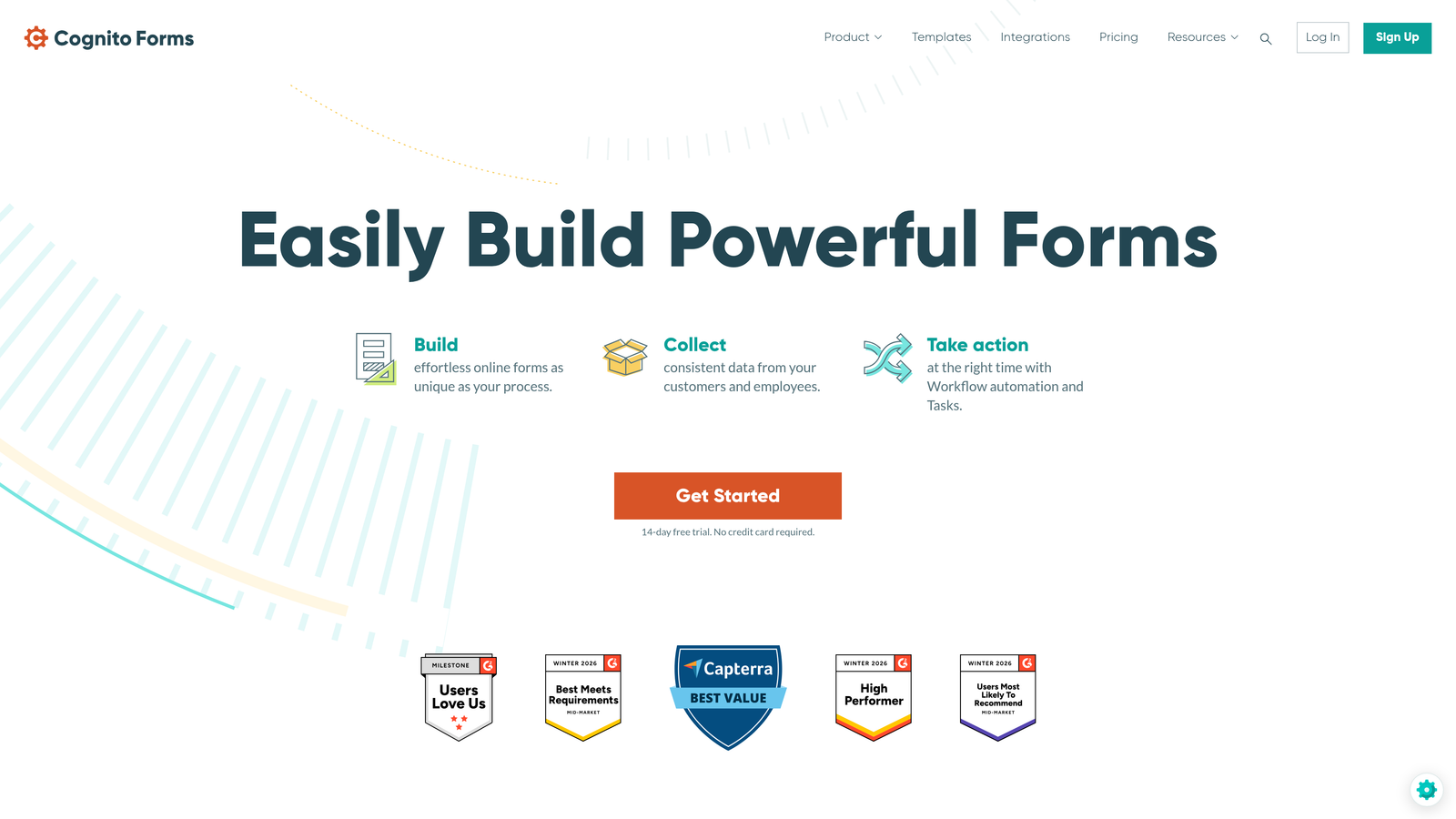
Cognito Forms is an affordable HIPAA-compliant form builder offering strong encryption, payment collection, and a signed BAA on eligible plans.
Where This Tool Shines
Cognito Forms punches above its weight for the price. The AES-256 encryption at rest combined with a signed BAA gives it legitimate compliance credentials, while the built-in payment processing makes it a practical choice for practices that collect copays or deposits at the intake stage.
The repeating sections feature is a genuinely useful differentiator for healthcare. Building forms that capture multiple medications, previous procedures, or family history entries without requiring patients to submit separate forms is a real workflow improvement.
Key Features
HIPAA Compliance with Signed BAA: Available on Team and higher plans, covering the essential compliance requirement.
AES-256 Encryption at Rest: Industry-standard encryption protects stored patient data.
Built-In Payment Processing: Accepts payments via Stripe, PayPal, and Square directly within forms.
Repeating Sections: Allows patients to add multiple entries for medications, procedures, or other list-based health history fields.
Calculation Fields: Useful for scoring-based intake forms, BMI calculators, or risk assessment tools.
Best For
Cognito Forms is a strong choice for independent practices, specialty clinics, and telehealth providers that need solid compliance features without the enterprise price tag. Especially valuable for practices that want to collect payments alongside patient information.
Pricing
The HIPAA-eligible Team plan starts around $24 per month. Higher tiers are available for larger teams and more advanced features.
6. Typeform
Best for: Healthcare organizations that prioritize patient experience and form completion rates, particularly for surveys and non-clinical intake.
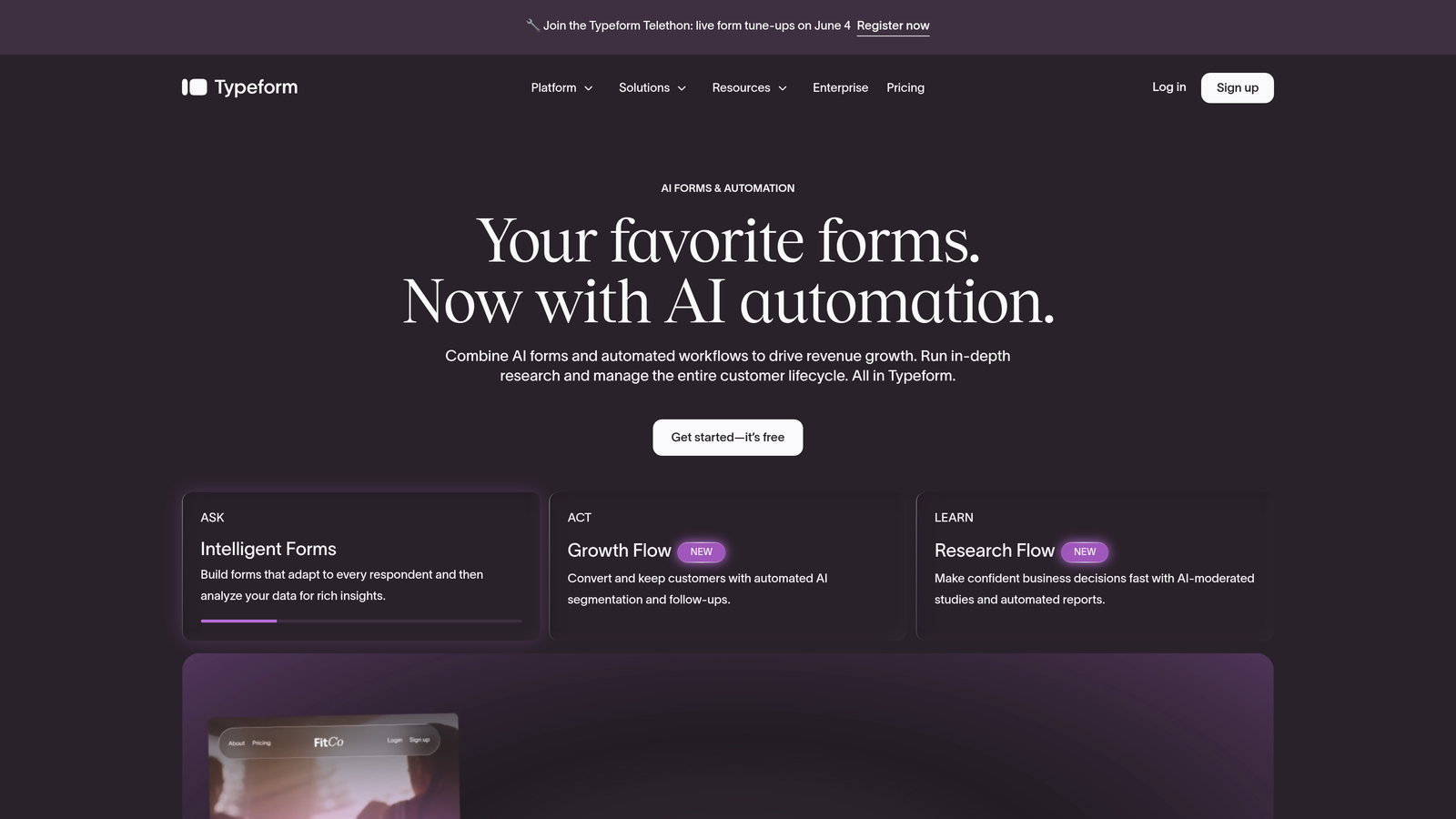
Typeform is a conversational form builder known for its one-question-at-a-time format, which can meaningfully improve completion rates on longer patient forms.
Where This Tool Shines
Typeform's design philosophy is fundamentally different from most form builders. By presenting one question at a time in a clean, conversational interface, it reduces the cognitive load on patients filling out lengthy intake or survey forms. For healthcare teams struggling with form abandonment, this approach can make a noticeable difference.
It's important to note that Typeform's HIPAA compliance positioning is less established than dedicated healthcare platforms. Enhanced security features are available on higher-tier plans, but organizations with strict compliance requirements should verify current BAA availability directly with Typeform before committing.
Key Features
Conversational One-Question UX: Presents questions sequentially, reducing overwhelm and improving completion rates on complex forms.
Logic Jumps and Branching: Personalizes the form flow based on previous answers, showing only relevant questions.
Mobile-Responsive Design: Forms look and function well on any device, which matters for patients filling out forms on their phones.
CRM and Marketing Integrations: Connects with HubSpot, Salesforce, and other tools useful for digital health and patient acquisition workflows.
Enhanced Security on Higher Plans: Advanced security features are available on Business and Enterprise tiers.
Best For
Typeform is best for digital health companies, patient experience teams, and healthcare marketers who prioritize engagement and completion rates. Verify current HIPAA and BAA capabilities directly with Typeform for any clinical data collection use cases.
Pricing
Business plans start around $33 per month. Contact Typeform directly regarding HIPAA compliance and BAA availability for your specific use case.
7. FormAssembly
Best for: Healthcare organizations running on Salesforce Health Cloud that need deep native integration with compliance-grade form infrastructure.
FormAssembly is an enterprise form platform with native Salesforce integration and a HIPAA-compliant infrastructure purpose-built for regulated industries.
Where This Tool Shines
If your healthcare organization lives inside Salesforce, FormAssembly is in a category of its own. The native Salesforce integration, including support for Health Cloud, means you can prefill forms with existing patient data, push submissions directly into records, and maintain a clean, unified patient profile without manual data transfer.
The Compliance Cloud plan is designed specifically for regulated industries, offering the full package of HIPAA requirements: signed BAA, encryption in transit and at rest, audit trails, and role-based access controls. This is enterprise-grade compliance infrastructure, and the pricing reflects that.
Key Features
Native Salesforce Integration: Deep, bidirectional integration with Salesforce including Health Cloud support for healthcare-specific data models.
HIPAA-Compliant Compliance Cloud Plan: Signed BAA and full compliance infrastructure on the dedicated enterprise tier.
Form Prefill from Salesforce: Automatically populate forms with existing patient or contact data, reducing redundant data entry.
Audit Trails and Access Controls: Comprehensive logging and role-based permissions support compliance reviews and internal accountability.
Encryption in Transit and at Rest: Data is protected throughout its lifecycle, from submission to storage.
Best For
FormAssembly is the clear choice for Salesforce-centric healthcare organizations, particularly those using Health Cloud. It's an enterprise tool with enterprise complexity and pricing, best suited for organizations with dedicated IT and operations teams.
Pricing
Compliance Cloud plan pricing is available upon request. This is an enterprise-tier product, so expect pricing conversations rather than published rates.
8. Pabau
Best for: Aesthetic clinics, dental practices, and specialty care providers that need an all-in-one practice management platform with integrated compliance forms.
Pabau is a practice management platform purpose-built for healthcare clinics, with integrated consent forms, medical histories, and treatment records built in from the ground up.
Where This Tool Shines
Pabau isn't just a form builder: it's a complete clinical workflow platform where forms are one piece of a larger patient management ecosystem. Consent forms, medical history questionnaires, and treatment records are all connected to patient profiles and appointment workflows, eliminating the disconnected data silos that plague practices using generic form tools.
For aesthetic clinics and specialty practices in particular, the before/after photo management and treatment record features make Pabau a genuinely differentiated option. It's built for the realities of clinical practice, not adapted from a general-purpose tool.
Key Features
Purpose-Built for Clinical Practices: Designed specifically for aesthetics, dental, and specialty care workflows rather than adapted from generic software.
Integrated Consent and Medical History Forms: Pre-built clinical templates connected directly to patient records and appointment flows.
Patient Portal: Secure online portal where patients can complete forms before appointments, reducing in-clinic paperwork.
Appointment Scheduling Integration: Intake forms are triggered and managed as part of the booking workflow, not as separate disconnected steps.
Treatment Records and Photo Management: Captures clinical notes, treatment details, and before/after images in a unified patient record.
Best For
Pabau is ideal for aesthetic clinics, cosmetic surgery practices, dental offices, and specialty care providers that want an integrated clinical platform rather than a standalone form tool. It's a significant investment but delivers substantial operational value for the right practice type.
Pricing
Plans start around $42 per user per month. Contact Pabau for enterprise and multi-location pricing.
9. IntakeQ
Best for: Solo practitioners and small healthcare practices that need a dedicated, HIPAA-compliant intake platform with scheduling and secure messaging built in.
IntakeQ is a dedicated HIPAA-compliant intake form platform built exclusively for healthcare, with e-signatures, appointment scheduling, and secure messaging included.
Where This Tool Shines
IntakeQ does one thing and does it exceptionally well: healthcare intake. Unlike general-purpose form builders that offer HIPAA compliance as an add-on, IntakeQ was built from day one for clinical intake workflows. The signed BAA is included on all plans, not reserved for premium tiers.
The combination of intake forms, appointment booking, secure messaging, and telehealth add-ons in a single platform makes IntakeQ particularly valuable for solo practitioners and small practices that can't afford to stitch together multiple tools. Everything is connected by design.
Key Features
Built Exclusively for Healthcare Intake: Every feature is designed around clinical intake workflows, not adapted from a general-purpose platform.
HIPAA-Compliant with BAA Included: Signed BAA is included on all plans, not gated behind an expensive enterprise tier.
E-Signatures and Consent Management: Patients can sign consent forms and review policies digitally before their appointments.
Integrated Appointment Booking: Scheduling and intake are connected, with automated reminders reducing no-shows.
Secure Messaging and Telehealth Add-Ons: Extends the platform beyond forms into ongoing patient communication and virtual care.
Best For
IntakeQ is the go-to choice for solo practitioners, therapists, physical therapists, and small multi-provider practices that want a purpose-built, all-in-one intake solution without the complexity of enterprise platforms.
Pricing
Plans start around $49.90 per month for solo practitioners. Multi-provider plans are available at higher tiers.
Choosing the Right Compliant Form Builder for Your Practice
The right tool depends on what kind of healthcare organization you are and what problem you're actually trying to solve. There's no single best answer, but there are clear patterns based on use case.
If you're a digital health company or medical marketing team focused on conversion-optimized intake and lead qualification, Orbit AI brings AI-powered intelligence and modern design that generic compliance tools simply don't offer. It's built for teams that care as much about the patient experience as they do about the data security behind it.
If you need a proven, template-rich HIPAA platform with broad integrations and a track record in traditional healthcare settings, Jotform is the most accessible choice. For enterprise organizations with complex workflows, Formstack and FormAssembly offer the depth and audit infrastructure that larger systems require, especially if you're running on Salesforce.
For clinical practices that want an all-in-one solution rather than a standalone form tool, IntakeQ and Pabau stand out. IntakeQ is purpose-built for intake and works exceptionally well for small practices and solo providers. Pabau goes further, integrating forms into a complete clinical workflow platform for specialty and aesthetic practices.
Budget-conscious teams already in the Google ecosystem can make Google Forms work with the right Workspace configuration, and Cognito Forms delivers solid compliance at a price point that smaller practices can absorb without strain.
One principle applies across all of these tools: compliance is not a feature you can assume. Verify that any platform you choose offers a signed BAA, encryption both in transit and at rest, and access controls appropriate for your team size. Get that documentation before you collect a single piece of patient data.
Ready to build smarter, more effective forms for your healthcare or digital health team? Start your free trial today and see how intelligent form design can elevate your conversion strategy while keeping your data practices where they need to be.


