

Form builder costs have a way of sneaking up on you. What starts as a simple monthly subscription quickly multiplies across team seats, submission limits, and premium integrations until you're paying far more than you expected for what feels like a basic tool.
The good news: most form building platforms offer meaningful savings through annual billing discounts, seasonal promotions, generous free tiers, and pricing tiers that many buyers never explore. This guide rounds up the best form builder discount codes and money-saving opportunities available right now, so you can get the right tool without overpaying for it.
We've researched current pricing, documented promotional patterns, and evaluated where each platform delivers genuine value at its discounted price points. The goal isn't just to find the cheapest option; it's to find the best deal on a tool that actually moves the needle for your team. For broader context on what to look for beyond price, check out our overview of the best online form builders available today.
1. Orbit AI
Best for: High-growth teams that need AI-powered lead qualification built directly into their forms.
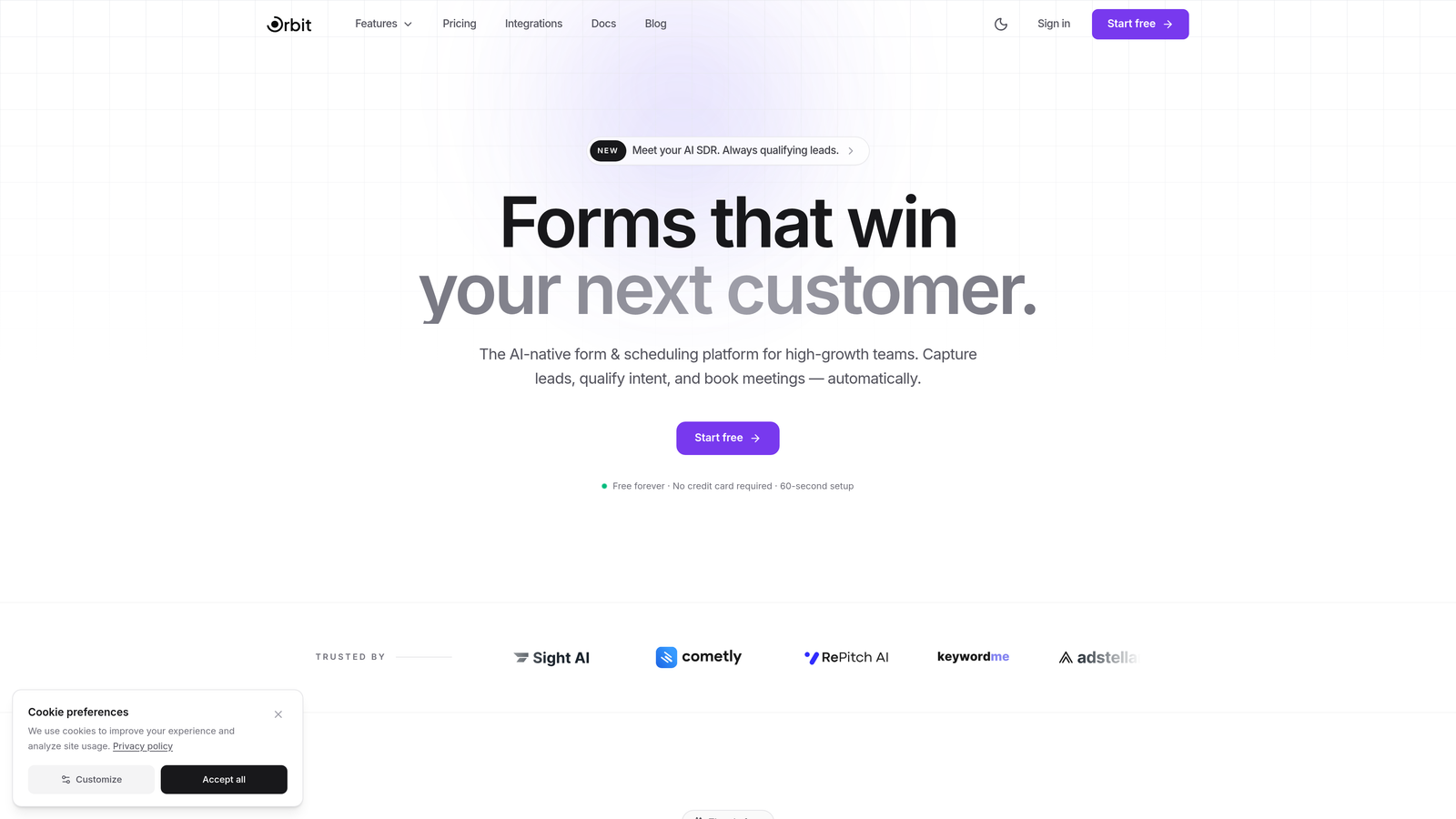
Orbit AI is a modern form builder platform built specifically for conversion-focused teams who want forms that do more than collect data.
Where This Tool Shines
Most form builders treat qualification as something you handle after the submission arrives. Orbit AI flips that model by scoring and qualifying leads inside the form experience itself, before a prospect ever hits your CRM. For growth teams running paid acquisition or outbound campaigns, that distinction matters enormously.
The platform is also built with design quality as a default, not an add-on. You're not starting from a blank, utilitarian form and trying to make it look presentable. Orbit AI's templates are conversion-optimized from the start, which means less time fiddling with styling and more time generating pipeline.
Key Features
AI-Powered Lead Qualification and Scoring: Automatically evaluates and scores incoming leads based on form responses, reducing manual triage for sales teams.
Conversion-Optimized Templates: Pre-built form designs engineered for high completion rates, not just visual appeal.
Conditional Logic and Dynamic Fields: Show or hide questions based on previous answers, creating personalized form experiences at scale.
Modern Form Design Out of the Box: Clean, professional aesthetics without requiring design expertise or custom CSS.
Built for Agencies and High-Growth Teams: Multi-client management capabilities and team collaboration features suited for fast-moving organizations.
Best For
Orbit AI is the strongest fit for SaaS companies, growth marketers, and agencies that treat lead qualification as a revenue function, not an administrative task. If your team is running high-volume lead generation and needs to separate signal from noise automatically, this is where Orbit AI earns its place at the top of the list.
Pricing
Visit orbitforms.ai for current pricing tiers and any available promotional deals. The platform regularly updates its offerings for growing teams.
2. Typeform
Best for: Brands that want a polished, conversational form experience with strong design customization.
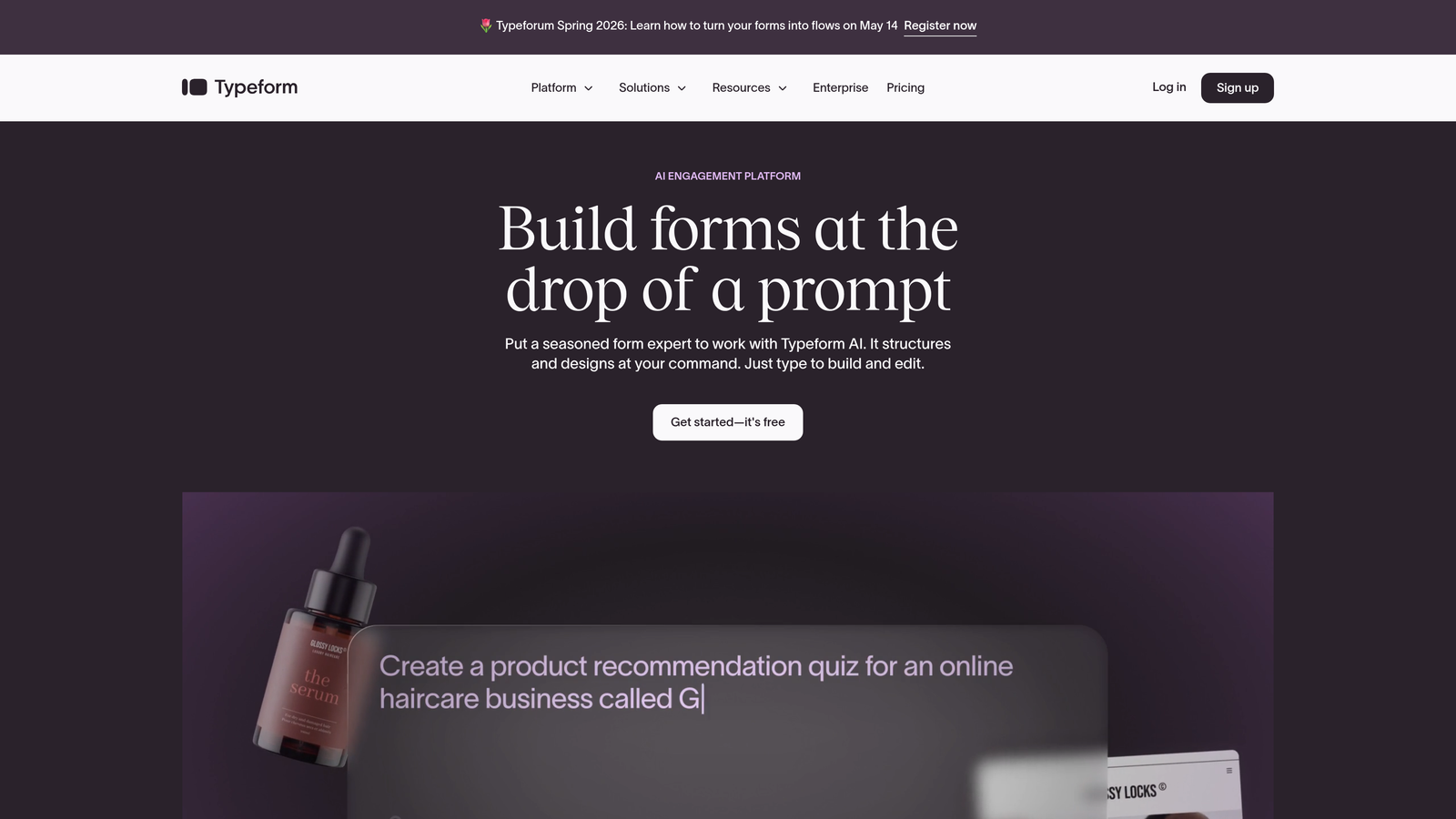
Typeform is a conversational form builder known for its one-question-at-a-time interface and premium visual presentation.
Where This Tool Shines
Typeform's biggest strength is the experience it creates for respondents. Rather than presenting a wall of fields, it walks users through one question at a time, which typically improves completion rates for longer surveys and lead capture forms. For brand-conscious teams, the design flexibility is genuinely impressive.
The most reliable way to save on Typeform is annual billing, which offers a meaningful reduction compared to paying month-to-month. Typeform has also historically run promotions around major shopping events, so it's worth checking their pricing page during those windows.
Key Features
One-Question-at-a-Time Format: Conversational flow that reduces form abandonment and creates a more engaging respondent experience.
Design Customization and Branding: Custom fonts, colors, backgrounds, and logo placement across all form types.
Logic Jumps and Branching: Route respondents to different questions based on their answers, creating personalized form paths.
Marketing Tool Integrations: Native connections to HubSpot, Salesforce, Mailchimp, and other major platforms.
Annual Billing Savings: Switching from monthly to annual billing reduces the effective per-month cost significantly.
Best For
Typeform suits marketing teams, user researchers, and brand-forward companies that prioritize the respondent experience and want forms that feel like an extension of their brand identity rather than a generic data collection widget.
Pricing
Basic plans start around $25 per month on monthly billing; annual billing brings the effective monthly cost down. Higher tiers unlock more responses and advanced features.
3. Jotform
Best for: Teams that need a wide variety of form types and want a generous free tier to start.
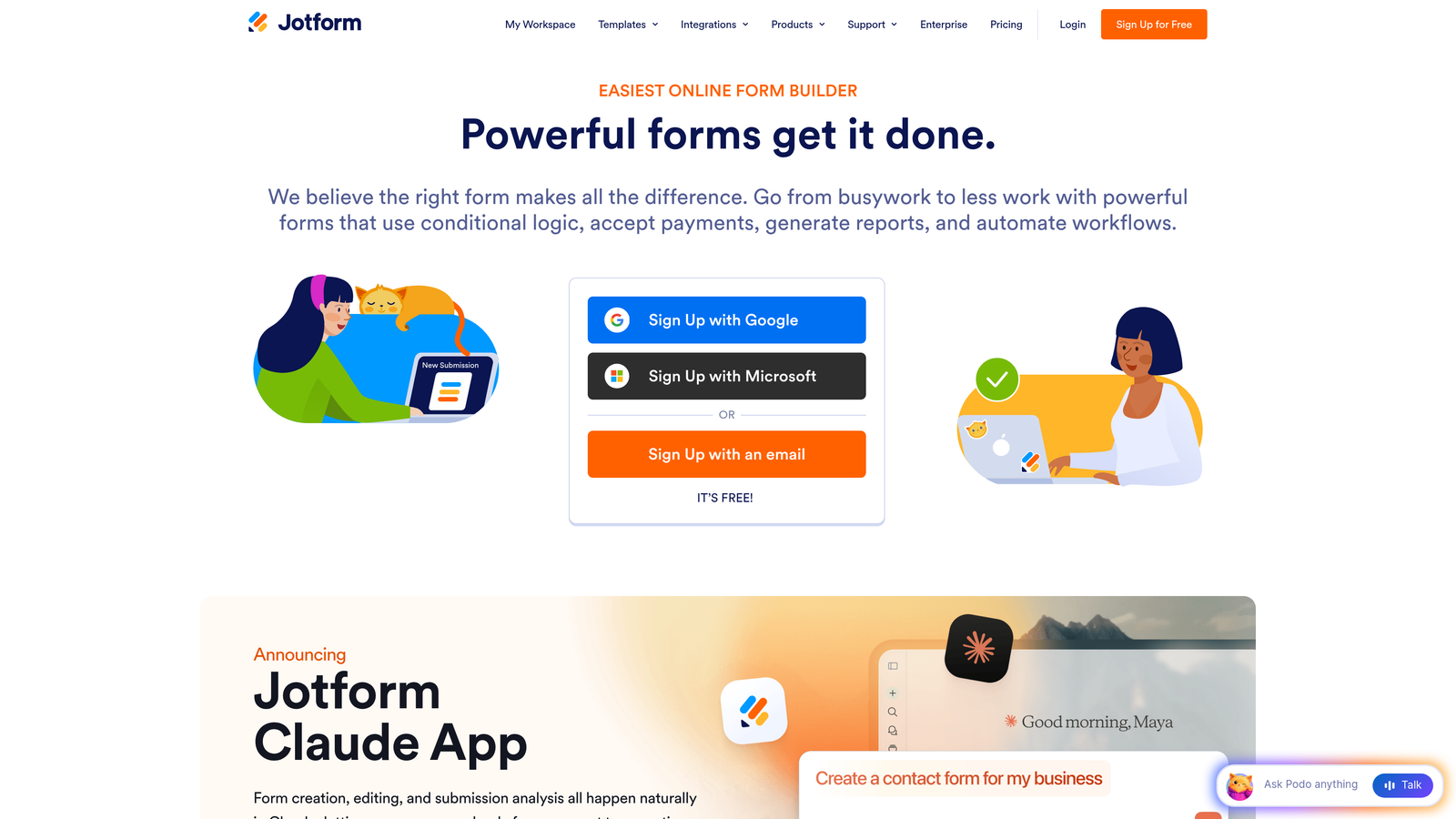
Jotform is a feature-rich form builder with one of the largest template libraries available and a track record of running seasonal discount promotions.
Where This Tool Shines
Jotform's breadth is its standout quality. With over 10,000 templates covering everything from payment forms to HIPAA-compliant medical intake forms, it's one of the most versatile options on the market. The free plan is genuinely useful, giving teams five forms and a reasonable submission limit to evaluate the platform before committing.
On the discount front, Jotform has historically offered promotions during Black Friday and other seasonal events. Annual billing also reduces the effective monthly cost compared to paying month-to-month. If you're flexible on timing, waiting for a promotional window can yield real savings.
Key Features
10,000+ Form Templates: One of the largest template libraries available, covering virtually every use case and industry.
Generous Free Plan: Five active forms with real submission limits, making it practical for small teams to start without paying.
Payment Collection: Native integrations with Stripe, PayPal, Square, and other payment processors directly within forms.
PDF Form Generation: Automatically generate PDFs from form submissions, useful for contracts, invoices, and reports.
Seasonal Discount Events: Historically offers promotional pricing during major shopping periods throughout the year.
Best For
Jotform works well for small businesses, nonprofits, and teams with diverse form needs spanning multiple departments. It's particularly strong for anyone who needs payment collection or document generation alongside standard data capture.
Pricing
Free plan available. Paid plans start around $34 per month with annual billing, which represents a discount versus monthly payment. Check Jotform's pricing page directly for current promotional offers.
4. Tally
Best for: Budget-conscious teams who want unlimited forms without paying anything.
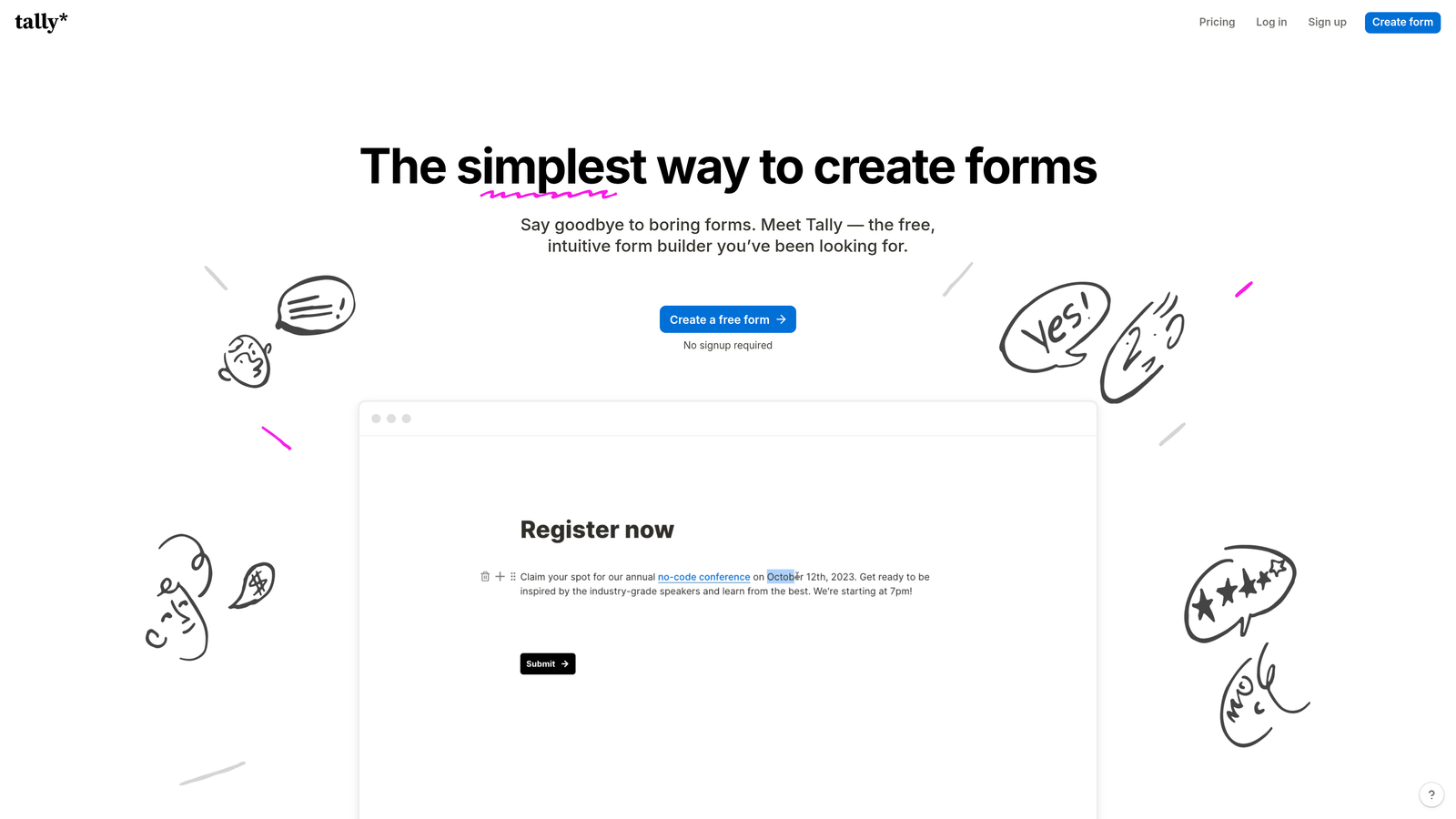
Tally is a minimalist form builder that offers unlimited forms and unlimited submissions on its free plan, making it one of the most genuinely generous free options available.
Where This Tool Shines
Tally's free tier is the real story here. While most platforms cap you at a handful of forms or a few hundred monthly submissions, Tally removes those limits entirely on its free plan. The editing experience is inspired by Notion's block-based interface, which makes it immediately intuitive for teams already living inside productivity tools.
Conditional logic, file uploads, and custom domains are all accessible without upgrading, which is unusual in this category. For startups and bootstrapped teams watching every dollar, Tally often eliminates the need to pay for a form builder at all.
Key Features
Unlimited Forms and Submissions on Free Tier: No artificial caps forcing you into a paid plan for basic usage.
Notion-Like Editing Interface: Block-based form creation that feels familiar to teams already using modern productivity tools.
Conditional Logic on Free Plan: Branch and route respondents without needing to upgrade, unlike most competitors.
File Uploads and Payment Collection: Functional capabilities available even at the free tier level.
Clean, Modern Design: Forms look polished without requiring design customization work.
Best For
Tally is ideal for startups, indie makers, and small teams who need a capable form builder without a recurring subscription. It's also a strong backup option for teams already paying for another tool who need overflow capacity.
Pricing
Free plan with genuinely unlimited forms and submissions. Pro plan is available at $29 per month, with annual billing reducing the effective cost further.
5. Google Forms
Best for: Teams that need completely free, no-frills forms for internal surveys and quick data collection.
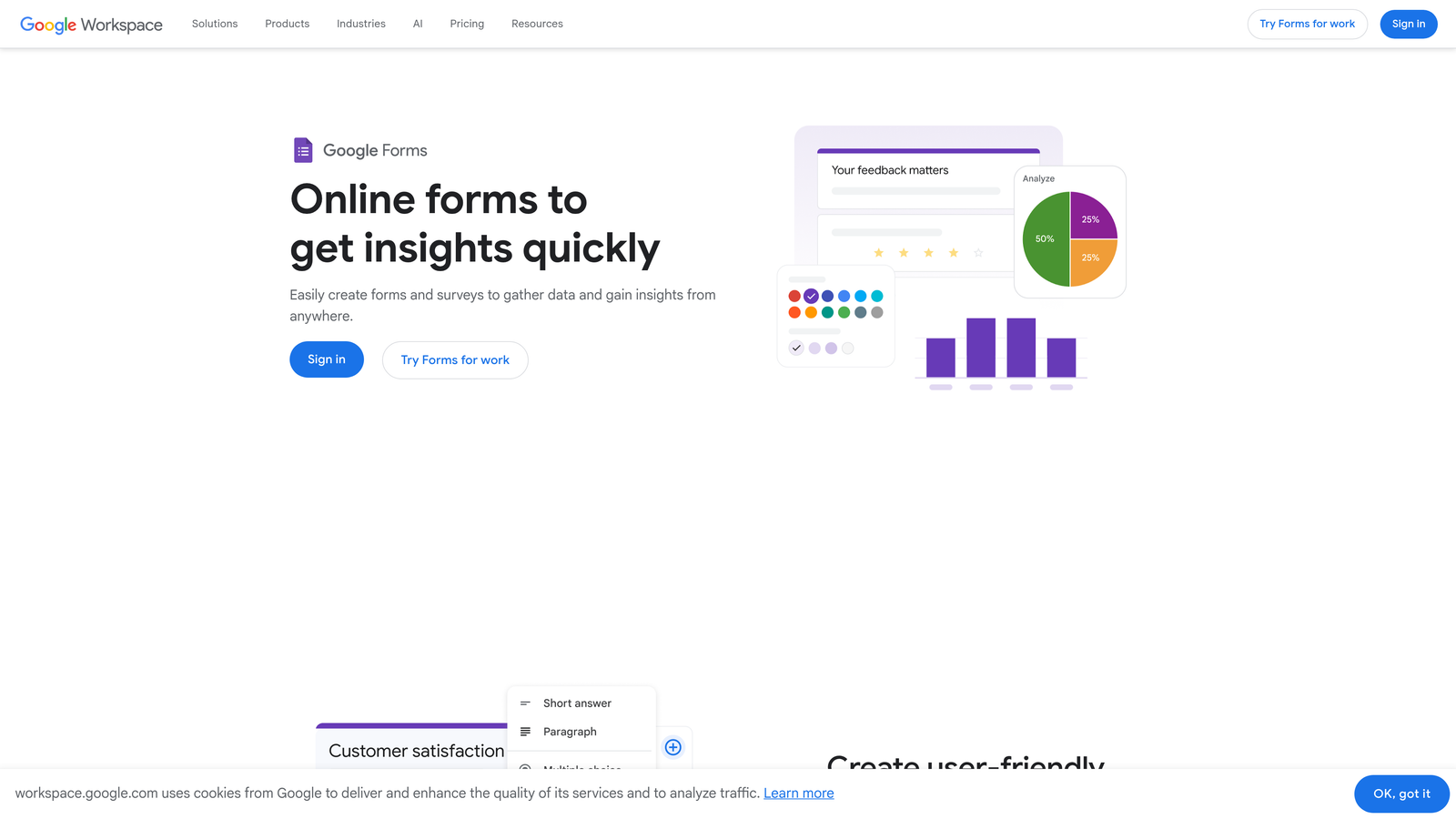
Google Forms is the zero-cost baseline that every team with a Google account already has access to, no discount code required.
Where This Tool Shines
The value proposition here is simple: it costs nothing and integrates natively with Google Sheets, making it a frictionless choice for internal surveys, quick feedback collection, and lightweight data gathering. For teams already operating inside Google Workspace, it requires no setup, no new account, and no procurement approval.
It won't win design awards, and it lacks the advanced lead qualification or conversion optimization features that growth teams need. But as a free tool for getting basic data into a spreadsheet quickly, nothing beats the price.
Key Features
100% Free with a Google Account: No paid tier required for full access to core functionality.
Native Google Sheets Integration: Form responses flow directly into a spreadsheet in real time, automatically.
Real-Time Collaboration: Multiple team members can edit and manage forms simultaneously.
Basic Conditional Logic: Show different sections based on respondent answers for simple branching flows.
Quiz and Survey Creation: Built-in quiz mode with automatic scoring for assessments and educational use cases.
Best For
Google Forms is best for internal use cases: employee surveys, event registrations, quick feedback loops, and lightweight research. It's not the right tool for external lead generation or conversion-optimized customer-facing forms.
Pricing
Completely free with any Google account. Google Workspace plans start at $7 per user per month for business features, though Forms itself remains free within those plans.
6. Paperform
Best for: Creative professionals and boutique businesses who want document-style forms with rich design flexibility.
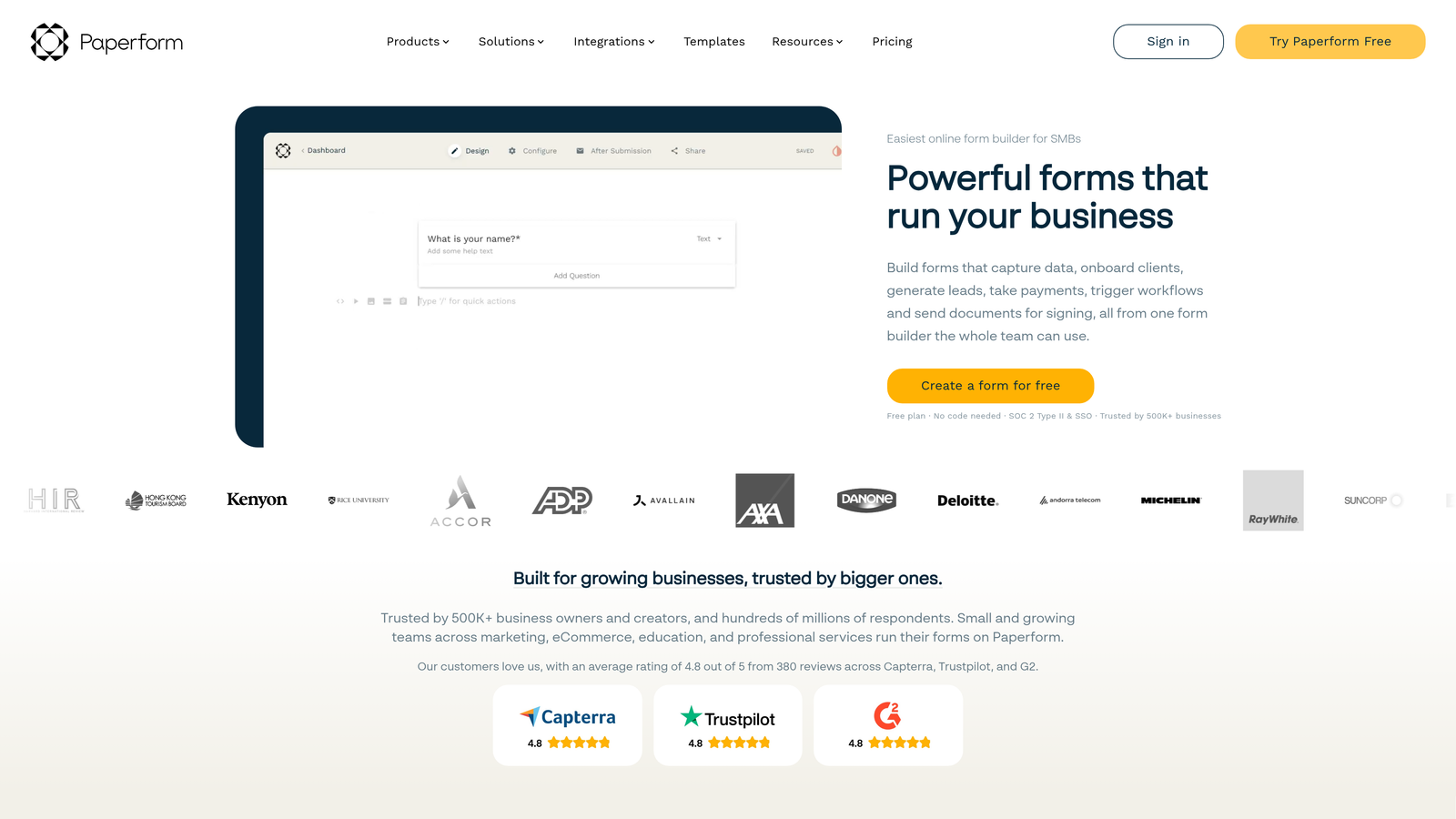
Paperform is a design-forward form builder that creates forms resembling polished documents rather than traditional input fields.
Where This Tool Shines
Paperform's unique angle is its document-style approach. You're building something that looks like a well-designed landing page or editorial piece, not a standard web form. This makes it particularly appealing for client-facing applications where presentation matters, such as intake forms, proposals, and booking flows.
Annual billing provides savings compared to monthly plans, and Paperform occasionally runs promotions. The platform's e-commerce capabilities are worth noting; you can collect payments, manage product options, and handle bookings within a single form without needing a separate payment tool.
Key Features
Document-Style Form Creation: Forms that look and feel like designed documents rather than generic input fields.
Rich Media Embedding: Add images, videos, and other media directly within form content to create context-rich experiences.
E-Commerce and Payment Capabilities: Sell products, collect deposits, and manage transactions without a separate platform.
Strong Conditional Logic: Sophisticated branching and calculation features for complex form flows.
Custom Branding and Design Flexibility: Full control over colors, fonts, and visual presentation to match brand standards.
Best For
Paperform is the right fit for freelancers, creative agencies, coaches, and small businesses that want their forms to reflect a premium brand experience. It's less suited for high-volume lead generation at scale.
Pricing
Essentials plan starts around $24 per month; annual billing reduces the effective monthly cost. Higher tiers unlock more submissions and advanced features.
7. Fillout
Best for: Data-driven teams using Notion or Airtable who want forms that connect natively to their existing databases.
Fillout is a modern form builder built around deep integrations with tools like Notion and Airtable, offering competitive pricing for teams with structured data workflows.
Where This Tool Shines
Fillout's native database integrations are genuinely differentiated. Rather than sending form data through a middleware layer, Fillout connects directly to Notion databases and Airtable bases, which means responses land exactly where your team already works. For operations teams and product managers who live in these tools, that removes significant friction.
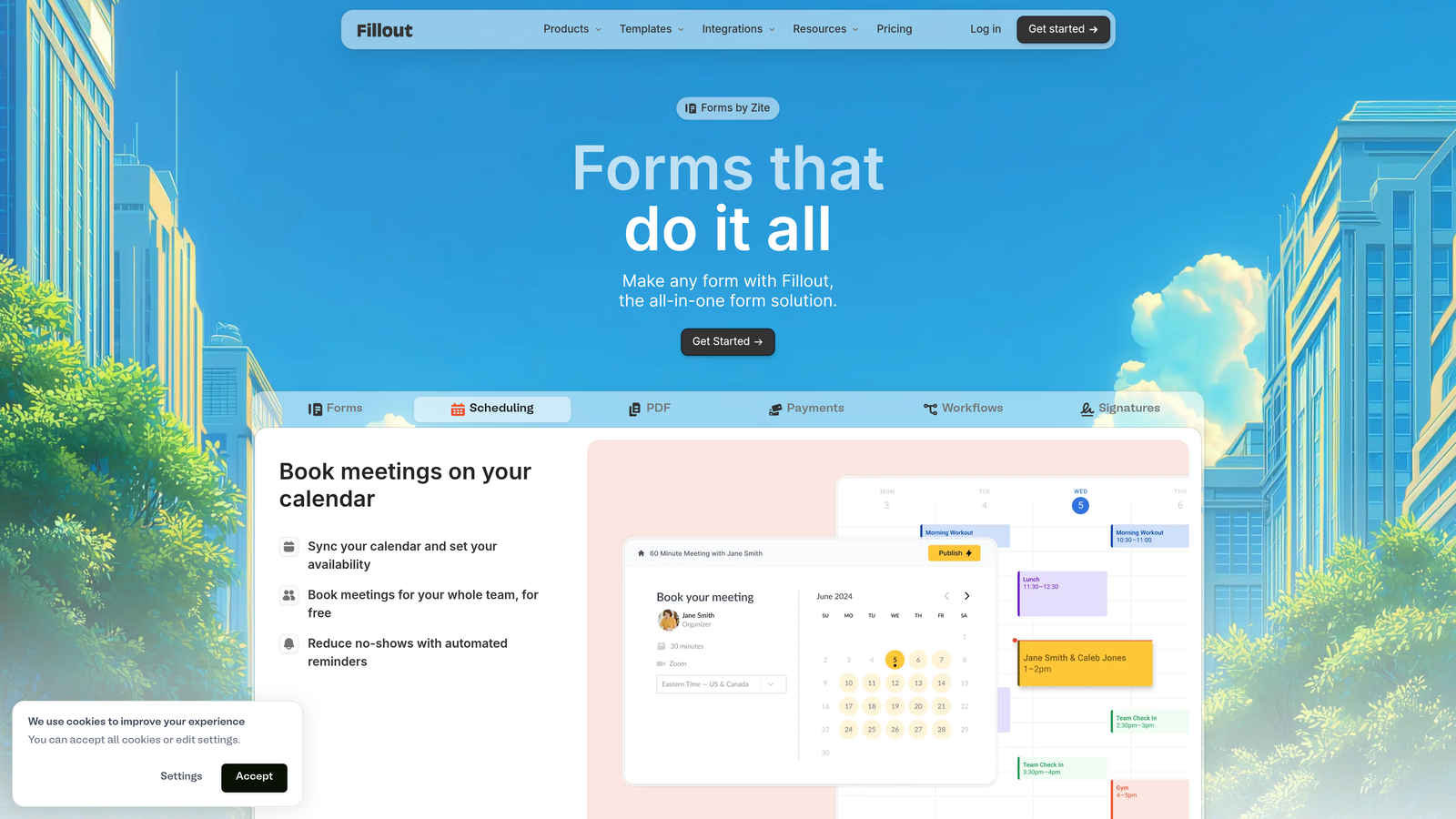
The platform also includes scheduling forms and quiz capabilities natively, which would require separate tools or paid add-ons on many competing platforms. The free tier is generous enough to evaluate the product meaningfully before committing.
Key Features
Native Notion and Airtable Integration: Direct database connections without middleware, keeping data exactly where your team already manages it.
Scheduling Forms Built In: Appointment booking and scheduling capabilities included without a separate integration.
Conditional Logic and Calculations: Dynamic form behavior and mathematical calculations within form fields.
Quiz and Assessment Capabilities: Scored assessments and knowledge checks built natively into the platform.
Generous Free Tier: Meaningful functionality available without paying, making it easy to evaluate before upgrading.
Best For
Fillout is ideal for operations teams, product managers, and data-driven organizations that have already standardized on Notion or Airtable and want forms that feed those systems directly rather than creating data silos.
Pricing
Free plan available with solid core features. Paid plans start around $19 per month, making it one of the more affordable paid options in this comparison.
8. HubSpot Free Forms
Best for: Teams that want free forms connected directly to a free CRM without any integration setup.
HubSpot Free Forms is a form builder bundled with HubSpot's free CRM, creating an out-of-the-box lead capture and management system at zero cost.
Where This Tool Shines
The bundled CRM is what makes HubSpot's free forms genuinely compelling. Every form submission automatically creates or updates a contact record in HubSpot's CRM, which means you're building a lead database from day one without any integration work. For teams just starting to formalize their lead management process, that combination of free forms plus free CRM is hard to beat on pure value.
The trade-off is that HubSpot's forms are designed to feed HubSpot's ecosystem. As your needs grow, the path forward is upgrading within HubSpot's paid tiers rather than switching tools, which is worth factoring into your long-term cost planning.
Key Features
Free Forms with Free CRM Included: Complete lead capture and contact management system available at no cost.
Automatic Contact Creation from Submissions: Every form submission creates or updates a CRM record without any manual work.
Pop-Up and Embedded Form Options: Multiple form placement options including exit-intent pop-ups and inline embeds.
Basic Form Analytics: View submission rates and form performance data within the HubSpot dashboard.
Scales into Paid Marketing Tools: Clear upgrade path into HubSpot's email marketing, automation, and paid advertising features.
Best For
HubSpot Free Forms is the right choice for small sales teams and early-stage companies that want to start capturing and organizing leads immediately without spending anything, and who see themselves growing into HubSpot's broader marketing platform over time.
Pricing
Free tier includes forms and CRM. Paid Marketing Hub starts at $20 per month for additional automation and marketing features beyond the free tools.
9. Formstack
Best for: Larger organizations that need compliance features, workflow automation, and negotiable volume pricing.
Formstack is an enterprise-grade form builder with advanced workflow automation, HIPAA compliance options, and pricing structures designed for organizations buying at scale.
Where This Tool Shines
Formstack operates in a different tier than most tools on this list. It's built for organizations that need forms to trigger multi-step approval workflows, generate documents from submission data, and collect legally binding digital signatures, all within a compliance-ready environment.
The most interesting pricing angle for enterprise buyers is that Formstack's volume and enterprise pricing is negotiable. If you're purchasing for a larger team or organization, the list price on the website is often not the final price. Reaching out to their sales team with your specific use case and team size is frequently worth the conversation.
Key Features
Advanced Workflow Automation: Multi-step approval workflows triggered by form submissions, reducing manual routing and follow-up.
HIPAA Compliance Options: Compliance-ready configurations for healthcare organizations and businesses handling sensitive personal data.
Document Generation from Form Data: Automatically populate contracts, reports, and other documents using form submission data.
Digital Signature Capabilities: Collect legally binding electronic signatures within the form workflow.
Volume and Enterprise Discount Pricing: Negotiable pricing for larger organizations purchasing at scale, often below published list prices.
Best For
Formstack is best suited for healthcare organizations, financial services firms, legal teams, and larger enterprises that need compliance features and workflow automation that lighter-weight tools simply don't offer. It's significantly more than most small teams need.
Pricing
Plans start around $50 per month for standard tiers. Enterprise pricing is negotiable and often includes volume discounts for larger deployments. Contact their sales team directly for custom quotes.
Picking the Right Deal for Your Team
The best form builder discount isn't always the lowest price. It's the best price for the features your team will actually use. A free tool that requires three workarounds to do what you need costs more in time than a paid tool that handles it natively.
Here's a quick way to think through the decision by use case:
For high-growth teams focused on lead qualification: Orbit AI is the clear starting point. AI-powered lead scoring built into the form itself is a capability most platforms charge significant add-on fees for or don't offer at all. Visit orbitforms.ai to see current pricing and available deals.
For teams on a tight budget who need a capable free tool: Tally's unlimited free tier is genuinely hard to beat. Google Forms works for purely internal use cases where design doesn't matter.
For teams already using HubSpot or planning to: HubSpot Free Forms plus the free CRM gives you a complete lead management system at zero cost, making it the obvious starting point for early-stage sales teams.
For enterprise organizations with compliance requirements: Formstack's negotiable volume pricing makes it worth a direct conversation with their sales team, especially if you're deploying across a large organization.
On the discount side, the most reliable savings across nearly every platform on this list come from annual billing. Switching from monthly to annual typically reduces your effective monthly cost meaningfully. Seasonal promotions, particularly around major shopping events, are worth watching for on platforms like Jotform and Typeform.
If you're building a lead generation engine rather than just collecting data, the platform's ability to qualify and convert matters as much as its price. Start building free forms today with Orbit AI and see how intelligent form design can elevate your conversion strategy. When your forms are doing the qualification work automatically, the ROI conversation looks very different from a simple cost-per-seat comparison.


