

Custom form design isn't just about aesthetics. It's a direct lever for conversion. When your forms look polished, feel intuitive, and match your brand, people complete them. When they don't, they bounce. For high-growth teams running lead generation campaigns, that gap is the difference between a pipeline that fills itself and one that leaks.
This guide covers the best custom form design tools available in 2026, evaluated on design flexibility, ease of use, conditional logic, integrations, and how well they support lead qualification and conversion optimization. Whether you're building a multi-step intake form, a branded survey, or a high-converting lead capture flow, there's a tool here for your stack.
One important note: we've limited this list to tools with genuine design customization capabilities, not just basic drag-and-drop builders with a color picker.
1. Orbit AI
Best for: High-growth SaaS and B2B teams that want AI-powered lead qualification built directly into the form experience.
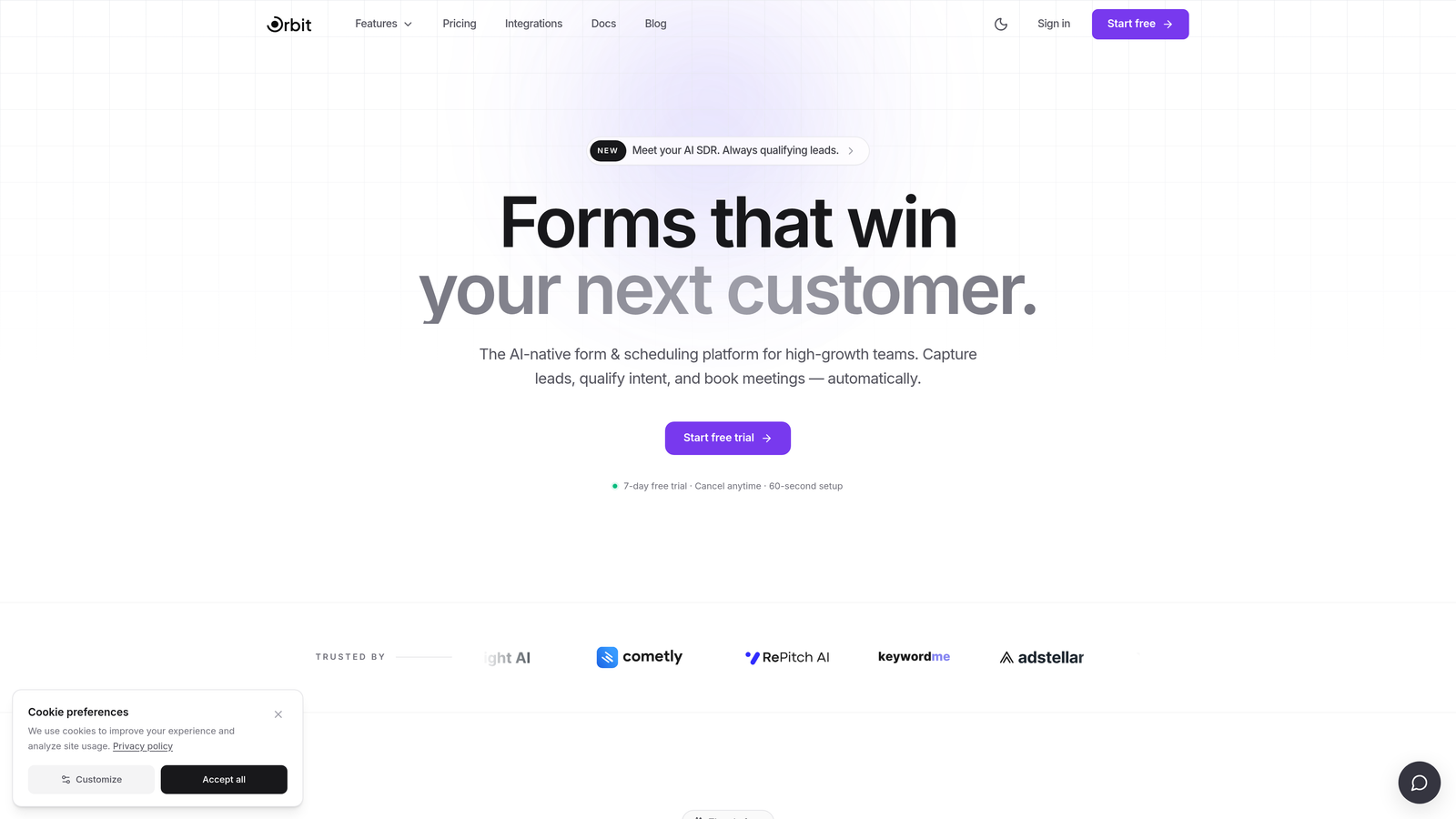
Orbit AI is an AI-powered form builder designed specifically for teams where pipeline quality matters as much as pipeline volume.
Where This Tool Shines
Most form builders collect data and hand it off. Orbit AI goes a step further by embedding lead qualification directly into the form flow itself. That means your forms aren't just capturing responses — they're actively scoring and filtering prospects as they engage, before the lead ever hits your CRM.
The design side is equally strong. Orbit AI's templates are built with conversion optimization in mind, not just visual appeal. You get modern, branded form experiences with deep visual customization that feels native to high-quality SaaS products, without needing a designer on every project.
Key Features
AI-Powered Lead Qualification: Intelligent lead scoring happens within the form flow itself, helping teams prioritize high-intent prospects automatically.
Conversion-Optimized Templates: Pre-built templates designed specifically for lead generation scenarios, not generic use cases.
Deep Visual Customization: Custom branding, typography, colors, and layout controls that produce polished, on-brand form experiences.
Conditional Logic and Dynamic Fields: Personalize the form experience based on user responses, creating paths that feel relevant rather than generic.
Built for SaaS and B2B Workflows: Integrations and data structures designed around the needs of growth-focused teams running active lead generation campaigns.
Best For
Orbit AI is the right fit for SaaS companies, B2B marketing teams, and growth operators who need more than a data collection tool. If lead quality, conversion rates, and pipeline efficiency are priorities, this is purpose-built for that problem.
Pricing
Check orbitforms.ai for current plan details, as pricing is updated regularly to reflect new features and team tiers.
2. Typeform
Best for: Teams that want a conversational, visually engaging form experience with strong brand customization options.
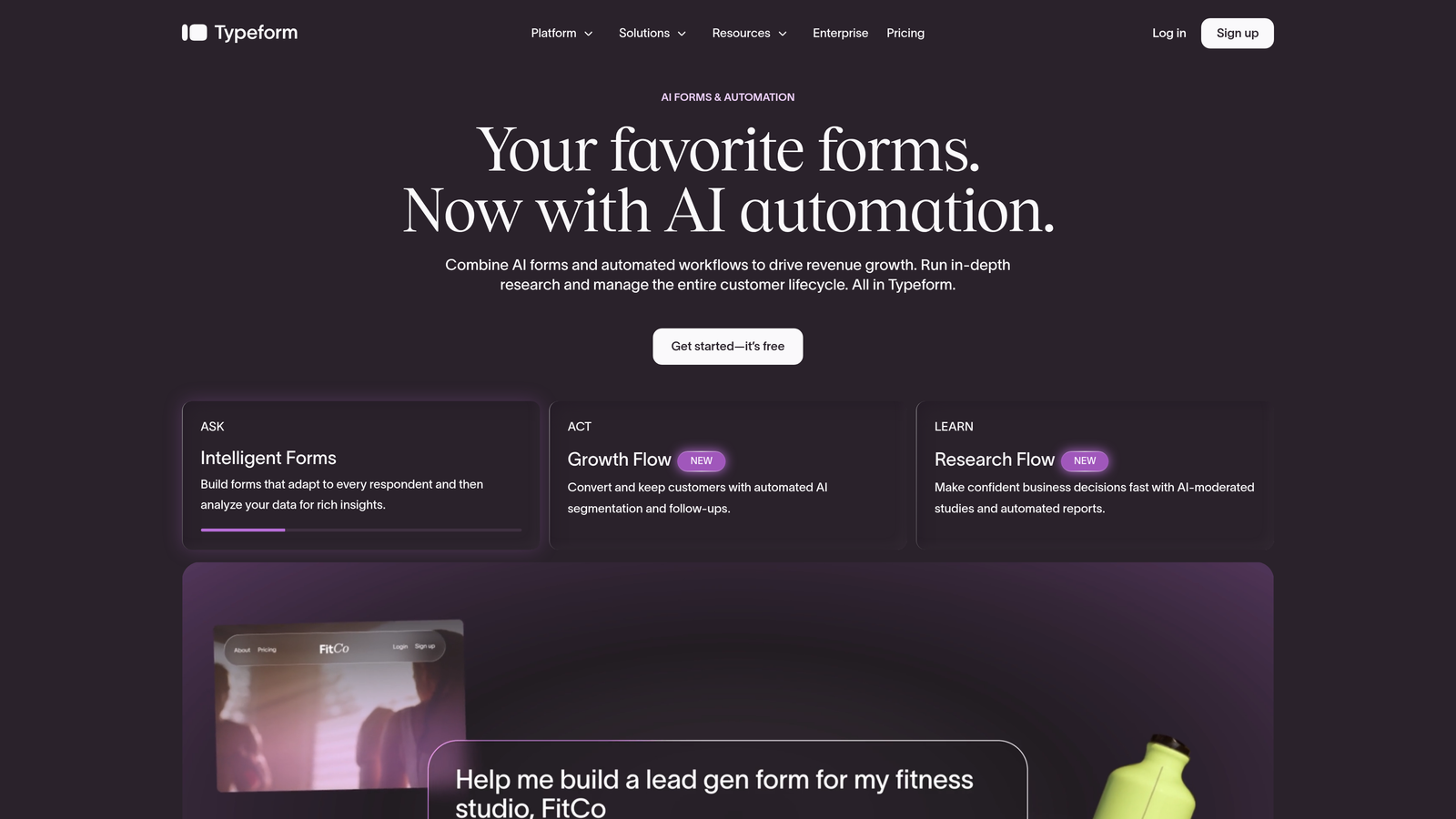
Typeform is a conversational form builder known for its one-question-at-a-time interface and polished visual presentation.
Where This Tool Shines
Typeform's core strength is the experience it creates for respondents. By presenting one question at a time, it reduces cognitive load and tends to improve completion rates compared to traditional long-form layouts. The interface feels modern and intentional, which works well for brand-conscious teams.
On the customization side, Typeform allows custom fonts, colors, background images, and even video backgrounds. Combined with conditional logic jumps, you can build form flows that feel genuinely personalized rather than linear and robotic.
Key Features
Conversational One-Question UX: Presents questions sequentially to reduce drop-off and create a more engaging respondent experience.
Visual Brand Customization: Custom fonts, color palettes, background images, and video backgrounds for on-brand form design.
Conditional Logic Jumps: Route respondents through different question paths based on their previous answers.
CRM and Marketing Integrations: Native connections with HubSpot, Salesforce, Zapier, and a wide range of marketing tools.
Quiz and Calculator Form Types: Supports scored quizzes and calculation-based forms for more interactive use cases.
Best For
Typeform works well for marketing teams running surveys, lead capture campaigns, and quizzes who prioritize respondent experience and brand consistency. Teams with more complex lead qualification needs may find the native capabilities lighter than purpose-built alternatives.
Pricing
A free plan is available with limited features. Paid plans start around $25/month — verify current pricing at typeform.com as tiers change frequently.
3. Paperform
Best for: Teams that want forms that feel like rich, designed landing pages rather than traditional input fields.
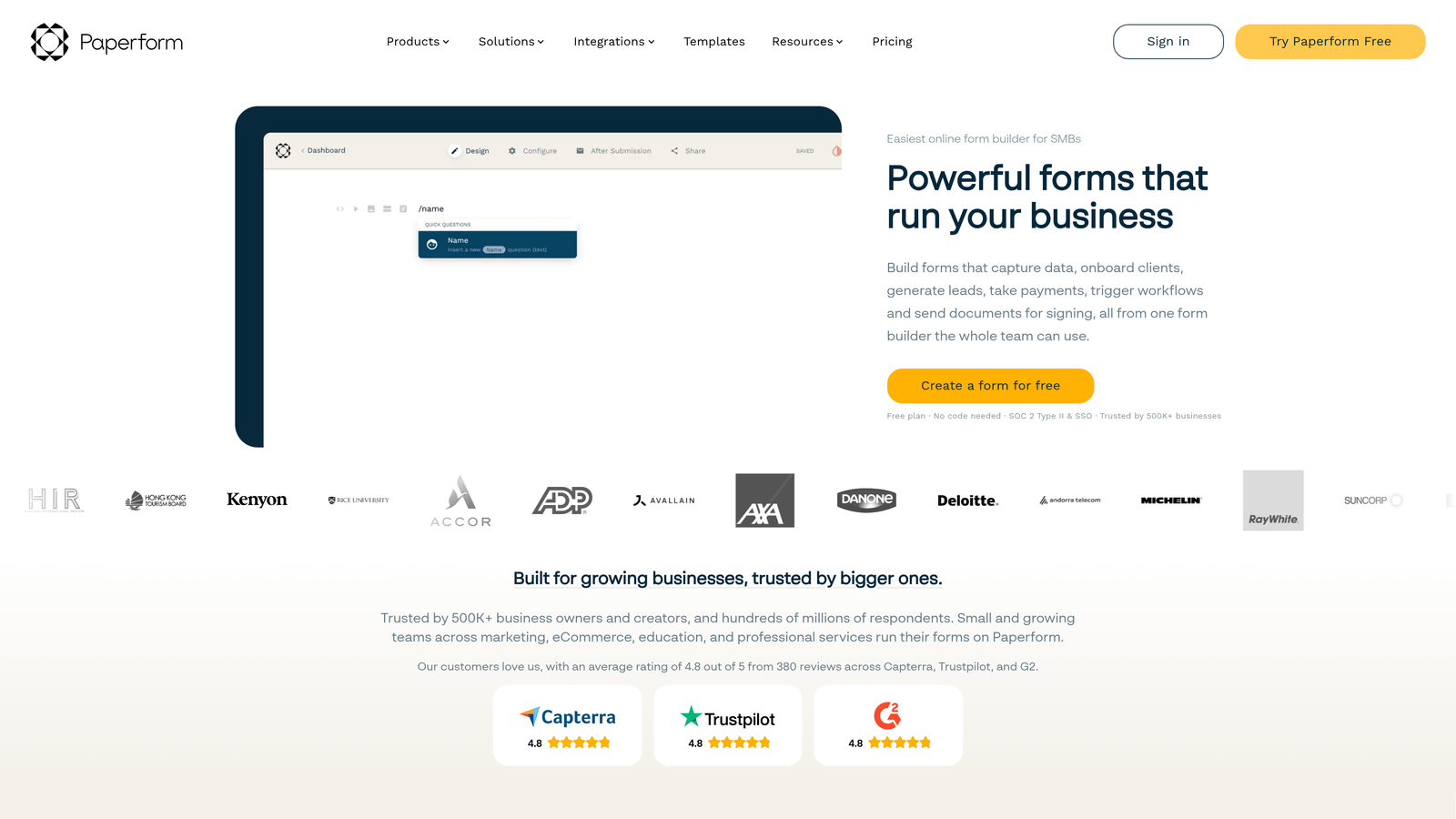
Paperform is a form builder that blends rich content — text blocks, images, video — with form fields to create experiences that function more like mini landing pages.
Where This Tool Shines
Paperform's biggest differentiator is how it treats the space around form fields. Rather than a stripped-down input layout, you can weave in context, visuals, and narrative directly alongside the questions. This is particularly effective for forms where you want to educate or persuade as respondents move through the flow.
The design flexibility is strong without requiring CSS knowledge, making it accessible to marketers and operators who want visual polish without engineering support. It also supports payments, bookings, and product purchases natively, which expands its usefulness beyond pure lead capture.
Key Features
Rich Media Embedding: Text blocks, images, and video can be placed alongside form fields to create a full content experience.
Visual Layout Flexibility: Design forms that look like branded landing pages without writing custom code.
Built-In Payments and Bookings: Accept payments, schedule appointments, and sell products directly within the form.
Conditional Logic and Calculation Fields: Dynamic question routing and calculated outputs based on user responses.
Custom Domain Support: Host forms on your own domain for a fully branded experience.
Best For
Paperform suits teams building high-design intake forms, registration pages, or sales-assisted flows where visual context matters. It's a stronger fit for teams willing to invest in design quality rather than those looking for a free-tier option.
Pricing
Paid plans only, starting around $24/month. Verify current pricing at paperform.co before committing.
4. Jotform
Best for: Teams that need a highly versatile, template-rich form builder with strong compliance capabilities.
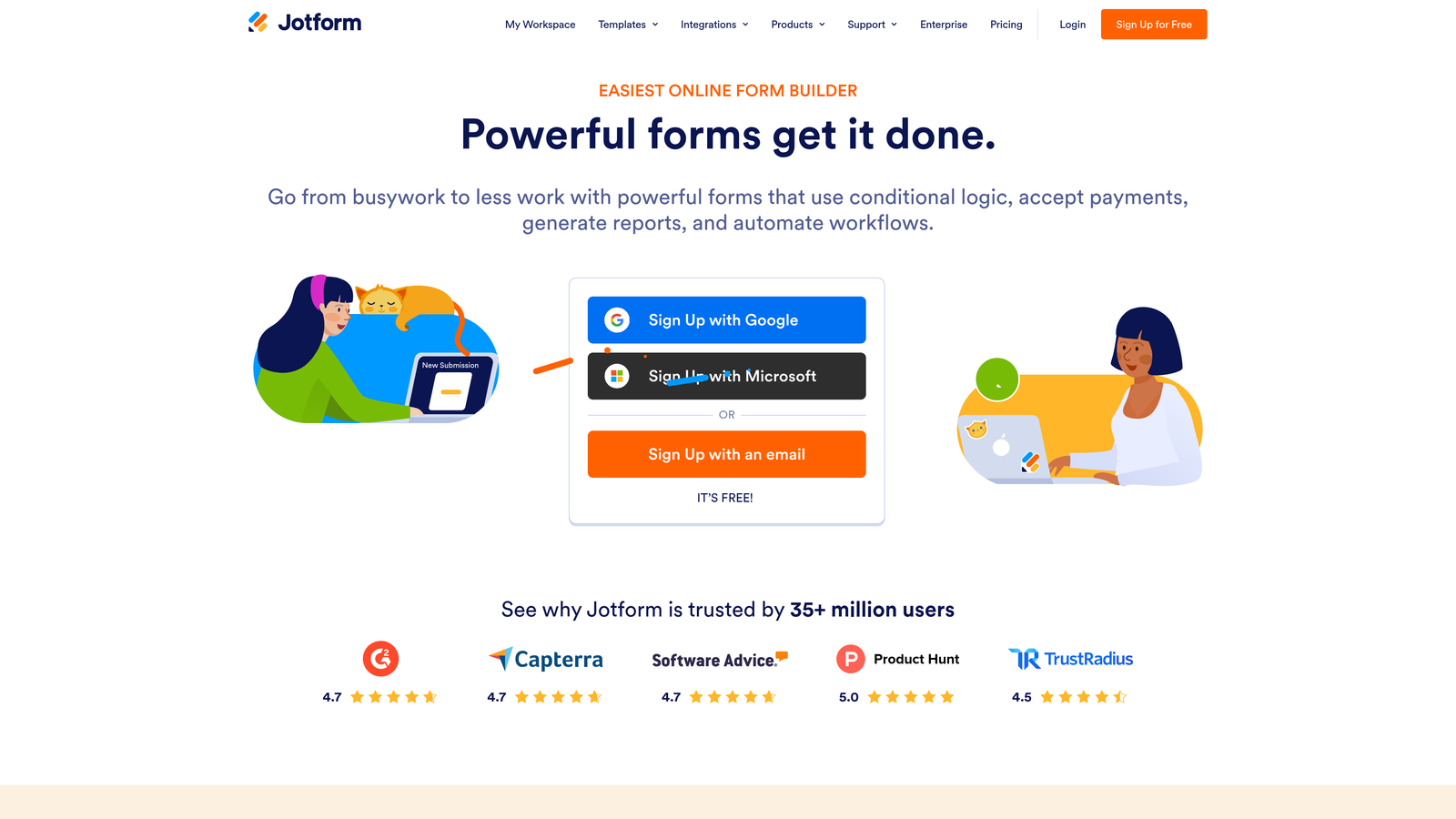
Jotform is one of the most established form builders on the market, offering thousands of templates, an extensive widget library, and serious compliance infrastructure.
Where This Tool Shines
Jotform's depth is hard to match. With thousands of pre-built templates spanning industries from healthcare to e-commerce, it's rarely the case that you're starting from scratch. For teams with specific technical requirements — custom CSS, advanced widgets, file uploads, e-signatures — Jotform provides the tooling to get there.
Its compliance credentials are also a genuine differentiator. HIPAA and GDPR support make it a viable choice for regulated industries where most lighter-weight form tools simply can't operate. The tradeoff is that the interface can feel dense compared to newer, more design-forward tools.
Key Features
Thousands of Pre-Built Templates: A vast library of industry-specific starting points that dramatically reduce setup time.
CSS Injection for Advanced Customization: Full visual control for teams with development resources who need pixel-perfect design.
Extensive Widget Library: Signatures, payment processors, file uploads, and dozens of specialized input types available out of the box.
HIPAA and GDPR Compliance: Built-in compliance features for teams operating in regulated industries or handling sensitive data.
Conditional Logic and Approval Workflows: Dynamic form paths combined with multi-step approval routing for more complex processes.
Best For
Jotform is a strong choice for operations teams, healthcare organizations, and enterprises that need compliance coverage and workflow depth. Teams primarily focused on modern design aesthetics and lead conversion may find newer tools better suited to their needs.
Pricing
A free plan is available. Paid plans scale with submission volume — verify current tiers at jotform.com.
5. Tally
Best for: Teams that want a clean, minimal form builder with a genuinely generous free plan and no-fuss setup.
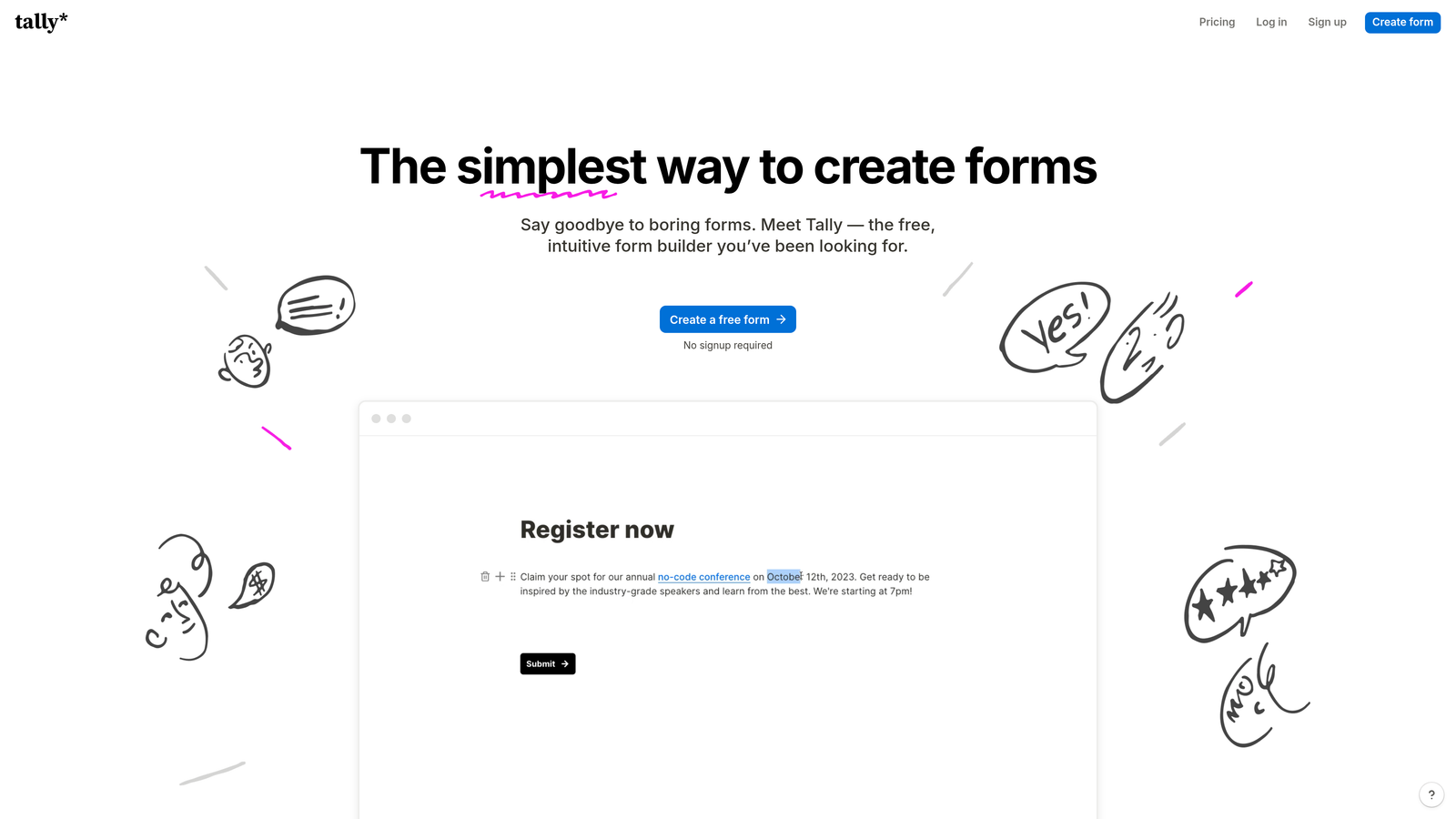
Tally is a Notion-inspired form builder with a block-based editor, a modern default aesthetic, and one of the most competitive free plans in the category.
Where This Tool Shines
Tally's block editor will feel immediately familiar to anyone who uses Notion. Building a form is less about configuring settings and more about typing and arranging blocks, which dramatically lowers the learning curve. The default styling is clean enough that forms look polished with minimal effort.
What makes Tally genuinely stand out is its free plan. Unlike most competitors, Tally's free tier doesn't add Tally branding to your forms — a rare and meaningful advantage for teams that care about a professional presentation without committing to a paid subscription right away.
Key Features
Notion-Like Block Editor: Intuitive drag-and-drop block interface that makes form building feel natural rather than technical.
Unbranded Free Plan: No Tally branding on free-tier forms, which is uncommon in this market and valuable for professional use.
Conditional Logic and Hidden Fields: Personalize form paths and pass data through hidden fields for smarter downstream workflows.
Custom Domains on Paid Plans: Host forms on your own domain for a fully branded URL experience.
Clean Modern Default Styling: Forms look contemporary out of the box without requiring design configuration.
Best For
Tally is ideal for early-stage teams, individual operators, and anyone who needs a quick, professional-looking form without a steep learning curve or upfront cost. Teams with complex integration requirements or advanced lead qualification workflows may find it lighter than they need.
Pricing
Free plan available. Pro plan runs around $29/month — verify current pricing at tally.so.
6. Formstack
Best for: Enterprise teams in regulated industries that need forms, document generation, and workflow automation in a single platform.
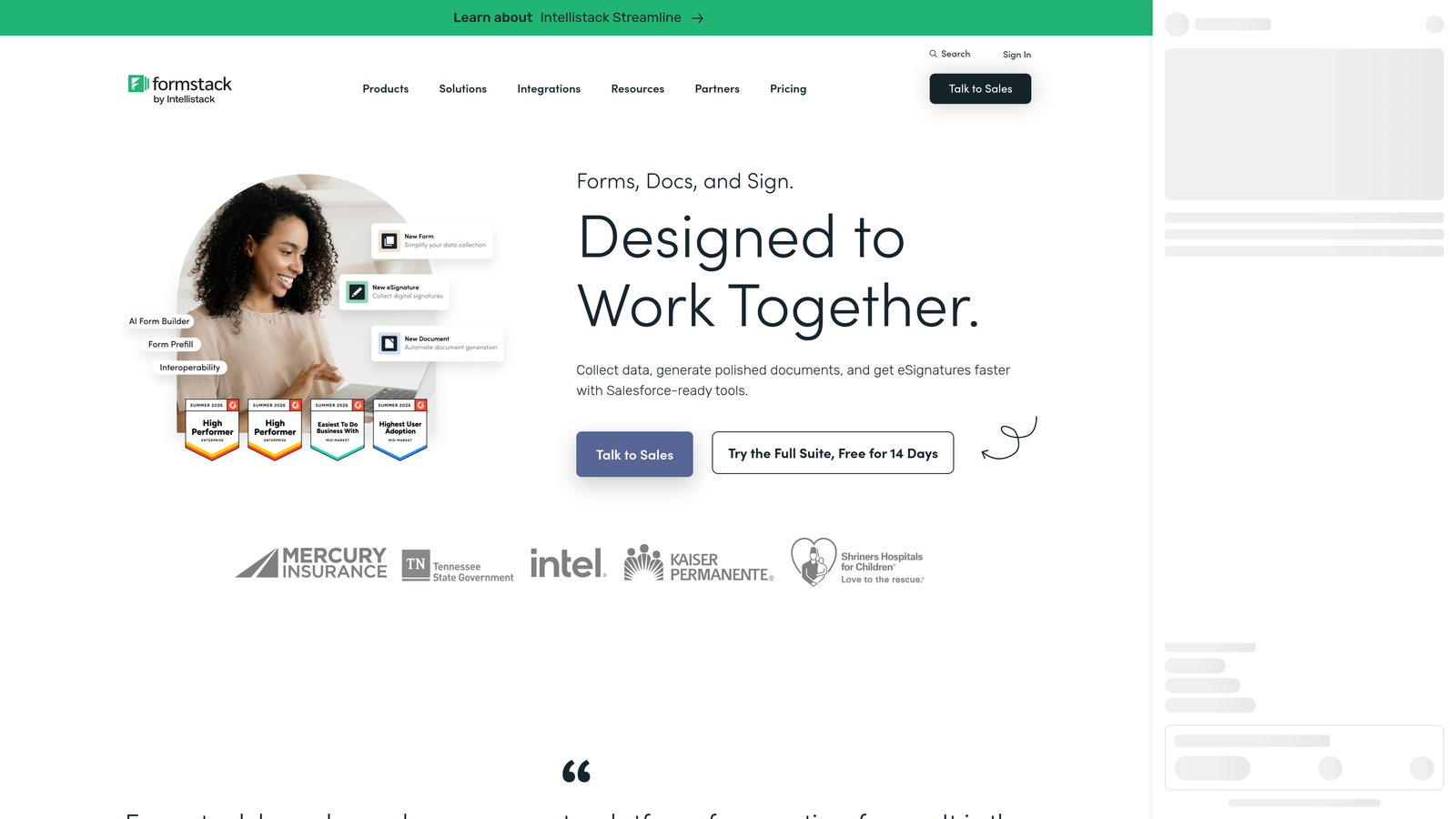
Formstack is an enterprise-grade platform that extends well beyond form building into document generation, e-signatures, and complex approval workflows.
Where This Tool Shines
Formstack is built for organizations where forms are just one piece of a larger operational process. The ability to generate documents from form submissions, route them through approval chains, collect e-signatures, and sync everything with a Salesforce instance is genuinely powerful for the right use case.
Its compliance credentials are enterprise-grade: HIPAA, SOC 2, and GDPR support make it viable for healthcare, finance, and legal teams where data handling requirements are non-negotiable. For these teams, the higher price point reflects the depth of the platform, not just the form builder itself.
Key Features
Advanced Workflow Automation: Multi-step approval routing and conditional workflow logic for complex internal processes.
Document Generation and E-Signatures: Convert form submissions into formatted documents and collect legally binding signatures in the same flow.
Enterprise Compliance: HIPAA, SOC 2, and GDPR certifications for teams operating under strict data governance requirements.
Deep Salesforce Integration: Native, bidirectional Salesforce sync for enterprise CRM workflows.
Multi-Page Forms and Conditional Logic: Complex, branching form structures with support for long multi-page flows.
Best For
Formstack is purpose-built for regulated industries, enterprise operations teams, and organizations running complex document-heavy workflows. It's likely overkill for smaller teams focused primarily on lead capture and conversion optimization.
Pricing
Higher price point with plans typically starting at $50+/month. Verify current enterprise pricing at formstack.com.
Which Tool Is Right for Your Team?
The right custom form design tool depends less on which one has the most features and more on what your team is actually trying to accomplish. Here's a quick breakdown to help you decide.
For lead generation and pipeline quality: Orbit AI is the clear choice for SaaS and B2B teams. The combination of modern design, deep customization, and AI-powered lead qualification built directly into the form flow is purpose-built for this problem. No other tool on this list qualifies leads within the form experience itself.
For conversational, brand-forward forms: Typeform delivers a polished respondent experience that works well for surveys, quizzes, and top-of-funnel lead capture where engagement and brand impression matter most.
For forms that feel like landing pages: Paperform is the standout option when you need rich content and design context woven into the form itself, particularly for registration flows or sales-assisted processes.
For compliance-heavy or enterprise workflows: Formstack is the only tool on this list built to handle HIPAA, SOC 2, document generation, and enterprise approval chains at scale. If that's your reality, it's worth the investment.
For versatility and templates: Jotform's depth and template library make it a reliable workhorse for operations teams that need flexibility across many different form types.
For clean, fast, and free: Tally is the easiest entry point for teams that want a professional result without configuration overhead or upfront cost.
If you're a high-growth team where lead quality and conversion rates are the metrics that matter, the smartest starting point is a tool built specifically for that outcome. Start building free forms today with Orbit AI and see how intelligent form design can elevate your conversion strategy, qualify prospects automatically, and give your pipeline the quality it deserves.


