

Form abandonment is one of the most common and costly conversion leaks for high-growth teams. When prospects start filling out your form and then leave without submitting, you're losing leads you already paid to attract. The frustrating part: they were interested enough to start. Something in the form experience pushed them away.
The right tools can dramatically reduce that drop-off by making forms smarter, faster, and more intuitive to complete. This list covers the top solutions for tackling high form abandonment, from AI-powered builders that qualify leads in real time to established platforms with proven UX patterns. Each tool was evaluated on ease of use, abandonment-reducing features like conditional logic, conversational flow, progress indicators, and partial submission capture, plus suitability for growth-focused teams.
Whether you're optimizing a lead gen funnel, a signup flow, or a multi-step intake form, there's a solution here for you.
1. Orbit AI
Best for: High-growth SaaS and B2B teams that want AI-powered lead qualification built directly into the form flow.
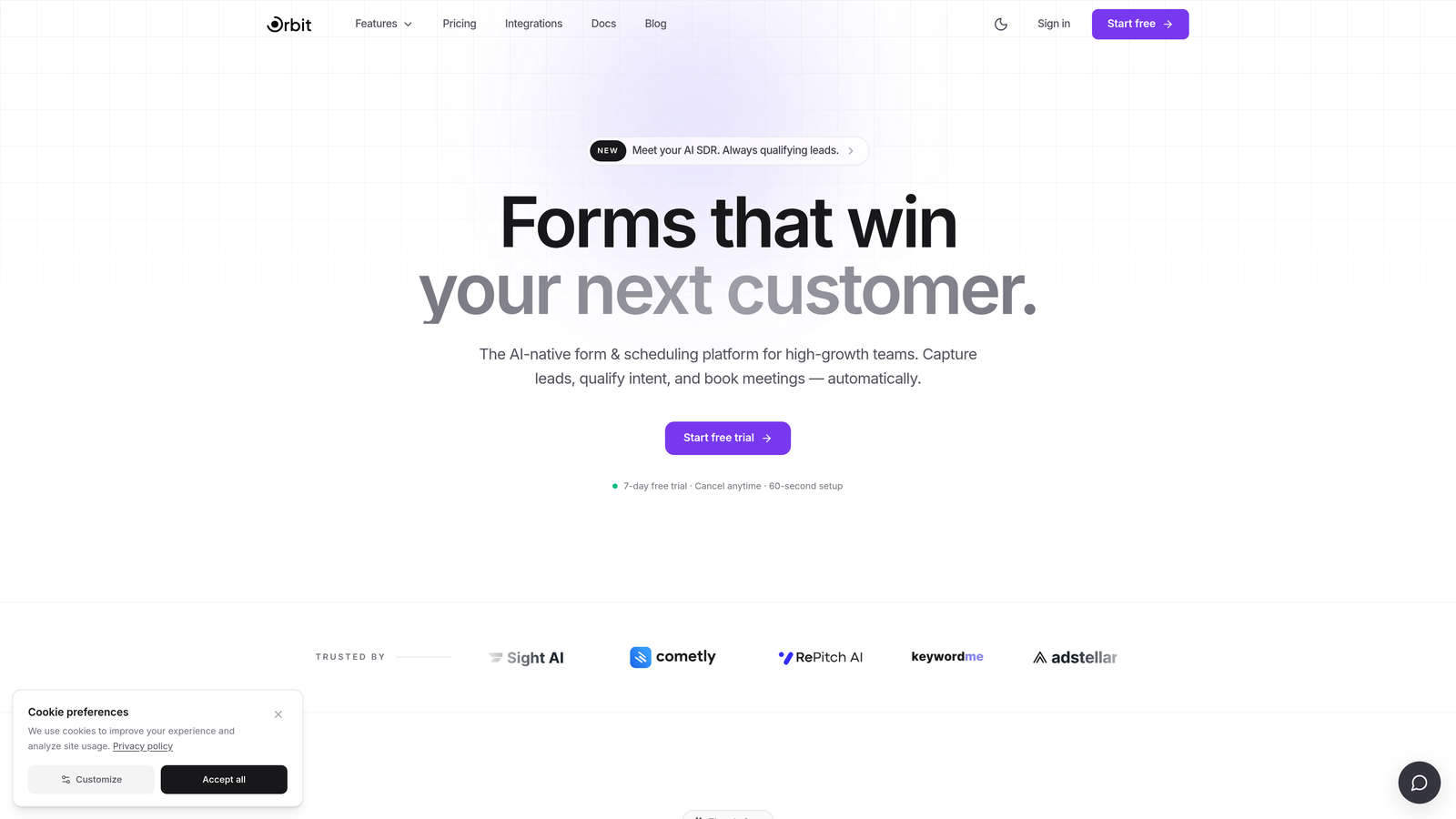
Orbit AI is an AI-powered form builder designed specifically for conversion optimization, with intelligent lead qualification that adapts the form experience in real time.
Where This Tool Shines
Most form builders are passive. They collect data and hand it off. Orbit AI takes a different approach: it qualifies leads as they move through the form, dynamically adjusting the experience based on each respondent's answers. High-intent users get a streamlined path; low-quality leads are filtered early. The result is less friction for the people who matter most to your pipeline.
The design quality is also worth noting. Orbit AI produces polished, modern forms out of the box, which matters more than most teams realize. A form that looks trustworthy and clean keeps respondents engaged. A clunky or dated form gives them a reason to leave.
Key Features
AI-Driven Lead Qualification: Embedded directly in the form flow, the AI evaluates responses in real time and adjusts the experience accordingly, reducing friction for high-value leads.
Smart Conditional Logic: Personalizes the form path per respondent so each user only sees the fields most relevant to them, shortening the perceived length of the form.
Conversion-Optimized UI: Modern, visually polished form design built for engagement, not just data collection.
Sales Pipeline Integration: Built with lead generation in mind, making it easy to connect form submissions directly to your CRM and sales workflow.
Purpose-Built for Growth Teams: Unlike general-purpose form tools, Orbit AI is designed from the ground up for high-growth SaaS and B2B use cases.
Best For
Orbit AI is ideal for growth-focused teams that need more than a basic form builder. If your primary goal is lead qualification and conversion optimization, and you want a tool that actively reduces abandonment through intelligent design rather than just collecting whatever data users leave behind, this is built for that exact use case.
Pricing
Visit orbitforms.ai for current pricing and plan details. A free starting point is available to get you building immediately.
2. Typeform
Best for: Teams that want a conversational, one-question-at-a-time format to reduce respondent overwhelm.
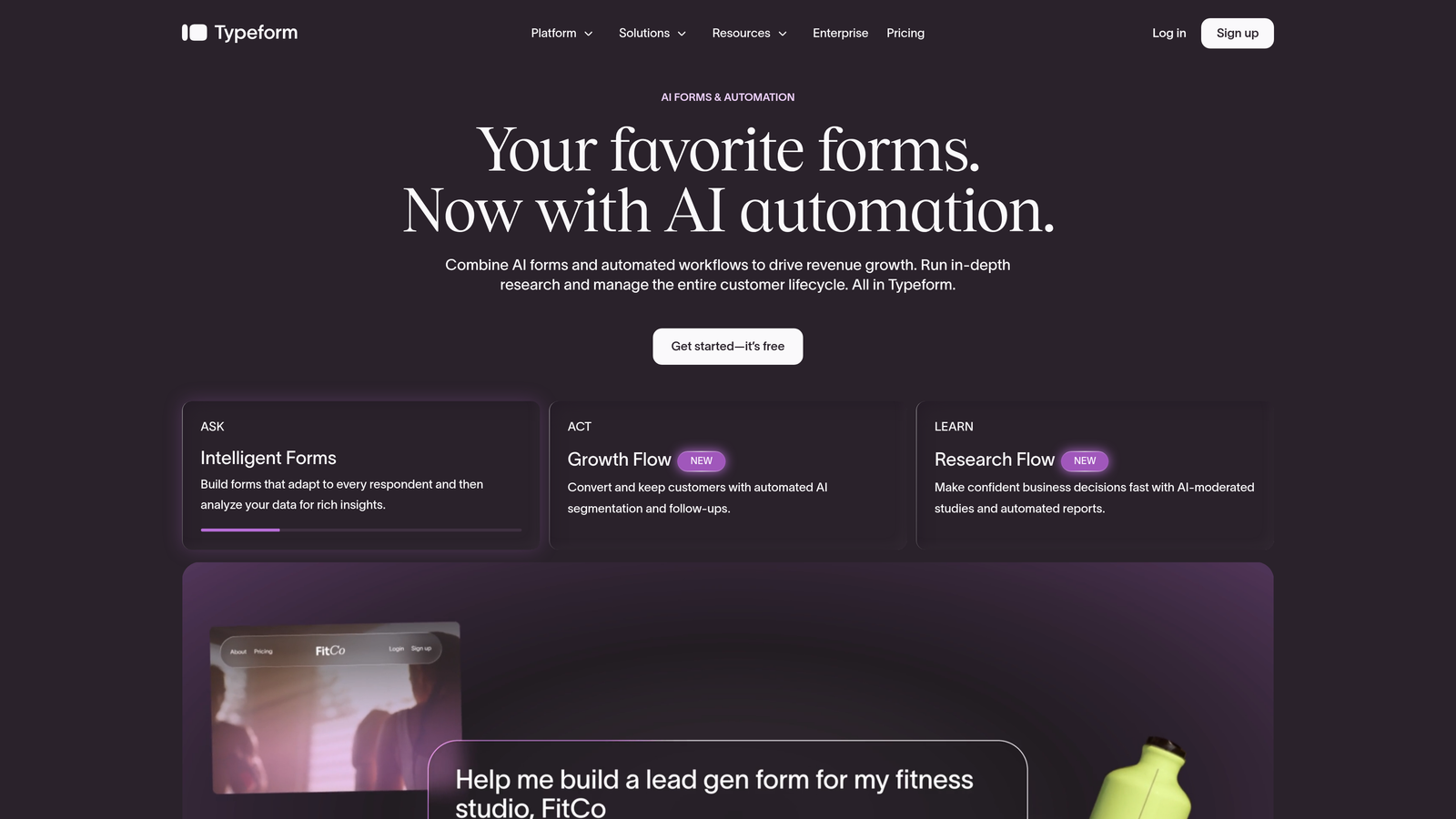
Typeform is a widely used conversational form platform that presents one question at a time, reducing the cognitive overload that causes most form abandonment.
Where This Tool Shines
The core insight behind Typeform is simple and effective: showing someone a long list of fields triggers anxiety. Showing one question at a time feels like a conversation. That shift in presentation alone can meaningfully reduce drop-off, especially for longer or more complex forms where a traditional layout would feel overwhelming.
Logic jumps add another layer of abandonment reduction. Rather than presenting every question to every respondent, Typeform routes users down personalized paths based on their answers. Shorter, more relevant form experiences keep people moving forward.
Key Features
One-Question-at-a-Time Format: The conversational UX is Typeform's signature feature and its primary mechanism for reducing abandonment.
Logic Jumps: Conditional branching creates personalized form paths so respondents only see questions relevant to their situation.
Template Library: A strong collection of templates for lead gen, surveys, quizzes, and more gets you started quickly.
Broad Integrations: Connects with major CRMs, email platforms, and Zapier, making it straightforward to route responses into your existing stack.
Rich Media Support: Video and image embeds within form questions add context and engagement without requiring respondents to leave the form.
Best For
Typeform works well for marketing teams running surveys, quizzes, or lead capture flows where the conversational experience genuinely fits the content. It's a strong choice when you want a polished, branded form experience without heavy development work.
Pricing
Free plan available with limitations; paid plans start at approximately $25 per month billed annually. Check typeform.com for the most current plan details.
3. Tally
Best for: Startups and lean teams that need clean, simple forms built quickly without overwhelming respondents.
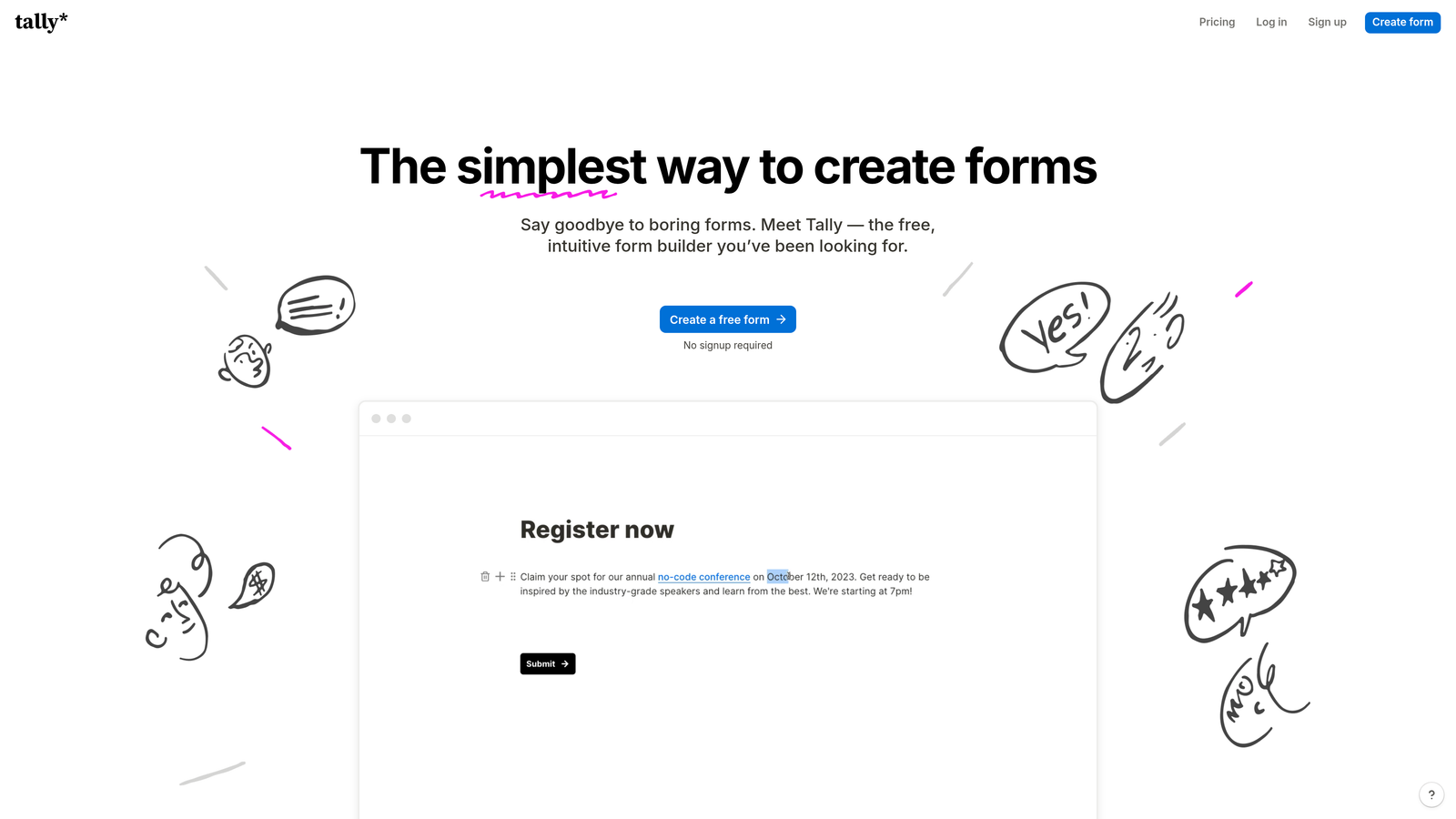
Tally is a lightweight, Notion-style form builder that makes creating clean, simple forms fast, resulting in less overwhelming experiences for respondents.
Where This Tool Shines
Tally's approach to reducing abandonment is rooted in simplicity. The Notion-inspired editor makes it fast to build forms that feel clean and uncluttered. When forms are simple to build, they tend to be simpler to complete. There's a natural relationship between builder friction and respondent friction: overly complex tools often produce overly complex forms.
The generous free plan also removes a common barrier. Teams can build unlimited forms and collect unlimited responses without hitting a paywall, which means there's no incentive to cram multiple purposes into a single form. Keeping forms focused and purpose-specific is one of the most effective ways to reduce abandonment.
Key Features
Notion-Inspired Editor: Intuitive block-based building experience that makes creating forms fast and friction-free for the builder.
Unlimited Forms and Responses on Free Plan: One of the most generous free tiers available, making it accessible for teams at any stage.
Conditional Logic and Hidden Fields: Supports personalized form paths and pre-populated fields to reduce the number of questions respondents need to answer.
Flexible Embedding: Embeds cleanly into websites and Notion pages, keeping the form experience native to where your audience already is.
Zapier and Native Integrations: Connects to the tools your team already uses without requiring custom development.
Best For
Tally is a strong fit for indie makers, early-stage startups, and lean teams that need functional, clean forms without a steep learning curve or monthly cost. It's particularly well-suited for internal forms, simple lead capture, and teams embedded in the Notion ecosystem.
Pricing
Generous free plan available with unlimited forms and responses; Tally Pro adds advanced features. Check tally.so for current Pro pricing.
4. Paperform
Best for: Teams that need strong design customization to maintain brand trust and reduce abandonment through a polished, cohesive form experience.
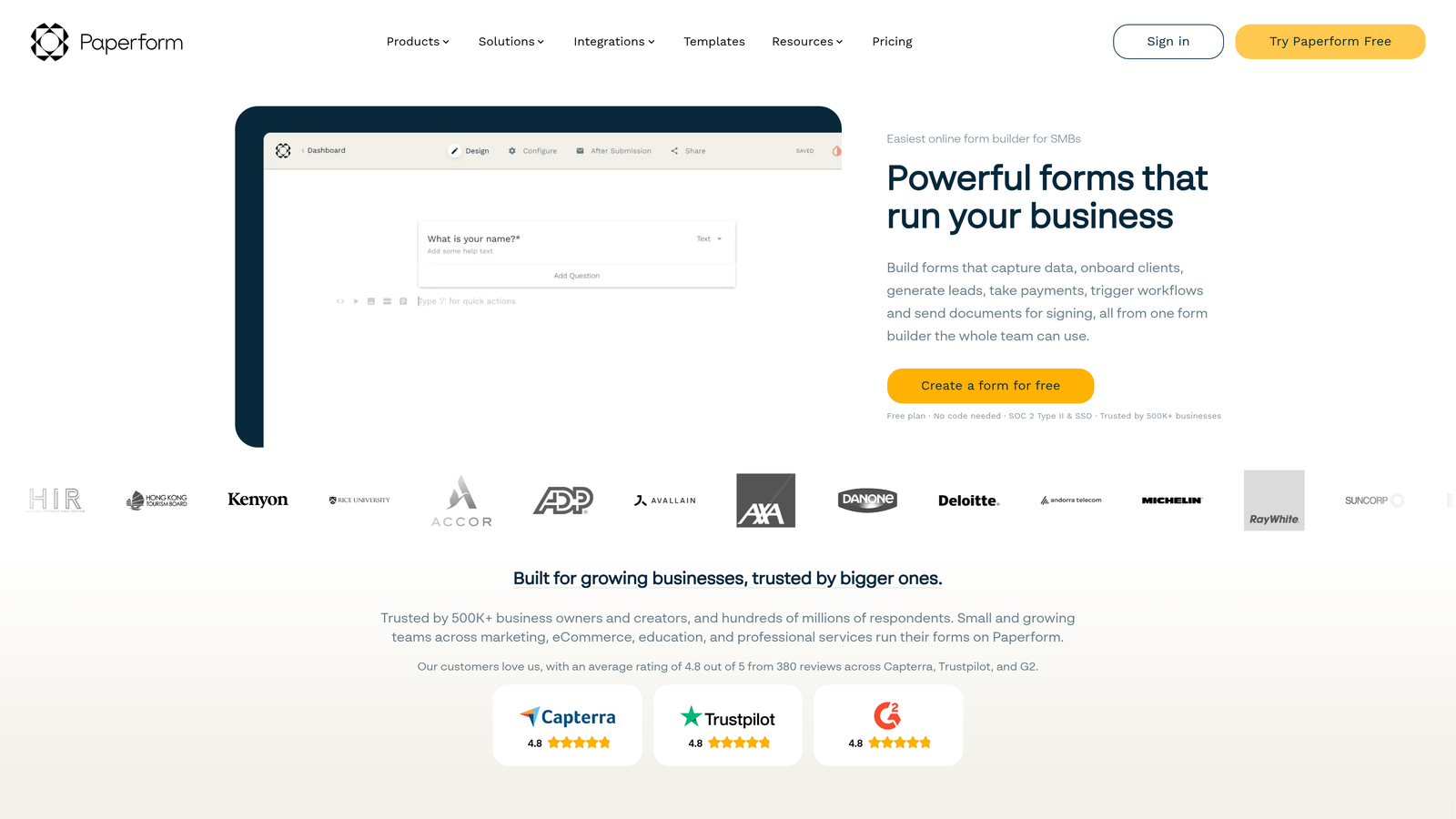
Paperform is a hybrid form and landing page builder with rich design customization, helping teams create branded form experiences that maintain trust and reduce drop-off.
Where This Tool Shines
Brand consistency matters more to form completion than most teams give it credit for. When a form looks mismatched from the rest of your website or product, it creates a subtle trust gap. Respondents notice, even if they don't consciously register it. Paperform lets you fully customize the visual experience so the form feels like a natural extension of your brand rather than a third-party insert.
The hybrid form and landing page approach is also worth highlighting. Paperform forms can stand alone as full pages, which means you can build a complete conversion experience without needing a separate landing page tool. Fewer handoffs between tools means fewer points of friction in the experience.
Key Features
Rich Design Customization: Full control over fonts, colors, backgrounds, and layout to match your brand identity precisely.
Multi-Page Forms with Progress Indicators: Breaks longer forms into digestible sections and shows respondents how far they've come, reducing mid-form abandonment.
Conditional Logic and Calculated Fields: Personalizes the form path and can display dynamic values based on respondent input.
Payments, Bookings, and Product Listings: Extends beyond lead capture to support transactions, scheduling, and e-commerce use cases in a single form.
Wide Integration Library: Connects with Zapier and a range of native integrations to fit into existing workflows.
Best For
Paperform is well-suited for marketing teams, agencies, and businesses where brand presentation is a priority. It's particularly strong for teams that need a form to double as a landing page, or those running multi-purpose workflows like lead capture combined with payment collection.
Pricing
14-day free trial available; paid plans start at approximately $24 per month billed annually. No free plan after the trial period ends.
5. Jotform
Best for: Teams that want direct abandonment recovery through partial submission capture, plus deep feature breadth across industries.
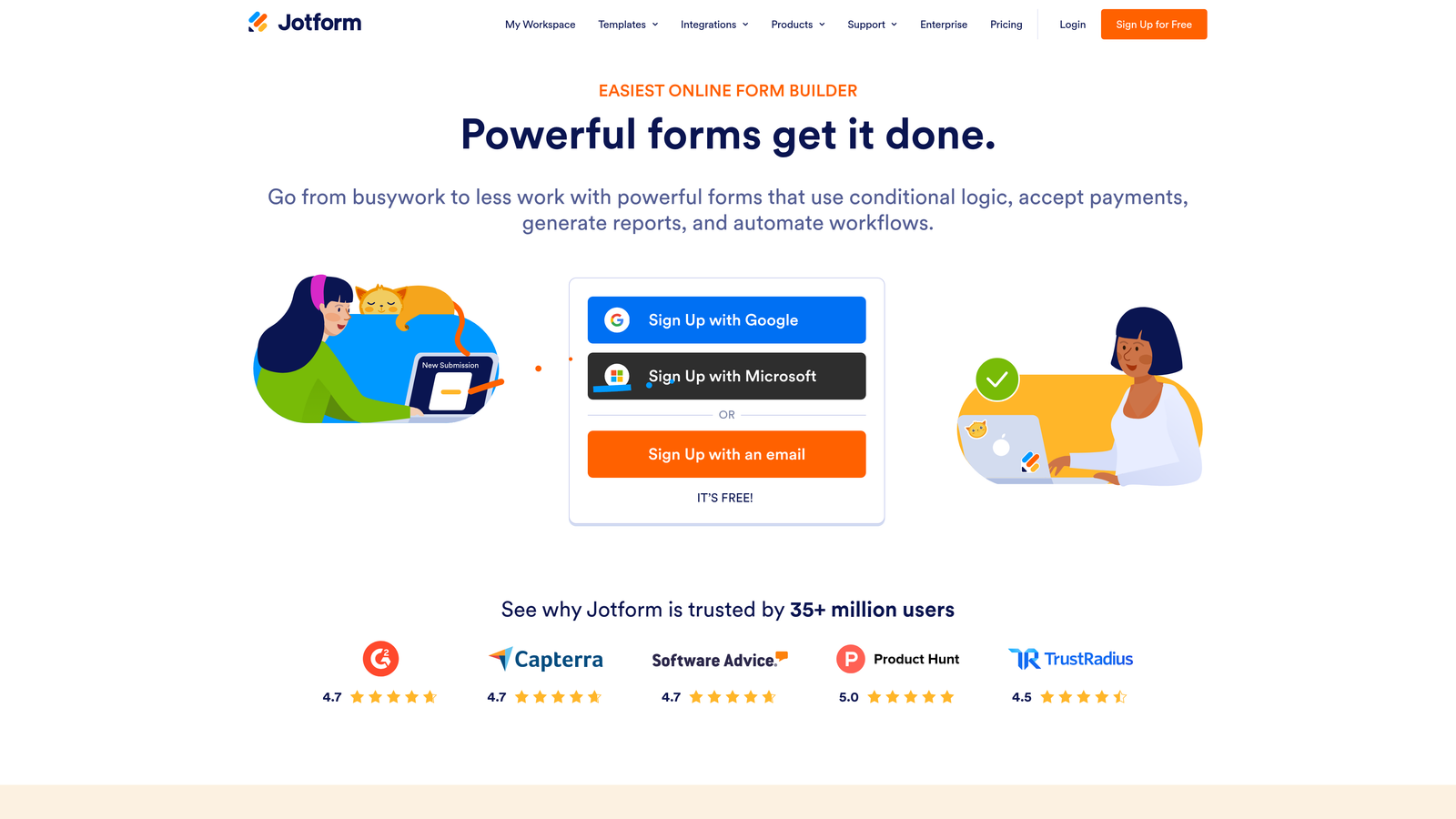
Jotform is one of the most feature-rich form builders available, with a standout partial submission capture feature that directly recovers data from users who abandoned mid-form.
Where This Tool Shines
While most tools in this list focus on preventing abandonment, Jotform takes a complementary approach: recovering data from users who left anyway. The partial submission feature captures whatever information a respondent entered before they dropped off, giving your team something to work with even when the form wasn't fully completed. For high-volume lead generation, this can meaningfully increase the total data recovered from your form traffic.
The sheer depth of Jotform's feature set also gives it staying power. With thousands of templates and an extensive integration library, it handles a wide range of use cases without requiring additional tools. For teams in regulated industries, HIPAA-compliant options make it one of the few form builders that can serve healthcare and related verticals.
Key Features
Partial Submission Capture: Recovers data entered by users who abandon the form before submitting, turning incomplete sessions into usable leads.
Thousands of Templates: Covers virtually every industry and use case, making it fast to deploy purpose-built forms without starting from scratch.
Advanced Conditional Logic: Shows or hides fields based on prior answers, reducing form length and improving relevance for each respondent.
HIPAA-Compliant Options: One of the few form builders with compliance features for healthcare and other regulated industries.
Extensive Integration Library: Connects with major CRMs, payment processors, and hundreds of other tools to fit into complex workflows.
Best For
Jotform is a strong fit for teams that need both abandonment prevention and abandonment recovery in one platform. It's especially valuable for high-volume lead gen operations, regulated industries requiring compliance features, and organizations that need a single form tool capable of handling diverse use cases across departments.
Pricing
Free plan available with limited submissions and storage; paid plans start at approximately $34 per month. Pricing scales based on submission volume and storage needs.
6. Formstack
Best for: Mid-market and enterprise teams that need advanced conditional logic, CRM integration, and workflow automation to reduce form complexity at scale.
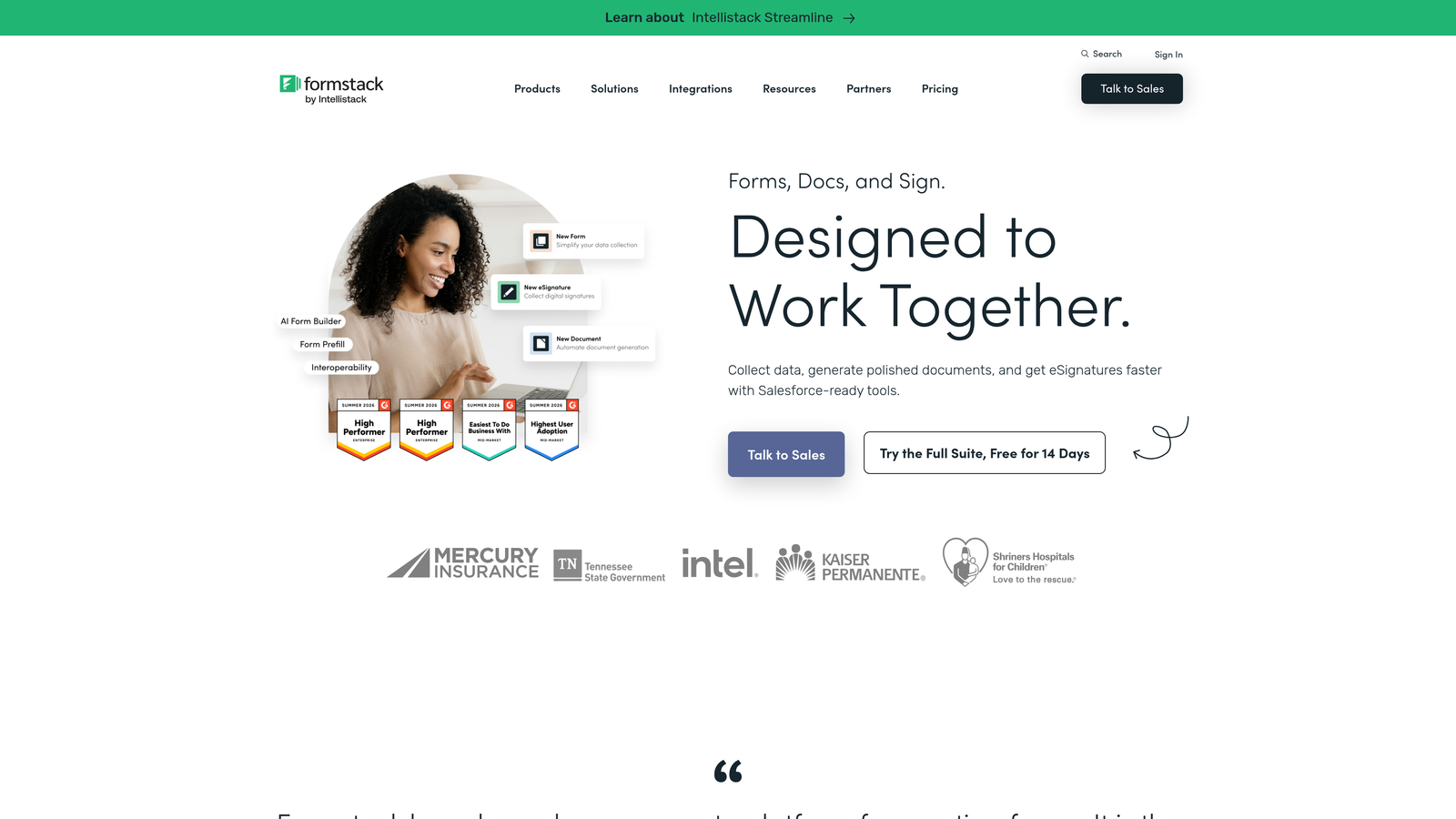
Formstack is an enterprise-grade form and workflow automation platform that uses conditional logic to show only relevant fields to each user, reducing perceived form length and abandonment.
Where This Tool Shines
At the enterprise level, form abandonment often stems from a different problem than at the startup level: forms are long because the business genuinely needs a lot of information. Formstack addresses this by using conditional logic to surface only the fields relevant to each specific user. The form may contain many questions in total, but each respondent only sees a fraction of them. That dynamic reduction in visible complexity is one of the most effective ways to reduce abandonment in complex intake or qualification flows.
The platform also extends well beyond basic form building. Workflow automation, approval routing, document generation, and e-signature capabilities make Formstack a complete data collection and processing system rather than just a front-end form tool. For enterprise teams managing complex processes, that depth matters.
Key Features
Advanced Conditional Logic: Minimizes the number of fields shown to each user based on their previous answers, reducing perceived form length significantly.
Deep CRM Integrations: Native Salesforce integration and connections to other major CRMs make it straightforward to route form data directly into enterprise sales workflows.
Workflow Automation and Approval Routing: Automates what happens after a form is submitted, reducing manual processing and speeding up follow-up.
Document Generation and E-Signature: Extends the platform beyond data capture into document workflows, useful for contracts, onboarding, and compliance processes.
Analytics and Conversion Tracking: Built-in reporting helps teams identify where respondents are dropping off and optimize accordingly.
Best For
Formstack is best suited for mid-market and enterprise organizations with complex form workflows, strong CRM dependencies, and teams that need workflow automation alongside data collection. It's a significant investment, but for the right organization, the depth of capability justifies the cost.
Pricing
Aimed at mid-market and enterprise buyers; pricing is available on request via formstack.com. Not typically the right fit for early-stage teams or those with simple form needs.
Which Tool Is Right for Your Team?
Every tool on this list reduces form abandonment, but each does it differently. The right choice depends on where your biggest drop-off problems are coming from and what your team actually needs to solve them.
If your priority is intelligent lead qualification and conversion optimization built directly into the form experience, Orbit AI is the standout choice. It's purpose-built for high-growth SaaS and B2B teams that need more than a passive data collector. The AI-driven qualification flow and smart conditional logic work together to reduce friction for high-intent users while keeping the overall experience modern and polished.
For teams that want a conversational format to reduce overwhelm, Typeform's one-question-at-a-time approach is well-proven. Lean teams and startups looking for a fast, clean, free-first option will find Tally hard to beat. Paperform is the right call when brand design and trust are central to your conversion strategy. Jotform's partial submission capture makes it uniquely valuable for teams that want to recover data from users who abandoned anyway, especially in regulated industries. And Formstack is the enterprise choice for organizations with complex conditional logic needs and deep CRM integration requirements.
The common thread across all of them: reducing the friction, complexity, and uncertainty that cause respondents to leave before hitting submit. Start with the tool that addresses your most pressing abandonment trigger, and build from there.
Ready to see what AI-powered qualification can do for your lead generation? Transform your lead generation with intelligent forms that qualify prospects automatically while delivering the modern, conversion-optimized experience your high-growth team needs. Start building free forms today and see how intelligent form design can elevate your conversion strategy.


