Spam submissions waste time, corrupt data, and frustrate teams trying to capture legitimate leads. Whether you're drowning in bot-generated junk or watching your conversion rates tank because real users abandon CAPTCHA-heavy forms, finding the right balance between security and user experience is critical.
This guide compares 9 form builders that tackle spam intelligently—from AI-powered detection to invisible verification methods that don't punish your real visitors. We evaluated each tool on spam prevention effectiveness, ease of setup, impact on conversion rates, and overall value for growing teams.
1. Orbit AI
Best for: High-growth teams seeking AI-powered spam protection with automatic lead qualification
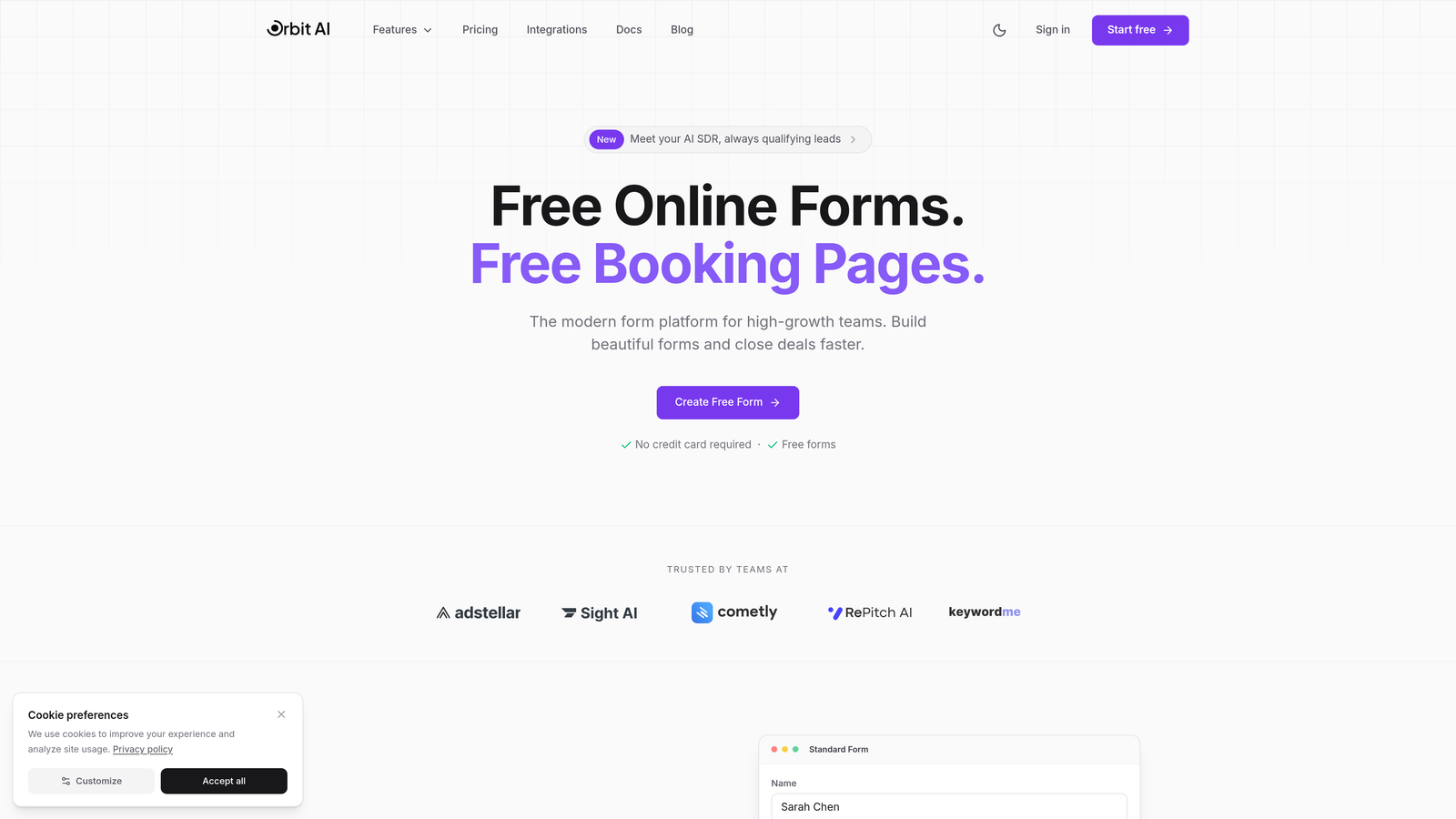
Orbit AI combines intelligent spam detection with lead qualification, creating a dual-layer approach that filters both bot submissions and low-quality leads automatically.
Where This Tool Shines
The platform's AI learns from submission patterns across your forms, becoming more accurate at identifying spam over time without requiring manual rule configuration. This adaptive approach means protection improves as your forms collect more data.
What sets Orbit AI apart is how it handles the spam-conversion balance. The invisible verification system runs in the background, analyzing behavioral signals without adding friction for legitimate users. Real people complete your forms normally while bots get quietly blocked.
Key Features
AI-Powered Spam Detection: Machine learning algorithms analyze submission patterns and behavioral signals to identify bot activity without user-facing challenges.
Invisible Verification: Background checks verify humanity through behavioral analysis rather than interrupting the form experience with CAPTCHAs or puzzles.
Automatic Lead Qualification: Built-in scoring filters low-quality submissions alongside spam, ensuring your sales team only sees legitimate, qualified prospects.
Conversion-Optimized Design: Modern form templates designed specifically to maximize completion rates while maintaining robust spam protection.
Deep Integrations: Connects with major CRMs and marketing automation platforms to sync clean, spam-free lead data directly into your existing workflows.
Best For
Growing teams who need more than basic spam filtering—particularly those struggling with high volumes of low-quality leads or bot submissions. The AI-powered approach works especially well for companies running paid advertising campaigns where spam protection directly impacts ROI and cost per qualified lead.
Pricing
Free tier available for teams getting started; paid plans scale with team size and submission volume at competitive rates for the AI-powered functionality included.
2. Typeform
Best for: Creating engaging conversational forms where the format itself deters automated spam
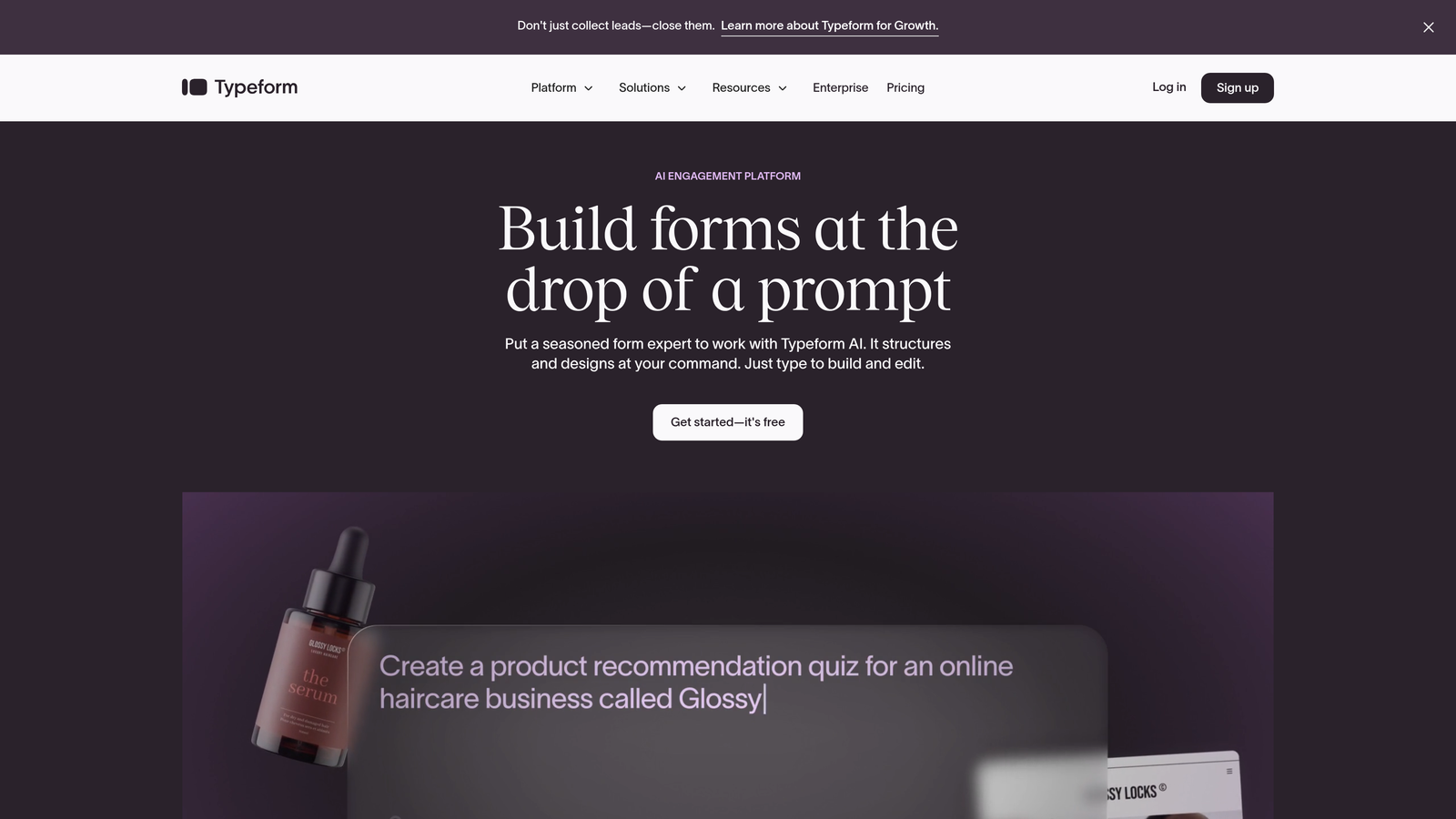
Typeform pioneered the one-question-at-a-time conversational format that makes forms feel less like data collection and more like dialogue.
Where This Tool Shines
The conversational format creates a natural barrier against basic bots. Most spam scripts expect traditional multi-field forms they can auto-fill instantly. Typeform's sequential presentation disrupts these patterns, requiring bots to navigate through individual screens—something many automated tools struggle with.
Beyond format-based protection, Typeform integrates Google reCAPTCHA when you need explicit verification. The platform also supports conditional logic that can route suspicious responses away from your main data stream based on answer patterns you define.
Key Features
Native reCAPTCHA Integration: Add Google's verification system directly to your forms when dealing with persistent spam attacks.
Conditional Logic Filtering: Create rules that flag or redirect submissions containing suspicious patterns or keywords common in spam responses.
Conversational Format: The one-question-at-a-time interface naturally slows down bots designed for traditional form structures.
Hidden Fields: Implement honeypot traps that catch bots attempting to fill every available field including those invisible to humans.
Response Time Analysis: Track how quickly forms are completed to identify suspiciously fast submissions that indicate automation.
Best For
Teams prioritizing user experience alongside spam protection, particularly those in creative industries or B2C contexts where form engagement directly impacts brand perception. The conversational format works best when you need detailed responses rather than quick contact captures.
Pricing
Free plan allows 10 responses per month; Basic starts at $25/month with 100 responses and includes spam protection features.
3. Jotform
Best for: Teams needing comprehensive spam protection options with granular control over security settings
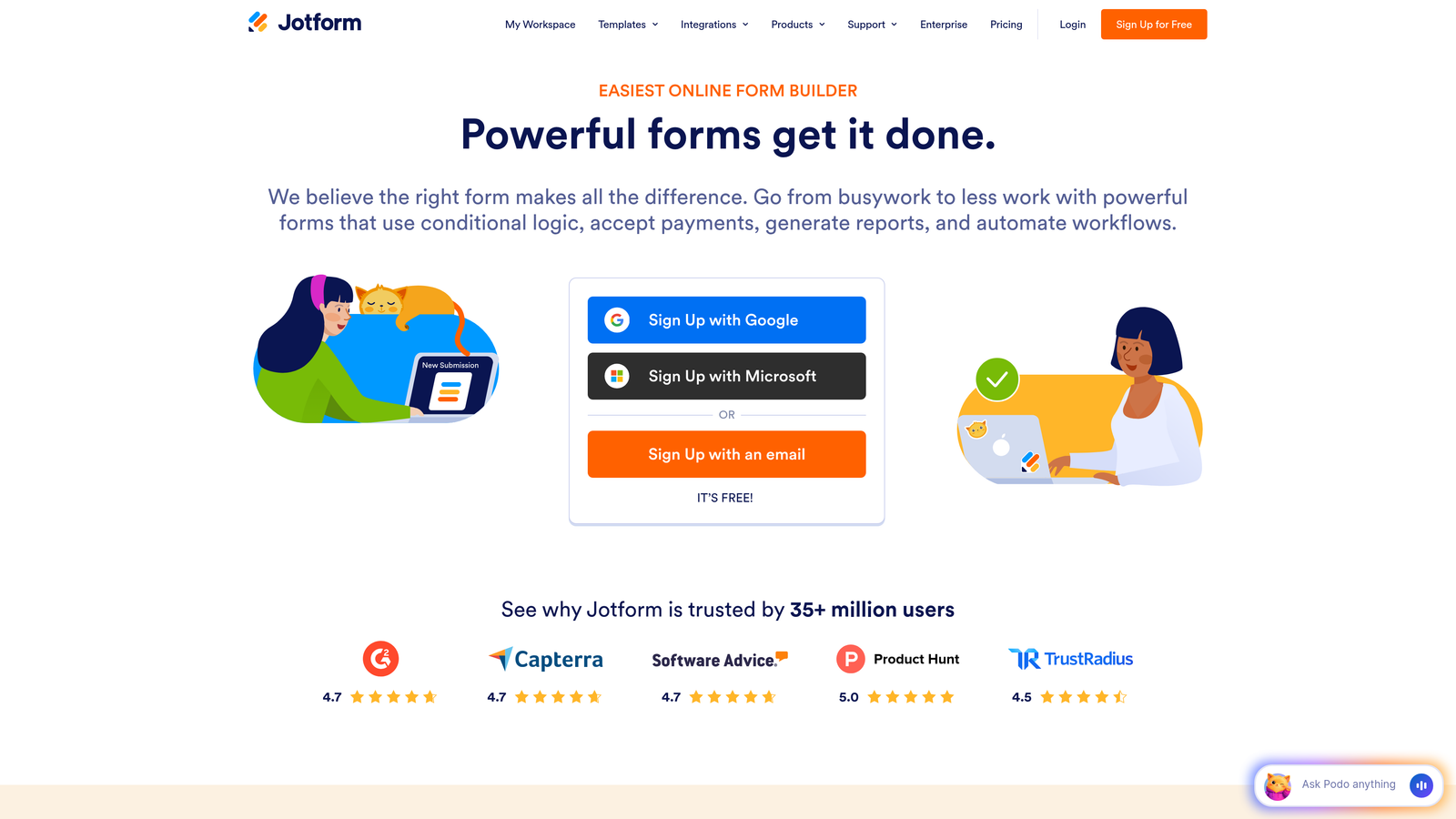
Jotform provides one of the most extensive toolkits for spam prevention, letting you layer multiple protection methods based on your specific threat level.
Where This Tool Shines
Jotform doesn't force you into a single spam prevention approach. You can combine reCAPTCHA with honeypot fields, add IP blocking for known offenders, and analyze submission timing patterns—all within the same form. This flexibility means you can dial protection up or down based on actual spam volume.
The platform's submission time analysis feature identifies forms completed impossibly fast, automatically flagging or blocking entries that couldn't have been filled by a human reading the questions. Combined with IP limiting, this creates effective protection against both bot networks and individual bad actors.
Key Features
Multiple CAPTCHA Options: Choose between Google reCAPTCHA, hCaptcha, or create custom verification challenges based on your security needs and user base.
Honeypot Protection: Invisible fields trap bots that auto-fill every input without detection by legitimate users.
IP Address Management: Block specific addresses or limit submission frequency from individual IPs to stop repeat offenders.
Submission Time Analysis: Automatically flag or reject forms completed faster than humanly possible.
Custom Validation Rules: Create field-level rules that reject common spam patterns in email addresses, phone numbers, or message content.
Best For
Organizations dealing with sophisticated spam attacks requiring layered defenses, or teams managing multiple forms with varying security needs. The granular controls work well for agencies handling forms across different clients with different spam profiles.
Pricing
Free plan includes 5 forms with 100 monthly submissions; Bronze starts at $34/month with enhanced spam protection features.
4. Tally
Best for: Minimalist teams wanting automatic spam filtering without configuration overhead
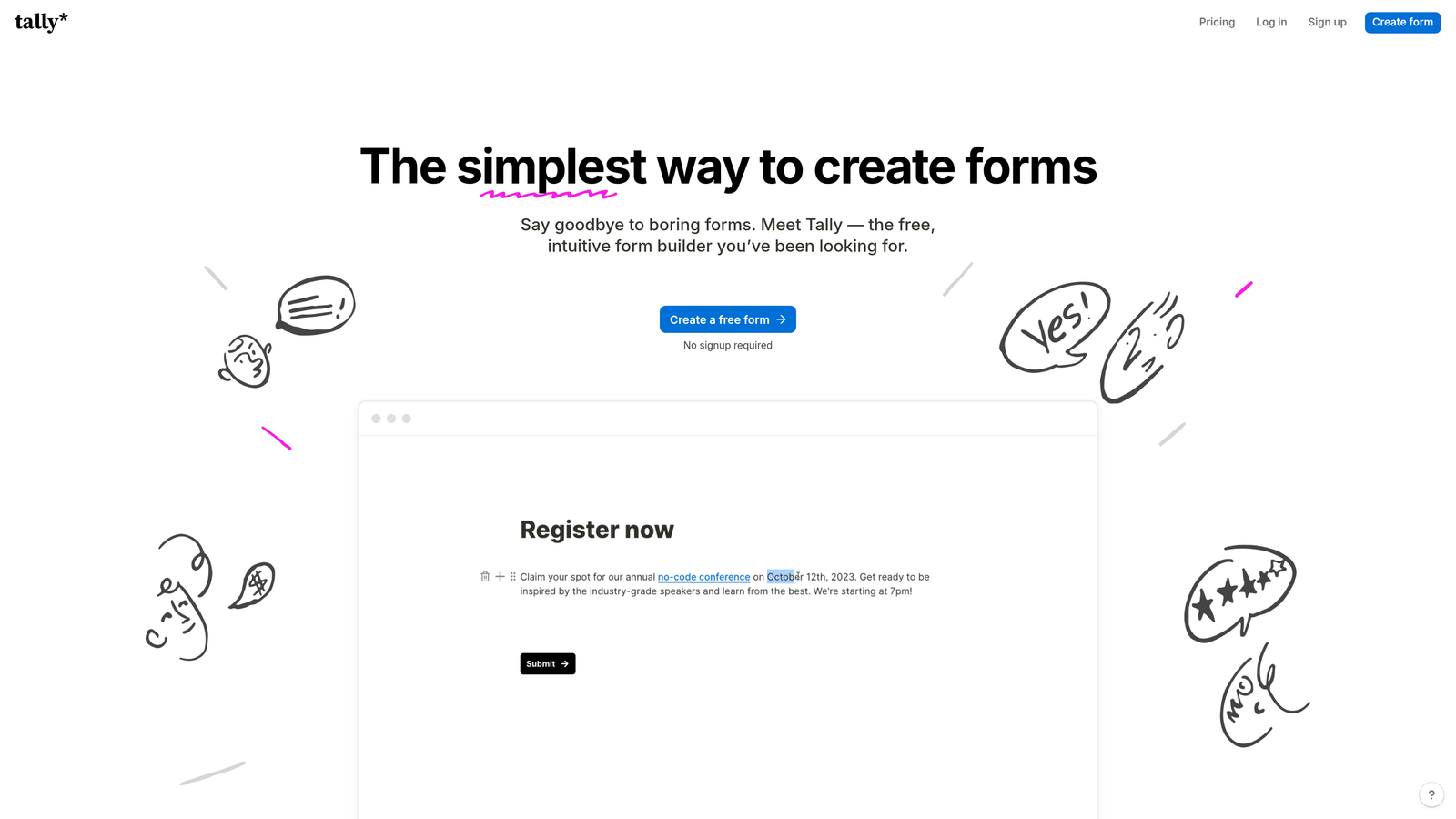
Tally brings a refreshingly simple approach to form building with spam protection enabled automatically on every form you create.
Where This Tool Shines
Tally's philosophy centers on removing friction—both for form creators and form fillers. Spam filtering runs silently in the background without requiring you to choose CAPTCHA types, configure honeypots, or set up filtering rules. You build your form, publish it, and protection is already active.
The clean, distraction-free interface appeals to teams tired of cluttered form builders. The Notion-like editing experience means you can create professional forms in minutes, and the generous free tier makes it accessible for small teams testing their approach to spam prevention.
Key Features
Automatic Spam Filtering: Built-in detection runs on every form by default without requiring activation or configuration.
Zero-Friction Setup: No CAPTCHA selection, no honeypot placement—spam protection works immediately upon form creation.
Notion-Style Interface: Familiar block-based editing makes form building intuitive for teams already using Notion or similar tools.
Unlimited Forms on Free Tier: Create as many forms as needed without hitting artificial limits that force upgrades.
Clean User Experience: Forms maintain minimal design without visible spam protection elements that might deter legitimate submissions.
Best For
Small to medium teams who want effective spam protection without becoming security experts. Particularly valuable for startups and solo entrepreneurs who need reliable forms quickly without spending hours configuring protection settings.
Pricing
Free for unlimited forms with automatic spam filtering; Pro tier at $29/month adds advanced features and branding removal.
5. Gravity Forms
Best for: WordPress users needing deep spam protection integration with their existing site infrastructure
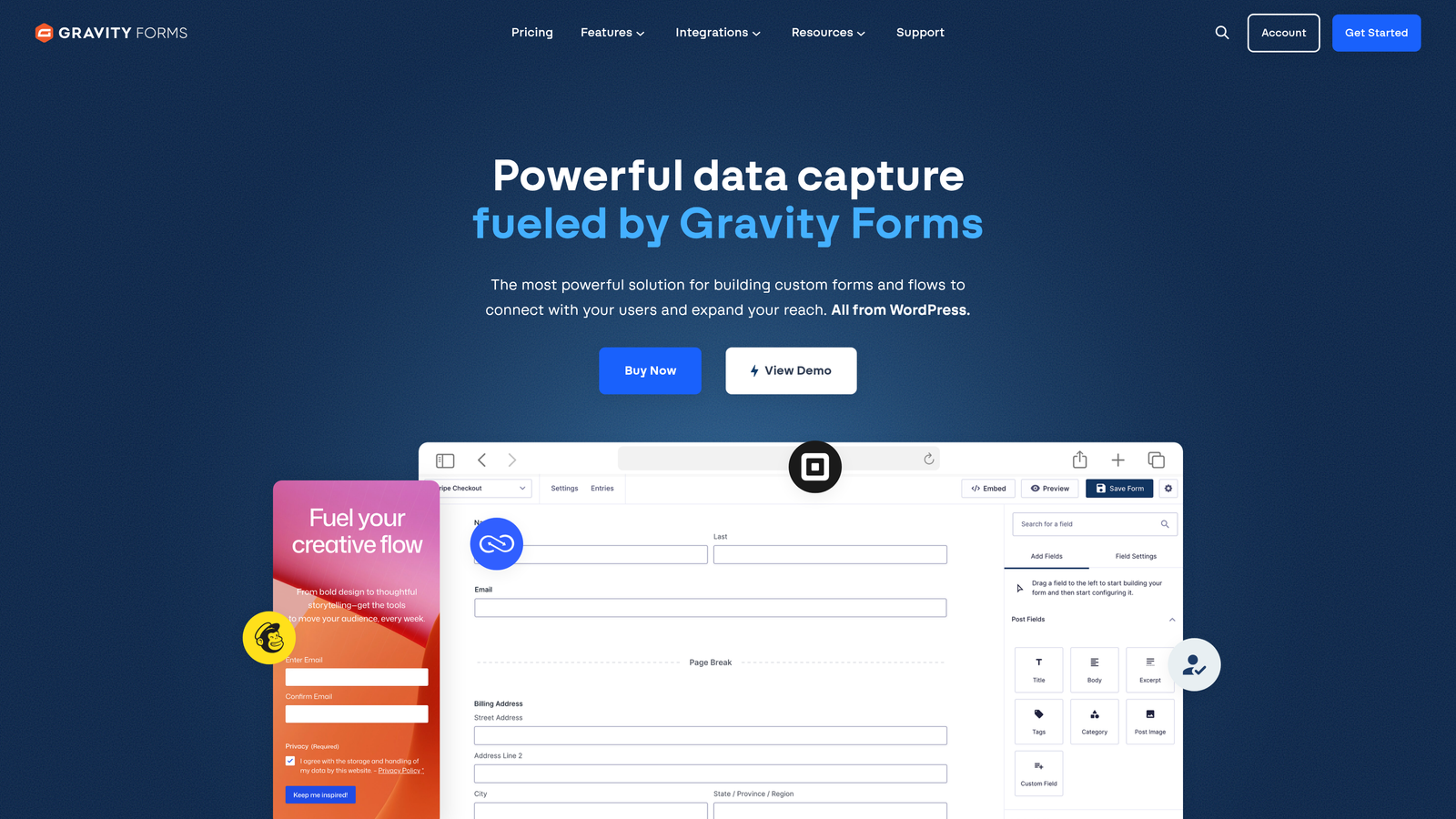
Gravity Forms has been the premium WordPress form solution for years, offering native spam protection that leverages the WordPress ecosystem.
Where This Tool Shines
The Akismet integration gives Gravity Forms a significant advantage for WordPress sites already using Akismet for comment spam. Your forms benefit from the same machine learning database that protects millions of WordPress sites, with spam detection that improves as the network identifies new patterns.
Beyond Akismet, the built-in honeypot functionality catches bots without impacting user experience. Combined with support for both reCAPTCHA and hCaptcha, you can create multi-layered protection that adapts to your specific spam challenges while maintaining the WordPress-native experience your team already knows.
Key Features
Native Akismet Integration: Tap into WordPress's proven spam filtering service that learns from submissions across millions of sites.
Built-In Honeypot Fields: Invisible spam traps automatically added to forms without requiring manual configuration or coding.
Dual CAPTCHA Support: Choose between Google reCAPTCHA or hCaptcha based on your privacy preferences and user base.
Conditional Spam Handling: Create rules that automatically route suspicious submissions to separate databases or trigger specific workflows.
WordPress-Native Experience: Manage forms directly from your WordPress dashboard alongside your other site management tasks.
Best For
WordPress-based businesses that want professional-grade forms without leaving their content management system. Particularly valuable for organizations already invested in the WordPress ecosystem who need forms that match their site's design and integrate seamlessly with existing plugins.
Pricing
Basic license at $59/year for single-site use; Pro license at $159/year includes advanced spam protection features and priority support.
6. Formstack
Best for: Enterprise teams in regulated industries requiring compliance-ready spam protection
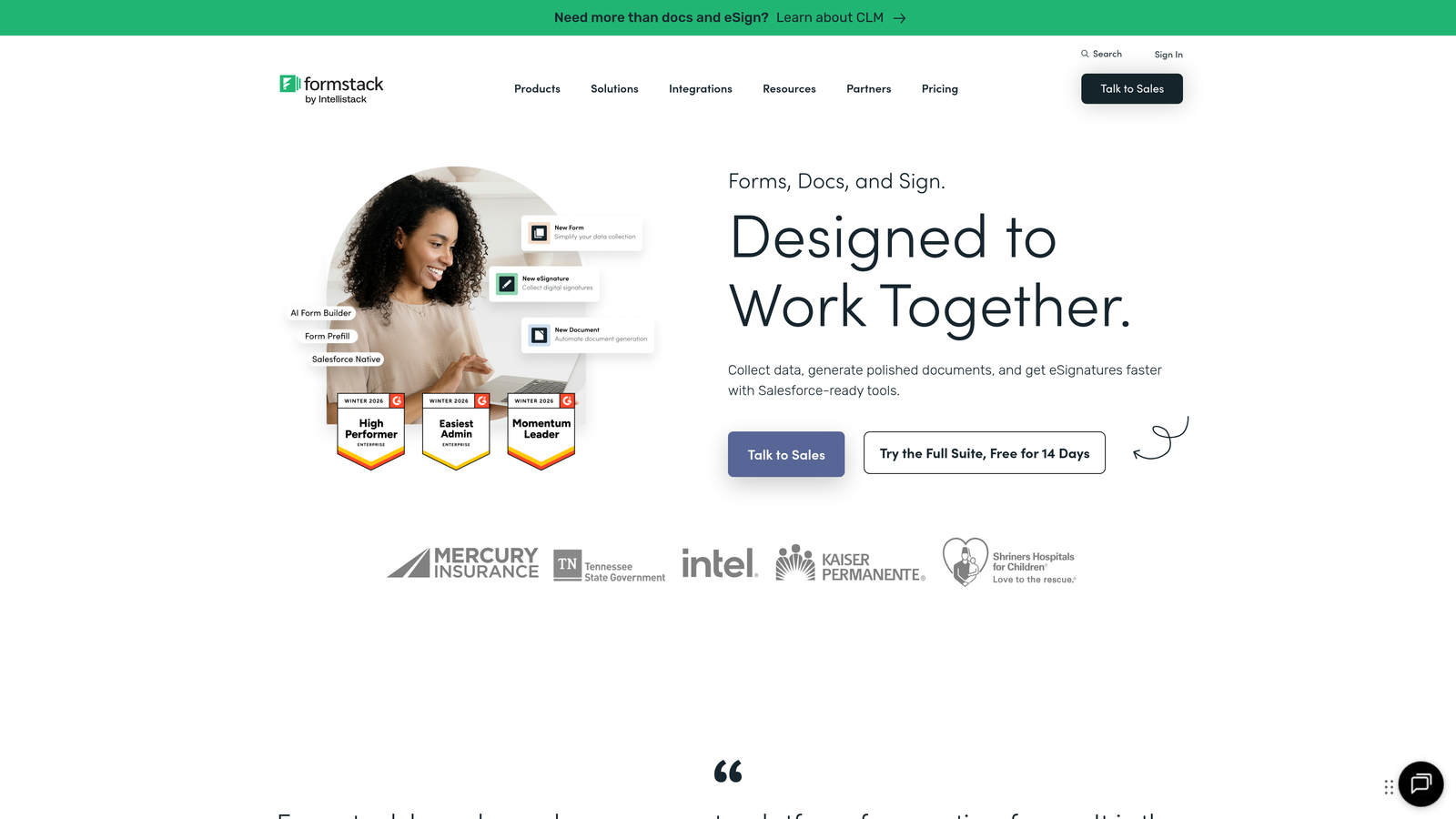
Formstack positions itself as the enterprise solution, combining robust spam prevention with the compliance features larger organizations demand.
Where This Tool Shines
Formstack's invisible reCAPTCHA implementation maintains security without forcing users through verification challenges. The system analyzes interactions in the background, only presenting challenges when behavior seems suspicious—meaning most legitimate users never see a CAPTCHA at all.
For healthcare, finance, and other regulated sectors, Formstack's HIPAA and GDPR compliance options ensure spam protection doesn't compromise data handling requirements. You can filter spam while maintaining audit trails and encryption standards that satisfy regulatory frameworks.
Key Features
Invisible reCAPTCHA: Background verification that only surfaces challenges when necessary, preserving conversion rates for legitimate users.
Conditional Spam Filtering: Create sophisticated rules that analyze submission content, timing, and source to identify spam patterns specific to your forms.
Compliance-Ready Architecture: HIPAA and GDPR compliance options ensure spam protection aligns with regulatory data handling requirements.
Advanced Validation Rules: Field-level validation prevents common spam patterns while ensuring data quality from legitimate submissions.
Enterprise Integrations: Connect spam-filtered data directly to Salesforce, HubSpot, and other enterprise platforms with pre-built connectors.
Best For
Mid-market to enterprise organizations in healthcare, finance, legal, or other regulated industries where spam protection must coexist with strict compliance requirements. The platform works well for teams managing high-value forms where data quality and security are equally critical.
Pricing
Starter plan at $50/month for basic teams; Teams plan at $83/month includes advanced spam protection and compliance features.
7. 123FormBuilder
Best for: Organizations wanting multi-layered spam prevention with IP-based blocking capabilities
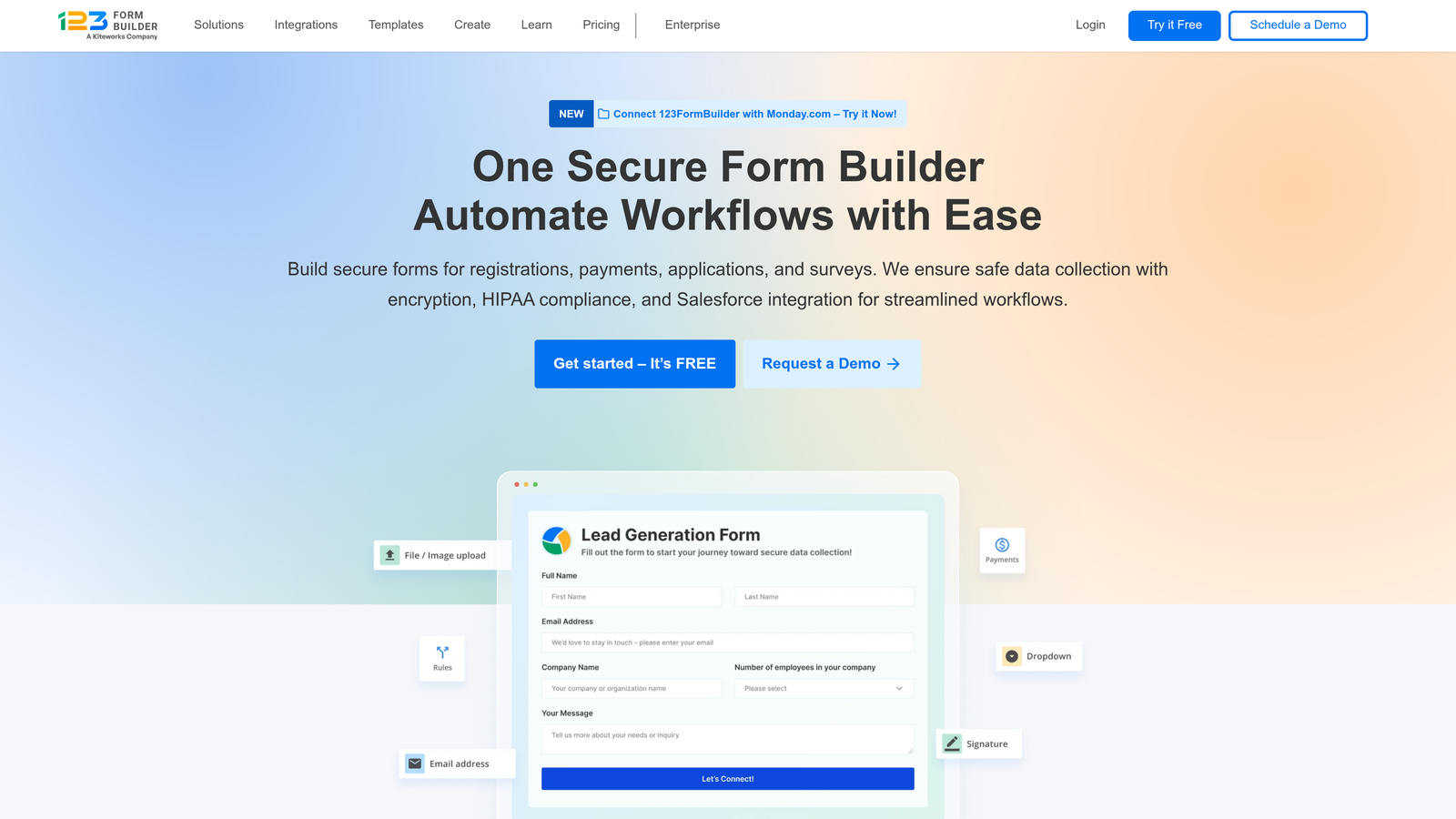
123FormBuilder takes a comprehensive approach to spam protection, letting you stack multiple prevention methods for maximum effectiveness.
Where This Tool Shines
The platform's strength lies in combining different spam prevention philosophies. You can use CAPTCHA for visible verification, honeypot fields for invisible trapping, and IP-based controls for network-level blocking—all within the same form. This layered approach means if one method misses a spam submission, others catch it.
IP address management goes beyond simple blocking. You can whitelist trusted sources, blacklist known offenders, and set submission rate limits that prevent spam floods without blocking legitimate users who need to submit multiple times.
Key Features
Multiple CAPTCHA Types: Support for Google reCAPTCHA, hCaptcha, and custom verification challenges based on your security and privacy requirements.
Honeypot Field Protection: Invisible spam traps that catch bots attempting to fill every field without affecting human users.
IP Address Controls: Block specific addresses, whitelist trusted sources, or limit submission frequency from individual IPs.
Submission Rate Limiting: Prevent spam floods by restricting how many submissions can come from a single source within defined timeframes.
Custom Spam Keywords: Define words or phrases that trigger automatic filtering based on spam patterns specific to your industry.
Best For
Teams experiencing persistent spam attacks from specific sources or networks, particularly those who've found single-method protection insufficient. The IP management features work well for organizations dealing with coordinated spam campaigns rather than random bot traffic.
Pricing
Free plan available with basic spam protection; Gold plan at $24.99/month includes advanced IP controls and multi-layered filtering.
8. Cognito Forms
Best for: Budget-conscious small teams needing effective spam filtering without premium pricing
Cognito Forms delivers surprisingly robust spam protection at price points that make sense for bootstrapped teams and small businesses.
Where This Tool Shines
Cognito Forms includes automatic spam detection in its free tier—a rarity among form builders where spam protection often sits behind paywalls. The system analyzes submissions for common bot patterns without requiring you to configure rules or choose between protection methods.
For teams collecting payments through forms, the built-in fraud protection adds another security layer. This dual protection approach means you're filtering both spam submissions and fraudulent payment attempts through the same interface, particularly valuable for e-commerce or donation forms.
Key Features
Automatic Spam Detection: Built-in filtering included in free tier analyzes submissions for bot patterns without manual configuration.
reCAPTCHA Integration: Add Google verification when automatic detection needs reinforcement during spam attacks.
Conditional Field Validation: Create rules that reject submissions containing suspicious patterns or failing logic checks.
Payment Fraud Protection: Additional security layer for forms collecting payments, filtering both spam and fraudulent transactions.
Generous Free Tier: Unlimited forms and submissions for individual users with spam protection included from day one.
Best For
Solo entrepreneurs, nonprofits, and small teams operating on tight budgets who can't justify premium form builder costs but still need reliable spam protection. The payment fraud protection makes it particularly valuable for organizations collecting donations or selling products through forms.
Pricing
Free for individuals with unlimited forms and automatic spam filtering; Pro plan at $15/month adds team features and advanced capabilities.
9. Paperform
Best for: Design-focused teams wanting invisible spam protection that maintains brand aesthetics
Paperform combines beautiful, highly customizable form design with modern spam protection that doesn't compromise visual appeal.
Where This Tool Shines
Paperform's support for Cloudflare Turnstile and hCaptcha gives you invisible verification options that maintain your carefully crafted form design. Unlike traditional CAPTCHAs that interrupt the user experience with puzzle challenges, these modern approaches verify humanity in the background while preserving your brand's aesthetic.
The platform's design flexibility means you can create forms that look like landing pages, with spam protection running silently behind your custom styling. Conditional logic lets you route suspicious submissions away from your main workflow without showing visible error messages that might confuse legitimate users.
Key Features
Cloudflare Turnstile Support: Modern invisible verification that checks for bots without interrupting user flow or requiring puzzle solving.
hCaptcha Integration: Privacy-focused CAPTCHA alternative that offers invisible verification modes alongside traditional challenges.
Design-First Templates: Beautiful, customizable form templates that maintain brand consistency while incorporating spam protection.
Conditional Response Filtering: Route suspicious submissions to separate workflows without displaying errors that might deter legitimate users.
Custom CSS Control: Full styling control ensures spam protection elements blend seamlessly with your brand design.
Best For
Creative agencies, design studios, and brand-conscious companies where form aesthetics directly impact conversion rates and brand perception. The invisible protection methods work particularly well for high-end B2C brands where traditional CAPTCHAs might feel out of place.
Pricing
Essentials plan at $24/month includes basic spam protection; Pro plan at $49/month adds advanced features and Cloudflare Turnstile support.
Making the Right Choice
Your ideal spam protection solution depends on where you sit in the sophistication-simplicity spectrum. If you're a high-growth team dealing with both spam and lead quality issues, Orbit AI's dual-layer approach of spam filtering plus automatic qualification addresses both problems simultaneously. The AI-powered detection eliminates configuration overhead while improving over time.
Budget-conscious small teams should look at Cognito Forms or Tally. Both include automatic spam filtering in generous free tiers, letting you protect forms without monthly fees. Cognito Forms edges ahead if you're collecting payments, while Tally wins on interface simplicity.
WordPress users already invested in that ecosystem will find Gravity Forms integrates most naturally with existing site infrastructure. The Akismet connection leverages protection you might already be using for comments, creating unified spam defense across your entire site.
For enterprise teams in regulated industries, Formstack's compliance-ready architecture ensures spam protection doesn't conflict with HIPAA or GDPR requirements. The invisible reCAPTCHA implementation maintains security without sacrificing conversion rates.
Design-focused brands should consider Paperform's invisible protection options. Cloudflare Turnstile and hCaptcha's invisible modes let you maintain aesthetic control while filtering spam in the background.
When implementing your chosen solution, start with moderate protection and adjust based on actual spam volume. Overly aggressive filtering can block legitimate submissions—particularly from users on VPNs or corporate networks. Monitor your spam-to-legitimate ratio for the first few weeks and dial protection up only if spam persists.
The most effective approach combines technical protection with smart form design. Longer forms naturally deter bots looking for quick targets. Required fields that ask for specific information make auto-fill attacks less effective. And clear, professional form copy signals to spam filters that your forms are legitimate business tools rather than spam targets themselves.
Transform your lead generation with AI-powered forms that qualify prospects automatically while delivering the modern, conversion-optimized experience your high-growth team needs. Start your free trial today and see how intelligent form design can elevate your conversion strategy.