

If you've been using Paperform and wondering whether there's a better fit for your team, you're not alone. The form builder market has evolved significantly, and what worked for early-stage teams doesn't always scale with high-growth ambitions.
Whether your friction point is pricing, limited lead qualification capabilities, design flexibility, or the need for deeper integrations, there are strong alternatives worth evaluating. Users on review platforms like G2 and Capterra commonly cite Paperform's response limits relative to pricing, limited native lead scoring, and integration gaps with modern CRM stacks as recurring pain points.
This guide breaks down the top Paperform competitors across seven key dimensions. Not just feature checklists, but strategic considerations that matter when you're optimizing for conversion, lead quality, and team efficiency. We'll cover who each tool is built for, where it excels, and where it falls short, so you can make a confident decision without wasting weeks on trials.
By the end, you'll have a clear framework for choosing the right form platform based on your actual growth goals, not just surface-level specs.
1. Orbit AI — Built for Lead Qualification, Not Just Data Collection
The Challenge It Solves
Most form builders were designed to collect data. That's a fundamentally different goal than qualifying leads. High-growth teams need forms that don't just capture responses but actively evaluate, score, and route prospects based on their answers. When your form is the first touchpoint in a revenue funnel, treating it like a static data entry tool is a costly mistake.
The Strategy Explained
Orbit AI was purpose-built for teams where lead quality matters as much as lead volume. The platform combines AI-powered lead scoring with deep conditional logic, so your form adapts dynamically based on how a prospect responds. Instead of sending every submission to the same CRM queue, Orbit routes high-intent leads differently from tire-kickers, automatically.
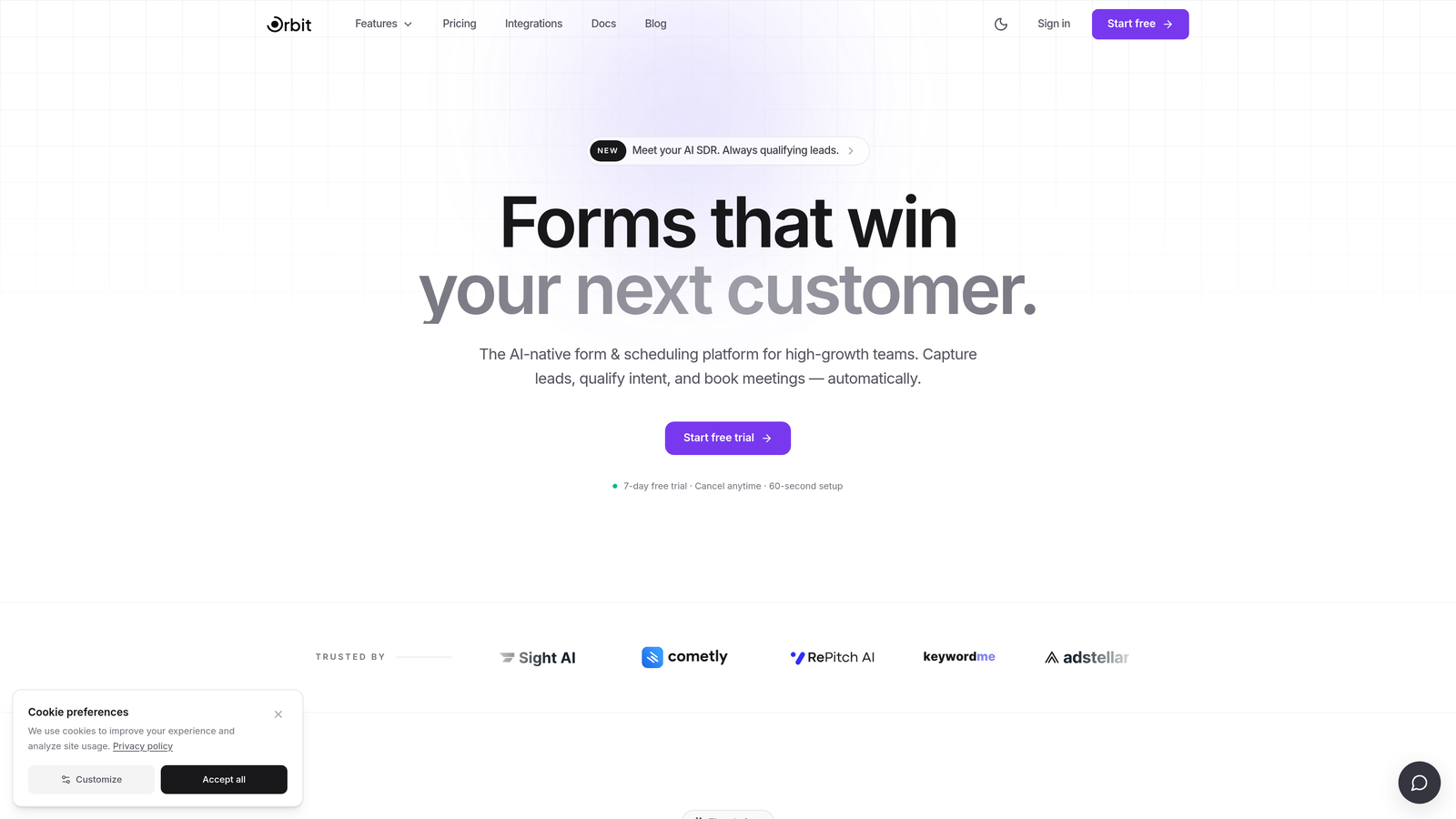
The design philosophy is conversion-first. Every element, from field order to progress indicators to mobile responsiveness, is optimized to reduce drop-off and increase completion rates. For teams running paid acquisition or outbound campaigns, this directly impacts cost-per-qualified-lead.
Where Orbit AI separates itself from general-purpose tools is in the intelligence layer. Forms don't just ask questions; they interpret answers in real time and adjust the experience accordingly. That's a meaningful difference when you're trying to scale lead generation without scaling headcount.
Implementation Steps
1. Map your lead qualification criteria before building. Define what makes a lead high-intent versus low-intent, so the AI scoring reflects your actual sales process.
2. Use conditional logic branches to create personalized form paths. A prospect indicating a large team size should see different questions than a solo operator.
3. Configure lead routing rules to connect qualified submissions directly to your CRM or sales team, bypassing manual review for top-tier leads.
4. A/B test your form entry points, particularly headline copy and the first question, since these have the greatest impact on whether someone completes the form at all.
Pro Tips
Don't try to qualify everything in one form. Orbit AI works best when you identify your two or three most predictive qualification signals and build the form logic around those. Shorter, smarter forms consistently outperform longer, exhaustive ones. Visit orbitforms.ai to explore how the platform fits your specific funnel.
2. Typeform — Conversational Experience With Trade-Offs at Scale
The Challenge It Solves
Form fatigue is real. When prospects land on a wall of fields, many abandon before completing even the first section. Typeform's one-question-at-a-time format addresses this by reducing cognitive load, a principle widely recognized in UX research as effective for improving completion rates on longer forms. For survey-heavy use cases, this is a genuine advantage.
The Strategy Explained
Typeform built its reputation on a conversational interface that feels less like filling out a form and more like having a dialogue. The visual polish is strong, and the experience on both desktop and mobile is consistently smooth. For brand-conscious teams running customer research, NPS surveys, or lead capture in lower-volume contexts, Typeform delivers a premium feel that generic tools can't match.

However, the trade-offs become visible quickly for lead generation teams operating at scale. Typeform's pricing tiers include response limits that increase with plan level, which can make costs unpredictable as your volume grows. More critically, Typeform's lead qualification capabilities are limited. There's no native AI scoring, and while conditional logic exists, it's not designed with sales funnel routing in mind.
If your primary use case is research surveys or low-volume lead capture where brand experience is paramount, Typeform is a strong choice. If you need forms that actively qualify and route leads, you'll likely hit its ceiling faster than expected.
Implementation Steps
1. Audit your monthly response volume before committing to a Typeform plan. Response caps can create unexpected upgrade pressure during campaign spikes.
2. Use Typeform's logic jumps for basic branching, but plan for manual CRM segmentation downstream since native scoring is absent.
3. Leverage Typeform's design customization for brand-heavy campaigns where visual consistency is a priority.
Pro Tips
Typeform shines brightest in contexts where the form itself is part of the brand experience. For high-volume lead generation or any workflow requiring automatic lead scoring, you'll need to supplement it with external tools, which adds integration complexity and cost.
3. Jotform — Maximum Feature Breadth, Steeper Learning Curve
The Challenge It Solves
Some teams need a form builder that handles genuinely diverse use cases: payment collection, medical intake forms, legal waivers, event registrations, and standard lead capture all under one roof. Jotform has positioned itself as the Swiss Army knife of the category, and for teams with highly varied form requirements, that breadth has real value.
The Strategy Explained
Jotform's template library is one of the largest in the industry, with the company publicly stating over 10,000 templates across categories. If you need a starting point for almost any form type, it likely exists. Payment integrations are robust, supporting multiple processors. Compliance-focused forms for healthcare and legal contexts are available with appropriate field configurations.
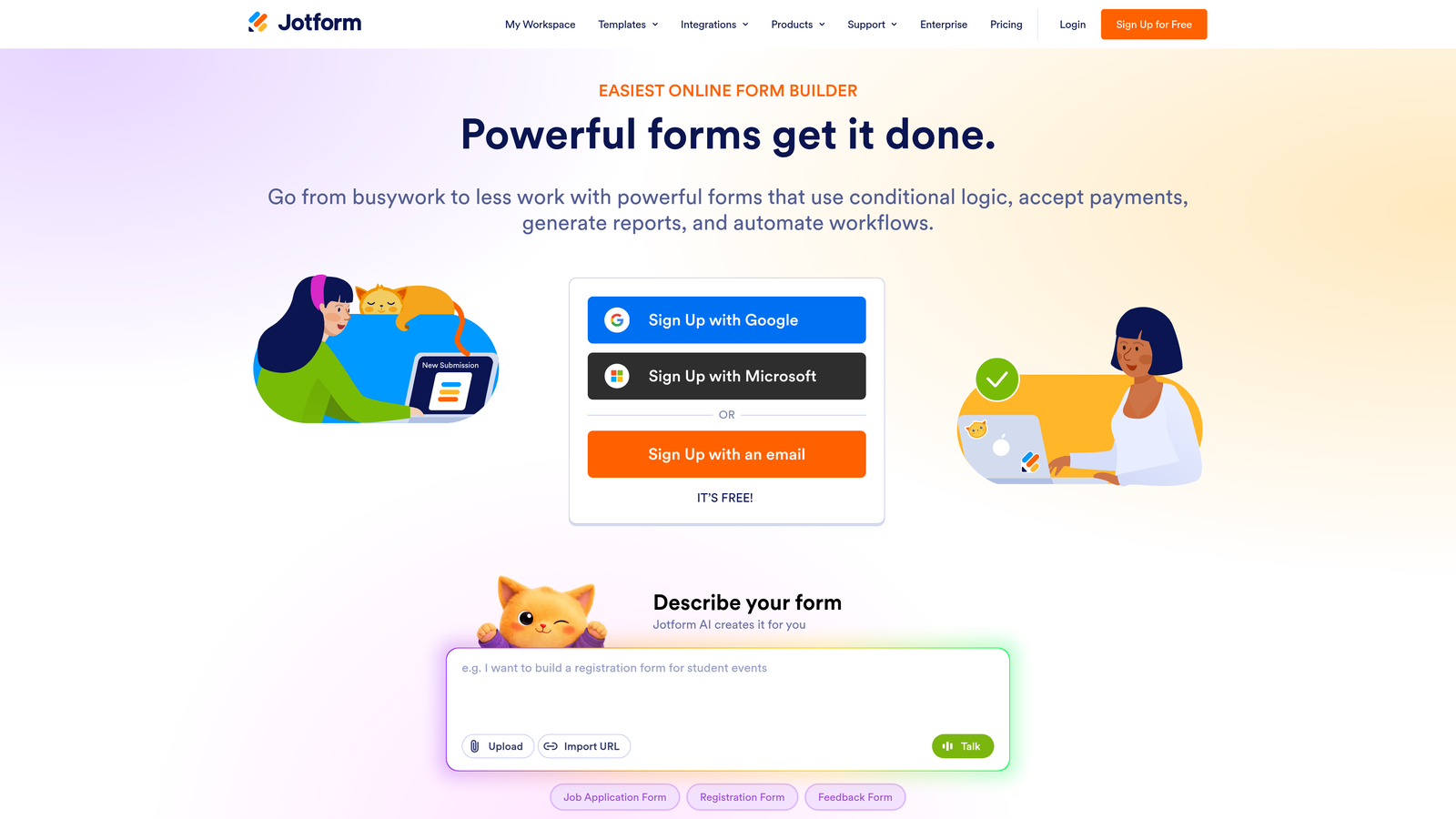
The honest trade-off is complexity. Jotform's interface carries the weight of its feature set. Teams coming from cleaner, more modern tools often describe the experience as dated and cluttered. Finding the right settings for a specific use case can require more navigation than it should. For teams with dedicated operations staff who will own the form-building process, this overhead is manageable. For lean teams where everyone needs to move quickly, it can slow things down.
Lead generation specifically isn't where Jotform is optimized. It can collect leads effectively, but the platform wasn't designed with conversion optimization or AI-powered qualification in mind. You get breadth, not depth, on the revenue side of the funnel.
Implementation Steps
1. Start with templates rather than building from scratch. Jotform's template library is its strongest asset and will save significant setup time.
2. Invest time in learning the form logic builder early. The conditional logic system is powerful but requires familiarity to use efficiently.
3. If payment collection is a primary use case, Jotform's multi-processor support makes it worth the learning curve compared to lighter tools.
Pro Tips
Jotform is best evaluated when you have specific, diverse form requirements that simpler tools can't handle. If your needs are primarily lead generation and conversion optimization, the feature breadth becomes noise rather than value.
4. Google Forms — Zero Cost, Zero Conversion Optimization
The Challenge It Solves
Not every form needs to be a conversion machine. Internal team surveys, quick employee polls, event RSVPs, and operational data gathering don't require branding, analytics depth, or lead routing. For these use cases, paying for a premium form builder is genuinely unnecessary, and Google Forms fills that gap without friction.
The Strategy Explained
Google Forms is free, lives inside Google Workspace, and requires zero setup for teams already using Google's productivity suite. Responses feed directly into Google Sheets, collaboration is native, and the learning curve is essentially zero. For internal operations, it's hard to argue against it.
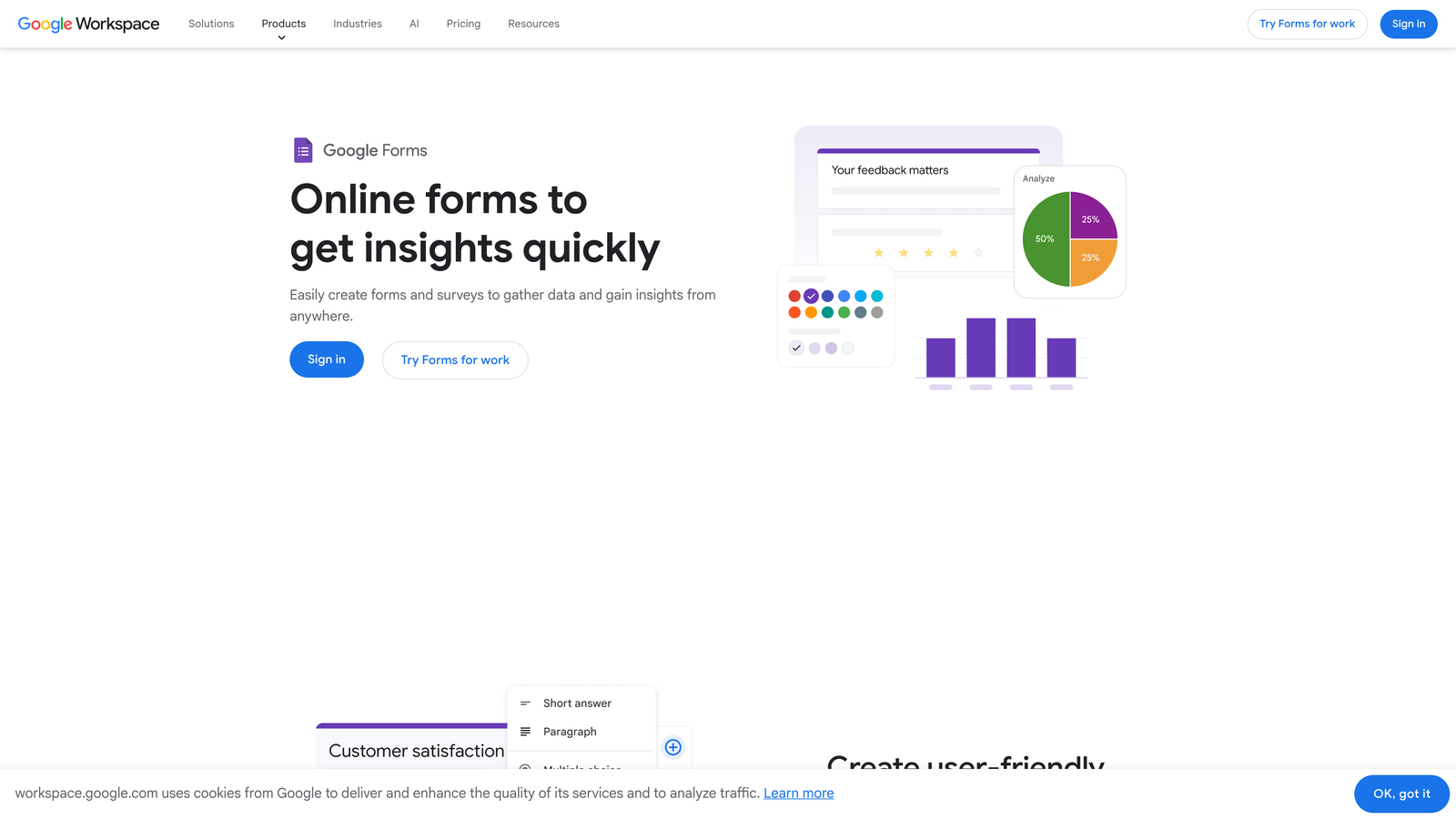
The problem arises when teams try to use Google Forms for external lead generation. The limitations are well-documented and significant. There's no custom branding, so every form looks like a Google product rather than your company. There are no conditional redirects based on responses, no lead scoring, no native integration with modern CRM stacks beyond manual exports, and no analytics beyond basic response summaries. You can't optimize what you can't measure, and Google Forms gives you very little to work with on the measurement side.
For any form that touches your revenue funnel, Google Forms actively costs you conversions. The absence of branding alone creates a trust gap with prospects who expect a polished experience. When you factor in the lack of qualification logic, what appears to be a free tool carries a real hidden cost in missed opportunities. Teams serious about improving form conversion rates will quickly find Google Forms insufficient.
Implementation Steps
1. Use Google Forms for internal workflows: team surveys, operational checklists, event RSVPs, and data gathering that doesn't touch external prospects.
2. Migrate any external-facing lead capture forms to a purpose-built tool immediately. The conversion gap between Google Forms and optimized alternatives is significant.
3. If you need Google Sheets integration with a better front-end, most modern form builders offer native Sheets connections without requiring Google Forms as the form layer.
Pro Tips
The right question isn't whether Google Forms is free. It's whether the forms you're running actually need the capabilities a free tool can't provide. For anything customer-facing, the answer is almost always yes.
5. Tally — Lightweight and Free, With Limits That Show
The Challenge It Solves
Freelancers, early-stage startups, and lean teams often need a clean, no-fuss form builder without a monthly bill. Tally emerged as a compelling option in this space, offering a Notion-style block editor that feels modern and intuitive, combined with a generous free tier that covers the basics without requiring a credit card.
The Strategy Explained
Tally's interface is genuinely pleasant to use. The block-based editing experience will feel immediately familiar to anyone who uses Notion, which has made it popular with product and ops teams in startup environments. The free tier is notably generous compared to most competitors, covering unlimited forms and responses without the response caps that make other tools expensive at low volume.
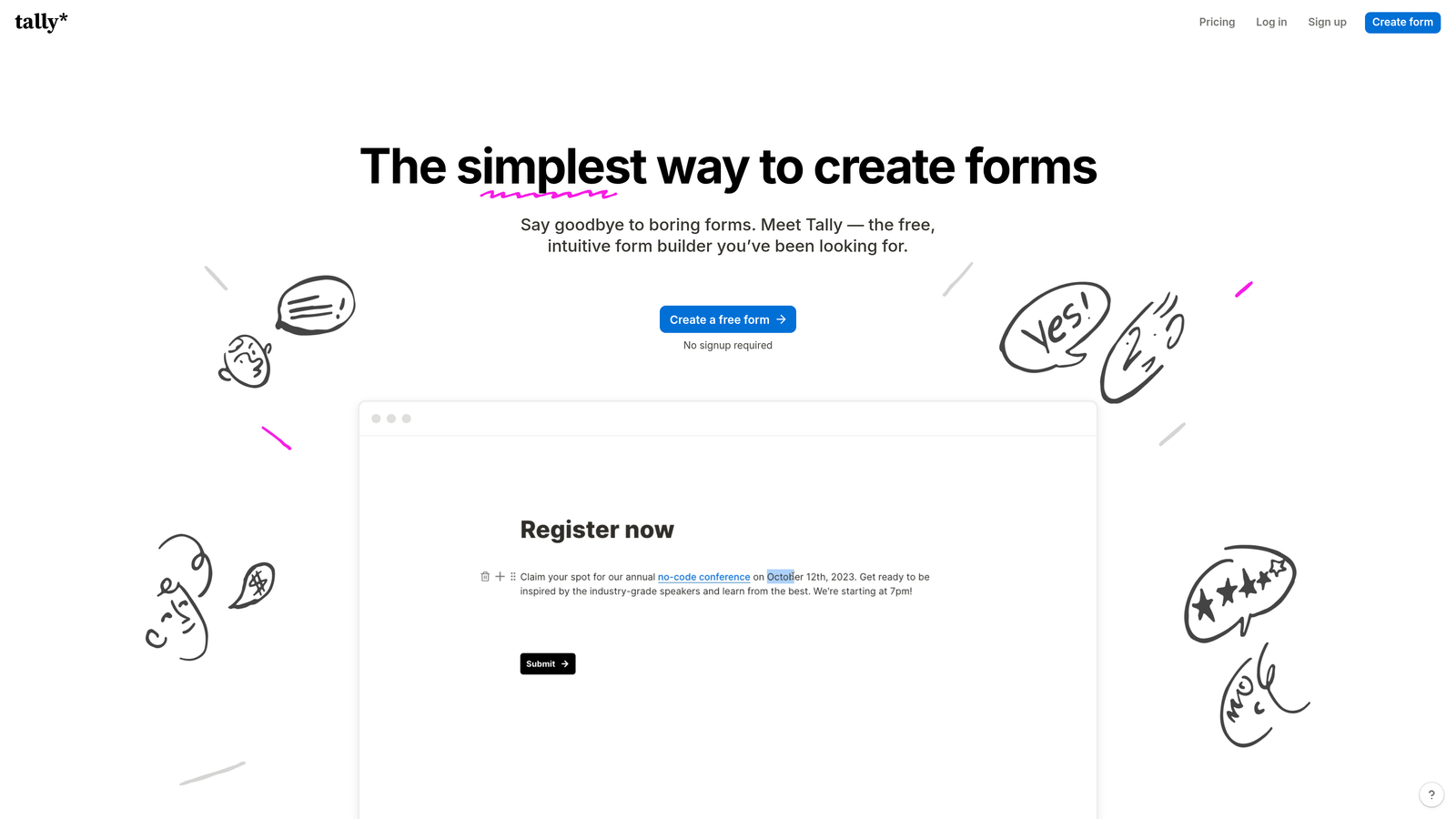
The limitations become visible when teams start scaling or need more sophisticated workflows. Advanced integrations with enterprise CRM platforms require more configuration than Tally natively supports. High-volume lead workflows with complex routing logic push against what the platform was designed to handle. There's no AI-powered lead qualification, and the analytics layer is relatively thin compared to conversion-focused alternatives.
Tally is an excellent tool for what it is: a lightweight, clean, free form builder for teams that need simplicity over sophistication. The moment your forms become a serious revenue tool, you'll likely find yourself needing capabilities that Tally doesn't prioritize.
Implementation Steps
1. Use Tally for simple internal forms, feedback collection, and early-stage lead capture where volume is low and qualification logic isn't required.
2. Evaluate your integration needs carefully. If your CRM stack is complex, test Tally's connection points before committing to it for any critical workflow.
3. Plan for migration early. If your team is growing, build forms in a structure that can be replicated in a more capable platform when you outgrow Tally's limits.
Pro Tips
Tally is a smart choice for teams that are pre-product-market-fit or running lightweight internal operations. For teams where forms are a meaningful part of the lead generation engine, the free tier appeal can mask the cost of underperforming conversion infrastructure.
6. HubSpot Forms — Powerful If You're Already in the HubSpot Ecosystem
The Challenge It Solves
Teams running their entire go-to-market motion through HubSpot face a specific problem: every new tool they add creates a data sync challenge. HubSpot Forms solves this by eliminating the sync problem entirely. If your CRM, marketing automation, and contact segmentation all live in HubSpot, using HubSpot Forms means your form data is already home the moment a prospect submits.
The Strategy Explained
For HubSpot-native teams, HubSpot Forms is genuinely excellent. Smart fields that pre-populate for known contacts reduce friction for returning visitors. Native CRM sync means no Zapier dependencies or API configurations. Contact segmentation and list enrollment happen automatically based on form responses. If you're already paying for HubSpot's marketing or sales hubs, the forms tool adds real value at no additional cost.
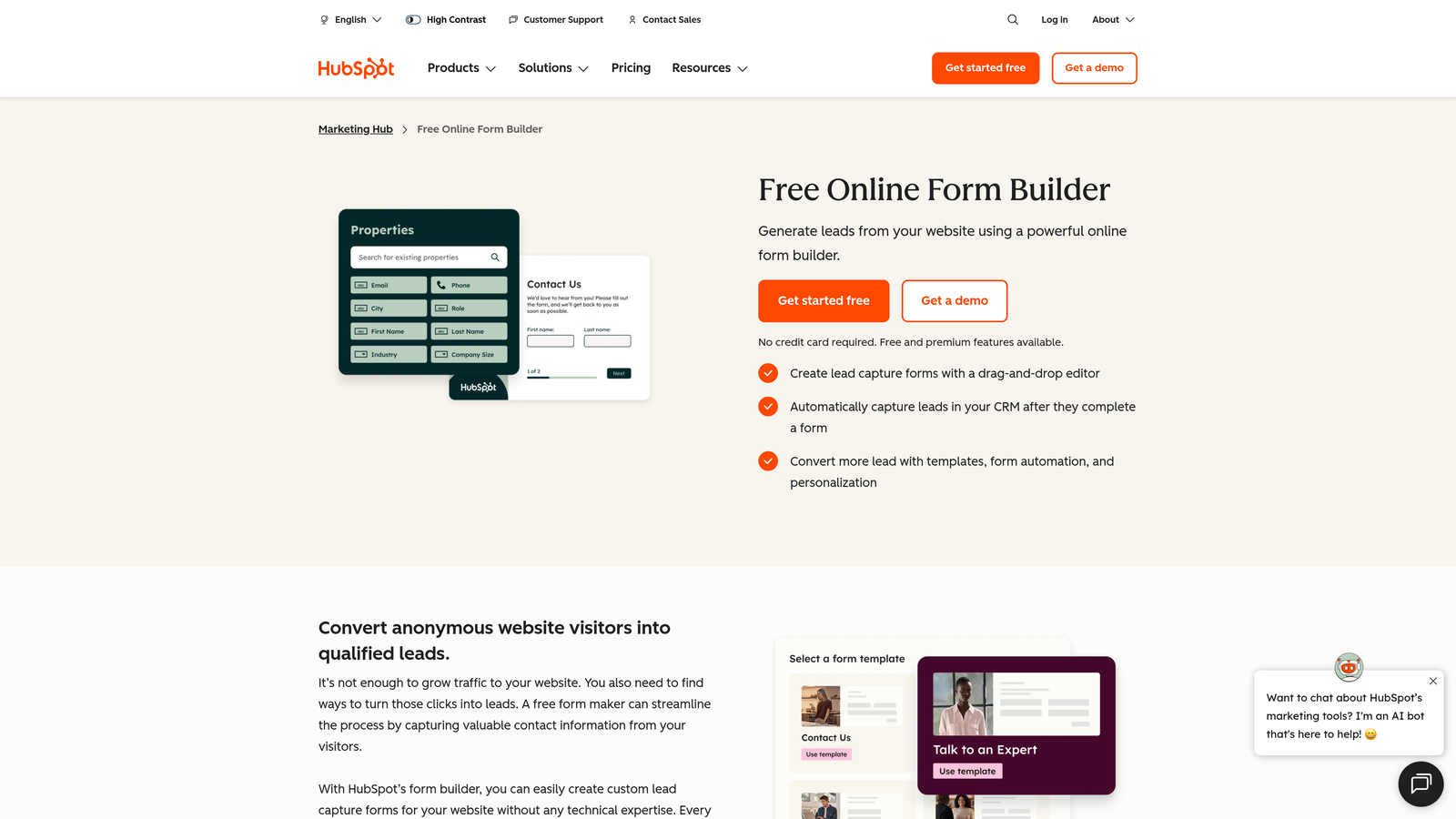
The challenge is that HubSpot Forms is essentially unusable as a standalone product. Its value is almost entirely derived from the broader HubSpot stack. Teams that aren't on HubSpot, or are considering it primarily for the forms capability, will find the platform's cost structure difficult to justify. HubSpot's pricing is designed around its full CRM and automation suite, not around forms as a standalone feature.
There's also a design flexibility gap. HubSpot Forms are functional and clean but limited in terms of visual customization compared to purpose-built form builders. For teams where form aesthetics and brand consistency matter, the constraints become noticeable quickly.
Implementation Steps
1. If you're on HubSpot's marketing or sales hubs, audit whether you're fully utilizing HubSpot Forms before paying for a separate form tool. The native integration may cover your needs.
2. Configure smart fields and progressive profiling to reduce form length for known contacts. This is one of HubSpot Forms' most underutilized capabilities.
3. If you're not on HubSpot, evaluate the total cost of the platform before treating HubSpot Forms as a reason to adopt it. The forms capability alone doesn't justify the investment.
Pro Tips
HubSpot Forms is a multiplier for existing HubSpot users, not a standalone product. If your team is evaluating form builders independently of a CRM decision, look elsewhere. If you're already deep in the HubSpot ecosystem, it's likely your most efficient option.
7. How to Choose: A Decision Framework for High-Growth Teams
The Challenge It Solves
After reviewing six tools, the real risk is decision paralysis. Every platform has strengths, and feature comparison tables rarely tell you which tool actually fits your team's growth trajectory. What you need is a decision framework built around use cases, not feature checklists, so you can match the right tool to the right job without second-guessing yourself.
The Strategy Explained
Start by identifying your primary form use case. This single decision eliminates most of the noise. The four most common use cases for high-growth teams are: lead generation and qualification, customer research and surveys, payment collection and registrations, and internal operations and data gathering. Each use case has a different set of requirements, and no single tool is optimal across all four.
Next, consider where forms sit in your revenue funnel. If forms are a primary lead capture mechanism for a sales team, the cost of underperformance is high. Every percentage point of drop-off and every unqualified lead that reaches a sales rep has a measurable revenue impact. In this context, investing in a purpose-built qualification platform like Orbit AI is a business decision, not just a tool preference.
If forms are peripheral to your revenue motion, a lighter tool may serve you well. The key is being honest about which category you're in.
Implementation Steps
1. Answer this qualifying question first: Are your forms directly tied to revenue generation? If yes, prioritize conversion optimization and lead qualification capabilities above all else. This points toward Orbit AI for most high-growth teams.
2. Answer this qualifying question second: Are you already deeply invested in a specific platform ecosystem? If you're on HubSpot, use HubSpot Forms. If you're on Google Workspace and only need internal forms, Google Forms is fine. Ecosystem fit reduces integration overhead significantly.
3. Answer this qualifying question third: What is your team's tolerance for complexity? Jotform offers the most features but requires the most management. Tally and Typeform are simpler but have meaningful capability ceilings. Orbit AI is purpose-built for lead qualification, which means it's optimized for that job without unnecessary complexity elsewhere.
Pro Tips
The most common mistake in tool selection is optimizing for the cheapest option rather than the right option. A free tool that costs you qualified leads every month is more expensive than a paid tool that converts at a meaningfully higher rate. Run the math on your current form performance before defaulting to the lowest-cost choice.
Putting It All Together
Choosing a Paperform alternative isn't just about finding something cheaper or prettier. It's about aligning your form infrastructure with how your team actually grows.
Here's the honest summary: if lead qualification and conversion optimization are your priorities, a purpose-built platform like Orbit AI will outperform general-purpose tools at every stage of growth. If you're primarily running research surveys where experience design matters most, Typeform may serve you better. If you need a free internal tool, Google Forms or Tally will do the job. If you're all-in on HubSpot, stay in the ecosystem.
The right answer depends on your use case, team size, and where forms sit in your revenue funnel. Start by auditing what your current forms are actually costing you in lost leads and missed conversions. Look at your drop-off rates, your lead-to-qualified ratio, and how much manual work your team does to sort and route form submissions. Those numbers will tell you more than any feature comparison table.
Transform your lead generation with AI-powered forms that qualify prospects automatically while delivering the modern, conversion-optimized experience your high-growth team needs. Start building free forms today and see how intelligent form design can elevate your conversion strategy.


