

Most website forms were designed for a different era: static fields, zero intelligence, and completion rates that make marketers wince. The form hasn't changed much in decades, but the expectations around it certainly have. Today's high-growth teams need form builders that do more than collect data. They need tools that qualify leads, adapt to user behavior, and slot cleanly into conversion funnels.
This list covers the best modern form builders for websites in 2026, evaluated on design quality, AI capabilities, conditional logic, integrations, and how well each tool serves teams focused on lead generation and conversion optimization. Whether you're replacing a clunky legacy tool or building your first high-converting lead flow, there's a right option here for your stack.
Each tool below has been chosen because it represents a genuinely modern approach to forms. Some are built for brand experience, some for enterprise compliance, and some for raw lead gen performance. Here's the breakdown.
1. Orbit AI
Best for: High-growth SaaS and B2B teams focused on lead quality and conversion optimization.
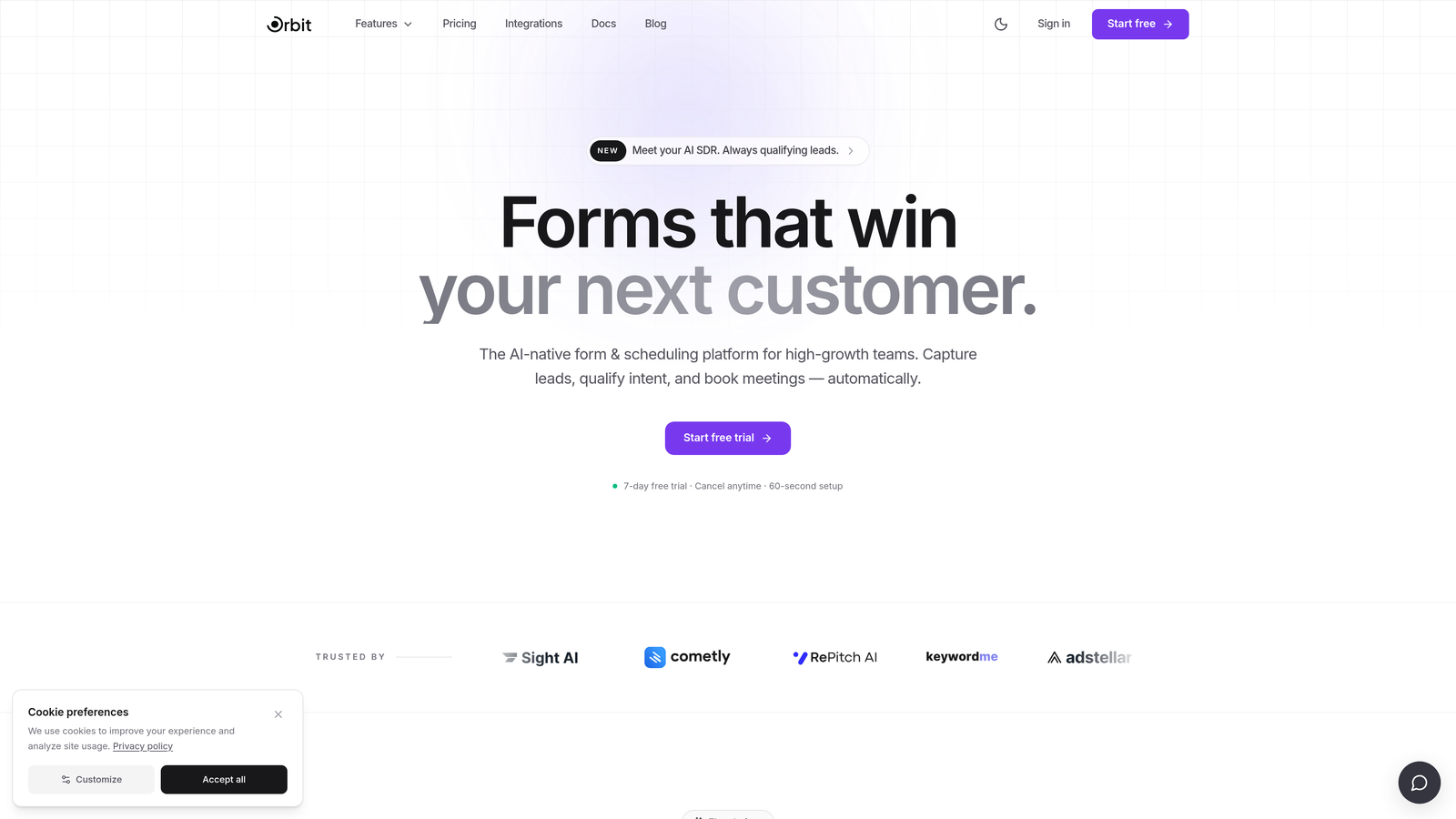
Orbit AI is an AI-powered form builder with built-in lead qualification designed for teams that care about lead quality, not just lead volume.
Where This Tool Shines
Most form builders stop at data collection. Orbit AI goes a step further by qualifying leads at the point of submission, giving sales teams instant context on who's worth pursuing. That distinction matters enormously in B2B SaaS environments where a form submission from the wrong company can consume hours of sales capacity.
The form design itself is modern and conversion-focused, with flexible layouts that don't feel like they were built in 2012. The combination of beautiful design and intelligent qualification in a single platform is what sets Orbit AI apart from every other tool on this list.
Key Features
AI-Powered Lead Qualification: Scores and qualifies leads automatically at the point of form submission, so sales teams know who to prioritize before they even open their inbox.
Conversion-Optimized Form Design: Modern, flexible layouts built to maximize completion rates and reflect your brand without requiring a designer.
Conditional Logic and Dynamic Fields: Forms adapt in real time based on user input, showing only the most relevant questions to each respondent.
Lead Scoring: Assigns scores to incoming leads based on their responses, helping sales teams triage and follow up with high-intent prospects first.
Sales and Marketing Stack Integrations: Built to connect with the tools high-growth teams already use, from CRMs to marketing automation platforms.
Best For
Orbit AI is the right choice for B2B SaaS companies, growth marketers, and demand generation teams where lead quality is a strategic priority. If you're running paid campaigns and tired of passing unqualified leads to sales, this is the tool built specifically for that problem.
Pricing
Visit orbitforms.ai for current pricing and plan details, including any free tier or trial options available.
2. forms.app
Best for: Growing teams that want a modern, free form builder with unlimited responses and AI-assisted creation
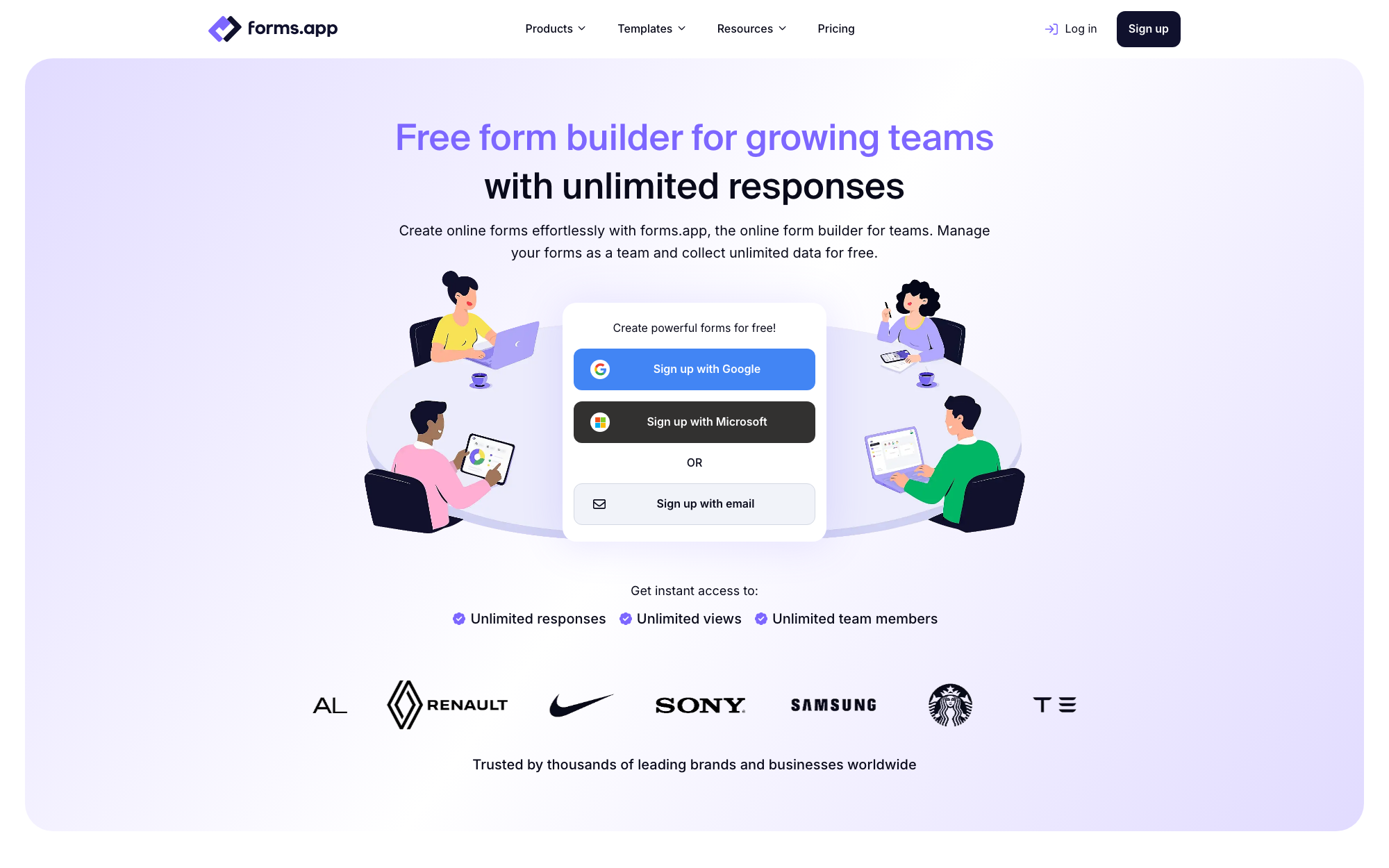
forms.app is a free online form builder for growing teams, offering unlimited responses, team collaboration, and 500+ integrations in a modern, easy-to-use package.
Where This Tool Shines
forms.app feels like a form builder designed this decade. The interface is clean and quick, forms can be generated from an AI prompt in seconds, and the free plan's unlimited responses removes the anxiety of a form going viral on a capped plan.
It's also unusually collaborative for the price point: team workspaces, shared form management, and role-based access come without enterprise-tier pricing. Advanced fields like product baskets, signature collection, and geolocation round out a feature set that punches above its cost.
Key Features
Generous Free Plan: Unlimited responses on the free tier, with no credit card required to get started.
AI Form Generation: Describe the form you need in a sentence and AI builds a complete, editable starting point.
Conditional Logic and Calculator Fields: Build branching flows, scored quizzes, and forms that perform calculations in real time.
Team Collaboration: Shared workspaces and team management features let whole teams build and manage forms together.
500+ Integrations: Native connections plus Zapier support for routing submissions into CRMs, spreadsheets, and payment tools.
Best For
Startups, small businesses, and growing teams that want a capable, modern form builder with a genuinely useful free plan and room to scale into advanced features as needs grow.
Pricing
Free plan available with unlimited responses; paid plans start at approximately $19/month billed annually for more forms, storage, and branding removal.
3. Typeform
Best for: Teams that want a polished, conversational form experience with strong brand customization.
Typeform is a conversational form builder known for its one-question-at-a-time format and visually refined design.

Where This Tool Shines
Typeform pioneered the idea that forms don't have to feel like forms. Its single-question UX creates a more natural, interview-like experience that tends to feel less overwhelming than a wall of fields. For brand-forward companies, surveys, and customer research, the visual polish is genuinely impressive.
The VideoAsk integration is a standout differentiator, allowing teams to replace text questions with video prompts for a more personal touch. That said, Typeform's pricing is higher than many alternatives on this list, which is worth considering if you're scaling form volume.
Key Features
Conversational One-Question-at-a-Time UX: Guides respondents through forms sequentially, reducing cognitive load and improving completion rates.
Visual Customization and Brand Theming: Extensive control over fonts, colors, backgrounds, and layout to match your brand identity.
VideoAsk Integration: Enables video-based forms where questions are delivered via video rather than text.
Logic Jumps and Conditional Branching: Routes respondents to different questions based on their previous answers.
Wide Integration Library: Native connections to HubSpot, Salesforce, Zapier, and many other tools in the modern marketing stack.
Best For
Typeform works best for marketing teams running customer research, NPS surveys, or brand-aligned lead gen flows where visual experience matters as much as data collection. Less ideal for high-volume lead qualification without additional tooling.
Pricing
A free plan is available with limited responses. Paid plans start around $25/month. Verify current pricing at typeform.com.
4. Tally
Best for: Startups and indie teams who want a modern, flexible form builder without paying for features they don't need.
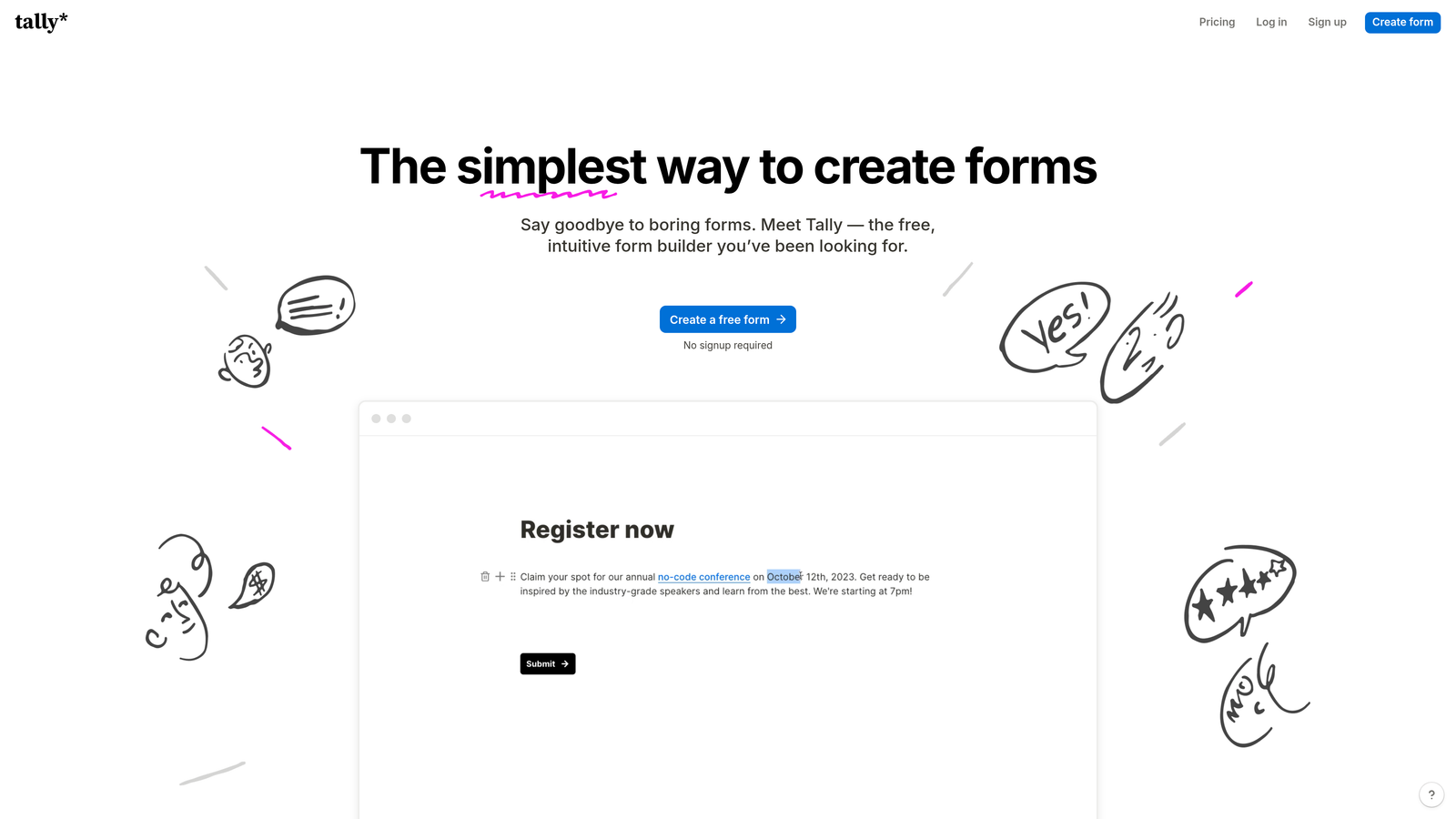
Tally is a Notion-inspired form builder with a generous free tier and a clean block-based editing experience.
Where This Tool Shines
Tally has built a loyal following in the startup and indie hacker community for one simple reason: it gives you a lot for free. Unlimited forms, unlimited responses, and a genuinely modern editing experience that feels closer to Notion than to a traditional form tool. That's a rare combination.
The block-based editor makes building complex, multi-page forms surprisingly intuitive. It's not the most feature-rich option on this list, but for teams that need clean, functional forms without a monthly bill, Tally is hard to beat.
Key Features
Unlimited Forms and Responses on Free Plan: No artificial caps on the free tier, which is genuinely unusual in this category.
Block-Based Notion-Style Editor: Familiar, intuitive editing experience that makes form building feel like document creation.
Conditional Logic and Multi-Page Forms: Build branching flows and multi-step experiences without upgrading to a paid plan.
Embed Anywhere: Works cleanly inside websites, Notion pages, and Webflow projects.
Zapier and Native Integrations: Connects to popular tools for routing form data into your existing workflow.
Best For
Tally is ideal for early-stage startups, solo operators, and small teams who want a modern form experience without enterprise pricing. It's also a strong choice for internal tools, onboarding flows, and lightweight lead capture where budget is a constraint.
Pricing
Free plan with unlimited forms and responses. A Pro plan is available for teams that need advanced features. Verify current pricing at tally.so.
5. Jotform
Best for: Larger teams and regulated industries that need compliance, templates, and deep workflow automation.
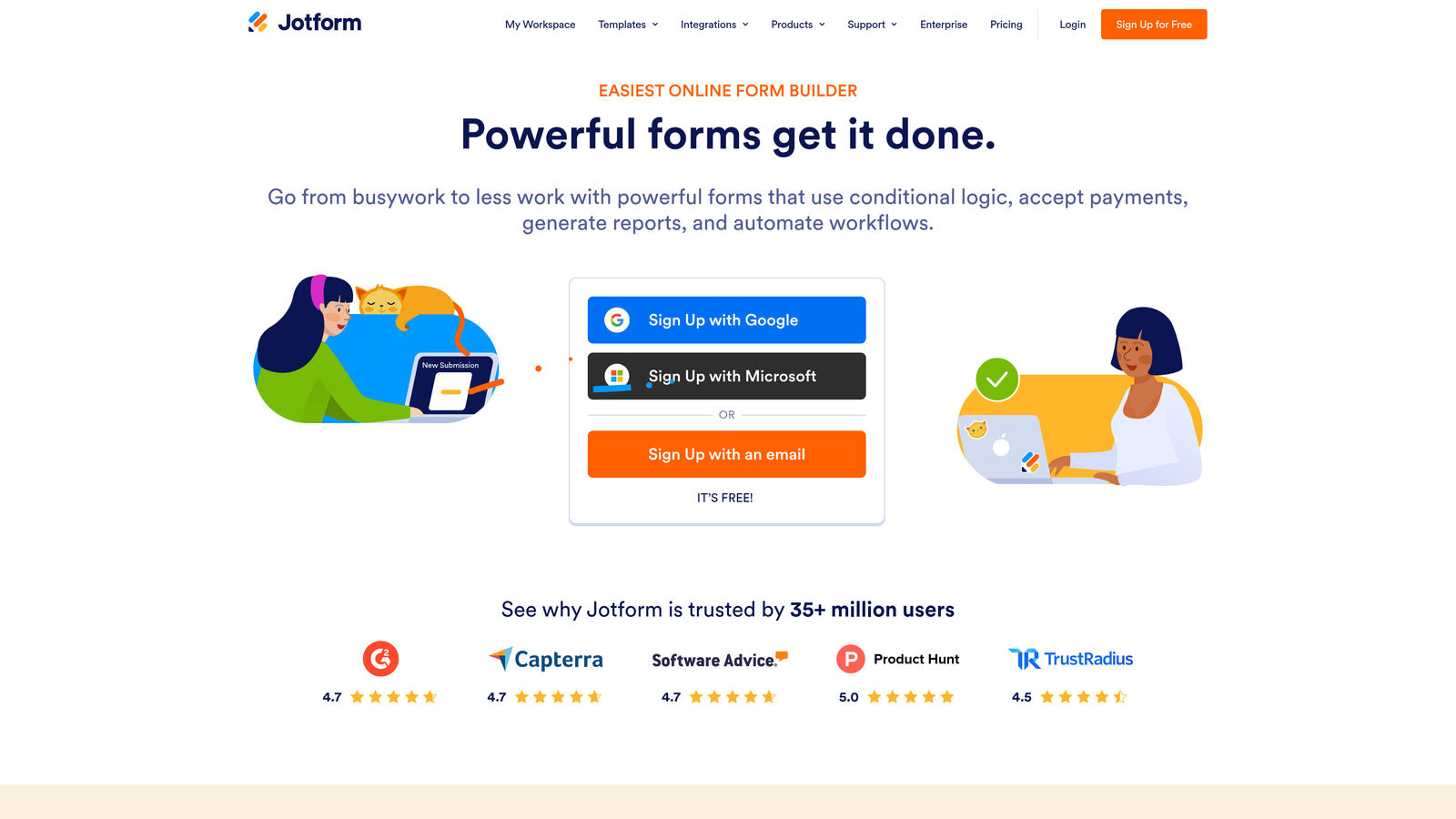
Jotform is one of the most feature-rich form builders available, with enterprise compliance options and an extensive template library.
Where This Tool Shines
Jotform's depth is unmatched. With over 10,000 templates, HIPAA-compliant plans, native payment processing, and approval workflow automation, it covers use cases that most other tools on this list simply don't address. For healthcare, legal, and financial services teams, that compliance layer is often non-negotiable.
The recently added Jotform AI features bring smart form generation and suggestions into the mix, making it easier to build complex forms quickly. The tradeoff is that the interface can feel dense for teams with simpler needs.
Key Features
10,000+ Form Templates: Pre-built templates across virtually every industry and use case, dramatically reducing build time.
HIPAA-Compliant Plans: Meets compliance requirements for healthcare and other regulated industries.
Native Payment Integrations: Accepts payments directly through forms via Stripe, PayPal, and Square.
Advanced Workflow Automation: Multi-step approval flows and conditional routing for complex internal processes.
Jotform AI: AI-assisted form generation and smart field suggestions to accelerate form creation.
Best For
Jotform is the right fit for enterprise teams, healthcare organizations, and businesses running complex approval workflows or payment collection through forms. It may be more than lean SaaS teams need, but for regulated environments it's a strong choice.
Pricing
Free plan available with limited monthly submissions. Paid plans start around $34/month. Verify current pricing at jotform.com.
6. HubSpot Forms
Best for: Teams already using HubSpot CRM who want zero-friction lead capture with native contact sync.
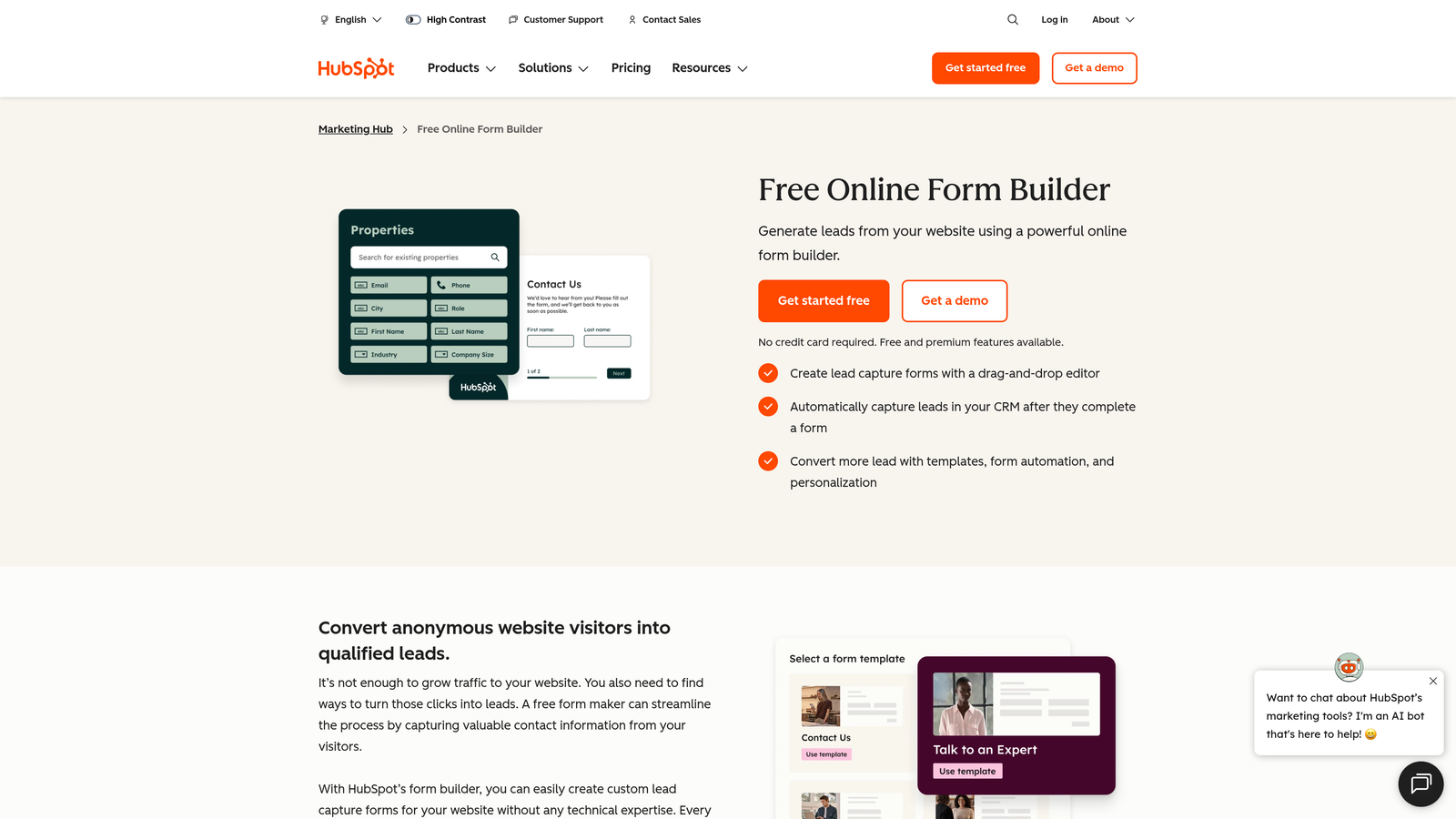
HubSpot Forms is a CRM-native form builder that syncs leads directly into HubSpot's contact database with progressive profiling.
Where This Tool Shines
If your team lives in HubSpot, this is the obvious choice. There's no Zapier needed, no field mapping to maintain, and no lag between form submission and CRM record creation. Leads land in HubSpot instantly, complete with lifecycle stage, source data, and any existing contact history.
Progressive profiling is the standout feature: returning visitors see different fields based on what HubSpot already knows about them. Instead of asking for the same information twice, you progressively enrich contact records over time. It's a small UX detail with a meaningful impact on data quality.
Key Features
Native HubSpot CRM Sync: Form submissions create or update contact records in HubSpot automatically, with no middleware required.
Progressive Profiling: Returning visitors see new questions instead of fields HubSpot already has answers for.
Smart Field Auto-Population: Known contact data pre-fills fields for recognized visitors, reducing friction.
Flexible Embed Options: Works on any website or natively within the HubSpot CMS.
Free with HubSpot CRM: Basic form functionality is included at no cost as part of HubSpot's free tier.
Best For
HubSpot Forms is purpose-built for HubSpot users. It's the natural choice for inbound marketing teams running lead nurture workflows entirely within the HubSpot ecosystem. Outside of HubSpot, its value proposition weakens considerably.
Pricing
Free with HubSpot CRM. Advanced features require paid Marketing Hub plans. Verify current pricing at hubspot.com.
7. Paperform
Best for: Service businesses and creators who want forms, landing pages, and payment processing in a single tool.
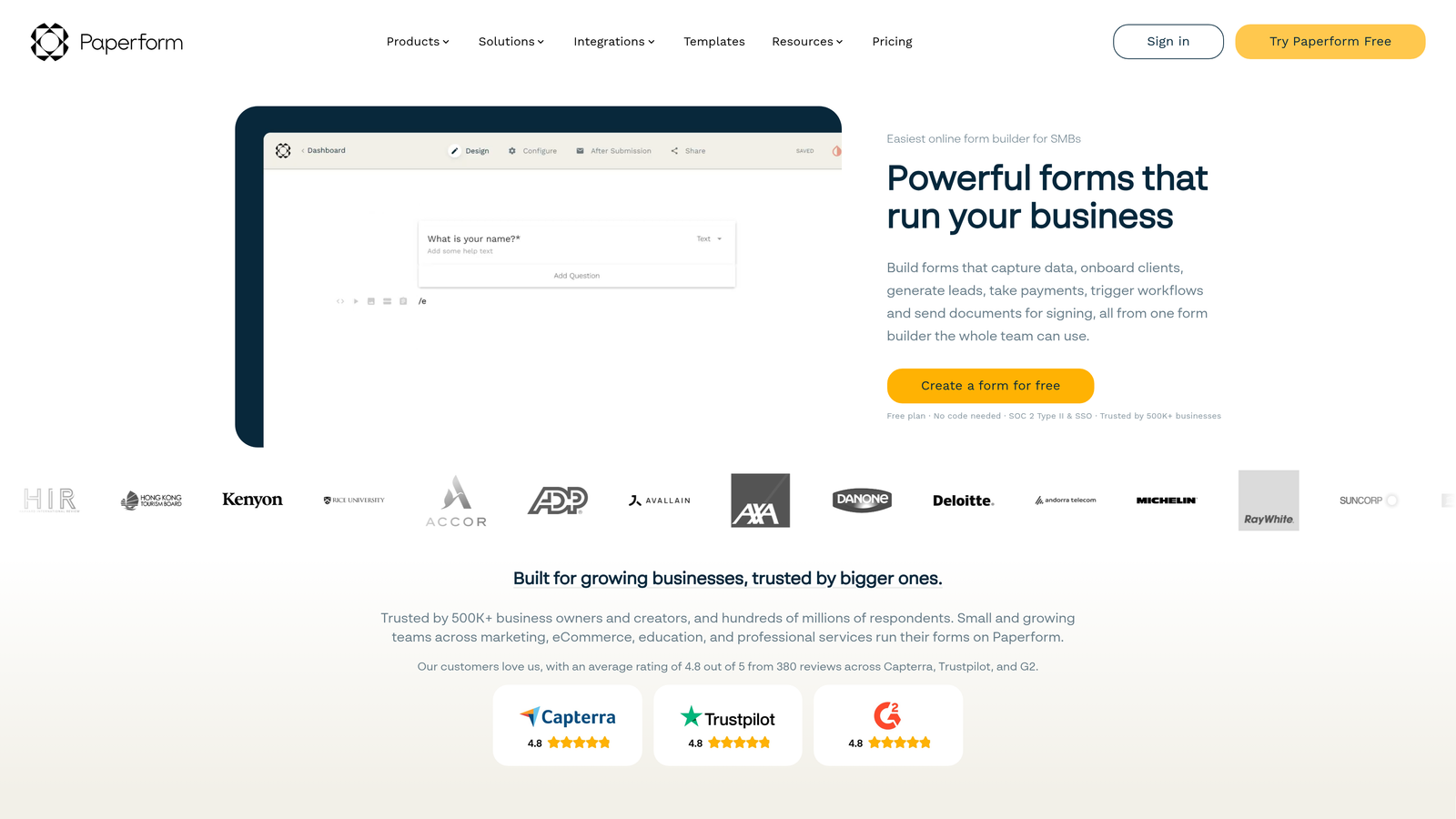
Paperform is a flexible form builder that combines form creation, landing page design, and native payment processing in one platform.
Where This Tool Shines
Paperform blurs the line between form and landing page in a way that most tools don't attempt. Its rich text and media editor lets you build forms that feel like full content experiences, complete with images, videos, and styled copy. The result is a form that doesn't look like a form at all.
The built-in scheduling and booking functionality adds another layer of utility. For service businesses that need to collect information, take payment, and book an appointment in a single flow, Paperform can replace several separate tools.
Key Features
Rich Text and Media Editor: Build forms that look and feel like branded landing pages, with full control over layout and content.
Native Payment Processing: Accept payments directly through Stripe, PayPal, Square, and Braintree without third-party plugins.
Conditional Logic and Calculation Fields: Dynamic forms that adapt to responses and perform calculations for quotes or pricing.
Built-In Booking and Scheduling: Collect availability and schedule appointments without needing a separate scheduling tool.
Custom Domains: Host forms on your own domain for a fully branded standalone page experience.
Best For
Paperform is well-suited for consultants, agencies, and service businesses that want a polished all-in-one tool for intake forms, order forms, and client-facing workflows. Less optimized for high-volume B2B lead qualification.
Pricing
Plans start around $24/month. Verify current pricing at paperform.co.
8. Fillout
Best for: Operations and no-code teams who need forms that connect directly to databases like Airtable, Notion, or Supabase.
Fillout is a modern form builder with direct database integrations, making it a natural fit for ops-heavy and no-code workflows.

Where This Tool Shines
Fillout's differentiator is its direct database connectivity. Where most form tools send data to a CRM or spreadsheet via Zapier, Fillout connects natively to Airtable, Notion, Supabase, and similar platforms. That means less middleware, fewer sync failures, and a tighter data pipeline for teams building internal tools or product-adjacent workflows.
The AI form builder feature lets you generate a form from a text prompt, which is a genuine time-saver when you need to spin up a new intake flow quickly. The conditional logic is also more sophisticated than what you'd expect at its price point.
Key Features
Direct Database Integrations: Native connections to Airtable, Notion, Supabase, and other modern data platforms without requiring Zapier.
Multi-Page Forms with Advanced Conditional Logic: Complex branching flows with fine-grained control over question routing.
Scheduling Forms with Calendar Sync: Collect availability and sync directly with calendar tools for seamless booking.
AI Form Builder: Generate a complete form from a natural language prompt for rapid deployment.
Custom Branding and Embed Options: Full control over visual styling and flexible embedding for any website or app.
Best For
Fillout is ideal for no-code builders, operations teams, and product teams who manage data in Airtable, Notion, or Supabase. It's a strong fit for internal tools, client portals, and any workflow where form data needs to flow directly into a structured database.
Pricing
Free plan available. Paid plans start around $15/month. Verify current pricing at fillout.com.
9. Growform
Best for: Lead generation agencies and paid advertising teams running multi-step forms for high-volume campaign traffic.
Growform is a multi-step form builder purpose-built for lead generation in paid advertising contexts, with a focus on completion rate optimization.
Where This Tool Shines
Growform is unusually focused for a form builder. It's not trying to serve every use case; it's built specifically for the challenge of converting paid traffic into qualified leads through multi-step forms. The UX patterns it uses, including progress indicators, micro-commitment flows, and mobile-optimized layouts, are drawn directly from conversion rate optimization research.
For agencies running lead gen campaigns in home services, legal, insurance, or similar verticals, this level of specialization is valuable. The tool understands its audience and doesn't try to be a general-purpose solution.
Key Features
Multi-Step Form Design for PPC and Paid Social: Optimized specifically for converting cold paid traffic with progressive commitment-building flows.
Progress Indicators and Completion UX: Visual progress bars and UX patterns designed to reduce abandonment on longer forms.
Conditional Logic and Branching Paths: Route respondents through different question sets based on their answers.
Webhook and Zapier Integration: Deliver lead data to any CRM or marketing platform via flexible routing options.
Vertical-Specific Design: Pre-built patterns for home services, legal, insurance, and agency lead gen workflows.
Best For
Growform is the right choice for performance marketing agencies and in-house paid media teams running high-volume lead generation campaigns. It's particularly strong in industries where lead quality and form completion rate are the primary metrics that matter.
Pricing
Paid plans only, starting around $49/month. Verify current pricing at growform.co.
10. Google Forms
Best for: Internal data collection, quick surveys, and teams that need a completely free, zero-setup solution.
Google Forms is Google's free, no-frills form tool with seamless Google Sheets integration and no response limits.
Where This Tool Shines
Google Forms wins on one dimension above all others: it costs nothing and requires no setup. If you have a Google account, you have a form builder. For internal surveys, event registrations, feedback collection, and quick data gathering within a team, it does the job without any friction.
The automatic Google Sheets sync is genuinely useful for teams that already live in the Google Workspace ecosystem. That said, Google Forms is not a lead generation tool. The design is basic, the customization is minimal, and there's no meaningful conditional logic beyond simple section branching.
Key Features
Completely Free with No Response Limits: No paid tiers, no submission caps, and no hidden costs for any feature.
Automatic Google Sheets Sync: All responses flow directly into a linked spreadsheet in real time.
Basic Conditional Logic: Section branching allows simple routing based on multiple-choice answers.
Google Workspace Integration: Works natively with Google Drive, Docs, and the broader Workspace ecosystem.
Simple Link and Embed Sharing: Share via URL or embed on any website with minimal setup.
Best For
Google Forms is best for internal use cases: employee surveys, event signups, feedback collection, and lightweight data gathering. It's not the right tool for external lead generation, brand-forward experiences, or any workflow that requires design flexibility or advanced logic.
Pricing
Completely free with any Google account. No paid plans or premium tiers.
Which Tool Is Right for Your Stack?
The right form builder depends entirely on what you're trying to accomplish. Here's a quick way to think about it.
If lead qualification and conversion optimization are your primary goals, Orbit AI is the only tool on this list built specifically for that outcome. Most form builders are data collectors first. Orbit AI is a lead qualification platform that happens to have a best-in-class form builder, and for B2B SaaS teams where lead quality matters as much as volume, that distinction is significant.
Conversational brand experience: Typeform remains the gold standard for polished, interview-style forms that reflect a strong brand identity.
Free and powerful: Tally offers the best combination of modern design and zero cost, making it the top pick for budget-conscious teams.
Enterprise compliance: Jotform is the clear choice when HIPAA compliance, approval workflows, or deep template libraries are requirements.
HubSpot-native teams: HubSpot Forms is the obvious fit for anyone already running their CRM and marketing automation inside HubSpot.
Payments plus forms: Paperform handles intake, payment, and scheduling in a single flow, which is ideal for service businesses and creators.
Database-connected workflows: Fillout is the best option for no-code and ops teams who need forms that write directly to Airtable, Notion, or Supabase.
PPC lead generation: Growform is purpose-built for paid advertising contexts where completion rate and lead volume are the metrics that drive decisions.
Simple free tool: Google Forms remains the default for internal surveys and quick data collection within Google Workspace.
Transform your lead generation with AI-powered forms that qualify prospects automatically while delivering the modern, conversion-optimized experience your high-growth team needs. Start building free forms today and see how intelligent form design can elevate your conversion strategy.


