

Most teams start with a free form builder, and many stay there longer than they should. The problem isn't cost; it's fit. A free tool that can't qualify leads, route submissions, or connect to your CRM isn't saving you money. It's costing you conversions.
This guide breaks down the top form builders across the free-to-paid spectrum, so you can see exactly what you're getting (and giving up) at each tier. Whether you're running lead gen campaigns, collecting customer feedback, or building onboarding flows, the right tool depends on what "free" actually means for your use case.
We've evaluated each platform on form design flexibility, conditional logic, integrations, analytics, and lead qualification capabilities — the features that actually move the needle for high-growth teams. Tools are ordered with the strongest all-around options first.
1. Orbit AI
Best for: High-growth SaaS and B2B teams that need forms to qualify, score, and route leads automatically.
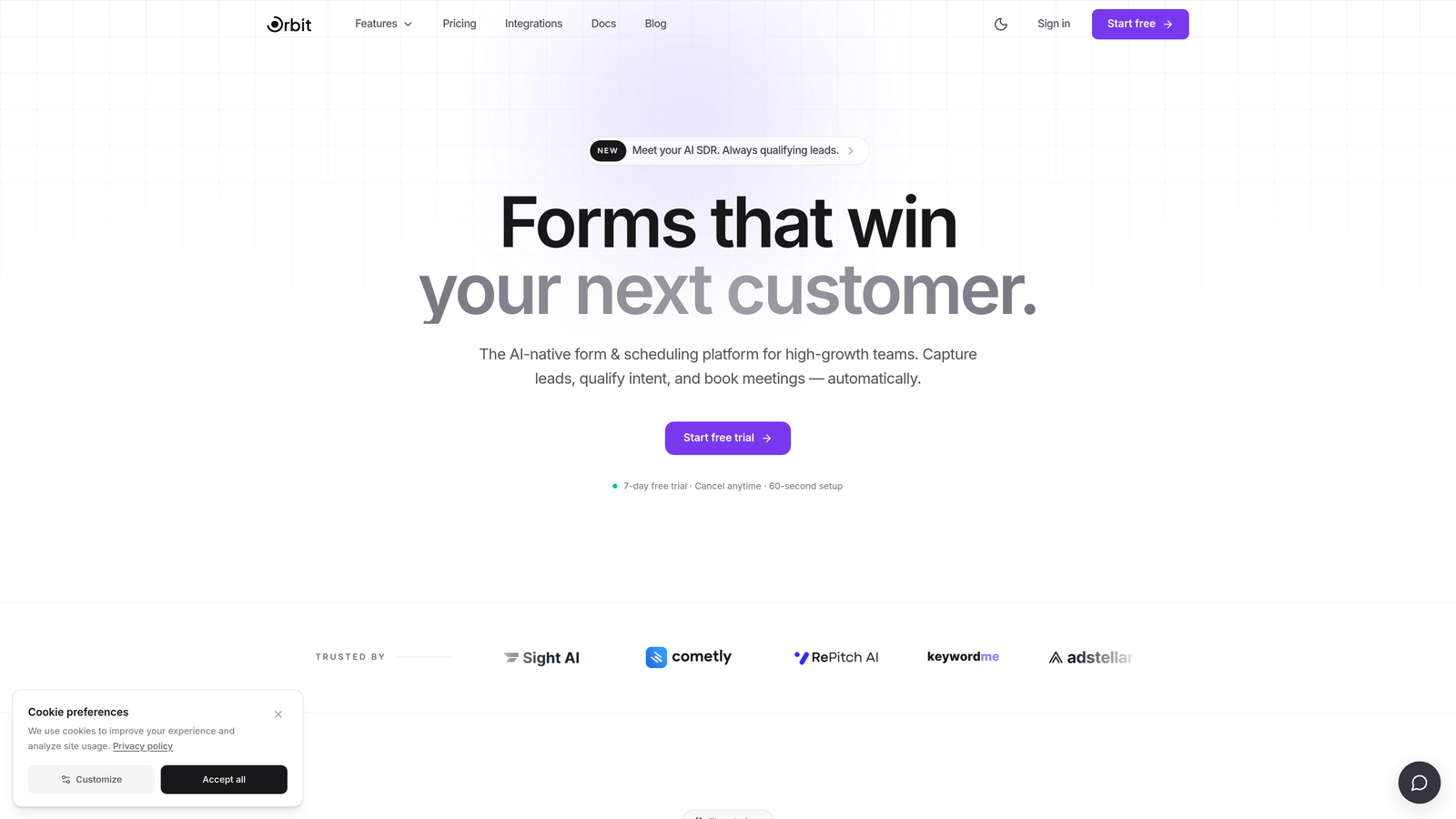
Orbit AI is an AI-powered form builder with built-in lead qualification designed for teams where every submission needs to count.
Where This Tool Shines
Most form builders collect data and hand it off. Orbit AI does something different: it qualifies leads inside the form flow itself, before the submission even lands in your CRM. That means your sales team isn't sorting through low-intent responses; they're working with pre-scored, pre-routed leads from the moment a form is submitted.
The design side is equally strong. Orbit AI is built with conversion optimization at its core, offering a modern UI that doesn't require a designer to make forms look polished and professional. For high-growth teams running paid campaigns or inbound flows, that combination of quality design and intelligent qualification is genuinely hard to find elsewhere.
Key Features
AI-Powered Lead Qualification: Scores and routes leads automatically based on responses, directly inside the form flow rather than post-submission.
Conversion-Optimized Design: Modern, clean form UI built to maximize completion rates without needing custom CSS or a designer.
Conditional Logic and Dynamic Routing: Adapts the form experience in real time based on how respondents answer, creating personalized paths for different segments.
CRM and Sales Tool Integrations: Connects directly with the tools your sales team already uses, so qualified leads flow into the right pipelines automatically.
Lead Quality Analytics: Reporting focused on lead quality and qualification outcomes, not just raw submission volume.
Best For
Orbit AI is the strongest fit for SaaS companies, B2B marketing teams, and growth-focused organizations running lead generation at scale. If your team cares about lead quality over lead quantity and needs forms that do more than collect data, this is the tool built for that job.
Pricing
Orbit AI operates on paid plans. Visit orbitforms.ai for current pricing details and plan options.
2. Typeform
Best for: Brand-forward lead capture and surveys where conversational design and visual polish matter.
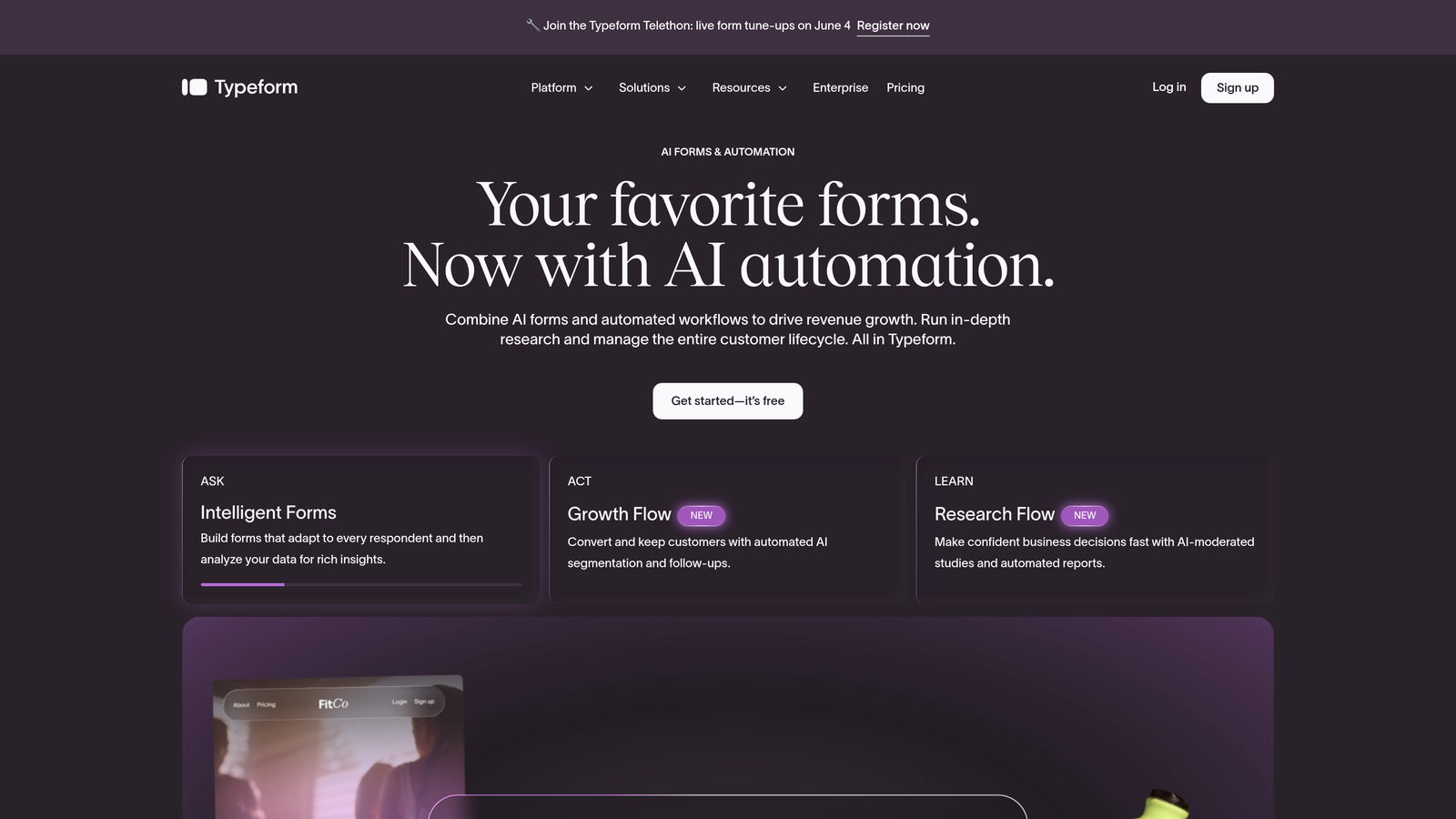
Typeform is a conversational form builder known for its one-question-at-a-time interface and highly polished output.
Where This Tool Shines
Typeform's signature format, presenting one question at a time, creates an experience that feels less like filling out a form and more like having a conversation. For brand-conscious teams collecting leads or running customer research, that distinction matters. Completion rates on well-designed Typeforms can be noticeably higher than on traditional multi-field forms.
The free plan is functional for getting started, but it does impose monthly response limits and keeps Typeform branding on your forms. Teams running volume-heavy campaigns will hit those limits quickly and need to upgrade.
Key Features
Conversational Format: One-question-at-a-time flow that reduces friction and improves completion rates for longer forms.
Design Customization: Strong brand theming options including custom fonts, colors, and background imagery.
Logic Jumps: Conditional branching that adapts question paths based on previous answers.
Integration Ecosystem: Connects to 500+ apps natively and via Zapier, including major CRMs and marketing tools.
Free Plan: Available with monthly response limits and Typeform branding included.
Best For
Marketing teams, agencies, and brand-forward SaaS companies that prioritize the form experience and need solid design without deep technical setup. Less ideal for teams that need advanced lead scoring or high-volume free usage.
Pricing
Free plan available with response limits. Paid plans start around $25/month, with higher tiers unlocking more responses, branding removal, and advanced logic features.
3. Google Forms
Best for: Internal surveys, event signups, and simple data collection where cost is the primary constraint.
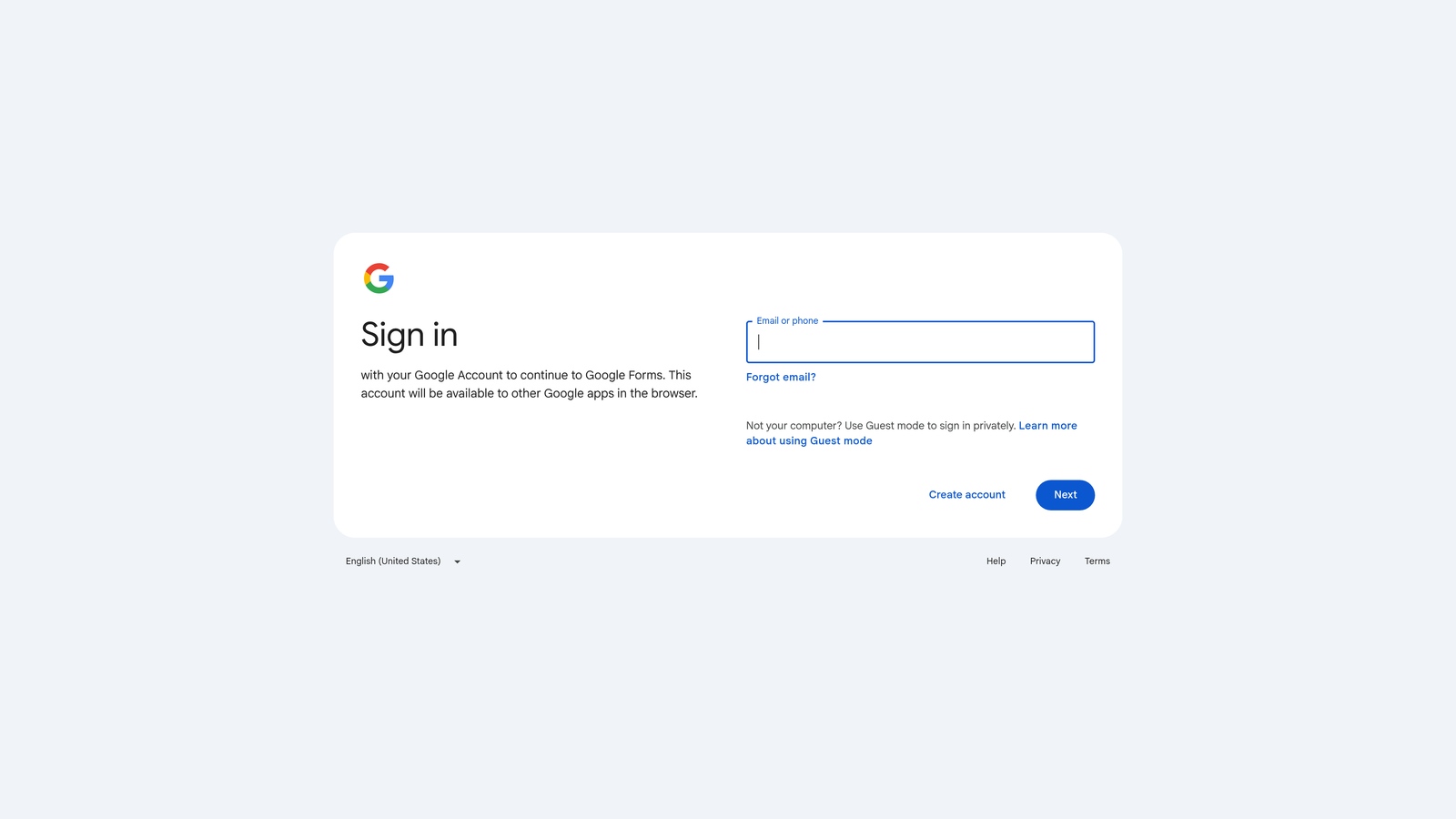
Google Forms is a completely free, no-frills form builder included with every Google account.
Where This Tool Shines
For pure accessibility and zero cost, nothing beats Google Forms. There are no response limits for standard Google accounts, no paid tiers to worry about, and instant sync to Google Sheets for anyone already living in the Google Workspace ecosystem. It works, it's reliable, and it costs nothing.
The trade-offs are significant for any team with growth goals. There's no design customization beyond basic color themes, no way to remove Google branding, no native CRM integrations, and conditional logic is limited to basic show/hide branching. It's a tool built for utility, not conversion.
Key Features
Completely Free: No response limits, no paid tiers, and no credit card required for any Google account holder.
Google Sheets Sync: Responses flow directly into a connected spreadsheet in real time.
Basic Branching Logic: Simple show/hide conditional logic for adapting question flow.
Google Workspace Collaboration: Multiple team members can edit and manage forms simultaneously.
No Branding Removal: Google branding remains on all forms with no option to customize or remove it.
Best For
Internal teams, educators, nonprofits, and small businesses that need basic data collection without any budget. Not suitable for external-facing lead generation where brand presentation or CRM routing matters.
Pricing
Completely free with any Google account. Also included in Google Workspace business plans at no additional cost.
4. Jotform
Best for: Teams needing a wide template library, payment collection, and flexible form types across industries.
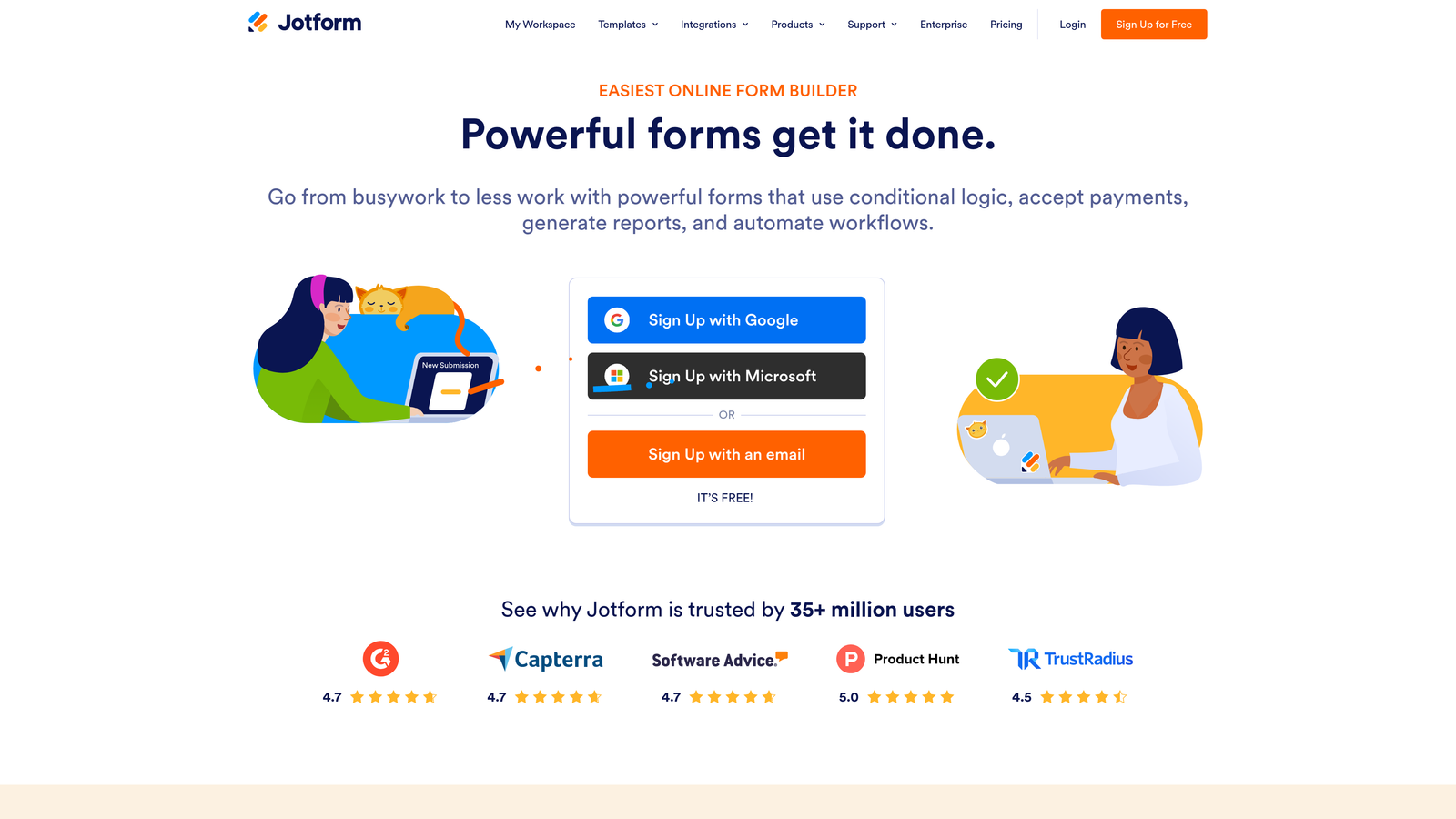
Jotform is a feature-rich form builder with one of the largest template libraries in the category and strong payment and workflow capabilities.
Where This Tool Shines
Jotform's depth is its biggest differentiator. With over 10,000 templates spanning industries from healthcare to e-commerce, it's rare to encounter a use case Jotform hasn't already templated. The built-in payment collection support across Stripe, PayPal, and Square makes it particularly useful for teams that need forms to do double duty as lightweight checkout flows.
The free plan is functional but restrictive: five forms and 100 monthly submissions. Growing teams will find themselves upgrading relatively quickly, and Jotform's paid plans scale in price based on submission volume, which can add up for high-traffic campaigns.
Key Features
Template Library: 10,000+ pre-built templates covering virtually every industry and use case.
Payment Collection: Native integrations with Stripe, PayPal, and Square for collecting payments directly in forms.
Conditional Logic: Smart fields and conditional branching that adapt forms based on user input.
Team Collaboration: Multi-user access with approval workflows for team-based form management.
Free Plan Limits: Capped at 5 forms and 100 monthly submissions on the free tier.
Best For
Small to mid-size businesses, agencies, and operations teams that need variety and payment functionality. A strong choice when template breadth matters more than AI-powered lead qualification.
Pricing
Free plan available. Paid plans start around $34/month, with pricing scaling based on submission volume and feature access.
5. HubSpot Forms
Best for: Teams already using HubSpot CRM who want native contact creation and workflow automation without extra tools.
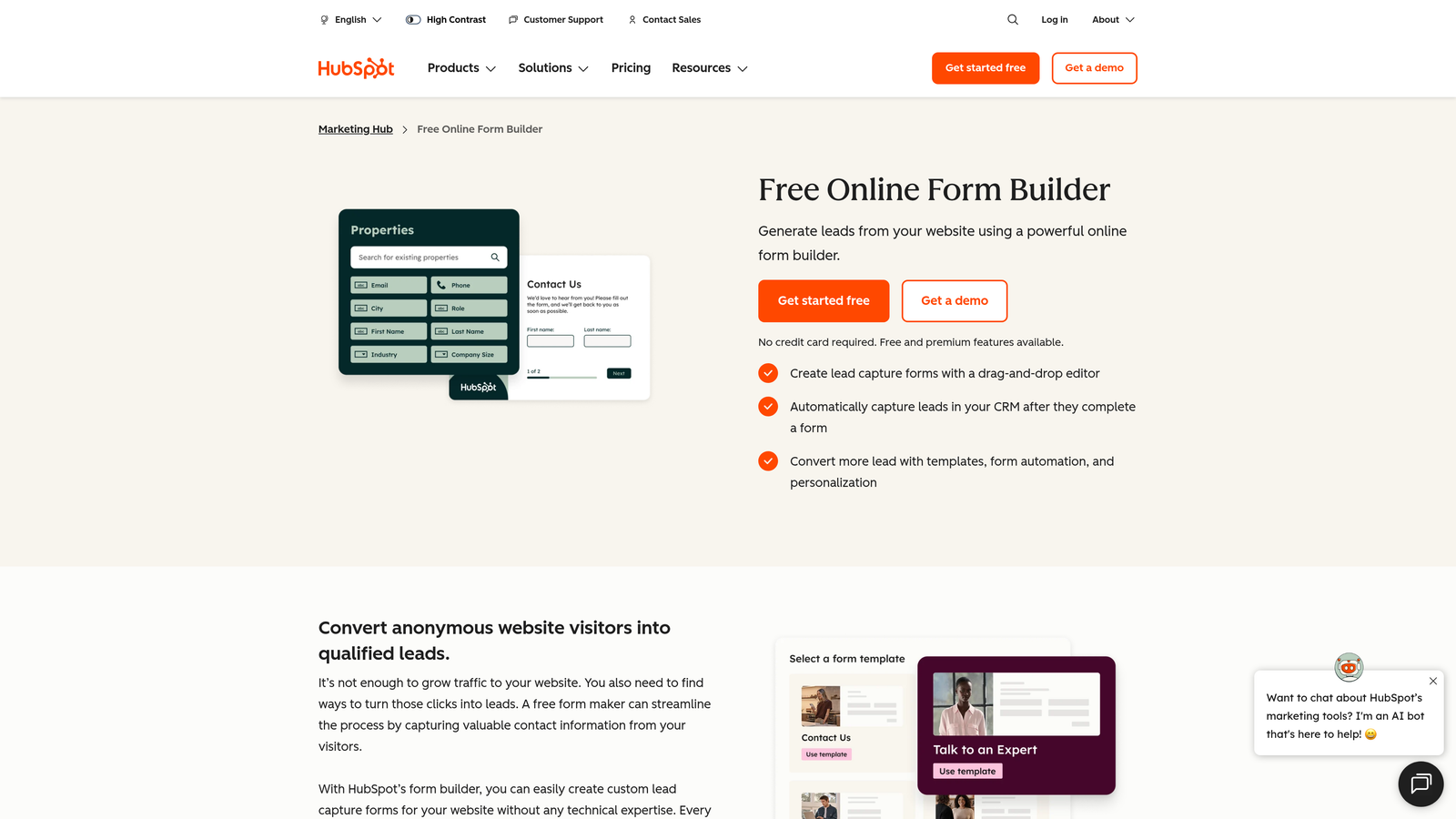
HubSpot Forms is a native form builder built directly into the HubSpot CRM platform, available free with any HubSpot account.
Where This Tool Shines
If your team runs on HubSpot, the forms tool is a natural extension of what you're already doing. Every submission automatically creates or updates a contact record, maps to the correct properties, and can trigger workflows or sequences without any Zapier middleware. That tight native integration is genuinely valuable for teams where speed-to-lead matters.
Outside the HubSpot ecosystem, however, the value proposition weakens considerably. Design flexibility is limited, and embedding HubSpot forms on non-HubSpot pages can introduce friction. It's a tool that rewards existing HubSpot investment rather than standing alone on its own merits.
Key Features
Native CRM Sync: Automatic contact creation and property mapping directly into HubSpot on every submission.
Workflow Triggers: Native enrollment into HubSpot sequences, workflows, and deal pipelines without third-party connectors.
Progressive Profiling: Replaces already-known fields with new questions for returning visitors, reducing form fatigue.
Free Availability: Fully functional with HubSpot's free CRM tier, no paid plan required for basic use.
Design Limitations: Limited visual customization, particularly when forms are embedded outside of HubSpot-hosted pages.
Best For
HubSpot customers at any tier who want to eliminate the gap between form submission and CRM entry. Less compelling for teams not already invested in the HubSpot platform.
Pricing
Free with HubSpot's free CRM. Advanced features like A/B testing and smart content require Marketing Hub paid plans, which start at higher price points.
6. Tally
Best for: Early-stage startups and indie teams that need unlimited forms and responses without paying anything.
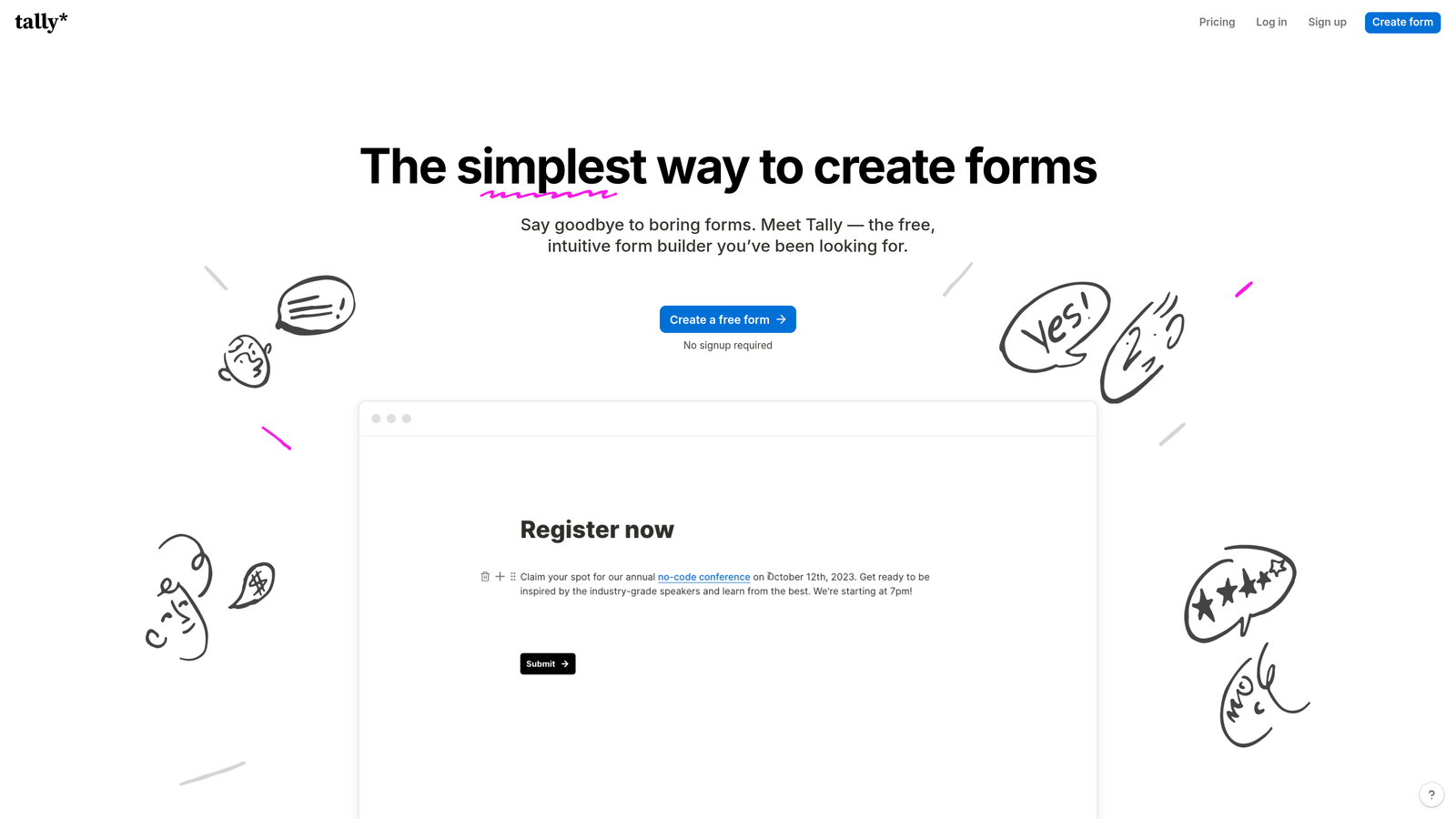
Tally is a modern form builder with a genuinely generous free tier, offering unlimited forms and unlimited responses at no cost.
Where This Tool Shines
Tally's free plan is unusually strong for this category. Most competitors cap free usage at a handful of forms or a few hundred monthly submissions. Tally removes those limits entirely, which makes it a standout option for teams bootstrapping their data collection or running multiple campaigns simultaneously without a forms budget.
The editing experience borrows from Notion's block-based approach, making it intuitive for teams already comfortable with modern productivity tools. Conditional logic is available on the free tier as well, which is rarer than it should be. The main upgrade motivation is branding: Tally's logo appears on free-plan forms, and removing it requires the Pro plan.
Key Features
Unlimited Free Usage: No caps on forms or responses on the free plan, which is genuinely rare in this market.
Block-Based Editor: Notion-style editing interface that's fast to learn and flexible to use.
Free Conditional Logic: Branching logic available without upgrading, unlike many competitors.
Embed Anywhere: Forms can be embedded across any website or platform, with branding removal on paid plans.
Zapier and Make Integrations: Connects to broader automation workflows for routing and notifications.
Best For
Early-stage startups, freelancers, and small teams that need capable forms without a budget. Also useful as a quick-launch option for teams testing new campaigns before committing to a paid platform.
Pricing
Free plan with unlimited forms and responses. Pro plan around $29/month, which adds branding removal, custom domains, and priority support.
7. Gravity Forms
Best for: WordPress developers and agencies building complex, custom form workflows with deep WooCommerce integration.
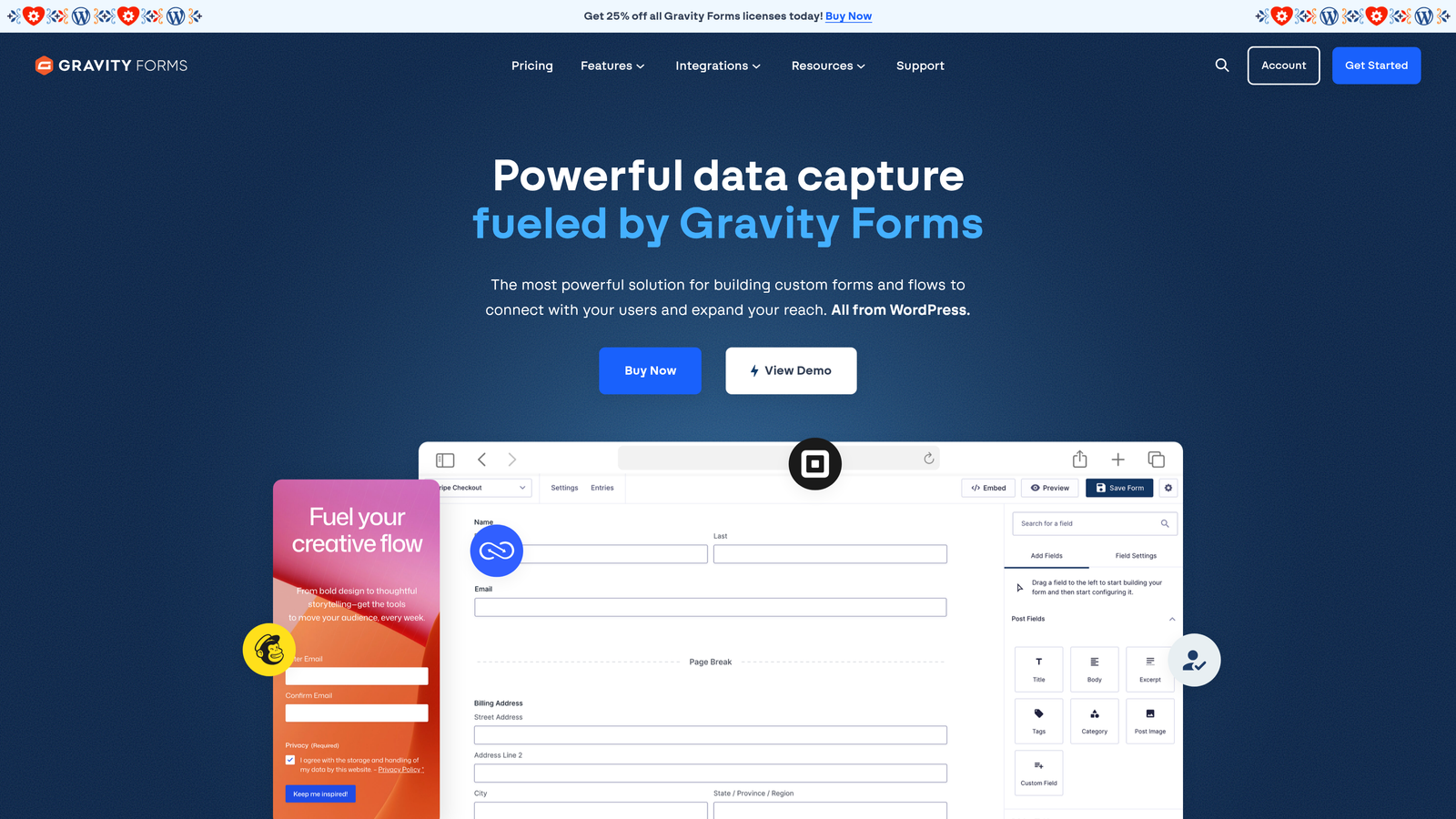
Gravity Forms is a WordPress-native form plugin built for developers who need advanced form logic, payments, and deep platform integration.
Where This Tool Shines
Gravity Forms is the gold standard for WordPress-native form building. It operates as a plugin rather than a SaaS tool, which means it lives inside your WordPress installation and integrates directly with WooCommerce, custom post types, and the broader WordPress hook system. For agencies and developers building client sites, that level of control is hard to replicate with a hosted form tool.
The trade-off is that it's not a beginner-friendly or SaaS-compatible solution. There's no free tier, and the value is almost entirely dependent on being deeply embedded in the WordPress ecosystem. Teams not running WordPress have no reason to consider it.
Key Features
WordPress-Native Architecture: Runs as a plugin with full access to WordPress hooks, filters, and custom development.
WooCommerce Integration: Deep product and order integration for e-commerce forms and checkout flows.
Multi-Page Forms: Advanced multi-step form support with progress indicators and conditional page routing.
Payment Collection: Native add-ons for Stripe, PayPal, and other payment processors.
Developer Extensibility: Large ecosystem of add-ons and a developer-friendly codebase for custom functionality.
Best For
WordPress developers, digital agencies, and WooCommerce store owners who need maximum control over form behavior inside the WordPress environment. Not suitable for SaaS teams or anyone not running WordPress.
Pricing
Annual license starting around $59/year for the Basic plan. No free tier is available. Higher tiers unlock additional add-ons and priority support.
8. Paperform
Best for: Sales and service teams that want forms to function as mini landing pages with rich media and product listings.
Paperform is a form builder that blends form functionality with landing page design, supporting rich text, images, video, and product listings alongside standard form fields.
Where This Tool Shines
Paperform occupies a unique position in this category. Rather than treating forms as standalone data collection tools, it treats them as full-page experiences where content and form fields coexist. That makes it well-suited for booking flows, product order forms, and sales pages where you want to present information and collect responses in the same view.
The absence of a permanent free tier is worth noting upfront. Paperform offers a 14-day trial, but teams looking for ongoing free usage will need to look elsewhere. For teams with a budget who need the landing page hybrid approach, it's a distinctive option.
Key Features
Rich Media Support: Embed text blocks, images, video, and product listings directly alongside form fields in a single page.
Built-In Payments: Native product and payment collection without requiring a separate e-commerce integration.
Conditional Logic and Calculations: Dynamic field logic and mathematical calculations within forms for pricing or scoring.
Custom Domains and Branding: Full branding control and custom domain support on paid plans.
No Permanent Free Plan: 14-day trial only; ongoing use requires a paid subscription.
Best For
Service businesses, consultants, and sales teams that want forms to do more than collect fields. Particularly useful for booking, intake, and order flows where presenting information alongside the form improves conversions.
Pricing
No permanent free plan. Paid plans start around $24/month, with higher tiers adding more submissions, custom domains, and advanced integrations.
9. Microsoft Forms
Best for: Enterprise teams running internal surveys and quizzes within the Microsoft 365 ecosystem.
Microsoft Forms is a survey and quiz tool included with Microsoft 365, designed primarily for internal enterprise use rather than external lead capture.
Where This Tool Shines
For organizations already running Microsoft 365, Forms is the path of least resistance for internal surveys, HR questionnaires, and team quizzes. It embeds natively into Teams and SharePoint, and Power Automate integration means responses can trigger workflows without leaving the Microsoft stack. The zero-additional-cost model is compelling when you're already paying for 365 licenses.
The limitations are significant for any external-facing use. Design customization is minimal, there are no native integrations with external CRMs, and the tool is clearly optimized for enterprise internal use rather than lead generation or conversion-focused campaigns. It's a utility tool, not a growth tool.
Key Features
Microsoft 365 Inclusion: Available at no additional cost with any Microsoft 365 subscription.
Teams and SharePoint Embedding: Native integration for embedding forms directly inside Teams channels and SharePoint pages.
Power Automate Integration: Triggers automated workflows in the Microsoft ecosystem based on form responses.
Branching Logic: Basic conditional branching for surveys and quizzes.
No External CRM Integrations: Limited to the Microsoft ecosystem; no native connectors to Salesforce, HubSpot, or other external CRMs.
Best For
Enterprise IT teams, HR departments, and internal operations teams running surveys and assessments within a Microsoft 365 environment. Not a fit for marketing teams or anyone focused on external lead generation.
Pricing
Free with any Microsoft 365 subscription. No standalone paid plan is available; it's bundled exclusively with Microsoft 365.
Which Tool Is Right for Your Team?
The honest answer is that "free" means very different things depending on the platform. Google Forms and Tally offer genuinely unlimited free usage; Typeform and Jotform impose response caps that growing teams will hit quickly; Paperform offers only a trial; and Gravity Forms has no free option at all. What you're actually comparing isn't just price, it's what you're willing to give up.
For internal surveys and basic data collection with no budget, Google Forms or Microsoft Forms (for Microsoft 365 users) cover the basics reliably. For early-stage startups that need capable forms without spending anything, Tally's free tier is the strongest offer in this list.
For teams already deep in HubSpot, the native forms tool is a logical default. For WordPress-native development work, Gravity Forms remains the benchmark. And for teams that want forms to function as hybrid landing pages, Paperform fills a niche that most other tools don't address.
But if your goal is lead generation at scale, where form submissions need to translate into qualified pipeline rather than just a spreadsheet of contacts, the tools that stop at data collection will always leave something on the table. That's the gap that Orbit AI is built to close: forms that score, route, and qualify leads automatically, before the submission even reaches your CRM.
Transform your lead generation with AI-powered forms that qualify prospects automatically while delivering the modern, conversion-optimized experience your high-growth team needs. Start building free forms today and see how intelligent form design can elevate your conversion strategy.


