

Web forms are often the first real interaction a prospect has with your business. That moment matters more than most teams realize, and most form builders weren't designed with that pressure in mind. They were built for data collection, not conversion.
If you're a high-growth team trying to qualify leads, reduce friction, and turn visitors into pipeline, that distinction matters enormously. A form that merely collects information is a missed opportunity. A form that qualifies, routes, and segments in real time is a revenue asset.
This list covers the best web form builder tools available in 2026, evaluated across four dimensions: ease of building, lead qualification capabilities, conversion optimization features, and integration depth. Tools were selected based on feature depth, active product development, pricing transparency, and real-world suitability for B2B and SaaS teams. Orbit AI is listed first because it's the most purpose-built option for lead-focused teams, but every tool here earns its place.
1. Orbit AI
Best for: High-growth SaaS and B2B teams that need forms to qualify leads, not just collect them.
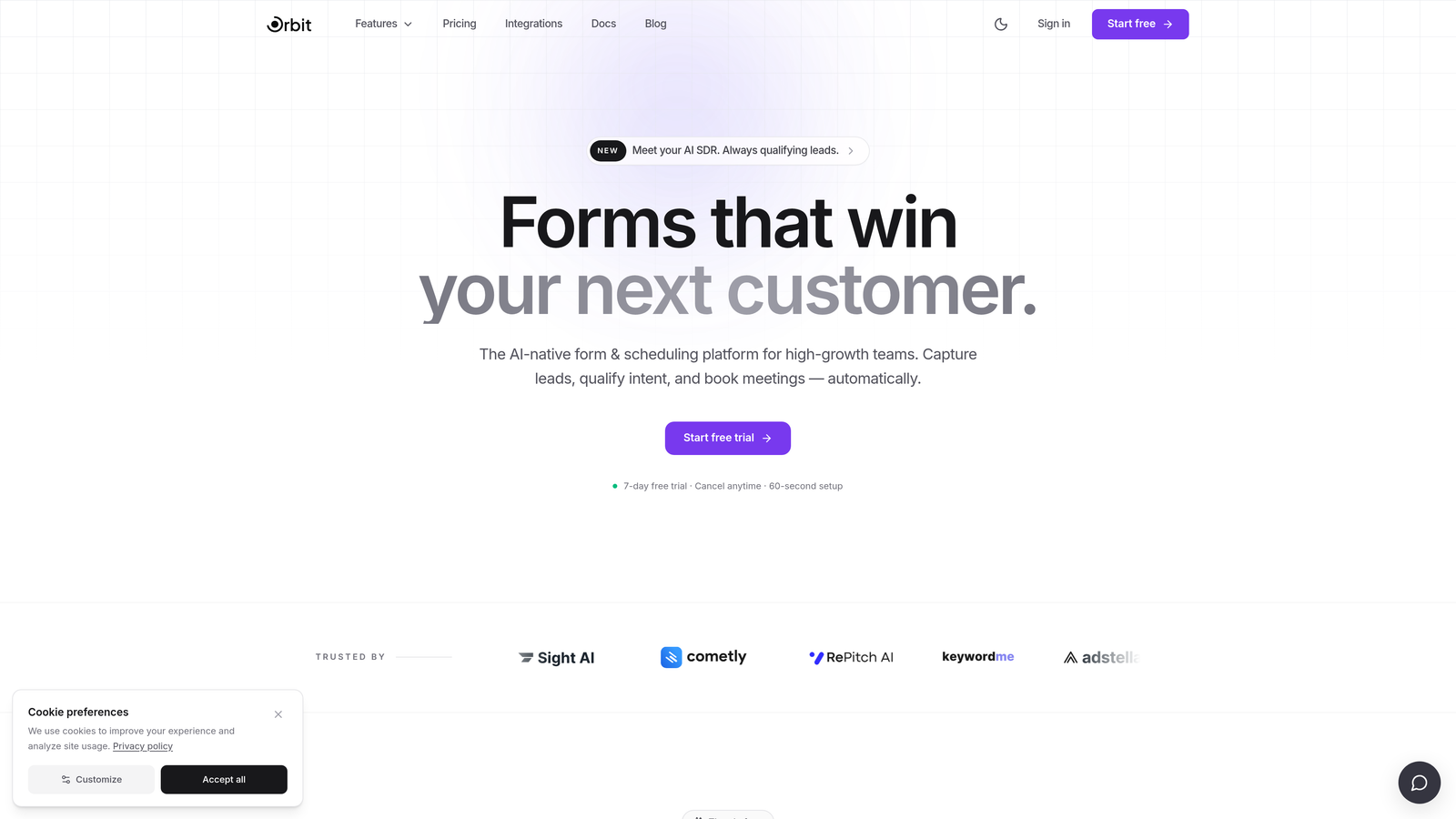
Orbit AI is an AI-powered form builder with built-in lead qualification designed for conversion-first teams that treat their forms as pipeline infrastructure.
Where This Tool Shines
Most form builders hand off raw submissions to your CRM and let your sales team figure out what to do next. Orbit AI flips that model. The qualification intelligence lives inside the form itself, meaning leads are scored, segmented, and routed before they ever hit your inbox or CRM queue.
This is particularly valuable for B2B and SaaS teams where lead quality varies widely and manual triage is expensive. The friction-reduction design approach also means forms feel modern and fast to complete, which directly supports conversion rates.
Key Features
AI-Powered Lead Scoring: Qualification logic runs inside the form flow, scoring and segmenting leads based on their responses in real time.
Real-Time Lead Routing: High-intent leads can be routed to the right sales rep or workflow instantly, without requiring downstream CRM automation to do the heavy lifting.
Conversion-Optimized Design: Forms are built with friction reduction as a core principle, not an afterthought, resulting in a cleaner, faster experience for respondents.
Conditional Logic Builder: A modern drag-and-drop interface with conditional logic lets you create adaptive form paths without writing code.
CRM and Sales Tool Integrations: Native connections to major CRMs and sales platforms ensure submission data flows cleanly into your existing stack.
Best For
Orbit AI is built for SaaS companies, B2B marketing teams, and revenue-focused operators who need their forms to do more than sit at the bottom of a landing page. If lead quality and conversion are your primary metrics, this is the purpose-built choice.
Pricing
Paid plans are available with options suited to growing teams. Visit orbitforms.ai for current pricing details.
2. Typeform
Best for: Teams that prioritize brand polish and a conversational, high-engagement form experience.
Typeform is a conversational form builder known for its one-question-at-a-time format and strong visual design capabilities.

Where This Tool Shines
Typeform's biggest strength is the experience it creates for respondents. The one-question-at-a-time format feels less like filling out a form and more like having a conversation, which tends to improve completion rates compared to traditional multi-field layouts.
It's also one of the most visually polished tools in the category. If your brand identity matters and you want forms that feel like an extension of your website rather than a bolted-on afterthought, Typeform delivers that consistently.
Key Features
Conversational UX: One-question-at-a-time format reduces cognitive load and keeps respondents engaged through the full form flow.
Visual Customization: Strong brand theming options including custom fonts, colors, backgrounds, and logo placement.
Conditional Logic and Answer Piping: Forms can adapt based on previous answers, and responses can be referenced in later questions to personalize the experience.
Integration Library: Connects with Zapier, HubSpot, Slack, and a wide range of other tools for post-submission workflows.
Built-In Analytics: Response tracking and drop-off analysis help identify where respondents abandon the form.
Best For
Typeform works well for marketing teams running campaigns where brand experience matters, customer research surveys, and lead capture forms where engagement quality is the priority. It's less suited for teams that need deep qualification logic built into the form itself.
Pricing
Free plan available. Paid plans start at approximately $25/month billed annually, with pricing that scales based on response volume.
3. Jotform
Best for: Teams that need to build many different form types quickly across a wide range of use cases.
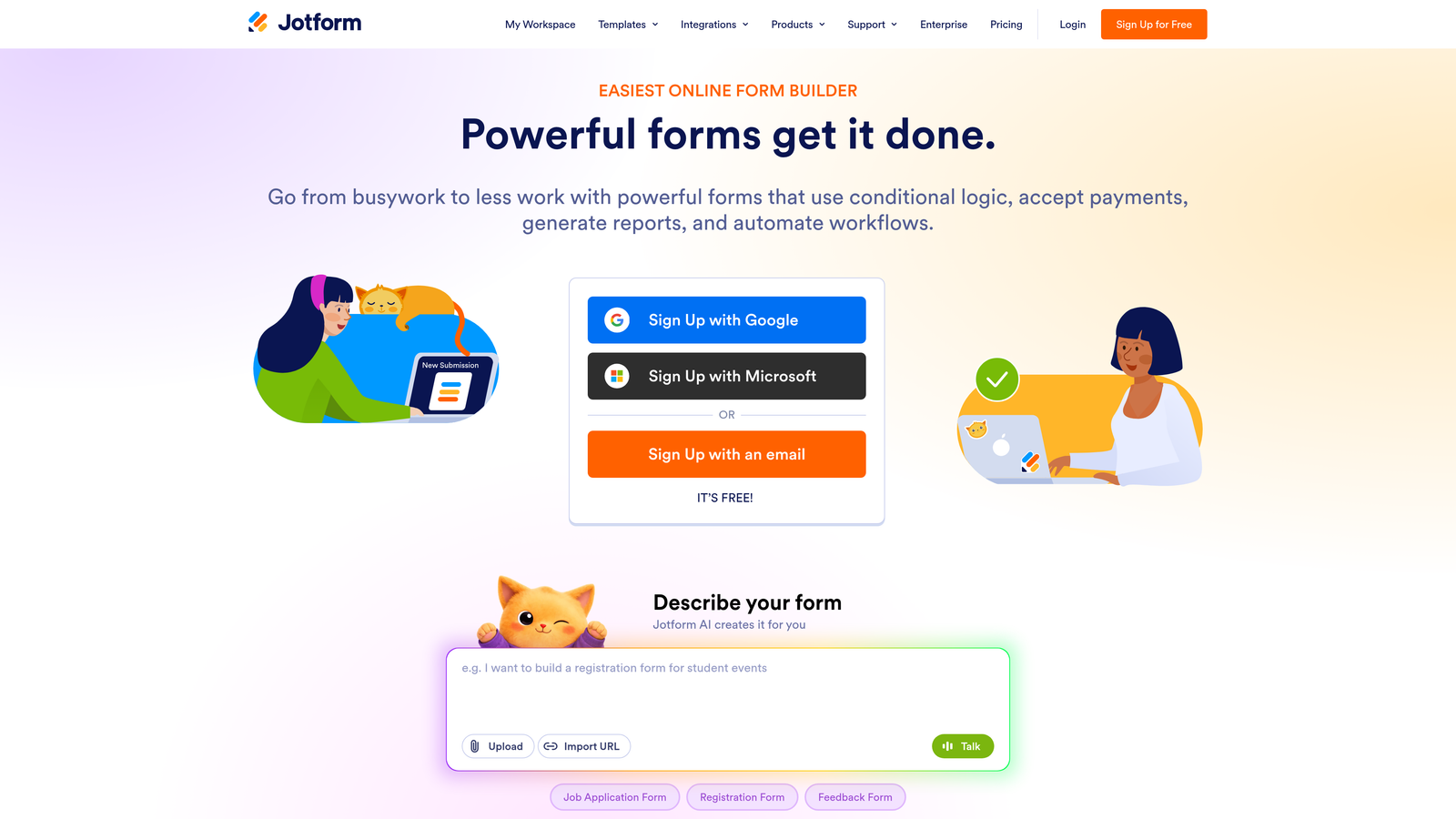
Jotform is a feature-rich form builder with one of the largest template libraries in the market, covering everything from lead capture to payments to HIPAA-compliant data collection.
Where This Tool Shines
Jotform's defining strength is breadth. If your team regularly builds forms for different departments, different purposes, and different audiences, the template library alone can save significant time. There's likely a starting point for whatever you need to build.
It also handles edge cases that many competitors don't, including native payment integrations, calculation fields, and HIPAA-compliant plans for healthcare-adjacent use cases. For operations-heavy teams, that flexibility is genuinely useful.
Key Features
10,000+ Templates: Pre-built templates span industries and use cases, making it fast to spin up new forms without starting from scratch.
Extensive Field Types: The drag-and-drop builder supports a wide variety of field types including calculations, file uploads, and signature fields.
Native Payment Integrations: Direct connections to Stripe, PayPal, and Square for collecting payments directly through forms.
Advanced Form Logic: Conditional logic and calculation fields support complex form flows without requiring custom code.
HIPAA-Compliant Plans: Available for teams in regulated industries that need compliant data handling.
Best For
Operations teams, agencies managing multiple clients, and organizations that need one tool to cover a wide variety of form types. Less ideal for teams whose primary goal is lead qualification or conversion optimization.
Pricing
Free plan available. Paid plans start at approximately $34/month, with higher tiers unlocking more submissions, storage, and advanced features.
4. HubSpot Forms
Best for: Teams already running on HubSpot who want zero-friction CRM sync without middleware.
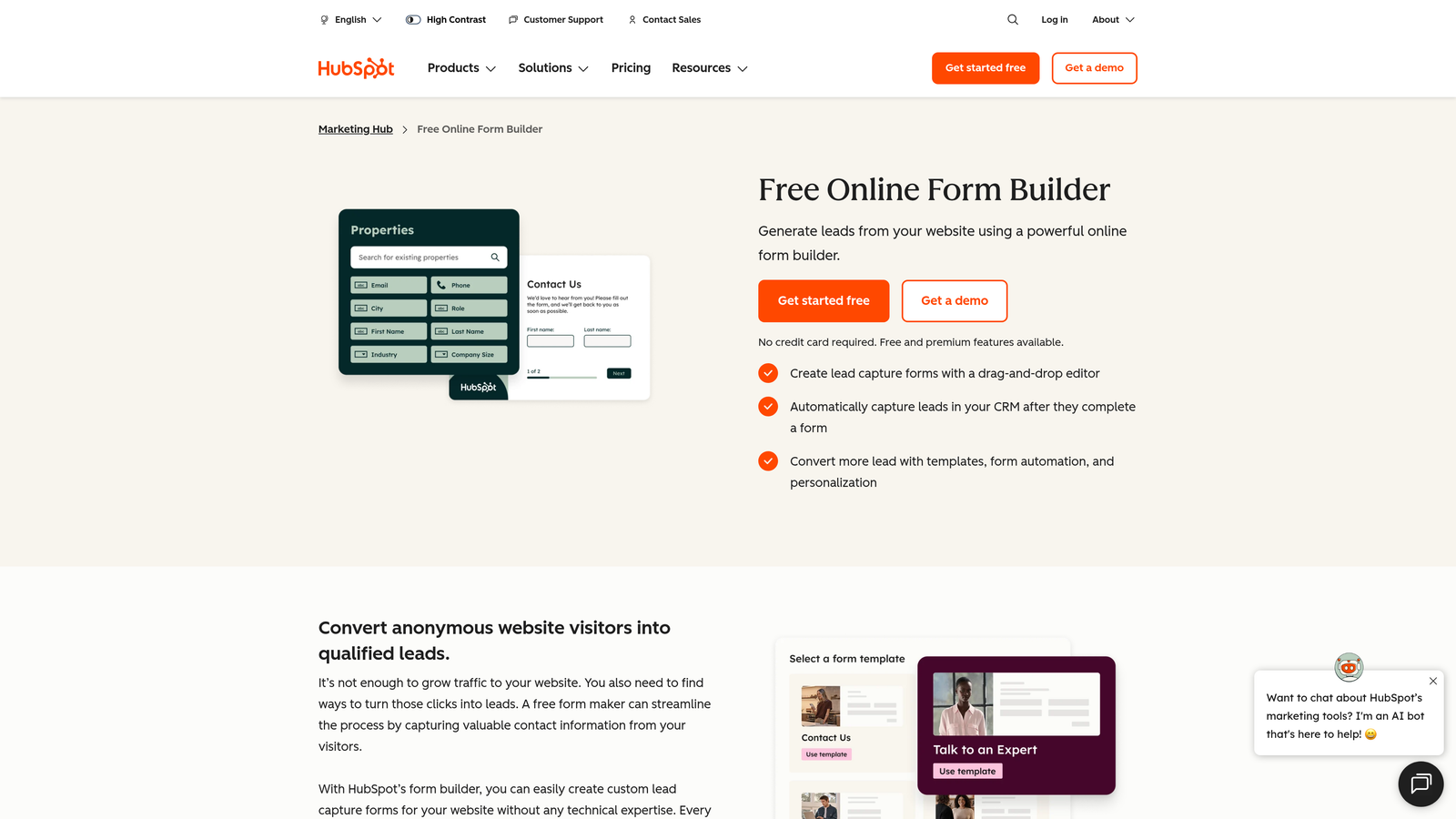
HubSpot Forms is the native form builder included in HubSpot's marketing platform, built specifically for teams that want form submissions to flow directly into their CRM with no configuration required.
Where This Tool Shines
The value proposition here is tight integration, not form-building sophistication. When a contact submits a HubSpot form, they're immediately created or updated in the CRM, enrolled in workflows, and added to lists automatically. There's no Zapier step, no API call, no middleware. It just works.
Progressive profiling is another standout feature. Known contacts see fields they haven't filled out yet rather than repeating information they've already provided, which reduces friction on repeat visits and gradually enriches contact records over time.
Key Features
Native CRM Sync: Every submission creates or updates a HubSpot contact record instantly, with no integration setup required.
Smart Fields: Pre-populate known information for returning contacts, reducing the fields they need to complete.
Workflow Enrollment: Form submissions can automatically trigger HubSpot workflows for follow-up emails, task creation, and lead assignment.
Progressive Profiling: Collect new data points incrementally across multiple form interactions rather than front-loading every question.
Free Tier Availability: Basic forms are included in HubSpot's free CRM, making it accessible without an immediate paid commitment.
Best For
Teams that have already standardized on HubSpot as their CRM and marketing platform. As a standalone form builder, it's limited. As part of the HubSpot ecosystem, it's hard to beat for operational simplicity.
Pricing
Free with HubSpot's free CRM. Advanced features like progressive profiling and A/B testing require paid Marketing Hub plans, which start at higher price points.
5. Tally
Best for: Early-stage startups and indie makers who want a clean, capable form builder without paying for features they don't need yet.
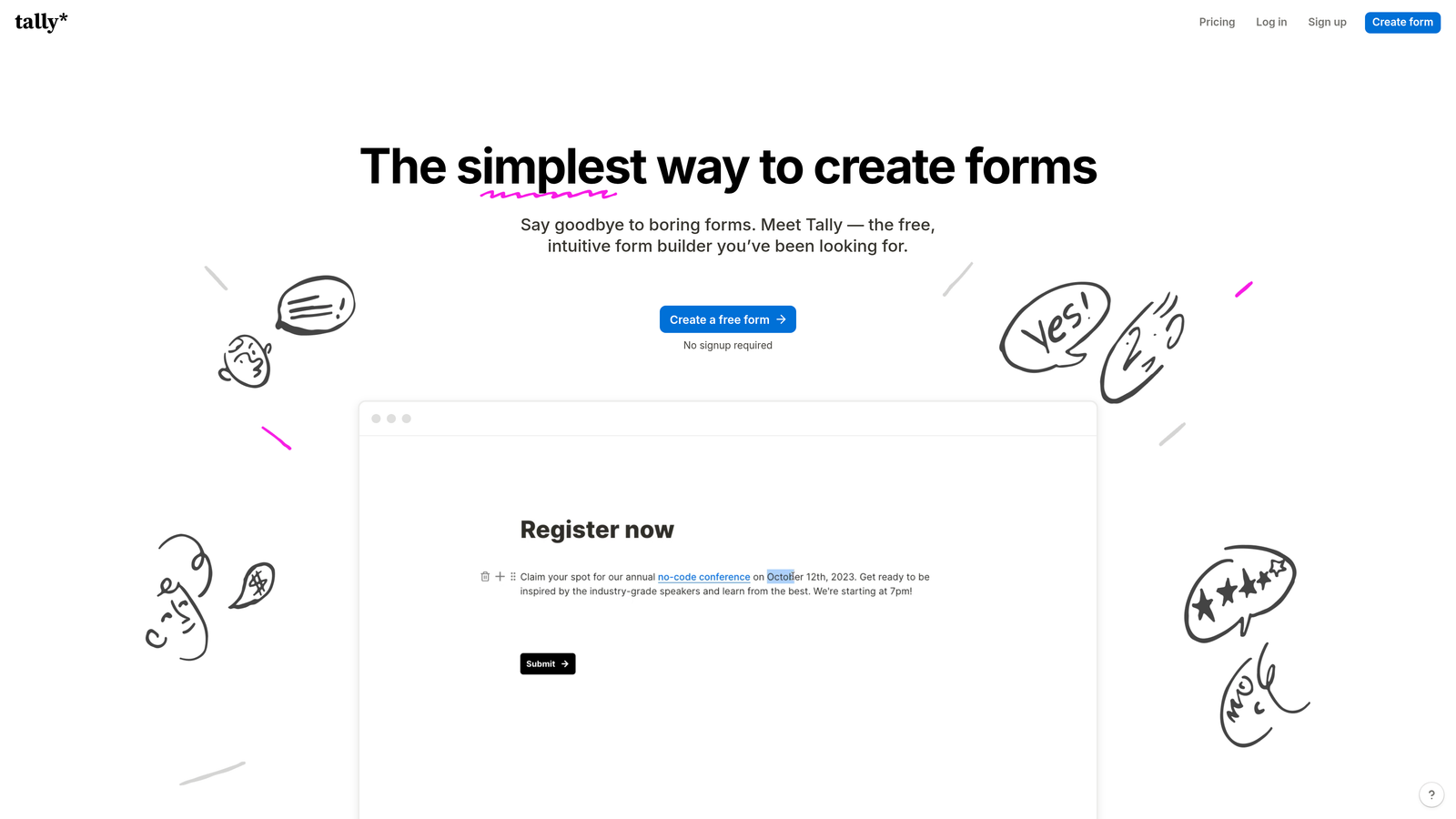
Tally is a Notion-inspired form builder with a generous free tier and a block-based editing experience that makes form creation fast and intuitive.
Where This Tool Shines
Tally's free plan is unusually generous. Unlike most tools that remove branding only on paid tiers, Tally doesn't force its logo onto form submissions for free users. That's a meaningful differentiator for early-stage teams that want to maintain a professional appearance without a monthly subscription.
The block-based editor will feel immediately familiar to anyone who uses Notion, which lowers the learning curve considerably. Forms can be embedded in websites or Notion pages, making it a natural fit for teams already living in that ecosystem.
Key Features
Block-Based Editor: Notion-style editing interface makes form creation fast and accessible without a steep learning curve.
Free Plan Without Forced Branding: Submissions don't carry Tally branding on the free tier, which is rare in this category.
Conditional Logic on Free Tier: Multi-page forms and conditional logic are available without requiring a paid plan.
Flexible Embedding: Forms embed cleanly in websites and Notion pages, with a simple embed code.
Zapier and Make Integrations: Connect form submissions to downstream tools and workflows without native integrations.
Best For
Early-stage startups, solo operators, and teams that need clean, functional forms without a significant budget commitment. Not the right fit for teams where form performance directly impacts revenue or where lead qualification is a priority.
Pricing
Free plan available with strong feature access. Pro plan at approximately $29/month for additional customization and workspace features.
6. Paperform
Best for: Teams that need forms to handle payments, bookings, or registrations alongside standard lead capture.
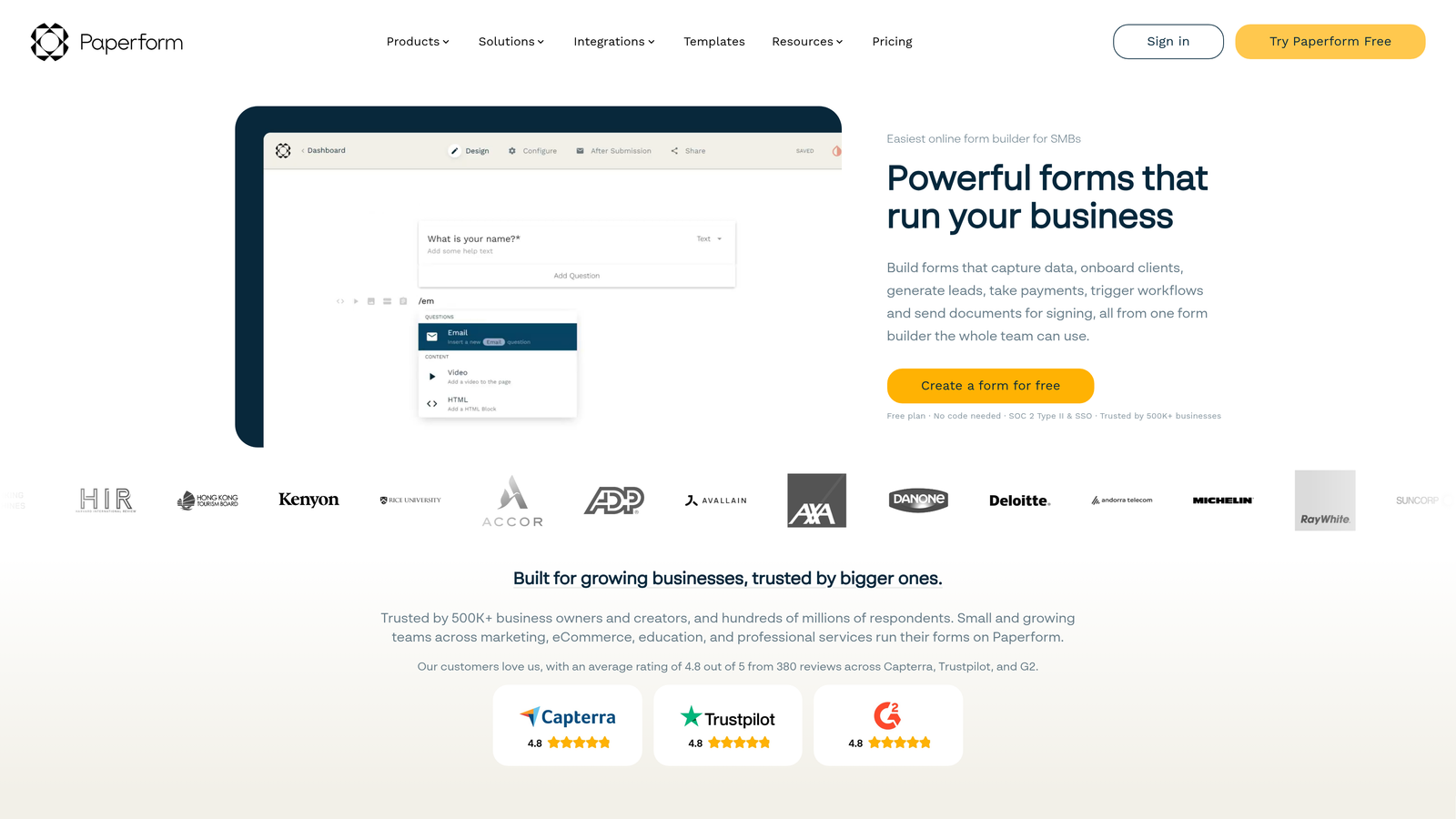
Paperform is a hybrid form builder and landing page tool with native payment processing, designed for use cases where a form needs to do more than capture contact information.
Where This Tool Shines
Paperform sits in an interesting position in the market. It's more design-flexible than a typical form builder but more form-focused than a full landing page tool. That middle ground makes it particularly strong for registration pages, event bookings, and product sales flows where you want design control without building a separate landing page.
Native payment processing through Stripe, PayPal, and Square is built directly into the platform, not bolted on through an integration. That means you can sell products, collect deposits, or charge registration fees directly through a Paperform without routing through a separate payment tool.
Key Features
Landing Page-Style Design Flexibility: More visual control than standard form builders, allowing for richer, more branded form pages.
Native Payment Processing: Stripe, PayPal, and Square integrations are built in for direct commerce and registration use cases.
Product Fields: Sell items or services directly through a form with built-in product field types.
Conditional Logic and Calculations: Adaptive form paths and calculated fields for pricing, totals, and custom outputs.
Template Library: Strong selection of templates focused on events, bookings, and registrations.
Best For
Small businesses, event organizers, consultants, and teams that frequently combine lead capture with payment collection or booking flows. Less suited for pure lead generation at scale.
Pricing
Starts at approximately $29/month billed annually. No free plan is available, though a trial period is offered.
7. Google Forms
Best for: Internal surveys, lightweight data collection, and teams already embedded in Google Workspace.
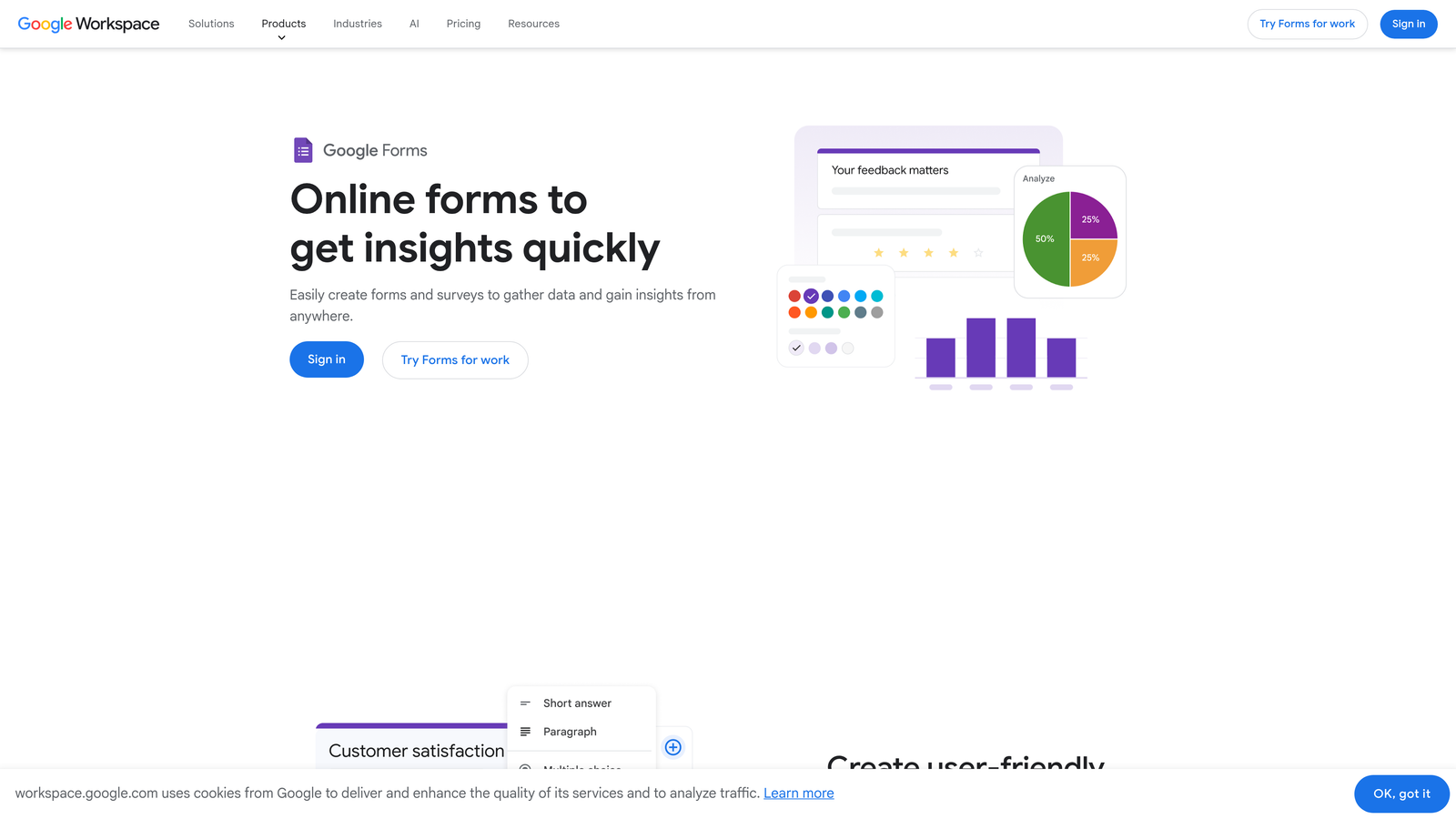
Google Forms is a free, simple form builder deeply integrated with Google Workspace, best suited for internal use cases rather than external lead generation.
Where This Tool Shines
The value proposition is straightforward: it's completely free, it works, and it connects directly to Google Sheets for automatic response collection. For internal use cases like employee surveys, event RSVPs, feedback forms, and simple data gathering, there's genuinely nothing easier to set up.
Real-time collaboration on form editing is another practical advantage for teams. Multiple people can work on the same form simultaneously, which is useful for quickly assembling survey questions across stakeholders.
Key Features
Completely Free: Available to anyone with a Google account, with no submission caps or paid tiers required for core functionality.
Google Sheets Integration: Responses automatically populate a connected spreadsheet in real time, no export required.
Basic Conditional Logic: Section branching allows for simple adaptive paths based on respondent answers.
Unlimited Responses: No submission limits, making it suitable for high-volume internal data collection.
Collaborative Editing: Multiple team members can edit the same form simultaneously, similar to Google Docs.
Best For
Internal teams, HR departments, event coordinators, and anyone who needs quick, no-cost data collection within a Google Workspace environment. Not appropriate for external lead generation, conversion optimization, or any use case where form design and performance directly affect revenue.
Pricing
Free with any Google account. Included in all Google Workspace plans at no additional cost.
8. Gravity Forms
Best for: WordPress sites that need a powerful, deeply customizable form solution with an extensive add-on ecosystem.
Gravity Forms is the leading WordPress form plugin, offering deep CMS integration and a rich library of add-ons for payments, CRMs, and advanced form logic.
Where This Tool Shines
If your site runs on WordPress, Gravity Forms is in a category of its own. Because it operates as a native WordPress plugin rather than an external SaaS, forms live directly inside your CMS with full access to WordPress hooks, filters, and user data. That level of integration is difficult to replicate with any external tool.
The add-on library extends the core plugin significantly. You can connect to Stripe, PayPal, Salesforce, HubSpot, Mailchimp, and dozens of other platforms through official add-ons, many of which are included with higher-tier licenses. For developer teams, the REST API and extensibility options are a genuine advantage.
Key Features
Deep WordPress Integration: Forms are native to your WordPress installation, with full access to CMS data, user roles, and site functionality.
Extensive Add-On Library: Official add-ons cover payments, email marketing, CRM connections, and specialized field types.
Advanced Conditional Logic: Multi-page forms with complex conditional paths, field visibility rules, and dynamic population.
Developer-Friendly Architecture: Hooks, filters, and a REST API make Gravity Forms highly extensible for custom development.
Calculations and File Uploads: Built-in support for calculated fields, file uploads, and electronic signatures.
Best For
WordPress site owners, developers building client sites, and organizations that need a powerful form solution tightly integrated with their CMS. Not suitable for non-WordPress environments.
Pricing
Starts at approximately $59/year for a single site license. Higher tiers unlock add-ons and multi-site licensing.
9. Formstack
Best for: Enterprise teams that need workflow automation, document generation, and compliance-grade data handling alongside form collection.
Formstack is an enterprise-grade form and workflow automation platform with document generation capabilities and compliance features suited to large, regulated organizations.
Where This Tool Shines
Formstack operates at a different scale than most tools on this list. The platform isn't just about building forms; it's about automating the workflows that forms initiate. Submissions can trigger multi-step approval processes, generate documents automatically through Formstack Documents, and route data through complex organizational hierarchies.
For teams in regulated industries, the compliance posture is a significant differentiator. HIPAA, GDPR, and SOC 2 support are built into the platform, which matters in procurement conversations where IT and legal teams have veto power over tool selection.
Key Features
Advanced Workflow Automation: Form submissions can trigger multi-step approval workflows, routing data to the right people at the right time.
Document Generation: Integration with Formstack Documents enables automatic creation of contracts, agreements, and reports from form data.
Compliance Support: HIPAA, GDPR, and SOC 2 compliance built into the platform for regulated industries.
Approval Workflows: Multi-step routing with conditional approvals for complex organizational processes.
Salesforce Native App: A native Salesforce integration for teams whose CRM is the center of their operations.
Best For
Enterprise organizations in healthcare, financial services, education, or other regulated industries that need forms as part of a larger operational workflow. The complexity and pricing reflect an enterprise buyer profile, not a startup or SMB use case.
Pricing
Starts at approximately $83/month. Enterprise pricing is available on request for larger organizations with custom requirements.
Which Tool Is Right for Your Team?
The right web form builder depends almost entirely on what you're asking your forms to do. Here's a quick guide to cut through the noise.
If lead qualification and conversion are your primary goals, Orbit AI is the purpose-built choice. No other tool on this list embeds qualification intelligence directly into the form experience the way Orbit AI does. For teams where form performance directly affects pipeline, that distinction is worth a lot.
For brand-forward conversational forms, Typeform remains the gold standard for respondent experience and visual polish. If you're running high-volume form needs across many use cases, Jotform's template library and feature breadth make it the most practical all-rounder. Teams already committed to HubSpot should default to HubSpot Forms for the native CRM sync alone.
Budget-conscious early-stage teams will find Tally hard to beat on the free tier. For forms that need to handle payments or bookings alongside lead capture, Paperform is the natural fit. Internal surveys and lightweight data collection belong in Google Forms, and WordPress sites should look no further than Gravity Forms. Enterprise teams with compliance requirements and complex workflow needs will find Formstack in a category of its own.
If you're a high-growth team and lead quality is the metric that matters most, the choice is clear. Start building free forms today with Orbit AI and see what it looks like when your forms qualify, route, and convert, not just collect.


