

If your team runs on Salesforce, your form builder needs to keep up. Every lead captured through a form that doesn't sync cleanly to your CRM means manual data entry, missed follow-ups, and broken pipelines — exactly what high-growth teams can't afford.
The right Salesforce-compatible form builder eliminates that friction entirely. Submissions flow directly into your CRM as leads, contacts, or custom objects, and your sales team gets clean, qualified data without lifting a finger. But not all integrations are created equal: some tools connect natively to Salesforce at the object level, while others route data through an automation layer like Zapier. Both approaches work well when set up correctly, and the best choice depends on how your team uses Salesforce.
This list covers the top options available in 2026, evaluated on Salesforce integration depth, form customization, lead qualification features, and ease of use. Whether you're building lead capture forms, qualification surveys, or event registration pages, there's a tool here that fits your stack. If you're also thinking through how data flows once it's inside your CRM, our guides on workflows in Salesforce and why forms lose leads are worth a read alongside this one.
1. Orbit AI
Best for: High-growth SaaS and B2B teams that want AI-powered lead qualification at the form level
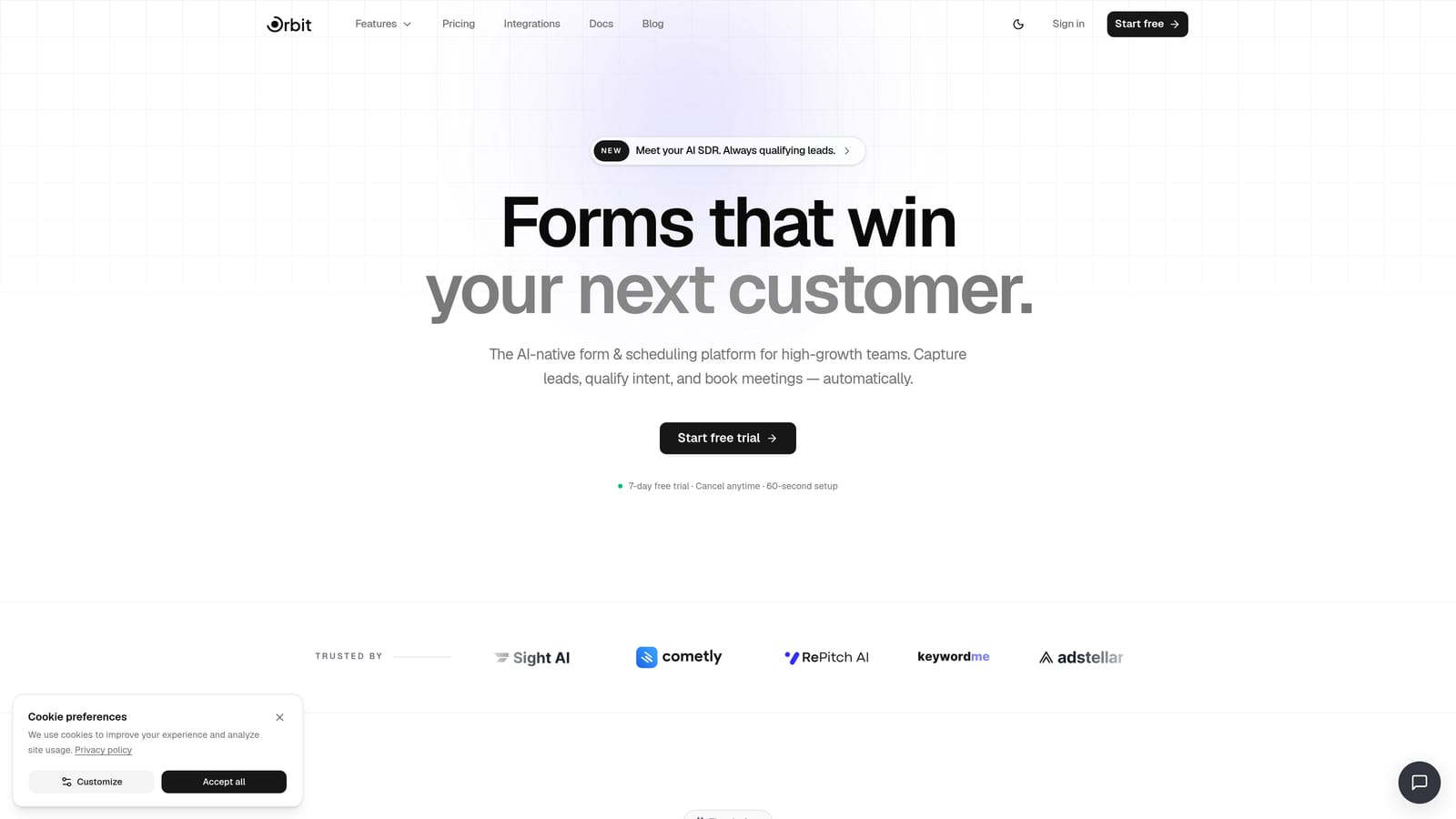
Orbit AI is an AI-powered form builder designed to capture, qualify, and segment leads before they ever reach your CRM.
Where This Tool Shines
Most form builders are passive: they collect data and hand it off. Orbit AI takes a more active role. Its AI agents evaluate incoming submissions in real time, scoring and segmenting leads based on the criteria you define. That means your Salesforce instance receives cleaner, more actionable records rather than a raw dump of unqualified form fills.
For high-volume inbound teams, this upstream qualification is genuinely valuable. Sales reps spend less time triaging junk leads, and RevOps teams spend less time building workaround automations inside Salesforce. The form itself does more of the heavy lifting.
Key Features
AI Lead Qualification Agents: Automatically score, segment, and route leads at the point of submission based on your defined criteria.
Conversion-Optimized Form Design: Modern, clean UI with design defaults built to maximize completion rates rather than just collect data.
Workflows and Sequences: Automated follow-up logic that triggers based on submission data, keeping leads warm between capture and sales contact.
Built-in Analytics and Contacts Management: Track form performance and manage your lead database without switching tools.
Scheduler Integration: Embed booking functionality directly into forms so high-intent leads can schedule a call at the moment of peak interest.
Salesforce Sync via Automation Layer: Connect to Salesforce through Zapier or a similar automation tool, which is standard for this category of platform.
Best For
Orbit AI is the strongest fit for SaaS and B2B marketing teams running high-volume inbound campaigns where lead quality is a persistent problem. If your sales team regularly complains about unqualified leads coming from forms, the AI qualification layer addresses that problem at the source rather than downstream in the CRM.
Pricing
Visit orbitforms.ai/pricing for current plan details. A free starting option is available.
2. Jotform
Best for: Operations teams that need reliable, configurable native Salesforce object mapping
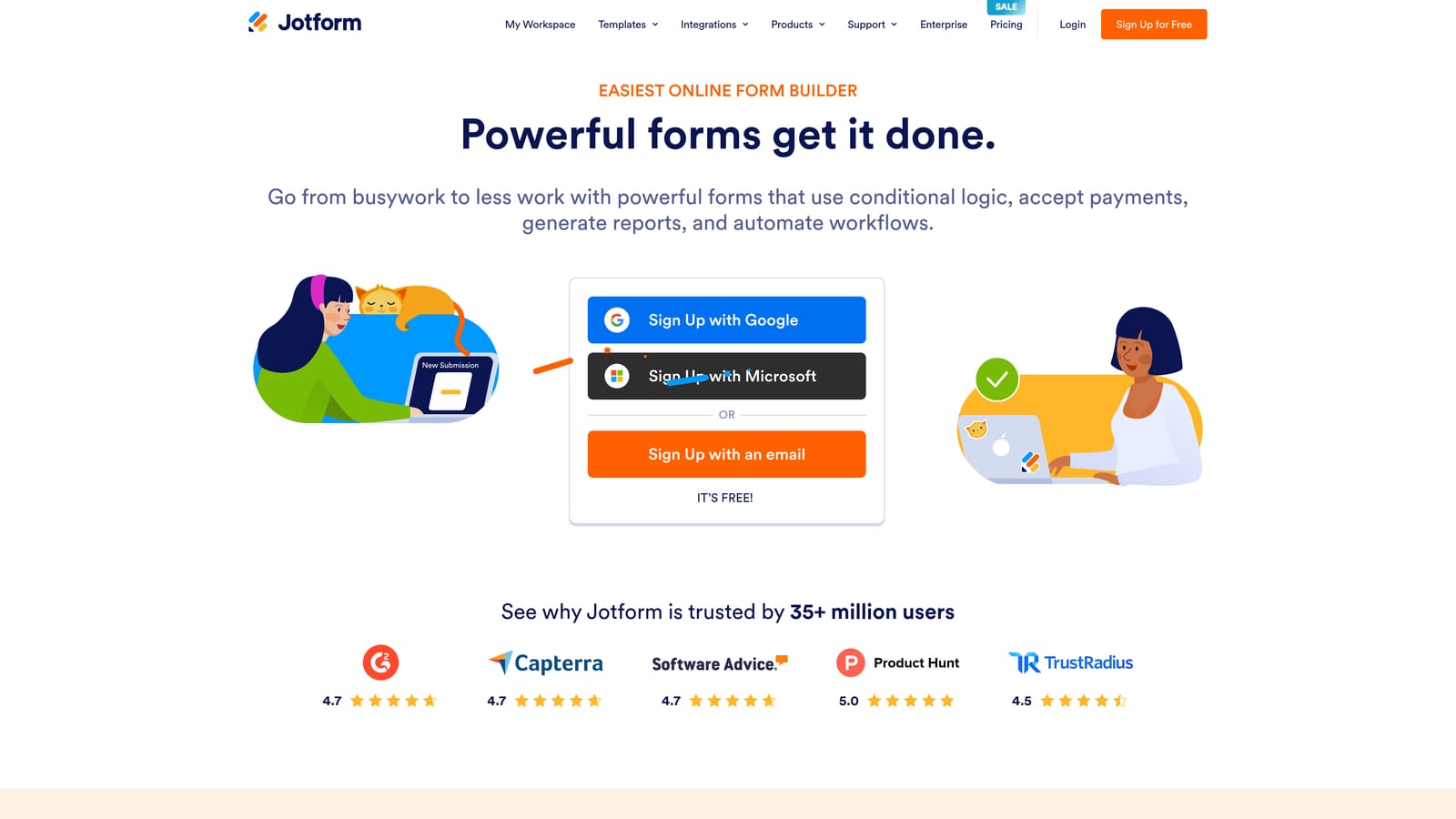
Jotform is a feature-rich form builder with a native Salesforce connector that supports mapping to both standard and custom CRM objects.
Where This Tool Shines
Jotform's Salesforce integration is genuinely deep. You can map form fields to Leads, Contacts, Accounts, Opportunities, and custom objects without needing a developer or an automation middleware layer. For RevOps and sales ops teams who want precise control over how data enters Salesforce, this level of configurability is a significant advantage.
Beyond the CRM connection, Jotform brings a large template library, conditional logic, payment collection, and file upload support. It handles complex form requirements well, making it a practical choice for teams that need more than a simple lead capture form.
Key Features
Native Salesforce Integration: Direct connector with field-level mapping to standard and custom Salesforce objects, no Zapier required.
Multi-Object Support: Create or update Leads, Contacts, Accounts, Opportunities, and custom objects from a single form submission.
Conditional Logic: Show or hide fields, sections, and pages based on user responses to build smarter forms.
Payment Collection: Accept payments directly through forms via integrations with major payment processors.
File Upload Support: Allow respondents to attach documents, images, or other files as part of their submission.
Best For
Jotform is well-suited to operations teams at mid-size to enterprise companies that need reliable, native Salesforce data mapping without custom development. It's particularly strong when forms need to touch multiple Salesforce objects in a single submission flow.
Pricing
A free plan is available with meaningful functionality. Paid plans scale by features and monthly submission volume. Verify current pricing at jotform.com/pricing.
3. Formstack
Best for: Salesforce admins and enterprise teams that want forms built and managed entirely inside the CRM
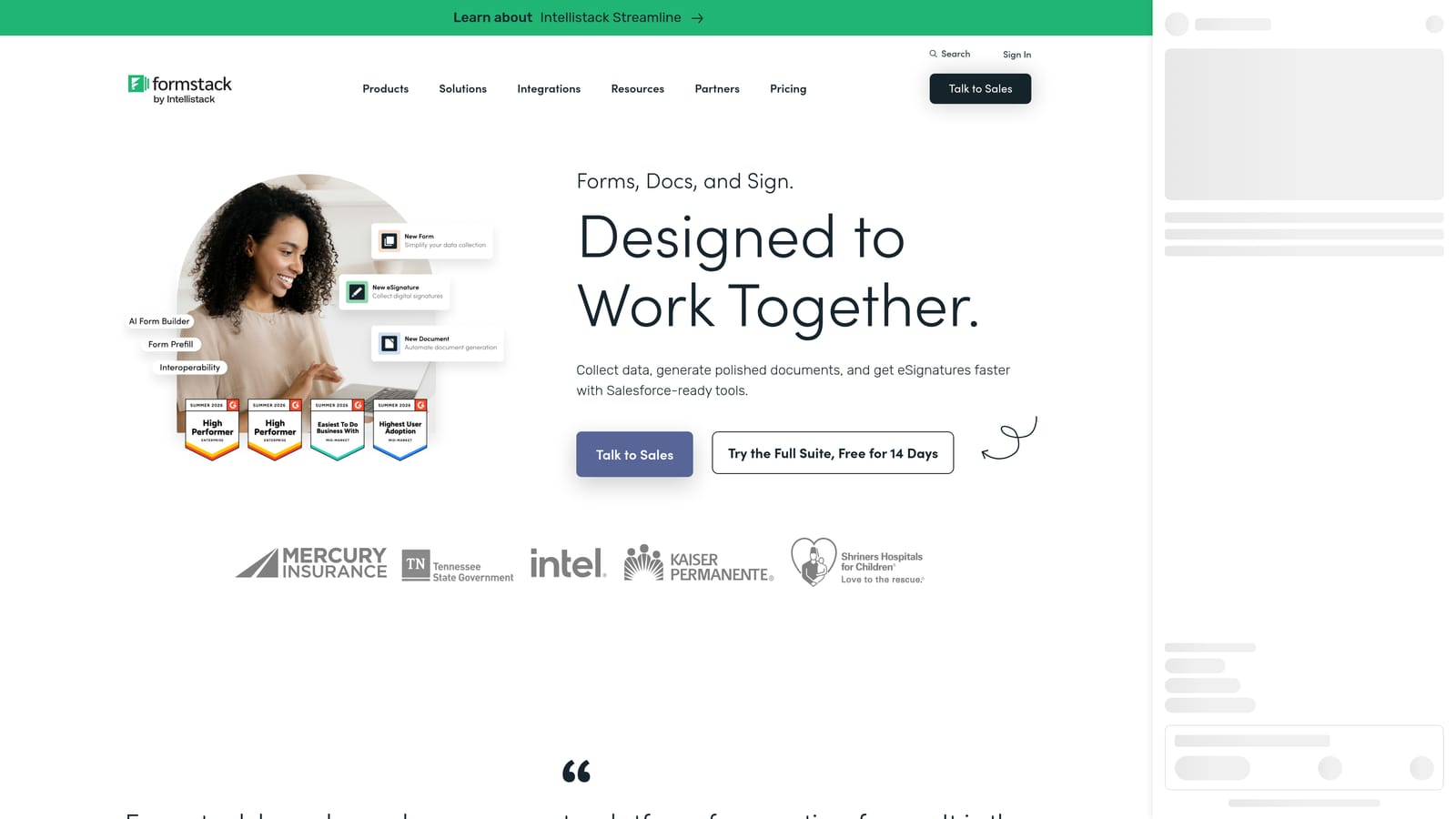
Formstack offers a unique product called Formstack for Salesforce, a managed package that runs entirely within the Salesforce platform itself.
Where This Tool Shines
The core differentiator here is architecture. Rather than syncing data from an external tool into Salesforce, Formstack for Salesforce lives inside your Salesforce org. Forms are built, managed, and reported on within the CRM, and data never has to travel anywhere. For enterprise teams with strict data governance requirements, this is a meaningful distinction.
Formstack also supports complex Salesforce workflows and object relationships, making it capable of handling sophisticated data collection scenarios that would be difficult to configure in other tools. If your Salesforce admin is already managing your forms, this product fits naturally into that workflow.
Key Features
Native Salesforce Package: Runs as a managed package inside your Salesforce org, with no external sync or middleware required.
Complex Object Relationships: Supports multi-object workflows and the full range of Salesforce data structures.
Enterprise Security and Compliance: Built to meet the security and compliance requirements common in regulated industries.
Standalone Product Option: Also available as an external form builder with a Salesforce connector for teams that prefer that architecture.
Salesforce Workflow Triggers: Form submissions can fire Salesforce automation rules, flows, and processes natively.
Best For
Formstack is the right choice for enterprise Salesforce environments where data governance, compliance, and deep CRM integration are non-negotiable. It's best suited to teams with a dedicated Salesforce admin who can configure and maintain the package.
Pricing
Formstack sits at the higher end of the market, targeting mid-market and enterprise buyers. Verify current plan pricing at formstack.com/pricing.
4. Typeform
Best for: Marketing teams prioritizing conversational UX and high form completion rates
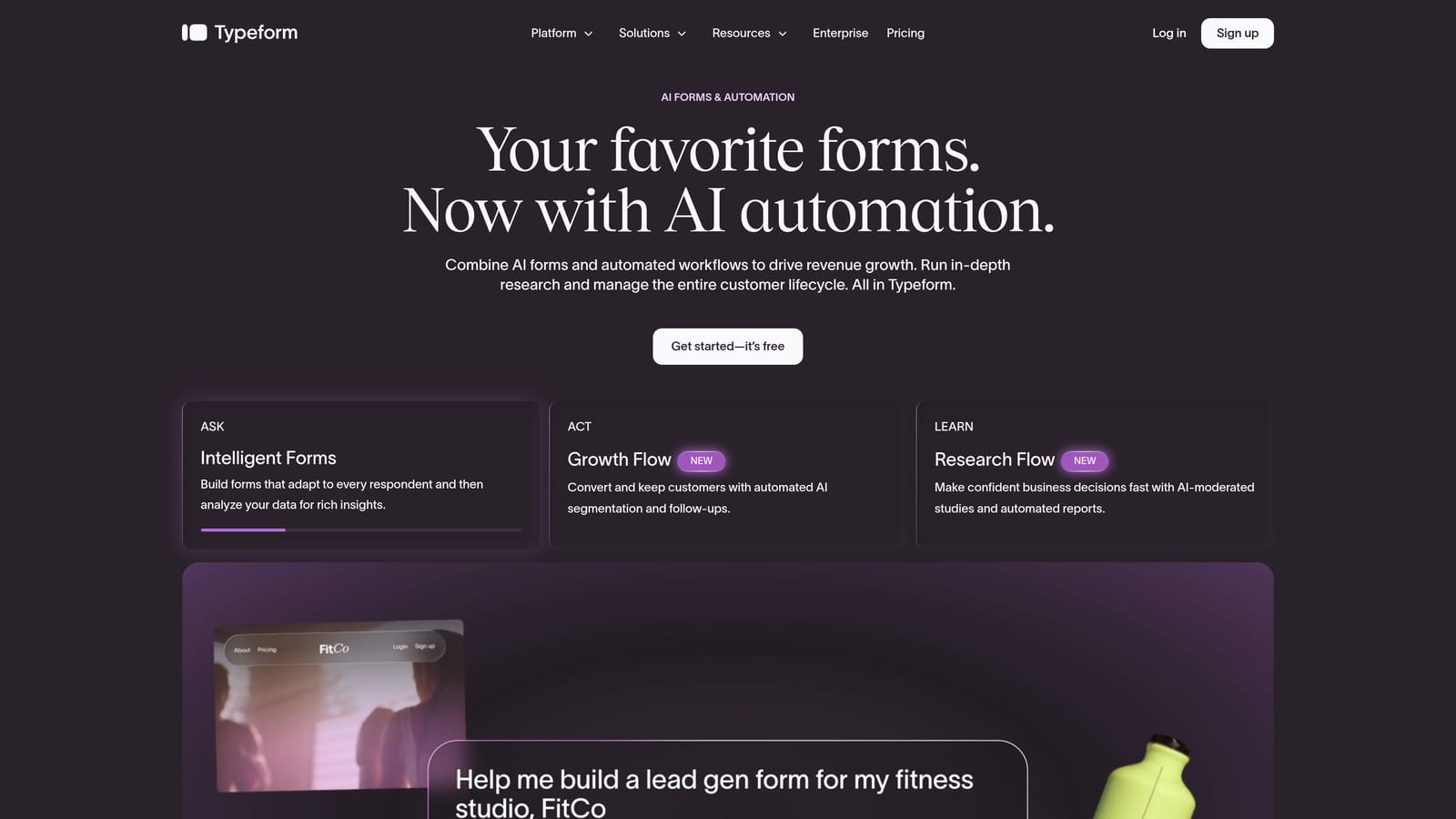
Typeform is a conversational form builder known for its one-question-at-a-time format, connecting to Salesforce via Zapier.
Where This Tool Shines
Typeform's format is genuinely different from traditional forms. By presenting one question at a time in a clean, focused interface, it creates an experience that feels less like a form and more like a conversation. For marketing teams running lead gen campaigns, this approach tends to improve engagement and completion rates compared to dense, multi-field forms.
The trade-off is integration depth. Salesforce connectivity runs through Zapier rather than a native connector, which means you'll need an active Zapier account and a well-configured Zap to keep data flowing reliably. For teams already using Zapier, this is a minor consideration. For those who aren't, it's an added dependency worth factoring into your evaluation.
Key Features
Conversational Format: One-question-at-a-time presentation designed to maximize engagement and completion rates.
Logic Jumps: Personalize the form path based on previous answers, creating tailored experiences for different respondent profiles.
Strong Branding Controls: Customize colors, fonts, backgrounds, and imagery to match your brand closely.
Salesforce Integration via Zapier: Route submissions to Salesforce through Zapier, with field mapping configured in the automation layer.
Survey and Research Formats: Well-suited to longer, survey-style forms where respondent experience significantly affects data quality.
Best For
Typeform works best for marketing teams where brand experience and form completion rates are the primary concerns. It's a strong choice for lead gen landing pages, post-event surveys, and research forms where a polished, engaging experience matters more than deep CRM configuration options.
Pricing
A free plan is available with basic functionality. Paid plans scale with monthly response volume and feature access. Verify current pricing at typeform.com/pricing.
5. Paperform
Best for: Small to mid-size teams that need polished, design-flexible forms without writing code
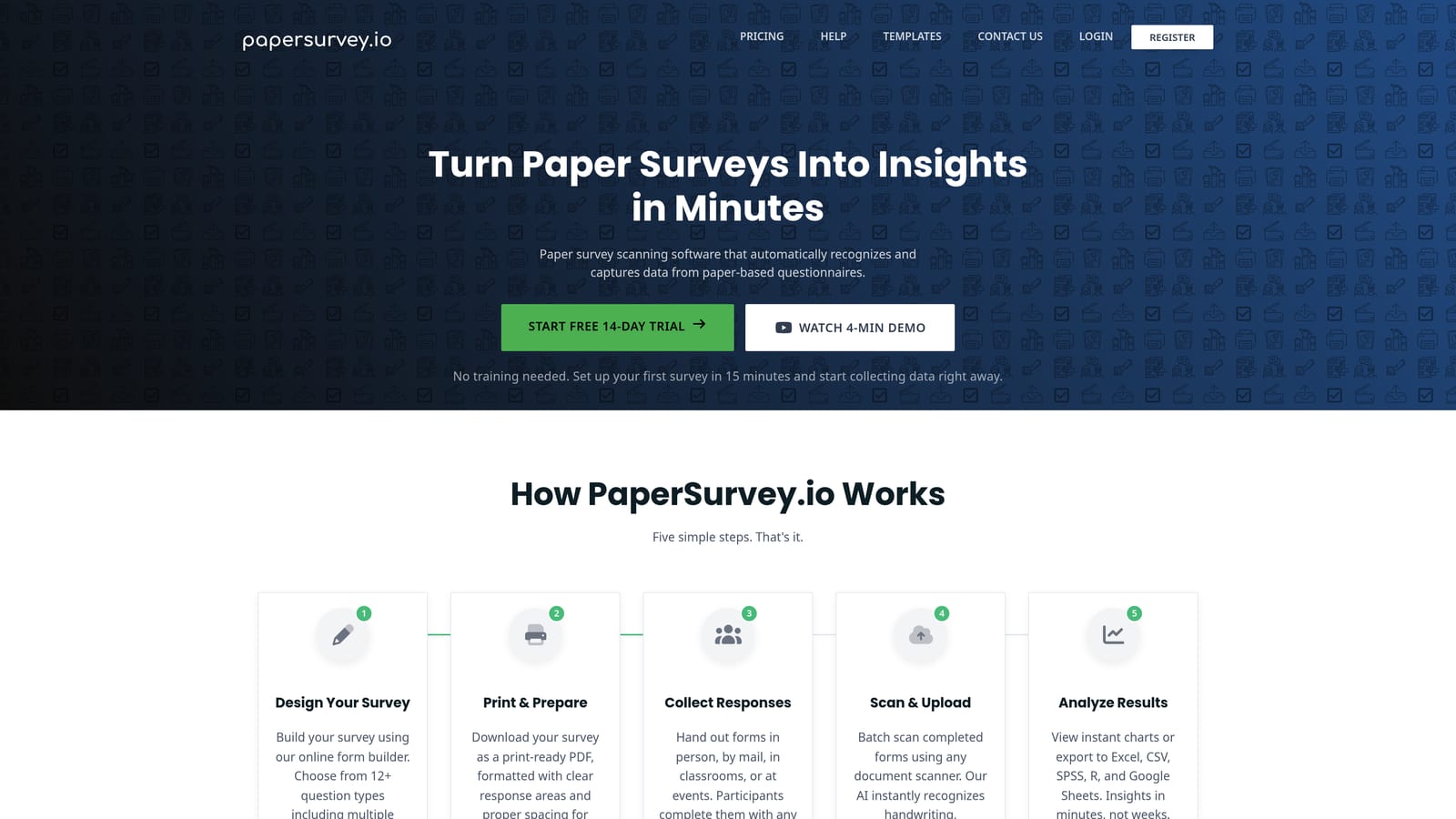
Paperform is a design-forward form builder with a document-like editing experience, connecting to Salesforce via Zapier.
Where This Tool Shines
Paperform's editing experience is notably different from most form builders. Rather than working in a structured form editor, you build pages that blend rich text, images, video, and form fields together in a freeform document layout. The result is forms that can look genuinely polished and on-brand without any design background required.
This flexibility makes Paperform a good fit for teams that want more creative control over how their forms look and feel. It handles conditional logic, payment collection, and appointment bookings natively, covering a wider range of use cases than a basic lead capture tool would.
Key Features
Document-Style Editor: Build forms by mixing rich text, media, and form fields freely on the page, rather than in a rigid field-by-field structure.
Conditional Logic: Show or hide fields and sections based on prior responses to create dynamic, personalized form experiences.
Payment and Booking Support: Accept payments and manage appointment scheduling directly within forms.
Salesforce Integration via Zapier: Connect to Salesforce through Zapier for submission routing and field mapping.
Template Library: A range of pre-built templates covering lead gen, event registration, orders, and more.
Best For
Paperform suits small to mid-size teams that want visually polished forms with flexibility in layout and design. It's a particularly good fit for teams building forms that double as landing page content, where aesthetics and structure matter alongside data collection.
Pricing
No free plan is available. Paid plans are offered at multiple tiers. Verify current pricing at paperform.io/pricing.
6. Tally
Best for: Lean teams and early-stage companies that need fast, clean forms with a generous free tier
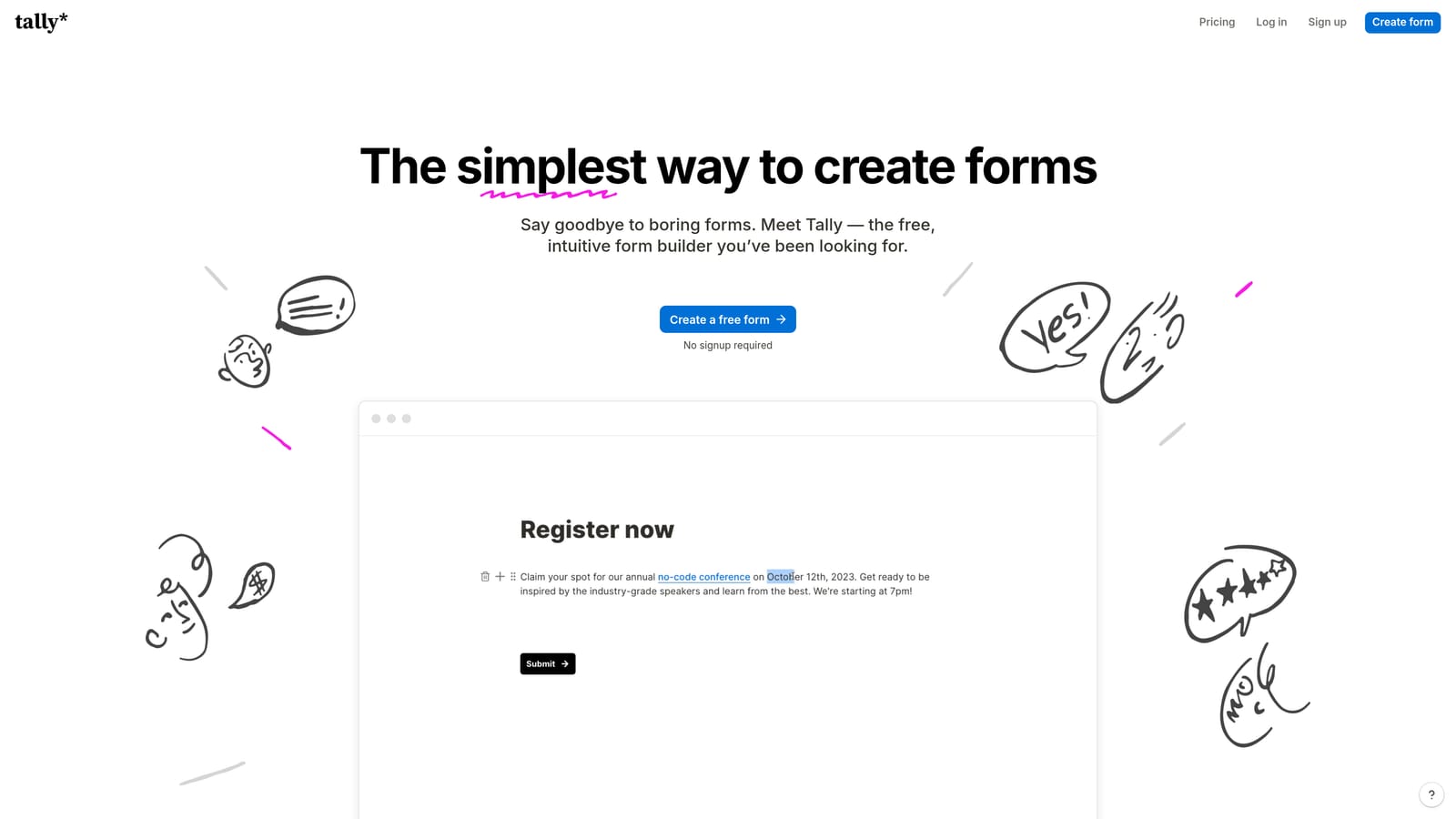
Tally is a lightweight, Notion-style form builder with a notably generous free plan and Salesforce connectivity via Zapier.
Where This Tool Shines
Tally's biggest selling point is its free plan. Unlike most tools that severely limit free-tier functionality, Tally's free plan includes unlimited forms and unlimited responses, which is genuinely useful for teams that need to ship forms quickly without committing to a paid subscription. The interface is clean and minimal, making form creation fast even for non-technical users.
Salesforce integration runs through Zapier, which keeps the setup straightforward for teams already using automation middleware. Tally isn't built for complex CRM mapping or enterprise data workflows, but for straightforward lead capture with reliable data routing, it does the job well.
Key Features
Generous Free Plan: Unlimited forms and unlimited responses on the free tier, making it accessible for teams at any stage.
Minimal, Fast Interface: Notion-inspired editing experience that lets you build forms quickly without a learning curve.
Conditional Logic: Support for branching logic and hidden fields to create smarter, more targeted forms.
Salesforce Integration via Zapier: Route form submissions to Salesforce through Zapier with standard field mapping.
Tally Pro Upgrades: The paid plan unlocks additional customization options, custom domains, and deeper integration capabilities.
Best For
Tally is the right choice for early-stage startups, lean marketing teams, or anyone who needs functional forms with basic Salesforce connectivity and doesn't want to pay for features they won't use. It's also a solid option for internal forms and ops workflows where design polish is less of a priority.
Pricing
The free plan is available with no time limit and includes unlimited forms and responses. Tally Pro is available for teams that need additional features. Verify current pricing at tally.so.
Choosing the Right Tool for Your Stack
The best Salesforce-compatible form builder depends on where your biggest friction point actually is. Here's a quick breakdown to help you match tool to need.
Orbit AI is the strongest fit if lead quality is your core problem. When your sales team is buried in unqualified submissions, fixing the issue at the form level with AI-powered qualification is more efficient than building workarounds inside Salesforce. It's built for high-growth SaaS and B2B teams that need more from their forms than passive data collection.
Jotform is the go-to if you need native, configurable Salesforce object mapping without developer involvement. It handles complex CRM data structures reliably and works well for operations teams who need precise control over how records are created or updated.
Formstack is the right call for enterprise environments where data governance matters and you want forms to live entirely within Salesforce. If you have a Salesforce admin and complex object relationships to manage, Formstack for Salesforce is purpose-built for that scenario.
Typeform suits marketing teams where the form experience itself is part of the brand. If completion rates and conversational flow matter more than deep CRM configuration, it's a strong performer in that lane.
Paperform works best for teams that want design flexibility and polished aesthetics without writing code. It covers a broad range of use cases and produces forms that look genuinely custom without the effort.
Tally is the practical choice for lean teams and early-stage companies. The free plan is among the most generous in the market, and for straightforward lead capture with basic Salesforce connectivity, it gets the job done without unnecessary complexity.
If you're evaluating tools in the context of a broader lead generation strategy, our posts on workflows in Salesforce and why forms lose leads cover the downstream and upstream sides of the problem in more depth.
Transform your lead generation with AI-powered forms that qualify prospects automatically while delivering the modern, conversion-optimized experience your high-growth team needs. Start building free forms today and see how intelligent form design can elevate your conversion strategy.


