

If your forms aren't converting, the tool might be the problem. The best online survey builders do more than collect responses: they qualify leads, reduce drop-off, and feed clean data directly into your workflow.
With so many platforms on the market, it's hard to know which one is actually built for growth versus which one just looks polished in a demo. This list covers the top survey and form builders worth your time in 2026. We evaluated each tool on ease of use, lead qualification capabilities, design quality, integrations, and pricing. Whether you're running high-volume lead gen campaigns or building polished client-facing surveys, there's a tool here for you.
1. Orbit AI
Best for: High-growth teams that need AI-powered lead qualification built into every form.
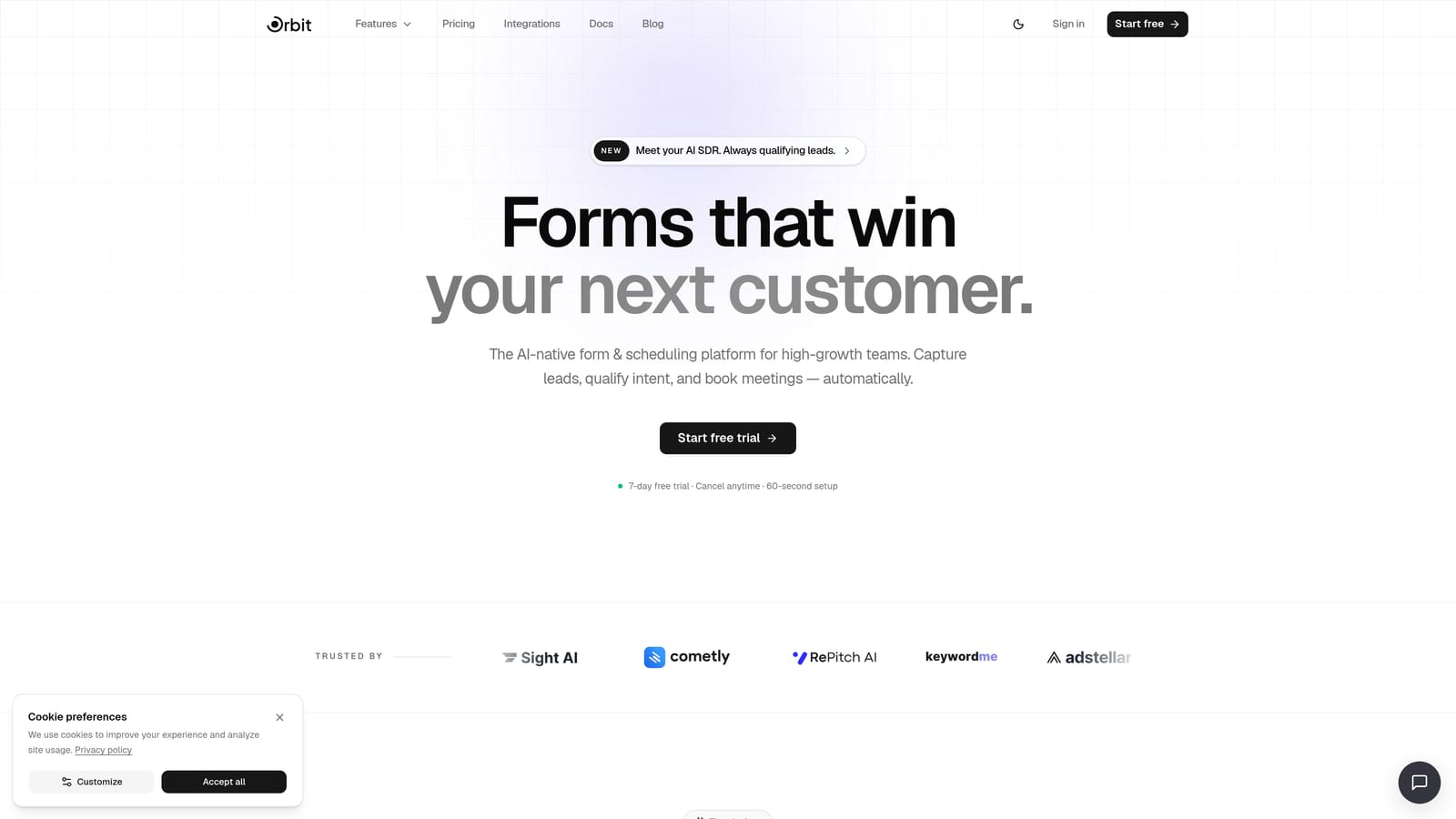
Orbit AI is an AI-native form and survey builder designed specifically for conversion optimization and real-time lead qualification.
Where This Tool Shines
Most survey tools treat every response the same. Orbit AI doesn't. As respondents move through a form, its AI agents score and qualify them in real time, so your team knows exactly which leads deserve immediate attention and which ones need nurturing. That's a fundamentally different approach from tools that just dump responses into a spreadsheet.
The design side is equally strong. Forms are mobile-first and built to convert, not just collect. Combine that with built-in workflows, automated follow-up sequences, and a CRM-style contact management layer, and you have a platform that functions less like a form builder and more like a lead generation engine.
Key Features
AI-Powered Lead Qualification: Scores and qualifies respondents in real time as they complete the form, surfacing your best leads automatically.
Conversion-Optimized Design: Mobile-first layouts built for high completion rates, with clean visual design that reflects well on your brand.
Built-In Workflows and Sequences: Automate follow-up actions based on lead scores or form responses without needing a separate automation tool.
Analytics Dashboard: Track completion rates, drop-off points, and lead quality metrics in one place to continuously improve performance.
Contact Management: Organize and act on captured leads directly within the platform, reducing the gap between form submission and sales action.
Best For
Orbit AI is the right fit for SaaS teams, marketing agencies, and growth-focused businesses that use forms as a primary lead generation channel. If your goal is to qualify prospects automatically rather than manually sift through every submission, this is the tool built for that outcome.
Pricing
A free tier is available. Full pricing details are listed at orbitforms.ai/pricing, with paid plans designed to scale with your team's needs.
2. Typeform
Best for: Teams that prioritize respondent engagement and a conversational survey experience.
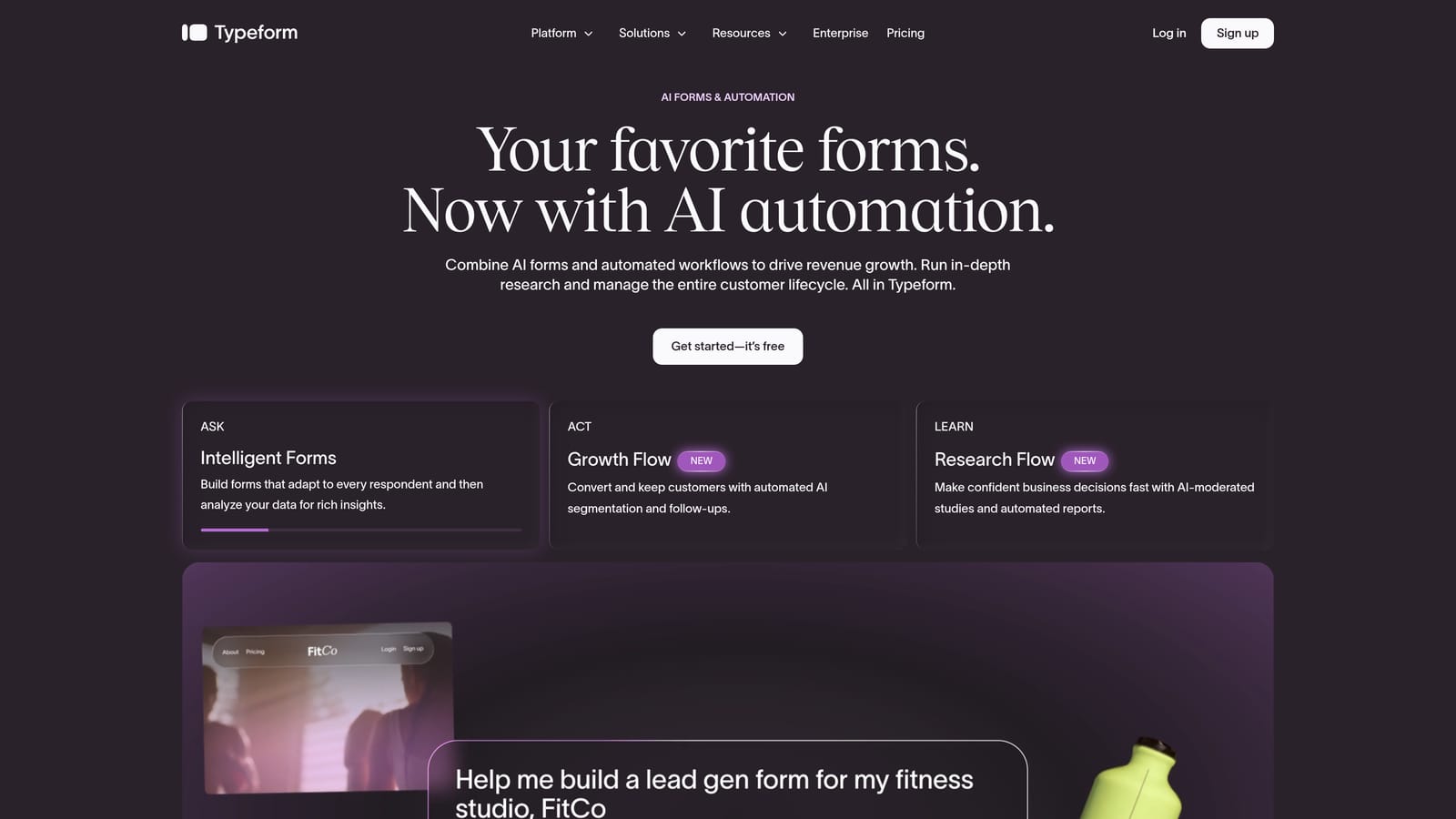
Typeform is a well-established survey platform known for its one-question-at-a-time format that keeps respondents engaged from start to finish.
Where This Tool Shines
Typeform's core insight is that traditional forms feel like bureaucracy. Its conversational interface presents one question at a time, which tends to reduce cognitive load and improve completion rates compared to wall-of-text form designs. For brand research, customer feedback, and audience surveys, that experience matters.
The Logic Jumps feature adds meaningful depth for teams that need conditional branching. You can route respondents through different question paths based on their answers, which makes it useful for more nuanced survey design. Video question support is a differentiator that few other tools in this category offer.
Key Features
Conversational Interface: One-question-at-a-time format reduces friction and keeps respondents moving through the form.
Logic Jumps: Conditional branching lets you tailor the survey path based on each respondent's answers.
Video Questions: Embed video prompts directly into your survey for richer, more engaging question formats.
Native Integrations: Connects with HubSpot, Salesforce, Slack, and a wide range of other tools out of the box.
Custom Branding: White-label options and brand customization are available on higher-tier plans.
Best For
Typeform works well for marketing and research teams that need high respondent engagement on audience surveys, NPS forms, or customer feedback campaigns. Keep in mind that pricing scales with response volume, which can become a consideration for high-traffic lead gen campaigns.
Pricing
A free plan is available. Paid plans start around $25 per month billed annually, with pricing tiers based on response volume and feature access.
3. Jotform
Best for: Teams that need a feature-rich, all-purpose form builder with an extensive template library.
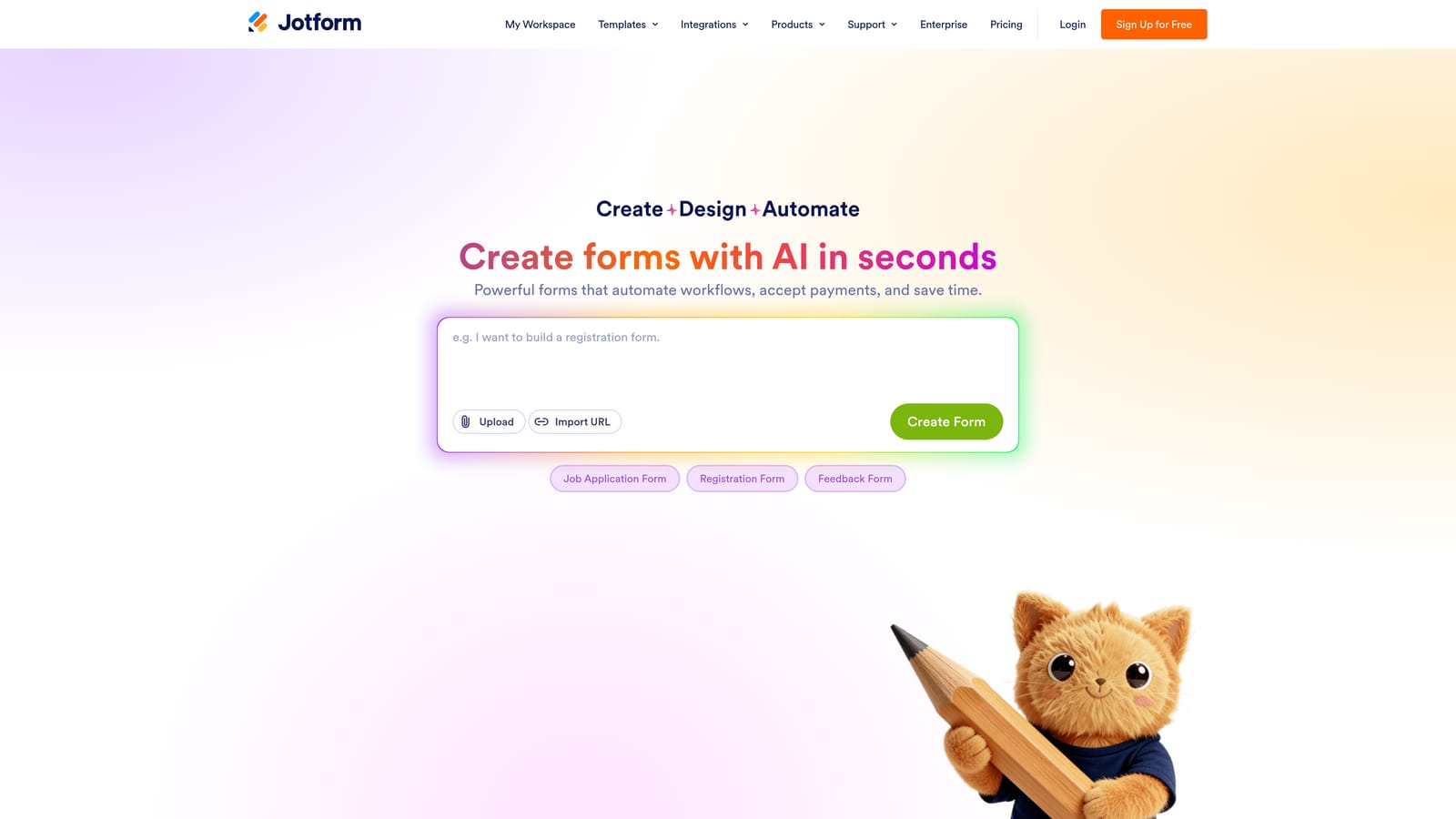
Jotform is one of the most comprehensive form builders on the market, covering everything from simple surveys to payment collection, e-signatures, and approval workflows.
Where This Tool Shines
Think of Jotform as the Swiss Army knife of form builders. Its library of over 10,000 pre-built templates means you can get a professional-looking form live in minutes across almost any use case: event registration, lead capture, client intake, order forms, and more. The breadth here is genuinely impressive.
For teams operating in regulated industries, Jotform's HIPAA-compliant plans are a significant advantage. The platform also supports payment collection through Stripe, PayPal, and Square, making it a practical choice for businesses that need to combine data collection with transactions in a single form.
Key Features
10,000+ Templates: One of the largest template libraries in the category, spanning dozens of industries and use cases.
Payment Collection: Native integrations with Stripe, PayPal, and Square for collecting payments directly through forms.
E-Signatures and Approvals: Built-in e-signature support and multi-step approval workflows for document-heavy processes.
Conditional Logic: Smart fields and conditional branching to personalize the form experience based on respondent input.
HIPAA-Compliant Plans: Compliance-ready options for healthcare and other regulated industries.
Best For
Jotform suits operations teams, agencies managing multiple clients, and businesses that need one platform to handle a wide variety of form types. It's particularly strong for teams that need payment processing or compliance features baked in.
Pricing
A free plan is available, though it includes Jotform branding. Paid plans start around $34 per month billed annually, scaling with submission volume and features.
4. Tally
Best for: Individuals and small teams that want a clean, simple form builder with a genuinely generous free plan.
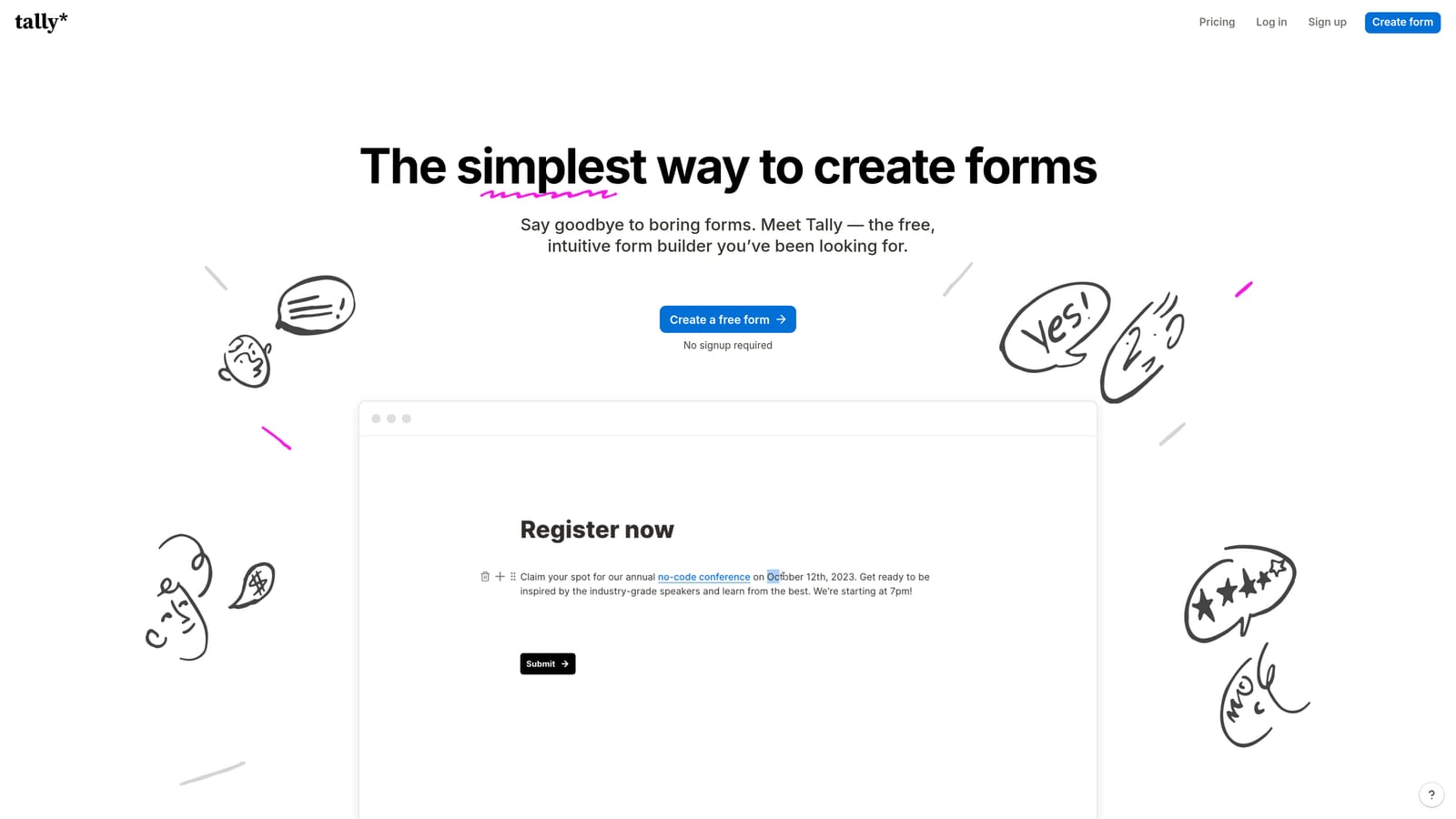
Tally is a minimalist form builder with a Notion-inspired interface that offers unlimited forms and unlimited responses even on its free tier.
Where This Tool Shines
Tally's free plan is legitimately one of the best in this category. Most form builders cap responses, add branding, or restrict logic on free tiers. Tally gives you unlimited forms, unlimited responses, and no Tally branding on the free plan. For bootstrapped teams or individuals just getting started, that's a meaningful difference.
The block-based editor will feel immediately familiar to anyone who uses Notion. It's clean, fast, and easy to navigate without a learning curve. Conditional logic and hidden fields are available, and Zapier integration means you can connect Tally to most of your existing stack without needing a paid plan.
Key Features
Unlimited Free Forms and Responses: No caps on submissions or form count on the free tier, which is rare in this space.
No Branding on Free Plan: Respondents won't see Tally's logo on your forms, even without paying.
Block-Based Editor: Clean, Notion-style interface that's intuitive for anyone comfortable with modern document tools.
Conditional Logic and Hidden Fields: Basic but functional branching and hidden field support for personalized form flows.
Zapier and Native Integrations: Connect to popular tools through Zapier or Tally's native integrations without upgrading.
Best For
Tally is ideal for freelancers, early-stage startups, and content creators who need clean, functional forms without paying for features they don't yet need. It's less suited for teams that need advanced lead qualification or deep CRM integration out of the box.
Pricing
The free plan covers most core features. Tally Pro starts around $29 per month and adds features like custom domains, file uploads, and priority support.
5. Paperform
Best for: Small businesses and solo operators who want one tool for forms, landing pages, payments, and scheduling.
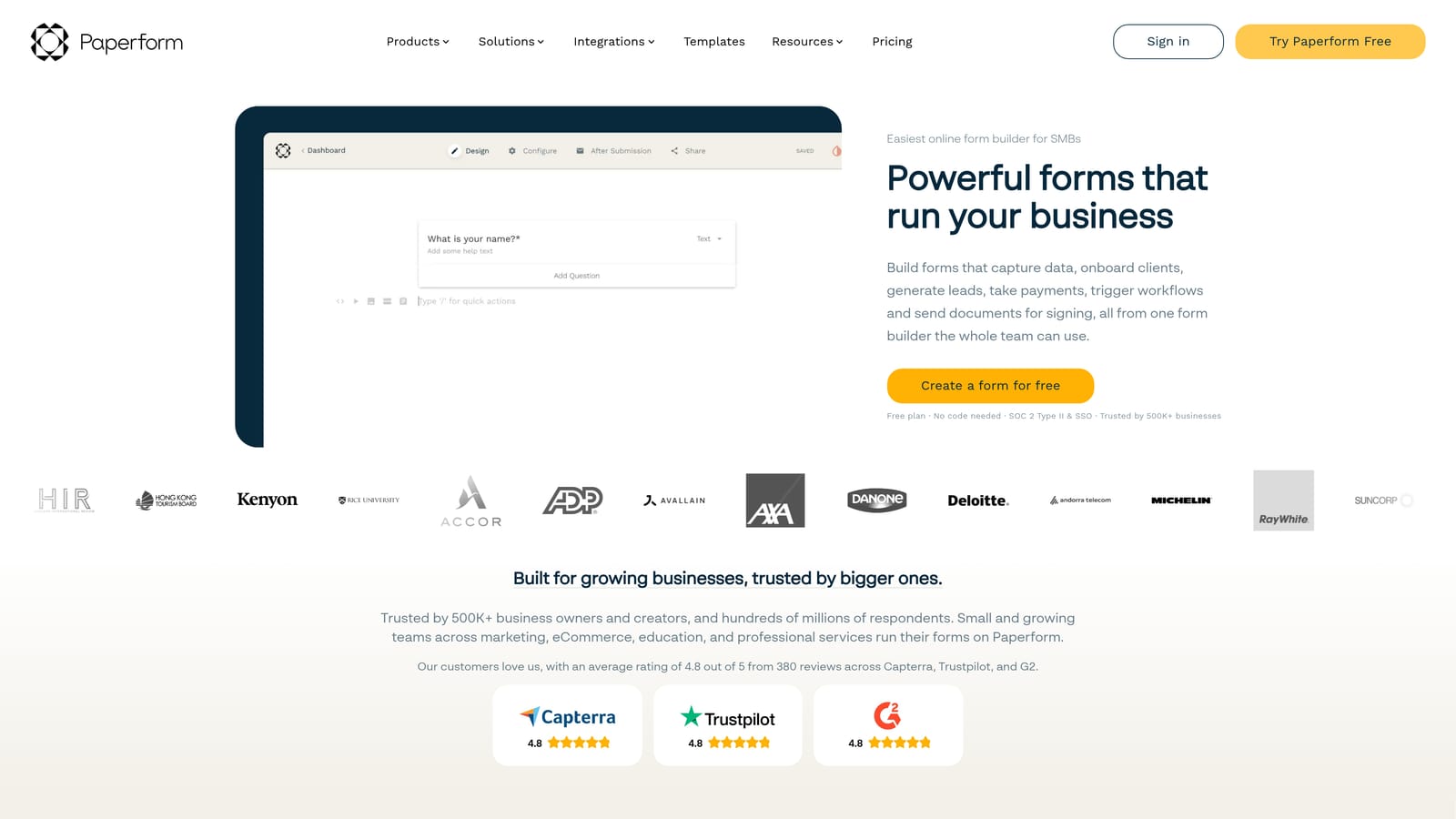
Paperform is a flexible form builder that blends survey creation with landing page design, product sales, and appointment booking in a single platform.
Where This Tool Shines
Paperform's editor is unlike most form builders. Rather than a traditional field-by-field interface, it feels more like writing a document: you type naturally, and form fields appear inline with your text. That makes it particularly good for creating forms that feel like polished, branded pages rather than generic questionnaires.
The platform's range is its biggest selling point for small businesses. You can build a lead capture form, a product sales page, a booking form for client appointments, and a customer survey all within the same tool. For teams trying to consolidate their stack, that versatility has real value.
Key Features
Document-Style Editor: Combines text and form fields naturally, creating forms that read more like branded landing pages.
Built-In Payments and Product Sales: Sell products or collect payments directly through Paperform without a separate e-commerce tool.
Appointment Scheduling: Built-in booking and scheduling functionality for service-based businesses.
Conditional Logic and Calculations: Dynamic fields that respond to input, including calculation fields for pricing or scoring.
Custom Domain Support: Host your form pages on your own domain for a fully branded experience.
Best For
Paperform works best for consultants, coaches, and small business owners who want a versatile tool that handles multiple jobs without requiring separate subscriptions for forms, scheduling, and payments. It's less optimized for high-volume lead gen at scale.
Pricing
There is no permanent free plan. Paid plans start around $24 per month billed annually, with higher tiers unlocking more submissions and advanced features.
6. Formstack
Best for: Enterprise and mid-market organizations with complex workflow, compliance, and document automation needs.
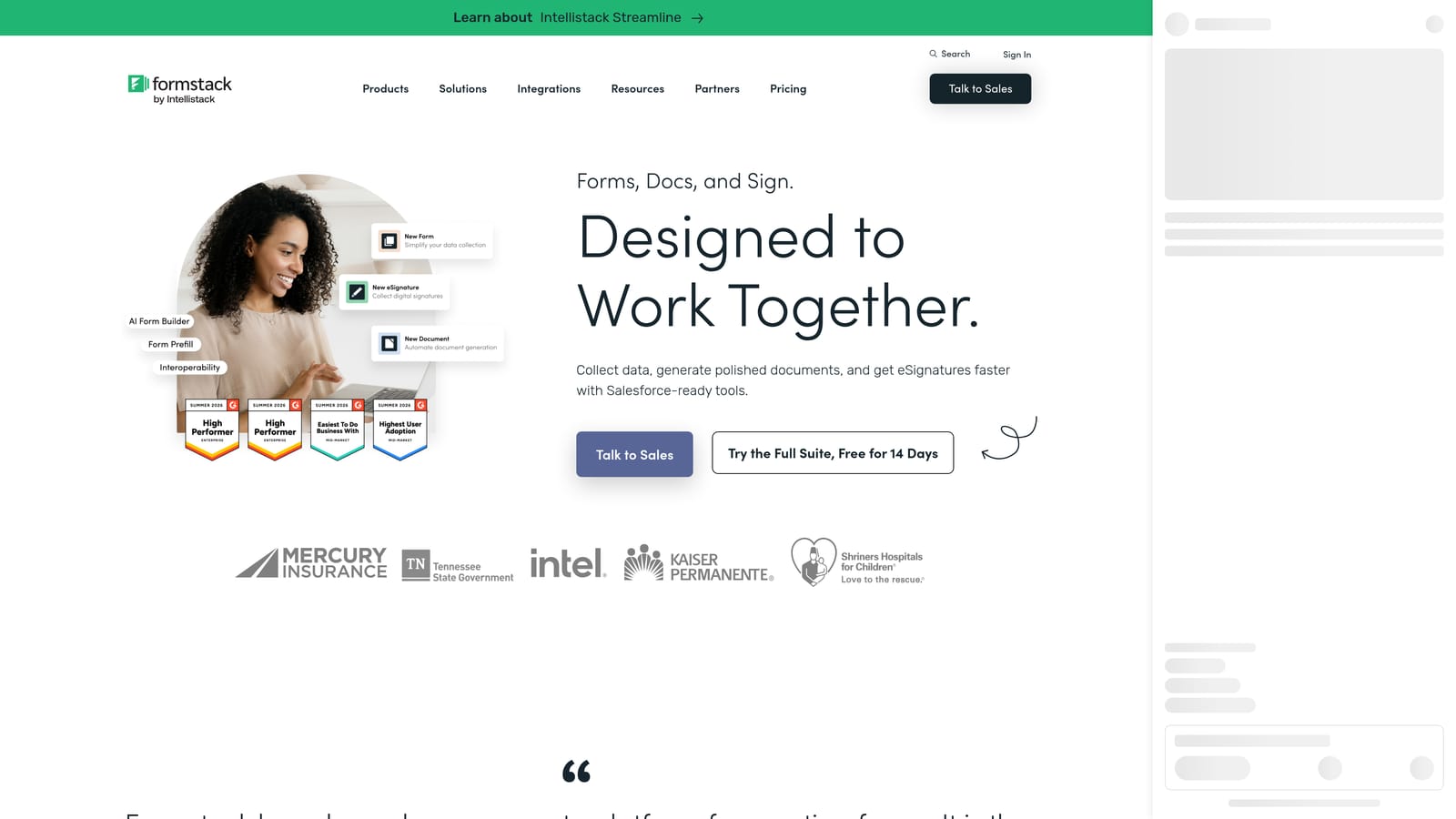
Formstack is an enterprise-grade platform that extends well beyond form building into document generation, e-signatures, and multi-step workflow automation.
Where This Tool Shines
Formstack is built for organizations where data doesn't just get collected: it gets routed, reviewed, signed, and archived across multiple teams and systems. Its workflow automation capabilities allow you to build complex approval chains and data routing logic that most form builders simply can't replicate.
Compliance is another area where Formstack stands apart. Support for HIPAA, FERPA, and SOC 2 makes it appropriate for healthcare organizations, educational institutions, and any business operating under strict data governance requirements. The native Salesforce integration is also deeper than what you'll find with most competitors.
Key Features
Advanced Workflow Automation: Multi-step data routing and approval workflows for complex organizational processes.
Document Generation and E-Signatures: Create documents from form data and collect legally binding signatures in the same platform.
Compliance Certifications: HIPAA, FERPA, and SOC 2 compliance options for regulated industries.
Salesforce Native Integration: Deep, native Salesforce integration for enterprise CRM workflows.
Multi-Step Form Logic: Sophisticated conditional logic and approval workflows for complex data collection scenarios.
Best For
Formstack is the right choice for larger organizations in healthcare, education, financial services, or any regulated industry where compliance, document automation, and complex approval workflows are non-negotiable requirements. It's significantly more expensive and complex than the other tools on this list, and that's intentional.
Pricing
There is no free plan. Pricing is available on request and is typically structured for mid-market and enterprise budgets. Expect costs that reflect the platform's compliance and automation depth.
Which Tool Is Right for Your Team?
Each tool on this list does something well. The question is whether what it does well matches what your team actually needs.
Orbit AI is the clear choice if lead qualification is your primary goal. It's the only platform here built around the idea that a form should actively identify your best prospects, not just store their contact details.
Typeform excels when respondent engagement and survey completion matter most. Its conversational format is genuinely effective for research, NPS, and audience surveys.
Jotform is the right pick for teams that need breadth: payments, e-signatures, compliance, and a massive template library across a wide range of use cases.
Tally is the best free option by a significant margin. If you need clean, functional forms without a budget, start here.
Paperform suits small businesses and solo operators who want one tool to handle forms, landing pages, scheduling, and payments without juggling multiple subscriptions.
Formstack is purpose-built for enterprise teams with compliance requirements and complex workflow automation needs that simpler tools can't meet.
If lead generation and conversion are your priorities, the choice is straightforward. Transform your lead generation with AI-powered forms that qualify prospects automatically while delivering the modern, conversion-optimized experience your high-growth team needs. Start building free forms today and see how intelligent form design can elevate your conversion strategy.


