Building forms shouldn't require a computer science degree. Whether you're collecting leads, gathering feedback, or processing orders, the right form builder gets you from idea to live form in minutes—not hours. We've tested dozens of form builders to find the ones that truly deliver on simplicity without sacrificing functionality.
This list focuses on tools that anyone can use, regardless of technical skill, while still offering the features modern websites need. Here are the top simple form builders that make creating professional, conversion-ready forms genuinely easy.
1. Orbit AI
Best for: High-growth teams who need lead qualification built directly into their forms
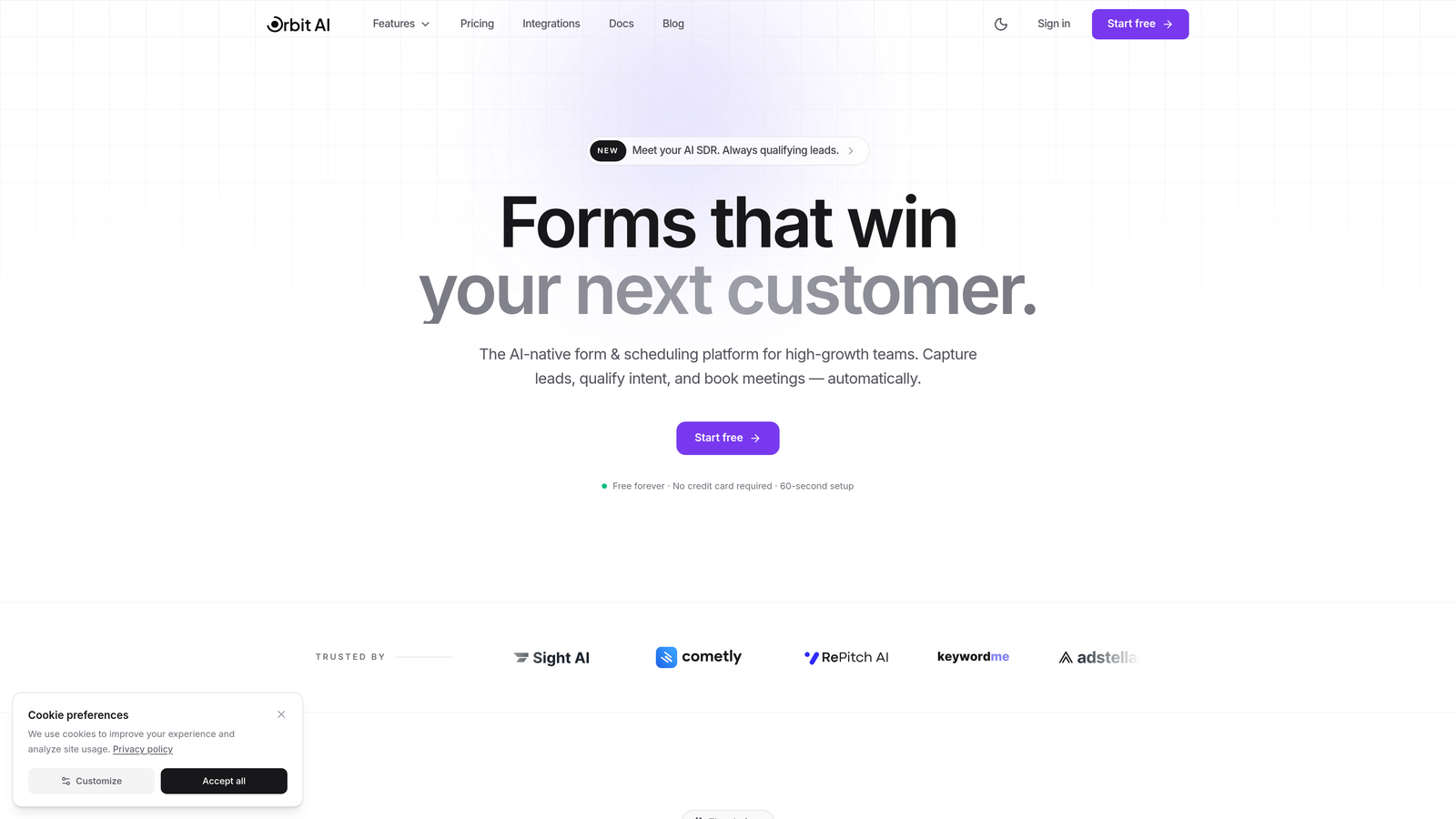
Orbit AI is an AI-powered form builder that combines simple drag-and-drop creation with intelligent lead qualification capabilities.
Where This Tool Shines
Orbit AI stands out by automatically qualifying leads as they fill out your forms. Instead of collecting raw submissions and sorting through them later, the AI analyzes responses in real-time to identify your most promising prospects.
The platform delivers a modern building experience with beautiful templates designed specifically for conversion optimization. You're not just creating forms—you're building intelligent lead generation systems that work smarter from day one.
Key Features
AI-Powered Lead Qualification: Automatically scores and prioritizes leads based on their responses, saving hours of manual review.
Modern Drag-and-Drop Builder: Intuitive interface with professionally designed templates that look great on any device.
Smart Conditional Logic: Create dynamic forms that adapt based on user responses with branching paths.
Built-in Analytics: Track conversion rates, completion times, and form performance without connecting external tools.
Native CRM Integrations: Connect seamlessly with popular sales and marketing platforms to automate your workflow.
Best For
Marketing teams and sales organizations focused on lead generation who need more than just data collection. Perfect for B2B companies, SaaS businesses, and agencies where lead quality matters as much as quantity.
Pricing
Pricing is quoted on a short demo, and Orbit has no free plan. Book a demo to see it with your own forms.
2. Typeform
Best for: Creating engaging, conversational form experiences with high completion rates
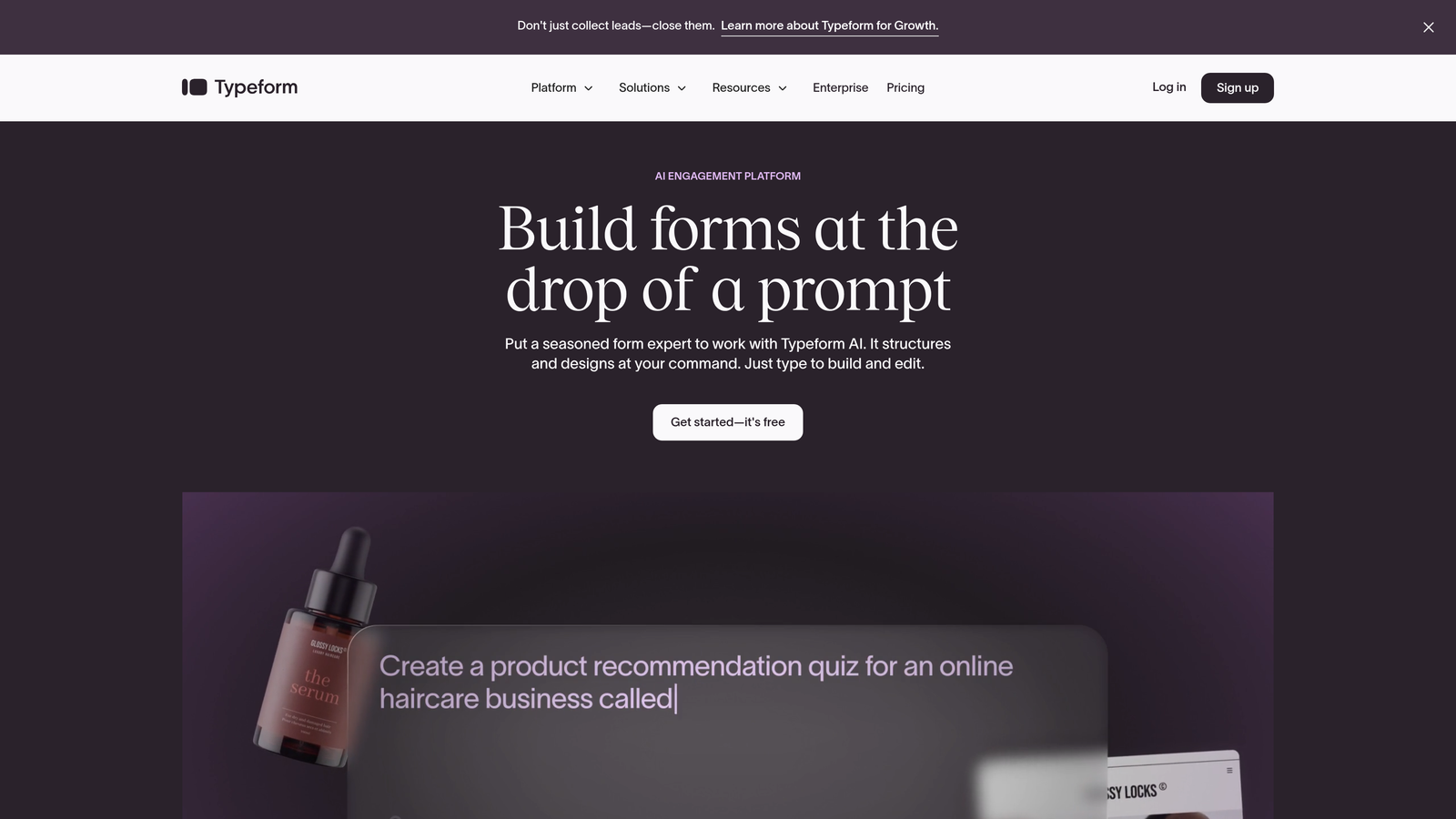
Typeform is a conversational form builder known for its one-question-at-a-time format that creates human-feeling interactions.
Where This Tool Shines
Typeform revolutionized online forms by ditching the traditional all-questions-on-one-page approach. Instead, each question appears individually, creating a conversation-like flow that feels less overwhelming and more engaging.
The platform excels at maintaining user attention through its clean, distraction-free interface. Completion rates often exceed traditional forms because the experience feels more like a chat than a tedious questionnaire.
Key Features
Conversational Format: One question displays at a time, creating an engaging flow that reduces form abandonment.
Beautiful Mobile Design: Forms automatically adapt to any screen size with smooth, touch-friendly interactions.
Logic Jumps: Route users to different questions based on their previous answers for personalized experiences.
Rich Media Embedding: Add videos, images, and GIFs directly into questions to enhance engagement.
Integration Ecosystem: Connect with hundreds of tools including Slack, Google Sheets, HubSpot, and Mailchimp.
Best For
Businesses prioritizing user experience and engagement over pure functionality. Ideal for customer feedback surveys, event registrations, and lead capture where completion rates matter more than complex data collection.
Pricing
Free tier allows 10 responses per month. Paid plans start at $25/month for unlimited responses and additional features like logic jumps and integrations.
3. Jotform
Best for: Users who want extensive template options and don't want to build from scratch
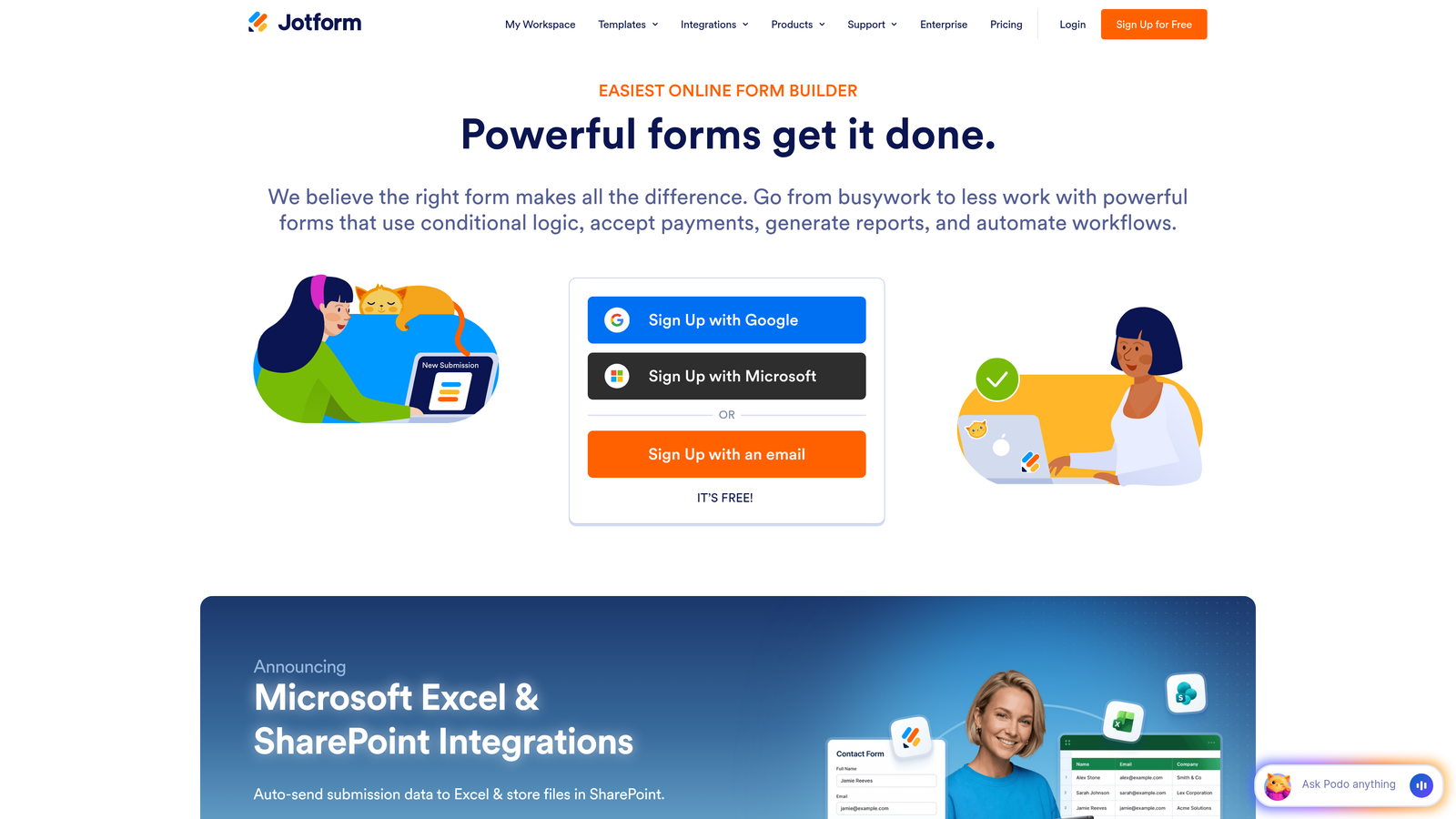
Jotform is a feature-rich form builder offering one of the largest template libraries available with drag-and-drop simplicity.
Where This Tool Shines
Jotform's massive template library means you'll rarely need to start from a blank canvas. With over 10,000 pre-built templates covering virtually every use case, you can find something close to your needs and customize it in minutes.
The platform balances simplicity with depth remarkably well. Beginners can publish professional forms quickly using templates, while advanced users can access powerful features like payment processing, PDF generation, and complex conditional logic.
Key Features
10,000+ Templates: Pre-built forms for every industry and use case, from job applications to event registrations.
Drag-and-Drop Editor: Intuitive builder that makes customization straightforward without coding knowledge.
Payment Processing: Accept payments directly through forms with integrations for PayPal, Stripe, Square, and more.
PDF Generation: Automatically convert form submissions into customized PDF documents and e-signatures.
Mobile App: Manage forms, view submissions, and collect data offline through iOS and Android apps.
Best For
Small businesses and organizations that need versatile forms for multiple purposes—registration, payments, applications, and surveys—all from one platform. Excellent for users who value having every feature available rather than paying for add-ons.
Pricing
Free tier includes 5 forms with 100 monthly submissions. Paid plans start at $34/month, offering more forms, submissions, and advanced features like HIPAA compliance.
4. Google Forms
Best for: Basic data collection with automatic spreadsheet integration, completely free
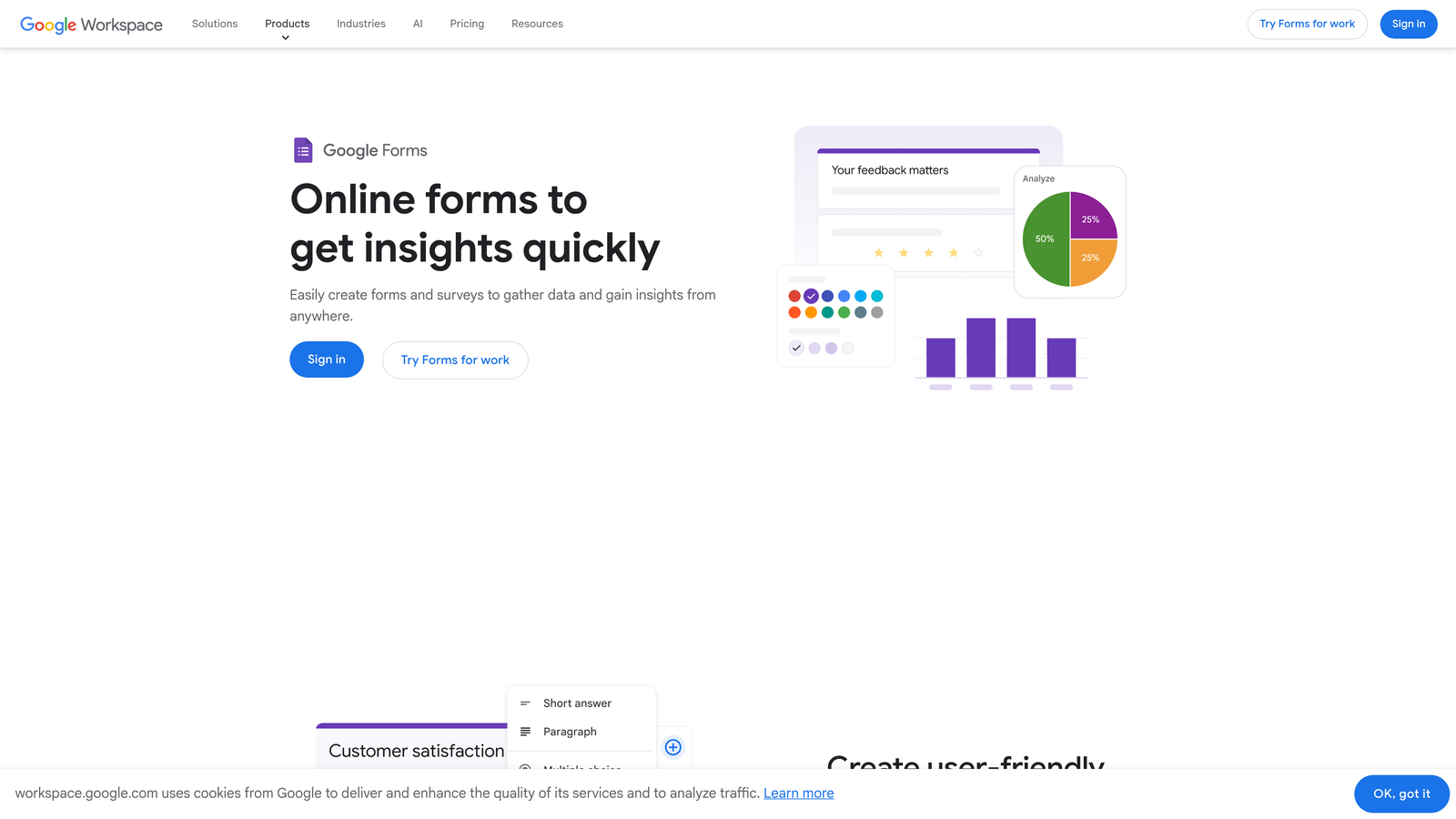
Google Forms is a straightforward form builder that integrates seamlessly with Google Workspace for simple data collection needs.
Where This Tool Shines
Google Forms wins on accessibility and cost—it's completely free with unlimited forms and responses. For teams already using Google Workspace, the automatic Google Sheets integration eliminates manual data export entirely.
The platform excels at collaborative form building. Multiple team members can edit forms simultaneously, and real-time response tracking means everyone sees submissions as they arrive without refreshing or exporting.
Key Features
Completely Free: Unlimited forms, unlimited responses, and all core features at no cost with a Google account.
Google Sheets Integration: Responses automatically populate a spreadsheet for easy analysis and sharing.
Real-Time Collaboration: Multiple users can build and edit forms together simultaneously.
Basic Conditional Logic: Show or hide questions based on previous answers for simple branching.
Quiz Functionality: Create self-grading quizzes with automatic scoring and answer feedback.
Best For
Budget-conscious users, educators, nonprofits, and small teams who need straightforward data collection without advanced features. Perfect for internal surveys, event RSVPs, and basic lead capture where simplicity trumps sophistication.
Pricing
Entirely free with a Google account. No paid tiers or premium features—what you see is what you get.
5. Tally
Best for: Users who want unlimited forms and submissions without paying for a premium plan
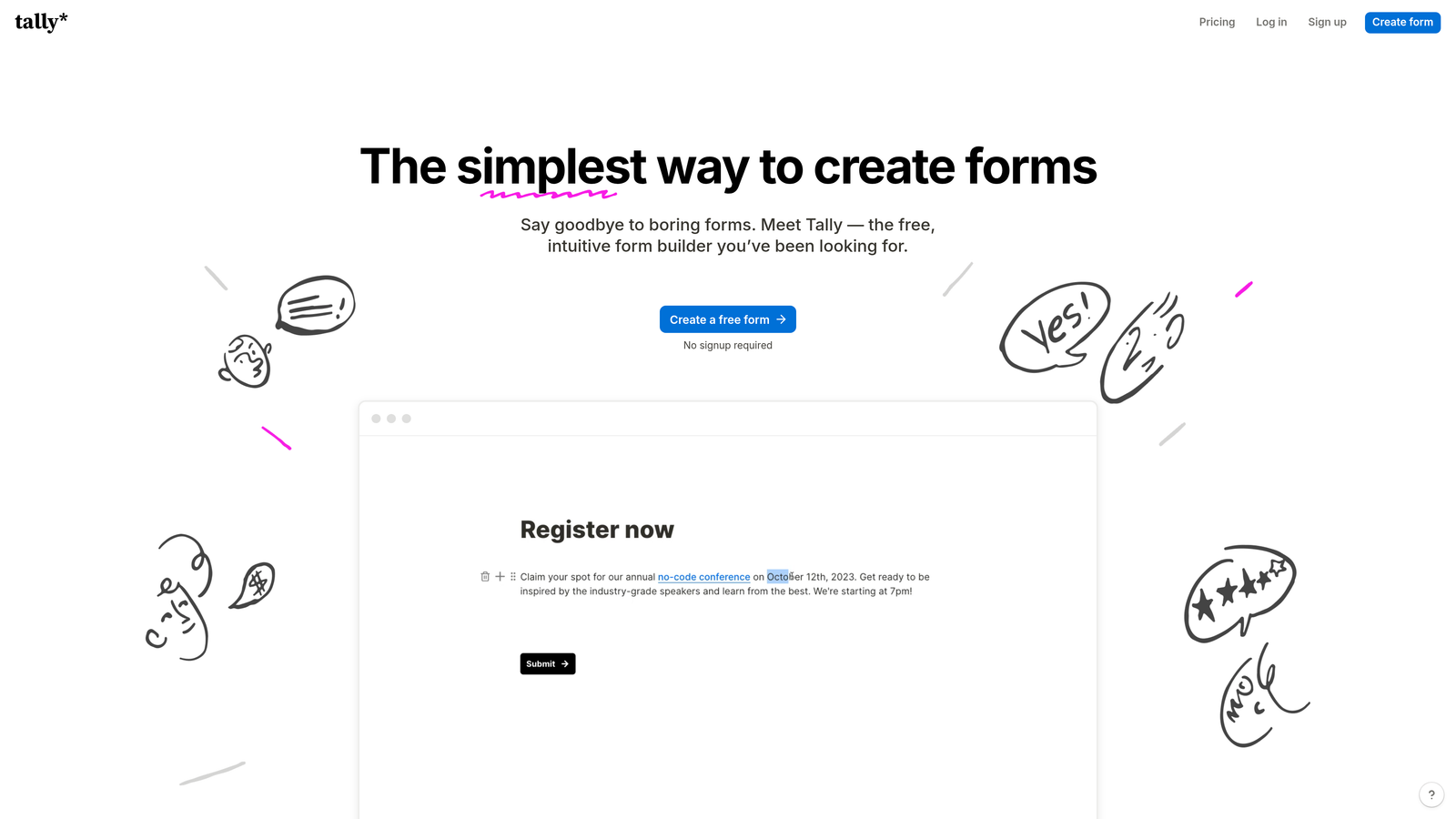
Tally is a Notion-inspired form builder offering a clean, minimalist interface with an exceptionally generous free tier.
Where This Tool Shines
Tally disrupts the form builder pricing model by offering unlimited forms and unlimited submissions on its free plan. Most competitors cap free tiers at 100-500 responses monthly, making Tally a game-changer for high-volume use cases.
The Notion-style block-based editor feels familiar to anyone who's used modern productivity tools. Building forms feels more like writing a document than configuring software, making the learning curve nearly flat.
Key Features
Unlimited Free Tier: Create unlimited forms with unlimited submissions at no cost—no hidden catches.
Block-Based Editor: Notion-inspired interface where you build forms by adding and arranging content blocks.
Conditional Logic: Show or hide questions dynamically based on user responses for personalized experiences.
File Uploads and Signatures: Collect documents and electronic signatures directly through your forms.
Custom Domains: Use your own domain for forms on paid plans to maintain brand consistency.
Best For
Startups, freelancers, and growing businesses that need professional forms without subscription costs. Excellent for anyone comfortable with Notion's interface who wants that same simplicity in their form builder.
Pricing
Free tier is genuinely unlimited for forms and responses. Pro plan at $29/month adds custom domains, hidden fields, and priority support.
6. Paperform
Best for: Creating forms that double as landing pages with rich media and branding
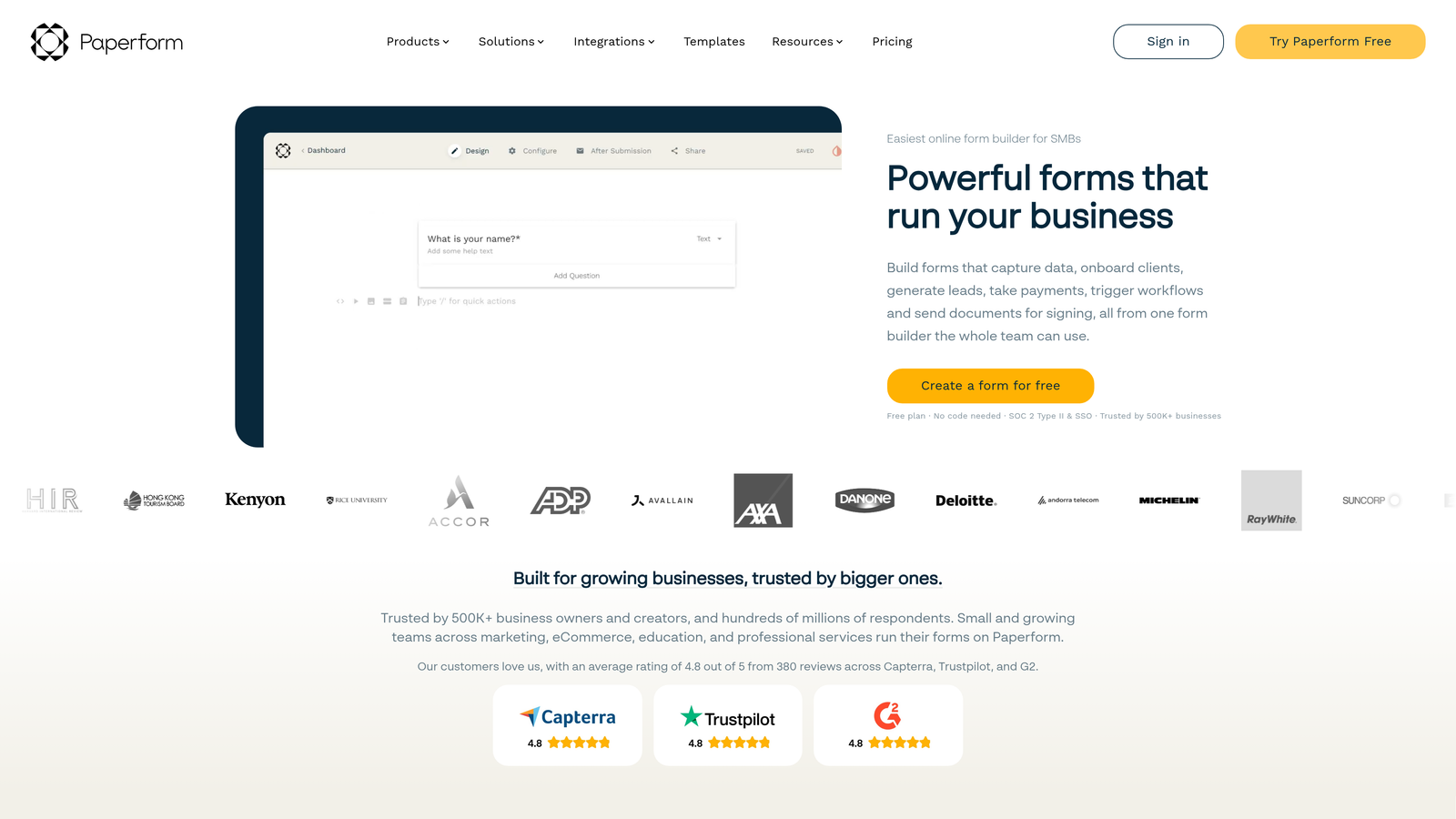
Paperform is a form builder that creates document-style forms functioning as branded landing page experiences.
Where This Tool Shines
Paperform blurs the line between forms and landing pages. Instead of sterile input fields, you create rich, branded experiences with images, videos, and custom formatting that feel like complete web pages.
The platform's strength lies in its versatility for commerce and bookings. Built-in payment processing and appointment scheduling mean you can sell products, book services, or collect payments without connecting external tools.
Key Features
Document-Style Editor: Build forms that look like branded landing pages with rich media and custom formatting.
Payment Processing: Accept payments directly through Stripe and PayPal integrations without third-party tools.
Advanced Calculations: Create pricing calculators, quote generators, and dynamic pricing based on user selections.
Scheduling Integration: Embed appointment booking directly into forms for service-based businesses.
Custom Success Pages: Design branded thank-you pages or redirect users to specific URLs after submission.
Best For
Service businesses, consultants, and e-commerce sellers who need forms that handle transactions and bookings. Perfect for anyone wanting forms that match their brand aesthetic rather than looking like generic web forms.
Pricing
Plans start at $24/month with no free tier, but a 14-day trial lets you test before committing. Higher tiers unlock more submissions and advanced features.
7. Fillout
Best for: Teams using Airtable or Notion who want native database integration
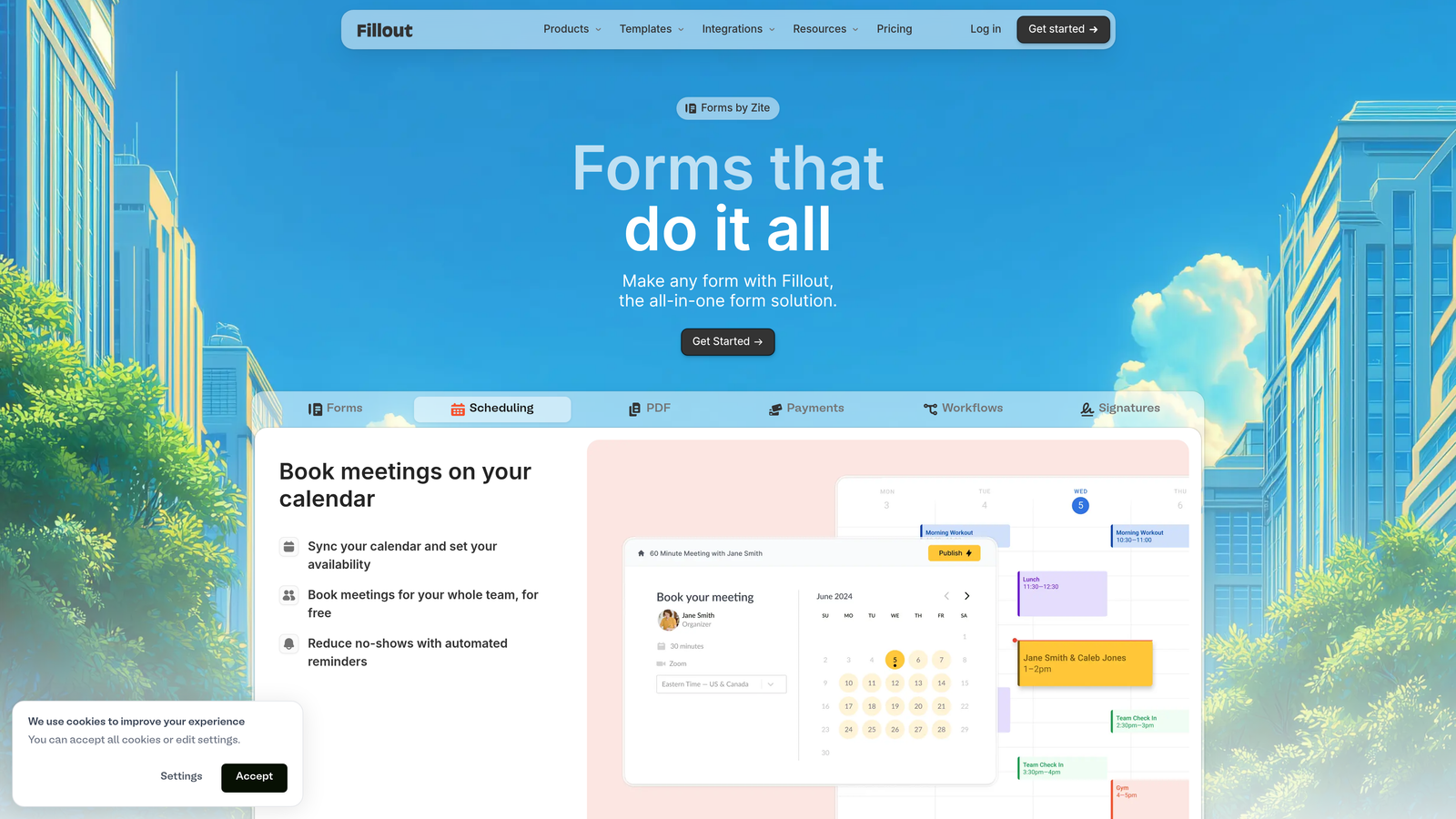
Fillout is a modern form builder with native Airtable and Notion integrations designed for database-first workflows.
Where This Tool Shines
Fillout eliminates the integration middleware that other form builders require. Forms connect directly to your Airtable bases or Notion databases, writing submissions as new records without Zapier or Make in the middle.
The platform's pre-fill capability transforms forms into dynamic update tools. You can send users forms that already contain their existing data, letting them update information rather than re-entering everything from scratch.
Key Features
Native Database Integration: Direct connections to Airtable and Notion that write submissions as database records automatically.
Pre-Fill Functionality: Populate forms with existing data from your database for updates and confirmations.
Conditional Logic: Create branching paths that adapt based on user responses for personalized experiences.
Multi-Page Forms: Break long forms into multiple pages with progress bars to improve completion rates.
Custom Thank-You Pages: Design branded confirmation pages or redirect users after successful submission.
Best For
Teams already managing data in Airtable or Notion who want forms that integrate natively with their existing systems. Ideal for operations teams, project managers, and anyone tired of manual data transfer between tools.
Pricing
Free tier available with basic features. Paid plans start at $15/month, offering unlimited forms and advanced integration capabilities.
8. HubSpot Forms
Best for: Marketing and sales teams already using HubSpot CRM for contact management
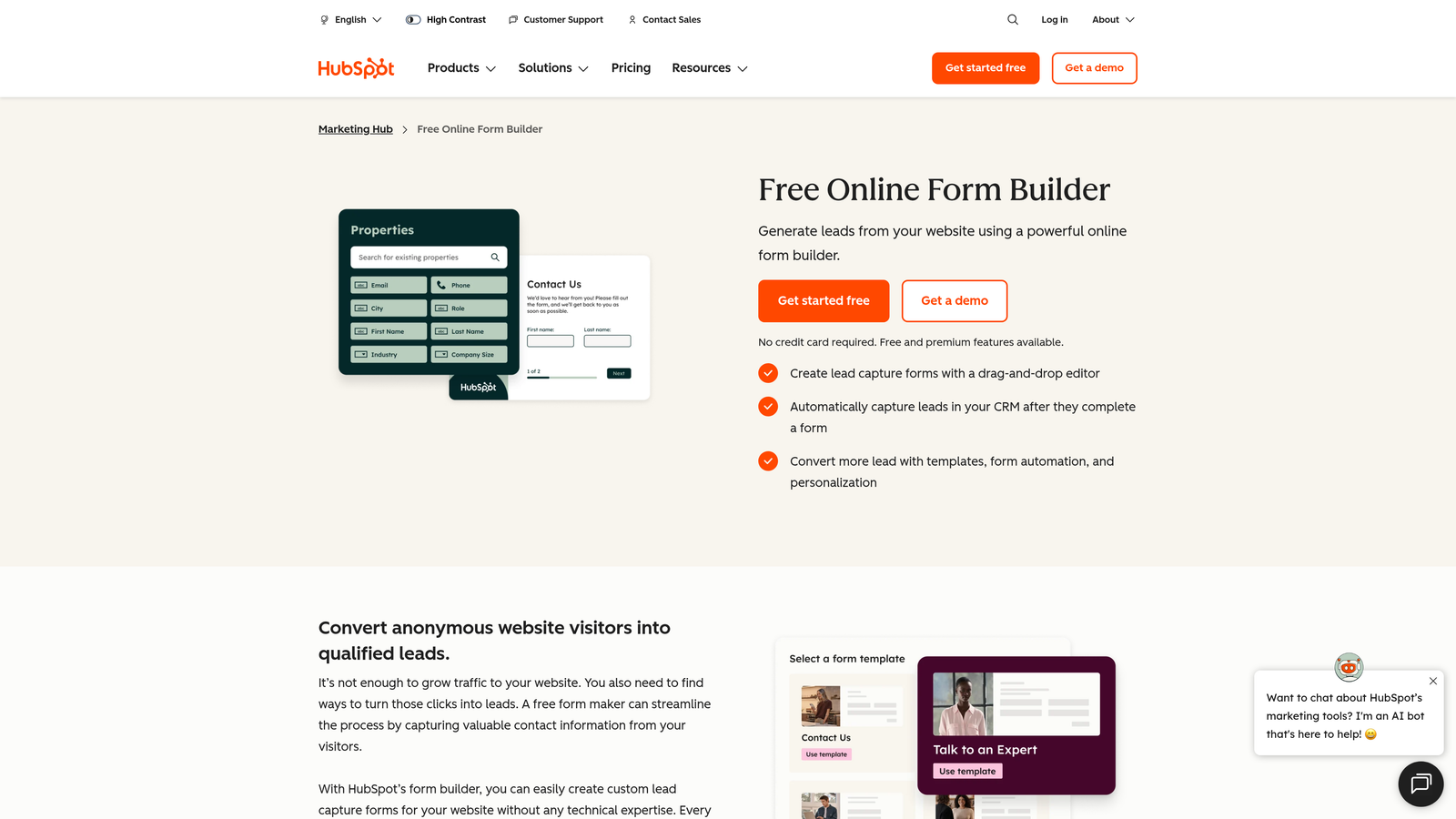
HubSpot Forms is a free form builder included with HubSpot CRM that automatically creates contacts and tracks interactions.
Where This Tool Shines
HubSpot Forms transforms submissions into actionable CRM data automatically. Every form submission creates or updates a contact record, logs the interaction, and triggers your marketing automation—all without manual intervention.
Progressive profiling sets HubSpot apart for long-term lead nurturing. Forms automatically hide questions a contact has already answered, showing new questions instead to gradually build complete profiles without overwhelming users.
Key Features
Free with HubSpot CRM: Full form functionality included at no cost with a free HubSpot account.
Automatic Contact Creation: Submissions instantly create or update CRM records with complete interaction history.
Progressive Profiling: Forms adapt to show different questions to returning visitors, building richer profiles over time.
A/B Testing: Test different form variations to optimize conversion rates on paid Marketing Hub tiers.
Marketing Automation: Trigger email sequences, workflows, and sales notifications based on form submissions.
Best For
Marketing teams and sales organizations using HubSpot for CRM and marketing automation. Perfect for B2B companies focused on lead nurturing where form data needs to flow directly into sales pipelines.
Pricing
Completely free with HubSpot CRM. Advanced features like A/B testing and automation require paid Marketing Hub subscriptions starting at higher tiers.
9. Formspree
Best for: Developers who want form backends without managing servers or databases
Formspree is a backend-as-a-service for forms, allowing developers to add form functionality to any website without server management.
Where This Tool Shines
Formspree solves the developer's dilemma: you can build beautiful custom forms in HTML, but handling submissions requires backend infrastructure. Formspree provides the backend, so your forms work without writing server code.
The platform works with any HTML form, making it perfect for static sites, JAMstack applications, or custom-coded websites. Point your form action to Formspree's endpoint, and submissions flow to your dashboard instantly.
Key Features
Works with Any HTML: Add form handling to existing HTML forms by simply changing the action attribute.
No Backend Required: Handle submissions, validation, and storage without writing server-side code.
Built-in Spam Filtering: Automatic spam protection keeps junk submissions out of your inbox.
File Upload Support: Accept file uploads through forms without configuring storage infrastructure.
Webhooks and Integrations: Send form data to other services via webhooks or native integrations.
Best For
Web developers building static sites, JAMstack applications, or custom websites who need form functionality without backend complexity. Ideal for agencies managing multiple client sites or developers who want full design control.
Pricing
Free tier includes 50 submissions per month. Paid plans start at $10/month for 1,000 submissions with additional features like custom redirects and AJAX support.
Making the Right Choice
Choosing the right form builder comes down to matching features to your specific workflow. For teams focused on lead generation and conversion optimization, Orbit AI delivers intelligent qualification that turns form submissions into actionable insights—the AI automatically identifies your best prospects while you focus on closing deals.
If engagement is your priority, Typeform's conversational approach keeps visitors clicking through to completion. Budget-conscious users can't beat Google Forms or Tally's free tiers, which offer surprising functionality at zero cost. And for those embedded in specific ecosystems—whether HubSpot, Notion, or Airtable—choosing a tool with native integration saves hours of manual data transfer.
Think about your primary use case before committing. Are you collecting leads that need immediate qualification? Building customer surveys where completion rates matter? Processing payments and bookings? Managing data that flows into existing databases? The answer determines which tool fits best.
Most platforms offer free trials or generous free tiers, so test your top pick with a real form before fully committing. Book a demo and see how intelligent form design can elevate your conversion strategy. The best form builder is the one you'll actually use—and with options this simple, there's no excuse for settling for clunky, outdated forms on your website.