

Typeform changed how we think about forms. Before it came along, most online forms felt like filling out a tax return: cold, clinical, and about as engaging as a waiting room. Typeform's one-question-at-a-time format made data collection feel like a conversation, and for that, it deserves genuine credit.
But the form builder landscape has evolved dramatically since then. Today's high-growth teams need more than beautiful design. They need AI-powered lead qualification, flexible pricing that doesn't punish growth, deeper integrations with modern data stacks, and forms that optimize for lead quality, not just completions. Many teams have found Typeform's pricing tiers restrictive and its feature set more design-focused than conversion-focused.
This guide compares the top Typeform alternatives head-to-head across features, pricing, and ideal use cases. We evaluated each tool on five criteria: design flexibility, integration ecosystem, pricing transparency, lead generation capabilities, and ease of use. Whether you're a lean startup or a scaling SaaS team, there's a better fit for your workflow here.
1. Orbit AI
Best for: High-growth teams that need AI-powered lead qualification built directly into their forms
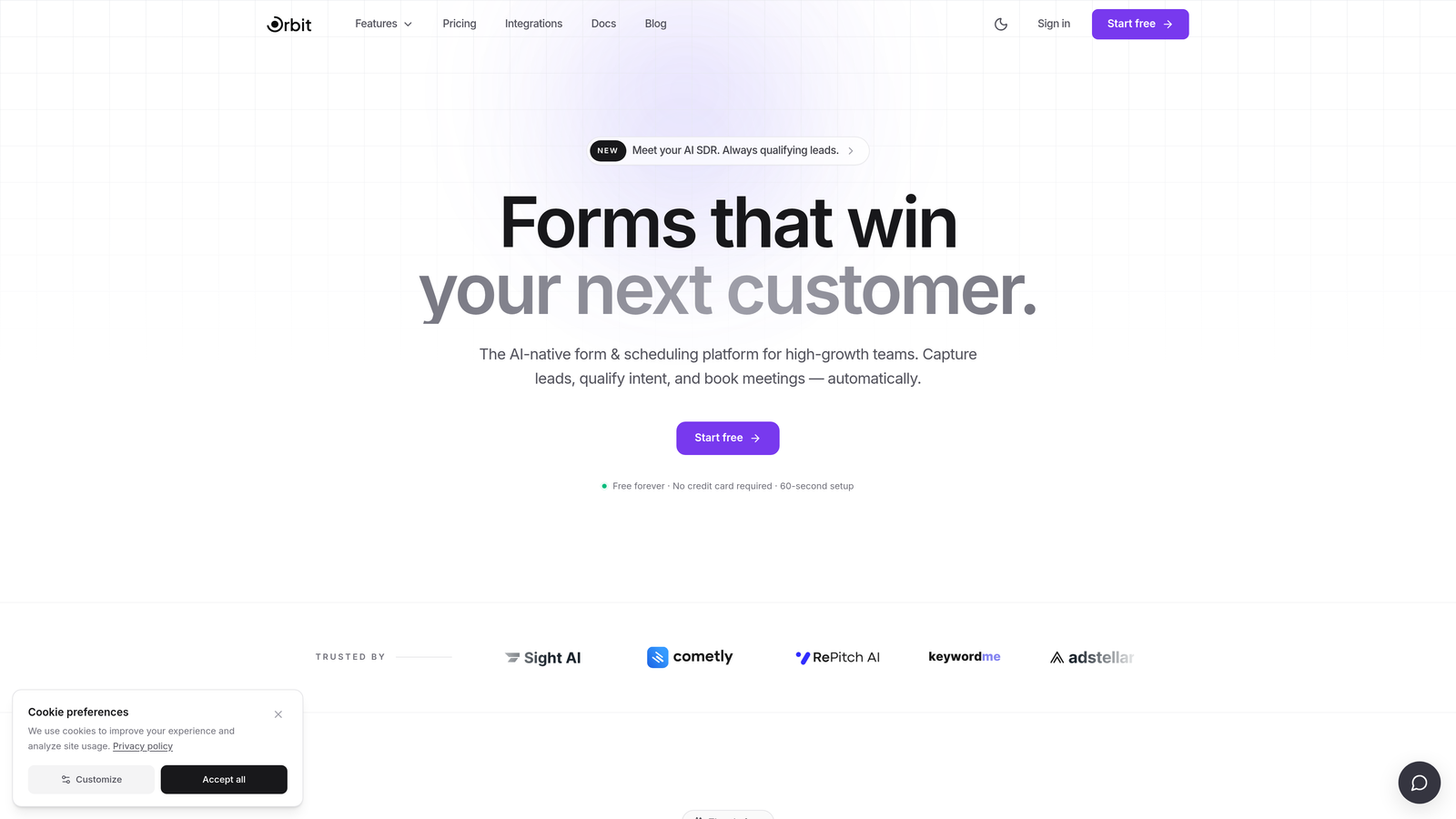
Orbit AI is an AI-native form builder designed specifically for teams where lead quality matters more than lead volume.
Where This Tool Shines
Most form builders collect data and hand it off. Orbit AI goes a step further by qualifying that data in real time. The platform's AI-powered lead scoring works inside the form itself, meaning by the time a submission lands in your CRM, it already comes with context about how qualified that prospect is.
This is a meaningful shift for SaaS and high-growth teams running inbound lead generation at scale. Instead of drowning your sales team in raw submissions to sort manually, Orbit AI routes leads based on qualification signals captured during the form experience. The result is a tighter handoff between marketing and sales, and forms that function more like a top-of-funnel filter than a passive data collector.
Key Features
AI-Powered Lead Qualification: Automatically scores and qualifies leads based on responses, so your team focuses on the highest-value prospects first.
Smart Conditional Logic: Dynamically adapts the form flow based on user inputs, creating a personalized experience without complex manual setup.
Conversion-Optimized Templates: Purpose-built templates designed for lead generation use cases, not generic data collection.
Real-Time Lead Routing: Routes qualified leads to the right team member or pipeline stage the moment a form is submitted.
Modern Form Design: Clean, polished form aesthetics that match the brand standards high-growth teams expect without requiring a designer.
Best For
SaaS companies, marketing teams, and growth-focused businesses that run inbound lead generation and want their forms to do more than collect names and emails. Particularly valuable for teams where sales and marketing alignment is a priority and lead quality is the primary KPI.
Pricing
Visit orbitforms.ai for current plan details. A free starting option is available for teams ready to explore AI-powered form building.
2. Typeform
Best for: Brand-forward surveys, research projects, and experiences where design aesthetics are the top priority
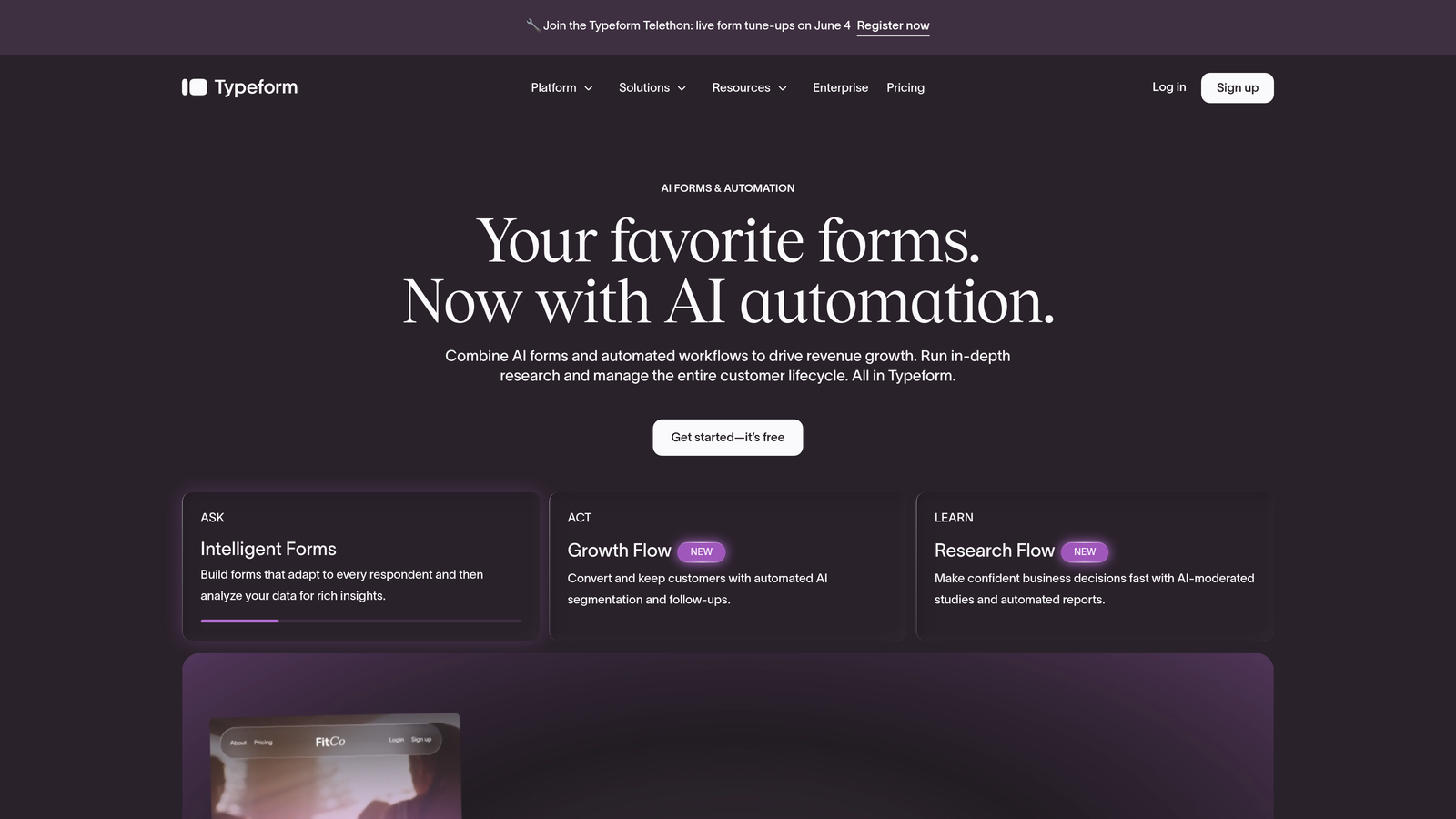
Typeform is the original conversational form builder, known for its signature one-question-at-a-time format and polished visual experience.
Where This Tool Shines
Typeform's core strength is still its UX. When you want respondents to feel like they're having a conversation rather than filling out a form, Typeform delivers that experience better than almost anyone. It's particularly effective for brand surveys, NPS collection, and creative agencies who need forms that reflect a premium visual identity.
The logic jump system is intuitive, and the integration library covers most major platforms. For teams prioritizing completion rate through engaging design, Typeform remains a strong option.
Key Features
Conversational Format: One-question-at-a-time flow that increases engagement and reduces form abandonment in survey contexts.
Design Customization: Strong brand theming, custom fonts, background images, and color controls for visually polished forms.
Logic Jumps: Conditional branching that routes respondents through different question paths based on their answers.
Integration Ecosystem: Connects with Zapier, HubSpot, Slack, Google Sheets, and many other popular tools.
Video Questions: Supports embedded video within questions for richer interactive experiences.
Best For
Marketing teams focused on brand experience, researchers conducting surveys, and companies that prioritize aesthetics and engagement over lead qualification or advanced automation. Less suited for teams that need robust lead scoring or have outgrown Typeform's response limits on lower tiers.
Pricing
Free plan available with limited responses and features. Basic plan starts at approximately $25/month, with pricing increasing significantly for higher response volumes and advanced features.
3. Jotform
Best for: Teams that need a wide variety of form types, including payment forms, PDFs, and e-signatures
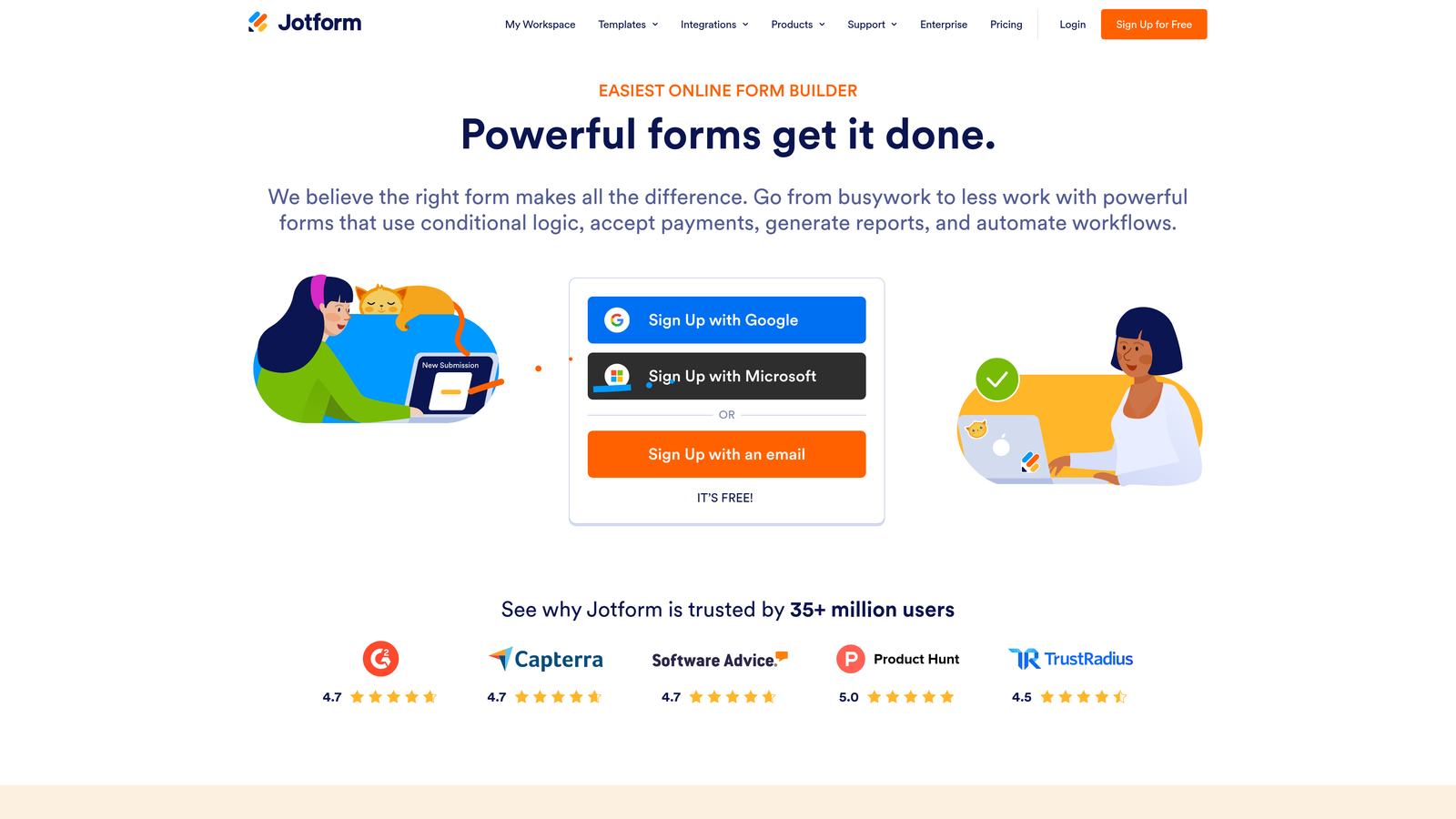
Jotform is one of the most feature-rich form builders available, with over 10,000 templates and a broad widget ecosystem covering nearly every use case imaginable.
Where This Tool Shines
Jotform's depth is its defining characteristic. Whether you need a standard contact form, a multi-step payment checkout, a PDF form with e-signature support, or an industry-specific intake form, there's almost certainly a template waiting for you. The drag-and-drop builder is approachable for non-technical users while still offering enough customization for more complex workflows.
For teams that need to collect payments alongside form data, Jotform's native integrations with PayPal, Stripe, and Square make it a practical choice without needing third-party workarounds.
Key Features
10,000+ Templates: An enormous library of pre-built forms spanning healthcare, education, e-commerce, HR, and more.
Widget Library: Hundreds of add-on widgets for signatures, file uploads, geolocation, product listings, and beyond.
PDF Generation: Automatically converts form submissions into formatted PDF documents.
Payment Collection: Native integrations with major payment processors for order forms and checkout flows.
E-Signature Support: Built-in signature fields for contracts, agreements, and approvals.
Best For
Small businesses, agencies, and operations teams that need a versatile form builder for a wide range of use cases. Particularly strong for teams that regularly need payment forms or document generation alongside standard data collection.
Pricing
Free plan supports up to 5 forms and 100 monthly submissions. Bronze plan starts at approximately $34/month with higher limits and additional features.
4. Tally
Best for: Startups, freelancers, and indie makers who want a generous free tier with a clean, modern interface
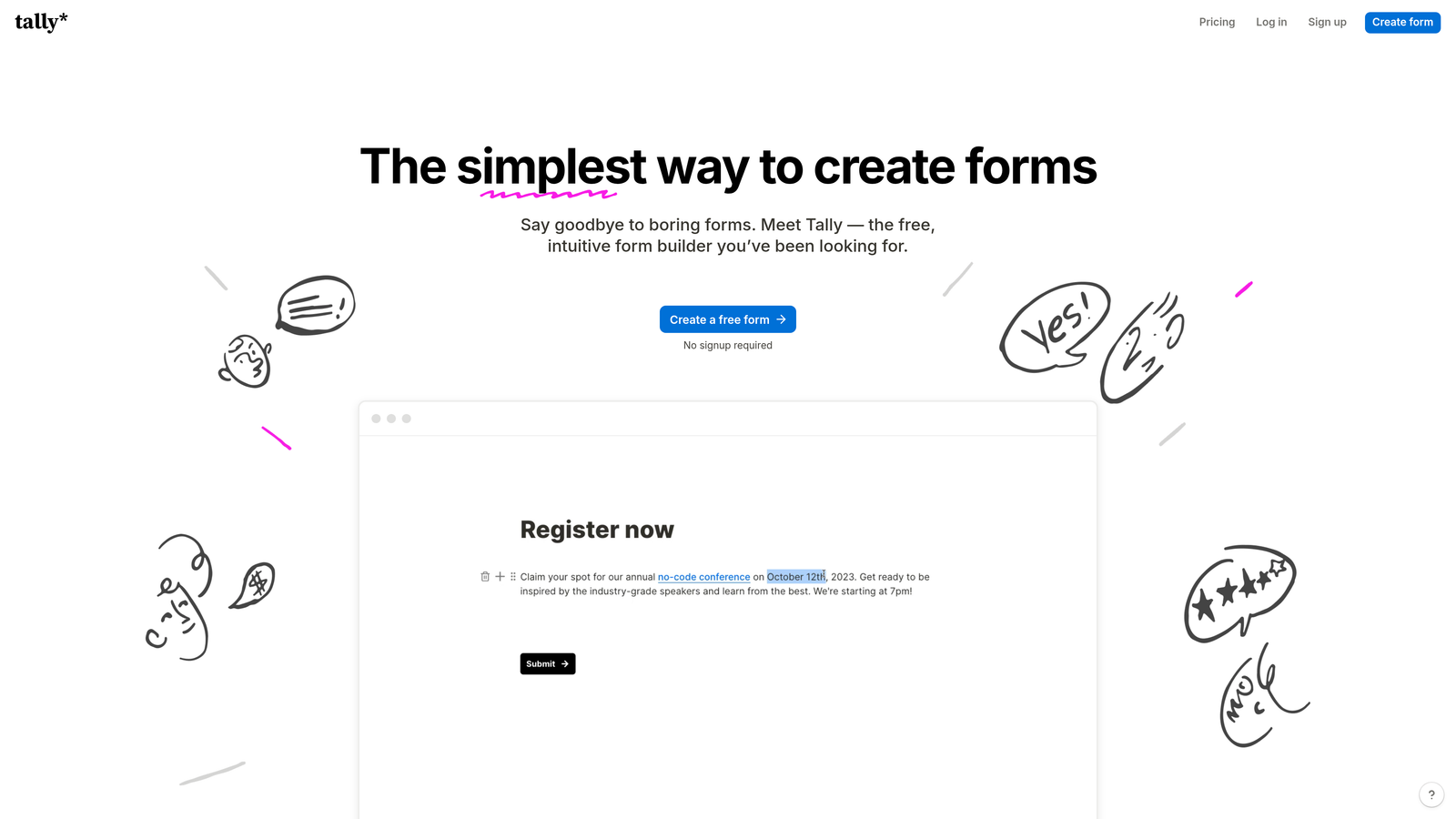
Tally is a minimalist form builder that takes design cues from Notion, offering a block-based editor and one of the most generous free plans in the category.
Where This Tool Shines
Tally's free plan is genuinely remarkable. Unlimited forms, unlimited submissions, conditional logic, hidden fields, and a clean editing experience, all without paying a cent. For teams on tight budgets or individuals building forms for side projects, it's hard to argue with that value proposition.
The block-based editor feels familiar to anyone who uses Notion, making the learning curve almost nonexistent. Forms created in Tally have a clean, distraction-free aesthetic that works well for straightforward data collection without feeling corporate or clunky.
Key Features
Unlimited Free Tier: No limits on forms or submissions on the free plan, which is genuinely rare in this space.
Block-Based Editor: Notion-style editing interface that's intuitive for modern teams already working in document-style tools.
Conditional Logic (Free): Branch logic and hidden fields included at no cost, unlike many competitors who gate these behind paid plans.
Clean Form UX: Minimal, distraction-free form design that keeps respondents focused.
Embeddable Forms: Easy embedding into websites and Notion pages.
Best For
Freelancers, early-stage startups, and individuals who need capable forms without a budget. Also a strong fit for Notion-heavy teams who want forms that feel consistent with their existing workspace aesthetic.
Pricing
Free plan is genuinely feature-rich with no form or submission limits. Pro plan at $29/month unlocks custom domains, file uploads, and Tally branding removal.
5. HubSpot Forms
Best for: Teams already running HubSpot as their CRM who want native form-to-contact automation
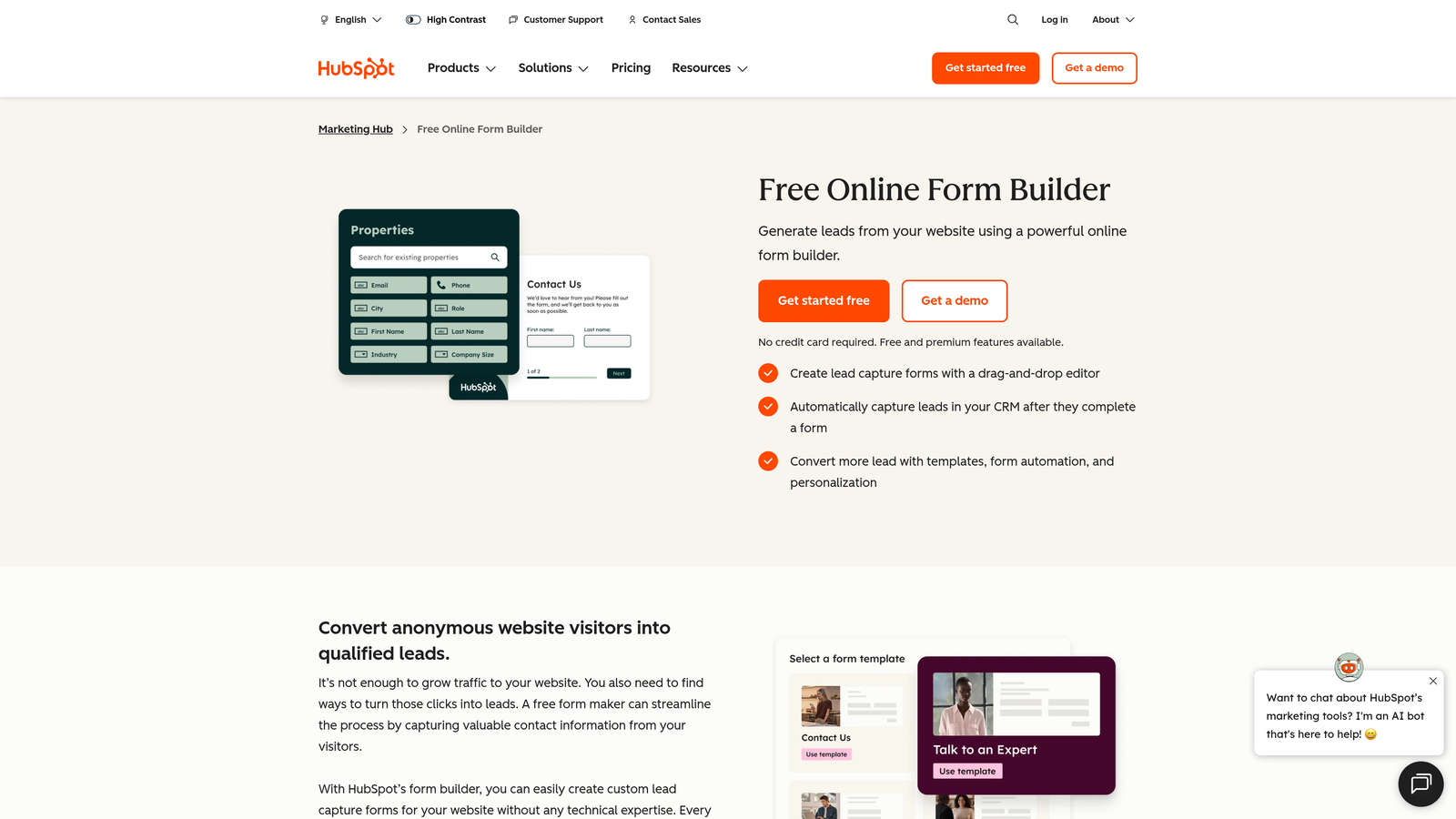
HubSpot Forms is the native form builder within the HubSpot platform, offering seamless CRM integration and automatic contact management without any third-party connectors.
Where This Tool Shines
If your team lives in HubSpot, using HubSpot Forms eliminates an entire layer of integration complexity. Every submission automatically creates or updates a contact record, triggers workflows, and feeds directly into your reporting dashboards. There's no Zapier zap to maintain, no API to configure, and no data mapping to worry about.
Progressive profiling is a standout feature: HubSpot Forms can detect returning contacts and replace already-known fields with new questions, gradually building richer contact profiles over time without overwhelming first-time visitors with long forms.
Key Features
Native CRM Integration: Every submission automatically creates or updates a HubSpot contact with zero configuration required.
Progressive Profiling: Replaces known fields with new questions for returning contacts to enrich data over time.
Smart Fields: Conditional field logic that adapts the form based on contact properties already stored in HubSpot.
Built-In Analytics: Form performance data ties directly into HubSpot's reporting suite for full-funnel visibility.
Workflow Triggers: Form submissions can automatically trigger email sequences, task assignments, and deal creation.
Best For
Marketing and sales teams that are already invested in the HubSpot ecosystem. Less compelling as a standalone tool if you're not using HubSpot CRM, since the form builder itself is fairly basic compared to dedicated alternatives.
Pricing
Free with a HubSpot CRM account. Advanced features like smart fields and progressive profiling require paid Marketing Hub tiers, which start at several hundred dollars per month.
6. Paperform
Best for: Teams that want forms to double as landing pages with rich embedded content
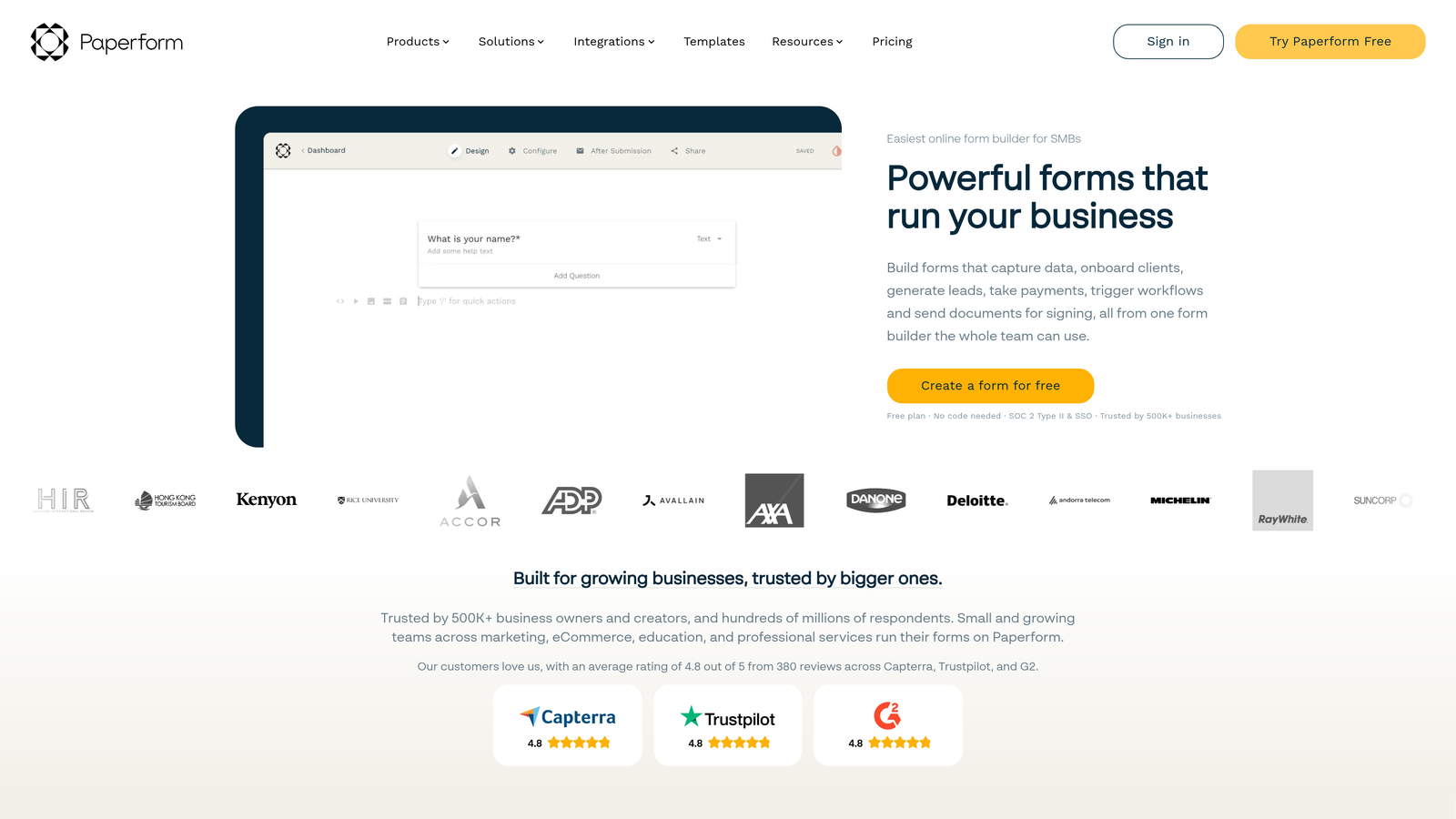
Paperform is a form builder that blurs the line between forms and landing pages, letting you embed rich content like images, videos, and text blocks directly alongside your form fields.
Where This Tool Shines
Paperform's editing experience feels more like building a webpage than filling out a form template. You can intersperse questions with explanatory text, product images, embedded videos, and custom HTML, creating a richer context around what you're asking. This makes it particularly effective for product order forms, event registrations, and intake forms where you want to inform or persuade while collecting data.
The built-in payment and e-commerce capabilities are also genuinely useful, supporting multiple payment processors and even basic product catalog functionality without needing a separate tool.
Key Features
Rich Content Embedding: Mix images, videos, text blocks, and form fields freely within a single document-style editor.
E-Commerce Capabilities: Built-in product listings, pricing calculations, and payment collection for order forms.
Calculation Fields: Dynamic fields that compute values based on other responses, useful for quotes and pricing estimators.
Custom Branding: Full CSS access and custom domain support for white-label form experiences.
Conditional Logic: Show or hide fields, sections, and content blocks based on respondent answers.
Best For
Small businesses, consultants, and creative teams that want forms that feel like polished mini-landing pages. Strong fit for product order forms, event sign-ups, and service intake flows where context and design matter.
Pricing
Essentials plan starts at approximately $24/month. No free plan, but a 14-day trial is available to explore the full feature set.
7. Fillout
Best for: Teams that use Airtable, Notion, or other databases and need forms that sync directly with existing records
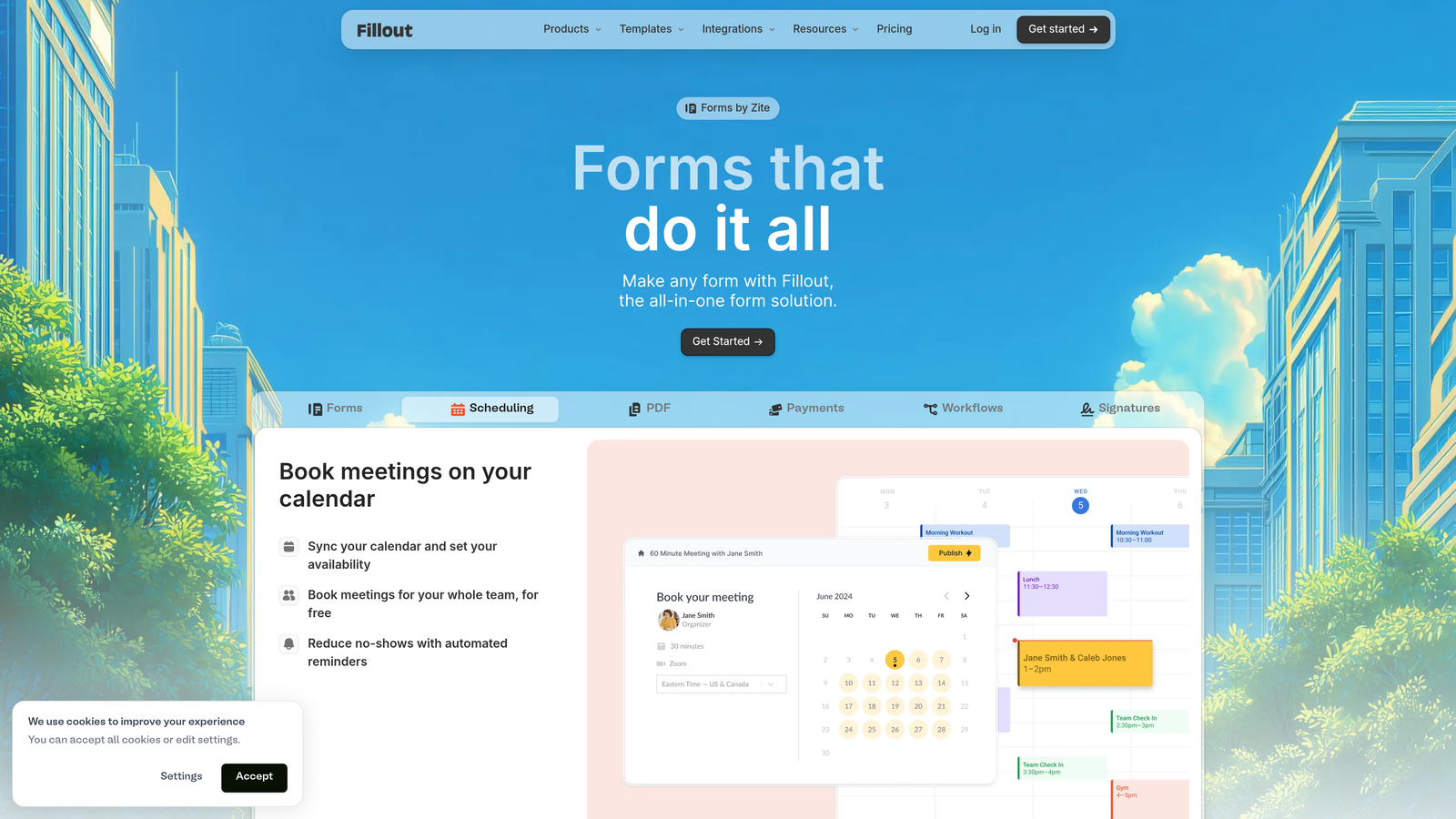
Fillout is a modern form builder built around deep, native integrations with popular databases, enabling two-way data sync that most form builders simply can't match.
Where This Tool Shines
Most form builders push data into a database. Fillout can also pull from one. Its native two-way sync with Airtable and Notion means you can build forms that update existing records, not just create new ones. This opens up use cases like client portals, update request forms, and approval workflows that would otherwise require custom development.
For teams running their operations in Airtable or Notion, Fillout feels like a natural extension of those tools rather than a separate product that needs to be connected via automation glue.
Key Features
Two-Way Database Sync: Reads from and writes to Airtable, Notion, and Google Sheets, not just one-way data pushing.
Record Update Forms: Allows form submissions to update existing database records rather than only creating new ones.
Scheduling Integration: Built-in scheduling capabilities for booking and appointment forms.
Payment Collection: Native Stripe integration for paid forms and checkout flows.
Multi-Page Logic: Multi-step forms with conditional branching and progress indicators.
Best For
Operations teams, project managers, and product teams that run their workflows in Airtable or Notion and need forms that interact with existing data structures. Particularly valuable for client-facing update forms and internal request workflows.
Pricing
Free plan available with core features. Starter plan at approximately $15/month unlocks higher response limits and advanced integration features.
8. Formstack
Best for: Enterprise teams and regulated industries that need compliance features, document workflows, and advanced automation
Formstack is an enterprise-grade form and workflow automation platform built for organizations where data security, compliance, and process automation are non-negotiable requirements.
Where This Tool Shines
Formstack occupies a different tier than most tools on this list. It's not trying to be the simplest or most affordable option; it's designed for organizations in healthcare, finance, and legal industries where HIPAA compliance, audit trails, and document generation are core requirements rather than nice-to-haves.
The workflow automation capabilities go well beyond basic form routing. Formstack can trigger multi-step approval chains, generate pre-populated documents from form data, and collect legally binding e-signatures, all within a single platform.
Key Features
HIPAA Compliance: Built-in data encryption and compliance controls for healthcare and regulated industry use cases.
Document Generation: Automatically generates pre-populated documents from form submissions for contracts and reports.
E-Signature Workflows: Integrated e-signature collection tied directly to form and document flows.
Approval Routing: Multi-step workflow automation with conditional approval chains and task assignment.
Salesforce-Native Integration: Deep Salesforce integration option for enterprise CRM workflows.
Best For
Mid-market and enterprise teams in healthcare, legal, finance, and education that need compliant data collection, document automation, and structured approval workflows. Overkill for most startups and small teams, but purpose-built for regulated environments.
Pricing
Plans start at approximately $50/month, with enterprise pricing available for larger organizations requiring advanced compliance and workflow features.
9. Google Forms
Best for: Teams that need quick, no-cost data collection with zero setup and Google Workspace integration
Google Forms is a completely free form builder that integrates natively with Google Workspace, making it the default choice for teams that prioritize speed and cost over aesthetics or advanced features.
Where This Tool Shines
Google Forms wins on exactly two dimensions: price (free, always) and accessibility (anyone with a Google account can use it immediately). For internal surveys, quick feedback collection, event sign-ups, and basic data gathering, it does the job without any friction or cost.
The automatic sync to Google Sheets is genuinely useful for teams that analyze data in spreadsheets, and the collaborative editing via Google Workspace means multiple team members can build and manage forms together without any account sharing gymnastics.
Key Features
Completely Free: No response limits, no paid tiers, no upsells. Free forever for any Google account holder.
Google Sheets Sync: Responses automatically populate a connected Google Sheet for easy analysis and sharing.
Collaborative Editing: Multiple team members can edit forms simultaneously via Google Workspace permissions.
Basic Conditional Logic: Simple section branching based on multiple-choice answers for basic form flows.
Quiz Mode: Built-in quiz functionality with automatic grading for educational and assessment use cases.
Best For
Teams on zero budget, internal operations teams that need quick surveys, educators, and anyone already deep in Google Workspace who needs a no-friction form option. Not suited for lead generation, brand-forward experiences, or any use case requiring advanced logic or integrations.
Pricing
Completely free with no limitations on forms or responses. Included with any Google account.
How to Pick the Right Form Builder for Your Team
With nine solid options on the table, the right choice comes down to what your forms actually need to accomplish. Here's a practical breakdown by use case.
If lead qualification is your priority: Orbit AI is the clear standout. It's the only tool on this list built specifically around AI-powered lead scoring and qualification inside the form itself. For high-growth SaaS teams where lead quality drives pipeline, this is the purpose-built solution.
If you live in HubSpot: HubSpot Forms is the path of least resistance. The native CRM integration and progressive profiling capabilities make it the obvious choice if you're already running your marketing and sales operations on that platform.
If budget is the deciding factor: Tally's free plan is genuinely hard to beat for what it offers. Google Forms is the fallback if you just need something functional with zero cost and zero setup.
If design and brand experience matter most: Typeform still holds its own for surveys and brand-forward experiences where the conversational format drives engagement. Paperform is worth considering if you want that rich, landing-page-style form aesthetic.
If you're running on Airtable or Notion: Fillout's two-way sync capabilities make it the natural fit for teams that need forms to interact with existing database records rather than just appending new rows.
If compliance is non-negotiable: Formstack is built for exactly that. For healthcare, legal, and finance teams, it's the only option on this list with the enterprise-grade compliance infrastructure those industries require.
The broader trend worth noting: the best teams in 2026 are moving away from thinking of forms as passive data collection endpoints. Forms are increasingly the first meaningful interaction a prospect has with your brand, and the intelligence you build into that interaction directly affects conversion quality downstream.
If you're ready to build forms that do more than collect submissions, start your free trial today with Orbit AI and see how AI-powered lead qualification can transform the way your team thinks about top-of-funnel conversion.


