

Your landing page is only as powerful as the form sitting on it. A clunky, generic form can kill conversions even when everything else, from your copy to your traffic strategy, is perfectly dialed in. The right landing page form builder does more than collect email addresses: it qualifies leads, reduces friction, and slots seamlessly into your growth stack.
Below are the best landing page form builders available in 2026, evaluated on conversion optimization features, ease of use, integrations, AI capabilities, and pricing. Whether you're a SaaS team running high-volume lead gen campaigns or an agency building client landing pages, there's a tool here that fits your workflow.
What Separates a Good Form Builder from a Great One
Before diving into the list, it's worth understanding what actually moves the needle. The category has evolved well beyond basic HTML forms. Modern buyers expect low-friction, conversational, and mobile-optimized experiences. Multi-step forms consistently outperform single-page forms in completion rates, according to conversion optimization practitioners across the industry. AI-assisted lead qualification is becoming a genuine differentiator, with tools moving beyond passive data collection toward active lead scoring and routing.
Integration depth with CRMs like HubSpot and Salesforce is also a top buying criterion for B2B teams. Keep these factors in mind as you evaluate each tool below.
1. Orbit AI
Best for: High-growth SaaS and B2B teams that need AI-powered lead qualification built directly into their forms.
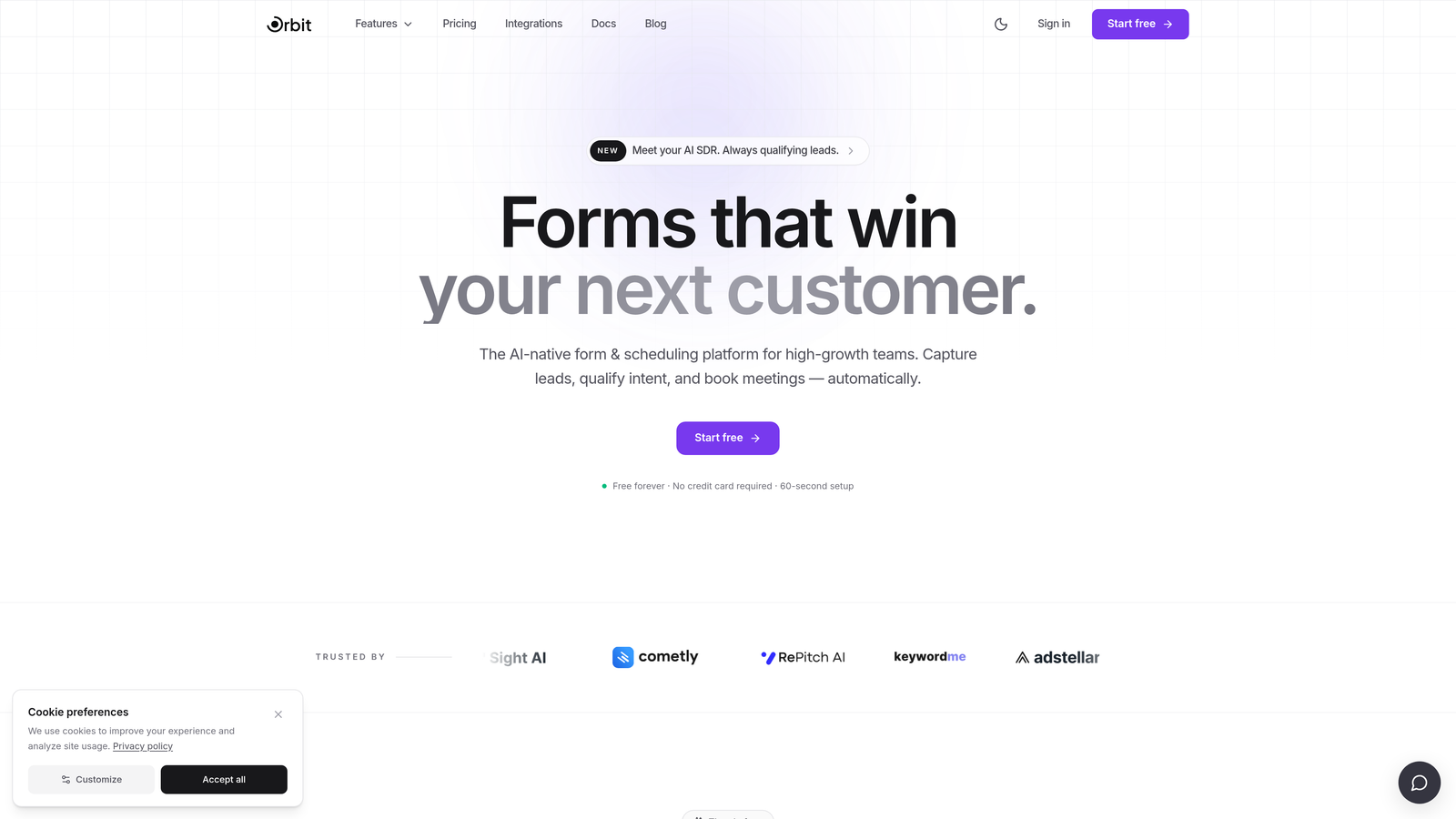
Orbit AI is an AI-powered landing page form builder with built-in lead qualification and conversion optimization, designed specifically for high-growth SaaS and B2B teams.
Where This Tool Shines
Most form builders are passive: they collect data and hand it off. Orbit AI takes a different approach by qualifying leads in real time as they fill out your form. Instead of dumping raw submissions into your CRM, it scores and routes leads automatically, so your sales team spends time on the right prospects.
The form design experience is built with conversion in mind from the ground up. Templates are optimized for landing page performance, the multi-step builder reduces cognitive load, and the mobile-first design ensures nothing breaks on smaller screens. For teams running high-volume campaigns, this combination of smart qualification and polished UX is a meaningful advantage.
Key Features
AI-Powered Lead Qualification: Scores and routes leads in real time based on form responses, so high-intent prospects reach your team faster.
Conversion-Optimized Templates: Landing page form templates designed specifically to reduce drop-off and increase submission rates.
Multi-Step Form Builder: Conditional logic and multi-step flows that break complex forms into manageable steps, improving completion rates.
Mobile-First Design: Beautiful, responsive forms that require zero coding and look polished on every device.
CRM and Automation Integrations: Native connections to CRMs and marketing automation platforms to keep your lead data flowing where it needs to go.
Best For
Orbit AI is the strongest fit for SaaS companies, B2B marketing teams, and growth-focused agencies that want more than a data collection tool. If lead qualification and conversion optimization are priorities, not afterthoughts, this is the builder to start with.
Pricing
Visit orbitforms.ai for current plan details. Pricing is updated directly on the site.
2. Typeform
Best for: Teams that want a high-design, conversational form experience with strong brand aesthetics.
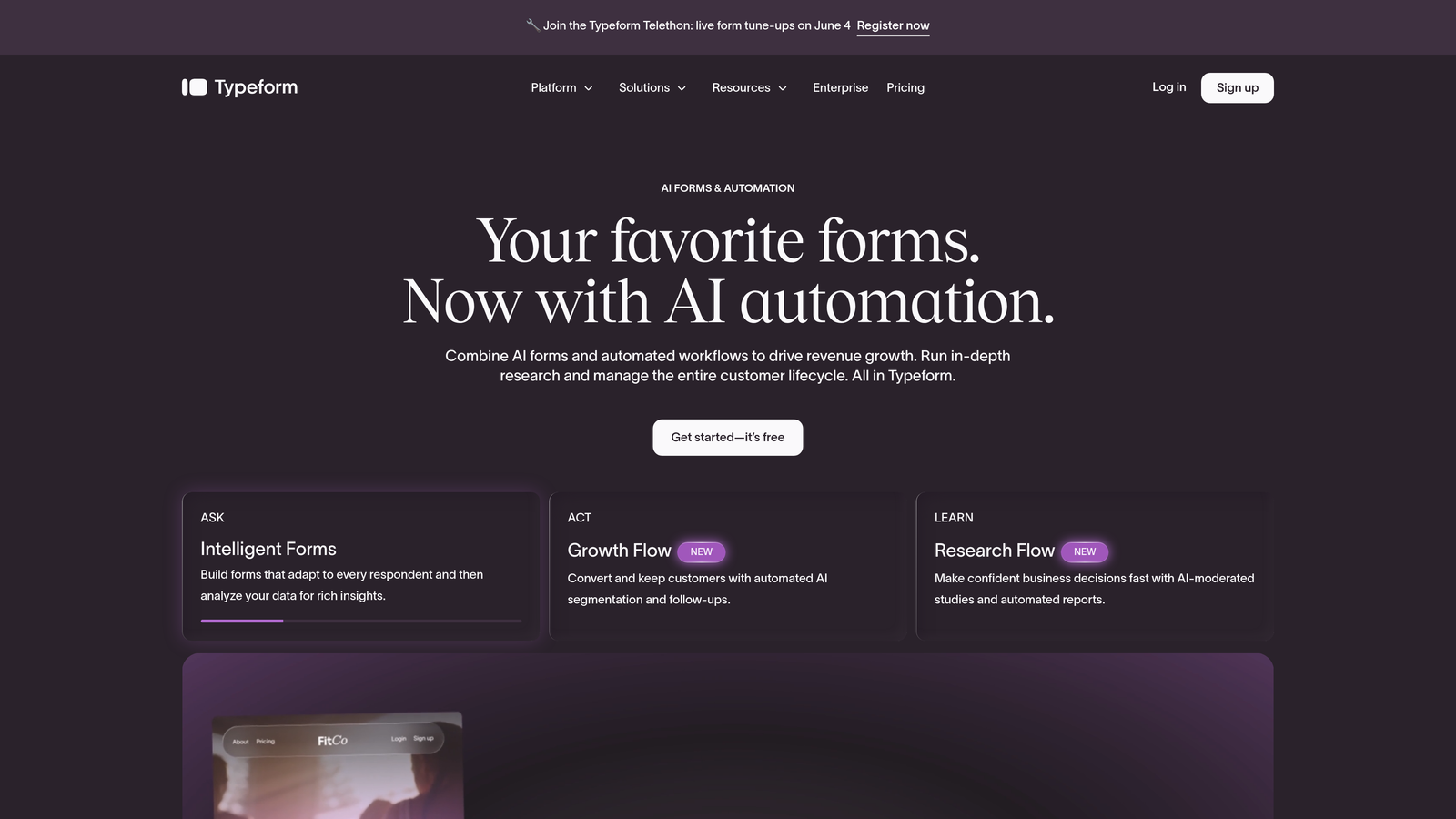
Typeform is a conversational form builder known for its one-question-at-a-time UI and high-design aesthetic that has shaped how the industry thinks about form UX.
Where This Tool Shines
Typeform popularized the idea that forms don't have to feel like forms. Its one-question-at-a-time format creates a conversational rhythm that feels less like a survey and more like a dialogue. This approach tends to work well for audience research, lead capture, and onboarding flows where engagement matters.
The visual quality is genuinely impressive. Typeform forms look polished out of the box, and the customization options give designers enough control to match brand guidelines. For teams where first impressions count, that aesthetic edge is real.
Key Features
Conversational Format: One-question-at-a-time UI that reduces cognitive load and increases engagement throughout the form.
Logic Jumps: Conditional branching that personalizes the form path based on previous answers.
Strong Mobile Experience: Responsive design that performs well across devices without additional configuration.
500+ Integrations: Connects to hundreds of apps via Zapier and native integrations including HubSpot, Salesforce, and Slack.
Rich Media Embedding: Video and image embedding within forms to add context or personality to individual questions.
Best For
Marketing teams, agencies, and product teams that prioritize design quality and conversational UX. Less suited for teams that need advanced lead scoring or deep CRM automation out of the box.
Pricing
Free plan available with limited responses. Paid plans typically start around $25/month. Verify current pricing at typeform.com before committing.
3. HubSpot Forms
Best for: Teams already using HubSpot CRM who want native form-to-CRM sync with zero extra setup.
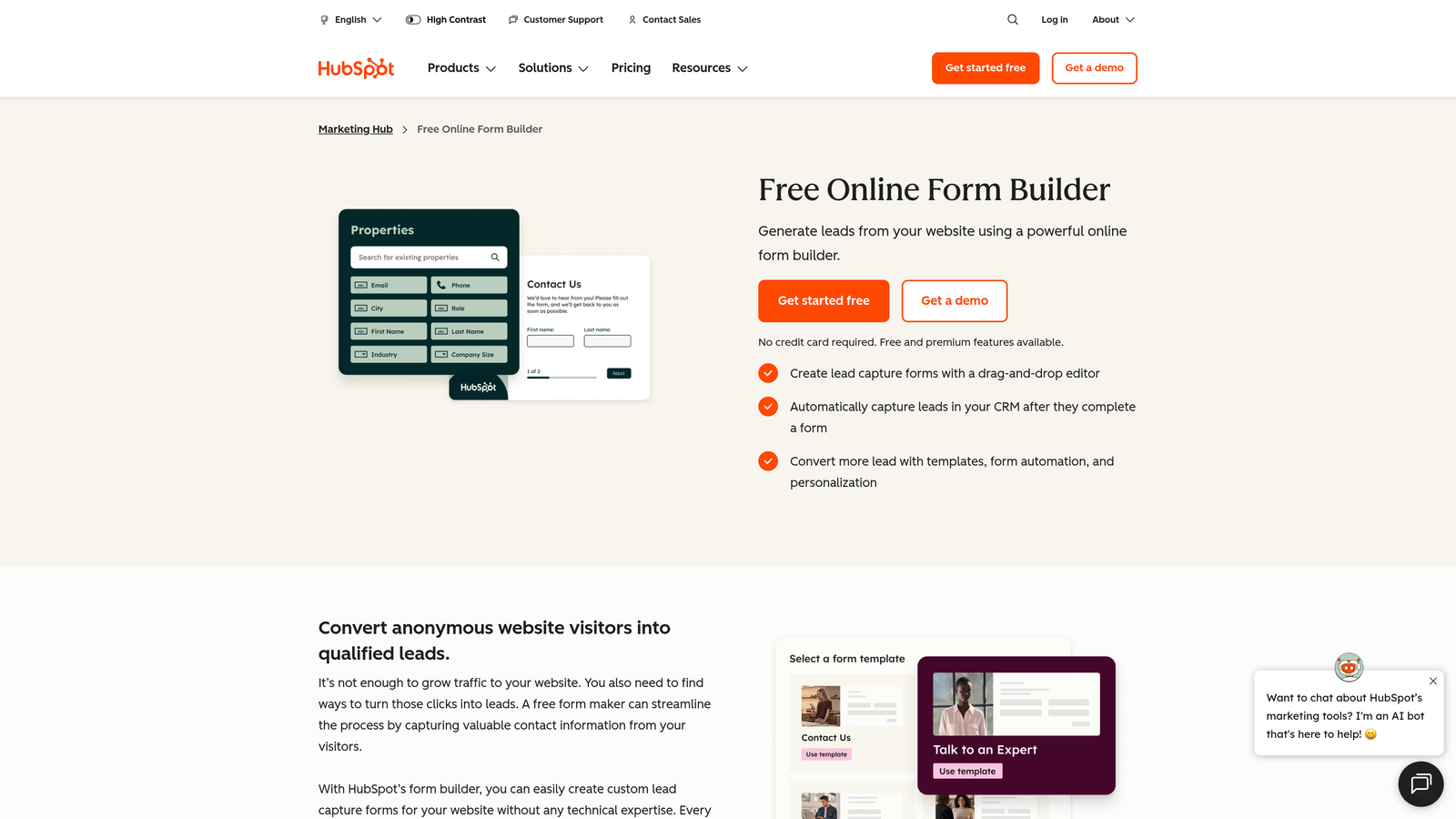
HubSpot Forms is a native form builder within the HubSpot ecosystem, offering deep CRM integration and progressive profiling for inbound marketing teams.
Where This Tool Shines
The standout feature here is progressive profiling. Instead of asking returning visitors to fill out fields you already know, HubSpot Forms automatically surfaces new questions to enrich the contact record over time. For inbound teams running multiple content offers, this is a genuine conversion advantage.
The native CRM sync is also a significant time saver. Every form submission flows directly into HubSpot contact records and lists, with no middleware or manual import required. If your team lives in HubSpot, this is the path of least resistance.
Key Features
Progressive Profiling: Shows different fields to returning visitors, building richer contact records without increasing form length.
Native CRM Sync: Submissions automatically create or update HubSpot contact records and trigger list enrollment.
Smart Fields: Auto-populates known contact data so returning visitors don't have to re-enter information.
Flexible Embedding: Embed on any website or HubSpot landing page with a simple snippet.
Free Entry Point: Core form functionality is available on HubSpot's free CRM tier.
Best For
Inbound marketing teams and B2B companies already invested in the HubSpot ecosystem. The standalone value is limited if you're not using HubSpot CRM, as advanced features require a paid Marketing Hub subscription.
Pricing
Free with HubSpot CRM free tier. Advanced features require a paid Marketing Hub subscription, which starts at a higher price point. Check hubspot.com for current tier details.
4. Unbounce Smart Builder
Best for: Performance marketers and PPC teams who want AI-assisted landing pages with integrated form creation and A/B testing.
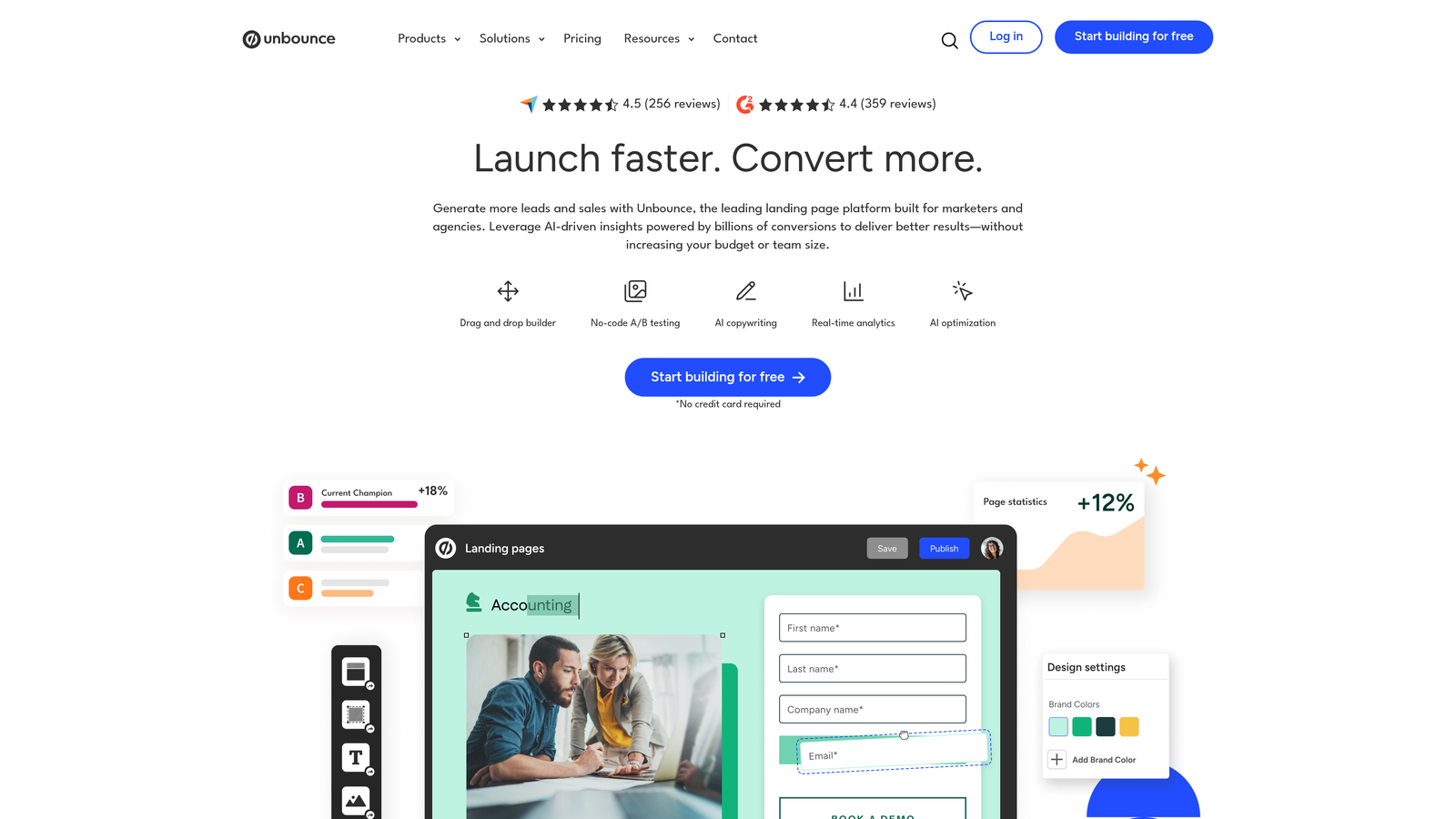
Unbounce is an AI-powered landing page platform with integrated form building and robust A/B testing, built for teams who treat every conversion as a measurable outcome.
Where This Tool Shines
Unbounce is less a form builder and more a full conversion platform where forms are one component of a broader optimization workflow. The Smart Traffic feature uses AI to automatically route visitors to the landing page variant most likely to convert based on their attributes. For paid campaigns where every click costs money, that kind of intelligent optimization adds up quickly.
The template library is extensive and conversion-focused, built by teams with real CRO experience. Forms are embedded directly within landing pages rather than bolted on, which creates a more cohesive experience.
Key Features
Smart Traffic AI: Automatically routes visitors to the best-performing landing page variant based on visitor attributes.
Built-in A/B and Multivariate Testing: Test page elements, form layouts, and copy variations without needing a separate testing tool.
Integrated Form Creation: Forms are built directly within the landing page editor, not added as an afterthought.
Conversion-Optimized Templates: Extensive library of templates designed specifically to drive form completions.
Ad Platform Integrations: Deep connections to Google Ads and Meta for campaign-level tracking and optimization.
Best For
PPC teams, performance marketers, and agencies managing paid acquisition campaigns where landing page conversion rates directly affect ROI. The higher price point makes it less suited for small teams with modest traffic volumes.
Pricing
Typically starts around $99/month. Verify current pricing at unbounce.com, as plans and pricing are updated regularly.
5. Jotform
Best for: Teams that need feature-rich forms with payments, e-signatures, or complex conditional logic across a wide range of use cases.
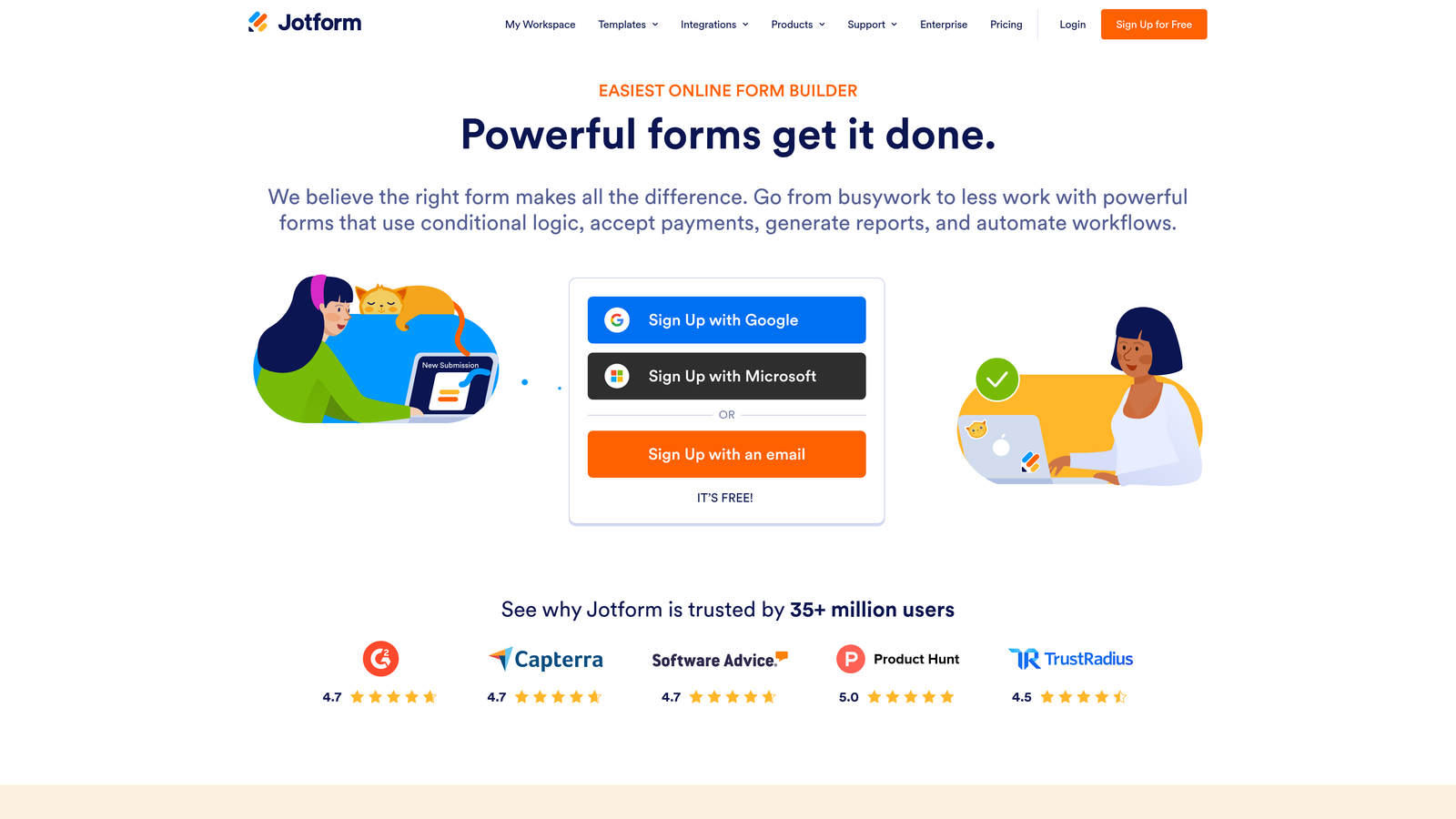
Jotform is a feature-rich form builder with over 10,000 templates, payment collection, e-signatures, and advanced conditional logic built for operational complexity.
Where This Tool Shines
Jotform's depth is its defining characteristic. If you need a form that collects payment, generates a document, captures a signature, and triggers a CRM workflow, Jotform can likely handle it. The template library alone covers an enormous range of industries and use cases, which shortens the time from idea to live form significantly.
Jotform Tables adds a database-style layer to response management, making it easier to organize and act on submissions without exporting to a spreadsheet. For teams that use forms operationally, not just for lead capture, this is a meaningful differentiator.
Key Features
10,000+ Templates: Covers virtually every industry and use case, from lead capture to event registration to HR onboarding.
Advanced Conditional Logic: Complex branching and calculation fields that handle sophisticated form requirements.
Built-In Payments: Native integrations with Stripe, PayPal, and Square for collecting payments directly within forms.
E-Signatures: Document generation and e-signature capture without needing a separate tool.
Jotform Tables: Database-style response management for organizing and acting on submissions at scale.
Best For
Operations teams, HR departments, event organizers, and small businesses that need versatile forms across multiple functions. Less optimized for pure landing page conversion compared to purpose-built lead gen tools.
Pricing
Free plan available with limited submissions. Paid plans typically start around $34/month. Verify current pricing at jotform.com.
6. Tally
Best for: Startups, indie builders, and early-stage teams that need a clean, capable form builder without paying for features they won't use.
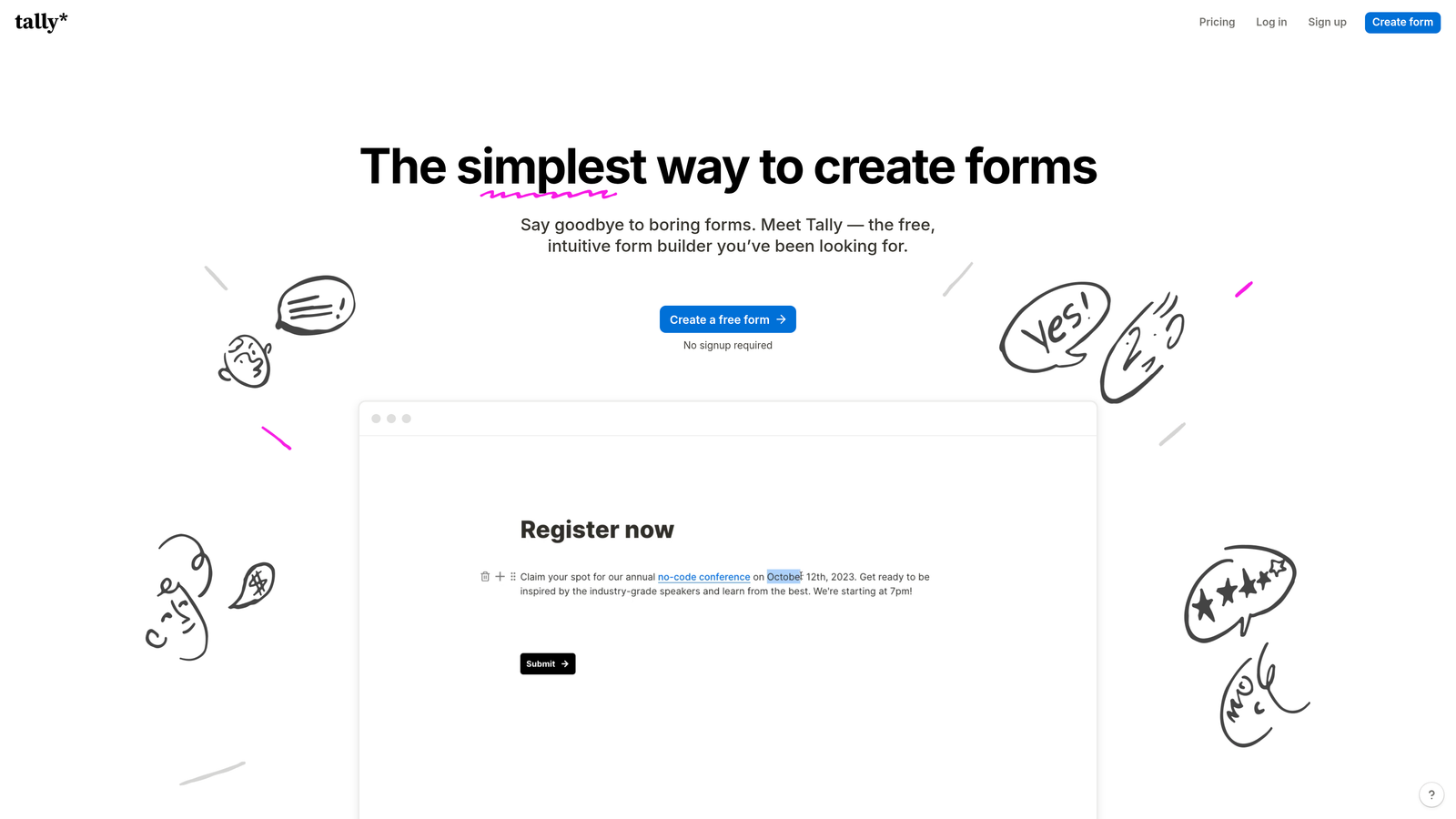
Tally is a Notion-inspired free form builder with unlimited forms and submissions on its free plan, popular with the startup and indie builder community.
Where This Tool Shines
Tally's free plan is genuinely generous. Unlimited forms and unlimited submissions with no Tally branding on the free tier is rare in this category. For bootstrapped teams or anyone testing a new lead gen concept before committing to a paid tool, that's a compelling starting point.
The block-based editor feels intuitive to anyone familiar with Notion. Building a form is fast and low-friction, and the clean aesthetic holds up well on landing pages. Conditional logic and multi-step forms are available on the free plan, which covers most basic needs.
Key Features
Unlimited Free Forms and Submissions: No caps on the free plan, which is genuinely unusual in this market.
Block-Based Editor: Notion-style editing experience that makes form building fast and intuitive.
Conditional Logic: Multi-step forms and branching logic available without upgrading.
Custom Domain Support: Available on the Pro plan for teams that need branded form URLs.
Webhooks and Zapier: Connect to your existing stack through webhooks or Zapier integrations.
Best For
Early-stage startups, solo founders, and indie builders who want a capable tool without a monthly commitment. Less suited for enterprise teams or anyone who needs advanced lead qualification, CRM depth, or high-volume automation.
Pricing
Free plan with generous limits. Pro plan around $29/month. Verify current pricing at tally.so.
7. Leadpages
Best for: Small businesses and solopreneurs who want conversion-optimized landing pages with embedded forms and built-in A/B testing.
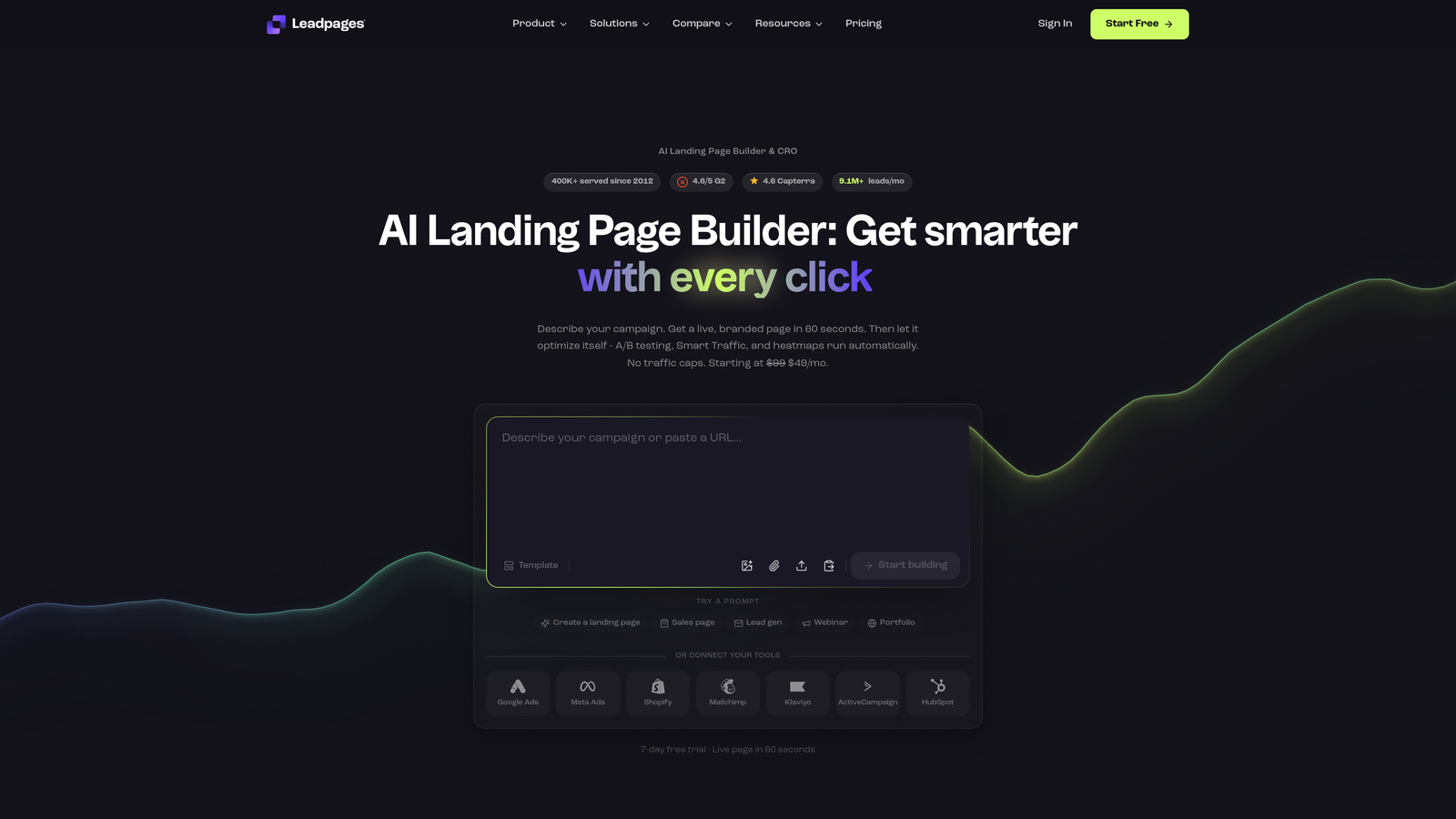
Leadpages is a landing page and form builder focused on small businesses, with conversion-optimized templates, alert bars, pop-up forms, and built-in A/B testing.
Where This Tool Shines
Leadpages sits at a practical middle ground between a full landing page platform like Unbounce and a standalone form tool. The template library is built with conversion in mind, and the Leadmeter tool provides real-time guidance on how likely a page is to convert based on design and copy choices. For small business owners without a dedicated CRO team, that kind of built-in guidance is valuable.
Pop-up forms and alert bars extend lead capture beyond the main landing page, giving teams more touchpoints to collect leads across a website without building separate pages for each offer.
Key Features
200+ Conversion-Optimized Templates: Landing page templates with embedded forms designed to drive completions.
Built-In A/B Testing: Split testing on paid plans without needing a separate testing tool.
Alert Bars and Pop-Up Forms: Additional lead capture formats beyond the primary landing page form.
Leadmeter: Real-time conversion guidance that scores your page as you build it.
Email Platform Integrations: Connects to major email marketing platforms including Mailchimp, ConvertKit, and ActiveCampaign.
Best For
Small business owners, coaches, consultants, and course creators who want a straightforward landing page and form solution with built-in conversion guidance. Simpler than Unbounce, which makes it easier to get started but less powerful for complex campaigns.
Pricing
Typically starts around $49/month. Verify current pricing at leadpages.com before purchasing.
8. Gravity Forms
Best for: WordPress developers and agencies building complex, database-integrated forms on WordPress sites.
Gravity Forms is a WordPress-native form plugin with powerful conditional logic, an extensive add-on ecosystem, and deep WooCommerce integration.
Where This Tool Shines
If your site runs on WordPress and you need serious form functionality, Gravity Forms is the category standard. The conditional logic engine is robust, the add-on library covers payments, CRM connections, user registration, and more, and the developer-friendly architecture means you can extend it significantly with custom code.
The fact that form entries are stored directly in the WordPress database is a meaningful advantage for teams with data residency requirements or those who prefer to keep everything under one roof. It's a different model from SaaS form tools, and for the right team, it's the right model.
Key Features
Deep WordPress Integration: Native plugin with full access to WordPress hooks, filters, and the WooCommerce ecosystem.
Advanced Conditional Logic: Multi-page forms with complex branching, calculations, and field dependencies.
Extensive Add-On Ecosystem: Official and community add-ons for payments, CRM sync, user registration, and more.
On-Site Data Storage: Form entries stored in the WordPress database, not in a third-party SaaS platform.
Developer-Friendly: Extensive hooks and filters for custom functionality without modifying core plugin files.
Best For
WordPress developers, digital agencies building client sites, and businesses with complex form requirements that need tight integration with their WordPress environment. Not applicable for non-WordPress sites.
Pricing
Annual license starting around $59/year for the basic tier. Verify current pricing at gravityforms.com, as add-on bundles are priced separately.
9. Paperform
Best for: Creators, consultants, and small teams who want a hybrid form and mini landing page with rich media and built-in payments.
Paperform is a hybrid form and mini landing page builder that supports rich media embedding, booking functionality, and payments, popular with creators and small teams.
Where This Tool Shines
Paperform blurs the line between a form and a landing page. You can embed images, video, and rich text directly within the form itself, creating an experience that functions more like a branded document than a traditional form. For creators selling products, taking bookings, or running applications, this makes the form the destination rather than just a data collection step.
The design flexibility is above average for this price range. Custom themes and full typographic control give small teams the ability to create something that feels genuinely on-brand without hiring a designer.
Key Features
Rich Media Embedding: Images, video, and formatted text can be embedded directly within the form alongside questions.
Custom Themes: Full design control over fonts, colors, and layout to match brand guidelines.
Built-In Payments and Bookings: Accept payments and schedule appointments without a separate tool.
Conditional Sections: Logic-based section visibility that personalizes the form experience based on responses.
2,000+ App Connections: Integrates with a wide range of tools via Zapier for workflow automation.
Best For
Independent creators, coaches, consultants, and small teams who want a polished, all-in-one form and mini landing page experience. Less suited for high-volume B2B lead generation or teams that need advanced lead qualification and CRM depth.
Pricing
Typically starts around $24/month. Verify current pricing at paperform.co before signing up.
Which Tool Is Right for Your Team?
The right landing page form builder depends almost entirely on what you need it to do beyond collecting submissions.
For AI-powered lead qualification and conversion optimization: Orbit AI is the strongest choice for SaaS and B2B teams who want forms that actively score and route leads, not just capture them. It's built specifically for high-growth teams where lead quality matters as much as lead volume.
For conversational, high-design forms: Typeform remains the benchmark for teams that prioritize aesthetic and engagement. It's a proven tool with a strong integration ecosystem.
For HubSpot-native teams: HubSpot Forms is the obvious choice if your CRM is already HubSpot. The progressive profiling feature alone justifies it for inbound marketing workflows.
For performance marketers running paid campaigns: Unbounce gives you the full landing page and form optimization stack in one place, with AI-assisted traffic routing built in.
For WordPress sites: Gravity Forms is the category standard and worth the annual license for any serious WordPress build.
For budget-conscious early-stage teams: Tally's free plan covers most needs without requiring a credit card.
If lead generation and conversion quality are at the center of your strategy, the best place to start is with a tool built specifically for that job. Start your free trial today with Orbit AI and see how intelligent form design, combined with real-time lead qualification, can transform the performance of your landing pages. Your forms should be working as hard as the rest of your growth stack.


