

When you're building a startup, every lead matters. Your forms are often the first real interaction potential customers have with your brand—and a clunky, outdated form experience can kill conversions before they start. The right form builder does more than collect data; it qualifies leads, integrates with your existing stack, and scales as you grow. We've tested and compared the top form builders designed for startup needs: fast deployment, affordable pricing, and features that actually move the needle on growth. Here's what we found.
1. Orbit AI
Best for: High-growth startups that need intelligent lead qualification built into their forms
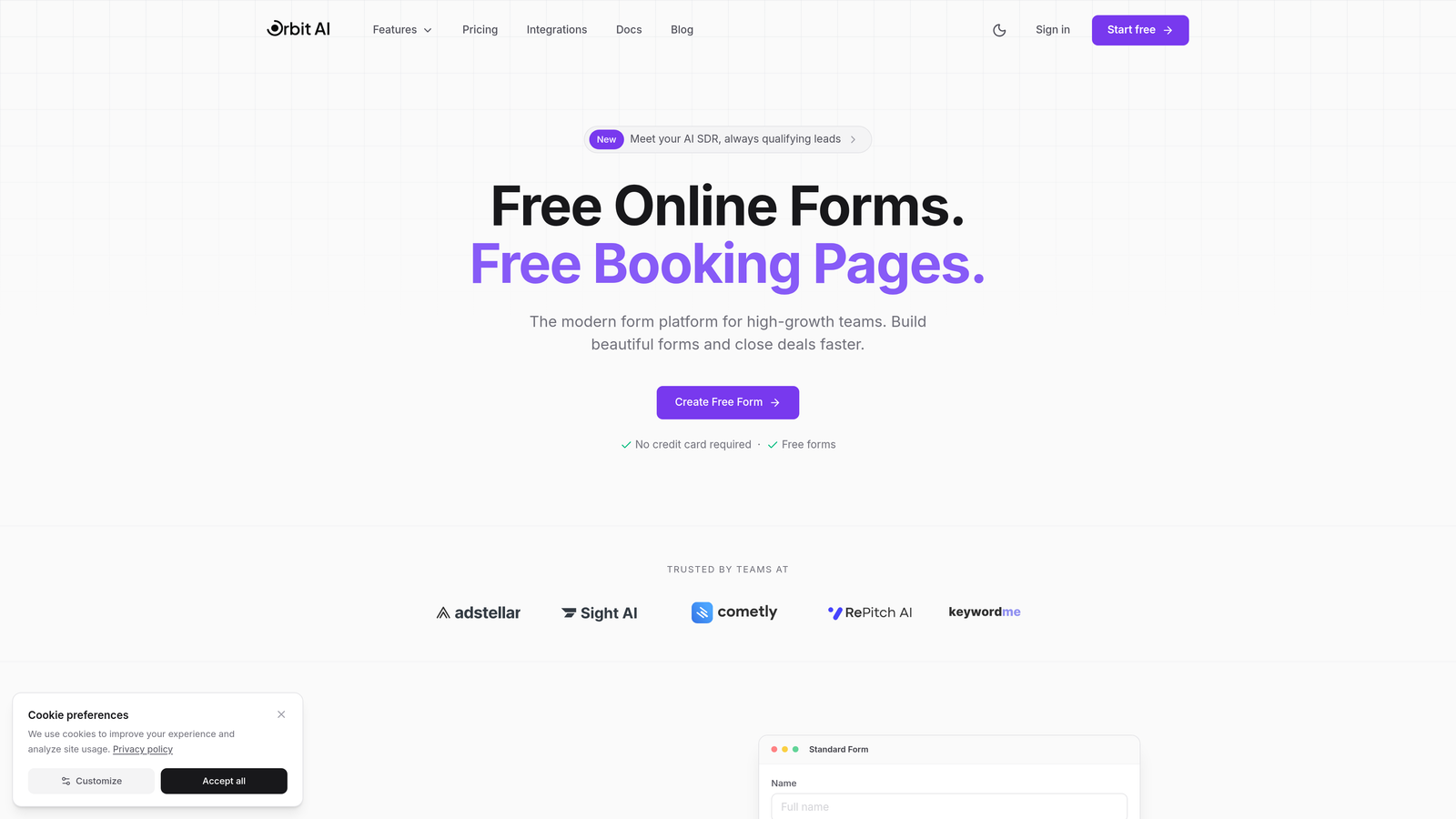
Orbit AI is an AI-powered form builder platform designed specifically for high-growth teams focused on conversion optimization.
Where This Tool Shines
What sets Orbit AI apart is its intelligent lead qualification system that works automatically as prospects fill out your forms. Instead of collecting raw data and sorting through it later, the platform scores and qualifies leads in real-time, routing high-value prospects directly to your sales team while nurturing others appropriately.
The conversion-optimized templates are built on real performance data, not just aesthetic preferences. You get modern, beautiful forms that actually convert—without needing design or development resources.
Key Features
AI-Powered Lead Qualification: Automatically scores and qualifies leads based on their responses, prioritizing your best prospects.
Conversion-Optimized Templates: Pre-built forms designed specifically for high conversion rates with modern aesthetics.
Native Integrations: Direct connections to HubSpot, Salesforce, Slack, and other essential startup tools without middleware.
Advanced Analytics: Track form performance, conversion rates, and lead quality metrics in one dashboard.
Workflow Automation: Trigger actions based on lead scores and responses without manual intervention.
Best For
Orbit AI works best for B2B startups and SaaS companies where lead quality matters as much as quantity. If you're spending hours manually qualifying form submissions or struggling with low conversion rates on your existing forms, this platform addresses both problems simultaneously.
Pricing
Free tier available to get started, with paid plans that scale based on your growth trajectory and feature needs.
2. Typeform
Best for: Creating engaging, conversational form experiences with polished design
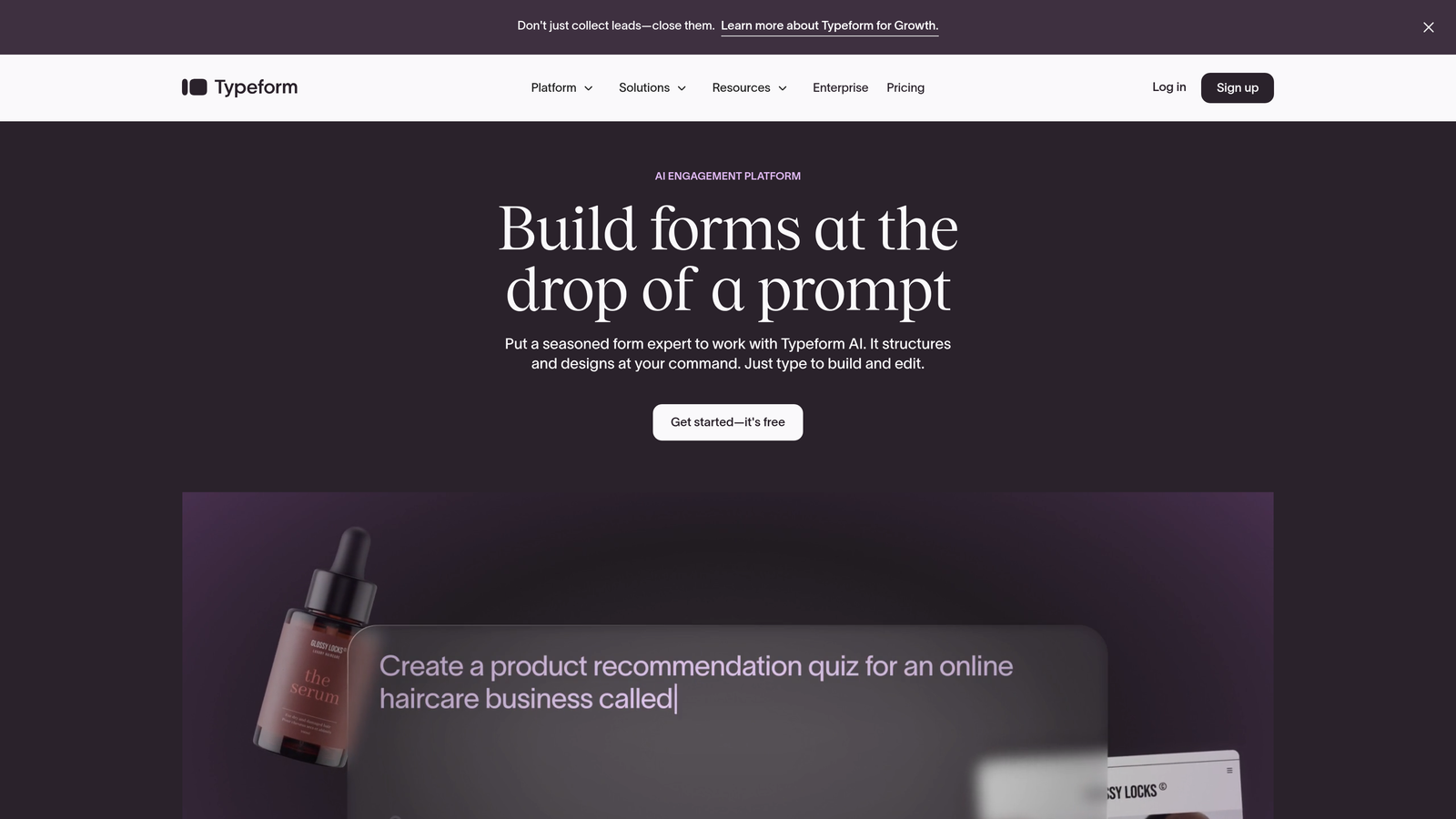
Typeform is the pioneer of conversational forms, known for its one-question-at-a-time interface that feels more like a conversation than a survey.
Where This Tool Shines
Typeform transformed how people think about online forms by making them actually enjoyable to fill out. The one-question-at-a-time format reduces cognitive load and increases completion rates, especially for longer forms that would feel overwhelming in traditional layouts.
The platform's design aesthetic is consistently polished. Even with minimal customization, your forms look professional and modern—important when you're a startup trying to compete with established brands.
Key Features
Conversational Interface: One question per screen creates a focused, engaging experience that improves completion rates.
Beautiful Default Designs: Professional templates and themes that require minimal customization to look great.
Logic Jumps: Show or hide questions based on previous answers to create personalized form paths.
Media Embedding: Add videos and images directly into your forms to enhance engagement.
Integration Marketplace: Connect to hundreds of tools through native integrations and Zapier.
Best For
Typeform excels for customer research, lead generation, and any scenario where form completion rates directly impact your results. It's particularly effective for consumer-facing startups where brand perception matters.
Pricing
Free plan available with Typeform branding and limited responses. Basic plan starts at $25 per month with increased response limits and core features.
3. Tally
Best for: Bootstrapped startups needing unlimited forms without upfront costs
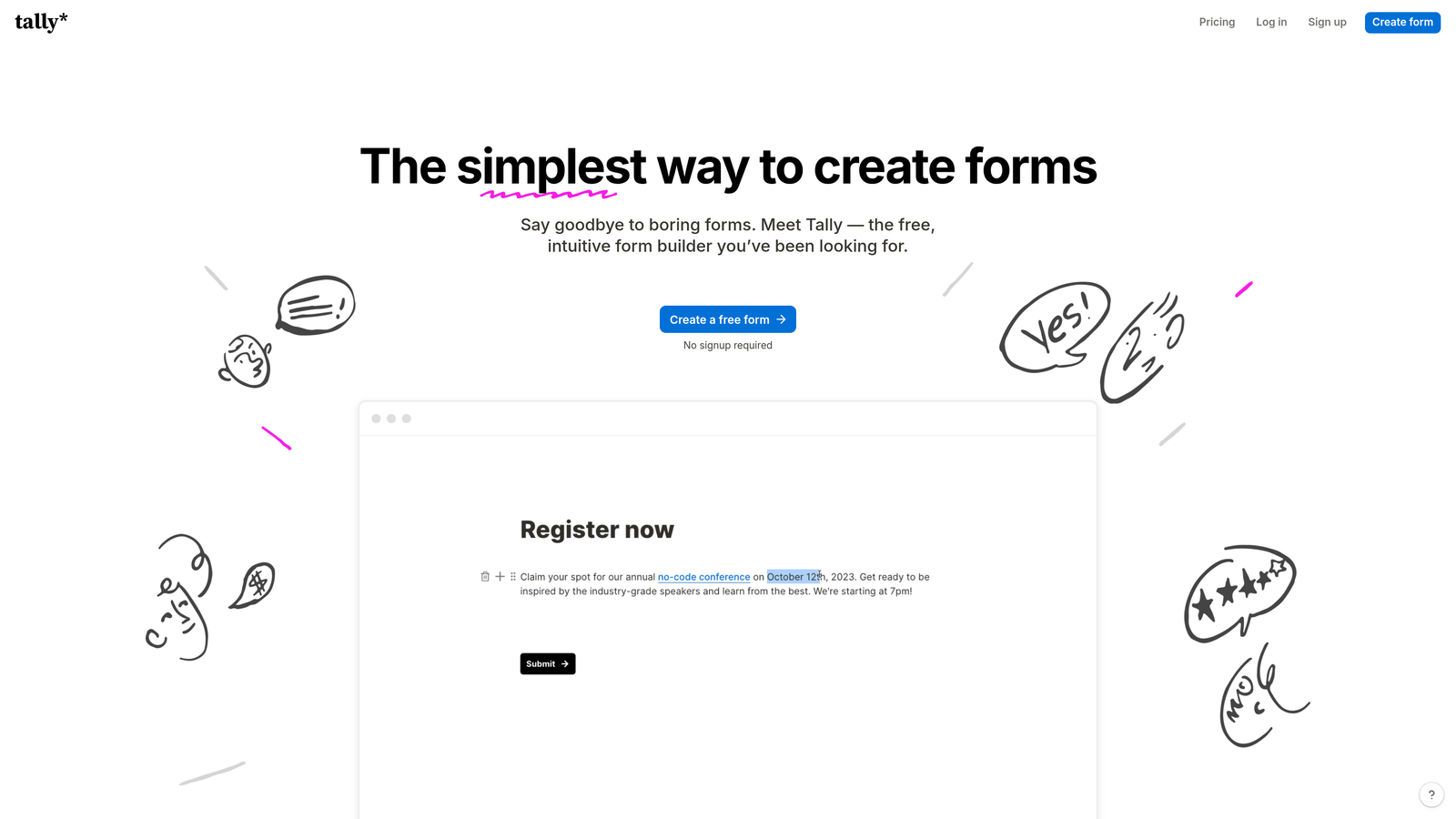
Tally is a Notion-like form builder that offers unlimited forms on its free plan, making it ideal for early-stage startups watching every dollar.
Where This Tool Shines
Tally's generous free tier is genuinely free—unlimited forms, unlimited responses, no artificial limits designed to force upgrades. For bootstrapped founders validating ideas or running lean operations, this removes a common early expense entirely.
The Notion-style block-based editor feels familiar if you're already using Notion for documentation or project management. You build forms by stacking blocks, making it intuitive to create complex forms quickly.
Key Features
Unlimited Free Forms: No caps on form count or response volume on the free tier.
Block-Based Editor: Notion-style interface for building forms by stacking content blocks.
File Uploads: Collect documents and images directly through your forms.
Calculations: Perform math operations on form fields for quotes, estimates, or scores.
Webhooks and Zapier: Connect form submissions to your automation workflows.
Best For
Tally is perfect for pre-revenue startups, side projects, and founders who need functional forms immediately without budget approval. It's also great for teams already invested in the Notion ecosystem.
Pricing
Free tier with full core functionality. Pro plan at $29 per month adds custom domains, remove branding, and priority support.
4. Jotform
Best for: Startups needing specialized forms with extensive template library
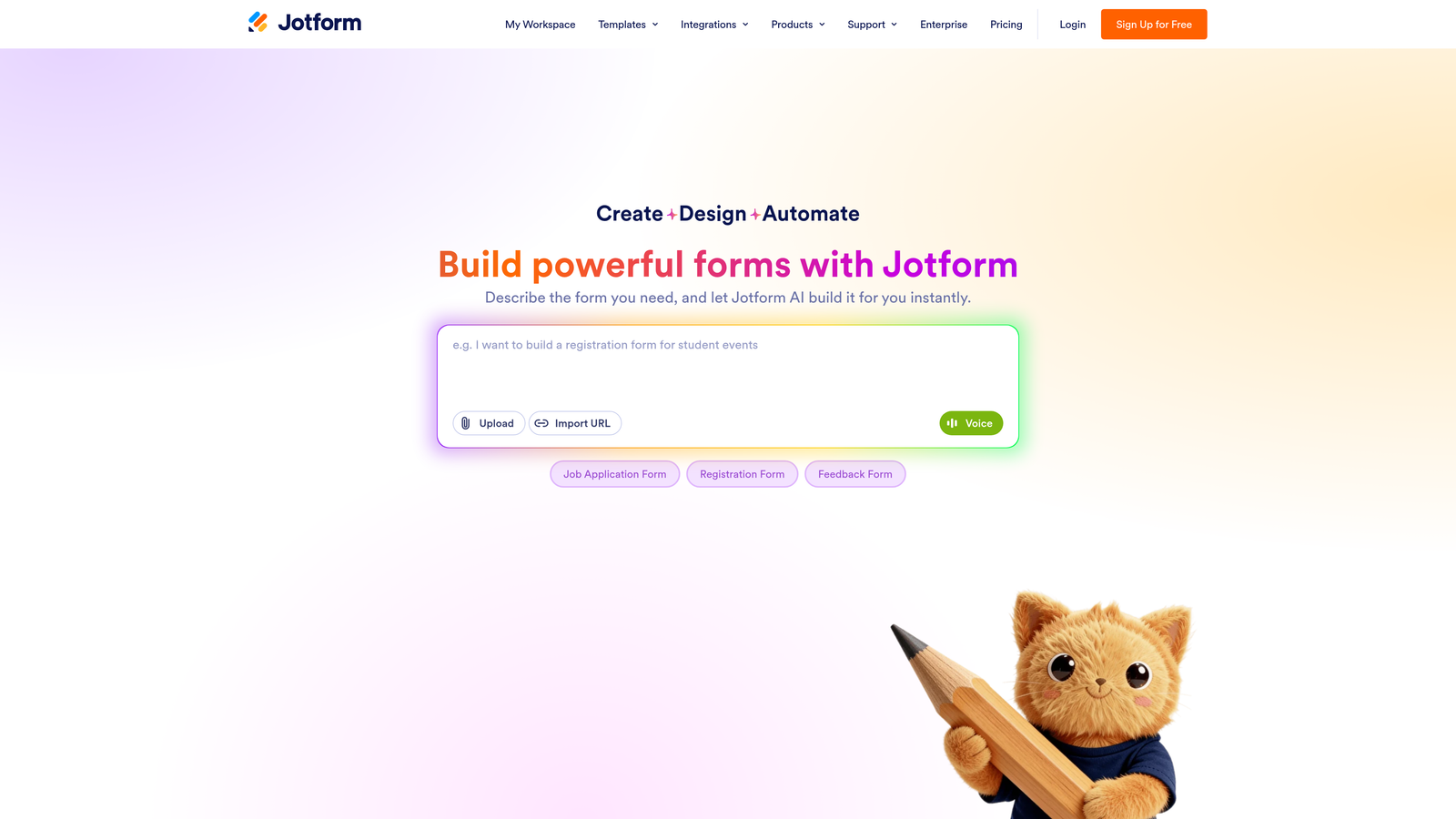
Jotform is a veteran form builder with over 10,000 templates covering virtually every imaginable use case from event registration to HIPAA-compliant patient intake.
Where This Tool Shines
Jotform's massive template library means you rarely start from scratch. Need a vendor application form? There's a template. Scholarship application? Covered. This saves hours of form design time when you're moving fast.
The widget marketplace extends functionality far beyond basic forms. You can add appointment scheduling, signature capture, payment processing, and dozens of other features through drag-and-drop widgets.
Key Features
10,000+ Templates: Pre-built forms for nearly every industry and use case to accelerate deployment.
Widget Marketplace: Hundreds of add-on widgets for payments, signatures, scheduling, and more.
Payment Integration: Accept payments through Stripe, PayPal, Square, and other processors directly in forms.
PDF Generation: Automatically create PDF documents from form submissions.
HIPAA Compliance: Available on higher-tier plans for healthcare and medical startups.
Best For
Jotform works well for startups in regulated industries or those needing complex forms with payments, signatures, or document generation. The breadth of features handles edge cases other builders don't address.
Pricing
Free plan with monthly submission limits and Jotform branding. Bronze plan starts at $34 per month with increased limits and features.
5. Fillout
Best for: Startups already using Notion or Airtable as their database
Fillout is a modern form builder with native Notion and Airtable integrations, eliminating the need for middleware tools like Zapier.

Where This Tool Shines
If you're running your startup operations in Notion or Airtable, Fillout's native sync is transformative. Form submissions flow directly into your existing databases without API connections or third-party automation tools, reducing points of failure and setup complexity.
The interface is clean and modern without unnecessary complexity. You can build professional multi-page forms with progress bars and conditional logic in minutes, not hours.
Key Features
Native Notion Sync: Form submissions automatically create or update Notion database entries.
Airtable Integration: Direct connection to Airtable bases without middleware.
Multi-Page Forms: Break long forms into steps with progress indicators to improve completion.
Conditional Logic: Show or hide fields based on previous answers for personalized experiences.
Scheduling Integration: Embed calendar booking directly into your forms.
Best For
Fillout is ideal for operations-focused startups using Notion or Airtable as their source of truth. If you're already managing leads, customers, or applications in these tools, Fillout creates a seamless front-end.
Pricing
Free tier available with core features. Paid plans start at $15 per month for increased responses and advanced features.
6. Paperform
Best for: Creating rich landing pages with embedded forms for product launches
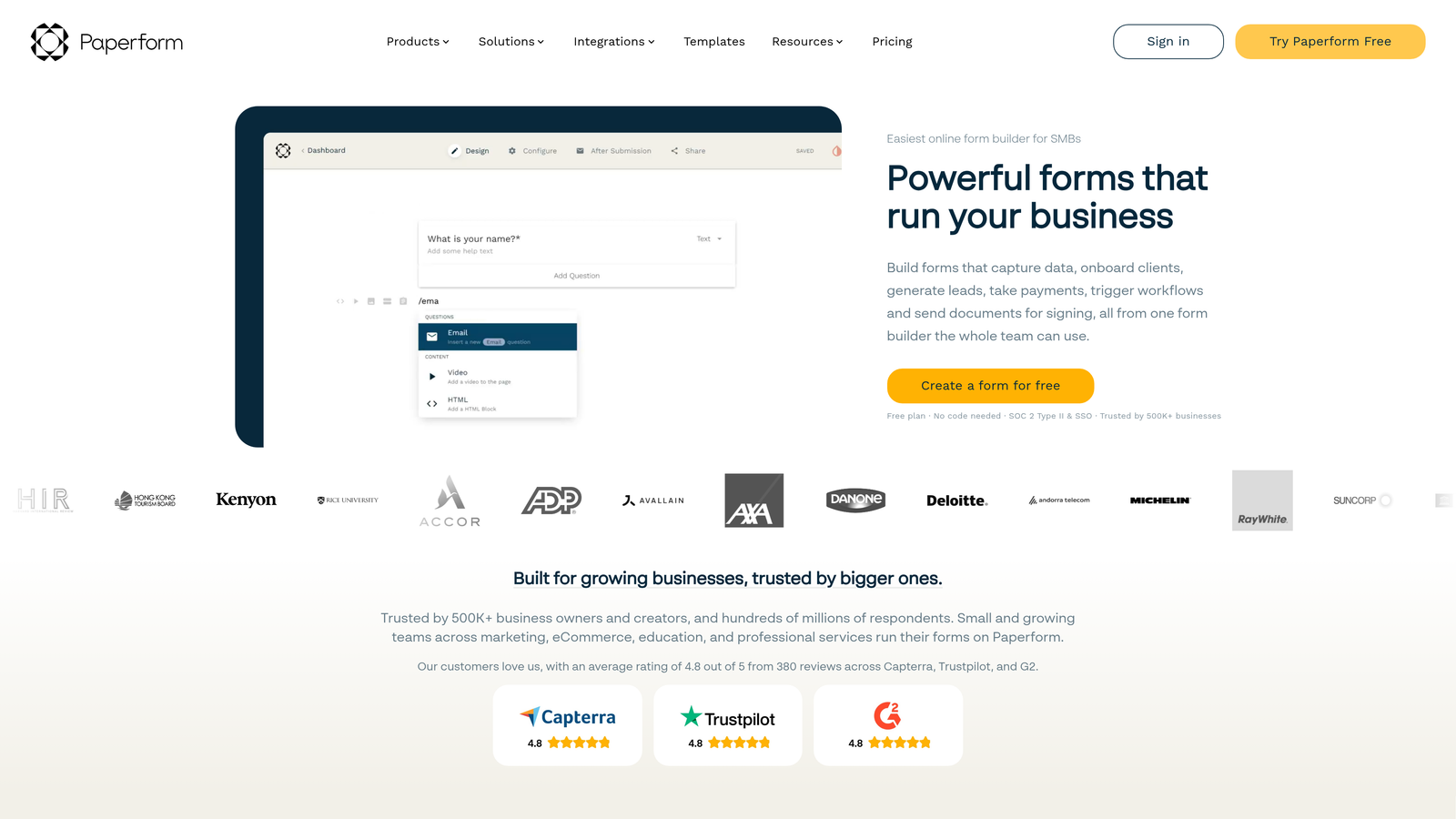
Paperform is a hybrid form builder and landing page creator, letting you combine rich content and forms on the same page.
Where This Tool Shines
Paperform blurs the line between forms and landing pages. You can embed videos, add product catalogs, include pricing tables, and write long-form content—all on the same page as your form. This is powerful for product launches or complex offerings that need context before conversion.
The payment and booking integrations are particularly robust. You can sell products, accept donations, or schedule appointments without leaving the form experience.
Key Features
Landing Page Builder: Combine forms with rich content, images, and videos on a single page.
Rich Text Editing: Full formatting control like a document editor, not just form fields.
Payment Processing: Accept payments through Stripe and PayPal with product catalogs.
Booking Integration: Embed scheduling and appointment booking directly in forms.
Custom Success Pages: Design unique confirmation experiences based on form responses.
Best For
Paperform excels for product-led startups, e-commerce businesses, and any scenario where you need to educate prospects before they convert. It's also great for event registration and course enrollment.
Pricing
Essentials plan starts at $24 per month with unlimited forms and submissions. Higher tiers add team features and advanced integrations.
7. Formstack
Best for: Startups with complex workflow automation and compliance requirements
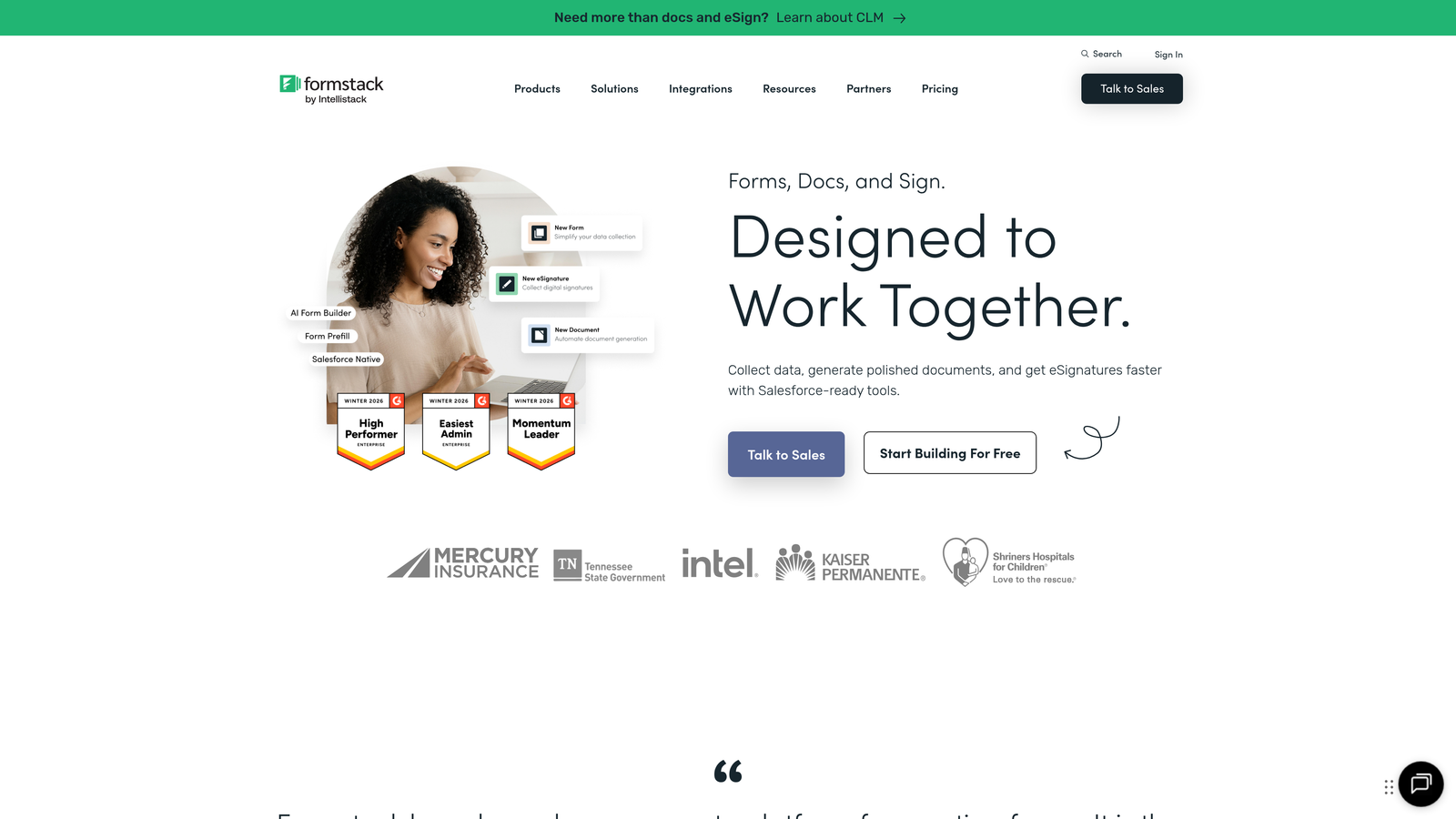
Formstack is an enterprise-ready form solution with advanced workflow automation and document generation capabilities.
Where This Tool Shines
Formstack's workflow automation goes far beyond simple email notifications. You can build complex approval chains, trigger document generation, route submissions to different teams based on criteria, and create multi-step processes—all within the platform.
The compliance and security features are enterprise-grade. If you're in a regulated industry or handling sensitive data, Formstack provides the controls and audit trails you need without custom development.
Key Features
Advanced Conditional Logic: Complex branching and field rules for sophisticated form behavior.
Workflow Automation: Built-in tools for approval processes, routing, and multi-step workflows.
Document Generation: Automatically create contracts, agreements, and reports from form data.
E-Signature Capabilities: Collect legally binding signatures directly in your forms.
Enterprise Security: HIPAA, GDPR, and SOC 2 compliance with advanced security controls.
Best For
Formstack is suited for B2B startups with complex sales processes, regulated industries like healthcare or finance, and teams that need document automation alongside data collection.
Pricing
Starter plan begins at $50 per month. Pricing scales significantly for enterprise features and compliance requirements.
8. Google Forms
Best for: Early-stage validation and internal data collection on zero budget
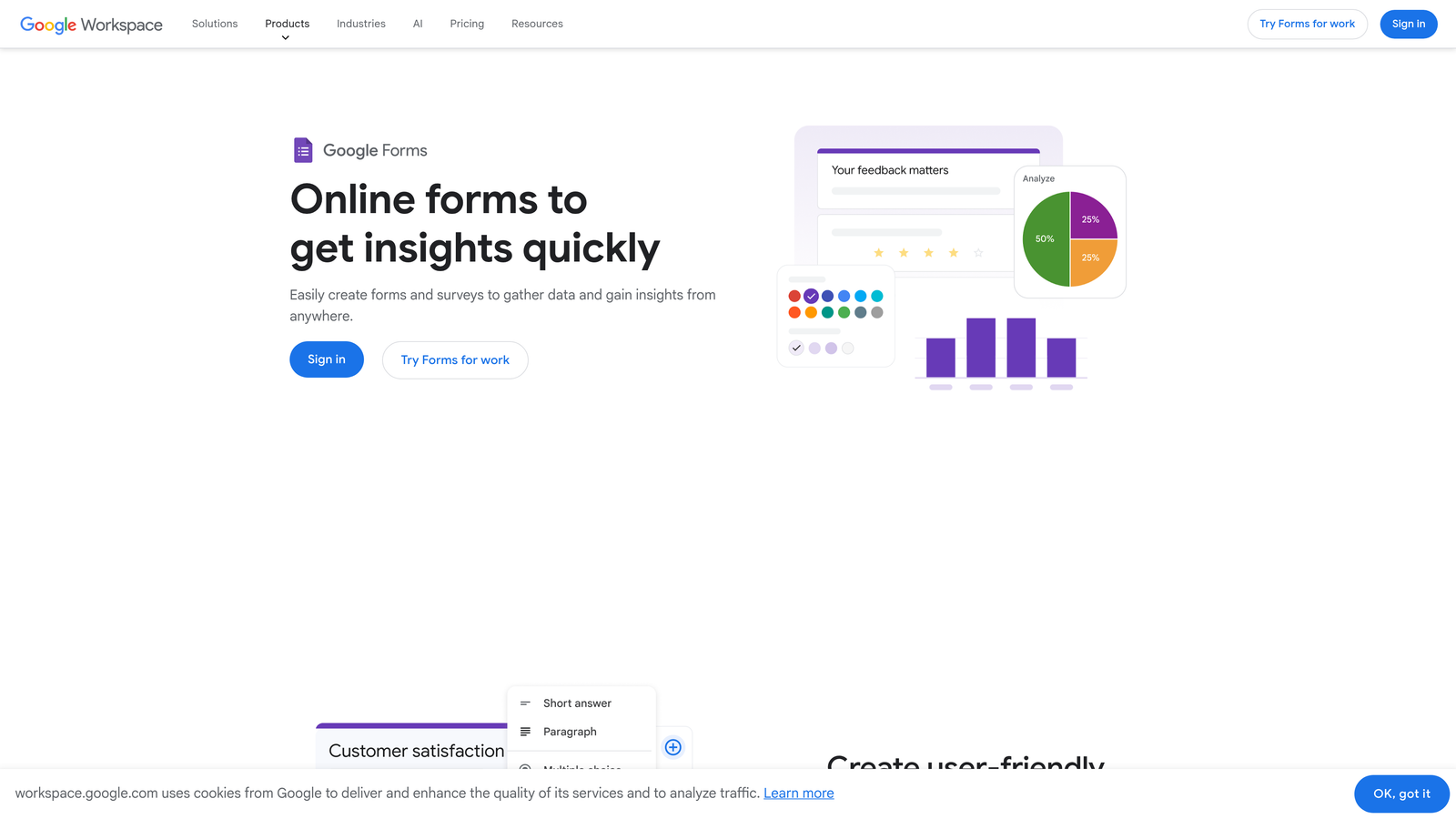
Google Forms is the no-cost default for basic form needs, offering reliable functionality with seamless Google Workspace integration.
Where This Tool Shines
Google Forms is completely free with no hidden costs or upgrade pressure. For pre-product validation, internal surveys, or simple lead capture when you're testing hypotheses, it removes all financial barriers to getting started.
The Google Sheets integration is instant and seamless. Every response flows directly into a spreadsheet where you can analyze, filter, and manipulate data using familiar tools. For startups already living in Google Workspace, this integration is frictionless.
Key Features
Completely Free: No limits on forms, responses, or features—genuinely free forever.
Google Sheets Integration: Automatic response collection in spreadsheets for easy analysis.
Basic Conditional Logic: Show or hide questions based on previous answers.
Collaborative Editing: Multiple team members can build and edit forms simultaneously.
Reliable Infrastructure: Google's infrastructure means forms load fast and never go down.
Best For
Google Forms works for idea validation, internal team surveys, simple event registration, and any scenario where functionality matters more than brand perception. It's the right choice when you need data quickly without any setup friction.
Pricing
Completely free with a Google account. No paid tiers or upgrade paths.
9. HubSpot Forms
Best for: Startups already using HubSpot CRM for sales and marketing
HubSpot Forms is the native form builder within HubSpot's ecosystem, designed for tight CRM integration and marketing automation.
Where This Tool Shines
If you're already using HubSpot CRM, the native forms create contacts automatically with zero configuration. Every submission becomes a contact record with complete form history, making lead tracking effortless.
Progressive profiling is particularly valuable for startups building long-term relationships. Instead of asking the same questions repeatedly, HubSpot Forms remembers what contacts have already told you and asks new questions each time—building richer profiles without form fatigue.
Key Features
Direct CRM Integration: Form submissions automatically create or update contact records in HubSpot.
Progressive Profiling: Show different questions to returning visitors to gradually build complete contact profiles.
Smart Form Fields: Pre-populate known information for returning contacts to reduce friction.
Multiple Deployment Options: Embed in pages, use as pop-ups, or create standalone landing pages.
Unified Analytics: Track form performance alongside all other marketing metrics in one dashboard.
Best For
HubSpot Forms makes sense exclusively if you're already committed to the HubSpot ecosystem. The integration benefits are significant, but they don't justify adopting HubSpot just for forms.
Pricing
Free with HubSpot CRM account. Advanced features like progressive profiling and A/B testing require paid Marketing Hub tiers.
Making the Right Choice for Your Startup
The right form builder depends on where you are and where you're going. For early validation with zero budget, Google Forms gets you started immediately. If you're bootstrapped and need unlimited forms, Tally removes cost as a barrier entirely.
When conversion rates and lead quality become critical growth levers, tools with intelligence matter more. Orbit AI's automated lead qualification means your sales team focuses on high-value prospects instead of sorting through every submission manually. For startups where every sales conversation counts, this efficiency compounds quickly.
Already invested in specific tools? Choose forms that integrate natively. Fillout for Notion and Airtable users, HubSpot Forms if you're in that ecosystem, or Orbit AI for teams using HubSpot, Salesforce, or Slack. Native integrations eliminate the fragility and maintenance overhead of middleware connections.
The pattern we see with successful startups: they start simple, then upgrade when forms become a growth bottleneck. That transition point is different for everyone, but the symptoms are consistent—low conversion rates, manual lead qualification eating hours each week, or forms that don't reflect your evolving brand.
Start building free forms today and see how intelligent form design can elevate your conversion strategy. Transform your lead generation with AI-powered forms that qualify prospects automatically while delivering the modern, conversion-optimized experience your high-growth team needs.


