

Education institutions juggle countless forms daily—enrollment applications, permission slips, course evaluations, event registrations, and financial aid requests. Yet many schools still rely on paper forms or clunky legacy systems that frustrate staff and students alike. The right form builder transforms this chaos into streamlined digital workflows, saving administrative hours while improving response rates.
This guide evaluates form builders specifically suited for educational environments, considering factors like accessibility compliance, integration with student information systems, pricing for budget-conscious institutions, and ease of use for non-technical staff. Whether you're a K-12 district, university, or training organization, you'll find a solution that fits your needs.
1. Orbit AI
Best for: Institutions prioritizing enrollment growth and lead qualification automation
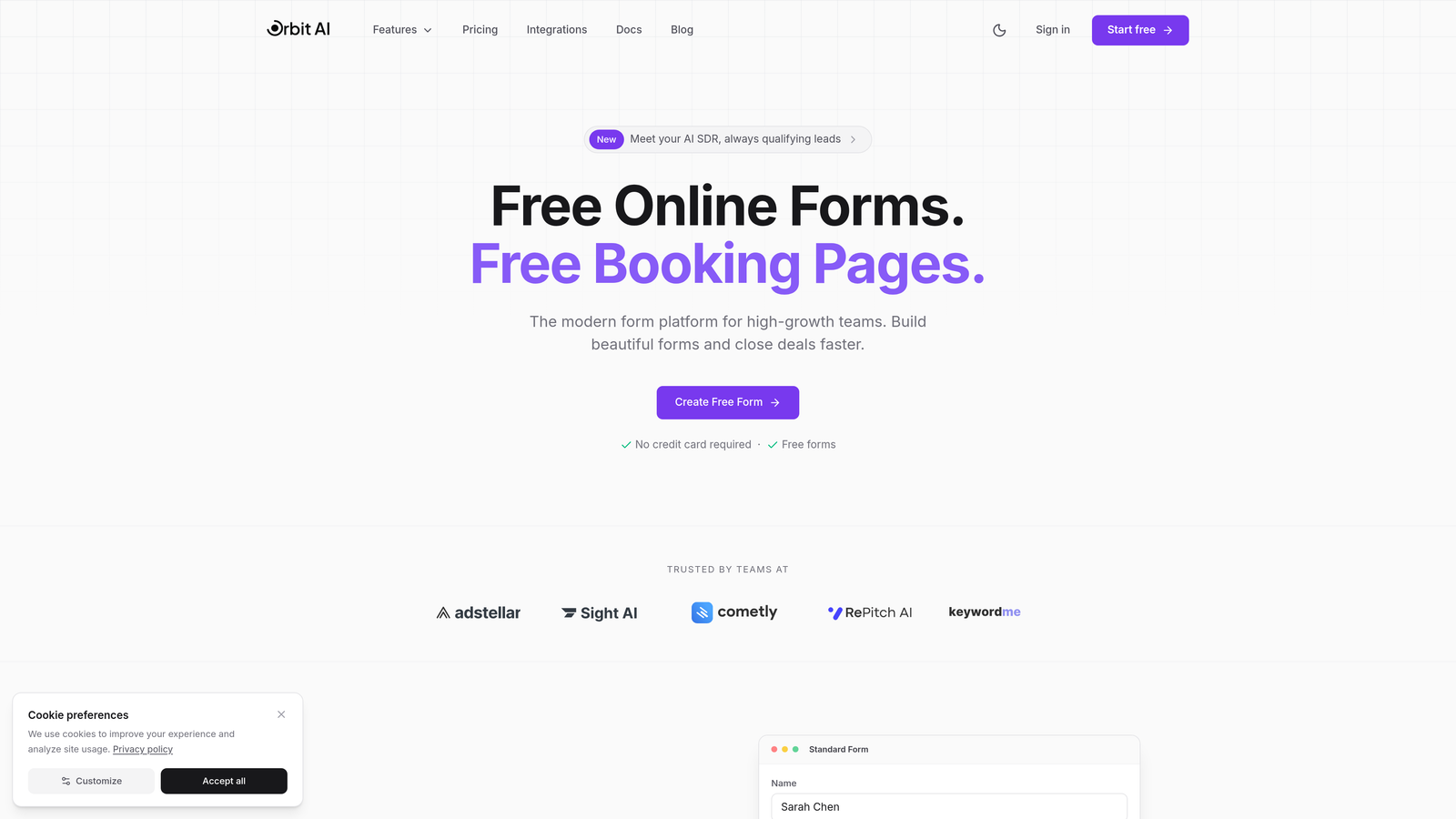
Orbit AI is an AI-powered form builder designed for high-growth teams focused on conversion optimization and intelligent lead management.
Where This Tool Shines
Orbit AI stands out for institutions that treat enrollment as a strategic priority rather than just an administrative task. Its AI-powered lead qualification automatically scores prospective students based on their form responses, helping admissions teams prioritize follow-up efforts.
The platform's conversion-optimized designs deliver significantly higher completion rates than traditional academic forms. For schools competing for student attention in crowded markets, this modern approach to form design can make the difference between a completed application and an abandoned one.
Key Features
AI Lead Qualification: Automatically scores and routes prospects based on fit, letting admissions focus on high-potential applicants.
Conversion-Optimized Design: Modern form templates built specifically to maximize completion rates and reduce abandonment.
Workflow Automation: Triggers follow-up sequences automatically based on form responses, ensuring no prospect falls through the cracks.
Real-Time Analytics: Track form performance, completion rates, and lead quality metrics to continuously improve your enrollment funnel.
CRM Integration: Connects seamlessly with major CRMs and marketing tools to maintain a unified view of your enrollment pipeline.
Best For
Universities and private schools with competitive enrollment goals, continuing education programs seeking to qualify professional learners, and any institution treating student recruitment as a growth-focused marketing function rather than purely administrative process.
Pricing
Contact Orbit AI for education-specific pricing tailored to institutional needs and enrollment volume.
2. JotForm
Best for: Schools needing extensive templates and payment collection capabilities
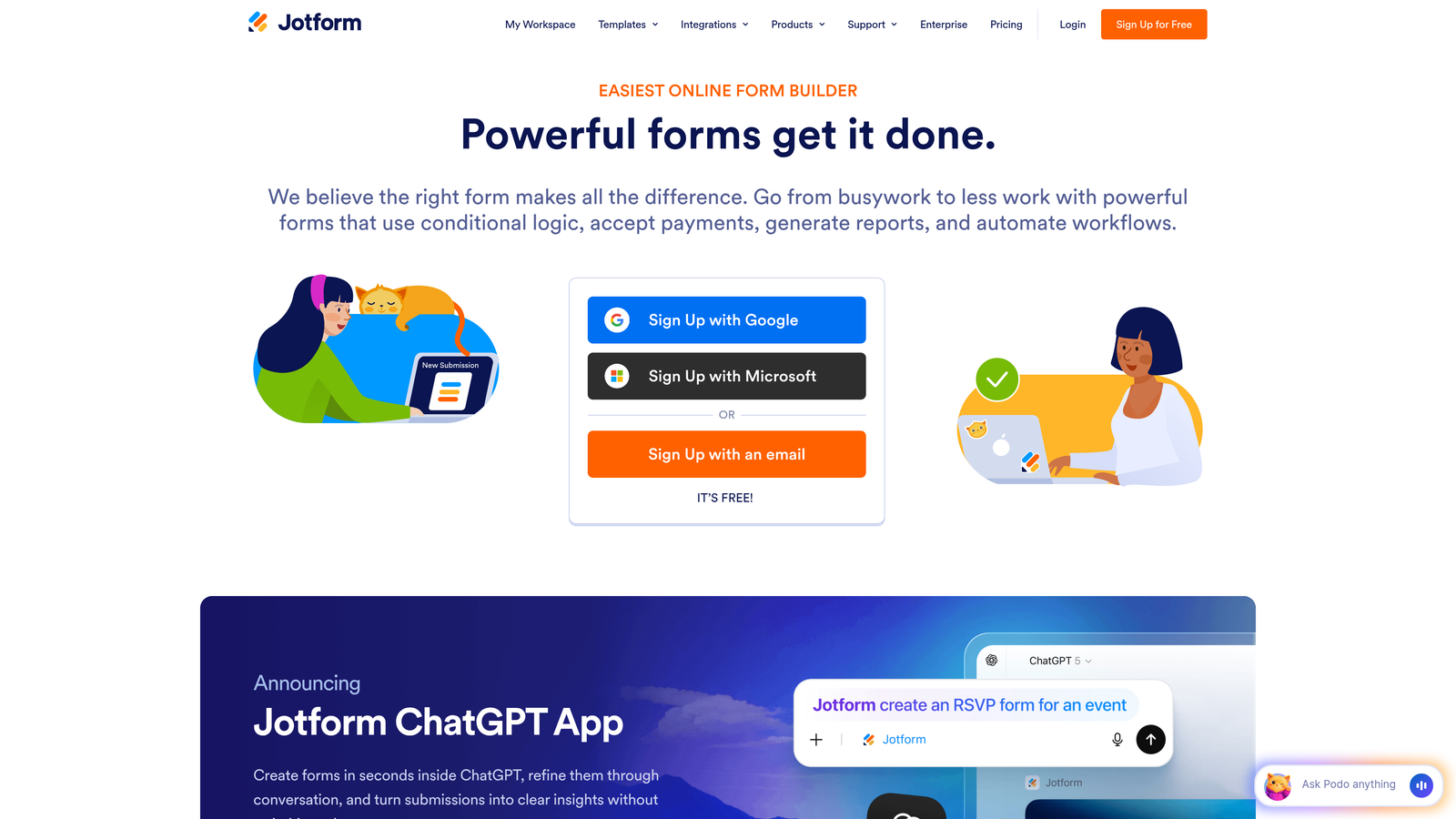
JotForm is a versatile form builder offering thousands of templates and robust payment processing for educational institutions.
Where This Tool Shines
JotForm's massive template library includes hundreds of education-specific forms ready to customize—everything from field trip permission slips to scholarship applications. This saves significant time for busy administrators who need functional forms quickly without starting from scratch.
The platform's payment collection capabilities make it particularly valuable for schools managing application fees, event registrations, or tuition deposits. Multiple payment gateway options provide flexibility for international students and various payment preferences.
Key Features
10,000+ Templates: Extensive library includes pre-built education forms covering most common academic scenarios.
HIPAA Compliance: Available for health-related forms in school clinics and counseling departments.
Payment Processing: Accepts payments through multiple gateways including PayPal, Stripe, and Square.
PDF Generation: Automatically converts form submissions into formatted PDF documents for record-keeping.
Offline Capabilities: Mobile app allows form completion without internet connectivity, syncing when connection restores.
Best For
K-12 districts managing diverse form needs across multiple schools, institutions requiring frequent payment collection through forms, and schools needing HIPAA compliance for health-related student data.
Pricing
Free tier available with basic features; paid plans start at $34/month with education discounts offered for qualifying institutions.
3. Google Forms
Best for: Budget-conscious schools already using Google Workspace
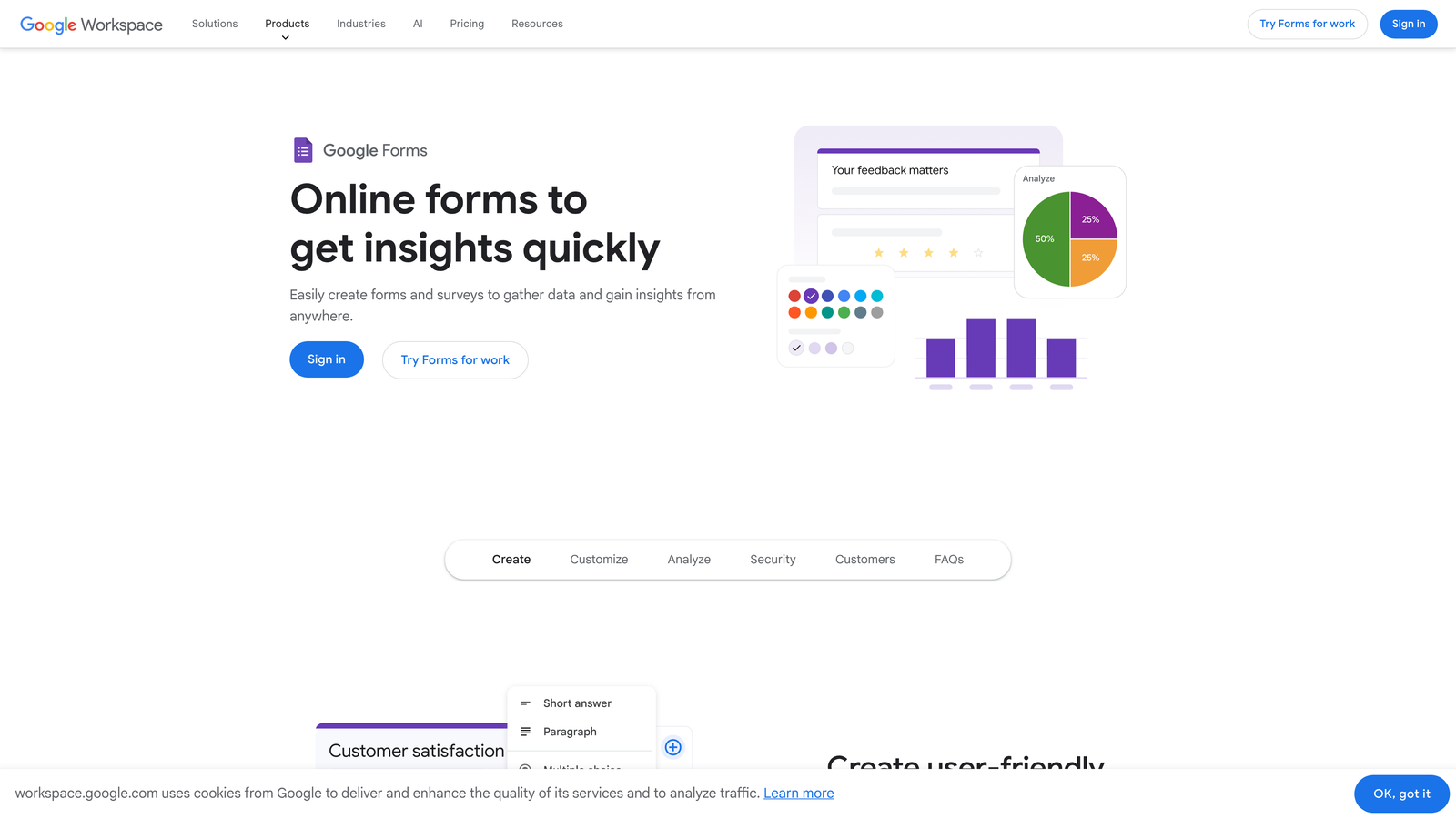
Google Forms is a free, straightforward form builder integrated seamlessly with the Google Workspace ecosystem.
Where This Tool Shines
For schools already using Google Workspace for Education, Google Forms represents the path of least resistance. Teachers and staff already familiar with Google's interface can create forms without additional training, and the native Google Classroom integration makes distributing assignments and collecting responses effortless.
The automatic response collection in Google Sheets provides instant data analysis capabilities. Faculty can create pivot tables, charts, and summaries without exporting data to separate analytics tools.
Key Features
Zero Cost: Completely free with any Google account, no premium tiers required for full functionality.
Google Classroom Integration: Distribute forms as assignments and collect responses directly within Classroom workflows.
Automatic Sheets Integration: Responses populate Google Sheets in real-time for immediate analysis and reporting.
Quiz Functionality: Built-in auto-grading capabilities for assessments with answer keys and point values.
Real-Time Collaboration: Multiple staff members can edit the same form simultaneously, seeing changes instantly.
Best For
Schools with limited budgets prioritizing free solutions, institutions already standardized on Google Workspace, and teachers creating classroom assessments and feedback forms.
Pricing
Free with any Google account; Google Workspace for Education provides additional administrative controls and features at no cost for qualifying schools.
4. Typeform
Best for: Institutions seeking higher completion rates on lengthy surveys
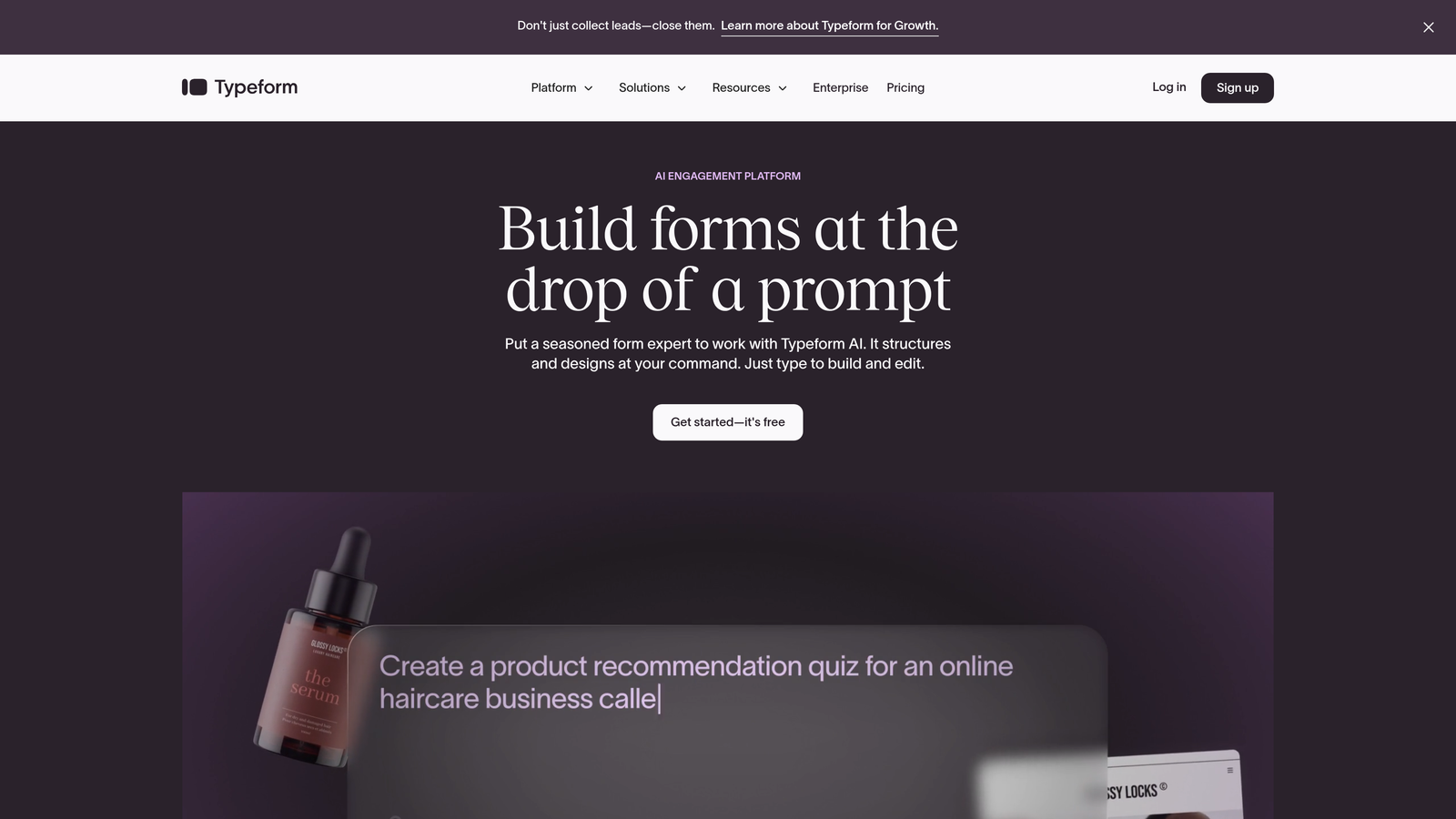
Typeform is a conversational form builder that presents one question at a time for more engaging user experiences.
Where This Tool Shines
Typeform's conversational approach significantly improves completion rates on longer forms—a critical advantage for institutions conducting detailed student surveys, alumni feedback, or comprehensive enrollment applications. The one-question-at-a-time format feels less overwhelming than traditional multi-page forms.
The platform's visual design capabilities allow schools to create forms that reflect their brand identity. Video and image embedding creates more engaging experiences, particularly valuable for virtual campus tours or multimedia course evaluations.
Key Features
Conversational Format: Presents one question at a time, reducing cognitive load and improving completion rates.
High Completion Rates: The engaging format typically achieves better completion percentages than traditional forms.
Rich Media Support: Embed videos, images, and GIFs to create more engaging and informative forms.
Logic Jumps: Create personalized question paths based on previous responses for more relevant experiences.
Mobile-First Design: Forms automatically optimize for mobile devices where students increasingly access content.
Best For
Universities conducting detailed student satisfaction surveys, admissions departments managing lengthy application processes, and institutions prioritizing student engagement and brand experience in digital touchpoints.
Pricing
Free tier available with limited features; paid plans from $25/month with education pricing available for qualifying institutions.
5. Formstack
Best for: Universities requiring enterprise compliance and complex workflows
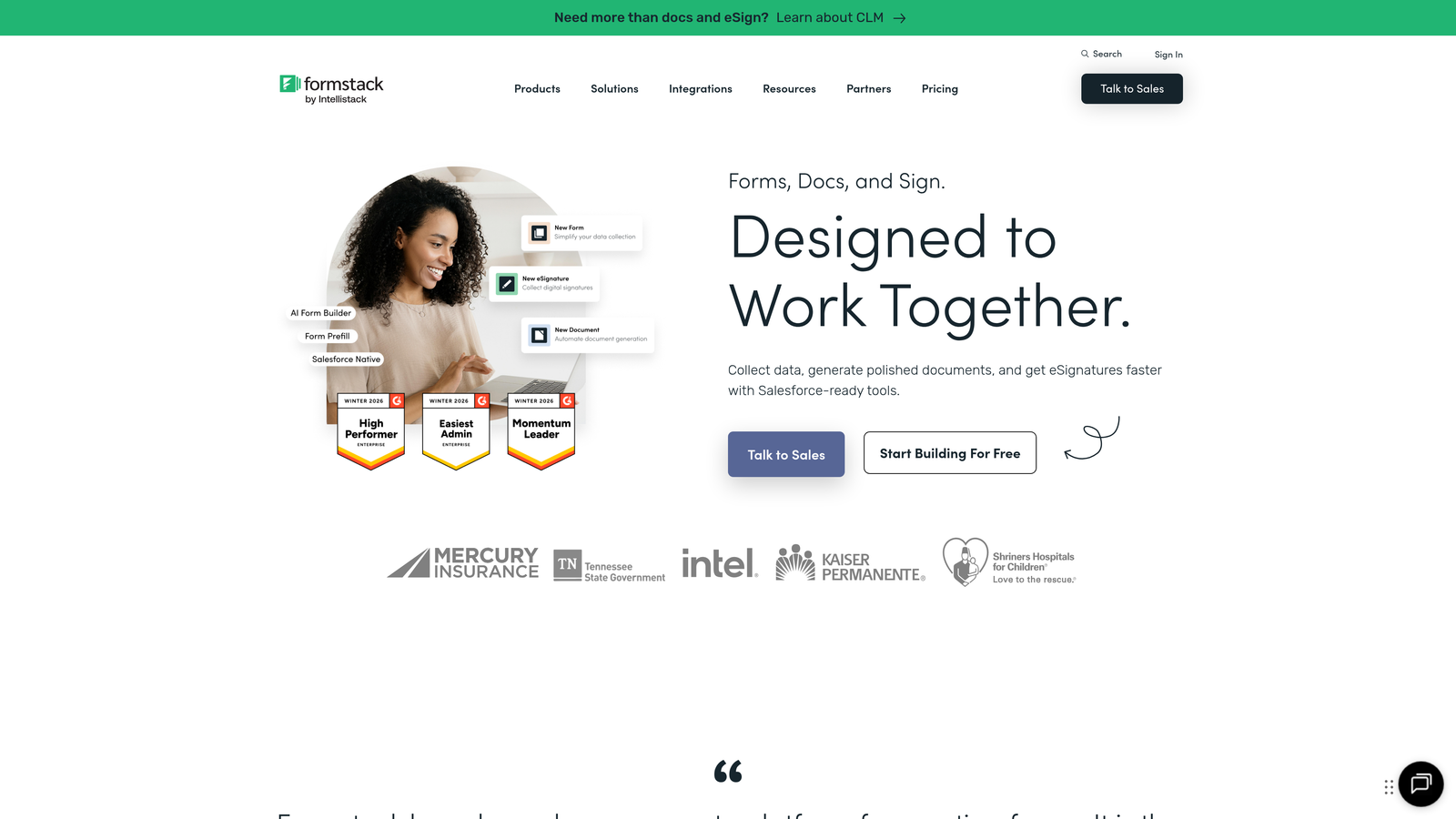
Formstack is an enterprise-grade form builder offering advanced compliance features and approval workflows for complex institutional processes.
Where This Tool Shines
Formstack excels in environments where regulatory compliance isn't optional. The platform provides documented FERPA and HIPAA compliance capabilities, essential for universities managing sensitive student records or health information. This compliance documentation simplifies audits and reduces institutional risk.
The multi-step approval workflow functionality supports complex academic processes—think grant applications requiring department chair approval, then dean sign-off, then research office review. These workflows automate what previously required manual email chains and physical document routing.
Key Features
FERPA and HIPAA Compliance: Built-in compliance features with documentation to satisfy regulatory requirements.
Approval Workflows: Route submissions through multiple approval stages with automated notifications and tracking.
Digital Signatures: Collect legally binding signatures for contracts, agreements, and official documents.
Advanced Conditional Logic: Create sophisticated branching scenarios based on multiple variables and conditions.
SIS and LMS Integration: Connect with student information systems and learning management platforms for unified data flow.
Best For
Large universities managing complex administrative processes, institutions handling sensitive health or financial data requiring compliance documentation, and schools needing sophisticated approval workflows across multiple departments.
Pricing
Plans start at $50/month with higher education pricing available; enterprise pricing for large institutions with custom requirements.
6. Microsoft Forms
Best for: Schools standardized on Microsoft 365 ecosystem
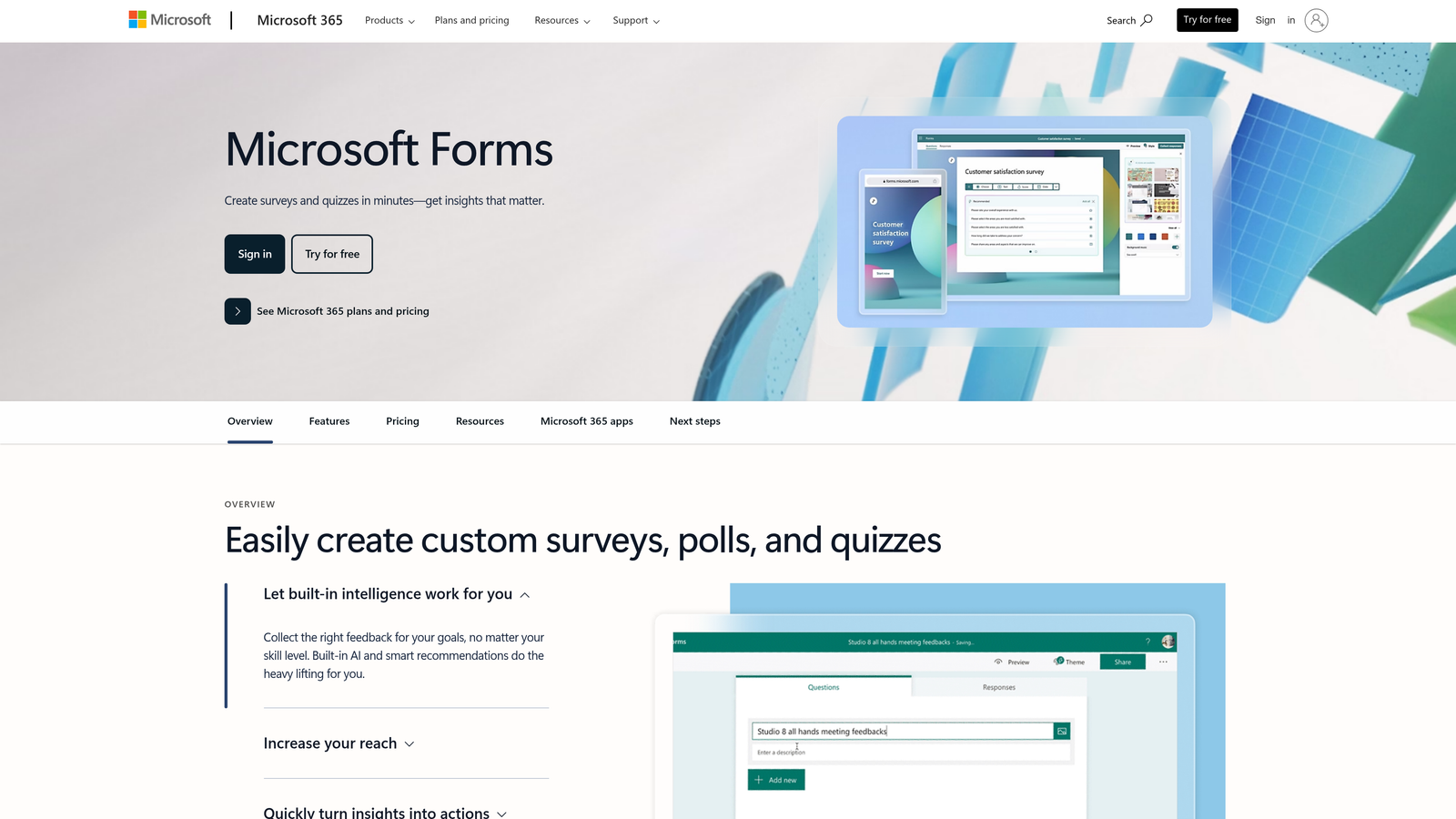
Microsoft Forms is a straightforward form and survey tool integrated throughout the Microsoft 365 environment.
Where This Tool Shines
For institutions already invested in Microsoft 365, Forms provides seamless integration with the tools staff use daily. The native Microsoft Teams integration means you can share forms, collect responses, and discuss results without leaving your collaboration platform.
Microsoft's commitment to accessibility shines through in Forms. Built-in accessibility features ensure compliance with ADA and Section 508 requirements, critical for public institutions serving diverse student populations with varying needs.
Key Features
Teams Integration: Share forms and collect responses directly within Microsoft Teams channels and conversations.
Built-In Accessibility: Designed to meet accessibility standards, supporting screen readers and keyboard navigation.
Excel Data Export: Responses automatically export to Excel for analysis using familiar spreadsheet tools.
Quiz Functionality: Create assessments with automatic scoring, answer feedback, and point values.
Branching Logic: Route respondents to different questions based on their previous answers.
Best For
Schools using Microsoft 365 as their primary productivity platform, institutions prioritizing accessibility compliance, and educators creating classroom quizzes and assessments within the Microsoft ecosystem.
Pricing
Included with Microsoft 365 subscriptions; Microsoft 365 Education plans available for qualifying institutions at reduced or no cost.
7. Cognito Forms
Best for: Schools needing complex calculations and payment processing
Cognito Forms is a form builder with powerful calculation capabilities and integrated payment processing for educational institutions.
Where This Tool Shines
Cognito Forms handles complex pricing scenarios that stump simpler form builders. Schools can create registration forms that calculate fees based on multiple variables—number of courses, early bird discounts, sibling discounts, meal plan selections—all with conditional logic that adjusts pricing in real-time as students make selections.
The repeating sections feature proves invaluable for forms collecting variable amounts of data. Think parent contact information for families with multiple children, or course selection forms where students choose different numbers of electives.
Key Features
Payment Processing: Built-in support for Stripe, PayPal, and Square with secure transaction handling.
Complex Calculations: Create sophisticated pricing formulas based on multiple form fields and conditional logic.
Repeating Sections: Allow respondents to add multiple instances of the same field group for variable data collection.
File Management: Collect and organize document uploads with size limits and file type restrictions.
Conditional Workflows: Trigger different actions and notifications based on form responses and calculated values.
Best For
Schools managing complex registration processes with variable pricing, institutions collecting tuition payments or fees through forms, and programs requiring document uploads alongside form submissions.
Pricing
Free tier available for basic needs; paid plans start at $15/month with pricing scaling based on features and submission volume.
8. SurveyMonkey
Best for: Institutional research and advanced survey analytics
SurveyMonkey is a comprehensive survey platform offering advanced analytics and benchmarking capabilities for educational research.
Where This Tool Shines
SurveyMonkey's advanced analytics transform raw survey data into actionable insights. The platform offers statistical analysis tools, trend tracking, and data visualization that help institutional research offices understand student satisfaction, alumni engagement, and program effectiveness at a deeper level than basic form builders provide.
The benchmarking capabilities allow schools to compare their results against industry data. Understanding how your student satisfaction scores compare to peer institutions provides valuable context for strategic planning and accreditation processes.
Key Features
Advanced Analytics: Statistical analysis, cross-tabulation, and data visualization tools for deeper insights.
Benchmarking Data: Compare your results against industry benchmarks and similar institutions.
Question Bank: Access professionally validated questions for common educational research topics.
Multi-Language Support: Create surveys in multiple languages for diverse student populations.
Team Collaboration: Multiple researchers can collaborate on survey design, analysis, and reporting.
Best For
Institutional research offices conducting longitudinal studies, universities measuring program outcomes for accreditation, and schools requiring sophisticated data analysis beyond basic response collection.
Pricing
Free tier available with limited features; paid plans from $25/user/month with education pricing available for qualifying institutions.
9. 123FormBuilder
Best for: K-12 districts prioritizing child data privacy compliance
123FormBuilder is a user-friendly form builder with COPPA-compliant data handling designed for schools serving children under 13.
Where This Tool Shines
123FormBuilder takes child data privacy seriously with COPPA-compliant data handling—a critical requirement for K-12 schools collecting information from students under 13. The platform's privacy controls and parental consent workflows help schools meet regulatory requirements without complex technical implementation.
The drag-and-drop interface makes form creation accessible to non-technical staff. Teachers and administrators can build functional forms without IT support, reducing bottlenecks and empowering departments to manage their own data collection needs.
Key Features
COPPA Compliance: Built-in controls and workflows to handle student data in compliance with child privacy regulations.
Drag-and-Drop Builder: Intuitive interface allows non-technical users to create forms without coding knowledge.
Payment Collection: Accept payments through integrated processors for fees, donations, and registrations.
Conditional Logic: Show or hide fields based on responses to create personalized form experiences.
Database Integration: Connect forms to external databases for automated data synchronization.
Best For
K-12 districts collecting data from students under 13, elementary schools requiring parental consent workflows, and school systems prioritizing child data privacy compliance.
Pricing
Free tier available for basic forms; paid plans start at $24.99/month with features scaling based on institutional needs.
Making the Right Choice
Your ideal form builder depends on your institution's specific priorities and existing technology infrastructure. Orbit AI excels for enrollment-focused teams treating student recruitment as a strategic growth function, with AI-powered lead qualification that helps admissions teams work smarter. Formstack serves universities managing complex workflows requiring documented compliance, while Google Forms and Microsoft Forms make sense if you're already invested in those ecosystems.
For K-12 districts prioritizing child data safety, 123FormBuilder's COPPA compliance provides peace of mind. Schools needing sophisticated survey analytics should consider SurveyMonkey, while institutions managing complex payment scenarios will appreciate Cognito Forms' calculation capabilities.
Most vendors offer education discounts—always ask before purchasing. Start with free trials to test how forms perform with your actual users before committing to paid plans. Pay attention to mobile responsiveness, as students increasingly access forms via smartphones. The best form builder is ultimately one your staff will use consistently and students will complete without frustration.
Transform your lead generation with AI-powered forms that qualify prospects automatically while delivering the modern, conversion-optimized experience your high-growth team needs. Start building free forms today and see how intelligent form design can elevate your conversion strategy.


