

As a consultant, your intake forms are often the first impression potential clients have of your business. A clunky, generic form can signal amateur hour before you've even had a conversation. The right form builder does more than collect information—it qualifies leads, reflects your professional brand, and integrates seamlessly with your existing workflow.
We evaluated dozens of form builders specifically through the lens of consulting work: client intake, discovery questionnaires, project scoping, and lead qualification. Here are the nine tools that stand out for consultants who want to work smarter, not harder.
1. Orbit AI
Best for: Consultants who want AI to handle lead qualification automatically
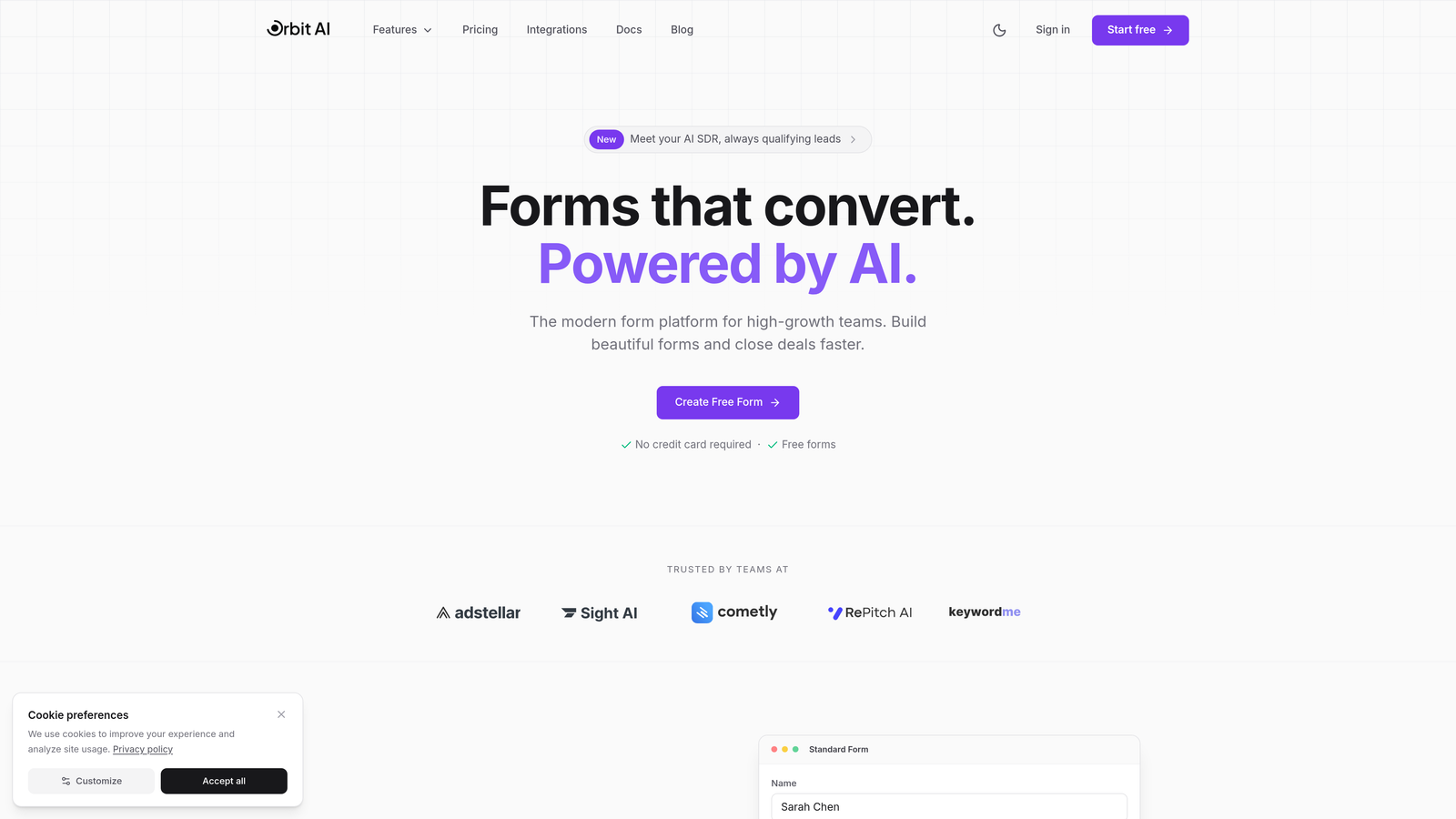
Orbit AI is an AI-powered form builder designed specifically for high-growth teams and consultants who need intelligent lead qualification built directly into their intake process.
Where This Tool Shines
The standout feature here is AI-powered lead scoring that works in the background. When a prospect fills out your intake form, Orbit AI analyzes their responses and automatically qualifies them based on criteria you define. This means you're not manually reviewing every submission to determine if someone's a good fit.
For consultants juggling multiple client projects, this automation is transformative. Instead of spending your evenings sorting through inquiries, the system routes high-quality leads directly to your calendar while filtering out tire-kickers. The conversion-optimized templates are designed specifically for professional services, so your forms actually look like they belong to a modern consulting practice.
Key Features
AI-Powered Lead Scoring: Automatically qualifies prospects based on their responses and your ideal client profile.
Conversion-Optimized Templates: Pre-built form designs specifically created for consulting intake and discovery.
Automated Workflow Routing: Sends qualified leads to the right team member or next step without manual intervention.
Native CRM Integrations: Connects directly with HubSpot, Salesforce, and Pipedrive to sync lead data instantly.
Real-Time Analytics Dashboard: Track form performance, conversion rates, and lead quality metrics in one place.
Best For
This platform is ideal for consultants who receive a high volume of inquiries and need to separate serious prospects from casual browsers. If you're spending more than a few hours weekly on lead qualification, or if you want your intake process to work while you're focused on billable client work, Orbit AI delivers immediate ROI.
Pricing
Free tier available for getting started; paid plans begin at $29/month with advanced AI features and predictable response limits.
2. Typeform
Best for: Creating engaging, conversational intake experiences that feel premium
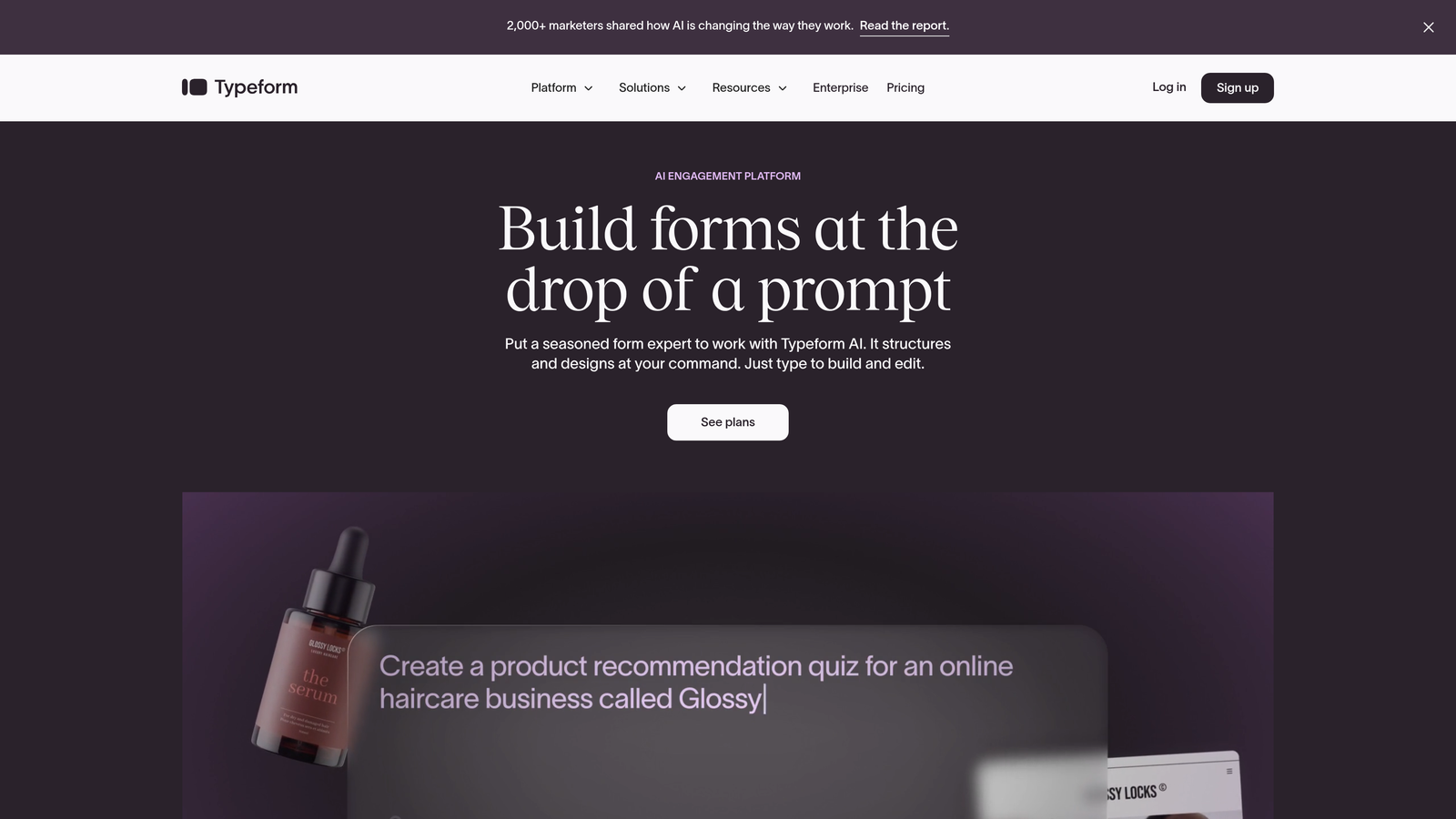
Typeform is a conversational form builder known for its distinctive one-question-at-a-time interface that creates engaging, branded client experiences.
Where This Tool Shines
Typeform's conversational approach transforms what could be a boring intake form into an interactive experience. Instead of overwhelming prospects with a wall of questions, it presents one question at a time with smooth transitions. This approach significantly reduces form abandonment—particularly important when you're asking detailed discovery questions.
The design flexibility is exceptional. You can embed videos, images, and GIFs to create a form that truly reflects your brand personality. For consultants in creative fields or those targeting design-conscious clients, this visual polish can differentiate you from competitors using generic forms.
Key Features
Conversational Format: One-question-at-a-time interface that guides respondents through your intake process naturally.
Beautiful Design Templates: Professionally designed templates that you can customize to match your brand identity.
Logic Jumps and Branching: Show different questions based on previous answers to create personalized experiences.
Rich Media Embedding: Add videos, images, and GIFs to make forms more engaging and explanatory.
Extensive Integration Library: Connects with hundreds of tools including Slack, Google Sheets, Mailchimp, and major CRMs.
Best For
Typeform excels for consultants who view their intake form as part of their brand experience. If you work in branding, design, or any field where aesthetics matter to your target clients, the investment in Typeform's premium feel pays dividends in perceived professionalism.
Pricing
Free tier allows limited responses per month; paid plans start at $25/month with increased response limits and advanced features.
3. Jotform
Best for: Consultants needing specialized forms like contracts, payments, or HIPAA compliance
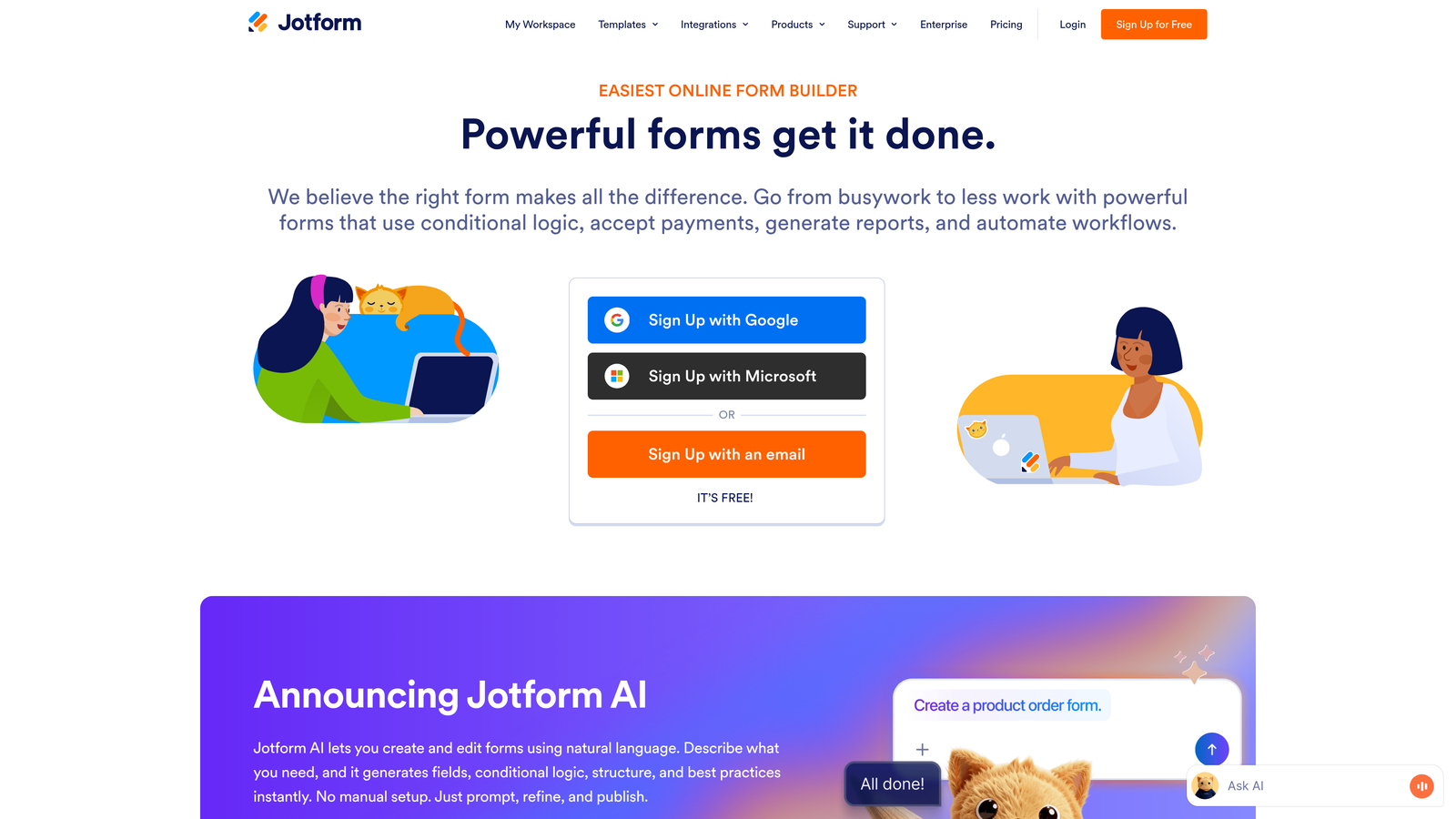
Jotform is a feature-rich form builder offering over 10,000 templates and extensive customization options for virtually any consulting scenario.
Where This Tool Shines
The sheer breadth of templates is Jotform's superpower. Whether you need a project scoping questionnaire, client onboarding checklist, or feedback survey, there's likely a pre-built template you can customize. This saves hours of form design time when you're launching a new service offering.
For consultants who need to collect payments, gather e-signatures, or generate PDF contracts directly from form submissions, Jotform handles it all. The HIPAA-compliant options also make it suitable for healthcare consultants or anyone handling sensitive client data. It's the Swiss Army knife of form builders.
Key Features
10,000+ Templates: Pre-built forms for nearly every consulting use case imaginable, ready to customize.
Drag-and-Drop Builder: Intuitive interface for building complex forms without technical knowledge.
Payment Integrations: Accept payments through Stripe, PayPal, Square, and other processors directly in forms.
PDF Generation and E-Signatures: Automatically create PDF documents and collect legally binding signatures.
HIPAA-Compliant Options: Enterprise plans offer compliance features for handling protected health information.
Best For
Jotform is perfect for consultants with diverse form needs or those in regulated industries requiring specific compliance. If you need one platform that handles intake, contracts, payments, and document generation, Jotform's comprehensive feature set justifies the slightly higher price point.
Pricing
Free tier available with basic features; paid plans start at $34/month with increased submissions and advanced capabilities.
4. Tally
Best for: Solo consultants who want unlimited forms without subscription fees
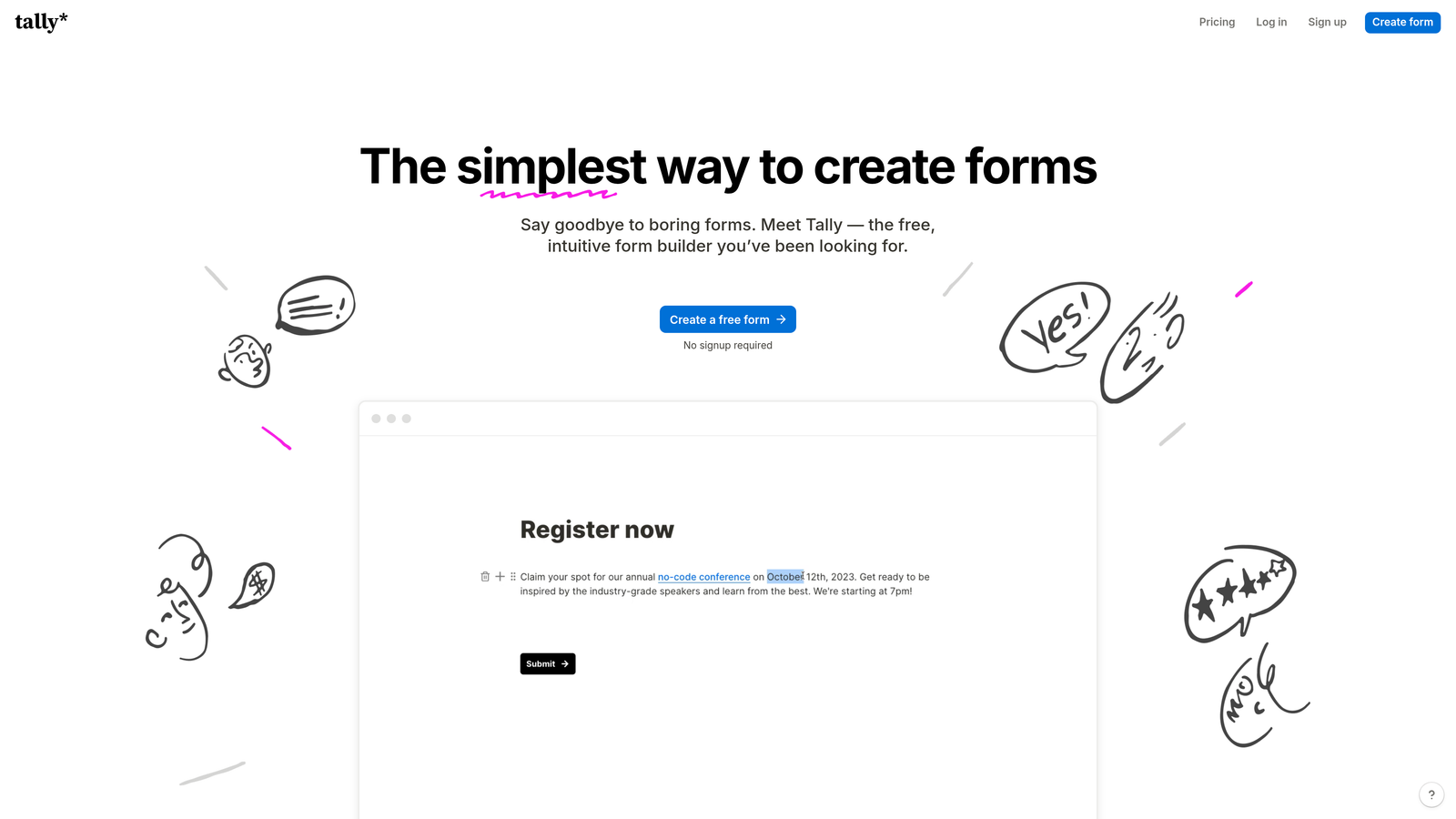
Tally is a minimalist form builder offering unlimited forms for free with a clean, Notion-like editing experience.
Where This Tool Shines
Tally's free tier is genuinely generous—unlimited forms, unlimited responses, no branding removal fees. For solo consultants or those just starting out, this removes the financial barrier to professional form building. You can create separate intake forms for different service lines without worrying about hitting submission limits.
The Notion-style interface will feel instantly familiar if you're already using Notion for project management. The editing experience is clean and distraction-free, letting you build forms quickly without navigating complex menus or overwhelming feature sets.
Key Features
Unlimited Free Forms: Create as many forms as you need with unlimited responses on the free tier.
Clean Interface: Minimal, distraction-free design that focuses on content over decoration.
Notion-Style Editing: Familiar slash-command editing if you're already a Notion user.
Conditional Logic: Show or hide questions based on previous answers to personalize the experience.
Integrations: Connect via webhooks or Zapier to sync data with your existing tools.
Best For
Tally is ideal for budget-conscious solo consultants or those testing new service offerings. If you need functional forms without the bells and whistles, and you appreciate clean design over flashy features, Tally delivers exceptional value at zero cost.
Pricing
Most features completely free; Pro plan at $29/month adds custom domains, file uploads, and priority support.
5. Paperform
Best for: Consultants selling packages, workshops, or services directly through forms
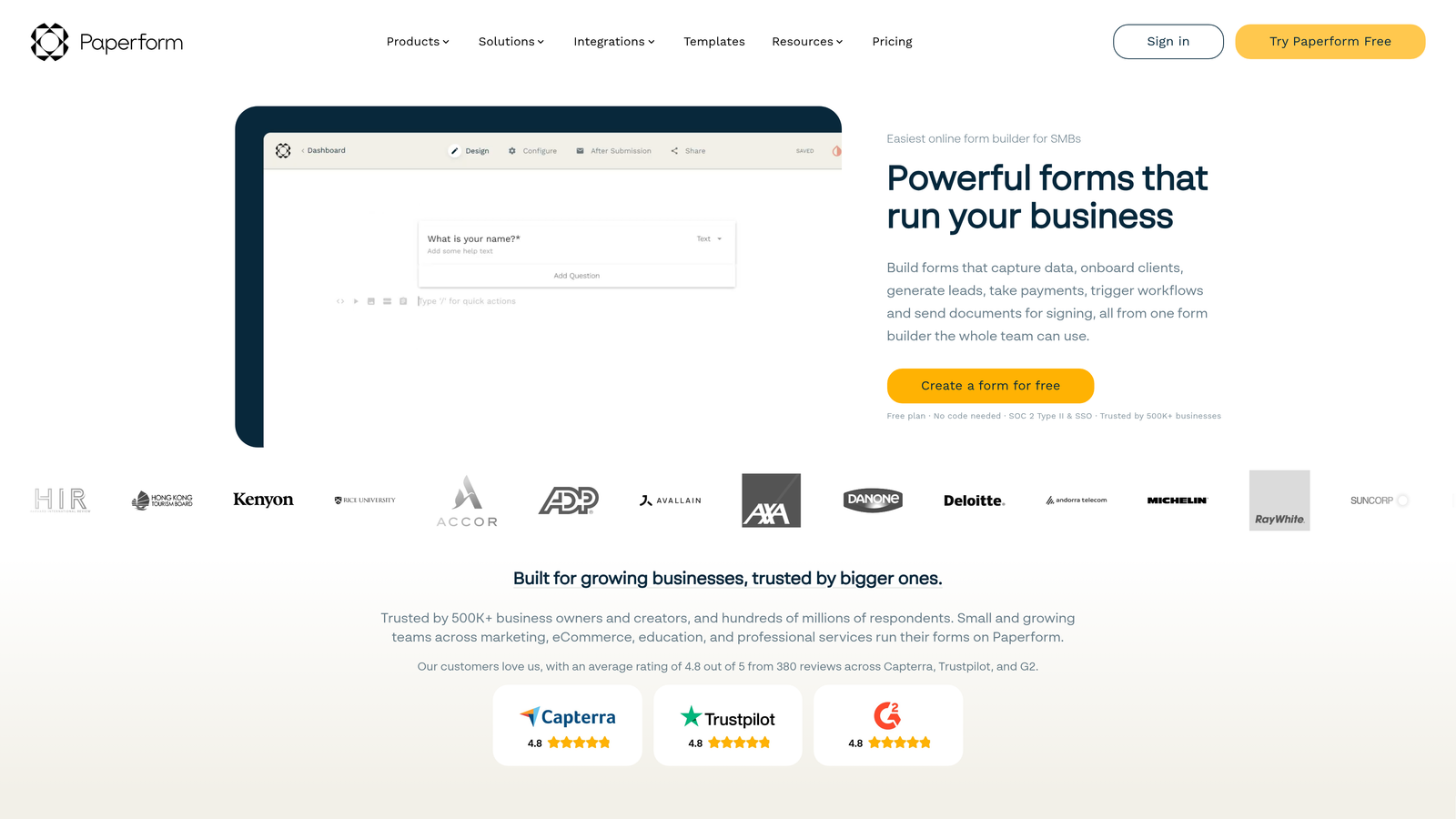
Paperform is a form builder that doubles as a landing page creator with built-in payment processing for selling consulting services.
Where This Tool Shines
Paperform blurs the line between form and landing page. You can create beautiful, full-page experiences that explain your consulting packages, collect prospect information, and process payments—all in one place. This is transformative if you sell standardized consulting packages, workshops, or retainer agreements.
The calculation fields are particularly useful for consultants offering tiered pricing. Prospects can select options (number of sessions, project scope, add-ons) and see their total investment calculated in real-time before submitting. This transparency builds trust and reduces back-and-forth pricing discussions.
Key Features
Landing Page Design: Create full-page experiences that combine marketing copy with form fields seamlessly.
Payment Processing: Integrated Stripe and PayPal support for collecting deposits or full payments.
Product and Booking Forms: Sell consulting packages, book discovery calls, or schedule workshops directly.
Custom Branding: Use your own domain and remove all Paperform branding for white-label experiences.
Calculation Fields: Build dynamic pricing calculators that show prospects their investment in real-time.
Best For
Paperform excels for consultants who have productized their services or offer clear package options. If you're tired of custom proposals for every inquiry and want prospects to self-select into your offerings, this tool streamlines that entire process.
Pricing
Plans start at $24/month with no free tier; pricing includes payment processing and landing page features.
6. Cognito Forms
Best for: Complex multi-step workflows and advanced conditional logic
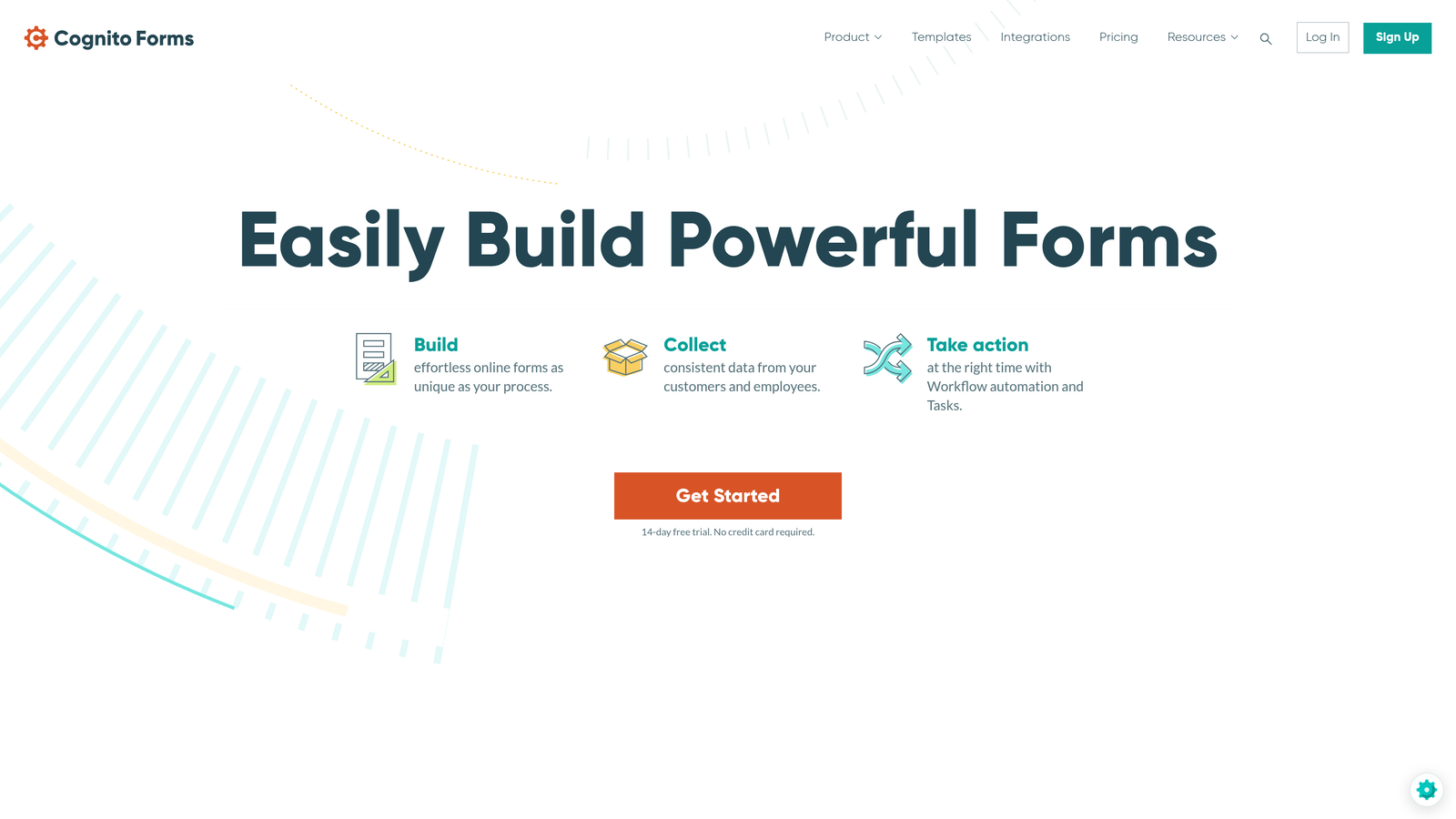
Cognito Forms is a powerful form builder with advanced conditional logic, calculations, and multi-page workflows for complex consulting intake processes.
Where This Tool Shines
Cognito Forms handles complexity better than most competitors. If your intake process requires multi-page workflows with sophisticated branching logic—showing different questions based on industry, company size, or project type—Cognito delivers without breaking a sweat.
The repeating sections feature is invaluable for consultants who need variable data. Think project scoping where clients need to describe multiple deliverables, or organizational consulting where you're gathering information about multiple departments. Instead of creating separate fields for each possibility, repeating sections let clients add as many entries as needed.
Key Features
Advanced Conditional Logic: Create sophisticated branching that shows or hides entire sections based on complex criteria.
Calculation Fields: Build pricing calculators, scoring systems, or dynamic quotes within your forms.
Repeating Sections: Allow clients to add multiple entries for variable data like team members or project phases.
Document Generation: Automatically create PDF documents from form submissions using custom templates.
Workflow Routing: Set up approval processes or multi-step workflows for internal forms.
Best For
Cognito Forms is perfect for consultants with complex intake needs or those who need internal workflow automation. If your discovery process involves detailed scoping with multiple variables, or you need approval workflows for proposals, Cognito handles it elegantly.
Pricing
Free tier available for individual use; paid plans start at $15/month with team features and increased limits.
7. Google Forms
Best for: Quick internal forms and consultants already using Google Workspace
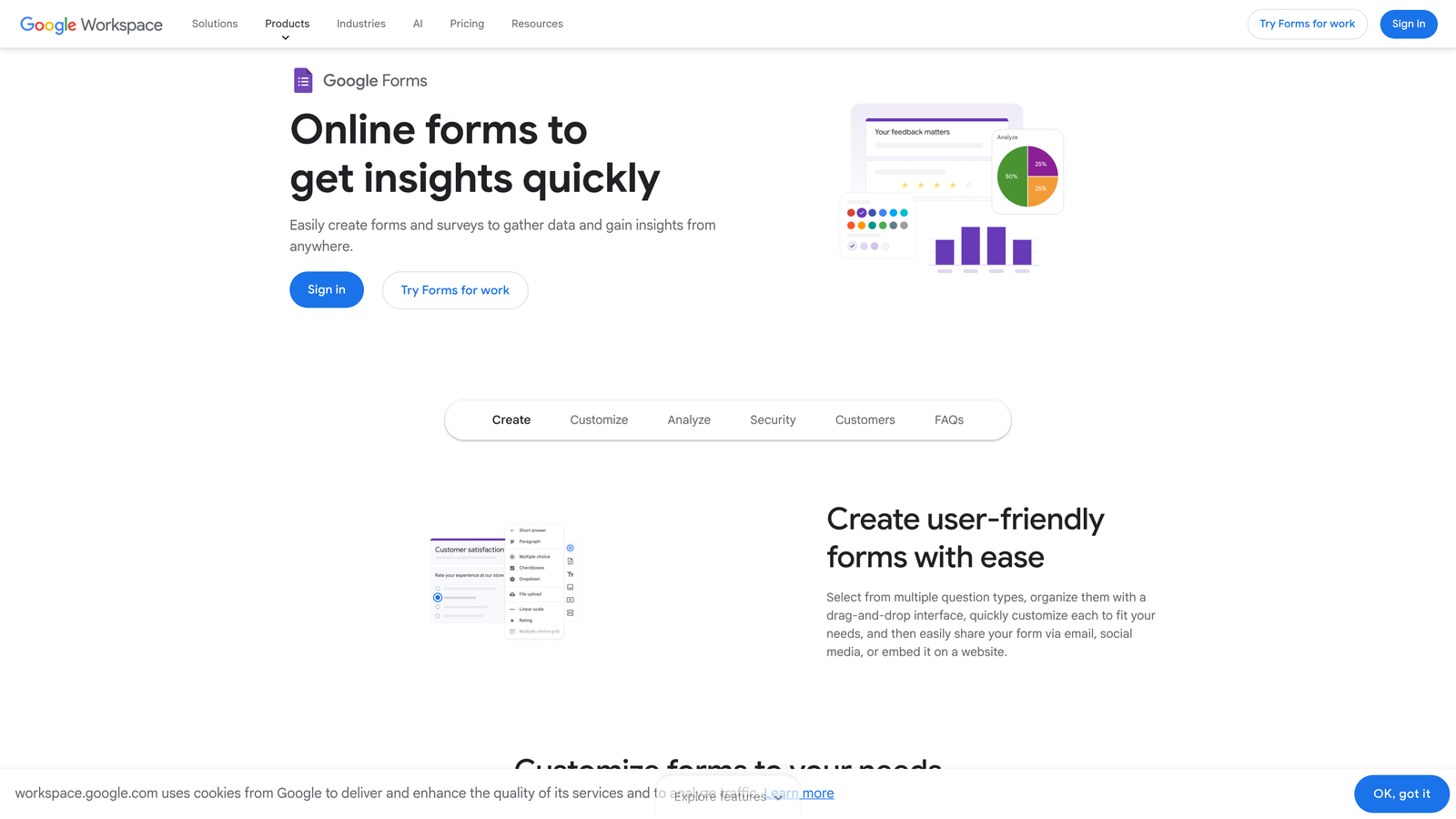
Google Forms is a free, straightforward form builder that integrates seamlessly with Google Workspace for quick surveys and simple intake forms.
Where This Tool Shines
Google Forms wins on simplicity and cost. It's completely free, requires no learning curve if you're familiar with Google products, and responses automatically populate a Google Sheet for easy analysis. For internal forms—team feedback, project retrospectives, or quick client surveys—it's hard to beat the speed of deployment.
The real-time collaboration feature is underrated. Multiple team members can edit the same form simultaneously, making it easy to iterate on client intake questions with your team. And because it's part of Google Workspace, permissions and sharing work exactly like Google Docs.
Key Features
Completely Free: No paid tiers, no submission limits, no hidden costs with any Google account.
Google Sheets Integration: Responses automatically populate a spreadsheet for instant analysis and filtering.
Real-Time Collaboration: Multiple team members can edit forms simultaneously like Google Docs.
Basic Conditional Logic: Show questions based on previous answers for simple branching.
Quiz and Survey Modes: Built-in features for assessments or feedback collection with automatic scoring.
Best For
Google Forms is ideal for consultants who need quick, no-frills forms and are already embedded in the Google ecosystem. It's not going to impress design-conscious clients, but for internal use or straightforward data collection, the zero cost and instant setup are compelling.
Pricing
Completely free with any Google account.
8. HubSpot Forms
Best for: Consultants using HubSpot CRM for sales and marketing automation
HubSpot Forms is the native form builder within HubSpot's ecosystem, designed for seamless integration with HubSpot CRM and marketing automation.
Where This Tool Shines
If you're already using HubSpot CRM, their native form builder eliminates integration headaches entirely. Form submissions automatically create or update contact records, trigger workflows, and sync with your sales pipeline—no Zapier required, no data mapping, no delays.
Progressive profiling is the killer feature for consultants with ongoing client relationships. Instead of asking the same questions every time someone fills out a form, HubSpot remembers what it already knows and asks new questions. This creates a better experience for returning clients while gradually building richer contact profiles.
Key Features
Native CRM Integration: Form data flows directly into HubSpot contacts with zero configuration needed.
Progressive Profiling: Automatically skip questions you've already asked contacts to gather new information over time.
Smart Fields: Pre-fill known information for returning visitors to reduce friction.
Follow-Up Automation: Trigger email sequences, task assignments, or workflow actions based on form submissions.
Embedded and Pop-Up Options: Deploy forms as website embeds, pop-ups, or standalone pages.
Best For
HubSpot Forms is the obvious choice if you're already invested in the HubSpot ecosystem. The tight integration and automation capabilities make it far more powerful than standalone form builders when combined with HubSpot's CRM and marketing tools.
Pricing
Free with HubSpot's free CRM; advanced features like progressive profiling require paid Marketing Hub tiers.
9. Fillout
Best for: Consultants using Notion or Airtable as their operating system
Fillout is a modern form builder designed specifically for users who want direct integrations with Notion, Airtable, and other no-code databases.
Where This Tool Shines
Fillout's native Notion and Airtable sync is its defining feature. If you run your consulting practice in Notion or track clients in Airtable, Fillout sends form submissions directly to your databases without middleware. This eliminates the manual copy-paste routine or fragile Zapier connections that break when you change database fields.
For consultants who've built custom client management systems in Notion or Airtable, this direct integration is transformative. Your intake form becomes the front door to your entire operations system, with new clients automatically appearing in your project tracker, CRM, or whatever custom setup you've created.
Key Features
Native Notion and Airtable Sync: Send form submissions directly to Notion databases or Airtable bases without Zapier.
Conditional Logic: Create branching forms that adapt based on respondent answers.
Payment Collection: Accept payments through Stripe for deposits or full service fees.
Scheduling Integration: Embed calendar booking directly in forms for discovery call scheduling.
Custom Domains: Use your own domain for white-label form experiences.
Best For
Fillout is perfect for consultants who've built their business operations in Notion or Airtable and want their forms to integrate seamlessly. If you're tired of manual data entry or maintaining complex Zapier workflows, Fillout's direct sync saves hours weekly.
Pricing
Free tier available with basic features; paid plans start at $15/month with unlimited forms and advanced integrations.
Making the Right Choice
Your ideal form builder depends on where you are in your consulting journey and what matters most to your workflow.
If AI-powered lead qualification tops your priority list—and you're tired of manually sorting through inquiries—Orbit AI delivers automation that works while you focus on billable client work. The AI scoring ensures you're spending time on prospects who actually fit your ideal client profile.
For consultants where brand experience is paramount, Typeform's conversational interface creates that premium first impression. Solo consultants watching their budget will appreciate Tally's genuinely unlimited free tier. And if you're selling productized consulting packages, Paperform's payment integration and landing page capabilities streamline the entire sales process.
Already embedded in an ecosystem? HubSpot Forms makes sense if you're using HubSpot CRM. Fillout is the clear choice for Notion or Airtable power users. Google Forms remains unbeatable for quick internal forms when you need something deployed in five minutes.
For complex intake processes with sophisticated logic, Cognito Forms handles multi-step workflows that simpler tools struggle with. And Jotform's extensive template library plus specialized features like e-signatures make it the Swiss Army knife for consultants with diverse form needs.
Whatever you choose, remember that your intake form is often your first client touchpoint. A professional, thoughtful form signals that you run a professional, thoughtful consulting practice. A generic, clunky form suggests the opposite—before you've even had a conversation.
The best form builder is the one that removes friction from your process while elevating your client experience. Start building free forms today and see how intelligent form design can elevate your conversion strategy while giving you back hours spent on manual lead qualification.


