

Choosing a form builder isn't just about checking off feature boxes—it's about finding a pricing structure that actually makes sense for your business. A platform that looks affordable at 50 responses per month can quickly become your most expensive software when you hit growth mode. Between hidden fees for integrations, surprise charges when you exceed submission limits, and confusing per-user pricing models, the wrong choice can drain thousands from your budget or force you to migrate platforms mid-growth.
We've analyzed the pricing structures, value propositions, and hidden costs of the top form builders in 2026. Here's what you need to know to make the right choice.
1. Orbit AI
Best for: High-growth teams needing AI-powered lead qualification with conversion-optimized forms
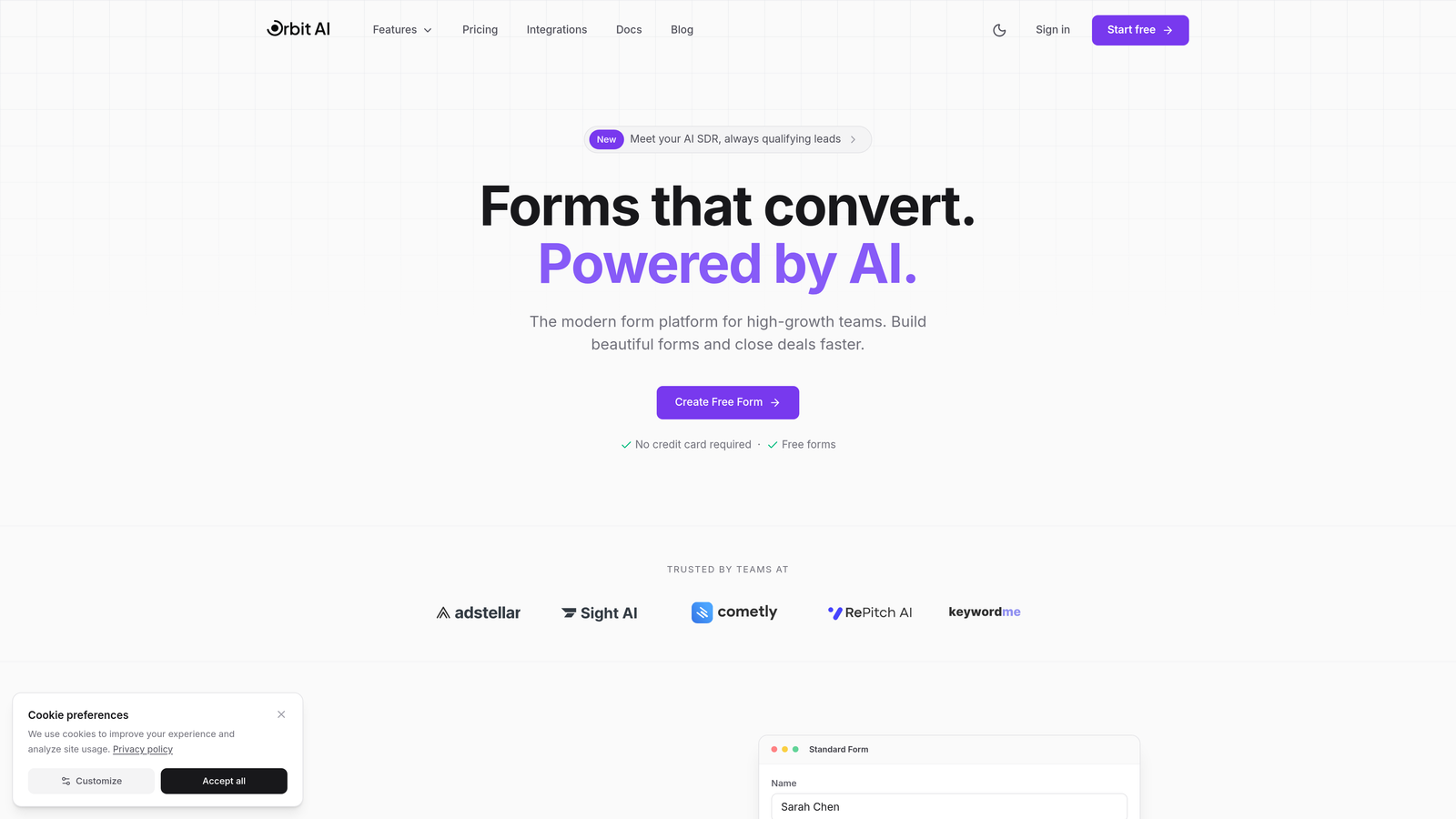
Orbit AI combines intelligent form building with automated lead qualification, helping you focus on prospects most likely to convert.
Where This Tool Shines
The AI-powered lead qualification sets this apart from traditional form builders. Instead of collecting responses and manually sorting through them later, the platform analyzes submissions in real-time and routes qualified leads directly to your sales team.
The conversion optimization focus means every form element is designed with one goal: getting more quality submissions. The analytics dashboard shows exactly which form elements drive conversions and which create friction.
Key Features
AI Lead Qualification: Automatically scores and routes leads based on custom criteria you define.
Conversion-Optimized Design: Modern templates built specifically to maximize form completion rates.
Built-in Analytics: Track submission rates, drop-off points, and conversion metrics without external tools.
Workflow Automation: Connect forms directly to your sales and marketing processes with native workflows.
Enterprise Integrations: Native connections to HubSpot, Salesforce, Slack, and other business-critical tools.
Best For
This platform is ideal for B2B companies and high-growth teams where lead quality matters more than lead quantity. If you're spending hours manually qualifying form submissions or your sales team complains about low-quality leads, the AI qualification alone justifies the investment.
Pricing
Free tier available for getting started. Paid plans scale with your usage and team size, with transparent pricing that grows alongside your business without surprise fees.
2. Typeform
Best for: Creating engaging, conversational form experiences with strong brand customization
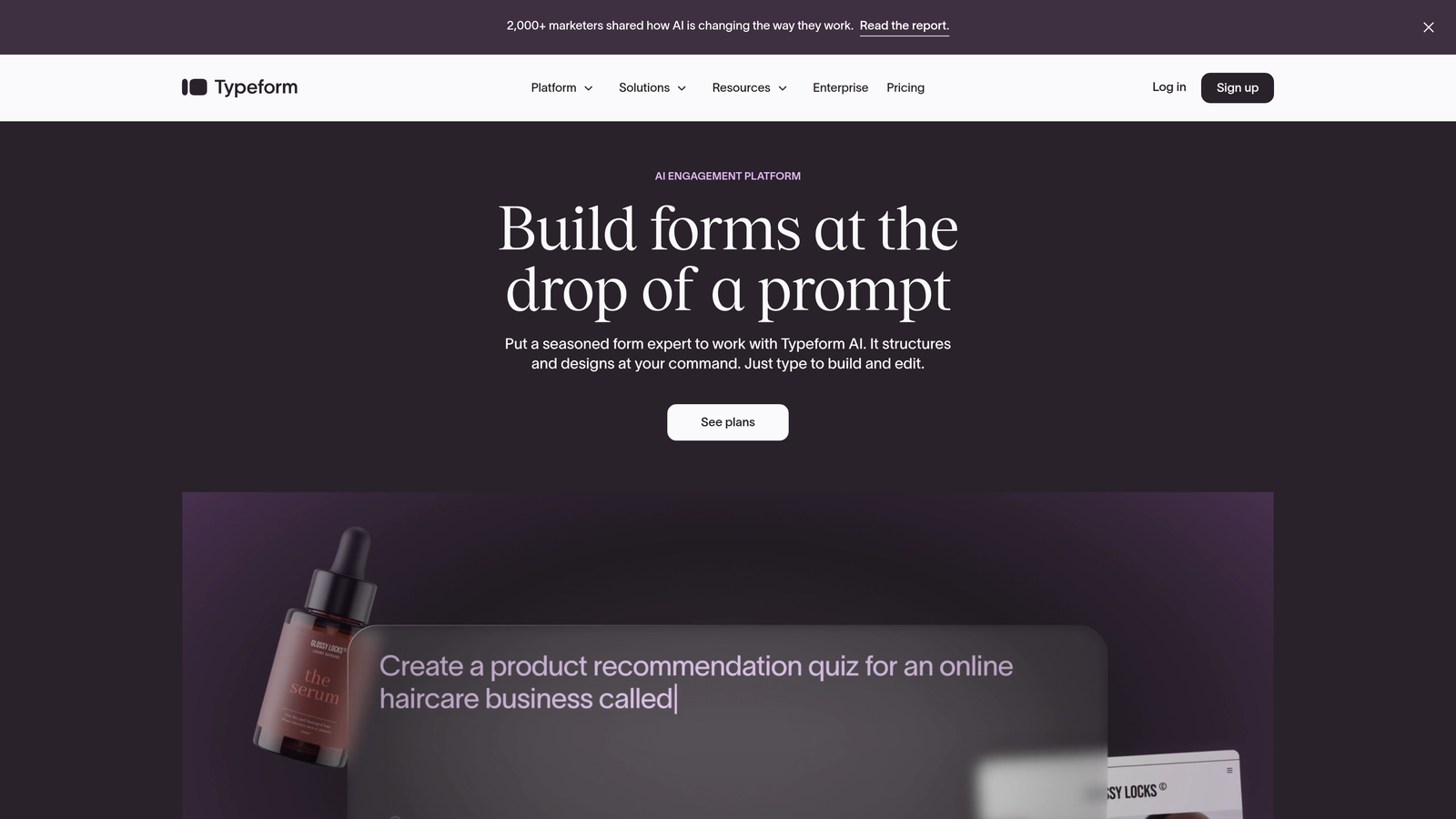
Typeform pioneered the one-question-at-a-time format that feels more like a conversation than a traditional form.
Where This Tool Shines
The conversational interface creates a more engaging experience than traditional forms. Showing one question at a time reduces cognitive overload and can significantly improve completion rates for longer surveys or applications.
The design capabilities are exceptional. You can customize everything from fonts and colors to background videos, creating forms that feel like an extension of your brand rather than a generic web form.
Key Features
Conversational Format: One-question-at-a-time interface that feels more like a dialogue than a form.
Logic Jumps: Create branching paths based on answers to show relevant questions to each respondent.
Video Integration: Embed videos directly in forms to add context or instructions.
Brand Customization: Extensive design controls to match your brand identity perfectly.
Hidden Fields: Pass UTM parameters and other data to track form performance by source.
Best For
Companies prioritizing user experience and brand presentation. The conversational format works particularly well for customer feedback surveys, event registrations, and lead capture where engagement matters more than speed.
Pricing
Free tier limited to 10 responses per month. Basic starts at $25/month (100 responses), Plus at $50/month (1,000 responses), and Business at $83/month (10,000 responses). Response limits can become expensive as you scale.
3. Jotform
Best for: Teams needing extensive templates and customization options with payment processing
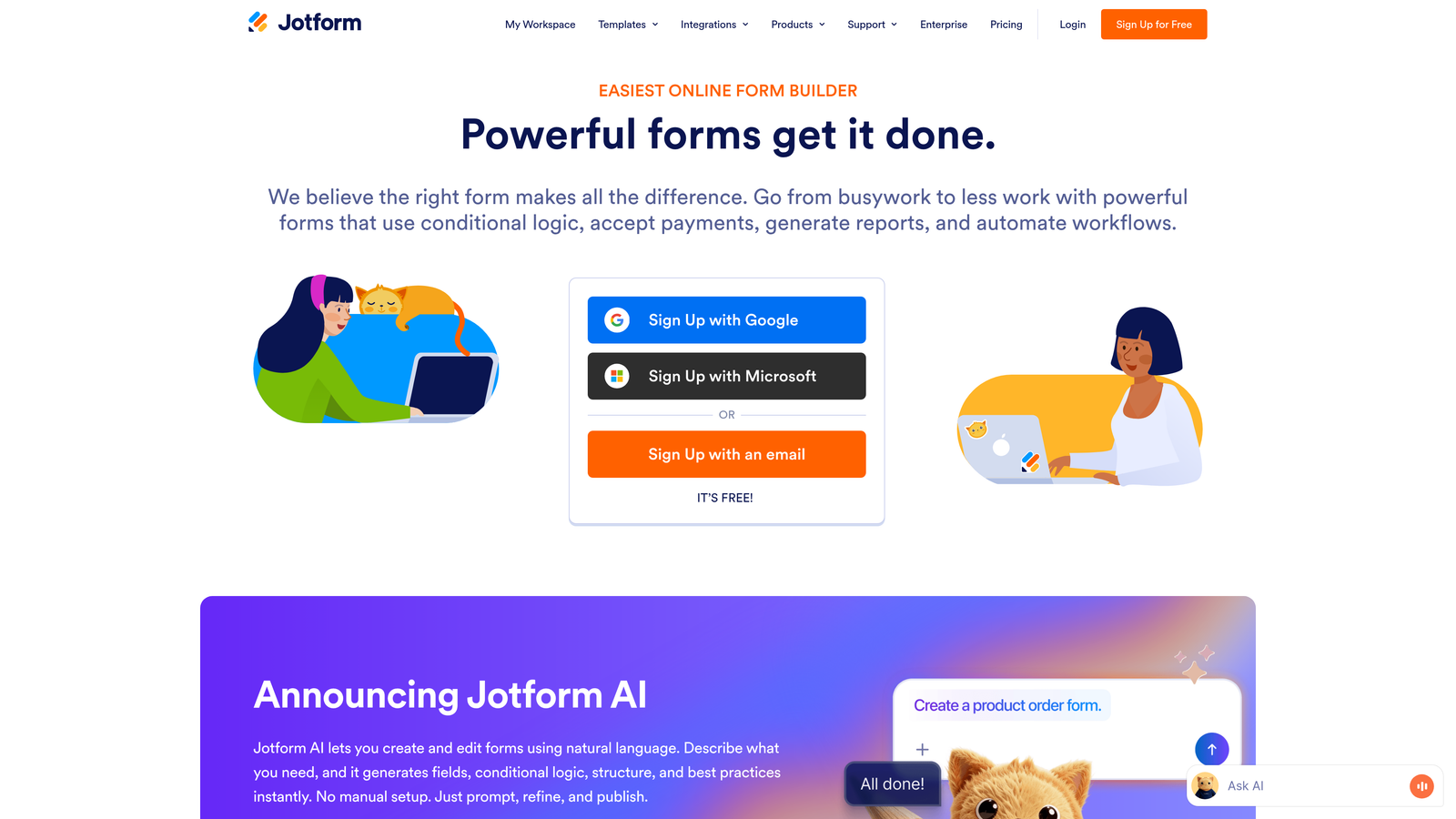
Jotform offers over 10,000 templates and deep customization capabilities for virtually any form use case.
Where This Tool Shines
The template library is unmatched. Whether you need a job application form, event registration, or payment form, there's likely a pre-built template you can customize rather than starting from scratch.
The PDF generation feature is particularly valuable for businesses that need to create contracts, receipts, or official documents from form submissions. This eliminates manual document creation and reduces administrative overhead.
Key Features
10,000+ Templates: Pre-built forms for every industry and use case imaginable.
PDF Form Creation: Automatically generate PDF documents from form submissions.
Payment Integrations: Accept payments through PayPal, Stripe, Square, and other processors.
Mobile App Builder: Convert forms into mobile apps for offline data collection.
Conditional Logic: Show or hide fields based on user responses for dynamic forms.
Best For
Small to medium businesses that need versatile form capabilities without extensive technical knowledge. The template library makes it easy to launch professional forms quickly, and the payment features work well for service businesses and e-commerce.
Pricing
Free tier includes 5 forms and 100 submissions monthly. Bronze starts at $34/month (25 forms, 1,000 submissions), Silver at $39/month (100 forms, 10,000 submissions), and Gold at $99/month (unlimited forms, 100,000 submissions).
4. Google Forms
Best for: Simple data collection with zero budget and Google Workspace integration
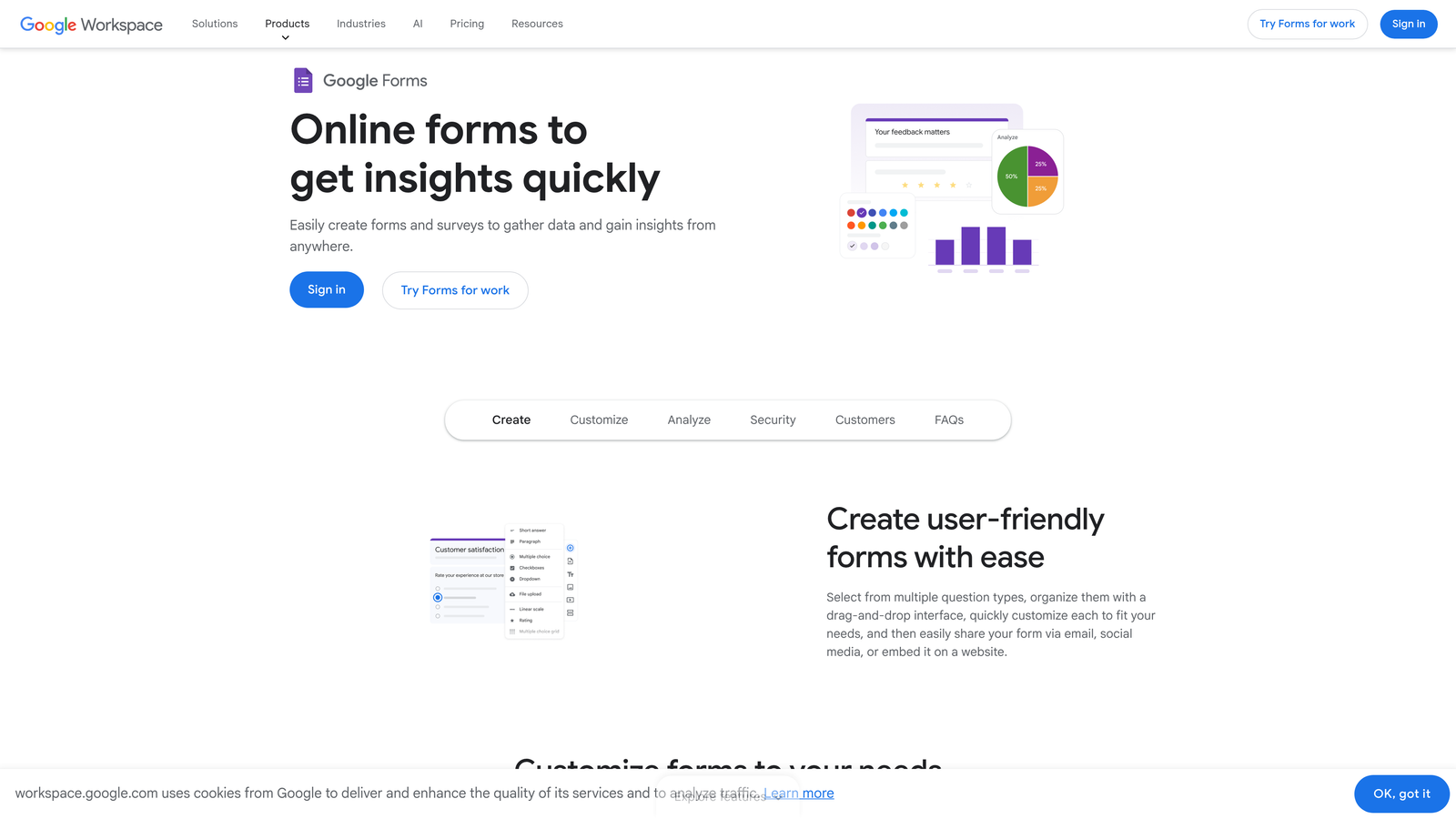
Google Forms provides basic form functionality completely free with automatic Google Sheets integration.
Where This Tool Shines
The price point is unbeatable—completely free with unlimited forms and responses. For internal surveys, event RSVPs, or basic data collection, you can't argue with zero cost.
The Google Sheets integration is seamless. Responses flow directly into a spreadsheet where you can analyze data, create charts, and share results with your team without any setup or configuration.
Key Features
Completely Free: No limits on forms, questions, or responses at any volume.
Google Sheets Integration: Automatic data export to spreadsheets for analysis.
Real-time Collaboration: Multiple team members can edit forms simultaneously.
Basic Conditional Logic: Show or hide sections based on answers.
Quiz Mode: Create self-grading quizzes with automatic scoring.
Best For
Organizations already using Google Workspace, educational institutions, and teams with basic form needs. It's perfect for internal processes, simple surveys, and situations where design customization isn't a priority.
Pricing
Completely free with a Google account. Google Workspace plans start at $6 per user per month but aren't required for basic Google Forms functionality.
5. Tally
Best for: Startups and growing teams needing unlimited forms without response limits
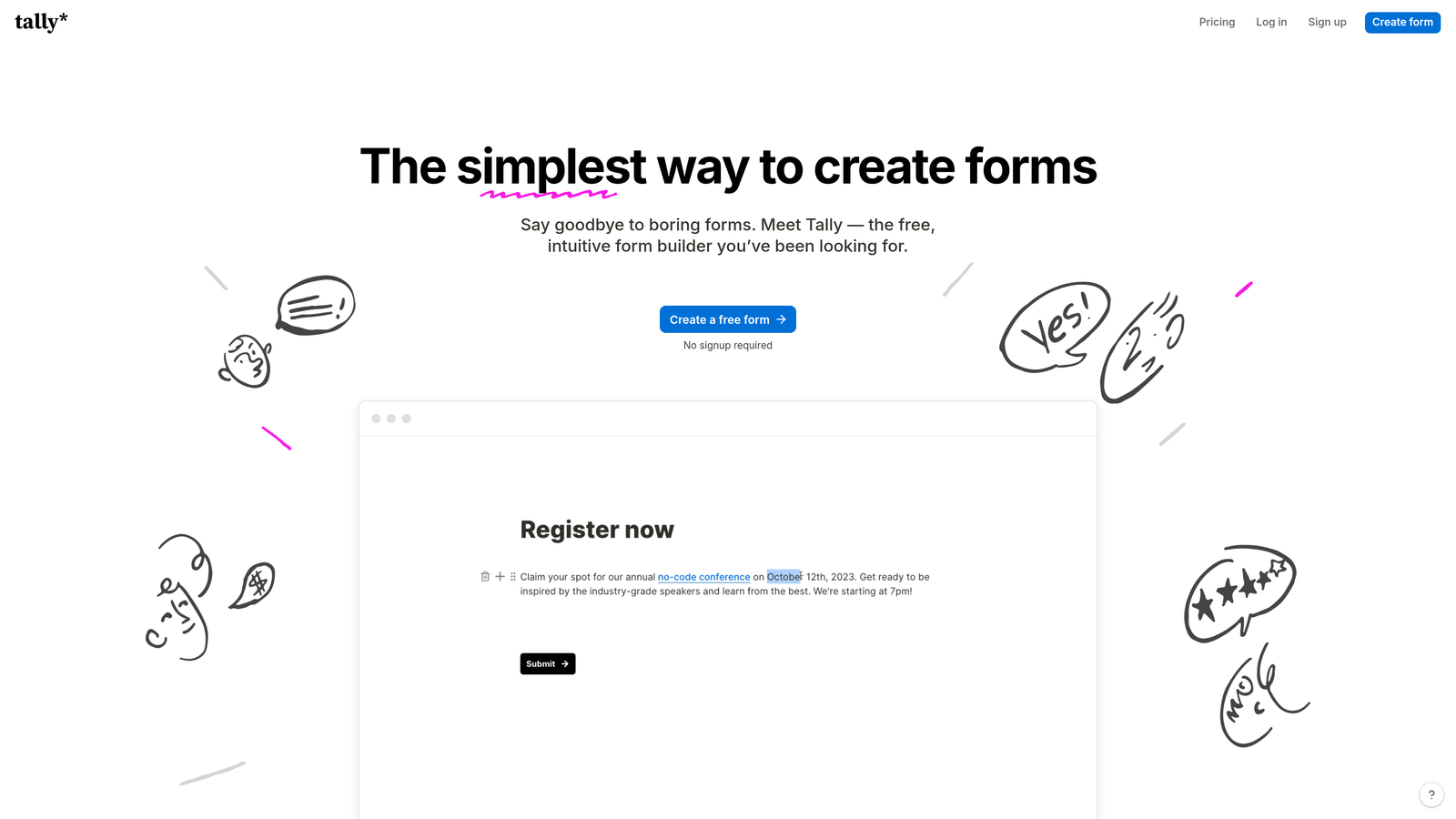
Tally offers unlimited forms and responses on its free tier with a clean, Notion-inspired interface.
Where This Tool Shines
The unlimited free tier is genuinely unlimited—no response caps, no form limits, no hidden restrictions. This makes it ideal for startups and small businesses that need professional forms without monthly fees eating into runway.
The Notion-like editing experience feels familiar if you're already using Notion for documentation. You build forms using slash commands and blocks, which speeds up form creation once you learn the system.
Key Features
Unlimited Free Tier: No caps on forms, responses, or basic features.
Notion-Style Interface: Block-based editor that feels intuitive for Notion users.
File Uploads: Accept file submissions even on the free plan.
Custom Domains: Use your own domain for form hosting on paid plans.
Conditional Logic: Create dynamic forms that adapt based on responses.
Best For
Bootstrapped startups, solopreneurs, and small teams that need professional forms without monthly costs. The unlimited free tier makes it perfect for testing ideas or running high-volume campaigns without worrying about per-response charges.
Pricing
Free tier includes unlimited forms and responses with core features. Pro plan at $29/month adds custom branding removal, advanced integrations, and priority support.
6. Paperform
Best for: Design-conscious teams needing beautiful forms with e-commerce capabilities
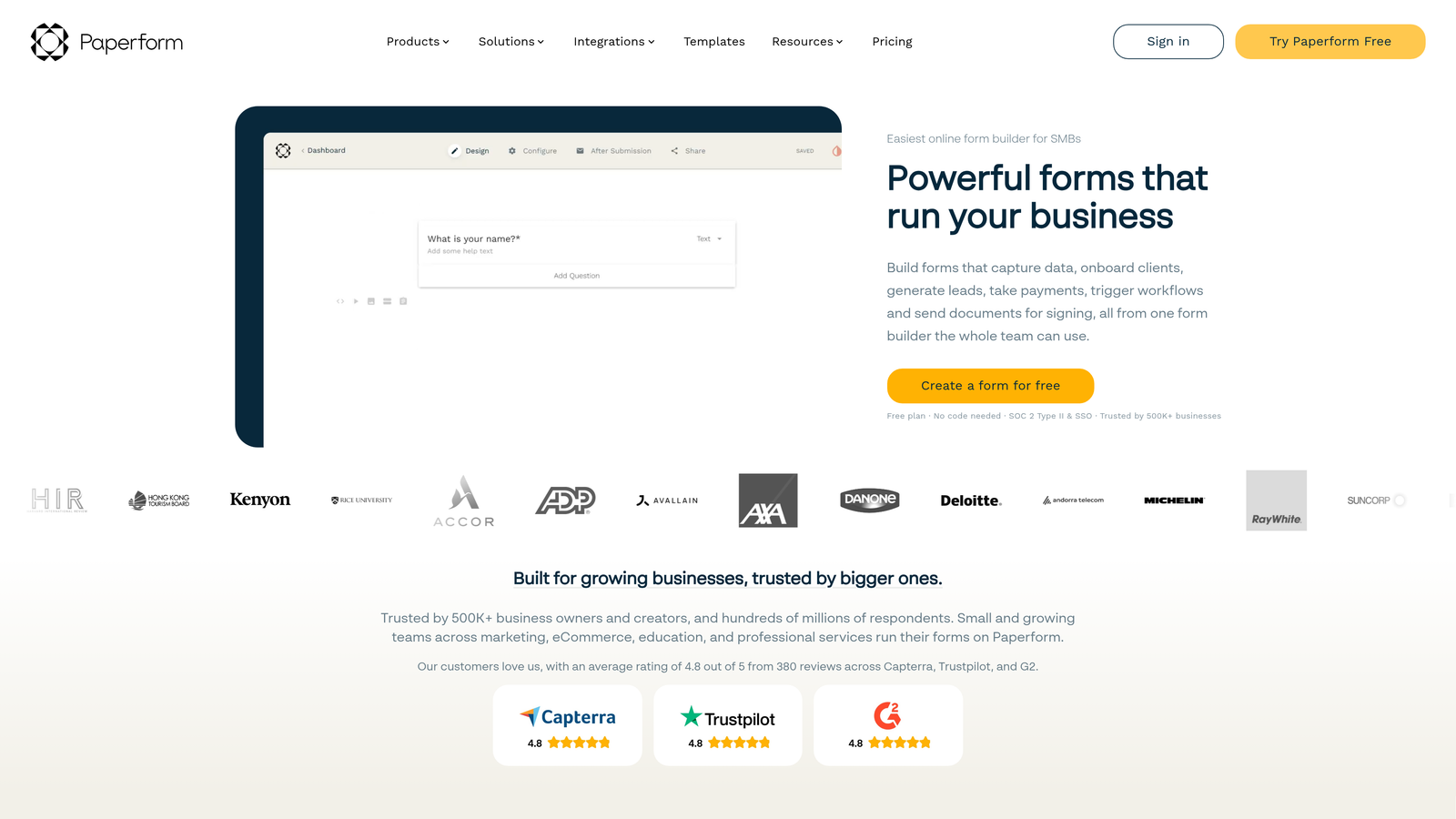
Paperform combines elegant design with powerful features and no response limits on paid plans.
Where This Tool Shines
The design templates are genuinely beautiful. Forms look more like landing pages than traditional web forms, which can significantly improve conversion rates and brand perception.
The lack of response limits on paid plans eliminates the anxiety of hitting submission caps during campaigns. You pay a flat monthly fee regardless of volume, making budgeting predictable as you scale.
Key Features
Beautiful Templates: Design-focused templates that look like custom landing pages.
No Response Limits: Unlimited submissions on all paid plans.
E-commerce Features: Sell products, accept bookings, and process payments directly through forms.
Advanced Calculations: Build complex pricing calculators and quote generators.
Product Catalog: Create product forms with images, variants, and inventory management.
Best For
Creative agencies, service businesses, and brands where visual presentation matters. The e-commerce capabilities make it particularly strong for businesses selling products, services, or bookings directly through forms.
Pricing
Essentials plan starts at $24/month (unlimited responses, 1 user). Pro at $49/month adds team members and advanced features. Business at $99/month includes priority support and custom integrations.
7. Formstack
Best for: Enterprise organizations requiring advanced workflow automation and compliance
Formstack provides enterprise-grade form building with sophisticated workflow automation and security features.
Where This Tool Shines
The workflow automation capabilities go far beyond basic form submission. You can build complex multi-step approval processes, route submissions to different team members based on content, and trigger actions across multiple systems automatically.
The security and compliance features meet enterprise requirements. HIPAA compliance is available for healthcare organizations, and the platform includes advanced encryption, audit trails, and role-based access controls.
Key Features
Advanced Workflow Automation: Build complex approval processes and multi-system integrations.
Electronic Signatures: Collect legally binding signatures directly within forms.
HIPAA Compliance: Meet healthcare data protection requirements with compliant form handling.
Enterprise Security: Advanced encryption, SSO, and role-based access controls.
White Labeling: Remove all Formstack branding for seamless brand integration.
Best For
Large enterprises and regulated industries requiring sophisticated workflows, compliance features, and enterprise-grade security. The platform works particularly well for HR departments, healthcare organizations, and financial services companies.
Pricing
Starter plan begins at $50/month. Teams plan at $83/month adds collaboration features. Enterprise pricing is custom based on specific requirements and includes dedicated support and advanced security features.
8. Cognito Forms
Best for: Budget-conscious teams needing payment processing and calculation features
Cognito Forms offers strong payment and calculation capabilities at competitive price points.
Where This Tool Shines
The calculation engine is remarkably powerful for the price point. You can build complex pricing calculators, quote generators, and order forms with conditional pricing logic that would typically require custom development.
The payment processing integration is built-in rather than requiring third-party connectors. This simplifies setup and reduces the number of accounts you need to manage when accepting payments through forms.
Key Features
Built-in Payment Processing: Accept payments through Stripe or PayPal without additional plugins.
Advanced Calculations: Create complex formulas for pricing, scoring, and data manipulation.
Repeating Sections: Allow users to add multiple items or entries within a single form submission.
Data Encryption: Automatic encryption for sensitive data fields.
Workflow Rules: Automate actions based on form submissions and conditions.
Best For
Small businesses and organizations that need payment collection or complex calculations without enterprise-level budgets. It's particularly strong for order forms, registration forms with variable pricing, and applications requiring mathematical logic.
Pricing
Free tier includes 500 entries per month. Pro plan at $15/month (2,000 entries) offers excellent value. Team at $35/month (10,000 entries) adds collaboration. Enterprise at $99/month provides unlimited entries and advanced features.
9. 123FormBuilder
Best for: Industry-specific compliance needs and multi-language form requirements
123FormBuilder focuses on compliance-heavy industries with specialized templates and security features.
Where This Tool Shines
The industry-specific templates are genuinely tailored to compliance requirements. Healthcare forms include HIPAA-compliant fields, financial services templates incorporate required disclosures, and educational forms meet accessibility standards.
The multi-language support goes beyond simple translation. You can create forms that automatically display in the user's preferred language based on browser settings, making it valuable for international organizations or multilingual markets.
Key Features
HIPAA Compliance: Meet healthcare data protection standards with compliant form handling and storage.
Industry Templates: Pre-built forms designed for healthcare, education, finance, and other regulated industries.
Advanced Reporting: Create custom reports and analytics dashboards from form data.
Multi-language Support: Build forms in multiple languages with automatic language detection.
Approval Workflows: Route submissions through multi-step approval processes.
Best For
Healthcare providers, educational institutions, financial services companies, and any organization operating in regulated industries or international markets. The compliance features and language support justify the investment for organizations where these capabilities are requirements rather than nice-to-haves.
Pricing
Free tier available for basic needs. Gold plan at $24.99/month includes core features. Platinum at $44.99/month adds advanced integrations and increased limits. Enterprise pricing is custom based on compliance and support requirements.
Making the Right Investment
The right form builder pricing depends entirely on your specific situation. A startup collecting its first hundred leads has completely different needs than an enterprise processing thousands of daily submissions.
Consider your growth trajectory carefully. That $25/month plan with a 100-response limit looks affordable until your marketing campaign takes off and suddenly you're paying overage fees or scrambling to upgrade mid-campaign. Look at where you'll be in six months, not where you are today.
Hidden costs matter more than sticker prices. A platform charging $50/month with unlimited responses might actually cost less than a $25/month platform that charges per response once you factor in growth. Similarly, paying extra for native integrations often costs less than buying middleware tools to connect systems.
The per-response pricing model works well when volume is predictable and low. If you're collecting 50 survey responses per month, paying based on usage makes sense. But for lead generation or event registration where volume can spike unpredictably, flat-rate pricing provides budget certainty.
Don't underestimate the value of features that save time. A form builder with built-in lead qualification might cost more upfront but save hours of manual work sorting through submissions. Calculate the fully loaded cost including your team's time, not just the software subscription.
For high-growth teams focused on lead quality over quantity, start building free forms today with AI-powered qualification that automatically identifies your best prospects. The modern, conversion-optimized experience helps you capture more quality leads while the intelligent routing ensures your sales team focuses on opportunities most likely to convert.


