

Your forms are often the first real interaction prospects have with your brand—and a clunky, generic form can kill conversions before they start. Custom form design platforms give you the flexibility to create forms that match your brand identity, guide users through intuitive experiences, and capture the data you actually need. But with dozens of options available, choosing the right platform depends on your specific needs: Are you prioritizing visual design freedom? Lead qualification? Integration capabilities?
We evaluated the top custom form design platforms based on design flexibility, user experience, conversion optimization features, and integration ecosystems. Here are nine platforms worth your attention in 2026.
1. Orbit AI
Best for: High-growth teams needing AI-powered lead qualification built directly into beautiful custom forms
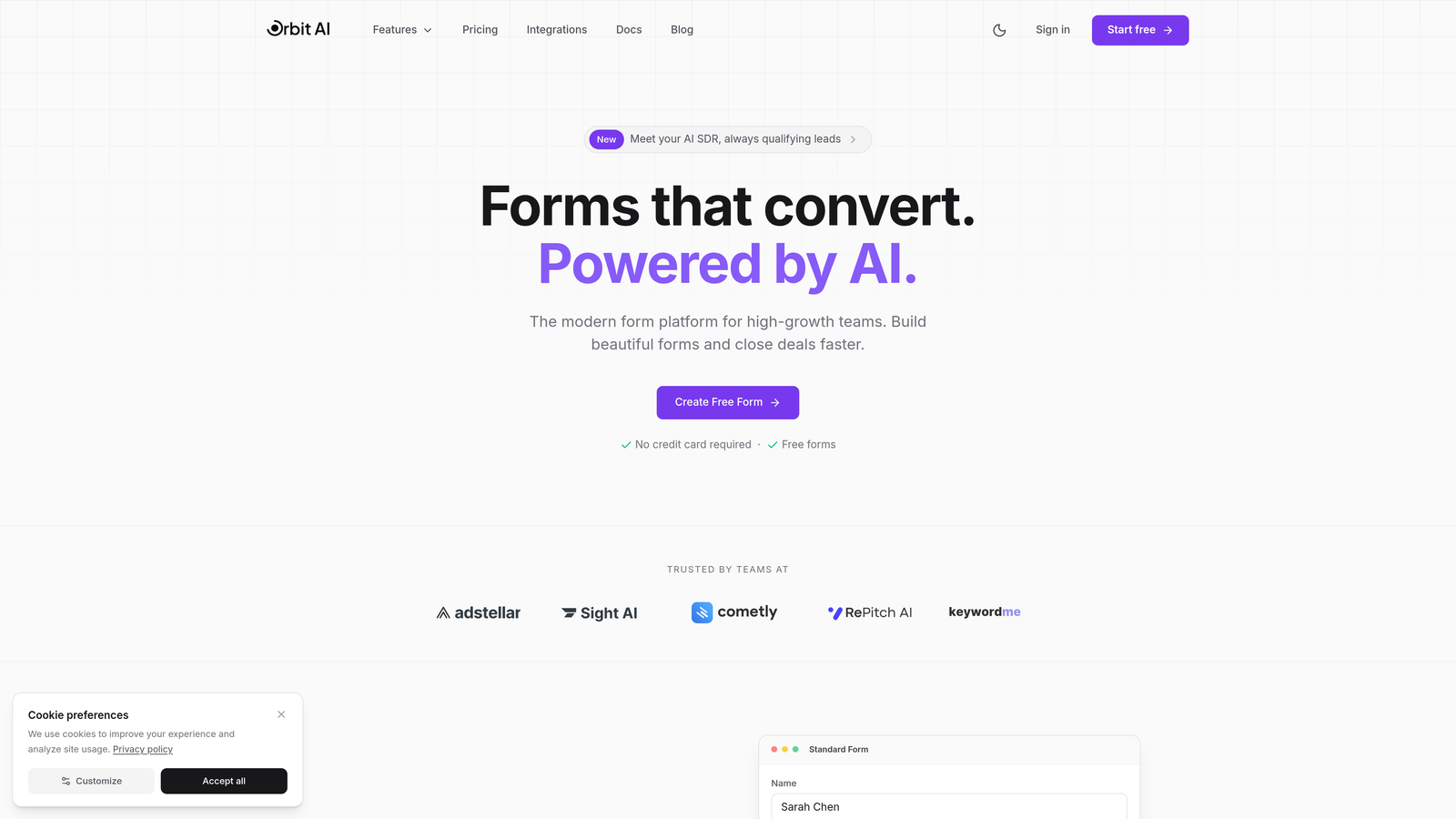
Orbit AI combines stunning form design with intelligent lead scoring, automatically qualifying prospects as they fill out your forms.
Where This Tool Shines
What sets Orbit AI apart is its ability to score and qualify leads in real-time while maintaining a seamless user experience. The AI analyzes responses as prospects fill out forms, automatically routing high-quality leads to sales while nurturing others through marketing workflows.
The platform's modern templates are conversion-optimized from the ground up, eliminating the guesswork around form design. You're not starting from scratch—you're building on proven patterns that actually convert.
Key Features
AI-Powered Lead Scoring: Automatically qualifies prospects based on their responses, routing high-value leads directly to your sales team.
Conversion-Optimized Templates: Modern, professionally designed form templates built specifically for lead generation and conversion.
Deep Integration Ecosystem: Native connections with HubSpot, Salesforce, Slack, and 15+ essential tools for seamless workflow automation.
Multi-Step Workflows: Create conditional logic paths and multi-step forms that adapt based on user responses.
Real-Time Analytics: Track conversion rates, completion times, and drop-off points to continuously optimize form performance.
Best For
High-growth B2B teams that need to qualify leads at scale without adding headcount. Perfect for SaaS companies, agencies, and marketing teams where lead quality matters as much as quantity.
Pricing
Free tier available for getting started; paid plans begin at competitive rates designed for growing teams that need advanced features and higher submission volumes.
2. Typeform
Best for: Creating conversational, engaging form experiences with one question displayed at a time
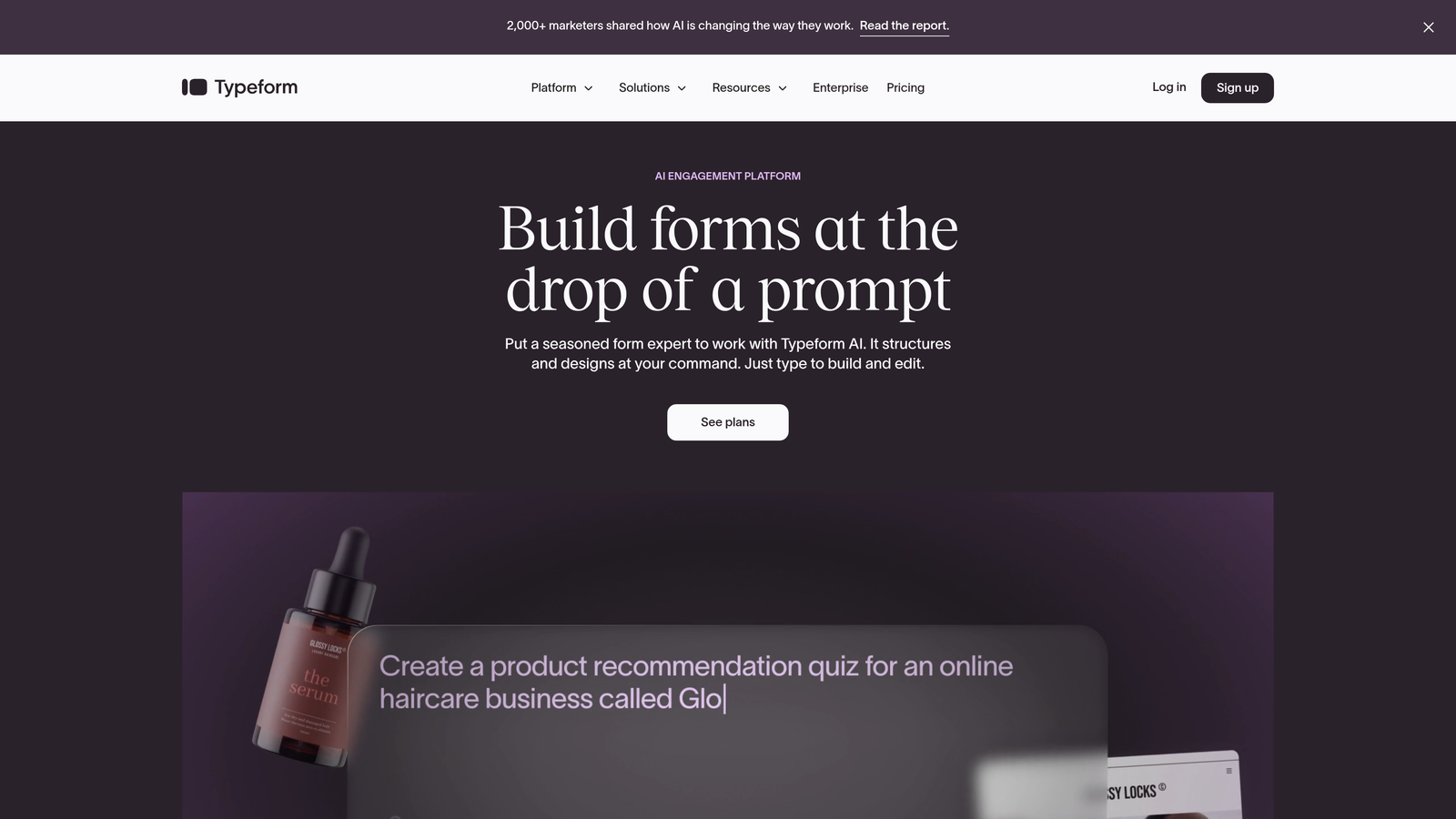
Typeform pioneered the conversational form approach, transforming traditional forms into human-feeling interactions that boost completion rates.
Where This Tool Shines
Typeform's one-question-at-a-time interface reduces cognitive load and makes forms feel more like conversations than interrogations. This approach typically improves completion rates, especially for longer forms that might otherwise feel overwhelming.
The visual design capabilities are exceptional. You can embed videos, images, and GIFs throughout your forms, creating an immersive brand experience that stands out from generic form builders.
Key Features
Conversational Interface: Present one question at a time, creating a focused, distraction-free experience that feels natural.
Visual Customization: Full brand customization including colors, fonts, backgrounds, and embedded media throughout the form.
Logic Jumps: Create branching paths that adapt the form experience based on previous answers.
Rich Media Support: Embed videos, images, and GIFs directly within questions to enhance engagement.
Integration Marketplace: Connect with hundreds of tools including Slack, Google Sheets, Mailchimp, and major CRMs.
Best For
Brand-conscious companies that want forms to feel like an extension of their premium user experience. Ideal for customer feedback, lead generation, and any scenario where form completion rates matter.
Pricing
Free tier with limited responses; Basic plan starts at $25/month for removing branding and accessing logic jumps.
3. Jotform
Best for: Teams needing extensive templates and specialized features like payments, e-signatures, and HIPAA compliance
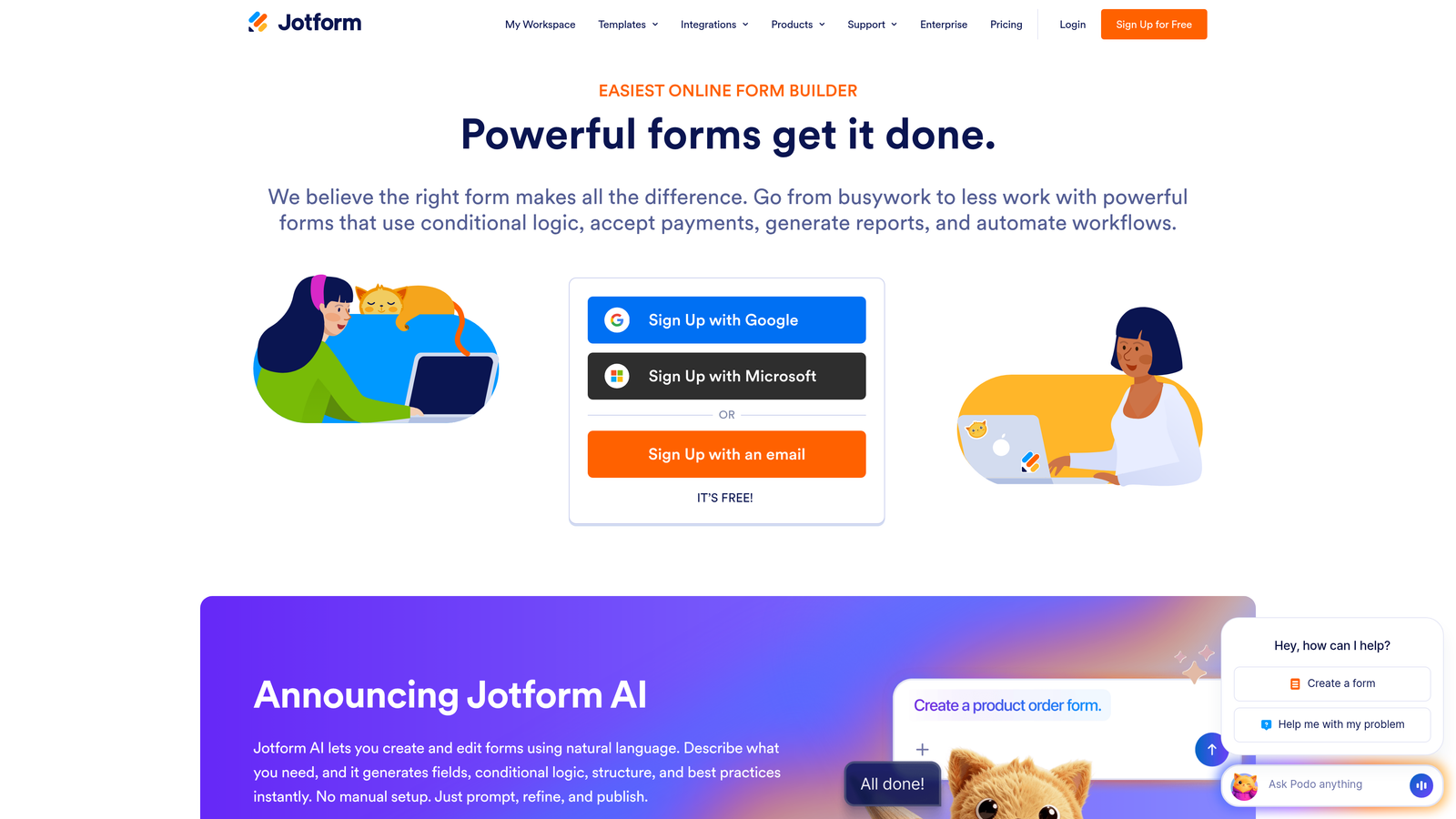
Jotform offers the largest template library in the industry with over 10,000 pre-built forms for virtually any use case.
Where This Tool Shines
Jotform's breadth is unmatched. Need to collect payments? Done. Require e-signatures? Built in. Need HIPAA compliance for healthcare data? They've got you covered. This platform handles specialized use cases that most form builders ignore.
The drag-and-drop builder balances ease of use with power user features. You can customize forms visually or dive into CSS for pixel-perfect control when needed.
Key Features
10,000+ Templates: Pre-built forms for every industry and use case, from event registration to job applications to order forms.
Payment Processing: Accept payments through Square, Stripe, PayPal, and 30+ payment gateways directly within forms.
E-Signature Support: Collect legally binding signatures with built-in e-signature widgets.
PDF Generation: Automatically convert form submissions into formatted PDF documents.
HIPAA Compliance: Enterprise plans include HIPAA-compliant form hosting for healthcare organizations.
Best For
Organizations with diverse form needs across departments, healthcare providers requiring HIPAA compliance, and businesses that need to collect payments or signatures through forms.
Pricing
Free tier includes 5 forms; Bronze plan starts at $34/month for unlimited forms and increased submission limits.
4. Tally
Best for: Teams wanting unlimited forms and submissions without paying for a premium tier
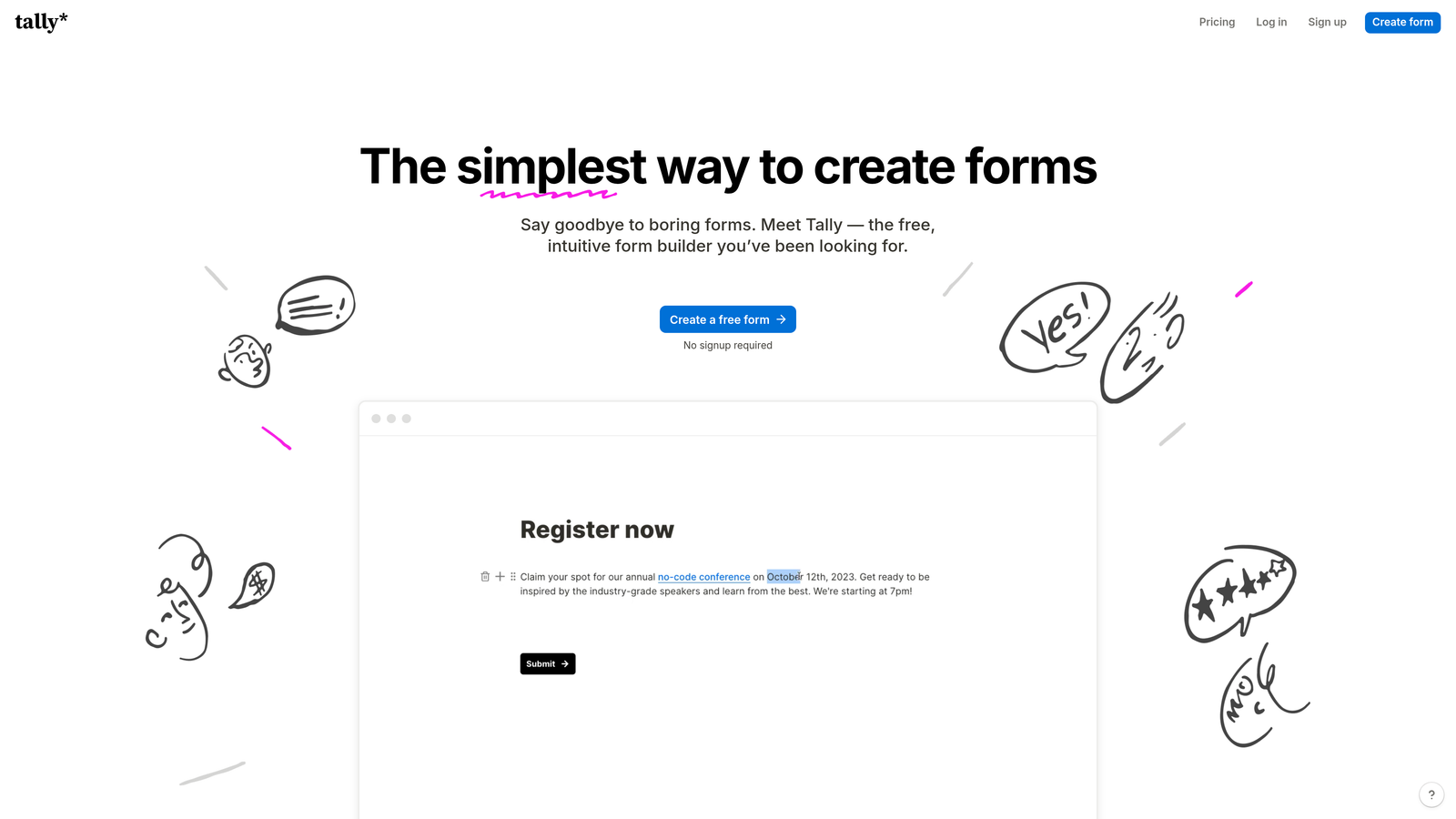
Tally brings Notion-like simplicity to form building with a generous free tier that includes unlimited forms and submissions.
Where This Tool Shines
Tally's free tier is shockingly generous. While most platforms limit free users to a handful of forms or submissions, Tally gives you unlimited everything. This makes it perfect for startups, side projects, or anyone testing multiple form variations.
The block-based editor feels immediately familiar if you've used Notion. Building forms is as simple as typing and selecting block types—no learning curve required.
Key Features
Unlimited Free Tier: Create unlimited forms with unlimited submissions at no cost, with no feature restrictions on core functionality.
Block-Based Editor: Notion-style interface where you build forms by typing and selecting block types.
Conditional Logic: Show or hide questions based on previous answers, even on the free tier.
Custom Thank-You Pages: Redirect users to custom pages or external URLs after submission.
Webhooks and Integrations: Connect to Zapier, send data via webhooks, or integrate with popular tools.
Best For
Bootstrapped startups, side projects, and teams that need multiple forms without budget constraints. Also great for running A/B tests without worrying about submission limits.
Pricing
Generous free tier with unlimited forms and submissions; Pro plan at $29/month adds custom domains and removes Tally branding.
5. Paperform
Best for: Creating form-based landing pages with rich content, scheduling, and product sales capabilities
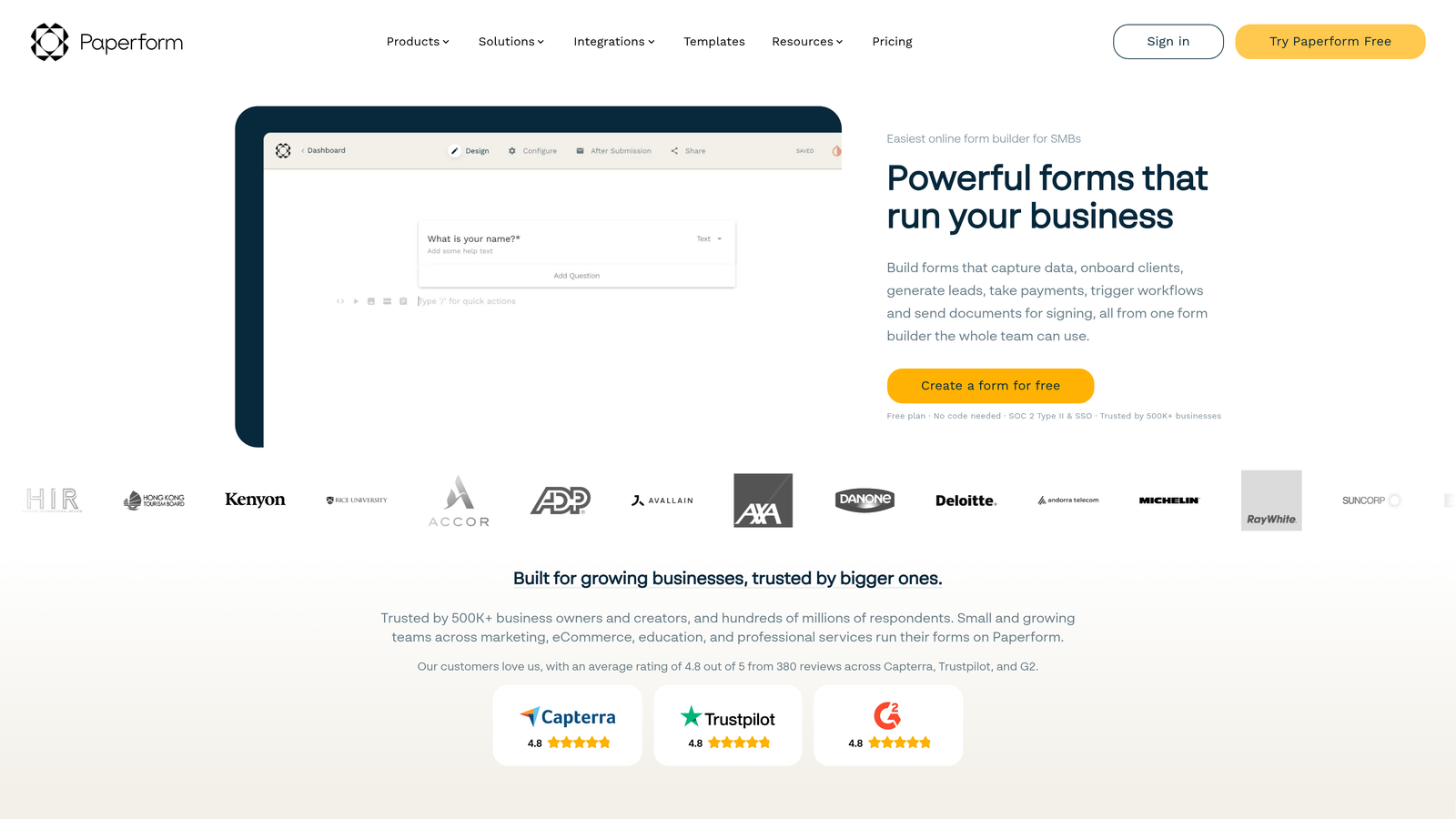
Paperform blurs the line between forms and landing pages with a document-style editor that supports rich media and e-commerce.
Where This Tool Shines
Paperform's document-style approach lets you create forms that feel more like interactive landing pages. You can mix form fields with paragraphs of text, images, videos, and product listings—all in one seamless experience.
The built-in payment processing and scheduling make it a complete solution for service businesses. You can sell products, book appointments, and collect information without stitching together multiple tools.
Key Features
Document-Style Editor: Build forms that incorporate text, images, videos, and form fields in a natural reading flow.
Payment Processing: Sell products, collect deposits, or charge for services with built-in Stripe integration.
Appointment Scheduling: Add calendar booking directly into forms for consultations, demos, or service appointments.
Custom Code Support: Add custom CSS and JavaScript for advanced customization and functionality.
Conditional Pricing: Calculate prices dynamically based on user selections and form responses.
Best For
Service businesses, consultants, and coaches who need to combine information collection with scheduling and payments. Perfect for creating all-in-one booking experiences.
Pricing
Essentials plan at $24/month; Pro plan at $49/month adds advanced features like custom code and priority support.
6. Fillout
Best for: Teams using Airtable or Notion as their database who need two-way form synchronization
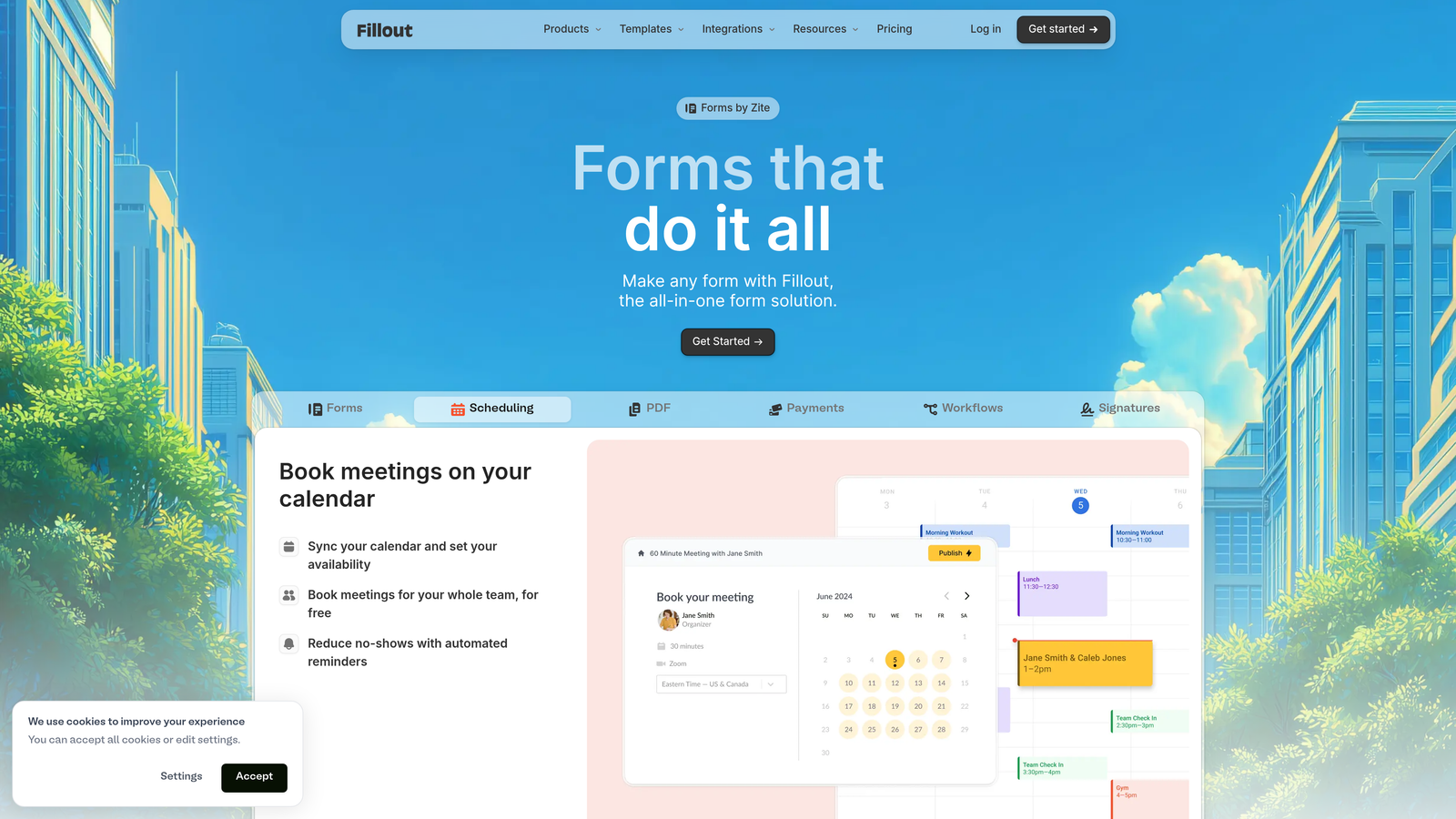
Fillout specializes in native integrations with Airtable and Notion, treating these platforms as first-class databases for form data.
Where This Tool Shines
Fillout's two-way sync with Airtable and Notion is genuinely native, not a Zapier workaround. Forms can create new records or update existing ones, and changes in your database can flow back to forms. This enables workflows that other form builders can't touch.
The ability to update existing records through forms is particularly powerful. Think customer portals where users update their own information, or internal tools where team members modify project data.
Key Features
Native Database Sync: Two-way synchronization with Airtable and Notion, treating them as your form backend.
Record Updates: Create forms that update existing database records, not just create new ones.
Multi-Step Forms: Break long forms into steps with progress indicators to improve completion rates.
File Uploads: Upload files directly to cloud storage providers like Dropbox or Google Drive.
Payment Collection: Accept payments through Stripe with automatic record creation in your database.
Best For
Teams already using Airtable or Notion as their system of record who want forms to integrate seamlessly with their existing workflows.
Pricing
Free tier available with basic features; Starter plan at $15/month unlocks advanced functionality and higher limits.
7. Formspark
Best for: Developers who want complete frontend control while offloading backend form handling
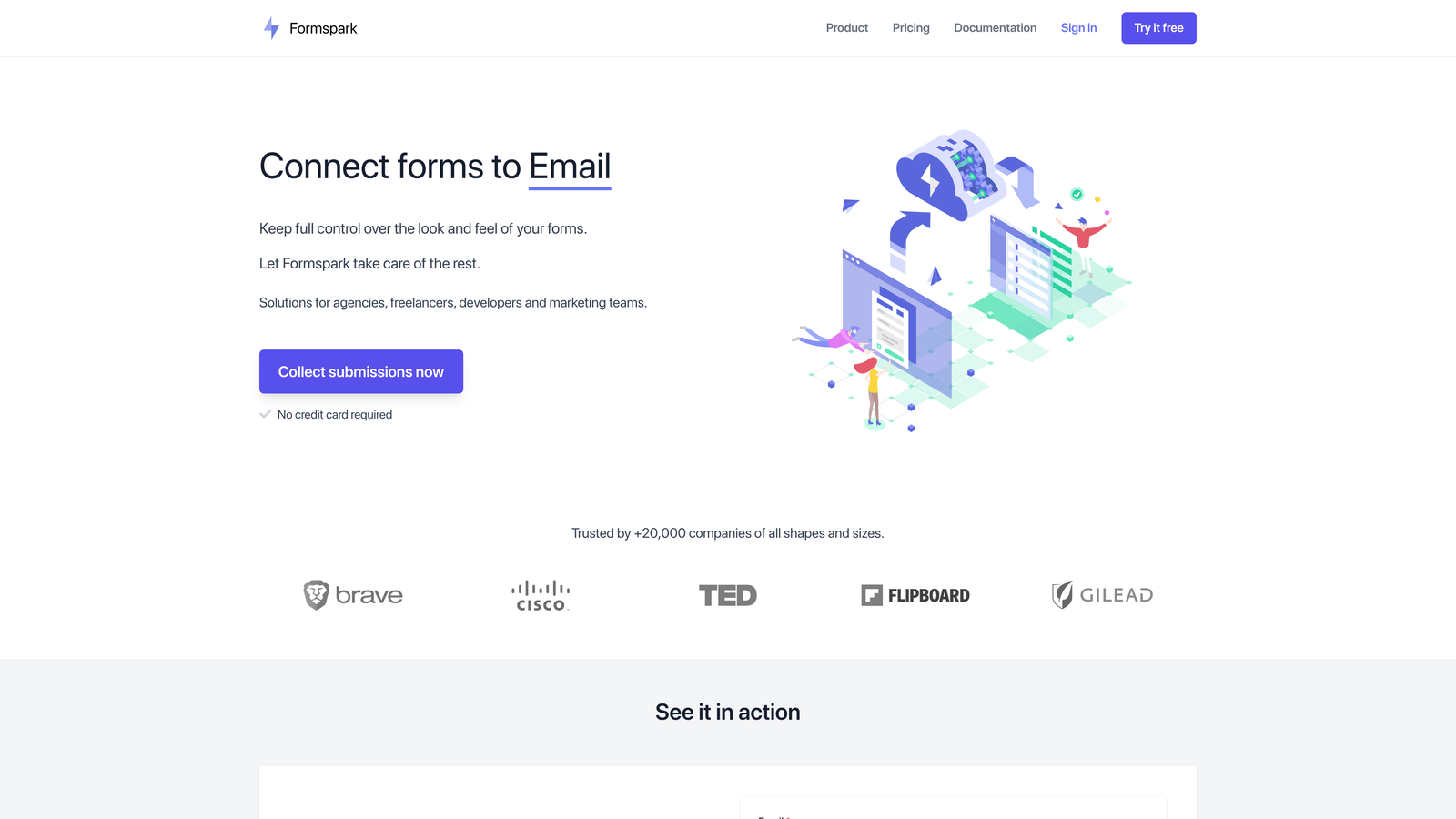
Formspark is a backend-only form service that handles submissions, spam protection, and notifications without touching your frontend.
Where This Tool Shines
Formspark gives developers total freedom. You design your forms exactly how you want using HTML, CSS, and JavaScript, then point submissions to Formspark's API. No iframes, no embedded widgets, no design compromises.
This approach works beautifully with modern static site generators like Next.js, Gatsby, or Hugo. You maintain full control over your site's performance and design while Formspark handles the messy backend work.
Key Features
API-First Architecture: Backend-only service that works with any frontend framework or static site generator.
Framework Agnostic: Compatible with React, Vue, plain HTML, or any technology that can make HTTP requests.
Spam Protection: Built-in Botpoison integration blocks spam submissions without CAPTCHAs.
Webhooks: Send form data to any endpoint for custom processing or integration.
File Uploads: Handle file uploads with automatic storage and delivery.
Best For
Developers building custom websites or applications who need reliable form handling without sacrificing design control. Perfect for static sites and headless CMS setups.
Pricing
Free tier includes 250 submissions per month; paid plans start at $8/month for higher volumes.
8. Reform
Best for: Marketing teams focused on conversion optimization through built-in A/B testing and analytics
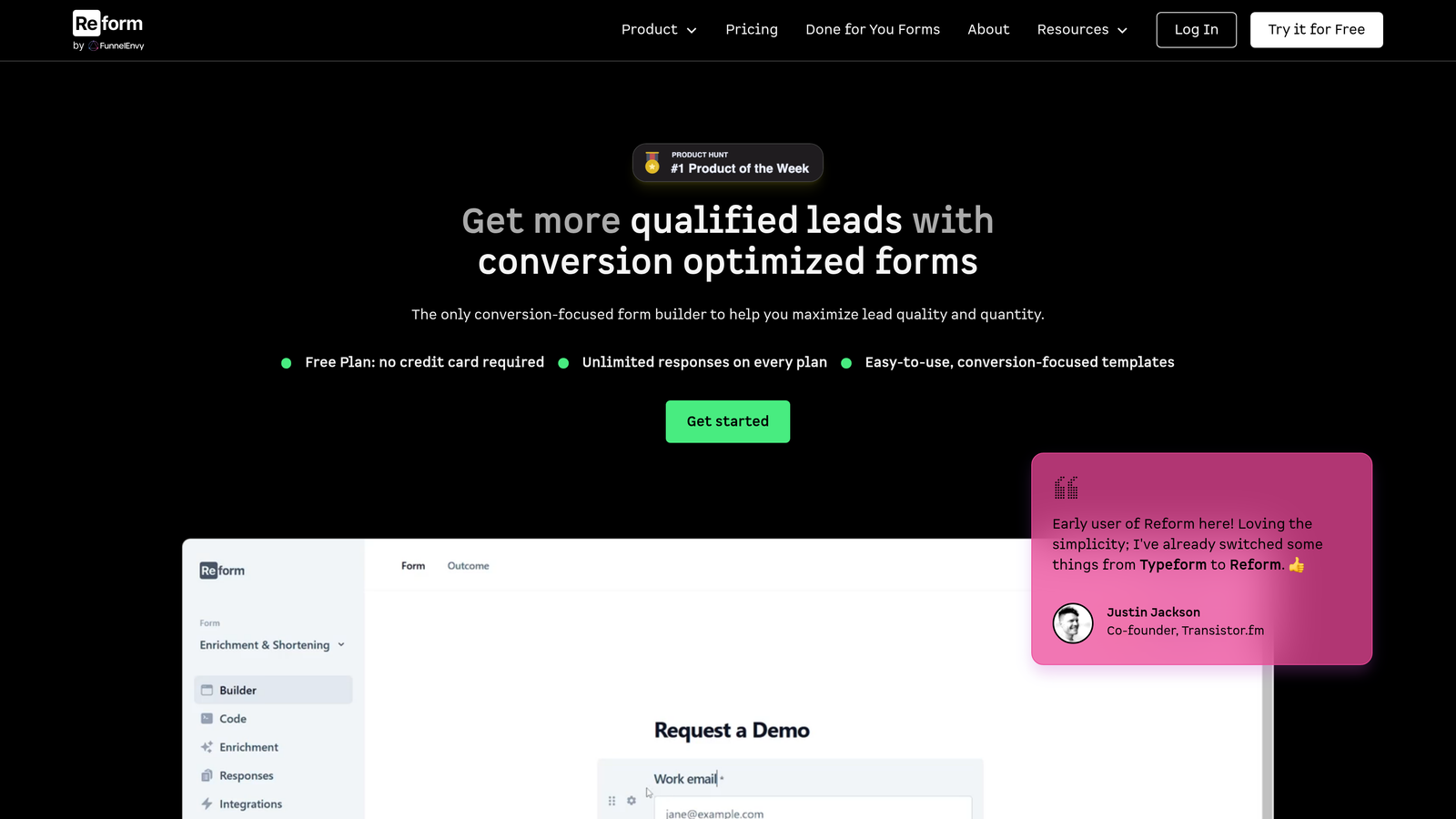
Reform treats forms as conversion funnels, providing built-in A/B testing and detailed analytics to maximize lead generation.
Where This Tool Shines
Reform's built-in A/B testing lets you test form variations without external tools or manual tracking. You can test different headlines, field orders, or button copy, and Reform automatically tracks which version converts better.
The partial submission capture is particularly clever. If someone abandons a form halfway through, Reform still captures their earlier responses, giving you the opportunity to follow up even with incomplete submissions.
Key Features
Built-In A/B Testing: Test form variations natively within the platform and automatically track conversion rates.
Conversion Analytics: Detailed funnel tracking showing exactly where users drop off and which fields cause friction.
Multi-Step Optimization: Forms designed specifically for high completion rates with progress indicators and smart field ordering.
Partial Submissions: Capture data from incomplete form submissions to recover potentially lost leads.
Marketing Integrations: Native connections to CRMs, email marketing platforms, and analytics tools.
Best For
Performance marketers and growth teams who treat forms as critical conversion touchpoints requiring continuous optimization and testing.
Pricing
Starter plan at $19/month; Growth plan at $49/month adds advanced testing and analytics features.
9. HubSpot Forms
Best for: Existing HubSpot users who need seamless CRM integration and progressive profiling
HubSpot Forms is the native form builder within HubSpot's ecosystem, offering deep CRM integration for existing platform users.
Where This Tool Shines
If you're already using HubSpot, their native forms are unbeatable for integration depth. Submissions automatically create or update contact records, trigger workflows, and feed into your entire marketing automation system without middleware.
Progressive profiling is the standout feature. Forms automatically hide fields for known contacts and ask for new information instead, reducing friction for returning visitors while gradually enriching your database.
Key Features
Native CRM Integration: Submissions automatically sync with HubSpot CRM with no configuration required.
Progressive Profiling: Forms adapt based on existing contact data, asking for new information instead of repeating questions.
Smart Fields: Auto-populate fields for known contacts to reduce form friction and improve completion rates.
Multiple Form Types: Create embedded forms, pop-ups, slide-ins, or standalone pages from one interface.
Workflow Automation: Trigger automated email sequences, lead scoring, and task creation based on form submissions.
Best For
Companies already invested in the HubSpot ecosystem who want forms that integrate seamlessly with their existing marketing and sales workflows.
Pricing
Free with HubSpot CRM; advanced features like progressive profiling require Marketing Hub starting at $800+ per month.
Making the Right Choice
The right custom form design platform depends on your specific needs and existing infrastructure. If you're focused on lead quality over quantity, Orbit AI's intelligent lead scoring helps your sales team focus on prospects most likely to convert. For teams prioritizing engagement and brand experience, Typeform's conversational approach creates memorable interactions that boost completion rates.
Consider your technical resources when choosing. Platforms like Tally and Paperform offer powerful features without requiring developer involvement, while Formspark gives developers complete design freedom. Your existing tech stack matters too—HubSpot users gain significant value from native forms, while Airtable-based teams should explore Fillout's deep integration capabilities.
Budget-conscious teams have excellent options. Tally's unlimited free tier eliminates cost as a barrier for startups and side projects, while Formspark's developer-friendly approach starts at just $8 monthly. For teams needing specialized features like payment processing or HIPAA compliance, Jotform's comprehensive feature set justifies its pricing.
Think about your optimization approach. If you're running continuous conversion experiments, Reform's built-in A/B testing eliminates the need for external tools. Teams that view forms as content experiences will appreciate Paperform's document-style builder that blends information with data collection.
The custom form design landscape has matured significantly. You're no longer choosing between beautiful design and powerful functionality—modern platforms deliver both. The question is which specific combination of features, integrations, and pricing aligns with your team's workflow and growth goals.
Start building free forms today and see how intelligent form design can elevate your conversion strategy. Transform your lead generation with AI-powered forms that qualify prospects automatically while delivering the modern, conversion-optimized experience your high-growth team needs.


