

Your website traffic means nothing if visitors leave without sharing their contact information. The difference between a form that converts at 3% and one that converts at 15% often comes down to the software powering it.
Modern lead generation form builders go far beyond simple data collection. They qualify leads in real-time, personalize experiences based on user behavior, and integrate seamlessly with your sales stack. We evaluated dozens of form builders based on conversion optimization features, ease of use, integration capabilities, and pricing to bring you the top options for high-growth teams.
1. Orbit AI
Best for: High-growth teams prioritizing lead quality and AI-powered qualification
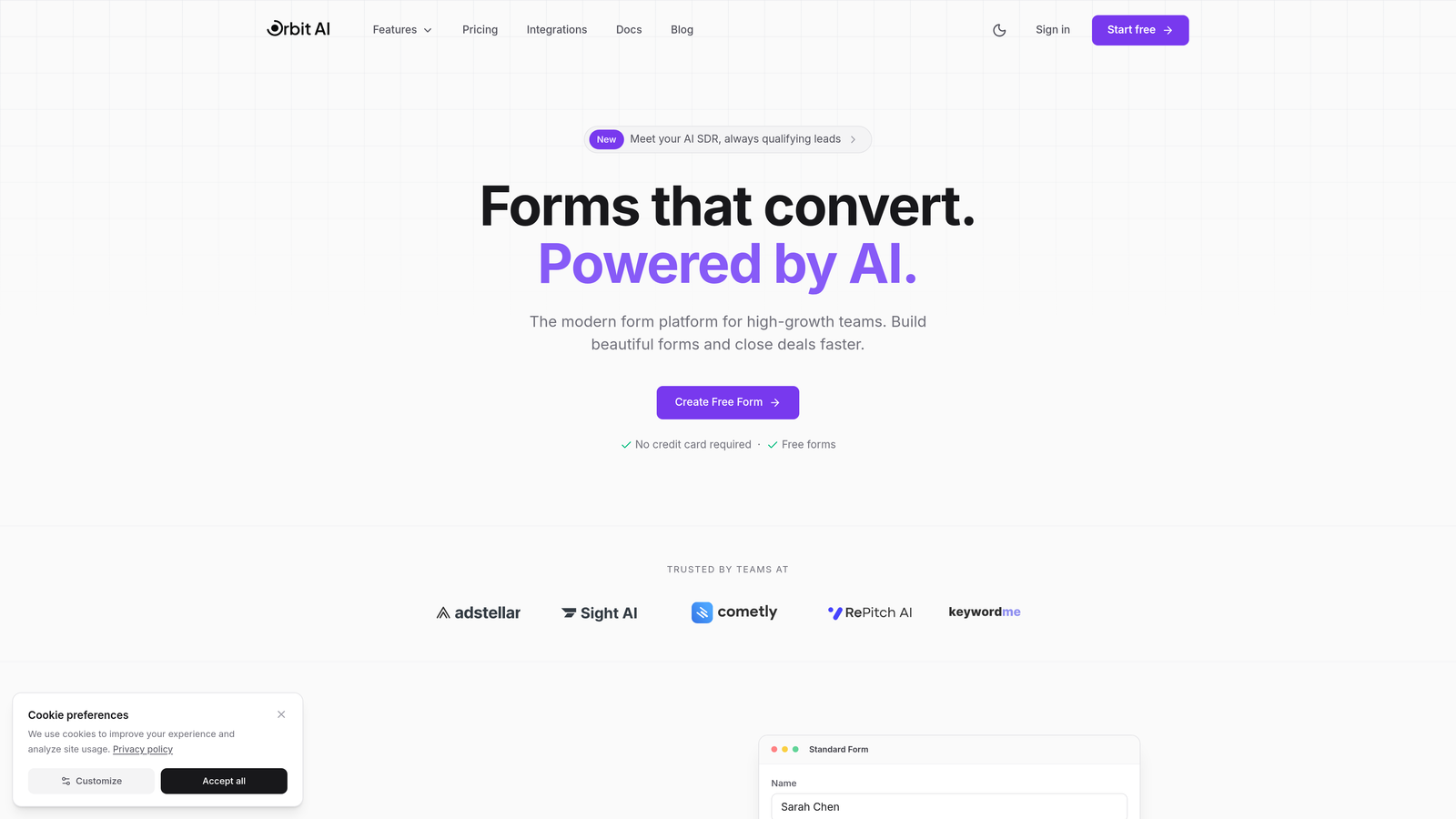
Orbit AI is an AI-powered form builder platform designed specifically for teams that need to convert and qualify leads simultaneously.
Where This Tool Shines
Orbit AI stands out by automatically qualifying leads as they fill out your forms. Instead of collecting contact information and sorting through it later, the platform uses AI to score and route leads based on their responses, behavior, and engagement patterns.
The conversational form experience feels natural rather than interrogative. Questions adapt based on previous answers, creating a personalized journey that keeps completion rates high while gathering the intelligence your sales team actually needs.
Key Features
AI-Powered Lead Qualification: Automatically scores and qualifies leads in real-time based on responses and behavioral signals.
Conversational Form Experiences: Dynamic questioning that adapts to user responses for higher engagement and completion rates.
Deep CRM Integrations: Native connections with HubSpot, Salesforce, and Pipedrive that sync lead data and qualification scores instantly.
Built-in Analytics and Conversion Tracking: Track form performance, conversion rates, and lead quality metrics from a unified dashboard.
Workflow Automation with Sequences: Trigger automated follow-up sequences based on lead scores and qualification criteria.
Best For
High-growth B2B teams and SaaS companies where lead quality matters more than lead volume. Perfect for sales teams drowning in unqualified leads who need intelligent filtering before leads hit their pipeline.
Pricing
Contact for pricing. The platform is designed for teams serious about conversion optimization and lead qualification rather than basic form collection.
2. Typeform
Best for: Creating beautiful, branded form experiences with high engagement
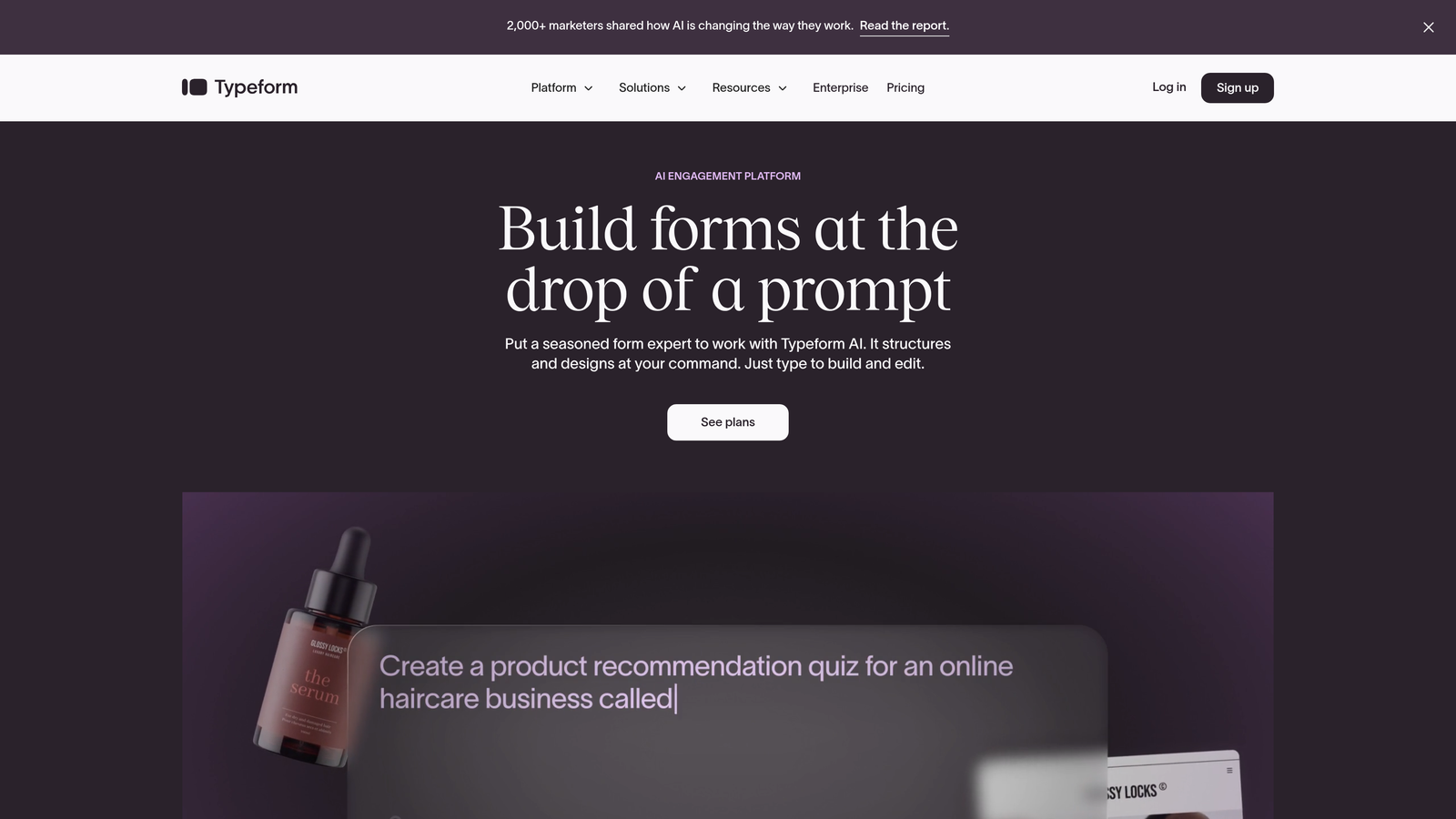
Typeform is known for its signature one-question-at-a-time format that transforms traditional forms into conversational experiences.
Where This Tool Shines
Typeform revolutionized form design by treating each question as a conversation rather than a checklist. The single-question display reduces cognitive overload and keeps users focused, which typically results in higher completion rates compared to traditional multi-field forms.
The design flexibility is exceptional. You can match your brand's aesthetic completely, embed rich media like videos and images, and create experiences that feel more like interactive content than data collection forms.
Key Features
One-Question-at-a-Time Format: Display questions sequentially to reduce form abandonment and increase engagement.
Extensive Design Customization: Complete control over colors, fonts, backgrounds, and branding to match your visual identity.
Logic Jumps and Branching: Create dynamic question paths based on previous answers for personalized experiences.
Native Integrations: Connect directly with popular tools like Google Sheets, Slack, Mailchimp, and HubSpot without middleware.
Video and Image Embedding: Add rich media to questions for more engaging, contextual form experiences.
Best For
Brands prioritizing user experience and visual design. Marketing teams running campaigns where the form itself is part of the brand experience, not just a conversion point.
Pricing
Free tier available with basic features. Paid plans start at $25/month with advanced logic, integrations, and removal of Typeform branding.
3. HubSpot Forms
Best for: Teams already using HubSpot CRM who need seamless ecosystem integration
HubSpot Forms is the native form builder within HubSpot's marketing platform, offering deep integration with the entire HubSpot ecosystem.

Where This Tool Shines
The power of HubSpot Forms comes from its native integration with HubSpot CRM. Every form submission automatically creates or updates contact records, triggers workflows, and feeds into your marketing automation sequences without any integration setup.
Progressive profiling is particularly valuable. The system remembers what it already knows about returning visitors and asks different questions each time, gradually building complete contact profiles without overwhelming users with long forms.
Key Features
Native HubSpot CRM Integration: Instant synchronization with contact records, deal stages, and marketing automation workflows.
Progressive Profiling: Automatically adjust form fields based on existing contact data to gather new information over time.
Smart Fields: Pre-populate known information for returning visitors to reduce friction and improve completion rates.
Built-in Analytics Dashboard: Track submission rates, conversion metrics, and form performance alongside other marketing data.
Automatic Lead Nurturing Triggers: Launch email sequences, assign tasks, or update contact properties based on form submissions.
Best For
Companies already invested in the HubSpot ecosystem. The native integration eliminates the complexity and potential sync issues of third-party form builders.
Pricing
Free with HubSpot CRM. Advanced features like progressive profiling and sophisticated automation require paid Marketing Hub tiers starting at higher price points.
4. Jotform
Best for: Teams needing extensive template variety and customization flexibility
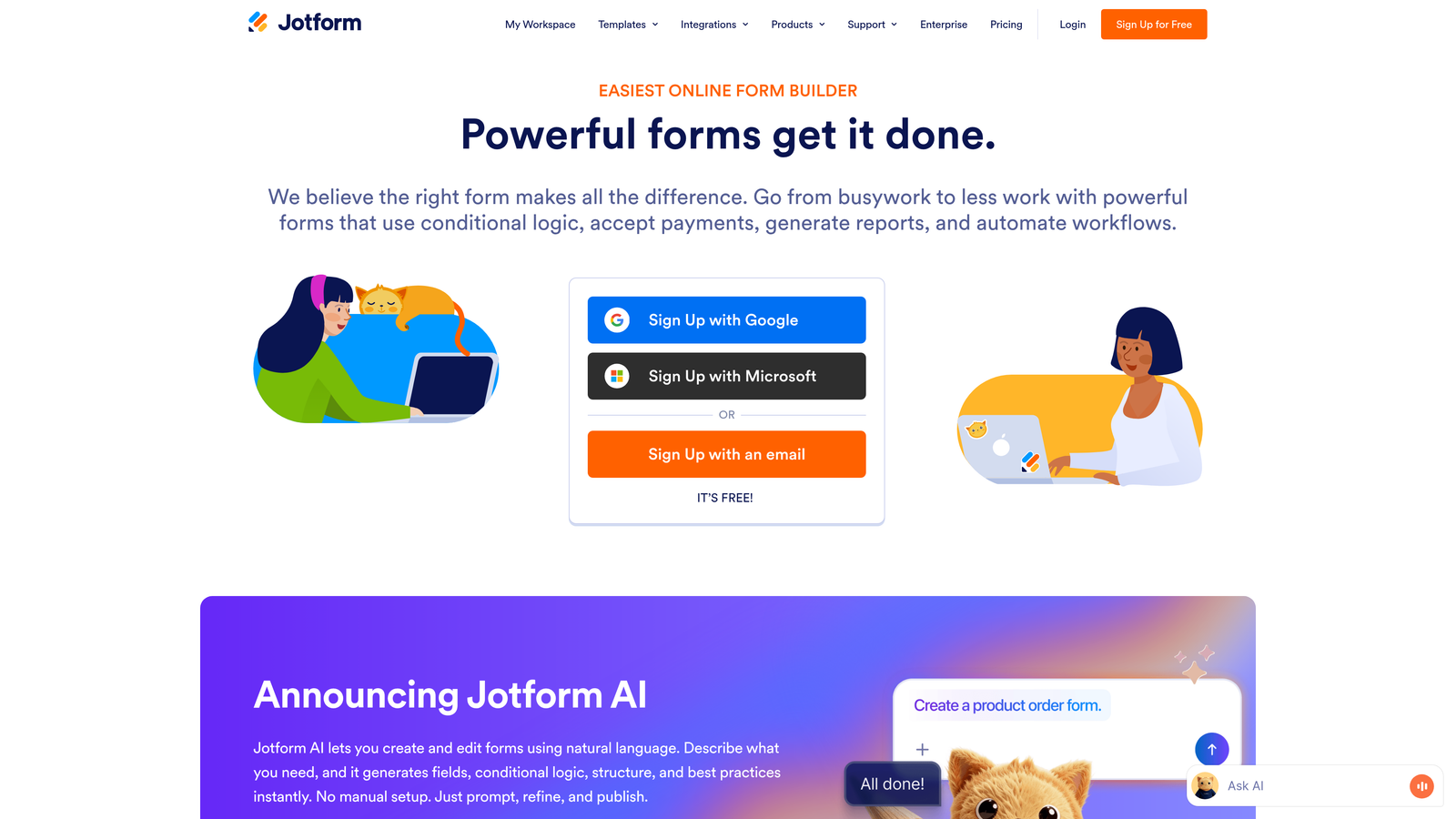
Jotform offers over 10,000 pre-built templates and extensive customization options for virtually any form use case imaginable.
Where This Tool Shines
Jotform's massive template library means you rarely start from scratch. Whether you need event registration, payment collection, job applications, or lead capture, there's likely a template that gets you 80% of the way there.
The platform handles complex requirements that other form builders struggle with. Payment processing, e-signatures, PDF generation, and appointment scheduling are all built-in rather than requiring third-party integrations.
Key Features
10,000+ Form Templates: Pre-built templates for lead generation, surveys, registrations, applications, and specialized use cases.
Drag-and-Drop Builder: Intuitive visual editor that requires no coding knowledge for customization.
Payment Integrations: Accept payments directly through forms via PayPal, Stripe, Square, and other processors.
Conditional Logic: Show or hide fields, skip pages, or change form behavior based on user responses.
PDF Generation and E-Signatures: Automatically generate PDF documents from submissions and collect legally binding signatures.
Best For
Organizations with diverse form needs across departments. Teams that need payment collection, document generation, or appointment booking alongside lead capture.
Pricing
Free tier allows up to 5 forms with 100 monthly submissions. Paid plans start at $34/month for unlimited forms and increased submission limits.
5. Leadpages
Best for: Running conversion-optimized landing page campaigns with integrated forms
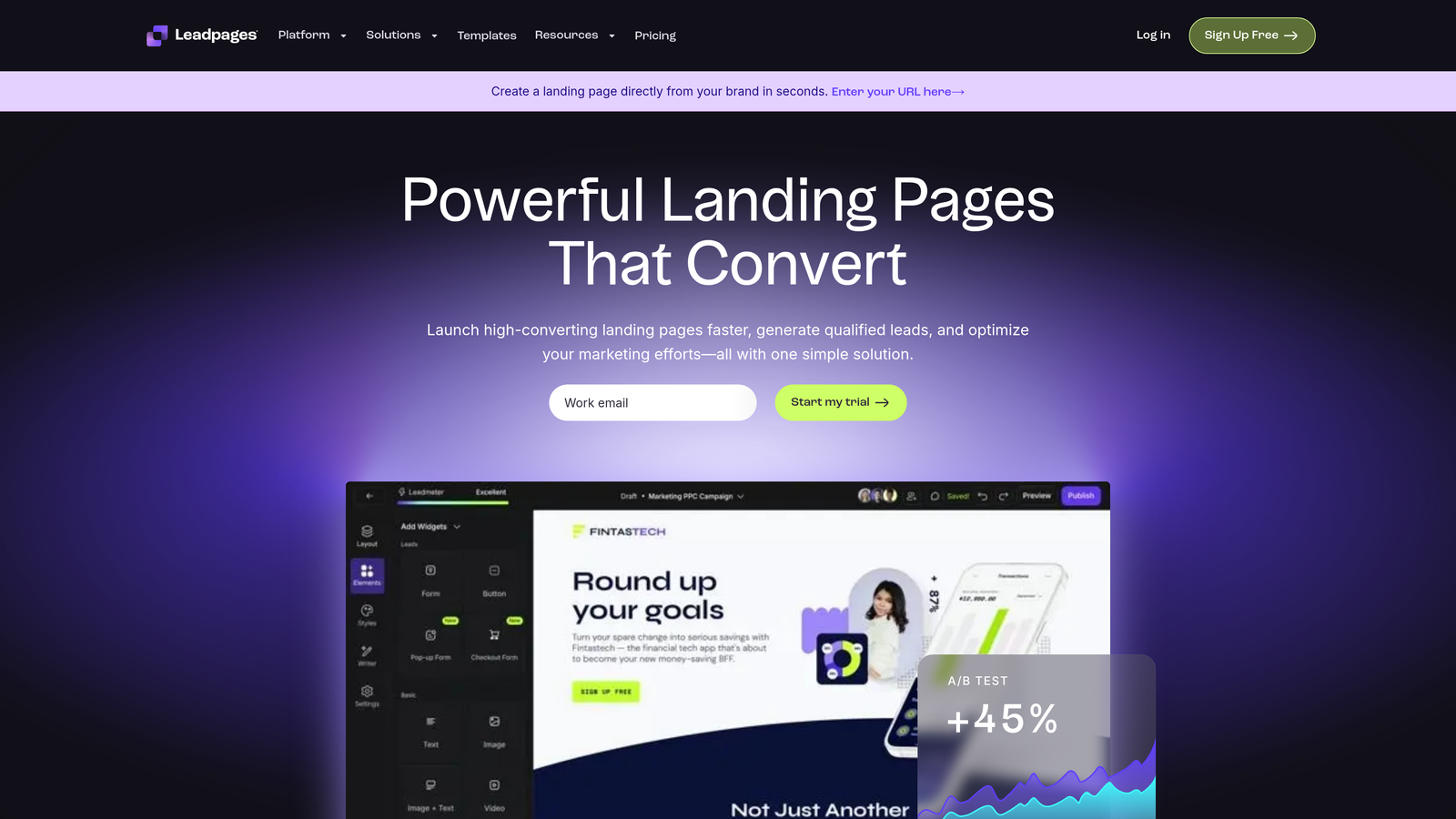
Leadpages combines landing page creation with form building, specifically designed for conversion optimization and lead capture campaigns.
Where This Tool Shines
Leadpages treats forms as part of a complete conversion ecosystem rather than standalone elements. You're not just building forms—you're creating entire landing page experiences with pop-ups, alert bars, and inline forms working together.
The built-in A/B testing lets you experiment with different form placements, copy variations, and design elements without external tools. You can test whether a pop-up converts better than an inline form, or which headline drives more submissions.
Key Features
Landing Page + Form Builder Combo: Create complete conversion funnels with forms integrated into high-converting landing page templates.
A/B Testing Built-In: Test different form variations, placements, and page elements to optimize conversion rates.
Pop-Up and Alert Bar Forms: Multiple form types including exit-intent pop-ups, timed overlays, and sticky alert bars.
Conversion-Optimized Templates: Pre-built templates designed specifically for lead generation with proven conversion patterns.
Real-Time Analytics: Track conversion rates, traffic sources, and form performance from a unified dashboard.
Best For
Marketing teams running paid advertising campaigns or content marketing initiatives where landing page performance directly impacts ROI. Best when you need forms and landing pages working together.
Pricing
Plans start at $37/month when billed annually. Includes landing pages, pop-ups, alert bars, and basic integrations.
6. Paperform
Best for: Creating forms that feel like interactive documents rather than surveys
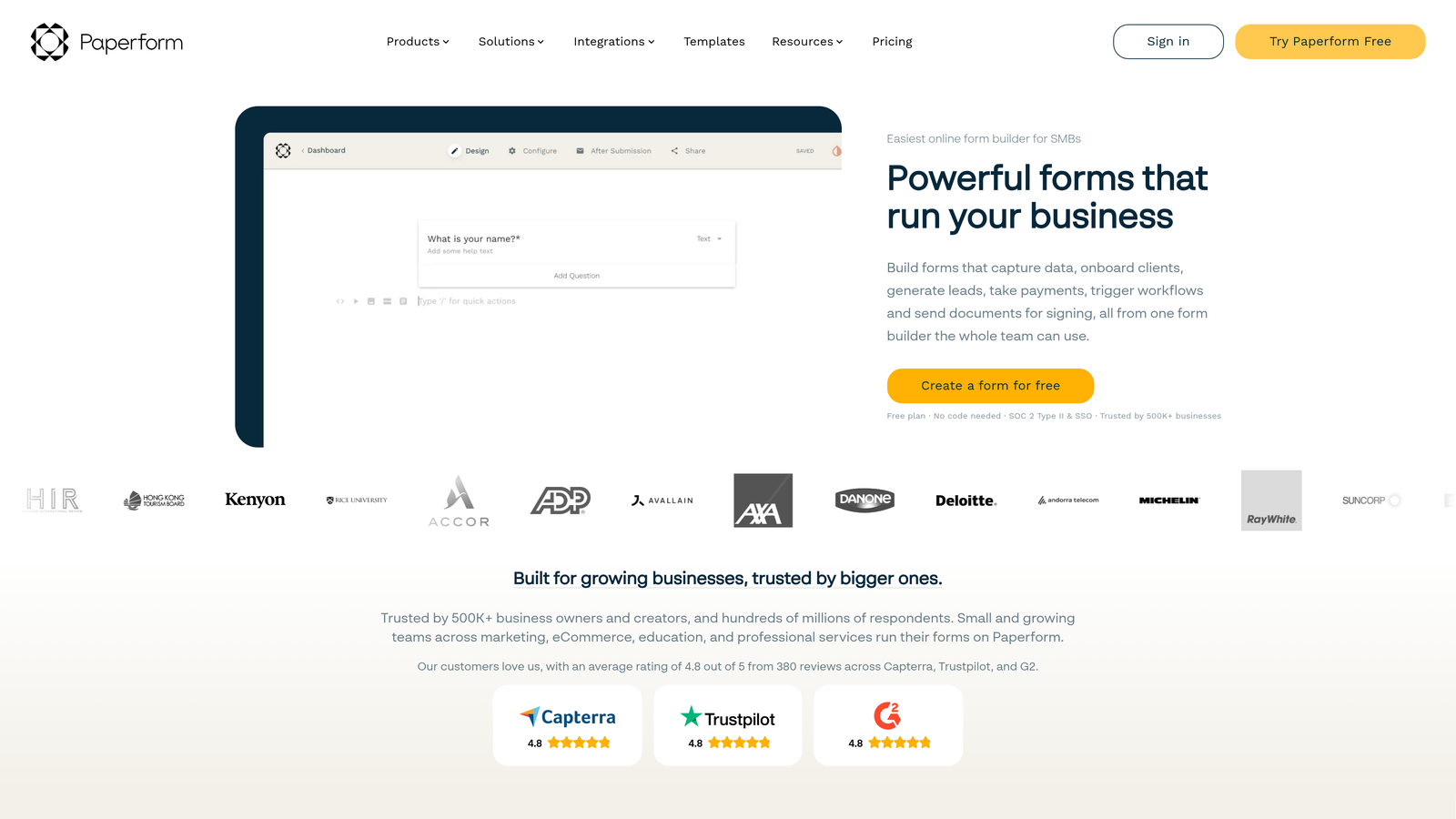
Paperform takes a unique document-style approach where you build forms using inline editing, making them feel more like interactive content.
Where This Tool Shines
Paperform's document-style interface lets you mix form fields with rich content naturally. You can embed images, videos, and formatted text alongside questions, creating experiences that educate while they collect information.
The inline editing feels intuitive if you've used tools like Notion or Google Docs. You type naturally, then transform text into form fields with simple formatting commands. This approach works particularly well for longer, more complex forms that need context and explanation.
Key Features
Document-Style Inline Editing: Build forms using a familiar document interface with inline field creation.
Rich Content Embedding: Mix form fields with images, videos, formatted text, and interactive elements seamlessly.
Payment and Booking Capabilities: Accept payments and schedule appointments directly within form experiences.
Conditional Logic: Show or hide content and questions based on previous responses for personalized flows.
Custom Branding Options: Full control over colors, fonts, and styling to match your brand identity.
Best For
Service businesses, consultants, and agencies that need forms combining information collection with education or explanation. Perfect for intake forms, assessments, or applications requiring context.
Pricing
Plans start at $24/month with unlimited forms and submissions. Higher tiers add advanced features and remove Paperform branding.
7. Formstack
Best for: Enterprise teams needing advanced workflows, approvals, and compliance
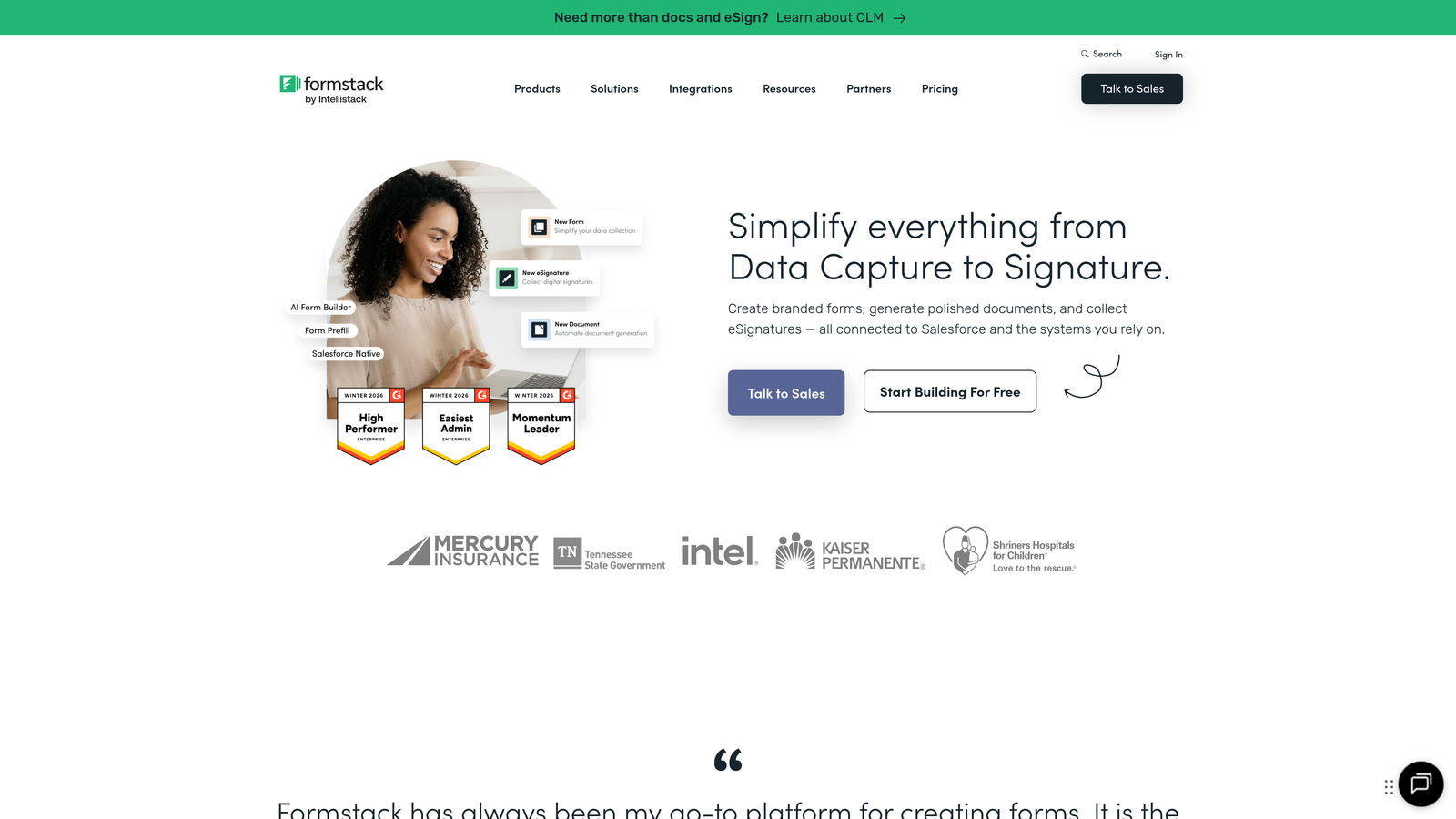
Formstack is an enterprise-grade form platform with sophisticated workflow automation, approval routing, and compliance features.
Where This Tool Shines
Formstack excels at complex business processes that extend beyond simple data collection. The workflow automation handles multi-step approval processes, document generation, and conditional routing based on submission content.
For organizations in regulated industries, the HIPAA compliance options and enterprise security features provide the governance and audit trails that consumer-grade form builders can't match. This makes it viable for healthcare, finance, and other sensitive data environments.
Key Features
Advanced Workflow Automation: Create multi-step processes with conditional routing, approvals, and automated actions based on submission data.
Approval Routing: Build approval chains where submissions move through stakeholders based on defined criteria.
HIPAA Compliance Options: Business Associate Agreements and security controls for handling protected health information.
Document Generation: Automatically create PDF documents, contracts, or reports from form submission data.
Enterprise Security Features: SSO, advanced user permissions, audit logs, and data encryption for enterprise requirements.
Best For
Large organizations with complex approval processes, compliance requirements, or sophisticated workflow needs. Healthcare, financial services, and government entities needing audit trails and security controls.
Pricing
Forms product starts at $50/month. Enterprise features and compliance options require higher-tier plans with custom pricing.
8. Gravity Forms
Best for: WordPress sites needing deep native integration and extensive customization
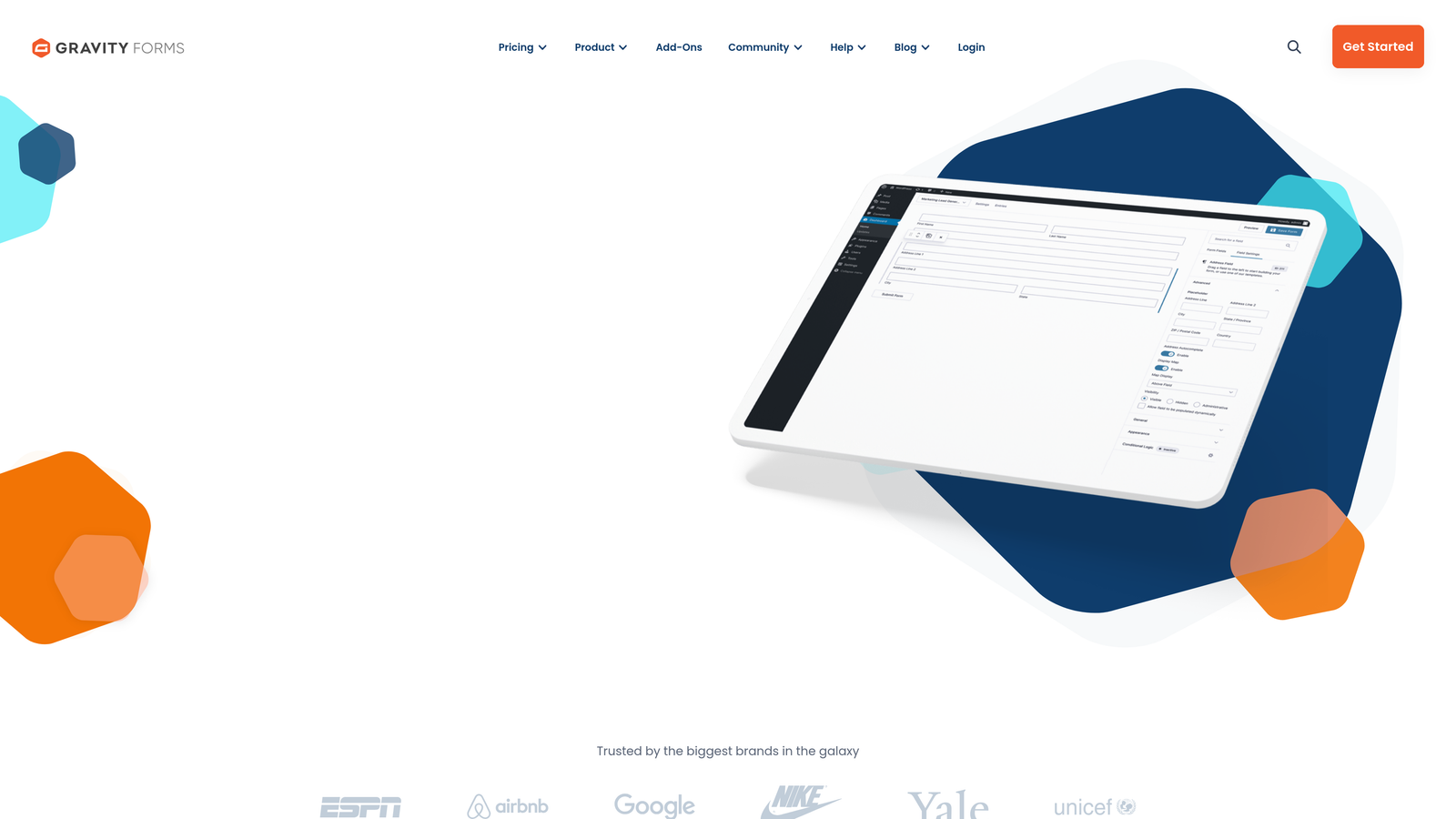
Gravity Forms is a WordPress plugin that integrates natively with the WordPress ecosystem and offers an extensive add-on marketplace.
Where This Tool Shines
For WordPress sites, Gravity Forms provides integration depth that external form builders simply can't match. Forms live directly in your WordPress database, user registration ties into WordPress user accounts, and the entire experience stays within your site's infrastructure.
The add-on ecosystem is massive. Whether you need payment processing, email marketing integration, CRM connectivity, or specialized functionality, there's likely an official or third-party add-on that extends the core platform.
Key Features
Native WordPress Integration: Forms stored in WordPress database with complete access to WordPress functions and user data.
Extensive Add-On Ecosystem: Official and third-party extensions for payments, CRM integration, email marketing, and specialized features.
Conditional Logic: Show or hide fields, redirect to different pages, or send different notifications based on form responses.
Multi-Page Forms: Break long forms into multiple pages with progress indicators and save-and-continue functionality.
File Uploads and User Registration: Accept file submissions and create WordPress user accounts directly from form submissions.
Best For
WordPress-based businesses that want forms integrated directly into their site infrastructure. Developers and agencies building custom WordPress solutions who need complete control and extensibility.
Pricing
License-based pricing starting at $59/year for a Basic license covering one site. Higher tiers include more sites and additional add-ons.
9. Tally
Best for: Startups and small teams needing unlimited forms on a budget
Tally offers a Notion-like form building experience with a remarkably generous free tier that includes unlimited forms and submissions.
Where This Tool Shines
Tally's free tier is genuinely unlimited. You can create as many forms as you need and collect unlimited submissions without hitting paywalls. For early-stage startups and small teams, this eliminates the constant calculation of whether you're about to exceed your monthly submission limit.
The Notion-style interface feels familiar if you're already using Notion for documentation or project management. The building experience is clean and minimal, focusing on getting forms live quickly rather than overwhelming you with customization options.
Key Features
Unlimited Forms on Free Tier: Create as many forms as needed with unlimited submissions on the free plan.
Notion-Style Interface: Clean, minimal building experience similar to Notion's document editing.
Conditional Logic: Show or hide questions based on previous responses for personalized form flows.
File Uploads: Accept file submissions from users directly through forms.
Basic Integrations: Connect with Notion, Google Sheets, and Zapier for simple workflow automation.
Best For
Budget-conscious startups, solopreneurs, and small teams that need functional forms without monthly subscription costs. Teams already using Notion who want a similar interface for form building.
Pricing
Free tier includes unlimited forms and submissions with basic features. Pro plan at $29/month adds custom branding removal, advanced integrations, and priority support.
Making the Right Choice
The best lead generation form builder depends on what matters most to your specific situation. If lead quality trumps lead quantity and you need AI-powered qualification built into the form experience itself, Orbit AI delivers intelligent filtering that keeps your sales team focused on high-potential prospects.
For teams prioritizing brand experience and visual design, Typeform's conversational format creates engagement that traditional forms can't match. HubSpot Forms makes perfect sense if you're already invested in the HubSpot ecosystem—the native integration eliminates sync headaches entirely.
Jotform's template variety handles diverse use cases across departments, making it ideal when different teams need different form types. Tally's generous free tier works beautifully for startups watching every dollar while still needing professional form capabilities.
Here's the decision framework: Choose based on your tech stack first. If you're on WordPress, Gravity Forms integrates deeper than any external tool. Already using HubSpot? Their native forms are the obvious choice. Starting from scratch with a focus on conversion optimization and lead quality? That's where AI-powered platforms like Orbit AI shine.
Consider your team's priorities. Marketing teams running brand campaigns need Typeform's design flexibility. Sales teams drowning in unqualified leads need intelligent qualification. Enterprise teams with compliance requirements need Formstack's security controls.
The form builder you choose becomes part of your lead generation infrastructure. Pick one that matches where you are now while supporting where you're headed. Transform your lead generation with AI-powered forms that qualify prospects automatically while delivering the modern, conversion-optimized experience your high-growth team needs. Start building free forms today and see how intelligent form design can elevate your conversion strategy.


