

You've been there—staring at a form builder interface that looks like it was designed by someone who hates humans. Nested menus, cryptic settings, conditional logic that requires a PhD to configure. The irony is painful: tools meant to simplify data collection have become obstacles themselves.
The good news? A new generation of form builders prioritizes intuitive design without sacrificing power. We've tested dozens of platforms to find the ones that actually deliver on the promise of simplicity.
Whether you're a marketer launching lead capture forms, an HR team collecting applications, or a founder who just needs something that works, these form builders prove that powerful doesn't have to mean complicated. Here are the top tools that won't make you pull your hair out.
1. Orbit AI
Best for: High-growth teams who need lead qualification without technical complexity
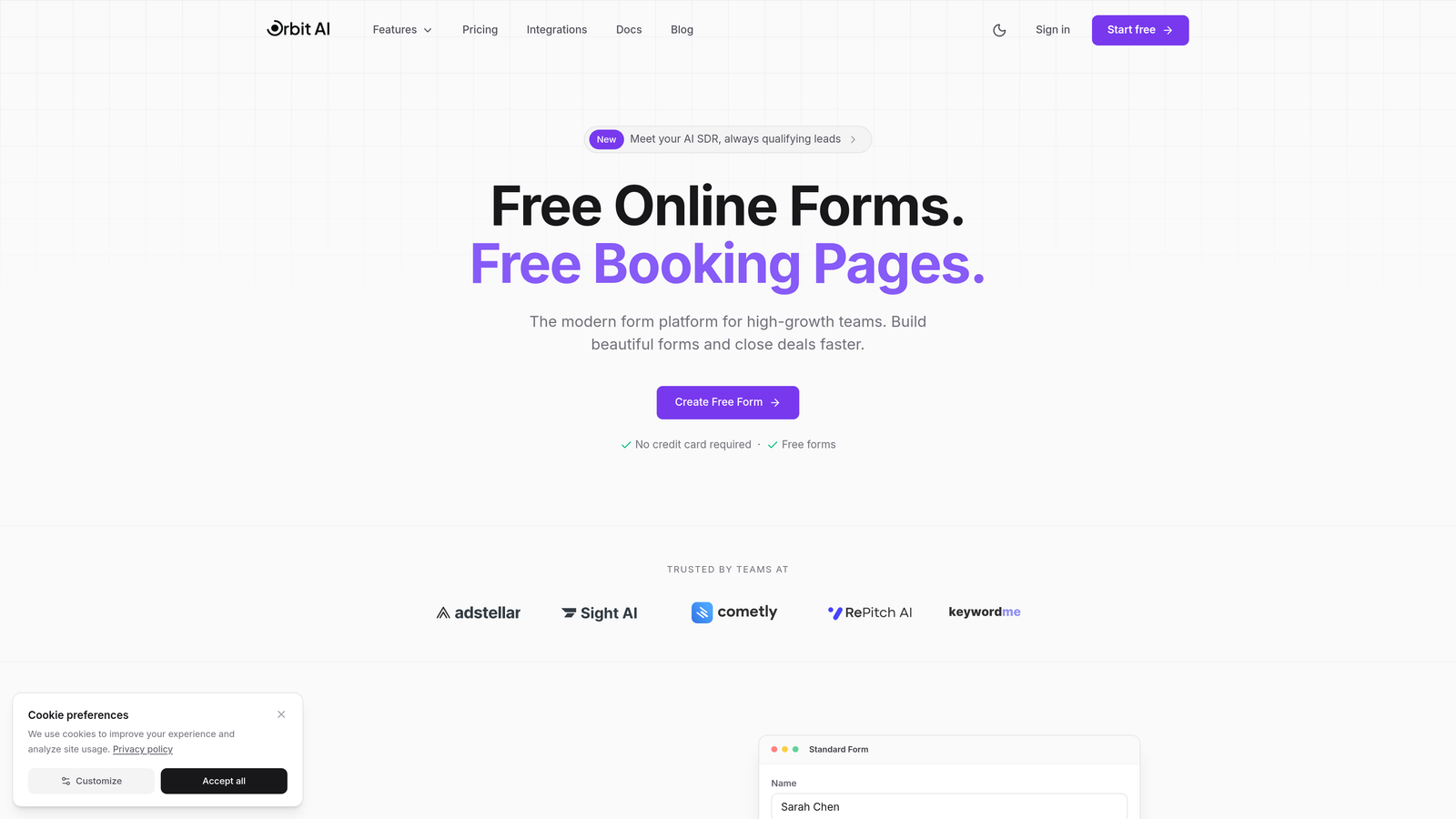
Orbit AI is an AI-powered form builder that handles complex logic automatically while maintaining a clean, modern interface.
Where This Tool Shines
The standout feature is how Orbit AI eliminates the usual friction of setting up lead qualification. Instead of manually configuring scoring rules and conditional paths, the platform uses AI to identify high-quality leads automatically. You build the form, and the intelligence layer works in the background.
The interface feels refreshingly modern compared to legacy form builders. There's no hunting through nested menus or deciphering technical jargon. Everything from conditional logic to CRM integration is designed to work intuitively, which means your team can launch conversion-optimized forms without waiting on technical resources.
Key Features
AI-Powered Lead Qualification: Automatically scores and routes leads based on response patterns without manual configuration.
Intelligent Conditional Logic: The system suggests logic paths based on your form structure, eliminating guesswork.
Modern Interface: Clean, minimal design that reduces learning curve to near zero.
Native CRM Integrations: Connect to your existing tools without technical setup or middleware.
Real-Time Analytics: Track conversion metrics and lead quality without building custom dashboards.
Best For
Marketing and sales teams at growing companies who need sophisticated lead qualification capabilities but lack technical resources. Perfect for businesses where form abandonment is costing conversions and manual lead scoring is slowing down follow-up.
Pricing
Free tier available for getting started. Paid plans begin at competitive rates that scale with your lead volume and feature needs.
2. Tally
Best for: Notion users who want that same intuitive, document-style form building experience
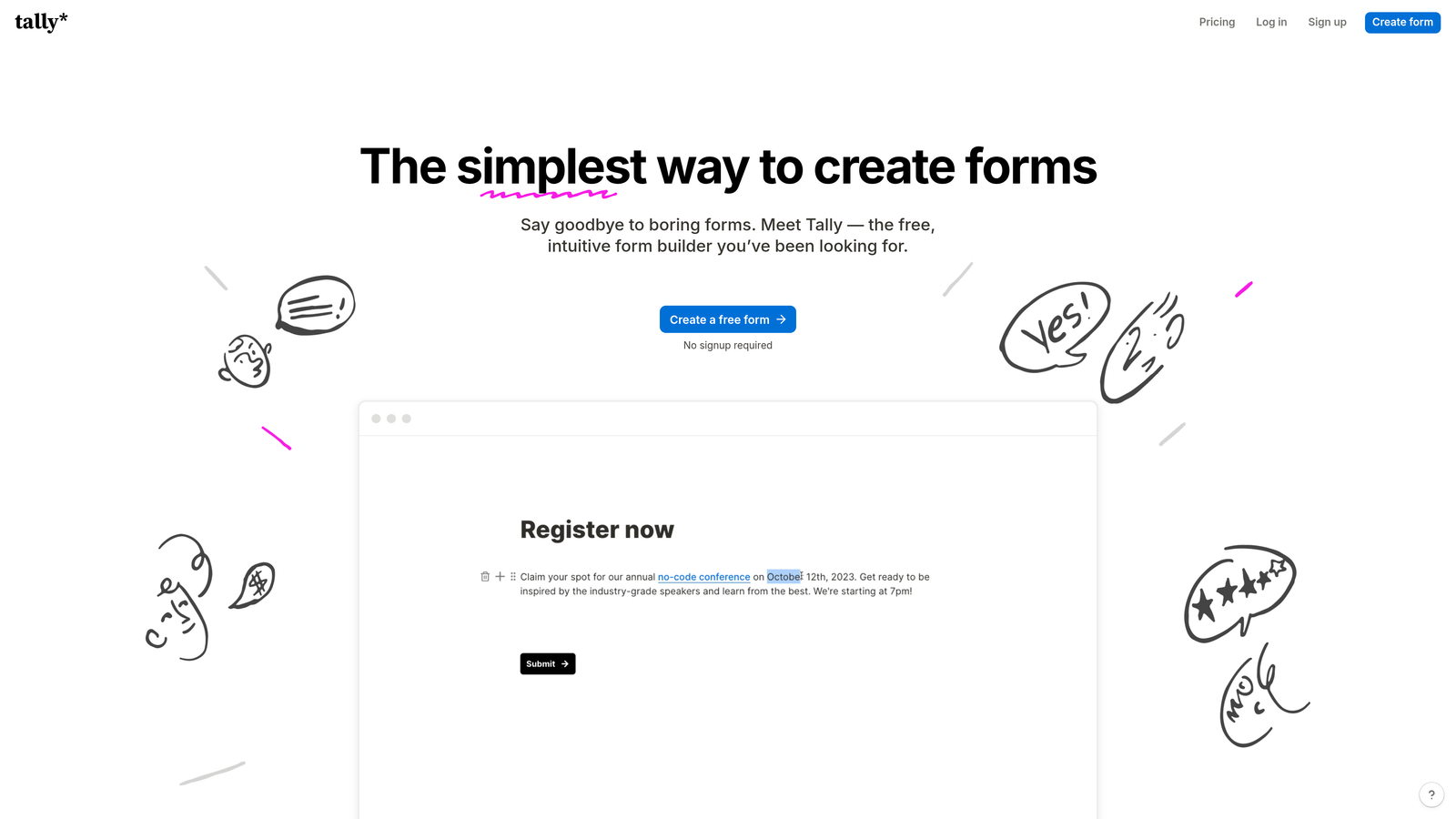
Tally is a Notion-style form builder where creating forms feels like typing a document rather than wrestling with a visual editor.
Where This Tool Shines
If you've ever used Notion, Tally will feel instantly familiar. You type "/" to add form fields, drag blocks to reorder, and format everything inline. There's no separate preview mode—what you see while building is what respondents will see. This eliminates the constant back-and-forth between editor and preview that plagues other platforms.
The generous free tier is remarkable. Unlimited forms, unlimited responses, no branding requirements. For many small businesses and side projects, you'll never need to upgrade. When you do, the Pro plan adds calculations, payments, and custom domains without introducing complexity.
Key Features
Type-to-Create Interface: Add fields by typing "/" just like in Notion, making form building feel natural.
Unlimited Free Plan: No artificial limits on forms or responses on the free tier.
Built-In Calculations: Add calculation fields for quotes, scores, or totals without formulas.
Notion Integration: Send form responses directly to Notion databases with native connection.
No Account Required: Start building immediately without creating an account or verifying email.
Best For
Teams already using Notion for project management who want their form builder to match that workflow. Also ideal for bootstrapped startups and solo founders who need unlimited forms without monthly fees.
Pricing
Free for unlimited forms and responses. Pro plan at $29/month adds payments, calculations, and custom branding.
3. Typeform
Best for: Creating engaging, conversational form experiences that boost completion rates
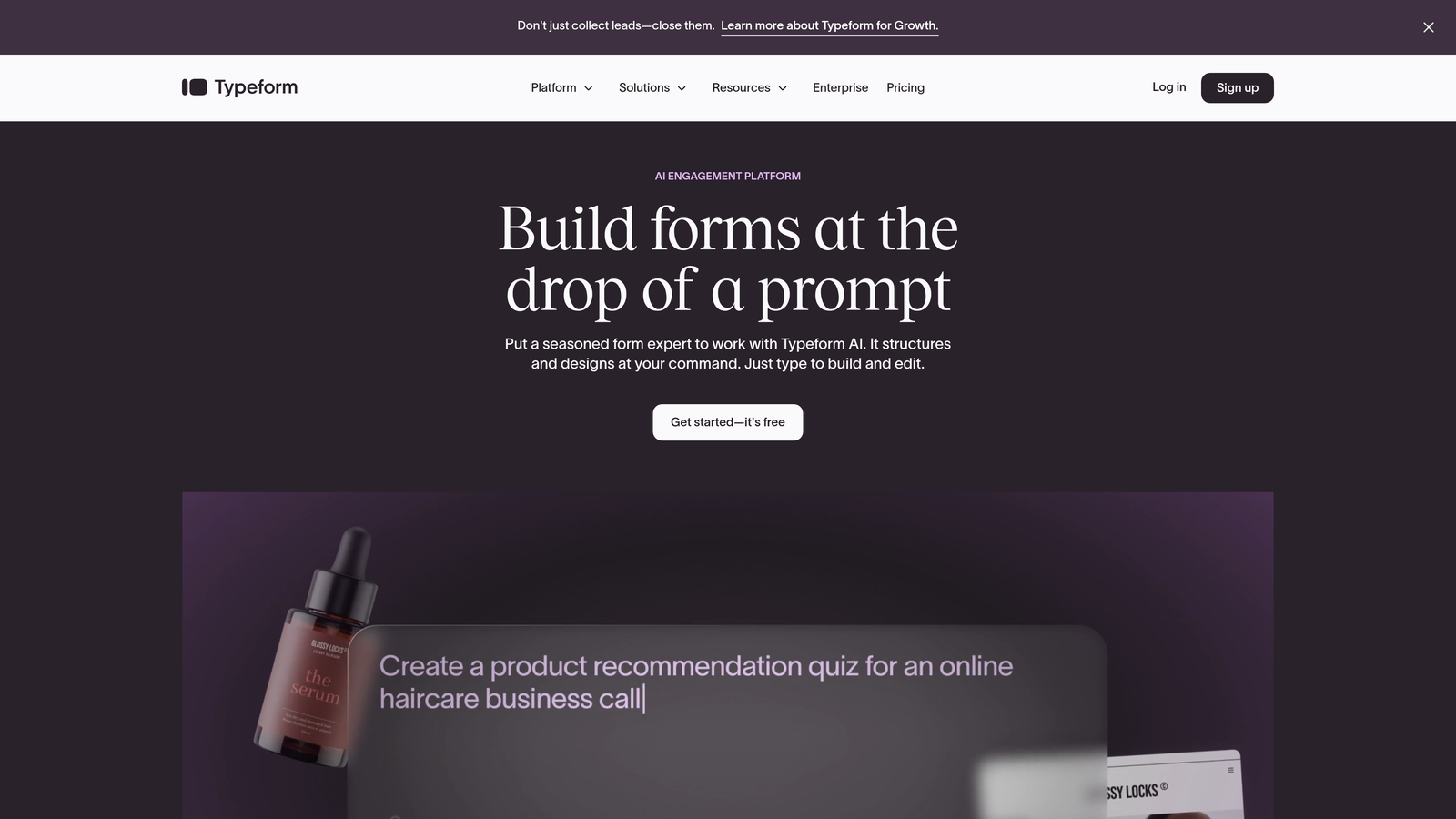
Typeform is a conversational form builder known for its beautiful, one-question-at-a-time format that feels more like a conversation than a survey.
Where This Tool Shines
Typeform pioneered the one-question-at-a-time approach that significantly reduces form abandonment. Instead of overwhelming respondents with a wall of fields, questions appear sequentially with smooth transitions. This format works particularly well for longer surveys, customer feedback, and lead qualification where traditional forms would feel daunting.
The visual logic builder makes conditional paths intuitive. You can see the entire form flow as a branching diagram, making it easy to spot gaps or redundant paths. This visual approach to logic is far more accessible than the rule-based systems most competitors use.
Key Features
One-Question Format: Display questions sequentially to reduce cognitive load and improve completion rates.
Visual Logic Builder: See your entire form flow as a branching diagram for easier conditional logic.
Rich Media Embedding: Add videos, images, and GIFs directly into questions for engaging experiences.
Template Library: Hundreds of professionally designed templates across every use case.
Platform Integrations: Native connections to Slack, HubSpot, Mailchimp, and 120+ other tools.
Best For
Marketing teams running lead generation campaigns where user experience directly impacts conversion rates. Also excellent for customer research, event registrations, and any scenario where you need high completion rates on longer forms.
Pricing
Free tier with basic features. Basic plan starts at $25/month for unlimited forms and basic logic jumps.
4. Jotform
Best for: Quick starts with extensive pre-built templates and straightforward drag-and-drop editing
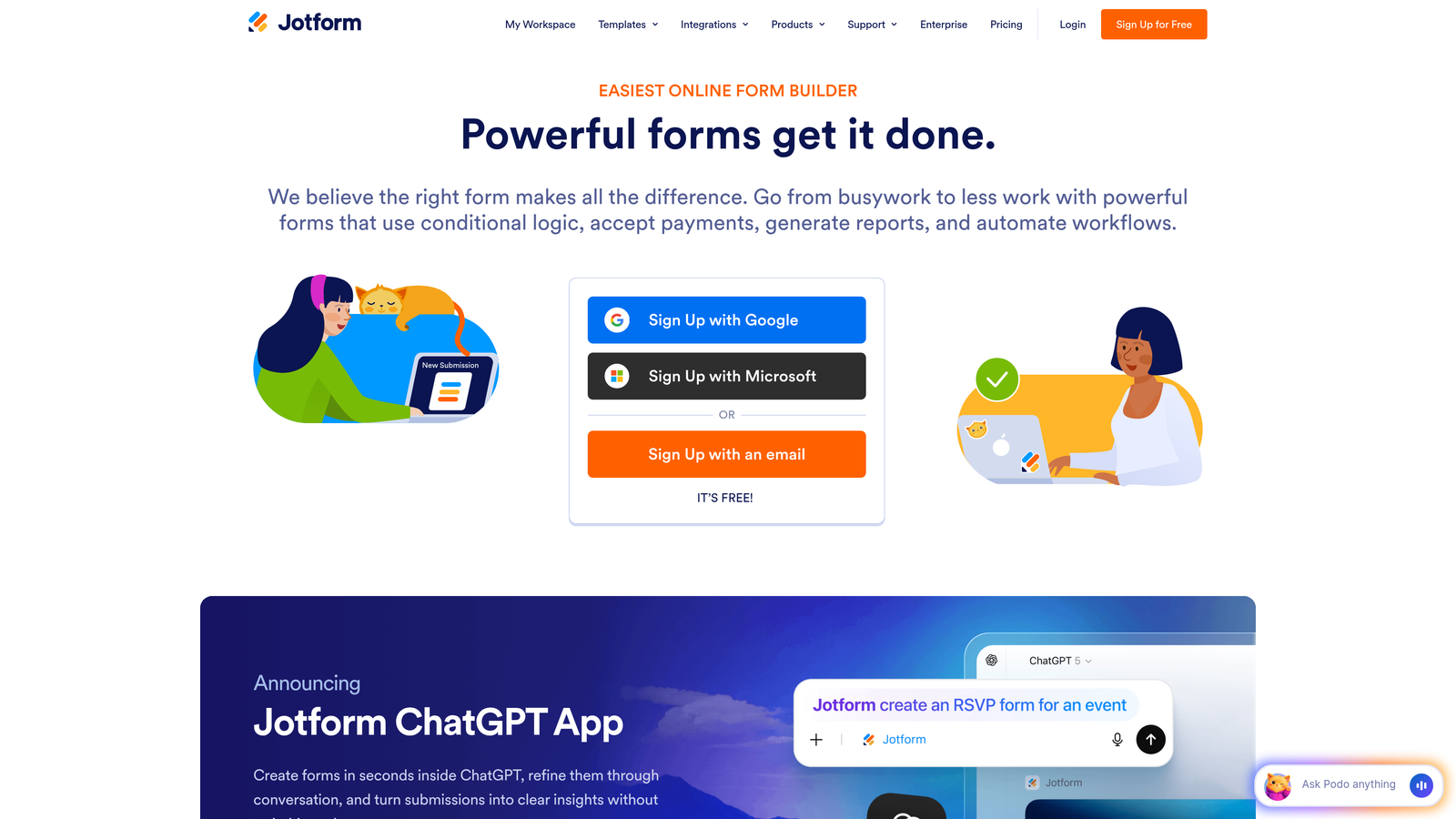
Jotform is a template-rich form builder with an intuitive drag-and-drop interface that covers virtually every form use case imaginable.
Where This Tool Shines
With over 10,000 templates, there's a strong chance Jotform already has something close to what you need. This dramatically reduces build time—you can launch a professional registration form, application, or survey in minutes by starting from a template and tweaking it rather than building from scratch.
The drag-and-drop editor strikes a good balance between simplicity and control. Fields snap into place cleanly, properties panels are organized logically, and the preview function accurately represents the final form. The mobile app extends this ease of use to smartphones, letting you collect responses offline and sync when connected.
Key Features
10,000+ Templates: Pre-built forms for registration, applications, surveys, orders, and virtually any use case.
Drag-and-Drop Builder: Visual editor with clean field placement and organized property panels.
PDF Generation: Automatically convert form submissions into formatted PDF documents.
Payment Collection: Accept payments through PayPal, Stripe, Square, and 30+ other processors.
Mobile App: Collect responses on smartphones and tablets, even when offline.
Best For
Small businesses and teams who need to launch forms quickly across diverse use cases. Perfect when you need payment collection, PDF generation, or offline data capture without technical complexity.
Pricing
Free tier with basic features. Bronze plan at $34/month removes branding and increases submission limits.
5. Google Forms
Best for: Free, straightforward data collection integrated with Google Workspace
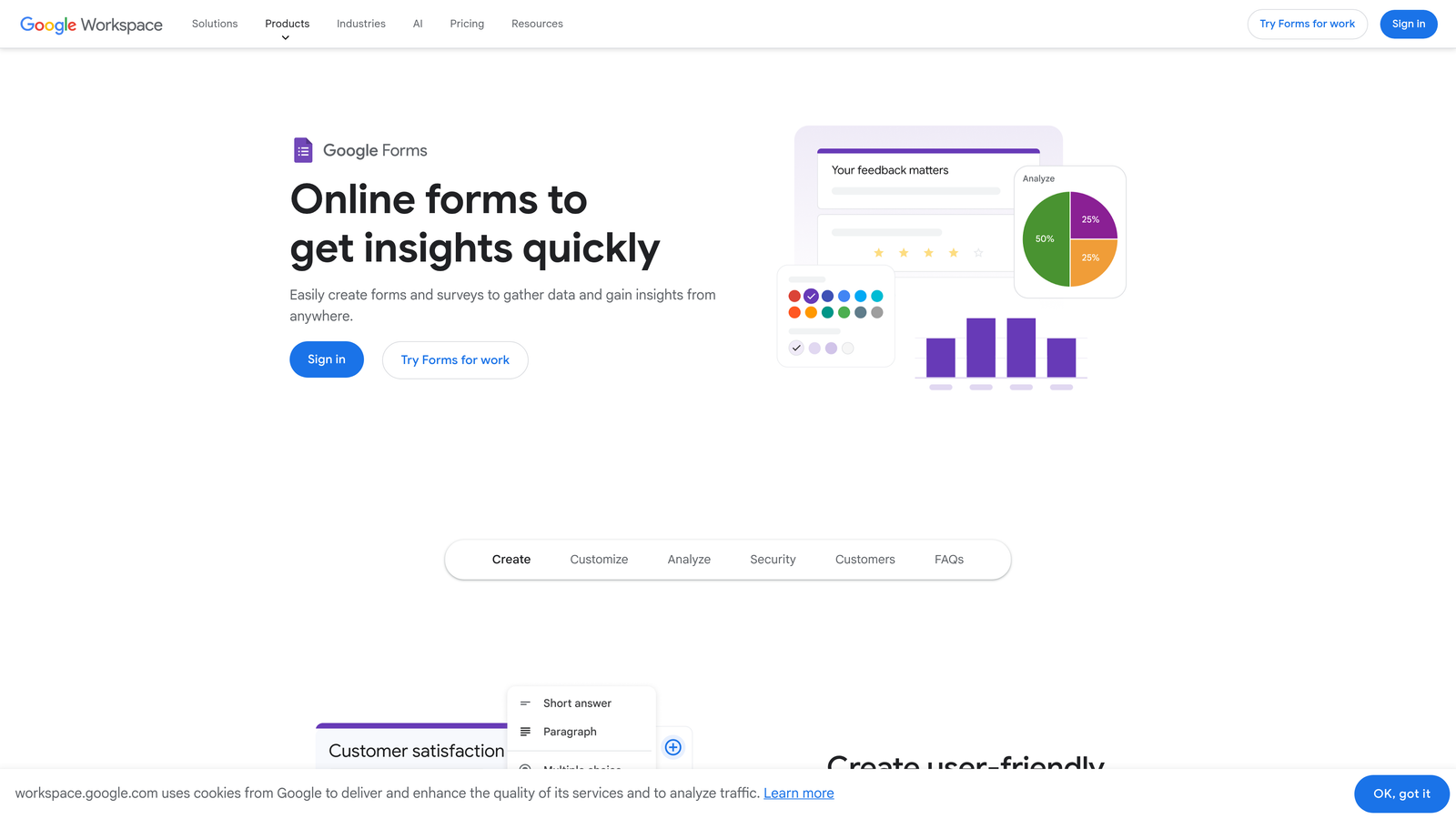
Google Forms is a completely free form builder that integrates seamlessly with Google Sheets and the broader Google ecosystem.
Where This Tool Shines
The simplicity is the point. Google Forms doesn't try to be everything to everyone—it focuses on making basic data collection as frictionless as possible. The interface is clean, the learning curve is minimal, and because it's part of Google Workspace, there's zero setup if you already use Gmail or Google Drive.
The automatic Google Sheets integration is remarkably useful. Every response flows directly into a spreadsheet where you can analyze, filter, and visualize data using familiar tools. Real-time collaboration means multiple team members can edit the form simultaneously, seeing each other's changes instantly.
Key Features
Completely Free: No limits on forms, questions, or responses with no paid tiers to upsell.
Google Sheets Integration: Responses automatically populate a spreadsheet for easy analysis.
Real-Time Collaboration: Multiple users can edit forms simultaneously with live updates.
Basic Conditional Logic: Show or hide questions based on previous answers without complexity.
Universal Access: Works on any device with a web browser, no app required.
Best For
Teams already using Google Workspace who need simple surveys, RSVPs, feedback collection, or internal forms. Ideal for schools, nonprofits, and small businesses with basic data collection needs and zero budget.
Pricing
Completely free with unlimited forms and responses.
6. Fillout
Best for: Teams using Notion or Airtable who need native database-connected forms
Fillout is a modern form builder designed specifically for teams using contemporary productivity tools like Notion and Airtable.

Where This Tool Shines
The native Notion and Airtable integrations are genuinely seamless, not the clunky middleware connections many platforms offer. When you connect Fillout to a Notion database, form fields map directly to database properties. Responses create new database entries automatically, with no Zapier required and no synchronization delays.
The visual conditional logic builder uses a flowchart approach that makes complex branching intuitive. You can see the entire form structure at a glance, making it easy to identify which paths lead where. Multi-page forms include progress bars that adapt based on conditional logic, showing accurate completion percentages even when paths vary.
Key Features
Native Notion Integration: Connect directly to Notion databases with automatic property mapping.
Airtable Forms: Create forms that write to Airtable bases without middleware or delays.
Multi-Page Forms: Split long forms across pages with smart progress indicators.
Visual Logic Builder: Flowchart-style conditional logic that makes branching paths clear.
Custom Domains: Use your own domain for professional form URLs and branding.
Best For
Product teams, agencies, and operations groups using Notion or Airtable as their system of record. Perfect when you need forms to integrate with your existing workflow tools without technical overhead.
Pricing
Free tier for basic forms. Starter plan at $15/month adds Notion/Airtable integration and custom domains.
7. Paperform
Best for: Creating beautiful form experiences that double as landing pages
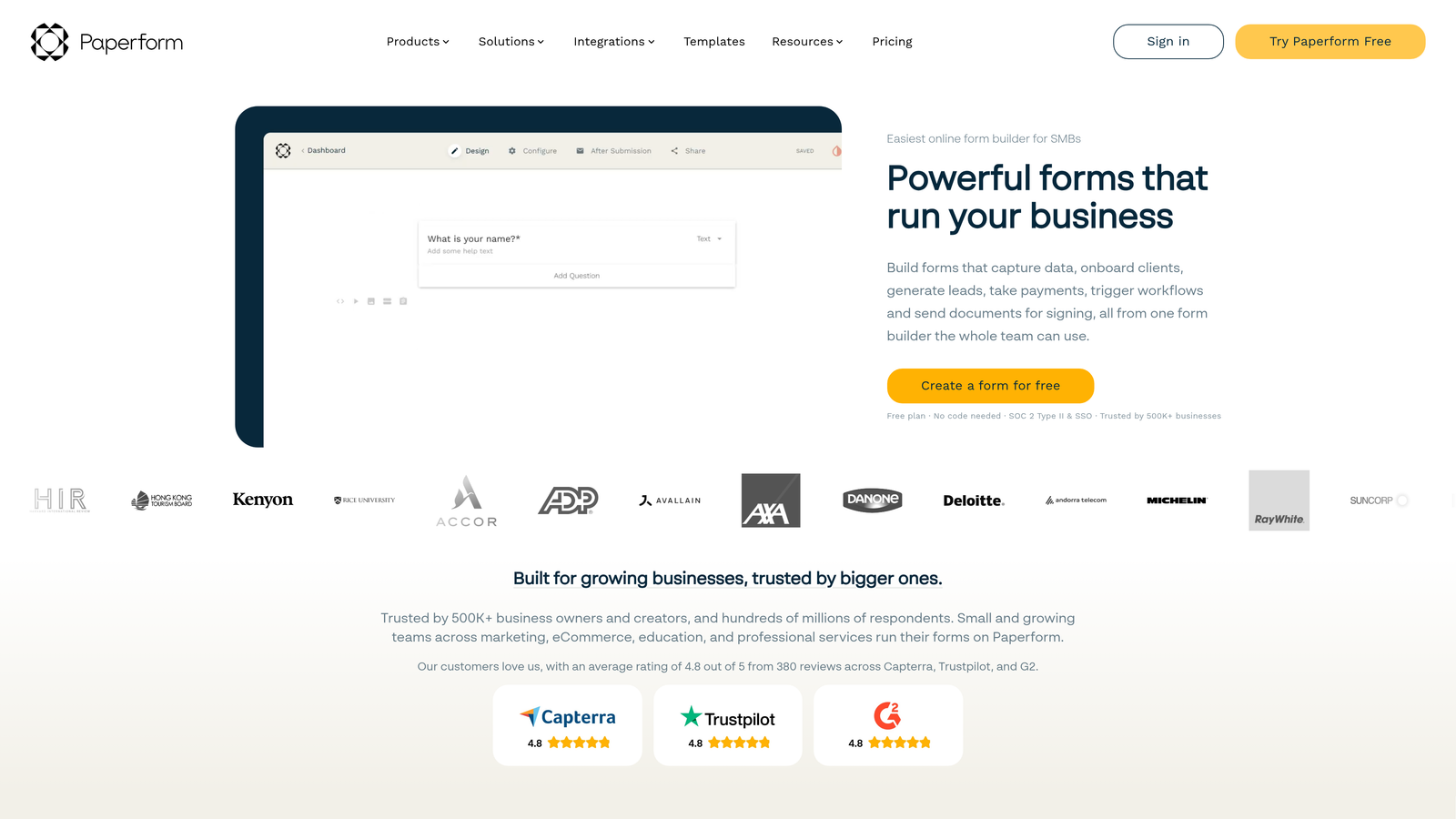
Paperform is a document-style form builder that creates forms resembling beautiful landing pages with rich content embedding.
Where This Tool Shines
Paperform's free-form editor lets you mix form fields with rich content—images, videos, headings, paragraphs—to create experiences that feel more like interactive landing pages than traditional forms. This approach works brilliantly for product orders, event registrations, and lead capture where context and presentation matter as much as data collection.
The calculation fields are surprisingly powerful without requiring spreadsheet formulas. You can build quote calculators, order forms with dynamic pricing, or assessment tools that score responses in real-time. The system handles currency conversion, tax calculations, and conditional pricing without code.
Key Features
Document-Style Editor: Mix form fields with rich content to create landing page experiences.
Rich Media Embedding: Add images, videos, and formatted text anywhere in your forms.
E-Commerce Capabilities: Accept payments, manage inventory, and handle bookings natively.
Custom CSS: Apply custom styling for complete brand control without technical barriers.
Calculation Fields: Build quote calculators and dynamic pricing without formulas or code.
Best For
Creative agencies, consultants, and e-commerce businesses who need forms that match their brand aesthetic. Excellent for client onboarding, service bookings, and product orders where presentation influences conversion.
Pricing
Essentials plan starts at $24/month with all core features included.
8. Formstack
Best for: Enterprise compliance requirements without enterprise-level complexity
Formstack is an enterprise-grade form builder with HIPAA and GDPR compliance features, simplified for non-technical users.
Where This Tool Shines
Formstack handles the compliance requirements that make most form builders unusable for healthcare, finance, and legal industries. HIPAA compliance is built into the platform architecture, not bolted on as an afterthought. Data encryption, access controls, and audit trails work automatically without requiring security expertise to configure.
The workflow automation features eliminate the need for technical resources. You can route submissions based on content, trigger email sequences, update external databases, and create approval chains using a visual builder. Electronic signatures integrate natively, making contract execution and consent forms straightforward.
Key Features
HIPAA and GDPR Compliance: Built-in compliance features with automatic encryption and audit trails.
Workflow Automation: Route submissions, trigger actions, and manage approvals without coding.
Electronic Signatures: Collect legally binding signatures directly within forms.
Offline Data Collection: Capture responses without internet connection and sync when online.
Advanced Security: Field-level encryption, SSO, and granular access controls.
Best For
Healthcare providers, financial services, legal firms, and any organization handling sensitive data under regulatory requirements. Ideal when compliance is non-negotiable but IT resources are limited.
Pricing
Starter plan begins at $50/month with compliance features included.
Making the Right Choice
The best form builder is the one you'll actually use—which means prioritizing the interface that clicks with how you work.
For AI-powered lead qualification with zero complexity, Orbit AI delivers enterprise capability with startup simplicity. The intelligent automation handles the technical heavy lifting while you focus on conversion strategy. Start building free forms today and see how intelligent form design can elevate your conversion strategy.
Need something free and familiar? Google Forms remains unbeatable for basic needs, especially if you're already in the Google ecosystem. Tally wins for Notion lovers who want that same intuitive feel without leaving their workflow.
When user experience matters most, Typeform excels at creating engaging, conversational forms that boost completion rates. Jotform offers the most templates for quick starts across virtually any use case. Fillout shines for database-connected workflows with Notion or Airtable.
Paperform creates the most beautiful form experiences when presentation influences conversion. And Formstack handles compliance requirements without the usual technical headache.
Start with your primary constraint. If it's budget, begin with Google Forms or Tally's free tier. If it's compliance, Formstack is your answer. If it's lead quality, Orbit AI's intelligent qualification saves countless hours of manual scoring. If it's completion rates, Typeform's conversational approach wins.
The form builder landscape has evolved past the false choice between simplicity and power. These eight platforms prove you can have both—so pick the one that matches your workflow, and scale from there.


