

Annual subscriptions for form builders offer significant savings—typically 15-30% compared to monthly billing—while locking in features your team needs for sustained growth. But choosing the right platform means looking beyond the discount. The best annual plans combine competitive pricing with the features, integrations, and support that justify a year-long commitment.
This guide breaks down nine form builders worth considering for annual subscriptions, examining what each offers, who they serve best, and whether the yearly commitment delivers real value for your specific needs.
1. Orbit AI
Best for: High-growth teams needing AI-powered lead qualification with conversion-optimized forms
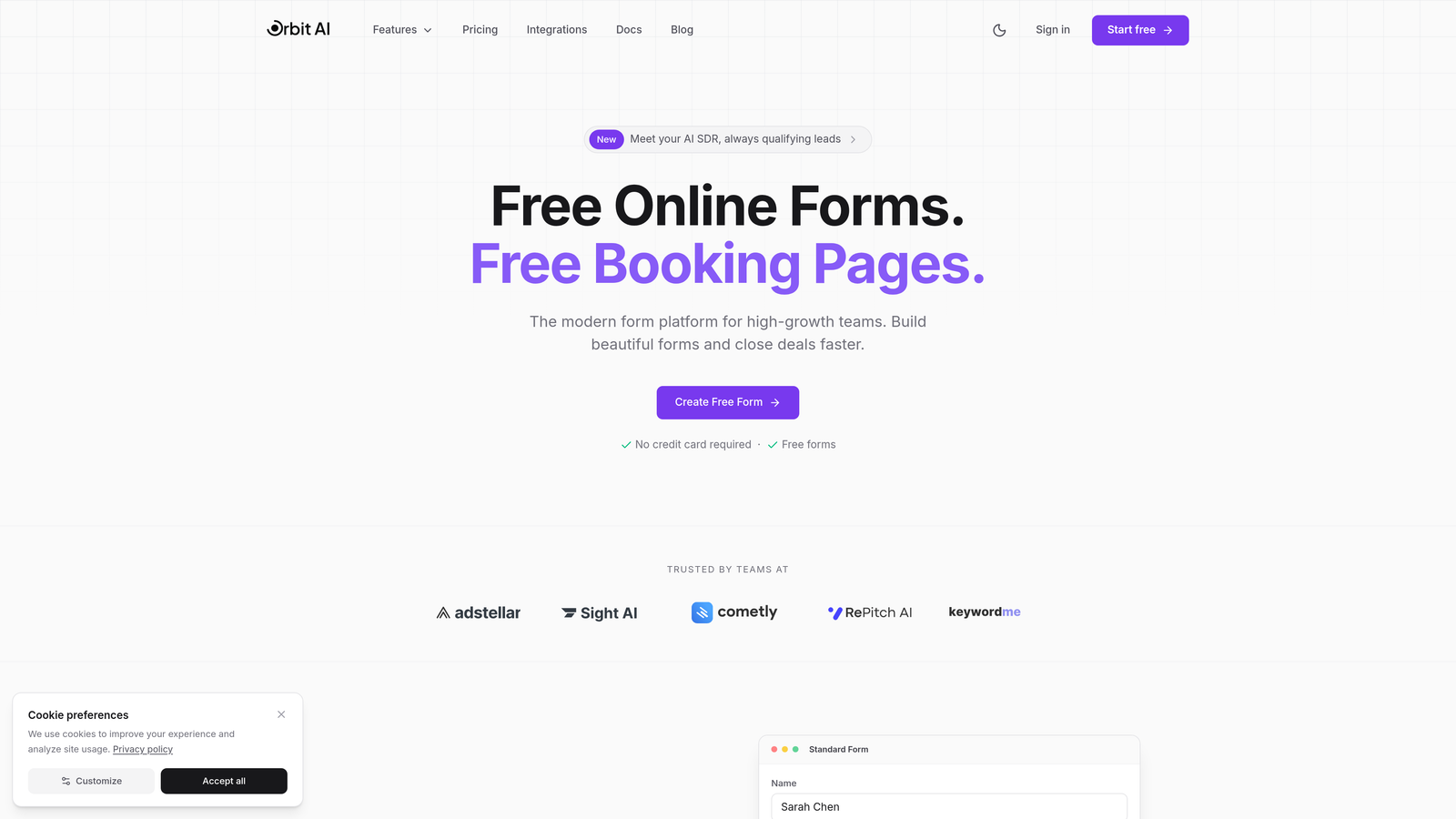
Orbit AI is an AI-powered form builder platform designed specifically for teams focused on lead generation and conversion optimization.
Where This Tool Shines
Orbit AI distinguishes itself through intelligent lead qualification that happens automatically as prospects fill out forms. The platform analyzes responses in real-time, scoring and routing leads based on conversion potential rather than making your sales team sort through every submission manually.
The conversion-optimized templates are built on research about what actually drives form completions. This isn't just about making forms look modern—it's about designing experiences that reduce friction and increase submission rates from your target audience.
Key Features
AI-Powered Lead Qualification: Automatically scores and prioritizes leads based on response patterns and conversion signals.
Conversion-Optimized Templates: Pre-built form designs tested for maximum completion rates across industries.
Advanced Analytics Dashboard: Track performance metrics, conversion rates, and lead quality trends over time.
Workflow Automation: Route qualified leads to the right team members and trigger follow-up sequences automatically.
Native CRM Integrations: Connect directly with your existing sales and marketing stack without middleware.
Best For
Growing teams that generate significant lead volume and need intelligent qualification to focus sales efforts on the highest-potential prospects. Particularly valuable for B2B companies where lead quality matters more than quantity, and conversion optimization directly impacts revenue growth.
Pricing
Annual subscription available with competitive rates for high-growth teams. Check orbitforms.ai/pricing for current annual billing options and feature tiers.
2. Typeform
Best for: Creating engaging, conversational form experiences with strong brand presence
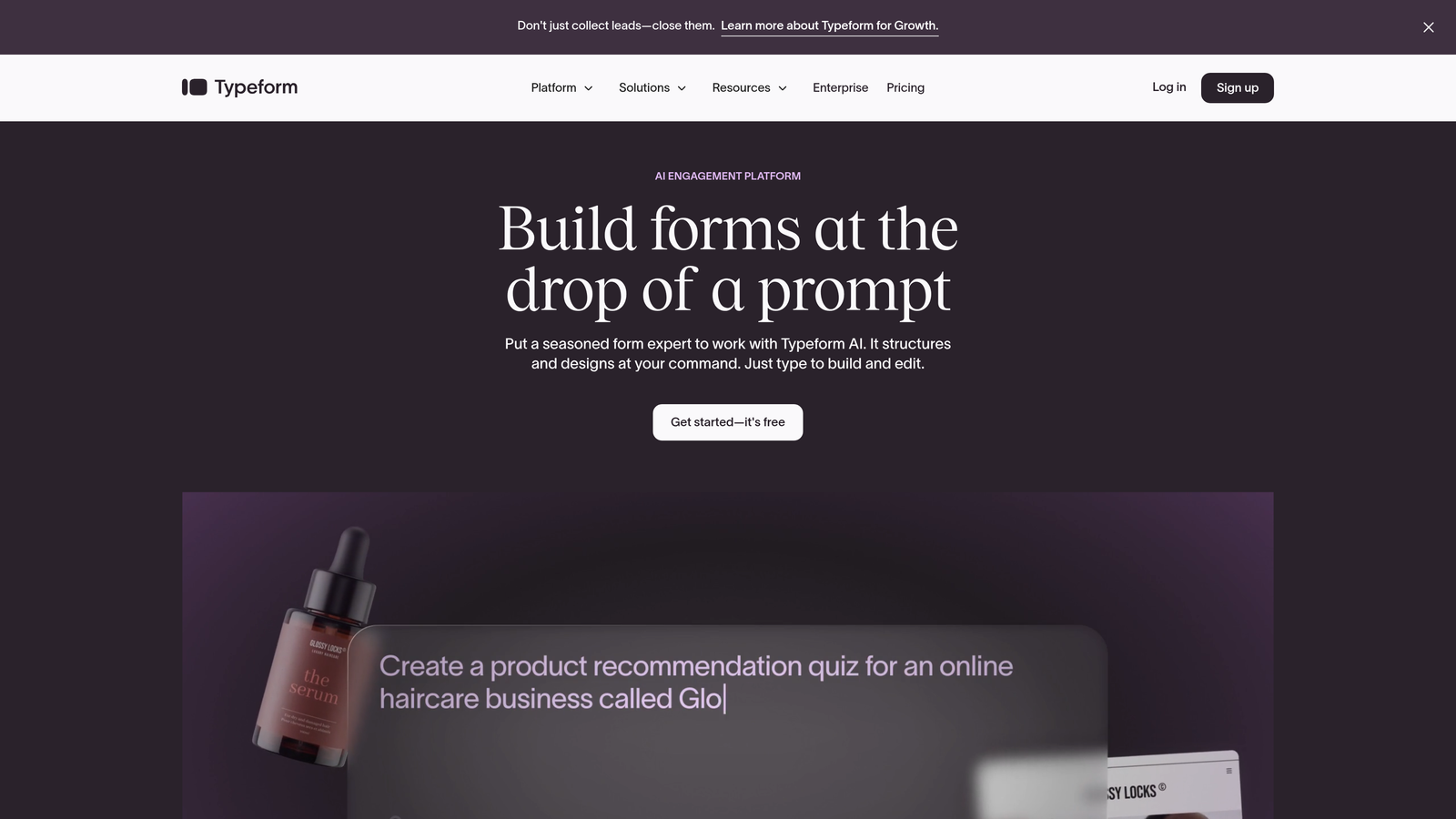
Typeform is a conversational form builder known for its one-question-at-a-time approach that significantly boosts completion rates.
Where This Tool Shines
Typeform transforms traditional forms into conversations. Instead of overwhelming respondents with a wall of fields, it presents one question at a time, creating a more engaging experience that feels less like data entry and more like dialogue.
The platform excels at brand customization. You can match forms perfectly to your visual identity with custom colors, fonts, images, and even video integration. This makes Typeform particularly strong for customer-facing forms where brand experience matters.
Key Features
Conversational Format: One-question-at-a-time presentation that reduces form abandonment and increases engagement.
Advanced Branding Options: Extensive customization for colors, fonts, backgrounds, and multimedia elements.
Logic Jumps: Create branching paths based on responses to personalize the form experience.
Video and Image Integration: Embed rich media directly into questions for more engaging forms.
Marketing Tool Integrations: Connect with email platforms, CRMs, and analytics tools through native integrations.
Best For
Marketing teams focused on brand experience and user engagement. Ideal for customer surveys, event registrations, and lead capture where completion rates directly impact campaign success and brand perception matters.
Pricing
Annual plans start around $25/month when billed yearly for the Basic tier. Annual billing provides meaningful savings compared to monthly subscriptions, making it worthwhile for teams with consistent form needs.
3. Jotform
Best for: Teams needing extensive template variety and comprehensive feature sets
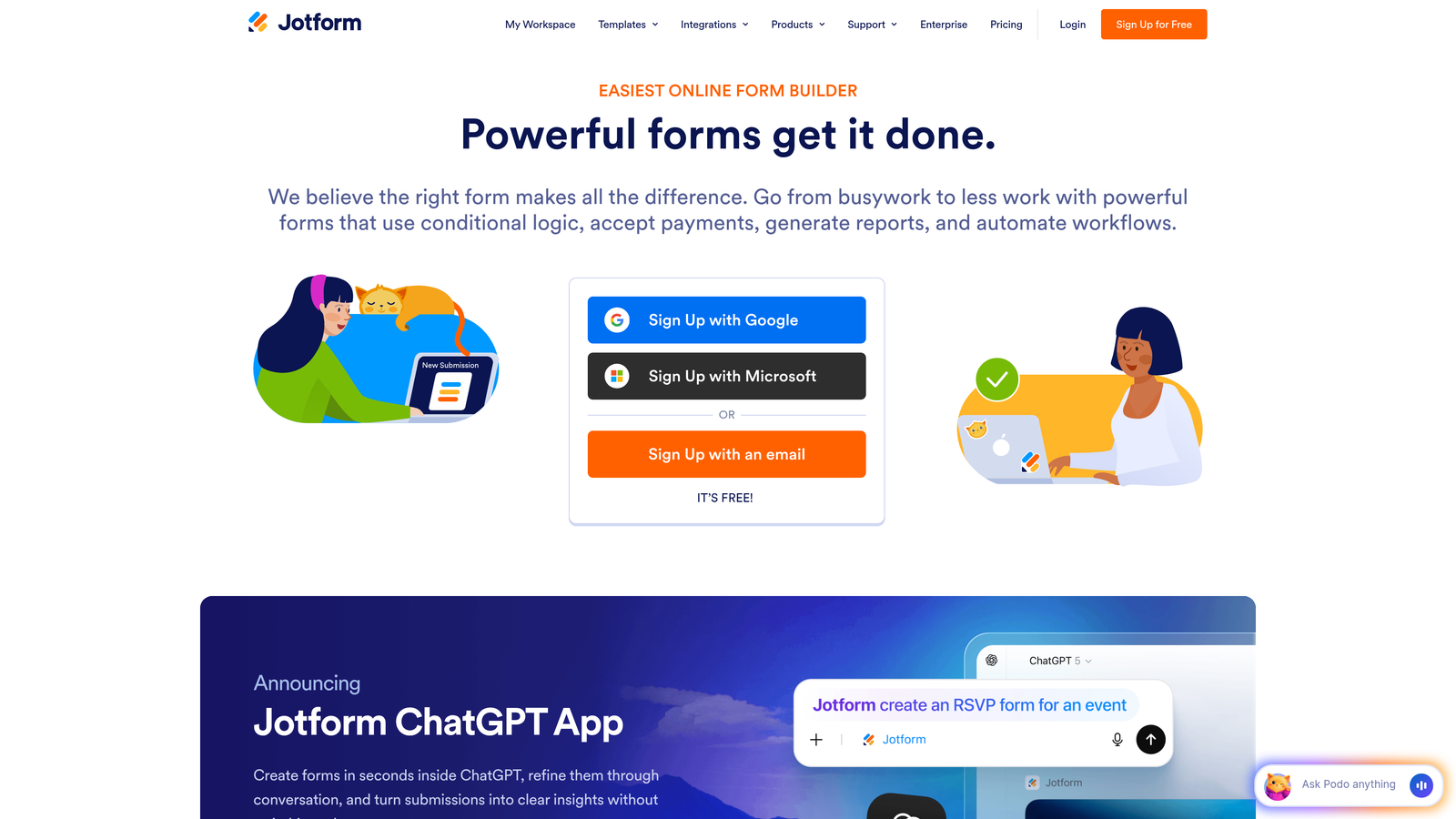
Jotform is a feature-rich form builder offering over 10,000 templates and extensive customization capabilities.
Where This Tool Shines
Jotform's massive template library means you can find a pre-built starting point for virtually any use case. From registration forms to complex surveys to payment collection, the template variety saves significant setup time.
The platform goes beyond basic forms with features like PDF generation and Jotform Tables for managing submitted data. This makes it a more complete data collection and management solution rather than just a form builder.
Key Features
10,000+ Templates: Industry-specific form templates covering nearly every business use case imaginable.
PDF Form Generation: Automatically convert form submissions into formatted PDF documents.
Payment Processing: Built-in integrations with major payment processors for collecting payments through forms.
Jotform Tables: Spreadsheet-style interface for managing and analyzing form data after collection.
Mobile App Builder: Create mobile applications from your forms for offline data collection.
Best For
Organizations with diverse form needs across departments who want a single platform that handles everything. Particularly valuable for teams that need payment collection, PDF generation, or offline data capture capabilities.
Pricing
Annual plans offer savings over monthly billing. The Bronze tier starts around $34/month when billed annually, providing access to more submissions and features than the free plan allows.
4. Tally
Best for: Budget-conscious teams wanting unlimited forms with a clean, simple interface
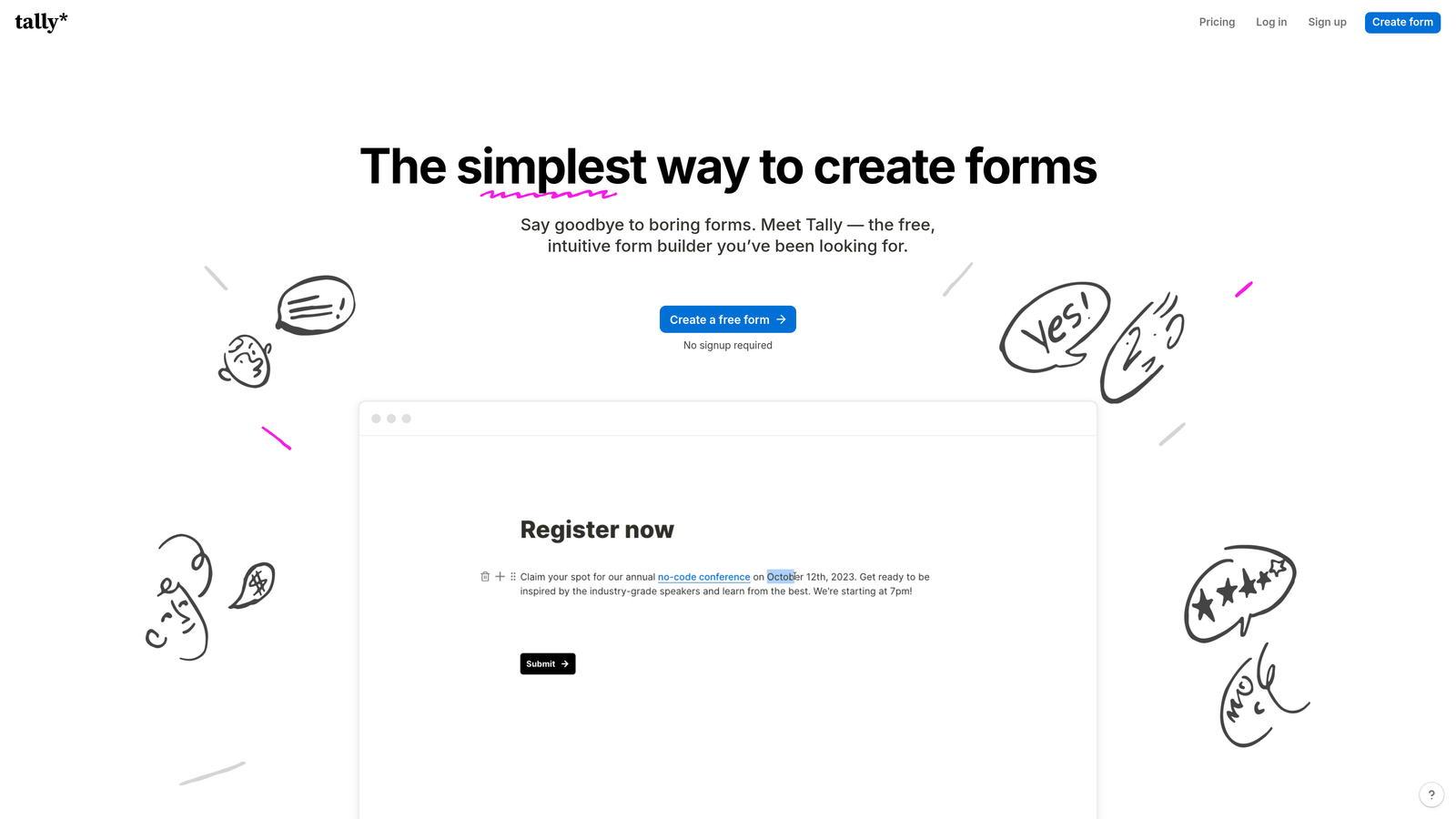
Tally is a minimalist form builder with a generous free tier and Notion-like editing experience.
Where This Tool Shines
Tally's free plan is remarkably generous—unlimited forms with unlimited submissions. This makes it an excellent choice for startups and small teams that need professional forms without the recurring cost.
The Notion-style block editing feels familiar and intuitive if you already use Notion. You build forms by adding blocks and arranging them, making the creation process quick and straightforward without unnecessary complexity.
Key Features
Unlimited Free Forms: Create as many forms as you need without hitting artificial limits on the free tier.
Clean Interface: Minimalist design that focuses on content without visual clutter or distractions.
Custom Domains: Use your own domain for forms on paid plans to maintain brand consistency.
Conditional Logic: Show or hide questions based on previous responses to create dynamic forms.
Block-Based Editing: Notion-style interface that makes form building intuitive and fast.
Best For
Startups and small teams with tight budgets who still need professional forms. Also ideal for side projects, personal use, or any scenario where you need simple forms without ongoing subscription costs.
Pricing
The free tier covers most basic needs. Pro annual subscription runs approximately $29/month when billed yearly, adding features like file uploads, custom domains, and advanced integrations for teams that outgrow the free plan.
5. Paperform
Best for: Teams needing forms with built-in payment processing and e-commerce capabilities
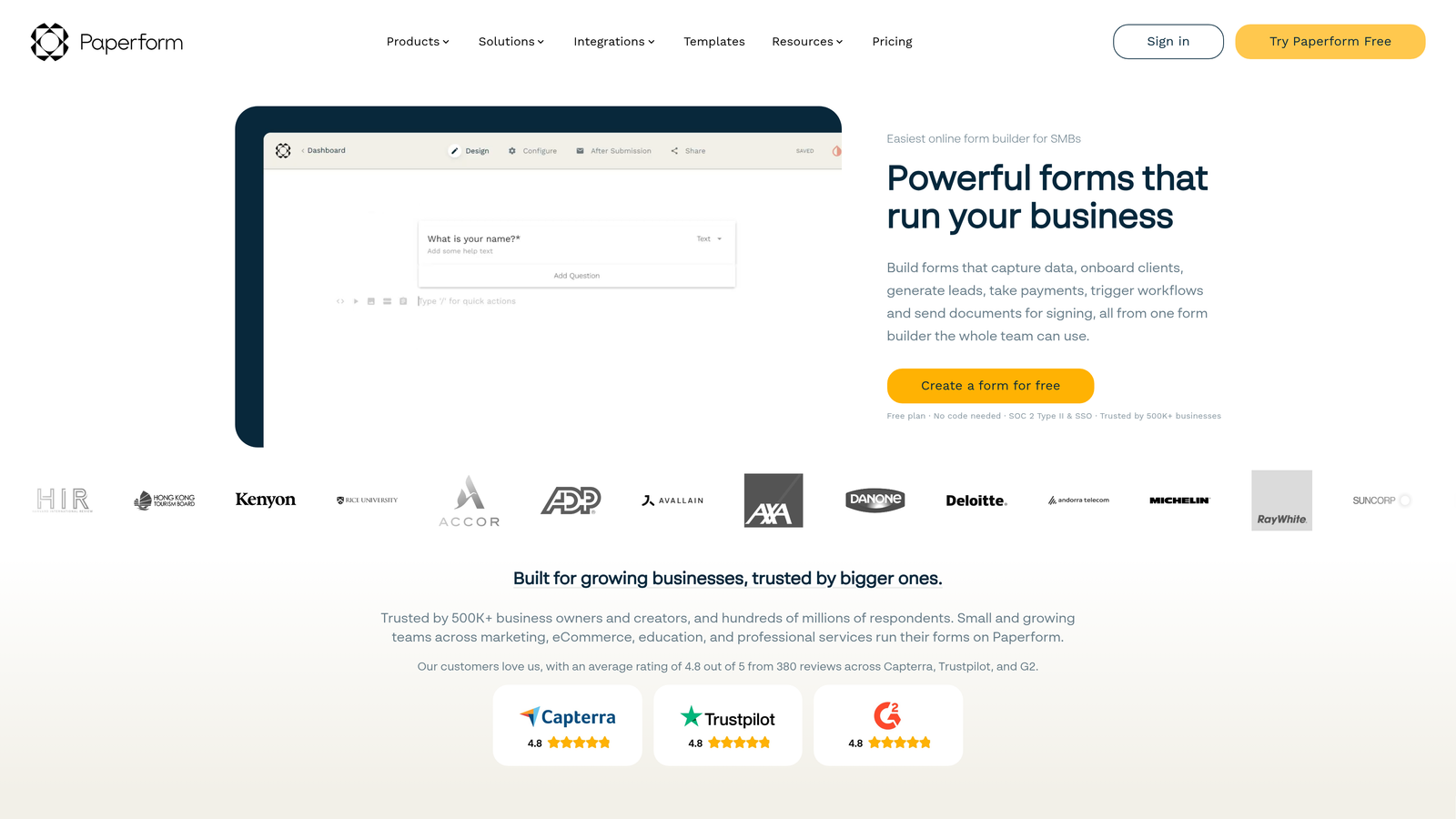
Paperform is a form builder that combines document-style design with robust payment and e-commerce features.
Where This Tool Shines
Paperform approaches forms more like documents than traditional field-by-field builders. You write your form in a natural flow, adding fields inline with text, creating experiences that feel more like reading a page than filling out a form.
The payment processing capabilities are particularly strong. You can create product catalogs, accept orders, calculate totals with complex pricing rules, and process payments all within the form itself—no external shopping cart required.
Key Features
Document-Style Creation: Build forms by writing content naturally with fields embedded inline.
Payment Processing: Accept payments directly through forms with support for multiple payment processors.
Product Catalogs: Create e-commerce experiences with product selections, quantity fields, and dynamic pricing.
Calculations and Logic: Perform complex calculations based on user inputs for quotes, pricing, and scoring.
Custom Branding: Extensive design customization to match your brand identity perfectly.
Best For
Small businesses and creators who need to collect payments, sell products, or take bookings through forms. Particularly valuable for service providers, consultants, and anyone combining information collection with payment processing.
Pricing
Annual billing is available with the Essentials tier starting around $20/month when billed annually. The annual commitment provides significant savings for teams with ongoing payment collection needs.
6. Formstack
Best for: Enterprise teams requiring advanced security, compliance, and workflow automation
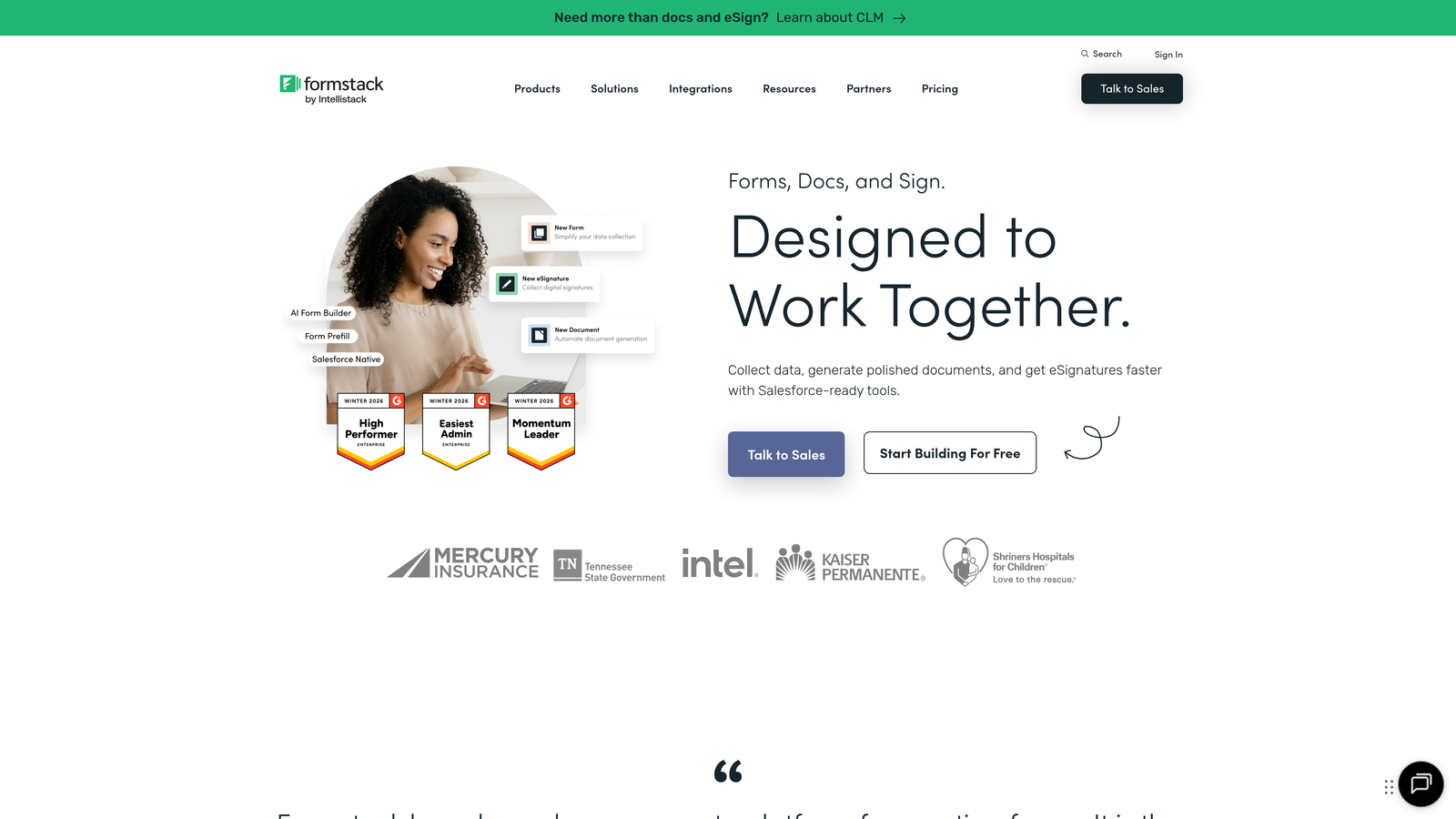
Formstack is an enterprise-grade form and workflow platform with advanced security features and automation capabilities.
Where This Tool Shines
Formstack is built for organizations with serious compliance requirements. HIPAA compliance options make it suitable for healthcare, while enterprise security features address the needs of financial services and other regulated industries.
The platform extends beyond forms into complete workflow automation. You can collect data, generate documents, route for electronic signatures, and trigger complex approval processes—all from a single platform designed for enterprise scale.
Key Features
HIPAA Compliance: Built-in features and configurations to meet healthcare data protection requirements.
Document Generation: Automatically create formatted documents from form data for contracts, reports, and records.
Electronic Signatures: Collect legally binding signatures as part of form workflows.
Workflow Automation: Build complex approval processes and data routing based on form submissions.
Enterprise Security: Advanced encryption, access controls, and audit trails for sensitive data.
Best For
Large organizations in regulated industries that need enterprise-grade security and compliance. Ideal for healthcare providers, financial institutions, and any company handling sensitive data that requires documented security controls.
Pricing
Annual contracts are required for most plans. Pricing is customized based on needs and scale—contact their sales team for enterprise pricing that matches your compliance and workflow requirements.
7. Google Forms
Best for: Teams already using Google Workspace who need simple, free forms
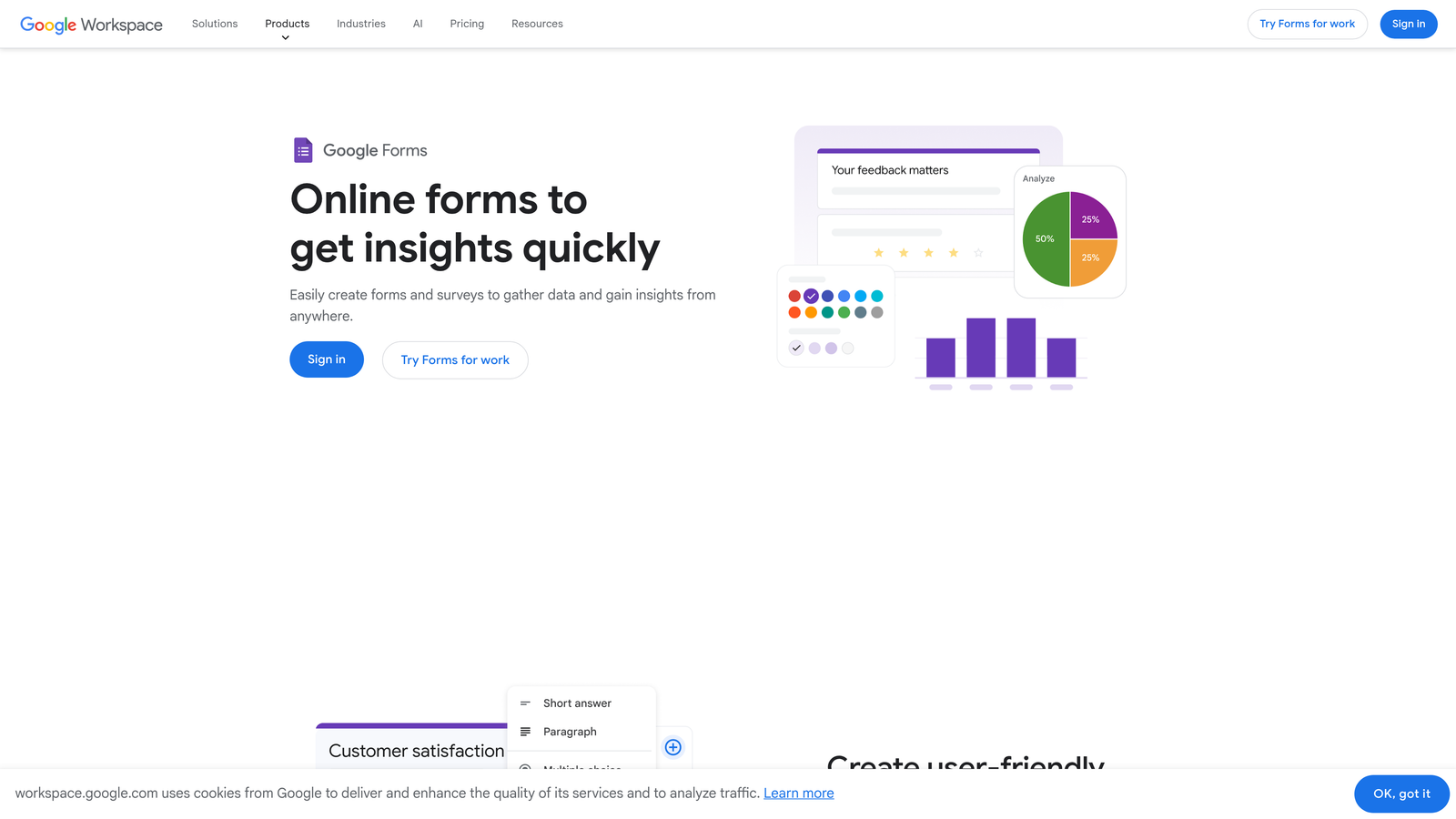
Google Forms is a straightforward form builder integrated directly with Google Workspace.
Where This Tool Shines
Google Forms is completely free with any Google account, making it the most accessible option for basic form needs. There's no learning curve if you're already familiar with Google's interface design patterns.
The Google Sheets integration is seamless and immediate. Every form submission flows directly into a spreadsheet where you can analyze, filter, and manipulate the data using familiar spreadsheet tools and formulas.
Key Features
Free Access: Completely free with any Google account, no premium tiers or paywalls for basic functionality.
Google Sheets Integration: Automatic data export to spreadsheets for analysis and reporting.
Real-Time Collaboration: Multiple team members can edit forms simultaneously with live updates.
Basic Conditional Logic: Show or hide sections based on previous answers for simple branching.
Quiz Functionality: Built-in features for creating graded quizzes with automatic scoring.
Best For
Schools, nonprofits, and small teams with basic form needs who already use Google Workspace. Perfect for internal surveys, event RSVPs, and simple data collection where advanced features aren't necessary.
Pricing
Free as a standalone tool. Also included with Google Workspace annual subscriptions, which start around $6/user/month when billed annually for the Business Starter plan.
8. Cognito Forms
Best for: Forms requiring complex calculations, conditional logic, and payment collection
Cognito Forms is a form builder specializing in advanced calculation fields and complex conditional logic.
Where This Tool Shines
Cognito Forms excels at mathematical complexity. You can build forms that perform sophisticated calculations based on user inputs—perfect for quotes, pricing estimates, order forms, or any scenario requiring dynamic number crunching.
The repeating sections feature lets users add multiple entries of the same information within a single form. This is invaluable for registration forms where one person might register multiple attendees, or order forms where customers select multiple products.
Key Features
Advanced Calculations: Perform complex mathematical operations based on form inputs with formula support.
Repeating Sections: Allow users to add multiple instances of the same fields within one form submission.
Multi-Page Forms: Break long forms into multiple pages with progress indicators and save-and-resume functionality.
Payment Integration: Accept payments through integrated payment processors with dynamic pricing based on selections.
Data Encryption: Built-in encryption for sensitive data fields and secure form submissions.
Best For
Organizations needing dynamic pricing calculators, complex registration forms, or order forms with variable product selections. Particularly valuable for service providers who need to calculate quotes based on multiple customer inputs.
Pricing
Annual plans are available with the Pro tier running approximately $15/month when billed annually. This represents solid value for teams that need the advanced calculation and repeating section capabilities.
9. 123FormBuilder
Best for: Organizations in regulated industries requiring strong compliance and security features
123FormBuilder is a compliance-focused form builder with robust security features designed for regulated industries.
Where This Tool Shines
123FormBuilder takes compliance seriously with built-in support for HIPAA and GDPR requirements. This makes it suitable for healthcare providers, European businesses, and any organization handling personal data under strict regulatory frameworks.
The security features go beyond basic encryption. You get comprehensive data protection controls, audit trails, and the ability to configure forms to meet specific compliance requirements without custom development.
Key Features
HIPAA and GDPR Compliance: Built-in configurations and features to meet healthcare and European data protection regulations.
Electronic Signatures: Collect legally binding signatures with audit trails for contracts and agreements.
Payment Collection: Process payments securely through forms with PCI compliance features.
Workflow Automation: Route submissions and trigger actions based on form data and business rules.
Data Encryption: End-to-end encryption for form data both in transit and at rest.
Best For
Healthcare organizations, European businesses subject to GDPR, and any company in a regulated industry that needs documented compliance controls. Also valuable for businesses collecting sensitive customer data who want to minimize regulatory risk.
Pricing
Annual billing offers savings over monthly plans. The Gold tier runs around $25/month when billed annually, providing access to compliance features and higher submission limits for growing organizations.
Making the Right Choice
The right annual subscription depends entirely on your specific needs and growth trajectory. Here's how to think about your options:
For AI-powered lead qualification and conversion optimization, Orbit AI delivers intelligent form experiences designed specifically for high-growth teams focused on lead quality. If you're generating significant lead volume and need automatic qualification to focus sales efforts, the annual commitment makes sense.
Typeform excels when brand experience and engagement matter most. The conversational format and extensive customization justify annual billing for marketing teams where form completion rates directly impact campaign success.
Jotform's massive template library and comprehensive feature set make it ideal for organizations with diverse form needs across departments. The annual plan provides cost savings when you need everything from payment collection to PDF generation in one platform.
Tally offers the best value for budget-conscious teams. The generous free tier handles most basic needs, while the Pro annual subscription adds advanced features without breaking the bank.
Paperform combines forms with e-commerce capabilities, making it the natural choice for service providers and small businesses that need to collect payments alongside information.
For enterprise requirements, Formstack delivers the security, compliance, and workflow automation that large organizations need. The annual contract requirement aligns with enterprise purchasing cycles anyway.
Google Forms remains unbeatable for simple, free forms when you're already in the Google ecosystem. While technically free, it's included with Google Workspace annual subscriptions for organizations already committed to that platform.
Cognito Forms specializes in complex calculations and repeating sections—essential features for dynamic pricing, quotes, and registration forms with variable inputs.
123FormBuilder addresses compliance requirements head-on, making it the clear choice for healthcare, GDPR-regulated businesses, and any organization prioritizing data security and regulatory compliance.
When evaluating annual commitments, consider your projected form volume, required integrations, and whether advanced features like AI-powered lead qualification justify premium pricing. The 15-30% savings from annual billing add up quickly, but only if you're confident the platform meets your needs for the full year.
Start building free forms today and see how intelligent form design can elevate your conversion strategy. Transform your lead generation with AI-powered forms that qualify prospects automatically while delivering the modern, conversion-optimized experience your high-growth team needs.


