

Mailchimp's built-in form builder is a natural starting point for teams already using the platform for email marketing. It's convenient, it's free, and it gets the job done for basic list building. But as your lead generation ambitions grow, those default forms can start feeling like a ceiling rather than a floor.
Rigid layouts, minimal customization, no conditional logic, no lead scoring. If you're running a high-growth operation where form quality directly affects pipeline quality, these limitations become real blockers. That's when the question surfaces: stick with Mailchimp forms or switch to something purpose-built for conversion?
The honest answer is: it depends on what you need. If you're collecting email subscribers and nothing more, Mailchimp's native forms might be perfectly adequate. But if you want conversion-optimized designs, dynamic conditional logic, lead qualification, or deep CRM integrations, a dedicated form builder will almost certainly outperform. Here are the top options worth considering, including Mailchimp's own tools, so you can make the right call for your growth stage.
1. Orbit AI
Best for: High-growth teams that want AI-powered lead qualification built directly into their forms.
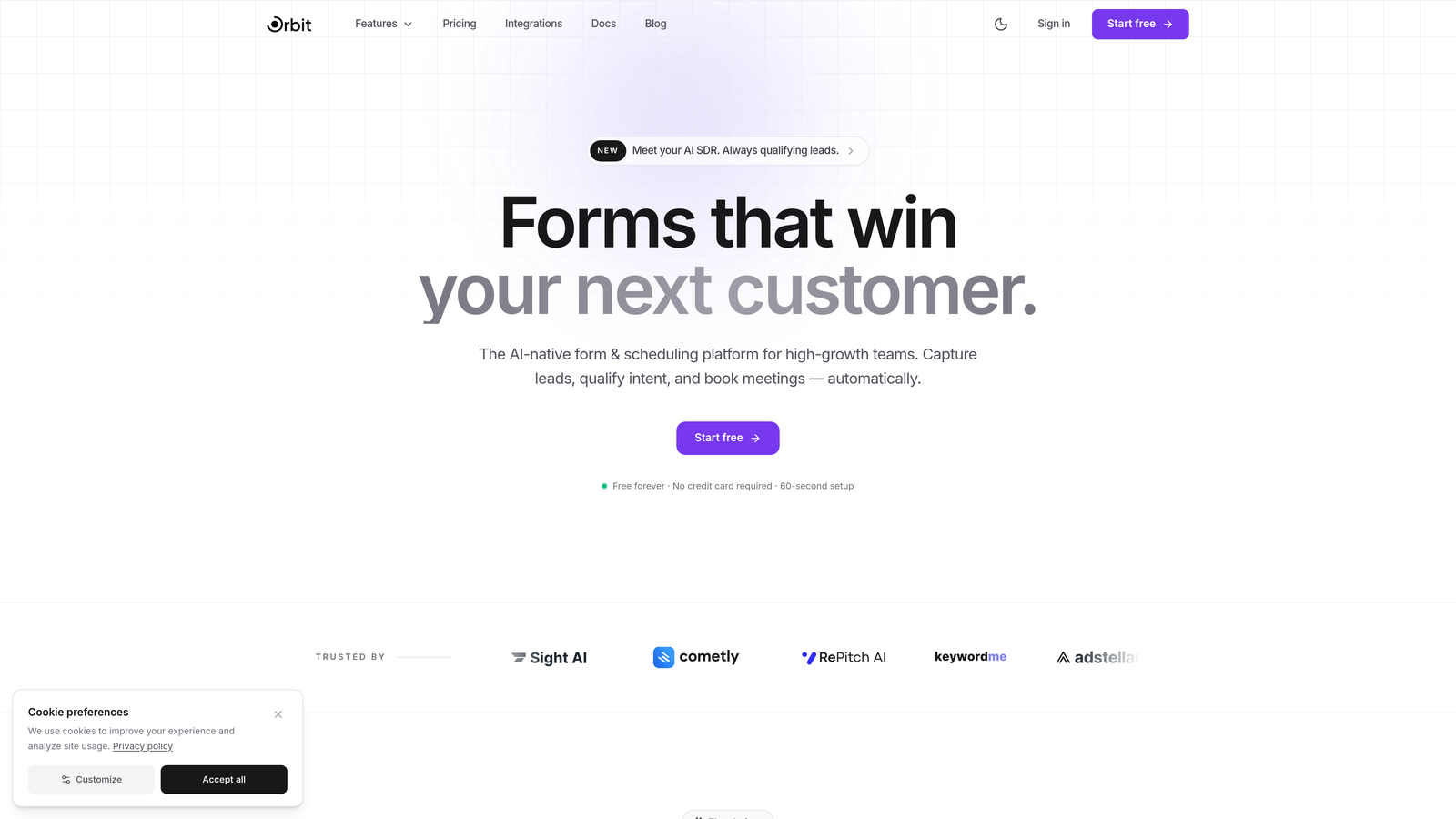
Orbit AI is an AI-powered form builder platform designed specifically for teams that care about lead quality, not just lead volume.
Where This Tool Shines
Most form builders collect data and hand it off to you to figure out. Orbit AI goes a step further by qualifying leads at the form level, using AI to score and route prospects before they ever hit your CRM. For sales and marketing teams tired of sifting through low-quality submissions, this changes the workflow fundamentally.
The design side is equally strong. Orbit AI's templates are built with conversion in mind: clean, modern layouts that don't look like they were assembled in 2015. Conditional logic and dynamic fields let you create personalized form experiences that adapt to each respondent, which typically improves both completion rates and data quality.
Key Features
AI-Powered Lead Qualification: Automatically scores and qualifies leads at the form level, so your team focuses on the right prospects from the start.
Conversion-Optimized Templates: Modern, professionally designed form templates built to maximize completions and engagement.
Conditional Logic and Dynamic Fields: Show or hide fields based on previous answers to create personalized, relevant form experiences.
CRM and Mailchimp Integrations: Connects with popular marketing tools and CRMs, including Mailchimp, so you can keep your existing email workflows intact.
Real-Time Analytics: Form performance insights that surface what's working and where respondents are dropping off.
Best For
High-growth SaaS teams, marketing agencies, and B2B companies that need more than a data collection tool. Orbit AI is particularly valuable when lead quality is a core metric and your team needs intelligent qualification baked into the top of the funnel.
Pricing
Free plan available for getting started. Paid plans unlock advanced AI features and team collaboration capabilities. Check orbitforms.ai for current pricing details.
2. Mailchimp Forms (Built-In)
Best for: Teams already on Mailchimp who need simple email list signup forms with zero additional cost.
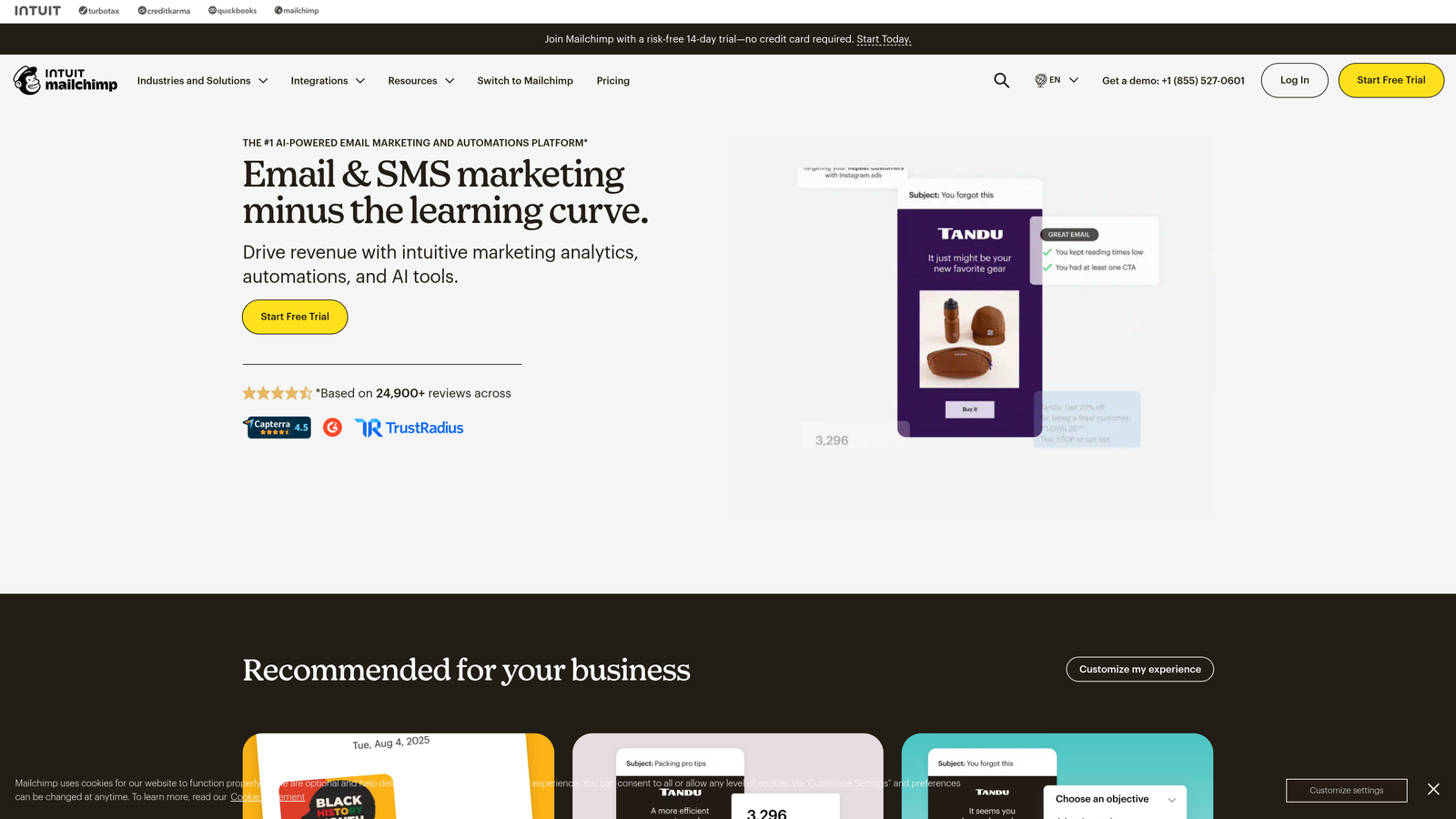
Mailchimp includes a native form builder for creating embedded signup forms, pop-ups, and landing pages tied directly to your email audiences.
Where This Tool Shines
The biggest advantage here is seamless integration with your Mailchimp audiences. When someone submits a form, they're automatically added to the right audience with the right tags, no Zapier required. For teams doing straightforward email list building, this frictionless connection is genuinely valuable.
The other advantage is cost: Mailchimp forms are included with every plan, including the free tier. If your form needs are minimal and you're already paying for Mailchimp, there's no reason to add another tool to your stack just yet.
Key Features
Embedded, Pop-Up, and Landing Page Forms: Three distinct form formats to cover the most common placement scenarios.
Direct Audience Sync: Submissions automatically populate your Mailchimp audiences and apply tags without any middleware.
Basic Field Types: Text fields, dropdowns, radio buttons, and checkboxes cover standard data collection needs.
Simple Drag-and-Drop Editor: Accessible for non-technical users, though design flexibility is limited compared to dedicated builders.
Included at No Extra Cost: Available on all Mailchimp plans, making it a zero-friction starting point.
Best For
Small businesses and solo marketers who primarily need email list growth and are already invested in the Mailchimp ecosystem. Teams that haven't yet hit the ceiling of basic form functionality. Not recommended for teams needing conditional logic, multi-step flows, or lead qualification.
Pricing
Included with all Mailchimp plans. Free tier available; paid plans start at approximately $13/month based on contact count.
3. Typeform
Best for: Teams that want conversational, high-engagement form experiences with strong completion rates.
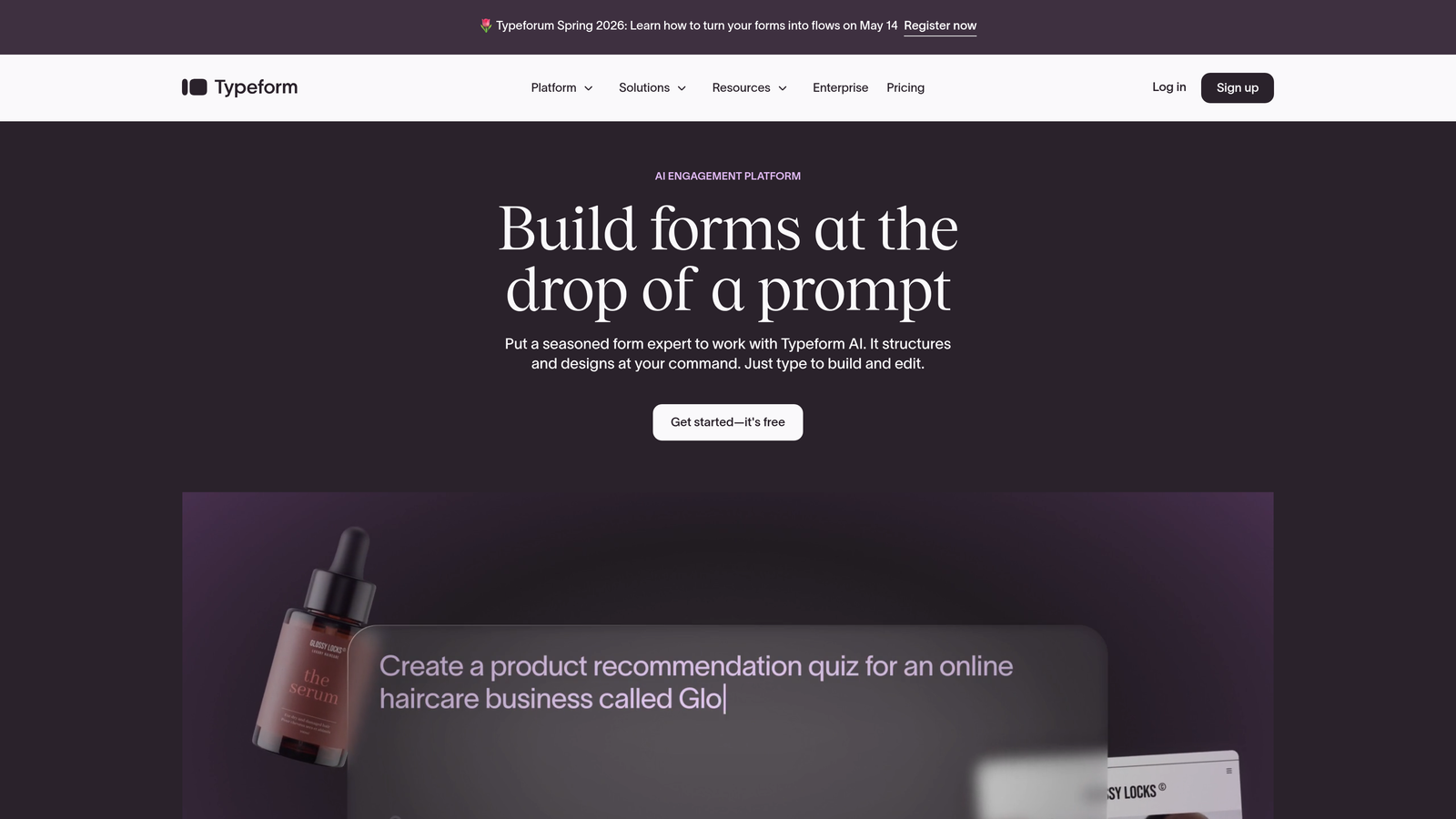
Typeform is a conversational form builder known for its one-question-at-a-time interface that transforms standard forms into interactive experiences.
Where This Tool Shines
Typeform's signature format, presenting one question at a time rather than a wall of fields, tends to feel less overwhelming to respondents. This approach can work particularly well for longer forms where a traditional layout might cause drop-off. The visual design is polished out of the box, which matters when your form is a prospect's first touchpoint with your brand.
Logic jumps allow you to branch respondents down different paths based on their answers, creating a personalized experience without requiring technical setup. The native Mailchimp integration means list building stays connected to your email workflows.
Key Features
Conversational One-Question Format: Reduces cognitive load and creates a more engaging form experience for respondents.
Rich Media Support: Embed images, videos, and GIFs within form questions to add context and personality.
Logic Jumps and Conditional Branching: Route respondents to different questions based on their previous answers.
Native Mailchimp Integration: Sync form submissions directly to Mailchimp audiences without third-party connectors.
Built-In Analytics: Completion rates, drop-off points, and response data in a clean dashboard.
Best For
Marketing teams running surveys, lead generation quizzes, or application forms where engagement and completion rate are priorities. Also a strong fit for brand-conscious teams who want their forms to feel premium.
Pricing
Free plan available with limited monthly responses. Paid plans start at approximately $25/month. Response limits apply across all tiers.
4. Jotform
Best for: Teams that need a wide template library, payment collection, and compliance-ready forms in one platform.
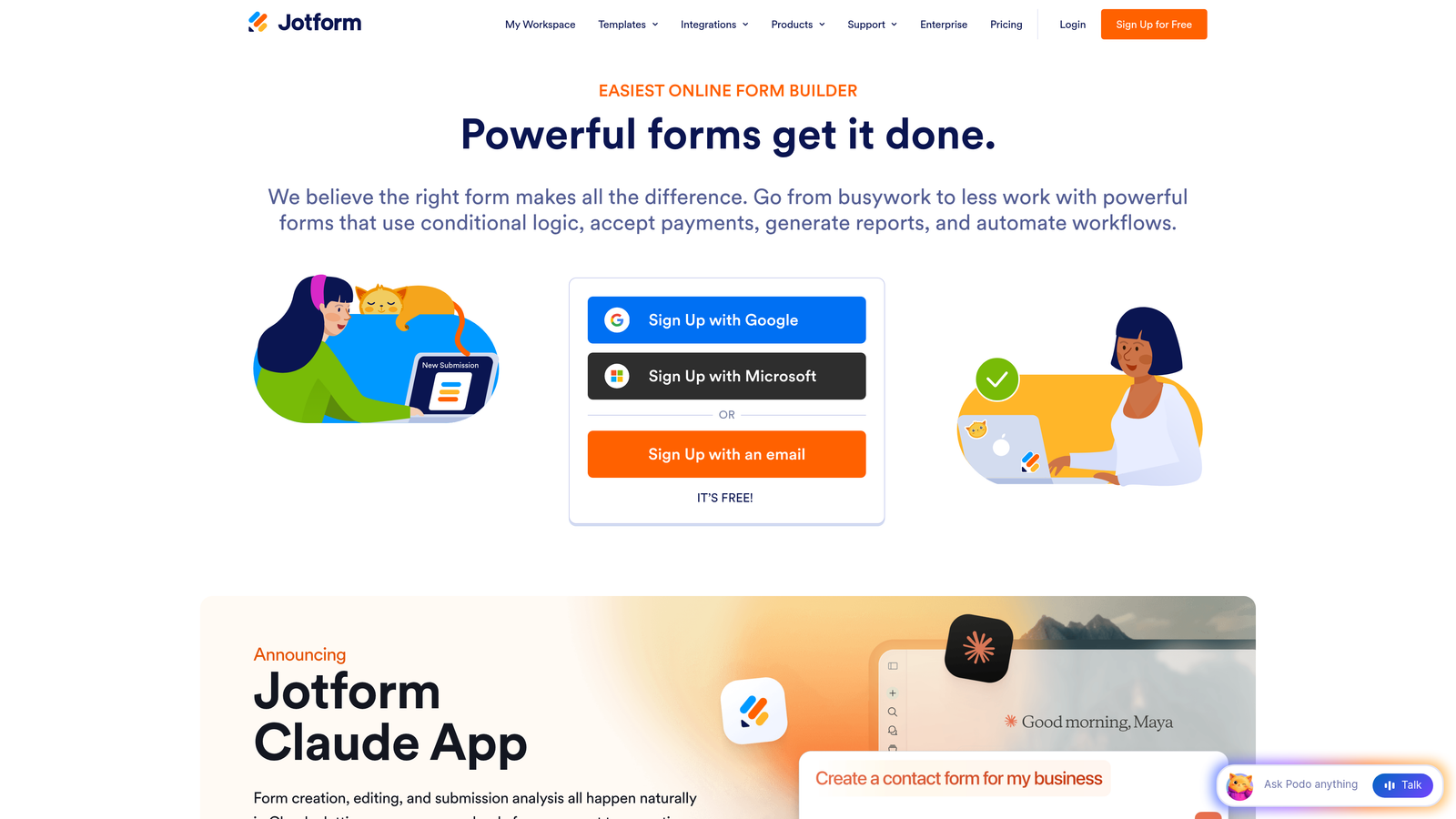
Jotform is a feature-rich form builder with one of the largest template libraries in the market, covering everything from lead generation to payment processing.
Where This Tool Shines
The sheer breadth of Jotform's capabilities makes it a strong choice for teams with diverse form needs. Need a contact form, a payment form, an event registration, and a client intake form? Jotform handles all of them without requiring multiple tools. The 10,000-plus template library means you're rarely starting from scratch.
The built-in payment integrations with PayPal, Stripe, and Square are particularly useful for teams that want to collect payments or deposits directly through their forms without a separate e-commerce setup.
Key Features
10,000+ Templates: An extensive library spanning virtually every industry and use case, reducing setup time significantly.
Built-In Payment Collection: Accept payments through PayPal, Stripe, and Square directly within forms.
Conditional Logic and Multi-Page Forms: Create branching logic and break long forms into digestible steps.
Jotform Tables: A built-in submission management view that organizes responses like a spreadsheet.
HIPAA-Compliant Plans: Available for healthcare teams that need to collect sensitive patient information securely.
Best For
Small to mid-size businesses that need versatility across multiple form types. Particularly strong for teams in healthcare, education, or professional services where compliance and payment collection are requirements.
Pricing
Free plan includes 5 forms and 100 submissions per month. Paid plans start at approximately $34/month with higher submission limits and additional features.
5. Tally
Best for: Budget-conscious teams and indie builders who want a generous free plan with no submission caps.
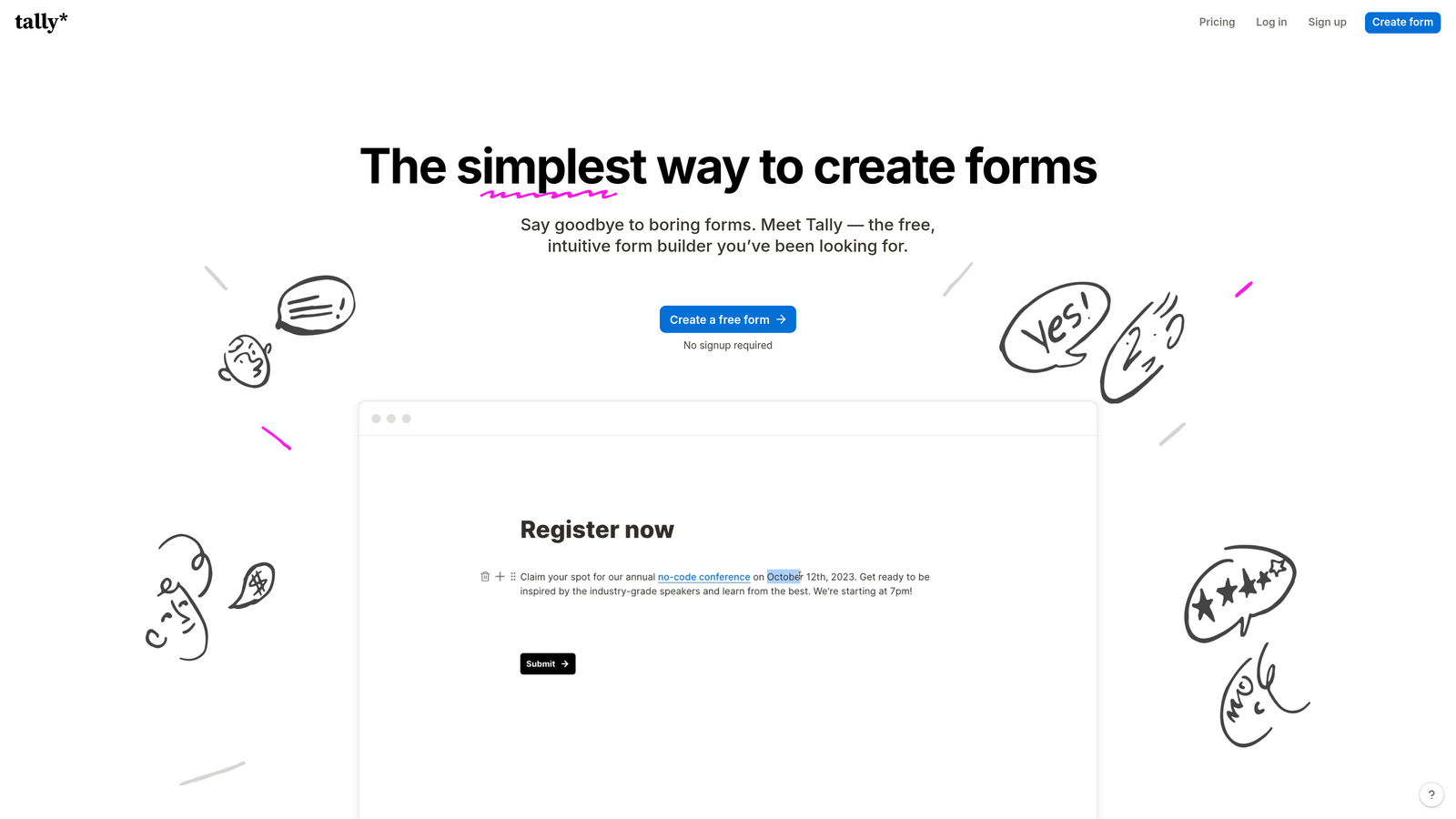
Tally is a minimalist, Notion-style form builder offering unlimited forms and submissions on its free plan, making it one of the most accessible options in the market.
Where This Tool Shines
Tally's free tier is genuinely generous in a space where most tools restrict submissions heavily. Unlimited forms and unlimited submissions with no monthly cap is rare, and for early-stage teams or bootstrapped operations, this removes a real cost barrier. The block-based editor will feel immediately familiar to anyone who uses Notion.
Despite the minimalist aesthetic, Tally supports conditional logic, hidden fields, and native integrations with tools like Notion, Google Sheets, Slack, and Zapier. It's a lean tool that covers the essentials without unnecessary complexity.
Key Features
Unlimited Forms and Submissions on Free Plan: No artificial caps that force you to upgrade before you're ready.
Notion-Style Block Editor: Intuitive editing experience for teams already familiar with block-based interfaces.
Conditional Logic and Hidden Fields: Create dynamic forms that adapt based on respondent input.
Native Integrations: Direct connections to Notion, Google Sheets, Slack, and Zapier for workflow automation.
Custom Domain and Branding on Paid Plan: Remove Tally branding and use your own domain for a polished experience.
Best For
Startups, freelancers, and small teams that need functional, good-looking forms without a significant budget commitment. Also a solid option for internal forms, surveys, and lightweight lead capture where advanced conversion features aren't required.
Pricing
Free plan is genuinely usable long-term. Tally Pro is approximately $29/month, adding custom branding, custom domains, and priority support.
6. HubSpot Forms
Best for: Teams running their CRM on HubSpot who want forms that feed directly into contact records with zero friction.
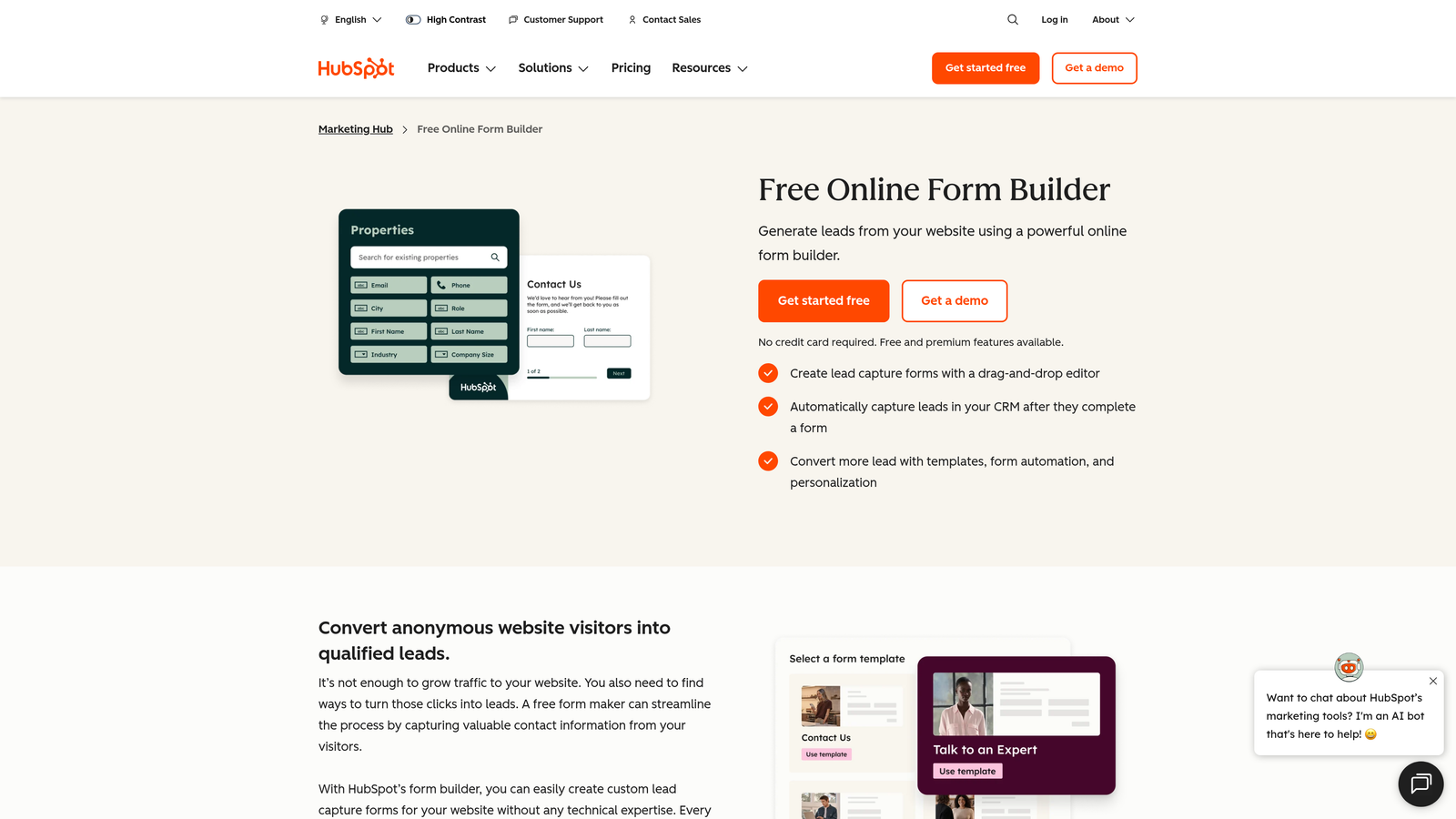
HubSpot Forms is a CRM-native form builder that automatically creates or updates contact records with every submission, enabling immediate follow-up automation.
Where This Tool Shines
The core value proposition here is native CRM integration. Every form submission instantly creates or enriches a HubSpot contact record, triggering workflows, updating lifecycle stages, and enabling sales follow-up without any manual data transfer. For teams running their entire go-to-market on HubSpot, this is a significant efficiency gain.
Progressive profiling is a standout feature: returning visitors see new fields instead of ones they've already filled out. Over multiple interactions, HubSpot builds a richer contact profile without asking the same questions repeatedly, which improves both the user experience and your data depth.
Key Features
Native CRM Integration: Submissions automatically create or update HubSpot contact records without any middleware.
Progressive Profiling: Show returning visitors new fields only, gradually building richer contact profiles over time.
Smart Fields and Dependent Logic: Display fields conditionally based on known contact data or previous answers.
Follow-Up Automation Triggers: Automatically enroll contacts in email sequences or notify sales reps upon submission.
Free Tier Available: Core form functionality included in HubSpot's free CRM plan.
Best For
B2B marketing and sales teams already operating within the HubSpot ecosystem. Less compelling if you're not using HubSpot as your CRM, since the primary advantage is the native data connection.
Pricing
Free with HubSpot CRM for core form features. Advanced capabilities require Marketing Hub Starter at approximately $20/month per seat.
7. Gravity Forms
Best for: WordPress-based businesses and agencies that need a powerful, self-hosted form solution with a deep add-on ecosystem.
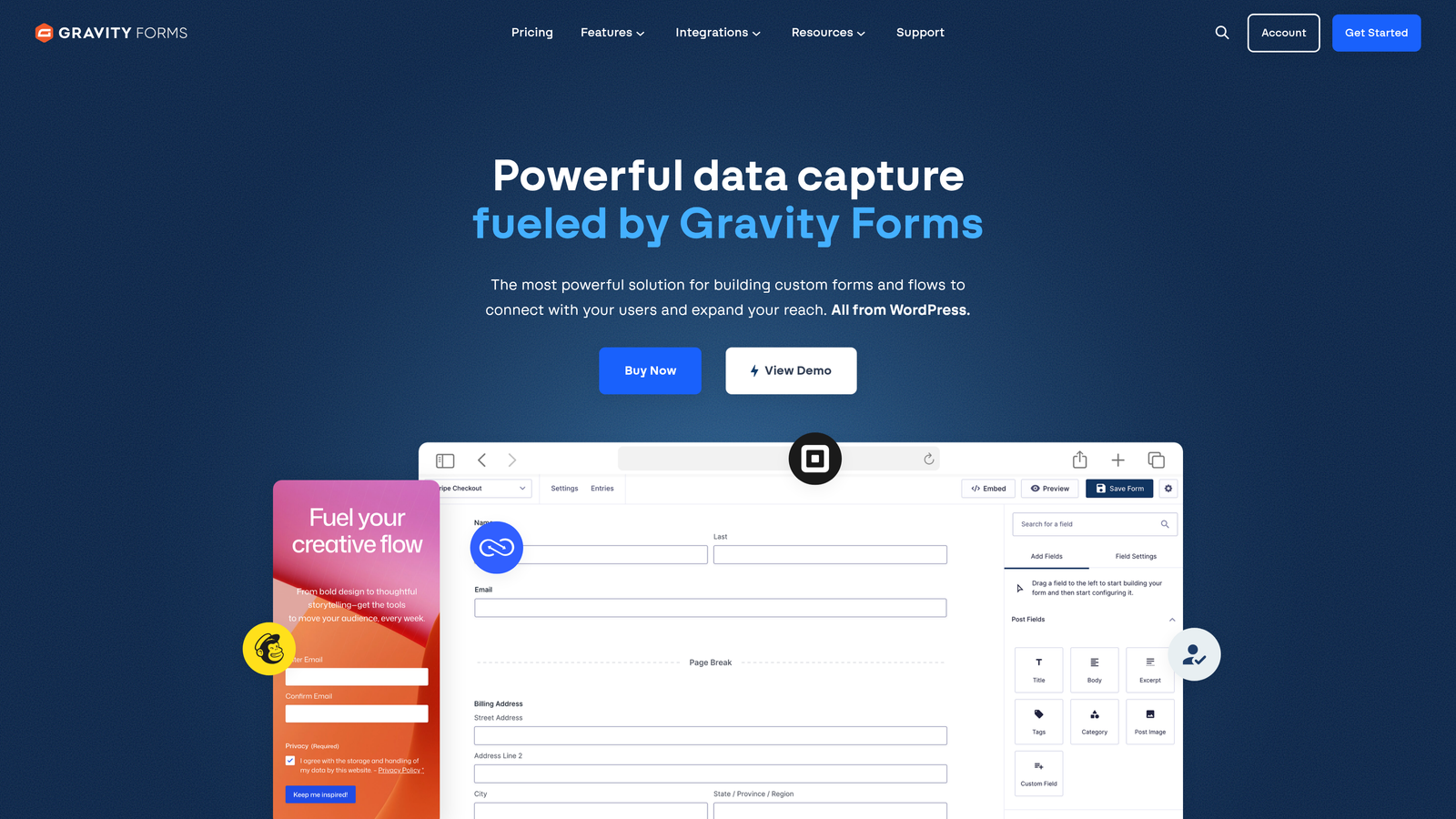
Gravity Forms is a self-hosted WordPress plugin that gives developers and agencies granular control over form functionality, data, and integrations.
Where This Tool Shines
If your website runs on WordPress and you want your form data to stay on your own server, Gravity Forms is the go-to choice. There's no third-party platform holding your submissions, which matters for teams with strict data residency requirements or who simply prefer owning their infrastructure.
The add-on marketplace is extensive: payment gateways, CRM connectors, email platforms (including a Mailchimp add-on for direct audience syncing), and developer tools. For agencies building custom client solutions, the hooks and custom field APIs make Gravity Forms highly extensible.
Key Features
Self-Hosted on WordPress: All form data stays on your own server, giving you full data ownership and control.
Extensive Add-On Marketplace: Expand functionality with payment, CRM, email, and developer add-ons.
Conditional Logic and Multi-Page Forms: Build complex, branching forms with file uploads and multi-step flows.
Developer-Friendly APIs: Custom hooks and field APIs for teams that need to build tailored solutions.
Mailchimp Add-On: Directly sync form submissions to Mailchimp audiences from within WordPress.
Best For
WordPress developers, digital agencies, and businesses that prioritize data ownership and need a customizable, extensible form solution. Not ideal for teams on non-WordPress platforms or those who want a no-code, hosted experience.
Pricing
Basic license starts at $59/year. Elite license, which includes all add-ons, is $259/year. Annual renewal required to maintain access to updates and support.
8. Paperform
Best for: Teams that want their forms to function like branded landing pages, combining rich content with form fields.
Paperform is a form builder that doubles as a lightweight landing page creator, letting you mix rich text, images, product displays, and form fields in a single page experience.
Where This Tool Shines
Paperform blurs the line between form and landing page. Instead of a stripped-down field list, you can build a full-page experience with headers, descriptive text, images, and pricing displays alongside your form fields. This makes it particularly effective for product orders, booking flows, and applications where context and persuasion matter alongside data collection.
Built-in payment and booking capabilities mean you can handle the full transaction within Paperform without routing users to a separate checkout page. The calculation fields feature also enables dynamic pricing or scoring based on respondent input.
Key Features
Page-Like Form Design: Combine rich text, media blocks, and form fields in a single, cohesive page layout.
Built-In Payment and Booking: Accept payments and manage appointment bookings directly within the form experience.
Conditional Logic and Calculation Fields: Build dynamic forms that calculate totals, scores, or custom outputs based on answers.
Custom Branding and Domains: Full control over visual identity and URL structure for a seamless brand experience.
Mailchimp Integration: Connect via native integration or Zapier to keep email list workflows running.
Best For
Service businesses, coaches, and e-commerce teams that want a form experience that also does the persuasion work of a landing page. Strong fit for order forms, booking pages, and detailed intake flows.
Pricing
Essentials plan starts at approximately $24/month. Higher tiers unlock additional submissions, team features, and advanced integrations.
9. Formstack
Best for: Enterprise teams and regulated industries that need compliance, workflow automation, and document generation in one platform.
Formstack is an enterprise-grade form platform built for organizations that need more than data collection: workflow routing, document generation, e-signatures, and compliance certifications are all part of the package.
Where This Tool Shines
Formstack is purpose-built for complexity. When your form submissions need to trigger multi-step approval workflows, generate documents, collect e-signatures, and comply with HIPAA or SOC 2 requirements, most form builders fall short. Formstack is designed specifically for these scenarios, making it a natural fit for healthcare, financial services, legal, and other regulated industries.
The Salesforce-native edition is a strong differentiator for enterprise sales teams, enabling forms that read from and write to Salesforce records natively without middleware. A/B testing capabilities also let teams optimize form performance systematically rather than relying on intuition.
Key Features
HIPAA, GDPR, and SOC 2 Compliance: Enterprise-grade security certifications for regulated industries handling sensitive data.
Workflow Automation and Approval Routing: Route submissions through multi-step approval processes automatically.
Document Generation and E-Signatures: Generate populated documents and collect signatures within the same platform.
A/B Testing: Systematically test form variations to identify which designs and copy drive better completion rates.
Salesforce-Native Edition: Deep integration for enterprise teams running their CRM on Salesforce.
Best For
Enterprise organizations, healthcare providers, financial services firms, and legal teams that need compliance, workflow automation, and document management alongside their form functionality. Overkill for small teams with straightforward data collection needs.
Pricing
Starter plans begin at approximately $50/month. Enterprise pricing is available for larger organizations with advanced compliance and volume requirements.
Picking the Right Form Builder for Your Growth Stage
After walking through all nine options, the right choice comes down to where you are right now and where you're trying to go. There's no universal winner, but there's almost certainly a clear best fit for your specific situation.
If you're budget-conscious and just getting started: Tally's free plan removes the cost barrier entirely. Unlimited forms and submissions give you room to experiment without commitment.
If you're email-first and already on Mailchimp: Mailchimp's built-in forms are adequate for basic list building. Stick with them until your form complexity outgrows what they offer.
If you want conversational, high-engagement experiences: Typeform's one-question-at-a-time format creates a genuinely different kind of form interaction that can improve completion rates on longer or more sensitive forms.
If your site runs on WordPress: Gravity Forms is the self-hosted standard, with the data ownership and extensibility that WordPress teams expect.
If you're in a regulated industry: Formstack's compliance certifications and workflow automation make it the enterprise-grade choice when HIPAA, GDPR, or SOC 2 compliance is non-negotiable.
If HubSpot is your CRM: HubSpot Forms is the obvious choice. The native contact record integration and progressive profiling create a data flywheel that third-party connectors can't fully replicate.
If you're ready to move beyond basic form collection: Orbit AI is built for exactly this moment. When your team needs forms that don't just collect leads but actually qualify them, combining AI-powered lead scoring with conversion-optimized design and real-time analytics creates a meaningfully different top-of-funnel experience.
The gap between a generic signup form and an intelligent, conversion-optimized form experience is wider than most teams realize until they make the switch. Start building free forms today and see how AI-powered lead qualification can transform what your forms actually deliver for your pipeline.


