

Gravity Forms is a genuinely powerful form builder. But it's a WordPress plugin, full stop. If your site runs on Webflow, Squarespace, Wix, a Next.js app, a headless CMS, or any other modern stack, Gravity Forms simply isn't available to you.
The good news: standalone form builders have matured significantly. Many now offer conditional logic, multi-step flows, payment processing, and CRM integrations that rival everything Gravity Forms does, without any WordPress dependency whatsoever. Every tool on this list embeds on any website via a code snippet or native integration, works completely independently of WordPress, and offers a modern builder experience worth your time.
Here are the top platform-agnostic form builders worth considering in 2026, evaluated on embedding flexibility, design quality, integrations, lead qualification capabilities, and pricing.
1. Orbit AI
Best for: High-growth teams that want AI-powered lead qualification built directly into their forms.
Orbit AI is a standalone AI-powered form builder designed for teams serious about conversion optimization, with built-in lead scoring that works on any website platform.

Where This Tool Shines
Most form builders collect data and hand it off to you to interpret. Orbit AI goes a step further by qualifying leads automatically at the point of submission. That means your team spends less time sorting through responses and more time acting on the ones that actually matter.
The platform is built for non-WordPress environments from the ground up. Embedding is straightforward via a lightweight code snippet, and the form templates are designed with conversion in mind, not just data collection. If you're migrating away from WordPress or building on a modern stack and want to replace Gravity Forms without sacrificing sophistication, this is a strong starting point.
Key Features
AI-Powered Lead Qualification: Scores and qualifies submissions automatically so your team can prioritize high-value leads without manual review.
Conversion-Optimized Templates: Pre-built form designs focused on driving completions, not just looking pretty.
Conditional Logic and Multi-Step Flows: Build branching form experiences that adapt to each respondent's answers.
Platform-Agnostic Embedding: Drop your form onto any website via a simple code snippet, no WordPress required.
CRM and Marketing Tool Integrations: Connect to the tools your growth stack already relies on to keep data flowing automatically.
Best For
Growth-focused teams on Webflow, Squarespace, custom-built sites, or headless architectures who need more than a basic contact form. Particularly valuable for B2B companies where lead quality matters as much as lead volume.
Pricing
Free tier available for getting started. Paid plans unlock advanced AI qualification features and higher submission volumes.
2. Typeform
Best for: Teams prioritizing a polished, conversational respondent experience.
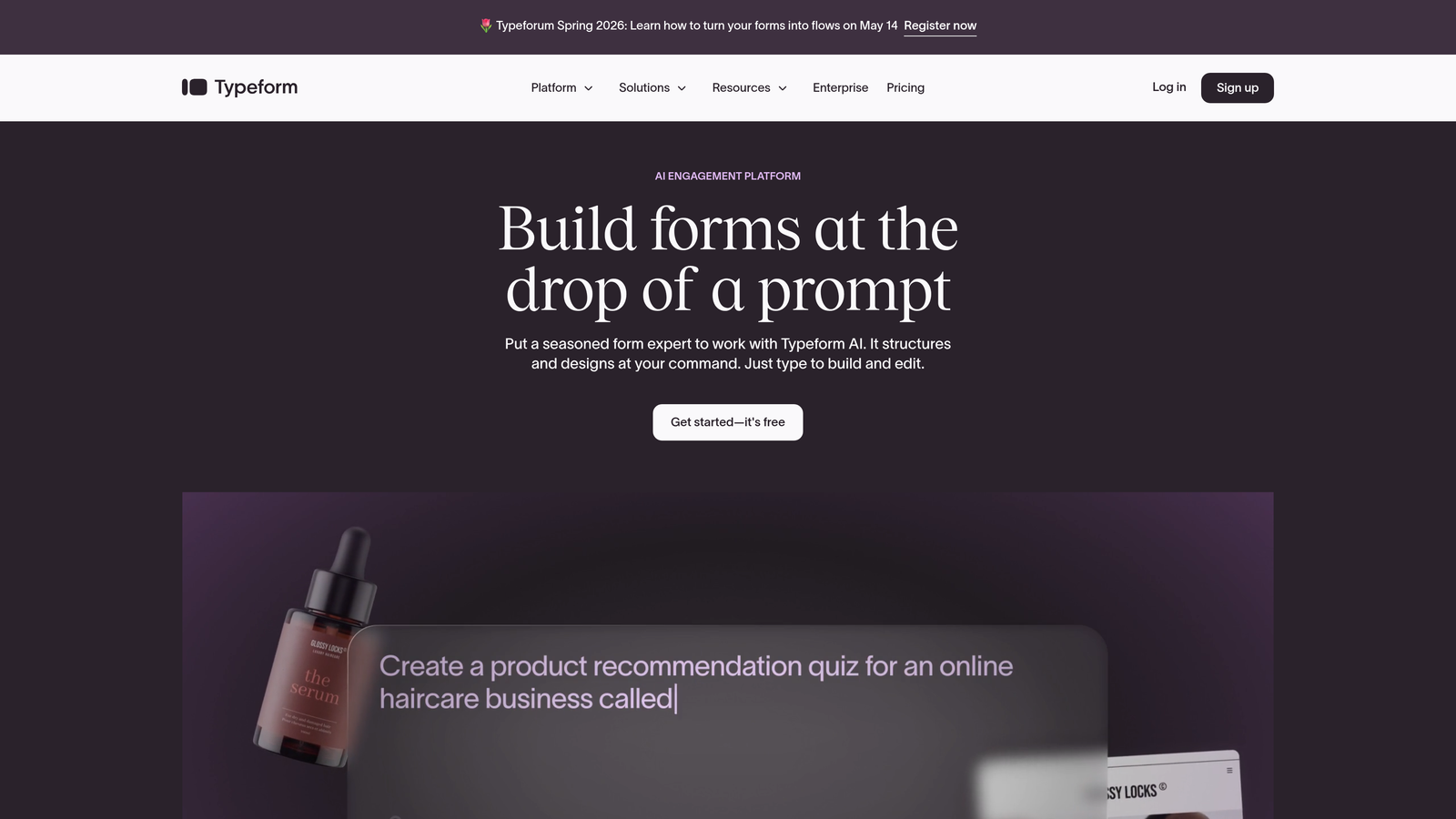
Typeform is a conversational form builder famous for its one-question-at-a-time interface that feels more like a dialogue than a form.
Where This Tool Shines
Typeform's signature UX is genuinely differentiated. Rather than presenting respondents with a wall of fields, it walks them through questions one at a time, which typically improves completion rates for longer forms. The visual design is consistently clean and modern.
For non-WordPress sites, embedding is flexible: you can add a Typeform as an inline embed, a popup, or a slider with minimal code. It connects natively to HubSpot, Slack, Zapier, and a wide range of other tools, making it easy to plug into an existing marketing or sales workflow.
Key Features
Conversational One-Question UI: Presents questions individually to create a more engaging, lower-friction experience for respondents.
Logic Jumps and Branching: Route respondents through personalized paths based on their previous answers.
Native Integrations: Direct connections to HubSpot, Slack, Zapier, Mailchimp, and more without needing custom code.
Flexible Embed Options: Deploy as a popup, slider, or inline embed on any website platform.
Video and Image Support: Embed visual media directly within form questions to enrich the experience.
Best For
Marketing teams running surveys, lead capture campaigns, or onboarding flows where respondent experience and completion rates are top priorities. Less ideal for highly complex multi-field data collection.
Pricing
Free plan available with limited monthly responses. Paid plans start at approximately $25/month for higher response limits and advanced features.
3. Jotform
Best for: Teams that want the closest standalone equivalent to Gravity Forms' feature depth.
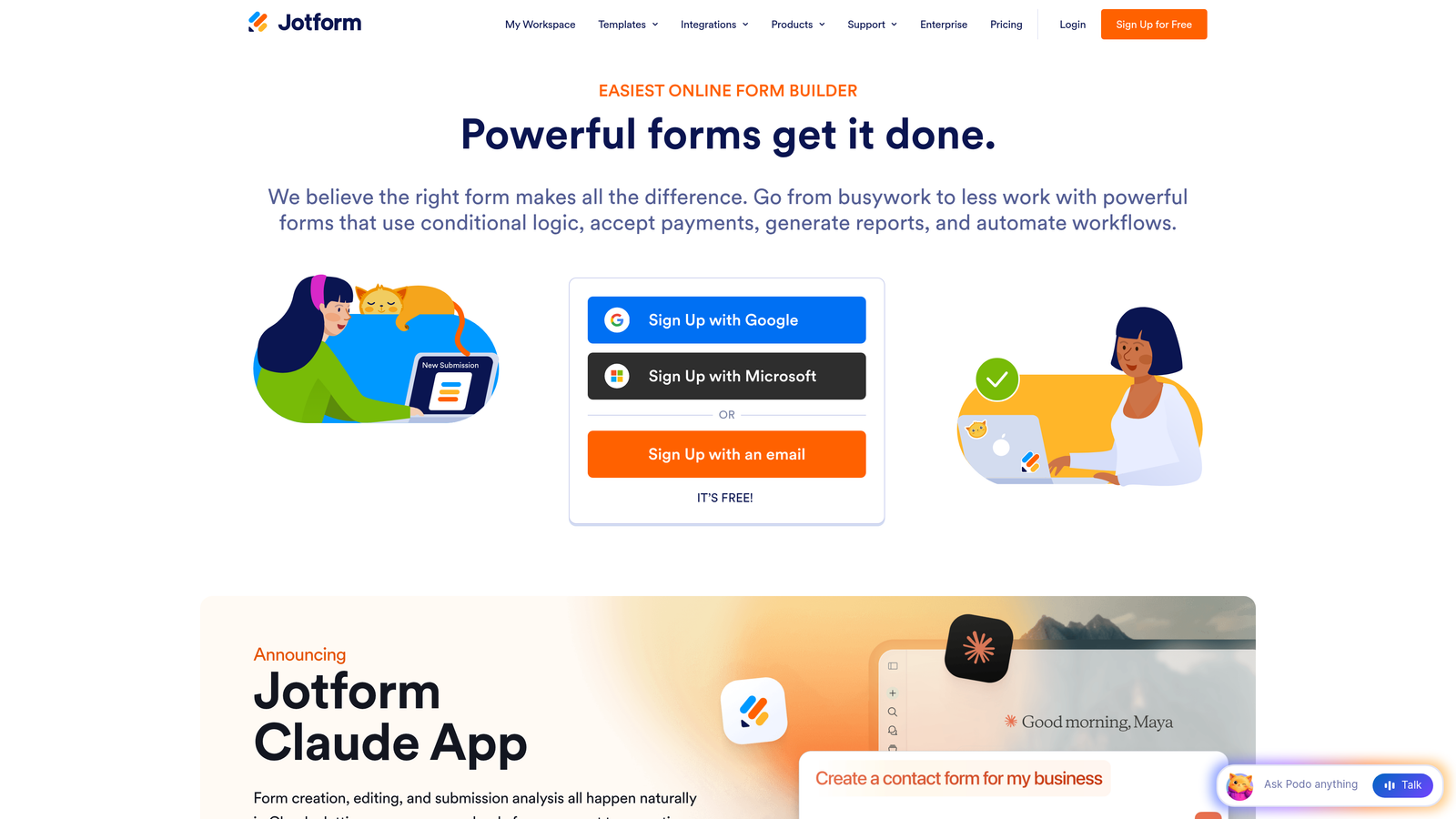
Jotform is a feature-rich drag-and-drop form builder with over 10,000 templates and a remarkably wide range of field types and integrations.
Where This Tool Shines
If what you loved about Gravity Forms was its sheer breadth of functionality, Jotform is the most direct replacement. It handles everything from simple contact forms to complex multi-page applications with calculations, conditional logic, and payment processing, all without a single line of code required.
The template library is genuinely impressive in its variety, covering industries from healthcare to e-commerce to education. For non-WordPress sites, Jotform embeds via iframe or JavaScript on any platform, and HIPAA-compliant plans make it viable for regulated industries that need more than a basic form tool.
Key Features
10,000+ Templates: One of the largest template libraries available, covering virtually every industry and use case.
100+ Field Types and Widgets: From basic text inputs to signature fields, file uploads, and payment widgets.
Payment Processing: Native integrations with Stripe, PayPal, and Square for collecting payments directly through forms.
Conditional Logic and Calculations: Build dynamic forms that respond to user input and calculate values in real time.
HIPAA-Compliant Plans: Available for healthcare organizations and others operating under strict data regulations.
Best For
Teams migrating from Gravity Forms who want feature parity without WordPress. Also well-suited for agencies managing forms across multiple clients and industries.
Pricing
Free plan includes 5 forms and 100 submissions per month. Paid plans start at approximately $34/month for higher limits and advanced features.
4. Tally
Best for: Teams that need unlimited forms and submissions without paying anything.
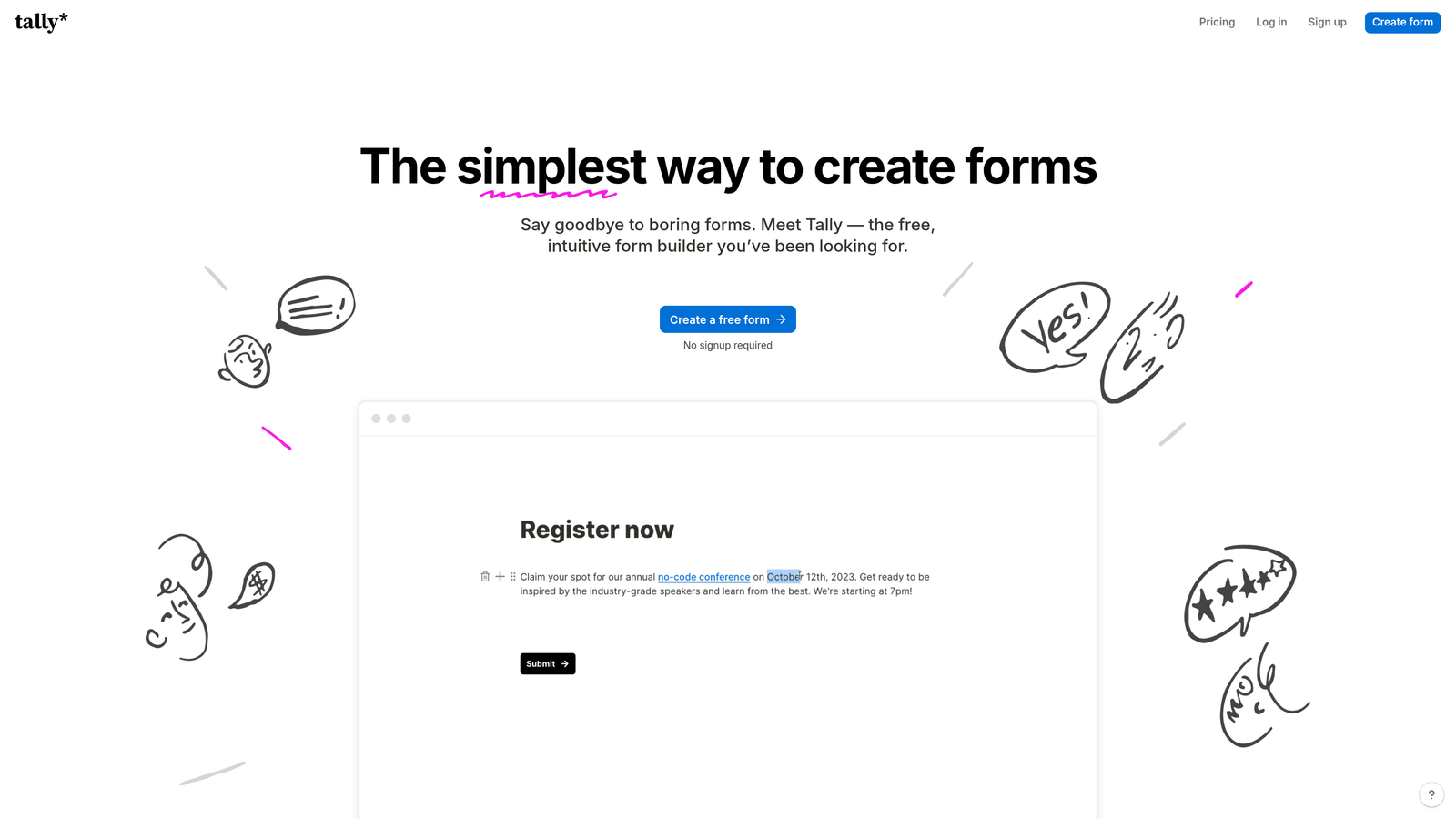
Tally is a Notion-style block-based form builder with one of the most generous free plans in the market: unlimited forms and unlimited submissions at no cost.
Where This Tool Shines
Tally's free tier is genuinely hard to beat. Most form builders cap free usage at a handful of forms or a few hundred monthly submissions. Tally removes those limits entirely, making it an excellent choice for startups, side projects, or any team watching their tool spend carefully.
The block-based editor feels familiar if your team uses Notion, and it's quick to learn. Conditional logic, hidden fields, and calculations are all available on the free plan. The main trade-offs on free are Tally branding in forms and fewer native integration options, both of which unlock on the paid plan.
Key Features
Unlimited Free Forms and Submissions: No artificial caps on the free tier, which is genuinely rare in this category.
Notion-Style Block Editor: Intuitive drag-and-drop building experience familiar to anyone who uses Notion.
Conditional Logic and Calculations: Build branching logic and computed fields without upgrading.
Custom Domains and Branding: Remove Tally branding and use your own domain on the Pro plan.
Webhooks and Native Integrations: Connect to other tools via native connectors or webhooks for automation.
Best For
Startups, indie makers, and small teams that need solid form functionality without the monthly bill. Also great as a quick prototyping tool before investing in a more advanced platform.
Pricing
Core features are free with no submission limits. Tally Pro is approximately $29/month, adding custom branding, custom domains, and advanced integrations.
5. Fillout
Best for: Teams building forms that need to read from and write to existing databases.
Fillout is a database-connected form builder with native two-way sync to Airtable, Notion, Supabase, Google Sheets, and other data sources.

Where This Tool Shines
Most form builders are one-directional: data goes in, and you figure out what to do with it. Fillout is built around bidirectional data flow. You can pre-fill form fields from existing database records, update records on submission, and keep your data sources in sync automatically without needing Zapier as a middleman.
This makes it particularly powerful for internal tools, client portals, update forms, and any workflow where forms need to interact with existing structured data rather than simply appending new rows. Embedding on non-WordPress sites is straightforward, and it supports multiple form types including scheduling, payments, and quizzes.
Key Features
Two-Way Database Sync: Native connections to Airtable, Notion, Supabase, and Google Sheets with read and write capabilities.
Pre-Fill from Existing Records: Populate form fields automatically from your database before the respondent even starts typing.
Multiple Form Types: Scheduling forms, payment forms, quizzes, and standard data collection all in one platform.
Conditional Logic and Multi-Page Forms: Build complex branching flows with page-by-page progression.
Flexible Sharing: Embed on any website or share via a direct link.
Best For
Operations teams, product teams, and no-code builders who use Airtable, Notion, or Google Sheets as their primary data layer and want forms that stay in sync automatically.
Pricing
Free plan available. Paid plans start at approximately $19/month for higher submission limits and advanced database sync features.
6. Paperform
Best for: Creating form-based landing pages that blend rich content with data collection.
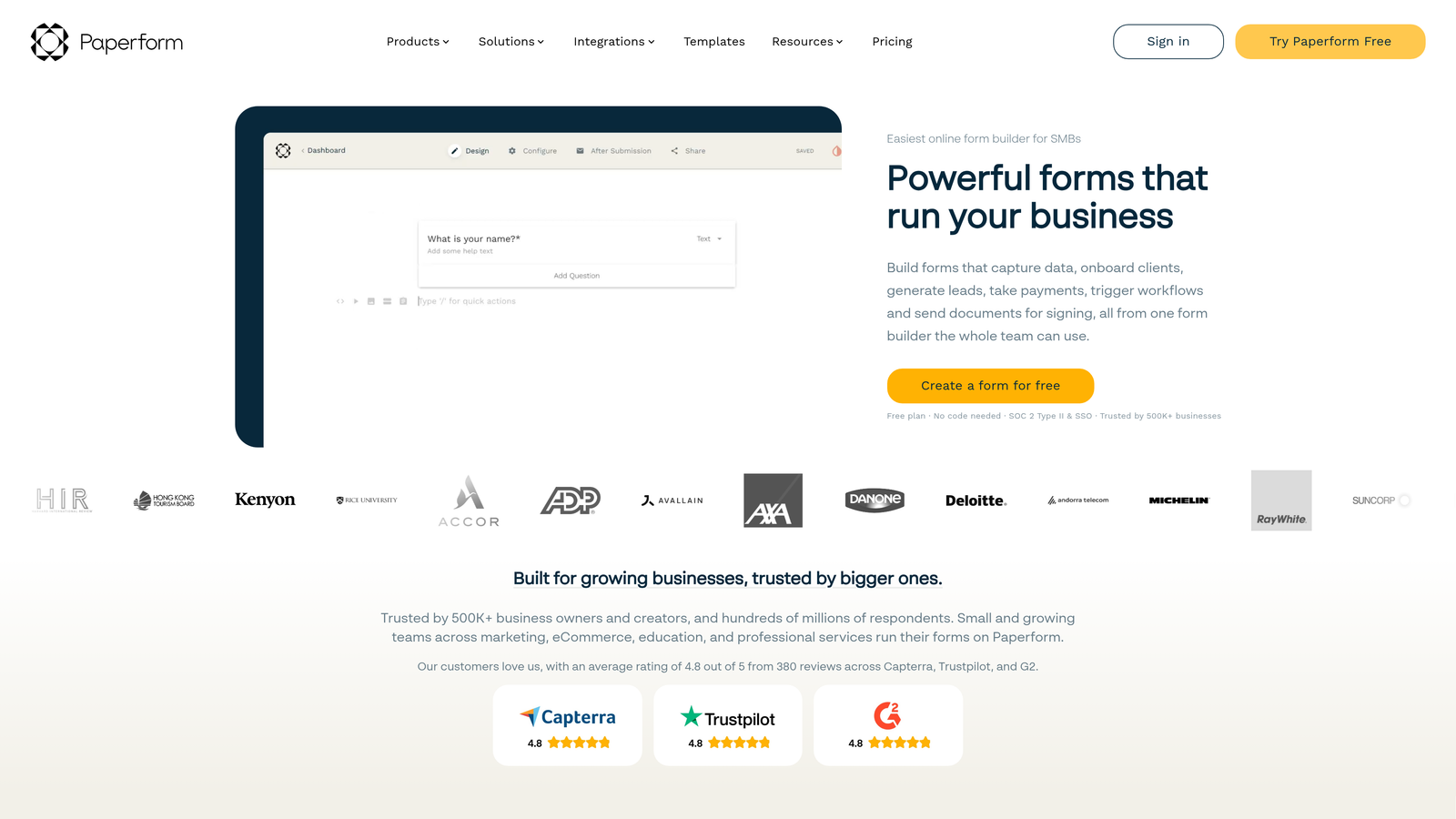
Paperform is a form builder that lets you mix rich content blocks, images, video, and styled text directly alongside your form fields, making it feel more like a landing page than a traditional form.
Where This Tool Shines
Paperform occupies an interesting niche: it's not just a form, it's a mini-landing page. You can write copy, embed images and video, and then place form fields inline within that content. This makes it well-suited for product pre-orders, event registrations, and lead capture pages where you want to sell the value of completing the form, not just present fields.
Built-in payment processing via Stripe, PayPal, Braintree, and Square means you can collect money without a separate checkout page. CSS access and custom theming give design-conscious teams real control over the visual output. Over 1,000 integrations via Zapier and native connectors keep it connected to your broader stack.
Key Features
Rich Content Editing: Combine images, video, styled text, and form fields in a single document-like experience.
Built-In Payments: Accept payments directly through forms via Stripe, PayPal, Braintree, and Square.
Conditional Logic and Calculations: Dynamic fields that respond to input and compute values in real time.
Custom Themes and CSS Access: Full visual control for teams with specific brand requirements.
1,000+ Integrations: Connect to your marketing, CRM, and productivity tools via Zapier and native connectors.
Best For
Marketing teams and creators who want forms that double as content experiences, particularly for product launches, event sign-ups, or anything where context and persuasion matter alongside data collection.
Pricing
Plans start at approximately $24/month. No free plan, but a 14-day free trial is available to test the platform before committing.
7. Formstack
Best for: Enterprise teams that need compliance, e-signatures, and document generation alongside form functionality.
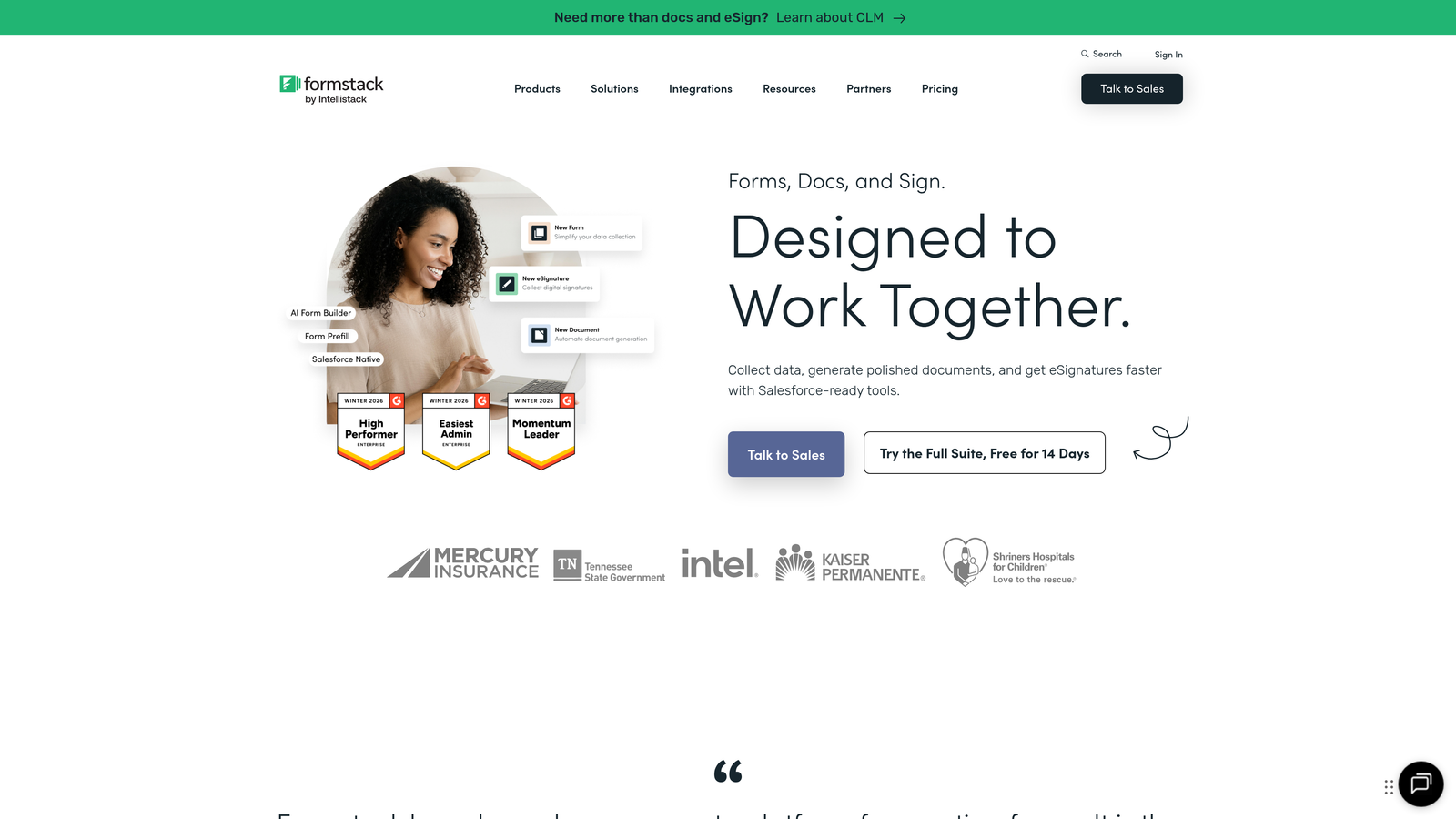
Formstack is an enterprise-grade form and workflow platform that goes well beyond data collection into document generation, e-signature workflows, and regulatory compliance.
Where This Tool Shines
Formstack is built for organizations where forms are part of a larger operational or compliance workflow. HIPAA, GDPR, and SOC 2 compliance options make it viable for healthcare, finance, and legal teams where data handling requirements are strict. Document generation and e-signature capabilities mean you can take a form submission and automatically produce a signed contract or report without leaving the platform.
For teams already using Salesforce, the native Salesforce integration is a significant advantage, creating a tight feedback loop between form submissions and CRM records. A/B testing for forms is also available, which is a feature rarely found at this level of depth in other tools on this list.
Key Features
Advanced Conditional Logic: Sophisticated branching and display rules for complex multi-step forms.
Document Generation and E-Signatures: Convert form submissions into signed documents automatically within the platform.
Compliance Options: HIPAA, GDPR, and SOC 2 certifications for regulated industries.
A/B Testing: Test form variations against each other to optimize conversion rates.
Salesforce-Native Integration: Deep, bidirectional sync with Salesforce CRM for enterprise sales teams.
Best For
Mid-market and enterprise teams in regulated industries, or any organization where forms feed into document workflows, legal agreements, or Salesforce-based sales processes.
Pricing
Plans start at approximately $50/month. Enterprise pricing is available for larger organizations with more complex requirements.
8. HubSpot Free Form Builder
Best for: Teams already using HubSpot CRM who want forms that feed directly into their existing contact database.
HubSpot's form builder is a free tool that creates and updates CRM contacts automatically on every submission, with no third-party sync required.
Where This Tool Shines
If your team lives in HubSpot, this is the most frictionless option on the list. Every form submission automatically creates or updates a contact record in your CRM, triggers workflows, and feeds into your reporting, all without a Zapier connection or manual data mapping. The progressive profiling feature is particularly smart: it avoids asking for information HubSpot already has, showing different questions to returning visitors instead.
The form builder embeds on any website via a JavaScript snippet, so it's fully compatible with non-WordPress sites. The trade-off is that the tool is most useful as part of the broader HubSpot ecosystem. As a standalone form builder evaluated purely on its own merits, it's functional but not as feature-rich as dedicated form tools.
Key Features
Automatic CRM Contact Creation: Every submission instantly creates or updates a HubSpot contact record without any middleware.
Progressive Profiling: Shows different questions to returning visitors based on data HubSpot already holds, reducing form fatigue.
Dependent Fields: Display or hide fields based on previous answers within the same form.
Any-Site Embedding: Deploy on any website platform via a standard JavaScript snippet.
Free Unlimited Forms: No cap on the number of forms you can create on the free CRM tier.
Best For
HubSpot users who want tight CRM integration without managing a separate form tool. Less compelling if you're not already invested in the HubSpot ecosystem.
Pricing
Free with HubSpot CRM, including HubSpot branding on forms. Advanced features and branding removal are available in paid Marketing Hub plans starting at approximately $20/month.
9. Formspark
Best for: Developers who want a lightweight form backend for their own custom HTML forms.
Formspark is a developer-focused form backend with no visual builder: you write your own HTML form and point the action attribute to a Formspark endpoint to handle submissions.
Where This Tool Shines
Formspark solves a specific problem cleanly: you have a custom-built site with your own form markup, and you just need somewhere reliable to send submissions without building a backend yourself. There's no drag-and-drop builder, no template library, and no visual editor. That's the point. You get full control over your form's design and markup, and Formspark handles the submission infrastructure.
It's particularly well-suited for developers building on Next.js, Astro, SvelteKit, or other modern frameworks where a visual form builder would feel out of place. Spam protection via Botpoison and reCAPTCHA, email notifications, webhook forwarding, and file upload support cover the essentials without adding unnecessary complexity.
Key Features
No-Dependency Form Backend: Works with any frontend framework or static site, no builder or plugin required.
Spam Protection: Built-in Botpoison and reCAPTCHA integration to keep submissions clean.
Email Notifications and Webhooks: Get notified on submission and forward data to other tools automatically.
File Upload Support: Accept file attachments through your custom forms without additional infrastructure.
Simple Setup: Point your HTML form's action attribute to a Formspark URL and you're live.
Best For
Frontend developers and engineering teams who want full control over form markup and UX without managing form submission infrastructure. Not appropriate for non-technical users who need a visual builder.
Pricing
Free plan includes 250 submissions. Paid plans start at approximately $8/month for higher volumes, making it one of the most affordable options on this list.
Which Tool Is Right for Your Stack?
The right pick depends almost entirely on what you're optimizing for. Here's a quick way to think through it.
If lead quality and conversion optimization are your primary goals, Orbit AI is the standout choice. The built-in AI qualification layer is something none of the other tools on this list offer, and it's built specifically for teams on modern, non-WordPress stacks who care about more than just collecting submissions.
For a conversational respondent experience that maximizes completion rates on longer forms, Typeform remains the benchmark. If you want the closest feature-for-feature replacement for Gravity Forms without WordPress, Jotform is the most direct equivalent. And if budget is the constraint, Tally's unlimited free tier is genuinely hard to argue against.
Teams with database-centric workflows will find Fillout uniquely valuable for its two-way sync capabilities. If your forms need to look and feel like landing pages, Paperform handles that better than anything else here. Enterprise teams in regulated industries should look closely at Formstack. HubSpot users get the most value from the HubSpot Form Builder as a natural extension of their existing CRM. And developers who want full markup control with minimal overhead will appreciate Formspark's clean, backend-only approach.
The common thread across all of them: none of them require WordPress, and all of them can embed cleanly on any modern website platform. The days of being locked into a plugin ecosystem to get serious form functionality are over.
If you're building on a modern stack and want forms that do more than collect data, start building free forms today with Orbit AI and see how intelligent lead qualification can change what your forms actually deliver for your growth team.


