

SurveyMonkey has been a go-to name in data collection for decades, and for good reason. If you need to run employee satisfaction surveys or academic research, it delivers. But if you're a high-growth team trying to capture leads, qualify prospects, and move contacts through a pipeline, a traditional survey tool often falls short of what you actually need.
The form builder market has matured considerably, and today there's a clear divide between platforms built for research and platforms built for conversion. This guide covers both sides of that divide, comparing the top options across five key criteria: ease of use, lead qualification capabilities, integration depth, pricing flexibility, and conversion optimization features.
Whether you're reconsidering SurveyMonkey or starting fresh, here are the top form builder platforms worth evaluating in 2026. For more context, check out our guide to the best online form builders and how to improve form conversion rates.
1. Orbit AI
Best for: High-growth teams that need AI-powered lead qualification and conversion-optimized form experiences.
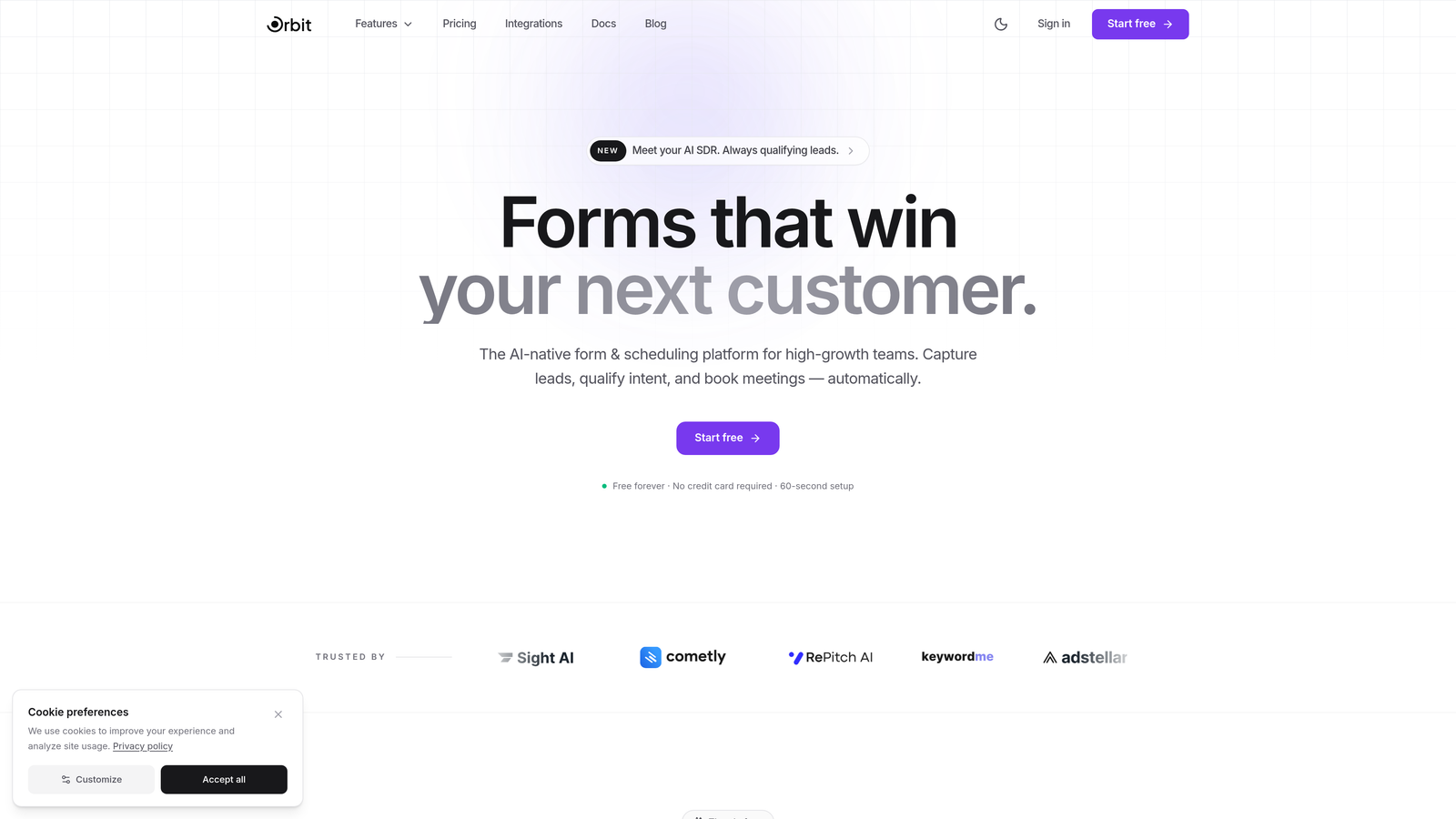
Orbit AI is an AI-powered form builder platform built specifically for teams that treat forms as a lead generation engine, not just a data collection tool.
Where This Tool Shines
Orbit AI's core differentiator is its built-in lead qualification layer. Rather than collecting form submissions and manually sorting through them, the platform scores and routes leads automatically based on the responses provided. For sales and marketing teams managing high submission volumes, this changes the game entirely.
The form design itself is built around conversion principles. Templates are structured to reduce friction, guide respondents toward completion, and surface the right questions at the right moment using conditional logic. The result is a form experience that feels intentional rather than generic.
Key Features
AI-Powered Lead Qualification: Automatically scores and routes leads based on form responses, so your team focuses on the highest-value prospects first.
Conversion-Optimized Templates: Pre-built form templates designed specifically for lead generation, with layouts and flows tested for completion rates.
Conditional Logic: Modern branching logic that personalizes the form experience based on what respondents select, keeping forms relevant and concise.
CRM and Marketing Integrations: Connects with popular CRMs and marketing automation tools so lead data flows directly into your existing stack.
Real-Time Conversion Analytics: Analytics focused on what matters to growth teams: completion rates, drop-off points, and lead quality metrics.
Best For
Orbit AI is the right fit for SaaS companies, marketing teams, and sales-led organizations that want their forms to do more than collect data. If lead qualification and pipeline quality are priorities, this platform is built around those goals from the ground up.
Pricing
Visit orbitforms.ai for current pricing plans. A free starting option is available for teams wanting to explore the platform before committing.
2. SurveyMonkey
Best for: Research teams and organizations that need structured surveys with statistical analysis and benchmarking.
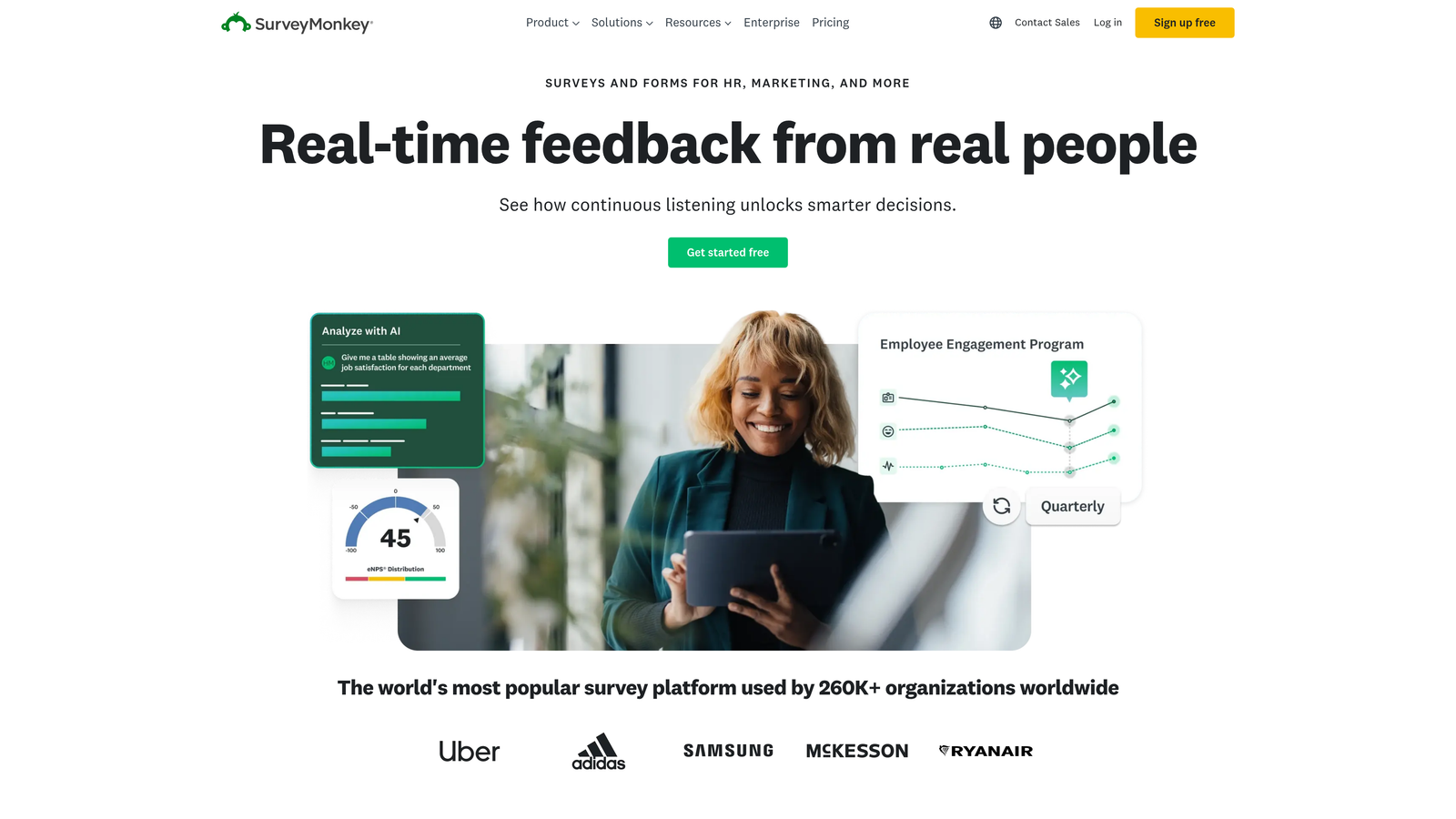
SurveyMonkey is one of the most recognized survey platforms globally, offering decades of benchmarking data and a mature feature set for research-oriented use cases.
Where This Tool Shines
SurveyMonkey's strength is in structured research. The platform offers an extensive library of pre-built question banks, statistical analysis tools, and industry benchmarking data that genuine research projects benefit from. If you're running NPS surveys, employee engagement studies, or academic research, the depth here is hard to match.
Team collaboration is also well-developed. Shared asset libraries, team workspaces, and multi-channel distribution options make it practical for larger organizations running multiple survey programs simultaneously.
Key Features
Template and Question Bank Library: Hundreds of pre-built survey templates with expert-designed question sets across industries and research types.
Statistical Analysis Tools: Built-in analysis with benchmarking data so you can compare your results against industry norms.
Multi-Channel Distribution: Share surveys via email, web embed, social media, or direct link with tracking across channels.
Advanced Survey Logic: Skip logic, randomization, and question branching for more sophisticated survey flows.
Team Collaboration: Shared workspaces, asset libraries, and role-based access for team-managed survey programs.
Best For
SurveyMonkey is best suited for HR teams, researchers, and organizations running formal survey programs where data quality, benchmarking, and statistical rigor matter more than conversion optimization or lead generation.
Pricing
A free basic plan is available with limited features. Paid plans start around $25 per user per month, with team and enterprise tiers at higher price points.
3. Typeform
Best for: Brands that prioritize design-forward, conversational form experiences with high engagement rates.
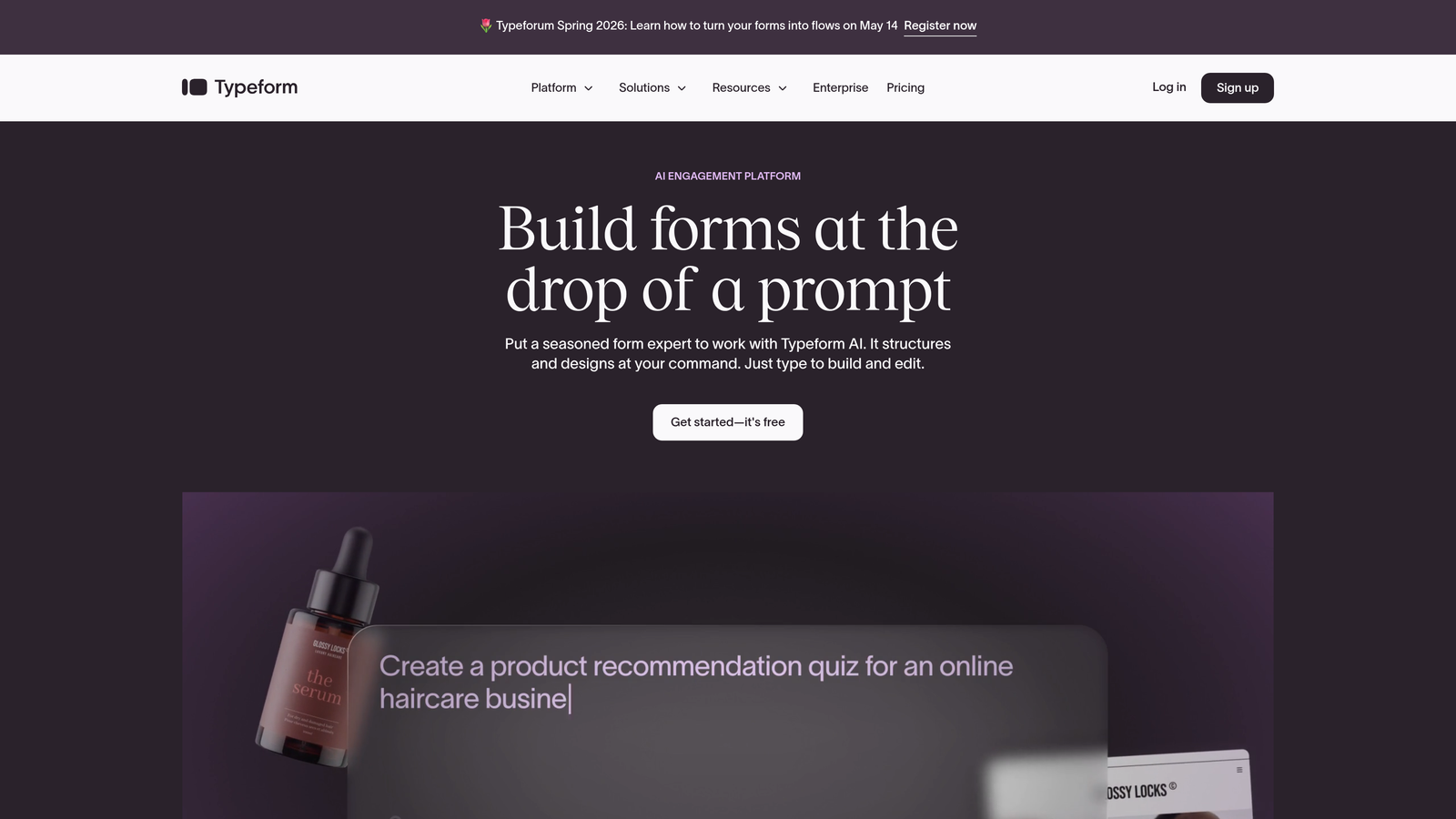
Typeform pioneered the one-question-at-a-time conversational form format, creating a distinctly different experience from traditional multi-field forms.
Where This Tool Shines
Typeform's interface is genuinely engaging. Presenting one question at a time reduces cognitive load and creates a flow that feels more like a conversation than a form. For brand-conscious teams where the form experience is part of the overall impression, this matters.
The customization options are among the most extensive in this category. Custom fonts, brand colors, background images, and embedded media let teams create forms that feel like an extension of their website rather than a third-party tool dropped in.
Key Features
Conversational UI: One-question-at-a-time format that improves engagement and completion rates compared to traditional long-form layouts.
Rich Media Embedding: Add videos, images, and GIFs directly within form questions to create more dynamic experiences.
Brand Customization: Custom fonts, themes, and visual styling to match your brand identity precisely.
Logic Jumps: Conditional branching that routes respondents through different question paths based on their answers.
Integration Ecosystem: Native connections with HubSpot, Slack, Zapier, and dozens of other tools in the marketing stack.
Best For
Typeform works well for marketing teams, agencies, and product teams that want polished, on-brand form experiences. It's particularly effective for lead gen forms, quizzes, and customer research where experience quality influences completion.
Pricing
A free plan is available with limited responses. Paid plans start around $25 per month, with higher tiers unlocking more responses and advanced features.
4. Jotform
Best for: Teams that need a versatile, no-code form builder with an enormous template library and built-in payment collection.
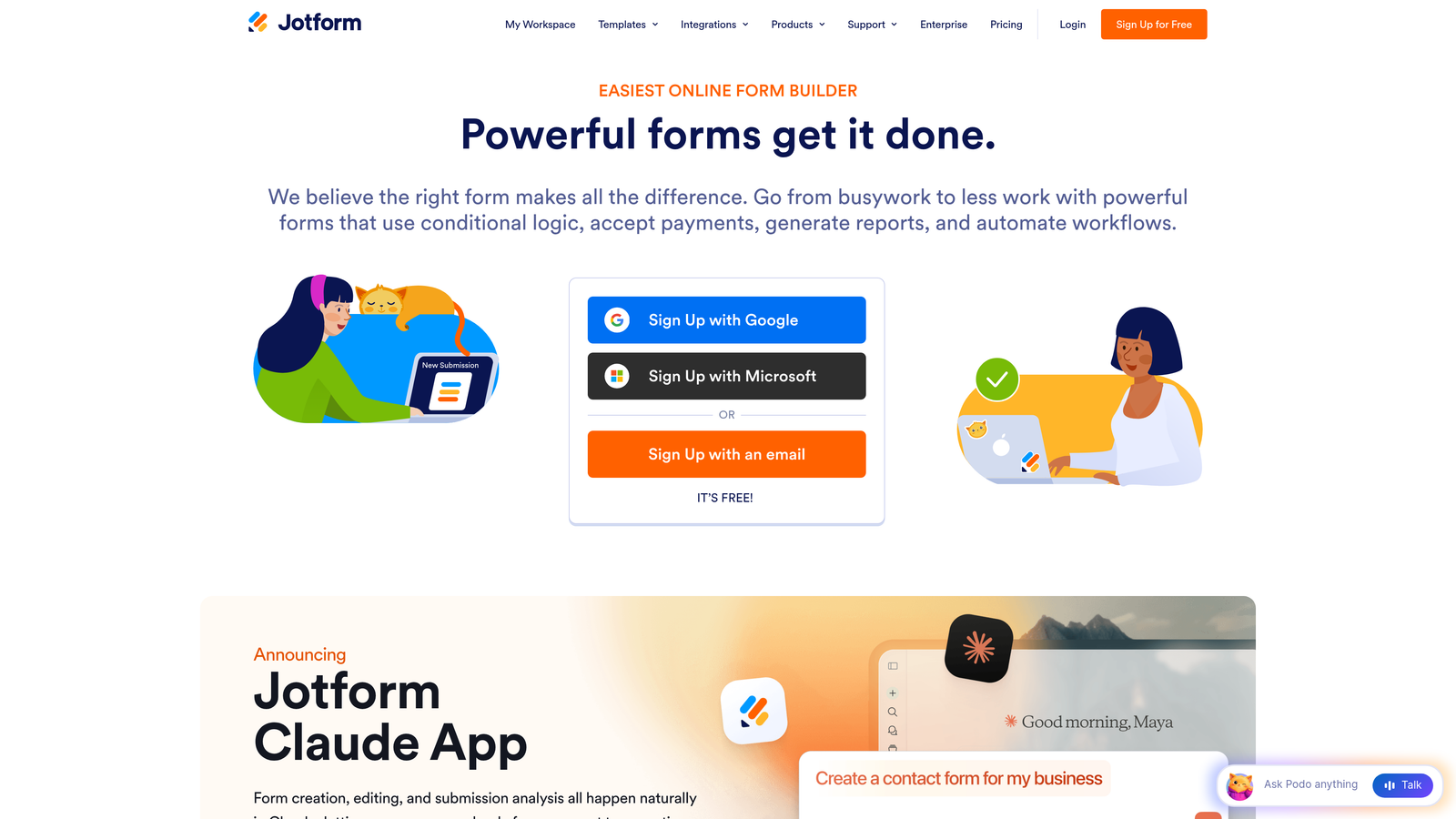
Jotform is one of the most feature-rich form builders available, combining drag-and-drop simplicity with a surprisingly deep set of capabilities including payments, PDF generation, and compliance options.
Where This Tool Shines
The template library is genuinely impressive. With over 10,000 templates spanning industries from healthcare to e-commerce to education, most teams can find a starting point that's close to what they need. This significantly reduces build time, especially for teams managing forms across multiple departments.
Jotform also handles complexity well. Payment processing, approval workflows, and PDF report generation are all available without requiring third-party integrations, making it a practical choice for operations-heavy use cases.
Key Features
10,000+ Templates: One of the largest template libraries available, covering virtually every industry and use case imaginable.
Drag-and-Drop Builder: Intuitive no-code builder with a widget marketplace for extending functionality.
Built-In Payment Processing: Native integrations with PayPal, Stripe, and Square for collecting payments directly through forms.
Automatic PDF Generation: Converts form submissions into formatted PDF reports automatically.
HIPAA Compliance: Available on higher-tier plans, making it viable for healthcare and regulated industries.
Best For
Jotform suits operations teams, small businesses, and organizations that need a single platform to handle diverse form types, from simple contact forms to complex multi-step workflows with payment collection.
Pricing
A free plan includes up to 5 forms. Paid plans start around $34 per month, with enterprise options for larger organizations.
5. Google Forms
Best for: Teams that need fast, free data collection tightly integrated with Google Workspace.
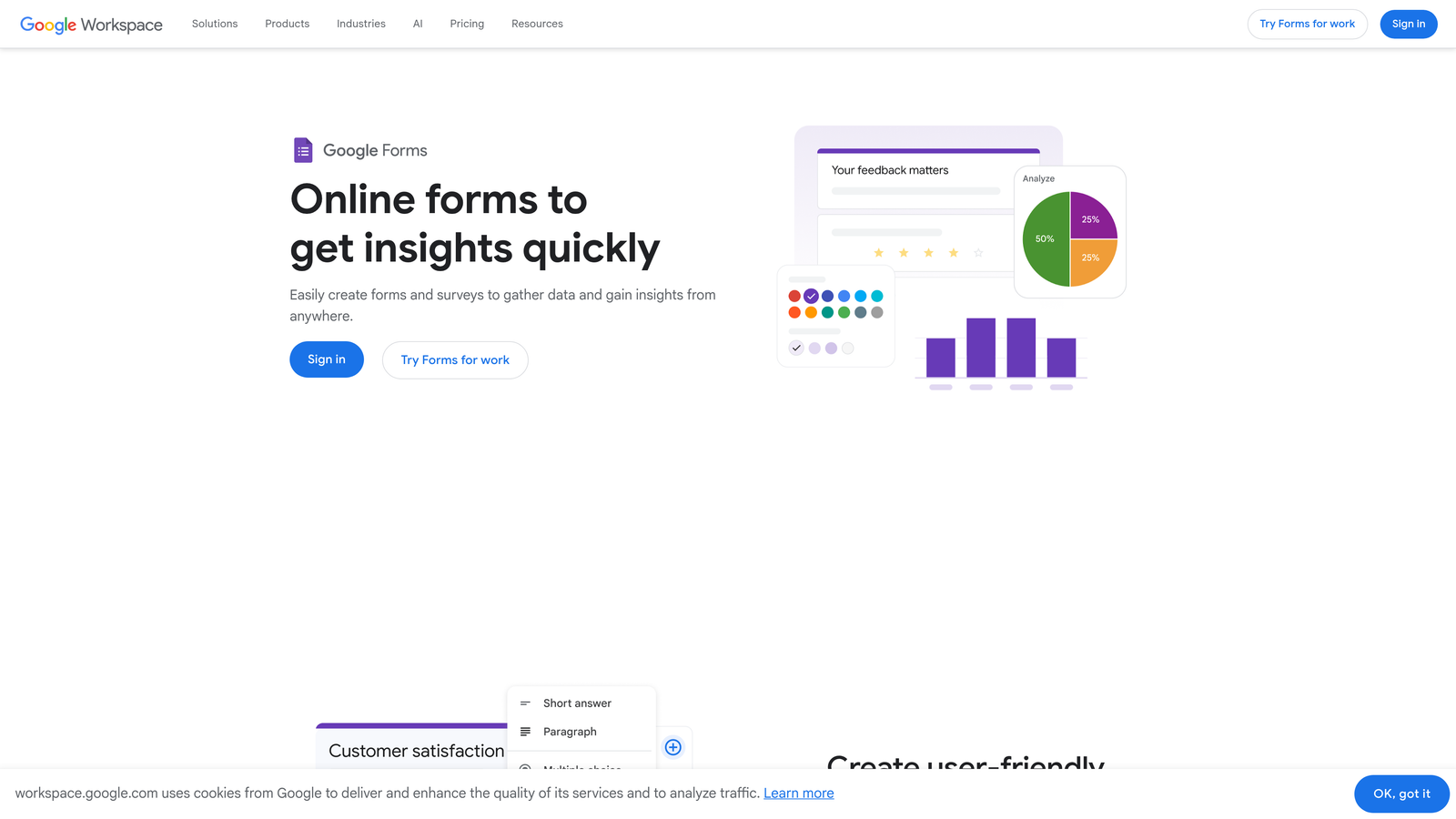
Google Forms is the zero-cost option that millions of teams rely on for quick surveys, event registrations, and internal data collection without any budget considerations.
Where This Tool Shines
The price point is unbeatable: completely free with no submission limits, no paywalls on core features, and no account required beyond a Google account. For teams already working in Google Workspace, the native Sheets integration means responses flow directly into a spreadsheet in real time, ready for analysis.
Collaborative editing is another genuine strength. Multiple team members can build and edit forms simultaneously, just like any other Google document, which makes it practical for quick internal projects without any coordination overhead.
Key Features
Completely Free: No submission limits, no paywalls, and no cost beyond a standard Google account.
Google Sheets Integration: Responses populate a connected spreadsheet in real time for immediate analysis.
Collaborative Editing: Multiple users can build and edit forms simultaneously within Google Workspace.
Basic Conditional Logic: Section branching based on responses for simple question routing.
Easy Sharing: Distribute via link, email, or embed with minimal setup required.
Best For
Google Forms is the right choice for internal surveys, event sign-ups, educational use cases, and any situation where budget is the primary constraint and design or advanced features are secondary.
Pricing
Completely free with any Google account. No paid tiers or upgrades required for core functionality.
6. Tally
Best for: Individuals and small teams that want a modern, capable form builder with an unusually generous free tier.
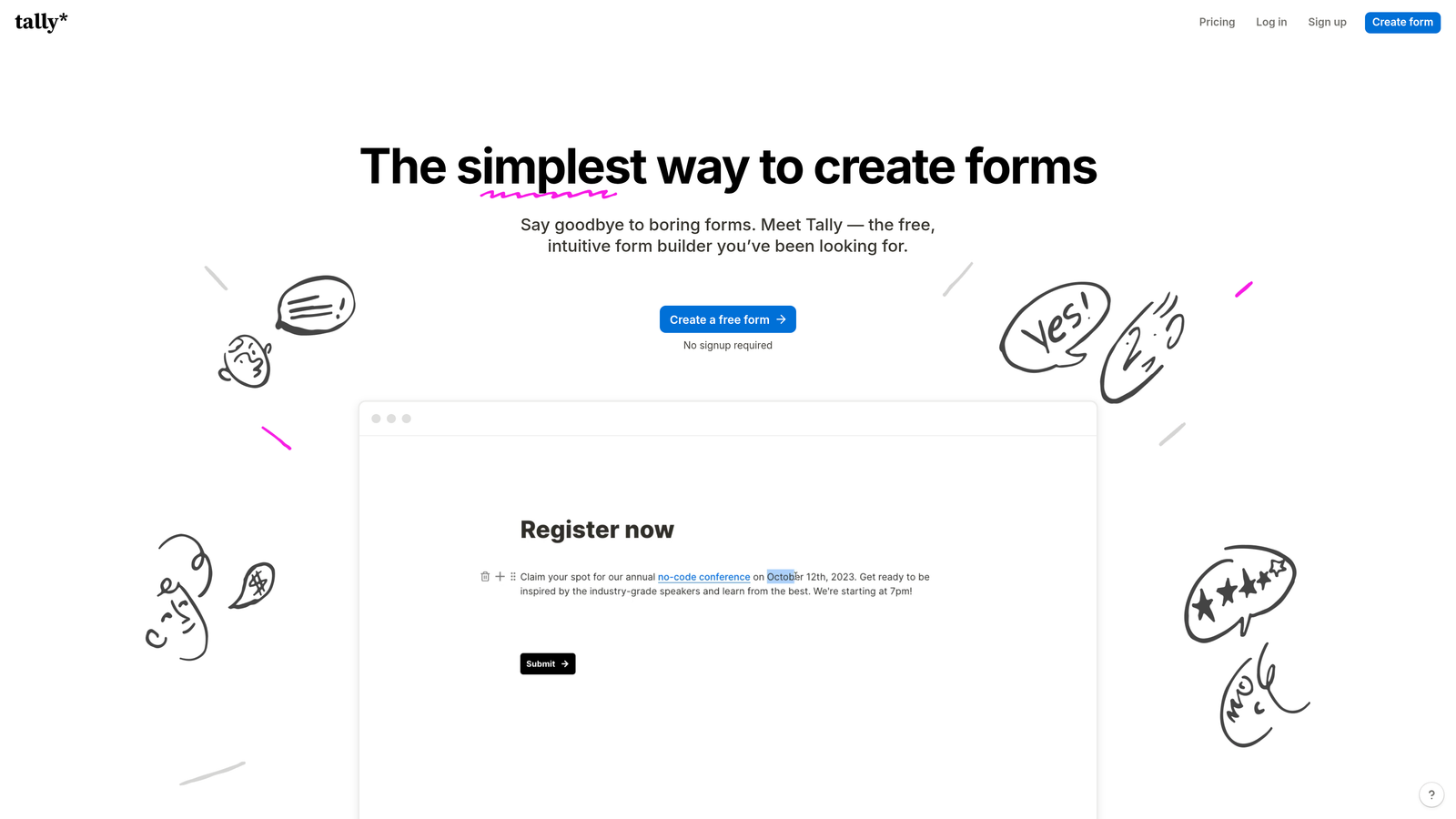
Tally has carved out a strong following by offering unlimited forms and submissions on its free plan, using a Notion-inspired block editor that makes form building feel intuitive and fast.
Where This Tool Shines
The free tier is genuinely remarkable. Unlike most form builders that gate core features behind paid plans, Tally includes conditional logic, hidden fields, calculations, and file uploads at no cost. For bootstrapped teams or individuals, this is a significant value proposition that competitors simply don't match.
The block-based editor also deserves recognition. Anyone familiar with Notion or modern document editors will feel at home immediately. Building a form feels less like configuring a tool and more like writing a document, which lowers the barrier for non-technical users considerably.
Key Features
Unlimited Free Forms and Submissions: No caps on form count or response volume on the free plan, unlike most competitors.
Block-Based Editor: Notion-style building experience that's intuitive for users already comfortable with modern document tools.
Advanced Features on Free Plan: Conditional logic, hidden fields, and calculation fields are available without upgrading.
Payment Collection: Accept payments through Stripe directly within forms.
Broad Integrations: Connects with Notion, Google Sheets, Airtable, and Zapier for flexible workflow automation.
Best For
Tally is ideal for freelancers, startups, and small teams that need a powerful form builder without the cost. It's also a strong choice for anyone already embedded in the Notion ecosystem.
Pricing
The free plan is genuinely capable for most use cases. Tally Pro starts around $29 per month for additional features like custom domains and form branding removal.
7. HubSpot Forms
Best for: Teams already using HubSpot CRM that want native form capture with automatic contact creation and lead scoring.
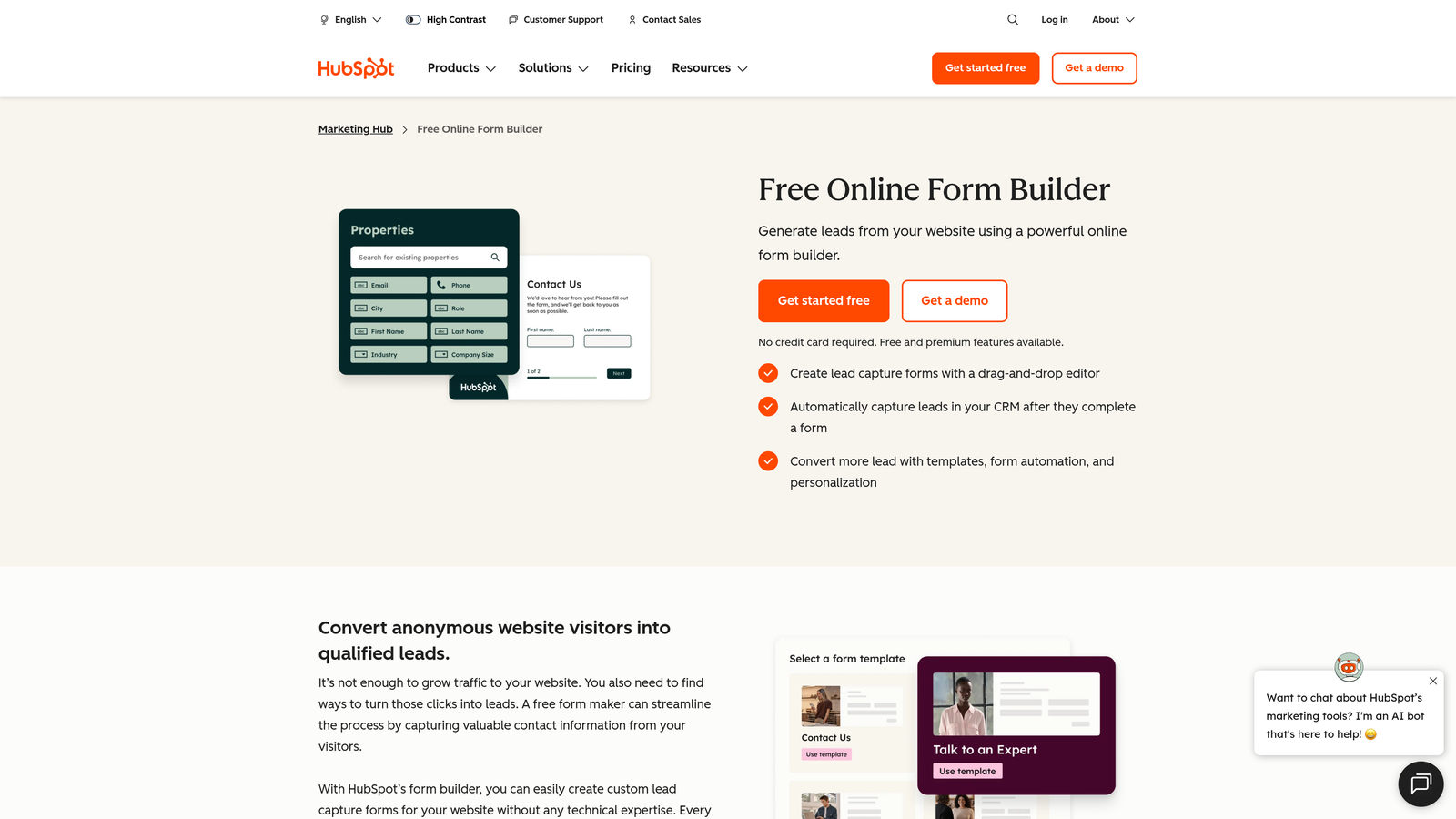
HubSpot Forms is the native form builder within the HubSpot ecosystem, designed to feed submissions directly into the CRM and trigger marketing automation workflows without any manual data transfer.
Where This Tool Shines
The CRM integration is seamless in a way that third-party integrations simply cannot replicate. Every form submission automatically creates or updates a contact record in HubSpot, applies lead scoring rules, and can trigger workflows, sequences, or notifications. For teams running their entire go-to-market on HubSpot, this eliminates meaningful friction from the lead capture process.
Progressive profiling is a particularly clever feature. Rather than asking returning visitors questions you already have answers to, HubSpot Forms surfaces new fields for contacts already in your database, gradually building richer profiles over multiple interactions.
Key Features
Native CRM Integration: Submissions automatically create or update HubSpot contact records with zero manual data transfer.
Progressive Profiling: Replaces already-known fields with new questions for returning visitors, enriching contact data over time.
Smart Fields: Fields that adapt based on what HubSpot already knows about a contact, reducing form friction.
Workflow Triggers: Form submissions can instantly trigger HubSpot automation workflows, sequences, and internal notifications.
Free Tier Available: Basic form functionality is included in HubSpot's free CRM tier.
Best For
HubSpot Forms is the obvious choice for any team already running on HubSpot. For teams not yet using HubSpot, the forms tool alone isn't a compelling reason to adopt the platform, but it's a strong benefit for those already invested in the ecosystem.
Pricing
Basic forms are free with HubSpot's free CRM. Advanced features like progressive profiling and smart fields require Marketing Hub paid plans, which start at higher price points.
8. Formstack
Best for: Enterprise and regulated-industry teams that need compliance-ready forms with e-signatures and document automation.
Formstack is an enterprise-grade form and workflow platform built for organizations where compliance, security, and process automation are non-negotiable requirements.
Where This Tool Shines
Formstack's compliance capabilities are its primary differentiator. HIPAA, GDPR, and SOC 2 compliance are built into the platform rather than bolted on, making it a credible choice for healthcare, finance, legal, and other regulated industries where data handling standards are strict.
The document automation layer adds meaningful operational value. Form submissions can automatically generate formatted documents, trigger multi-step approval workflows, and collect e-signatures through Formstack Sign, turning what would otherwise be a multi-tool process into a single workflow.
Key Features
Compliance Built In: HIPAA, GDPR, and SOC 2 compliance natively supported, not as add-ons.
E-Signature Collection: Integrated e-signature functionality through Formstack Sign for contract and consent workflows.
Document Generation: Automatically generates formatted documents from form submission data.
Approval Workflows: Multi-step approval routing for forms that require review before processing.
Advanced Logic and Calculations: Sophisticated conditional logic and field-level calculations for complex form requirements.
Best For
Formstack is purpose-built for enterprise teams in healthcare, legal, financial services, and other regulated industries where compliance and workflow automation matter as much as the form itself.
Pricing
Plans start around $50 per month, with enterprise pricing available for larger organizations with custom requirements.
9. Paperform
Best for: Teams that want forms to function as lightweight landing pages, combining rich content with form fields in a single page experience.
Paperform takes a distinct approach to form building, treating each form as a full-page document where text, images, video, and form fields coexist naturally rather than separating content from the form itself.
Where This Tool Shines
Paperform blurs the line between a form and a landing page in a genuinely useful way. You can write explanatory copy, embed videos, display product images, and collect payment all within a single Paperform page, without needing a separate landing page builder. For small teams without dedicated web development resources, this consolidation is practically valuable.
The built-in product catalog and payment processing features make it particularly effective for simple e-commerce scenarios, event registrations with paid tickets, or service bookings where you want to present context before asking for a commitment.
Key Features
Rich Content Editor: Combine text, images, video, and form fields freely on a single page without layout restrictions.
Built-In Payment Processing: Accept payments and manage simple product catalogs directly within Paperform pages.
Conditional Logic: Advanced branching and calculation fields for dynamic form experiences.
Custom Success Pages: Fully customizable post-submission experiences including redirects and personalized confirmation messages.
Broad Integration Support: Connects with 3,000+ apps through Zapier and direct integrations for workflow automation.
Best For
Paperform suits small business owners, creators, and marketing teams that need a hybrid form-and-landing-page solution without maintaining separate tools for content and conversion.
Pricing
Plans start around $24 per month, with higher tiers available for additional submissions, integrations, and team members.
Which Tool Is Right for Your Team?
Here's the honest summary: the right platform depends entirely on what you're actually trying to accomplish with your forms.
SurveyMonkey remains the strongest choice for structured research, benchmarking, and formal survey programs where statistical rigor matters. It's not built for lead generation, and that's fine if research is genuinely your primary goal.
Orbit AI is the clear choice for growth-focused teams where forms are part of the lead generation and qualification process. The AI-powered lead scoring and conversion-optimized templates address problems that traditional survey tools and even most form builders don't touch.
Typeform wins on design and engagement for teams where brand experience is a priority. Jotform is the go-to for template variety and operational complexity. Google Forms handles zero-budget needs without compromise. Tally delivers surprising depth on its free tier. HubSpot Forms is the natural fit for any team already inside the HubSpot ecosystem. Formstack is the enterprise compliance choice. And Paperform serves teams that want forms and landing pages to be the same thing.
The key question to ask yourself: are you collecting data, or are you generating and qualifying leads? If it's the latter, a traditional survey tool is the wrong starting point. You need a platform built around conversion from the ground up.
If your team is focused on conversion optimization and pipeline quality, start building free forms today with Orbit AI and see how intelligent form design, AI-powered lead qualification, and conversion-focused analytics can transform what your forms actually deliver. For teams ready to move beyond basic data collection, it's worth exploring how to qualify leads with forms and what a modern lead capture form can look like when it's built with growth in mind.


