

Google Forms is free and familiar, but let's be honest—it wasn't built for lead generation. No conditional logic for qualifying prospects, no native CRM integrations, and those generic confirmation pages? They're conversion killers.
If you're serious about capturing and converting leads, you need a form builder designed for the job. We evaluated dozens of tools based on lead qualification features, integration depth, conversion optimization capabilities, and pricing flexibility. Here are the top Google Forms alternatives that will actually help you turn form submissions into revenue.
1. Orbit AI
Best for: High-growth teams needing AI-powered lead qualification and intelligent routing
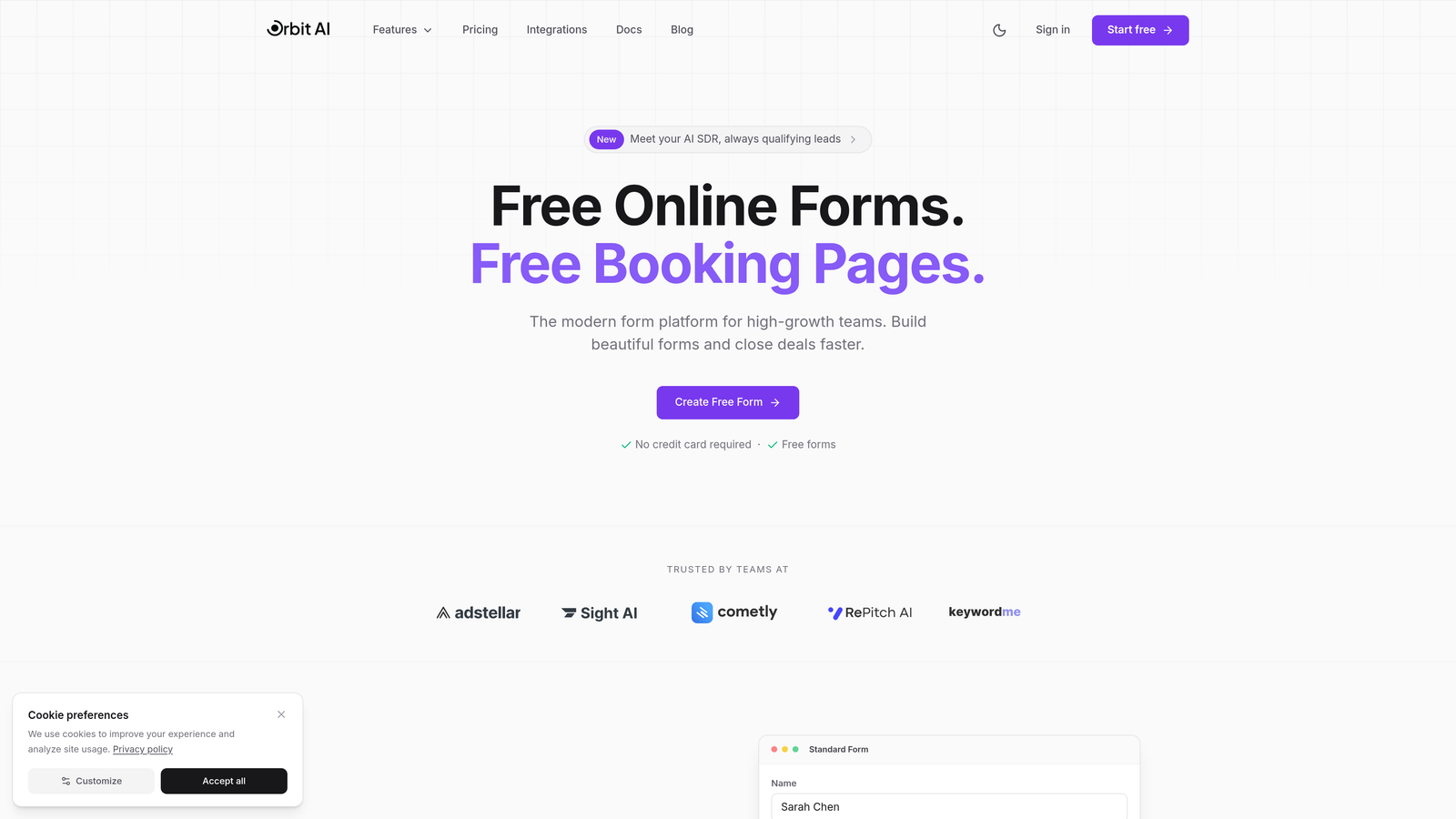
Orbit AI is an AI-powered form builder that automatically qualifies leads and routes them to the right team members based on their responses.
Where This Tool Shines
What sets Orbit AI apart is its intelligent approach to lead qualification. Instead of manually scoring leads after they submit, the AI analyzes responses in real-time and assigns qualification scores automatically. This means your sales team gets hot leads immediately, while lower-priority prospects enter nurture workflows.
The intelligent routing system goes beyond basic conditional logic. It considers multiple factors—company size, budget indicators, urgency signals—and directs leads to the appropriate team member or workflow without manual intervention.
Key Features
AI-Powered Lead Qualification: Automatic scoring based on response patterns and qualification criteria you define.
Intelligent Lead Routing: Dynamic routing to sales reps, nurture sequences, or custom workflows based on lead quality.
Native CRM Integrations: Direct connections to HubSpot, Salesforce, Close, and Attio without middleware.
Conversion-Optimized Templates: Pre-built form designs tested for maximum completion rates.
Built-In Analytics: Track conversion rates, drop-off points, and lead quality metrics in one dashboard.
Best For
Orbit AI works best for B2B companies and high-growth teams that need to qualify leads at scale. If you're spending too much time manually sorting through form submissions or losing hot prospects in the shuffle, the AI qualification feature becomes invaluable. It's particularly effective for businesses with clear lead scoring criteria and multiple stakeholders who need different types of leads routed to them.
Pricing
Free tier available for teams getting started. Paid plans begin at $29/month, scaling with features and submission volume.
2. Typeform
Best for: Creating conversational, high-engagement forms with superior completion rates
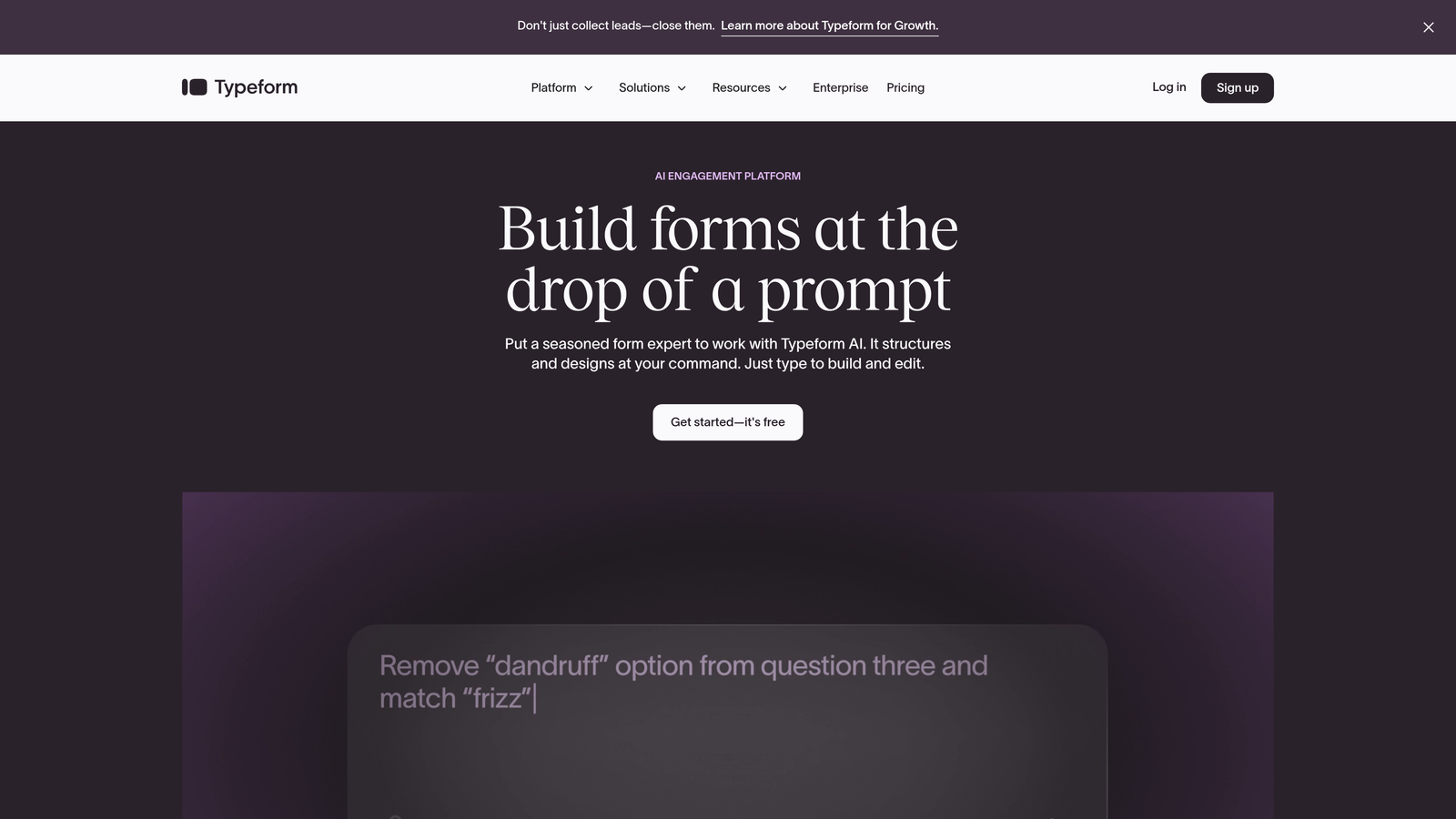
Typeform pioneered the conversational form format, presenting one question at a time to create a more engaging experience.
Where This Tool Shines
Typeform's one-question-at-a-time approach fundamentally changes how people interact with forms. Instead of facing a wall of fields, respondents answer questions in a conversational flow that feels more like a dialogue. This approach consistently delivers higher completion rates compared to traditional multi-field forms.
The platform excels at brand experience. Every element—from transitions to thank-you screens—can be customized to match your visual identity. For companies where brand perception matters as much as data collection, Typeform delivers both.
Key Features
Conversational Interface: One question per screen creates a focused, distraction-free experience.
Logic Jumps and Branching: Dynamic question paths based on previous answers for personalized experiences.
Native Integrations: Direct connections to major CRMs, email platforms, and marketing automation tools.
Rich Media Support: Embed videos, images, and GIFs to create visually engaging forms.
Partial Submission Tracking: Capture data from incomplete forms to recover potential leads.
Best For
Typeform is ideal for companies that prioritize brand experience and completion rates over rapid data collection. It works particularly well for longer qualification forms where the conversational format prevents abandonment. Marketing teams focused on creating memorable touchpoints will appreciate the design flexibility.
Pricing
Free tier available with limited responses. Paid plans start at $25/month, with higher tiers unlocking advanced logic and integrations.
3. Jotform
Best for: Teams needing extensive template options and built-in payment processing
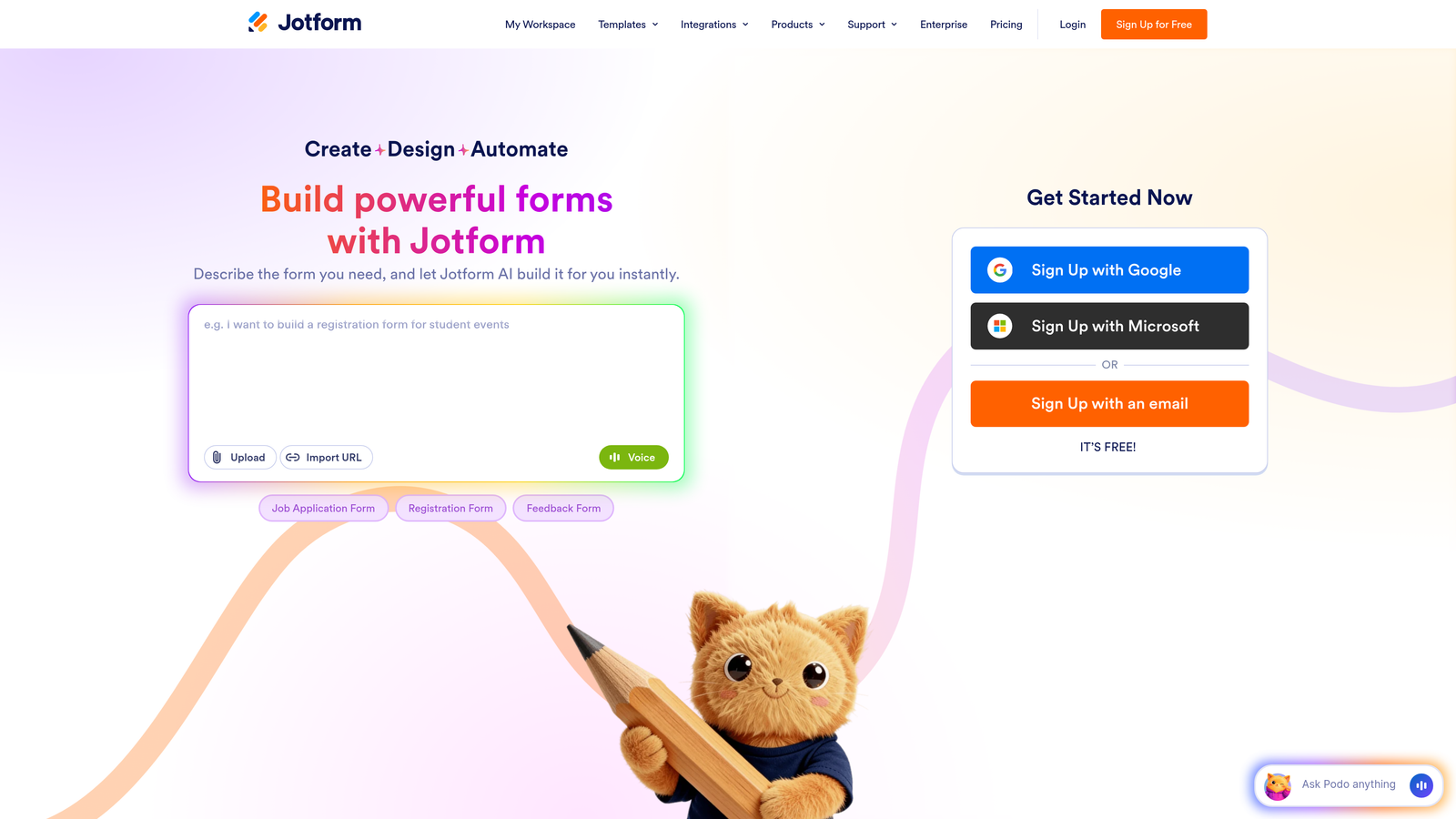
Jotform offers a versatile form building platform with over 4,000 templates and integrated payment collection capabilities.
Where This Tool Shines
Jotform's massive template library means you'll rarely build a form from scratch. Whether you need a lead qualification form, event registration, or payment collection, there's likely a pre-built template that gets you 80% of the way there. The drag-and-drop builder makes customization straightforward, even for non-technical users.
The platform's widget ecosystem adds functionality that goes beyond basic forms. Need appointment scheduling? There's a widget. Want to collect signatures? Another widget. This extensibility makes Jotform adaptable to diverse use cases without requiring custom development.
Key Features
4,000+ Templates: Pre-built forms for virtually every industry and use case.
Drag-and-Drop Builder: Intuitive interface with extensive widget library for added functionality.
Payment Processing: Integrated payment collection via Stripe, PayPal, and Square.
Conditional Logic: Show/hide fields and create dynamic forms based on user responses.
HIPAA Compliance: Available on enterprise plans for healthcare organizations.
Best For
Jotform suits teams that need versatility across multiple form types and use cases. If you're collecting payments alongside lead information, or need forms for both marketing and operations, the all-in-one approach saves time. The HIPAA-compliant plans make it viable for healthcare organizations with strict data requirements.
Pricing
Free tier includes 5 forms with 100 monthly submissions. Paid plans start at $34/month with increased limits and advanced features.
4. HubSpot Forms
Best for: HubSpot users wanting seamless CRM integration and progressive profiling
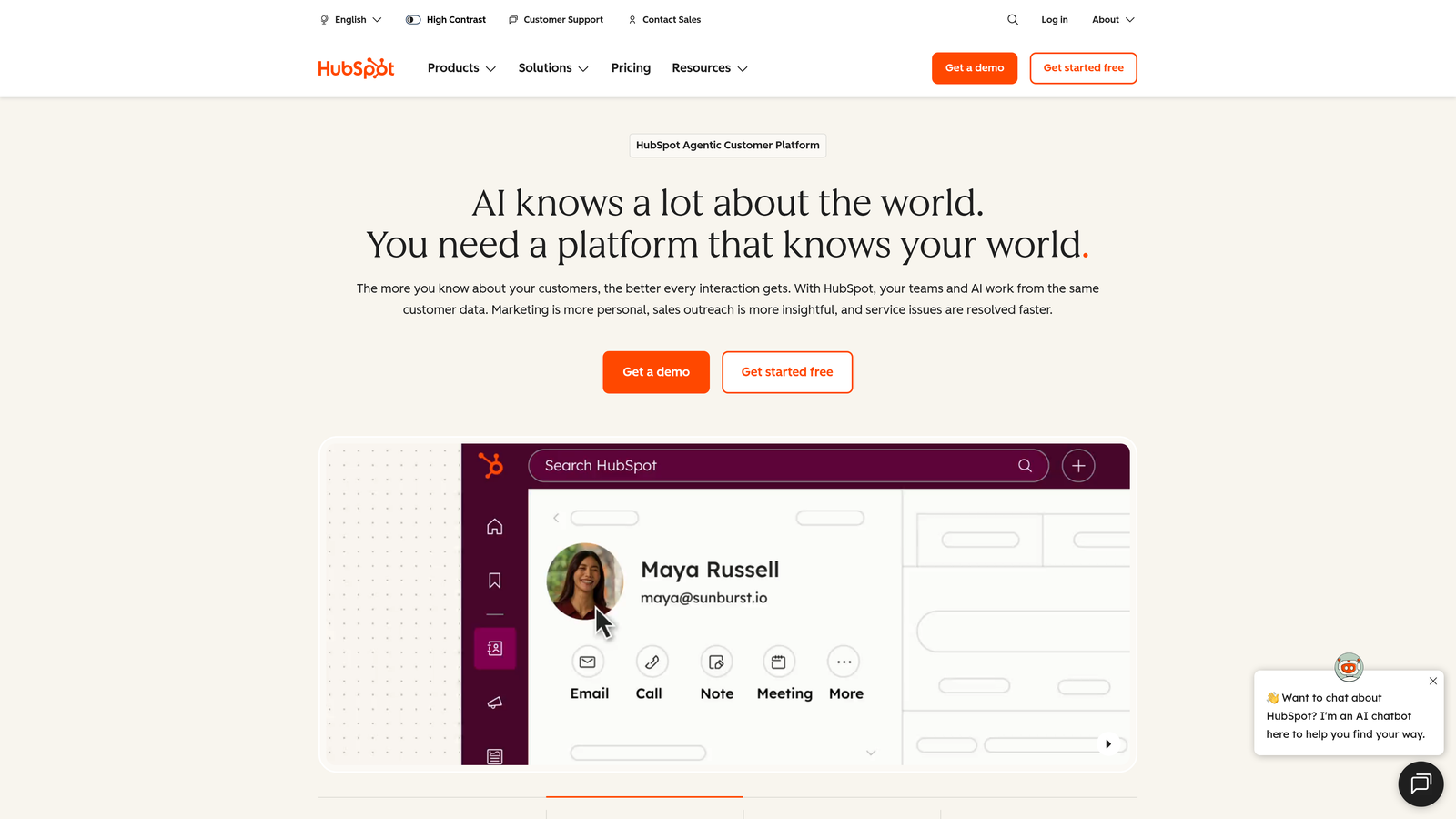
HubSpot Forms is the native form builder within HubSpot's marketing platform, offering deep integration with their CRM ecosystem.
Where This Tool Shines
If you're already in the HubSpot ecosystem, their native forms eliminate integration headaches entirely. Every submission flows directly into your CRM with full contact history, previous interactions, and lead score automatically attached. No webhooks, no middleware, no data sync delays.
Progressive profiling is where HubSpot Forms truly differentiates itself. The system recognizes returning visitors and automatically swaps out questions they've already answered for new qualification fields. This lets you gather more information over time without overwhelming prospects with lengthy forms on first contact.
Key Features
Seamless CRM Integration: Direct sync with HubSpot CRM with full contact context and history.
Progressive Profiling: Automatically show different questions to returning visitors to gather more data gradually.
Smart Fields: Forms adapt based on what you already know about the contact.
Built-In Lead Scoring: Automatic scoring based on form responses and CRM data.
A/B Testing: Test different form variations to optimize conversion rates.
Best For
HubSpot Forms makes the most sense if you're already using HubSpot for CRM or marketing automation. The tight integration and progressive profiling capabilities justify staying within the ecosystem. For companies not on HubSpot, the value proposition diminishes significantly compared to standalone alternatives.
Pricing
Free with HubSpot CRM. Advanced features like A/B testing and progressive profiling require Marketing Hub, which starts at $800+/month.
5. Paperform
Best for: Creating document-style forms with rich media and advanced customization
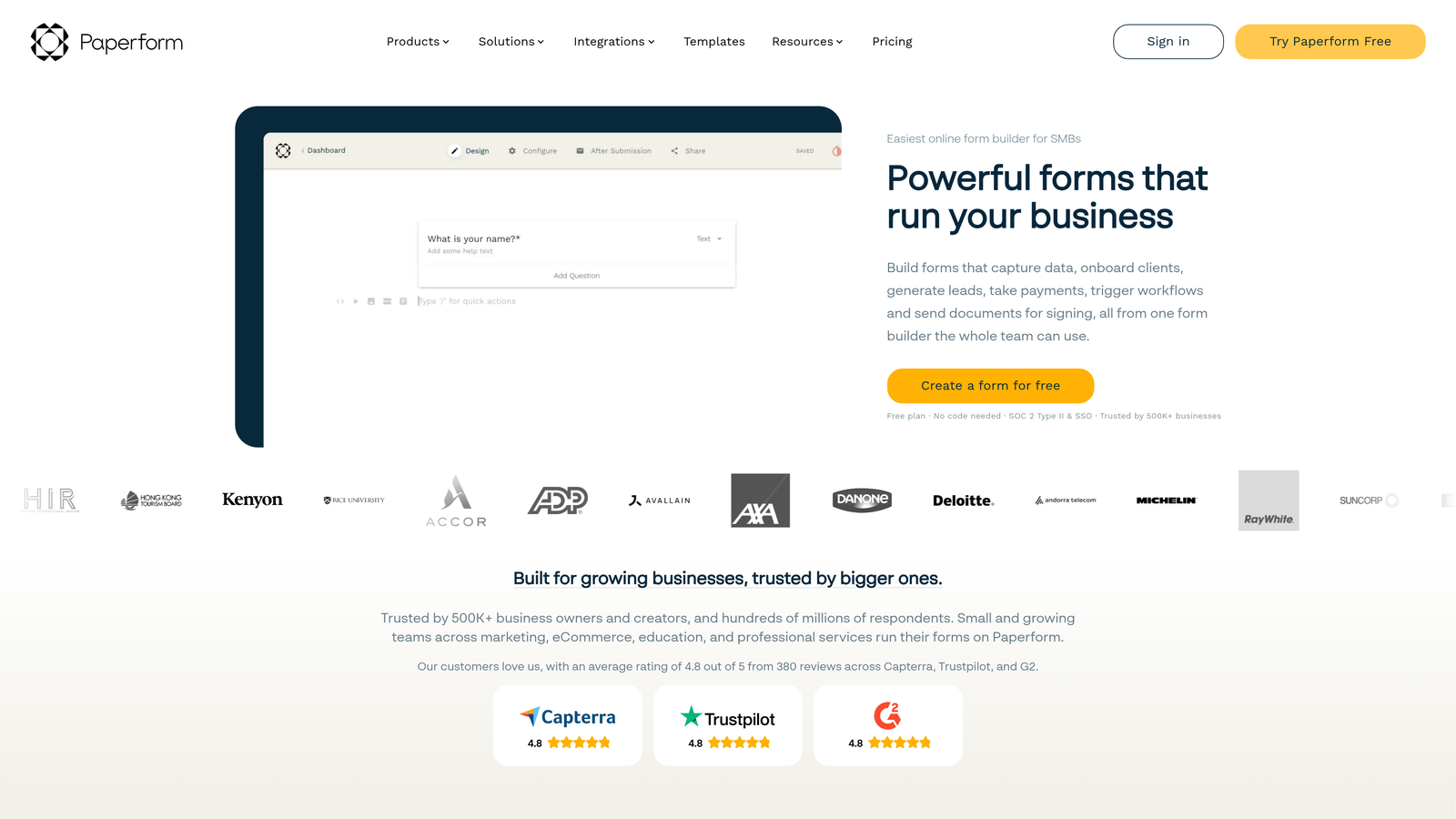
Paperform takes a unique document-style approach to form building, allowing you to create forms that look more like landing pages.
Where This Tool Shines
Paperform's document-style editor feels more like writing content than building a form. You can mix form fields with rich text, images, videos, and formatted content to create experiences that tell a story while collecting data. This approach works particularly well for forms that need significant context or explanation.
The advanced calculation capabilities go beyond basic math. You can build complex pricing calculators, quote generators, or product configurators directly into your forms. Combined with conditional logic, this lets you create sophisticated lead qualification flows that adapt pricing or recommendations based on prospect responses.
Key Features
Document-Style Editor: Create forms that blend seamlessly with rich text, images, and formatted content.
Advanced Calculations: Build pricing logic, quote generators, and dynamic calculations into forms.
Custom Success Pages: Design branded confirmation pages or redirect to specific URLs based on responses.
Payment Integration: Collect payments via Stripe and PayPal with custom pricing logic.
Conditional Logic: Show/hide fields and sections based on previous answers.
Best For
Paperform excels for businesses that need forms to do double-duty as landing pages or product configurators. If you're selling services with variable pricing or need to provide instant quotes based on prospect needs, the calculation features become essential. Design-conscious brands will appreciate the visual flexibility.
Pricing
14-day free trial available. Paid plans start at $24/month with unlimited forms and submissions.
6. Tally
Best for: Budget-conscious teams needing unlimited forms and submissions on a free tier
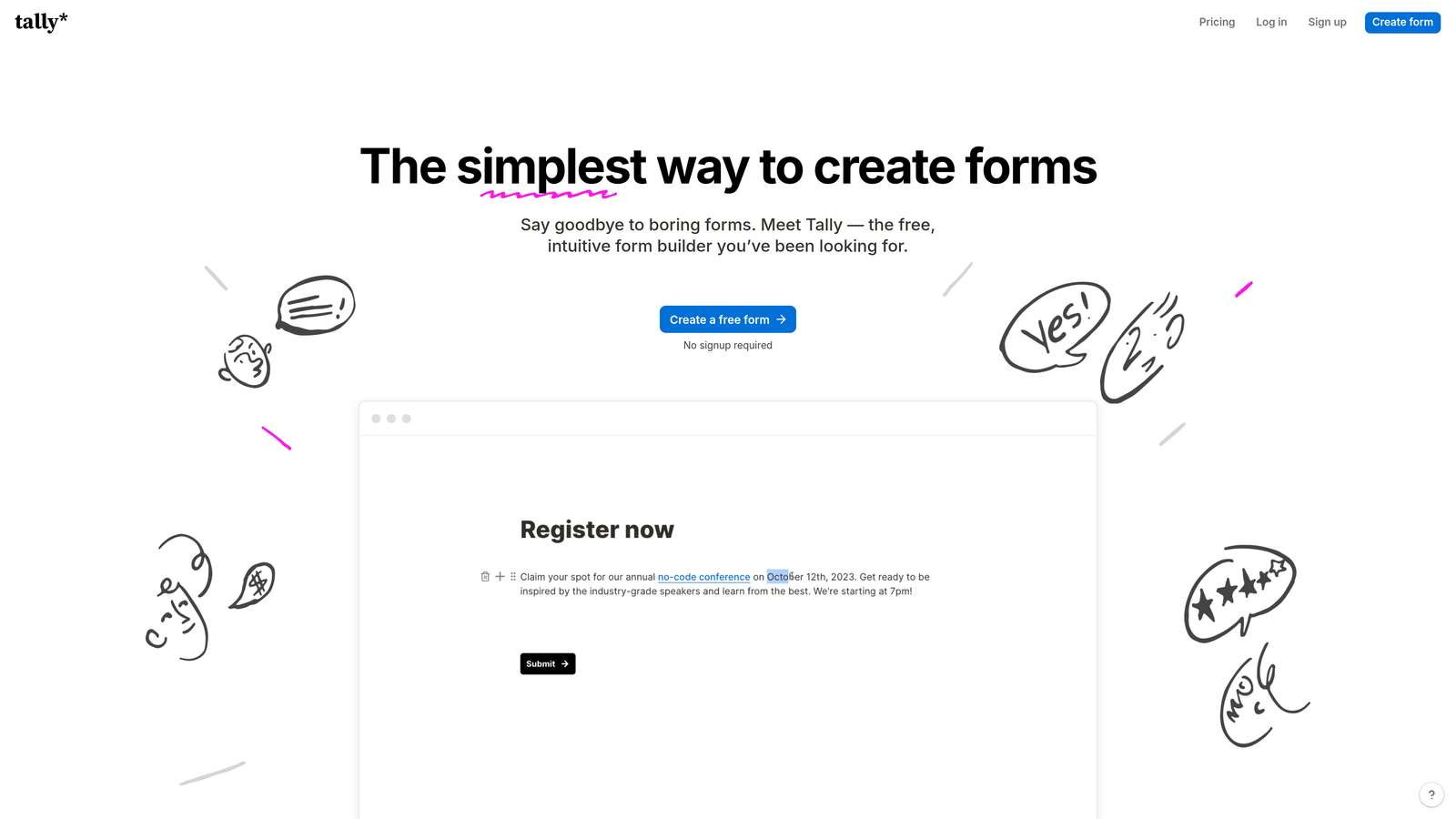
Tally is a free-first form builder that offers unlimited forms and submissions without paywalling core features.
Where This Tool Shines
Tally's free tier is genuinely generous—unlimited forms, unlimited submissions, and core features like conditional logic included. For startups and small teams watching every dollar, this removes the typical form builder cost barrier entirely. You can scale your lead generation without worrying about hitting submission caps or needing to upgrade.
The Notion-like editing experience will feel immediately familiar if you're already using Notion for documentation or project management. The same slash commands and block-based approach apply, reducing the learning curve significantly.
Key Features
Unlimited Free Tier: No caps on forms or submissions on the free plan.
Notion-Style Editor: Familiar editing experience with slash commands and block-based building.
Conditional Logic: Create dynamic forms that adapt based on responses.
Payment Collection: Accept payments directly through Stripe integration.
Webhooks and Zapier: Connect to other tools via webhooks or Zapier integration.
Best For
Tally is perfect for early-stage companies, side projects, or teams with tight budgets who still need professional form functionality. The unlimited free tier means you can test lead generation strategies without financial commitment. Teams already using Notion will appreciate the consistent interface.
Pricing
Robust free tier with core features. Pro plan available from $29/month for advanced customization and white-labeling.
7. Fillout
Best for: Database-native workflows with deep Airtable, Notion, and Smartsheet integrations
Fillout is a form builder designed specifically for teams that store data in Airtable, Notion, or Smartsheet.

Where This Tool Shines
Fillout treats your database as the source of truth. Instead of collecting form data and then syncing it elsewhere, forms connect directly to your Airtable bases or Notion databases. This eliminates the typical two-step process of "collect then transfer" that creates data lag and sync errors.
The ability to pre-fill forms from existing database records opens up powerful use cases. You can send personalized update forms to existing leads, create self-service portals where contacts update their own information, or build multi-step processes where each form builds on previous submissions.
Key Features
Native Database Integration: Direct connection to Airtable, Notion, and Smartsheet without middleware.
Multi-Page Forms: Create complex forms with multiple steps and conditional branching.
Pre-Fill Capabilities: Populate forms with existing data from your database records.
Record Updates: Allow form submissions to update existing database records, not just create new ones.
Scheduling and File Uploads: Built-in appointment scheduling and file collection capabilities.
Best For
Fillout makes the most sense if your team already runs on Airtable or Notion for data management. The native integration eliminates typical form-to-database friction. It's particularly valuable for operations teams that need to collect data directly into their existing workflows without manual data entry.
Pricing
Free tier available with basic features. Paid plans start at $15/month for increased submissions and advanced functionality.
8. Cognito Forms
Best for: Complex forms requiring advanced calculations, e-signatures, and payment processing
Cognito Forms is a powerful form builder that handles sophisticated calculations, electronic signatures, and workflow automation.
Where This Tool Shines
Cognito Forms handles calculation complexity that would break most form builders. Need to calculate pricing based on multiple variables, quantities, and conditional factors? The calculation engine handles it natively. This makes it ideal for service businesses with complex pricing structures or product configurators that need real-time quote generation.
The electronic signature capability is built directly into the platform, not bolted on through third-party integrations. This matters for industries where signed agreements are part of the lead conversion process—think consulting proposals, service agreements, or contract work where you need signatures before work begins.
Key Features
Advanced Calculations: Build complex pricing logic with quantity-based calculations and conditional formulas.
Electronic Signatures: Collect legally binding signatures directly within forms.
Repeating Sections: Allow users to add multiple entries for dynamic data collection.
Workflow Automation: Route submissions through approval processes and automated workflows.
HIPAA Compliance: Available on enterprise plans for healthcare data protection.
Best For
Cognito Forms suits businesses with complex lead qualification needs that involve pricing calculations or require signatures as part of the process. Professional services firms, contractors, and B2B companies with variable pricing models will find the calculation features invaluable. The HIPAA compliance option makes it viable for healthcare organizations.
Pricing
Free tier available with basic features. Paid plans start at $15/month with increased limits and advanced capabilities.
9. Formstack
Best for: Enterprise teams needing advanced security, compliance, and workflow automation
Formstack is an enterprise-grade form platform with comprehensive security, compliance certifications, and workflow automation capabilities.
Where This Tool Shines
Formstack is built for organizations where compliance and security aren't optional features—they're requirements. The platform maintains HIPAA, GDPR, and SOC 2 compliance, with enterprise security features like SSO, advanced encryption, and audit trails. For regulated industries like healthcare, finance, or legal services, these certifications eliminate significant risk.
The workflow automation goes beyond basic integrations. You can build multi-step approval processes, route submissions through complex organizational hierarchies, and trigger actions across multiple systems based on form data. This makes Formstack more of a workflow platform that happens to include forms, rather than just a form builder with basic automation.
Key Features
Compliance Certifications: HIPAA, GDPR, and SOC 2 compliance with enterprise security controls.
Advanced Workflow Automation: Build complex approval processes and multi-system integrations.
Electronic Signatures: Collect signatures via Formstack Sign integration.
Salesforce-Native Integration: Direct integration with Salesforce without middleware.
Enterprise Security: SSO, advanced encryption, and comprehensive audit trails.
Best For
Formstack is designed for enterprise organizations with strict compliance requirements and complex workflow needs. If you're in healthcare, finance, legal, or another regulated industry, the compliance certifications justify the higher price point. Large organizations with established Salesforce deployments will benefit from the native integration.
Pricing
Plans start at $50/month for basic features. Enterprise pricing available with custom security and compliance requirements.
Making the Right Choice
Picking the right form builder comes down to your specific lead generation workflow and priorities.
For AI-powered qualification that routes leads automatically based on quality signals, Orbit AI stands out. The intelligent routing eliminates manual lead sorting and ensures your sales team focuses on high-value prospects immediately. If brand experience is everything and you want forms that feel like conversations rather than data collection exercises, Typeform delivers consistently high completion rates.
Budget-conscious teams should look seriously at Tally's generous free tier—unlimited forms and submissions without feature restrictions make it viable for startups and small businesses. HubSpot users will benefit most from staying within their ecosystem, where progressive profiling and seamless CRM integration eliminate data friction entirely.
For teams running on Airtable or Notion, Fillout's database-native approach removes the typical form-to-database sync headaches. Enterprise teams with compliance requirements will find Formstack's security certifications and workflow capabilities worth the investment, particularly in regulated industries.
Start with your biggest pain point. Is it lead qualification? Integration with existing tools? Conversion optimization? Compliance requirements? Match that priority to the tool that solves it best, and you'll transform form submissions from data collection exercises into actual revenue opportunities.
Transform your lead generation with AI-powered forms that qualify prospects automatically while delivering the modern, conversion-optimized experience your high-growth team needs. Start building free forms today and see how intelligent form design can elevate your conversion strategy.


